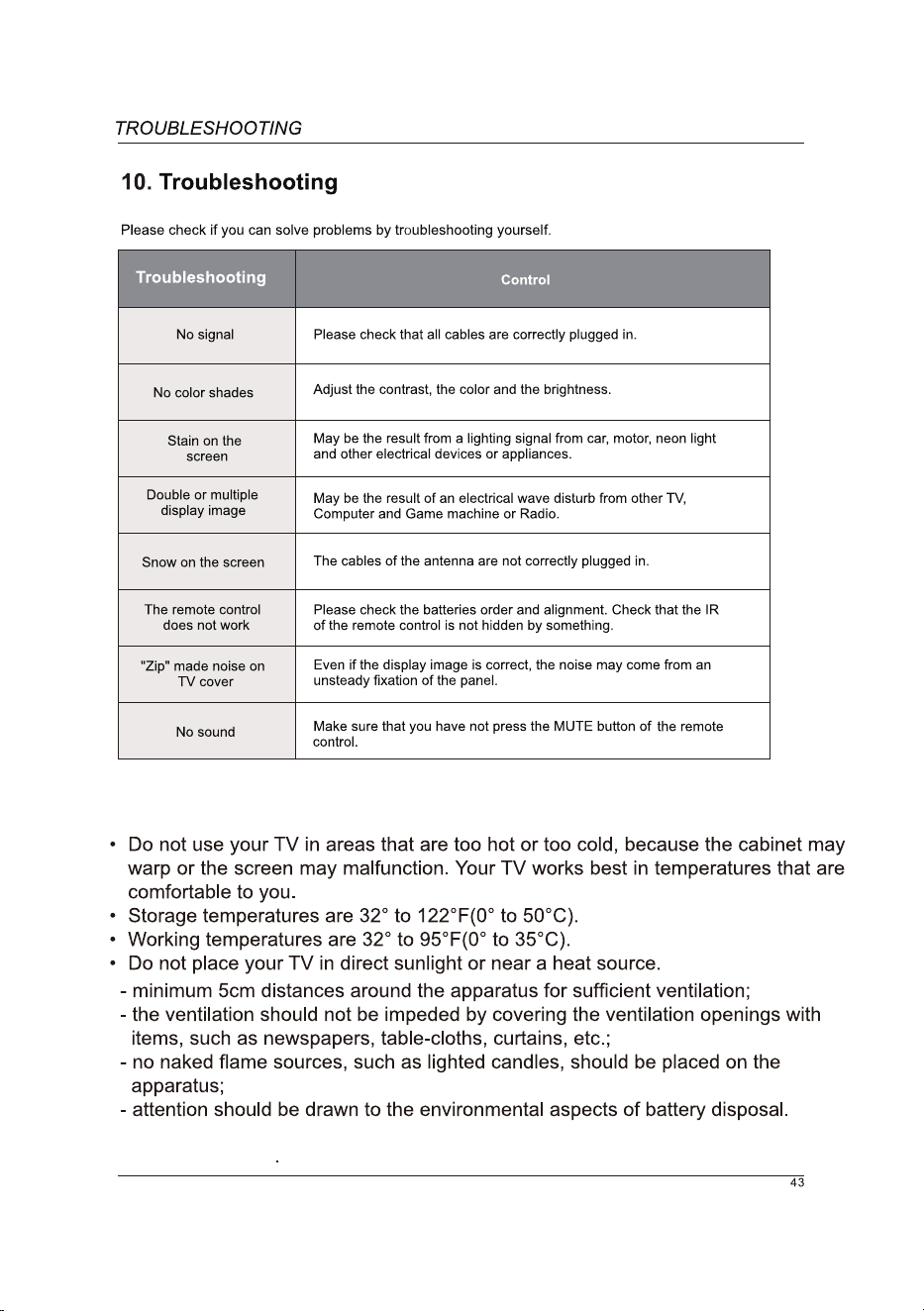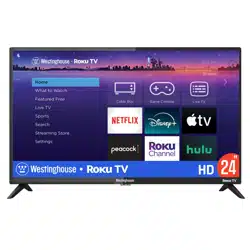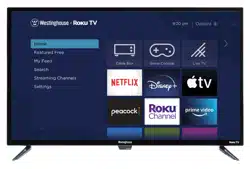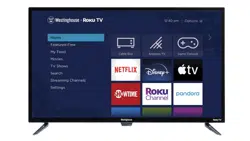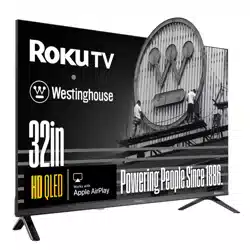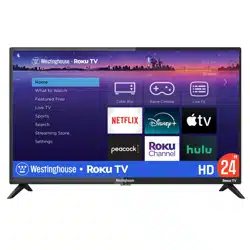
WD32HX5201

The terms HDMI and HDMI High-Definition Multimedia Interface, and the HDMI Logo
are trademarks or registered trademarks of HDMI Licensing Administrator, Inc. in the
United States and other countries.
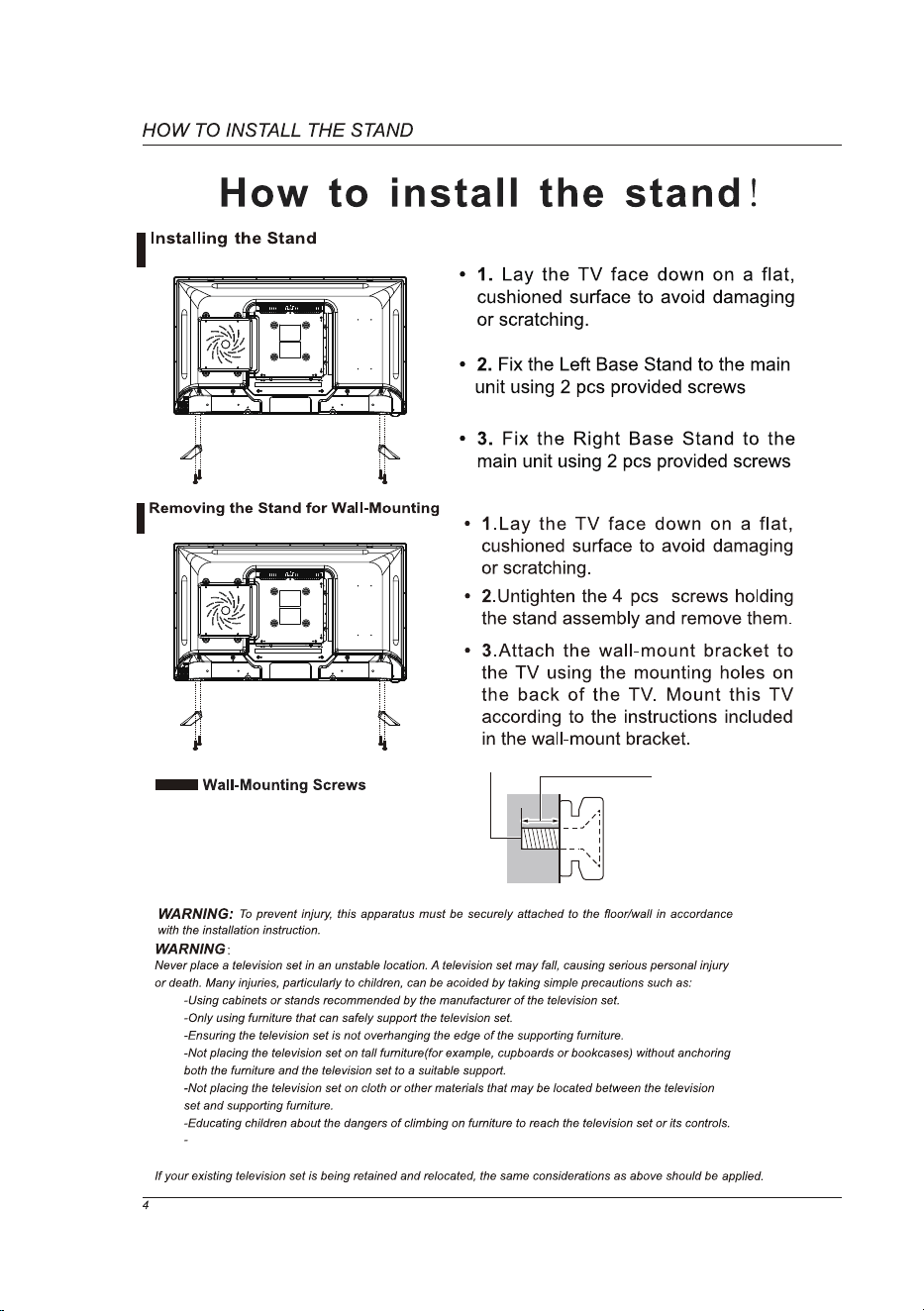
•
•
Screws(4pcs) for attaching the
TV to the
Mount the VESA bracket using 4*M4
isometric threaded screws (sold separately).
wall-mounting bracket (sold separately).
Depth of screw:
Minimum: 0.32" (8.0 mm)
Maximum: 0.39" (10.0 mm)
(View from the side)
(ST4X12).
(ST4X12).
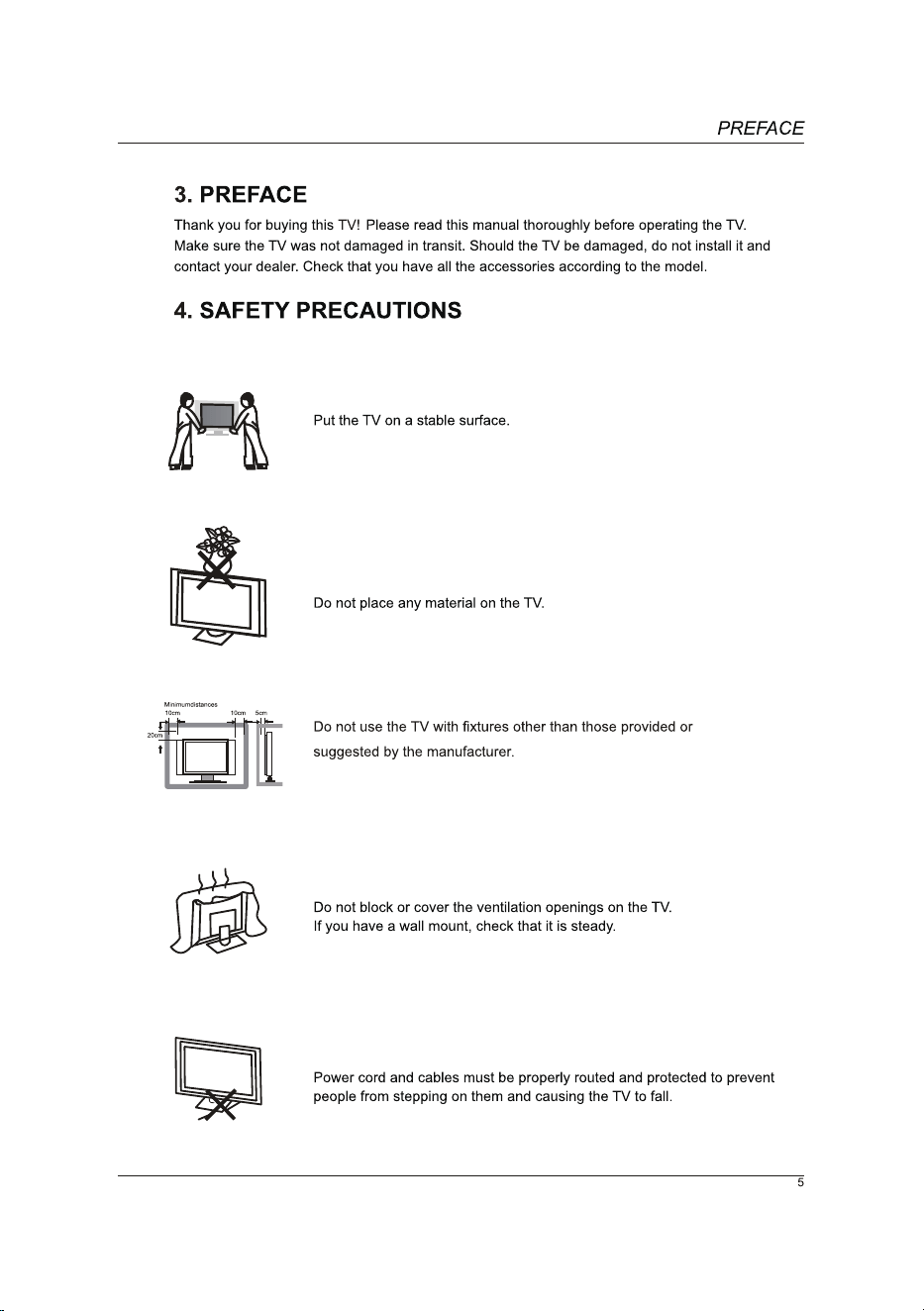
Wall hanging height of the whole machine shall not exceed 2m.
Machines need to be mounted on rigid surfaces such as cement or concrete.
(ST4X12).
VGA
PC IN
LVIDEO R
AV IN
VGA
PC IN
LVIDEO R
AV IN
VGA
PC IN
LVIDEO R
AV IN
VGA
PC IN
LVIDEO R
AV IN
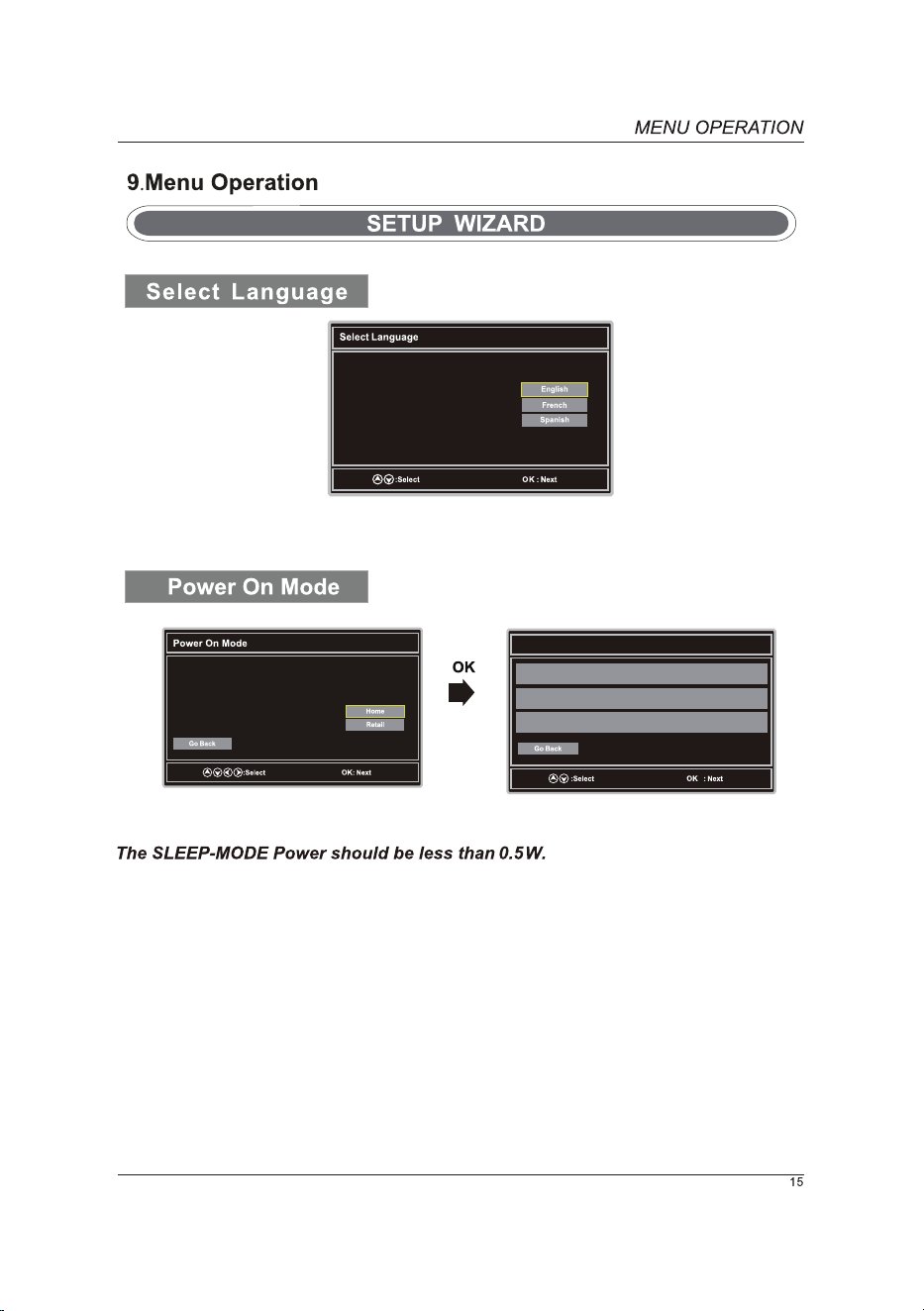
Welcome to the Westinghouse HDTV Setup Wizard.
Follow this guide to help setup your
HDTV for scanning channels or
accessing your external devices for
cable, satellite, Blu-ray, DVD, and
gaming.
Use the Up, Down arrows on your
remote control to select the
language to use for menus and message screens.
Let's Get Connected other signals or devices.
Click here to connect a Cable Box or Satellite Box
Click here to connect a Game, Blu-Ray, DVD, or other player
Click here to scan channels from the Antenna or coaxial cable input
Use the Up, Down arrows on your remote control
to select power on mode.
Home Mode optimizes the standard mode
video settings.
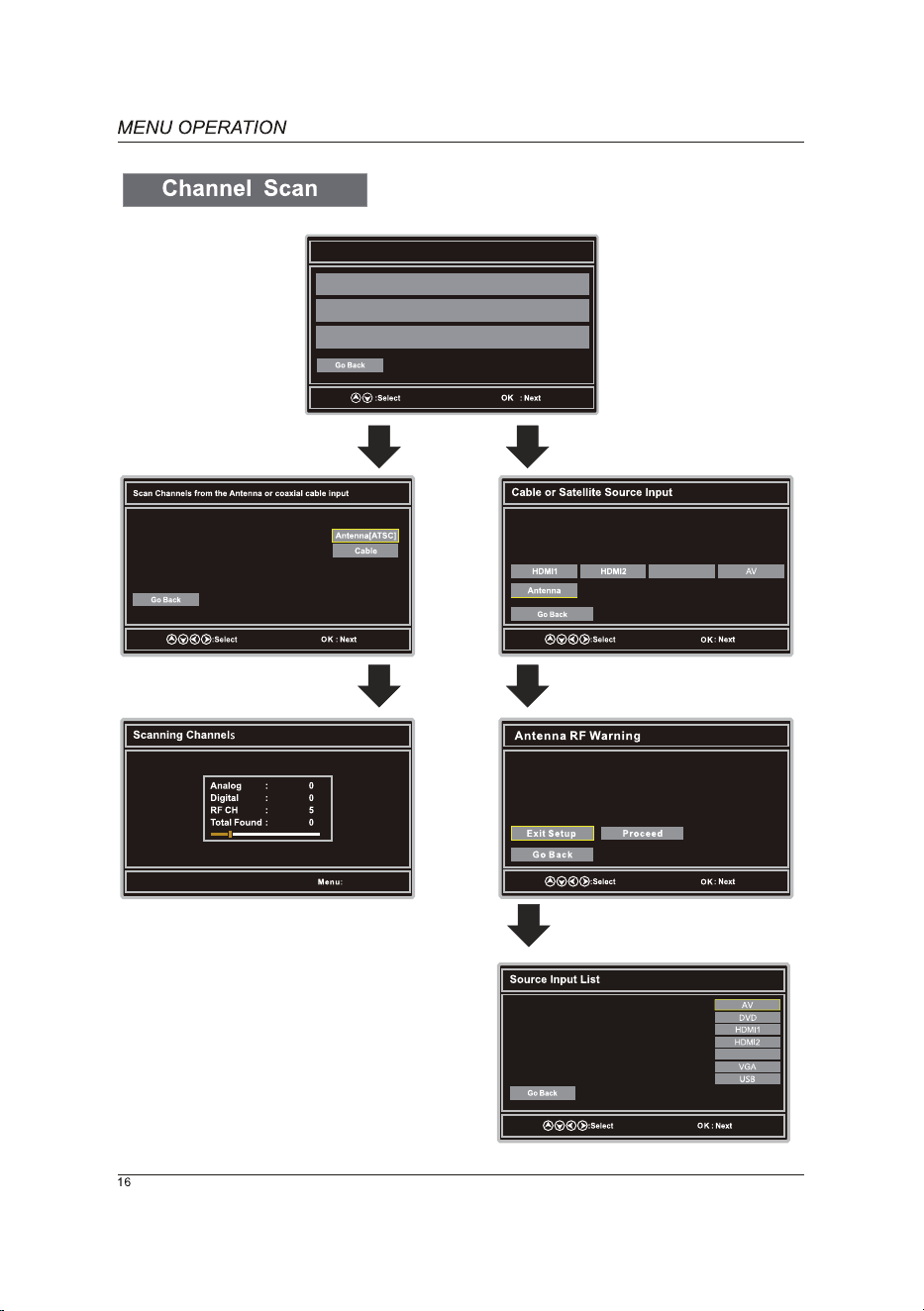
Let's Get Connected other signals or devices.
Click here to connect a Cable Box or Satellite Box
Click here to connect a Game, Blu-Ray, DVD, or other player
Click here to scan channels from the Antenna or coaxial cable input
Use the Up, Down arrows on your
remote control to select the
channel scan type.
Exit
Use the Left, Right arrows on your remote control to select the
input connected to the set top box?
For optimal video quality, we recommend HDMI
(refer to Quick Connect Guide or User Manual to help you
determine what connection you are using).
Notice: Westinghouse Electronics does not recommend using the
RF Antenna input as your cable or satellite connection
because it will provide poor video quality to your HDTV. Use a
different connection for optimum conditions. If you do not have
a cable box that provides an HD quality signal, we recommend
that you call your cable provider for an upgrade. Otherwise,
select Proceed.
HDMI3
HDMI3
DVD
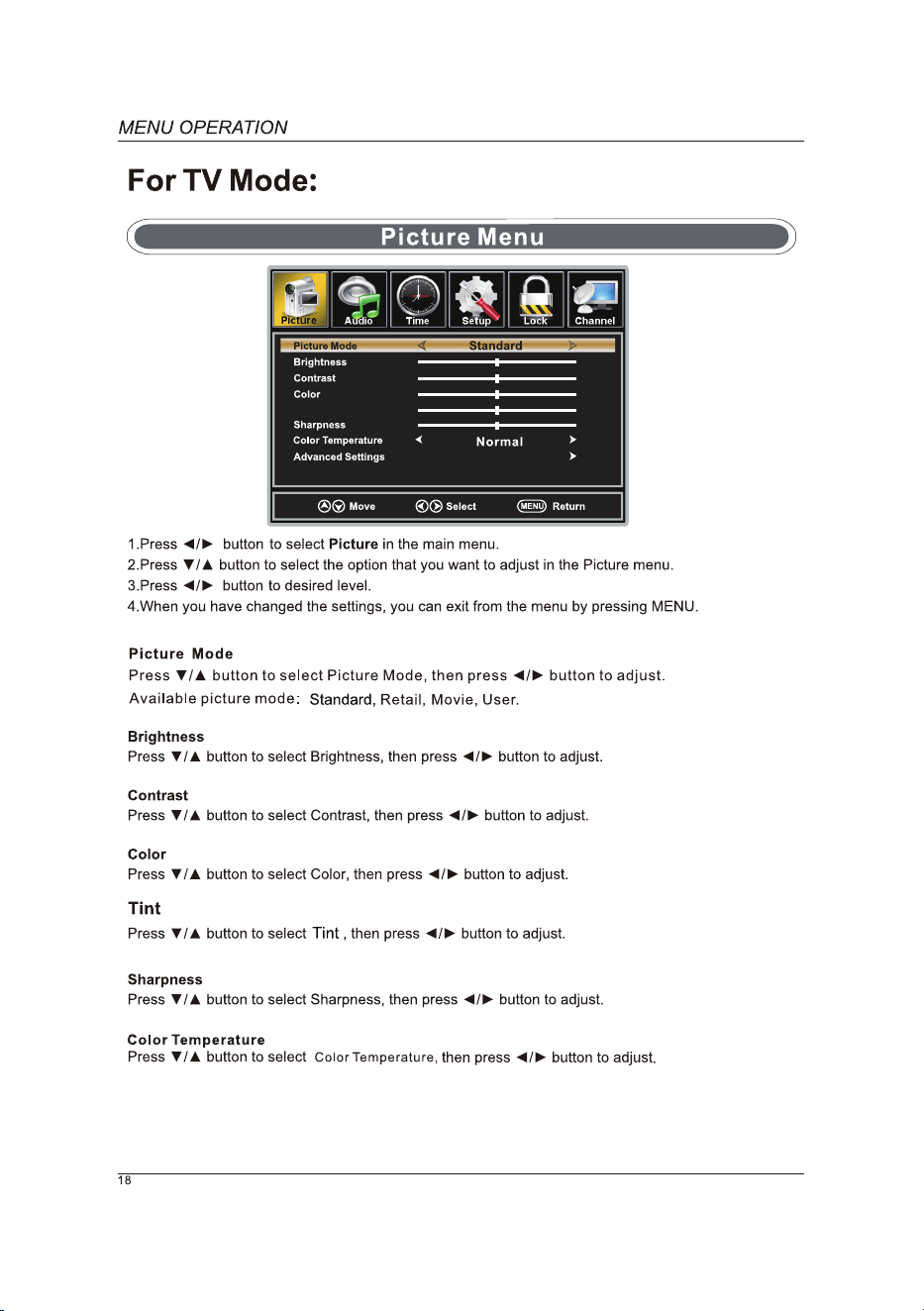
Tint
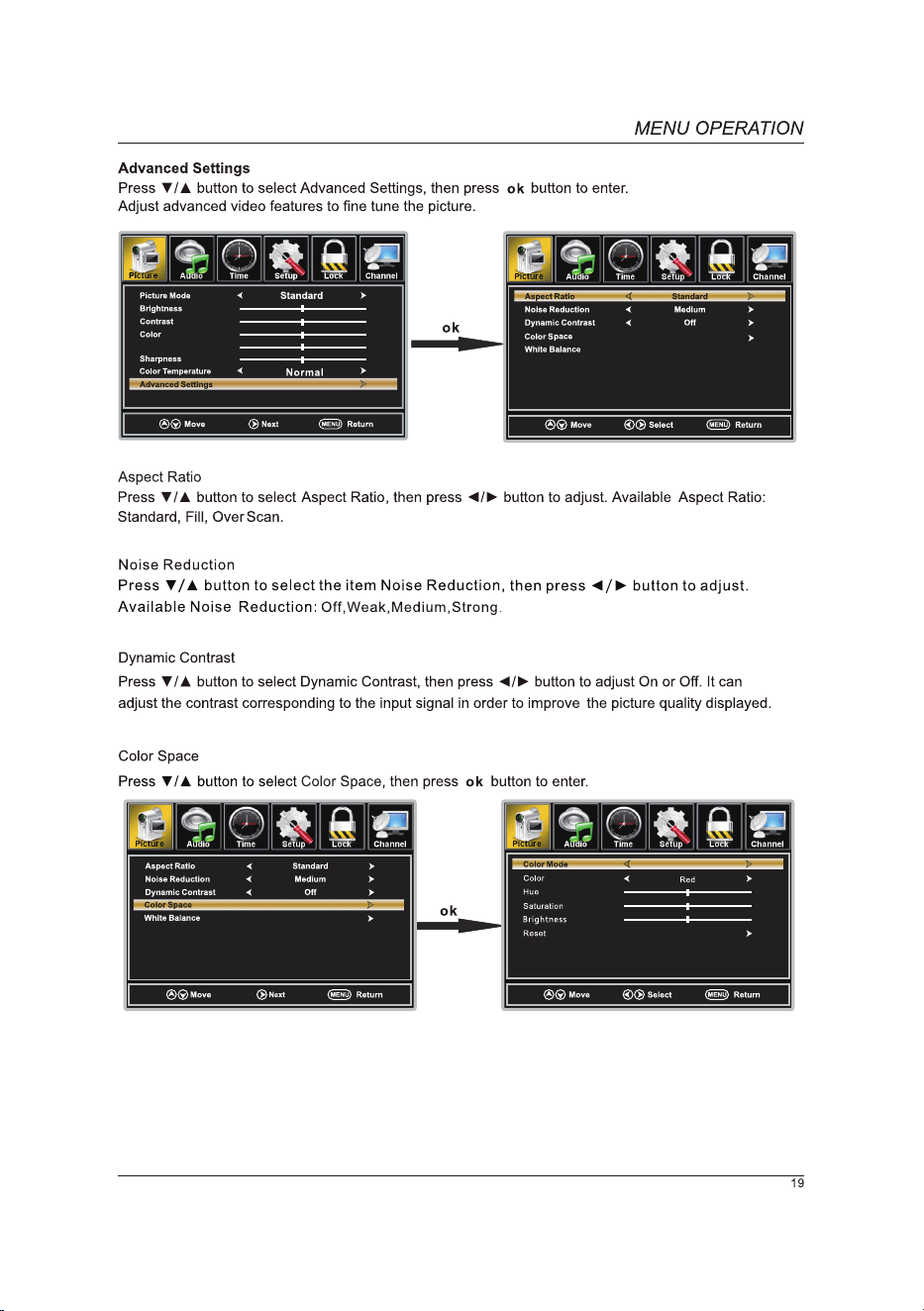
Tint
Custom
Next
Adjust
Next
Next
Next
Next
0-9
0-9 0-9
Next
Next
Next
Next
HDMI3
9-1 KQED-HD
9-2 ENCORE
9-1
KQED-HD
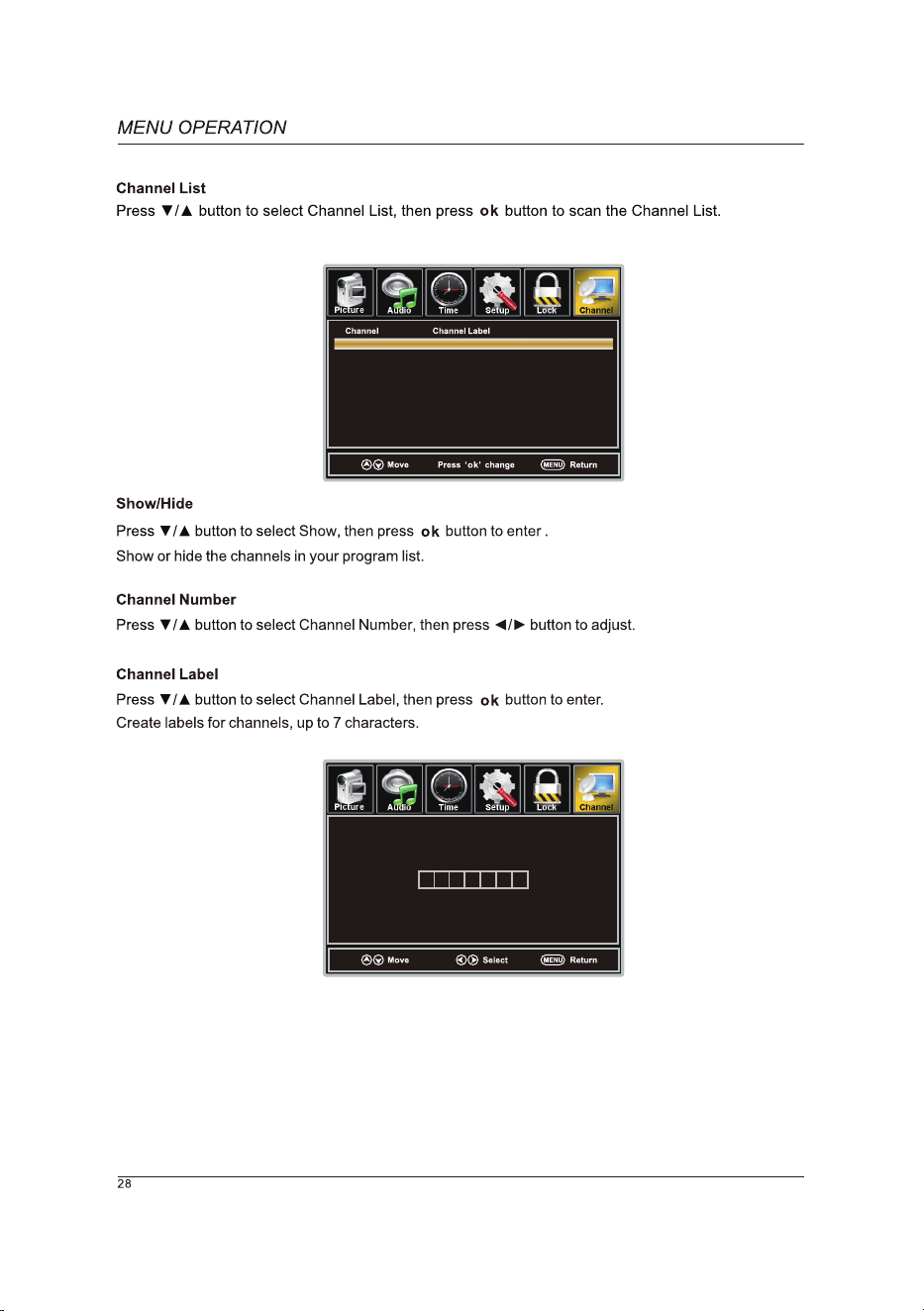
9-1 KQED-HD
9-2 ENCORE
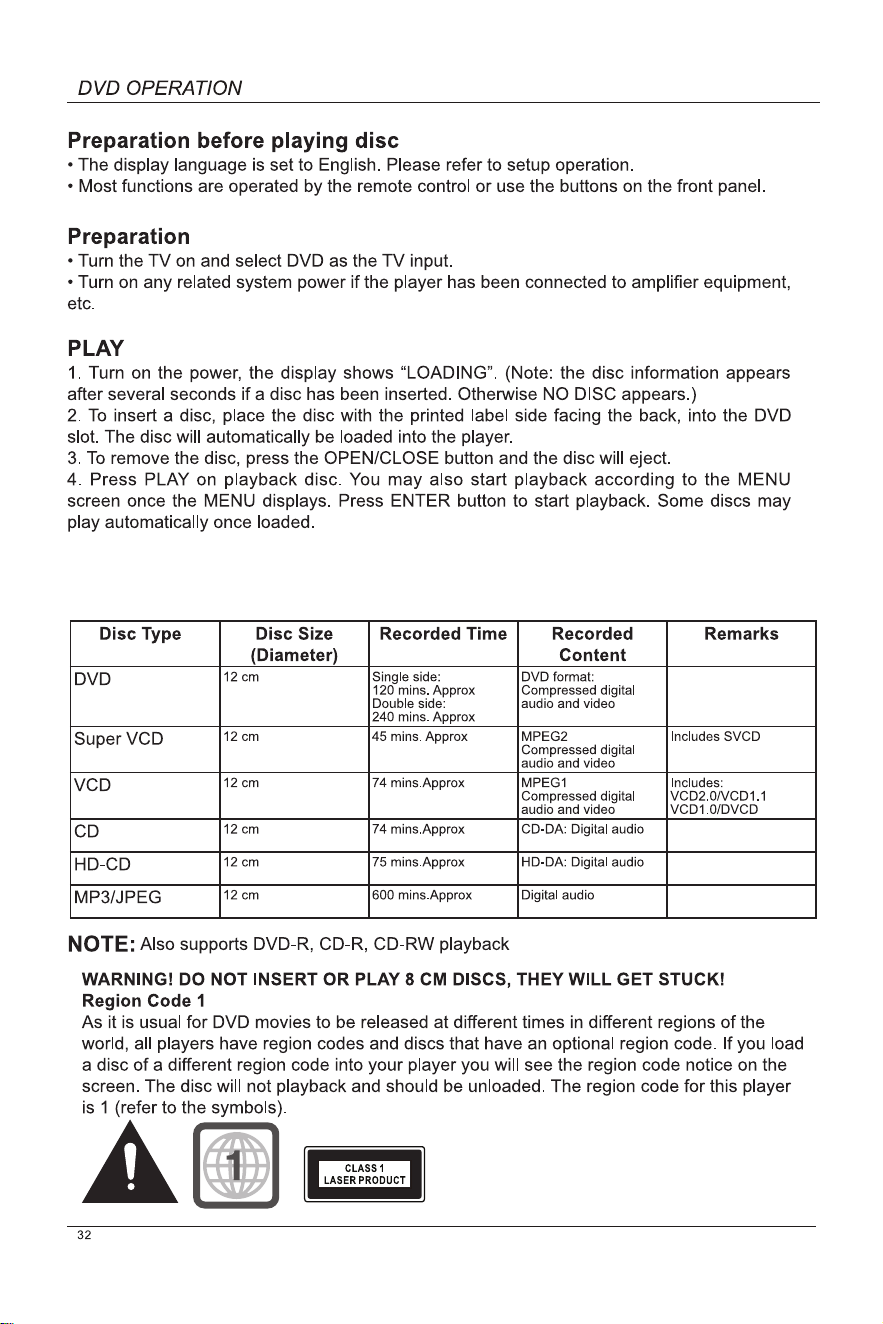
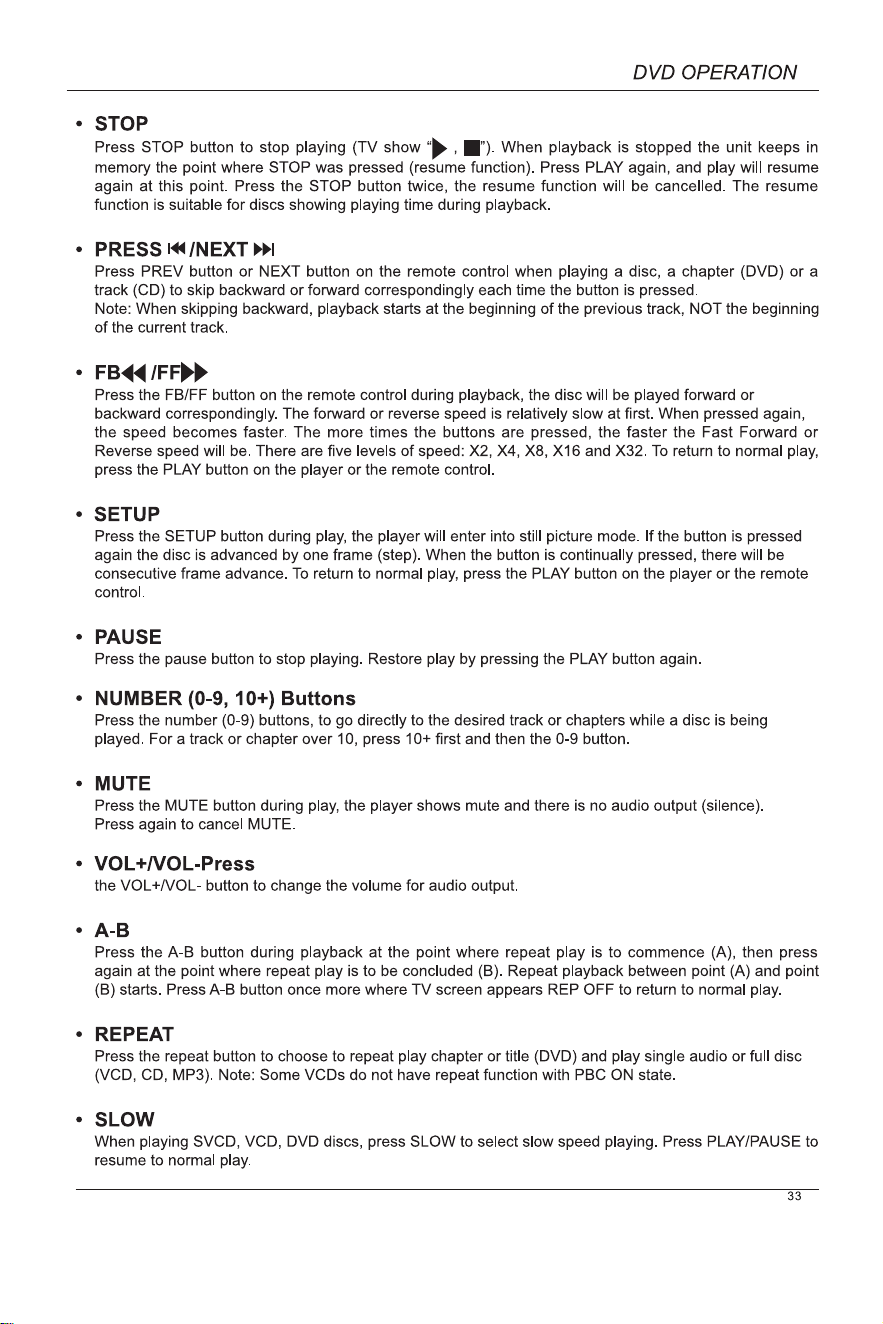
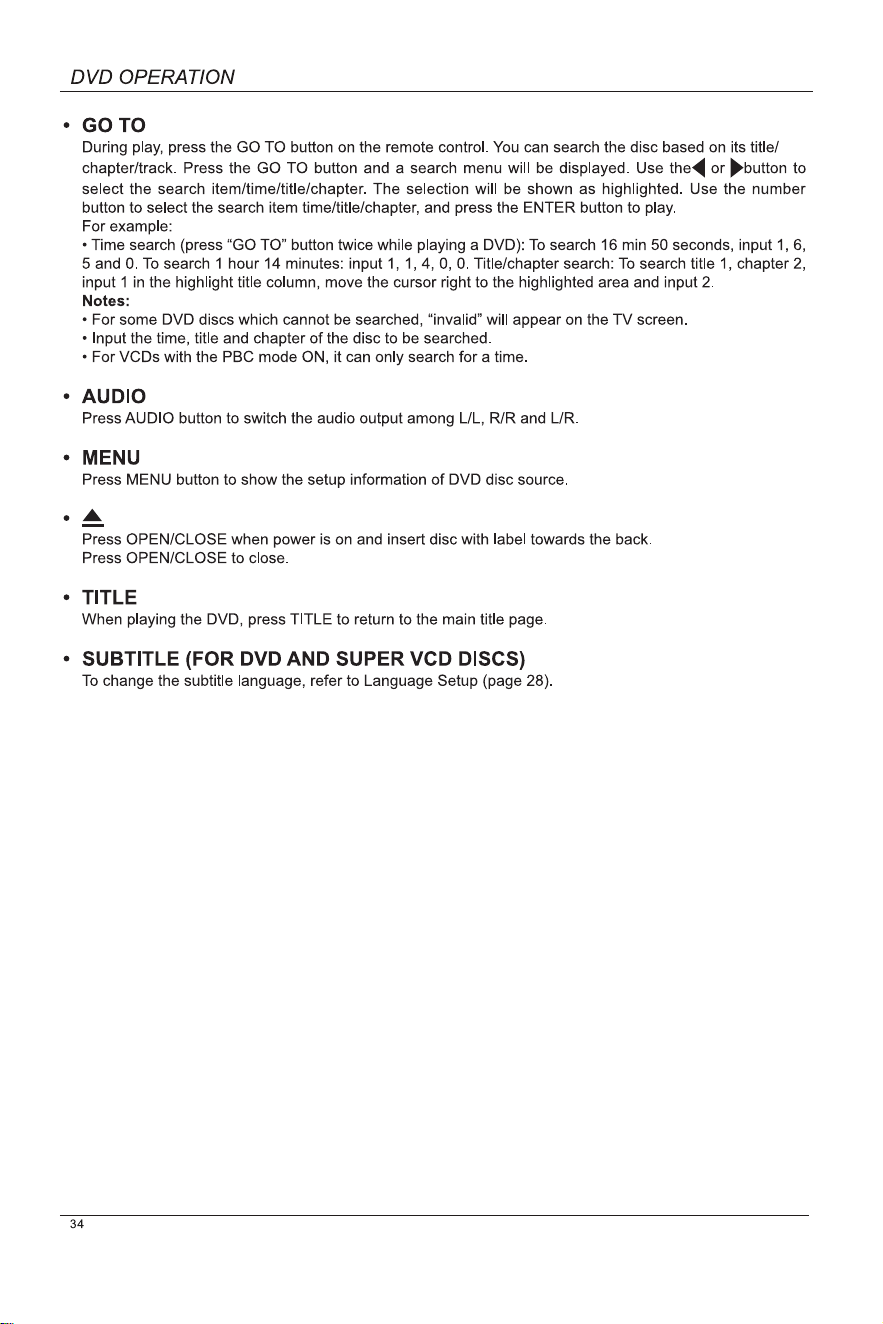
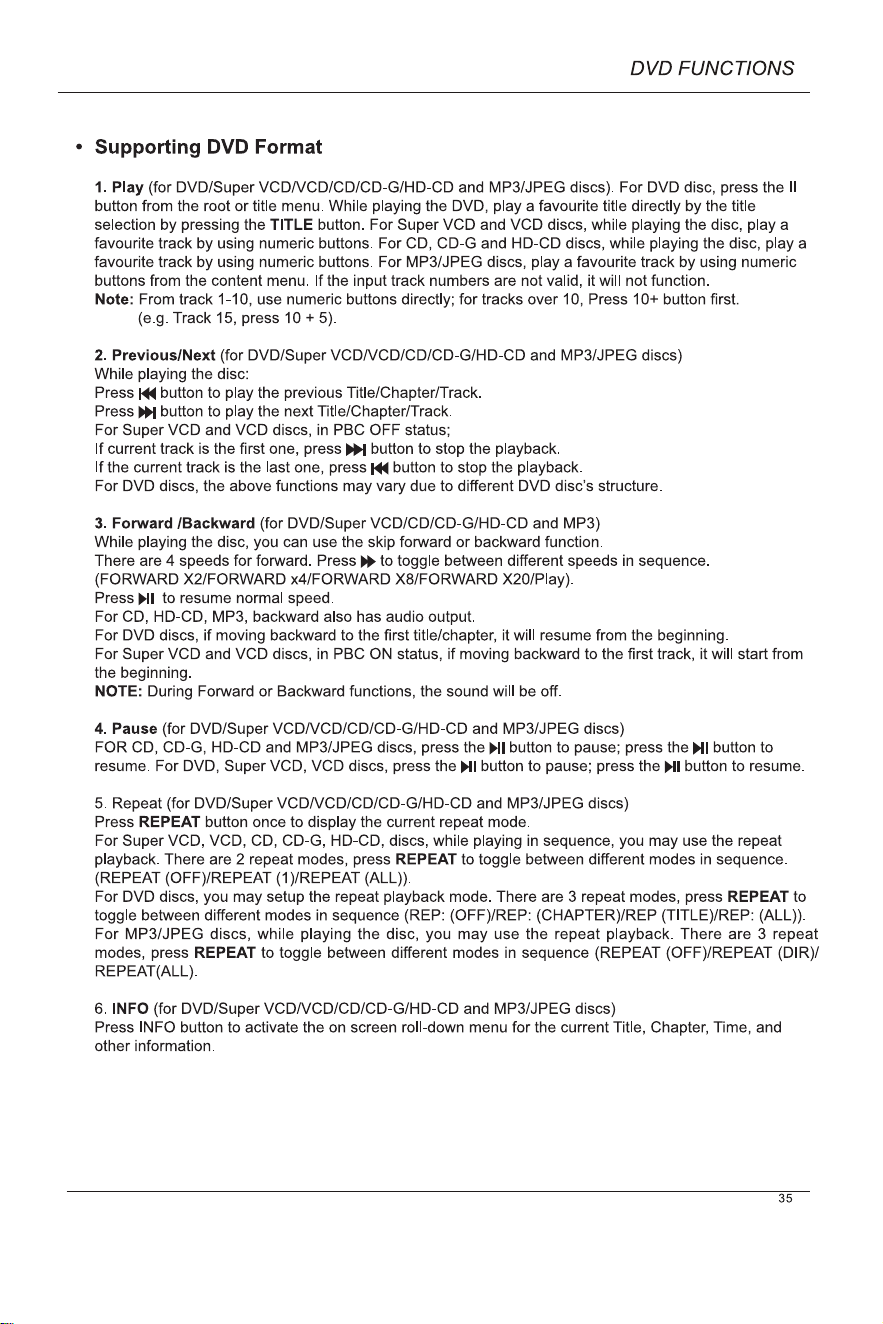
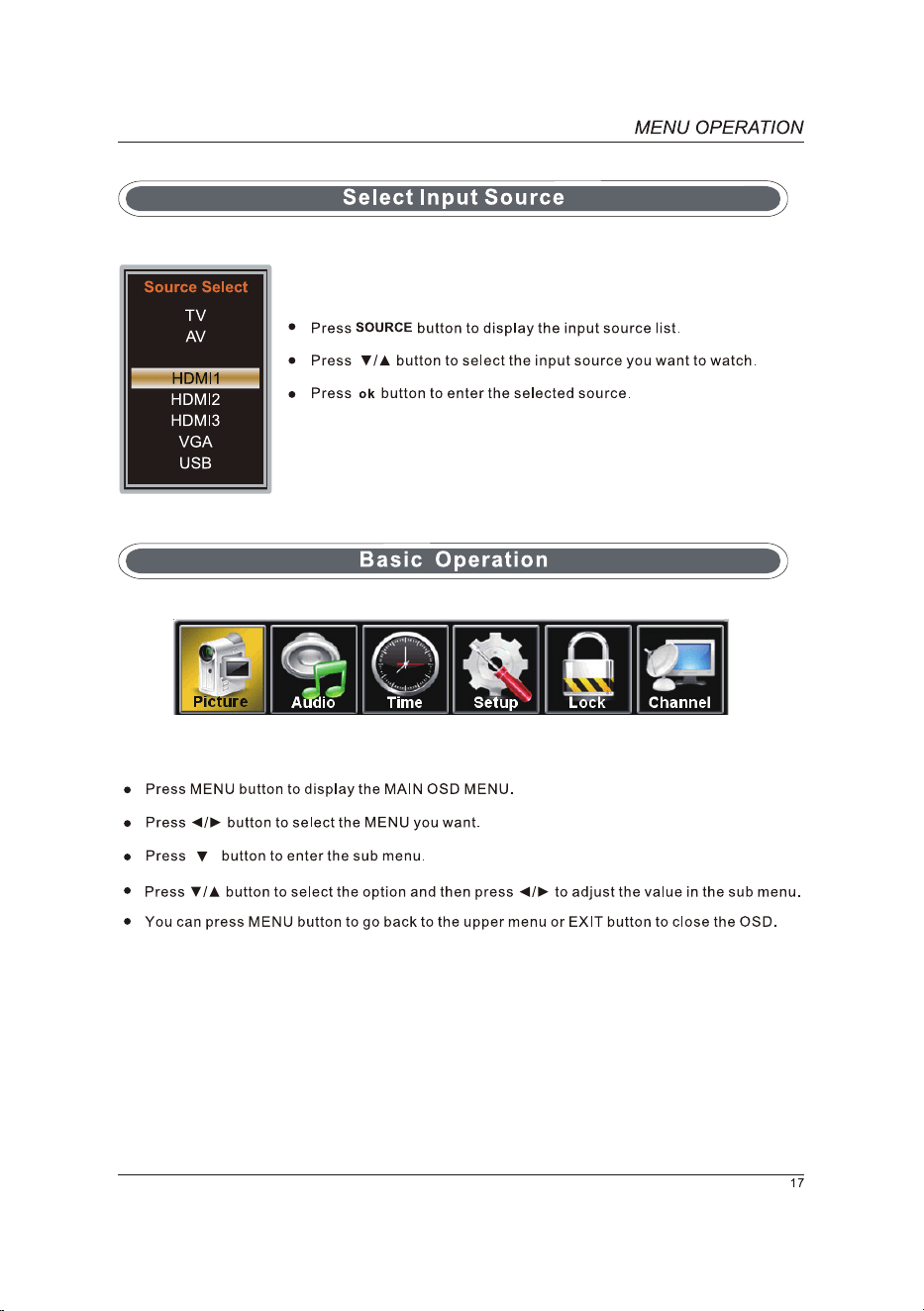
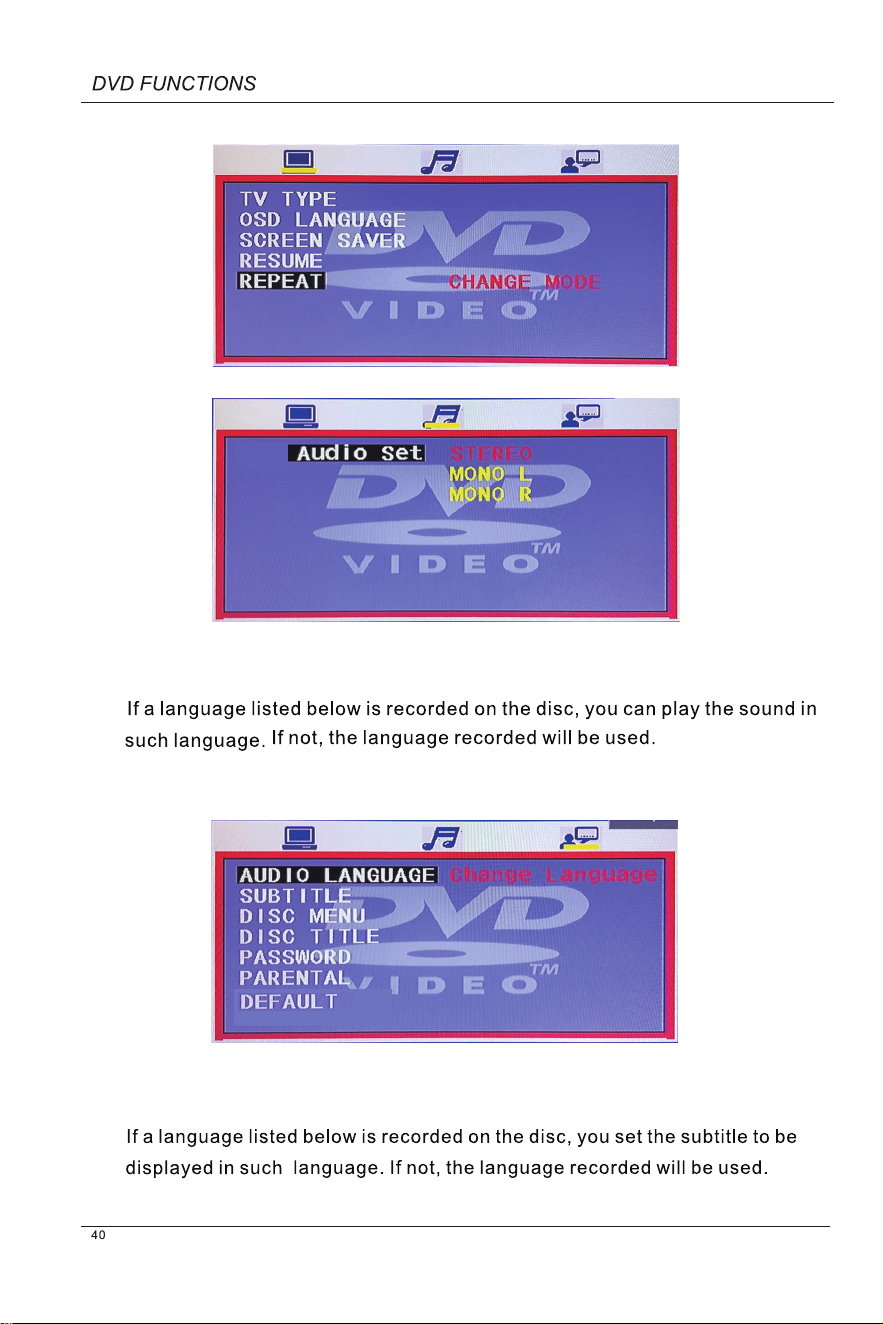
Basic Operation
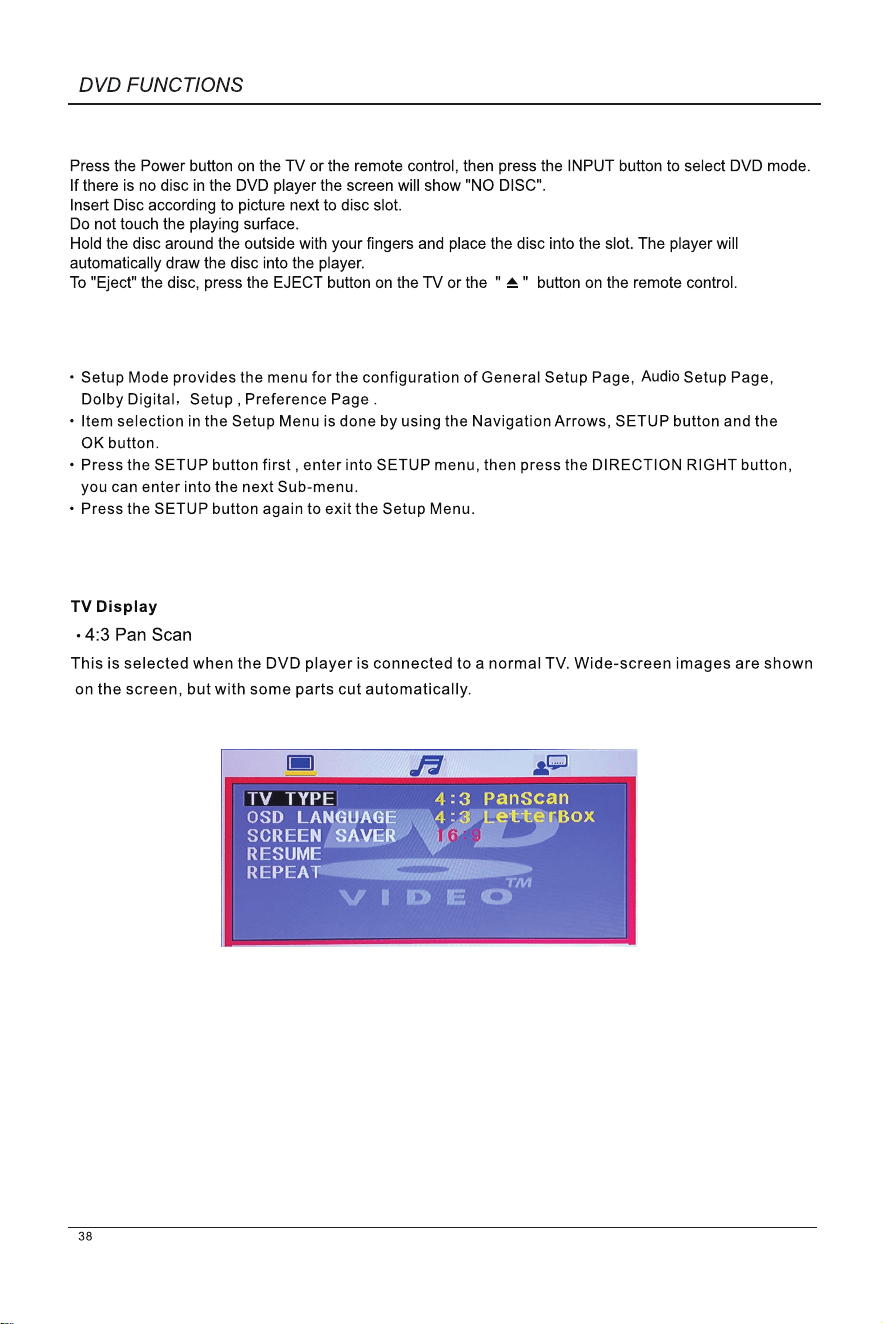
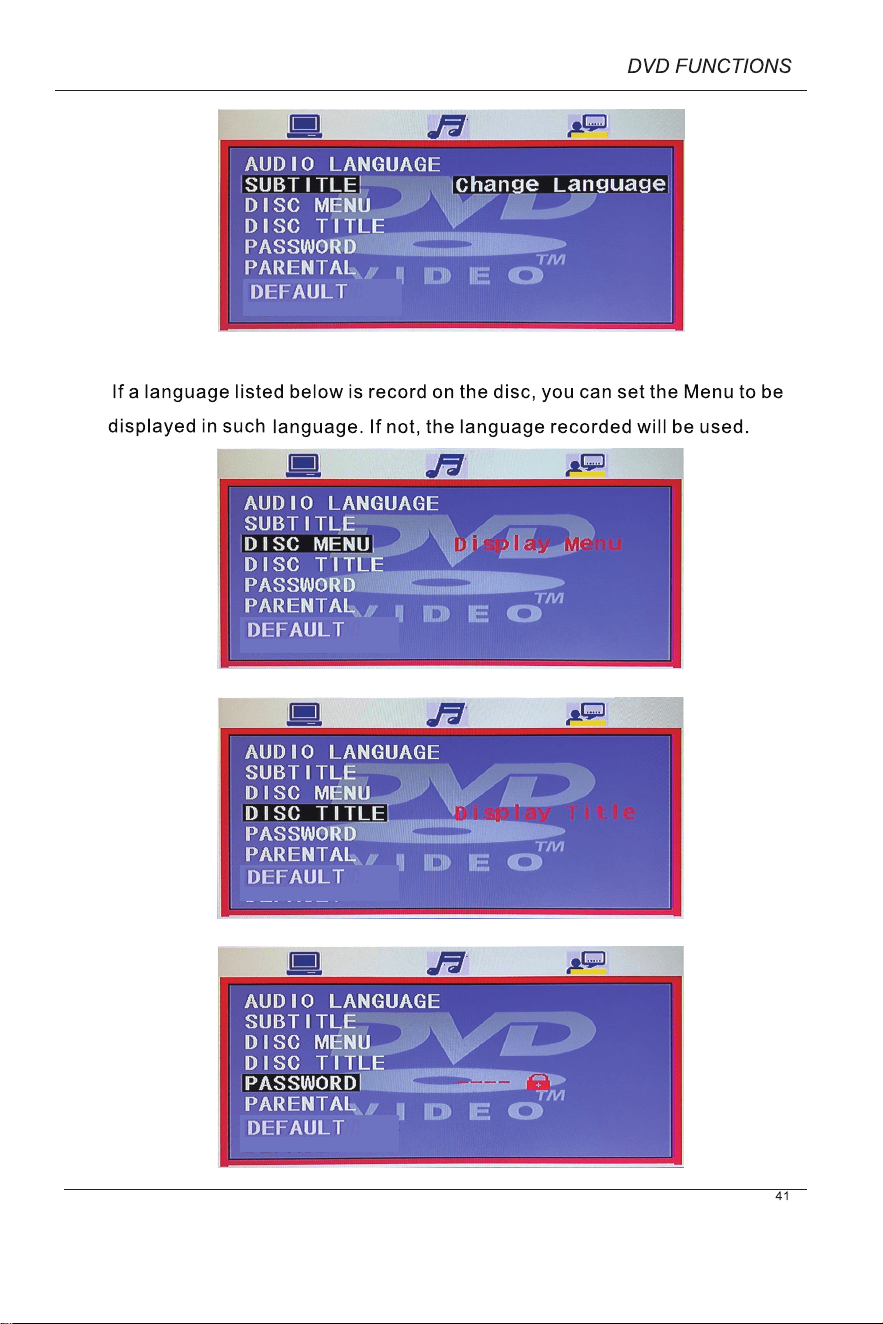
DVD Setup Mode
General Setup
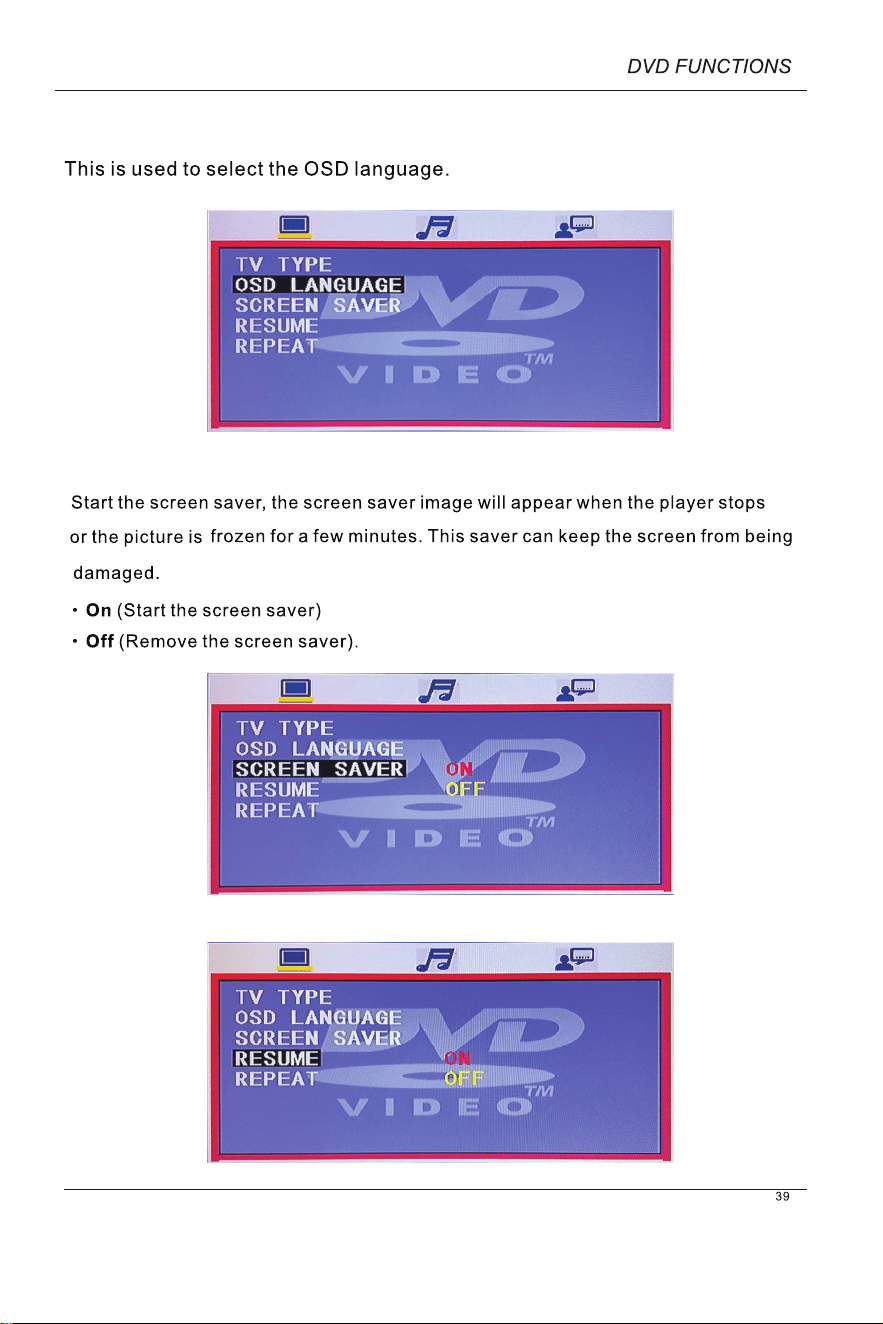
OSD Language
Screen Saver
ENGLISH
FRANÇAIS
ESPAÑOL
Audio
Subtitle
Disc Menu
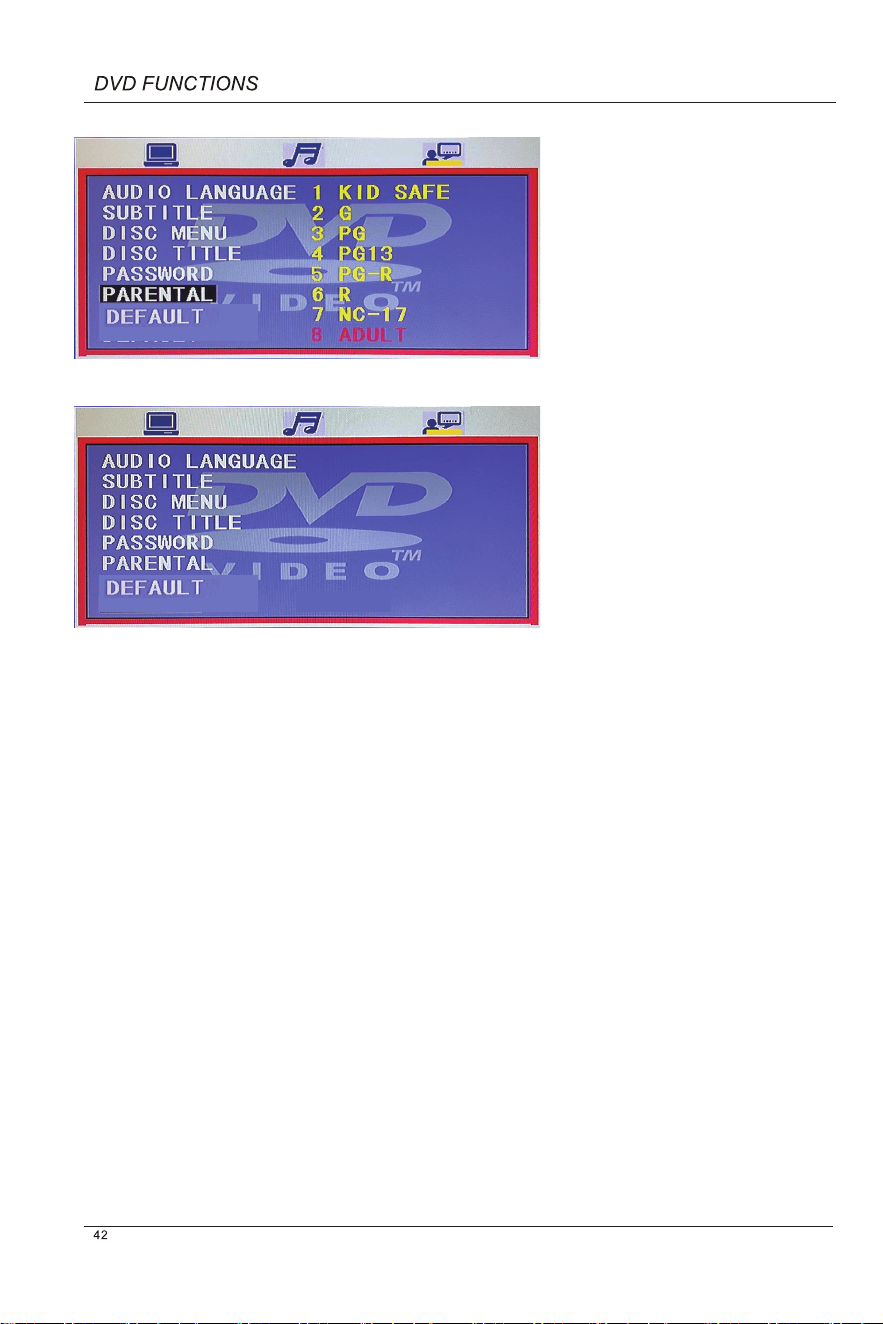
RESET