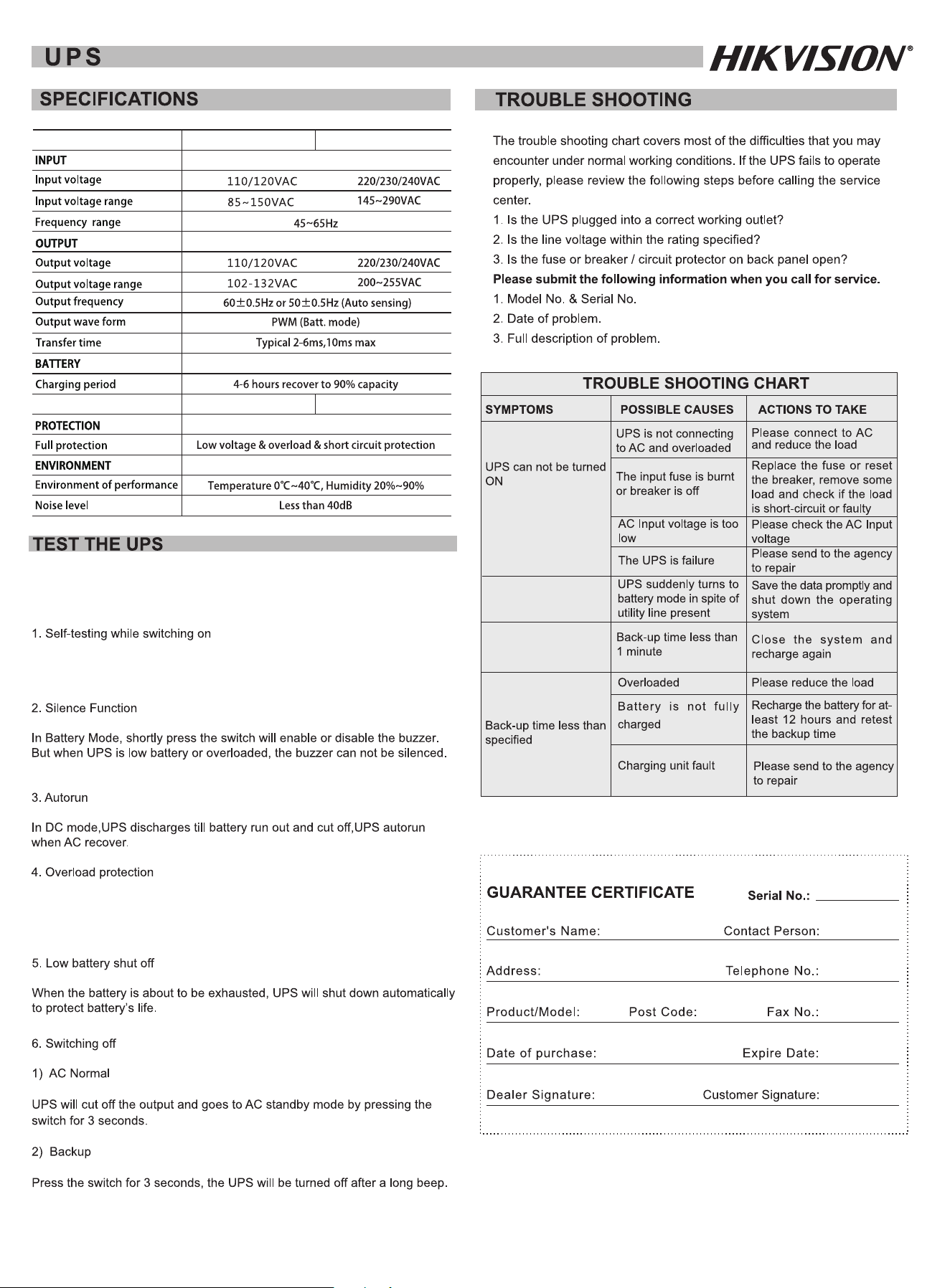
Push the switch for 3 seconds, the red/green led bright(the LCD display
input & output voltage). then the UPS will be ready for operation.
The buzzer beeps every
8 seconds
The buzzer beeps every
1 second
To test the UPS on battery mode, cut off the utility and UPS observes
“backup indicator” lights, then your PC can continue working normally.
When UPS is overloaded on operation, it will cut off the output
automatically if it is not solved by the user in time.
MODEL
1000VA
12V /7Ah x 1
12V /9Ah x 1
Battery rating
110V: ; : 220V
; :220V
110V:
110V: ; : 220V
; :220V
110V:
600VA
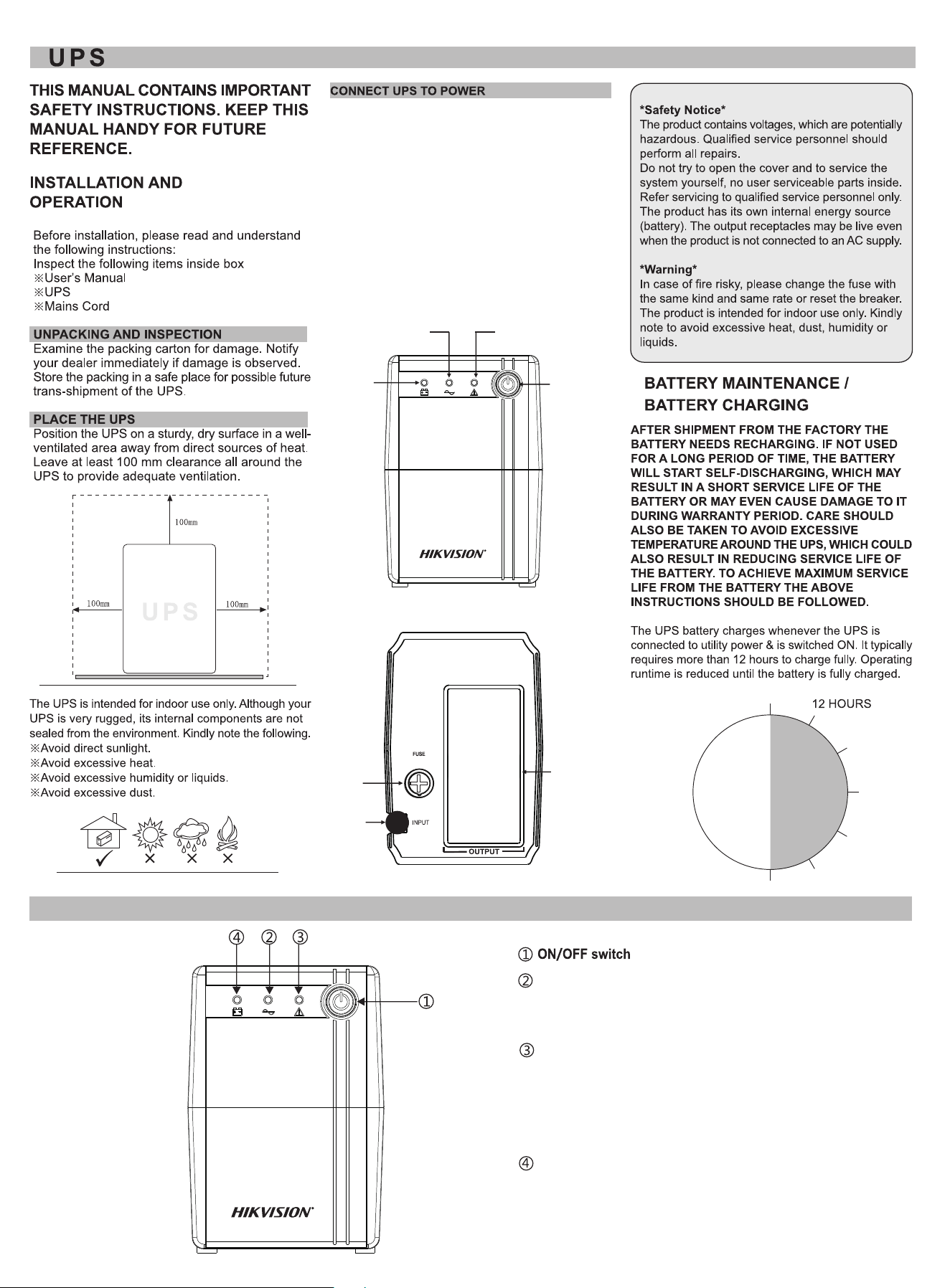
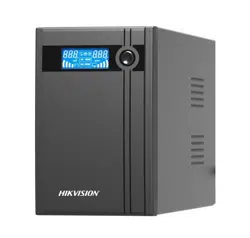
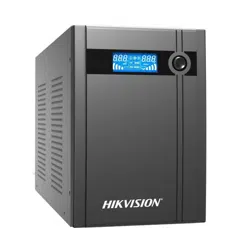
PRODUCT INTRODUCTION
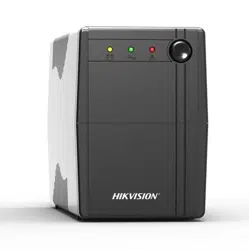
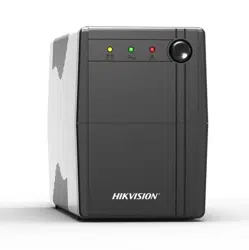
AC Normal indicator
(The Green led continuous bright.
The UPS is supplying conditioned
utility power to its outlets.)
Backup indicator
Overload / Fault indicator
(
The buzzer beeps every 8 seconds.
The battery is powering the UPS
outlets. )
The Red led continuous bright.
(The Yellow LED flashes.
The buzzer continuous beeping.
UPS protects itself at this time.
Please move some load or check
the UPS.)
ON/OFF
Switch
1 .With the UPS unit off and unplugged, connect the
computer, monitor, and any extemally powered data
storage device Zip drive Jazz drive Tape drive)etc. ( , ,
Into the battey power supplied outiets.DO NOT plug
a laser printer, copier, space heater, vacuum, paper
shredder or other large electrical device into the battery
power supplied outlets. The power demands of these
devices will overload and possibly damage the unit.
2. Plug the UPS into a 2 pole, 3 wire grounded
receptacle (wall outlet). Make sure the wall branch
outlet is protected by a fuse or circuit breaker and
does not service equipment with large electrical
demands(e.g.air conditioner refrigerator copier
Avoid using extension cords.)
, , ,etc,
OUTPUT
SOCKET
AC INPUT
FUSE
AC Normal
indicator
Backup
indicator
Overload / Fault
indicator