成品尺寸102*140mm,
105G铜版纸双面彩色印刷,
装订成册
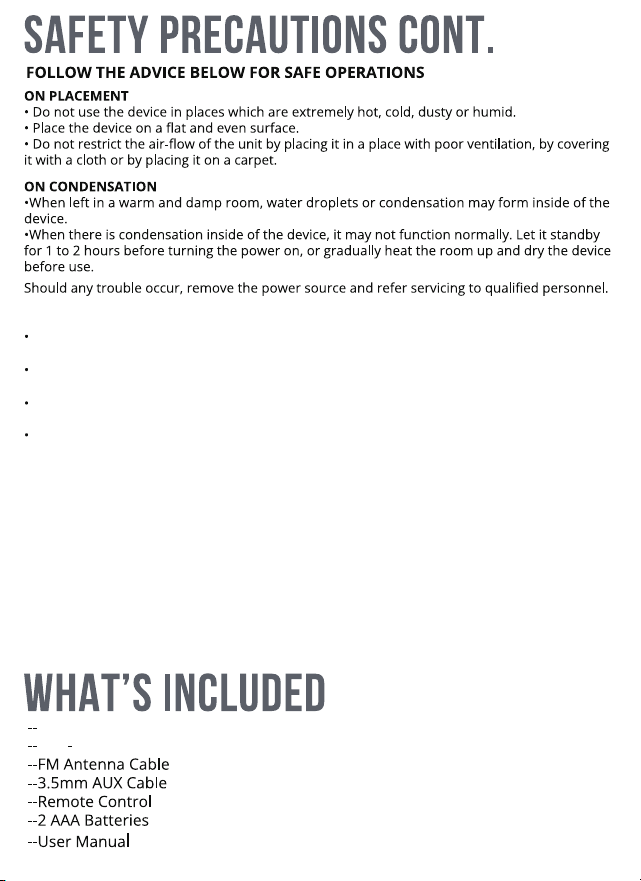
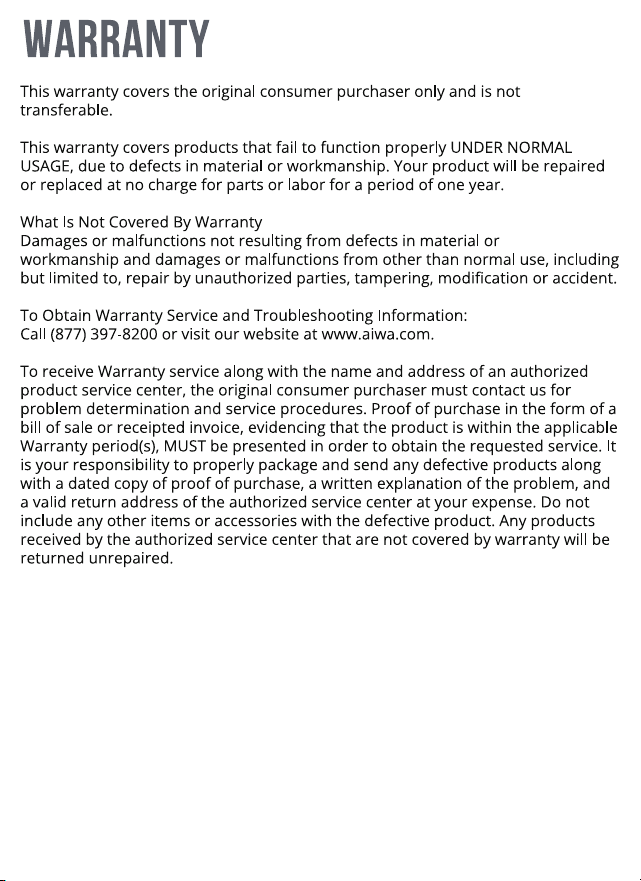
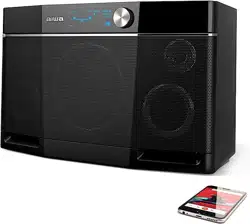
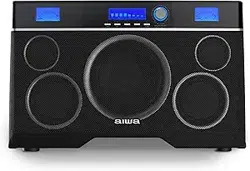
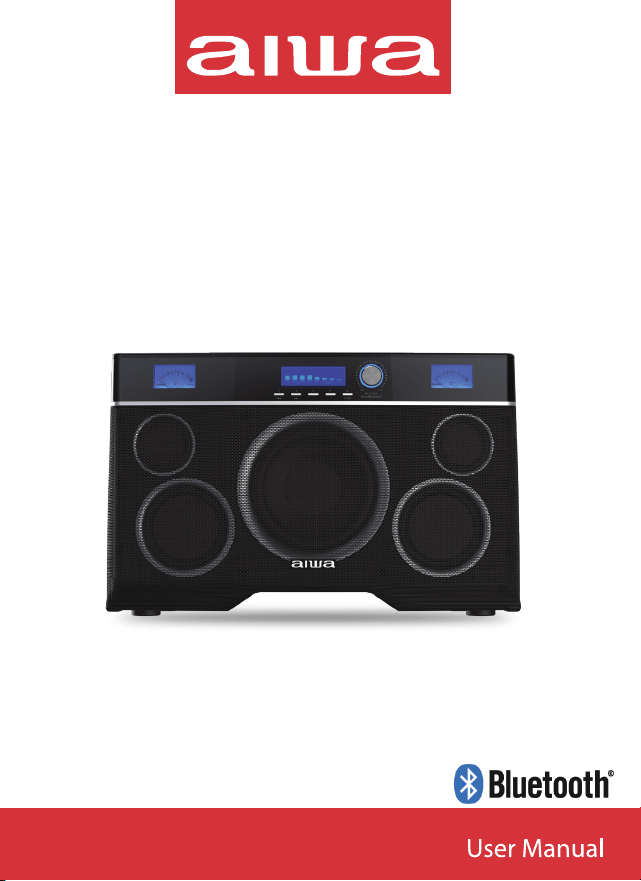
AI6019 Exos 10 Wireless Speaker
Power cable
TMATTERS NEEDING ATTENTION
Replacement of a battery with an incorrect type that can defeat a safeguard (for example,
in the case of some lithium battery types);
Disposal of a battery into fire or a hot oven, or mechanically crushing or cutting of a
battery, that can result in an explosion;
Leaving a battery in an extremely high temperature surrounding environment that can
result in an explosion or the leakage of flammable liquid or gas;
A battery subjected to extremely low air pressure that may result in an explosion or the
leakage of flammable liquid or gas.
Preset Select (FM)
/Track Select (USB)
1 2 3 4 5
VOLUME/SELECT
MIN MAX
TUNE
/SCAN
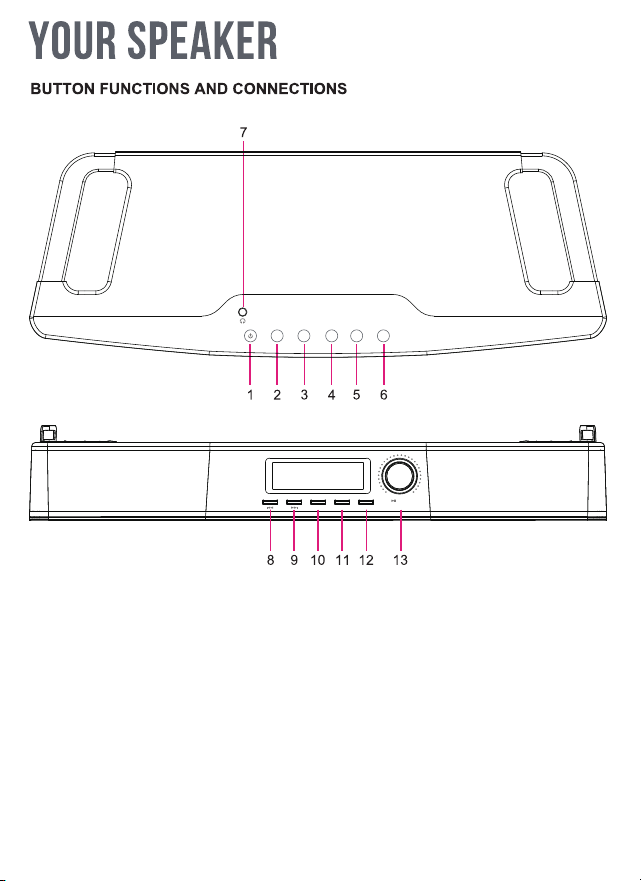
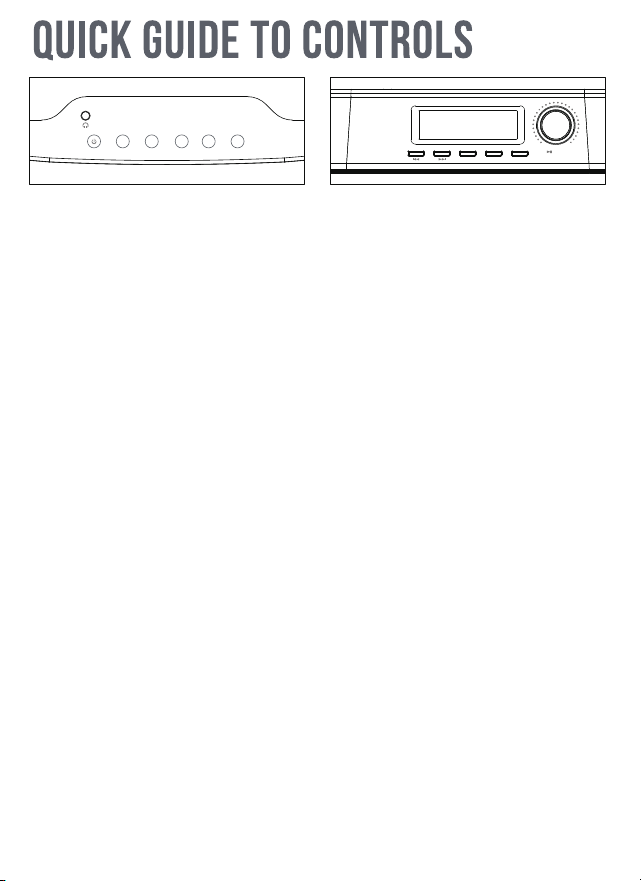
1. Standby/On
2. Bluetooth Mode
3. FM Radio Mode
(connect the included antenna)
4. USB Mode
5. Menu
6. Back
7. Headphone output
8. FM Preset 1/Previous Track/Station (Hold)
9. FM Preset 2/Next Track/Station (Hold)
10. FM Preset 3
11. FM Preset 4
12. FM Preset 5/Manual Tuning Mode (Hold)
13. Volume/Select (Press)
Press for Play/Pause in BT/USB, Mute in FM.
Hold for Band Scan in FM
MENUBT FM BACKUSB
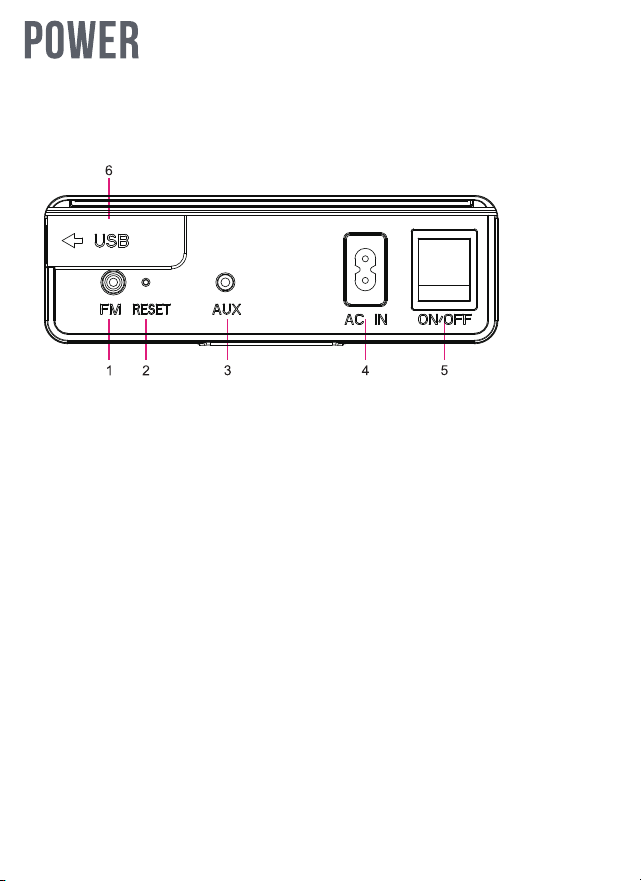
1. FM Antenna (supplied) must be connected for proper radio operation.
2. Reset button
3. AUX IN
4. Power input
5. Power ON/OFF
6. USB Port for Memory Stick
1. Power On/Off.
Must be On for charging.
Switch Off when not in use and not connected to power to preserve battery.
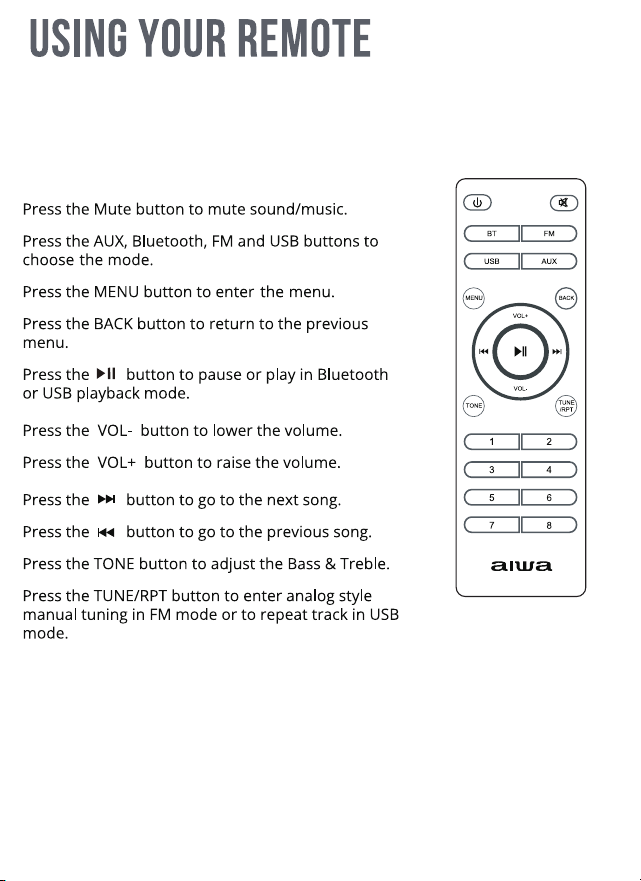
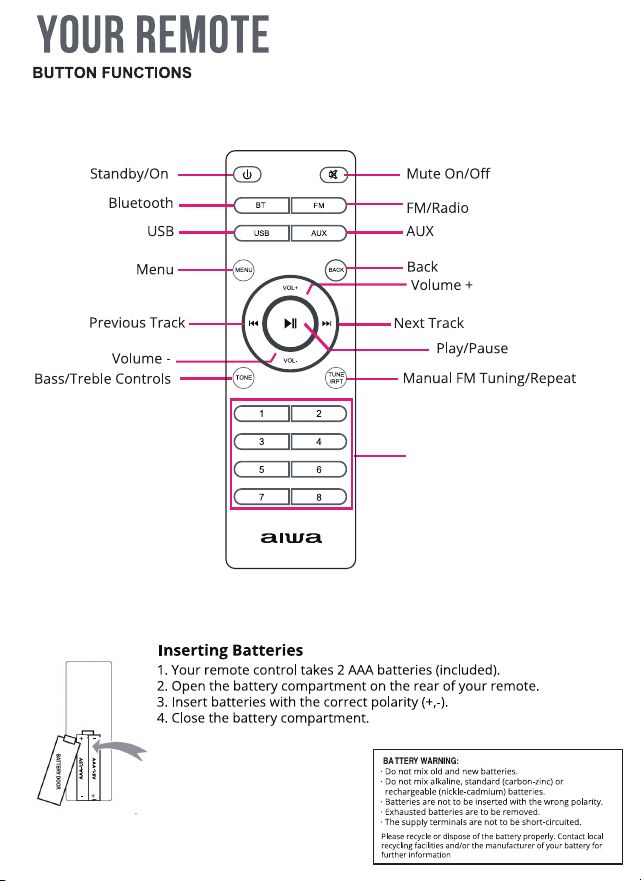
Press the 1-8 buttons to select a track in USB mode or
Preset in FM mode
Standby/On Operation
Press to switch between Standby and On.
The Clock is shown in Standby mode.
When On press and hold to go to Standby with no
clock (the alarm will still function in this mode).
To turn the unit fully off use the switch on the back panel.
Standby/On Operation.
Press to switch between Standby and On.
The Clock is shown in Standby mode.
When On press and hold to go to Standby with no clock (the alarm will still function
in this mode).
To turn the unit fully off use the switch on the back panel.
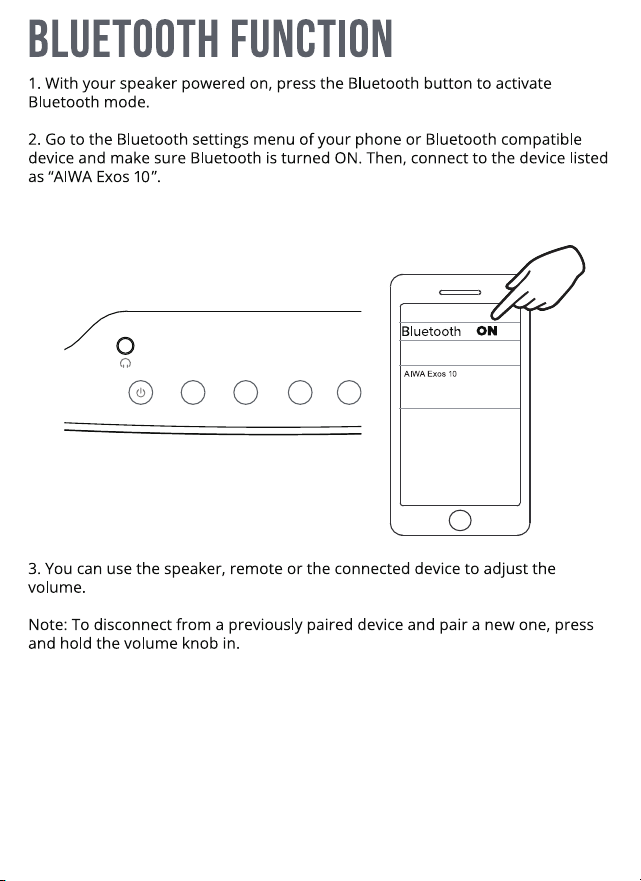
Press the Bluetooth button to select Bluetooth mode.
Press the FM button to select FM mode.
Press the USB button to select USB mode. A USB stick must be inserted.
Press the MENU button to enter menu.
Press the BACK button to return to the previous menu.
Press the 1/|<<, 2/>>|, 3, 4 or 5/TUNE buttons to select the first 5 presets in FM mode.
Press and hold the 1/|<< or 2/>>| Tune buttons to scan backwards/forwards in FM mode.
Press and hold the 5/TUNE button to enter analog style manual tuning in FM mode.
Press the 1/|<< or 2/>>| buttons to skip back/forwards in Bluetooth or USB mode.
Press the Play/Pause/Volume knob to:
Pause or play the track in Bluetooth or USB mode.
Mute sound on AUX or FM mode.
Confirm in menus.
1 2 3 4 5
VOLUME/SELECT
MIN MAX
TUNE
/SCAN
MENUBT FM BACKUSB
MENUBT FM
BACK
USB
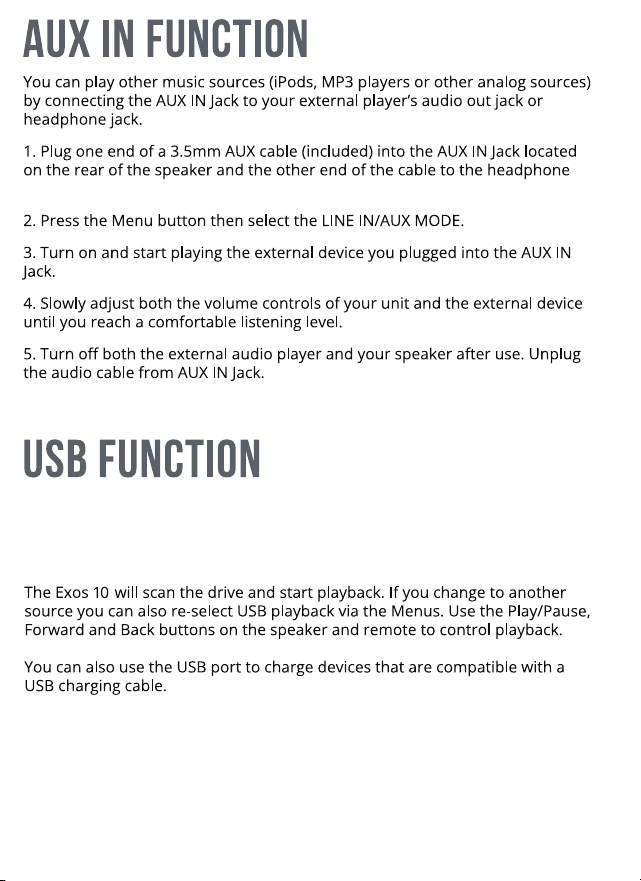
or line output jack of your source device.
You can play music from a USB thumb drive/memory stick. Plug a suitably
formatted USB stick with music files on it into the rear USB socket.
Note: The Exos 10 can play files in mp3, wav and flac formats. The maximum
memory size is 64G.
Select the BASS or TREBLE menu. Use the volume knob to turn up or down the
level of bass or treble.
BASS/TREBLE
Press the FM/Radio button on your remote or speaker to enter FM/Radio Mode.
Press the 1/|<<, 2/>>|, 3, 4 or 5/TUNE buttons to select the first 5 presets in FM mode.
You can select more presets by using the numerical buttons on the remote or
using the RECALL PRESET menu.
Press and hold the 1/|<< or 2/>>| buttons to scan backwards/forwards until the
Exos 10 finds a strong signal.
Note: The FM antenna MUST be connected for FM operation.
Note: All settings are erased including pairing record, presets and alarms.
5/TUNE
AUTOSTORE/BAND SCAN
The Exos 10 can be connected to up to 99 other Exos 10 speakers and play in sync.
Connect via Bluetooth to the first Exos 10 in the normal way or play from FM, USB or Aux.
Select PARTY SYNC in the menu and then select START PARTY. The Exos 10 will
start broadcasting and will be the primary speaker, (P) will appear in its display.
Now select PARTY SYNC in the menu of another speaker and select JOIN PARTY.
It will connect to the primary speaker as a secondary speaker so that they play the
same source, (S) will appear in its display.
You can repeat this for further secondary speakers. the maximum distance
between speakers is about 50ft/15m but varies depending on your surrroundings.
To leave the party select PARTY SYNC and then LEAVE PARTY on any speaker you
wish to disconnect.
SPECTRUM ANALYSER/VU METERS
The Exos 10 has VU meters which show the output power per channel
(approximately 2 x 100W RMS maximum). There is also a Spectrum Analyser
display which shows the frequency content of the output in the main LCD display.
To select which are active select SPECTRUM/VU in the menu. You can select either
Spectrum only, VU only, Spectrum and VU or Spectrum and VU Off.
PARTY SYNC
49 x 31.3 x 19.2 cm
Playtime: 24 Hrs at 50% Volume approx.
POWER SOURCE: 110-240V~ 50/60Hz
6.5” + 2.75” x 2 + 4 Auxiliary Bass Radiators.
200W RMS Total
FCC Radiation Exposure statement
This equipment complies with FCC radiation exposure limits set forth for an uncontrolled
environment. This equipment should be installed and operated with minimum distance
20cm between the radiator and your body. This transmitter must not be co-located or
operating in conjunction with any other antenna or transmitter.