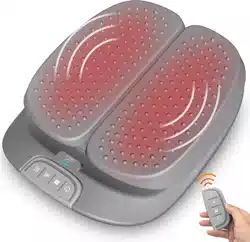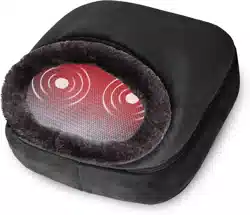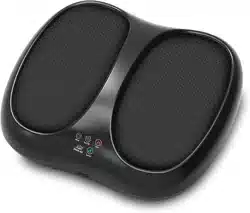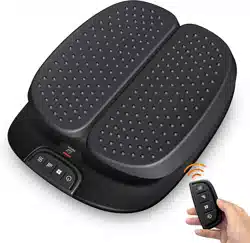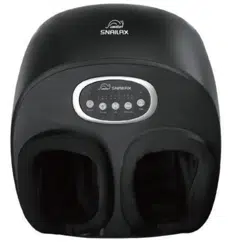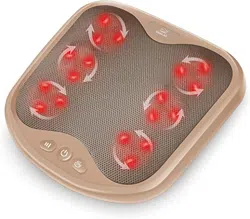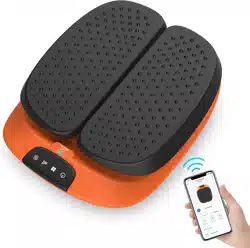
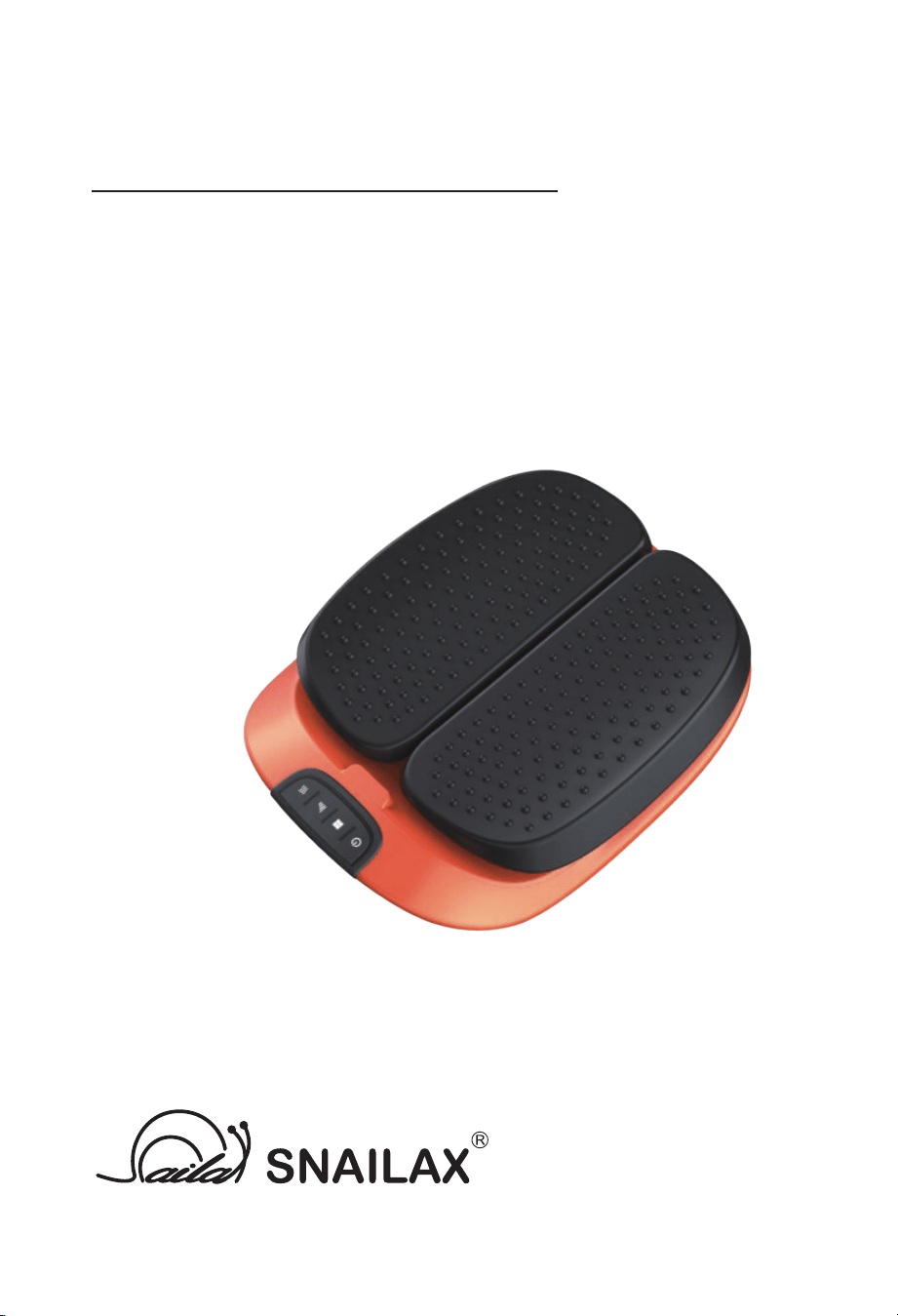
FOOT MASSAGER
SL-591R-APP
Use & care manual
2
Safety Instruc�ons
Please read the following instruc�ons carefully before pu�ng your massage device
into use to ensure trouble-free opera�on and op�mum efficiency. Please retain
these instruc�ons for further reference!
• The device conforms to recognized technical principles and the latest safety regula�ons.
• This items is NOT A TOY. Close supervision is necessary when this appliance is used by , on,
or near children or disabled persons. Do not allow children to play with product .
• Do not allow more than one person to use this product at a �me.
• The device should never be le� una�ended when plugged in.
• Never use any power sources other than UL standard home adapter provided as original
equipment with this massage device.
• Any possible repairs may only be carried out by authorized expert staff. Improper use and
unauthorized repairs are not permi�ed for safety reasons and lead to loss of warranty.
• Please avoid contact of the device with water, high temperatures and direct sunlight.
• Do not damage ,process ,excessively bend ,pull hard ,twist or knot power cord.
• Do not use any damaged cables, plugs or loose sockets.
• Do not use the product when the power cord is damaged.
• In case of malfunc�on, disconnect immediately from the mains.
• Misuse or incorrect use excludes any liability for damage.
• Do not use while you sleep.
• In order to avoid excessively s�mula�ng the muscles and nerves, the recommended
massage �me should not be exceeded 15 minutes at a �me.
• Do not use this product for medical treatment.
• People who are insensi�ve to heat must be accompanied by normal person when using
this massage device.
•
During use, if you feel abnormal, please stop using this product immediately, and then
consult your doctor.
Failure to observe the above instruc�ons may cons�tute misuse of the product
and can cause serious injury or burns.
1.Those who are using electronic medical instrument imbedded in the body ,
such as cardiac, pacemaker etc.
2.Those who are being treated by doctors ,especially those who feel uncomfortable.
3.Those who are malignant tumor pa�ents ,heart disease pa�ents,acute pa�ents.
4.Women who are pregnant or menstrua�ng.
5.Those with osteoporosis or fracture spine.
6.Those with skin disease or those whose skins areinjured.
7.Those whose body temperature is over 38 degrees(Febrile Phase).
We recommend that those with any of the following condi�ons
consult a doctor before using this massage device.
Tel: 734-709-6982
Monday-Friday 9:00AM-4:30PM
Email: [email protected]
Have ques�on ?
3
Instruc�on
CONTENTS
TECHNICAL DATA
Thank you for purchasing Snailax Massager.
With normal care and proper treatment, it will provide years of reliable service.
Please read all instruc�ons carefully before using this product.
Please retain this manual for future reference.
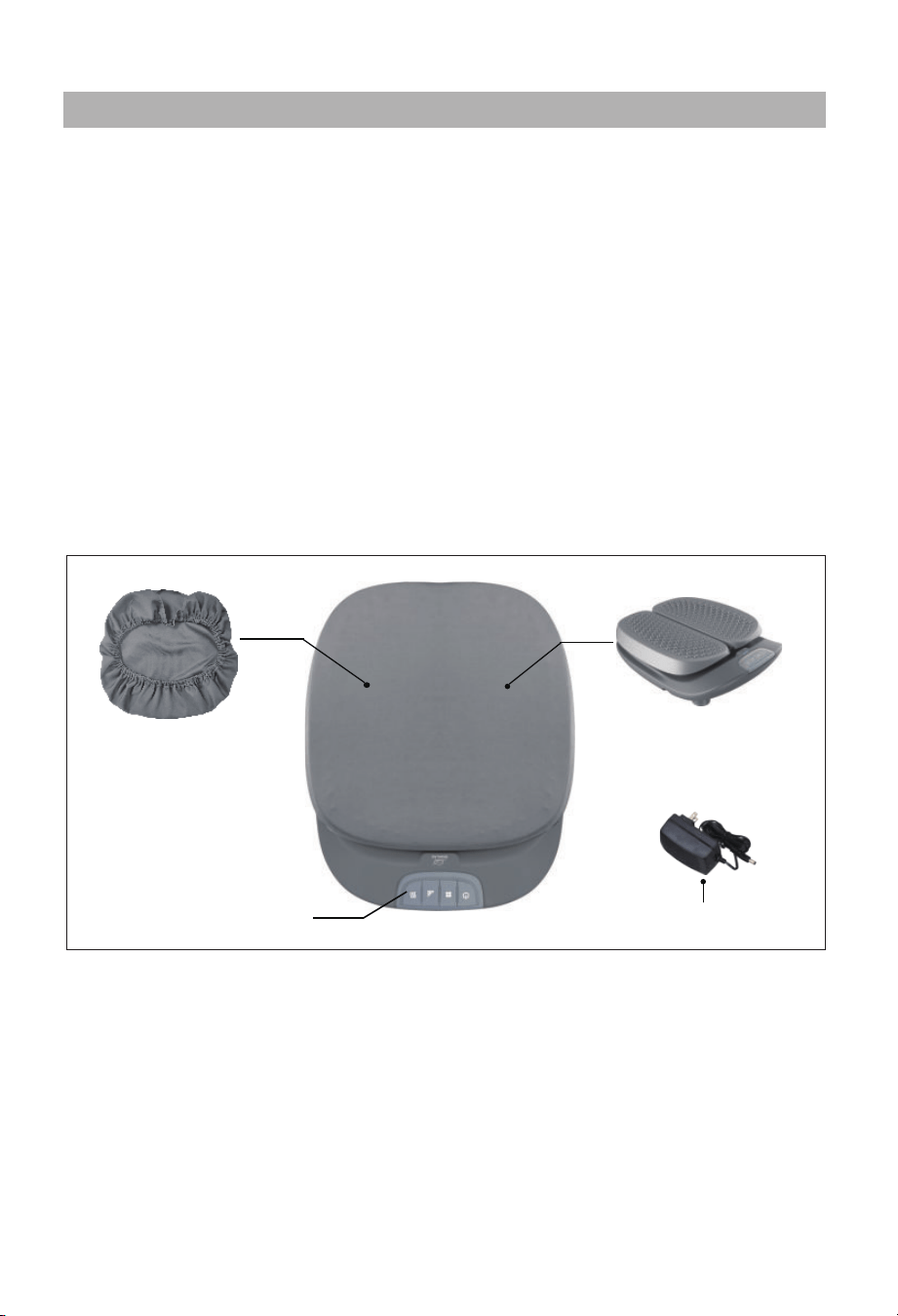
wireless remote
controller
FEATURES
- Vibratrion massage for feet,legs,back
- Op�onal heat func�on
- 2 levels of hea�ng
- 3 levels of vibra�on intensity
- 3 massage modes
- Wireless remote controller
- Removable and washable cover
Measurements:
Weight:
Voltage:
Nominal Power:
Automa�c run�me:
15.4 x 12.7x 4.1 inches
5.8 lbs
Input: AC 100-240V ~50/60Hz
Output: 24VDC 1500mA
max. 36Wa�
15 minutes
Home dapter
Removable and
washable cover
A�er taking off
the cover
4
Setup and Opera�on
2. Connect the adapter cable to the corresponding port on the foot massager.
3. Plug the home adapter into electrical outlet ( the adapter is safe to use with
both 110-120V & 220-240V )
4. Turn on the massage device through opera�ng wireless remote controller or control
panel ( instruc�ons on page 5 ).
Do not use the wet hand to plug in or pull out the adapter in order to avoid
any electric shock
.
Before plug ,please check and make sure the power cord is undamaged.
When moving the product, please don’t pull the power cord or drag the product
directly to avoid any damaged caused.
Please don’t let children and pets play the products for preven�ng any accident
happened.
Do not use this product in damp environment to avoid electric shock.
•
•
•
•
•
• This device will switch off automa�cally a�er 15 minutes �mer run out.
• Do not setup or use the device in a bathroom or similary wet / damp areas.
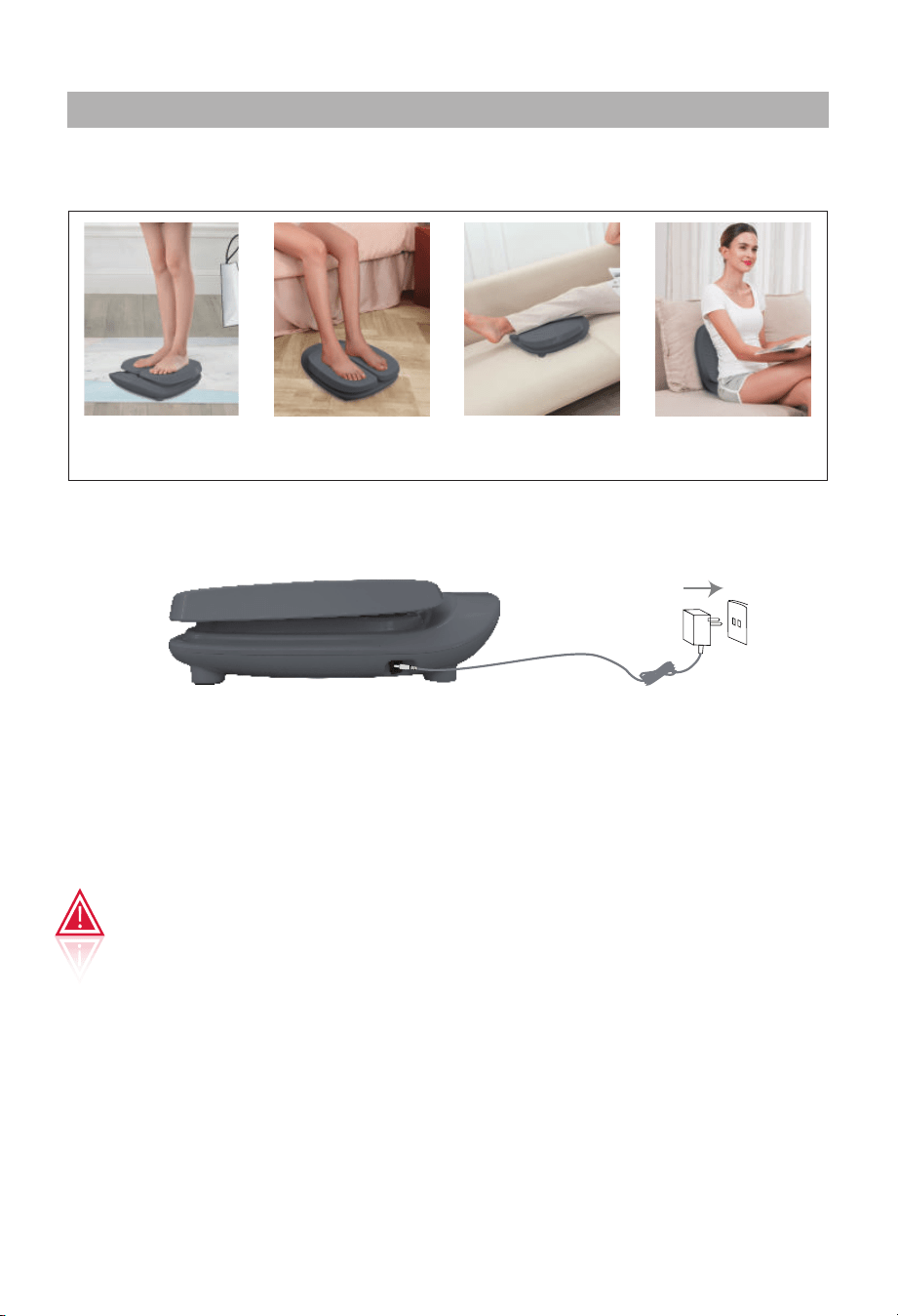
1.站立
按摩脚底
2.坐着
脚底按摩
3.按摩腿
4.按摩背部
Exercised
whole body
foot calf or thigh back
1. Place the massager on the floor or a support (like chair, sofa, etc)
Please use in the manner shown below
*Note, if use the massager by standing posture, the user must stand on the masssager
with both feet and weight no more than 200 pounds.
5
Controller Instruc�ons
When power failure happens during massage, please turn off the power and
pull out of the plug from socket.
Please do not let your hand or fingers close to and inserted into the gap of products
for preven�ng any injuries caused.
Please do not let children and pets play the product for preven�ng any accident happened.
Caution
Please don’t put water or other liquid on the control panel.
Please don’t press the bu�on too long �me at a �me to avoid the program confused.
Turn of f the massager by pressing the power bu�on on the remote controller or control panel.
A�er use
•
Remove the plug from the power supply socket.•
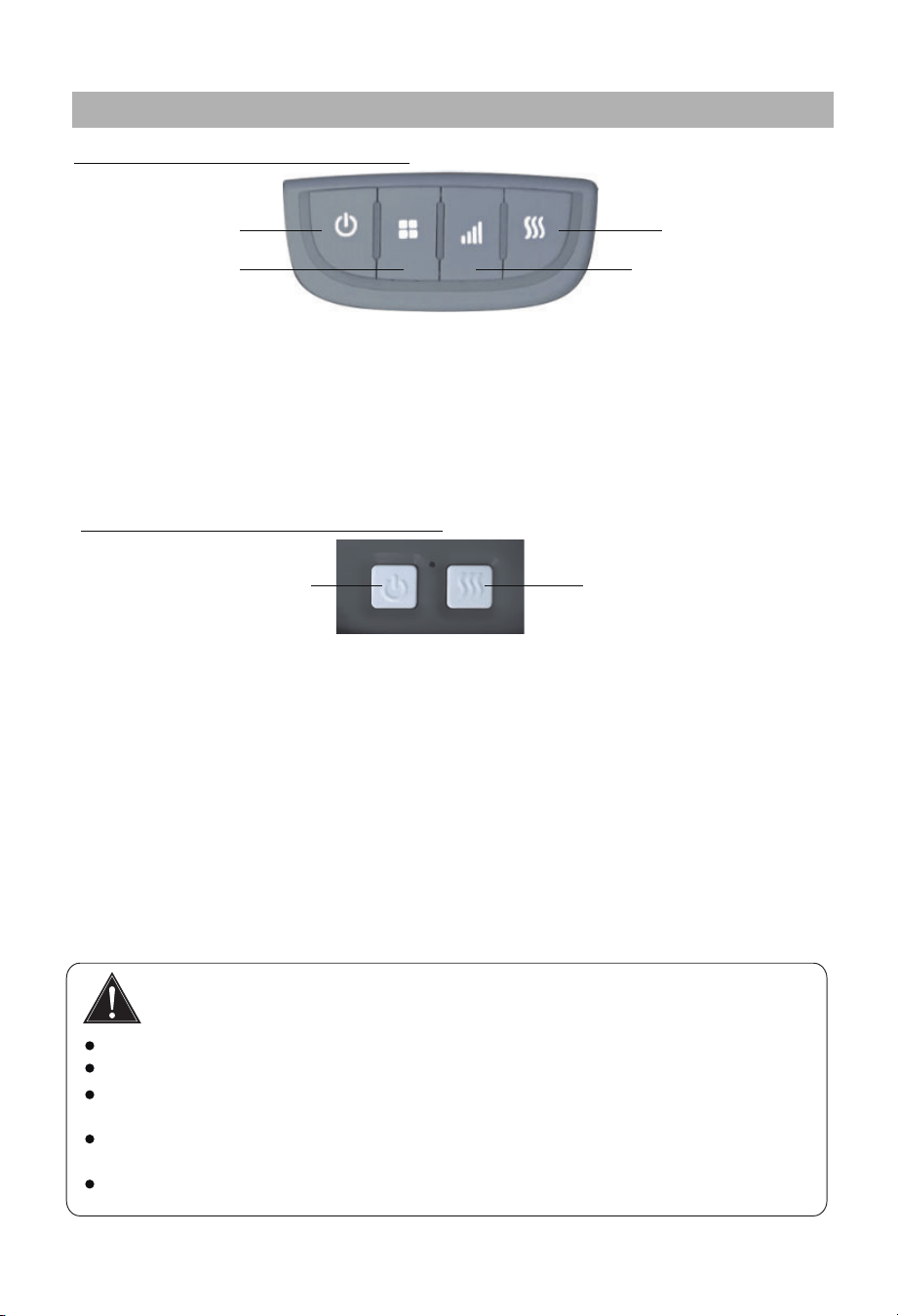
Power Bu�on: 1st press: turn on the device, it starts to work at Mode I (always on mode I),
high intensity, and high level of hea�ng.
2nd press: shi� to medium intensity.
3rd Press: shi� to low massage intensity.
4th press: turn off the device.
Intensity Bu�on: Press to cycle high-->medium-->low-->medium-->high... level of
massage intensity
Power Bu�on: Press to turn on the device, it starts to work at Mode I, high massage
intensity, and high level of hea�ng. Press again to turn off the device.
Opon 1: Use wireless remote controller
Heat Bu�on:
Mode Bu�on:
Press to cycle Mode I--> II--> III--> II--> I--> II--> III...
Press to cycle high/low/off se�ngs of Hea�ng func�on. And the
corresponding indicator will be red/purple/green
Buzzer: When pressing Mode bu�on, the buzzer sounds “DI”/”DI DI”/”DI DI DI”, it indicates
mode I/mode II/mode III respec�vely; when pressing Heat bu�on, it respec�vely indicates low/
medium/high level of hea�ng; when pressing intensity bu�on, it indicates low/medium/high
massage intensity
Heat bu�on: Press to turn on /off hea�ng func�on.
Opon 2: Use control panel on the product
Power Bu�on
Mode Bu�on
Heat Bu�on
Intensity Bu�on
Power Bu�on
Heat Bu�on
6
SNAILAX App Guide
STEP 1
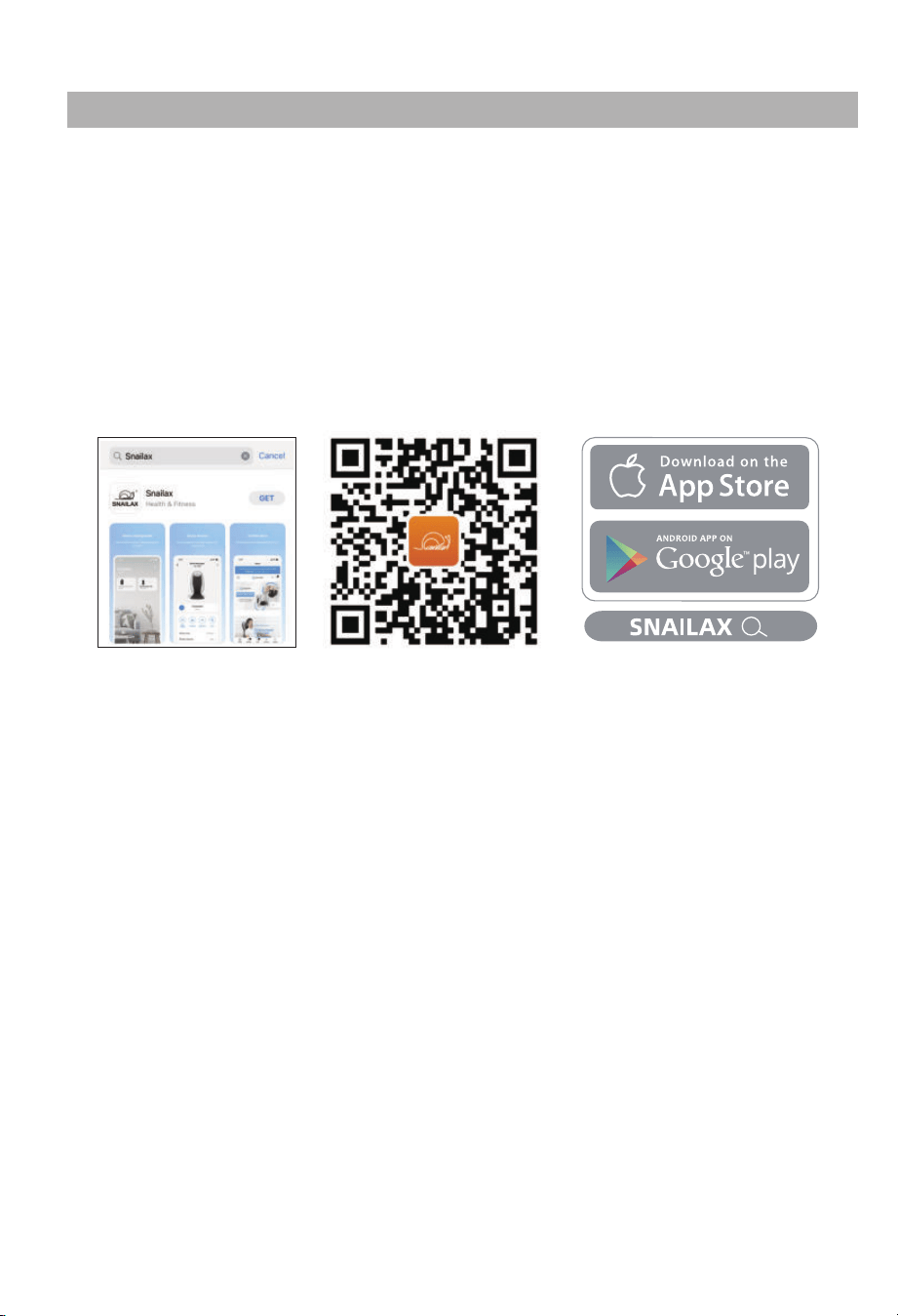
1.Download and Install free SNAILAX App onto your smart phone.
Search SNAILAX in the Apple App store or Google play store,
or Scan below QR code
2. Open the App and follow set-up pairing instruc�ons:
2.1 Register your account in the SNAILAX App using your email.
2.2 Enable bluetooth on your smart phone.
(For IOS:Please ensure that the mobile phone OS version is 11.0 or later )
For iOS users, please ensure that the iOS version is 11.0 or later,
iOS 13 requires Bluetooth permissions:
a. Go to se�ngs
b. Scroll down to find the SNAILAX App,
c. Switch on the Bluetooth permissions for the SNAILAX App.
For Android users,ensure loca�onal data is turned ON.
7
SNAILAX App Guide
STEP 2
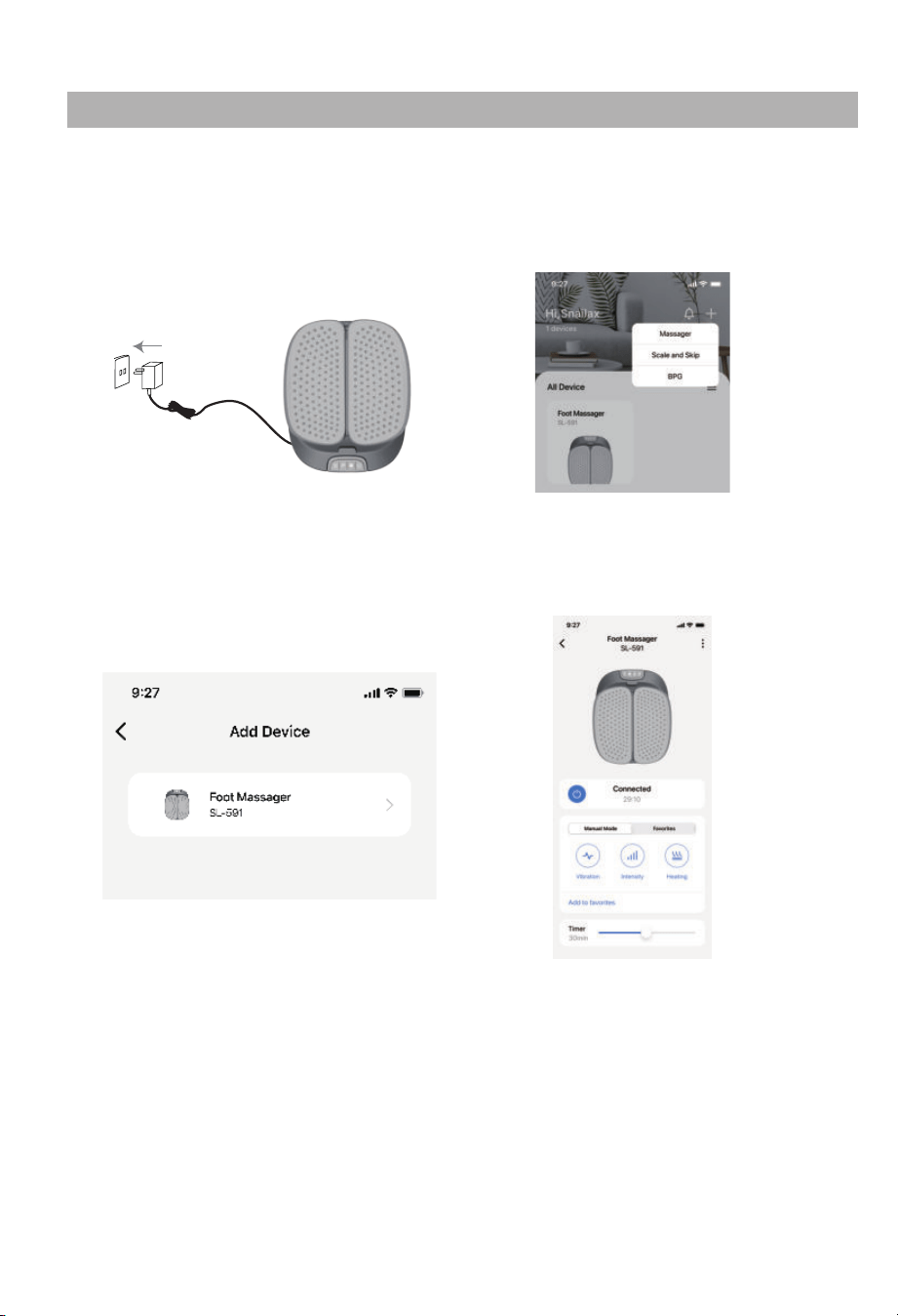
b.Tap+ and Choose“Massager”
on the App page.
a.Connect the adapter cable
to the foot massager,then
open the
SNAILAX App
c.Tap the device name on the
pairing page.
d.Pairing is successful when
'connected' shows on the
App page.
Pairing the SNAILAX Massager with your smart phone.
SL-256

8
WARRANTY
If the product(s) is damaged or defec�ve within a reasonable �me, Snailax offers the
warranty as below.
Valid proof of purchase under this Warranty:
Order numbers from online purchases made through Snailax official store (www.snailax.com)
or Snailax's direct-authorized resellers, currently only at Amazon/eBay/Walmart. For product(s)
obtained from other Channels, please contact the customer service of the Channel directly for
appropriate solu�on.
Warranty Claim Procedures:
1. Any product the customer believes is defec�ve and seeks for warranty, the customer must
provide to Customer Support:
2. If the warranty claim is jus�fied by Snailax Customer Support, customer(s) will obtain from
Snailax a Warranty/Return Authoriza�on Number (RMA Number)
3.Snailax reserves the right to specify that items be returned to the designated warehouse for
inspec�on or be inspected by our representa�ve in the field or be retained by customer.
4. Any claim for defec�ve merchandise returns must be packed in original packaging
5. The item(s) will be repaired or replaced or a refund credit will be issued once the item(s)
are delivered. When returning items with RMA# and a prepaid shipping label provided by
Snailax, Snailax takes responsibility for any damage or loss incurred in transit.
a) Valid proof of purchase (see below the defini�on of valid proof of purchase);
b) Pictures and/or descrip�on are required to claim defec�ve merchandise;
c) Model number and Series Number label a�ached to each product
Period
Within 30 Days
31- 90 Days
91 Days - 1 Year
1 Year - 3 Years
Return for refund
Yes
Yes a�er being jus�fied
No
No
Return for replacement
Yes if undamaged
Yes a�er being jus�fied
Yes a�er being jus�fied
Who paid shipping?
Snailax
Snailax
Buyer
Only to buyers who have
received extended warranty
Buyer
Snailax warrants the product to be free from defects in workmanship and materials, under
normal use, for a period of 12 months from the original invoice date, except as noted below.
Snailax products can be repaired or replaced within warranty period or returned for refund
within 90 days if the products break down in the period of proper use.
The warranty extends only to consumers, NOT to any retailers or resellers. This warranty is
effec�ve only if the product is purchased and operated in the country in which the product is
purchased. Warranty claims for product defects, unless extended warranty is registered,
expire 12 months from the purchase day. Warranty claims CANNOT be processed for items
that have exceeded the warranty period. The warranty does NOT cover the replaced,
refurbished product. The warranty does have other limita�ons as below “Warranty
Limita�ons”. To obtain warranty service on Snailax products, follow “Warranty Claim
Procedures” below.
9
WARRANTY
Extend Warranty for Free
1) Enter the following URL or scan the QR code below to find Snailax facebook page and
like it, enter“Warranty” to messenger to extend your warranty from 1 year to 3 years.
h�ps://www.facebook.com/snailax
OR 2) Send message“Warranty” and email us [email protected] to extend your
warranty from 1 year to 3 years.
Warranty Limita�ons(this warranty does not include):
Refund Procedures:
(Refer to h�ps://www.snailax.com/pages/refund-policy for detail instruc�ons)
Warranty Disclaimer
THE WARRANTY PROVIDED HEREIN SHALL BE THE SOLE AND EXCLUSIVE WARRANTY. SNAILAX
SHALL HAVE NO LIABILITY FOR, AND EXPRESSLY DISCLAIMS ANY WARRANTY OR AFFIRMATION
OF FACT, EXPRESS OR IMPLIED, OTHER THAN AS SET FORTH IN THIS WARRANTY STATEMENT,
INCLUDING, WITHOUT LIMITATION
(1) THE IMPLIED WARRANTIES OF MERCHANTABILITY AND FITNESS FOR A PARTICULAR PURPOSE;
(2) ANY WARRANTY OR AFFIRMATION OF FACT RELATED TO MISUSE, IMPROPER SELECTION,
RECOMMENDATION, OR MISAPPLICATION OF ANY PRODUCT; AND
(3) ANY WARRANTY OR AFFIRMATION OF FACT THAT THE CATALOGS, LITERATURE AND
WEBSITES IT PROVIDES ACCURATELY ILLUSTRATE AND DESCRIBE PRODUCTS.
Snailax reserves all the right for final interpreta�on of these Terms of Warranty and Return
Policy above and the aright to change, modify, add or remove por�ons of these terms at any
�me without prior no�fica�on.
Normal wear and tear; Any condi�on resul�ng from other than ordinary residen�al wear or
any use for which the product was not intended, such as use in rental or contract trade or
commercial use; Any condi�on resul�ng from incorrect or inadequate maintenance or care;
Damage resul�ng from misuse, abuse, negligence, accidents or shipping damage, exposed to
environmental condi�ons temperatures, water, improper opera�on,improper installa�on,
improper use of electrical supply; transporta�on damage; the�,vandalism or;Damage
resul�ng from the a�achment or modifica�on of any unauthorized accessories;Fail to show
the valid proof of purchase;Lost or stolen products;Items that have expired their warranty
period; No quality-related issues (a�er 30 days of purchase);Free product/ Gi� offer by Snailax;
unauthorized repairs or modifica�on; Replaced or refurbished product.Dissa�sfac�on due to
buyer’s remorse (a�er 30 days of purchase).

2750 Carpenter Road, Suite 1 B, Ann Arbor, 48108
Tel: 734-709-6982 (
Monday-Friday 9:00AM-4:30PM)
Email: [email protected]
Web: www.snailax.com
NOTE: This equipment has been tested and found to comply with the limits for a Class B
digital device, pursuant to Part 15 of the FCC Rules. These limits are designed to provide
reasonable protec�on against harmful interference in a residen�al installa�on. This equipment
generates, uses and can radiate radio frequency energy and, if not installed and used in
accordance with the instruc�ons, may cause harmful interference to radio communica�ons.
However, there is no guarantee that interference will not occur in a par�cular installa�on.
If this equipment does cause harmful interference to radio or television recep�on, which can
be determined by turning the equipment off and on, the user is encouraged to try to correct
the interference by one or more of the following measures:
• Reorient or relocate the receiving antenna.
• Increase the separa�on between the equipment and receiver.
• Connect the equipment into an outlet on a circuit different from that to which the receiver
is connected.
• Consult the dealer or an experienced radio / TV technician for help.
This device complies with Part 15 of the FCC Rules. Opera�on is subject to the following two
condi�ons:
(1) this device may not cause harmful interference, and (2) this device must accept any
interference received, including interference that may cause undesired opera�on.
WARNING: Changes or modifica�ons to this unit is not expressly approved by the party
responsible for compliance could void the user's authority to operate the equipment.
FCC STATEMENT
*Please provide your order number before contac�ng customer support
SNAILAX CORPORATION
Know more about Snailax