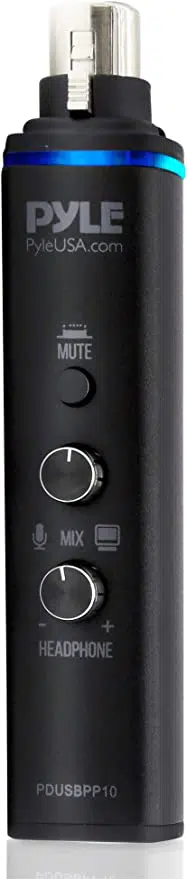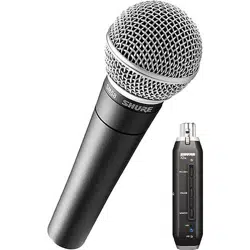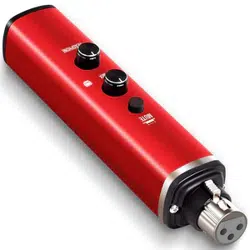
Microphone XLR-to-USB Adaptor
PDUSBPP10RD
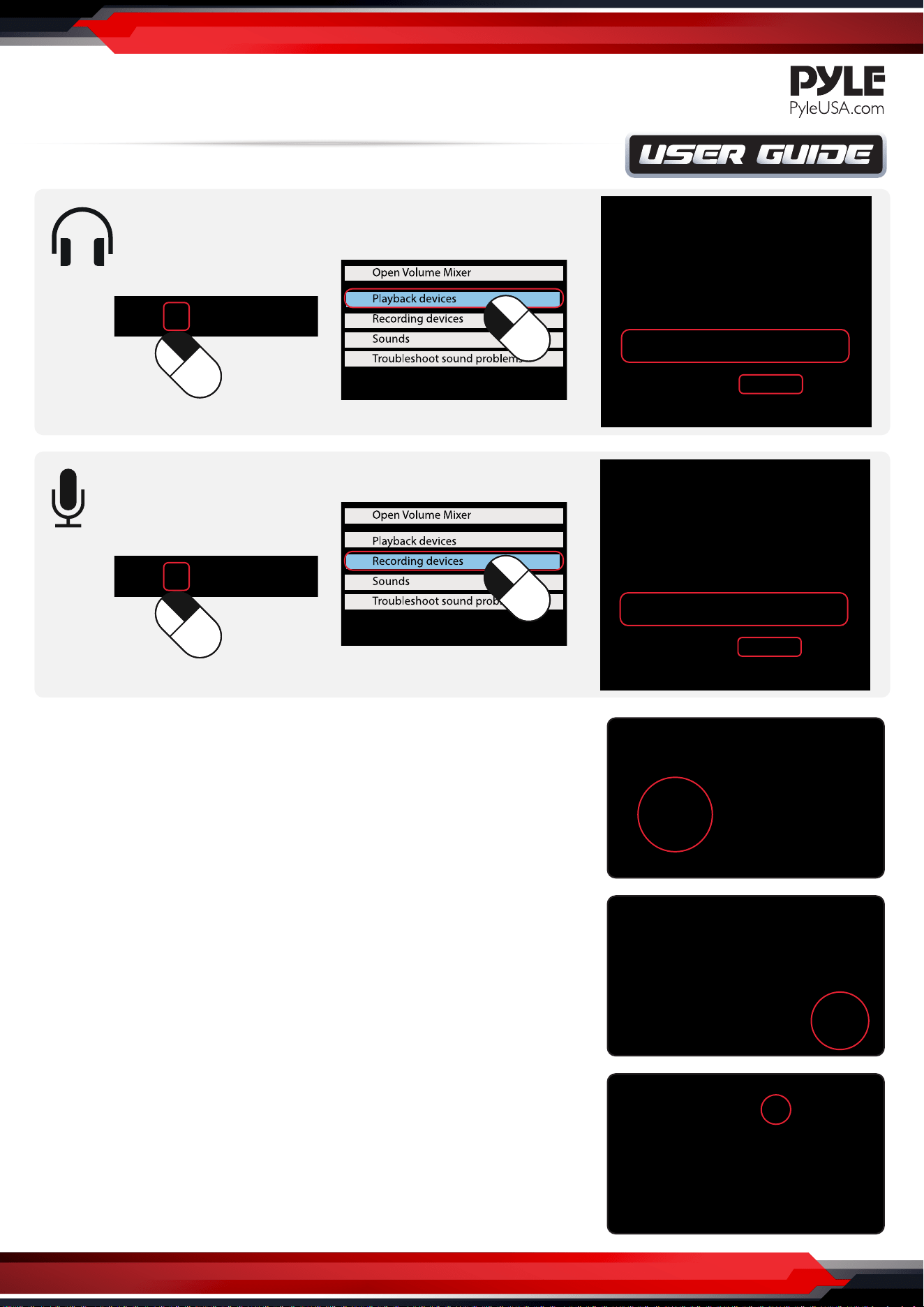
CHANGE SOUND INPUT/OUTPUT ON MAC OS
USB Mic Interface with Volume Control, Easy USB Plug-and-Play (+48V Phantom Power)
www.PyleUSA.com
INSTALLATION- WINDOWS 7/8/10
1. On your Mac, choose Apple menu > System Preferences,
click Sound, then click Output.
2. Select the device you want to use in the list of sound
output devices.
For any device plugged into the computer’s sound port,
choose Microphones.
3. Do any of the following to adjust your sound output settings:
Adjust the balance or volume: Drag the volume slider.
Show a volume control in the menu bar: Select the
“Show volume in menu bar” tickbox so you can turn the volume
up or down from anywhere.
To set a separate volume for alert sounds, click Sound Eects.
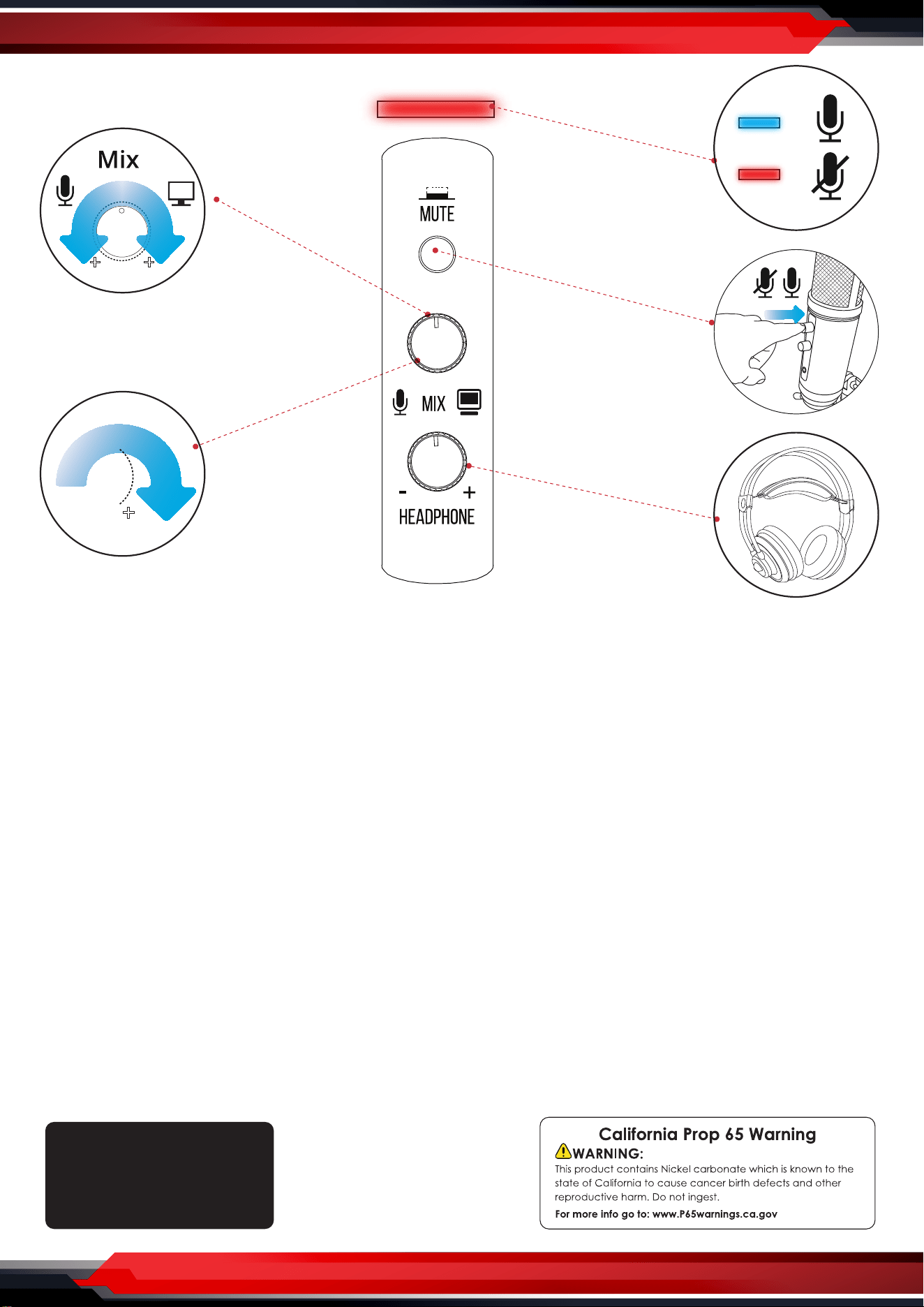
Mute
LED
Mic Volume Control
Headphone Volume Control
Features:
•
Universal USB Microphone Adapter
• Allows the Use of XLR Microphones
on Your Computer
• Simple ‘Plug-and-Play’ Operation
• Provides +48V Phantom Power
• Connects to Computer via Included USB Cable
• Adjustable Headphone Volume & Mix Audio
Control
• Compact, Mini USB Audio Interface Design
• Universal Computer Compatibility:
Works with PC, Mac, Linux
• For Home, Oce & Business Use
What’s in the Box:
•
Mic Adaptor
• USB Cable
Technical Specs:
•
Connection Interface:
USB Mini 2.0, Powered / XLR, 3-Pin
• Frequency Response: 20-20kHz
• Mic Gain: -15dB (22dB Max)
• S/N Ratio: 90dB
• Dynamic Range: 100dB
• T.H.D.: 0.9%
• Bit Depth: 24 bit
• Sampling Rate: up to 96kHz
• Construction Material: Engineered Aluminum Alloy
• Computer Operating System Support: Windows XP,
Vista, 7, 8, 10, Mac OS X, Linux
• Power Output: USB-Powered, 500 mA
• USB Cable Length: 5.9’ ft.
• Dimensions (L x W x H): 5.7’’ x 1.14’’ x 1.14’’ -inches
VOLUME CONTROL
www.PyleUSA.com
Questions? Issues?
We are here to help!
Phone: (1) 718-535-1800
Email: suppor[email protected]om