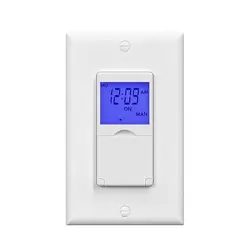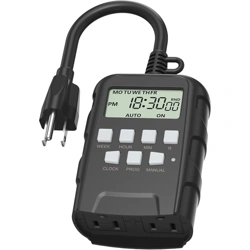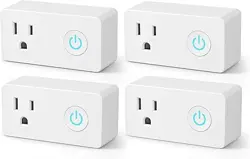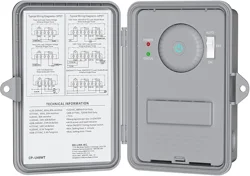
A.
PRODUCT FUNCTION
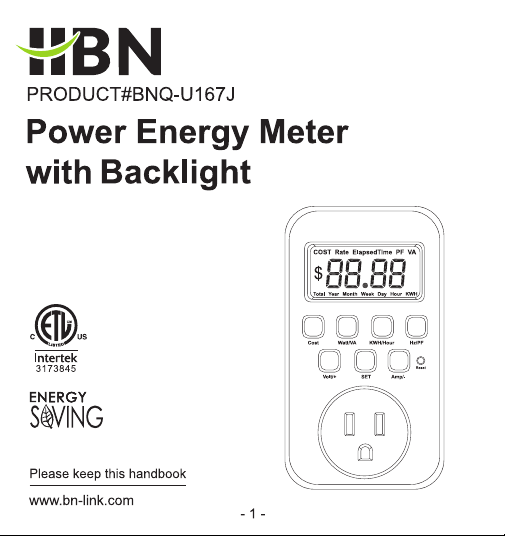
Button Illustration:
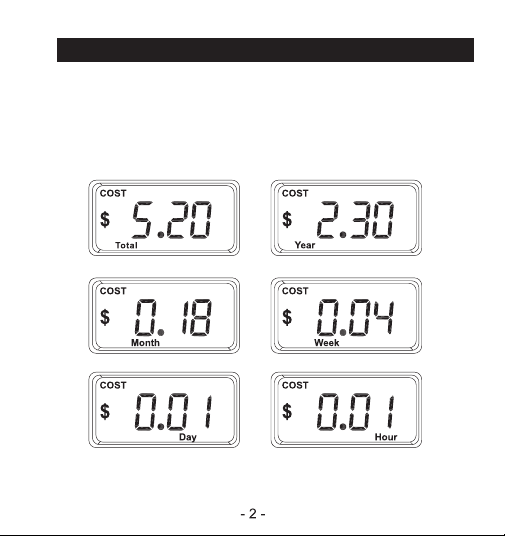
1.Cost:
Press to check the electricity cost based on the latest unit price.
Press “Volt/+ ” or “Amp/-” to check the electricity cost per unit time.
Total / Year / Month / Week / Day / Hour
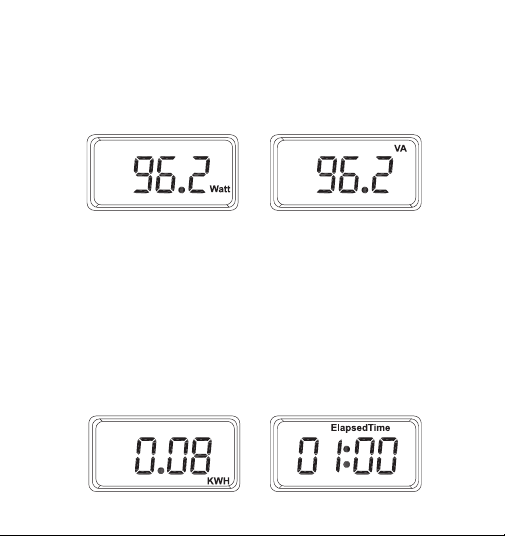
2.Watt/VA
Press once for load's effective power (Watt), twice for power
volt-amperes (VA).
Watt: To 1 decimal places.
VA: To 1 decimal places.
When the value is greater than 1000, it is displayed to the
nearest whole number.
3.KWH/Hour
Press once for kilowatt-hours (KWH), twice for elapsed power-on
time.
KWH: To 2 decimal places when under 100;
To 1 decimal place when over 100;
As a whole number when over 1000.
Hour: lf it exceeds 100 hours, minutes won't display, and ":"won't be
shown.
lt can show up to 9999 hours max.
- 3 -
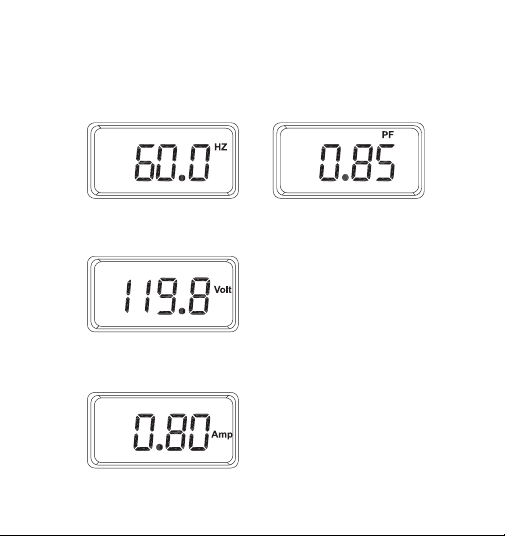
4.Hz/PF
Press once for power frequency (HZ), twice for load power factor (PF).
Hz: To 1 decimal places.
PF: To 2 decimal places.
5.Volt/+
Press to display the voltage (Volt), to 1 decimal places.
6.Amp/+
Press to display the current value (Amp), to 2 decimal places.
- 4 -
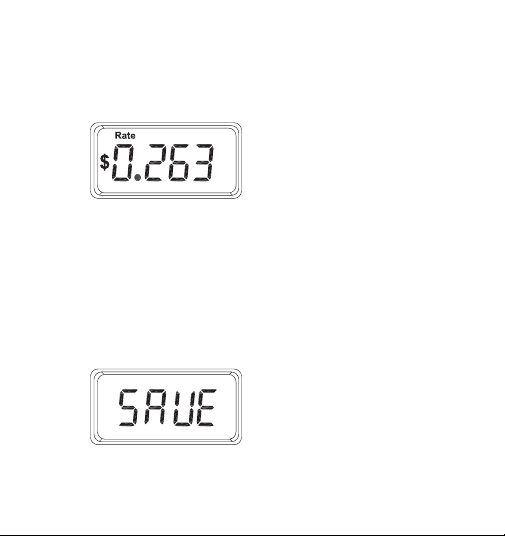
7.SET: Set the unit price rate
7.1. Hold the SET button for 3 seconds in any interface to enter
the unit price setting. The previously set Rate value will be
displayed. (The number flashes)
7.2 Volt/+ button to adjust upwards.
Amp/- button to adjust downwards.
Long-press for rapid changes.
7.3 After the setting is completed, press the SET button to save.
"SAVE" briefly appears, then exits after 0.5 seconds, returning to
the previous interface.
- 5 -
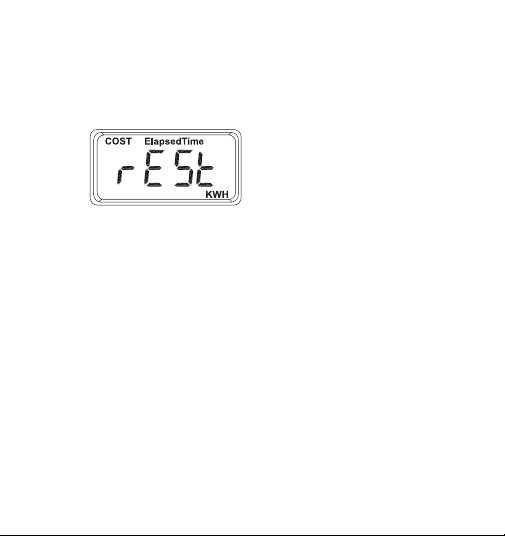
8.Reset: Clear the accumulated data and restore factory settings.
8.1 Clear the accumulated data
Press and hold the “Reset” button for 3 seconds, the data of KWH,
Elapsed Time, and Total COST will be cleared.
The interface will be displayed for 1 second, then return to the
previous display interface.
8.2 Restore factory settings.
Press and hold the “SET” button and the “Reset” button for 3
seconds to restore the factory settings.
The KWH, Elapsed Time and Total COST data are cleared and the
tariff data is restored to the default value.
- 6 -
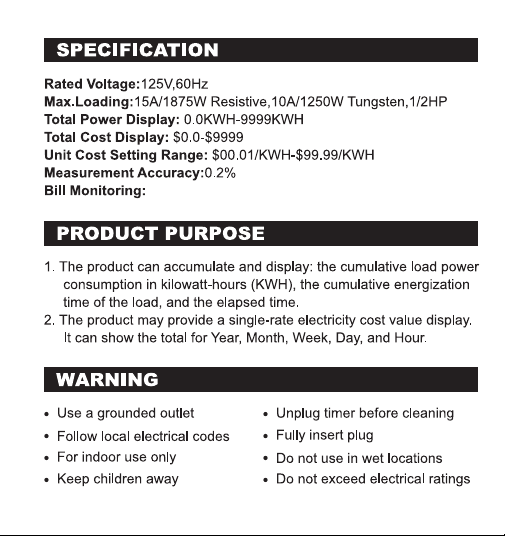
Hour/Day Week/Month/Year/Total/
B.
C.
D.
- 7 -
E.
F
30-Day Money-Back Guarantee:
If you are not satisfied with your purchase, you can request a
refund within 30 days.
12-Month Warranty:
The device must have been used under proper technical conditions.
Covers failures and defects not caused by human error.
Scan the QR code to activate your warranty and enjoy full customer support
- 8 -
G.
- 9 -