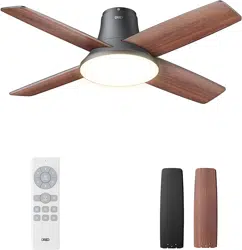
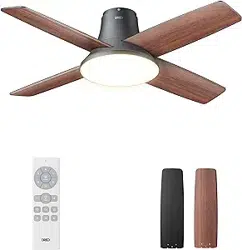
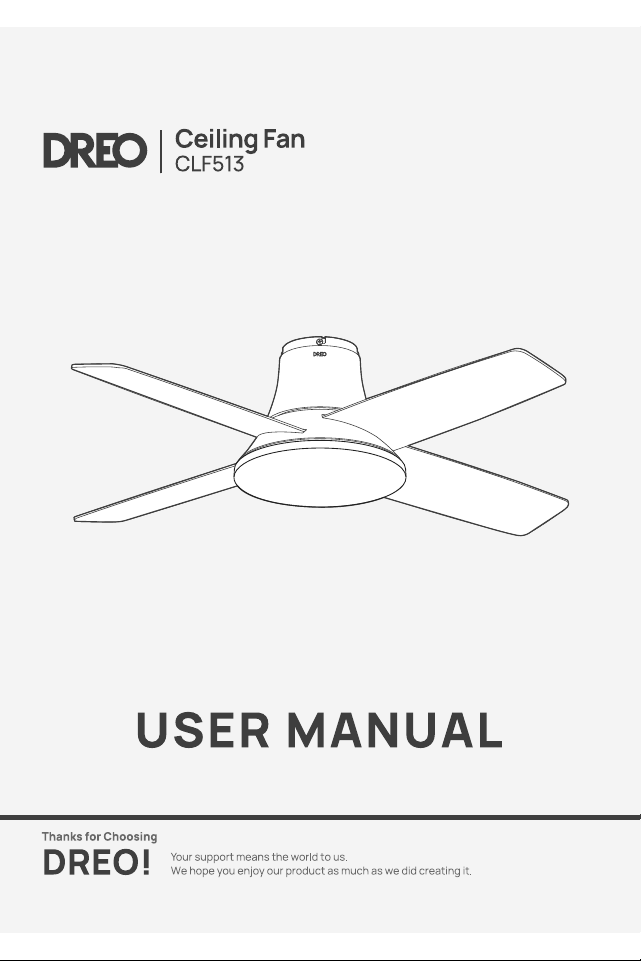
Dreo DR-HCF003 Ceiling Fans With Lights, 44'' Low Profile Black Ceiling Fan With Remote

Product's Documents

Below are documents related to this product, you can read online or download:
DR-HCF003 photo

User Manual

This is the main product document for model DR-HCF003.

The file format is pdf, 20 pages, you can download this manual here .

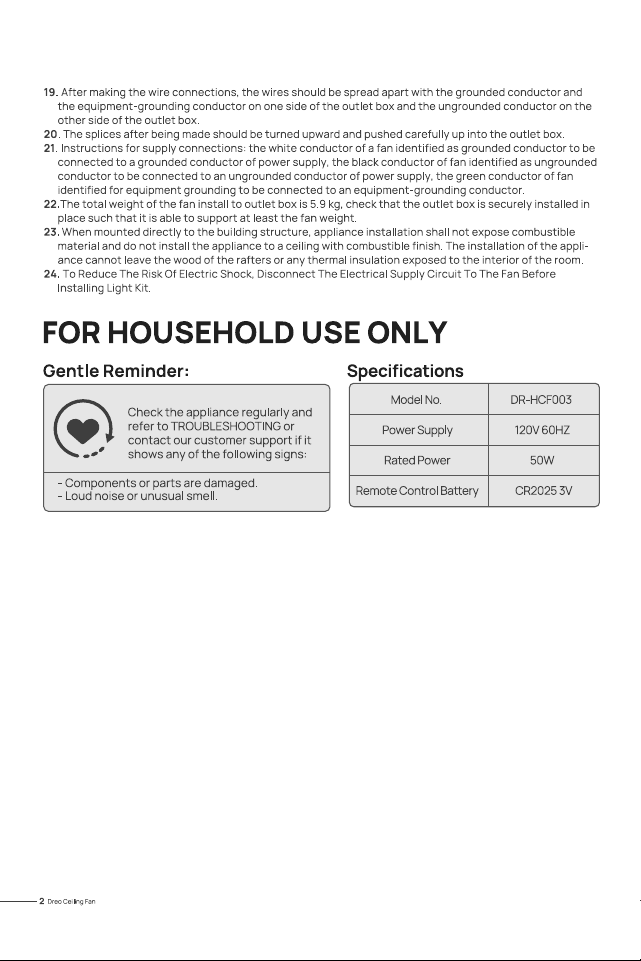
Specifications

Dreo DR-HCF003 Questions and Answers


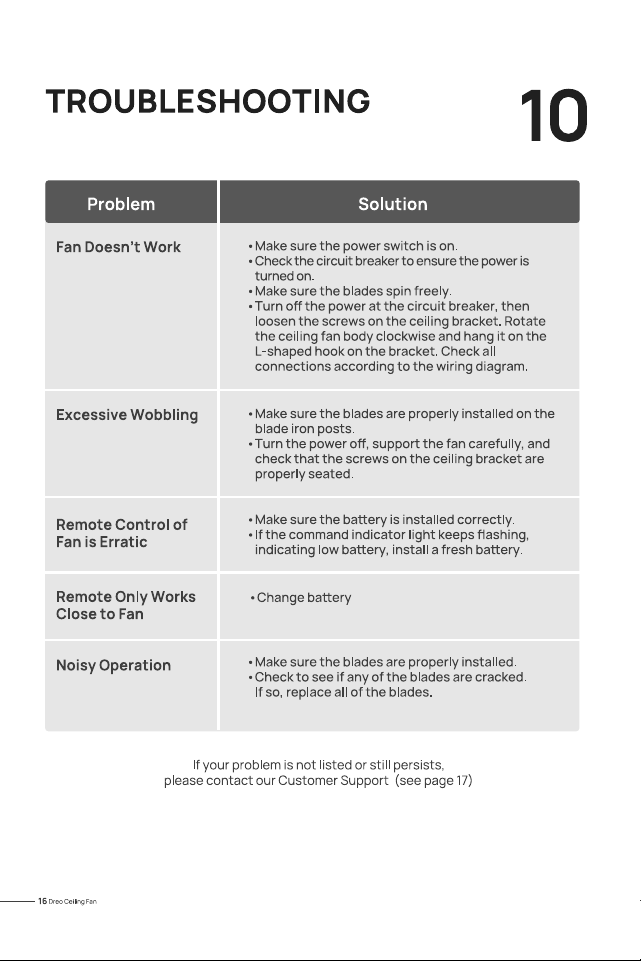
#1 Fan Doesn't Work

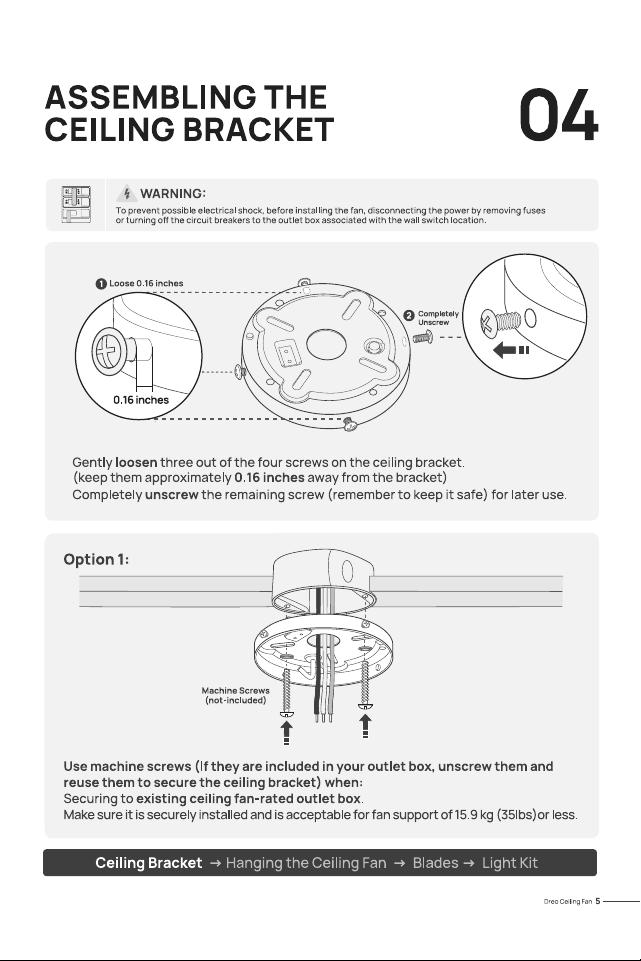
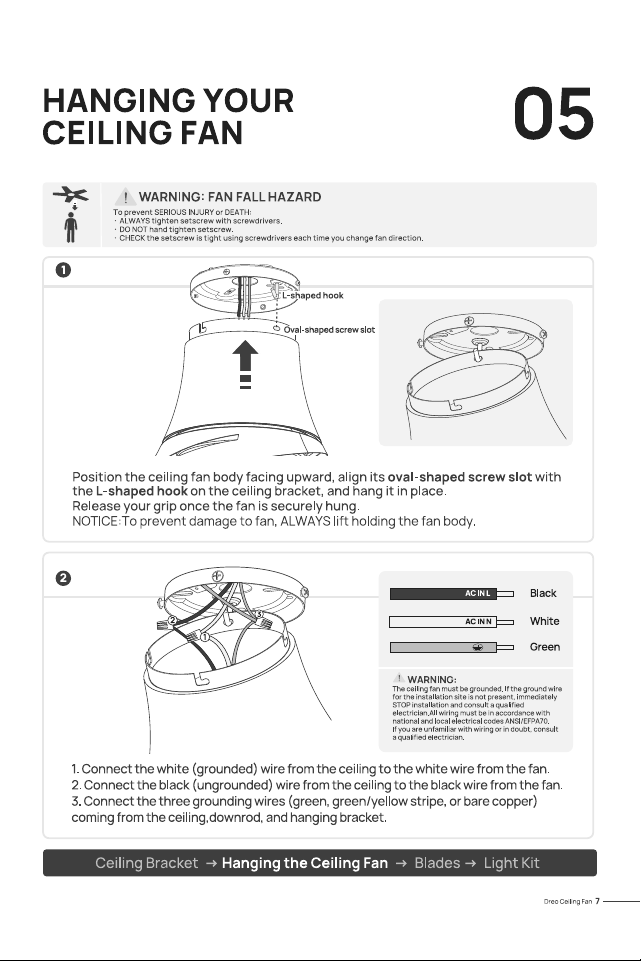
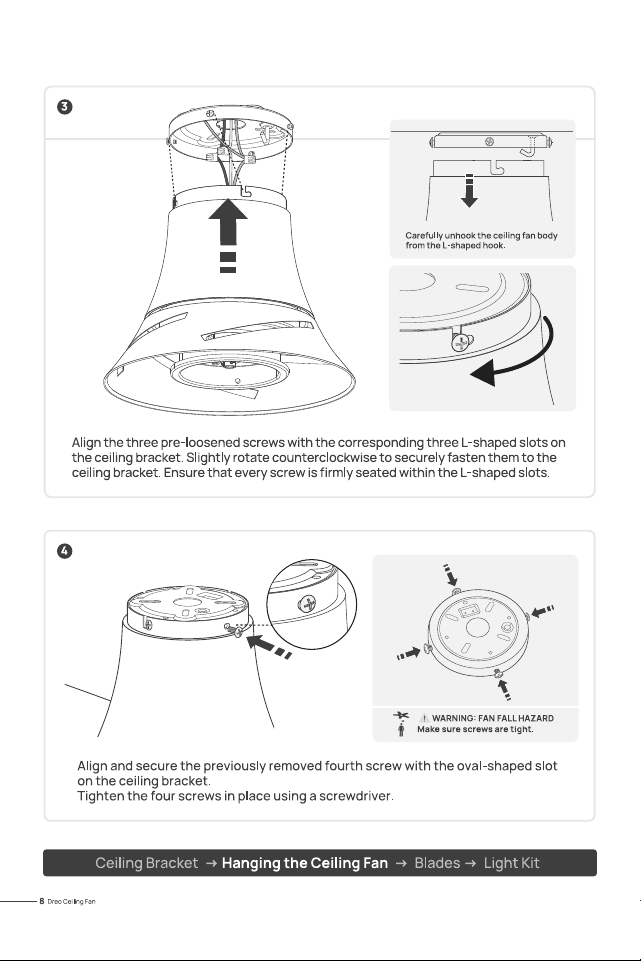
Make sure the power switch is on. Check the circuit breaker to ensure the power is turned on.Make sure the blades spin freely.Turn off the power at the circuit breaker, then loosen the screws on the ceiling bracket. Rotate the ceiling fan body clockwise and hang it on the L shaped hook on the bracket. Check all connections according to the wiring diagram.
#2 Excessive Wobbling

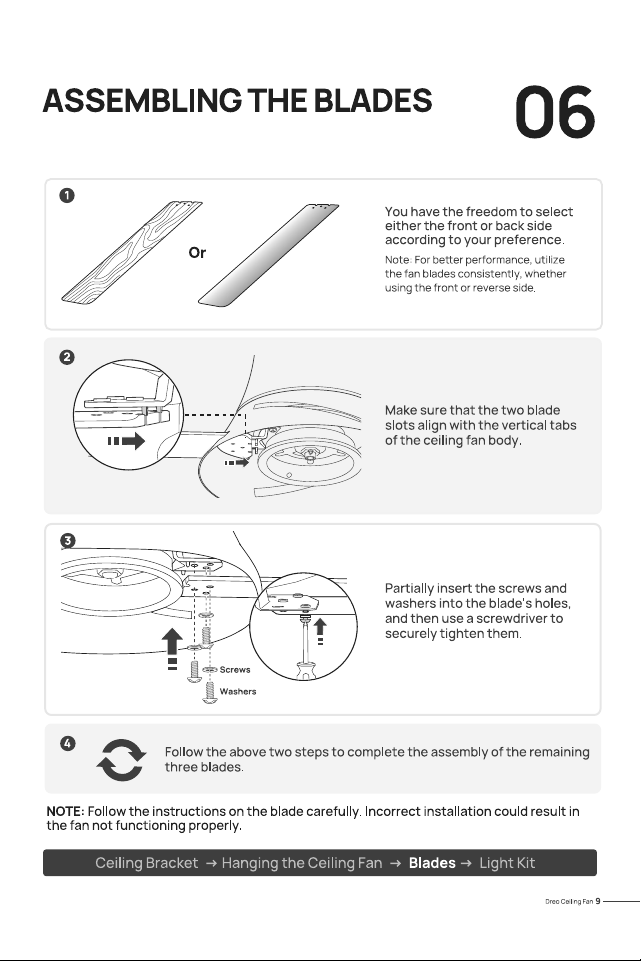
Make sure the blades are properly installed on the blade iron posts.Turn the power off, support the fan carefully, and check that the screws on the ceiling bracket are properly seated.

#3 Remote Control of Fan is Erratic

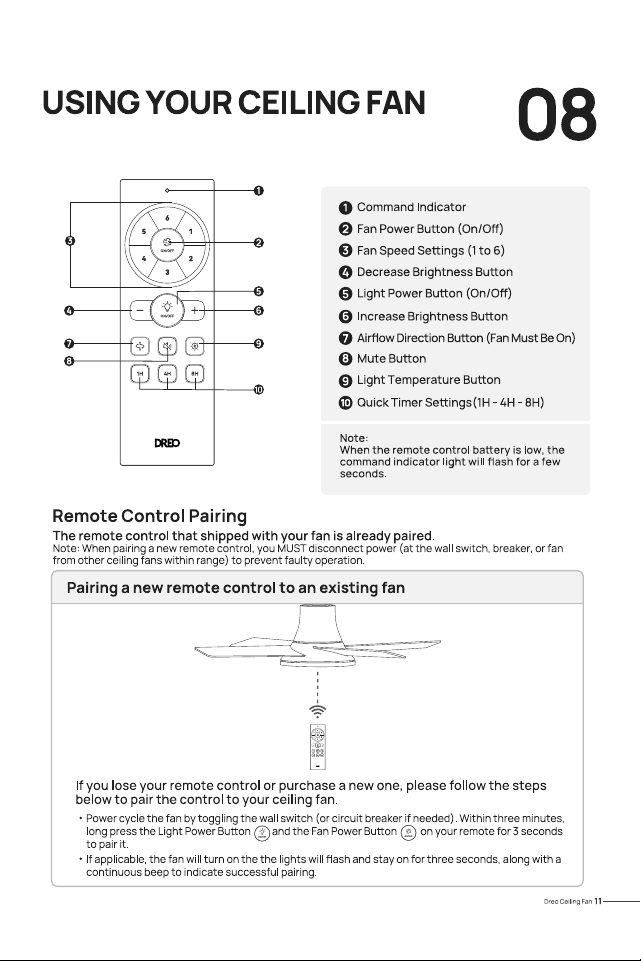
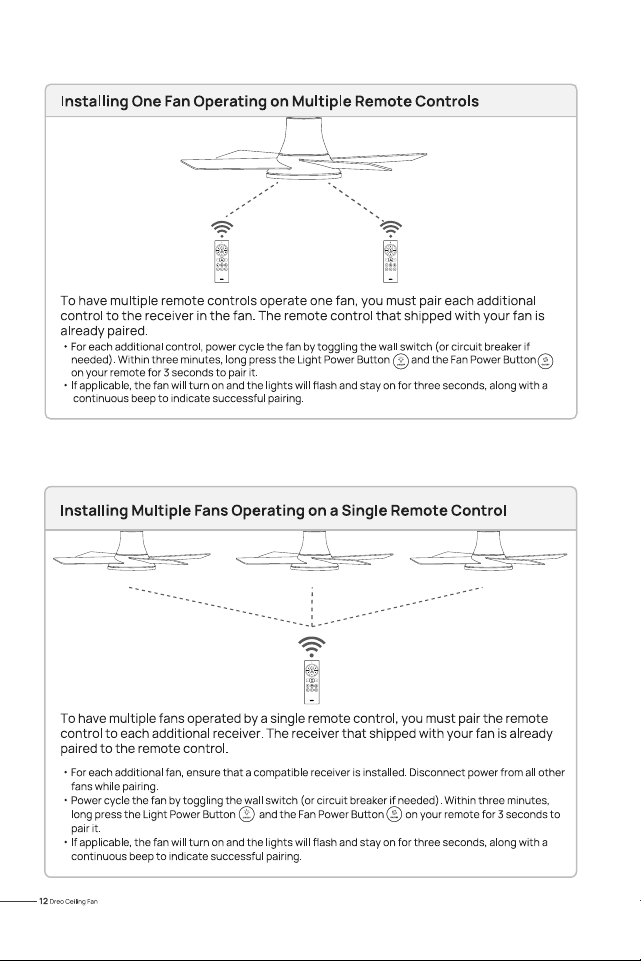
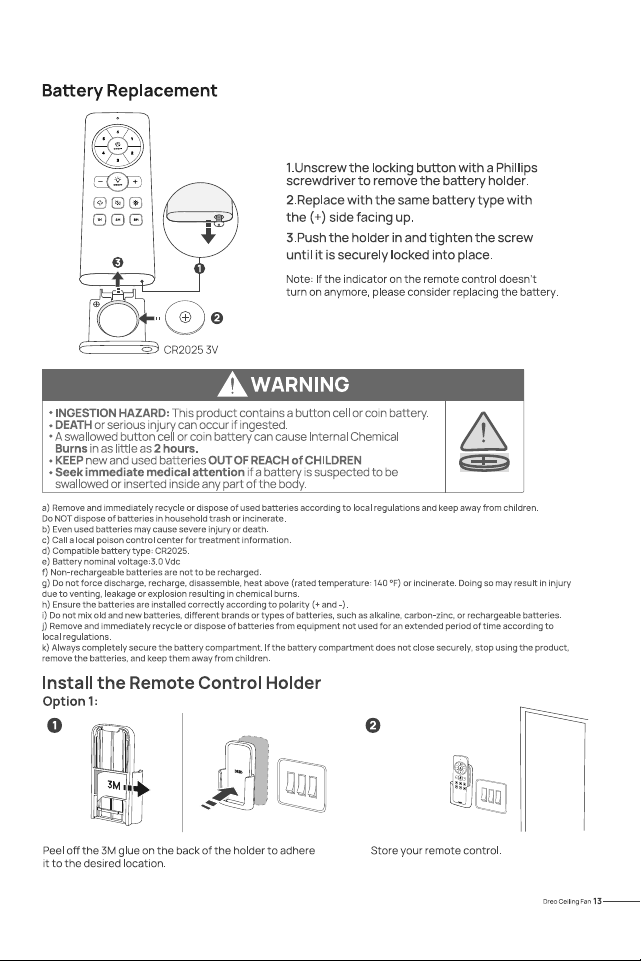
Make sure the battery is installed correctly. If the command indicator light keeps flashing, indicating low battery, replace the battery.

#4 Remote Only Works Close to Fan

Replace the battery

#5 Noisy Operation

Make sure the blades are properly installed.Check to see if any of the blades are cracked.If so, replace all of the blades.