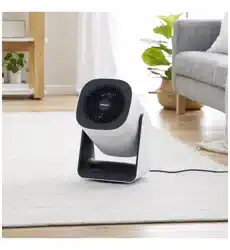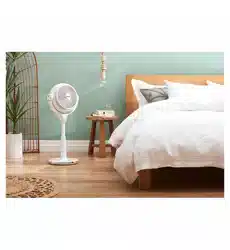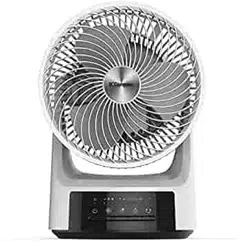
For domestic household use only.
INSTRUCTION MANUAL
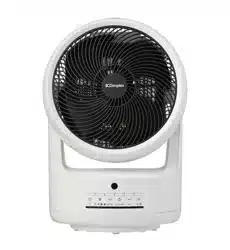
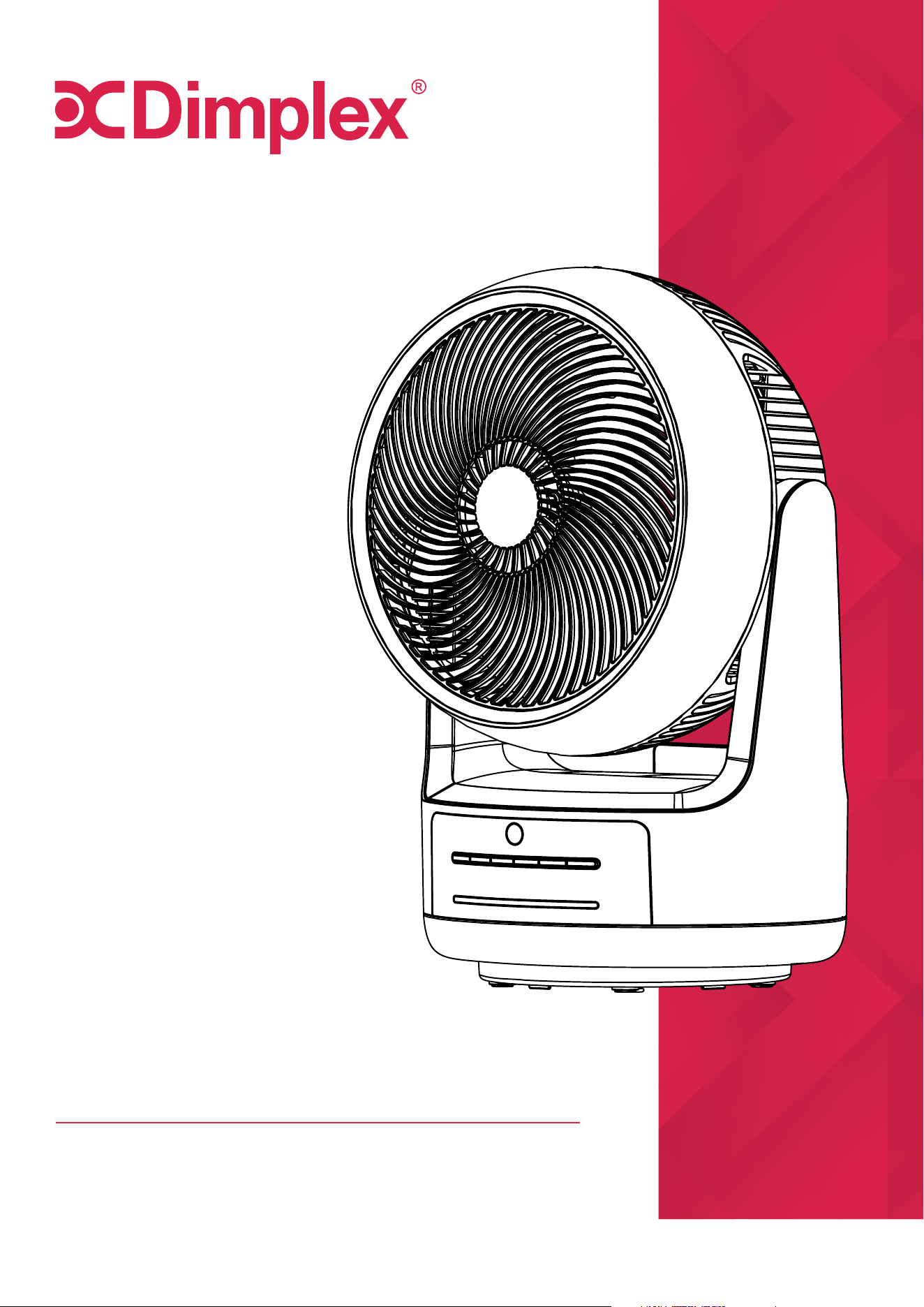
Heat & Cool Air Circulator Fan
Model: DCAC25HC
CAUTION: FAILURE TO FOLLOW THESE INSTRUCTIONS MAY CAUSE
INJURY AND/OR DAMAGE AND MAY INVALIDATE YOUR WARRANTY
Please read the operating instructions carefully before using your air circulator for the
first time and keep them in a safe place.
WARNING – This appliance must not be used in a bathroom.
WARNING – Do not use this appliance in the immediate surroundings of a bath, a
shower or a swimming pool.
WARNING – In order to avoid overheating, do not cover this heater.
WARNING – Do not use this heater in small rooms when they are occupied by persons
not capable of leaving the room on their own, unless constant supervision is provided.
WARNING – To reduce the risk of fire, keep textiles, curtains, or any other flammable
material a minimum distance of 1 metre from the air outlet.
WARNING - In order to avoid a hazard due to inadvertent resetting of the thermal cut-
out, this appliance must not be supplied through an external switching device, such as
a timer, or connected to a circuit that is regularly switched on and o by the utility.
WARNING – Some parts of this unit can become very hot and cause burns. Particular
attention has to be given where children and vulnerable people are present.
• If the supply cord is damaged it must only be replaced by the manufacturers service
agent or a similarly qualified person in order to avoid a hazard.
• This appliance is not intended for use by persons (including children) with reduced
physical, sensory or mental capabilities, or lack of experience and knowledge, unless
they have been given supervision or instruction concerning use of the appliance by
a person responsible for their safety.
• Children should be supervised to ensure they do not play with the appliance.
• Prior to cleaning or other maintenance, the appliance must be disconnected from
the supply mains.
• Children shall not plug in, regulate and clean the appliance or perform user
maintenance.
• Never immerse the appliance in water or other liquids.
• Do not place on soft, unstable or non-horizontal/angled surfaces.
• Never operate the appliance if a cable or connector has been damaged, after
appliance malfunction or if the appliance was dropped or is otherwise damaged.
IMPORTANT
THESE INSTRUCTIONS SHOULD BE READ CAREFULLY AND
RETAINED FOR FUTURE REFERENCE.
Note also the information presented on the appliance
2

• Please ask a professional service agent to repair the product. Improper repair may
cause danger to users.
• Disconnect the appliance from mains power whenever it is not in use, before
relocating it, and before cleaning.
• Operate the appliance only at the voltage specified on the rating label.
• Only connect the unit to a properly installed and easily accessible socket so that
you can quickly disconnect the plug if necessary.
• Do not connect this product to the mains using an extension lead.
• This air circulator is only intended for INDOOR RESIDENTIAL applications. This air
circulator should not be used for commercial or industrial or leisure applications or
in small enclosed spaces.
• Never use the mains lead as a carrying strap or pulling lead.
• To avoid a fire or electrocution hazard, NEVER put the cord near heat registers,
radiator, stoves or heaters.
• DO NOT cover cord with carpeting, throw rugs, runners, or similar coverings.
• DO NOT route cord under furniture or appliances. Take care to position the cord
away from trac areas and where it will not be a tripping hazard.
• DO NOT use the unit near windows or where water collects. Rain and water collection
may lead to a risk of fire or electric shock.
• DO NOT use this heater if it has been dropped.
• DO NOT use if there are visible signs of damage to the heater.
• The heater must not be located immediately below a power outlet.
• WARNING - To avoid danger of suocation please remove all packaging materials
particularly plastic and EPS and keep these away from vulnerable people, children
and babies.
• NEVER drop or insert any object or fingers into any openings.
• Do not use the appliance in locations where paint, petrol or other flammable liquids
are used or stored.
• Do not use bug sprays or other flammable cleansers/vapour sprays on or around
the unit.
• Always switch o the unit and take the plug out of the socket:
•
If you are not using the unit
•
Before you clean or carry out maintenance on the unit
•
If a fault occurs
•
In the event of an electrical storm.
• Avoid electromagnetic interference. Keep the unit at least 1 metre away from
electrical appliances such as televisions & radios.
• Use this heater on a horizontal and stable surface.
• Children shall not plug in, regulate and clean the appliance or perform user
maintenance.
3
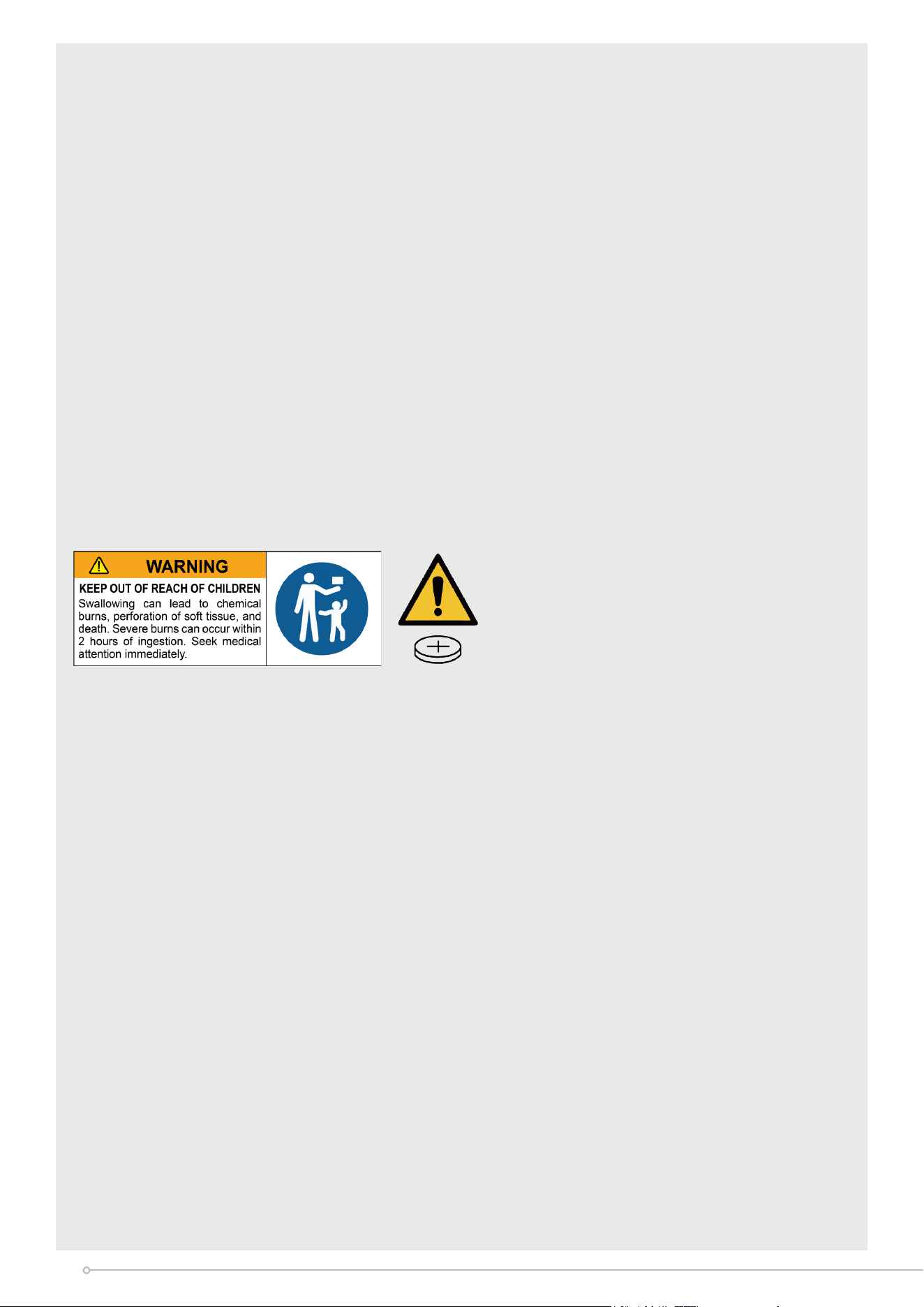
WARNING - KEEP BATTERIES OUT OF REACH OF CHILDREN
• Swallowing may lead to serious injury in as little as 2 hours or death, due to chemical
burns and potential perforation of the oesophagus.
• If you suspect your child has swallowed or inserted a button battery immediately
call the 24-hour Poisons Information Centre on 13 11 26 (in Australia) or 0800 764
766 (in New Zealand) for fast, expert advice.
• Examine devices and make sure the battery compartment is correctly secured,
e.g. that the screw or other mechanical fastener is tightened. Do not use if the
compartment is not secure.
• Dispose of used button batteries immediately and safely. Flat batteries can still be
dangerous.
• Do not ingest battery, Chemical Burn Hazard.
• This product contains a coin/button cell battery. If the coin/button cell battery is
swallowed, it can cause severe internal burns in just 2 hours and can lead to death.
• Keep new and used batteries away from children.
• If the battery compartment does not close securely, stop using the product and
keep it away from children. If you think batteries might have been swallowed or
placed inside any part of the body, seek immediate medical attention.
• The batteries contain materials, which are hazardous to the environment; they must
be removed from the appliance before it is scrapped and they are disposed of safely.
CAUTION: No obvious symptoms
Unfortunately, it is not obvious when a button or coin battery is stuck in a child's
oesophagus (food pipe).
There are no specic symptoms associated with this. The child might:
• Cough, gag or drool a lot
• Appear to have a stomach upset or virus
• Be sick
• Point to their throat or stomach
• Have a pain in their abdomen, chest or throat
• Be tired or lethargic
• Be quieter or more clingy than usual or otherwise 'not themselves'
• Lose their appetite or have a reduced appetite
• Not want to eat solid food/be unable to eat solid food
These types of symptoms vary or uctuate. With the pain increasing and then sub-
siding.
A specic symptom to button and coin battery ingestion is vomiting fresh (bright
red) blood. If the child does this seek immediate help. The lack of clear symptoms
is why it is important to be vigilant with 'at' or spare button or coin batteries in the
home and the products that contain them.
4
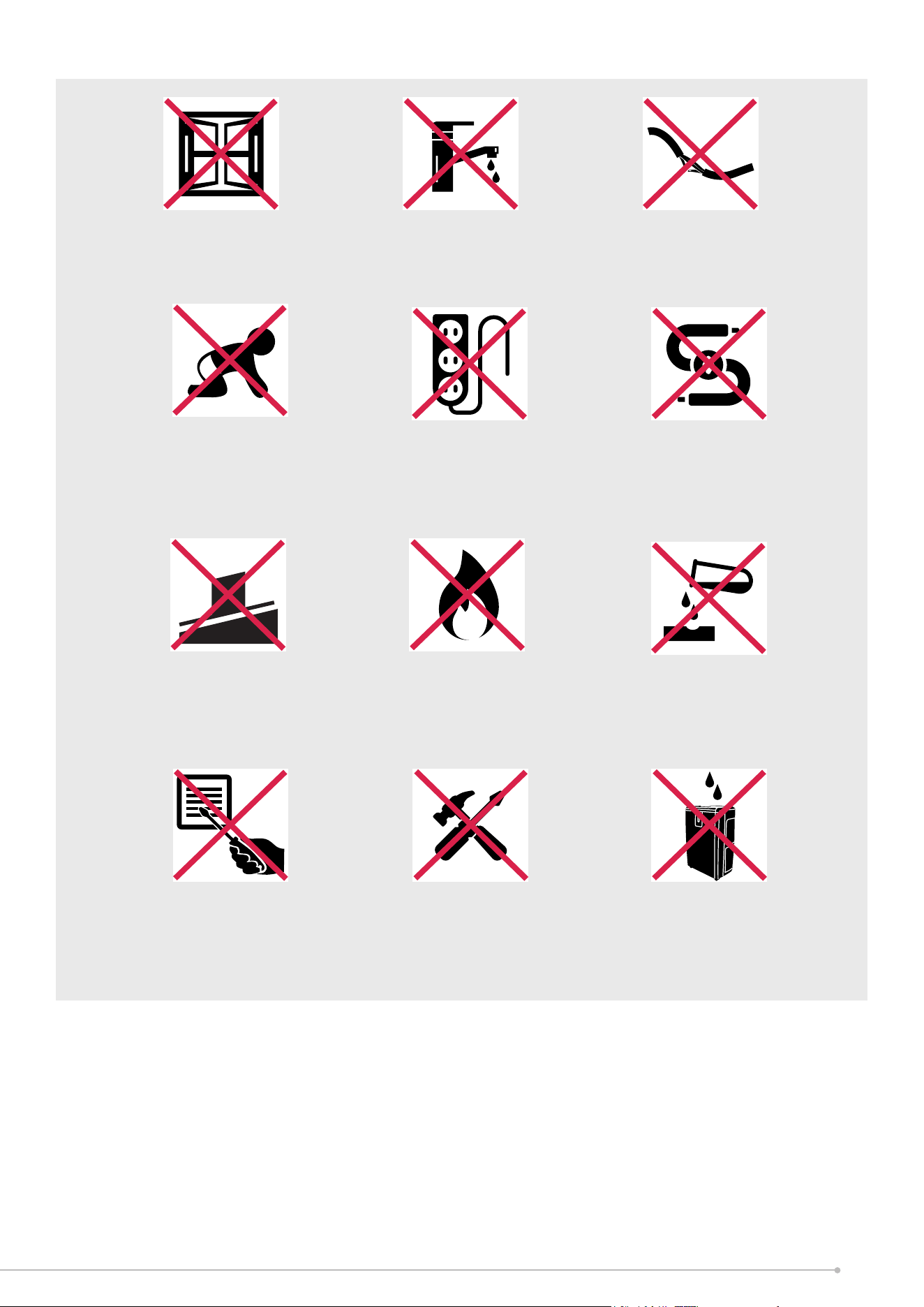
Exposed to the
weather outdoors
Near water If the power cable
wires are frayed or cut
Where small children
may be left unattended
No extension leads or
power boards
Where there is risk
of fire or close to
a naked flame
Where the power
cable may be
damaged
On a slope or
uneven surface
Where it may be
damaged by
chemicals
If there is a risk
of water falling on
the unit
Where there is a risk
of interference by
foreign objects
This product is not
made for DIY repair
5

Model no. DCAC25HC
Power supply
230-240V~, 50Hz
Rated power
40W (cooling)
900W/1500W (heating)
Speed settings
4 (cooling)
Heat settings 2
Timer 1-4 hours
Vertical oscillation (manual) 90
o
Horizontal oscillation (automatic) 80
o
Noise level (MAX)
≤55dB
Weight (net) 3.5kg
Dimensions (w x d x h) 280 x 220 x 412mm
Specification
• For greater precision, please always refer to the rating label placed on the product.
6

How It Works
In contrast to a traditional fan which brings only cooling benefits when directly facing
you; an air circulator works for any season, keeping the air in motion and making the
entire room more comfortable to be in.
Most fans simply lack the aerodynamics to keep the air in the room in motion. As
opposed to blowing air directly in contact with it, our Dimplex air circulators create a
3D oscillating draught in the form of an invisible jet stream.
This jet stream helps maintain a constant room temperature by ridding the room of
cold and warm spots. It also clears stuy atmospheres by circulating stale air with fresh
air from an open window.
Air circulators are the safe, all-year-round temperature regulation solution you’ve been
looking for.
Where To Position
During Summer, pointing the air circulator towards a wall halfway between the floor and
the ceiling, as well as using the highest setting, will set up a high speed air circulation
pattern.
This will cool down the room in an ecient manner. Pointing towards your air conditioner
will help distribute the cool air faster, saving time and energy; essentially Turbo boosting
your A/C.
During Winter, the use of a heater alone produces warm air that rises naturally to the
ceiling.
By pointing the air circulator upwards, and utilising the lowest speed setting, the hot air
will circulate with the cooler air near the floor, resulting in a more even room temperature.
7
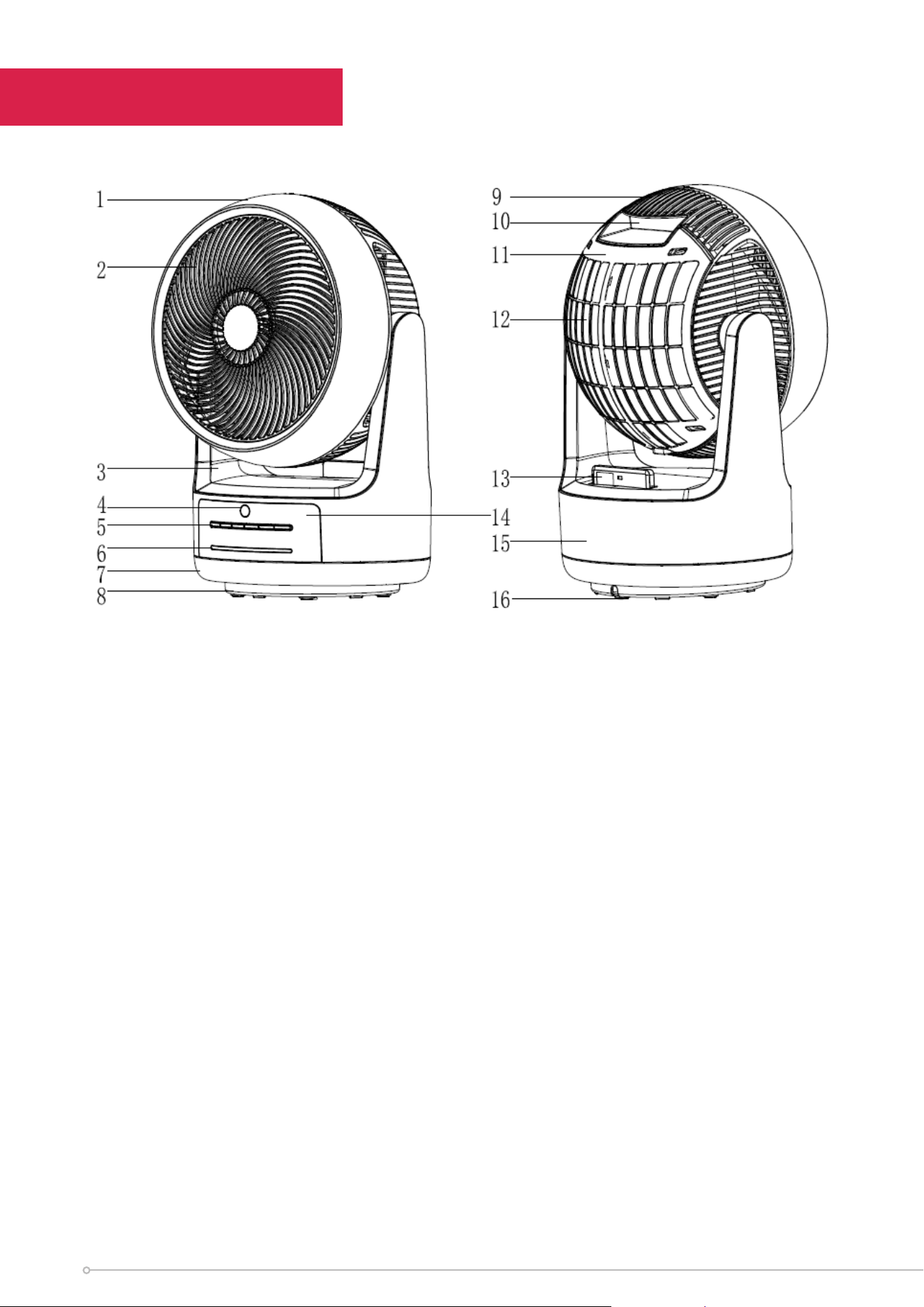
Parts
(1) Front Shell
(2) Front grille
(3) Support
(4) Remote control receiver
(5) Operation buttons
(6) LED Indicators
(7) Lower shell
(8) Base
(9) Rear guard
(10) Carry handle
(11) Rear shell
(12) Dust filter
(13) Remote control
(14) Control panel
(15) Body
(16) Foot pad
8
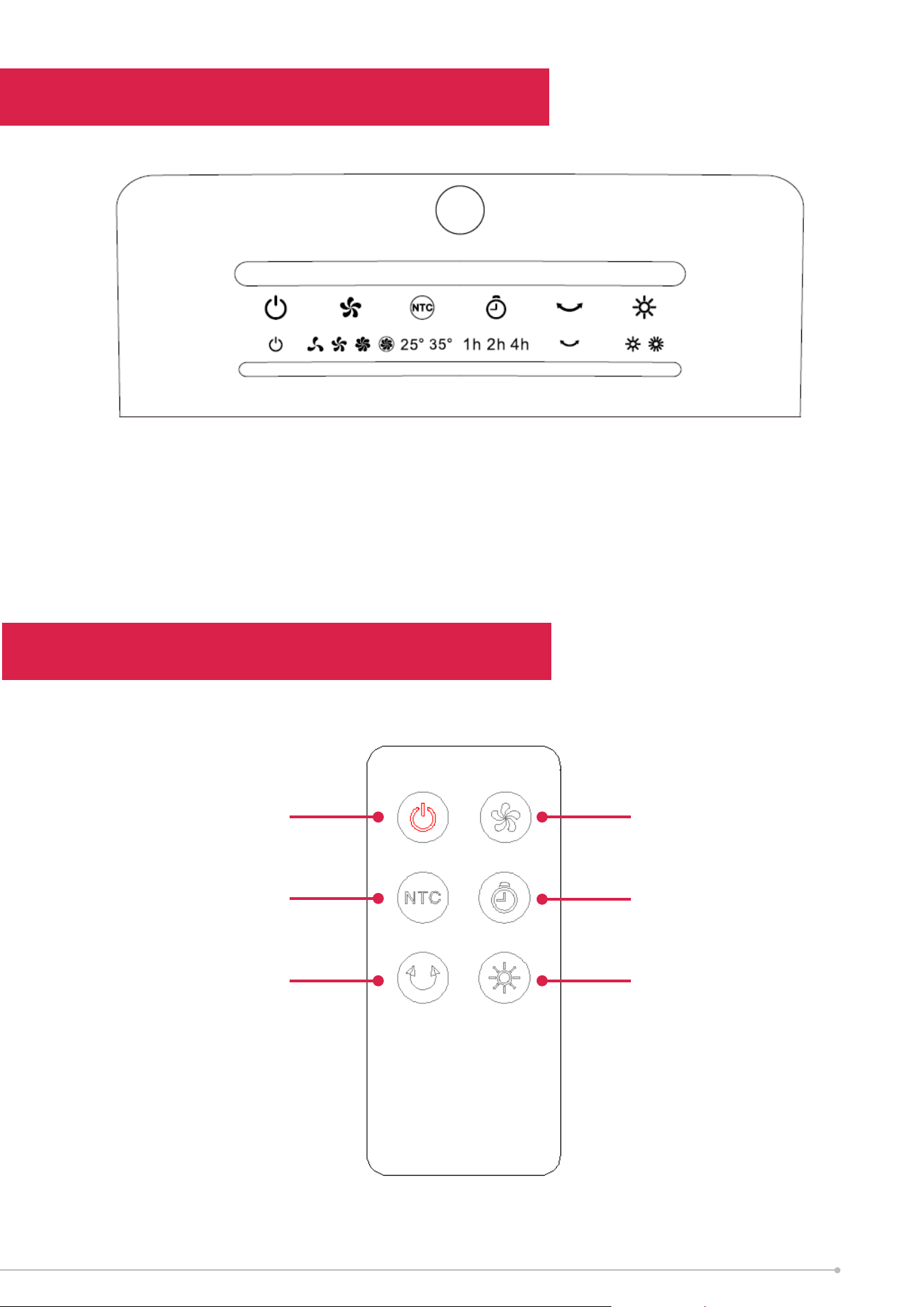
Control Panel & LED Display
Remote Control
(1) On/Standby
(2) Fan Speed (Cooling)
(3) Temperature selection (25, 35)
(1)
(4) Timer function (1h, 2h, 4h)
(5) Oscillation
(6) High/Low Heat setting
(2) (3) (4) (5) (6)
On/Standby
Oscillation
Fan Speed (Cooling)
Timer function
To remove the cover of the
remote, remove the screw.
Be aware a small screw
driver is needed for this
action.
Temperature selection
High/Low Heat Setting
9

Operation
FUNCTION
After the power is turned on, the device beeps twice and enters the standby state.
All functions and displays are turned o. (Note: If you press the On/Standby button
within 10 seconds after turning o the heater or directly press the On/Standby
button in the heating state, the fan will delay 10 seconds before turning o.
ON/STANDBY
When in standby, only this button (1) is operational. After turning on, the default fan
speed is level 1, and the level 1 fan speed indicator turns on along with the power
indicator. Press this button (1) again to enter the standby state.
COOLING AIR SPEED
When powering on for the first time, the air speed indicator light is always on,
and the speed is level 1. Press this button (2) to switch the speed in the following
sequence: 1..2..3..4..1..etc. The corresponding indicator LED lights up accordingly.
Note: When turning the air circulator on, it will start at level 2 for 3 seconds before
switching to level 1.
OSCILLATION
In the power-on state, press the oscillation button (5) to switch the horizontal swing
function on and o, and the horizontal swing LED indicator will display its working
status accordingly.
TEMPERATURE (NTC) BUTTON
Press this button (3) to enable the heating mode. In heating mode, the button can
be pressed to toggle between the 25°C setting and 35°C setting
25°C SETTING: When the room temperature rises to 25°C, the heat function,
fan and oscillation (if turned on) functions will cease operation. Operation will
resume once the room temperature drops 2°C to 23°C.
35°C SETTING: When the room temperature rises to 35°C, the heat function,
fan and oscillation (if turned on) functions will cease operation. Operation will
resume once the room temperature drops 2°C to 33°C.
10
TIMER SETTING
To enable to timer function, press the Timer button (4). Pressing this button
will cycle through the timer settings None, 1 Hour, 2 Hours and 4 Hours. The
corresponding indicator lights will turn on to match their respective setting. The
indicator lights will show the remaining time left, e.g. if the timer is set to 4 hours,
the 4 hour LED will turn o after 2 hours has elapsed, and the 2 hour indicator will
turn on. Once the timer finishes, the unit will enter the standby state.
OSCILLATION FUNCTION
By default, the oscillation function is disabled. To use the oscillation function, press
the oscillation button (5). Once enabled, the air circulator will swing horizontally at
an angle of 80°. To turn o, press the oscillation button once again.
HEATING FUNCTION
a) The heating function is not active when the device is turned on for the first time.
Press the Heating button (6) to turn on the heating function. Press it for the first
time to turn on the low-level heating setting. The low-level heating indicator will light
up to indicate the current heat setting.
b) Press the Heating button (6) again to turn on the high level heating setting. The
high-level heating indicator will light up, and the high level heating wire will switch
on after 10 seconds.
c) Press the Heating button (6) a last time to disable the heating function and return
to fan mode.
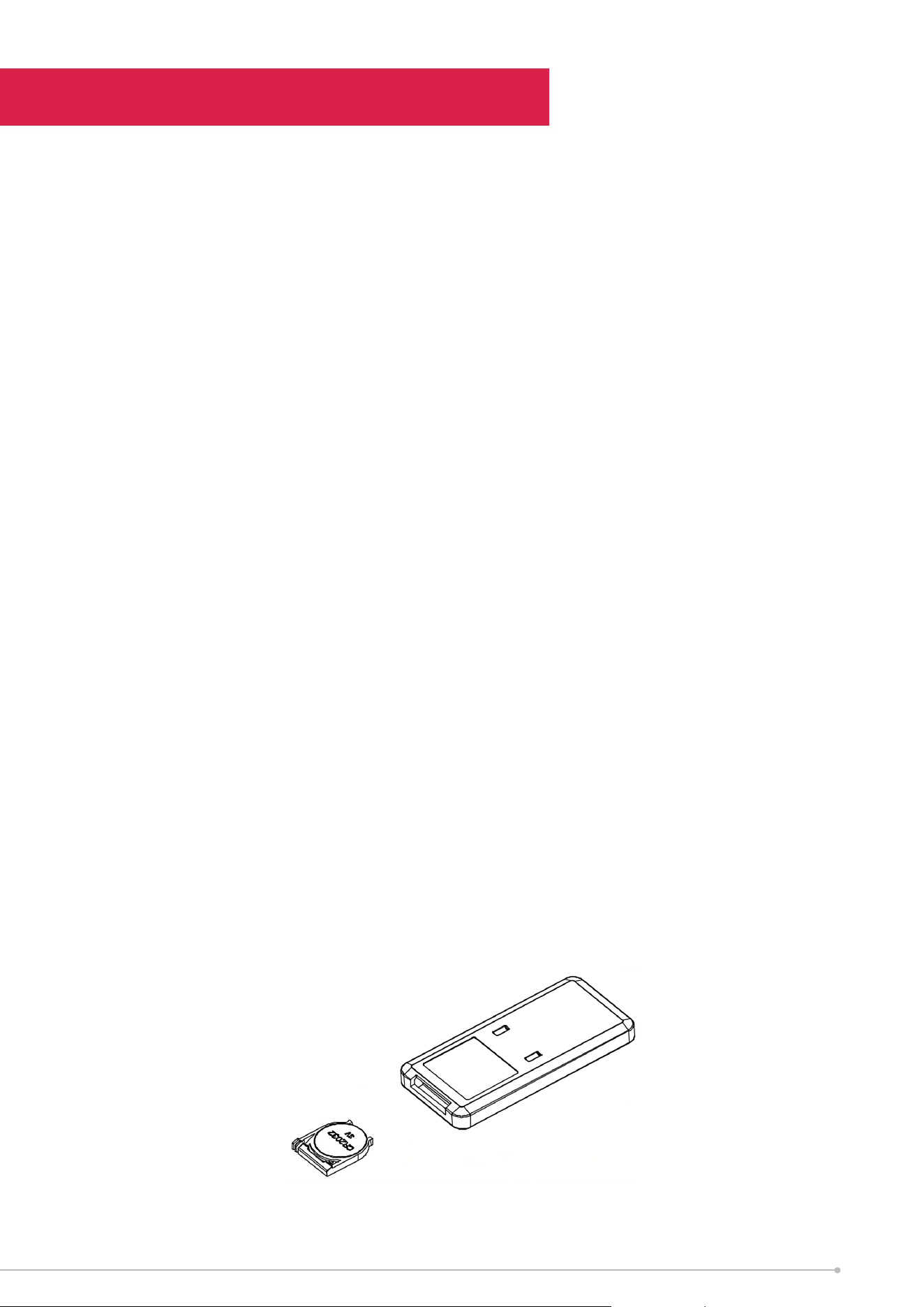
REMOTE CONTROL
1. Remove the battery cover at the rear of the remote control
2. Place a 3V CR2032 battery in the compartment. Pay attention to the positive and
negative terminals.
3. Place the compartment back inside the remote.
4. During use, point towards the infrared receiver as shown on page 8.
Operation
11

Over time, dust can accumulate on the grille covers, filter (if applicable) and fan
blades, which can aect the fans performance. It is recommended to clean the fan at
least once a month.
1. Turn the unit OFF and disconnect the appliance from the power supply.
2. Remove any dust build up with a soft brush.
3. Pull the rear dust guard outwards to remove the dust screen.
4. Take out the filter for cleaning.
5. Wipe the surface of the unit with a soft damp cloth. Mild detergent can be used
for any stubborn marks.
IMPORTANT
The control panel and other parts must not come into contact with water or any
other liquids.
Storage
If not using the unit for an extended period of time. After cleaning please:
• Turn the unit o, unplug and take care of the mains lead & plug.
•
Cover the unit and store it upright in a location where it will not receive direct sunlight.
Note: Prolonged exposure to direct sunlight will discolour the outer casing.
Cleaning
12
If the unit fails to operate eciently, is broken or other problems arise, unplug and
do not operate. Ask for advice by calling your local after sales service agent or the
Customer Care Centre on 1300 556 816 (AU) / 0800 666 2824 (NZ).
Maintenance
Recycling: Do not dispose of electrical appliances as unsorted
municipal waste. Use separate collection facilities. Contact your
local government for information regarding the collection systems
available. If electrical appliances are disposed of in landlls or dumps,
hazardous substances can leak into the ground water, polluting the
food chain and damaging health and well-being.
Warranty
Please refer to the warranty card in the box for warranty information. For any
troubleshooting advice, please contact the relative Customer Care Centre below.
Glen Dimplex Australia Pty Ltd Glen Dimplex New Zealand Ltd
8 Lakeview Drive, 38 Harris Road, East Tamaki,
Scoresby 3179, Victoria Auckland 2013
Australia New Zealand
Ph: 1300 556 816 Ph: 0800 666 2824
13

Customer Care: 1300 556 816
customer.care@glendimplex.com.au
www.dimplex.com.au
Supplied by Glen Dimplex Australia
8 Lakeview Drive, Scoresby, Victoria, 3179
© Glen Dimplex Australia. All rights reserved. Material contained in this publication may not be reproduced in whole or in part, without
prior permission in writing of Glen Dimplex Australia.
DCAC25HC Issue 2
14