1
Blackstone Indoor Remote Controlled Outlets
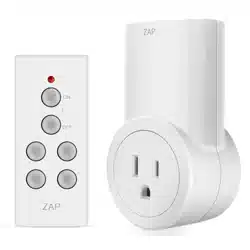
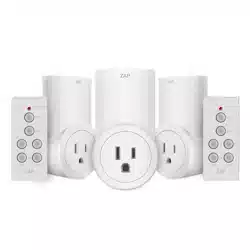
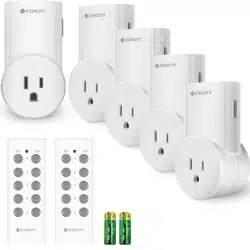
Set of 4 Indoor Remote Outlets
Wireless Remote Control WRCS1-4
Outdoor Power Stake and Remote Package Includes:
(4) Wireless Wall Outlet Receivers (Receiver Units)
(1) Four Button Hand Held Remote Control (Sender Unit)
(1) Battery Type: DL2032
Features:
Blackstone Indoor Remote Controlled Outlets operate on a radio frequency and are not dependent on line of sight. They will perform regardless of
walls, doors, and floors.
Operation:
Remove Pull Tab from Battery Chamber
In order for the remote to function, you need to remove the protective insert from the hand held remote control to allow the battery to make proper
contact with the hand held remote control.
Plug in Receiver Units
Plug the individual wall receiver units into any standard grounded indoor 125V/60Hz wall outlet. Please Note: The Indoor Remote Controlled Outlets
require a grounded outlet. If you do not have an indoor grounded outlet, contact your electrician to upgrade your electrical system for your safety.
Operation and Safety
Use only 1 Indoor Remote Controlled Outlet per AC outlet. A distance of at least 24 inches should be maintained between individual receiver units.
Do not overload an individual Indoor Remote Controlled Outlet beyond 1875 Watts. Reasonable care should be taken to ensure the Receiver Unit is
correctly inserted into the wall outlet. For indoor use only.
This product is not intended to be used outside of the limits noted above. For residential use only. Any use in such a manner or in any manner
contained herein shall void any warranty conveyed with this product and can cause serious damage to person and/or property. Should use occur
outside of the manner prescribed in these instructions Blackstone International, Ltd. shall not be liable for such improper use.
Receiver Function:
The power button is located on the front of the receiver. The power button can be used to manually switch the receiver on and or off
independently of the included hand held remote control. A blue LED light will appear around the power button when the receiver is plugged in. If no
lights appear in the clear ring around the power button, check to make sure that the power for your wall outlet is turned on.
2
Remote Function:
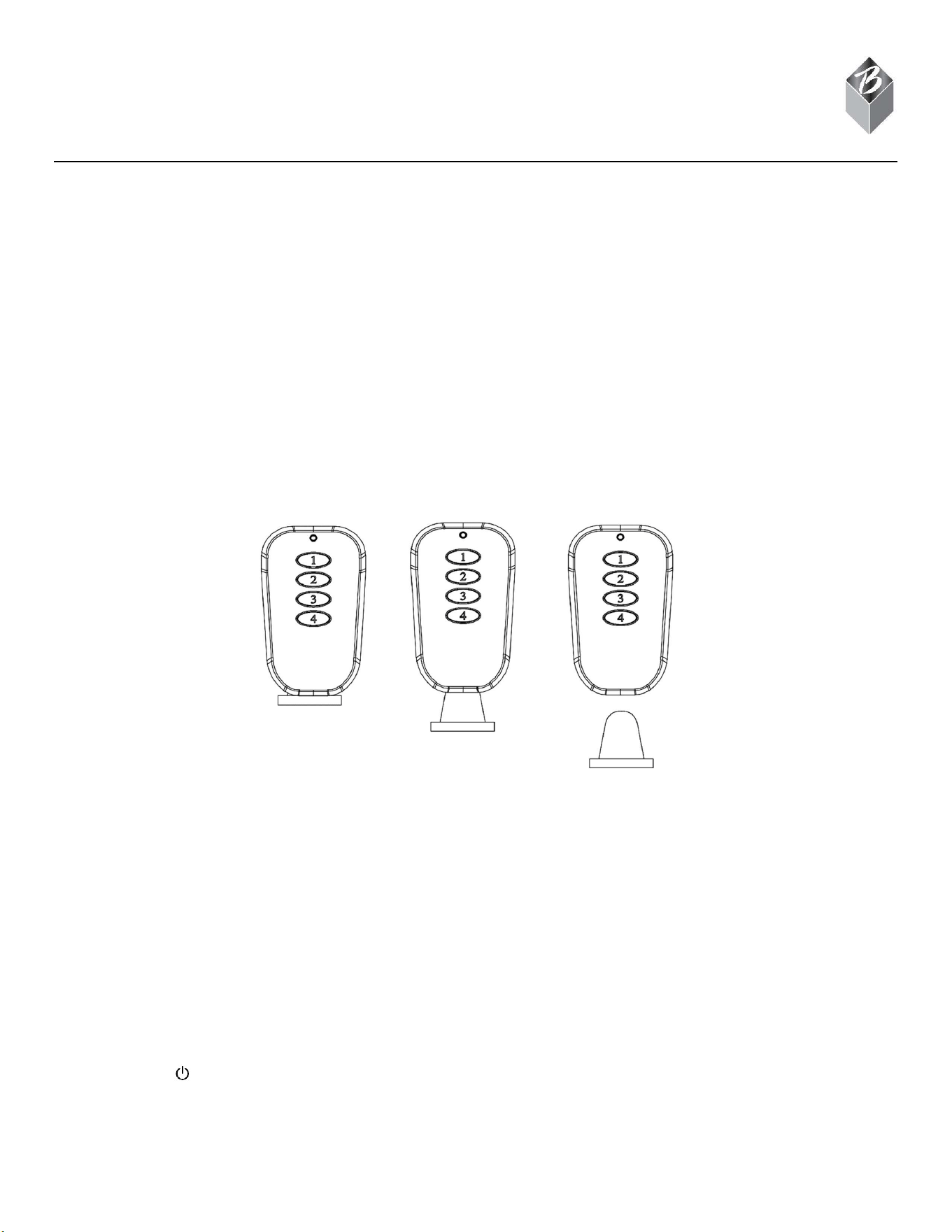
The remote controls each receiver included in this package. The red LED light on the front of the remote indicates when the remote is in use. Each
button corresponds to a specific receiver. Example: remote button 1 controls receiver 1. Pressing the remote button for the corresponding receiver
will cause the receiver to turn on and or off.
Remote Battery Replacement:
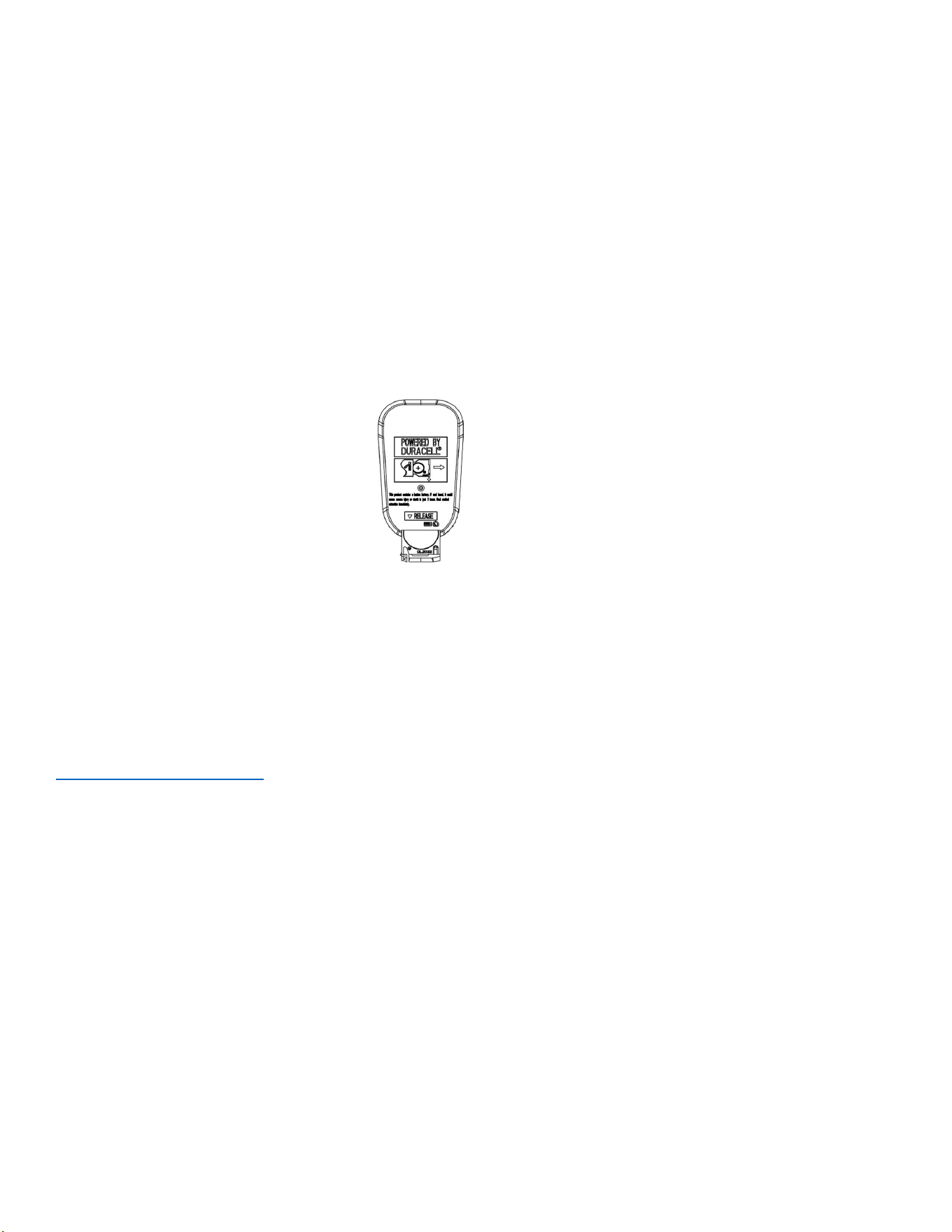
If operation of the receiver units becomes erratic, it may be necessary to replace the battery in the hand-held remote unit. To do this, first remove the
battery compartment cover. Press the tray release button on the back of the remote (refer to figure below). Next, remove the depleted battery and
discard according to local ordinances. Be sure the correctly install the new battery. Replace battery compartment cover and test by using it to control
the Indoor Remote Outlets.
Important: Install only new batteries of the same type in your product. Failure to insert batteries in the correct polarity, as indicated in the battery
compartment, may shorten the life of the batteries or cause batteries to leak. Do not mix old and new batteries. Do not mix Alkaline, Standard
(Carbon-Zinc) or Rechargeable (Nickel Cadmium) or (Nickel Metal Hydride) batteries. Danger of explosion if battery is incorrectly replaced.
Batteries should be recycled or disposed of as per state and local guidelines.
WARNING: This product contains a button battery. If swallowed, it could cause severe injury or death in just two hours. Seek medical attention
immediately.
1 Year Limited Warranty: This product is warranted to the original purchaser only for a period of 1 year from the date of purchase for products
damaged due to defect in workmanship and materials. Proof of purchase is required to obtain warranty service. Warranty is for replacement only. No
service parts are available for these products. No other warranties are expressed or implied. Batteries are not covered under this warranty.
For warranty service, please contact Blackstone International Customer Service by phone: 1-888-525-7969 or email:
customerservice@blackstoneltd.com. A product may be submitted for warranty replacement by mailing the complete product along with proof of
purchase to:
Blackstone International, Ltd.
2018 Lord Baltimore Drive
Baltimore, MD 21244
This warranty gives you specific legal rights, and you may also have other rights which vary from state to state.