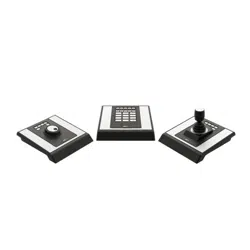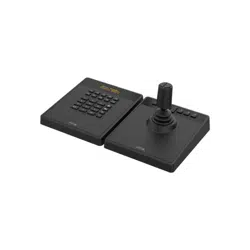


AXISTU9001ControlBoard
TableofContents
Installation................................................3
Specications..............................................4
Productoverview................................................4
Hotkeys.......................................................6
Troubleshooting............................................8
Contactsupport.................................................8
2
AXISTU9001ControlBoard
Installation
Installation
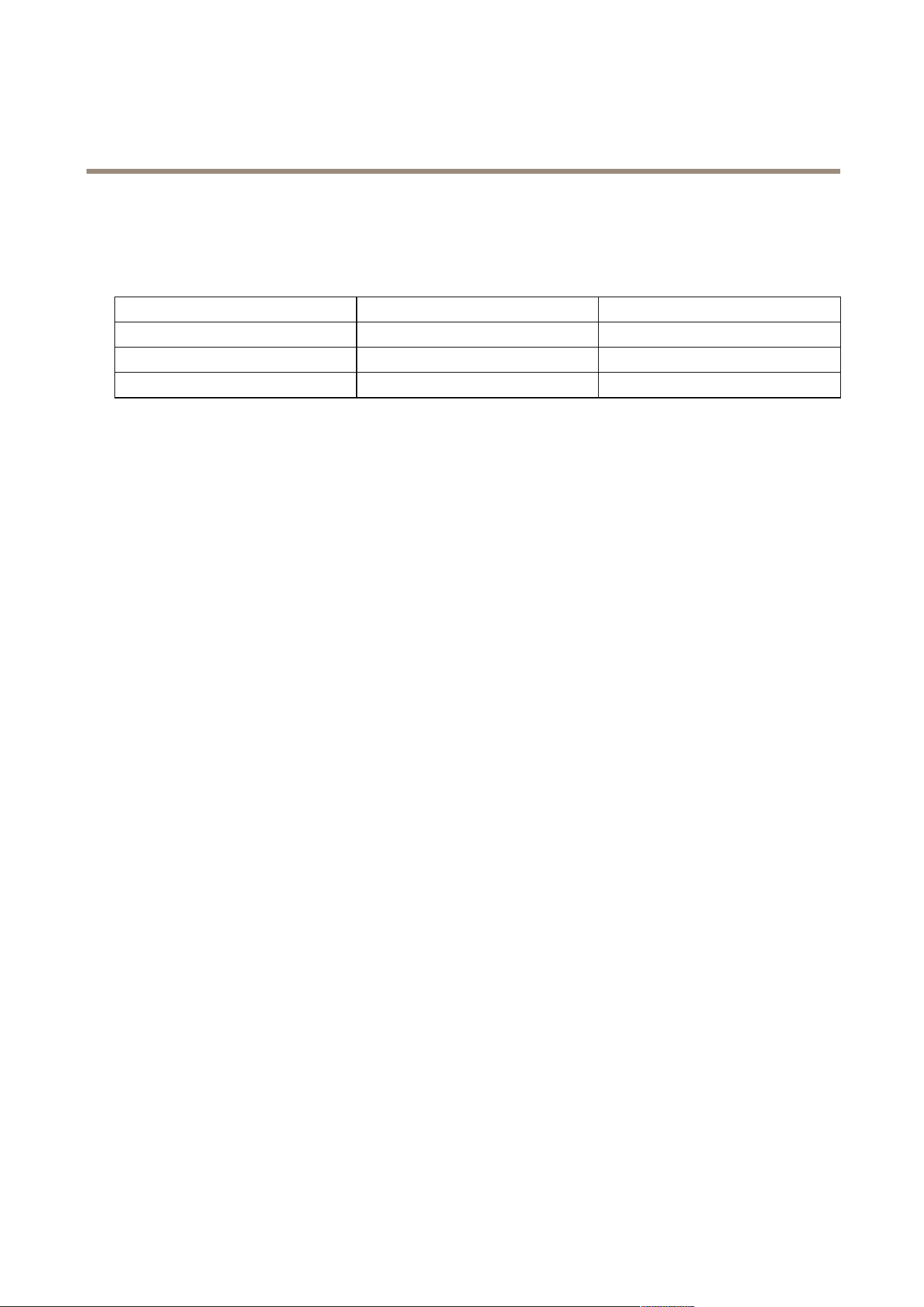
ConnecttheUSBcablesaccordingtothetable.
ComputerAXISTU9002AXISTU9003
USBtypeAUSBtypeC
USBtypeAUSBtypeC
USBtypeAUSBtypeC
3
AXISTU9001ControlBoard
Specifications
Specifications
Productoverview
AXISTU9001
1
AXISTU9002
2
AXISTU9003
4
AXISTU9001ControlBoard
Specifications
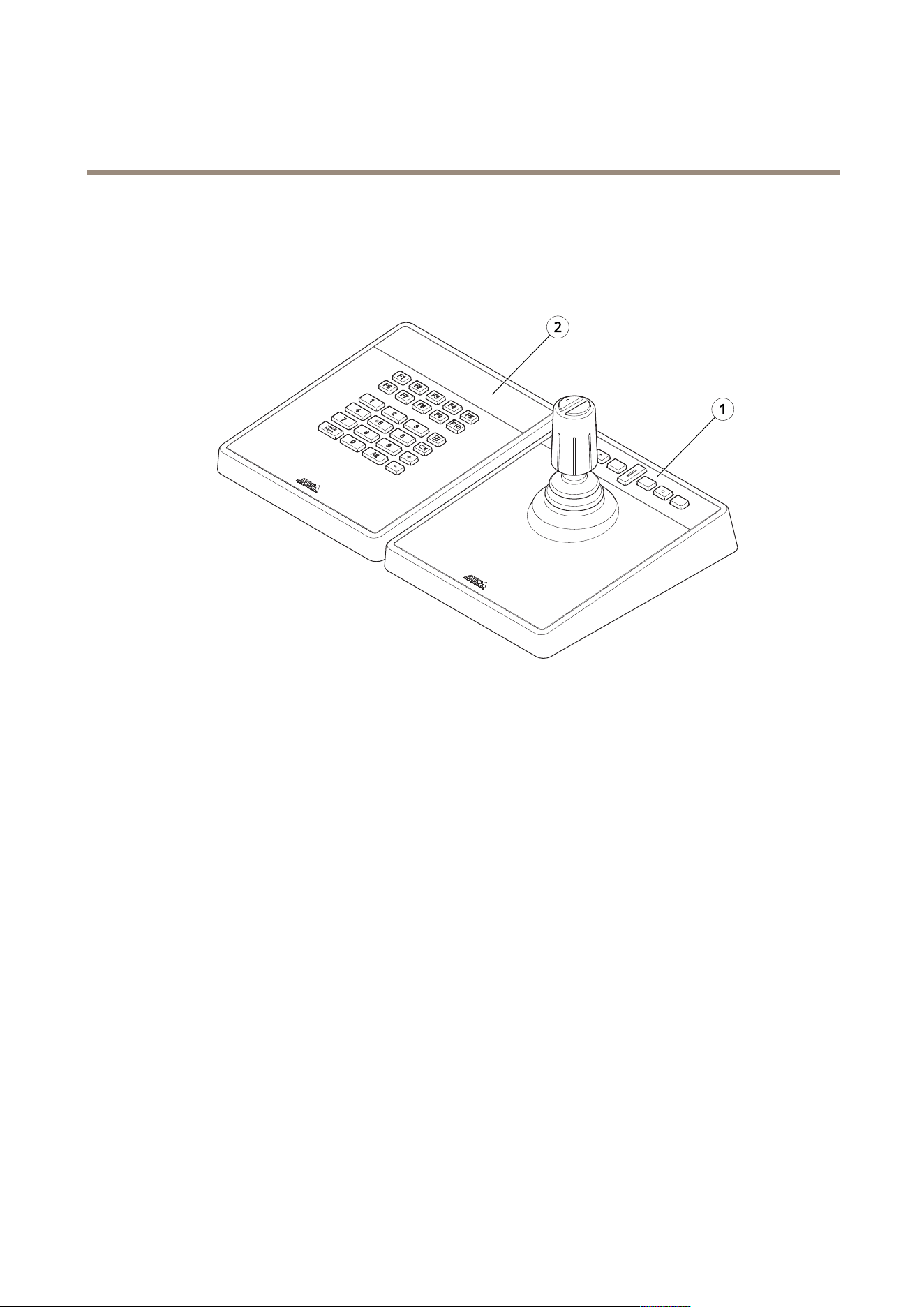
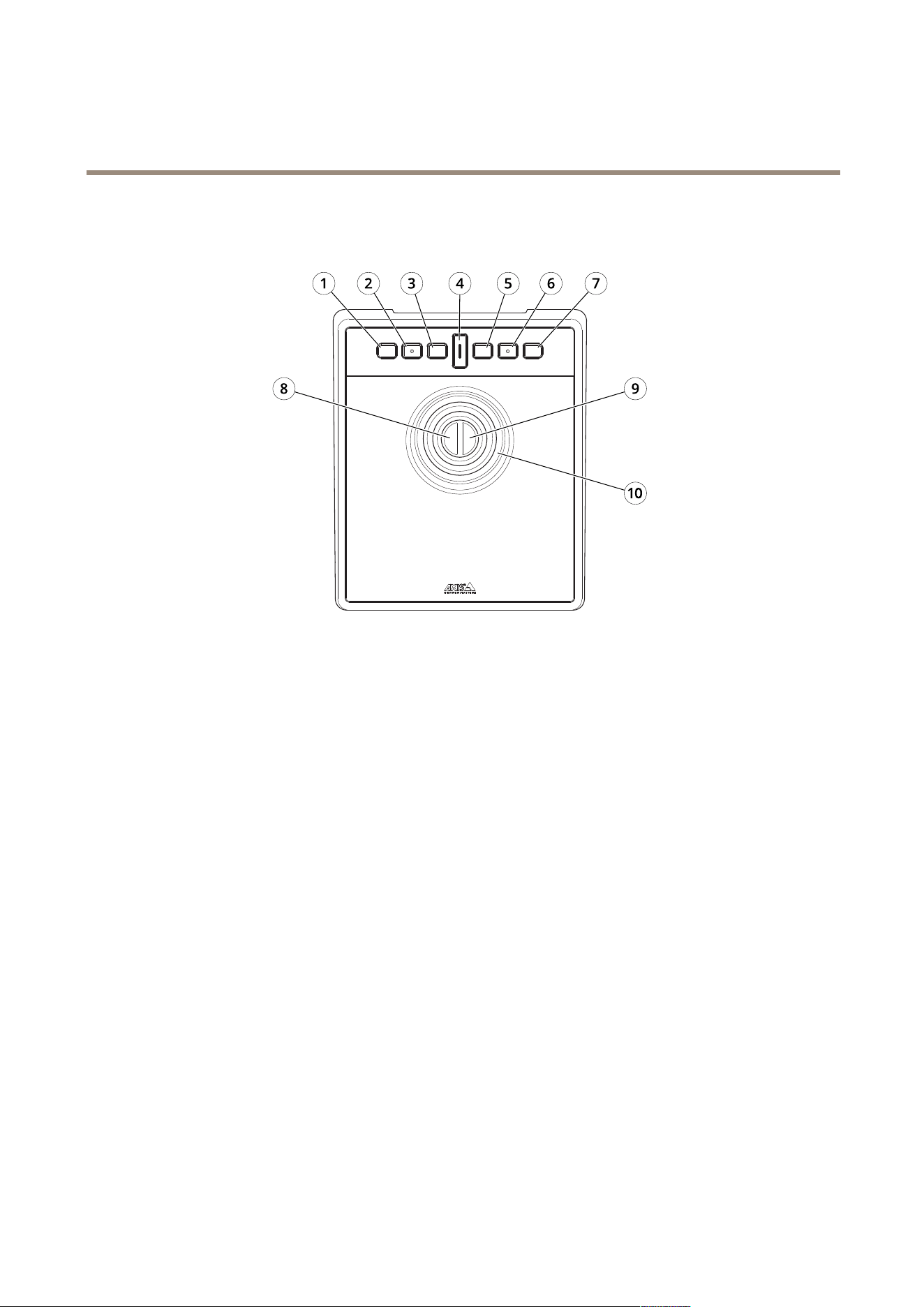
AXISTU9002
1
J1orrewindbutton
2
J2orplay/pausebutton
3
J3orforwardbutton
4
Togglebutton
5
J4orbookmarkbutton
6
J5orM1button
7
J6orM2button
8
Leftjoystickbutton
9
Rightjoystickbutton
10
Joystick
5
AXISTU9001ControlBoard
Specifications
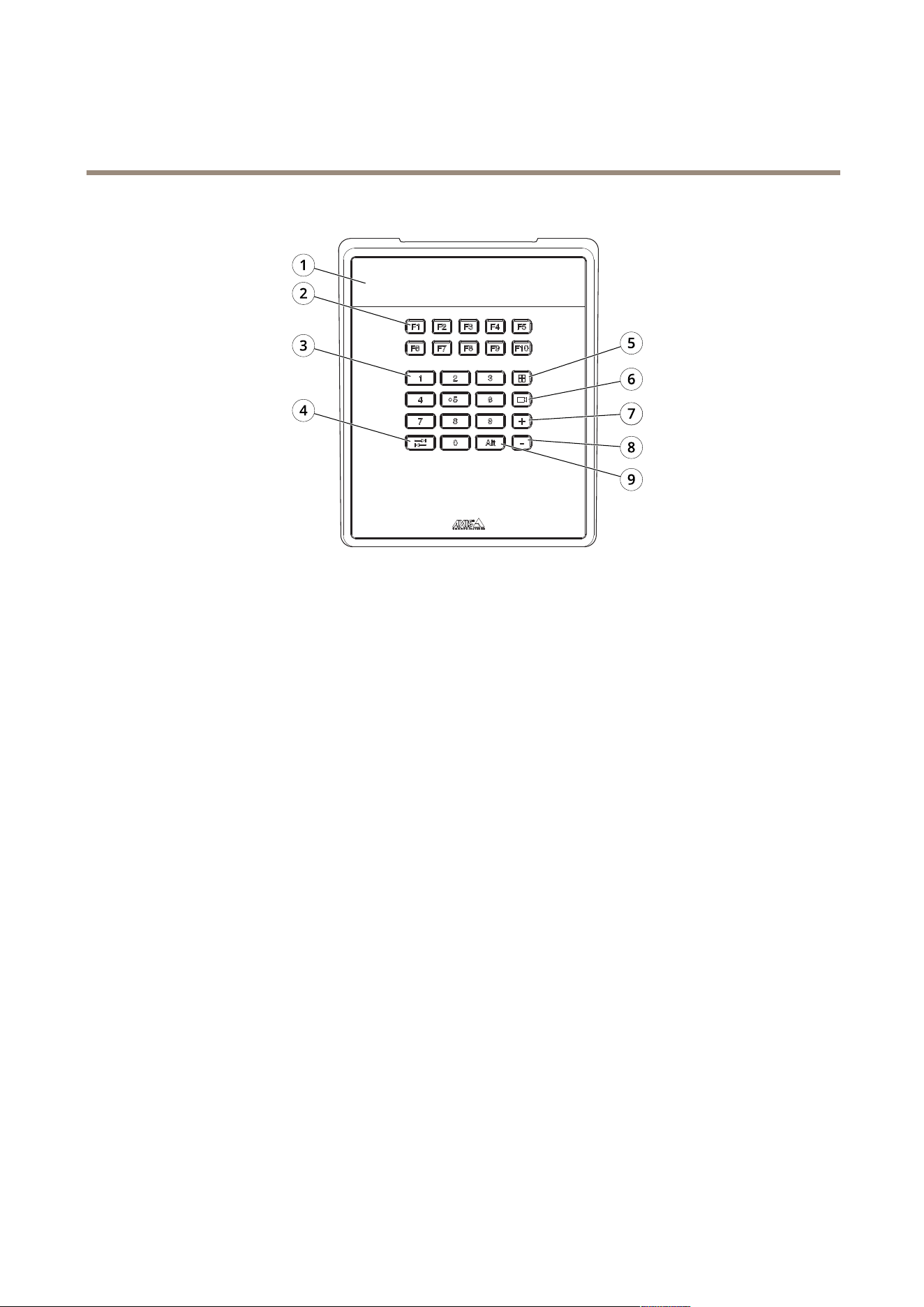
AXISTU9003
1
Display
2
FunctionkeysF1–F10
3
Numberkeys0–9
4
Tab
5
View
6
Camera
7
+
8
-
9
Alt
Hotkeys
Ahotkeyiscongurableandgivesquickaccesstocommonlyusedactions.AXISTU9002Joystickhas16hotkeysand
AXISTU9003Keypadhas24hotkeys.Tocongurethesehotkeys,gotoyourvideomanagementsystem.
Togglebutton
AXISTU9002Joystickhasatogglebutton.Pressthetogglebuttontoswitchbetweenthehotkeyfunctionalities.
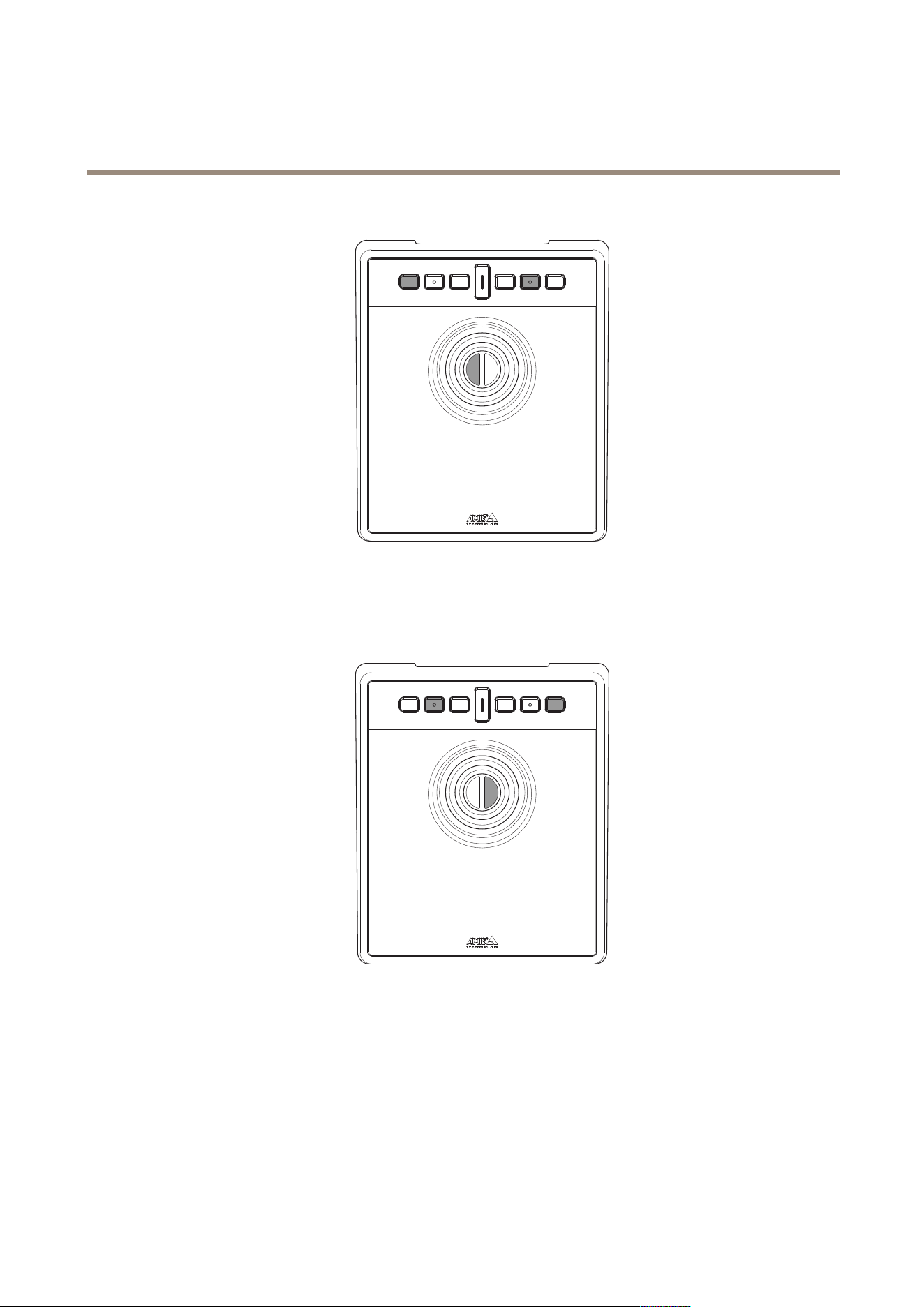
Joystickmodeandmousemode
Youcanswitchbetweenjoystickmodeandmousemode:
1.HoldthetogglebuttonwhileclickingJ1.
2.Releasethetogglebutton.
Inmousemode,useJ1,J5andleftjoystickbuttonasleftclick.
6
AXISTU9001ControlBoard
Specifications
UseJ2,J6andrightjoystickbuttonasrightclick.
7

AXISTU9001ControlBoard
Troubleshooting
Troubleshooting
Ifyouexperienceproblemsduringtheinstallation,doorcheckthefollowing:
•Restartthevideomanagementsystem,forexampleAXISCameraStation.
•DisconnecttheUSBplugfromthecomputer,wait10secondsandthenrestartyourvideomanagementsystem.
•CheckthattheUSBportisversion2.0orhigher.
•MovetheUSBplugtoanotheravailableUSBportonyourcomputer.Thenrestartyourvideomanagementsystem.
•Verifythattheoperatingsystemhasidentiedthejoystick.GotoStart>ControlPanel>GameControllersandfollow
theprovidedtroubleshootingsteps.
Contactsupport
Ifyouneedmorehelp,gotoaxis.com/support.
8

UsermanualVer.M1.6
AXISTU9001ControlBoard
Date:January2024
©AxisCommunicationsAB,2024
Partno.T10193829