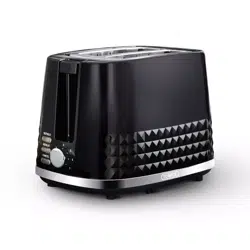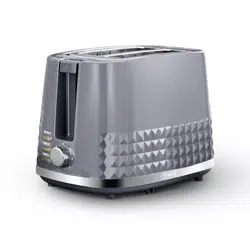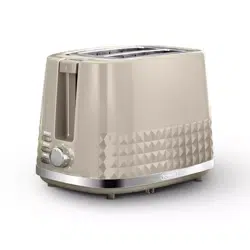
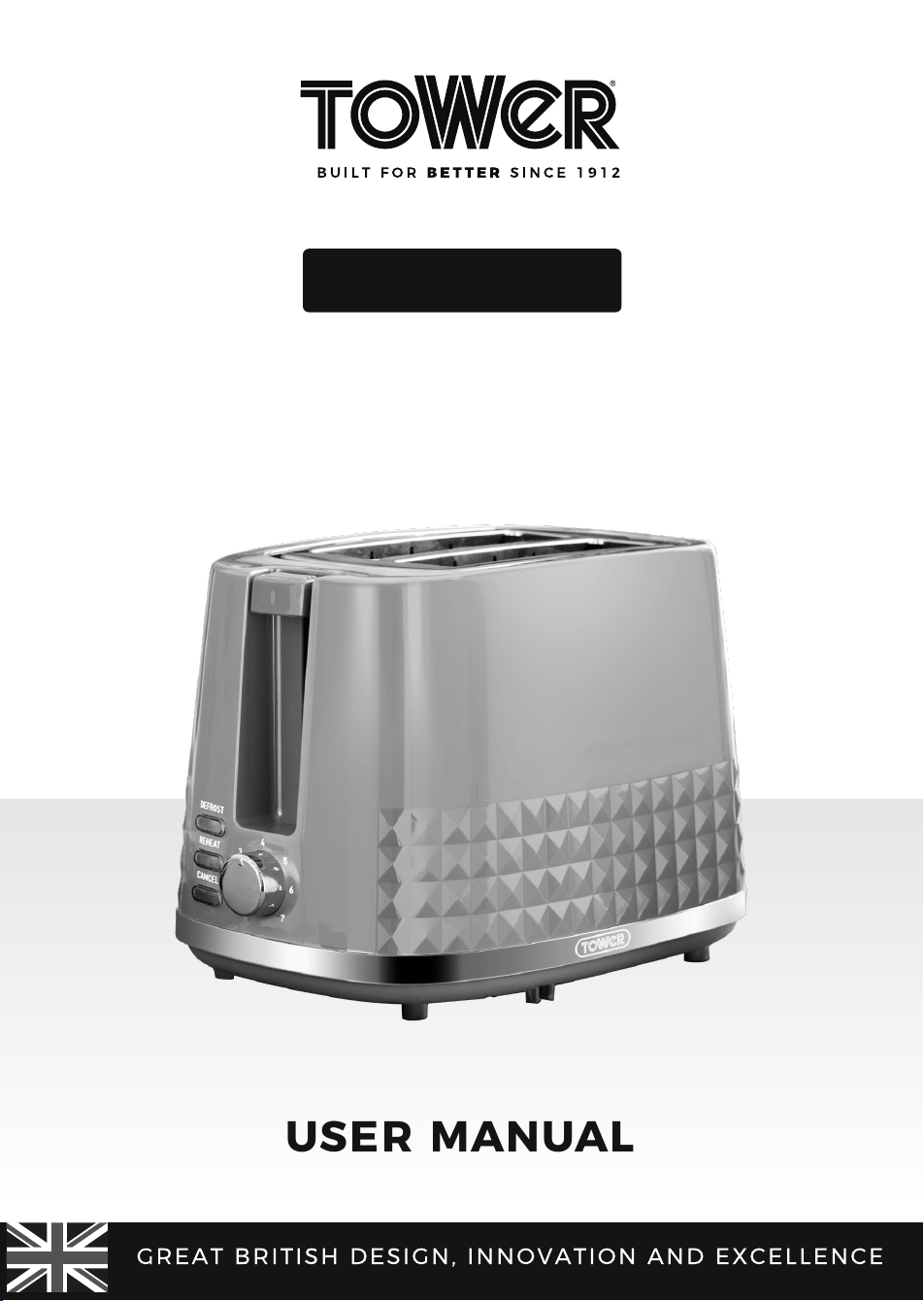
2 SLICE
TOASTER
USER MANUAL
MODEL: T20082
APPLICABLE TO ALL COLOUR VARIANTS

2
TABLE OF CONTENTS
THIS BOX CONTAINS 3
SPECIFICATIONS 3
IMPORTANT SAFETY INFORMATION 4
• General safety 4
• Whilst toasting 5
• Plug and cord 5
• Wiring safety 6
STRUCTURE OF YOUR APPLIANCE 7
BEFORE FIRST USE 8
• Preparing for use 8
USING YOUR TOASTER 8
• Buttons 9
TROUBLESHOOTING 9
CLEANING AND CARE 10
DISPOSAL OF THE UNIT / CUSTOMER SUPPORT 11
3
THIS BOX CONTAINS
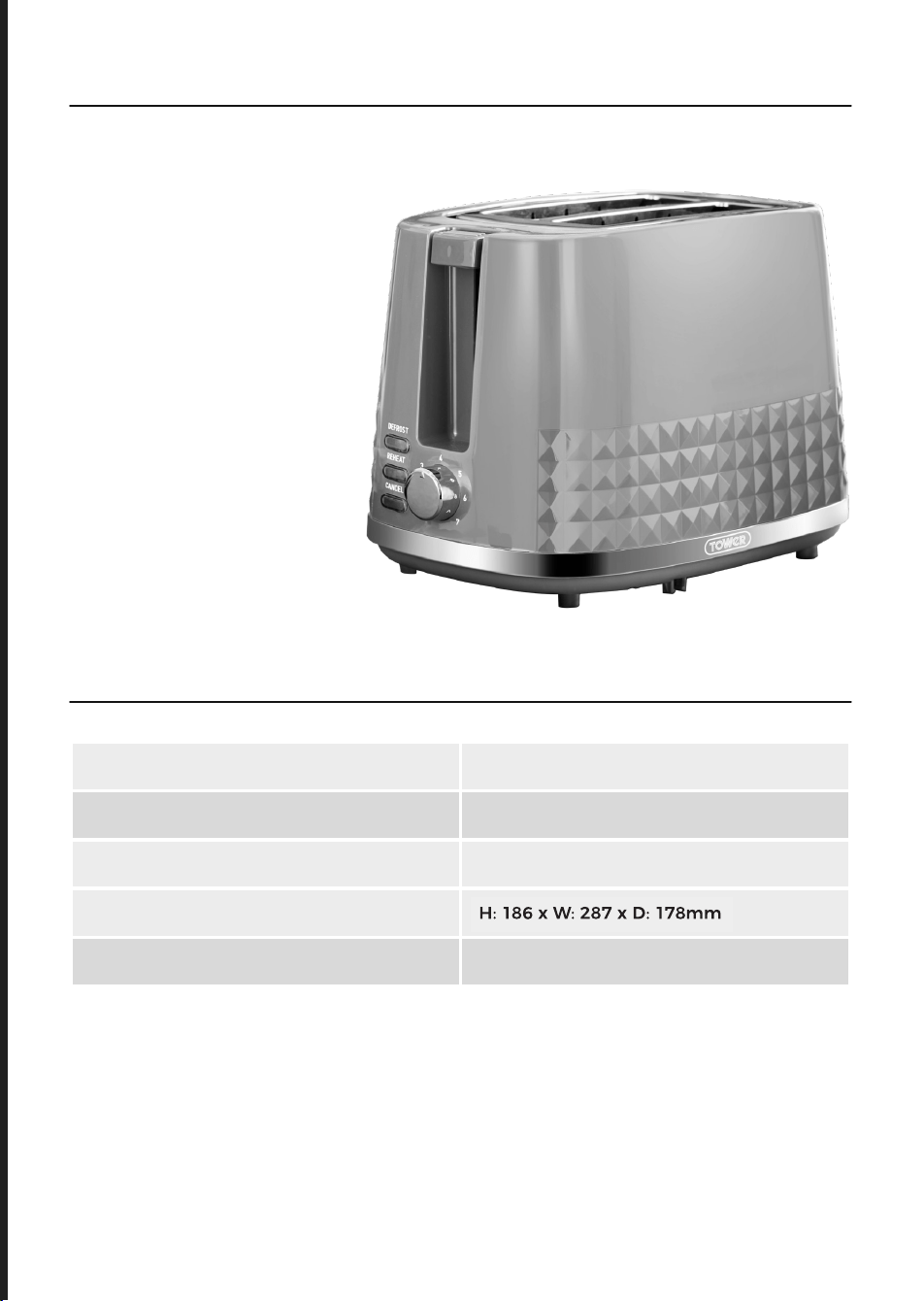
SPECIFICATIONS
RATED VOLTAGE 220 - 240V~
FREQUENCY 50 - 60Hz
POWER CONSUMPTION 850W
DIMENSIONS (MM) H: 185 x W: 285 x D: 175mm
WEIGHT 1.16Kg
Instruction Manual
2 Slice toaster

4
Please read these safety
NOTES carefully BEFORE
using your Tower appliance.
These warnings have been
provided in the interest
of safety. Basic safety
precautions should always
be followed including the
following:
GENERAL SAFETY
• Check that the voltage
of the main circuit
corresponds with the
rating of the appliance
before operating.
• Please ensure that the
appliance is used on a
stable, level, and heat
resistant surface.
• DO NOT leave the
appliance unattended
while it is operating.
• Close supervision is
necessary when any
appliance is used by or
near children or pets.
• This appliance is not
intended to be operated
by means of an external
timer or separate remote
control system
• This appliance can
be used by children
aged from 8 years and
above and persons
with reduced physical,
sensory or mental
capabilities or lack
of experience and
knowledge if they have
been given supervision
or instruction concerning
use of the appliance in a
safe way and understand
the hazards involved.
• Children should not play
with the appliance.
• Cleaning and user
maintenance should not
be made by children
without supervision.
• The use of accessory
attachments is not
recommended by the
appliance manufacturer
apart from those
supplied with this
product. DO NOT use
extension cords with the
appliance.
• DO NOT use this product
for anything other than
its intended use.
• This appliance is for
household use only.
• DO NOT use the
appliance outdoors.
WHILST TOASTING
• Prior to first use, the
toaster should be used
for a few minutes
without bread in it.
IMPORTANT SAFETY INFORMATION

5
• DO NOT touch the hot
surface.
• Use only pre-sliced
bread.
• DO NOT insert oversized
foods, metal foil
packages, or metal
utensils into the toaster.
This may result in
electric shock.
• DO NOT use the toaster
near curtains, upholstery
or other decorative
fabrics, as they can easily
catch fire and cause a
safety hazard.
• DO NOT remove food
from the toaster while
the push lever is down
or remove the crumb
tray while the toaster is
plugged in.
• Disconnect from power
supply, wait for it to cool
and then remove the
crumb tray.
• The temperature of
accessible surfaces
may be high when the
appliance is operating.
PLUG AND CORD
• DO NOT immerse cords,
plugs or any part of the
appliance in water or any
other liquid.
• Switch off at the wall
socket then remove the
plug from the socket
when not in use or
before cleaning.
• If the supply cord or
appliance is damaged,
stop using the appliance
immediately and
seek advice from
the manufacturer or
its service agent or
a similarly qualified
person.
• DO NOT let the cord
hang over the edge of a
table or counter or let it
come into contact with
any hot surfaces.
• DO NOT pull the plug
out by the cord as this
may damage the plug
and/or the cable.
• DO NOT carry the
appliance by the power
cord.
IMPORTANT SAFETY INFORMATION
It is important that this instruction
manual is retained for future
reference.
If the appliance is given to someone
else, it should always be accompanied
by these operating instructions, as
they form an integral part of the
appliance.
6
In the unlikely event the appliance develops a fault, stop using it immediately
and seek advice from the Customer Support Team.
IMPORTANT
:
As the colours in the mains
lead of this appliance may not correspond
with the coloured markings identifying
the terminals in your plug, please proceed
as follows:
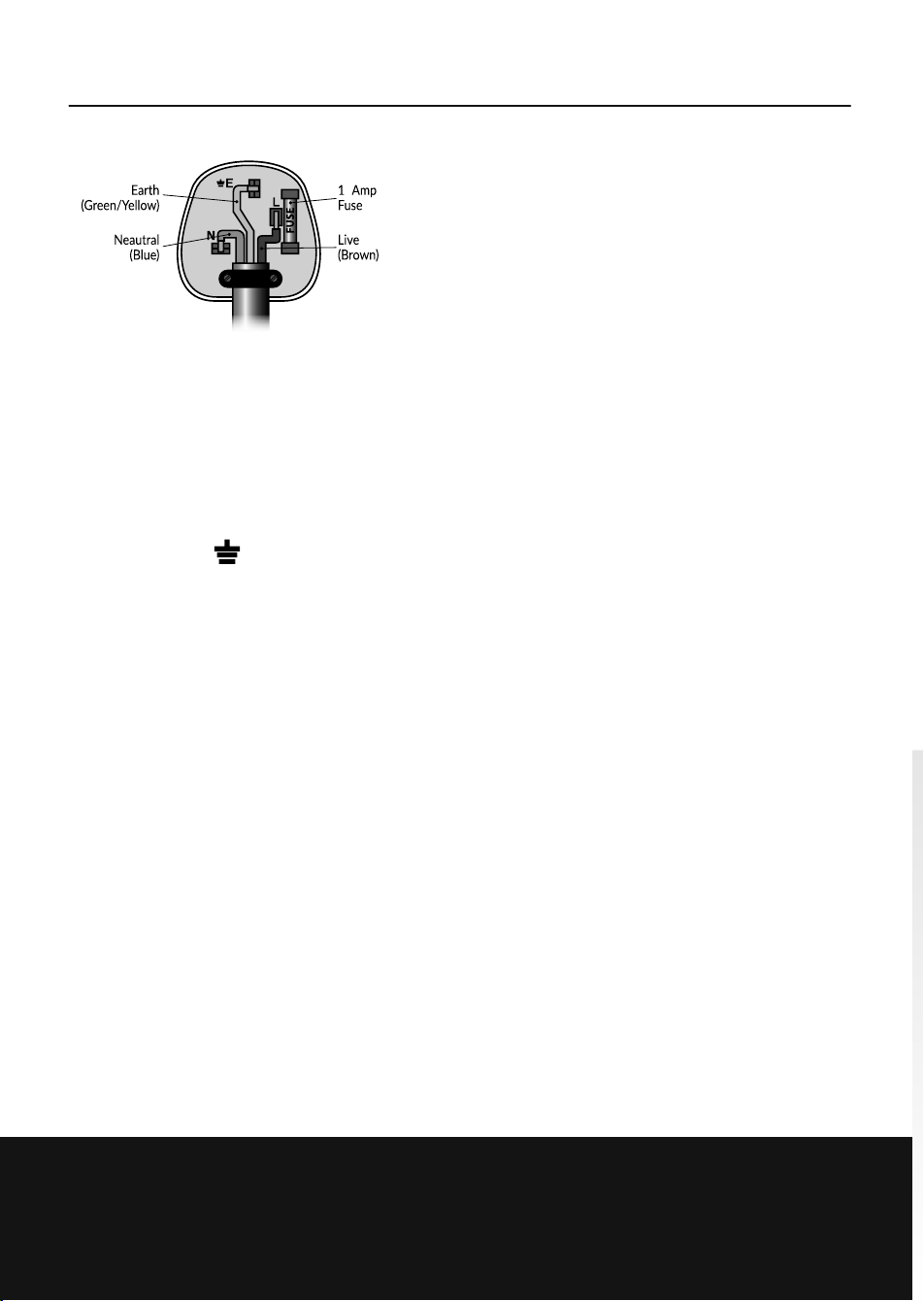
The wires in the mains lead are labelled in
accordance with the following code:
Blue neutral [N] Brown live [L] Green/
Yellow [EARTH]
PLUG FITTING DETAILS (WHERE
APPLICABLE).
• Plug Fitting Details (Where
Applicable). The wire labelled blue is
the neutral and must be connected to
the terminal marked [N].
• The wire labelled brown is the live
wire and must be connected to the
terminal marked [L].
• The wire labelled green/yellow must
be connected to the terminal marked
with the letter [E].
• On no account must either the brown
or the blue wire be connected to the
[EARTH] terminal.
• Always ensure that the cord grip is
fastened correctly.
• The plug must be fitted with a fuse
of the same rating already fitted and
conforming to BS 1362 and be ASTA
approved.
• If in doubt consult a qualified
electrician who will be pleased to do
this for you.
NON-REWIREABLE MAINS PLUG.
f your appliance is supplied with a non-
rewireable plug fitted to the mains lead
and should the fuse need replacing,
you must use an ASTA approved one
(conforming to BS 1362 of the same
rating).
If in doubt, consult a qualified electrician
who will be pleased to do this for you.
If you need to remove the plug -
disconnect it from the mains - then cut
it off of the mains lead and immediately
dispose of it in a safe manner. Never
attempt to reuse the plug or insert it into
a socket outlet as there is a danger of an
electric shock.
WIRING SAFETY FOR UK USE ONLY
0
7
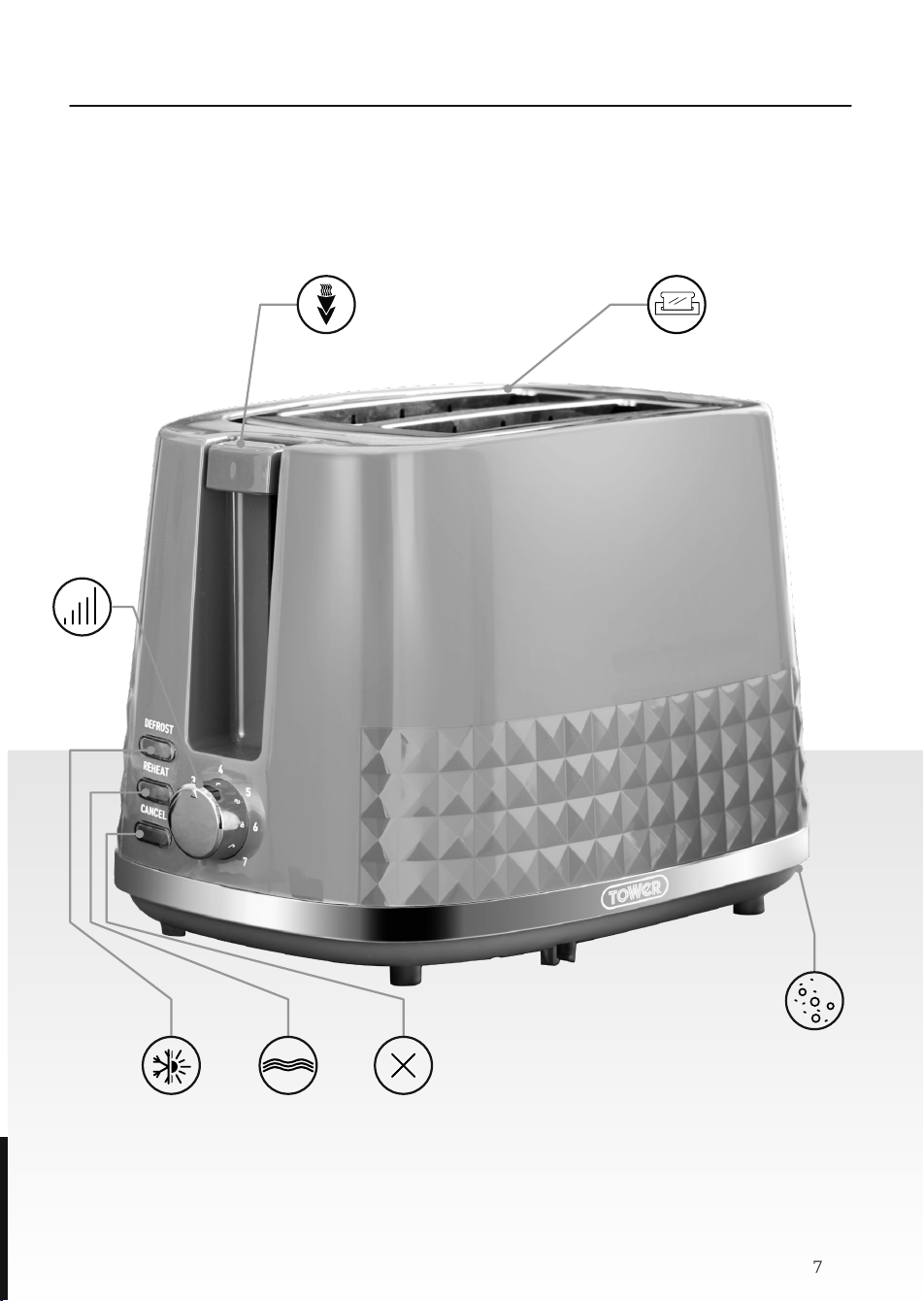
STRUCTURE OF YOUR APPLIANCE
Crumb tray
Toasting
slots
Carriage
lever
Browning
control
Defrost
button
Reheat
button
Cancel
button

8
PREPARING FOR USE
1. Read all instructions and safety
information carefully before first use.
Please retain this information for
future reference.
2. Remove all packaging materials,
including those that may be inside
the toasting slots or toasting lever
slots.
3. Wipe the exterior with a damp cloth.
Dry thoroughly. Do not use abrasive
cleaners.
4. Do not put the toaster, cord or plug in
water.
5. Make sure the crumb tray is securely
locked into place and the toasting
lever is in the Up position.
6. Unwrap the power cord from the cord
storage area on the underside of the
toaster and plug into a 220-240V AC
outlet.
7. Turn the browning selector dial to the
lightest setting.
8. Lower the toasting lever until it
locks into place. Operate without
bread once or twice to burn off any
manufacturing residue. You may
notice a light amount of smoke; this
is normal and will stop as the heating
elements continue to heat.
NOTE: Lowering the toasting lever closes
the centring guides and holds the bread
or food to be toasted centrally in the
toasting slots.
NOTE: The toasting lever will not lock
down unless the toaster is plugged into an
electrical outlet.
1. Make sure the crumb tray is securely
locked into place and the toasting
levers are in the Up position.
2. Make sure no bread or other objects
are inside the toasting slots.
3. Place the toaster on a flat, level, heat
resistant surface.
4. Plug the power cord into a mains
outlet.
5. Turn the browning dial to the
desired setting. To test toasting
times for browning, it is best to use
both toasting slots and position the
browning dial between 3 and 4, and
then adjust each subsequent toasting
to your preference.
6. Remove all protective wrappings
from food before placing it into the
toasting slots.
7. Insert bread or foods suitable for
toasting into the toasting slots.
8. Lower the toasting lever until locked
into place. The automatic centring
guides hold food upright for uniform
side-to-side toasting. When the bread
is lowered into position, toasting will
begin.
9. When the toast reaches the selected
browning level, it will pop up
automatically.
10. Remove the bread from the toasting
slot. Be careful when removing the
bread, as the bread and the top of the
toaster will still be hot.
11. To interrupt toasting, press the
corresponding CANCEL button.
NEVER attempt to interrupt toasting
by lifting the carriage handle.
12. Unplug the cord from the wall outlet
when not in use.
BEFORE FIRST USE
USING YOUR TOASTER
9
BUTTONS:
Reheat Button: This button allows you
to reheat your food
without any extra
browning or toasting.
Defrost Button: This button allows you
to defrost and toast
frozen bread.
Cancel Button: This button allows you
to stop the toasting
process.
NOTE: The toasting lever will not lock into
position unless the toaster is plugged in.
When toasting a single slice, the bread
may be placed in any toasting slot.
To prevent a fire hazard, never place bread
over the opening of the toaster; always
place it into the slots.
DO NOT change the browning level
setting during the toasting cycle. First
press the CANCEL button; then turn the
Browning selector control to adjust the
browning level. Lower the toasting lever
and toast until the desired toast colour is
achieved.
IMPORTANT: Never use a fork or sharp-
edged utensil to remove toast, as that may
damage the heating element or cause
injury.
QUESTIONS ANSWERS
Why is there a burning
smell emitting from the
toaster?
Unplug the toaster and allow it to cool.
Crumbs in the crumb tray may be causing the burning smell. Remove
the crumb tray and empty over a bin. Refer to the ‘Cleaning and Care’
section of this manual for instructions on how to remove the crumb tray.
There may be food debris caught in the heating element. Check inside
and gently pry the crumbs out.
Why won’t the toast pop up
after toasting is complete?
Your bread may be too soft. Try using bread that is slightly thicker or less
pliable.
The browning dial will not
operate.
There may be crumbs stuck in the socket. Unplug the toaster and try
shaking it to dislodge any debris.
If the browning dial still does not work, contact our Customer Support
team.
USING YOUR TOASTER
TROUBLESHOOTING

10
CLEANING AND CARE
NOTE: Unplug the appliance from the
mains and let it cool down completely
before attempting to clean it.
1. Do not immerse any part of the
toaster in water or any other liquid.
2. Clean the toaster regularly.
This appliance contains no user
serviceable parts and requires little
maintenance. Leave any servicing or
repair to qualified personnel.
3. Be sure to empty and clean the
crumb tray regularly. To do this, slide
it out from underneath the toaster.
Dispose of the crumbs, then slot
the tray back into place and push it
inwards until it clicks into place.
4. Unplug the toaster and allow it to
cool completely before cleaning.
5. To clean, wipe the exterior with
a slightly dampened soft cloth or
sponge and dry with a cloth or paper
towel. Do not use strong cleaners
or abrasives that may scratch the
surface, and never spray cleaners
directly onto the toaster.
6. To dispose of crumbs which may have
remained lodged inside the toaster,
turn it upside down over a sink or
drain and shake it vigorously until the
crumbs come free.
11
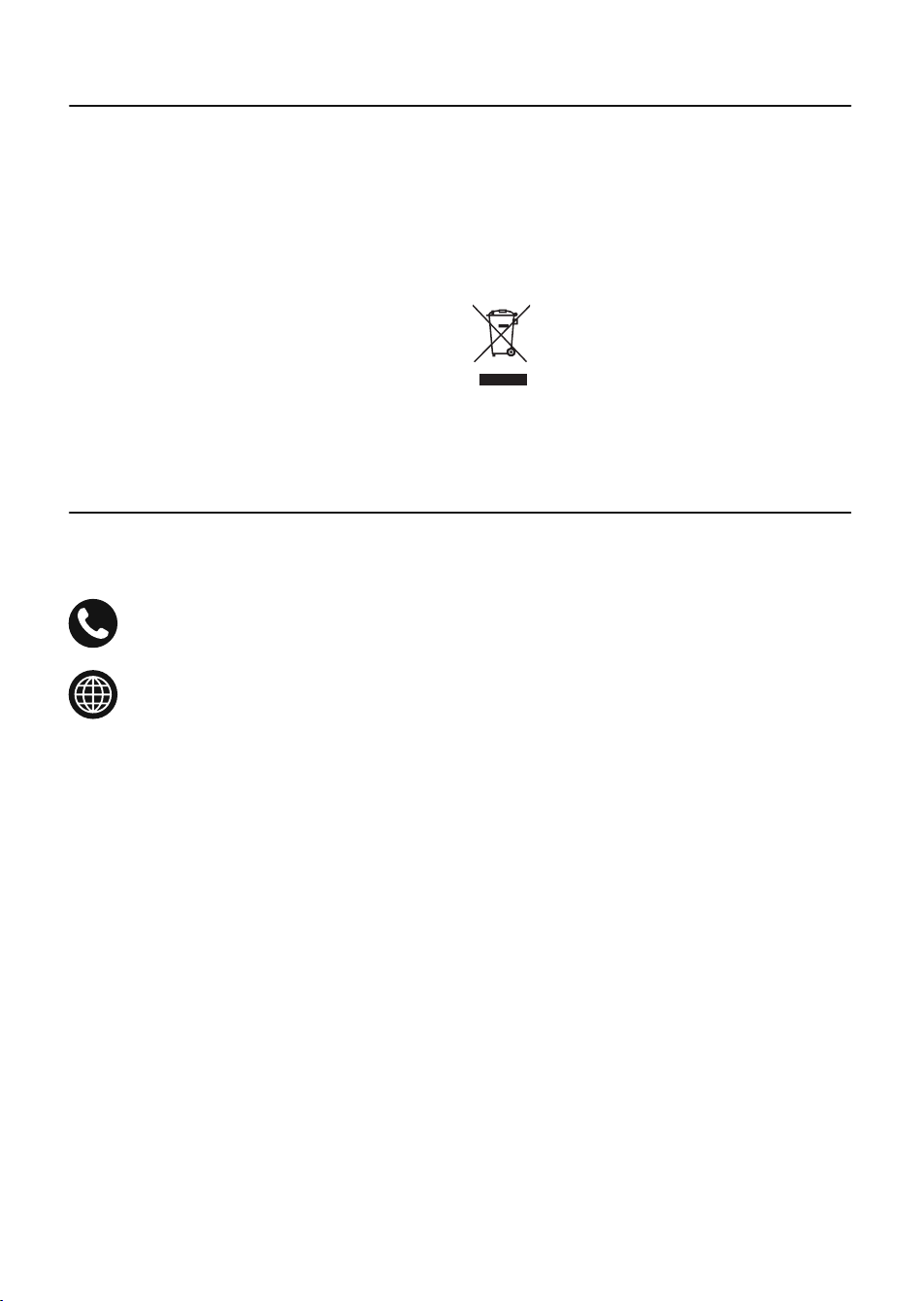
Appliances bearing the symbol shown
here may not be disposed of in domestic
rubbish. You are required to dispose of old
electrical and electronic appliances like
this separately.
Please visit www.recycle-more.co.uk
or www.recyclenow.co.uk for access
to information about the recycling of
electrical items.
Please visit www.weeeireland.ie for access
to information about the recycling of
electrical items purchased in Ireland.
If you have any questions or concerns about your new product,
please contact our helpful Customer Support Team:
+44 (0) 333 220 6066
www.towerhousewares.co.uk
Please have your Model No. available. This can be found on the front
cover of this instruction manual and on the appliance’s rating label.
The WEEE directive, introduced in August
2006, states that all electrical items must
be recycled, rather than taken to landfill.
Please arrange to take this appliance to
your local Civic Amenity site for recycling,
once it has reached the end of its life.
DISPOSAL OF THE UNIT
CUSTOMER SUPPORT
This product is guaranteed for 12
months from the date of original
purchase.
If any defect arises due to faulty
materials of workmanship, the faulty
products must be returned to the place
of purchase.
Refund or replacement is at the
discretion of the retailer.
THE FOLLOWING CONDITIONS APPLY:
The product must be returned to the
retailer with proof of purchase or a
receipt.
The product must be installed and used
in accordance with the instructions
contained in this instruction guide.
It must be used only for domestic
purposes.
It does not cover wear and tear, damage,
misuse or consumable parts.
Tower has limited liability for incidental
or consequential loss or damage.
This guarantee is valid in the UK and
Eire only.
The standard one year guarantee is only
extended to the maximum available
for each particular product upon
registration of the product within 28
days of purchase. If you do not register
the product with us within the 28 day
period, your product is guaranteed for
1 year only.
To validate your extended warranty,
please visit www.towerhousewares.
co.uk and register with us online.
Please note that length of extended
warranty offered is dependent on
product type and that each qualifying
product needs to be registered
individually in order to extend its
warranty past the standard 1 year.
Extended warranty is only valid with
proof of purchase or receipt.
Your warranty becomes void should you
decide to use non Tower spare parts.
Spare parts can be purchased from
www.towerhousewares.co.uk
Or call our Customer Support Team on:
+44 (0) 333 220 6066
We hope you enjoy your appliance for many years...
YEAR
GUARANTEE
3
0323 V1