Operation Instructions
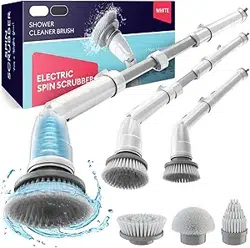
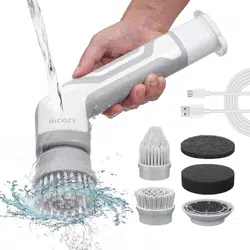
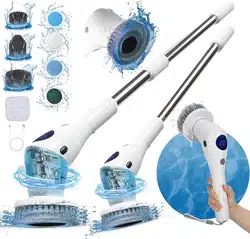
Product name: Electric cleaning brush
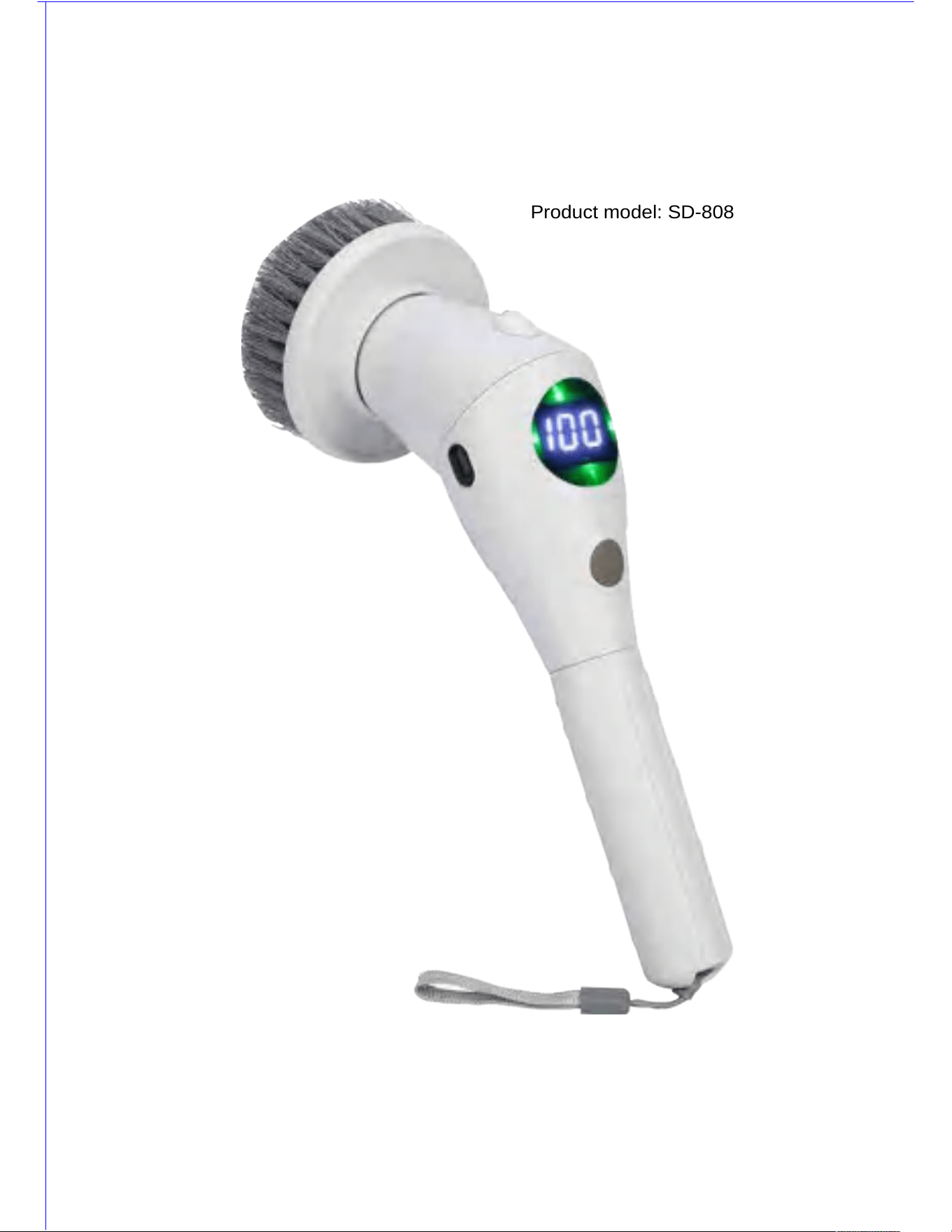
Product model: SD-808
Thanks for your purchasing !
Please carefully read the manual before using it, and keep it properly for future reference.
The instructions include the usage methods of the electric cleaning brush & some usage techniques,
which could make you use it easily and make your home more comfortable & cleaner.
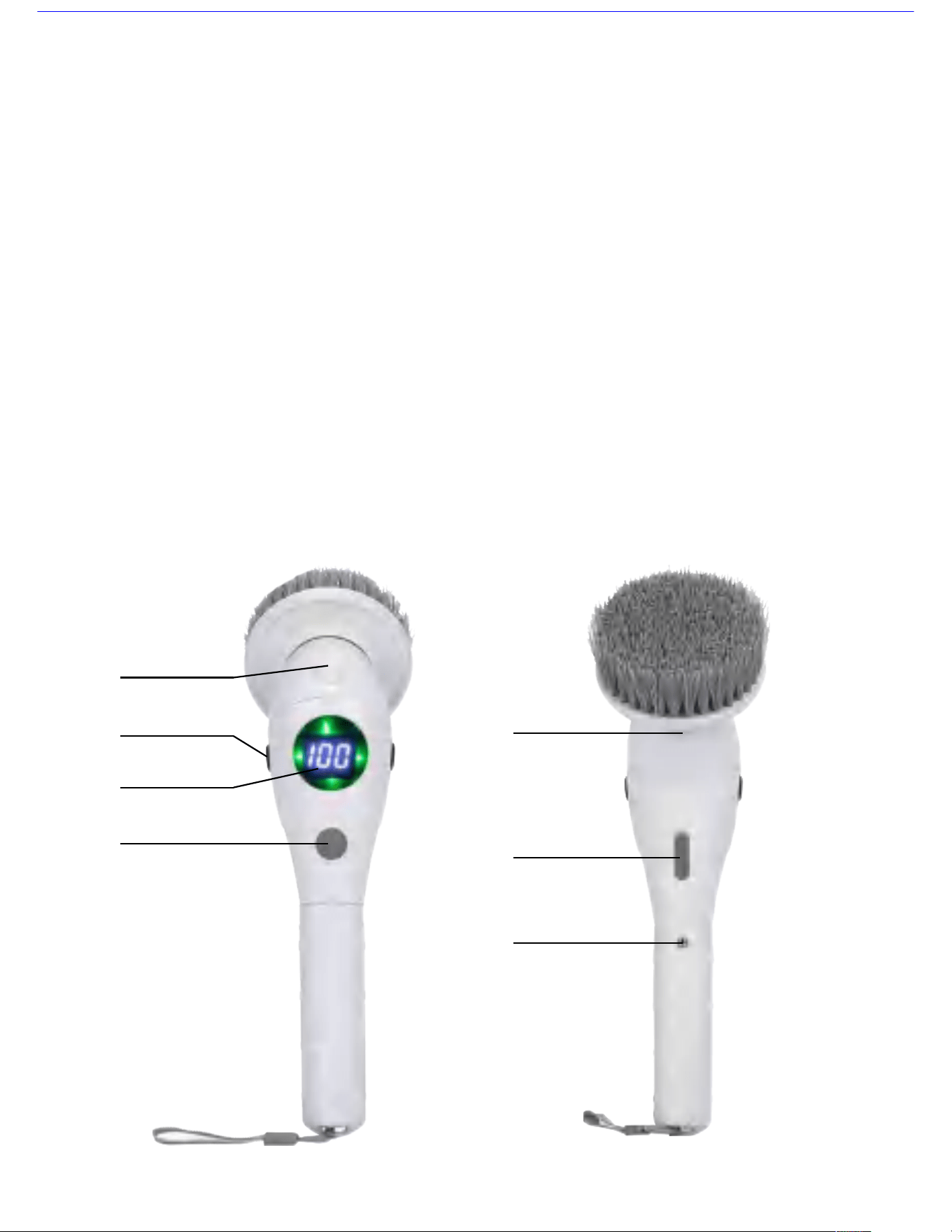
Introduction of product functions:
Switch key: Long press the switch key for 2 seconds manually, the machine starts running and
enters into low-speed rotation (H1), and the working indicator is always on, it shows the current
electricity volume. During machine operation, if you press the switch key with your hand, the
machine enters into middle-speed working mode (H2), if you press the switch key again, the
machine enters into high-speed working mode (H3). After power-on, if you long press the switch
key, the machine will shut down, and all the indicators are off.
How to turn on / turn off the illuminating lamp :
1 When the host is in power-off state, double click the switch key continuously to turn on or turn
off the illuminating lamp;
2 During operation, after the display screen shows the electricity digits, if you double click the
switch key continuously, you can turn on or turn off the illuminating lamp. Press the locking keys
on both sides (Left & right ) to rotate the angle of machine body.
If it occurs to improper operation, or overload of brush head, or it’s stuck, the indicator will glitter
twice, and then the machine will activate overload protection and shut down. After trouble-shooting,
the user can boot again for normal use.
When charging, the red indicator on the display screen glitters, when it’s filled with electricity, the
red indicator will be always on.
L E D I l l u mi n a t o r
L o c k i n g k e y
D i s p l a y s c r e e n
S w i t c h k e y
U S B c h a r g i n g
i n t e r f a c e
Me t a l p e l l e t
L o c k i n g k e y
o f b r u s h h e a d
1
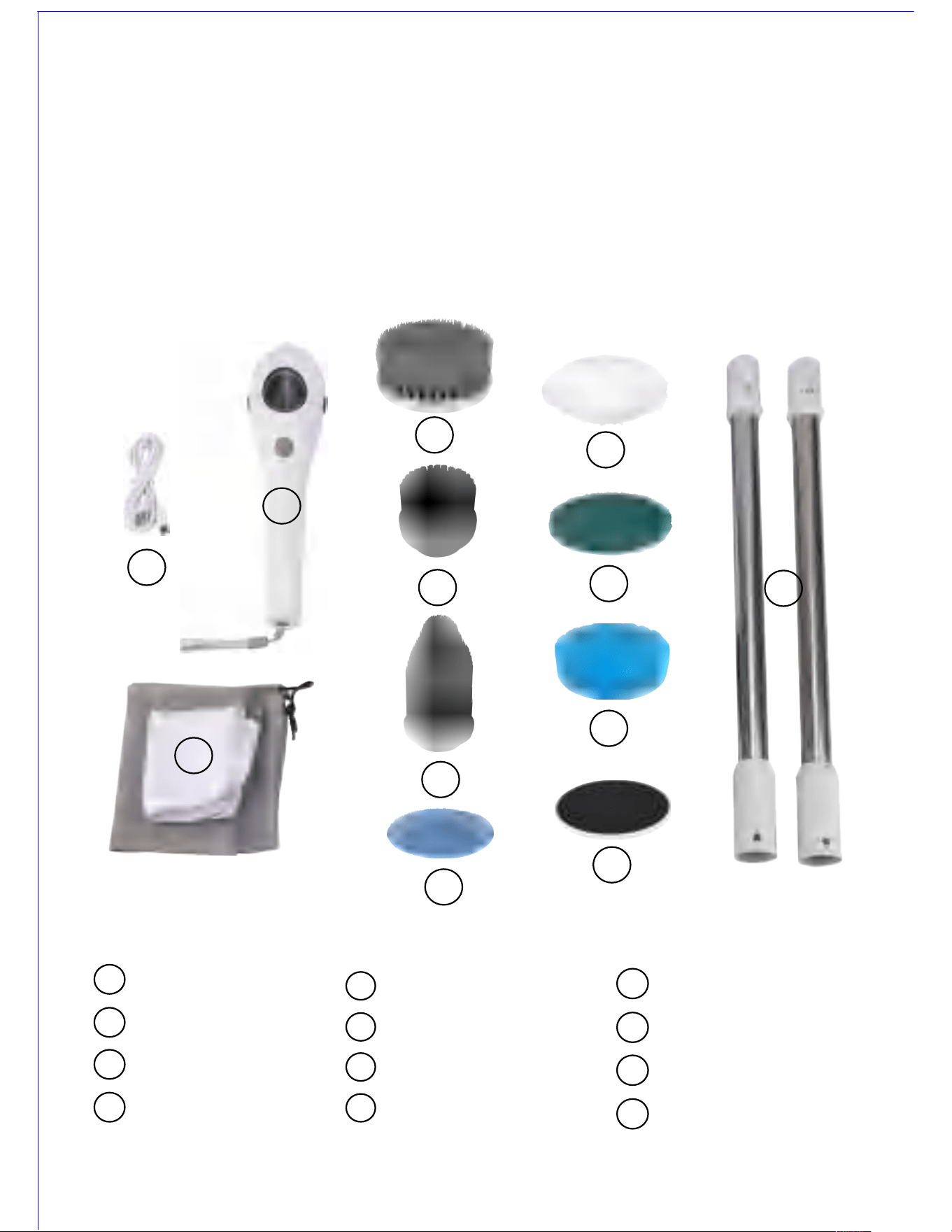
Introduction on basic functions of product
The product is mainly used for cleaning domestic bathroom, kitchen, floor of drawing room,
furniture, auto etc spots, the product uses high performance lithium battery, with strong power
motor & three-shift speed. The user can change the cleaning strength according to different
demand. It uses TYPE-C charging cable which is widely used all over the world, you only need
charge for 3-5 hours, and the circuit design owns overcharging protection function.
Description of product structure
1
1
2
4
5
6
3
7
8
9
10
11
12
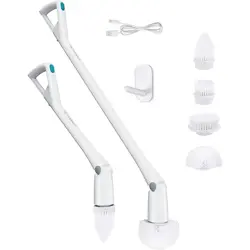
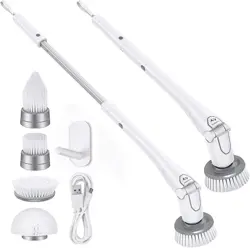
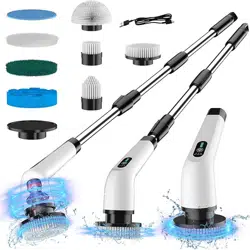
USB cable
Host
Mesh bag
Large flat brush head
Small flat brush head
Pointed brush head
Small mop
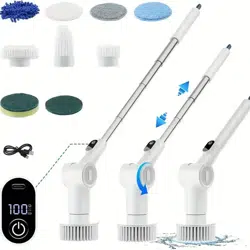
Imitated wool brush
Fiber brush
Sponge brush
Small brush disc holder
Connecting rod
2
3
4
5
6
7
8
9
10
11
12
2
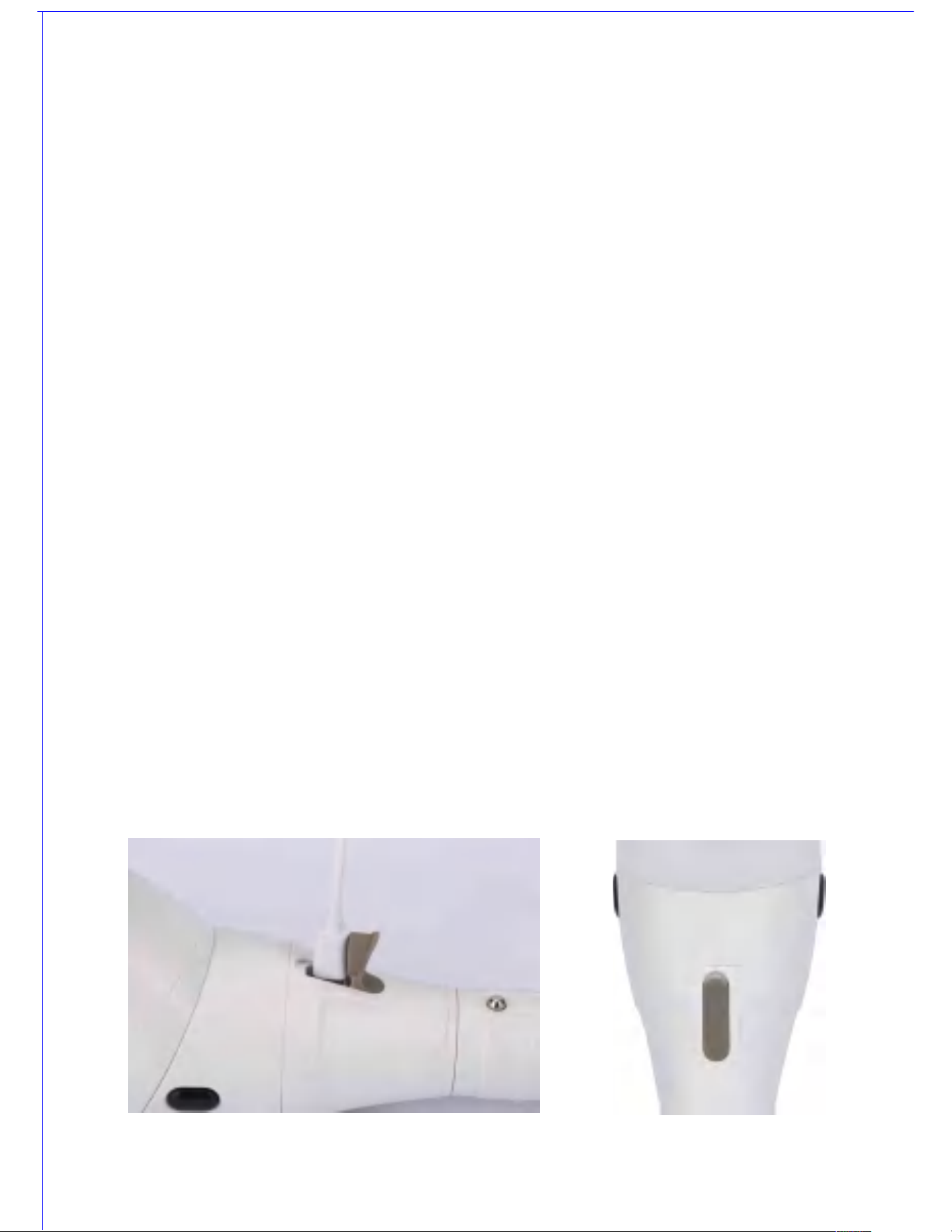
Warning :
1.Please carefully check whether or not all the accessories are equipped before using it.
2.Please don’t place the charger in a humid environment.
3.During cleaning, you shall inspect whether the sealing rubber plug has been tightly inserted
into the charging hole.
4.After cleaning, please timely wipe the surface to make it dry.
5.Don’t let unsound person or someone who is mentally ill or lacks of the related experience and
knowledge (including kids) use the product, unless they are guided or supervised by the responsible
person who could guarantee their security when the mentioned persons use the product.
6.Please take care of kids, to ensure they won’t play the product.
7.During cleaning, please don’t use hot water, when you use warm water, please remember to
check the water temperature (it can’t be too hot) , so as to prevent your hands from scalding.
8.During cleaning, it’s forbidden that your hand or your clothes touches the moving parts.
9.When you replace the brush head, please don’t use screwdriver etc tools to prize the brush
head. Please refer to Page 6 to learn about the correct method of replacing the brush head.
10.When you replace the brush head, your hand can’t touch the switch, so as to avoid accidental
power-on and injury.
11.When you use it , please be far away from cable, rope etc wrapping parts.
Introduction of charging function:
1.Unplug the sealing plug of the charging hole, please use the equipped charging cable to insert into
the charging hole. The red indicator on the display screen will glitter in circulating way. (See figure 2).
2.The normal charging time of the product is around 3-5 hours.
3.When the red indicator is always on, it means it’s filled with electricity, unplug the charging plug and
remove the charger from the power socket, and tightly insert the sealing rubber plug into the charging
hole, so as to avoid that water enters into the charging hole when charging (See figure 3).
Warning: when you use the charger, please use the original charging cable and match with USB charger
when using, meanwhile you shall inspect whether the charger is humid or whether water enters
into thecharger.
Figure 2 Figure 3
3
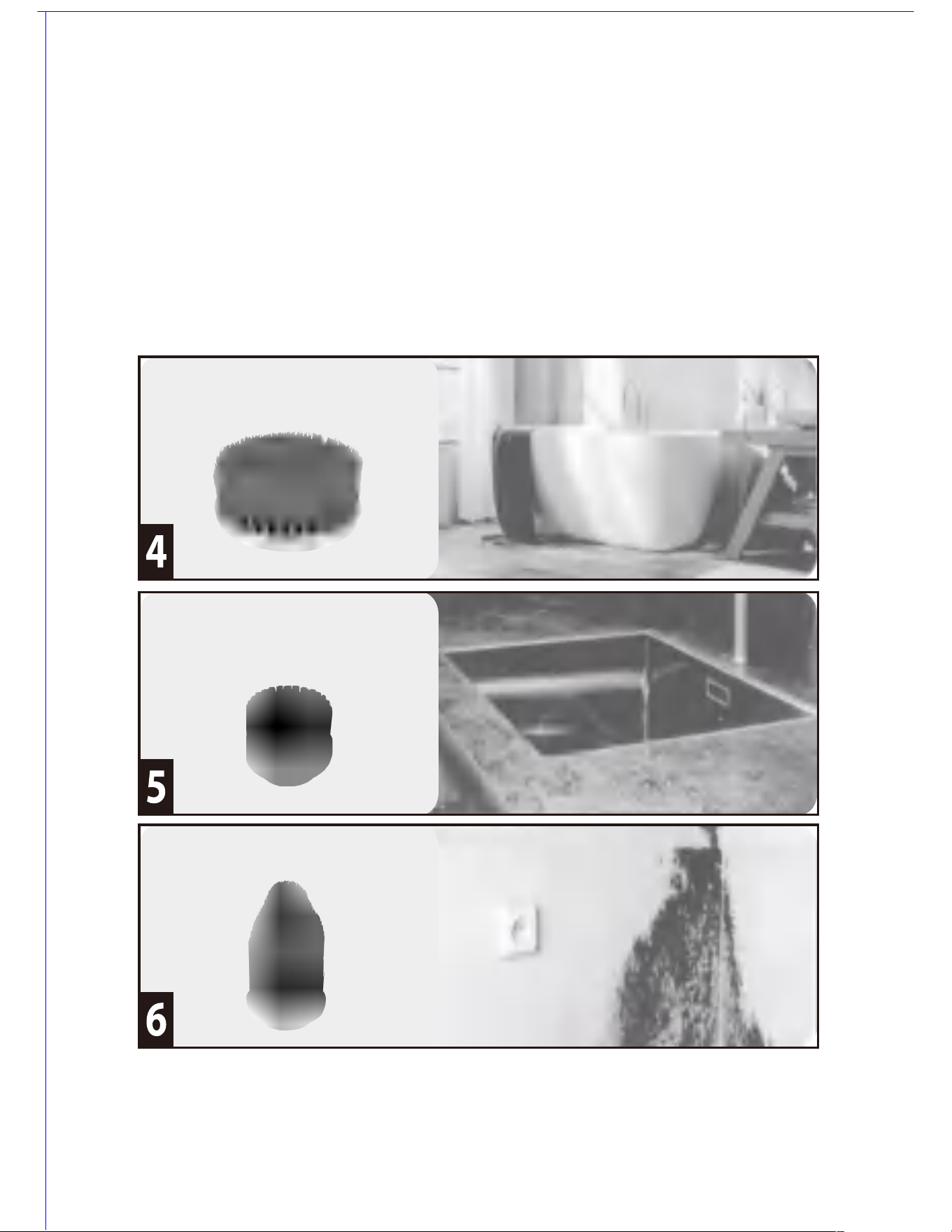
Introduction of brush head functions:
1.Large flat brush head: it’s applicable for bath, kitchen, drawing room, toilet, window, glass etc spots,
it’s used to get rid of the oil dust / smudge. (See figure 4).
2.Small flat brush head: it’s applicable for wash basin, kitchen sink, furniture etc small-area flat surface
cleaning. (See figure 5).
3.Pointed brush head: it’s applicable for the corners, borders and crevice of home kitchen, bath, or
range hood, as well as the hub of auto, and those places where are difficult to touch in the course of
cleaning. (See figure 6).
4.Small mop: it’s mainly used for floors of drawing room, glass, tea table, auto surface cleaning /polishing
etc (See figure 7).
Attention: When you use 7-10 brush disc, the brush disc needs to be adhered on the
brush disc foundation (11) firstly, and then install the brush disc foundation on the
rotation plate of host when using it.
For cleaning bath
For cleaning kitchen
For cleaning the corner of wall
4
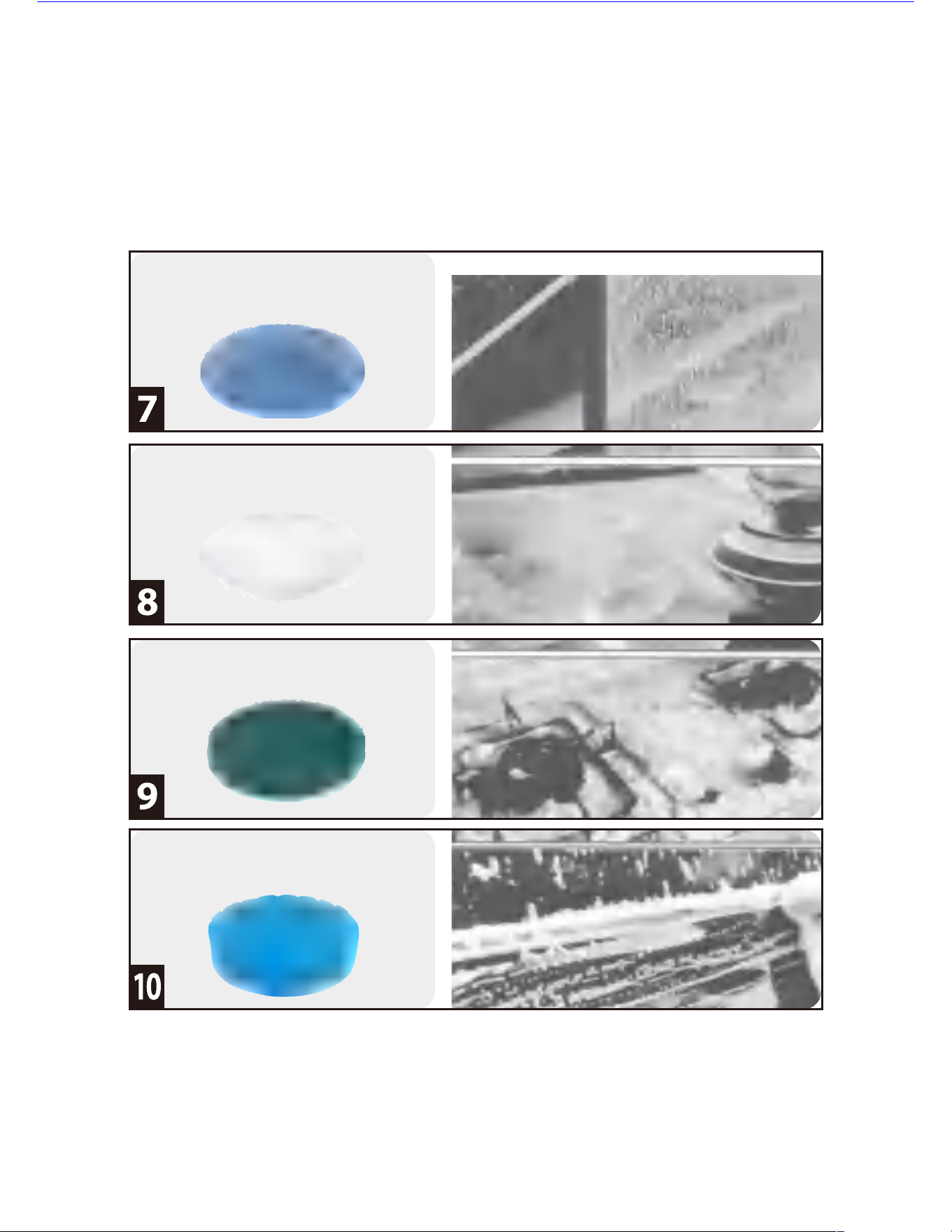
-- The brushed disc with imitated wool can be used for the surface polishing, waxing & dedusting
etc of high-end homewares, electric appliances, auto etc. (See figure 8).
-- The fiber brushed disc is mainly used for heavy oil dust removal on the surface & the surface
polishing (See figure 9) aiming at kitchen, range hood, wall, bath etc.
Cleaning for window
Polishing & waxing
Heavy oil dust removal in the kitchen
For the auto surface
5
How to use the product:
1.Before using it, please firstly charge it for 3-5 hours, to make sure that the machine is filled
with electricity.
2.Please select the suitable brush head according to different occasion, and install the brush
head on the machine.
3.After you long press the switch key to turn on the machine, it will enter into the low-speed
rotation mode (H1), and after pressing it once, it will enter into the middle-speed rotation
mode (H2). And when you press it again, it will enter into the high-speed rotation mode (H3).
If you long press the switch key in power-on state, it will power off.
How to replace the brush head
1.When you replace the brush head, firstly you shall power off the machine, and your hand
shall be away from the switch key when replacement.
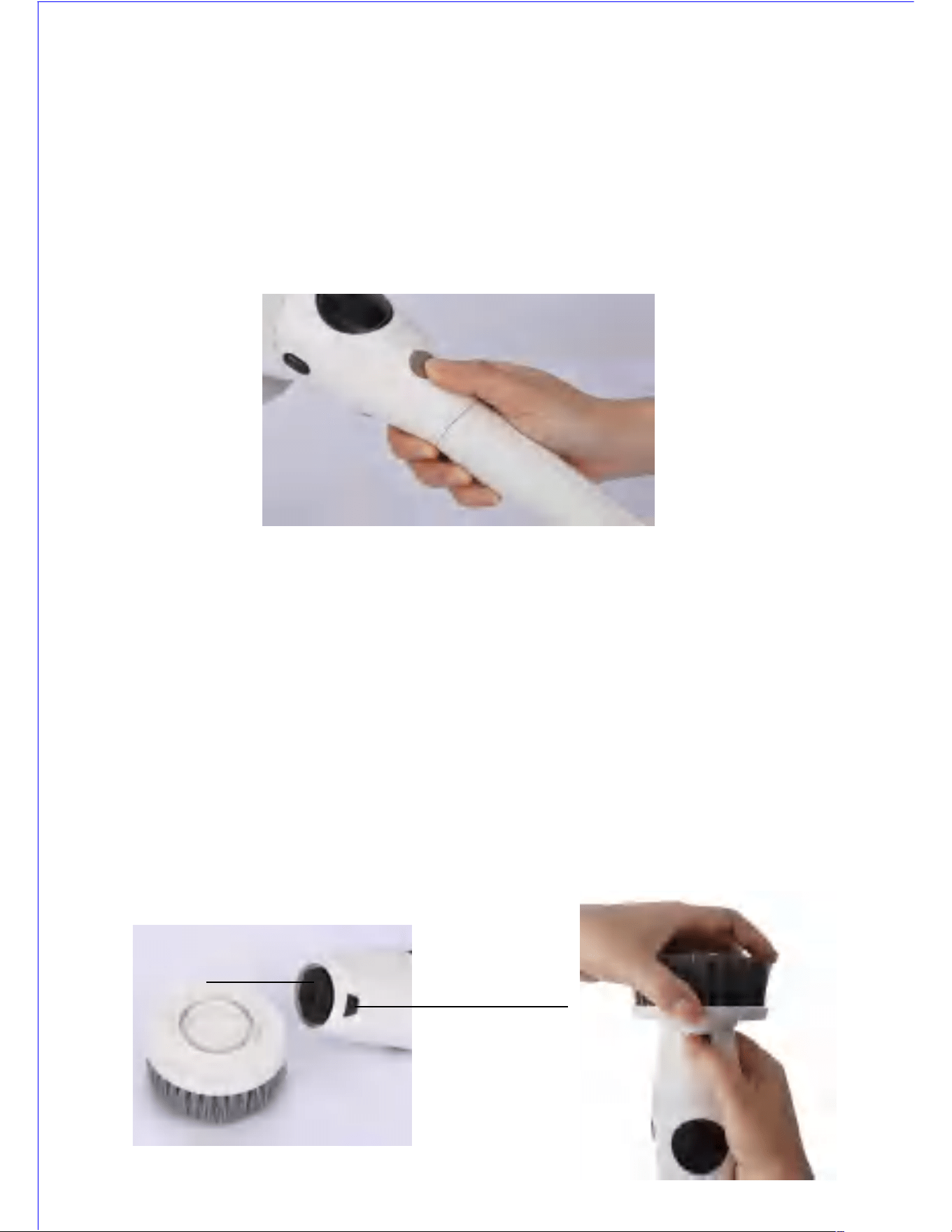
2.Installation method of brush head: install the brush head on the rotation disc of host, and
press the locking key of brush head with your right hand, and grasp the brush head with
your left hand for rotation to the left, until you hear a sound of “Ka” , it means you finish the
installation o f brush head (See the following figure).
3.Disassembling method of brush head: Press the locking key of brush head with your right
hand, grasp the brush head with your left hand for rotation to the right, and thenyou can
easily remove the brush head (See the following figure) . (Don’t forcedly pull & disassemble
the brush head, because it would damage the machine.)
4.When you use brush disc or mop, please firstly adhere the brush disc on the foundation, and
then install the brush disc holder on the machine with the same method as the installation
method of brush head.
Locking key of brush head
6
Rotation disc
How to clean & maintain
1 .When cleaning, please check whether the sealing rubber plug has been tightly inserted into
the charging hole.
2 .Please don’t use steel wire etc metal object or abrasive detergent or corrosive liquid (such
as gasoline or acetone) to clean the brush head & machine body surface.
3 .You can rinse the brush head of the product under the water tap or adjust the product to
high-speed shift, and immerse the brush head into water for cleaning, don’t immerse the
machine body into water.
4 .After cleaning, please tumble-dry the product and wipe it with a dry cloth.
5 .Please don’t use hot water (higher than 60℃) to clean the brush head & the product.
Friendly-environmental Disposal:
1.When you discard & dispose of the product, please don’t pile it with the general domestic
garbage together. You shall deliver it to the designated recycling center of the manufacturer,
which is good for environmental protection.
2.The built-in charging batteries are probably to contaminate the environment. So when you
discard the product, you are sure to take out the batteries firstly and dispose of the batteries
properly.
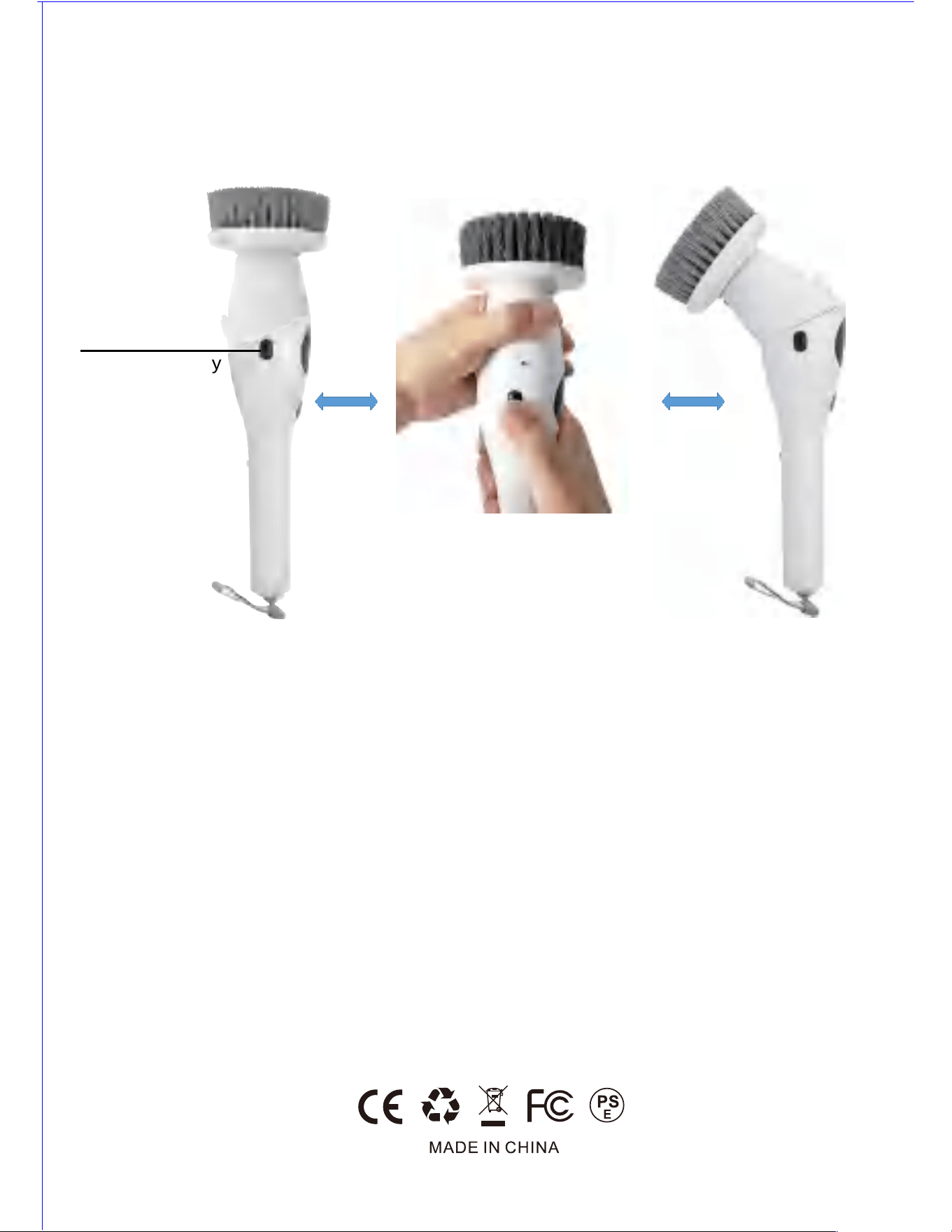
How to adjust the host angle when using the product:
Press the locking keys (left side & right side) at the same time with your right hand, and
rotate the machine body to 180 degree with your left hand, if you want to make the machine
body straight, you only need operate it in opposite direction (See the following figure).
Locking key
of machine body
7