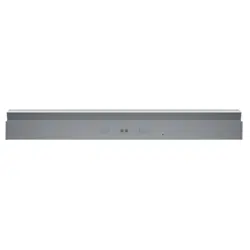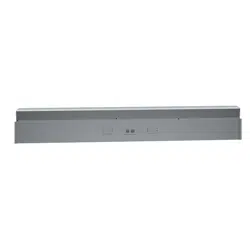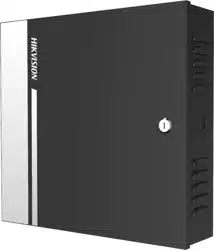
Power Box
User Manual
UD34302B
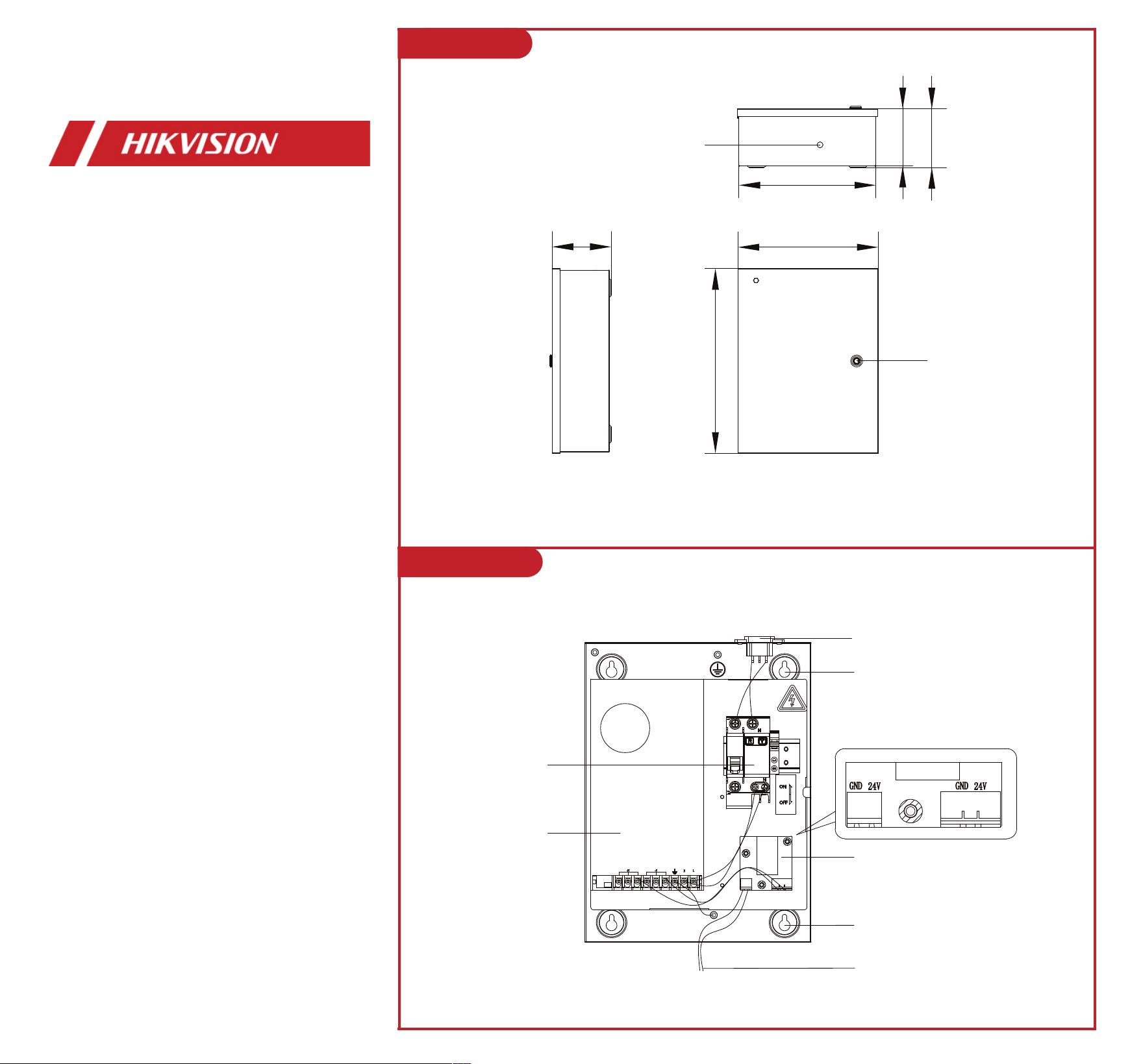
235
96.3
98.8
230
Wiring Hole
Lock Hole
Unit: mm
310
98.8
1 Appearance
2 Components
Main Switch
320 W Switch
Power Supply
Wave Filter
Installation Hole
24 V Output Power Cable
Installation Hole
Power Interface

3 Installation
4 Wiring
1. Unlock with key and open the
front panel of the power box.
3. Close the front panel
and lock with key.
2. Fix the power box on the mounting surface.
(1) Dig holes on the mounting surface according to
the installation hole position of the box and install
expansion bolts.
(2) Fix the box with 4 expansion bolts (PA4 × 35).
(3) Complete Wiring.
Lane Control Board
Power Box