MENU
MODE
Red wire connects anode +12v
Black wire grounded
Green wire connects to reversing lamp 12v
Video Av1 connects VCD/DVD signal input
Video Av2 connects camera signal input
1. :Analog +/- (adjust brightness,contrast,color,pos:DN Normal
(reverse image),etc.)
MENU
MODE
2
1
3
4
5
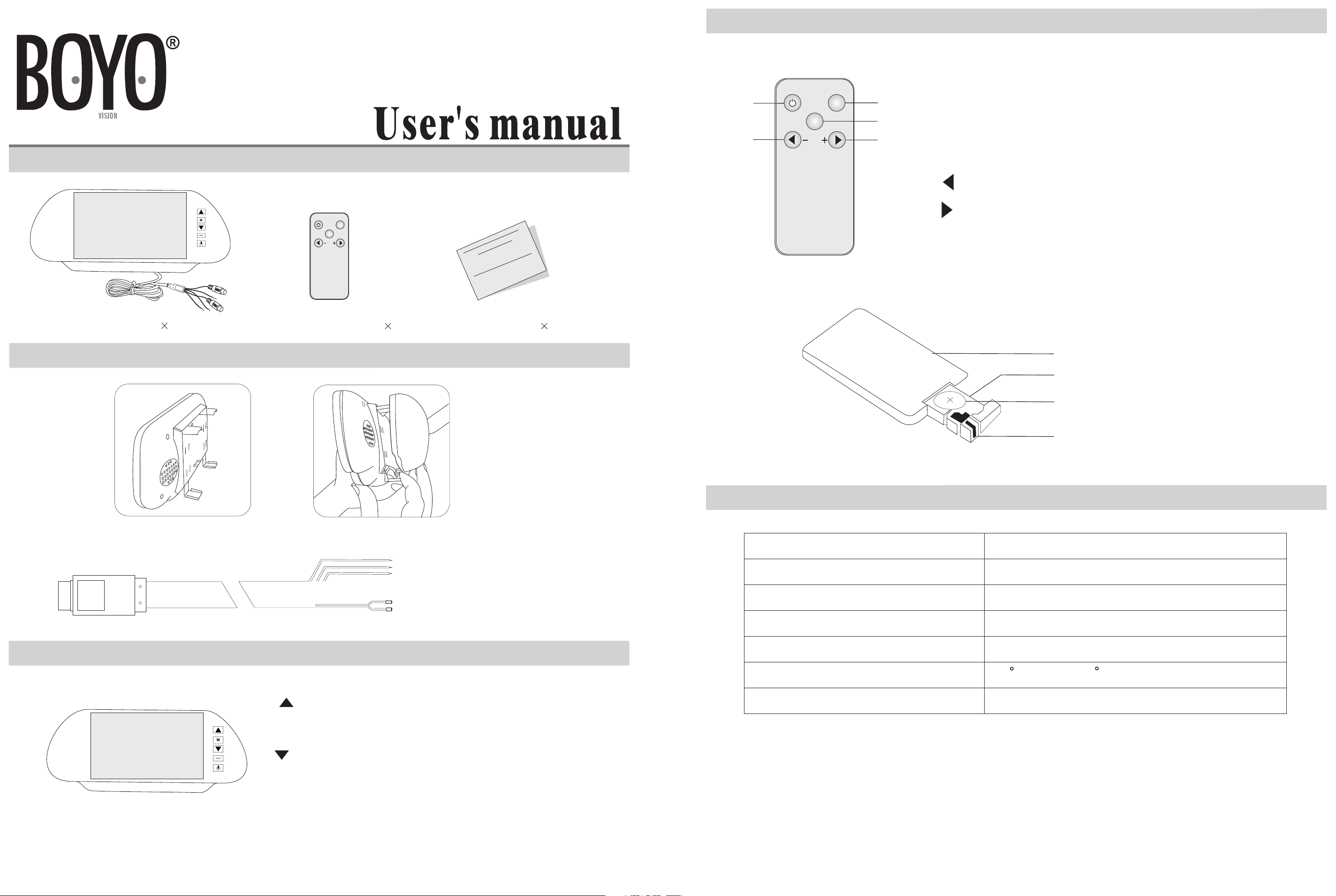
1.Power: power on/off(when the monitor is powered on,press
POWER but
to
n to close me
nu
,pre
ss and h
old it for
1 second to p
ower it off)
2.
Mo
de: change the Av1 or Av2
3.
Menu: me
nu o
ptions (press MENU to shift d
iffe
re
nt menus
4. :Analog +/- (ad
just brightne
ss,cont
rast,
colo
r,pos:DN
Normal (rever
se image),etc.)
5. :An
alo
g +/
-(adjust brightn
ess,
contrast
,co
lor,pos:DN
Normal (rever
se image),etc.)
Card bolt
Battery
Battery slot
Back of remote controller
Model
Display resolution
System
Power consumption
Monitor dimension
Storage temperature
Operation Voltage
VTM700M
800(W)*480(H)
PAL/NTSC
6W (M
AX)
9.75”(W
)*4.2”(H)*1.75”(D)
DC12V
-4 F ~ +149 F
Care instruction
1.We strongly recommend have qualified technician or maintenance to install this device.
2.If this monitor does not work well, please check the connection first.
3.For your safety, please do not watch the monitor entertainment while you are driving
V
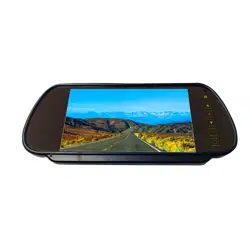
TM700M
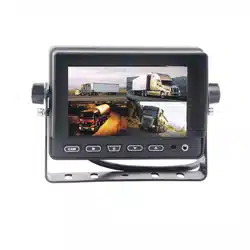
Rear view 7” TFT-LCD Monitor
A.7” TFT monitor
1
B.Remote controller
1
C.User’s manual
1
1.Parts list
2.Diagram of installation
3.Functions of Button
4.Remote controller
5.Specification
A:
B:Connection
A:operations of remote controller
B:Installation of batteries
Figure (1)
Figure (2)
-2-
2.Menu: menu options (press MENU to shift different menus)
3.:Analog +/-(adjust brightness,contrast,color,pos:DN Normal
4.V1/V2: Switch Between AV1 and AV2
5.Power: Power on/off