使用入门
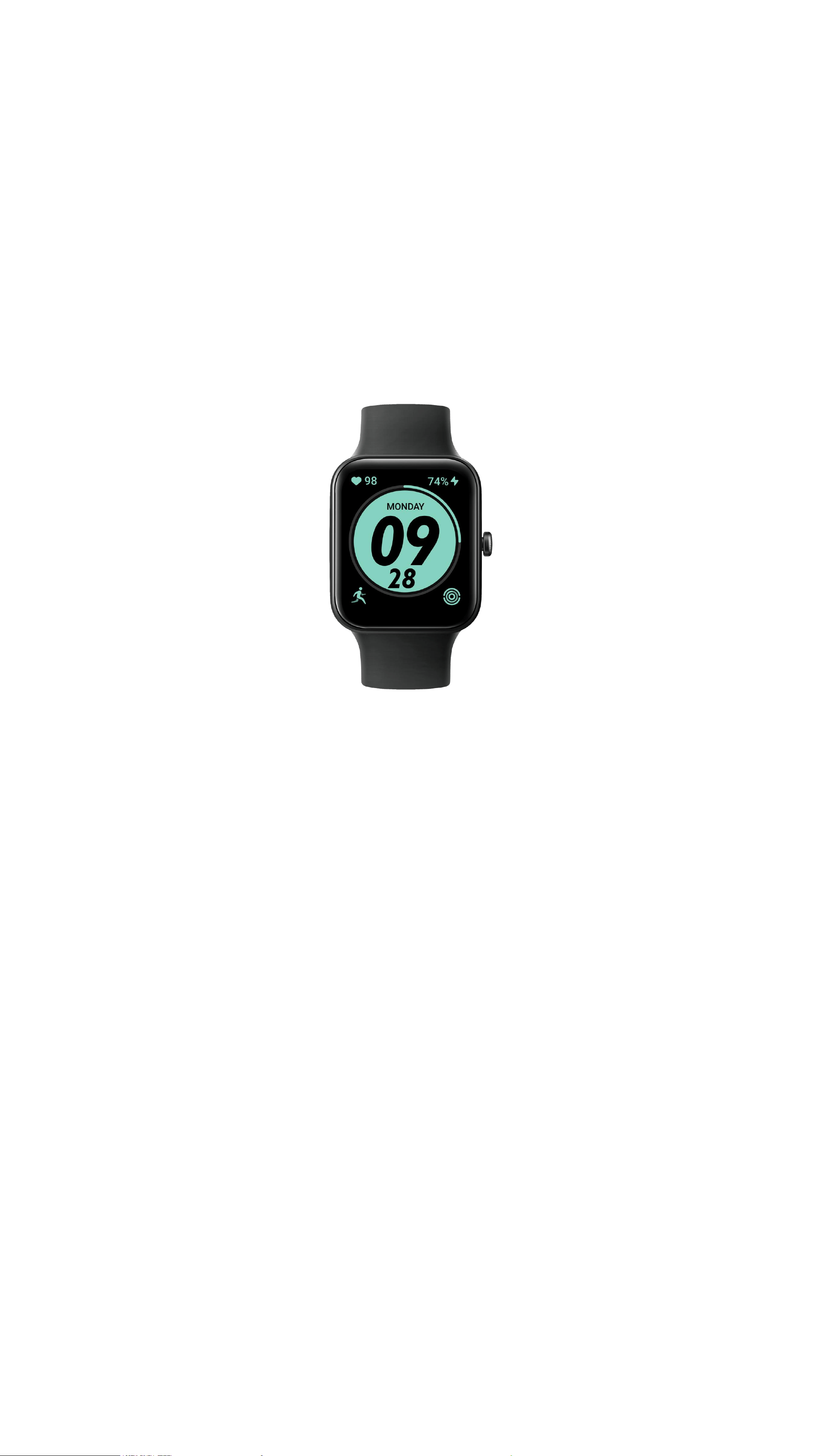
ID207 Manual
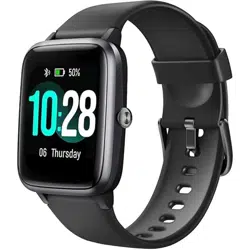
207 Smart Sports Watch
2
Introduction
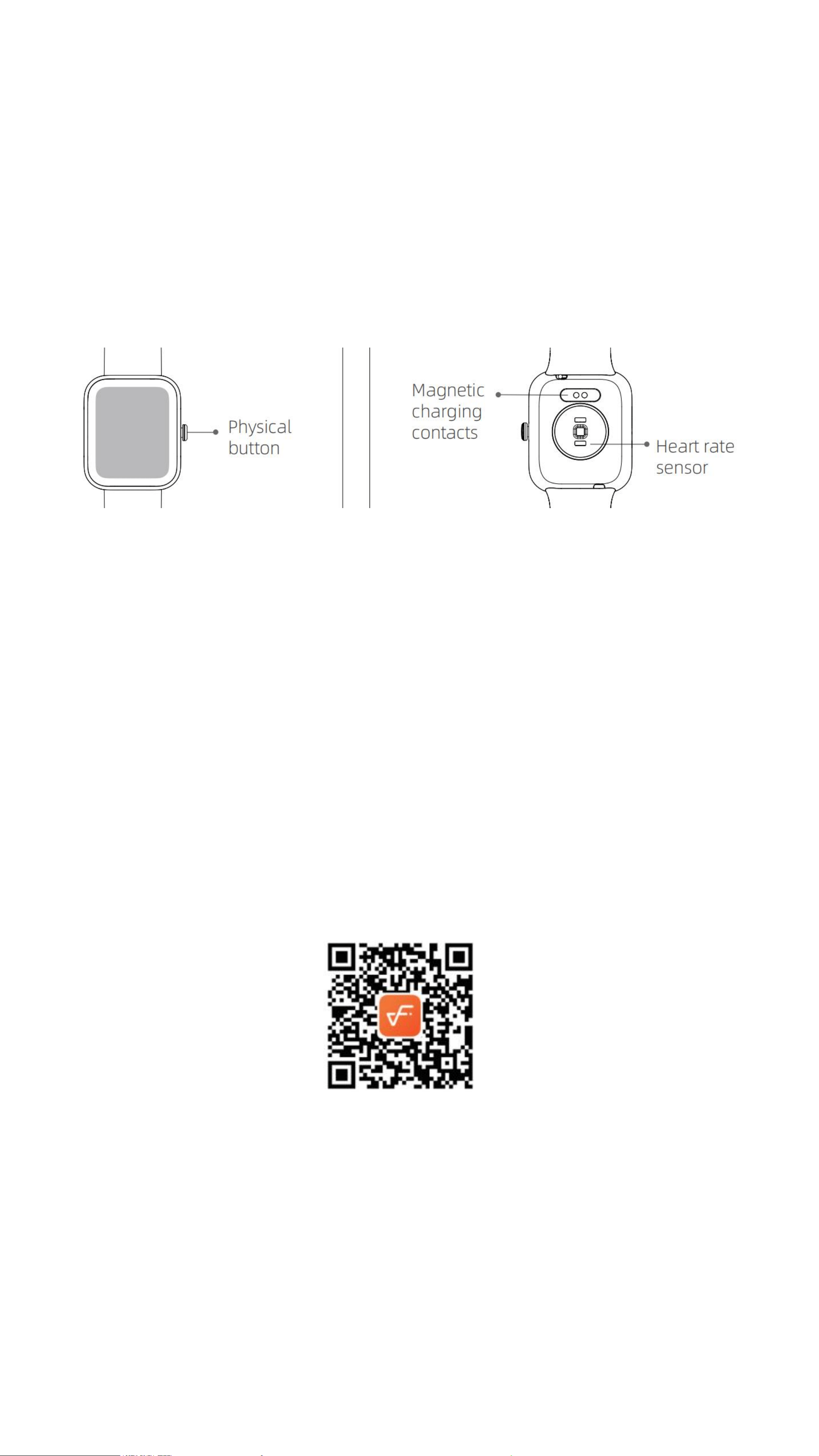
Screen display area
Function button
Heart rate sensor
Front side
Back side
(1)Open the package and check the product
(2)Package contents: (1) ID207 Smartwatch (with built-in lithium battery); (2) User guide; (3)
Charging cable
(3)Connect the contact points of the magnetic charging cable to the contact points of the
watch to charge and activate the device, and to turn it on.
(4)Search for the “veryfit” in your phone's app store, and download and install the app; or
scan the QR code to download the app from the web;
In the app interface, set your personal information, as well as your step and weight goals
(5)Open the app, tap the “More” icon in the upper right corner, select "Add Device", select
the device category, and select the device you wish to link in the corresponding search list.
You may also link the device directly by scanning the device’s QR code using the scan function.

Health
a) Watch
1. The watch will automatically record your data.
2. You can manually measure your heart rate, SpO
2
, and stress on the bracelet,
moreover, it can monitor your heart rate and sleep throughout the day. You can
manually operate it or set it to automatically monitor your health all the time.
3. To start an exercise:
4. Start the sports App on the bracelet, click an ICON of sports type and set the
goal, then start to exercise.
b) App
1. Start “veryfit”, enable the Bluetooth feature;
2. Light up the bracelet screen and bring it close to your phone;
3. Click "Bind Device" on the App, and select the bracelet model in the search
results to bind;
4. Confirm the binding request on the bracelet;
5. Fill in your information and set your step goal on the App to complete the
binding.
B a s i c O p e r a t i o n s
1. Wear it correctly: make sure that the
bottom sensor is properly attached to the skin,
and the strap shall be one finger away from
the wrist.
2. Touch operation: the ID207 supports full-
screen touch operations. Single click: select;
long press: enter or confirm.
3. Touch key: the ID207 has a touch key.
Short press: return or close a notification.
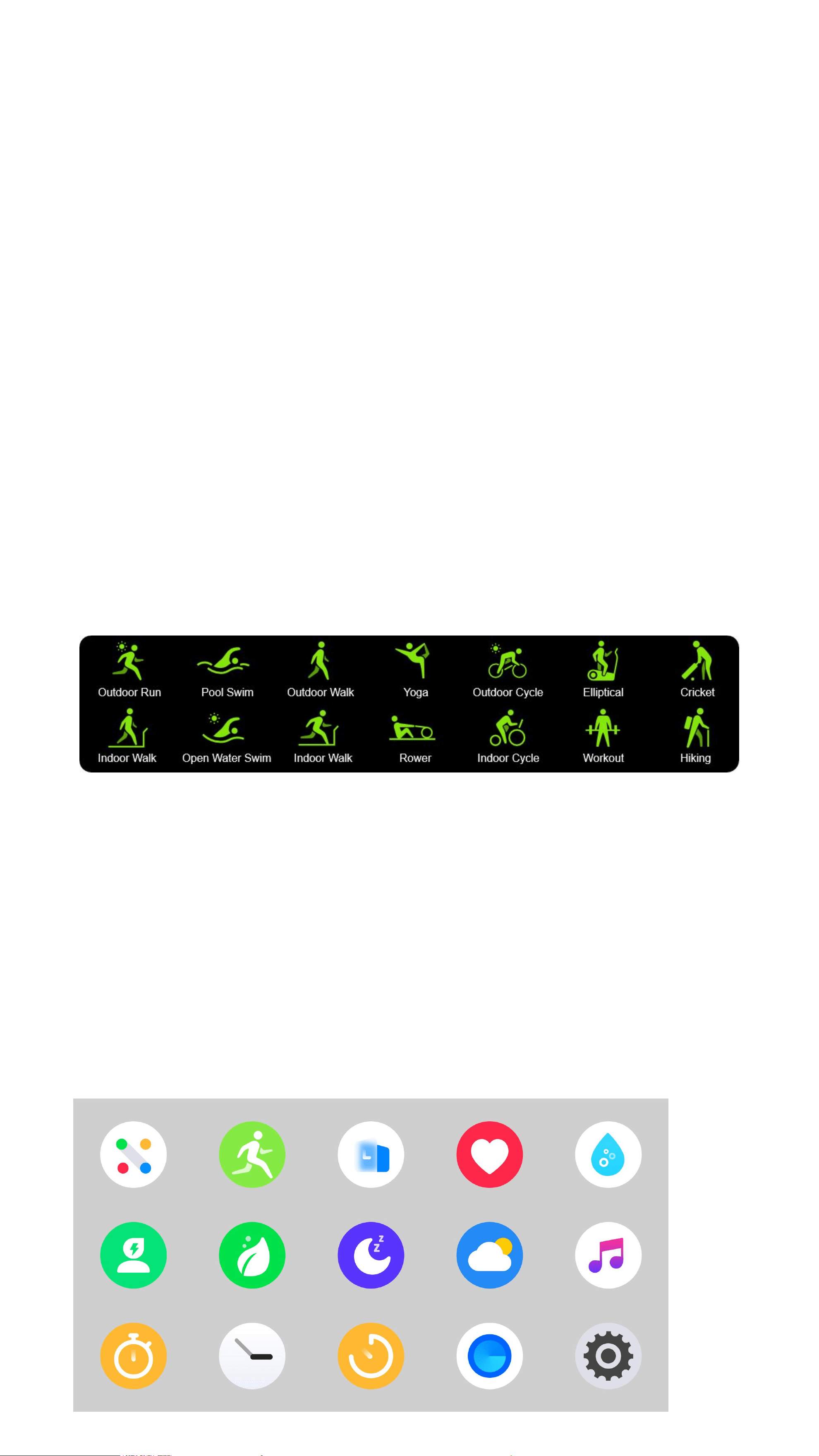
户外跑步
泳池游泳
户外走路
瑜伽
户外骑行
椭圆机
板球
室内走路
开放式游泳
室内跑步
划船机
动感单车
其他训练
徒步
F u n c t i o n D e s c r i p t i o n
1
、
Dial
You can switch between different dials in the
“
Dial Settings”. And you can download
and install more dials in the
“
Dial Market”.
2
、
Sports
14 Sports modes are provided: Outdoorrun\Indoorrun\Outdoorwalk\Indoor
walk\Hiking\Outdoor cycle\Indoor cycle\Cricket\Pool swim\ Openwater
swim\Yoga\Rower\Elliptical\Workout. You can choose to show or hide any
sports mode in
“
veryfit”.
ID207 has the Intelligent Sports Detection function, and can detect if the user
is running or walking; this function can be enabled or disabled in the App.
The Sports Summary of ID207 contains a variety of sports data, and the details
can be viewed in the veryfit App.
3
、
Apps
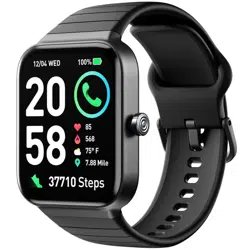
Swipe up or down to select an icon. The icons include: Message, Health Data,
Workout, Heart Rate, Stress, SpO
2
, Sleep, Relax, Music, Time, and Settings.
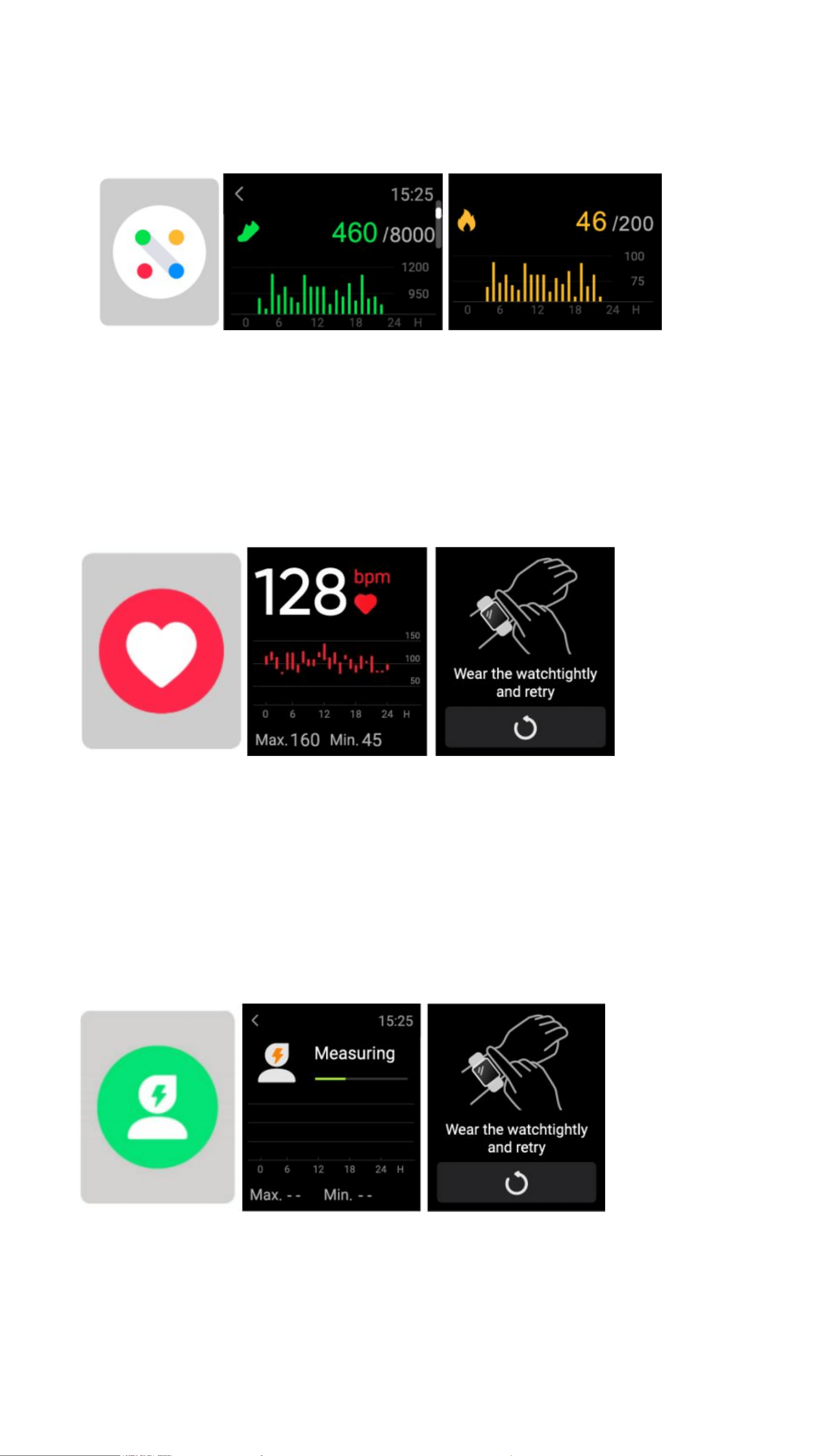
3.2 Health Data
It supports viewing the daily accomplishment of the following info: Steps, Calories,
Distance and Activity.
3.3 Heart Rate
1. It supports measuring your heart rate any time or viewing the daily monitoring
data. Also, you can set the measurement frequency in the App settings;
2. After you start the heart rate measurement App, you should keep your arms
and wrists still during the measurement.
3.4 Stress
After you start the stress measurement App, you should keep your arms and
wrists still during the measurement.
3.5 SpO
2
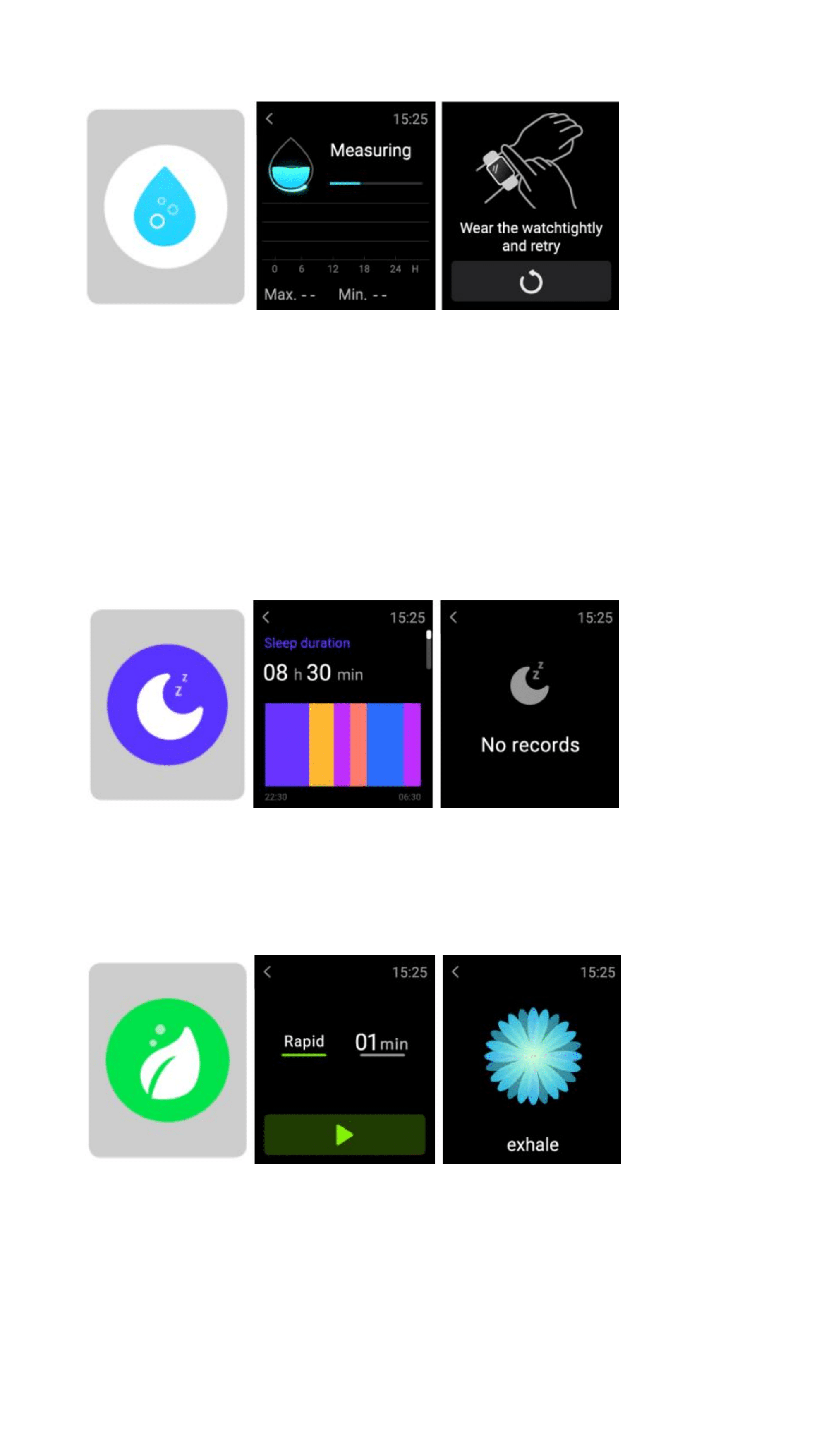
After you start the SpO
2
measurement App, you should keep your arms and
wrists still during the measurement.
3.6 Sleep
You can view the most recent sleep record and sleep status at each stage.
3.7 Relax
1. Enter the Relax App and choose the duration;
2. Click to start, then follow the vibration frequency and animation instructions to
adjust your breathing and it will help you relax.
3.8 Stopwatch
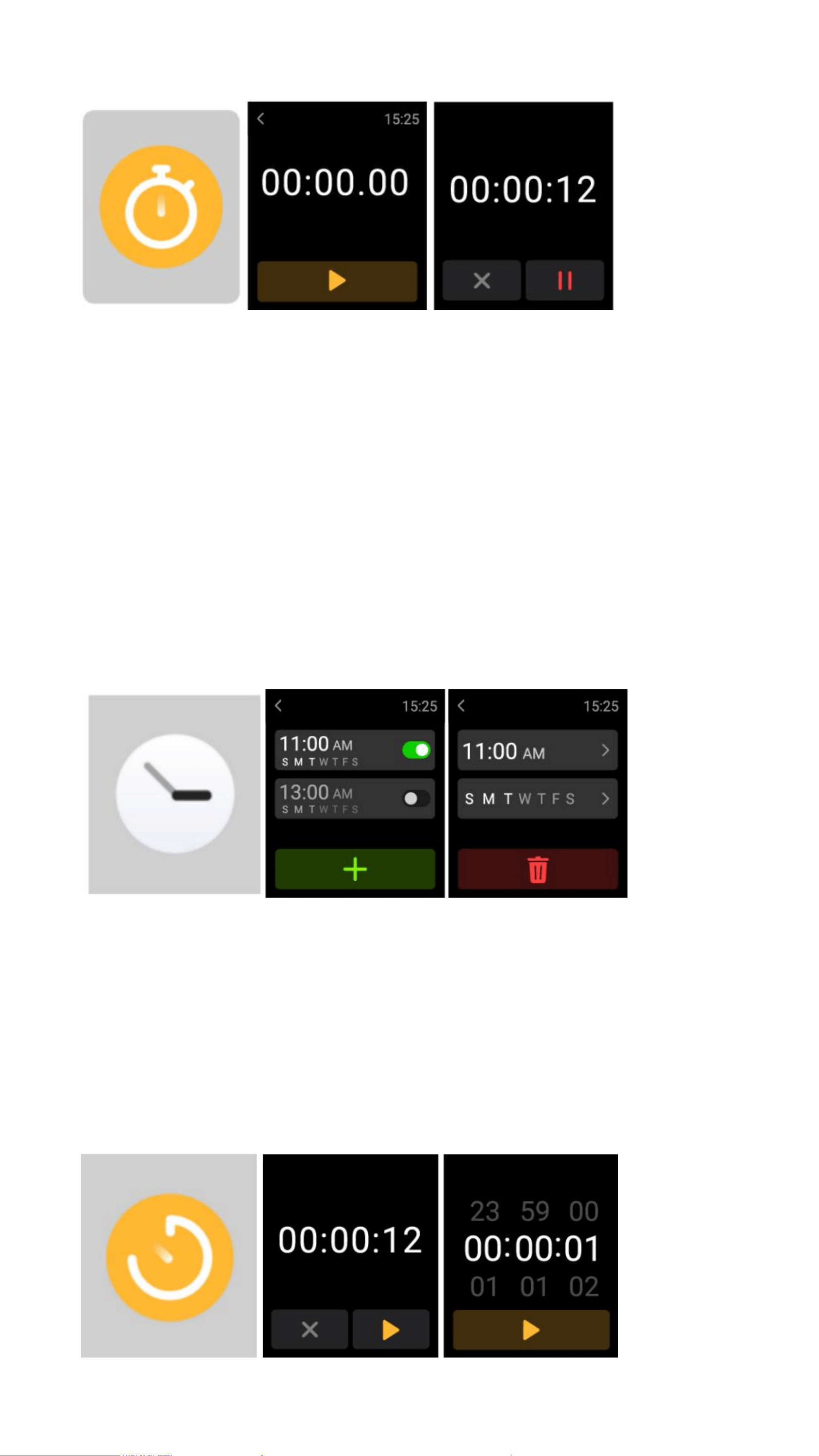
stopwatch and a timer are provided.
3.9 Alarm
1、The watch can be set to add, delete, turn on/off the alarm; you can also set the
alarm to the watch through the APP; you can also set the label you need in the
alarm to identify the alarm
2
、
You can set the alarm delay time and times in the APP to decide how long
you want to delay and how many times to delay
3.10 Timer
You can set a timer with a preset duration on the watch, and the timer will remind
you when the timer expires; you can customize the timer time
3.11 Weather
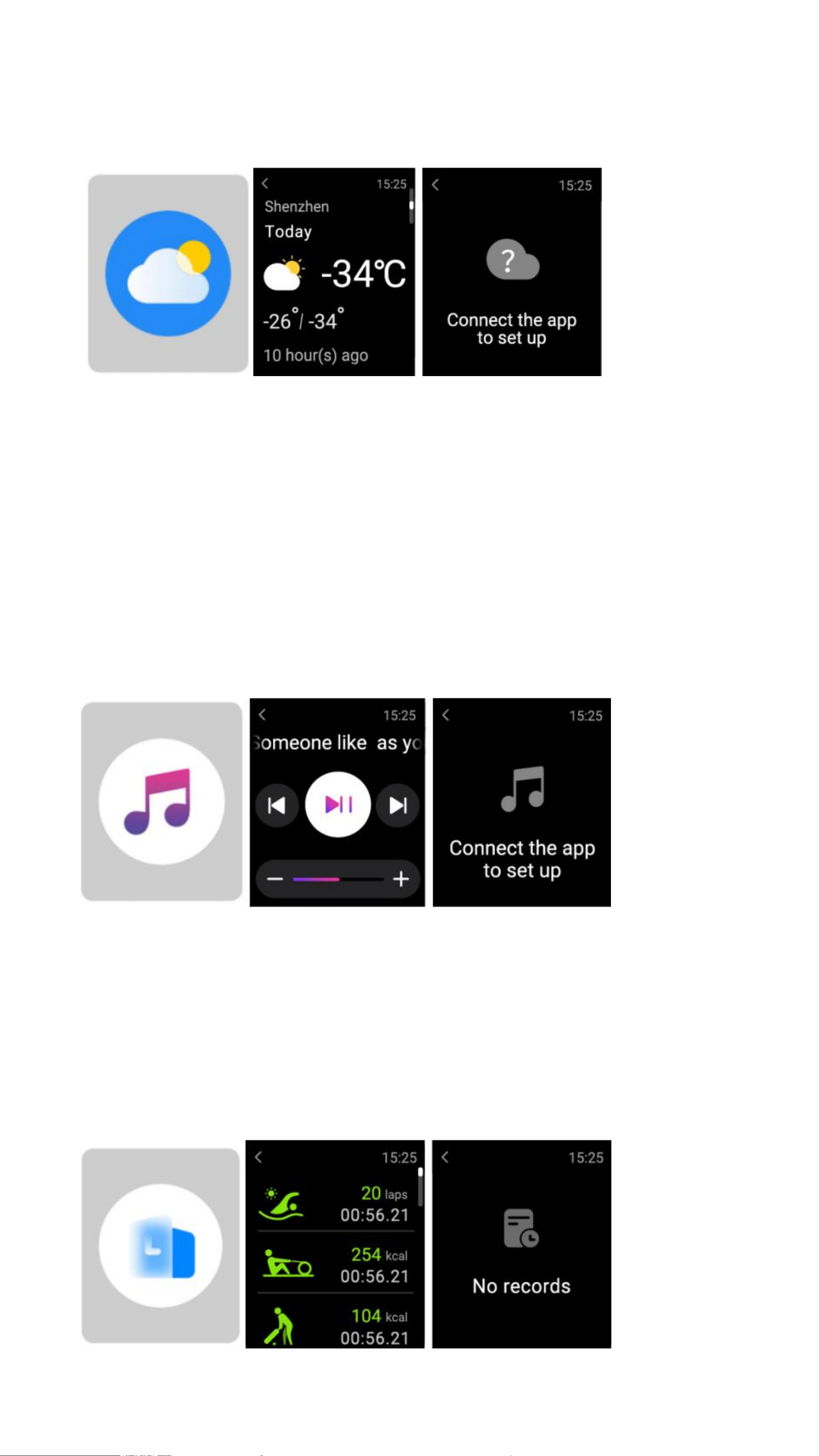
Supports Current city three-day weather viewing, you can view today
’
s "current
weather, highest and lowest weather values" and the "highest and lowest weather
values" for the next two days
3.12 Music
1、When the watch is connected to the APP, you can control the mobile music
player to perform the functions of "next, previous", "play\pause" and "volume
increase and decrease".
2、This function can be displayed\hide in the APP settings
3.13 Exercise Record
You can view your recent exercise records on the watch, including detailed data
about your exercise; you can also view the exercise records on the APP
3.14 Fine Phone
.
1
、
When the watch is connected to the APP, you can make your phone ring
2
、
Click the icon to end the ringing
3
、
This function can be displayed\hide in the APP settings
3.15 Settings
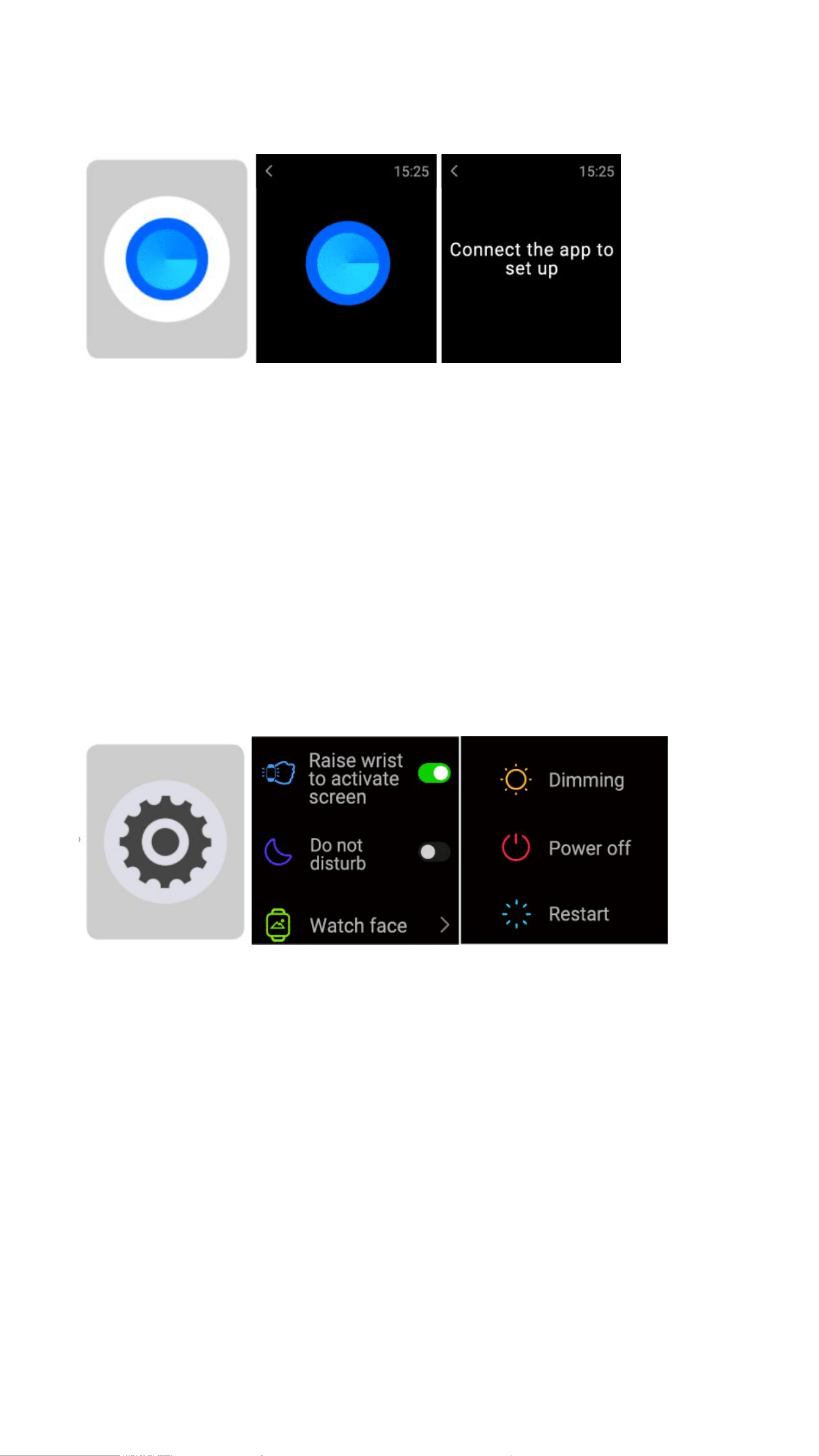
1、You can set your wrist-lifting screen, real-time heart rate, and do not disturb
switch on the watch This function can be displayed\hide in the APP settings
2
、
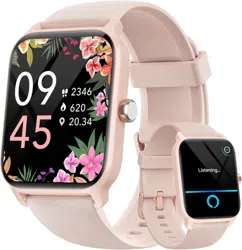
You can switch the locally stored watch face on the watch
3
、
You can set the brightness of the watch and the length of time the screen is
on on the watch; you can set the switch to reduce the brightness at night
4、You can control the shutdown, restart, and factory settings of the watch on
the watch (after restoring the factory settings, all data in the watch will be
cleared and the binding relationship with the phone will be released)
4. Message
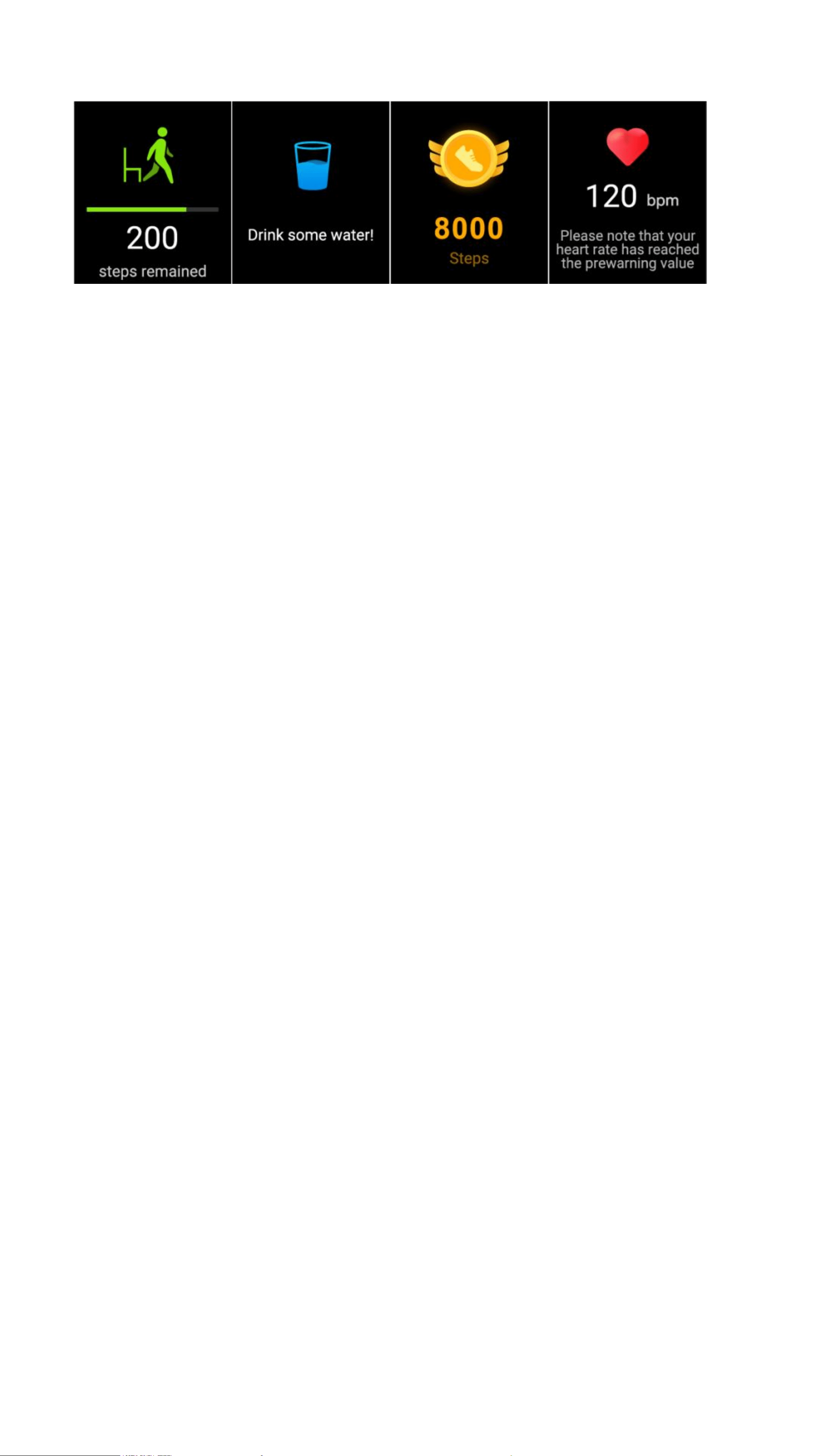
The watch supports multiple reminder modes, including message reminder,
incoming call reminder, walking reminder, drinking reminder, exercise goal
reminder, exercise center rate warning reminder, etc.