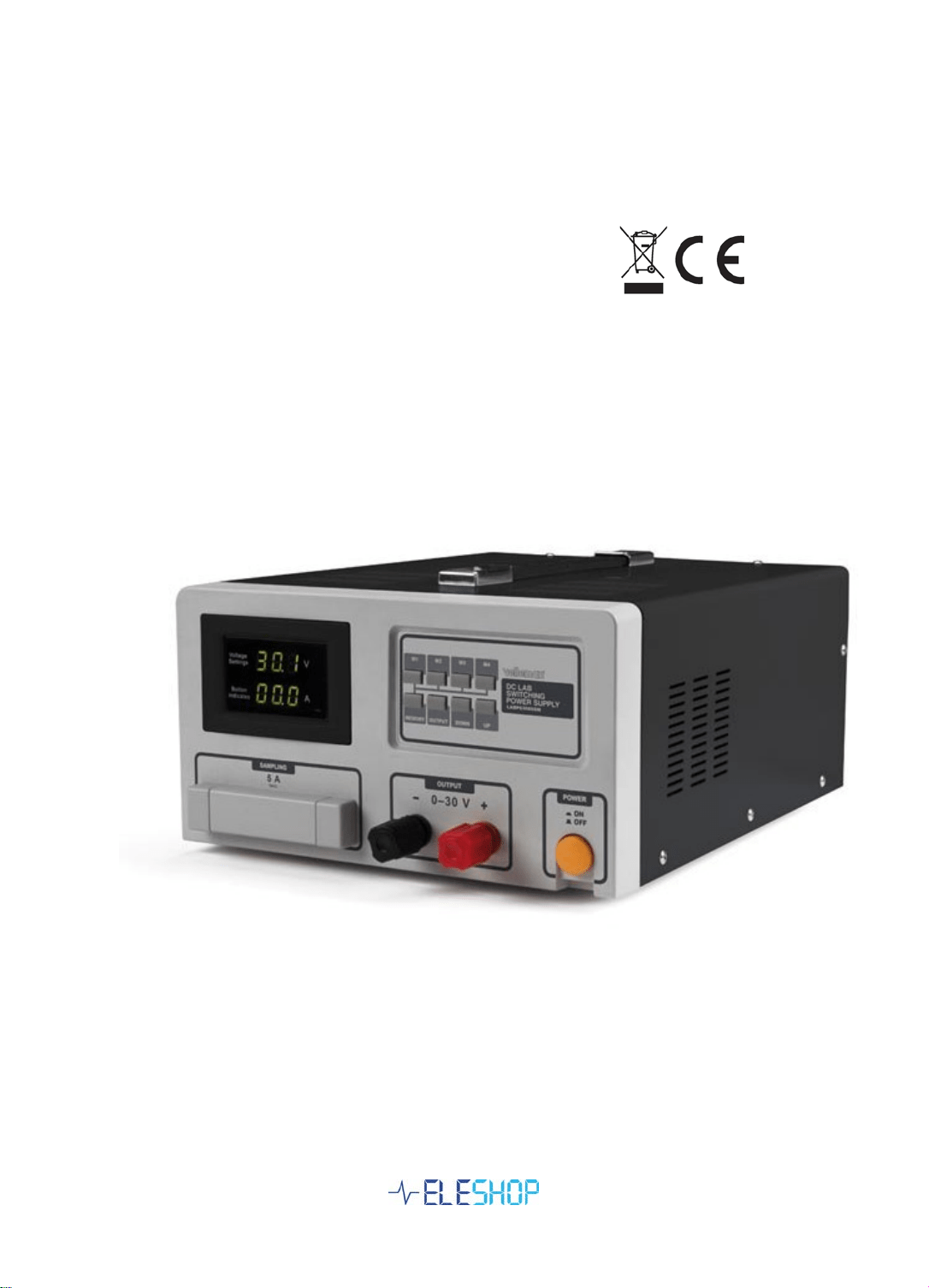
0-30V 0-60A / 0-60V 0-30A operating manual
Model: LABPS3060SM / LABPS6030SM

1. Operation
• Connect the power cable to 230V mains.
• Check the fuse is on, red lever in up position
• Press the ON button
• The unit display shows the selected voltage on upper line, SEI on lower line.
The output is at 0V, disabled still.
• Toggle with M1..M4 between memory voltage settings, or set the required
voltage with UP, Down .
• Press OUTPUT to enable the set voltage to the terminals.
• The voltage will slowly ramp up to the preset value.
• The display shows the actual voltage, first 0V and then shows the ramping
voltage to setpoint.
2. Change the voltage setting
Live change of voltage is possible but great care should be taken.
• A short press UP or DOWN will change the preset voltage by 0.1V and the
output follows in about 1 second.
• WARNING: Pressing UP or DOWN for more than 1 second will change the
voltage setpoint extremely fast, but this is invisible on the display as it shows
the actual output voltage. The actual output follows the setpoint very slowly,
taking about 3 seconds to reach end value. It is very easy to change the
setpoint to a very high value unintendedly, and then witness the power supply
to ramp to an unintended too high value, possibly causing damage to
connected devices.
Change voltage by programmed setpoint
• Press OUTPUT: Output voltage drops to 0V (display shows the previous
voltage on upper line, SEI on lower line)
• Select voltage setpoint with M1, M2, M3, M4 or UP, DOWN (upper display
shows selected value)
• Press OUTPUT: The display and output will slowly ramp up to the preset
value.

3. Programming a single memory
• Press MEMORY (The output drops to 0V during programming)
• Display shows a voltage and EPO (programming state)
• Press UP or DOWN to select the voltage to program.
• Press the memory position to program, for example M2
• The display shows the voltage and E02, to show this is the M2 programmed
value
• Press MEMORY again to leave programming.
Fast programming 4 values:
• Press MEMORY (The output drops to 0V during programming)
• Display shows a voltage and EPO (programming state)
• Press UP or DOWN to select the voltage to program.
• Press M1 to program.
• The display shows the voltage and E01, to show this is the M1 programmed
value
• Press UP or DOWN to select the next voltage to program.
• Press M2 to program.
• Press UP or DOWN to select the next voltage to program.
• Press M3 to program.
• Press UP or DOWN to select the next voltage to program.
• Press M4 to program.
• Press MEMORY again to store the programming.
• Press OUTPUT
• Press M1, M2, M3 or M4 to select a voltage
• Press OUTPUT to activate voltage to output terminals

4. Quick reference card
Change live voltage:
• Short press UP or DOWN to change 0.1V
• WARNING: DO NOT hold UP or DOWN pressed too long, setpoint runs away
uncontrolled!
Change voltage by programmed setpoint
• Press OUTPUT: Output voltage drops to 0V (display shows SEI on lower line)
• Select voltage setpoint with M1, M2, M3, M4 or UP, DOWN (upper display
shows selected value)
• Press OUTPUT: The display and output will slowly ramp up to the preset
value.
Programming a memory:
• Press MEMORY (The output drops to 0V during programming), Display
shows a voltage and EPO
• Press UP or DOWN to select the voltage to program.
• Press the memory position to program, for example M2, The display shows
the voltage and E02
• Press MEMORY again to leave programming.