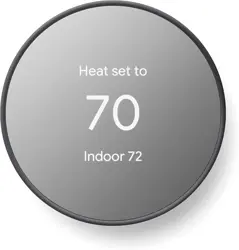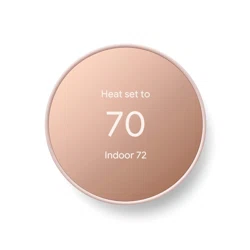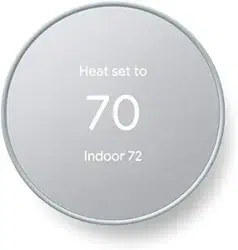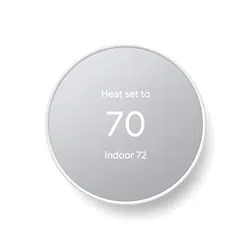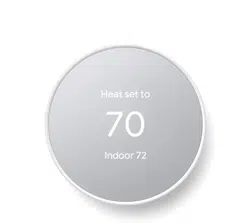
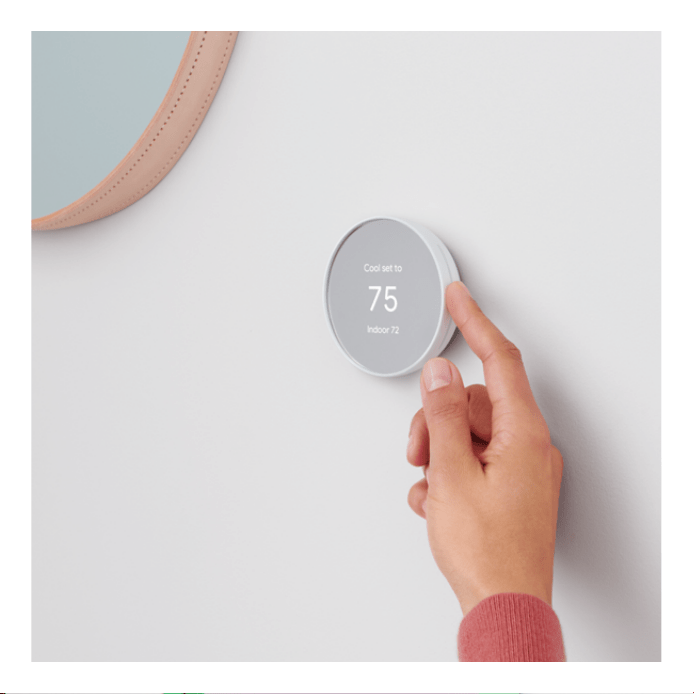
Google Nest GA01334-CA Thermostat Smart Home Programmable Wifi

Product's Documents

Below are documents related to this product, you can read online or download:
User Manual User Service
  • Set up with the Google Home app - (English) Download
GA01334-CA photo

User Manual

This is the main product document for model GA01334-CA.

The file format is pdf, 8 pages, you can download this manual here .

background
Welcome homeWelcome home
background
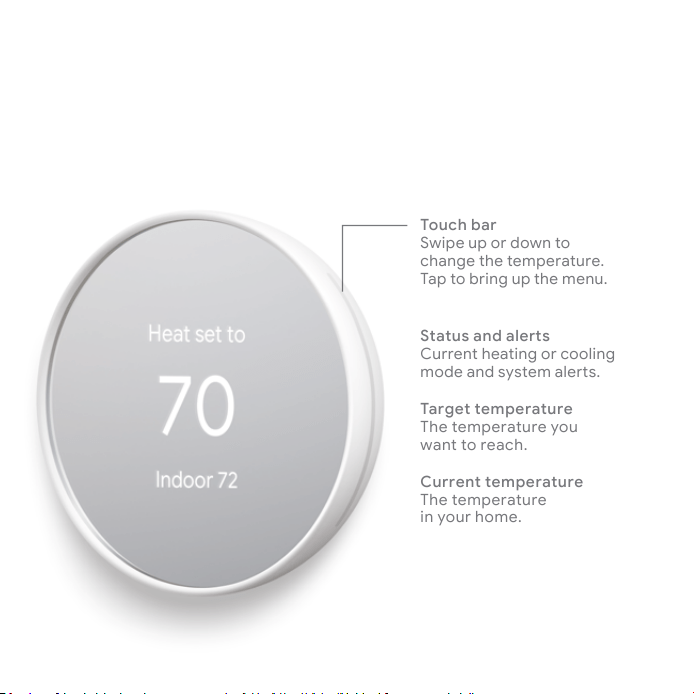
Touch bar
Swipe up or down to
change the temperature.
Tap to bring up the menu.
řÔřŞŒÔĬôÔĦøLjŒ
Current heating or cooling
æí¹½¥ç¹ĀĞĀ㽿¥á½ŜĀ.
Target temperature
The temperature you
want to reach.
Current temperature
The temperature
in your home.
Meet the Nest Thermostat
background
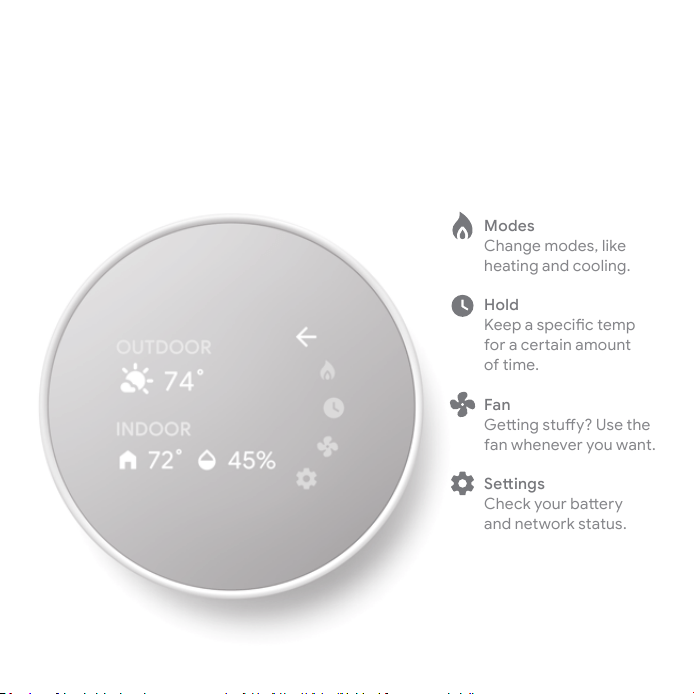
Tap the touch bar to bring up the menu.
Modes
Change modes, like
heating and cooling.
Hold
;½½ù¥Āù½³Ñŕ³㽿ù
Èíü¥³½Ŝ¥Ñç¥æíČçć
of time.
Fan
'½ŞÑçÉĀćČŌĞ˚h½ćν
fan whenever you want.
øNJĔĬČŒ
ν³ÞĞíČü²¥Ş½üĞ
and network status.
background
Make the most of your new
Nest Thermostat
ü½¥ü½Āíæ½ûČѳÞćÑùĀćíνáùɽćĞíČĀć¥Ŝ½¹ĘÑćÎĞíČü
Nest Thermostat. To learn more visit
g.co/nest/thermostatbasics
&Ñç½ćČç½ĞíČü³íæÈíŜ˙
When you set up your Nest Thermostat, customizing your
schedule is fast and easy. And you can always make
adjustments from the Google Home app.

background
Save energy when you’re away.
The Nest Thermostat can use a built-in sensor to know when
nobody’s home, then adjust the temperature to save energy.
The Google Home app can also use your phone’s location
to help your thermostat adjust even faster when you leave.
background
'½ćĀĞĀ㽿¥á½ŜĀ¥ç¹ü½æÑç¹½üĀ˙
Your Nest Thermostat can send a reminder if your air
ŕáć½üĀç½½¹ćí²½ü½ùᥳ½¹˙Jü¥ç¥á½ŜÑÈÑć¹½ć½³ćĀĞíČü
furnace is acting up.
Look for the Nest Leaf.
It appears when you change the Nest Thermostat
to an energy-saving temperature.

background
Every Nest product makes your
home even more helpful
Control your thermostat with your voice.
The Nest Thermostat works with the Google Assistant
on your phone, or Nest speakers and displays. Just say,
“Hey Google, turn up the heat.” The Nest Thermostat also
ĘíüÞĀĘÑćÎá½ĝ¥¥ç¹íćνüĀæ¥ŜĀù½¥Þ½üĀ¥ç¹¹ÑĀùá¥ĞĀ˙
Āćùüí¹Č³ćĀĘíüÞ½ė½ç²½Ş½üćíɽćνü˙
&íü½ĝ¥æùá½ˏÑÈĞíČüD½ĀćVüíć½³ć½ç½ĀJˏÑć³¥çć½ááĞíČü
Nest Thermostat to stop the furnace from running.

background
G953-01573-01-A
Control from anywhere
You can change the temperature, adjust your
schedule, and more from your phone or tablet.
Just download the free Google Home app from
Google Play or the App Store.
We take your privacy seriously.
Go to g.co/nest/privacyćíŕç¹íČćæíü½˙
G953-01573-01-A

Description

Meet the Google Nest Thermostat, the smart thermostat at a cozy price. It can turn itself down, so you can save when you’re away, and it’s comfortable when you come back home.[1] You can control it from anywhere using the Google Home app – whether you’re running errands or in bed.[1] And it’s designed to install yourself, usually in 30 minutes or less. [1] Remote control and mobile notifications require working internet and Wi-Fi. [2] Alerts can notify you of a potential issue with eligible HVAC systems. They’re meant to provide helpful information, not an endorsement, representation, or warranty of any kind about the health of your HVAC system. Alerts aren’t intended to replace a diagnosis by a qualified HVAC professional. [3] Voice control requires a compatible device, and working internet and Wi-Fi. [4] ENERGY STAR and the ENERGY STAR mark are registered trademarks owned by the U.S. Environmental Protection Agency. [5]Nest Renew requires 3rd generation Nest Learning Thermostat, Nest Thermostat E, or the newest Nest Thermostat (sold separately), connected to a Google account. Only available in areas served by major continental US grids. Only available for customers on certain electric utility time-of-use rates. Learn more at support.google.com/googlenest/answer/11156316. [6]Adjustments only shift electricity usage from your heating and cooling. The Nest Thermostat is designed to work if your home doesn’t have a common (“C”) wire. In some cases, particularly if you have a heating- or cooling-only system or use a zone controller, a C wire or other power-supply accessory may be necessary Wi-Fi - 802.11b/g/n 2.4 GHz, 802.11a/n 5 GHz Wi-Fi Wireless interconnect - Bluetooth Low Energy

Specifications

Google GA01334-CA Questions and Answers