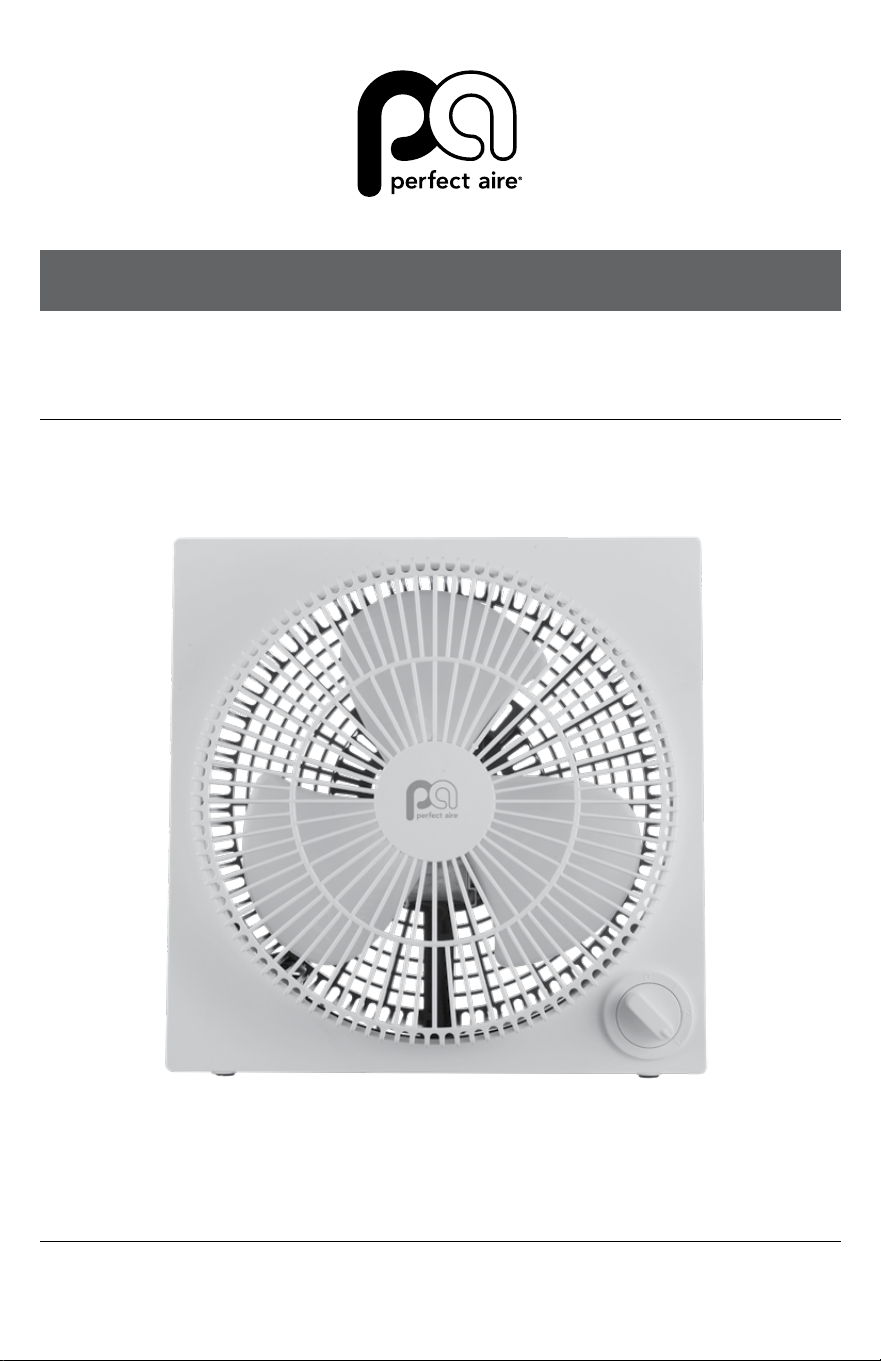
OWNER’S MANUAL
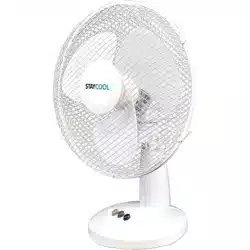
9" TABLE FAN
MODEL 1PAFD9

2
SAFETY & PRECAUTIONS
SAFETY INSTRUCTIONS
IMPORTANT SAFETY INSTRUCTIONS
CAUTION
Read Rules for Safe Operation and Instructions Carefully.
WARNING
1. This appliance has a polarized plug (one blade is wider than the
other). To reduce the risk of electric shock, this plug is intended
to t in a polarized outlet only one way. If plug does not t fully
in the outlet, reverse the plug. If it still does not t, contact a
qualied electrician. Do not attempt to defeat this safely feature.
2. To reduce the risk of re or electric shock, DO NOT use this
fan with any solid state speed control devices.
RULES FOR SAFE OPERATION
1. Never insert ngers, pencils, or any other object through the
grille when fan is running.
2. Disconnect fan when moving from one location to another.
3. Disconnect fan when removing grilles for cleaning.
4. Be sure fan is on a stable surface when operating to avoid
overturning.
5. Do not use fan in window. Rain may create electrical hazard.
6. Ensure that the fan is switched o from the supply mains
before removing the grille.
READ AND SAVE THESE INSTRUCTIONS

3
(Continued)
SAFETY INSTRUCTIONS
The rules about cord and plug as below:
• This product employs overload protection (fuse). A blown
fuse indicates an overload or short-circuit situation. If the
fuse blows, unplug the product from the outlet. Replace the
fuse as per the user servicing instructions (follow product
marking for proper fuse rating) and check the products. If the
replacement fuse blows, a short-circuit may be present and
the product should be discarded or returned to an authorized
service facility for examination and/or repair.
• Do not operate any fan with a damaged cord or plug. Discard
fan or return to an authorized service facility for examination
and/or repair.
• Do not run cord under carpeting. Do not cover cord with
throw rugs, runners, or similar coverings. Do not route cord
under furniture or appliances. Arrange cord away from trac
area and where it will not be tripped over.
4
SAFETY & PRECAUTIONS
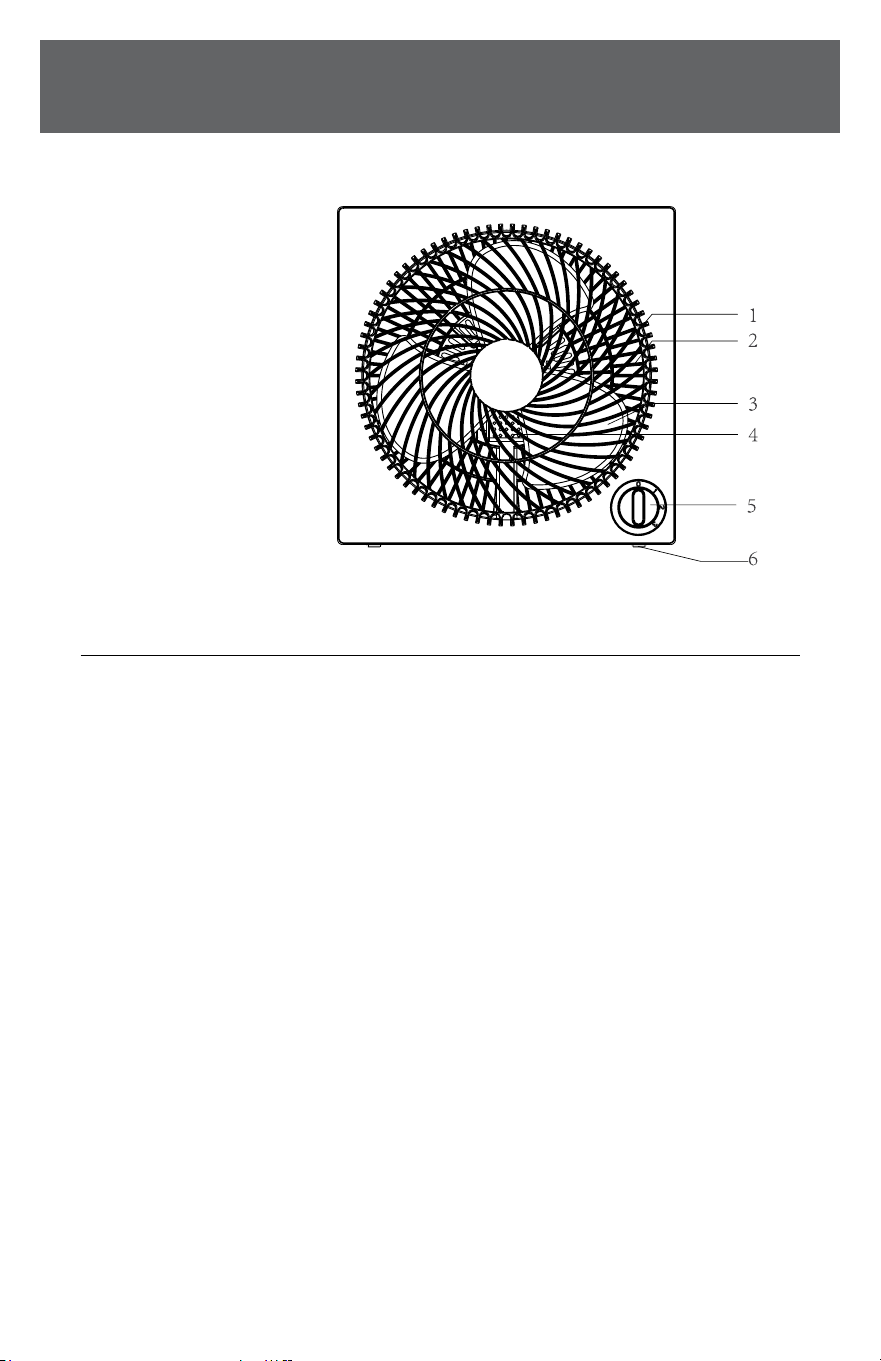
PARTS / OPERATION
Description
1. Front grill
2. Rear grill
3. Blade
4. Motor
5. Switch Knob
6. Rubber feet
OPERATION INSTRUCTIONS
Speed control
Speed is controlled by the switch knob:
0 - O
1 - High
2 - Medium
3 - Low

5
MAINTENANCE
USER SERVICING INSTRUCTIONS
a) Grasp plug and remove from the
receptacle or other outlet device.
Do not unplug by pulling on cord.
b) Open fuse cover. Slide open fuse
access cover on top of attachment plug towards blades.
c) Remove fuse carefully. Insert the tip of your tool into fuse
slot (close with the terminal), then prize the fuse gradually
and slowly, but not overexert. If you feel tight, you can try it at
several times and prize the fuse little by little. When one side of
the fuse has been prized, then you can get the fuse out entirely.
d) Risk of re. Replace fuse only with 2.5 Amp, 125 Volt fuse.
e) Close fuse cover. Slide closed the fuse access cover on top
of attachment plug.
f) Risk of re. Do not replace attachment plug. Contains a safety
device (fuse) that should not be removed. Discard product if
the attachment plug is damaged.
NOTICE: When you replace the fuse, please don’t operate
suddenly or overexert, or else the product will be damaged
or cause an accident. If it feels hard to replace the fuse,
please make sure you have it inserted the right way.

6
SAFETY & PRECAUTIONS
CLEANING
CLEANING
1. Be sure to unplug from the electrical supply source
before cleaning.
2. Plastic parts should be cleaned with mild soap and damp cloth
or sponge. Thoroughly remove soap lm with clean water.
3. Be sure not to allow water or other liquid enter the
inside of motor.
NOTE: Proof of purchase is required for all warranty claims.
NOTE: As a result of continual improvements, the design and
specications of the product within may dier slightly to the
unit illustrated on the packaging.

7
For your records, staple your sales receipt
to this manual and record the following:
Date of Purchase: ____________________________________
Place of Purchase: ___________________________________

844-4PA-AIRE | 844-472-2473 | support@perfectaire.us
CANADA SUPPORT 877-997-2473 | supportcanada@perfectaire.us
www.perfectaire.us
5401 Dansher Road
Countryside, IL 60525
Printed in China | 0822_M989
THANK YOU FOR YOUR PURCHASE!
As a small business, reviews are everything!
We’d love to hear how you are enjoying your Perfect Aire product!
Please take a minute to tell us (and others) about your experience.
Thanks (again!)
SCAN CODE TO
LEAVE A REVIEW