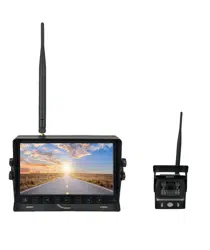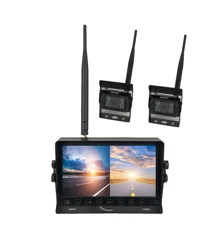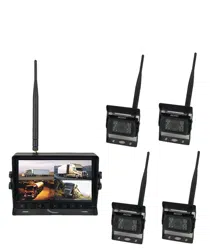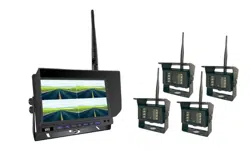
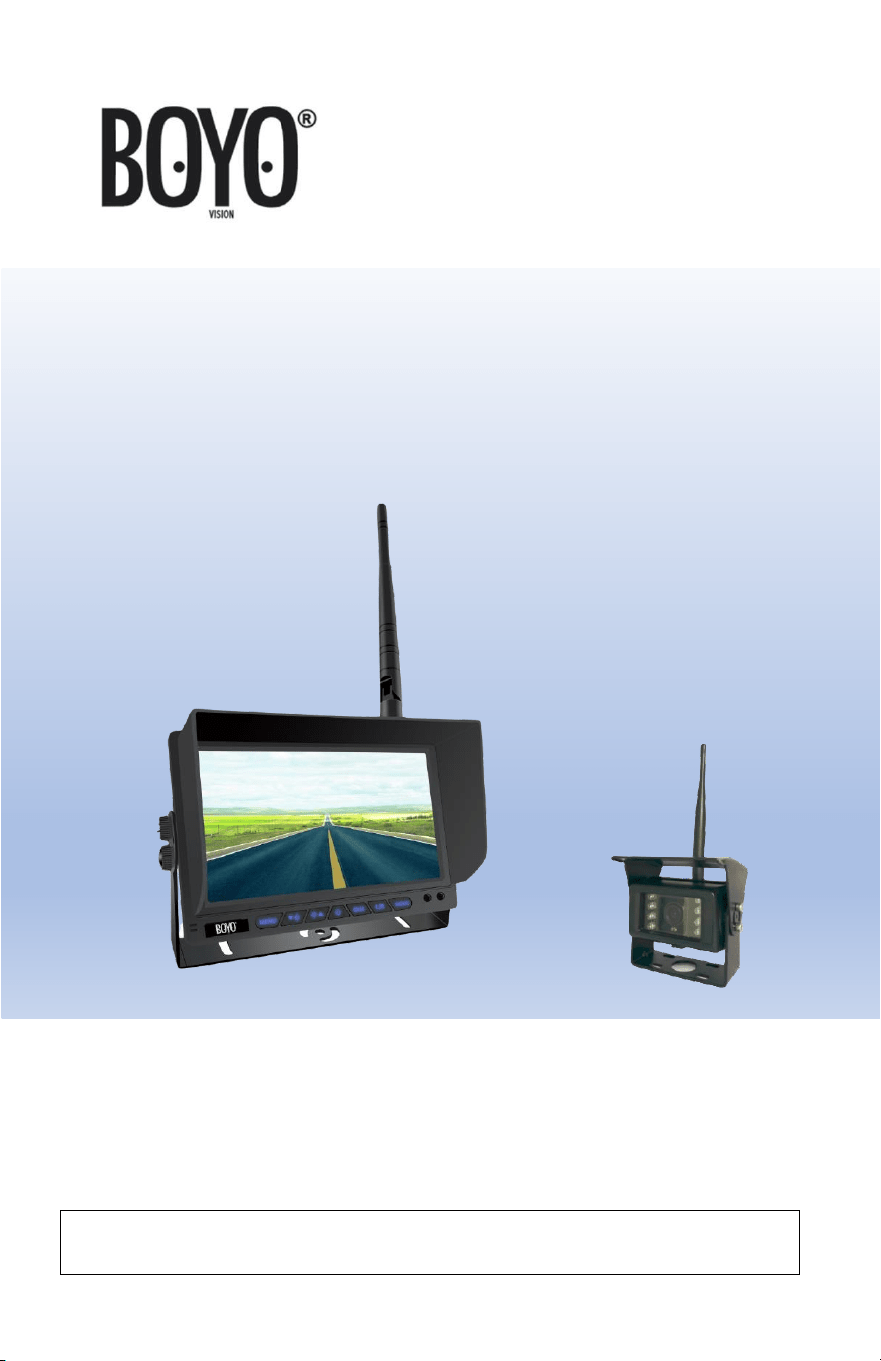
VTC701AHD
7” 1080P Full HD Digital
Wireless Monitor and Camera System
USER MANUAL
Please read the instructional complete before use and keep it for
future reference.
2
Product Features
• 1080P Full HD Image Quality
• 7” All View Angle IPS TFT LCD Panel
• Long Wireless Operational Range up to 300M
• Audio Monitoring with a Microphone Built into the Camera
• Camera with Heater Function
• Easy Installation and Operation
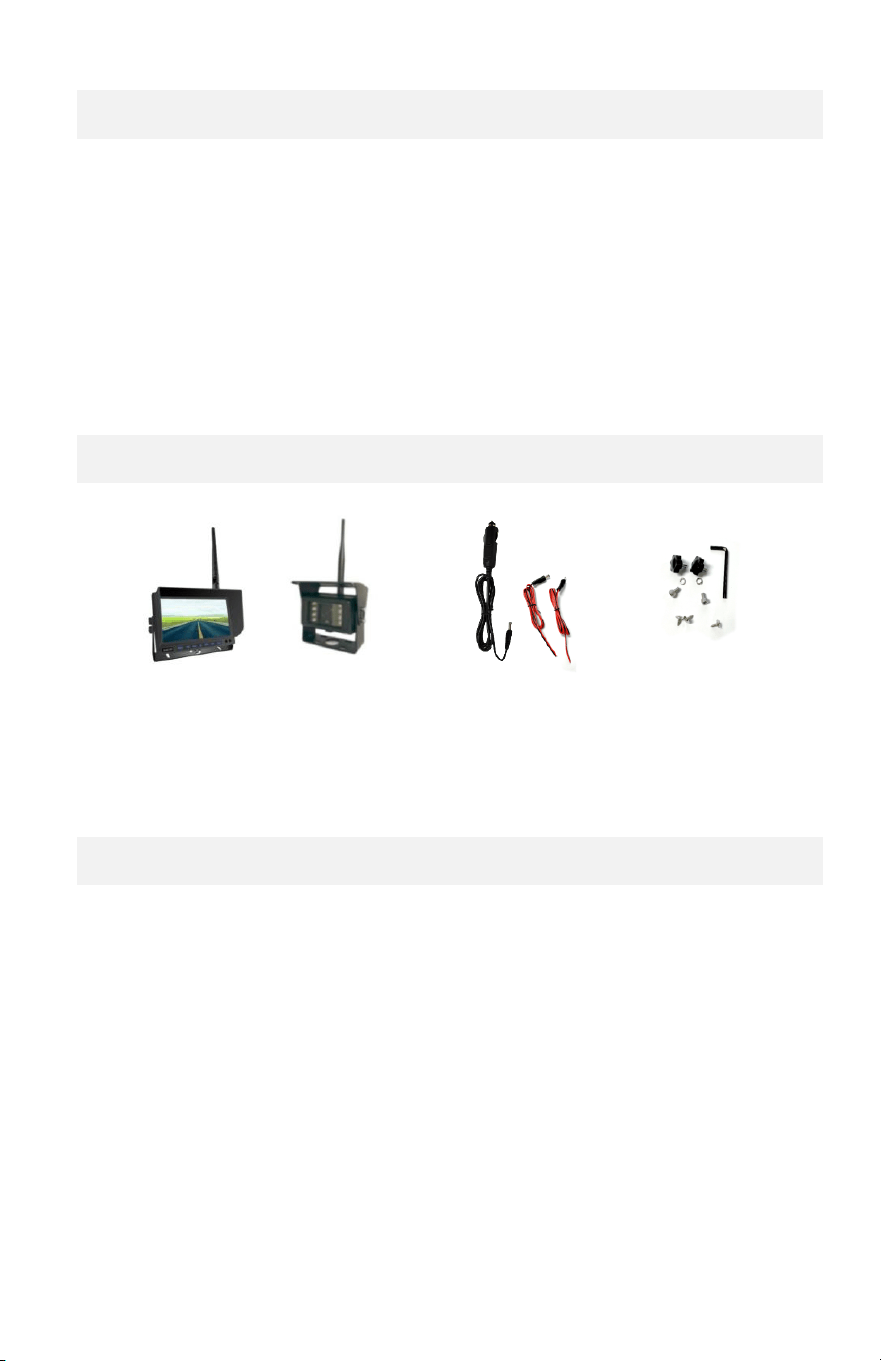
Contents
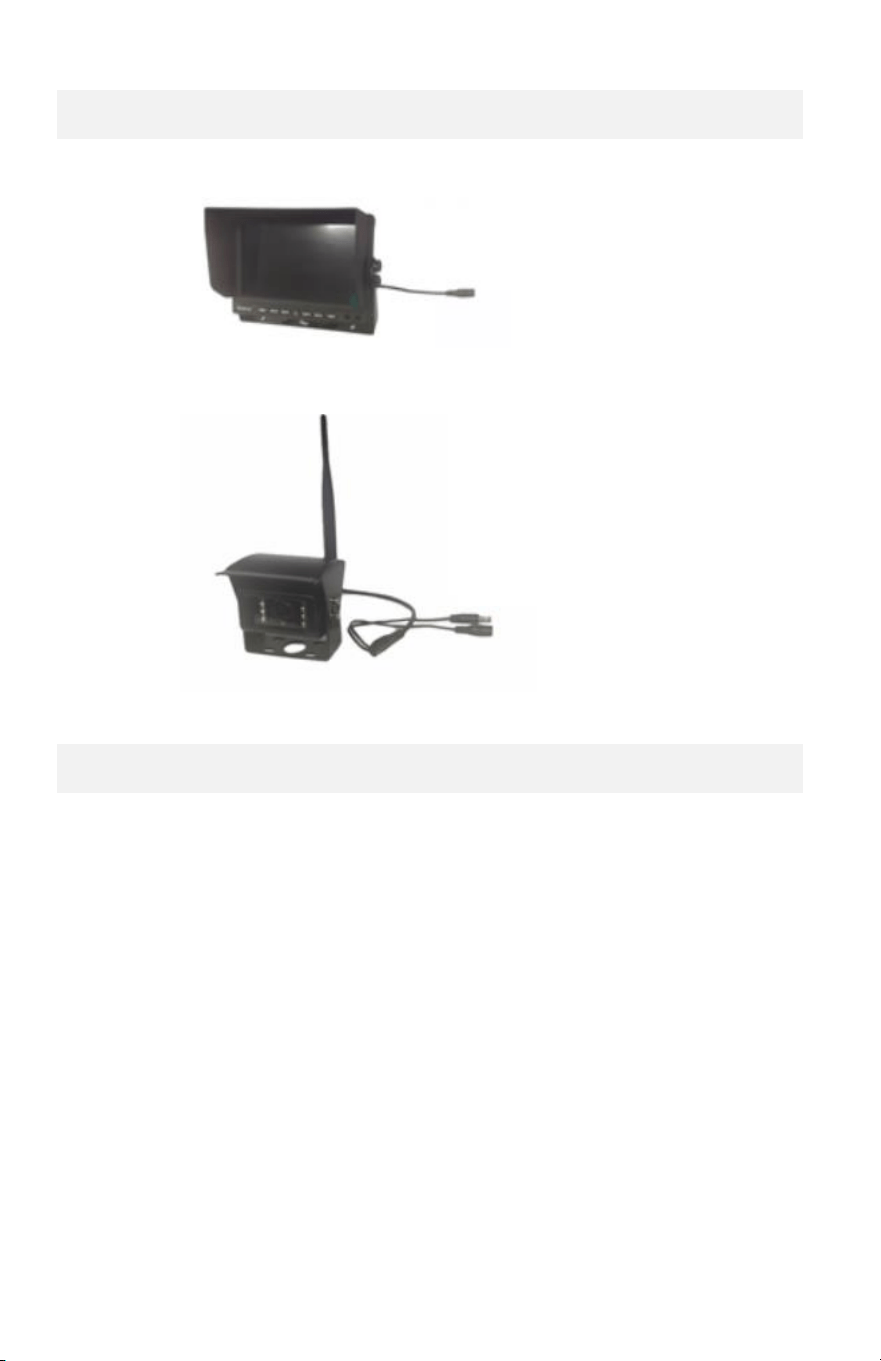
Monitor Set
Camera Set
12V Power Adapter
Power Chords
Mounting HW
Before Installation
• Please check contents.
• Perform bench test. Ensure the product is working before
installation by connecting the monitor and the camera to 12VDC.
• Perform pre-install test, before mounting the monitor and the
camera. In very rare instances, a running engine causes
interference, resulting in image freezing and jerky object
movements. In such situation, the monitor and the camera need
to be moved and positioned at various places to determine the
best performance position.
3
Wiring
a. Monitor wiring:
b. Camera wiring:
Installation
1. Pre-Installation
a. Run 12VDC power wires to position where the monitor and
the camera will be placed.
b. Power on and position the monitor and the camera to find the
best monitor viewing position and the camera view position.
c. Mark the positions.
12VDC - ACC
Pairing Button
12VDC – ACC
4
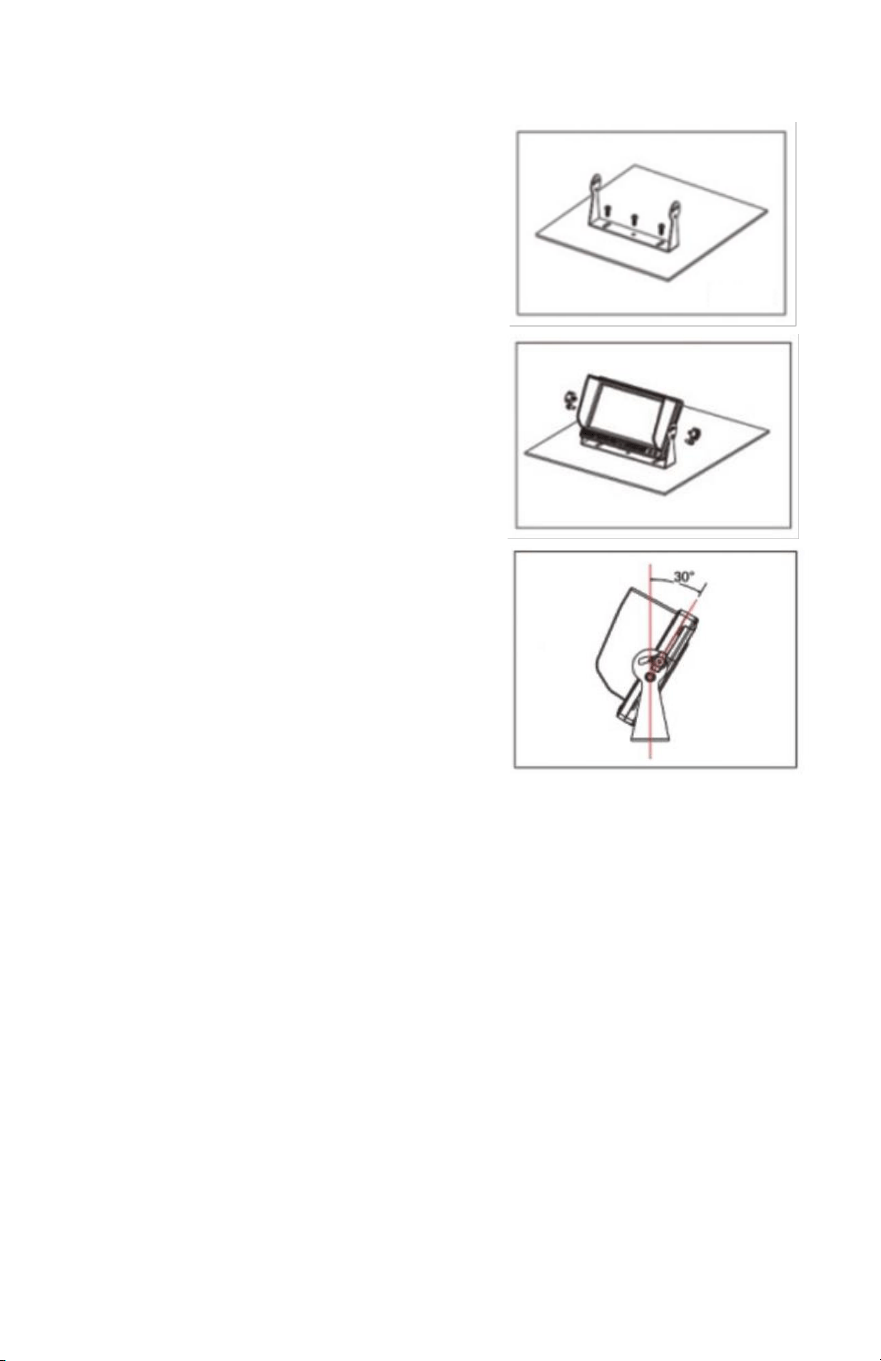
2. Monitor Installation
a. Install the monitor
bracket using the 3 self-
tapping screws.
• Screw in the center.
• Adjust the angle.
• Tighten all screws.
b. Install the monitor using 2
bolts on each sided.
* Do not tighten bolts.
c. Adjust the monitor angle.
* Tighten all bolts.
3. Camera Installation
a. Install the camera bracket using the 3 self-tapping crews.
b. Install camera and the shade over the camera.
c. Adjust the camera angle and tighten.
5
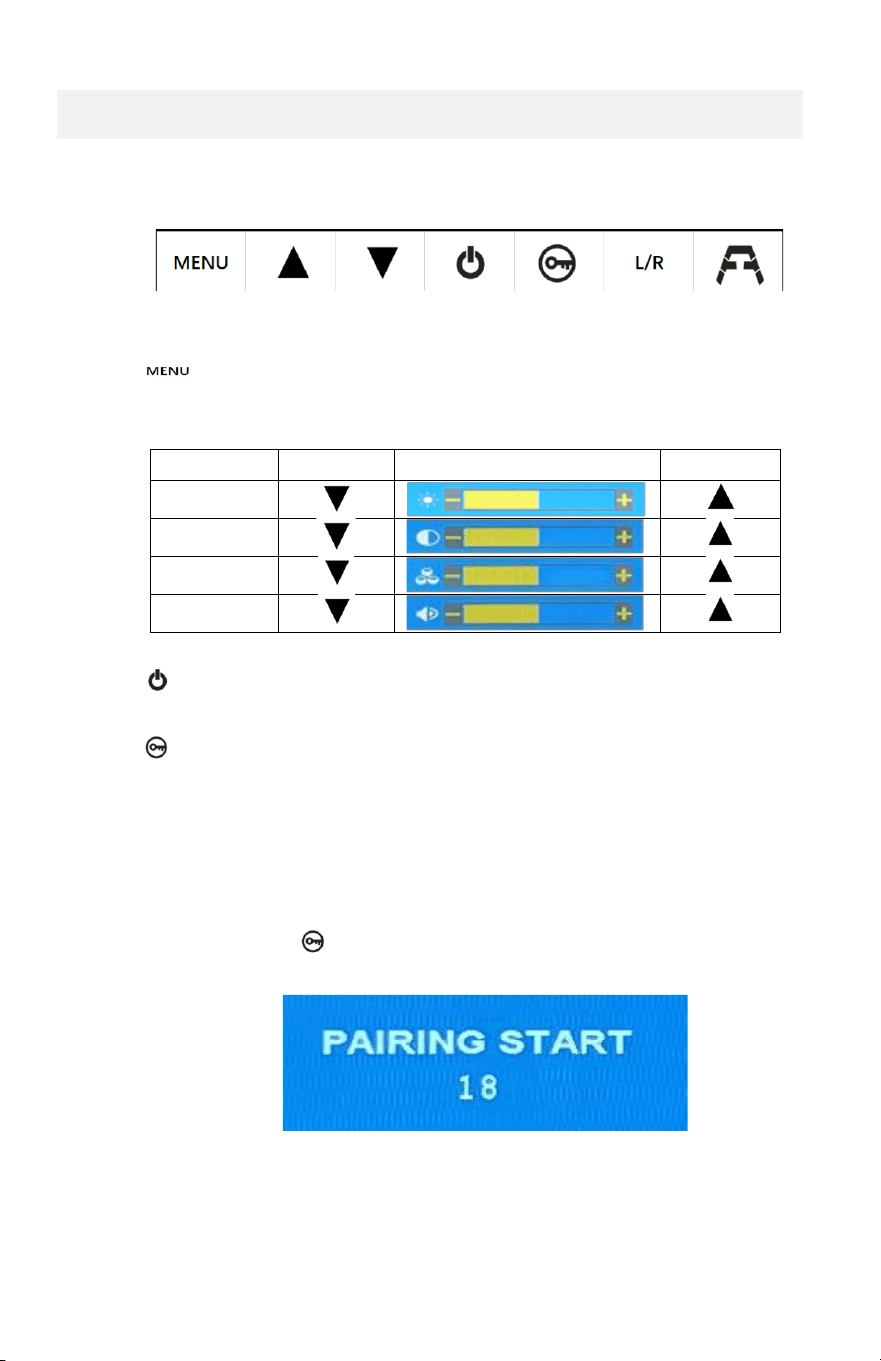
Operation - Monitor Button Functions
Buttons
• Menu Button: Color/Audio controls. Pressing, the button,
loops through the Brightness > Contrast > Saturation > Volume
controls.
Decrease
Increase
Brightness
Contrast
Saturation
Volume
• Power Button: Display (the screen saver mode) on/off.
• Pairing Button: The camera and the monitor need to be paired
for the camera to send the video to the correct monitor to be
displayed. They come ‘paired’ from the factory. When a camera
or a monitor is replaced, they must be ‘paired’ to work.
Pairing Procedure:
i. Press the pairing button, until “pairing” appears on the
screen.
ii. Press the “pairing” ring the count-down, the camera’s RED
pairing button must be pressed.
6
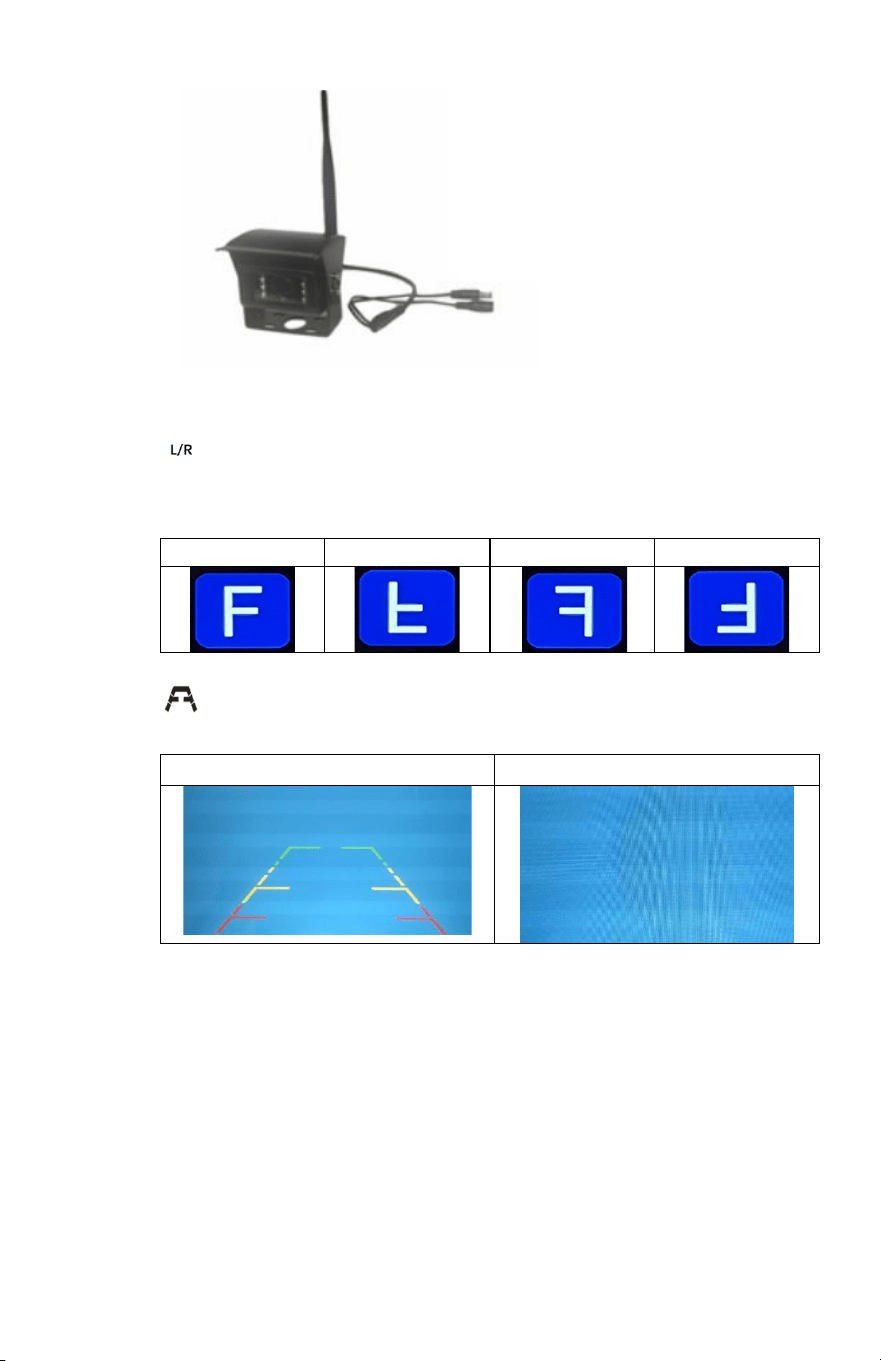
• Flip Button: Camera image flip. Pressing, the button, loops
through the L/R U/D L/R U/D flips.
Normal
Upside Down
Mirror
Mirror – U/D
• Scale Line On/Off
Scale Line On
Scale Line Off
Pairing Button
12VDC – ACC

7
Monitor, Camera and Wireless Specifications
1. Monitor Specification
Panel: 7” Digital Panel TFT IPS panel
View Angle: Full Angle of View
Resolution: 1024*600
Display Ratio: 16:9
Audio: Speaker Built-in, Volume control buttons
Image Control: Reverse / Non-Reverse (Horizontal Flip)
Parking Guidelines: Display / No-Display (Selectable)
Power: DC12V & DC24V(MAX. to 36V)
Power Consumption: Less than 5W
Max. Current: Less 450mA
Storage temperature: -30℃〜80℃
Working temperature: -20℃ to 70℃
2. Camera Specification
Image Sensor: 1/3 CMOS sensor
Effective Pixels: 1920 x 1080
Video Transmission: 1080P AHD
View Angle: 170º (Diagonal)
IR Night Vision: IR
Night Vision IR distance: up to 12ft
Audio: Microphone Built-in
Temperature control: Heater function
Environment: IP68
Operating Voltage: DC 12V & 24V
Power Consumption: < 5W
Max. Current: < 450mA
Storage temperature: -30℃〜80℃
Working temperature: -20℃ to 70℃
3. Wireless Specification
Operating frequency: 2.4GHz~2.4835GHz
Output Power: 17±1dBm @TYp 20dBm@max (if necessary)
Modulation Type: FSK/GFSK
RX Sensitivity: -89dBm(Typical)@4MHz BER:<1E-3
RF Bit Rate: 4MHz BER<1E-3
Spread Spectrum: FHSS
Distance: > 300M Open Line of Sight

8
WARRANTY INFORMATION
This limited warranty is given to the end-user or the retail purchaser (referred to this
warranty as “Original Purchaser”) that it will be free from defects in material and
workmanship for a period of one year from the date of the purchase of the new product
(excluding accessory items such as power cords, cradle, memory card, adaptor, and
cables).
This limited warranty does not cover any physical damage to, or misuse of, this product,
damage caused by improper installation; improper use; misuse; neglect; repair of cracked,
scratched, broken or modified cosmetics; or parts that have been altered or removed;
damages done by another device used with this product resulting from use of non BOYO®-
brand parts. This warranty is VOID if you purchased this product as used, floor model
sample, or refurbished; if the product has been altered or modified in any way (including
but not limited to attempted repair without authorization from BOYO®- Vision Tech
America, Inc. and/or alteration/removal of the serial number).
For warranty information, visit: https://www.visiontechamerica.com/get-warranty
For technical support: Call: (888) 941-3060
Email: info@visiontechamerica.com
Visit: www.VisionTechAmerica.com