
0
How to Upgrade SIP Phone
Title:
How to Upgrade SIP Phone
Version:
V1.0
Date:
11/16/2022
Product:
Video Intercom
Page:
1 of 1
1
Preparation
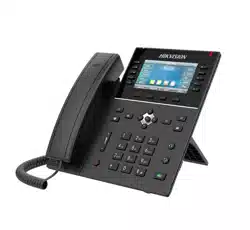
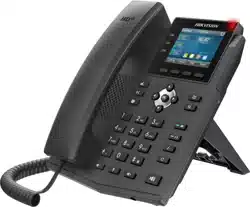
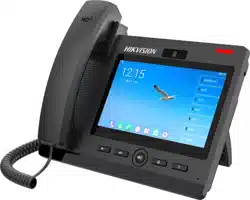
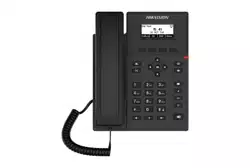
1. Power on the SIP phone with POE or 5VDC power supply and connect network cable.
How to Upgrade SIP Phone
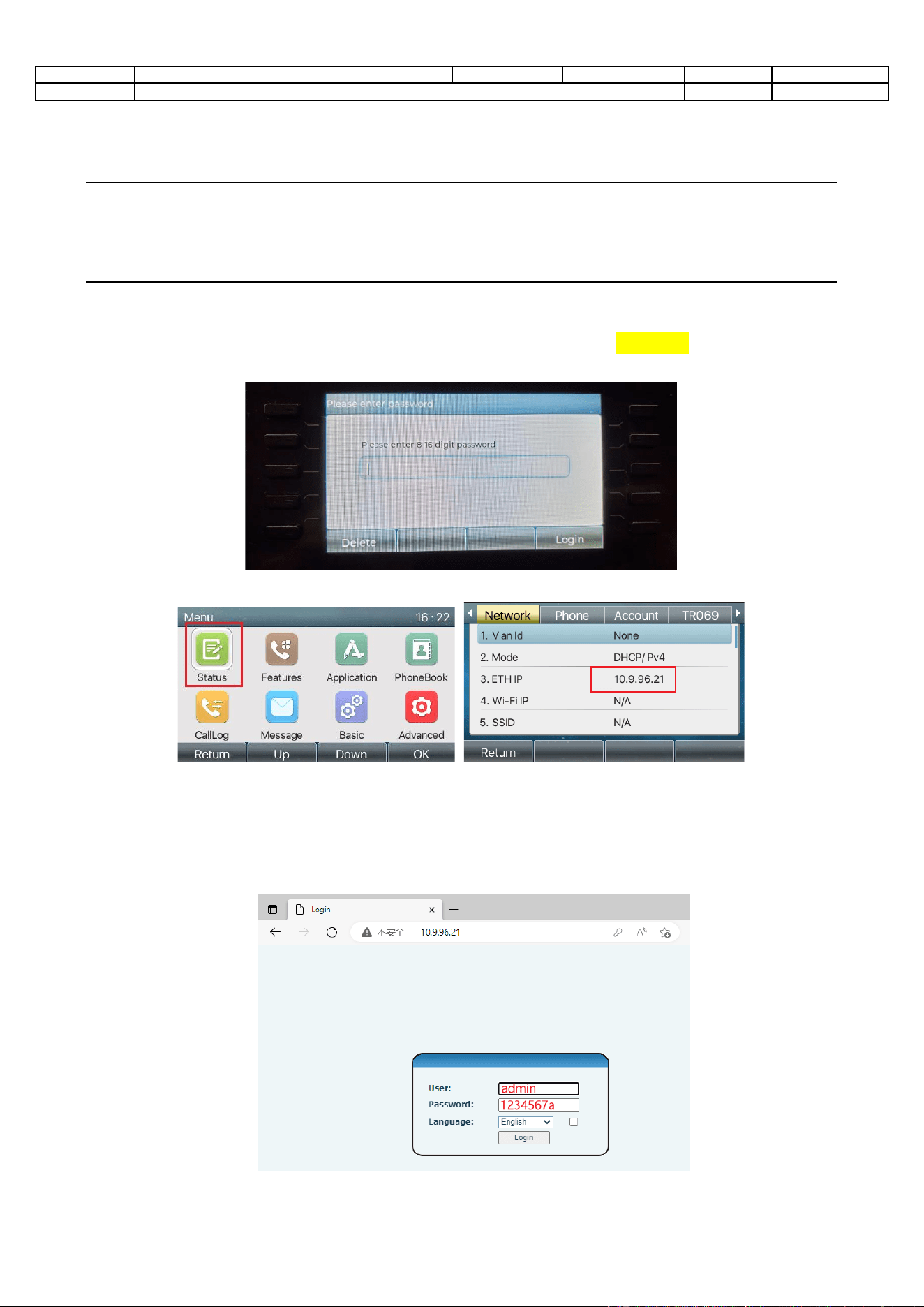
1. Check IP address
1) After you see below page, please login with password 1234567a (press key 2 twice
to enter a)
2) Enter Menu-Status-Network and check the current device IP address
2. Upgrade firmware
1) Login device web on PC with device IP address,
user name:admin password:1234567a
Title:
How to Upgrade SIP Phone
Version:
V1.0
Date:
11/16/2022
Product:
Video Intercom
Page:
2 of 2
2
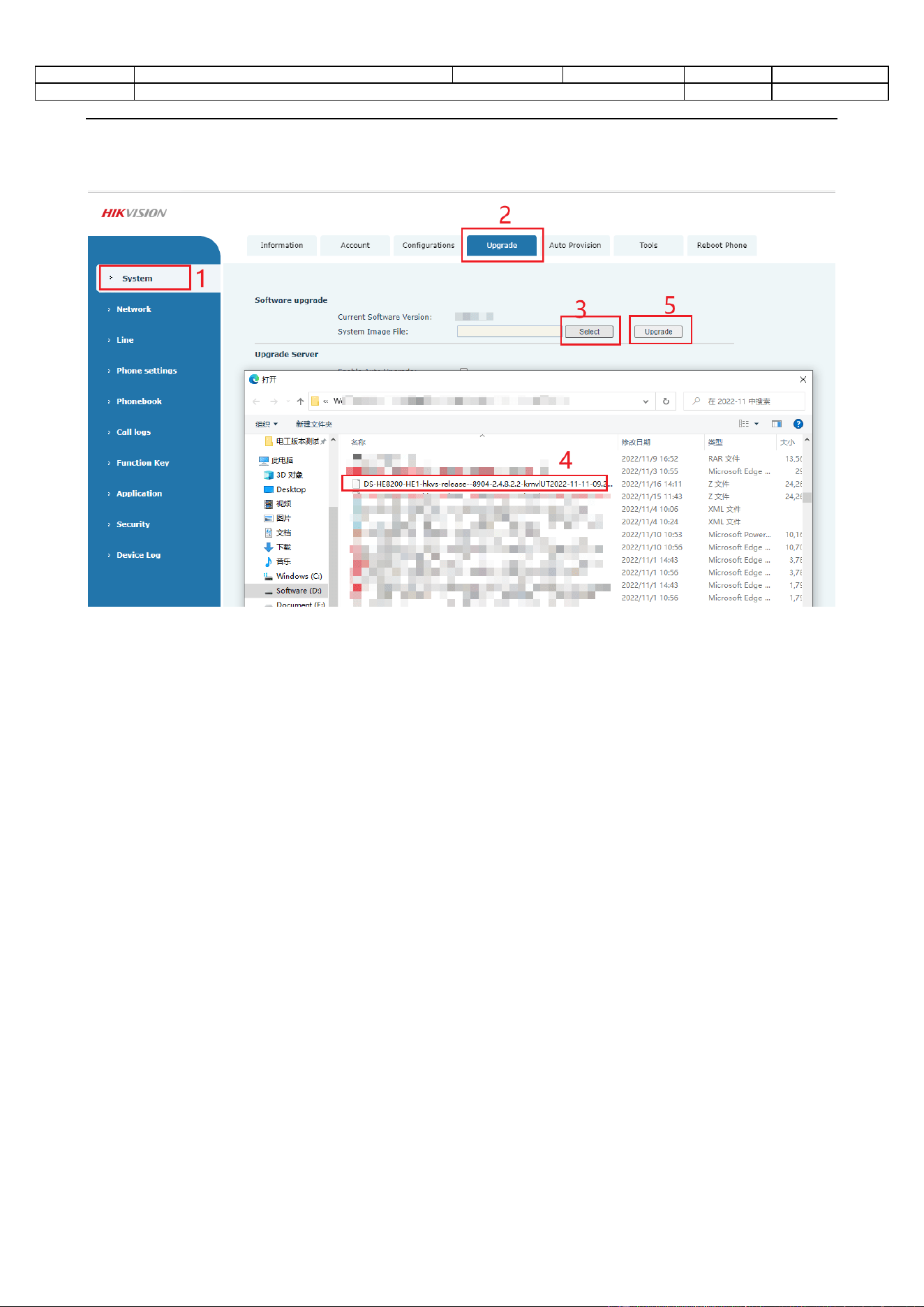
2) After login, go to System-Upgrade-Select the firmware (end with .z, no need to
unzip it)
Note:
It will take about 30s to upgrade the firmware, please do not make any operation and wait
patiently, after the SIP phone reboot automatically, it means the upgrade successfully.

0