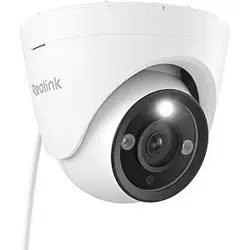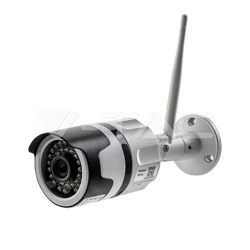

SereneLife PIPCAMHD47 Outdoor IP Camera Optical Zoom-HD 960p

Product's Documents

Below are documents related to this product, you can read online or download:
PIPCAMHD47 photo

Application Guide

This is the main product document for model PIPCAMHD47.

The file format is pdf, 10 pages, you can download this manual here .

background
PIPCAMHD46/PIPCAMHD47 - Wireless Setup - Mobile
"Pyle IP Viewer" QSG
Setup should be done in the same room as your wireless router.
Wireless Setup
1. Download the App:
Download “Pyle IPCameraViewer” in Apple Store or Google Play
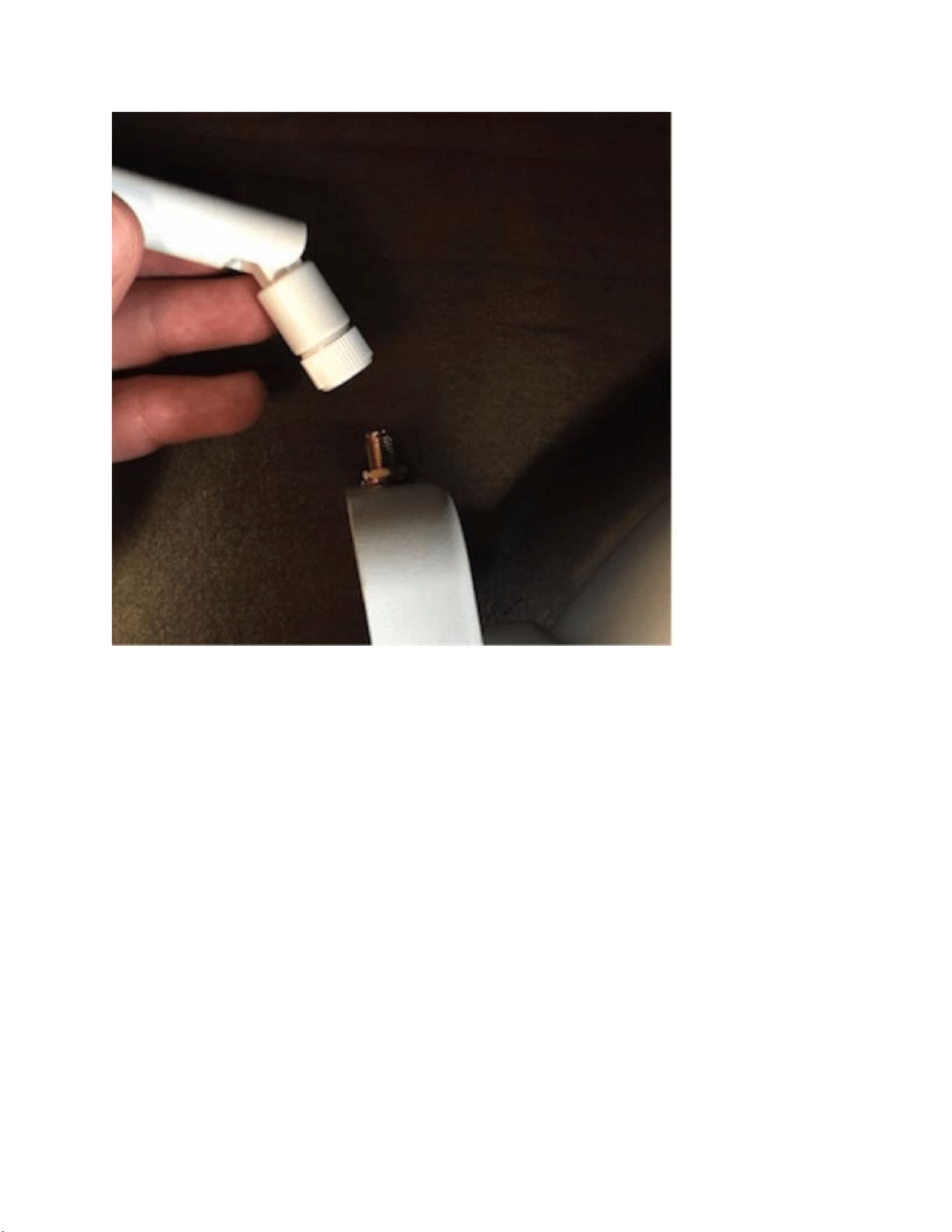
2. Attach the wireless antenna to your camera
background
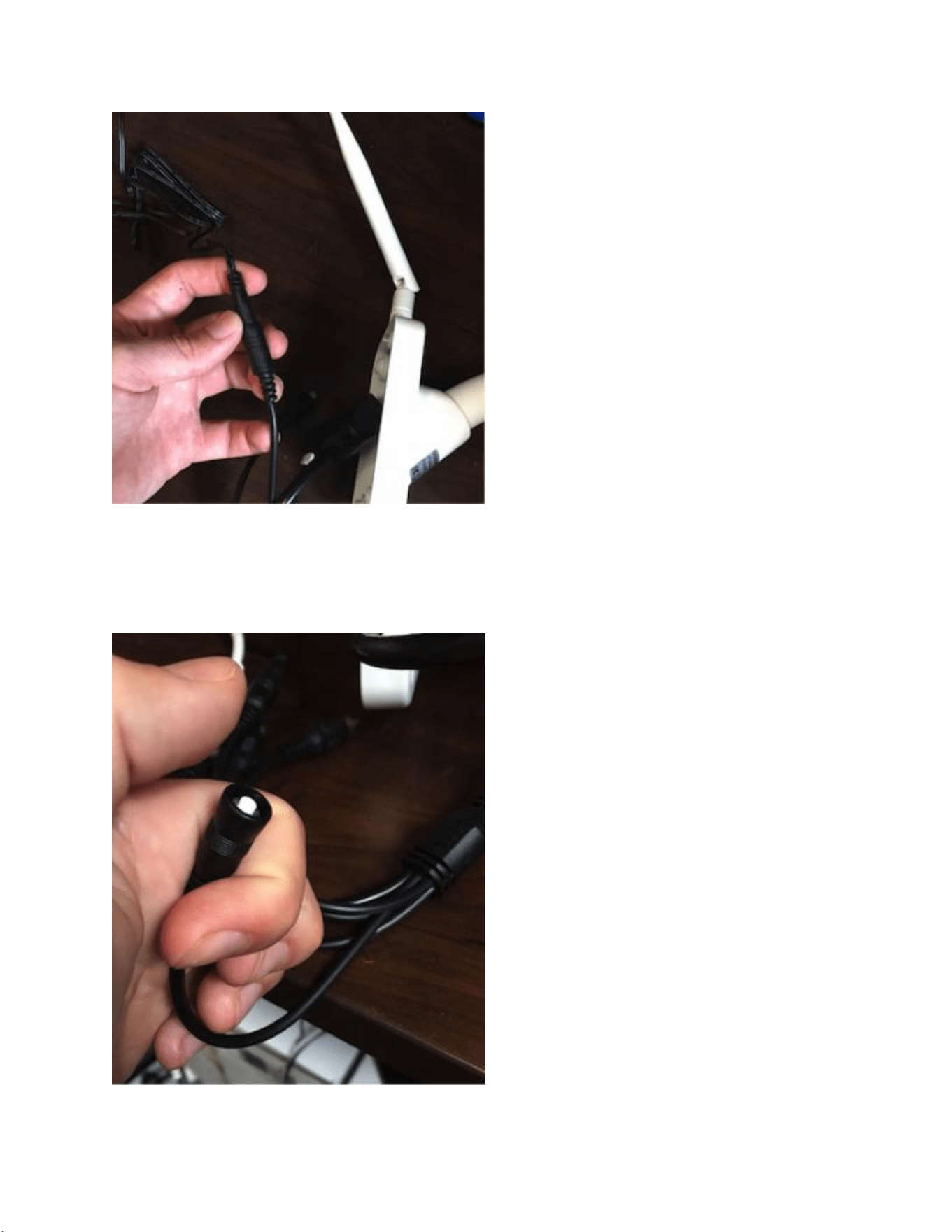
3) Plug in your camera into power
Check the camera is in the SAME room as your home’s wireless router - wait 2 minutes for the
camera to pan and tilt through the full range of motion
background
4) Reset the camera by pressing the switch in the camera cable bundle
Hold in the reset switch for 10 - 12 seconds. You may hear a faint click. Wait again 1 - 2 min for
the camera to reset and run through the full range of pan and tilt
background
5) Check in your mobile phone’s system settings that you are currently connected to your
home router’s wireless network - Wireless Setup will not work using cell data
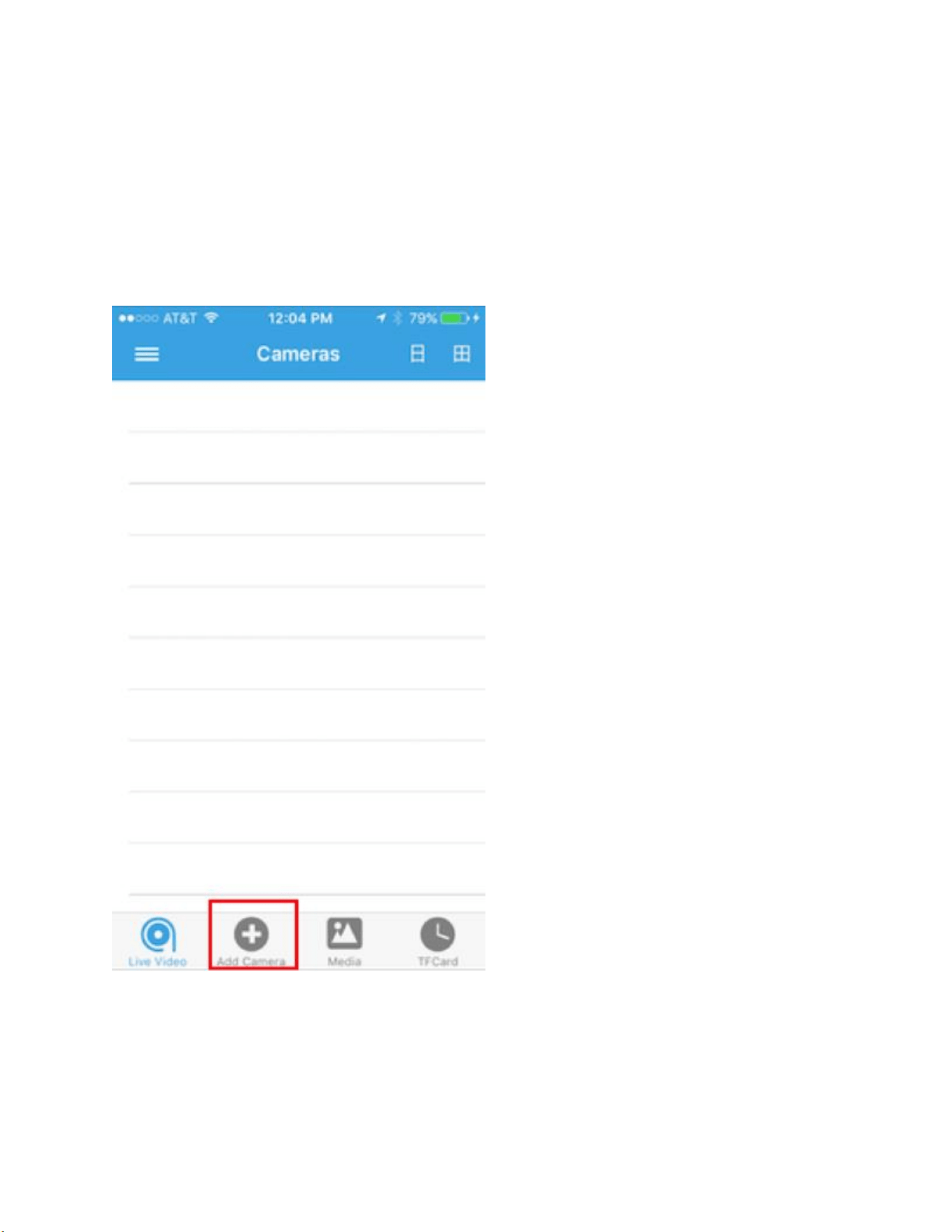
6) Open the Pyle IPCameraViewer app
Select the “add camera” button
7) Select the option for PIPCAMHD45/PIPCAMHD46
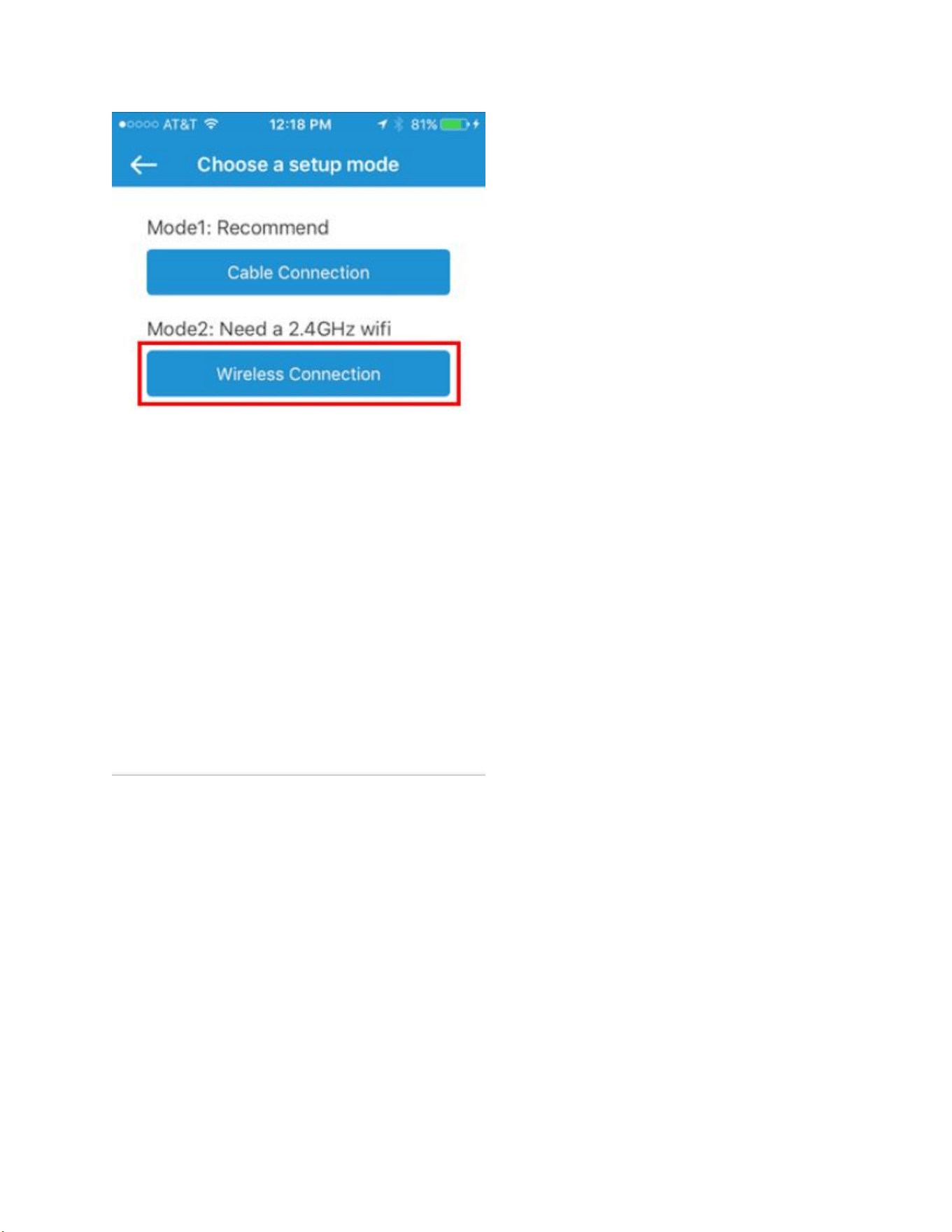
8) Select “Wireless Connection”
background
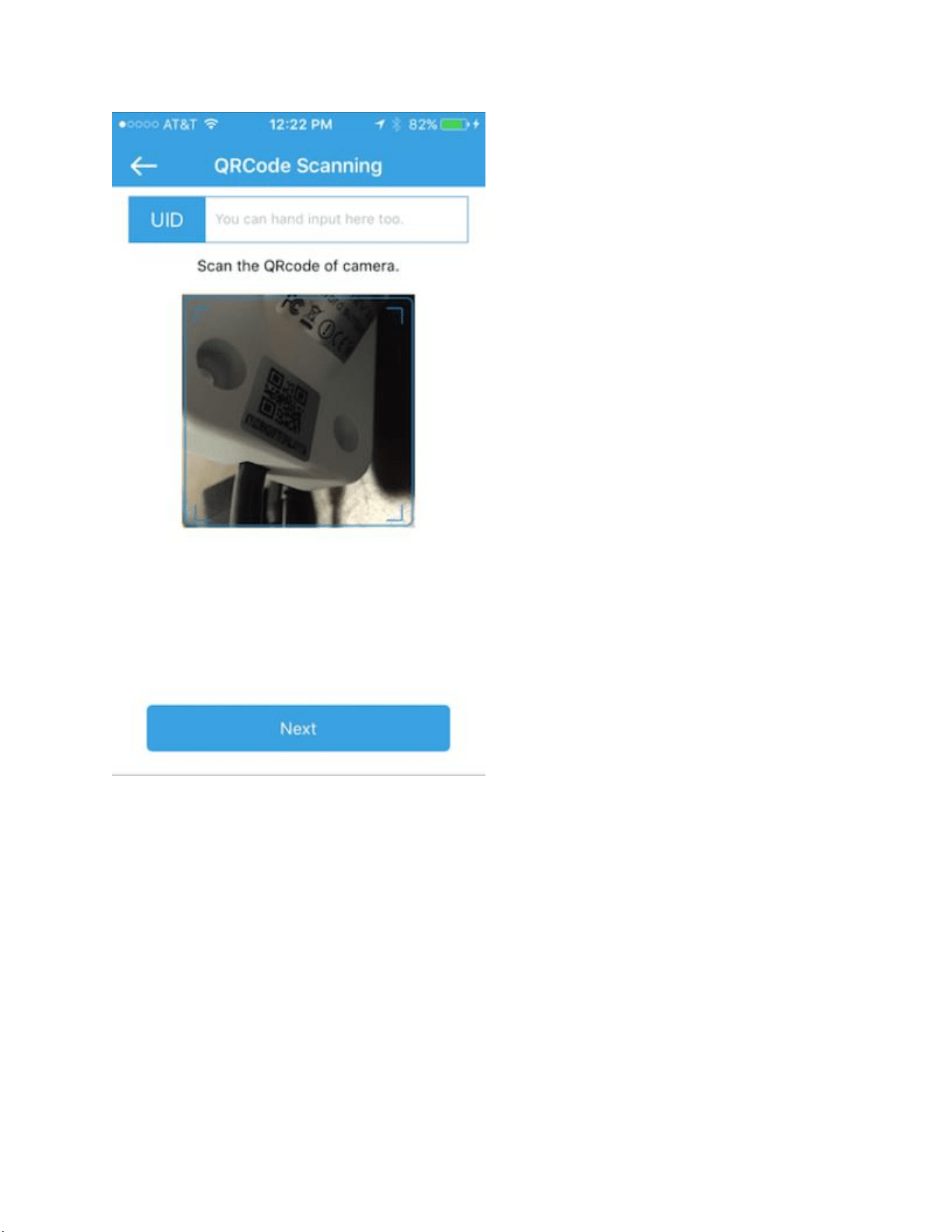
9) Scan the QR code located on the frame of the camera to automatically add the camera’s
unique ID
background
10) Enter your home network's wireless password
background
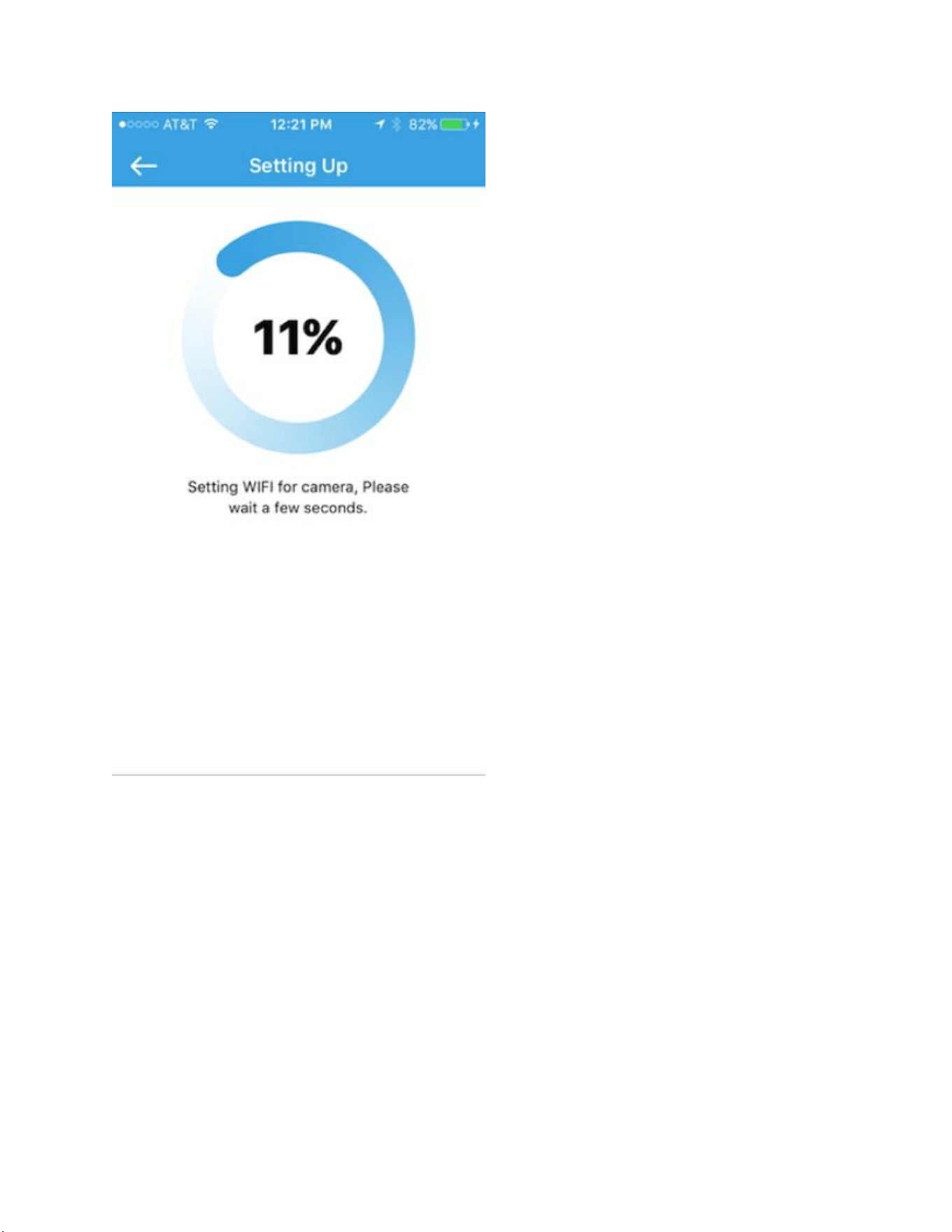
11) Wait for the camera to load
background
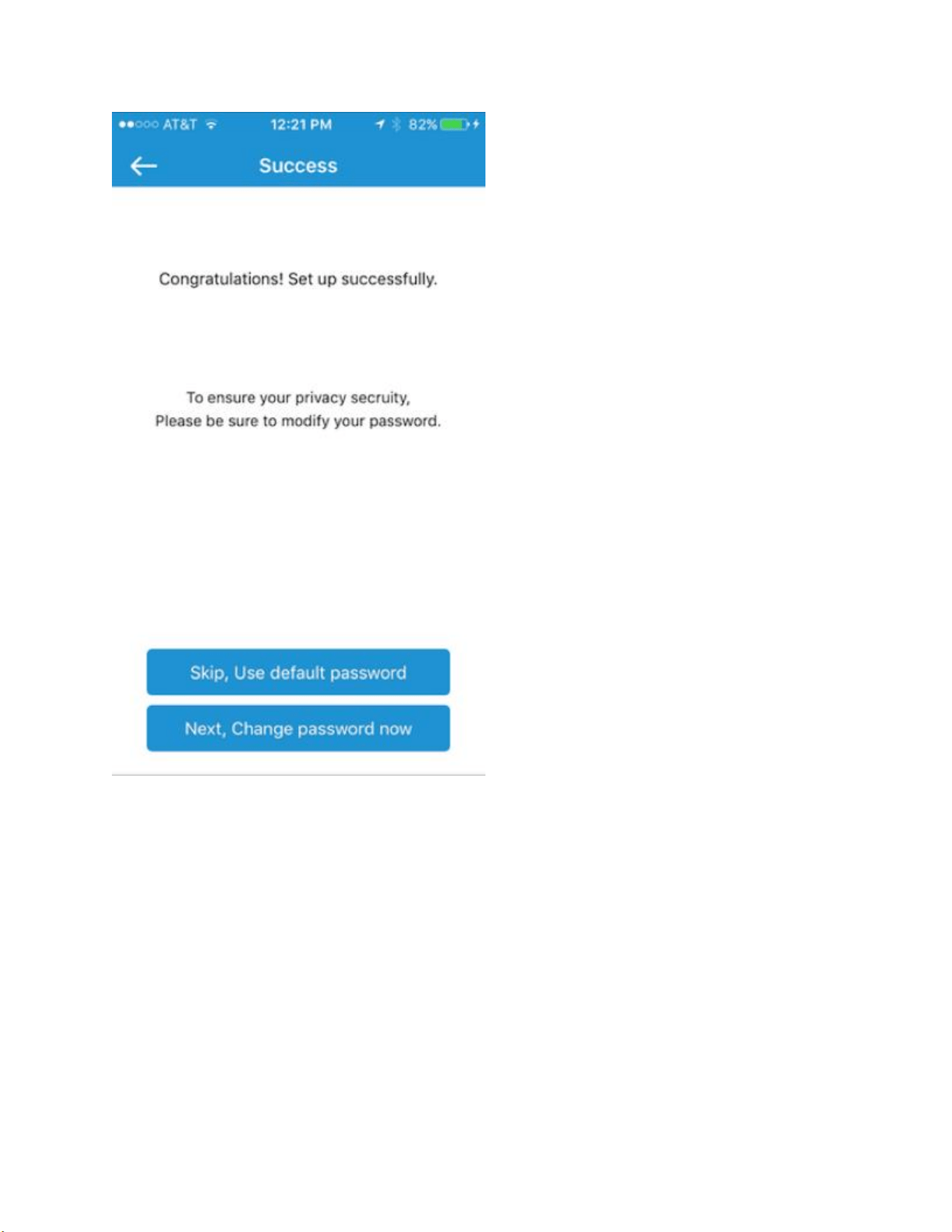
12) Recommended! Select the option to change the camera password
background
Default Value: “pylecam”
You can change the password at a later time by pressing and holding the reset switch
If you do not get a successful connection
-Back out and double check you have correctly entered the password for your home wireless
router(It is case sensitive)
-Press and hold the reset switch before attempting pair again

background
Still having trouble? Let’s try the wired setup
https://pyleaudio.helpshift.com/a/pyle-ip/?s=pipcamhd46---pipcamhd47&f=pipcamhd46-
pipcamhd47-mobile-pyle-ipcameraviewer-wired-setup

Specifications

Indexed Terms: IP Camera

SereneLife PIPCAMHD47 Questions and Answers