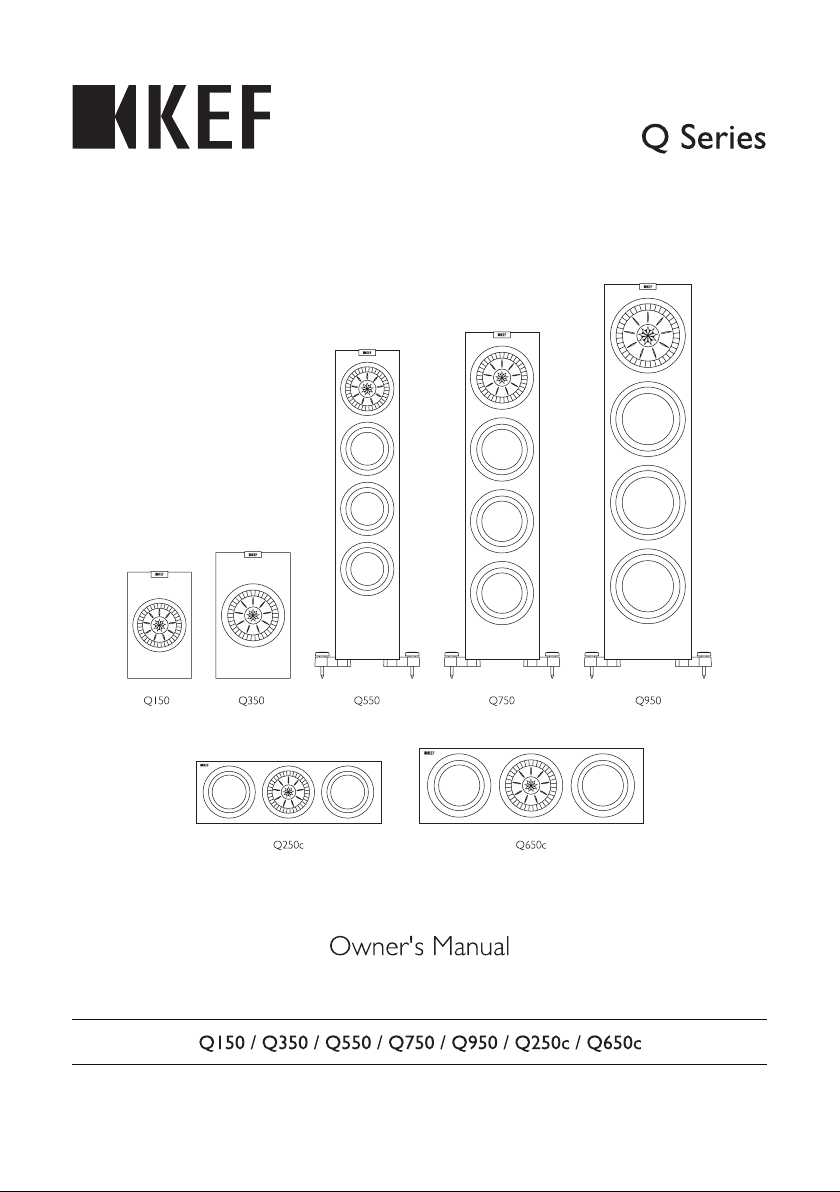
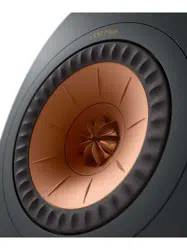
Kef Q650CWH Satin 2.5-Way Center Channel Speaker (Each)

Product's Documents

Below are documents related to this product, you can read online or download:
User Manual
  • Owner's Manual - (English, French, Portuguese, Spanish, German, Chinese, Danish, Dutch - Holland, Greek, Italian, Japanese, Korean, Polish, Russian) Read Online | Download pdf
Specification Other Documents
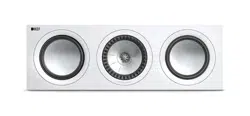
Q650CWH photo

Owner's Manual

This is the main product document for model Q650CWH. Series: Q Series
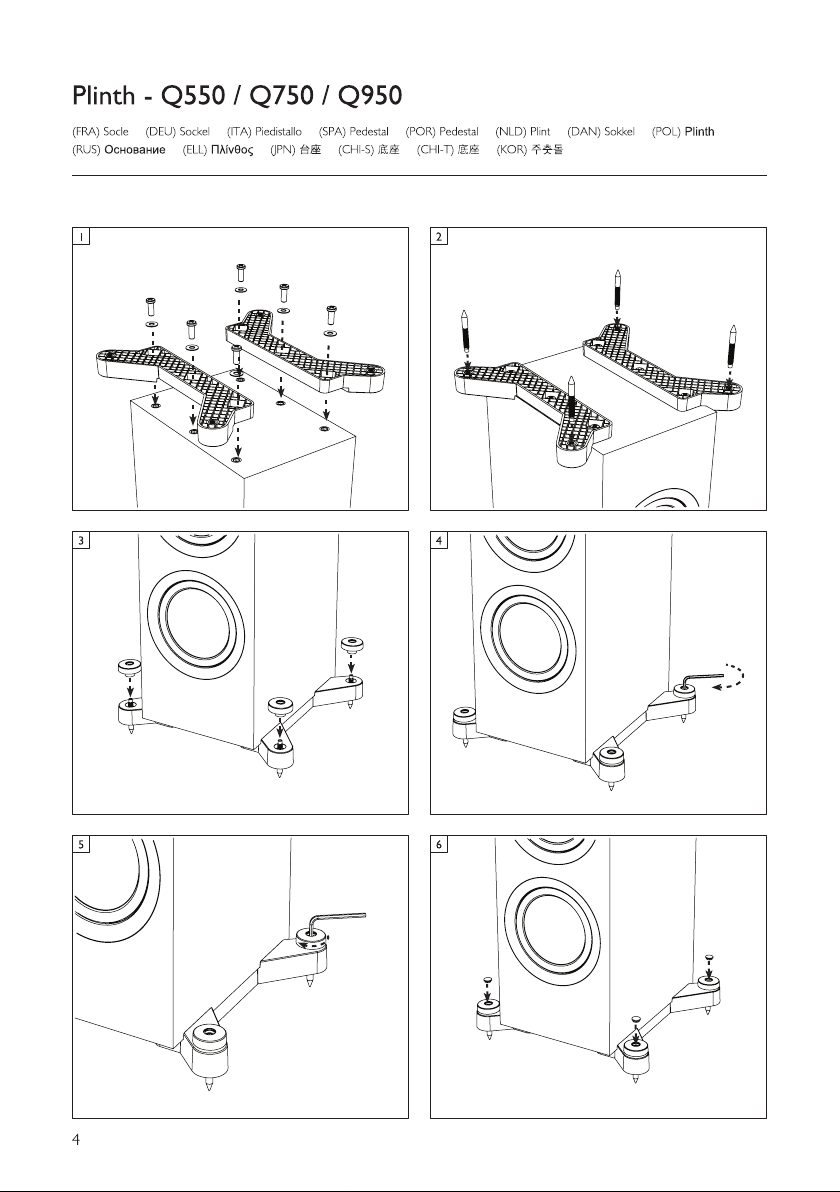
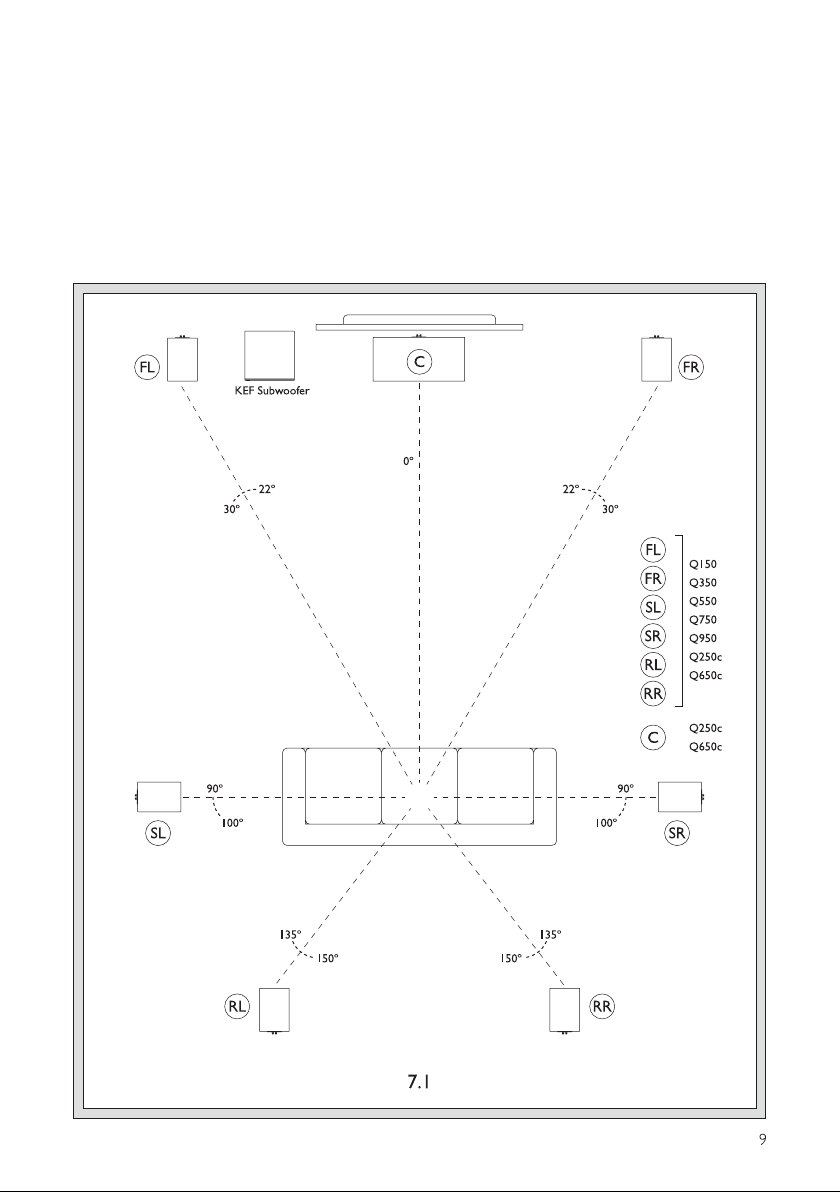
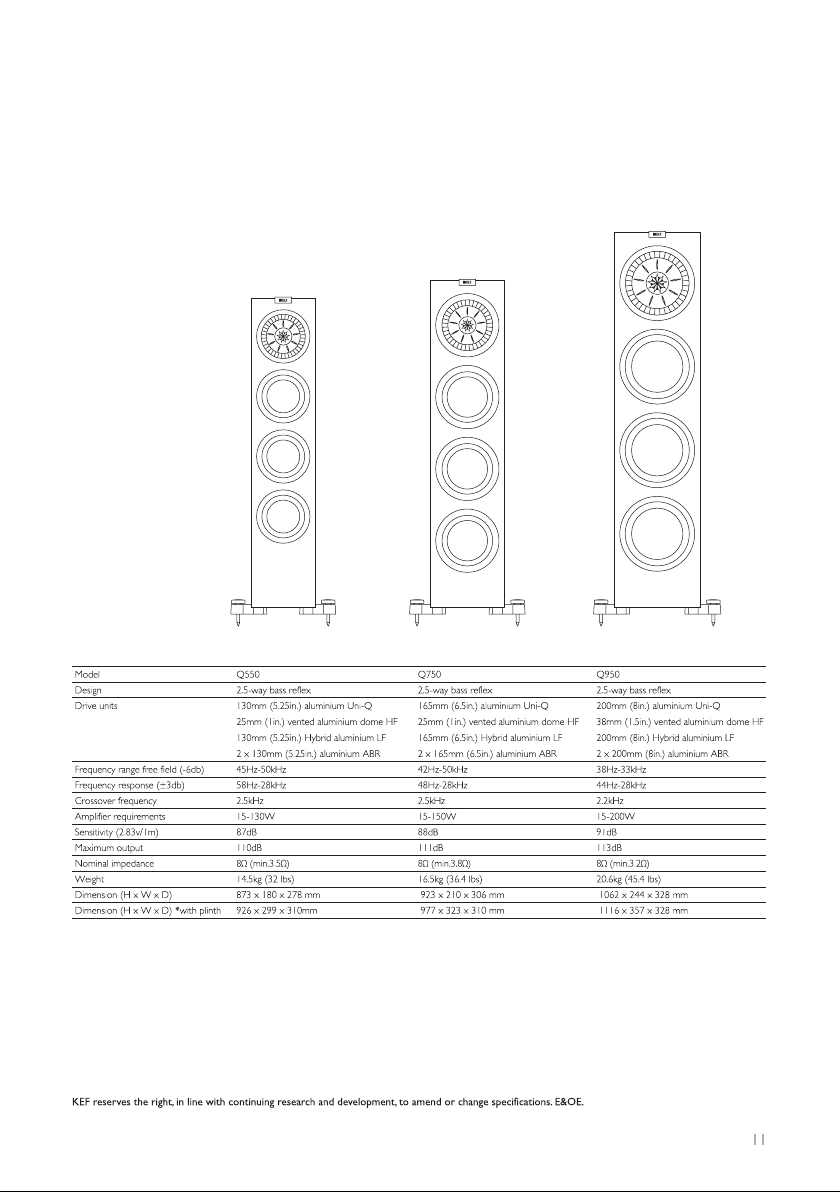
Additionally, the document applies to other Kef models: Q150, Q350, Q550, Q750, Q950, Q250C, Q650C

The file format is pdf, 16 pages, you can download this manual here .

background
background
background
background
background
background
background
background
background
background
background
background
background
background
background
background

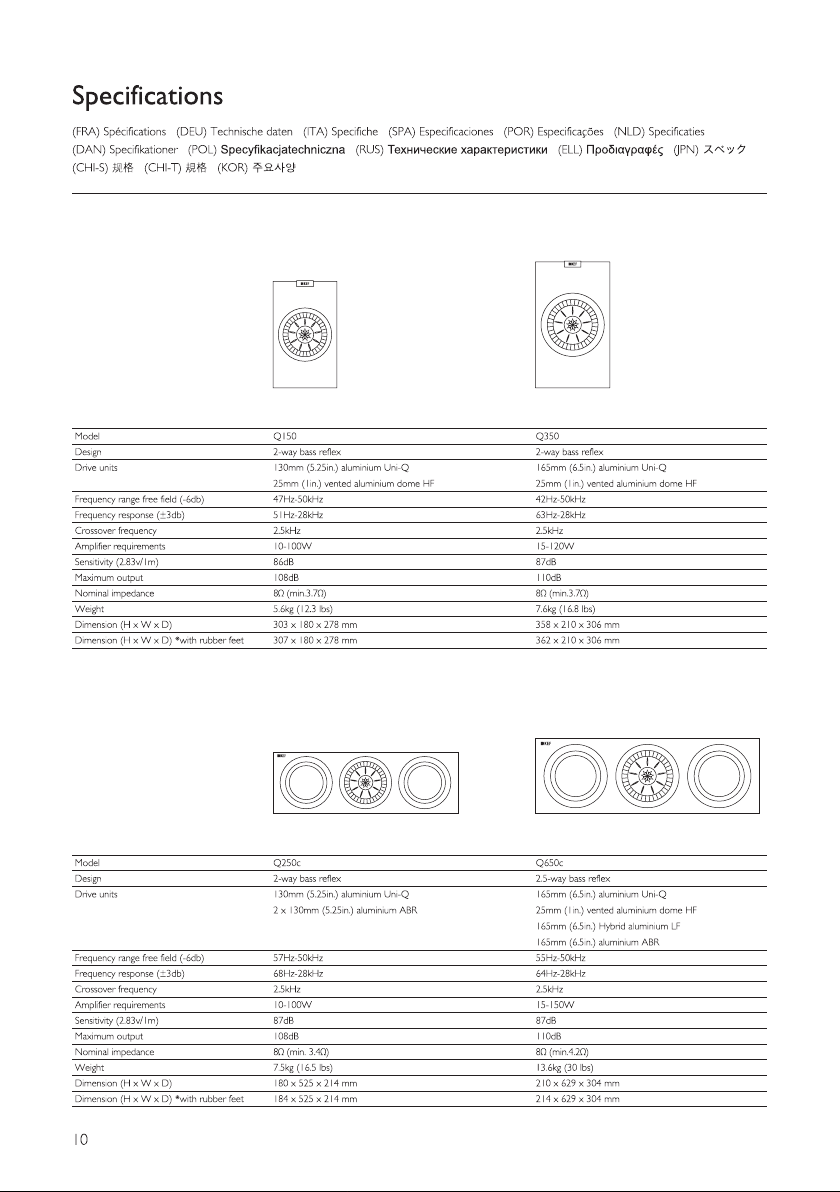
Specifications

Indexed Terms: Speaker

Kef Q650CWH Questions and Answers


#1 What are the dimensions of the KEF Q650c?

The dimensions of the KEF Q650c speaker are as follows:

Height: approximately 210 mm

Width: approximately 629 mm

Depth: approximately 304 mm

Including the rubber feet, the total height increases slightly to about 214 mm.

#2 What colors does the KEF Q650c speaker come in?

The KEF Q650c speaker is available in the following finishes:

Satin Black

Satin White

Walnut (wood finish)

#3 How do you fix distorted sound from the KEF Q650c speaker?

Check the audio source – Try a different song, movie, or device to rule out a bad signal.

Use a proper amplifier – Ensure your amp delivers 15–150 W per channel @ 8 Ω; weak amps can cause clipping.

Inspect speaker cables – Clean terminals, secure connections, and match positive/negative correctly.

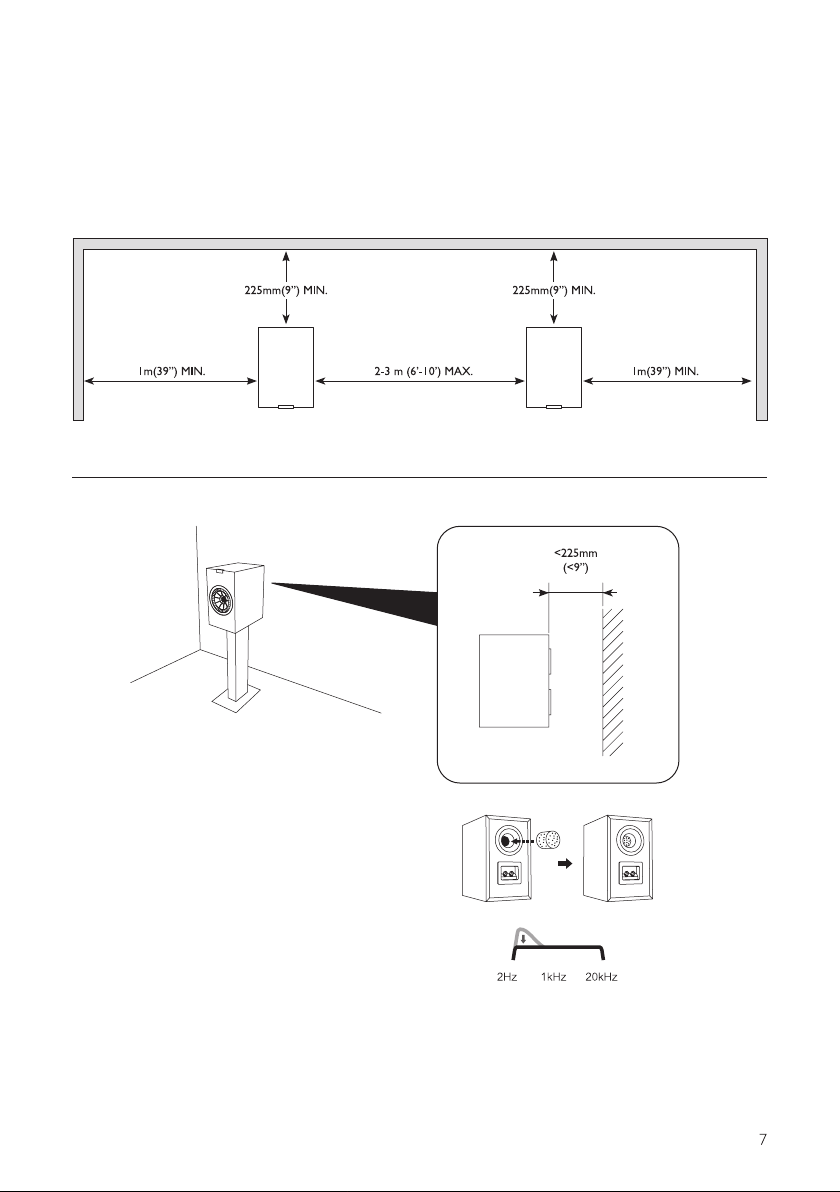
Adjust placement – Keep the speaker 20–30 cm away from walls and avoid placing it inside closed cabinets.

Reset EQ and crossover – Set crossover at 80 Hz and keep EQ flat to prevent overloading.

Check for driver damage – If distortion remains, the cone or tweeter may be faulty; contact KEF service.

In short: Verify your signal, amp power, wiring, and placement first — then fine-tune EQ or have the speaker inspected if the issue persists.