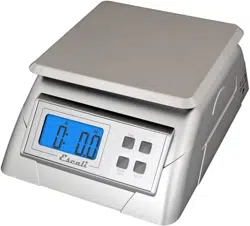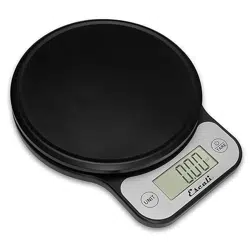
Savu
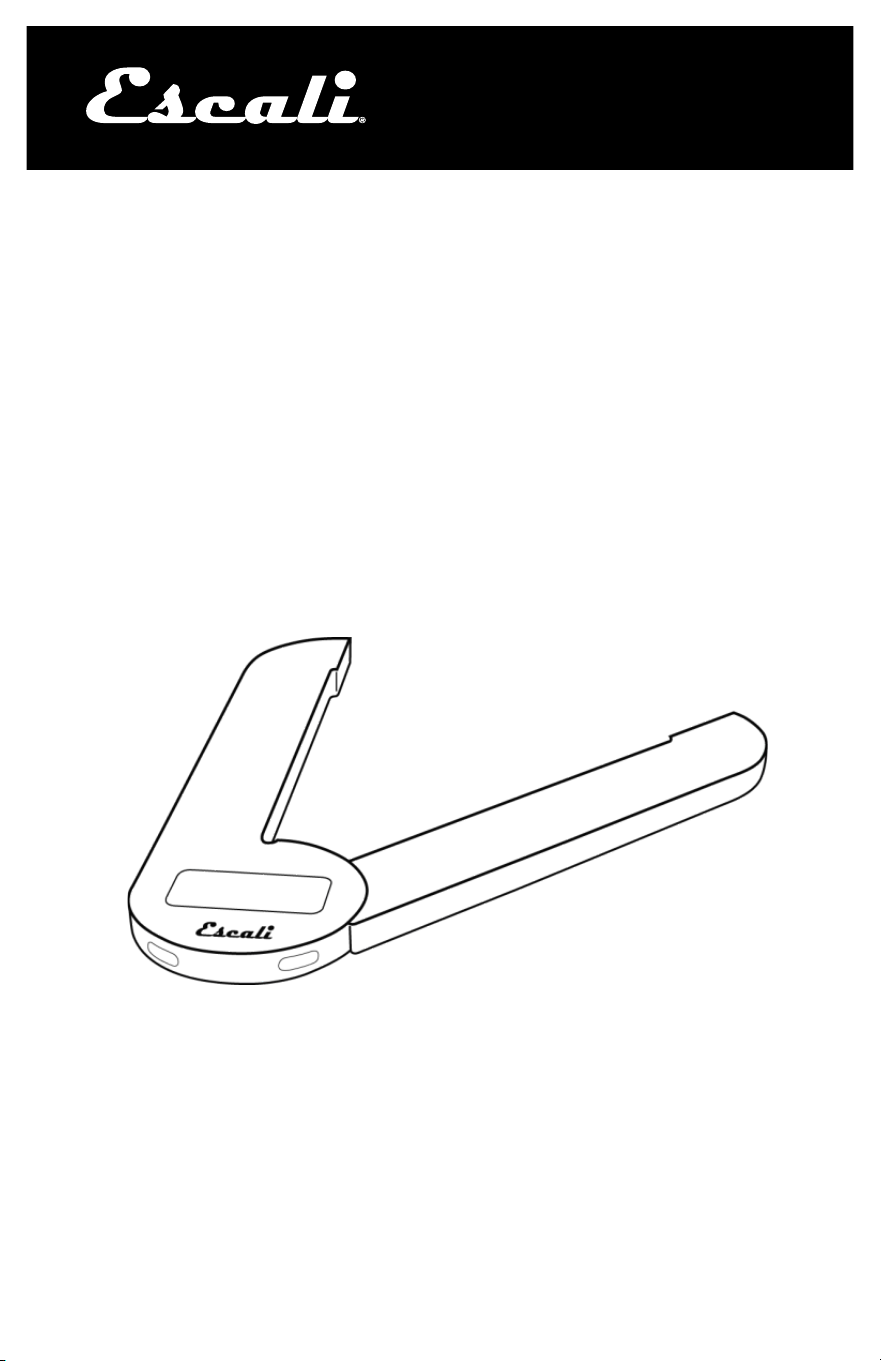
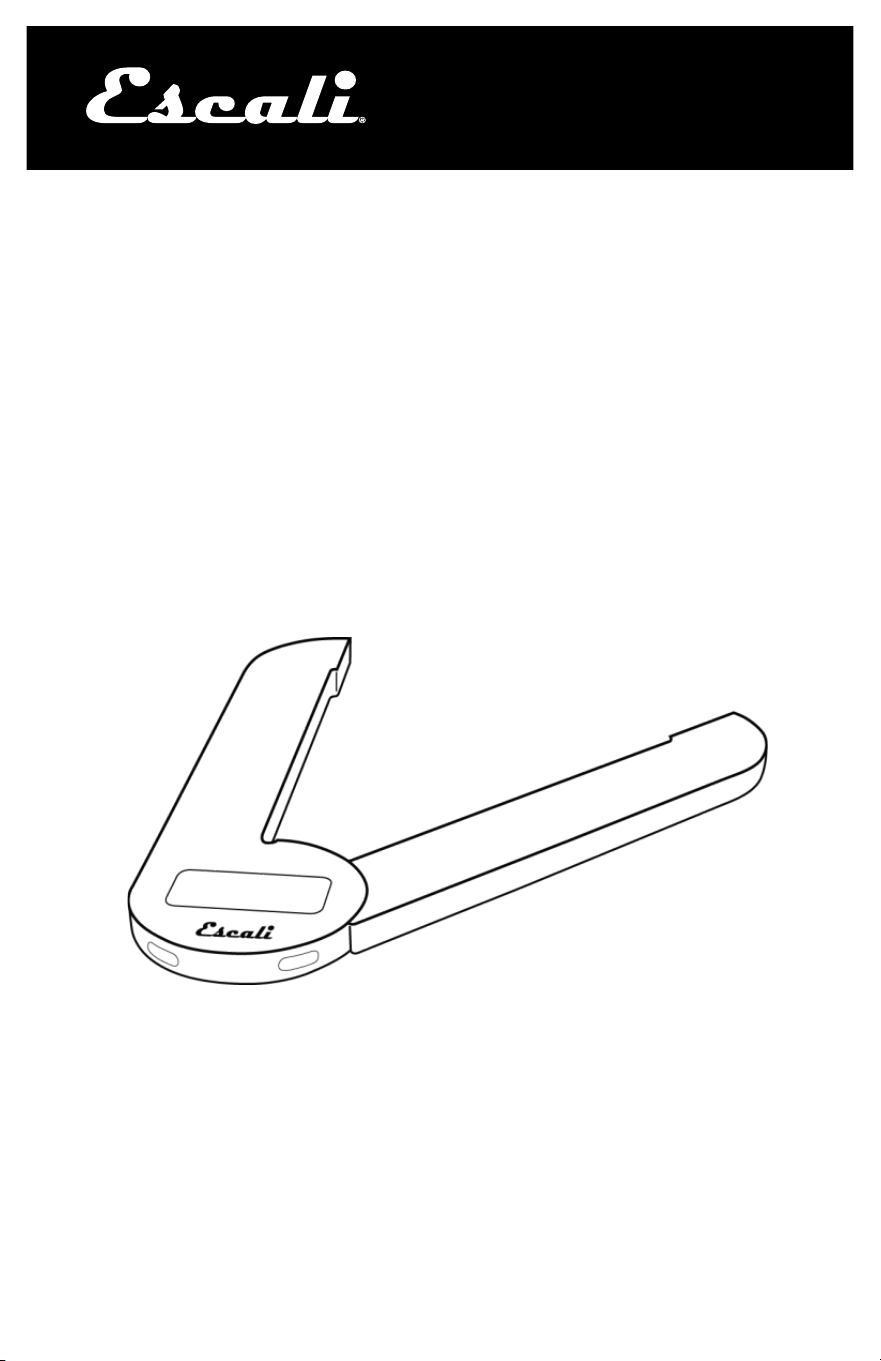
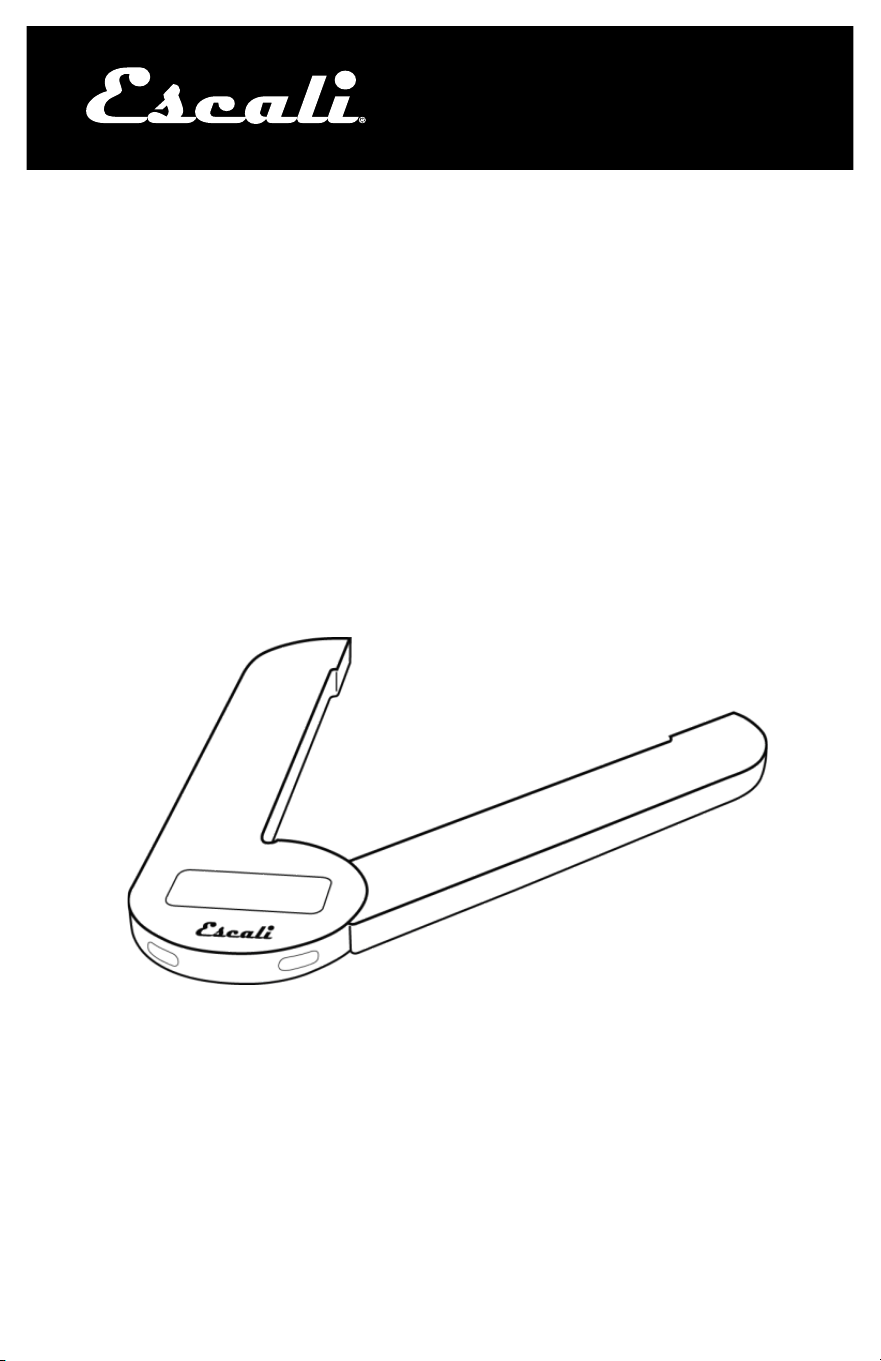
Space Saving Scale
Model # F115
www.escali.com
PRODUCT
MANUAL
2
Thank you for purchasing the Escali Savu Digital Scale!
Please read the following operation information to ensure the proper func-
tion of your new scale.
HOW TO WEIGH
1. Adjust the width of the scale’s platform to your preference.
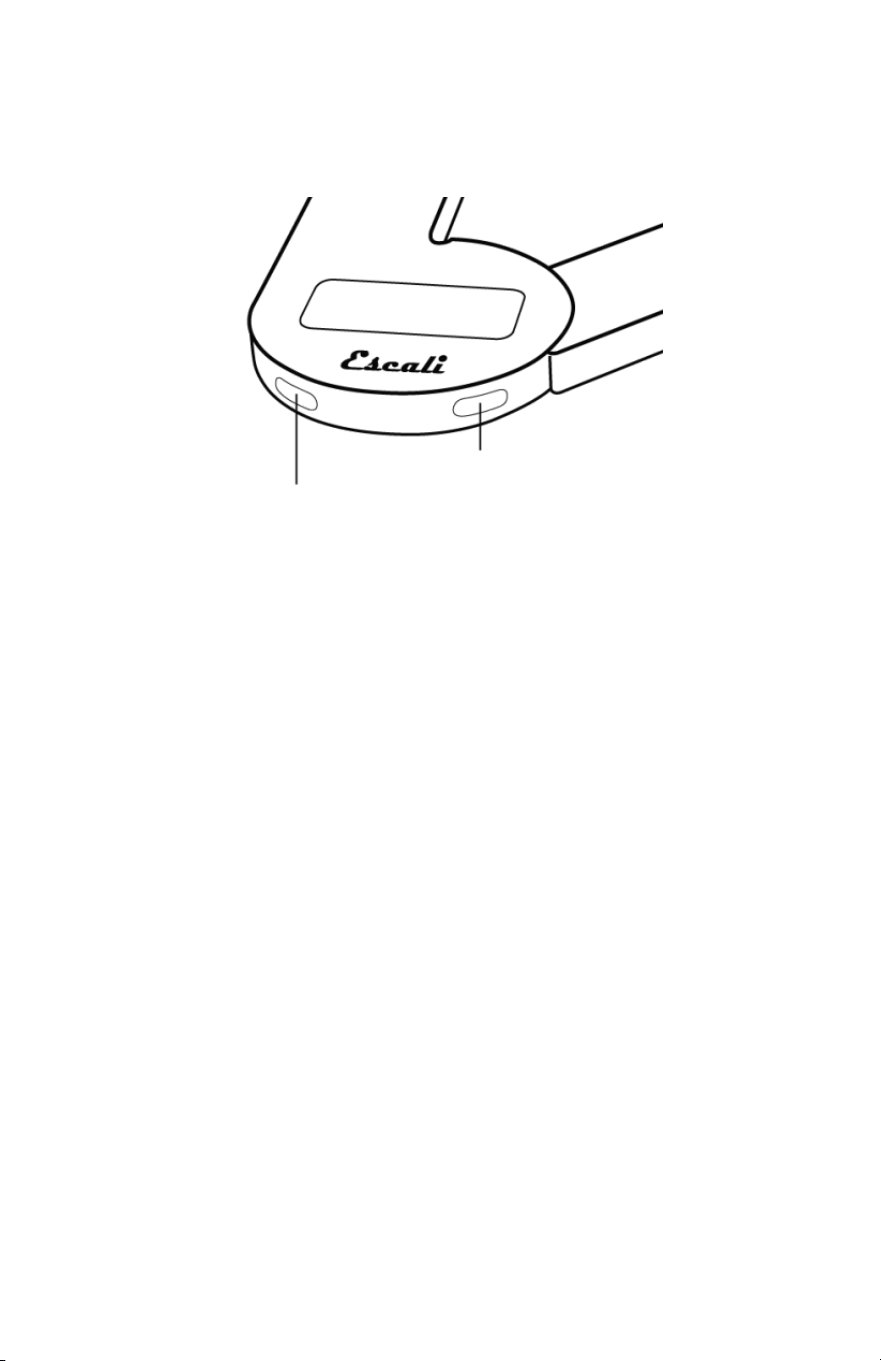
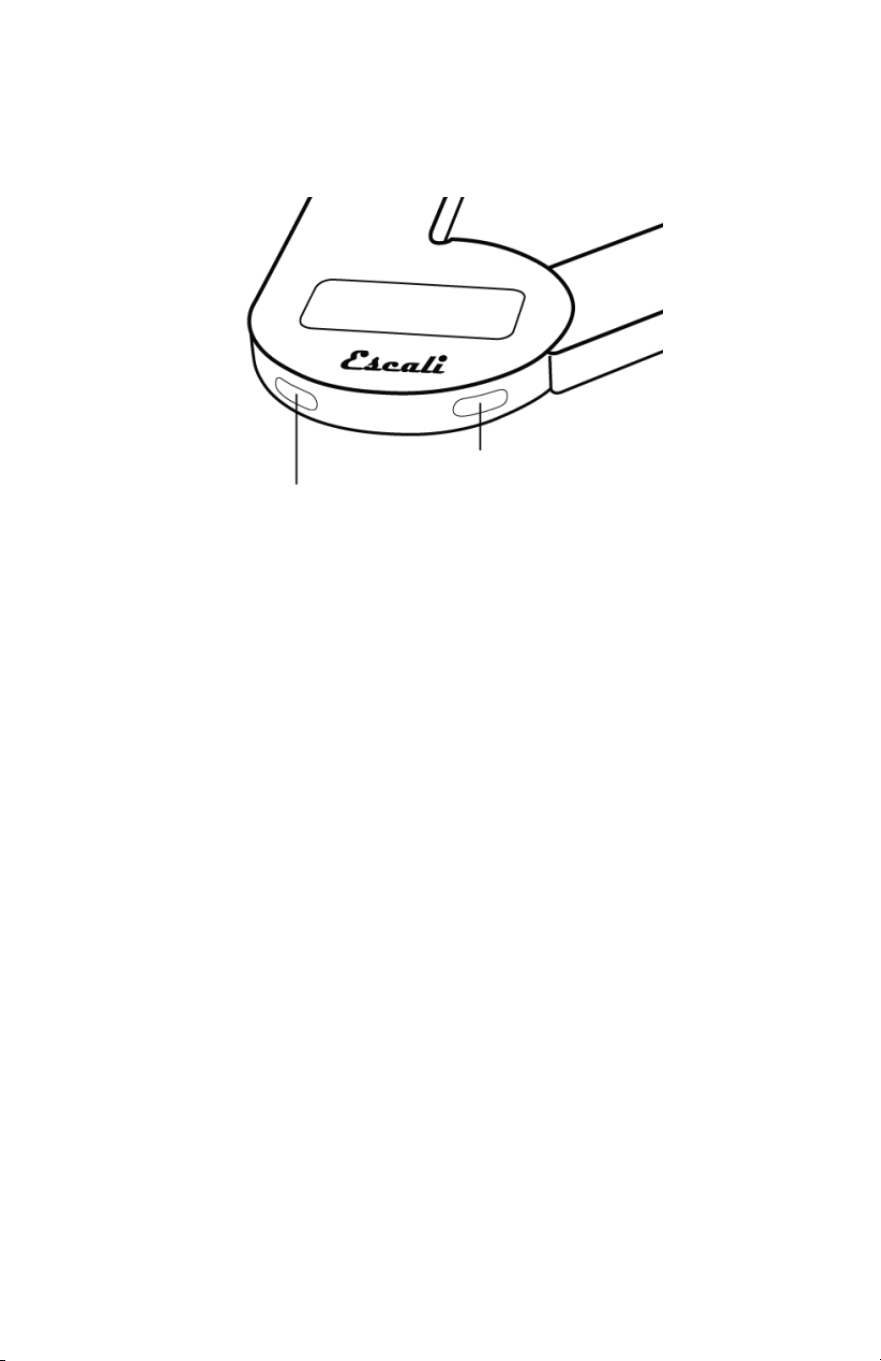
2. Press the TARE key to power the scale on. “HI” will appear for approxi-
mately 2 seconds before resetting to zero.
3. Press the MODE key to select the units (g, oz, lb+oz, ml).
4. Slowly, place the item onto the platform.
5. Press and hold the TARE key to turn the scale off.
HOW TO USE THE “TARE” FEATURE
This feature allows you to obtain the exact weight of individual items in a
container, by subtracting the weight of the items, and the container.
1. Power the scale on while the container is on top.
2. Place the item slowly into the container.
3. Press the TARE key. The weight of the item will be removed, and the
display will reset to zero.
4. Slowly add another item into the container. The display will show the
weight of the additional item.
5. You may continue to determine the weight of each additional item as
they are added by repeating steps 3 & 4.
HOW TO CLEAR THE “TARE” FEATURE
1. Remove all items from the container.
2. Press the TARE key
PROPER USE & CARE
•
Use and stow the scale at room temperature.
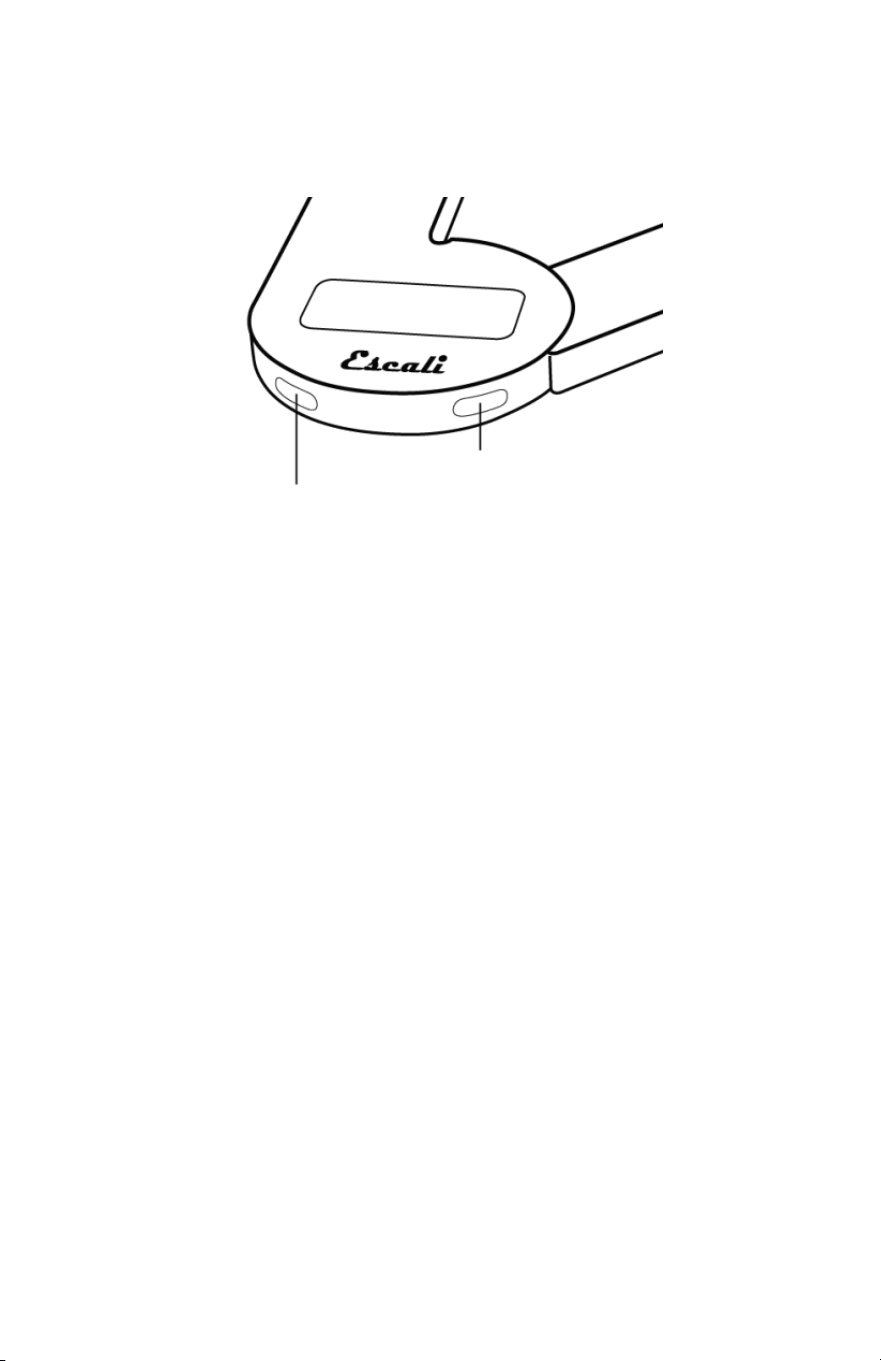
Tare / Power
Units

3
Measuring What’s Next™
•
Use on a flat, level, and stable surface.
•
The scale is an instrument of precision. Do not submit the scale to
shaking, excessive vibration, or other rough treatment.
•
The display may be affected by electromagnetic disturbances such as
radios, microwaves, or cell phones. If such disturbances occur, re-
move the source of the disturbance, and restart the scale.
•
Disassembling or tampering with the scale voids the warranty.
•
Clean the scale with dish soap, and a damp cloth.
•
Do not submerge in liquid; the scale is not waterproof.
WARNING MESSAGES
EEEE Overload warning
Out2
Load cell is damaged or needs recalibration
Lo Low battery warning
PRODUCT SPECIFICATIONS
Model: F115
Capacity: 11 lb / 5000 g
Increments: 0.05 oz / 1 g
Product Dimensions: 9 x 2.6 x 0.5 in
Platform Dimensions: Expands to 7.5 in
Power Source: One CR2032 (included)
Automatic shut-off:
NOTES:
ESCALI CORPORATION
3203 Corporate Center Drive, Suite 150
Burnsville, MN 55306
USA
PRODUCT SUPPORT
24/7 Online support: https://escali.zendesk.com
Email support: feedback@escali.com
Phone support: 1-800-467-6408
LIFETIME LTD WARRANTY
This scale is guar- anteed to be free of
defects in materials and
workmanship. For more details visit: www.escali.com/warranties
Escali’s liability is limited to two (2) times the cost of the product.
© Escali Corp., Minneapolis, MN, USA. All rights reserved. Escali, the
Escali logo and other Escali marks are owned by Escali Corp. and may be
registered.
Báscula Digital Savu
Modelo # F115
www.escali.com
MANUAL DEL
PRODUCTO
2
¡Gracias por comprar la Báscula Digital Escali Savu!
Por favor, lea la siguiente información de operación para garantizar el correcto
funcionamiento de su nueva báscula.
CÓMO PESAR
1.
Ajuste el ancho de la plataforma de la báscula a su preferencia.
2.
Presione la tecla TARA para encender la báscula. "HI" aparecerá durante
aproximadamente 2 segundos antes de restablecerse a cero.
3.
Presione la tecla MODO para seleccionar las unidades (g, oz, lb + oz, ml).
4.
Lentamente coloque el elemento sobre la plataforma.
5.
Mantenga presionada la tecla TARA para apagar la báscula.
CÓMO UTILIZAR LA FUNCIÓN "TARA"
Esta característica le permite obtener el peso exacto de los elementos indivi-
duales en un envase, restando el peso de los elementos y el envase.
1.
Encienda la báscula mientras el recipiente está en la parte superior.
2.
Coloque el elemento lentamente en el recipiente.
3.
Presione el botón TARA. Se quitará el peso del elemento, y la pantalla vol-
verá a cero.
4.
Lentamente agregue otro elemento en el contenedor. La pantalla le mostra-
rá el peso neto del elemento adicional.
5.
Usted puede seguir determinando el peso de cada elemento adicional a
medida que se añaden repitiendo los pasos 3 y 4.
CÓMO LIMPIAR LA FUNCIÓN "TARA"
1.
Quitar todos los elementos del contenedor.
2.
Presione el botón TARA.
Tara
Modo

3
USO Y CUIDADO CORRECTOS
•
Utilice y guarde la báscula a temperatura ambiente.
•
Utilícela en una superficie plana, nivelada y estable.
•
La báscula es un instrumento de precisión. No someta la báscula a
agitación, vibración excesiva u otro tratamiento rudo.
•
La pantalla puede verse afectada por alteraciones electromagnéticas,
tales como radios, microondas, o teléfonos celulares. Si tales altera-
ciones ocurren, retire la fuente de la alteración y reinicie la báscula.
•
Desmontar o alterar la báscula anula la garantía.
•
Limpie la báscula con jabón y un paño húmedo.
•
No la sumerja en líquidos; la báscula no es a prueba de agua.
MENSAJES DE AVISO
EEEE Advertencia de sobrecarga
Out2
La celda de carga está dañada o necesita recalibración
Lo
Aviso de baja batería.
ESPECIFICACIONES DEL PRODUCTO
Modelo: F115
Capacidad: 11 lb / 5000 g
Incrementos: 0.05 oz / 1 g
Dimensiones del producto: 9 x 2.6 x 0.5 pulg.
Dimensiones de la plataforma Se expande a 7.5 pulg.
Fuente de alimentación: Una batería CR2032 (incluida)
Apagado automático:
NOTAS:
ESCALI CORPORATION
3203 Corporate Center Drive, Suite 150
Burnsville, MN 55306
EE.UU.
SOPORTE DEL PRODUCTO
Soporte en línea 24/7: https://escali.zendesk.com
Soporte por correo electrónico: feedback@escali.com
Asistencia telefónica: 1-800-467-6408
GARANTÍA LIMI- TADA DE POR VI-
DA
Esta báscula tiene garantía de estar libre de defectos en materiales y
mano de obra. Para más detalles visite: www.escali.com/warranties
La responsabilidad de Escali está limitada a dos 2 veces el costo
del producto.
© Escali Corp., Minneapolis, MN, USA. Todos los derechos reservados.
Escali, el logotipo Escali y otras marcas de Escali son propiedad de Escali
Corp. y pueden estar registradas.
Balance Digitale Savu
Modèle # F115
www.escali.com
MANUEL
DU PRODUIT
2
Nous vous remercions d'avoir acheté la Balance Digitale Escali Savu !
Veuillez lire les informations de fonctionnement suivantes afin d’assurer le bon
fonctionnement de votre nouvelle balance.
COMMENT PESER
1. Réglez la largeur de la plateforme de la balance selon votre convenance.
2. Appuyez sur la touche TARE pour alimenter la balance. “HI” s’affichera
pendant environ 2 secondes avant la remise à zéro.
3. Appuyez sur la touche MODE pour choisir les unités (g, oz, lb+oz, ml).
4. Placez un élément lentement sur la plateforme.
5. Appuyez et maintenez la touche TARE pour arrêter la balance.
COMMENT UTILISER LA FONCTION "TARE"
Cette fonctionnalité vous permet d’obtenir le poids exact des éléments indivi-
duels dans un conteneur, en soustrayant le poids des objets et le conteneur.
1. Allumez la balance pendant que le conteneur est placé sur le dessus.
2. Insérer l’élément lentement dans le récipient.
3. Appuyez sur la touche TARE. Le poids de l’élément sera supprimé et
l’écran se remettra à zéro.
4. Ajouter lentement un autre élément dans le conteneur. L’afficheur indique
le poids de l’élément additionnel.
5. Vous pouvez continuer à déterminer le poids de chaque objet supplémen-
taire lorsqu’ils sont ajoutés en répétant les étapes 3 & 4.
COMMENT EFFACER LA FONCTION “TARE”
1. Supprimer tous les éléments du conteneur.
2. Appuyez sur la touche TARE
UTILISATION CORRECTE ET ENTRETIEN
•
Utilisez et rangez l’échelle à la température ambiante.
Tare / Alimentaon
Mode

3
Measuring What’s Next™
•
Utilisez sur une surface plane, horizontale et stable.
•
La balance est un instrument de précision. Ne soumettez pas la ba-
lance à des secousses, des vibrations excessives ou autre traite-
ments bruts.
•
L’affichage peut être affectée par des perturbations électromagné-
tiques tels que radios, fours à microondes ou téléphones cellulaires.
Si ces perturbations se produisent, débranchez la source de la pertur-
bation, et redémarrez la balance.
•
Le désassemblage ou l'altération de la balance annule la garantie.
•
Nettoyez la balance avec détergent à vaisselle, et un chiffon humide.
•
Ne pas immerger dans un liquide ; la balance n’est pas imperméable.
MESSAGES D’AVERTISSEMENT
EEEE Avertissement de surcharge
Out2 La cellule de charge est endommagée ou a besoin d’être recali
brée
Lo Avertissement de batterie faible
SPÉCIFICATIONS DU PRODUIT
Modèle : F115
Capacité : 11 lb / 5000 g
Graduation : 0.05 oz / 1 g
Dimensions du produit : 9 x 2.6 x 0.5 in
Dimensions de la plateforme : s’étend jusqu’à 7.5 in
Source d’alimentation : 1 - CR2032 (incluses)
Arrêt automatique :
NOTES :
ESCALI CORPORATION
3203 Corporate Center Drive, Suite 150
Burnsville, MN 55306
USA
SUPPORT TECHNIQUE
Support en ligne 24/7 : https://escali.zendesk.com
Support par email : feedback@escali.com
Assistance téléphonique : 1-800-467-6408
GARANTIE LTD À VIE
GARANTIE PRO- FESSIONNEL DE 2
ANS
Cette balance est garantie contre tous défauts de matériaux et
de fabrication. Pour plus de détails, visitez : www.escali.com/warranties
La responsabilité Escali est limité à deux (2) fois le coût du produit.
© Escali Corp., Minneapolis, MN, USA. Tous droits réservés. Escali,
le logo Escali et les autres marques sont détenues par Escali Corp.
et peuvent être déposées.