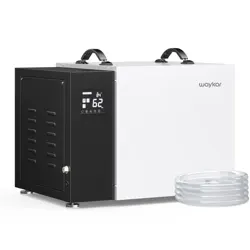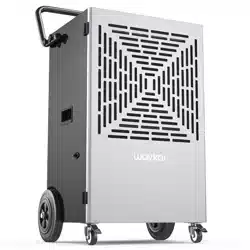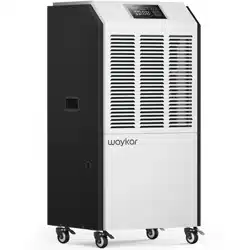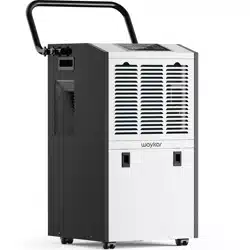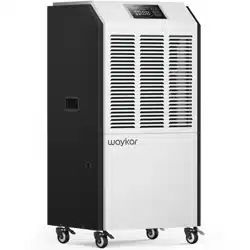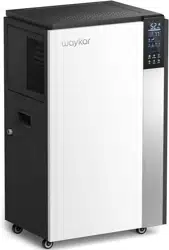

Please read the manual carefully
before using the unit
PD1201B
USER MANUAL

If there is any problem of the product, please contact Waykar Customer
Service at with your Purchase Order ID to help you support@waykar.com
address the problem more effectively.
FOR CUSTOMERS
TO ACCESS CUSTOMER SUPPORT FASTER
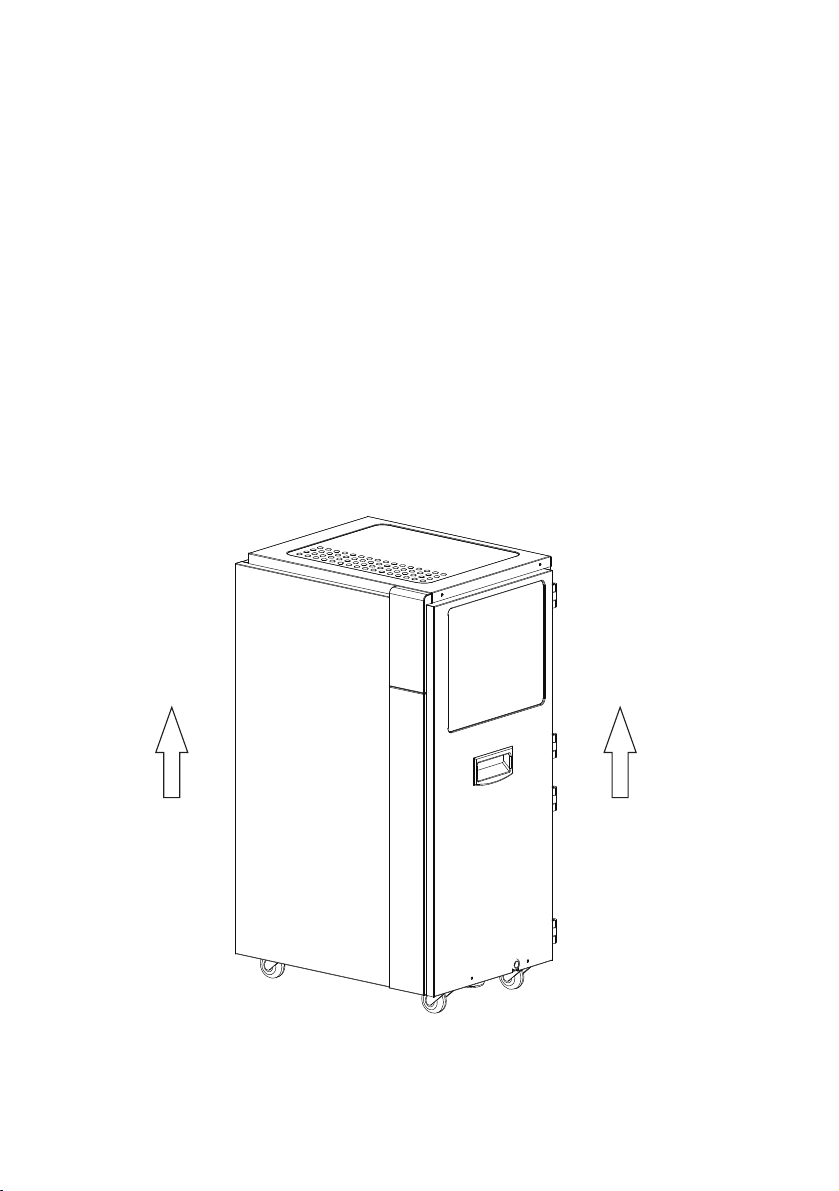
To prevent any internal damage, it is very important to
keep refrigeration units (like this one) upright throughout
their journey.
Please leave it standing upright and outside the box for
24 HOURS before plugging it in.
BEFORE FIRST USE:
Safety Instructions
Errors and Protection Code
Safety Note and Maintenance Methods
Cleaning and Maintenance
Warranty and Contact Us
SAFETY INSTRUCTIONS
IMPORTANT NOTICE!
For your safety, please read the manual carefully and follow all
the safety instructions below.
Important Safety Instructions
Before connecting the power supply, make sure that the power supply provides
the same voltage and frequency required by the machine.
Cautions:
The machine power wiring must be in accordance with national wiring rules, and
power line should be connected to the reliable external Earth Line.
Model specification of the fuse: 5A.
The distance between the machine and the surrounding objects: at least 1 meter.
Special Note: When the display screen does not light up, it does not mean the
power has been disconnected.
1. This unit may have been tilted or placed upside down during
shipping. To ensure this device work properly, please make sure it is
upright for at least 24 hours before the initial use.
Position
3. If the moisture in a certain area of the space is particularly high, you
can place the dehumidifier directly in this area at first before you
move it to the center position.
4. In order to achieve the best dehumidification effect, the external doors and
windows should be closed when the dehumidifier is in operation. Do not
place this product near or directly next to a heater or other heat source.
5. When placing the dehumidifier, be sure to place it on a level surface. And
there should be no objects obstructing the air flow in the air inlet and outlet.
6. Before moving the product, turn off the power and drain out the water.
When moving, the machine body should not be tilted more than 45
degrees.
When you want to store the dehumidifier because you don't use it for a long
time. Please pay attention to the following steps:
1. Roll up the power cord and tie it up.
2. Clean the filter.
3. Place the machine in a cool and dry environment.
Storing The Dehumidifier
Children should be supervised to ensure that they do not play with the
appliance.
SAFETY INSTRUCTIONS
This appliance is not intended for use by persons (including children) with
reduced physical, sensory ormental capabilities, or lack of experience
and knowledge, unless they have been given supervision orinstruction
concerning use of the appliance by a person responsible for their safety.
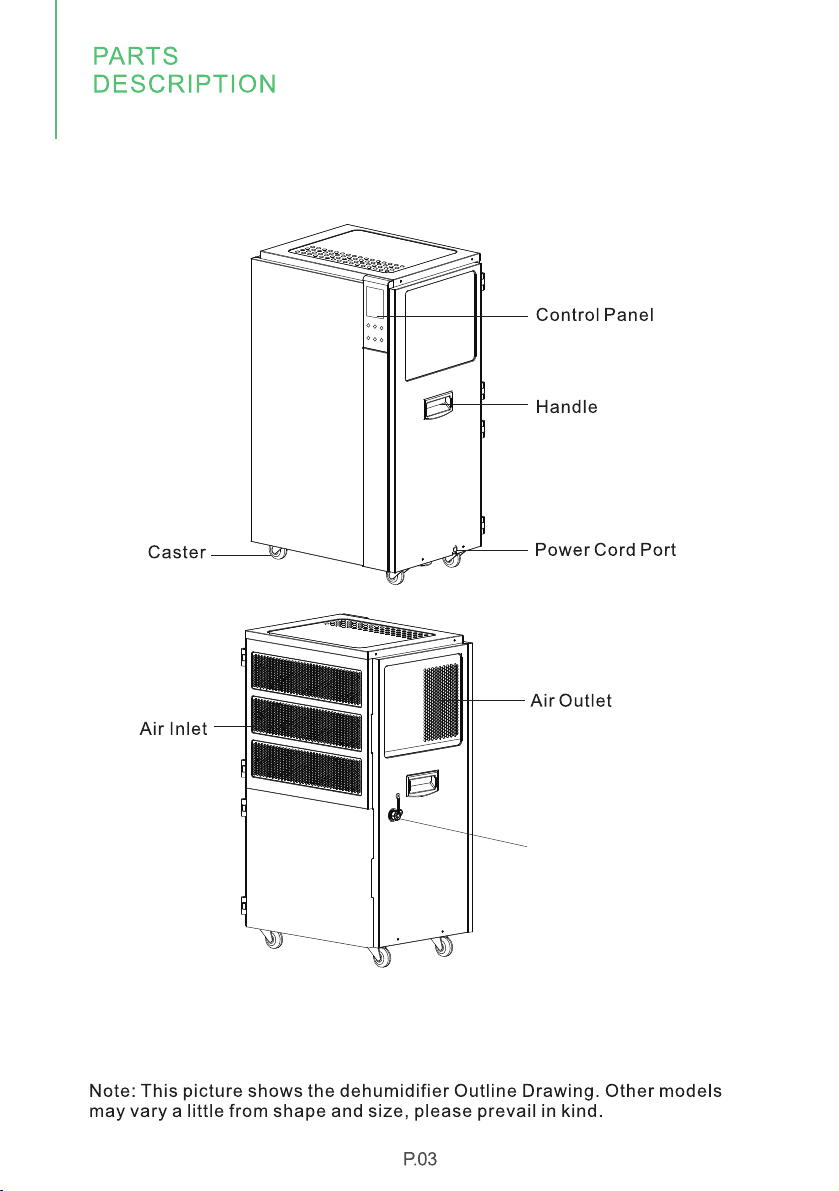
Parts Description
Continuous Drainage Port
Schematic Diagram
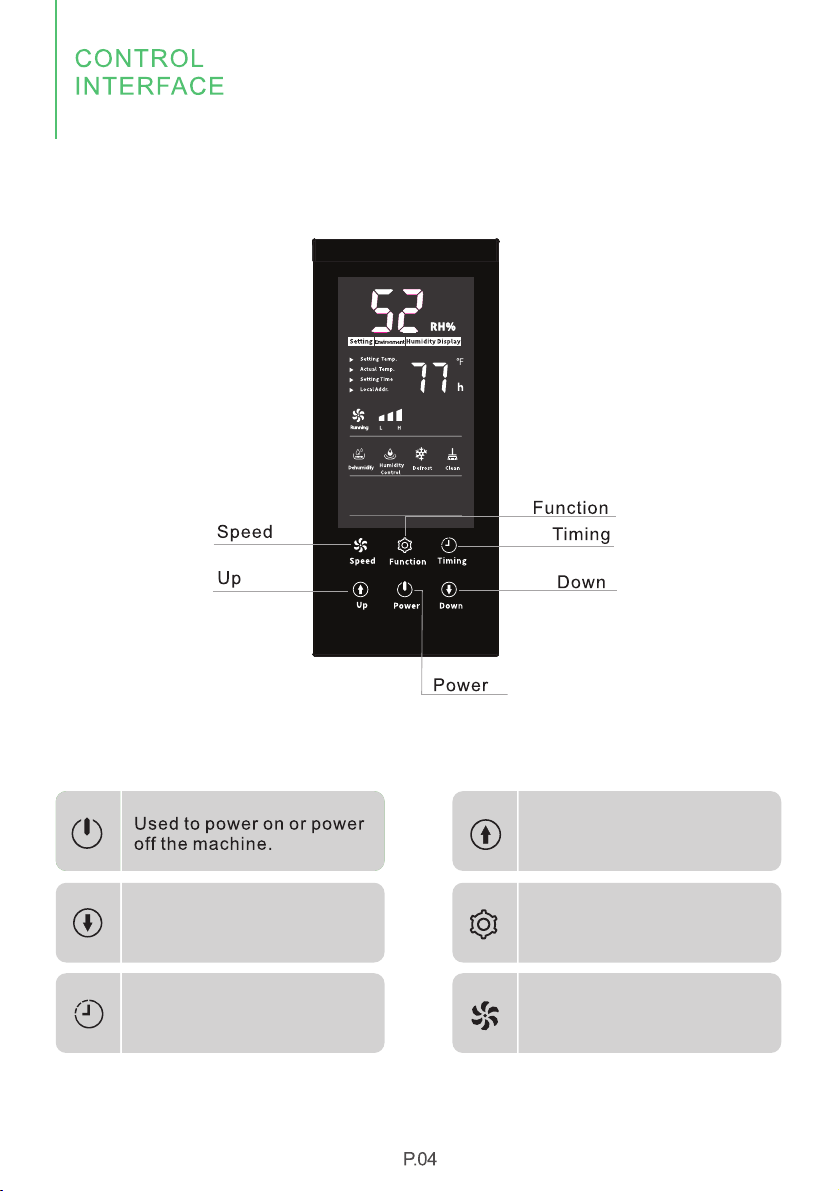
Used to set the humidity
and timing value up
Used to set the humidity
and timing value down
Press to confirm the
parameters setting.
Used for setting the time
Used to switch to high and
low wind speed
Control Panel
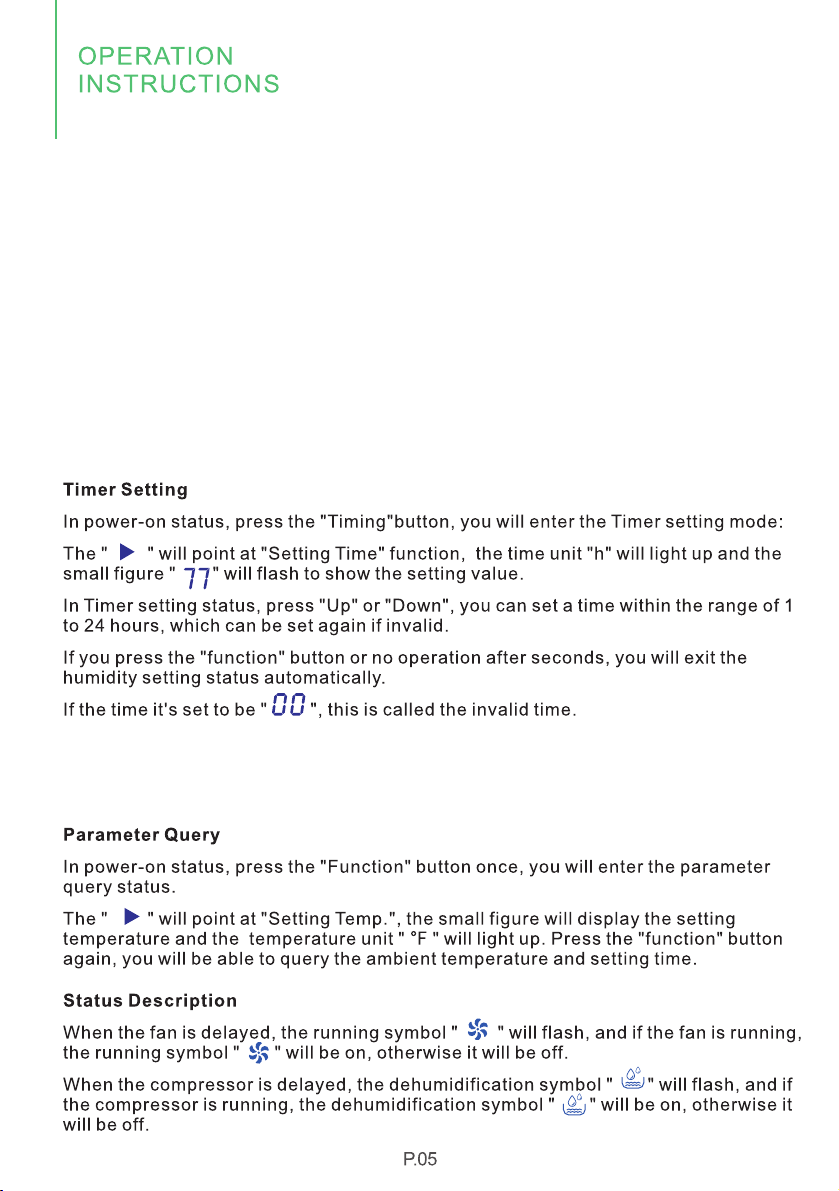
Humidity Setting
In power-on status, press "Up" or "Down" button to enter the humidity setting status:
The screen will display the "Setting " and " Humidity Display " icon, the unit icon " RH%"
will light up, and the large figure " " will flash to show the humidity value.
5 2
In humidity setting status, you can press the "Up" or "Down" button to set the desired
humidity within the range of 10-98RH%.
If you press the "function" button or no operation after seconds, you will exit the
humidity setting status automatically.
When the setting humidity is 10RH%, the machine will be forced to run at continuous
working mode.
Speed Setting
Two wind speed modes are available for this machine, you can press the "Speed"
button to switch to high or low wind speed.
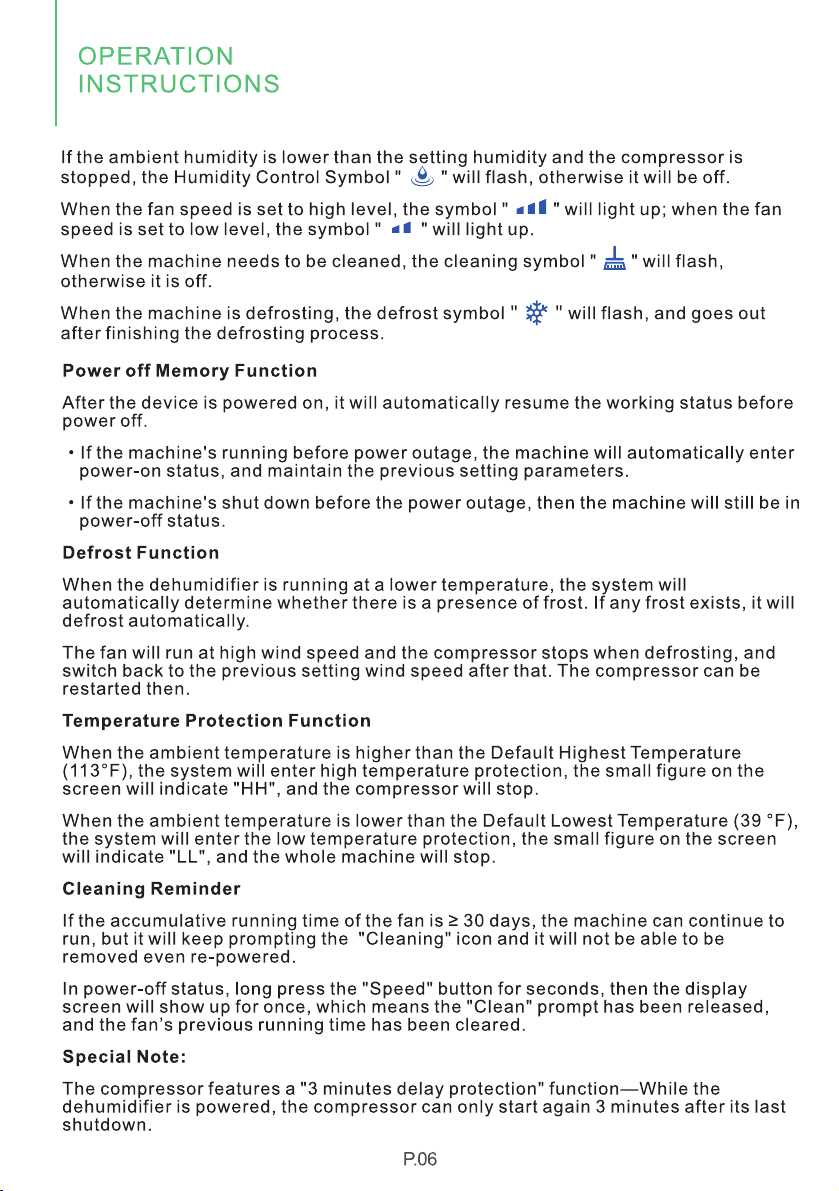
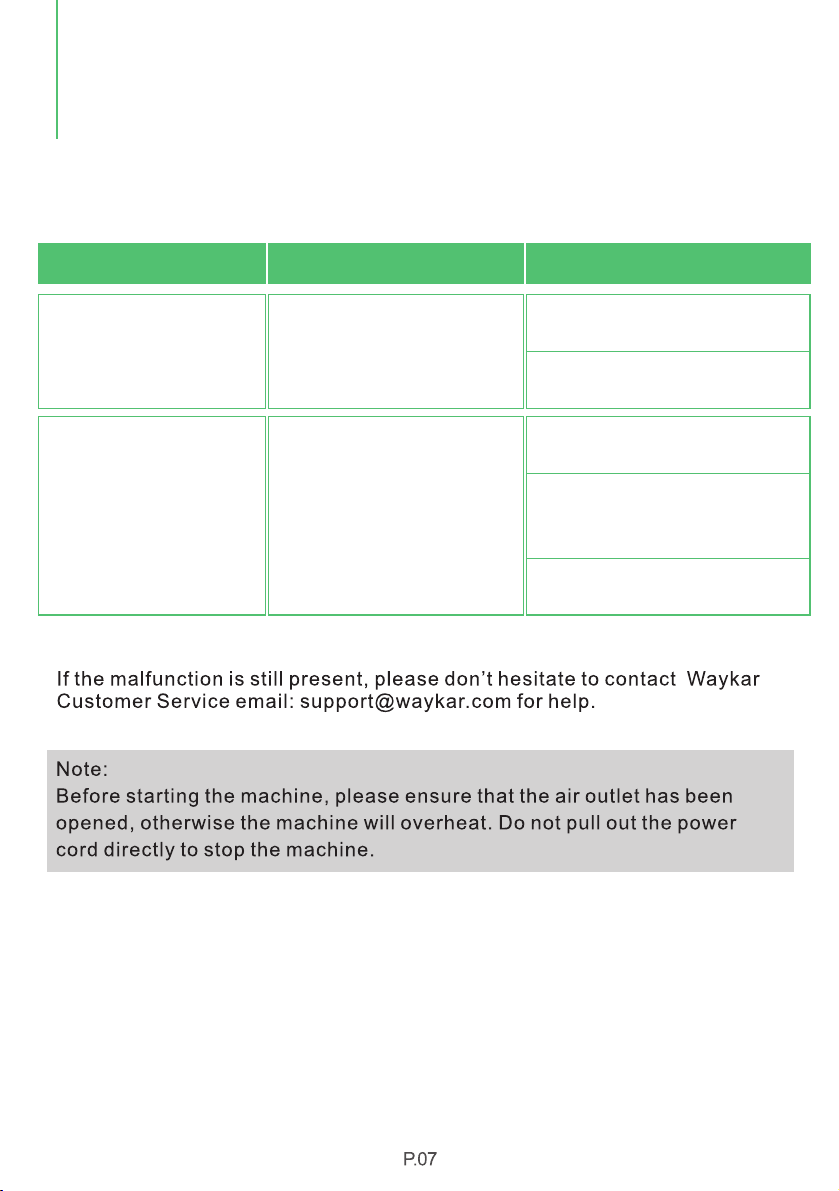
Operation
ERRORS AND
PROTECTION CODE
Humidity sensor failure?
Hu m idit y a lways s h ows
"2 5 %RH" ( there i s a b ig
di ff e rence f r om the ac t ual
hu m idit y )
Hu m idit y a lways s h ows
"9 9 %RH" ( there i s a b ig
di ff e rence f r om the ac t ual
hu m idit y )
Set the humidity to 30%RH,the dehumidifier
can still continue to work, and can be used
normally.
1.Water on the surface of humidity
sensor?
2.Humidity sensor failure?
The dehumidifier is not affected and can
continue towork, and can be used normally.
Repair and replace the humidity sensor.
Repair and replace the humidity sensor.
Please let the dehumidifier keeps working for
a period of time, after the water on the surface
of the humidity sensor is removed, it will return
to normal.
fault phenomenon
analysis of causes
processing method
Error & Protection Code

The machine should be operated under the temperature range of 41-100℉, if the
room temperature exceeds this range, the product may not work properly.
Waykar reserves the right to change the product, the above parameters are subject
to change without prior notice.
Product Specifications
MAXIMUM ALLOWABLE PRESSURE
MAXIMUM OPERATING PRESSURE HIGH
MAXIMUM OPERATING PRESSURE LOW
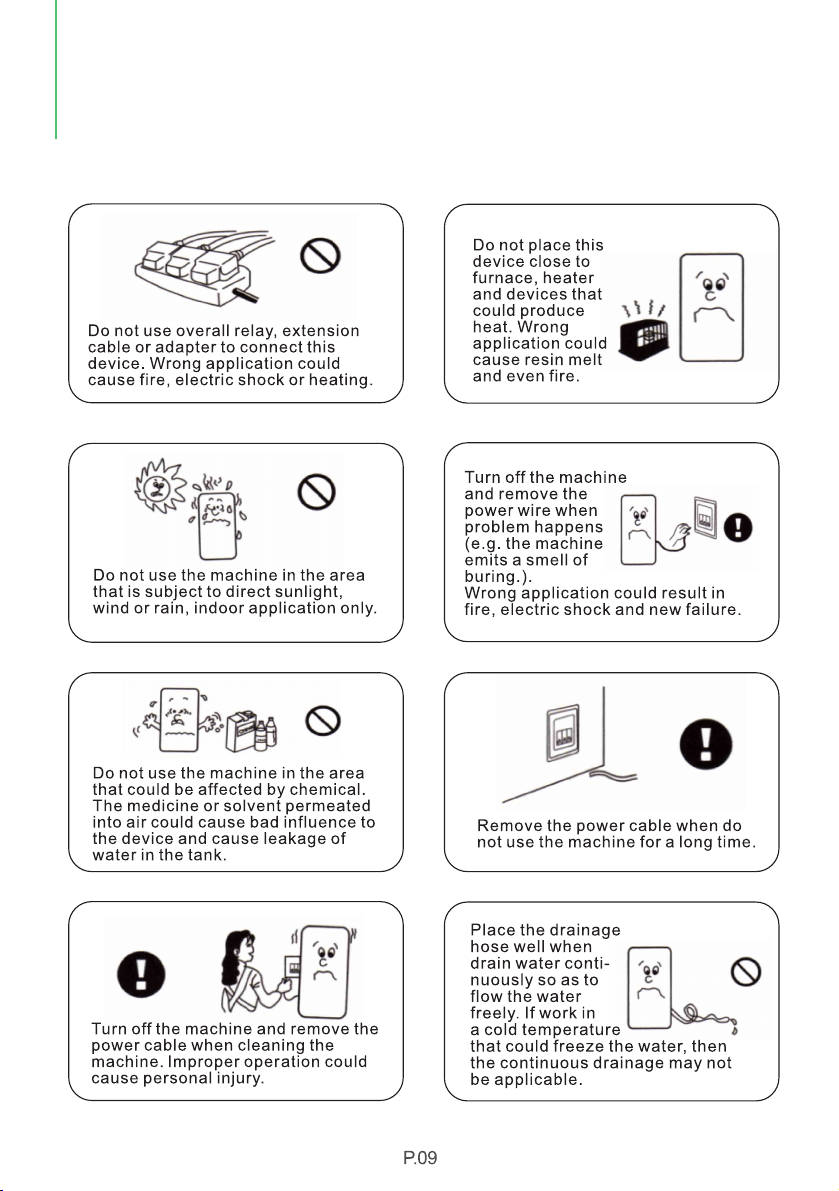
Safety Note and Maintenance Methods
SAFETY NOTE AND
MAINTENANCE METHODS
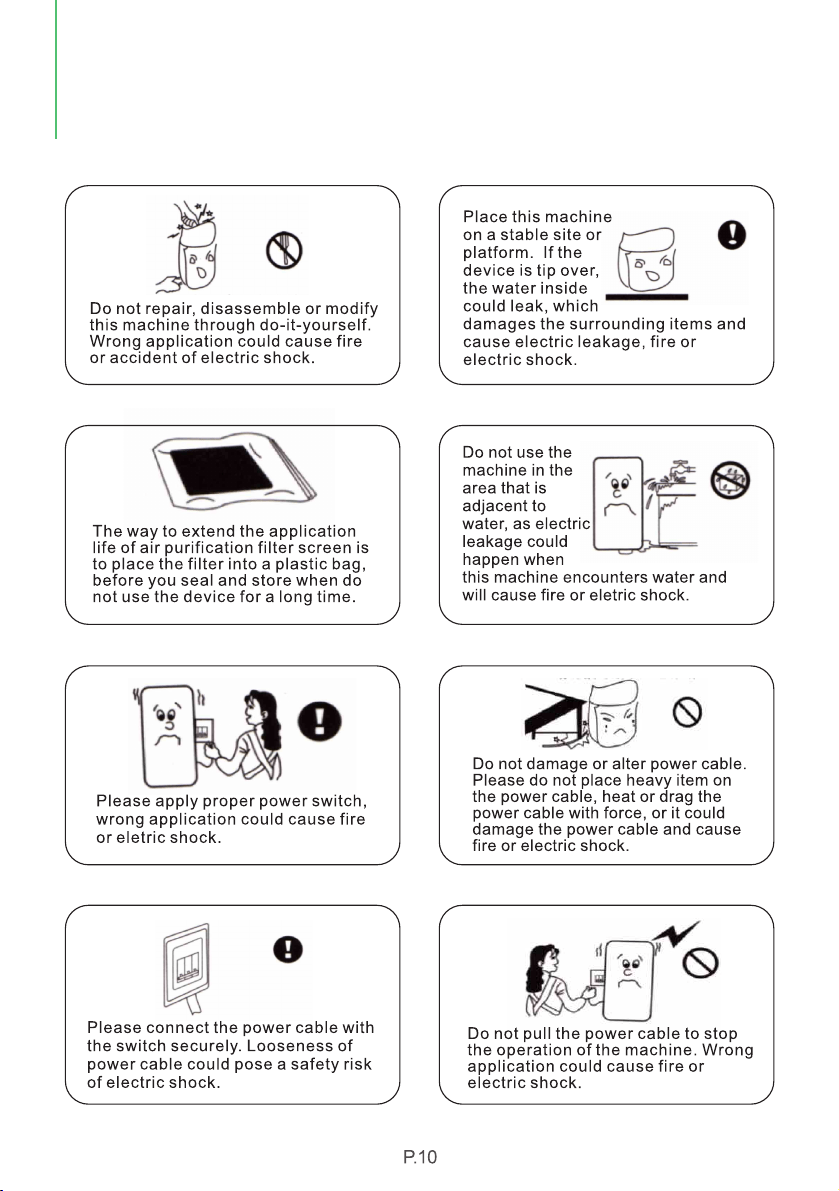
SAFETY NOTE AND
MAINTENANCE METHODS
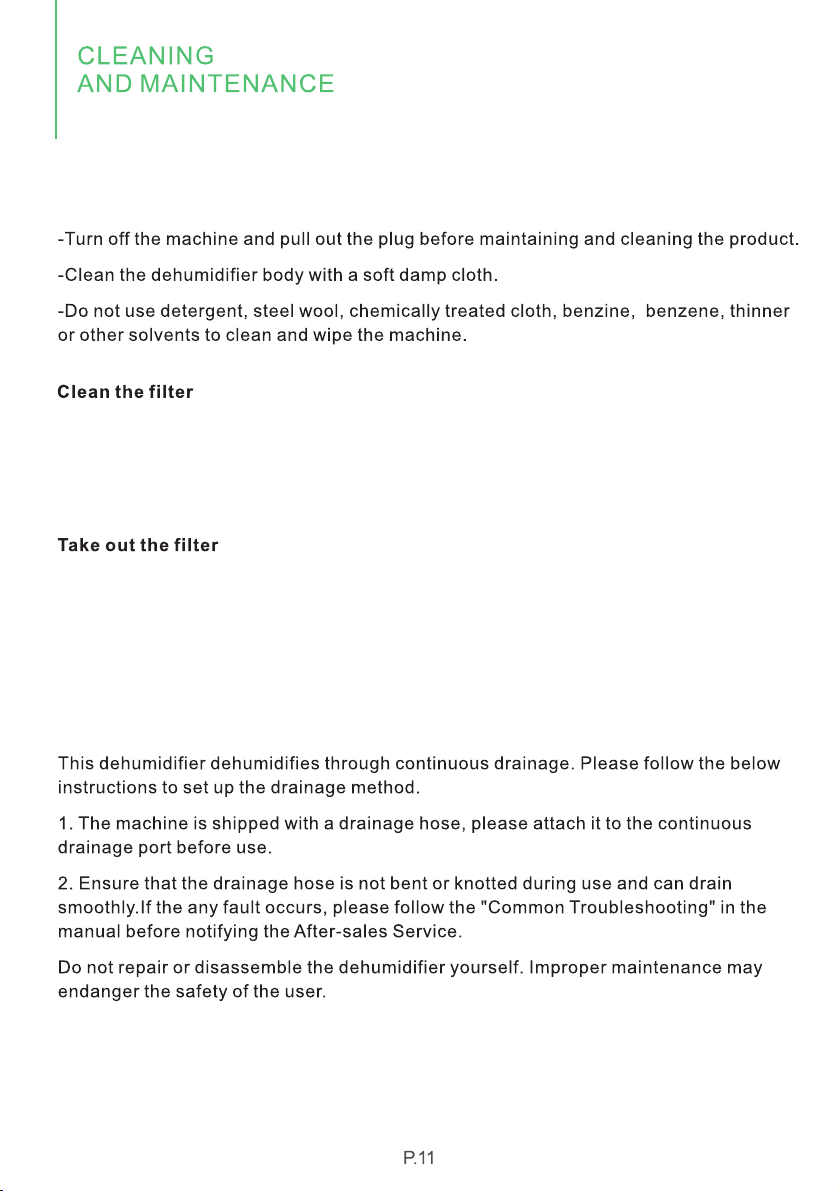
Cleaning and Maintenance
-Use a vacuum cleaner to gently remove dirt from the filter.
-lf the washable filter is particularly dirty, rinse it with warm water and a mild detergent,
and air dry it thoroughly. Do not let the sun shine directly or dry the filter with other
exothermic products, this will deform the filter and its frame.
-Put the filter back into the machine.
-This dehumidifier has a washable filter that blocks most of the airborne dirt such as
dust, smoke, animal dander, mold spores and pollen.
-It is recommended to check the filter regularly and clean it at least once a month.

1.When the above faults can not be ruled out, confirmed and repair is needed,
please contact the seller at , do NOT disassemble the machine support@waykar.com
for repair without permission.
2.When the dehumidifier is running or stopped, the refrigerant circulation sound will
be heard, which is normal.
3. It is normal for hot air to be discharged from the air outlet.
Common Troubleshooting
Dehumidifier does not
operate.
1. Power failure.
2. The power switch is not connected.
3. The power plug is not plugged into
the socket.
4. The fuse has blown out.
5. Machine failure prompt.
Dehumidifier operating,
but room not dry.
1. There is too much dust in the filter.
2. The air inlet and outlet are
obstructed.
3. All doors, windows and other
openings are open.
4. Refrigerant leak.
1. Clean the filter.
2. Remove obstacles.
3. Close the door and windows.
4. Ask seller for help.
Water reservoir leaking.
1. The Machine is tilted
2. Clogging of water drainage port.
1. Adjust the machine to a
horizontal position.
2. Remove the panel to clean the
dirt inside the port.
The dehumidifier makes à
loud noise when operating.
1. The machine is tilted, instead of
upright as it should be.
2.The air filter is clogged.
1. Place the machine levelly.
2. Clean the filter.
P.12

*Please fill out all required fields and inlcude your Order ID, Date of Purchased if
applicable.
Order Number ready
Warranty
Extend Your Warranty by 1 Year
Customer Support
P.13


We are expecting to see our products fulfill your life and hear your voice.
Your satisfaction means a lot to us.
Please tag us if you share a snap on your social media.