www.PyleUSA.com
Features:
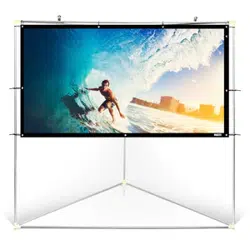
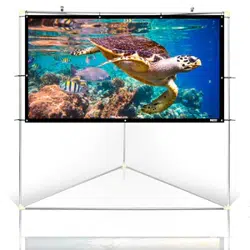
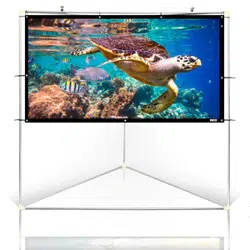
• Indoor/Outdoor Projector Screen
• Lightweight & Portable Display + Frame Stand
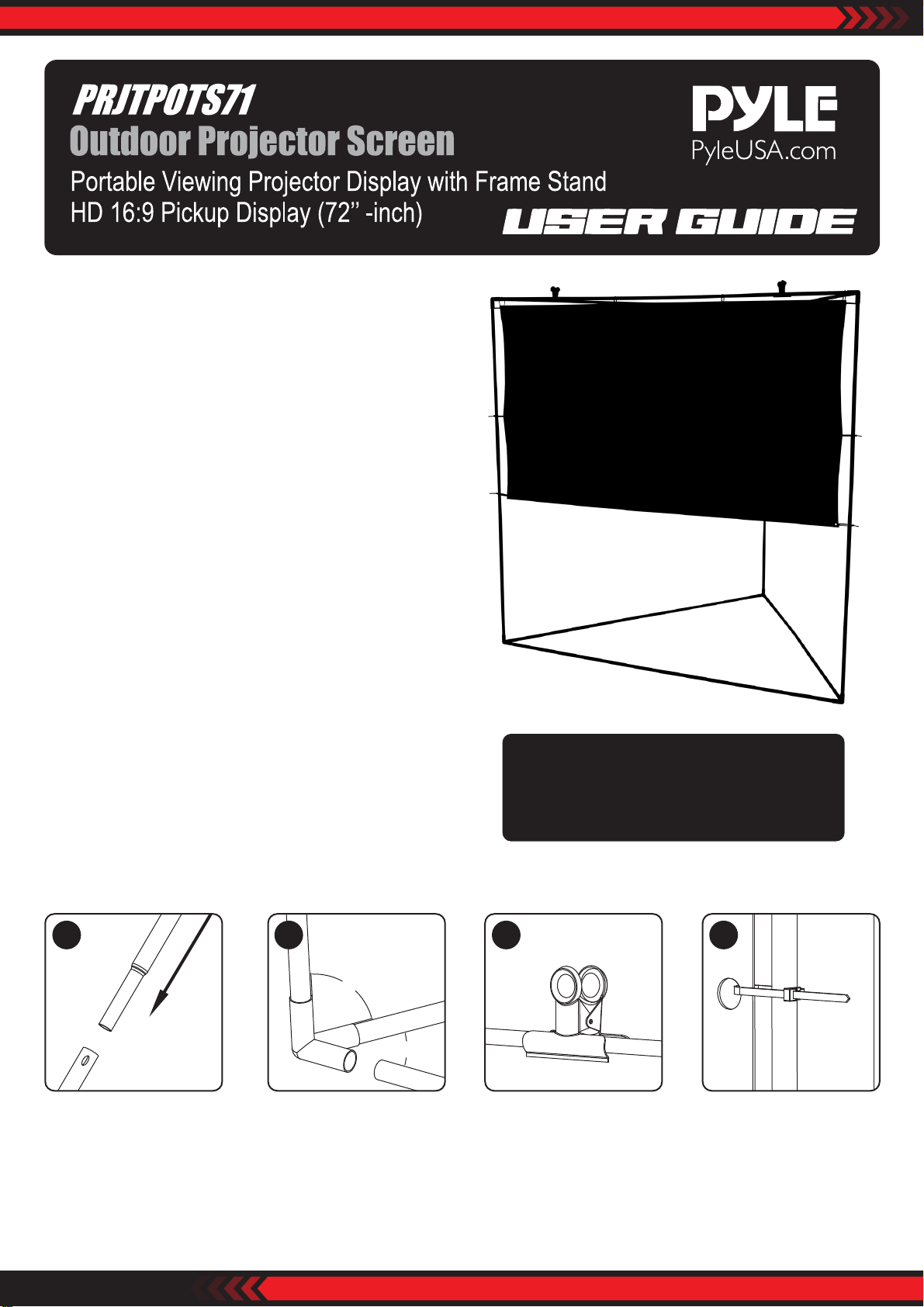
• Triangular Prism Design for Wind Stability
• Hassle-Free Setup for Quick Projection
• Matte White Fabric for Optimal Color Pickup
• Home Theater Style: HD Wide-Angle Viewing
• Used for Home, Oce & Business Applications
• *Some Assembly Required
What’s in the Box:
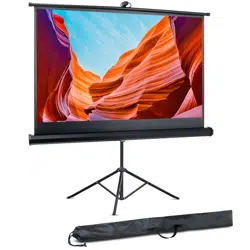
• Projector Screen
• Mounting Frame Stand
• Travel/Storage Bag
Technical Specs:
• Projector Viewing Screen Size: 72’’ -inch, Diagonal
• Aspect Ratio/Viewing Format: 16:9 Compatible
• Wide-Angle Viewing Area: 160° Degree
• Screen Gain: 1.15
• Projector Fabric Thickness: 0.012’’ inches (0.3mm)
• Construction Material: Engineered Steel Alloy Frame
• Assembled Dimensions: 64.0’’ x 64.0’’ x 55.9’’ -inches
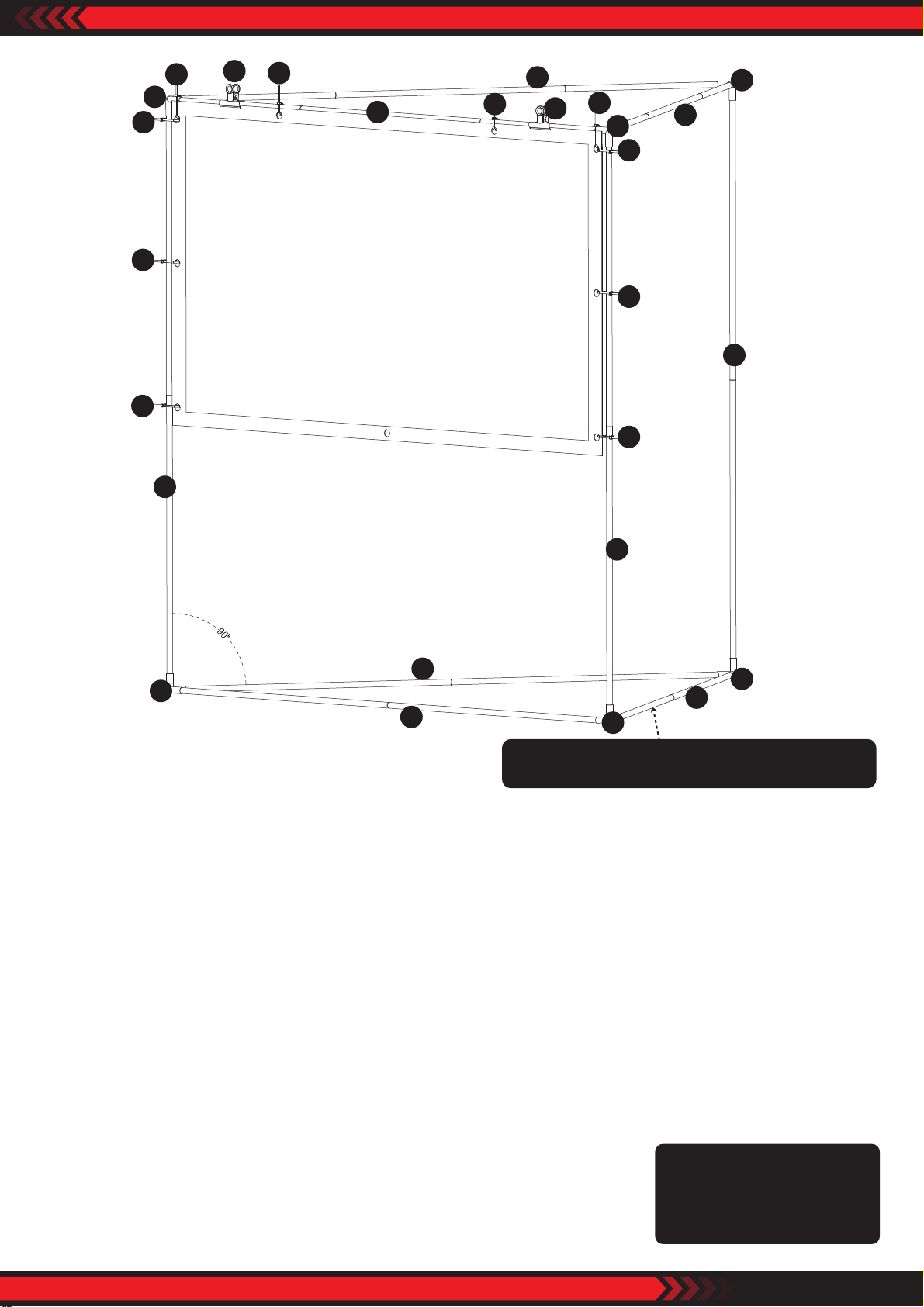
Assembly
90°
90°
Install the Vertical tube. Insert the metal frame into
the 3 Way Pipe Fittings.
The tube must be fully
inserted into the 3 Way Pipe
Fittings as much as possible.
Use the metal clip to
attach the screen on the
top bar then use the zip
tie to go through the hole
and x the screen on the
top bar.
Note:
Care should be taken to prevent the screen
from getting dirty during assembly.
This is easier with two people.
1 2 3 4
Zip tie goes into the hole
and x it on the tube.
Don't strap the zip tie too
tightly in the beginning.
Questions? Comments?
We are here to help!
Phone: (1) 718-535-1800
Email: [email protected]
www.PyleUSA.com
Pay Attention
1. Assemble the bottom triangle rst, then attach the three uprights to make the top triangle.
It is designed intentionally to assemble the last triangle with diculty in order to make the angle to be tensioned
and not get loose.
2. The screen wil have some wrinkle due to the rolling up, it will recover after a while when you tension the screen
with zip tie.
3. Please don't cut the zip tie as you may re-use it next time.
4. This zip tie can be released again just by pressing the switch.
5. When all the zip ties are xed, you can tighten it gradually to make the screen as at as possible.
6. The metal clip is used to attach the screen on the top bar. You can leave the metal clip on or remove it.
7. There are two pairs of gloves so it is better to have two person to assemble this screen.
8. Don't tighten the screen too much; otherwise, the screen will be torn.
9. If the screen is dirty, you can clean it with a white cloth; the screen is not suitable for machine washing.
10. The screen can be used indoors or outdoors, but it is not waterproof. You cannot display it outside for a long time
as the black edge around it will be damaged by water.
11. Once you done using the Outdoor Projector Screen, use the zip tie to strap the
stand and store it with the screen in the Storage Bag.
1
1
1
2
2
1
1
1
3
3
4
4
4
4
4
4
4
4
4
4
2
1
1
2
2
2
1
It is a little bit dicult to put the last side together,
it is intentional to make the triangle tight.