1
Owner’s Manual
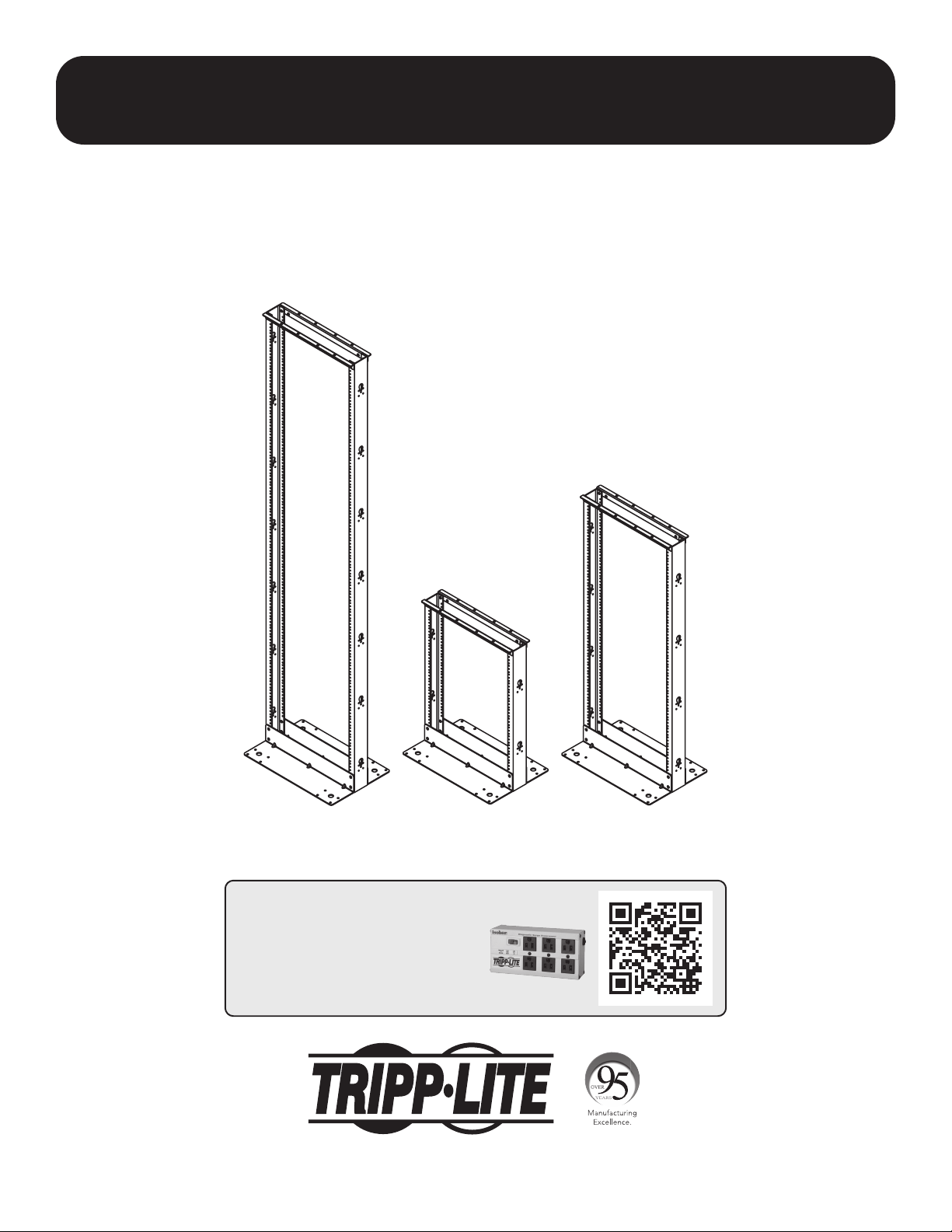
2-Post Open Frame Racks
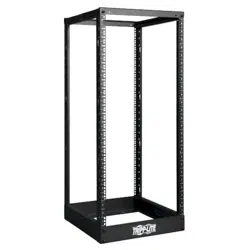
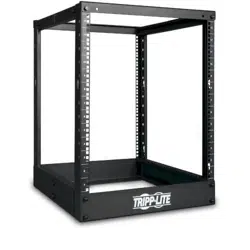
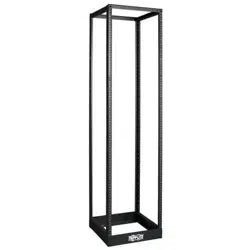
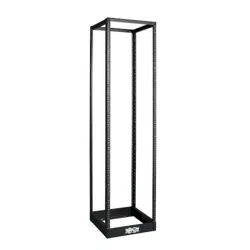
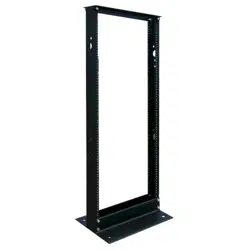
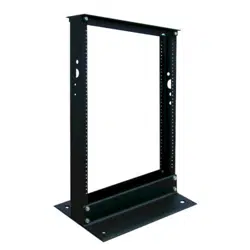
Models: SR2POST, SR2POST13, SR2POST25
1111 W. 35th Street, Chicago, IL 60609 USA • tripplite.com/support
Copyright © 2021 Tripp Lite. All trademarks are the sole property of their respective owners.
WARRANTY REGISTRATION
Register your product today and be
automatically entered to win an ISOBAR
®
surge protector in our monthly drawing!
tripplite.com/warranty

2
Important Safety Instructions
Parts List
Upright Base Plate Top Support Rail Cable Hook 3/8”-16 X 1
#12-24 X 5/8” Pan Head
(Black)
#12-24 X 5/8” Pan Head
(Silver)
Washer (Black) Washer (White) Washer (Countersink)
3/8” X 7/8” Washer 3/8”-16 Nut #8-18T-1/2”
A B C D E
F G H
Equipment Mounting Hardware
Required Tools
• 9/16” Wrench
• 9/16” Socket Wrench (Ratcheting)
• Cross-Head Screwdriver
x2
x8
x2
x20
x28 x28
x28 x28 x28
x12x4
x4
x14
x14
x8
x8
x2
SAVE THESE INSTRUCTIONS
This manual contains instructions and warnings that must be followed during the installation and operation of
the product described in this manual. Failure to comply may invalidate the warranty and cause property damage
or personal injury.
• Keep the rack in a controlled indoor environment, away from moisture, temperature extremes, ammable liquids and gasses, conductive
contaminants and dust.
• Leave adequate space at the front of the rack for proper ventilation.
• Inspect the shipping container and the rack for shipping damage. Do not use the rack if it is damaged.
• Install the rack in a structurally sound area capable of handling the load, the weight of the rack, all equipment that will be installed in the rack
and any other equipment that will be installed nearby.
• Save all packing materials for later use. Repacking and shipping the rack without the original packing materials may cause product damage
that may aect the warranty.
• Use of this equipment in life support applications where failure of this equipment can reasonably be expected to cause the failure of the life
support equipment or to signicantly aect its safety or eectiveness is not recommended.
(SR2POST)
(SR2POST)
(SR2POST13)
(SR2POST13)
(SR2POST25)
(SR2POST25)

3
1
2
3
step
step
step (optional)
Rack Assembly
A B
E
E
H
F
F
G
C
D
2 2
8
4
14 (SR2POST)
4 (SR2POST13)
8 (SR2POST25)
8
4
8
2
2
Warning: Assemble the rack completely and conrm its stability before attempting to install equipment.
Note: The assembly process for all models is the same,
the only dierences being the length of the uprights and
number of cable hooks.
Note: If necessary, lay assembly down on a at surface to
attach top support rails.

4
1111 W. 35th Street, Chicago, IL 60609 USA • tripplite.com/support
All models can support an equipment load up to 800 lb. maximum.
WARNING: Install heavier equipment rst and install it toward the bottom of the rack. Install equipment starting from the
bottom of the rack and proceeding toward the top of the rack—never the reverse.
5-Year Limited Warranty
Seller warrants this product, if used in accordance with all applicable instructions, to be free from original defects in material and workmanship for a period of 5 years from the date of
initial purchase. If the product should prove defective in material or workmanship within that period, Seller will repair or replace the product, at its sole discretion.
THIS WARRANTY DOES NOT APPLY TO NORMAL WEAR OR TO DAMAGE RESULTING FROM ACCIDENT, MISUSE, ABUSE OR NEGLECT. SELLER MAKES NO EXPRESS WARRANTIES OTHER THAN
THE WARRANTY EXPRESSLY SET FORTH HEREIN. EXCEPT TO THE EXTENT PROHIBITED BY APPLICABLE LAW, ALL IMPLIED WARRANTIES, INCLUDING ALL WARRANTIES OF MERCHANTABILITY
OR FITNESS, ARE LIMITED IN DURATION TO THE WARRANTY PERIOD SET FORTH ABOVE; AND THIS WARRANTY EXPRESSLY EXCLUDES ALL INCIDENTAL AND CONSEQUENTIAL DAMAGES.
(Some states do not allow limitations on how long an implied warranty lasts, and some states do not allow the exclusion or limitation of incidental or consequential damages, so the
above limitations or exclusions may not apply to you. This warranty gives you specic legal rights, and you may have other rights which vary from jurisdiction to jurisdiction).
WARNING: The individual user should take care to determine prior to use whether this device is suitable, adequate or safe for the use intended. Since individual applications are subject to
great variation, the manufacturer makes no representation or warranty as to the suitability or tness of these devices for any specic application.
Product Registration
Visit tripplite.com/warranty today to register your new Tripp Lite product. You’ll be automatically entered into a drawing for a chance to win a FREE Tripp Lite product!*
* No purchase necessary. Void where prohibited. Some restrictions apply. See website for details.
Tripp Lite has a policy of continuous improvement. Specications are subject to change without notice. Photos and illustrations may dier slightly from actual products.
Equipment Installation
Warranty & Product Registration
21-10-120 932539_RevC