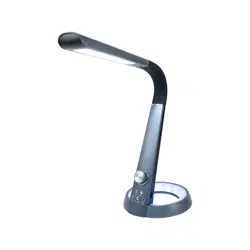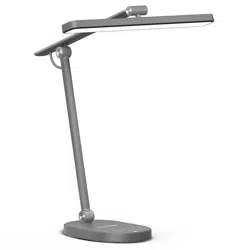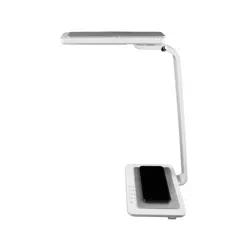
LED Desk Lamp
RDL-140Qi
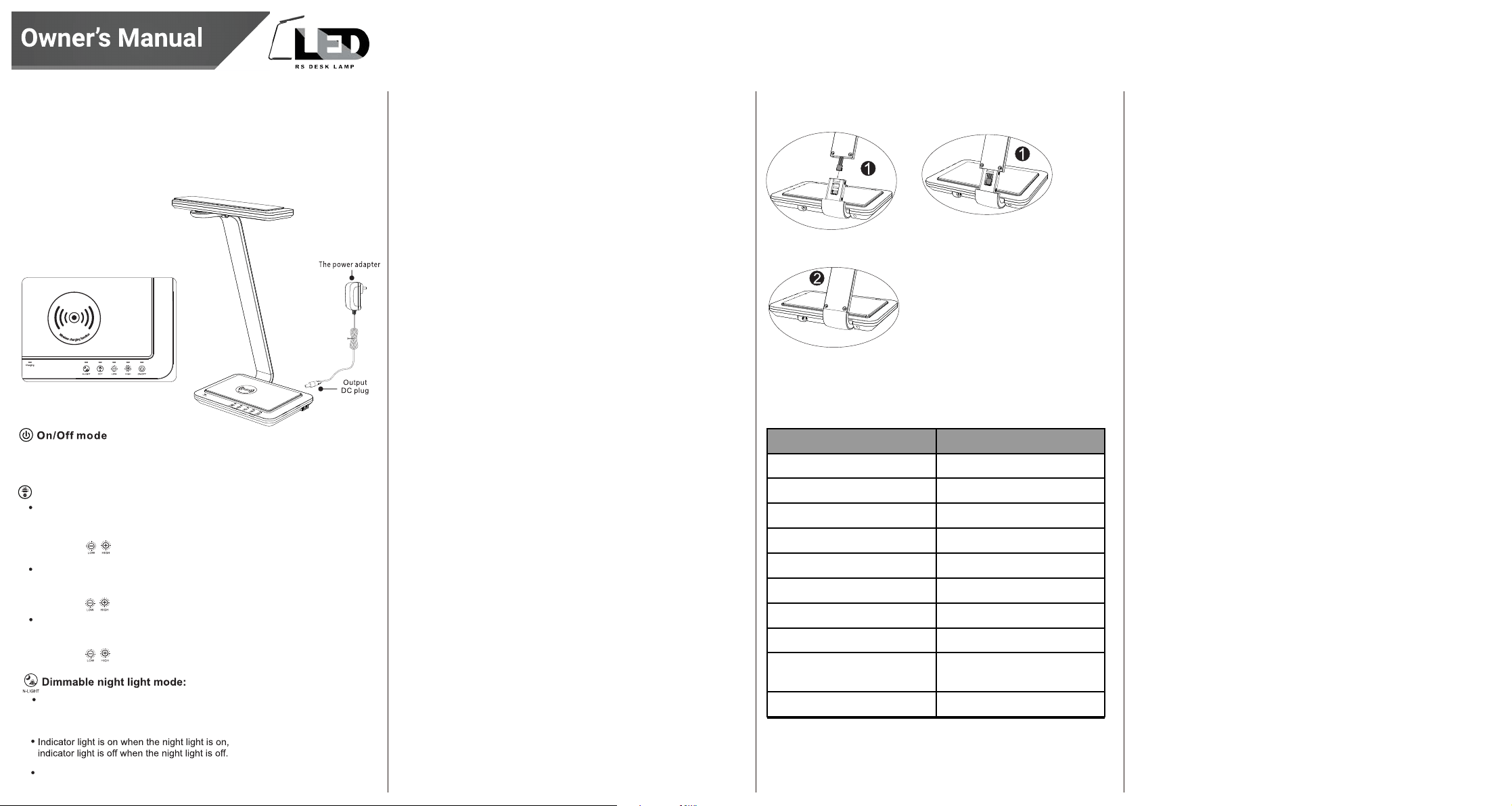
Product Overview
Safety Warning
To reduce the risk of fire, electric shock or injury
1. Unplug the adapter if not in use
for a long period of time.
2 . Do not place your hands on the LED light, as this will become hot when in use.
3. Do not use with an extension cord .
4. Do not try to alter the plug.
5. Please use only indoors.
6. Do not look directly at the LED light to avoid damage to eyes.
7. Do not cover the product with a cloth, paper, or easily flammable material.
8. Place on a stable surface.
9. If light is off or flickering, please check if adapter and DC connection socket is
secure. If they are and problem continues, please contact Royal Sovereign.
1. Ensure the LED Desk Lamp is unplugged
2. Use a damp cloth to clean the unit.
3. Do not immerse the unit in water.
4. Do not use detergent or abrasives for cleaning.
Specifications
How to Set Up Warranty
Royal Sovereign warrants this product to be free from defects in material
and workmanship. Our obligation under this warranty is limited to the
repair or replacement, free of charge, when delivered to an authorized
Royal Sovereign service center, of any defective part(s) thereof, other than
parts damaged in transit.
This warranty is in effect to the original purchaser, for a period of one year
from the date of purchase and is not transferable.
This warranty shall apply only if the product is used in accordance with
the factory provided instructions which accompany it.
Exclusions
This warranty excludes and does not cover defects, malfunctions or
failures of this product, caused by repairs by unauthorized persons or
service centers, mishandling, improper installation, modification or
unreasonable use including incorrect voltage, acts of God, or failure to
provide reasonable and necessary maintenance. This warranty is in lieu of
any and all expressed warranties. In no event shall Royal Sovereign be
liable for consequential or incidental damages. This limitation would not
apply if you live in a location that does not permit the exclusion of
limitation of incidental or consequential damages.
ROYAL SOVEREIGN INTERNATIONAL, INC.
2 Volvo Dr., Rockleigh, NJ 07647 USA
TEL: +1) 800-397-1025
Email: [email protected]
Because our products are subject to continuous improvement, Royal
Sovereign reserves the right to modify product design and specification
without notice and without incurring any obligation E&OE.
Operation
1. Place the LED Desk lamp at the desired location on a desk or table.
2. Place the power adapter plug into the power adapter input.
3. Connect the supplied power adapter into electrical outlet.
4. Turn ON/OFF the desk lamp
5. Use the control buttons to adjust: Brightness and Light Temperature
(Warm, Bright or Daylight)
6. Use the control buttons to turn ON/OFF the night light feature .
7. Carefully adjust the tilt adjusting head to the desired position.
Read and Save These Instructions
Feature
Light Output
Input Power
Light Color/Temperature
Material
Qi Output
Light Modes
Night Light
Adapter
Dimensions
Weight
RDL-140Qi
600 Lumens
10 Watts
3000K, 4000K, 6000K
ABS
5V, 500mA - 1000mA
Warm, Bright, Daylight
1 Light
100-240V AC 50/60 Hz
9.57” x 8.58” x 17.44”
(243 x 218 x 443 mm)
3.67 lbs. (1.66kg)
This instruction sheet is not meant to cover all possible conditions and situations
that may occur. Caution and care must be used with any electrical product.
Cleaning
Before cleaning:
1.Pull out the terminal from lamppost and insert it to the base. Insert
the lamppost to the base afterward.
Note: In case you need to take apart the lamp, remove the screw and pull
out the lamppost slightly and separate the terminal slowly.
2.Tighten the base and lamppost with
screw at the bottom side.
Press to turn on/off the lamp.
When you turn on the lamp, it will revert to the
previously used brightness & CCT setting.
Three color temperature mode
The first time you turn on the lamp, it will be in
nature light and all bright. Color temperature
is 4000K(±300K).
Rotate the
Rotate the
to stepless adjust brightness.
The second time
you touch the CCT key, it changes
to warm light and all bright. Color temperature is
3000K(±300K).
to stepless adjust brightness.
Rotate the to stepless adjust brightness.
Slightly touch the night light button to turn on the
night light. Touch again to adjust brightness of night
light in two steps dimming.
1 second long press to turn off the night light.
Qi Wireless Charging
This lamp allows you to wirelessly charge your mobile phone. This device only
charge
s Qi enabled devices. Please make sure your mobile device is Qi enabled
prior to charging. To charge, simply place your mobile device on the charging
platform. You may need to move the phone around on the base to find the
correct positioning. If charging successfully, the indicator light will turn on. If cell
phone case is too thick, it may effect the charging result.
The third time you touch the CCT key, it changes to
cool
light and all bright. Color temperature is
6000K(±300K).