O-WM-2
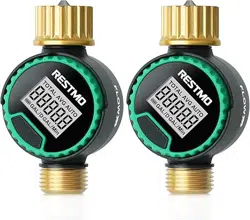
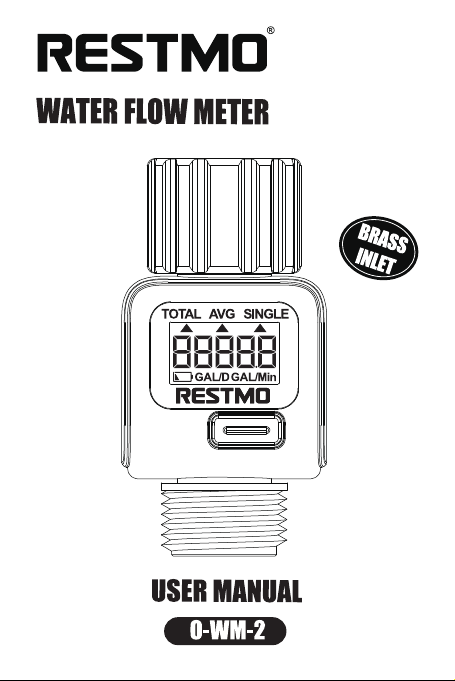
WATER FLOW METER
USER MANUAL
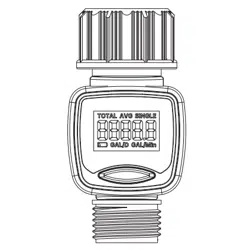
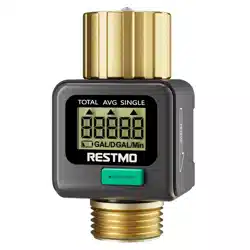
BRASS
INLET
1
WARRANTY
Restmo provide one-year worry-free warranty. For any
warranty claims within one year from the original order
date, please email your order ID to Restmo Support and
we will respond within 24 hours.
WARNINGS
Only use with clear cold water.
Filter can prevent water leakage and dirts damage. Clean
filter regularly and replace if worn.
Scan the QR code or search RESTMO
on YouTube to view the set-up
instructions video.
RESTMO

2
SPECIFICATIONS
Inlet Thread ............................................. 3/4” NH Female
(pure brass)
Outlet Thread .............................................. 3/4” NH Male
Water Flow Rate .......................................... 0.3~12 GPM
(1~45.5 L/min)
Max Water Consumption ................................. 99999 Gal
(99999 L)
Working Pressure
..........................................
8~145 psi
(0.5~10 bar)
Waterproof Grade
..................................................
IPX6
Measurement Tolerance
.......................................
± 5%
Battery ........................................................... 1x CR2032
(included)
When expecting freezing temperatures, device should
be removed from the hose/faucet and stored indoors to
avoid potential freeze damage.

3
FEATURES
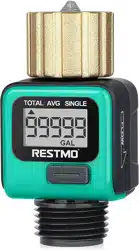
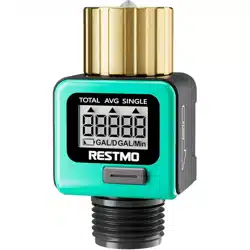
Pure brass inlet connection
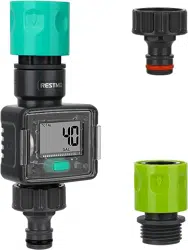
Compact design
Simple installation & operation
Easy-to-read LCD screen
Switchable unit (gallon/liter)
Low battery indication
4 modes of water flow measurement:
(a) Real-time water flow rate
(b) Last-time water consumption
(c) Daily average water consumption of 7 days
(count from next day)
(d) Total water consumption
4
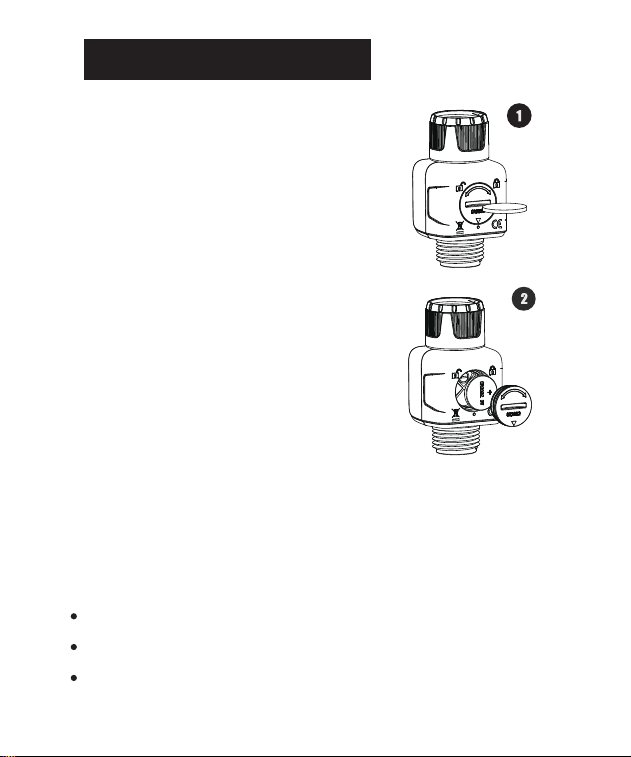
BATTERY INSTALLATION
Step 1:
Unlock the battery compartment by
the included circle platic sheet or
a coin.
Step 2:
Insert the included CR2032 battery.
Step 3:
Lock the battery compartment by the
included circle platic sheet or a coin.
Note:
The CR2032 battery is included in the package box.
Insert the battery with correct direction.
Remember to lock the battery compartment.
5
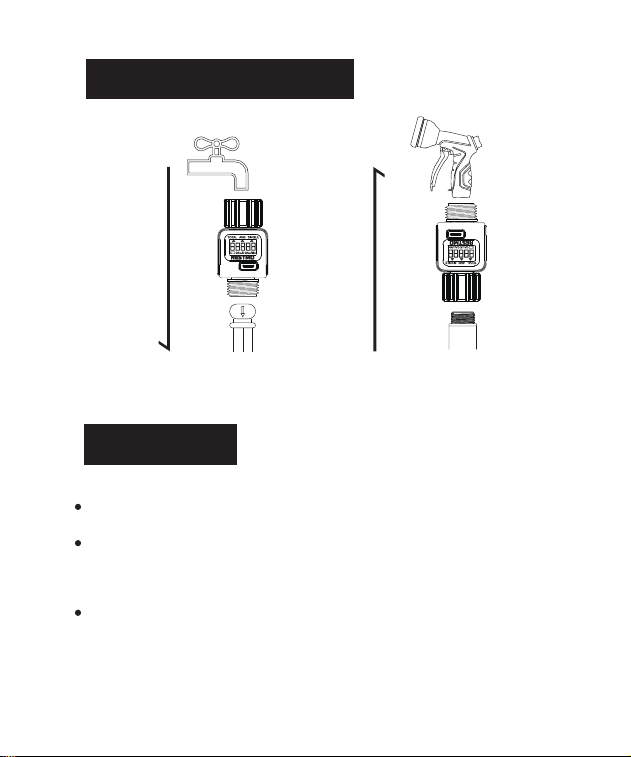
DEVICE INSTALLATION
OPERATION
Short press the button to change measure modes.
Long press the button (3secs) at each mode to change
setups or reset.
The LCD screen goes to sleep if there is no operation
or water flow within 1min.
WATER FLOW
WATER FLOW
6
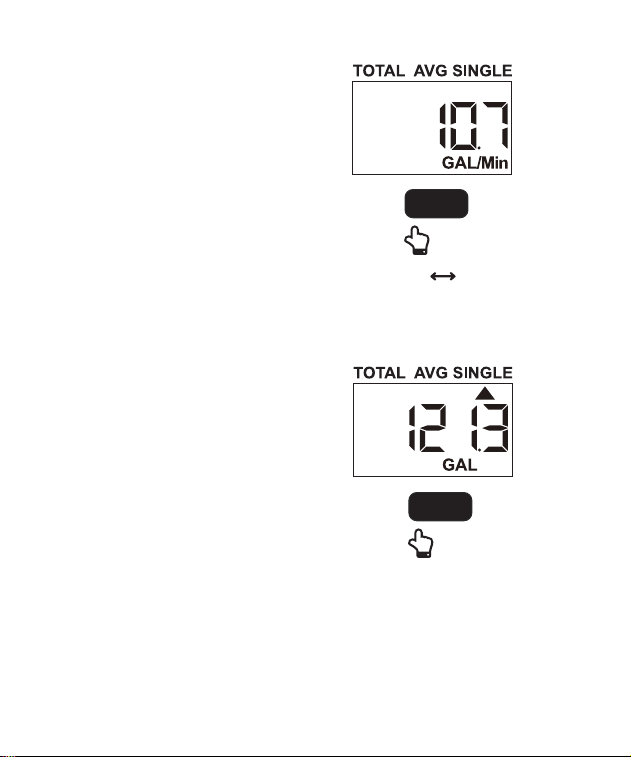
FLOW MODE:
Flow mode displays the real-time
water flow rate.
Long press the button to switch
measurement units from gallon
to liter.
CONSUMPTION MODE:
Consumption mode displays the
last-time water consumption.
Long press the button to reset.
3sec
GAL L
Button
3sec
Button
Reset Consumption
7
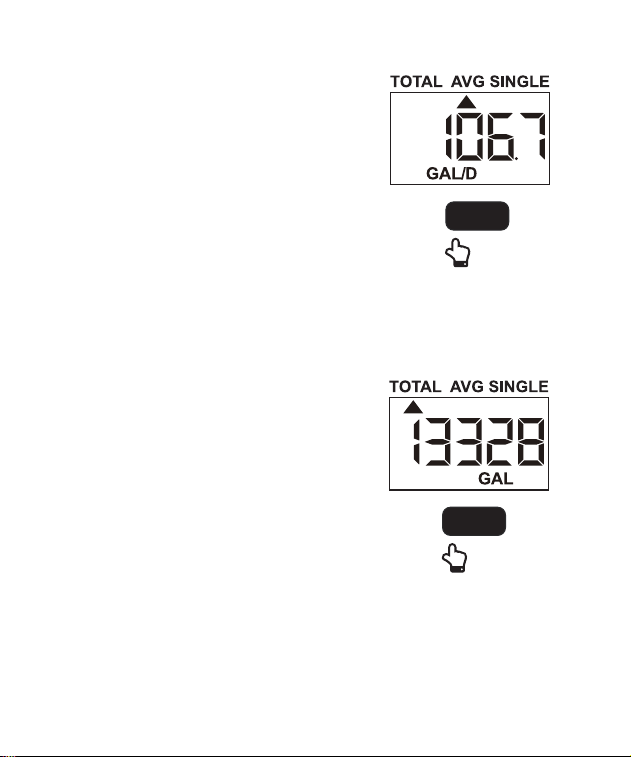
AVG MODE:
AVG mode displays the daily water
consumption of the last 7 days.
(count from next day)
Long press the button to reset.
TOTAL MODE:
Total mode displays the total water
consumption.
Long press the button to reset.
3sec
Button
Reset Total
3sec
Button
Reset Average
8
Problem Possible Factors Solution may help
Condensa-
tion
on the
screen
Water
meter is
leaking
Filter washer lost
or damaged.
Check if filter
washer is in place.
Check if filter
washer is clean
and undamaged.
Faucet connection
is hand tight.
Air condenses
inside the screen
due to the
temperature
difference between
inside and outside.
The fog disappears
when the tempera-
ture rises, or leave
it stand for a period
of time.
TROUBLESHOOTING

9
Water
meter does
not count
water flow
The counting
flywheel does not
rotate properly or
filter is clogged.
Stones or dirt block
the flywheel. If so,
clean the stones or
dirt.
The flywheel is
damaged. Contact
customer service
for a new replace-
ment.
Check if the filter is
clogged, if so,
clean or replace
the filter.
Problem Possible Factors Solution may help

10
LCD
screen
does not
display
Battery is dead or
is not installed
properly.
Replace with a
new CR2032
battery.
Make sure the
battery compart-
ment is clean and
battery is installed
with correct
direction.
Tightly screw the
battery cap.
Problem Possible Factors Solution may help

11
Problem Possible Factors Solution may help
Water
meter does
not count
correctly
Water meter
counting has ±5%
tolerance.
Here are tips to
test the counting
performance:
Make sure the
counting unit
(liter/gallon) is
correct.
Must install a
garden hose on the
outlet and make
sure the water flow
is 0.6GPM
(2.5LPM) at least.

12
Display
always
automati-
cally resets
to zero
Consumption mode
counts the last-time
water usage and
always resets to
zero automatically
after water flow
stops more than 1
minute.
To count continu-
ous water usage,
switch to total
mode. Total mode
will not automati-
cally reset to zero
unless you
manually reset.
Problem Possible Factors Solution may help