We love that you are rocking JLab!
We take pride in our products and fully stand behind them.
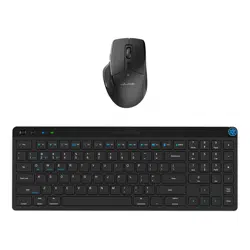
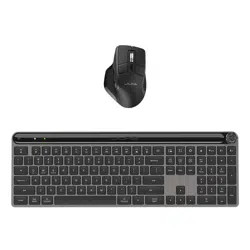
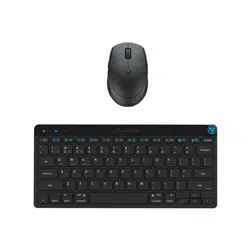
GO KEYBOARD +
MOUSE BUNDLE
YOUR WARRANTY
All warranty claims are subject to JLab authorization
and at our sole discretion. Retain your proof of
purchase to ensure warranty coverage.
CONTACT US
Reach out to us at [email protected]
or visit jlab.com/contact
REGISTER TODAY
jlab.com/register
Product updates | How-to tips
FAQs & more
L
I
M
I
T
E
D
T
W
O
Y
E
A
R
W
A
R
R
A
N
T
Y
S
U
P
P
O
R
T
T
E
A
M
#
T
E
A
M
J
L
A
B
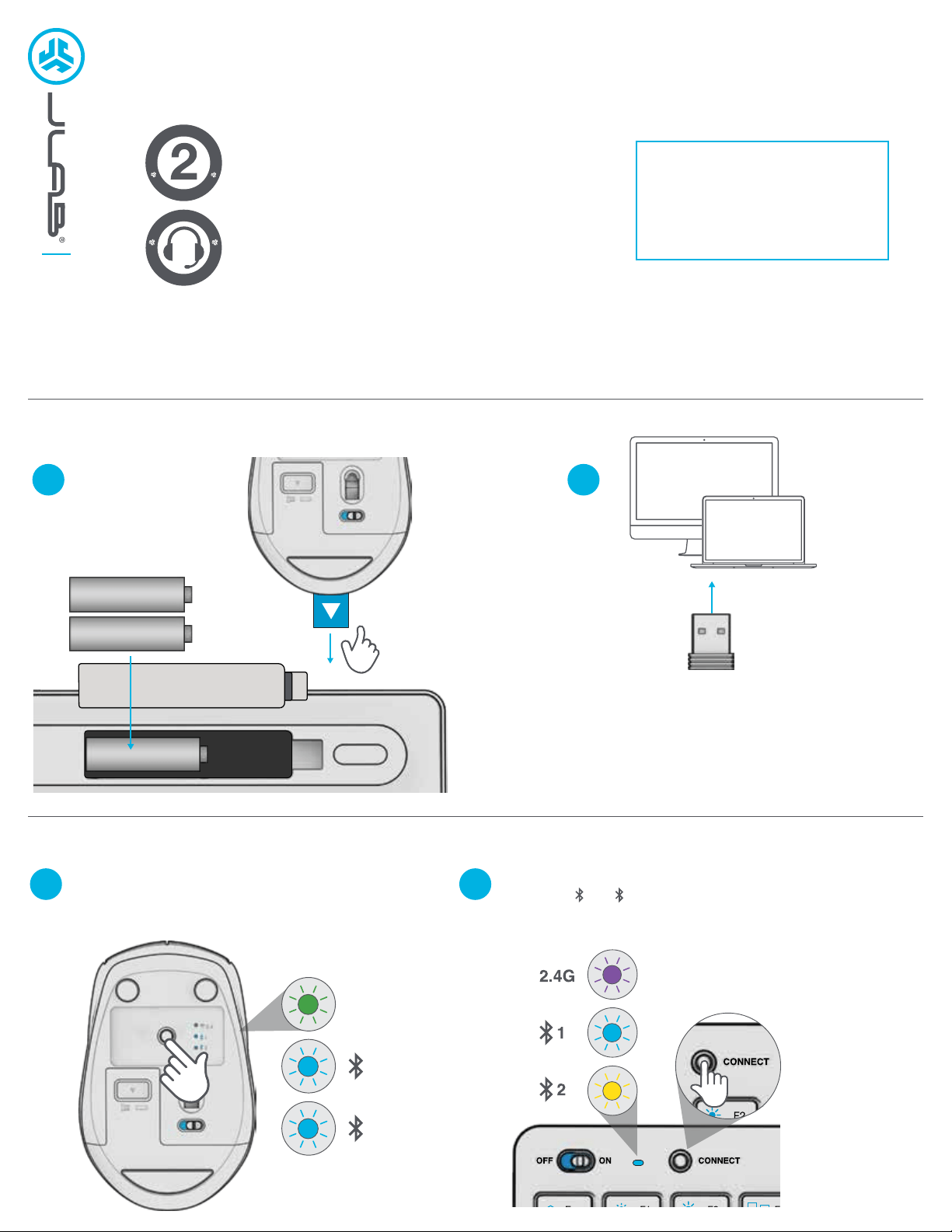
Install included batteries
2 batteries included in package
Pull tab from
GO Mouse
Install 2.4G USB dongle and turn on
GO Keyboard and GO Mouse
OR
Follow Step 2 to connect via Bluetooth
1 2
CONNECT WITH DONGLE
1 2
SWITCH CONNECTION:
Quick press button
(Light switches to associated connection)
CONNECT WITH BLUETOOTH
PAIRING
Switch to or
Press and hold button to enter Pairing Mode (Blinking light)
Select “JLab GO Keyboard/Mouse” in device settings
1 2
2.4G
1
2
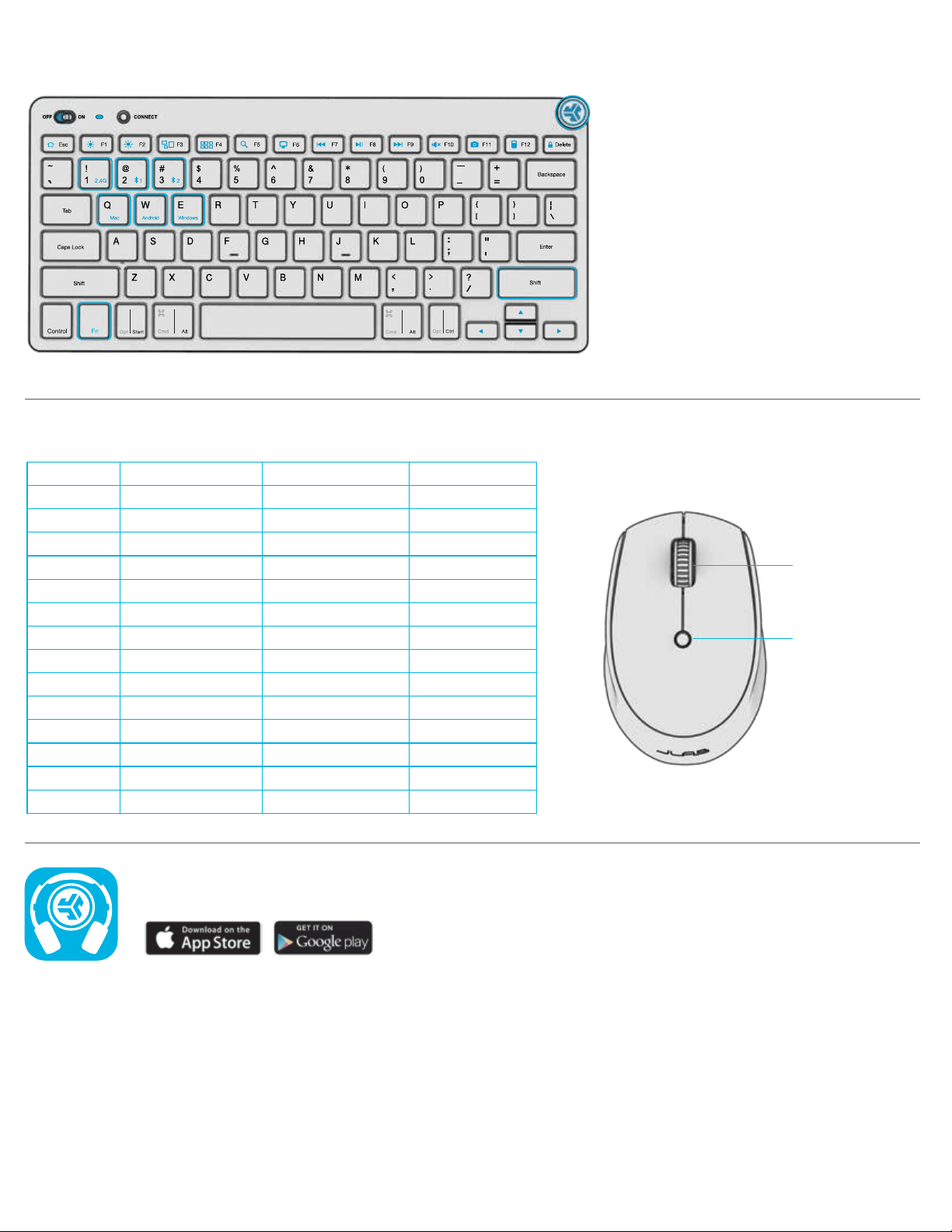
SHORTCUT KEYS
Fn +
Esc
F1
F2
F3
F4
F5
F6
F7
F8
F9
F10
F11
F12
Delete
MAC
N/A
Brightness -
Brightness +
Task Control
Show Applications
Search
Desktop
Track Back
Play/Pause
Track Forward
Mute
Screenshot
Dashboard
Screen lock
PC
Homepage
Brightness -
Brightness +
Task Control
Notification Center
Search
Desktop
Track Back
Play/Pause
Track Forward
Mute
Screenshot
Calculator
Screen lock
Android
Homepage
Brightness -
Brightness +
N/A
N/A
Search
N/A
Track Back
Play Pause
Track Forward
Mute
Screenshot
N/A
Screen lock
Shop products | Product alerts | Burn-in your headphones
JLab Store + Burn-in Tool
JLAB.COM
DPI Button:
Toggle mouse
sensitivity:
800/Low
1200/Medium
1600/High
Scroll +
Middle Button
L R
MEDIA DIAL
Vol -/+ : Rotate
Play/Pause: Single press
Track Forward: Double press
Track Back: Press and hold
Fn + Right Shift: Lock / Unlock Fn key (See Shortcut Keys)
Fn + 1 / 2 / 3:
Quick connection switch
Fn + Q / W / E:
Switch to Mac / Android / Windows keyboard layout
KEYS / CONTROLS
Fn lock