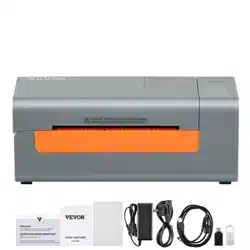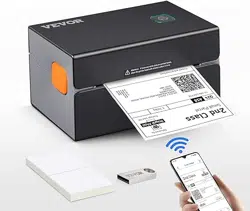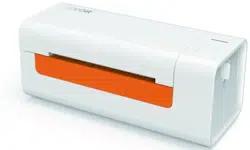

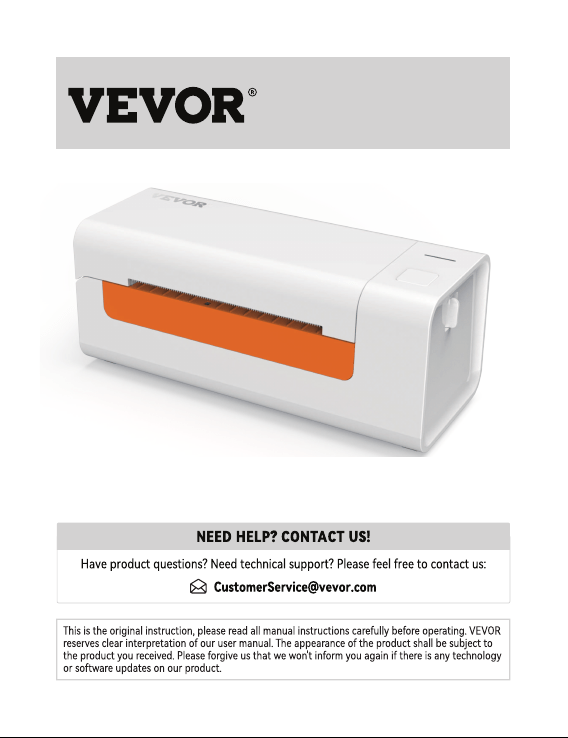
Vevor Y486 Bluetooth Thermal Label Printer, Wireless Shipping Label Printer

Product's Documents

Below are documents related to this product, you can read online or download:
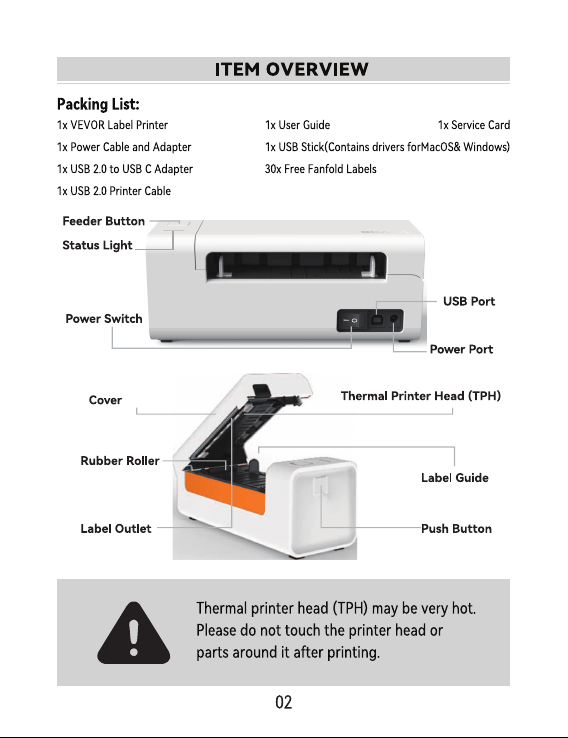
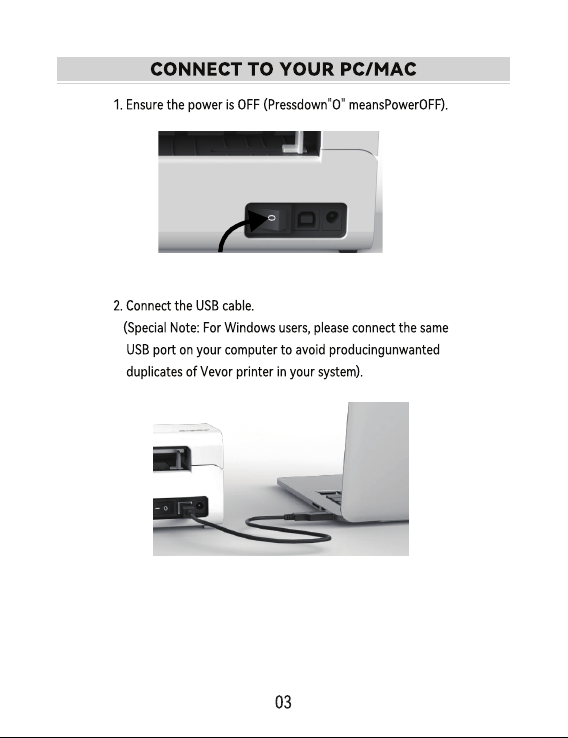
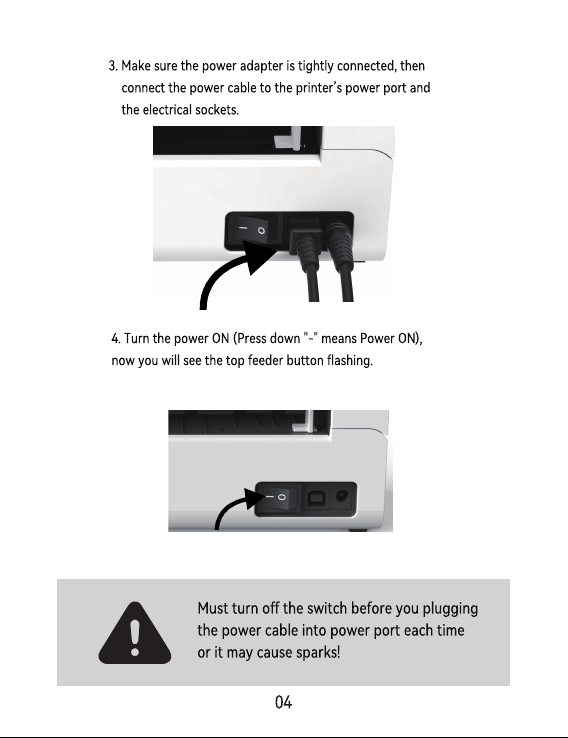
Y486 photo

User Guide

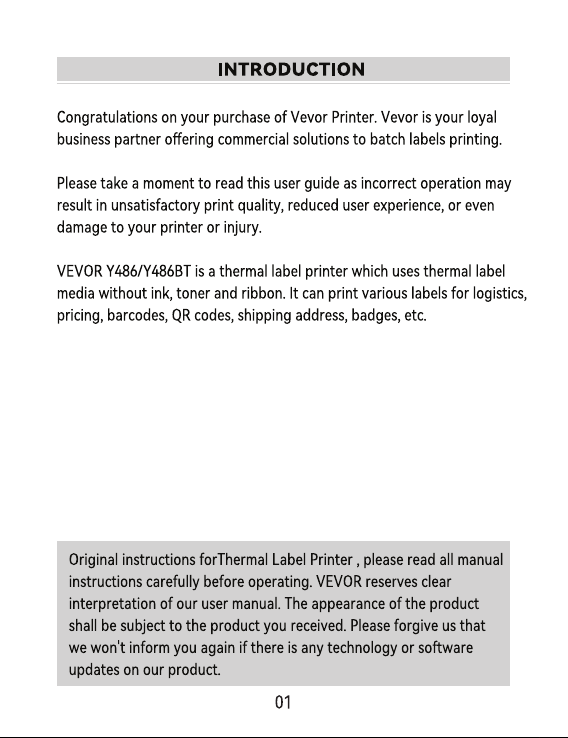
This is the main product document for model Y486. Additionally, the document applies to other Vevor models: Y486BT

The file format is pdf, 28 pages, you can download this manual here .

background
background
background
background
background
background
background
background
background
background
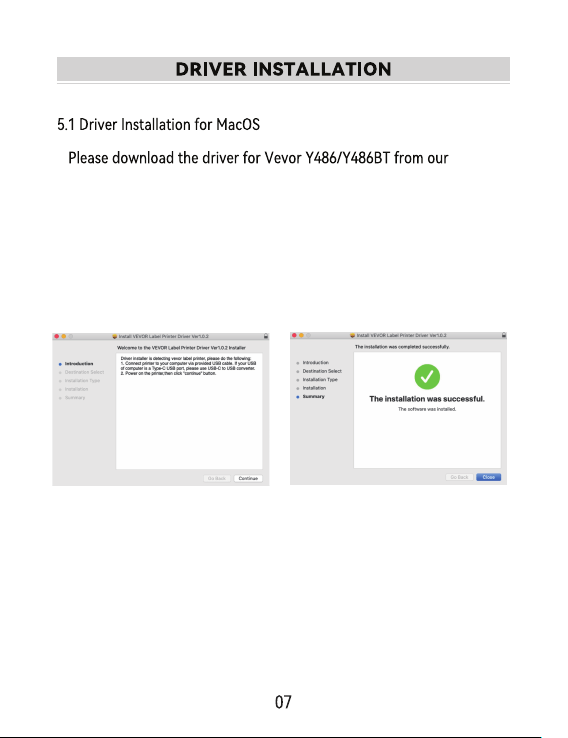
1.Double-click the le "Vevor-Mac-Driver-Latest.pkg".
ocial website https://www.vevor.com/pages/download-
center-label-printer,or nd it from the USB stick that comes
with the package.
2.Click
"
Continue
"
and follow
the on screen instructions.
3.Click
"
Close
"
to nish.
background
5.Power on the printer, you will see "VEVOR Y486/Y486BT" in the
list,Now you can print labels.
4.Open”System Preferences”,and click”Printers & Scanners”.
background
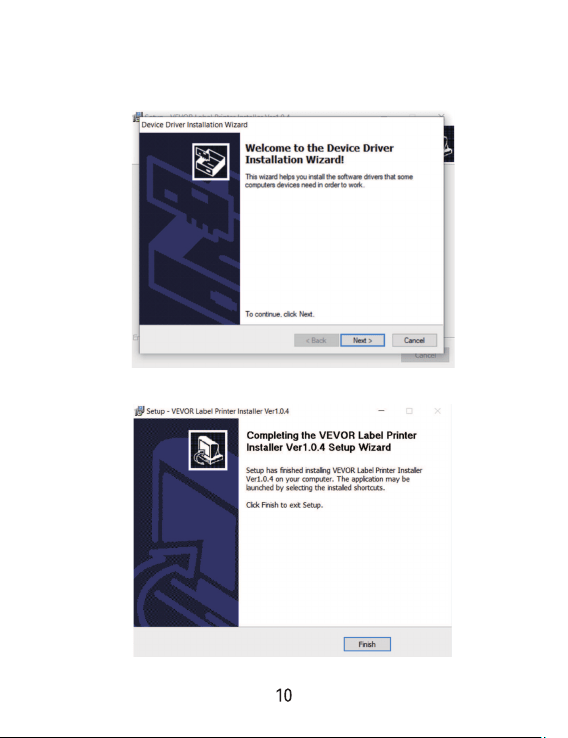
ocial website https://www.vevor.com/pages/download-
center-label-printer,or nd it from the USB stick that comes
with the package.
background
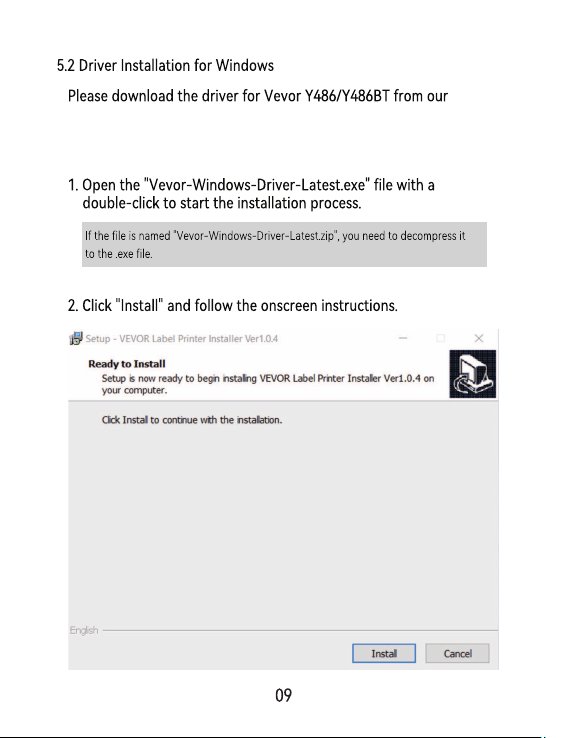
3.Click “Next”and “nish” to complete the driver installation.
background
background
background
background
background
background
background
background
background
background
background
background
background
background
background

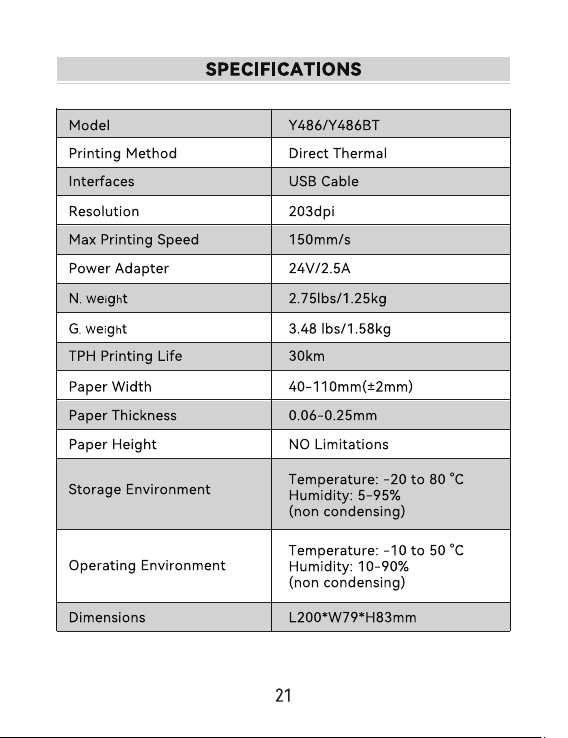
Specifications

Vevor Y486 Questions and Answers