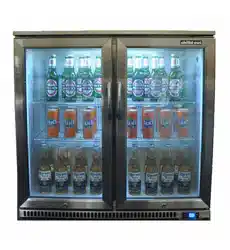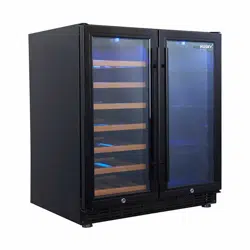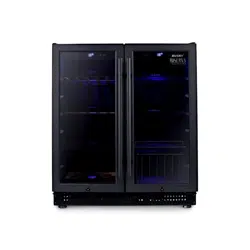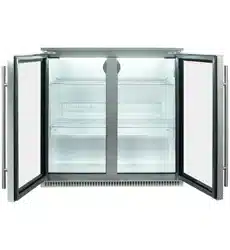

Triple Glazed Heated
stock and move to a suitable backup chiller.
out
Using your refrigerator digital control
Operating
Setting Temperature
Temperature Scale
Internal Light
The digital display will show the internal
cabinet temperature. Note: This may
fluctuate as the refrigerator cycles on/off
this is not a fault When the refrigerator is
in cooling mode the light under the
cooling symbol will illuminate. When
the refrigerator cycles off the light will
not be illuminated.
1. To turn on press the ON/OFF button.
2. To turn off press and hold the ON/OFF
button for 6 seconds the display will
disappear. Note: If the unit is unplugged,
turned off or power is lost you must wait
3 to 5 minutes before restarting the unit
If you attempt to restart without waiting,
the refrigerator will not start and may damage the compressor.
1. Use the UP/DOWN buttons to select the desired temperature, in 1°C
increments. 2. The desired temperature will flash while being changed
and will become solid after 3 seconds of no change.
To change the highlighted temperature scale press both the UP/DOWN
buttons at the same time for 2 seconds. The selected scale will glow.
To turn light on press the LIGHT button.
To turn light off press the LIGHT button.
It is recommended that the lightswitch be turned on only when required.
electrician/technician
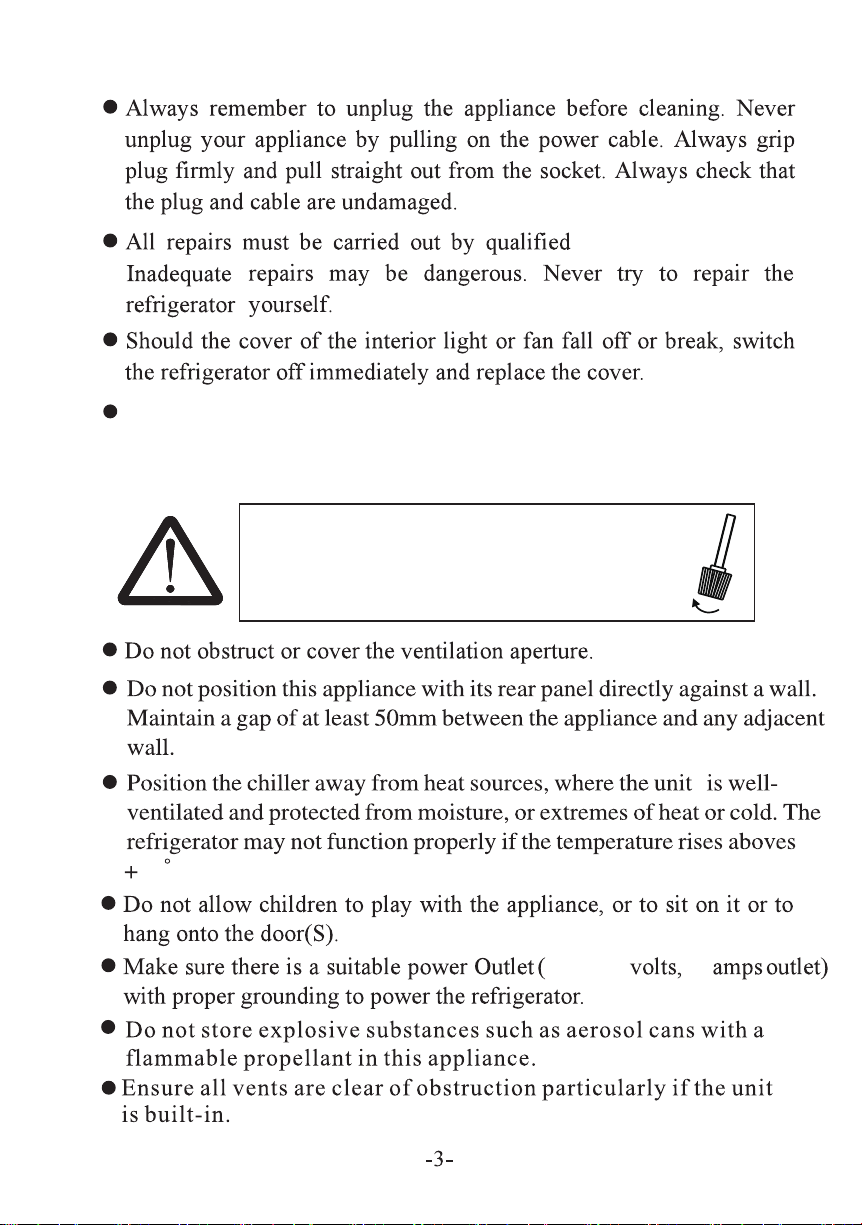
For stability, please ensure stabilisers
are fully wound to floor
Ensure your chosen location has a flat and stable surface. The unit
may be leveled by turning both of the stabilisers in the front corners.
Check the unit is level using a spirit level.
electrician/technician
38 C(commercial model)
220-240 10
T
38 C(commercial model)
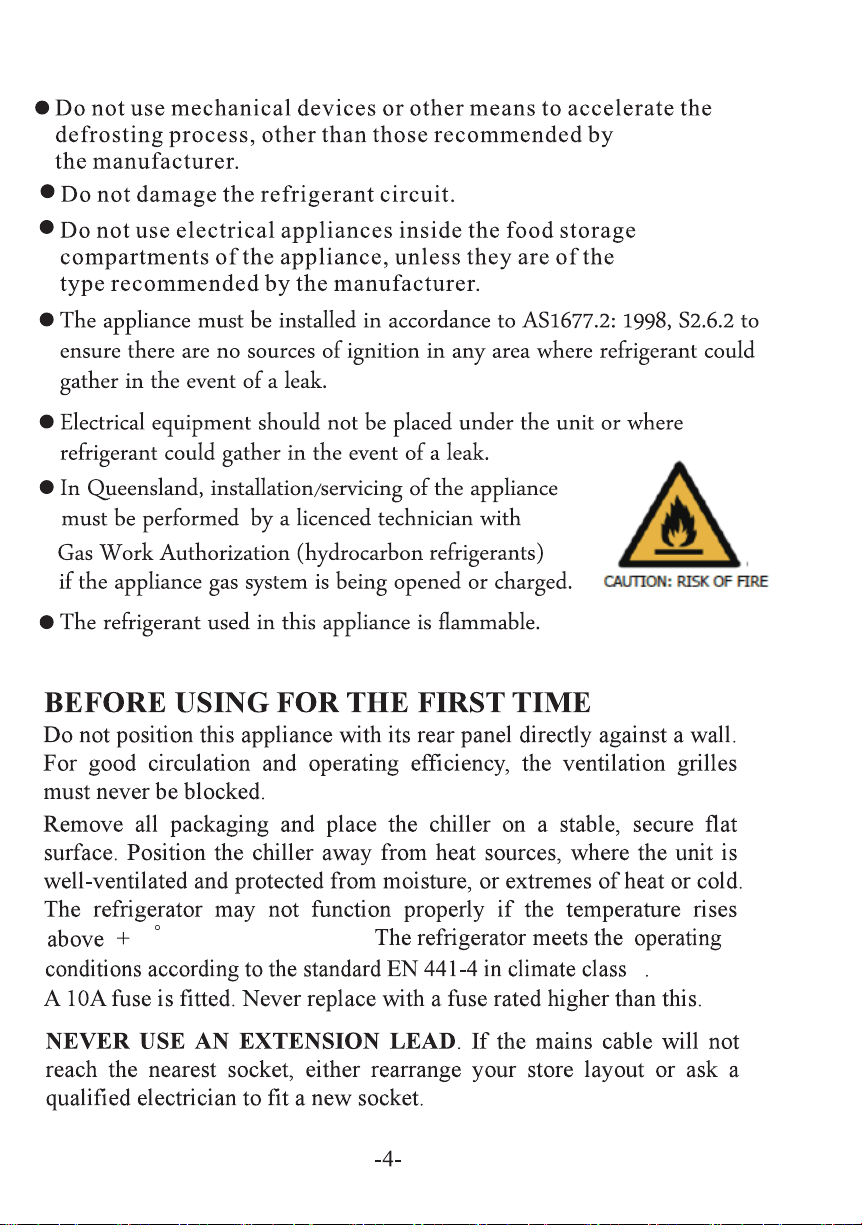
For stability, please ensure stabilisers
are fully wound to floor
Ensure your chosen location has a flat and stable surface. The unit
may be leveled by turning both of the stabilisers in the front corners.
Check the unit is level using a spirit level.
electrician/technician
38 C(commercial model)
220-240 10
T
38 C(commercial model)
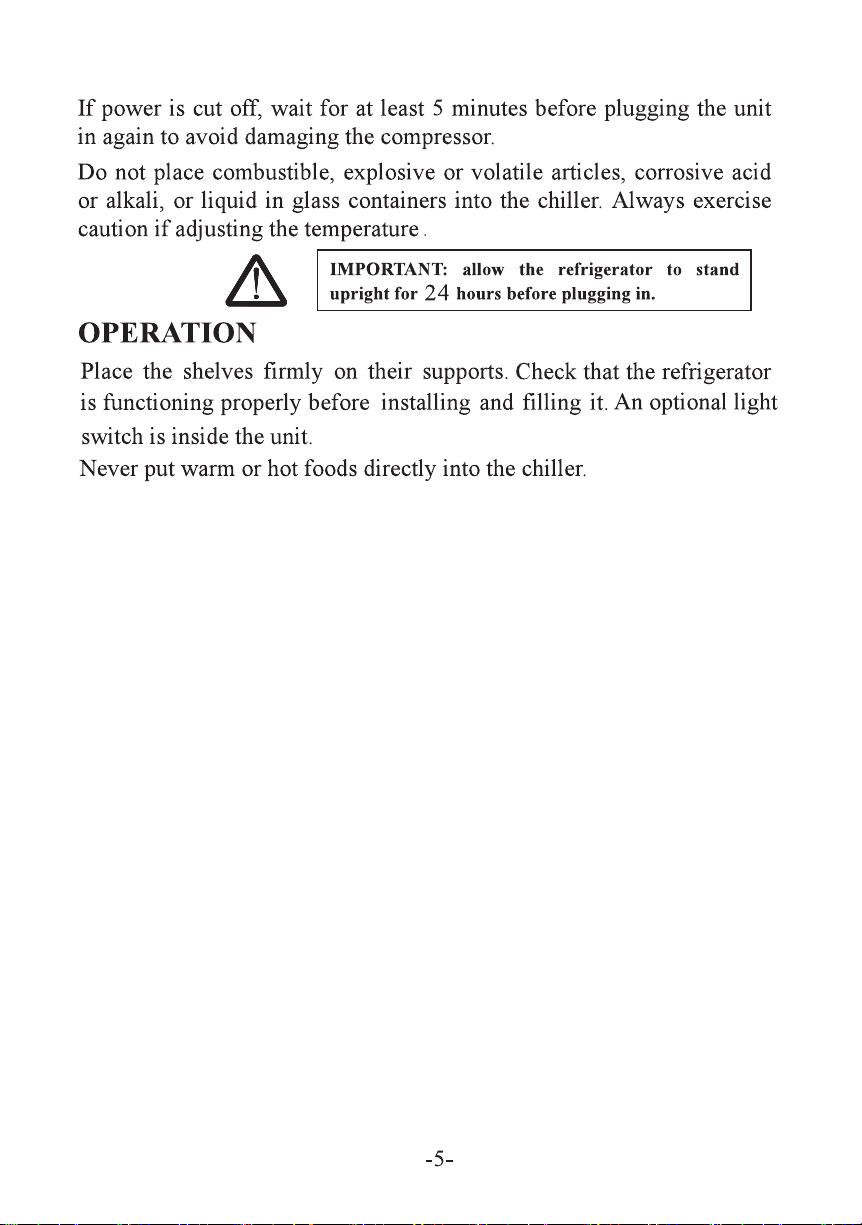
electrician/technician
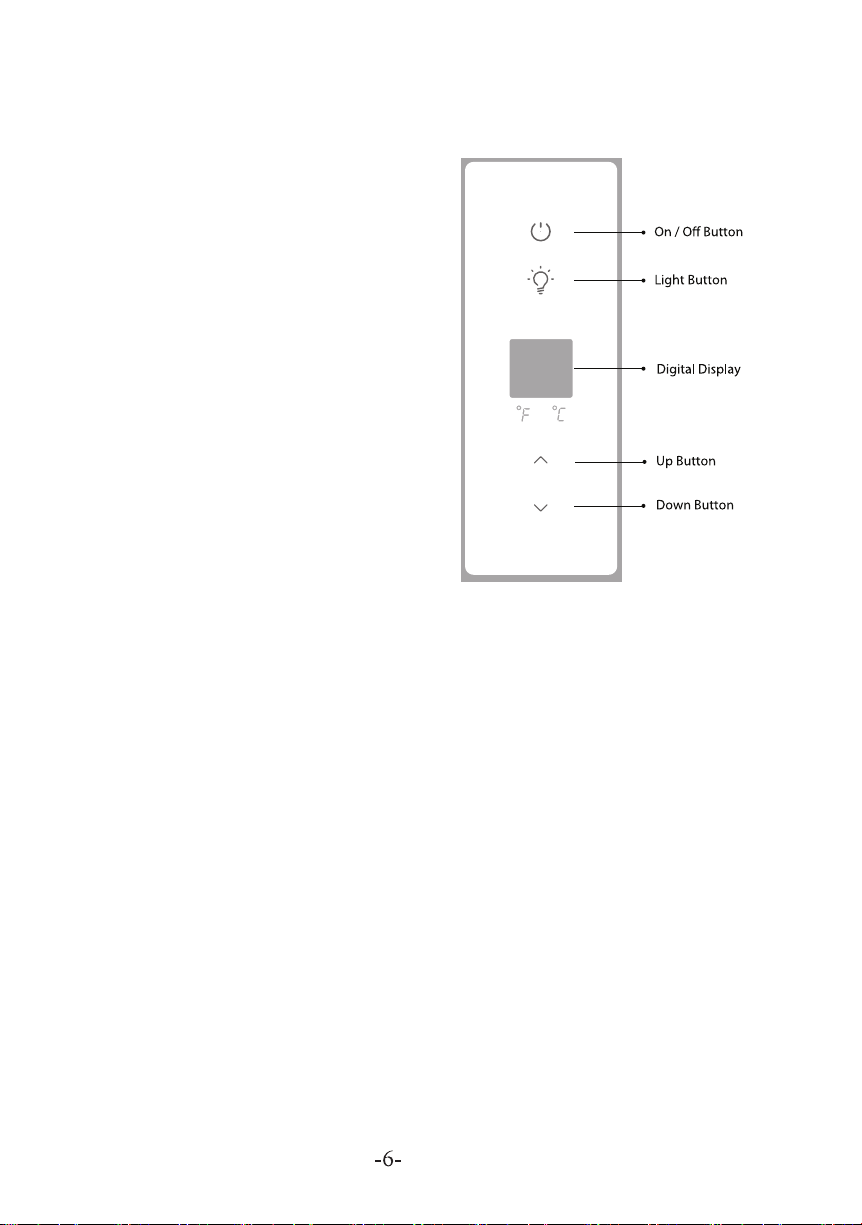
Using your refrigerator digital control
Operating
Setting Temperature
Temperature Scale
Internal Light
The digital display will show the internal
cabinet temperature. Note: This may
fluctuate as the refrigerator cycles on/off
this is not a fault When the refrigerator is
in cooling mode the light under the
cooling symbol will illuminate. When
the refrigerator cycles off the light will
not be illuminated.
1. To turn on press the ON/OFF button.
2. To turn off press and hold the ON/OFF
button for 6 seconds the display will
disappear. Note: If the unit is unplugged,
turned off or power is lost you must wait
3 to 5 minutes before restarting the unit
If you attempt to restart without waiting,
the refrigerator will not start and may damage the compressor.
1. Use the UP/DOWN buttons to select the desired temperature, in 1°C
increments. 2. The desired temperature will flash while being changed
and will become solid after 3 seconds of no change.
To change the highlighted temperature scale press both the UP/DOWN
buttons at the same time for 2 seconds. The selected scale will glow.
To turn light on press the LIGHT button.
To turn light off press the LIGHT button.
It is recommended that the lightswitch be turned on only when required.
Triple Glazed Heated
stock and move to a suitable backup chiller.
out