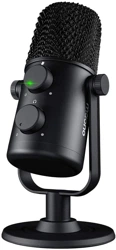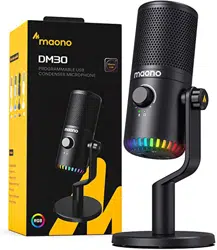

Maono Link Instruction manual

Getting Started
Before you can start using it, you need to do a few
things.
1. Download and install Maono Link on your
computer
2. Plug your DM30,PD400X (or other device that
supports Maono Link) into your computer
3. Connect your headphones to the 3.5MM jack of
your microphone
4. Open your Maono Link and click on the product
icon to enter the main control panel
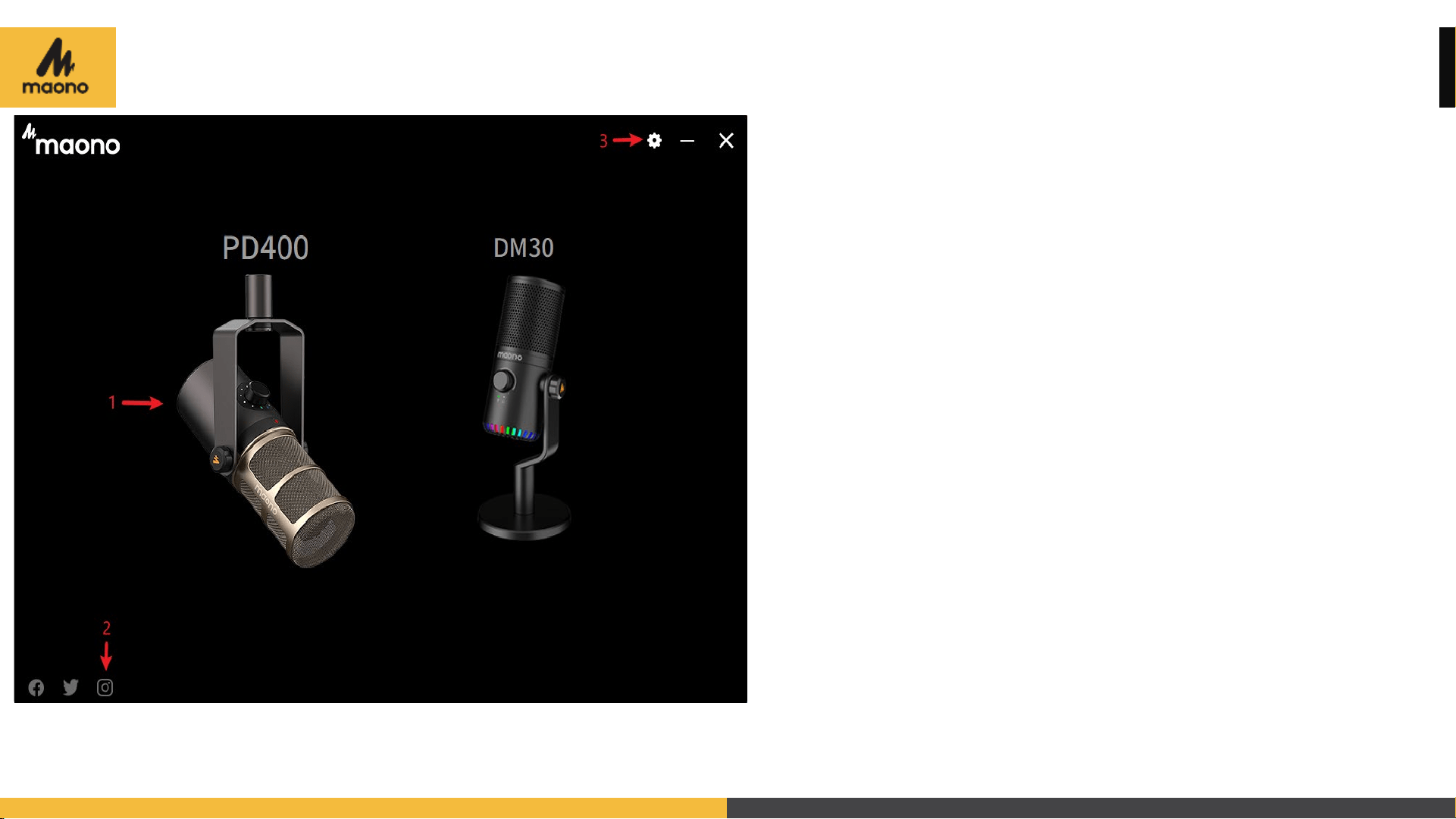
Main Meau
1. Select a product to go to operation
page.
2. Click the icon to go to Maono social
media page.
3. Setting

Introduction to the settings page
1. Check for software updates
2. Change languages. Select Maono social media in
bottom left area.
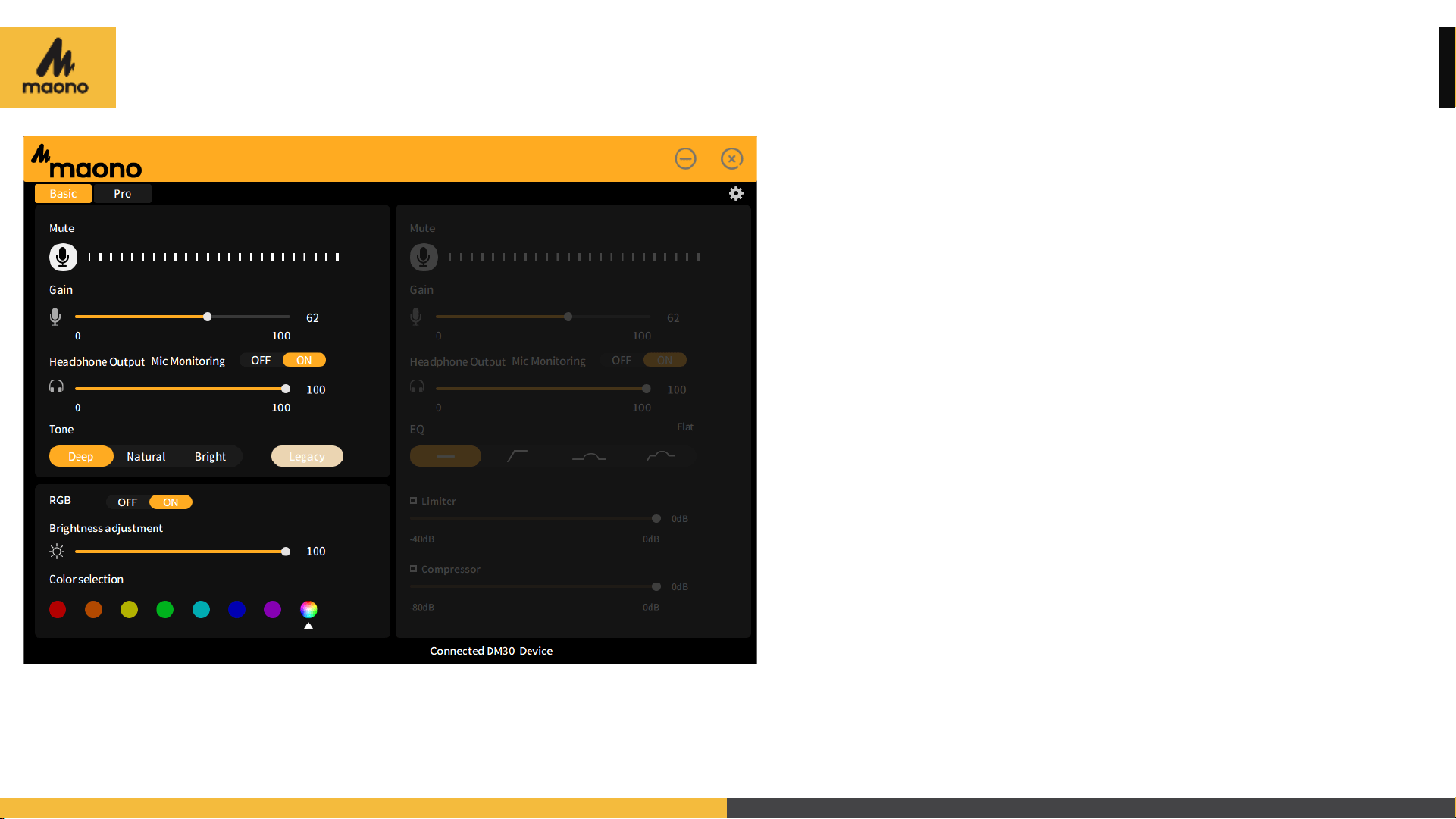
Basic Functions
Basic functions
1. Microphone audio processing features, RGB
light customization, real-time control of
microphone.
2. Fine mic gain headphone volume control, one-
button mute.
3. Four microphone tone options.
4. RGB light on/off switch, brightness adjustment,
color selection, and display mode.

Advanced Function
Select Pro to get more advaced
audio processing features
4 EQ modes
1. Flat:delivers original sound.
2. High-pass: reduces low-frequency noises.
3. Presence boost:boosts the mid-frequency vocal
and instrument sound.
4. High-pass and presence boost.

Advanced Function
5. Limiter:prevents distortion caused by high volume.
Function Definition: The limiter can control the peak level below the threshold. Processors that can control the
transient level and signal peak level below the threshold level can be called a limiter.
6. Compressor:limits the dynamic range of audio and prevents overload.
7. RBG light :on/off, brightness, color and display mode are also available in Pro mode.
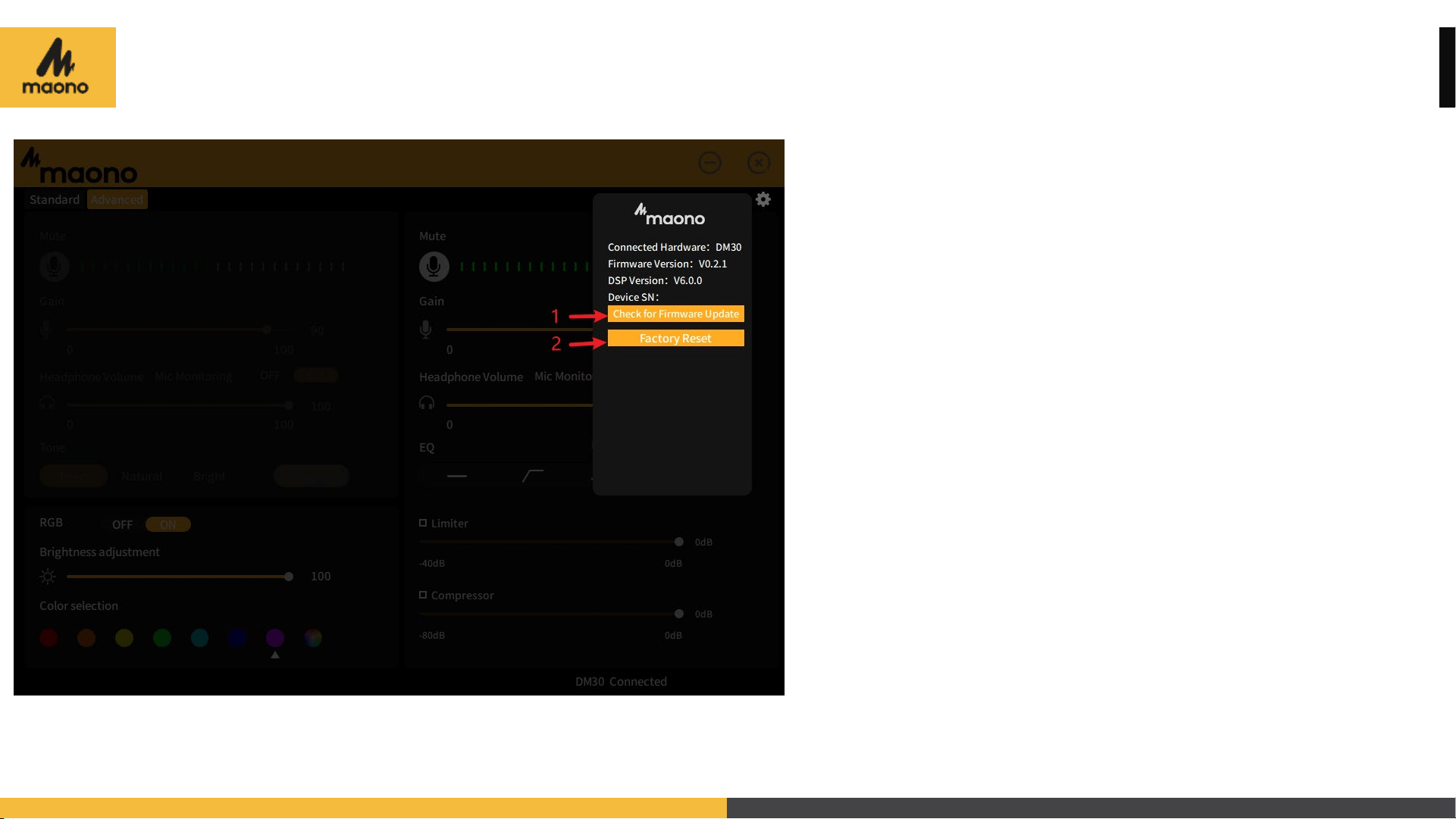
Firmware online upgrade
1. Check for Firmware Update:
Can be updated to the latest firmware
2. Factory Reset:
You can reset the microphone and restore
the factory settings