
1
Installation Instructions
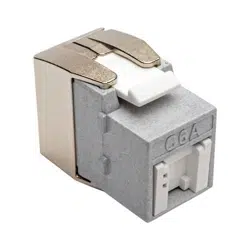
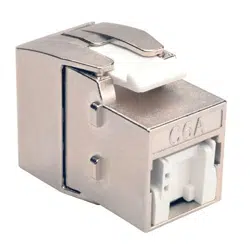
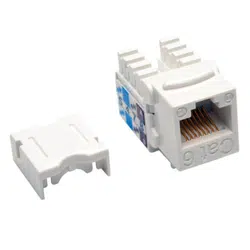
Purchased product may differ from image.
Models:
(N082-002-WH)
(N238-001-WH)
2-Port Surface-Mount Box /
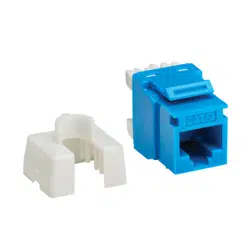
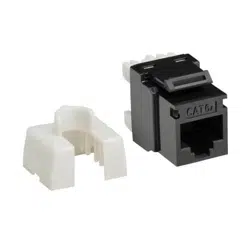
Cat6 110-Style Punch-Down Keystone Jack

2
Installation Instructions
1
Slide the keystone jack into the surface-mount
box at an angle, rather than laying it flat. Then
push down the back end of the jack until you hear
the jack snap into place. You won’t need to press
the jack with much force to install it correctly.
2
When the keystone jack has been properly
clicked into place, turn the box over. It should
look like this from underneath. If the jack is
loose, redo the previous step to ensure it
snaps correctly into place.
3
Figures 3, 4 and 5 show a comparison of the surface-mount box with and without the keystone jack installed.
Figure 3 Figure 4 Figure 5
4
Connect a Cat5a or Cat6 Ethernet cable to the keystone jack after the jack has been successfully installed.
The surface-mount box’s lid helps set the jack in place to prevent it from moving around.
Figure 6 Figure 7
Eaton
1000 Eaton Boulevard
Cleveland, OH 44122
United States
Eaton.com
© 2023 Eaton
All Rights Reserved
23-07-629
August 2023
Eaton is a registered trademark.
All trademarks are property
of their respective owners.
Figure 1 Figure 2