All information in this Owner’s Manual is current at the time
of publication. However, Genesis reserves the right to make
changes at any time so that our policy of continual product
improvement may be carried out.
This manual applies to all Genesis Branded Vehicle models and
includes descriptions and explanations of optional as well as
standard equipment.
As a result, you may find material in this manual that does not
apply to your specific vehicle.
OWNER’S MANUAL
Operation
Maintenance
Specifications

F2
Introduction
Your Genesis Branded Vehicle should not be modified in any way. Such
modifications may adversely affect the performance, safety or durability of your
Genesis Branded Vehicle and may, in addition, violate conditions of the limited
warranties covering the vehicle. Certain modifications may also be in violation
of regulations established by the U.S. Department of Transportation and other
federal or state agencies.
Your vehicle is equipped with a Tire Pressure Monitoring System, Passenger
Occupant Classification System and other CAN bus systems. It is possible for
an improperly installed/adjusted high powered two-way radio to adversely
affect electronic systems. For this reason, we recommend that you carefully
follow the radio manufacturer’s instructions if you choose to install one of these
devices.
CAUTION: MODIFICATIONS TO YOUR
GENESIS BRANDED VEHICLE

F3
This manual includes information titled as DANGER, WARNING, CAUTION and
NOTICE.
These titles indicate the following:
DANGER
DANGER indicates a hazardous situation which, if not avoided, will result in
death or serious injury.
WARNING
WARNING indicates a hazardous situation which, if not avoided, could result
in death or serious injury.
CAUTION
CAUTION indicates a hazardous situation which, if not avoided, could result
in minor or moderate injury.
NOTICE
NOTICE indicates a situation which, if not avoided, could result in vehicle
damage.
SAFETY AND VEHICLE DAMAGE WARNING

Your Genesis Branded Vehicle may be equipped with technologies and services
that use information collected, generated, recorded or stored by the vehicle.
Genesis Branded Vehicle has created a Vehicle Owner Privacy Policy to explain
how these technologies and services collect use and share this information.
You may read our Vehicle Owner Privacy Policy on the GenesisMotorsUSA.com
website at:
http://www.genesismotorsusa.com/privacy-policy.html
If you would like to receive a hard copy of our Vehicle Owner Privacy Policy,
please contact our Genesis Customer Care at:
Genesis Customer Care
PO BOX 20650
Fountain Valley, CA 92728
844-340-9741
Genesis Customer Care representatives are available Monday through Friday,
between the hours of 5:00 AM and 7:00 PM PST and Saturday and Sunday
between 6:30 AM and 3:00 PM PST (English).
For Genesis Customer Care assistance in Spanish or Korean, representatives are
available Monday through Friday between 6:30 AM and 3:00 PM PST.
GENESIS BRANDED VEHICLE OWNER PRIVACY
POLICY

1
2
3
4
5
6
7
9
I
8
Maintenance
Index
Emergency Situations
Driver Assistance System
Driving Your Vehicle
Convenience Features
Instrument Cluster
Seats and Safety System
Vehicle Information, Consumer Information and
Reporting Safety Defects
Foreword / Starting Your Electric Vehicle
Table of contents

1
Electric Vehicle.................................................................................................. 1-7
Electric Vehicle .............................................................................................................1-7
Characteristics of Electric Vehicles
.............................................................................1-7
Battery Information
......................................................................................................1-7
Main Components of Electric Vehicle ............................................................. 1-8
Main Components of Electric Vehicle ........................................................................1-8
High Voltage Battery (lithium-ion battery)
.................................................................1-8
High Voltage Battery Warmer System
........................................................................1-9
EV Mode ..........................................................................................................1-10
EV Mode Screen ........................................................................................................ 1-10
Energy Information
................................................................................................... 1-11
Next Departure
.......................................................................................................... 1-12
Charging and Climate
............................................................................................... 1-13
Vehicle to Load (V2L)
................................................................................................ 1-14
Nearby charging stations
.......................................................................................... 1-19
EV Settings
................................................................................................................. 1-20
Charge Types for Electric Vehicle .................................................................. 1-23
Charging Information ................................................................................................ 1-23
Charging Time Information
...................................................................................... 1-23
Charging Types
.......................................................................................................... 1-24
Charge Indicator Lamp for Electric Vehicle ..................................................1-25
Charging Status ......................................................................................................... 1-25
Charging Connector Lock ..............................................................................1-27
Locking Charging Cable............................................................................................ 1-27
Scheduled Charging .......................................................................................1-28
Scheduled Charging.................................................................................................. 1-28
Charging Precautions
............................................................................................... 1-29
How to Check the Symbol on the Charging Label
.................................................. 1-30
Disconnecting Charging Connector in Emergency
................................................ 1-31
AC Charge
.................................................................................................................. 1-31
DC Charge.................................................................................................................. 1-34
Portable Charge
........................................................................................................ 1-37
Charging the Electric Vehicle (Abrupt Stop) .................................................1-49
Action to be taken when charging stops abruptly .................................................. 1-49
1. Foreword / Starting Your
Electric Vehicle

1
Driving Electric Vehicle ..................................................................................1-50
How to Start the Vehicle ........................................................................................... 1-50
How to Stop the Vehicle
........................................................................................... 1-51
Virtual Engine Sound System
................................................................................... 1-51
Distance to Empty
..................................................................................................... 1-52
Tips for Improving Distance to Empty
..................................................................... 1-53
ECO Driving
............................................................................................................... 1-53
Electricity Use
............................................................................................................ 1-54
Power/Charge Gauge
............................................................................................... 1-54
State Of Charge (SOC) Gauge for High Voltage Battery
......................................... 1-55
Warning and Indicator Lights (related to electric vehicle)
..................................... 1-56
Cluster Display Messages
......................................................................................... 1-57
Aux. Battery Saver+
................................................................................................... 1-62
Safety Precautions for Electric Vehicle .........................................................1-63
Countermeasures for Accidents or Fire ................................................................... 1-63
Other Precautions for Electric Vehicle
..................................................................... 1-65
High Voltage Cut-Off Switch
.................................................................................... 1-65

1-3
01
FOREWORD
Congratulations, and thank you for choosing this Genesis Branded Vehicle. We are
pleased to welcome you to the growing number of discerning people who drive the
Genesis Branded Vehicle. We are very proud of the advanced engineering and high-
quality construction of each Genesis Branded Vehicle we build.
Your Owner’s Manual will introduce you to the features and operation of your new
Genesis Branded Vehicle. To become familiar with your new Genesis Branded Vehicle,
so that you can fully enjoy it, read this Owner’s Manual carefully before driving your
new vehicle.
This manual contains important safety information and instructions intended to
familiarize you with your vehicle’s controls and safety features so you can safely
operate your vehicle.
This manual also contains information on maintenance designed to enhance safe
operation of the vehicle. It is recommended that all service and maintenance on your
car be performed by an authorized retailer of Genesis Branded products. Retailers of
Genesis Branded products are prepared to provide high-quality service, maintenance
and any other assistance that may be required.
This Owner’s Manual should be considered a permanent part of your vehicle, and
should be kept in the vehicle so you can refer to it at any time. The manual should stay
with the vehicle if you sell it to provide the next owner with important operating, safety
and maintenance information.
GENESIS CUSTOMER CARE
CAUTION
Severe vehicle damage may result from the use of poor quality lubricants that
do not meet Genesis Branded Vehicle specifications. You must always use high
quality lubricants that meet the specifications listed on Page 2-12 in the Vehicle
Specifications section of the Owner’s Manual.
Copyright 2023 Genesis Customer Care. All rights reserved. No part of this publication
may be reproduced, stored in any retrieval system or transmitted in any form or by any
means without the prior written permission of Genesis Customer Care.

1-4
Foreword / Starting Your Electric Vehicle
1. What are Genesis Parts?
Genesis Parts are the same parts
used by HYUNDAI Motor Company
to manufacture vehicles. They are
designed and tested for the optimum
safety, performance, and reliability to
our customers.
Type AType A
ODH027037ODH027037
Type BType B
ODH027036ODH027036
2. Why should you use Genesis Parts?
Genesis Parts are engineered and
built to meet rigid manufacturing
requirements. Damage caused by
using imitation, counterfeit or used
salvage parts is not covered under
the Genesis Branded New Vehicle
Limited Warranty or any other Genesis
Branded Vehicle warranty. In addition,
any damage to or failure of Genesis
Part caused by the installation or
failure of an imitation, counterfeit or
used salvage part is not covered by
any Genesis Branded Vehicle Warranty.
Type AType A
ODH027034ODH027034
Type BType B
ODH027035ODH027035
3. How can you tell if you are purchasing
Genesis Parts?
Look for the Genesis Parts Logo on the
package. Genesis Parts exported to the
U.S. are packaged with labels written
only in English. Genesis Parts are only
sold through an authorized retailer of
Genesis Branded products.
Type AType A
ODH027033ODH027033
Type BType B
ODH027032ODH027032
GUIDE TO GENESIS PARTS
1-5
01
We want to help you get the greatest possible driving pleasure from your vehicle. Your
Owner’s Manual can assist you in many ways. We strongly recommend that you read
the entire manual. In order to minimize the chance of death or injury, you must read
the WARNING and CAUTION sections in the manual.
Illustrations complement the words in this manual to best explain how to enjoy your
vehicle. By reading your manual, you will learn about features, important safety
information, and driving tips under various road conditions.
The general layout of the manual is provided in the Table of Contents. Use the
index when looking for a specific area or subject; it has an alphabetical listing of all
information in your manual.
Sections: This manual has nine chapters plus an index. Each section begins with a brief
list of contents so you can tell at a glance if that section has the information you want.
SAFETY MESSAGES
Your safety, and the safety of others, is very important. This Owner’s Manual provides
you with many safety precautions and operating procedures. This information alerts
you to potential hazards that may hurt you or others, as well as damage to your vehicle.
Safety messages found on vehicle labels and in this manual describe these hazards
and what to do to avoid or reduce the risks.
Warnings and instructions contained in this manual are for your safety. Failure to follow
safety warnings and instructions can lead to serious injury or death.
Throughout this manual DANGER, WARNING, CAUTION, NOTICE and the SAFETY
ALERT SYMBOL will be used.
This is the safety alert symbol. It is used to alert you to potential physical injury
hazards. Obey all safety messages that follow this symbol to avoid possible
injury or death. The safety alert symbol precedes the signal words DANGER,
WARNING and CAUTION.
DANGER
DANGER indicates a hazardous
situation which, if not avoided, will
result in death or serious injury.
WARNING
WARNING indicates a hazardous
situation which, if not avoided, could
result in death or serious injury.
CAUTION
CAUTION indicates a hazardous
situation which, if not avoided, could
result in minor or moderate injury.
NOTICE
NOTICE indicates a situation which,
if not avoided, could result in vehicle
damage.
HOW TO USE THIS MANUAL

1-6
Foreword / Starting Your Electric Vehicle
• This vehicle should not be modified. Modification of your vehicle could affect its
performance, safety or durability and may even violate governmental safety and
emissions regulations.
In addition, damage or performance problems resulting from any modification may
not be covered under warranty.
• If you use unauthorized electronic devices, it may cause the vehicle to operate
abnormally, wire damage, battery discharge and fire. For your safety, do not use
unauthorized electronic devices.
NOTICE
Some warning sounds (for example, welcome/good-bye sound) are generated from
the speakers or interior amplifiers. If necessary, we recommend you to purchase
Genesis Part to replace a speaker or interior amplifier. Any unauthorized product
may cause a malfunction of the interior amplifiers.
VEHICLE DATA COLLECTION AND EVENT DATA RECORDERS
This vehicle is equipped with an event data recorder (EDR). The main purpose of
an EDR is to record, in certain crash or near crash-like situations, such as an air bag
deployment or hitting a road obstacle, data that will assist in understanding how a
vehicle’s systems performed. The EDR is designed to record data related to vehicle
dynamics and safety systems for a short period of time, typically 30 seconds or less.
The EDR in this vehicle is designed to record such data as:
• How various systems in your vehicle were operating;
• Whether or not the driver and passenger safety belts were buckled/ fastened;
• How far (if at all) the driver was depressing the accelerator and/or brake pedal; and,
• How fast the vehicle was traveling.
These data can help provide a better understanding of the circumstances in which
crashes and injuries occur. NOTE: EDR data are recorded by your vehicle only if a non-
trivial crash situation occurs; no data are recorded by the EDR under normal driving
conditions and no personal data (for example, name, gender, age, and crash location)
are recorded. However, other parties, such as law enforcement, could combine the
EDR data with the type of personally identifying data routinely acquired during a crash
investigation.
To read data recorded by an EDR, special equipment is required, and access to the
vehicle or the EDR is needed. In addition to the vehicle manufacturer, other parties,
such as law enforcement, that have the special equipment, can read the information if
they have access to the vehicle or the EDR.
VEHICLE MODIFICATIONS

1-7
01
Electric Vehicle
An electric vehicle is driven using a
battery and an electric motor. While
general vehicles use an internal
combustion engine and gasoline as fuel,
electric vehicles use electrical energy
that is charged inside the high voltage
battery. As a result, electric vehicles are
eco-friendly in that they do not require
fuel and do not emit exhaust gases.
Characteristics of Electric
Vehicles
1. It is driven using the electrical energy
that is charged inside the high voltage
battery. This method prevents air
pollution since fuel, like gasoline, is
not required, negating the emission of
exhaust gases.
2. A high performance motor is used
in the vehicle as well. Compared to
standard, internal combustion engine
vehicles, engine noise and vibrations
are much more minimal when driving.
3. When decelerating or driving
downhill, regenerative braking is
utilized to charge the high voltage
battery. This minimizes energy loss
and increases the distance to empty.
4. When the battery charge is not
sufficient, AC charge, DC charge and
trickle charge are available. (Refer to
“Charge Types for Electric Vehicle” for
details.)
Information
What does regenerative braking do?
It uses an electric motor when decelerating
and braking and transforms kinetic
energy to electrical energy in order to
charge the high voltage battery. (Torque
is applied in the opposite direction when
decelerating to generate braking force and
electric energy.)
Battery Information
• The vehicle is composed of a high
voltage battery that drives the motor
and air-conditioner, and an auxiliary
battery (12 V) that drives the lamps,
wipers, and audio system.
• The auxiliary battery is automatically
charged when the vehicle is in the
ready (
) mode or the high
voltage battery is being charged.
ELECTRIC VEHICLE

1-8
Foreword / Starting Your Electric Vehicle
MAIN COMPONENTS OF ELECTRIC VEHICLE
Main Components of Electric
Vehicle
• On-Board Charger (OBC) : A device
that charges the high voltage battery
by converting AC power of the power
grid to DC power.
• Inverter : Transforms direct current
into alternate current to supply power
to the motor, and transforms alternate
current into direct current to charge
the high voltage battery.
• LDC : Transforms power from the high
voltage battery to low voltage (12 V) to
supply power to the vehicle (DC-DC).
• VCU : Control the various controls on
the vehicle.
• Motor : Uses electrical energy stored
inside the high voltage battery to drive
the vehicle (functions like an engine in
a standard vehicle).
• Gear : Delivers rotational force of
the motor to the tires at appropriate
speeds and torque.
• High voltage battery (lithium-ion
battery) : Stores and supplies power
necessary for the electric vehicle
to operate (12 V auxiliary battery
provides power to the vehicle features
such as lights and wipers).
à OBC : On-Board Charger
à LDC : Low Voltage DC-DC Converter
à VCU : Vehicle Control Unit
WARNING
• Do not intentionally remove
or disassemble high voltage
components and high voltage
battery connectors and wires. Also,
be careful not to damage high
voltage components and the high
voltage battery. It may cause serious
injury and significantly impact the
performance and durability of the
vehicle.
• When inspection and maintenance
is required for high voltage
components and the high voltage
battery, contact an authorized
retailer of Genesis Branded products.
High Voltage Battery
(lithium-ion battery)
• The charge amount of the high
voltage battery may gradually
decrease when the vehicle is not
being driven.
• The battery capacity of the high
voltage battery may decrease when
the vehicle is stored in high/low
temperatures.
• Distance to empty may vary
depending on the driving conditions
(such as outside temperature), even
if the charge amount is the same.
The high voltage battery may expend
more energy when driving at high-
speed or uphill. These actions may
reduce the distance to empty.
• The high voltage battery is used when
using the air-conditioner / heater.
This may reduce the distance to
empty. Make sure to set moderate
temperatures when using the air-
conditioner/heater.

1-9
01
• Natural degradation may occur with
the high voltage battery depending
on the number of years the vehicle is
used. This may reduce the distance to
empty.
• When the charge capacity and
distance to empty keep falling,
contact a retailer of Genesis
Branded products for inspection and
maintenance.
• If the vehicle will not be in use for an
extended period of time, charge the
high voltage battery once every three
months to prevent it from discharging.
Also, if the charge amount is not
enough, immediately charge to full
and store the vehicle.
• AC charge is recommended to keep
the high voltage battery in optimal
condition.
If the high voltage battery charge
amount is below 20%, you can keep
the high voltage battery performance
in optimal condition if you charge the
high voltage battery to 100%. (Once a
month or more is recommended.)
The value of the high voltage battery
charge level may vary according to
the charging conditions (state of
charger, outside temperature, battery
temperature, etc.). In order to fully
charge the battery, the current of the
high voltage battery will be gradually
decreased, so that the longevity and
safety of the battery can be secured.
CAUTION
• If the vehicle is kept with insufficient
charge for a long period, it may
damage the high voltage battery and
the high voltage battery may have to
be replaced depending on the level
of degradation.
• If the vehicle is in a collision, contact
a retailer of Genesis Branded
products to inspect whether the high
voltage battery is still connected.
• Using the V2L function may reduce
the driving distance due to the use
of high voltage battery energy, and
repeated use of the V2L function may
cause a decrease in the life of the
high voltage battery.
• Frequent DC charge can cause
reduced battery life.
High Voltage Battery Warmer
System
The high voltage battery warmer system
prevents reduction of battery output
when battery temperature is low. If the
charging connector is connected, the
warmer system automatically operates
according to the battery temperature.
Charging time may shorten compare to
vehicles without the high voltage battery
warmer system. But, electricity charge
may increase because of high voltage
battery warmer system operation.
CAUTION
The high voltage battery warmer
system operates when the charging
connector is connected to the vehicle.
However, the high voltage warmer
system may not operate when battery
temperature drops below -31 °F (-35 °C).
1-10
Foreword / Starting Your Electric Vehicle
EV Mode Screen
ORG3EVQ013012NORG3EVQ013012N
EV MODE
ORG3EVQ011011LORG3EVQ011011L
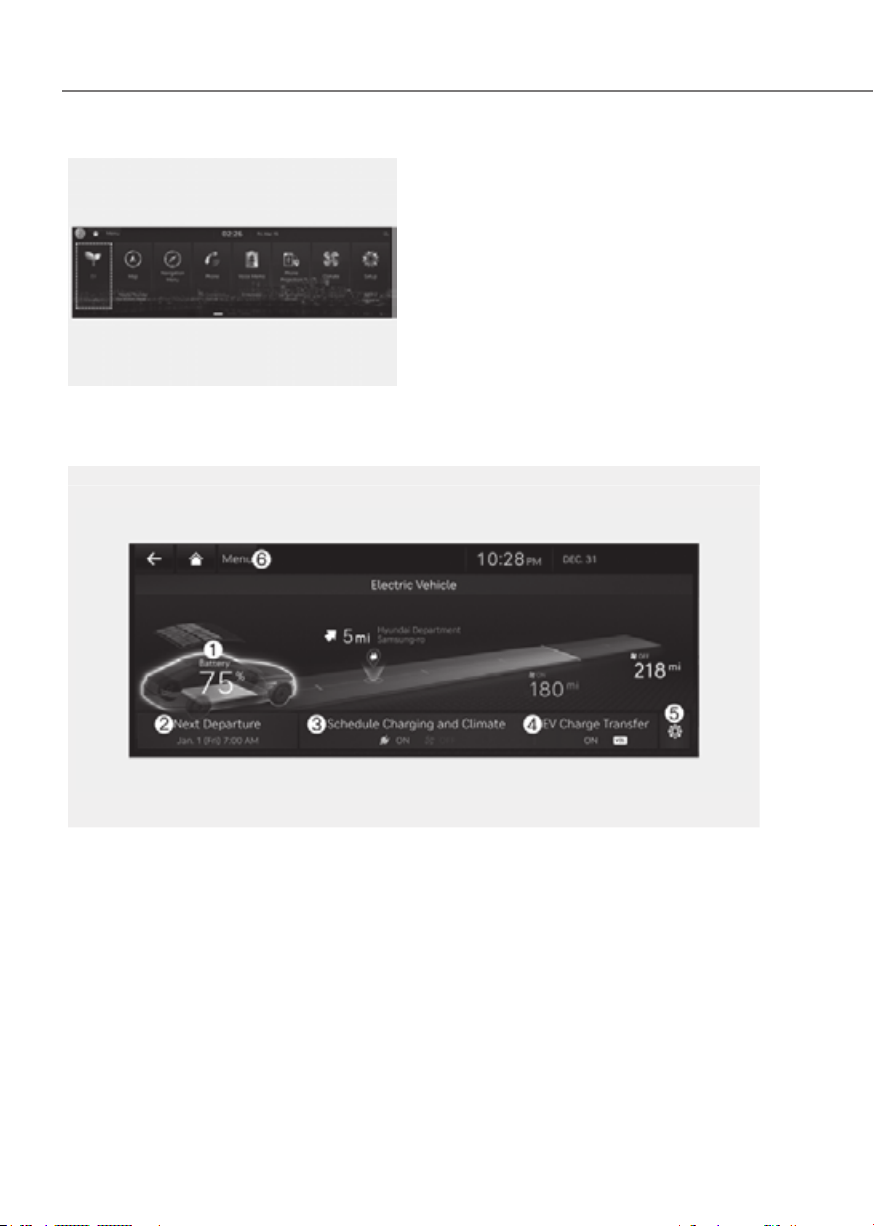
If you select the “EV” menu at the home
screen you can enter EV mode.
See additional information in supplied
Infotainment Manual.
(1) Energy Information
(2) Next Departure
(3) Charging and Climate
(4) Vehicle to Load (V2L)
(5) EV Settings
(6) Menu
1-11
01
Solar roof information (if equipped)
ORG3EVQ011095LORG3EVQ011095L
You can check the charged battery
capacity by the solar roof.
See additional information in supplied
Infotainment Manual.
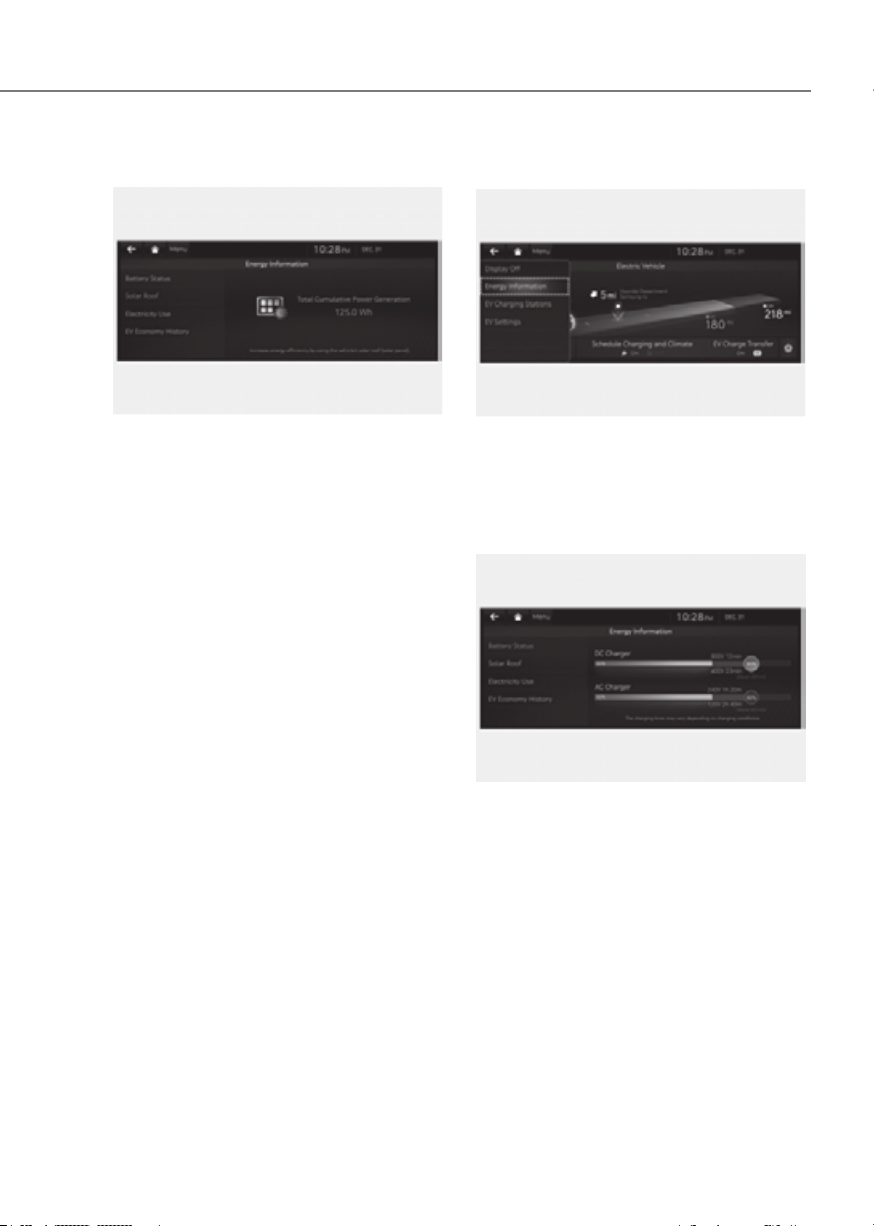
Energy Information
ORG3EVQ013096NORG3EVQ013096N
screen.
You can check battery information and
energy consumption.
Battery information
ORG3EVQ011097LORG3EVQ011097L
You can check the reachable range, total
battery power remaining, and expected
charging time for each charge type.
• The distance to empty is calculated
based on the electric energy
efficiency while driving. The distance
may change if the driving pattern
changes.
• The distance to empty may vary
according to the change of the driving
pattern even if the same target battery
charge level is set.
1-12
Foreword / Starting Your Electric Vehicle
Next Departure
ORG3EVQ013098NORG3EVQ013098N
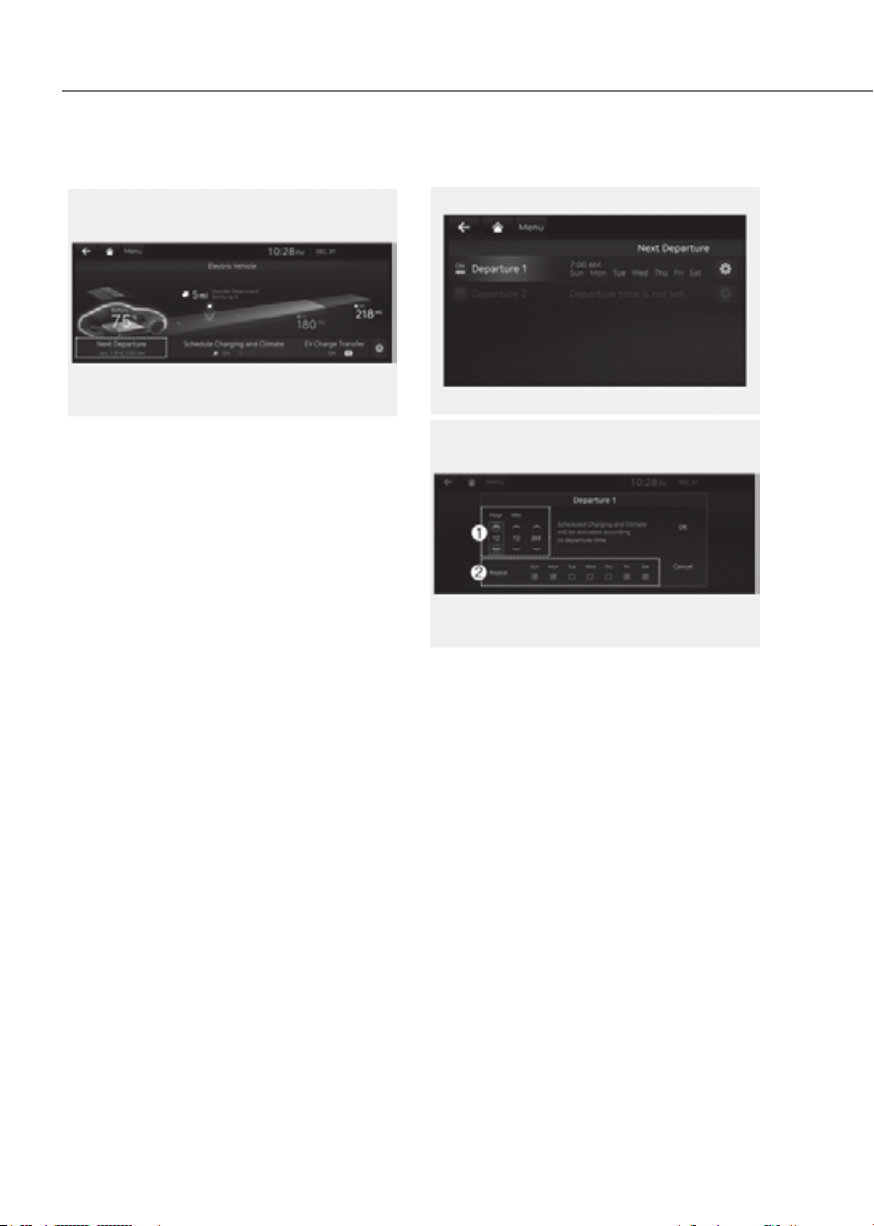
screen. You can set the date and time
of when to charge the battery, climate
control temperature, and other various
functions.
Departure time
ORG3EVQ011099LORG3EVQ011099L
ORG3EVQ011100LORG3EVQ011100L
1. Set anticipated departure time for
scheduled charging and target
temperature.
2. Select the day of the week to activate
scheduled charging and target
temperature for departure time.

1-13
01
Charging and Climate
ORG3EVQ013101NORG3EVQ013101N
the screen.
Information
Vehicle must be connected with the
charging connector at the time pre-
scheduled time for the scheduled charging.
ORG3EVQ011102LORG3EVQ011102L
You can set the date and time of when
to charge the battery and the climate
control temperature. Also, you may
select the time to start charging using
the off-peak time setting.
Off-peak time settings
ORG3EVQ011103LORG3EVQ011103L
1. If selected, starts charging only on the
designated off-peak time.
2. Set the most inexpensive time to
complete charging.
3. You may select:
• Prioritize Off-peak Charging : If
selected, starts charging at off-peak
time (may keep on charging pass
off-peak time to charge 100%).
• Charge ONLY during Off-peak : If
selected, charges only within off-
peak time (may not charge 100%).
1-14
Foreword / Starting Your Electric Vehicle
Target temperature settings
ORG3EVQ011104LORG3EVQ011104L
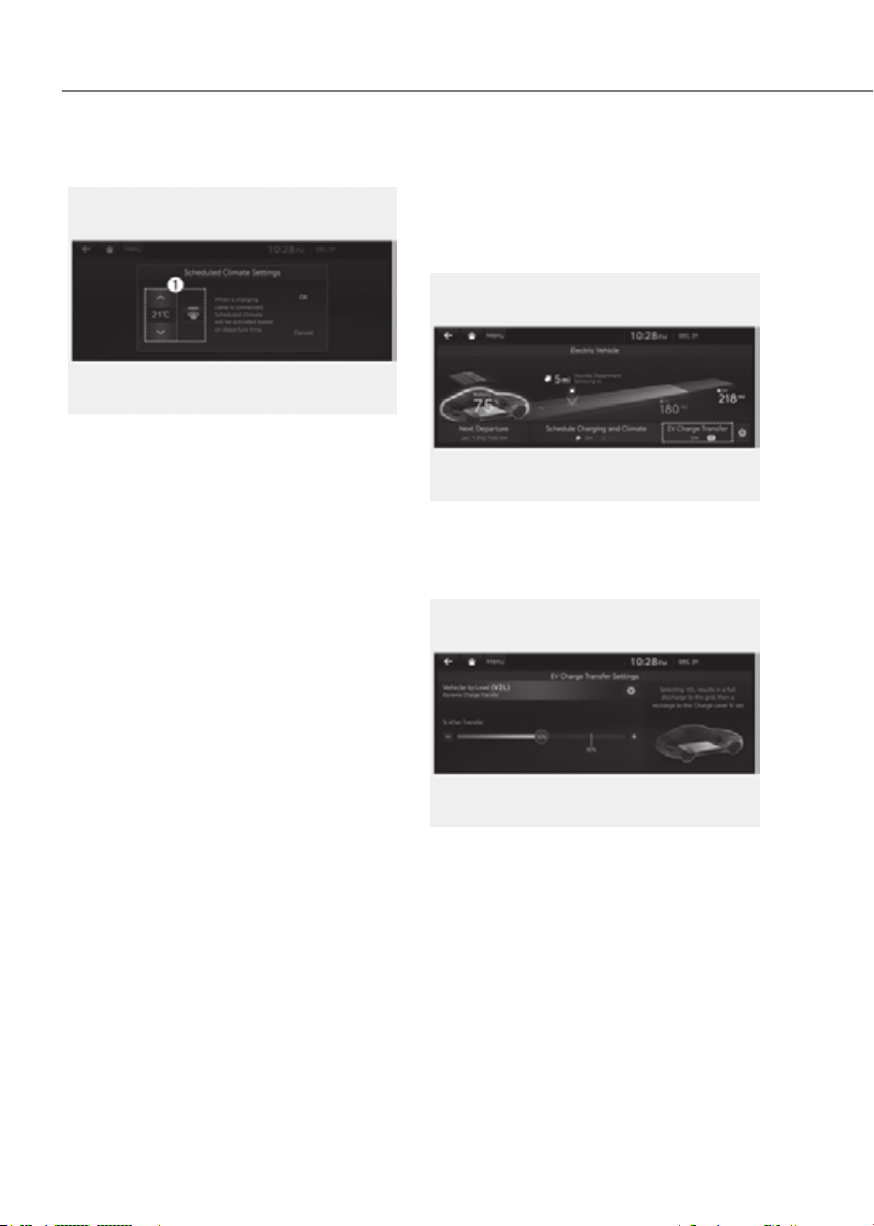
1. Set target temperature.
- If the target temperature (1) is set
with the cable connected, the cabin
temperature will be adjusted to the
target temperature at departure
time (without loss of high voltage
battery charging level). The target
temperature control starts 30
minutes before the departure
time. In cold weather, preschedule
heating helps enhance electric
vehicle performance by heating the
vehicle in advance.
Vehicle to Load (V2L) (if
equipped)
V2L is the system that provides AC power
using the high voltage battery for driving
to operate several electronical products.
ORG3EVQ013105NORG3EVQ013105N
screen.
You can set the battery discharging limit
for high voltage battery for driving.
ORG3EVQ011106LORG3EVQ011106L
If the vehicle reaches to the limit, it
automatically cut supply of electricity.
1-15
01
Energy information
screen.
You can check battery discharging level.
How to connect
Outdoor
ORG3EVQ011070ORG3EVQ011070
1. Open the cover of the V2L connector.
2. Close the cover after connecting
home appliances and electronical
products to the power outlet.
WARNING
Some types of plugs may not fit into
the outlet cover of the V2L connector,
causing incomplete closing of the
cover.
Do not use the V2L connector on a rainy
or snowy day if the outlet cover is not
completely closed. There is a risk of fire
and/or injury.
3. Connect the V2L connector to the
charging inlet on the vehicle.
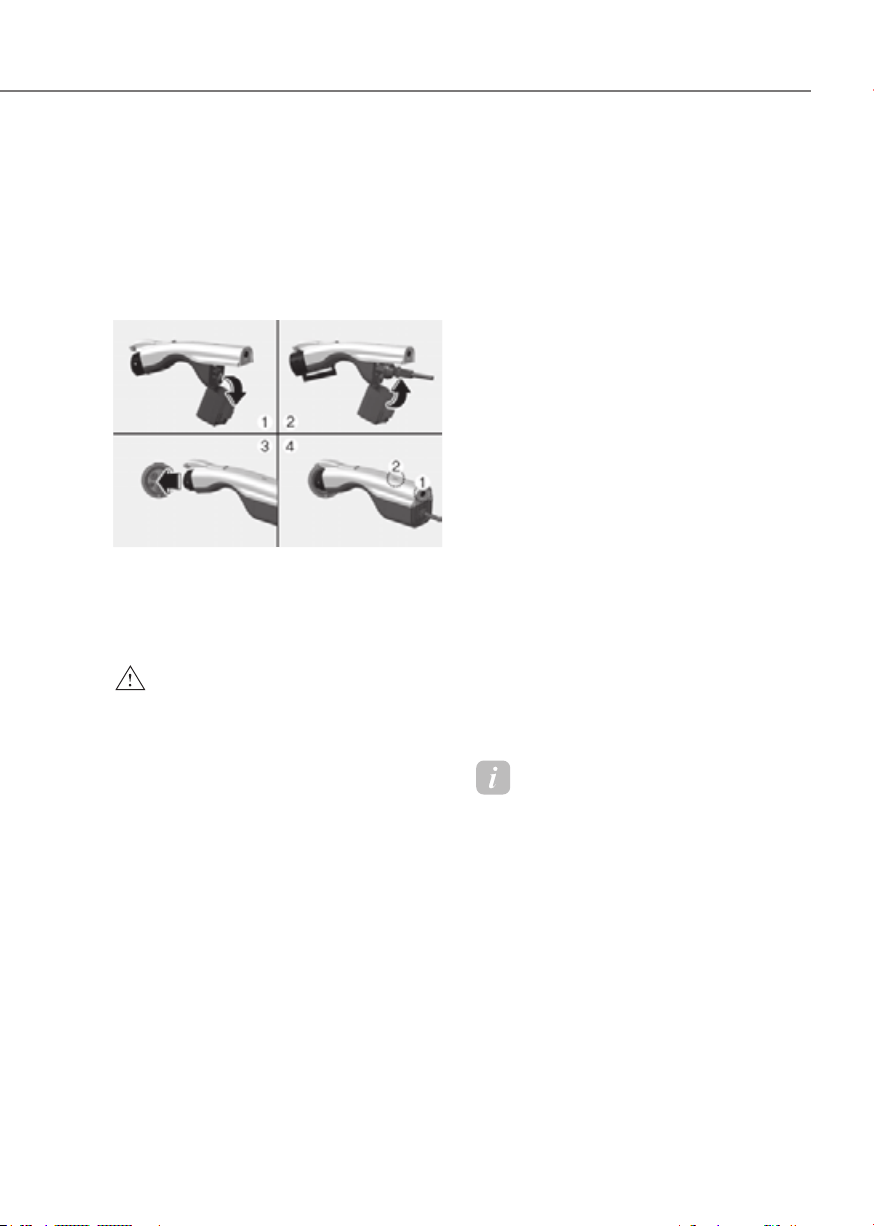
4. Press the switch (1) of the V2L
connector and check whether the
light (2) is on or off. The light (2) may
not turn on normally when:
- See the battery discharging limit
for high voltage battery for driving
in ‘Electricity Use’ menu on the
screen. If it is higher than the
current amounts of high voltage
battery, the light (2) does not turn
on.
- Check whether the light of V2L
connector or indoor power outlet
turns on or not.
- If the warning message for V2L
appears on the cluster, refer to the
message entirely.
- If V2L does not operate previously
when you connects another home
appliances, have your vehicle
inspected by an authorized retailer
of Genesis Branded products.
5. Press the switch (1) to turn off the light
(2) the the V2L will be off. You can
disconnect the V2 connector when
the light (2) turns off or the charging
connecter lock is deactivated pressing
the door unlock button on the smart
key.
Information
Please connect the V2L connector to the
charging inlet within 60 seconds after the
charging cover opens. To prevent theft
after connecting, it is changed to auto lock
automatically so that it is impossible to
disconnect.
When using V2L, cancel the scheduled air
conditioning setting. V2L operation may
be blocked by scheduled air conditioning
operation conditions.

1-16
Foreword / Starting Your Electric Vehicle
CAUTION
• Be well-informed of the manual to
prevent accidents.
• The V2L discharging mode is
blocked automatically in case of
overheating. (When the discharging
mode is blocked, check whether
the V2L connector or power plug
is contaminated, worn, corroded
or broken or the home appliance
capacity is over 16 A. If the
temperature falls to proper level
after it is left unattended, you can
use it again. Use proper home
appliances.)
• Do not remodel or disassemble
the provided V2L connector. The
failure caused by remodeling or
disassembling is not covered by the
warranty.
• Do not drop the V2L connector or
give a strong impact to it.
• Do not place objects on the V2L
connector.
• Be sure to disconnect the V2L
connector from the vehicle when you
are finished using V2L.
• When the high voltage battery
charge reaches the set discharging
limit (%), the operation stops, and a
warning message is displayed on the
instrument panel. If you want V2L
operation, set the discharging limit
(%) lower than the current battery
charge.
• When using various electric
products, use them below the
maximum power capacity that can
be supplied by the vehicle.
• If you use an electrical appliance
that exceeds the maximum power
capacity that the vehicle can supply,
the operation will stop and a warning
message will be displayed on the
instrument panel. Make sure the
total power consumption of the
electrical appliance you use exceeds
the V2L maximum power capacity.
• Some of the electric products may
not operate normally even if the
product has power consumption less
than the maximum power capacity
provided by the vehicle.
- Electrical products that require
high power during initial
operation.
- Measuring devices that need to
process accurate data.
- Electrical products that are
sensitive to inverter type AC
charger. (Inverter : AC power
is supplied through power
semiconductor switching)
• Do not use products that require
a continuous power supply,
such as medical equipment. The
power supply may be interrupted
depending on the vehicle’s
condition.
• Only use home appliances under 16
ampere.
• Put the power plug fully and use
the qualified plug that meets the
standard. If you use worn, corroded
or broken plug or improper plug, it
might be a cause of malfunction.

1-17
01
• Use a power plug with ground
connection.
• Do not use high power home
appliances such as air conditioning,
washing machine or dryer.
• Do not hang the home appliances on
to the wire.
• For various devices connected to
a power outlet, use only products
that have obtained national
safety certification. For usage and
precautions, refer to the manual of
the device. (Electrical appliances,
multi-outlets, cord extension cables,
etc.)
• For devices used outdoors in
a vehicle, use a product with a
waterproof function or use it in a
waterproof environment. Do not use
in environments with rain or high
humidity. (Electrical appliances,
multi-outlets, cord extension cables,
etc.)
• If there is a risk of lightning, do not
use the V2L function outside the
vehicle.
• Do not connect multiple portable
multi-outlets.
• When using an extension cable, if
the cable is twisted or overlapped by
itself may cause a fire. Be sure to use
the cable without twisting it.
WARNING
• Do not touch the V2L connector of
the terminal of the vehicle charging
inlet.
• Do not put metal objects to the V2L
connector or charging inlet. It might
be a cause of electric shock.
• Do not touch the V2L connector,
charging inlet or power plug with
a wet hand. It might be a cause of
electric shock. Please handle with a
dry hand all the time.
• Confirm whether there is foreign
substance such as water or dust on
the V2L connector, charging inlet or
power plug before connecting. If you
connect it with foreign substances,
it may be a cause of fire or electric
shock.
• Do not remodel or disassemble the
V2L connector. There is a risk of fire,
electric shock or injury.
ORG3EVQ011091NORG3EVQ011091N
• When the power plug is connected or
disconnected to the V2L connector
or open or close the connector
cover of the V2L, be careful not to be
scratched on the hand.
1-18
Foreword / Starting Your Electric Vehicle
• Do not charge in the following
conditions. The accident might
occur.
- The V2L connector, charging inlet,
power plug or cable is damaged,
corroded or rusted.
- The connection part is loose.
• Do not use if the sheath of home
appliance cables is damaged or
broken. There is a risk of fire, electric
shock or injury.
• Never use an electric heating
appliance like iron, coffee pot, and
toaster in the vehicle. It may cause a
fire and injury.
•
When using the V2L, the
cooling fan in the vehicle
motor compartment can
operate automatically even
if the vehicle is turned off.
Do not put your hand near
the cooling fan in the V2L
operating state.
Cluster display messages
ONE1Q011077LONE1Q011077L
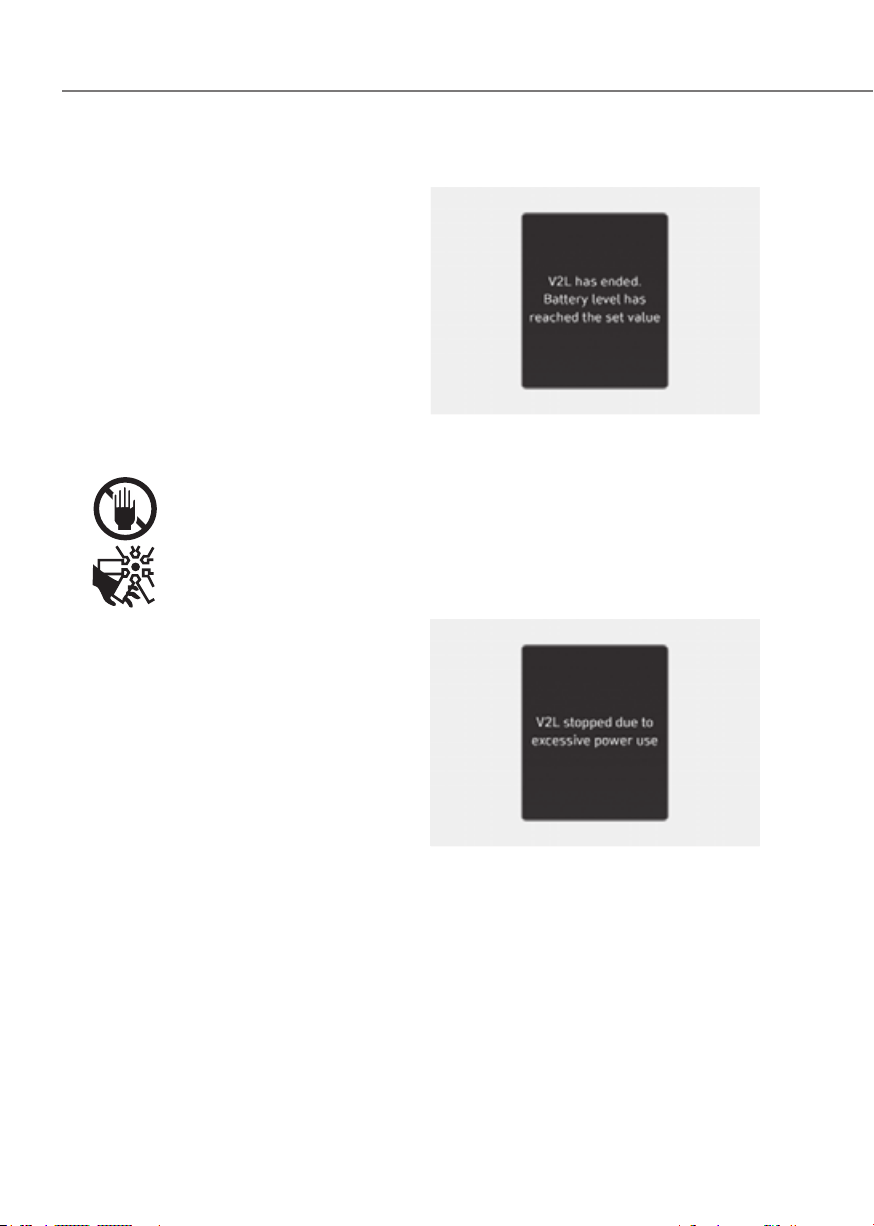
V2L has ended. Battery level has reached
the set value
When the high voltage battery level
reaches the discharging limit set level,
the V2L will stop and the warning will
be displayed. If you want to use the V2L
continuously, make the discharging limit
set level lower than the present battery
level.
ONE1Q011078LONE1Q011078L
V2L stopped due to excessive power use
If you use an electrical appliance that
exceeds the maximum power output the
vehicle can supply, it will stop working
and display a warning message. Make
sure that the total power consumption of
your electrical appliance doesn’t exceed
the V2L maximum power output.
1-19
01
ONE1Q011079LONE1Q011079L
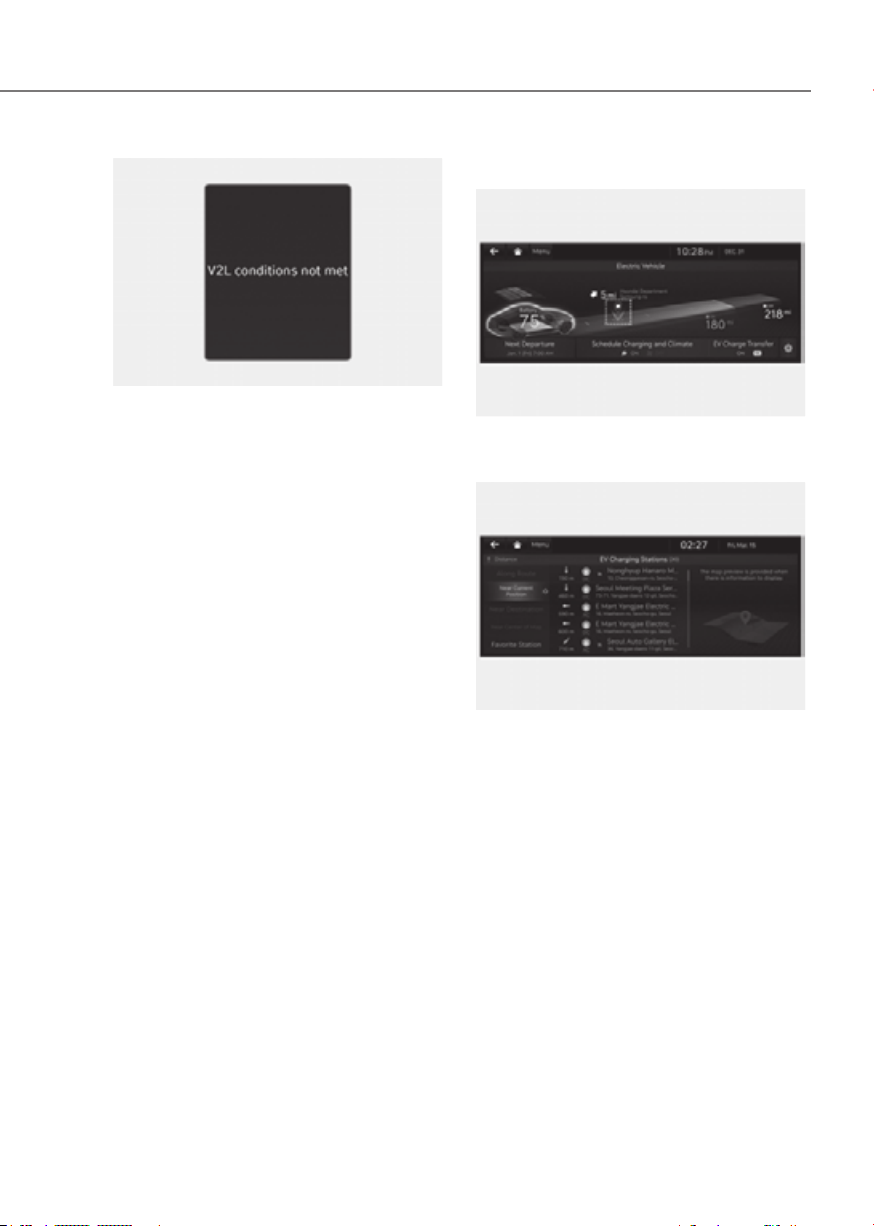
V2L conditions not met
If V2L is interrupted for any of the
following reasons, a warning message is
displayed.
• V2L connector switch off
• V2L connector overheating
Make sure there are no problems with
the V2L connector.
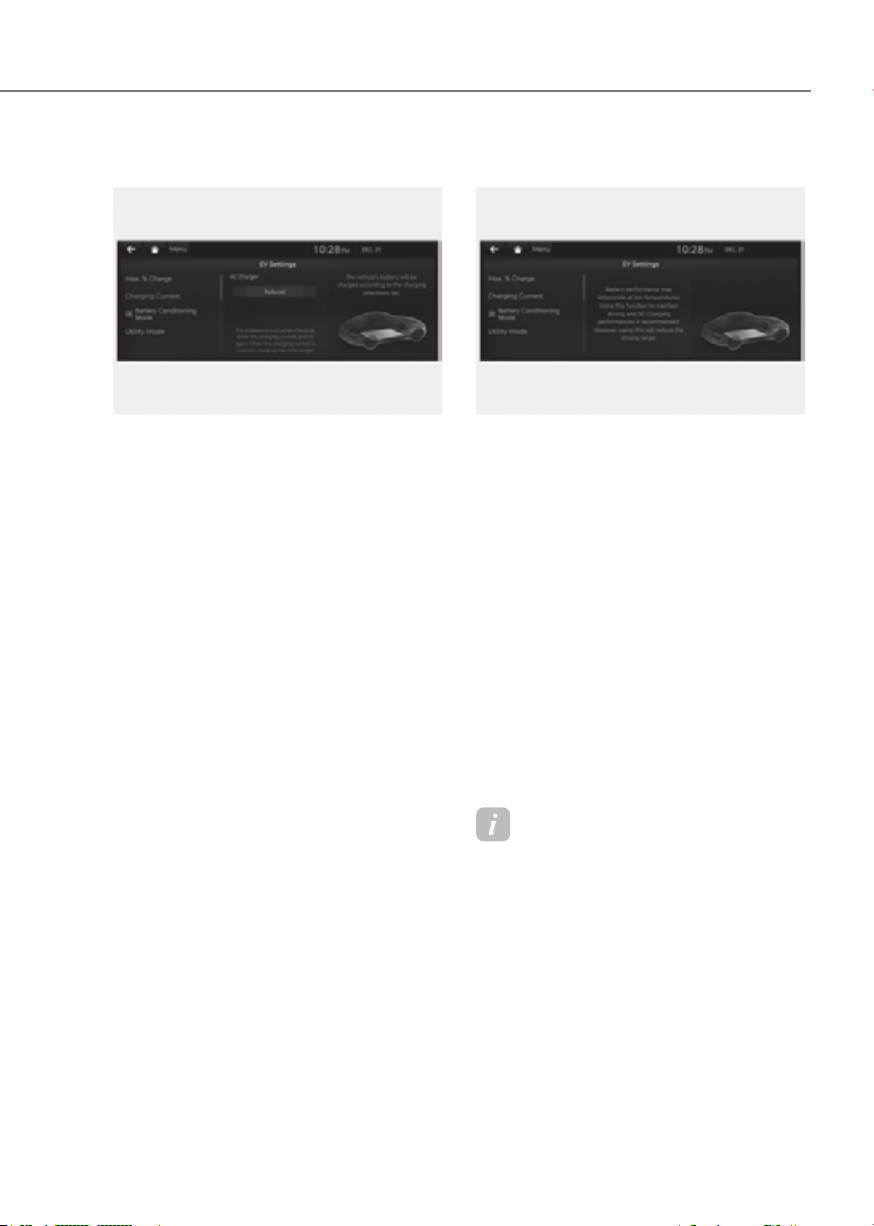
Nearby charging stations
ORG3EVQ013128NORG3EVQ013128N
Select ‘Search for charging stations’ on
the screen.
ORG3EVQ011107LORG3EVQ011107L
Around the course, around the current
site, around the selected destination
or charging stations of interest will be
searched. If you choose the charging
station, the detailed information will be
provided.
See additional information in supplied
Infotainment Manual.

1-20
Foreword / Starting Your Electric Vehicle
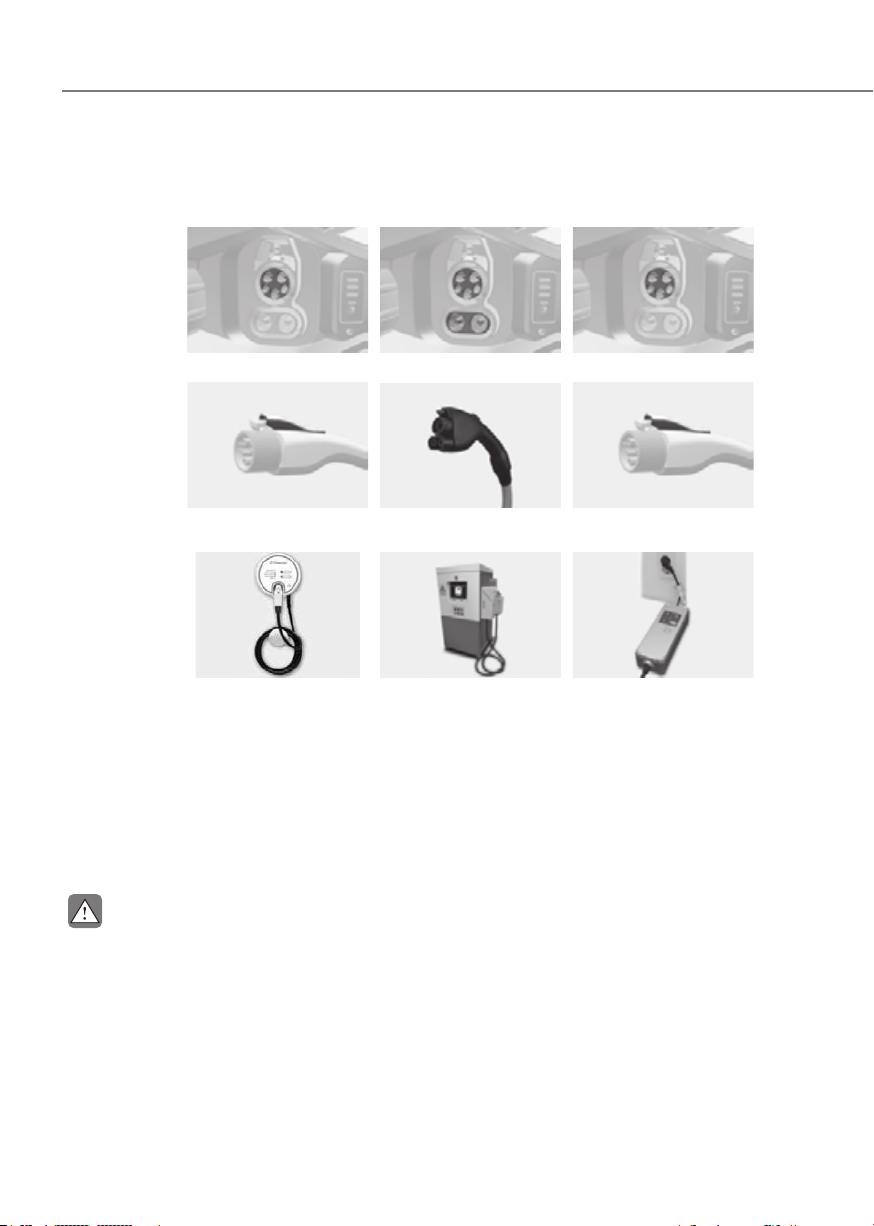
EV Settings
ORG3EVQ013108NORG3EVQ013108N
You can set the charging limit, charging
current, winter mode and utility mode
functions.
Charging limit (Max. % Charge)
ORG3EVQ012109NORG3EVQ012109N
• The target battery charge level can
be selected when charged with AC
charger or DC charger.
• The charging level can be changed by
10%.
• If the target battery charge level is
lower than the high voltage battery
charge level, the battery will not be
charged.
1-21
01
Charging current
ORG3EVQ012110NORG3EVQ012110N
• You can adjust the charging
current for an AC charger. Select an
appropriate charging current.
• If the charging process does not
start or abruptly stops in the middle,
reselect another proper current and
re-try charging the vehicle.
• Charging time varies depending on
which charging current is selected.
Battery conditioning mode
ORG3EVQ012111NORG3EVQ012111N
You can select or deselect the Battery
conditioning mode. The Battery
conditioning mode is efficient during
the winter time when the high voltage
battery temperature is low. This mode is
recommended to maintain driving and
DC charging performances during winter
by raising the battery temperature to
an adequate level. However, the driving
distance may be reduced as the energy is
required to increase battery temperature.
Also, if the battery temperature is low
during driving or when scheduled air
conditioner/heater is activated, this
mode is operated to improve driving
performance and charging performance.
However, the mode is not operated to
ensure driving distance when the battery
level is low.
Information
This mode is available for the vehicles
equipped with the battery heater.

1-22
Foreword / Starting Your Electric Vehicle
Utility Mode
The high voltage battery is used instead
of the 12 V auxiliary battery for operating
the convenient features of the vehicle.
When driving is not necessary such as
while camping or when stopping the
vehicle for a long time, it is possible to
use the electrical devices (audio, lights,
air conditioner, heater, etc.) for long
hours.
ORG3EVQ012112NORG3EVQ012112N
System Setting and Activation
System setting
The driver can activate the Utility mode
function when the following conditions
are satisfied.
• The vehicle is in the ready
(
) mode and the gear is shifted
to P (Park).
• The EPB (Electronic Parking Brake) is
not a malfunction.
•
on the infotainment system screen.
System Activation
When the system is activated:
• The ready (
) indicator will turn
off, and the utility (
) indicator will
illuminate on the cluster and the EPB
is applied.
• All electric devices are usable but the
vehicle cannot be driven.
• The EPB can be cancelled by pressing
the EPB switch.
Gear cannot be shifted out of P (Park).
If a shift attempt is made, a message
“Shifting conditions not met” will be
displayed on the infotainment system
screen.
System Deactivation
The Utility mode can be deactivated by
pressing the Start/Stop button to the
OFF position. The function cannot be
deactivated from the EV settings.

1-23
01
CHARGE TYPES FOR ELECTRIC VEHICLE
Charging Information
• AC Charge: The electric vehicle is charged by plugging into a AC charger installed at
your home or a public charging station. (For further details, refer to the ‘AC Charge’.)
• DC Charge: You can charge at high speed at public charging stations. Refer to the
respective company’s manual that is provided for each DC charger type.
Battery performance and durability can deteriorate if the DC charger is used
constantly.
Use of DC charge should be minimized in order to help prolong high voltage battery
life.
• Portable Charge: The Electric vehicle can be charged by using household electricity.
The electrical outlet at your home must comply with regulations and can safely
accommodate the Voltage / Current (Amps) / Power (Watts) ratings specified on the
portable charge.
Charging Time Information
Charging type Standard battery type
AC charge
Takes approx. 8 hours and 35 minutes at room
temperature when charged to 100%
DC charge
350 kW charger
Takes about 22 minutes at room
temperature when charged from 10%
to 80%. Can be charged to 100%.
50 kW charger
Takes about 82 minutes at room
temperature when charged from 10%
to 80%. Can be charged to 100%.
Portable charge
Takes approx. 77 hours at room temperature when
charged to 100%.
Information
• Depending on the condition and durability of the high voltage battery, charger
specifications, and ambient temperature, the time required for charging the high
voltage battery may vary.
• If the charger is worn out, exposed, or there exists any type of damage, charging may
stop for your safety. Use another charger that works normally.
• When charging the battery, an additional 3 minutes may be required to check battery
condition.
1-24
Foreword / Starting Your Electric Vehicle
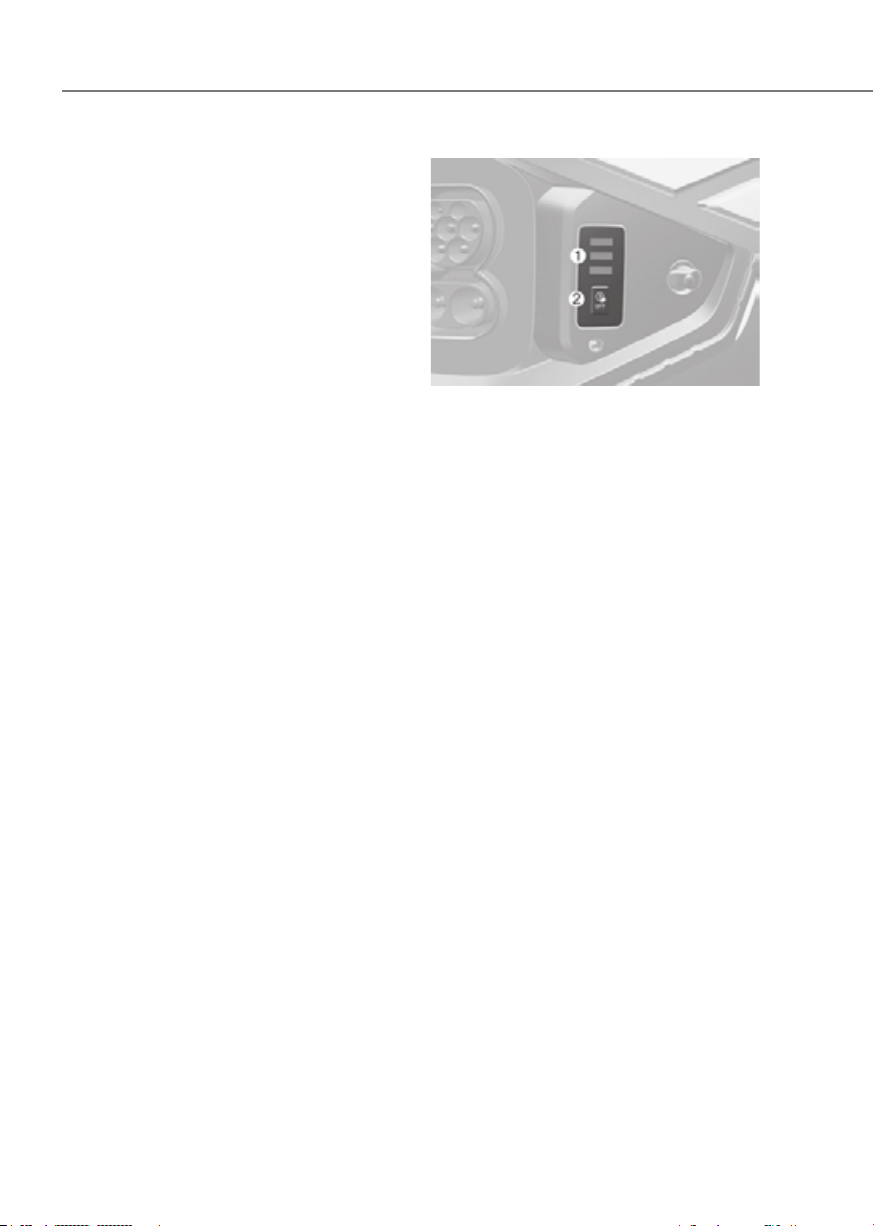
Charging Types
Category AC Charge DC Charge Portable Charge
Charging
Inlet
(Vehicle)
ORG3EVQ011029 ORG3EVQ011030 ORG3EVQ011029
Charging
Connector
ORG3EVQ011090
OAEEQ016079N
ORG3EVQ011090
Charging
Outlet
OLFP0Q4057N OAEEQ016023 ONX4EPHQ011019L
How to
Charge
Use AC charger
installed at home or
public charging stations
Use the DC charger at
public charging stations
Use household current
• Depending on the condition and durability of the high voltage battery, charger
specifications, and ambient temperature, the time required for charging the high
voltage battery may vary.
• Actual charger image and charging method may vary in accordance with the
charger manufacturer.
CAUTION
• Risk of electric shock. Do not disconnect under load.
• Suitable for use on a circuit capable of delivering not more than 5,000 rms
symmetrical Amperes, 120 V AC Maximum.
• Suitable for use on a circuit capable of delivering not more than 30,000 rms
symmetrical Amperes, 1,000 V DC Maximum.

1-25
01
CHARGE INDICATOR LAMP FOR ELECTRIC VEHICLE
When charging the high voltage battery, the charge level can be checked from outside
the vehicle.
Charging Status
Electric charging door
ORG3EVQ011031ORG3EVQ011031
1. Charging status
Lamp status Details
High voltage battery level very low
yellow
High voltage battery level low
green
High voltage battery level middle
green
High voltage battery level high
green

1-26
Foreword / Starting Your Electric Vehicle
2. Immediate charging
Lamp status Details
Scheduled charging deactivation button.
Press 2 seconds to charge immediately.
3. High voltage indicator
Lamp status Details
High voltage electricity flowing
(Charging 12 V auxiliary battery or scheduled air conditioner/heater is
operating)
à The indicator is located on top of the crash pad.

1-27
01
CHARGING CONNECTOR LOCK
Locking Charging Cable
ORG3EVQ011113AUORG3EVQ011113AU
You may select when the charging
connector can be locked and unlocked in
the charging inlet.
Mode’ in the infotainment.
Information
• The charging inlet is locked during
the DC charge regardless of ‘Always
lock’/‘Locking while charging’ mode.
After charging is complete the locked
charging inlet is unlocked.
• The charging inlet locks when the V2L
connector is connected, regardless
of the settings of charging connector
locking.
After use, the lights can be turned
off by pressing the switch on the V2L
connector, and the charging inlet can be
unlocked by pressing the vehicle door
unlock button.
When the Charging Connector Is
Locked
Always
lock
Lock
while
charging
Do not
lock (if
equipped)
Before
charging
O X X
While
charging
O O X
Finished
charging
O X X
• ‘Always lock’ mode :
The connector locks when the
charging connector is plugged into
the charging inlet. The connector is
locked until all doors are unlocked by
the driver. This mode can be used to
prevent charging cable theft.
- If the charging connector is
unlocked when all doors are
unlocked, but the charging cable
is not disconnected within 15 sec-
onds, the connector will be auto-
matically locked again.
- If the charging connector is
unlocked when all doors are
unlocked, but all doors are locked
again, immediately, the connector
will be automatically locked again.
• ‘Lock while charging’ mode :
The connector locks when charging
starts. The connector unlocks when
charging is complete. This mode can
be used when charging in a public
charging station.
• ‘Do not lock’ mode (if equipped):
The connector unlocks regardless of
the state of charging.
Press the charging connector release
button, disconnect the connector.
Be careful to theft of the charging
cable.
1-28
Foreword / Starting Your Electric Vehicle
Scheduled Charging
(if equipped)
• You can set-up a charging
schedule for your vehicle using the
Infotainment system or Genesis
Connected Service application.
Refer to the Multimedia manual or
the Genesis Connected Service for
detailed information about setting
scheduled charging.
• Scheduled charging can only be
done when using a AC charger or
the portable charger (ICCB: In-Cable
Control Box).
ORG3EVQ011031LORG3EVQ011031L
• When scheduled charging is set
and the AC charger or the portable
charger (ICCB: In-Cable Control
Box) is connected for charging, the
indicator lamp illuminates (1) for 3
minutes to indicate that scheduled
charging is set.
• When scheduled charging is set,
charging is not initiated immediately
when the AC charger or portable
charger (ICCB: In-Cable Control
Box) is connected. When immediate
charging is required, use the Audio
or Navigation screen to deactivate
the scheduled charge setting or
press schedule charging deactivation
button (2) for 2 seconds.
• If you press the scheduled charging
deactivation button (2) to immediately
charge the battery, charging must be
initiated 3 minutes after the charging
cable has been connected.
When you press the scheduled
charging deactivation button (2) for
immediate charging, the scheduled
charge setting is not completely
deactivated. If you need to completely
deactivate the scheduled charge
setting, use the Audio or Navigation
screen to finalize the deactivation.
Refer to “AC Charge (Station) or Trickle
Charge” for details about connecting
the AC charger and the portable charger
(ICCB: In-Cable Control Box).
SCHEDULED CHARGING
1-29
01
Charging Precautions
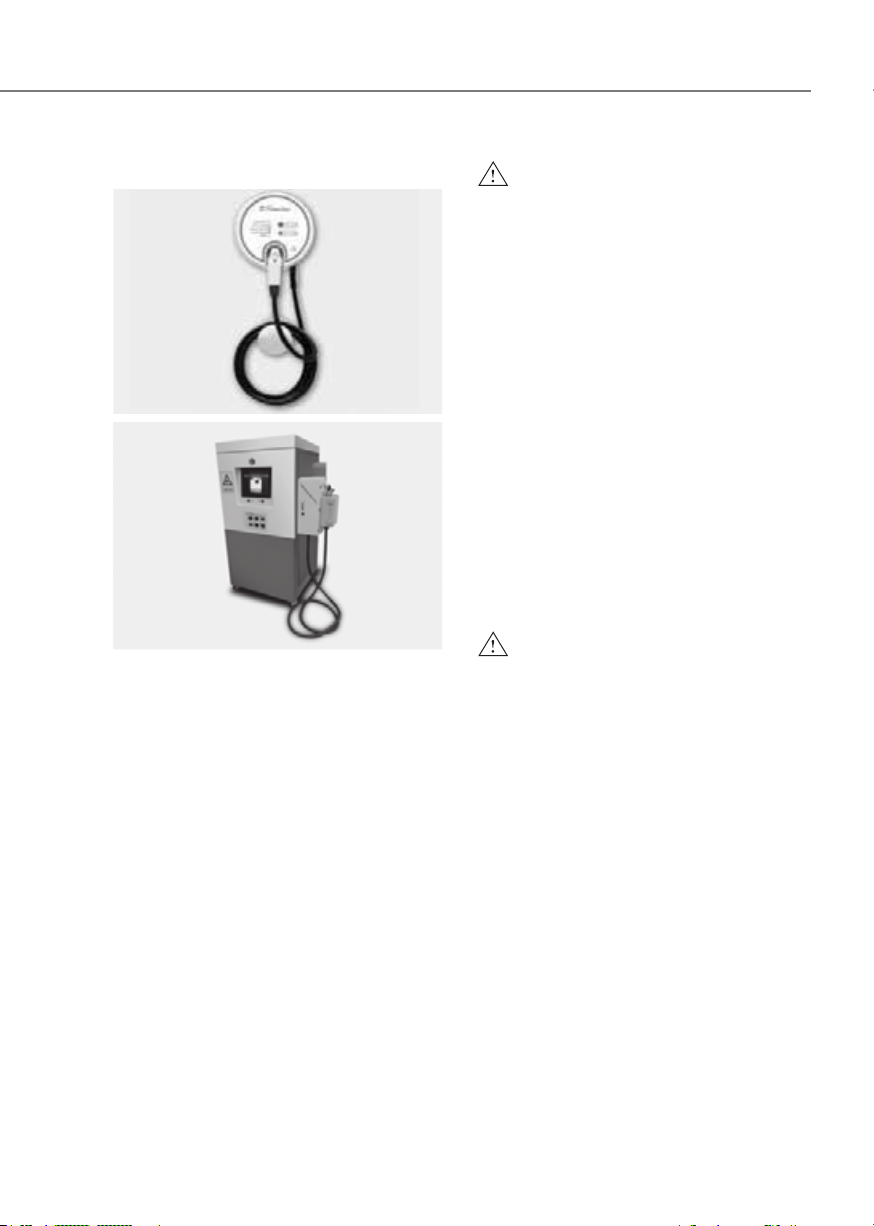
AC ChargerAC Charger
OLFP0Q4057NOLFP0Q4057N
DC ChargerDC Charger
OSQCEQ019005OSQCEQ019005
Actual charger image and charging
method may vary in accordance with the
charger manufacturer.
WARNING
• Electromagnetic waves that are
generated from the charger can
seriously impact medical electric
devices such as an implantable
cardiac pacemaker.
If you are fitted with any electronic
medical implants (for example,
cardiac pacemaker), make sure
to ask the medical team and
manufacturer whether charging
your electric vehicle will impact
the operation of electronic medical
implants.
• Check to make sure there is no
water or dust on the charging
cable connector and plug before
connecting to the charger and
charging inlet. Connecting while
there is water or dust on the charging
cable connector and plug may cause
a fire or electric shock.
WARNING
• Be careful not to touch the charging
connector, charging plug, and the
charging inlet when connecting
the cable to the charger and the
charging inlet on the vehicle.
• Comply with the following in order
to prevent electrical shock when
charging:
- Use a waterproof charger.
- Do not touch the charging
connector and charging plug with
your hands wet, or do not stand in
water or snow while connecting
the charging cable.
- Be careful when there is lightning.
- Be careful when the charging
connector and plug are wet.
1-30
Foreword / Starting Your Electric Vehicle
WARNING
• Immediately stop charging when
you find abnormal symptoms (odor,
smoke).
• Replace the charging cable if the
cable coating is damaged to prevent
electrical shock.
• When connecting or removing the
charging cable, make sure to hold
the charging connector handle and
charging plug.
If you pull the cable itself (without
using the handle), the internal
wires may be disconnected or get
damaged. This may lead to electric
shock or fire.
CAUTION
• Always keep the charging connector
and charging plug in clean and
dry condition. Be sure to keep the
charging cable in a condition where
there is no water or moisture.
• Be sure to use only certified electric
vehicle charger. Using uncertified
charger may cause the damage to
the vehicle.
• Before charging the battery, turn the
vehicle OFF.
• When the vehicle is switched OFF
while charging, the cooling fan
inside the motor compartment may
automatically operate. Do not touch
the cooling fan while charging.
• Be careful not to drop the charging
connector. The charging connector
can be damaged.
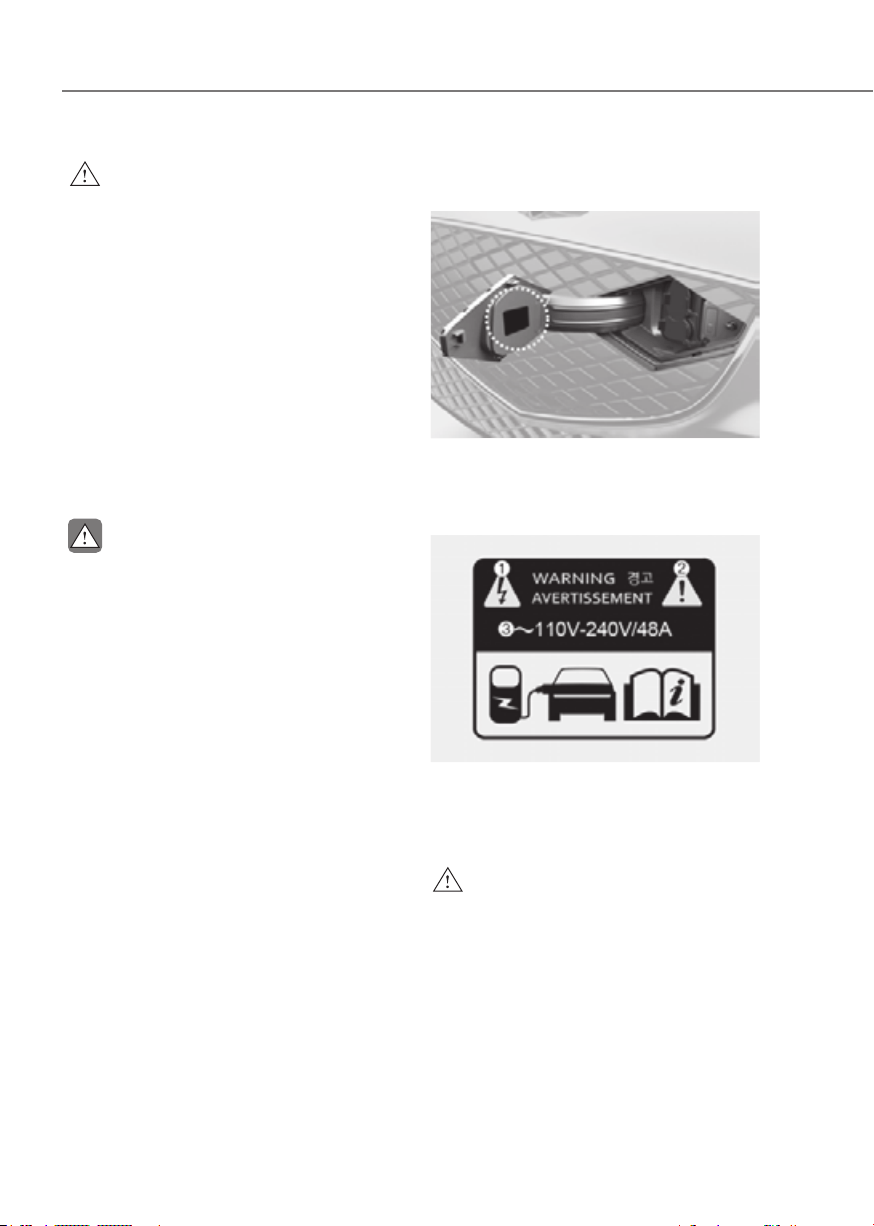
How to Check the Symbol on the
Charging Label
ORG3EVQ011064ORG3EVQ011064
You can find the charging label when
opening the charging door.
Charging label
ONE1Q011086ONE1Q011086
1. Warning for high voltage
2. Caution
3. Charging voltage and current
WARNING
Risk of failure, fire, injury, etc., are
expected when using the charging
connector with unmatched symbol.
1-31
01
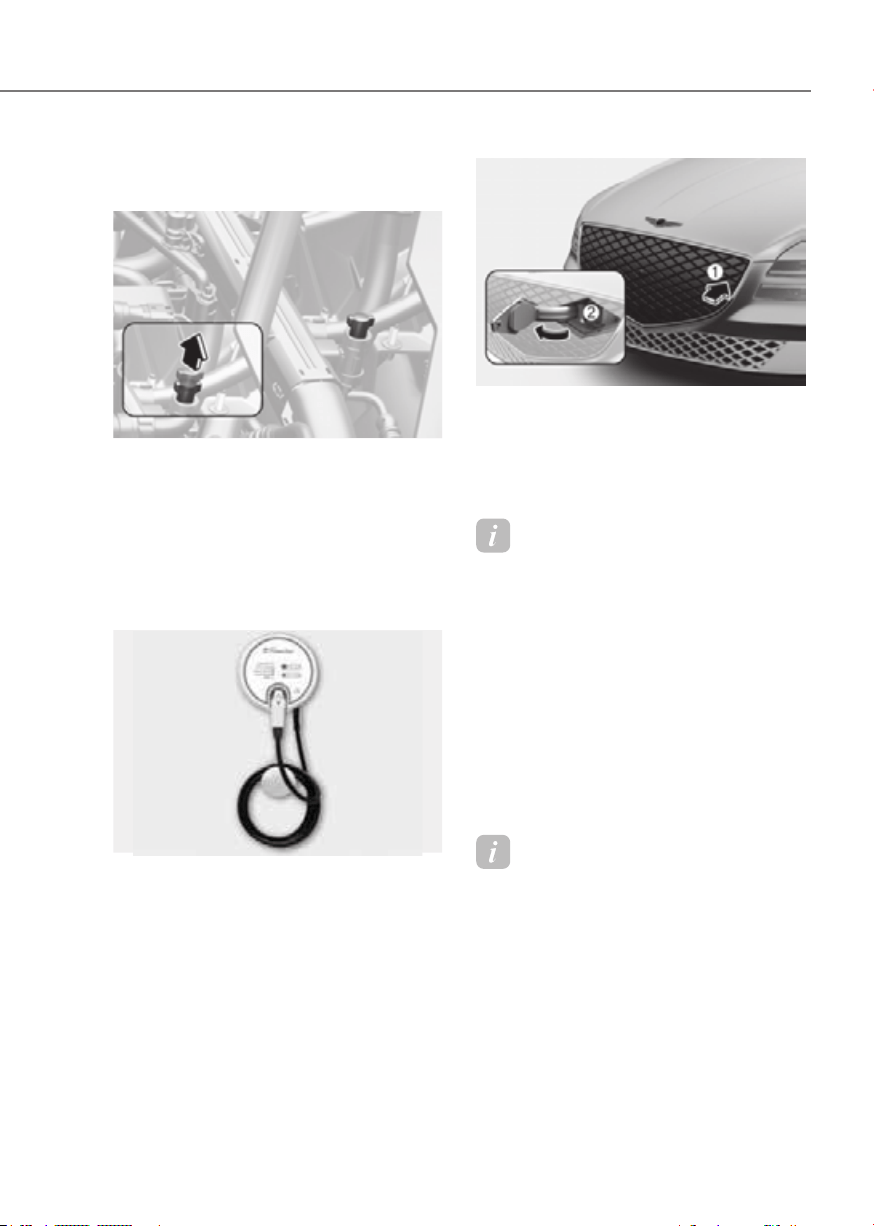
Disconnecting Charging
Connector in Emergency
ORG3EVQ011034ORG3EVQ011034
If the charging connector does not
disconnect from the charging inlet due to
battery discharge and failure of electric
wires, open the hood and slightly pull
the emergency cable. The charging
connector will be disconnected from the
charging inlet.
AC Charge
AC ChargerAC Charger
OLFP0Q4057NOLFP0Q4057N
Actual charger image and charging
method may vary in accordance with the
charger manufacturer.
How to Connect AC Charger
1. Depress the brake pedal and apply the
parking brake.
2. Turn OFF all switches, shift to P (Park),
and turn OFF the vehicle.
If charging is initiated without the
gear in P (Park), the charging will start
after the gear is automatically shifted
to P (Park).
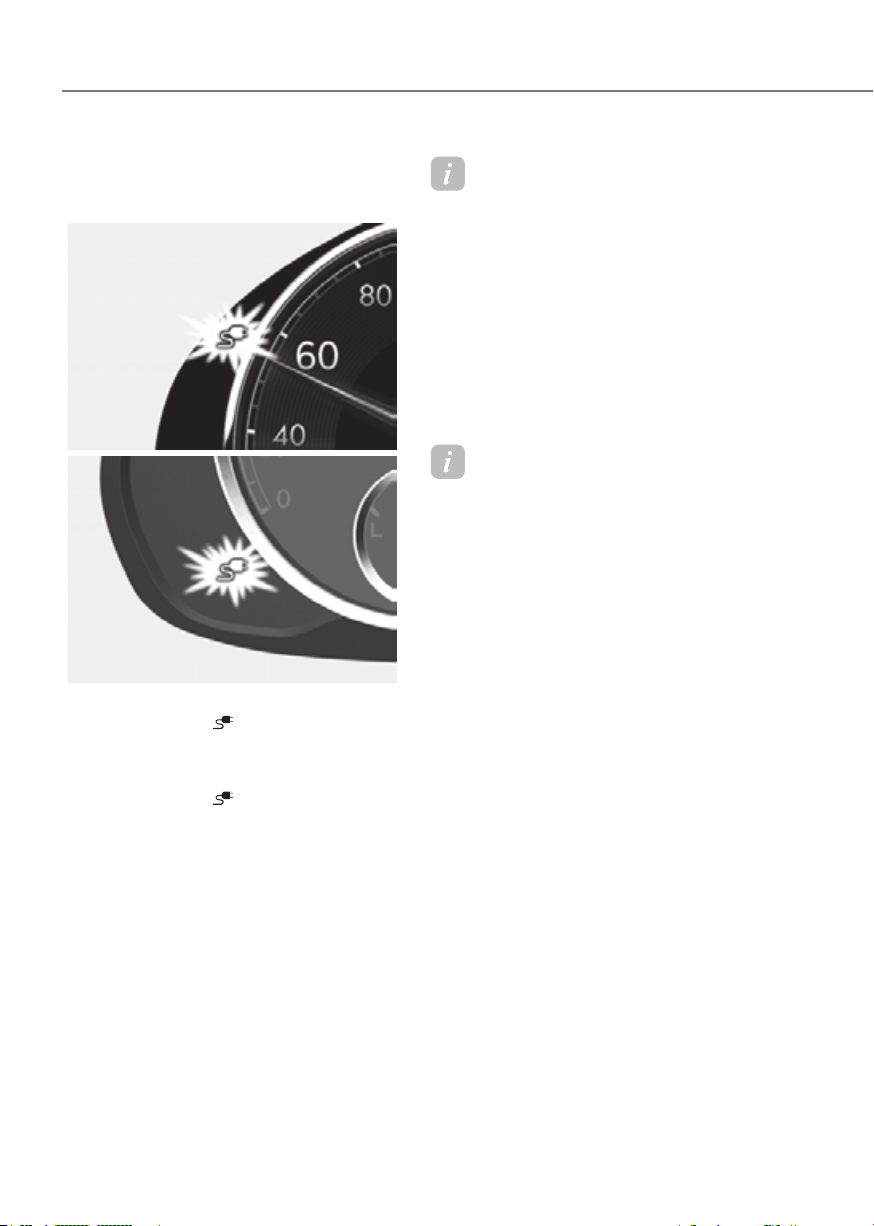
ORG3EVQ011035ORG3EVQ011035
3. Push the charging door where the
triangle symbol (1) is located to open.
The charging door opens only when
the vehicle is unlocked.
4. Open the inlet cover (2).
Information
If you cannot open the charging door due
to freezing weather, tap lightly or remove
any ice near the charging door. Do not try
to forcibly open the charging door.
5. Check if there is dust on the charging
connector and charging inlet.
6. Hold the charging connector handle
and connect it to the vehicle charging
inlet. Push the connector all the way
in. If the charging connector and
charging terminal are not connected
properly, this may cause a fire.
Information
Locking Charging Cable
Select ‘EV → Charging Connector
Locking Mode’ in the infotainment system
menu. The charging connector is locked in
the inlet at a different period according to
which mode is selected.
• Always mode : The connector locks
when the charging connector is plugged
into the charging inlet.
• While charging mode : The connector
locks when charging starts.
For more details, refer to “Locking
Charging Cable” in this chapter.
1-32
Foreword / Starting Your Electric Vehicle
7. Connect the charging plug to the
electric outlet at an AC charging
station to start charging.
Type AType A
ORG3EVQ011036NORG3EVQ011036N
Type BType B
ORG3EVQ011037ORG3EVQ011037
8. Check if the charging connector
indicator light (
) of the high
voltage battery in the instrument
cluster is turned ON. Charging is not
active when the charging connector
indicator light (
) is OFF.
When the charging connector and
charging plug are not connected
properly, reconnect the charging
cable to charge.
Information
To control the temperature of the high
voltage battery while charging, the air
conditioning is used to cool down the
battery. It may generate noise or vibration
from operation of the air conditioning
compressor and cooling fan, but it is a
normal condition when charging the high
voltage battery. Also, the air conditioning
performance may be degraded in
summer due to operation of the cooling
system to charge the high voltage battery.
This is a normal condition.
Information
• Even though charging is possible with
the Start/Stop button in the ON/START
position, for your safety, start charging
when the Start/Stop button is in the
OFF position and the vehicle shifted to
P (Park). After charging has started,
you can use electrical components such
as the radio by pressing the Start/Stop
button to the ACC or ON position.
• During AC charging, the radio
reception may be poor.
• During charging, the gear cannot be
shifted from P (Park) to any other gear.
1-33
01
ORG3EVQ011054LORG3EVQ011054L
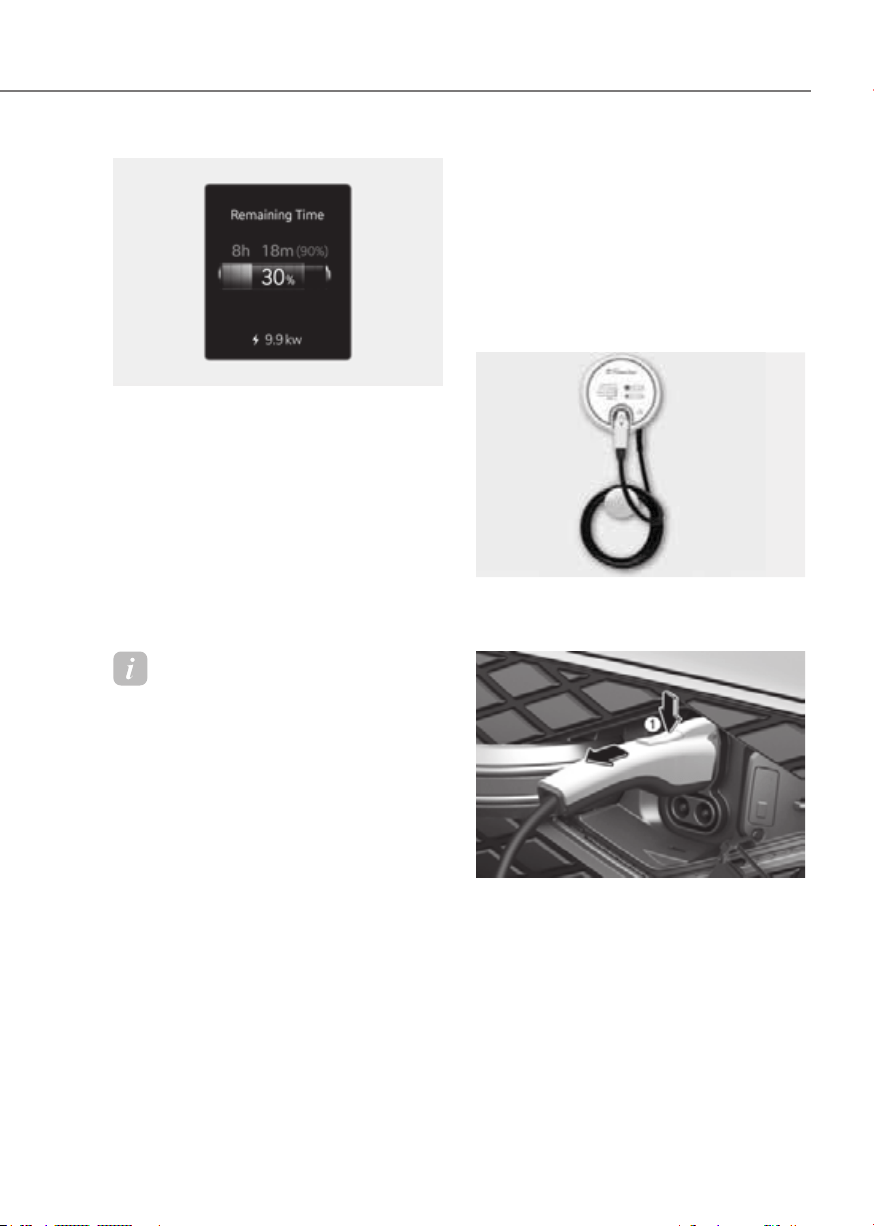
9. After charging has started, the
estimated charging time is displayed
on the instrument cluster for about 1
minute.
If you open the driver seat door while
charging, the estimated charging time
is also displayed on the instrument
cluster for about 1 minute. When
scheduled charging or scheduled
air conditioning/heating is set, the
estimated charging time is displayed
as “--” .
Information
Depending on the condition and durability
of the high voltage battery, charger
specifications, and ambient temperature,
the time required for charging the battery
may vary.
Checking Charging Status
When charging the high voltage battery,
the charge level can be checked from
outside the vehicle.
For more details, refer to ‘Charge
Indicator Lamp for Electric Vehicle’ in
this chapter.
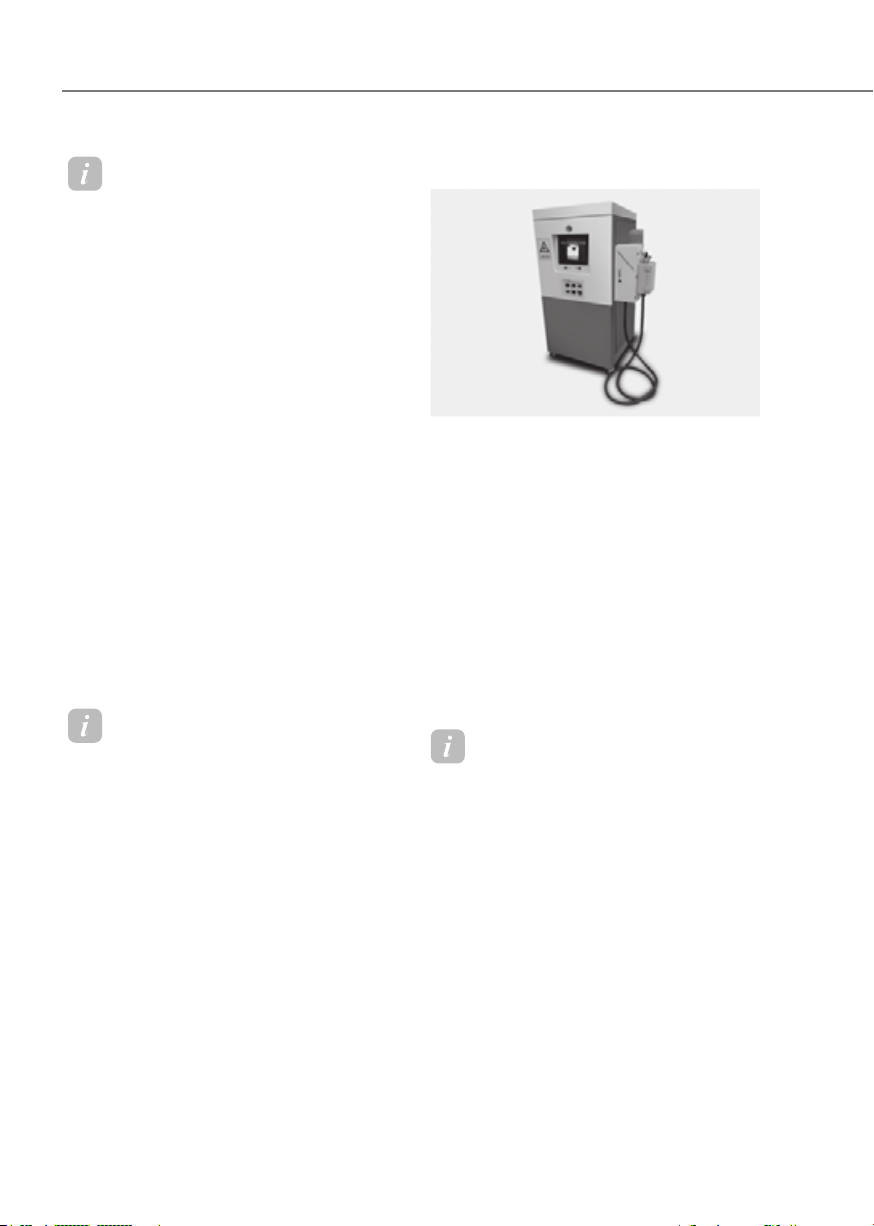
How to Disconnect AC Charger
AC ChargerAC Charger
OLFP0Q4057NOLFP0Q4057N
1. When charging is complete, remove
the charging plug from the electrical
outlet of the AC charging station.
ORG3EVQ011069ORG3EVQ011069
2. Hold the charging connector handle
and pull it out.
1-34
Foreword / Starting Your Electric Vehicle
Information
To prevent charging cable theft,
the charging connector cannot be
disconnected from the inlet when the
doors are locked or the charging connector
is in the LOCK mode. Unlock all doors to
disconnect the charging connector from
the inlet.
However, if the vehicle is in the charging
connector AUTO mode, the charging
connector automatically unlocks from the
inlet when charging is completed.
If you attempt to disconnect the charging
connector without pressing the release
button, the connector and the inlet may
be damaged. For more details, refer
to “Charging Connector Lock” in this
chapter.
If the release button does not work even
after the all doors are unlocked, pull
the emergency lift cable in the motor
room and press the release button in the
connector to disconnect it from the vehicle.
If the release button still does not work,
consult an authorized retailer of Genesis
Branded products.
Information
Some connectors installed in public
charging stations stop charging by
pressing the charge release button while
charging is locked, and the connector can
be disconnected.
3. Make sure to completely close the
charging door.
4. Close the protection caps of the
charging connector and the charging
plug to protect them from foreign
substances.
5. If the personal charging connector is
used, store the connector in the cable
compartment.
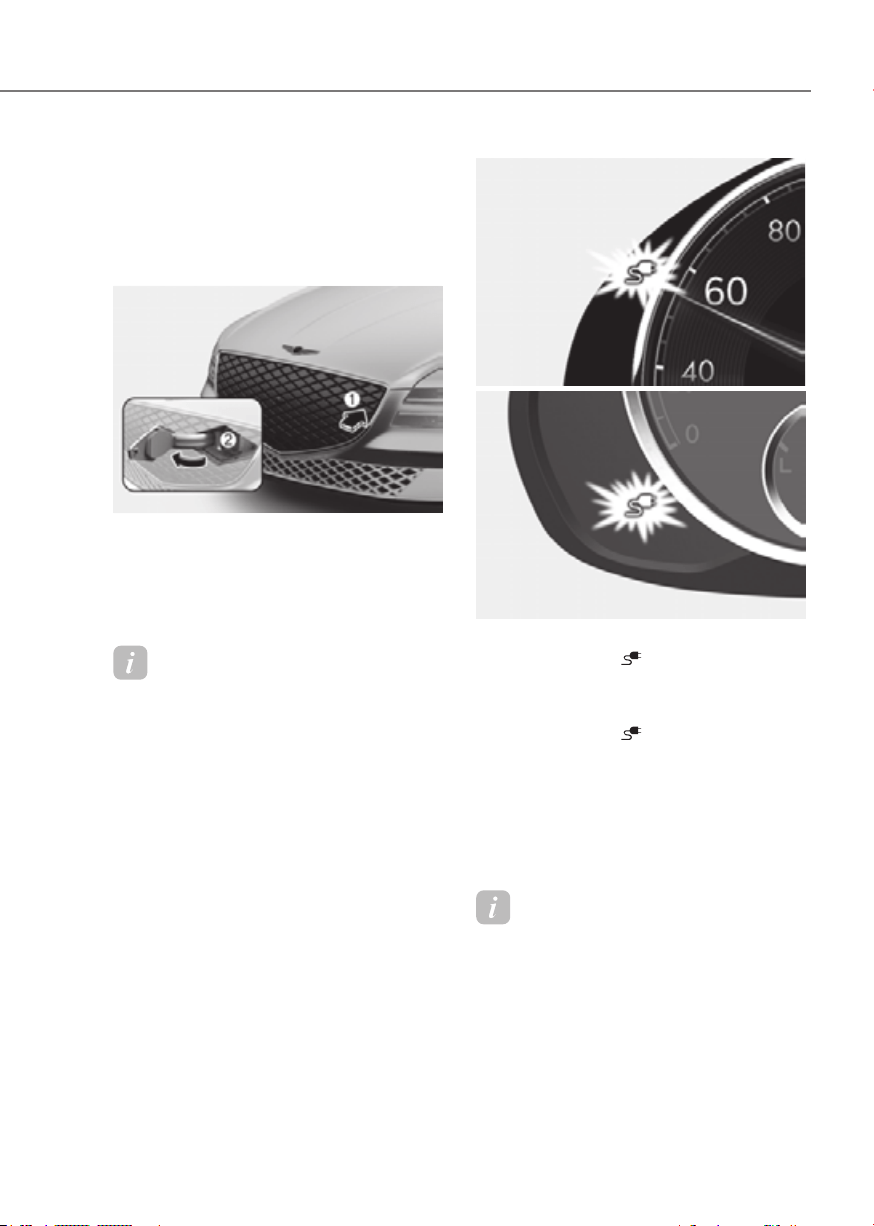
DC Charge
DC ChargerDC Charger
OSQCEQ019005OSQCEQ019005
You can charge at high speed at public
charging stations. Refer to the respective
company’s manual that is provided for
each DC charger type.
Battery performance and durability can
deteriorate if the DC charger is used
constantly.
Use of DC charge should be minimized
in order to help prolong high voltage
battery life.
Actual charger image and charging
method may vary in accordance with
the charger manufacturer.
Information
If you use a DC charger when the vehicle
is already fully charged, some DC
chargers will send out an error message.
When the vehicle is fully charged, do not
charge the vehicle.
1-35
01
How to Connect DC Charger
1. Depress the brake pedal and apply the
parking brake.
2. Turn OFF all switches, shift to P (Park),
and turn OFF the vehicle.
ORG3EVQ011035 ORG3EVQ011035
3. Push the charging door where the
triangle symbol (1) is located to open.
The charging door opens only when
the vehicle is unlocked.
4. Open the inlet cover (2).
Information
If you cannot open the charging door due
to freezing weather, tap lightly or remove
any ice near the charging door. Do not try
to forcibly open the charging door.
5. Check whether there is dust or foreign
substances inside the charging
connector and charging inlet.
6. Hold the charging connector handle
and connect it to the vehicle charging
inlet. Push the connector all the way
in. If the charging connector and
charging terminal are not connected
properly, this may cause a fire.
Refer to the manual for each type of
DC charger for how to charge and
remove the charger.
Type AType A
ORG3EVQ011036NORG3EVQ011036N
Type BType B
ORG3EVQ011037ORG3EVQ011037
7. Check if the charging connector
indicator light (
) of the high voltage
battery in the instrument cluster is
turned ON. Charging connector is not
active when the charging connector
indicator light (
) is OFF.
When the charging connector is not
connected properly, reconnect the
charging cable to charge it again.
During cold weather, DC charging
may not be available to prevent high
voltage battery degradation.
Information
To control the temperature of the high
voltage battery while charging, the
air conditioning is used to cool down
the battery which may generate noise
from operation of the air conditioning
compressor and cooling fan.
Also, the air conditioning performance
may be degraded during due to operation
of the cooling system for the high voltage
battery.

1-36
Foreword / Starting Your Electric Vehicle
Information
Even though charging is possible with
the Start/Stop button in the ON/START
position, for your safety, start charging
when the Start/Stop button is in the
OFF position and the vehicle shifted to P
(Park). After charging has started, you
can use electrical components such as the
radio by pressing the Start/Stop button to
the ACC or ON position.
During charging, the gear cannot be
shifted from P (Park) to any other gear.
ORG3EVQ011055LORG3EVQ011055L
8. After charging has started, the
estimated charging time is displayed
on the instrument cluster for about 1
minute.
If you open the driver seat door while
charging, the estimated charging time
is also displayed on the instrument
cluster for about 1 minute.
Information
• Depending on the condition and
durability of the high voltage battery,
charger specifications, and ambient
temperature, the time required for
charging the battery may vary.
• In rare cases, you might hear high
frequency noise (very little beep sound)
outside the car when charging with
400V DC charger that is deteriorated
or has long communication delay.
The high frequency noise can be
generated only when the vehicle tries to
reduce its own electromagnetic waves
to keep DC charging as possible.
Do not worry about this little beep
noise, because it is the intentional
operation of the car that does not
affect any charging performance or the
vehicle itself at all.
Checking Charging Status
When charging the high voltage battery,
the charge level can be checked from
outside the vehicle.
For more details, refer to ‘Charge
Indicator Lamp for Electric Vehicle’ in
this chapter.
How to Disconnect DC Charger
1. Remove the charging connector
when DC charging is completed, or
after you stop charging using the DC
charger. Refer to each respective DC
charger manual for details about how
to disconnect the charging connector.
2. Make sure to completely close the
charging door.

1-37
01
Portable Charge
Portable ChargerPortable Charger
ORG3EVQ011073ORG3EVQ011073
(1) Code and Plug (Code set)
(2) Control Box
(3) Charging Cable and Charging
Connector
Portable Charge can be used when AC
Charge or DC Charge is not available by
using household electricity.
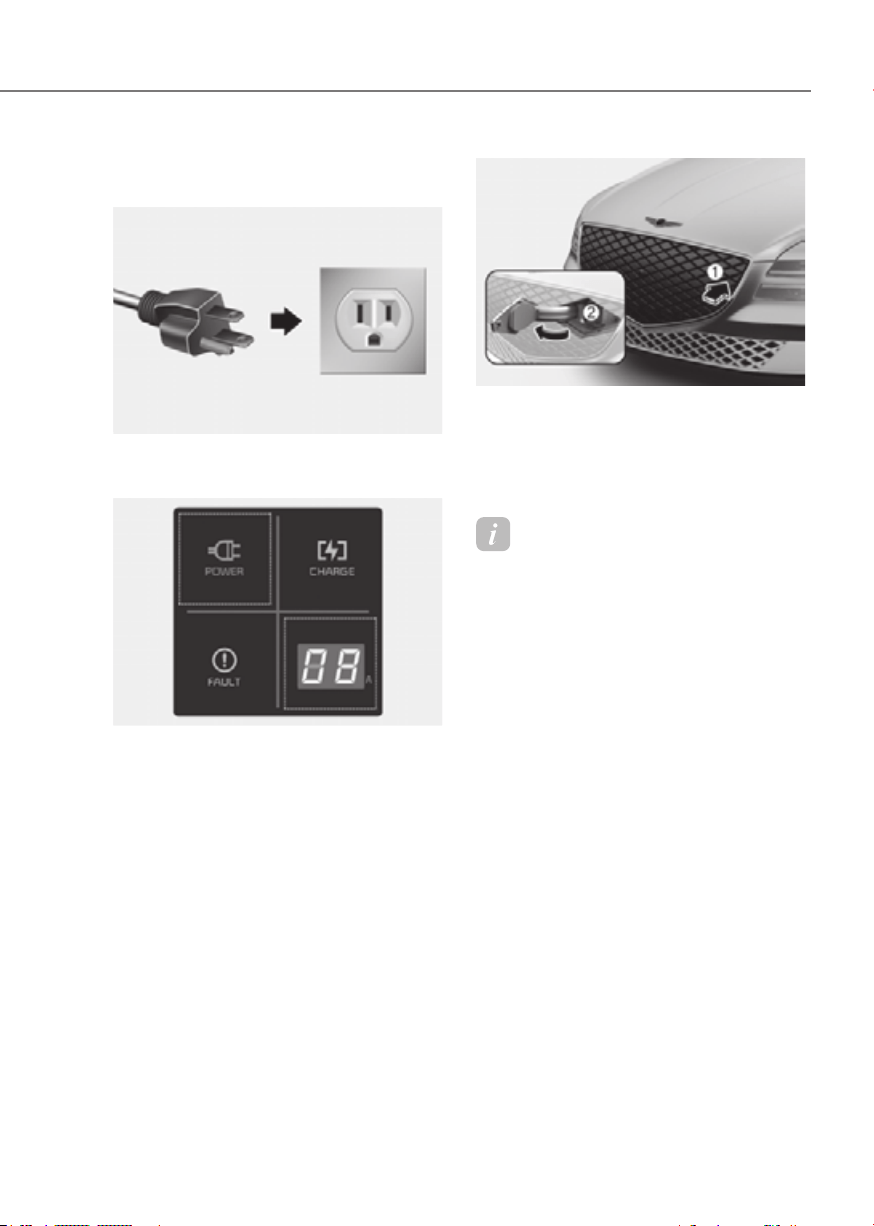
How to Set the Charge Level of the
Portable Charger
Plug Electric Outlet Plug Electric Outlet
ONE1041060NONE1041060N
1. Check the rated current of the electric
outlet prior to connecting the plug to
the outlet.
2. Connect the plug to a household
electric outlet.
3. Check the display window on the
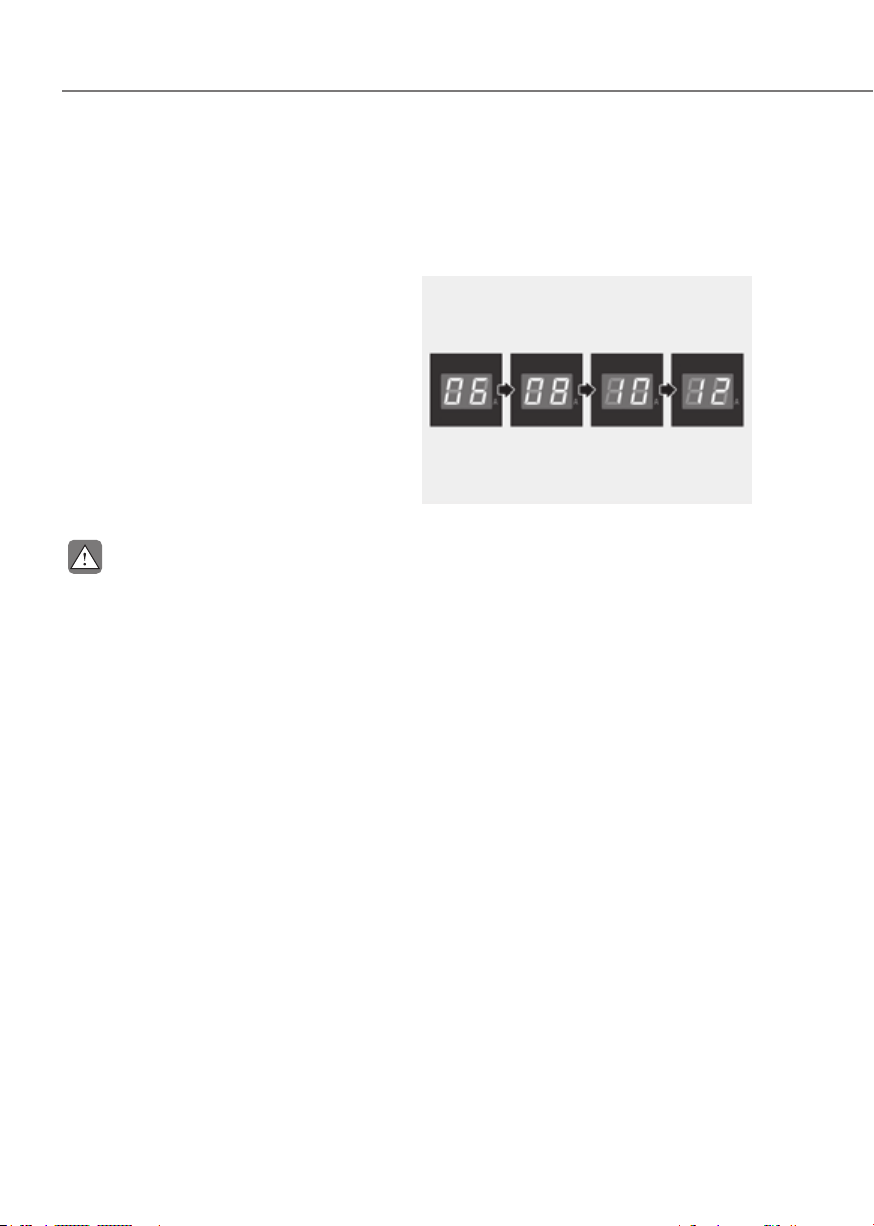
control box.
ORG3EVQ011075ORG3EVQ011075
4. Press the button (1) on the front of
the control box for 2 to 8 seconds
to adjust the charge level. (Refer to
charging cable type and example for
setting the charge level.)
5. The charge level on the display
window of the control box changes
every time you press the button (1).
6. When setting the charge level is
complete, start charging according to
the portable charge instructions.
1-38
Foreword / Starting Your Electric Vehicle
à Example for setting the ICCB charge level
The example is only for reference and may vary according to the surrounding
environment.
Outlet current ICCB charge level Control box display window
14-16A 12A
ORG3EVQ011076ORG3EVQ011076
13-12A 10A
11-10A 8A
9-8A 6A
CAUTION
Please make sure that charge level selection matches the capacity of your circuit
breaker to avoid blown fuse.
1-39
01
How to Connect Portable Charger
(ICCB: In-Cable Control Box)
Plug Electric Outlet Plug Electric Outlet
ONE1041060NONE1041060N
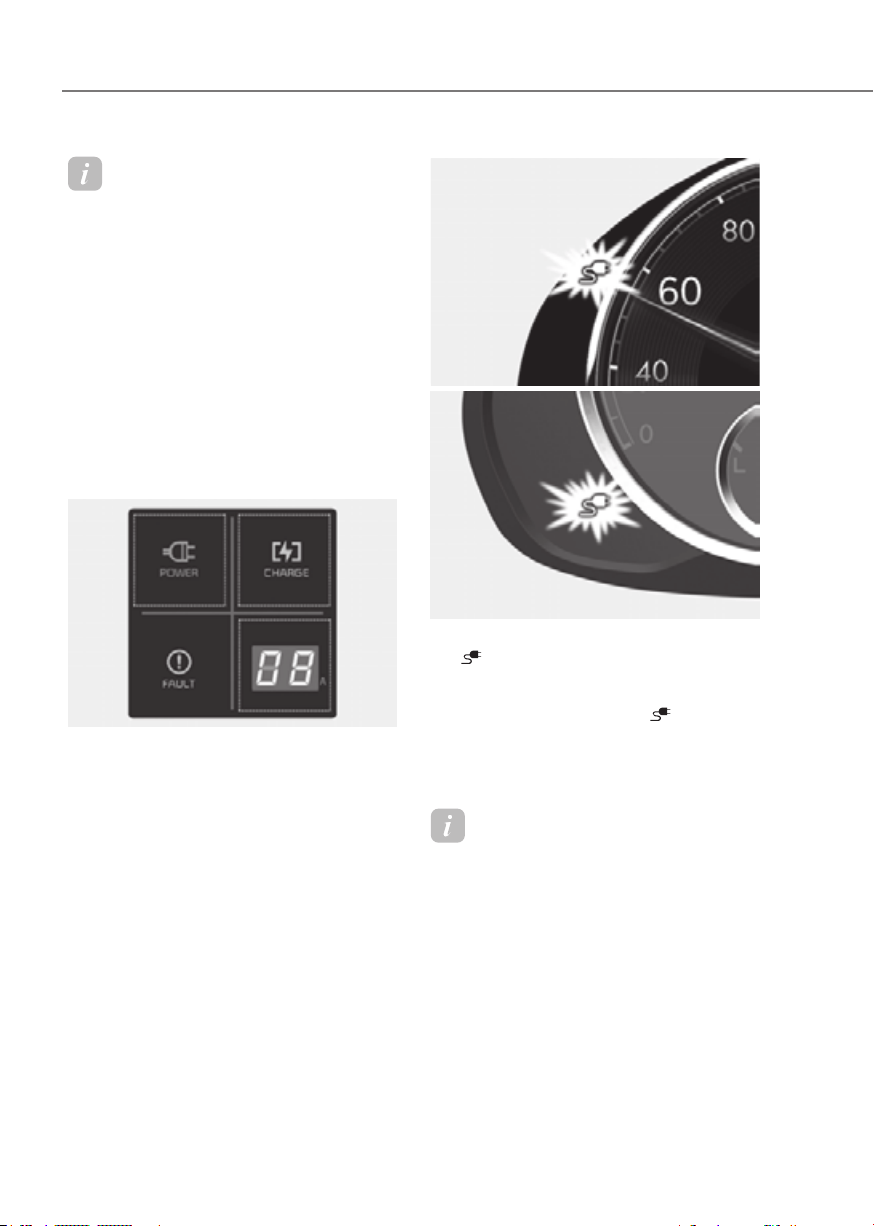
1. Connect the plug to a household
electric outlet.
ORG3EVQ011077ORG3EVQ011077
2. Check if the power lamp (green)
illuminates on the control box.
3. Depress the brake pedal and apply the
parking brake.
4. Turn OFF all switches, shift to P (Park),
and turn OFF the vehicle.
If charging is initiated without the
gear in P (Park), the charging will start
after the gear is automatically shifted
to P (Park).
ORG3EVQ011035ORG3EVQ011035
5. Push the charging door where the
triangle symbol (1) is located to open.
The charging door opens only when
the vehicle is unlocked.
6. Open the inlet cover (2).
Information
If you cannot open the charging door due
to freezing weather, tap lightly or remove
any ice near the charging door. Do not try
to forcibly open the charging door.
7. Open the protection caps of the
charging connector and the charging
plug. Check if there are any foreign
substances or dust.
8. Hold the charging connector handle
and connect it to the vehicle charging
inlet. Push the connector all the way
in. If the charging connector and
charging terminal are not connected
properly, this may cause a fire.
1-40
Foreword / Starting Your Electric Vehicle
Information
Locking Charging Cable
Select ‘EV→ Charging Connector Locking
Mode’ in the infotainment. The charging
connector is locked in the inlet at a
different period according to which mode
is selected.
• Always mode : The connector locks
when the charging connector is plugged
into the charging inlet.
• While charging mode : The connector
locks when charging starts.
For more details, refer to “Locking
Charging Cable” in this chapter.
ORG3EVQ011078ORG3EVQ011078
9. Charging starts automatically
(charging lamp illuminates).
Type AType A
ORG3EVQ011036NORG3EVQ011036N
Type BType B
ORG3EVQ011037ORG3EVQ011037
10. Check if the charging indicator light
(
) of the high voltage battery in
the instrument cluster is turned ON.
Charging is not active when the
charging indicator light (
) is OFF.
When the charging connector is not
connected properly, reconnect the
charging cable to charge it again.
Information
Even though charging is possible with
the Start/Stop button in the ON/START
position, for you safety, start charging
when the Start/Stop button is in the
OFF position and the vehicle shifted to P
(Park). After charging has started, you
can use electrical components such as the
radio by pressing the Start/Stop button to
the START or ON position.
During charging, the gear cannot be
shifted from P (Park) to any other gear.

1-41
01
ORG3EVQ011054LORG3EVQ011054L
11. After charging has started, the
estimated charging time is displayed
on the instrument cluster for about 1
minute.
If you open the driver seat door while
charging, the estimated charging time
is also displayed on the instrument
cluster for about 1 minute. When
scheduled charging or scheduled
air conditioner/heater is set, the
estimated charging time is displayed
as “--” .
Information
Depending on the condition and durability
of the high voltage battery, charger
specifications, and ambient temperature,
the time required for charging the battery
may vary.
Checking Charging Status
When charging the high voltage battery,
the charge level can be checked from
outside the vehicle.
For more details, refer to ‘Charge
Indicator Lamp for Electric Vehicle’ in
this chapter.

1-42
Foreword / Starting Your Electric Vehicle
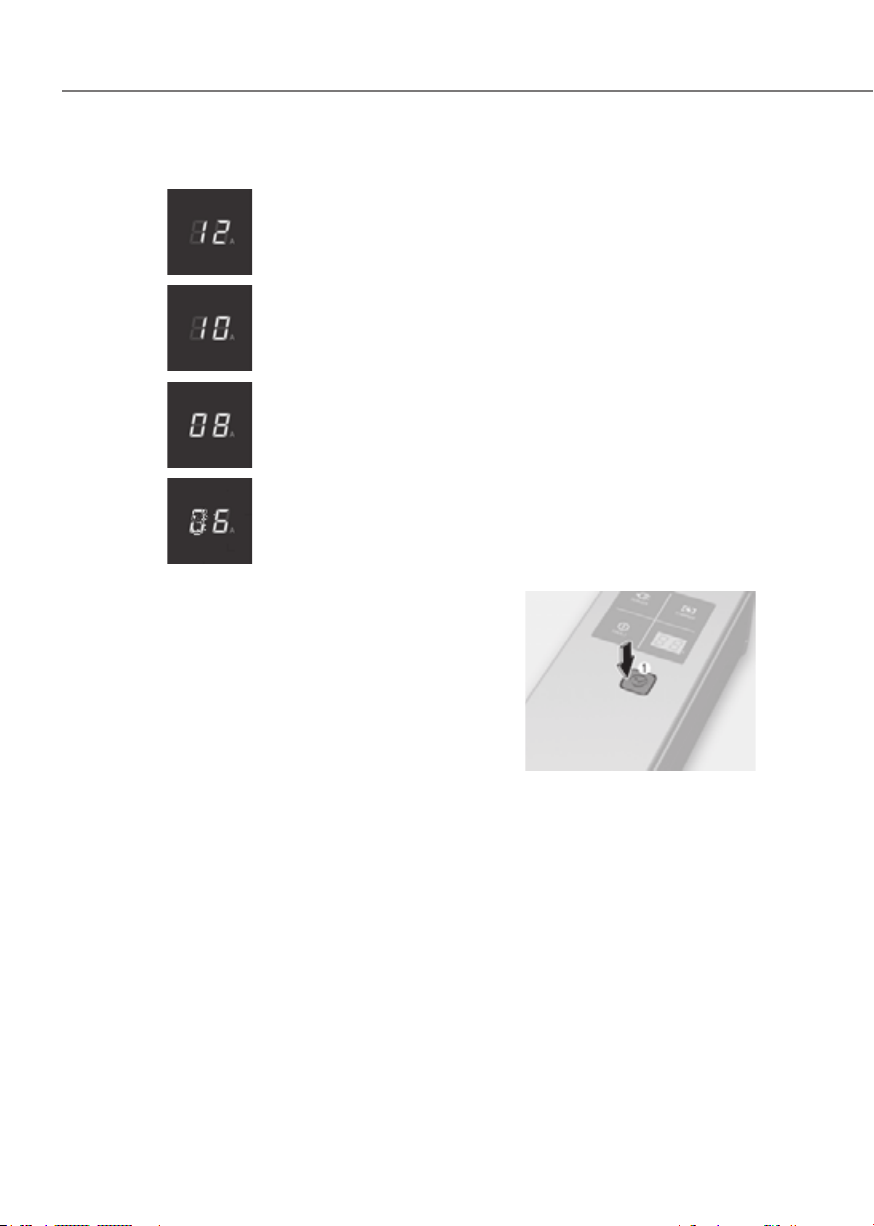
Charging Status Indicator Lamp for Portable Charger
Control BoxControl Box
ORG3EVQ011079ORG3EVQ011079
Indicator Details
POWER
On : Power on
CHARGE
On : Charge
Blink : Current limit due to high plug temperature or high
internal temperature
FAULT
Blink : Charging interrupted

1-43
01
Indicator Details
Error code
On : Error while charging/ Error during self-diagnosis
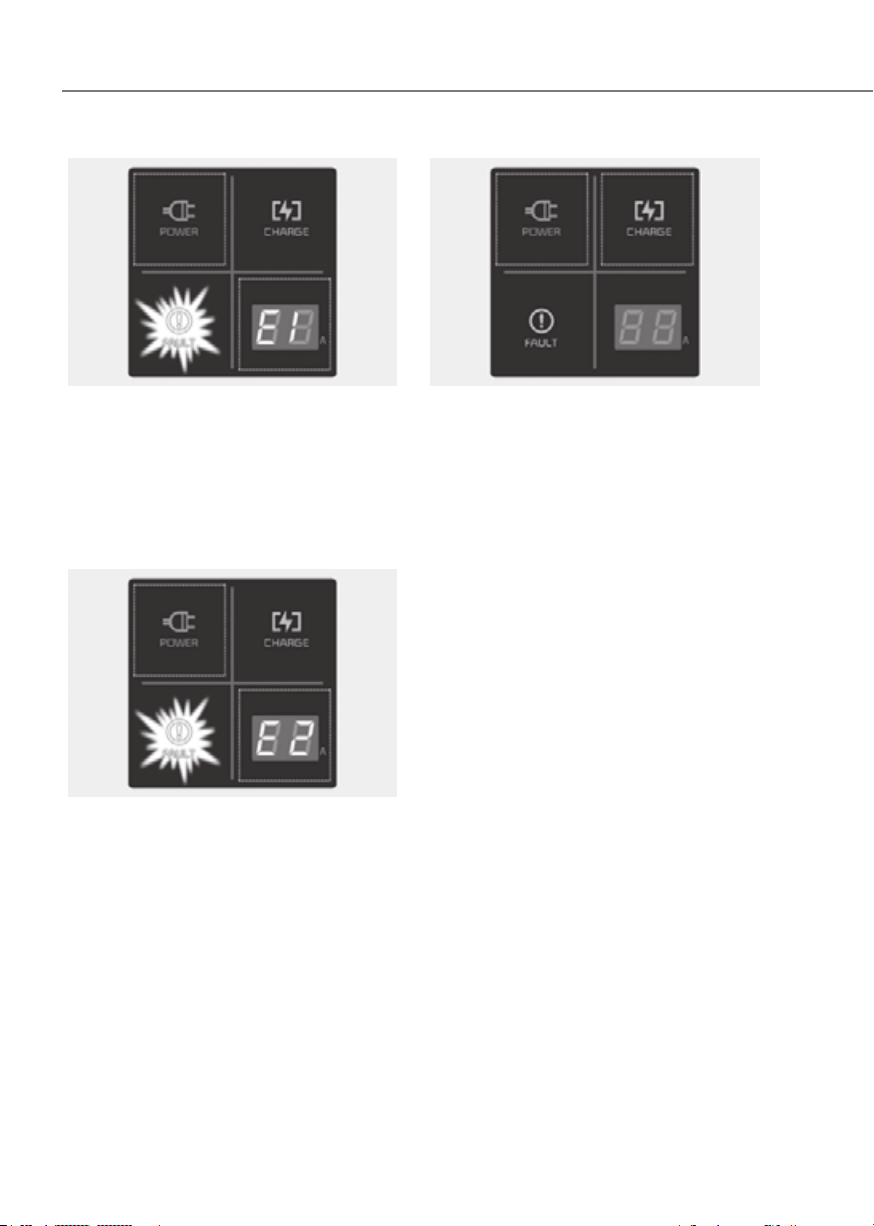
Error code Item Cause
E1
Control pilot
communication
Vehicle communication error
E2
Leakage
Current leakage
E3 Charger error
E4
Plug temperature
Plug overtemperature
warning
E5 Plug temperature failure
E6 Charger error
E7 Overcurrent Charging overcurrent warning
E8
Internal
temperature
Charger overheating
E9 Charger error
F1 Relay fusion Charger error
F2
Ground
monitoring/
Interrupt
Poor grounding of outlet
F3
Switched mode
power supply
power failure
Switched mode power supply
error (voltage failure)
F4
Switched mode power supply
error (abnormal voltage)
F5
Control pilot
voltage error
Control Pilot (-) voltage error
F6 Control Pilot (+) voltage error
F7
Temperature
sensor error
Plug temperature sensor error
F8
PCB internal temperature
sensor error
1-44
Foreword / Starting Your Electric Vehicle
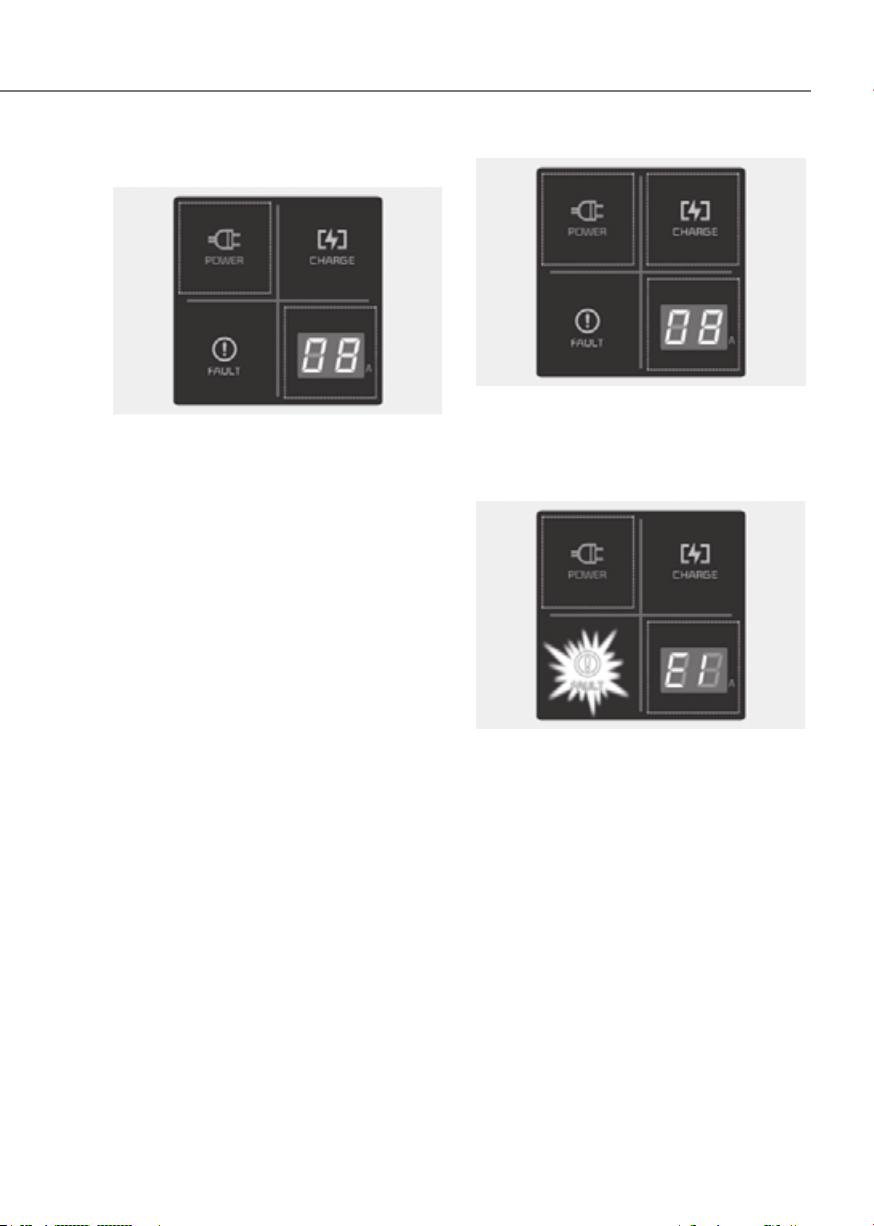
Indicator Details
CHARGE
LEVEL
12 A
10 A
8 A
6 A
The charging current changes whenever the
button (1) is pressed for less than 1 sec with
the charger plugged into an electrical outlet
but not the vehicle.
* The control box
ORG3EVQ011075ORG3EVQ011075
1-45
01
Status / Diagnosis / Countermeasure
ORG3EVQ011077ORG3EVQ011077
• Charging connector plugged into
vehicle (POWER Green ON)
• Plug connected to an electric outlet
(POWER Green ON)
Contact an authorized retailer of Genesis
Branded products.
ORG3EVQ011078ORG3EVQ011078
While charging
• Charge indicator (POWER Green ON /
CHARGE Blue ON)
• Charging current
ORG3EVQ011125LORG3EVQ011125L
Before plugging charging connector into
vehicle (POWER Green ON, FAULT Red
blink)
• Abnormal temperature
• ICCB (In-Cable Control Box) failure
Contact an authorized retailer of Genesis
Branded products.
1-46
Foreword / Starting Your Electric Vehicle
ORG3EVQ011125LORG3EVQ011125L
Plugged into vehicle (POWER Green ON,
FAULT Red Blink)
• Diagnostic device failure
• Current leakage
• Abnormal temperature
Contact an authorized retailer of Genesis
Branded products.
ORG3EVQ011126LORG3EVQ011126L
• Leakage current failure (POWER Green
ON, FAULT Red Blink)
• After disconnecting and reconnecting
the power plug, press and release the
button for 2 seconds or longer to clear
the error.
Contact an authorized retailer of Genesis
Branded products.
ORG3EVQ011127LORG3EVQ011127L
Power saving mode
• 7-segment display is turned off if there
is no status change for more than 1
minute.

1-47
01
How to Disconnect Portable Charger
(ICCB: In-Cable Control Box)
ORG3EVQ011069ORG3EVQ011069
1. Hold the charging connector handle
and pull it out.
Information
To prevent charging cable theft,
the charging connector cannot be
disconnected from the inlet when the
doors are locked or the charging connector
is in the ‘Locking while charging’ mode.
Unlock all doors to disconnect the
charging connector from the inlet.
However, if the vehicle is in the charging
connector ‘Always lock’ mode, the
charging connector automatically unlocks
from the inlet when charging is completed.
If you attempt to disconnect the charging
connector without pressing the release
button, the connector and the inlet may be
damaged.
For more details, refer to “Charging
Connector ‘Always lock’/‘Locking while
charging’ Mode” in this chapter.
If the release button does not work even
after the all doors are unlocked, pull
the emergency lift cable in the motor
room and press the release button in the
connector to disconnect it from the vehicle.
If the release button still does not work,
consult an authorized retailer of Genesis
Branded products.
Information
Some connectors installed in public
charging stations stop charging by
pressing the charge release button while
charging is locked, and the connector can
be disconnected.
2. Make sure to completely close the
charging door.
OAEE046507NOAEE046507N
3. Disconnect the plug from the
household electric outlet. Do not pull
the cable when disconnecting the
plug.
4. Close the protection caps of the
charging connector and the charging
plug to protect them from foreign
substances.
5. If the personal charging connector is
used, store the connector in the cable
compartment.

1-48
Foreword / Starting Your Electric Vehicle
Precautions for Portable Charger
(ICCB: In-Cable Control Box)
• Use the portable charger that is
certified by Genesis Branded Vehicle.
• Do not try to repair, disassemble, or
adjust the portable charger.
• Do not use an extension cord or
adapter.
• Stop using immediately when failure
occurs.
• Do not touch the plug and charging
connector with wet hands.
• Do not touch the terminal part of the
AC charging connector and the AC
charging inlet on the vehicle.
• Do not connect the charging
connector to voltage that does not
comply with regulations.
• Do not use the portable charger if it
is worn out, exposed, or there exists
any type of damage on the portable
charger.
• If the ICCB case and AC charging
connector is damaged, cracked, or the
wires are exposed in any way, do not
use the portable charger.
• Do not let children operate or touch
the portable charger.
• Keep the control box free of water.
• Keep the normal charging connector
or plug terminal free of foreign
substances.
• Do not step on the cable or cord. Do
not pull the cable or cord and do not
twist or bend it.
• Do not charge when there is lightning.
• Do not drop the control box or place a
heavy object on the control box.
• Do not place an object that can
generate high temperatures near the
charger when charging.
• Charging with the worn out or
damaged household electric outlet
can result in a risk of electric shock. If
you have doubts about the condition
of a household electric outlet, have it
checked by a licensed electrician.
• Stop using the portable charger
immediately if the household
electric outlet or any components is
overheated or you notice burnt odors.

1-49
01
Action to be taken when charging stops abruptly
When the high voltage battery does not charge, check the followings:
1. Check the charging setting for the vehicle. Refer to “Charge Management”, in this
chapter (for example, When scheduled charging is set, charging is not initiated
immediately when the AC charger or portable charger (ICCB: In-Cable Control Box)
is connected.)
2. Check the operation status of AC charger, portable charger and DC charger.
(Charging Status Indicator Lamp for Portable Charger, refer to “Checking Charging
Status” for trickle charge in this chapter.)
à Actual method for indicating the charging status may vary in accordance with the
charger manufacturer.
3. When the vehicle does not charge and a warning message appears on the cluster,
check the corresponding message. Refer to “Cluster Display Messages”, in this
chapter.
4. If the vehicle is properly charged when charged with another normally working
charger, contact the charger manufacturer.
5. If the vehicle does not charge when charged with another normally working
charger, contact an authorized retailer of Genesis Branded products for inspection.
6. If charging fails and the service warning light (
) is lit in the cluster, contact an
authorized retailer of Genesis Branded products.
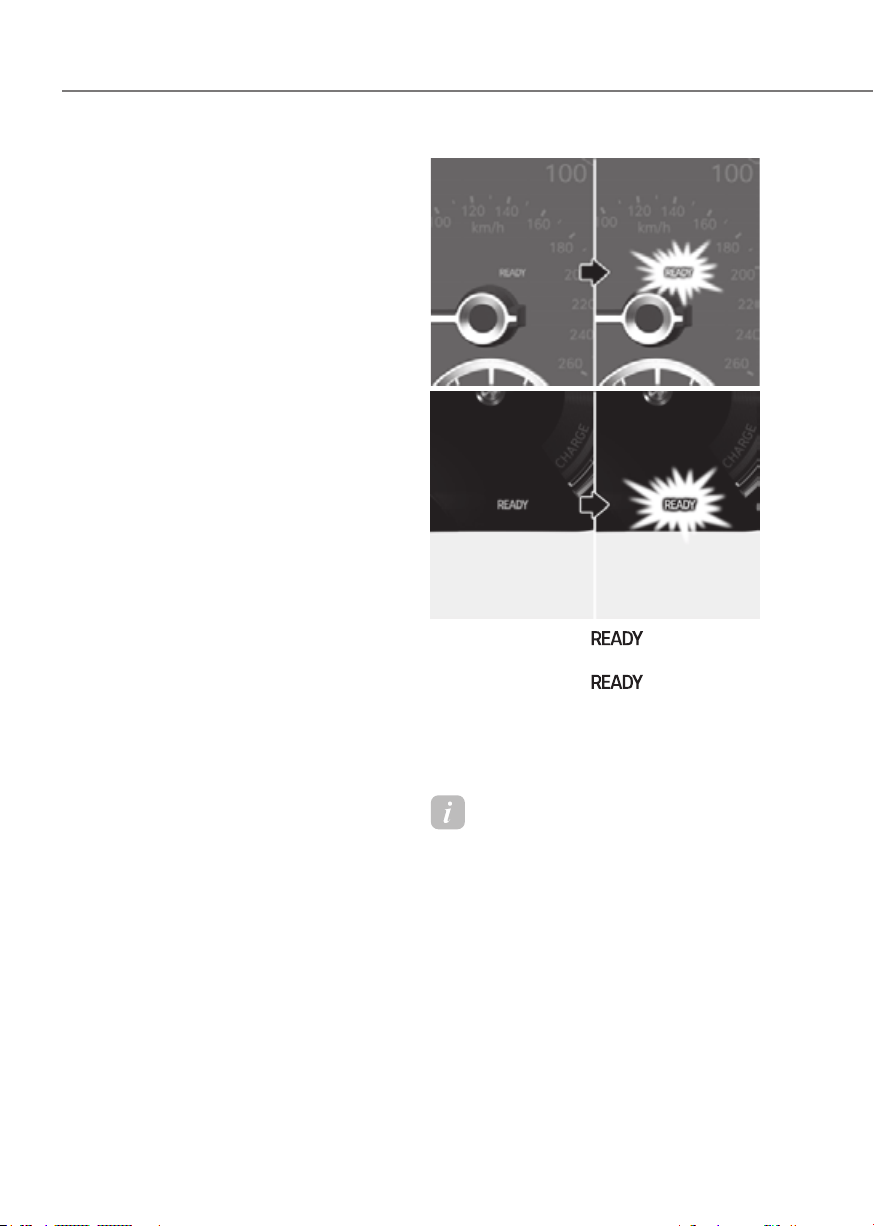
1-50
Foreword / Starting Your Electric Vehicle
DRIVING ELECTRIC VEHICLE
How to Start the Vehicle
1. Holding the smart key, sit in the
driver’s seat.
2. Fasten the seat belt before starting
the vehicle.
3. Make sure to engage the parking
brake.
4. Turn OFF all electrical devices.
5. Make sure to depress and hold the
brake pedal.
6. While depressing the brake pedal,
shift to P (Park).
7. Depress and hold the brake pedal
while pressing the Start/Stop button.
Type AType A
ORG3EVQ011038NORG3EVQ011038N
Type BType B
ORG3EVQ011040ORG3EVQ011040
8. When the ready “
” indicator is
ON, you can drive the vehicle.
When the ready “
” indicator
is OFF, you cannot drive the vehicle.
Start the vehicle again.
9. Depress and hold the brake pedal and
shift to the desired position.
Information
While the charging cable is connected, the
gear cannot be shift from P (Park) to any
other gear for safety reasons.
10. Release the parking brake and slowly
release the brake pedal. Check if the
vehicle slowly moves forward, then
depress the accelerator pedal.
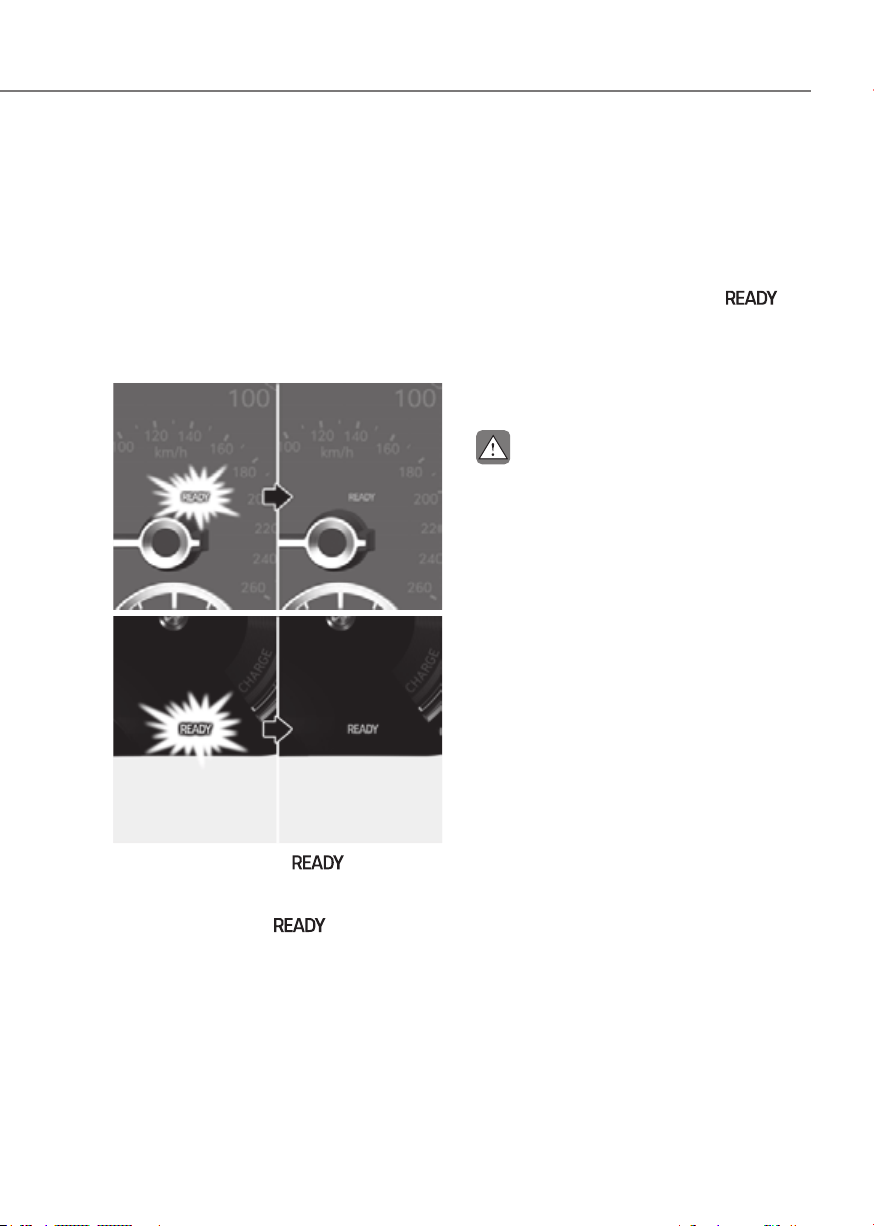
1-51
01
How to Stop the Vehicle
1. Hold down the brake pedal while the
vehicle is parked.
2. While depressing the brake pedal,
shift to P (Park).
3. While depressing the brake pedal,
engage the parking brake.
4. While depressing the brake pedal,
press the Start/Stop button and turn
off the vehicle.
Type AType A
ORG3EVQ011039NORG3EVQ011039N
Type BType B
ORG3EVQ011041ORG3EVQ011041
5. Check if the ready “
” indicator
is turned OFF on the instrument
cluster.
When the ready “
” indicator is
ON and the gear is in a position other
than P (Park), the driver can accidently
depress the accelerator pedal, causing
the vehicle to move unexpectedly.
Virtual Engine Sound System
The Virtual Engine Sound System
generates engine sound for pedestrians
to hear vehicle sound because there is
no sound while the Electric Vehicle (EV)
is operating.
• If the vehicle is in the ready (
)
mode and the gear is not in P (Park),
the VESS will be operated.
• When the gear is shifted to R
(Reverse), an additional warning
sound will be heard.
CAUTION
• The vehicle is much quieter while
driving than a conventional gasoline-
powered vehicle. Be aware of your
surroundings and always drive safely.
• After you park the vehicle or while
you are waiting at a traffic light,
check whether there are children or
obstacles around the vehicle.
• Check if there is something behind
the vehicle when driving in reverse.
Pedestrians may not hear the sound
of the vehicle.

1-52
Foreword / Starting Your Electric Vehicle
Distance to Empty
ORG3EVQ011043EORG3EVQ011043E
The distance to empty is displayed
differently according to the selected
drive mode in the Drive Mode Integrated
Control System.
For more information, refer to “Drive
Mode Integrated Control System” in
chapter 6.
When destination is not set
• On average, a vehicle can drive about
282 miles (454 km).
• Under certain circumstances where
the air conditioner/heater is ON,
the distance to empty is impacted,
resulting in a possible distance range
from 161 miles (300 km). When using
the heater during cold weather
or driving at high speed, the high
voltage battery consumes a lot more
electricity. This may reduce the
distance to empty significantly.
• After ‘0 km’ has been displayed,
the vehicle can drive an additional
2~5 miles (3~8 km) depending on
driving speed, heater/air conditioner,
weather, driving style, and other
factors.
• Distance to empty that is displayed
on the instrument cluster after
completing a recharge may vary
significantly depending on previous
operating patterns.
When previous driving patterns
include high speed driving, resulting
in the high voltage battery using more
electricity than usual, the estimated
distance to empty is reduced. When
the high voltage battery uses little
electricity in ECO mode, the estimated
distance to empty increases.
• Distance to empty may depend on
many factors such as the charge
amount of the high voltage battery,
weather, temperature, durability of
the battery, geographical features,
and driving style. When the ambient
temperature is low such as in winter,
the actual driving distance may
reduce due to degradation of the
battery.
• Natural degradation may occur with
the high voltage battery depending
on the number of years the vehicle is
used. This may reduce the distance to
empty.
When destination is set
When the destination is set, the distance
to empty may change. The distance
to empty is recalculated using the
information of the destination. However,
the distance to empty may vary
significantly based on traffic conditions,
driving habits, and condition of the
vehicle.
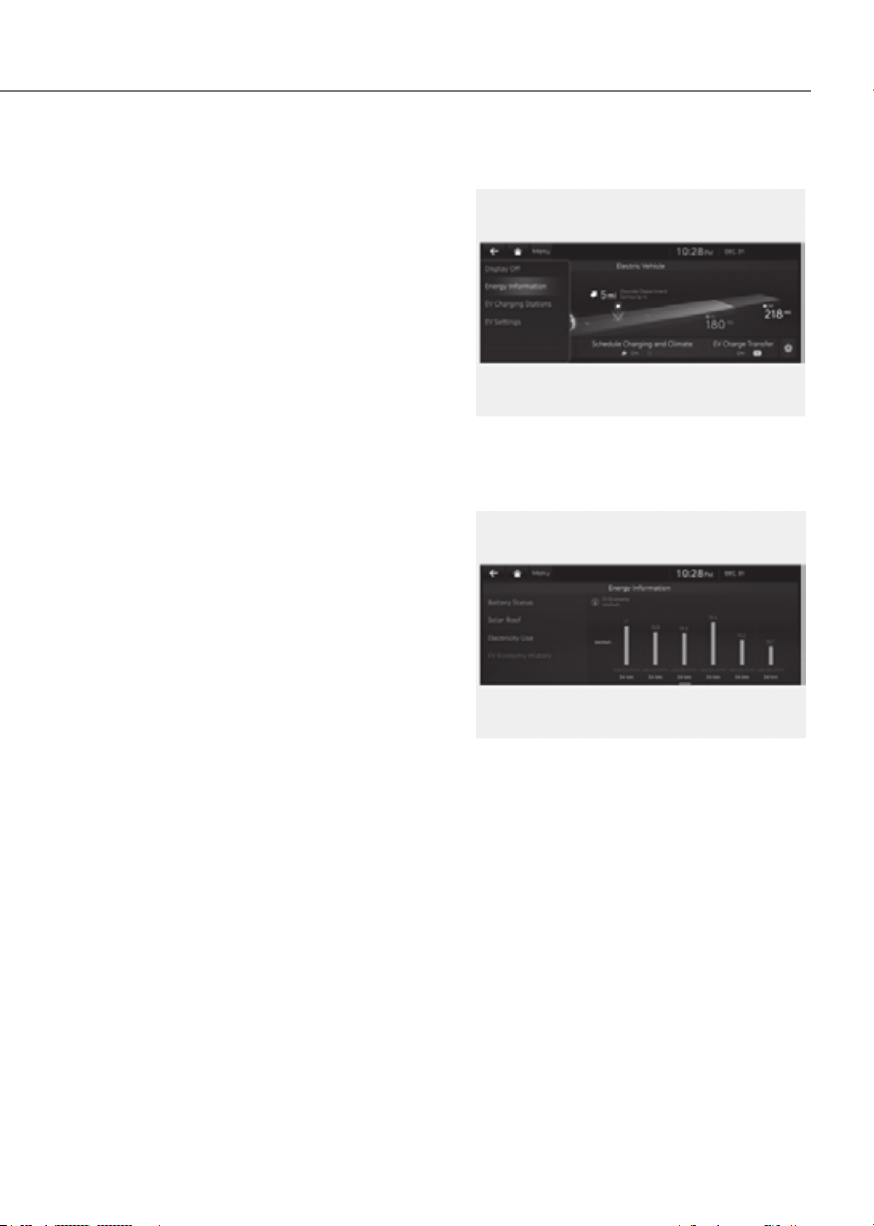
1-53
01
Tips for Improving Distance to
Empty
• If you operate the air conditioner /
heater too much, the driving battery
uses too much electricity. This
may reduce the distance to empty.
Therefore, it is recommended that
you set the cabin temperature to
72 °F (22 °C) AUTO. This setting has
been certified by various assessment
tests to maintain optimal energy
consumption rates while keeping the
temperature fresh.
Turn OFF the heater and air
conditioner if you do not need them.
• When the heater or air conditioning
system is on, the energy consumption
is reduced if recirculation mode is
selected instead of selecting the fresh
mode. The fresh mode requires large
amount of energy consumption as
the outside air has to be re-heated or
cooled.
• When using the heater or air
conditioning system use the DRIVER
ONLY or scheduled air conditioner/
heater function.
• Depress and hold the accelerator
pedal to maintain speed and drive
economically.
• Gradually depress and release the
accelerator pedal when accelerating
or decelerating.
• Always maintain specified tire
pressures.
• Do not use unnecessary electrical
components while driving.
• Do not load unnecessary items in the
vehicle.
• Do not mount parts that may increase
air resistance.
ECO Driving
ORG3EVQ013114NORG3EVQ013114N
In order to check the ECO driving history,
Electric energy economy history
ORG3EVQ011115AUORG3EVQ011115AU
It is possible to check the history of
electric energy economy with the date
and distance of previous driving. The
icon is displayed on the most efficient
electric energy economy record.
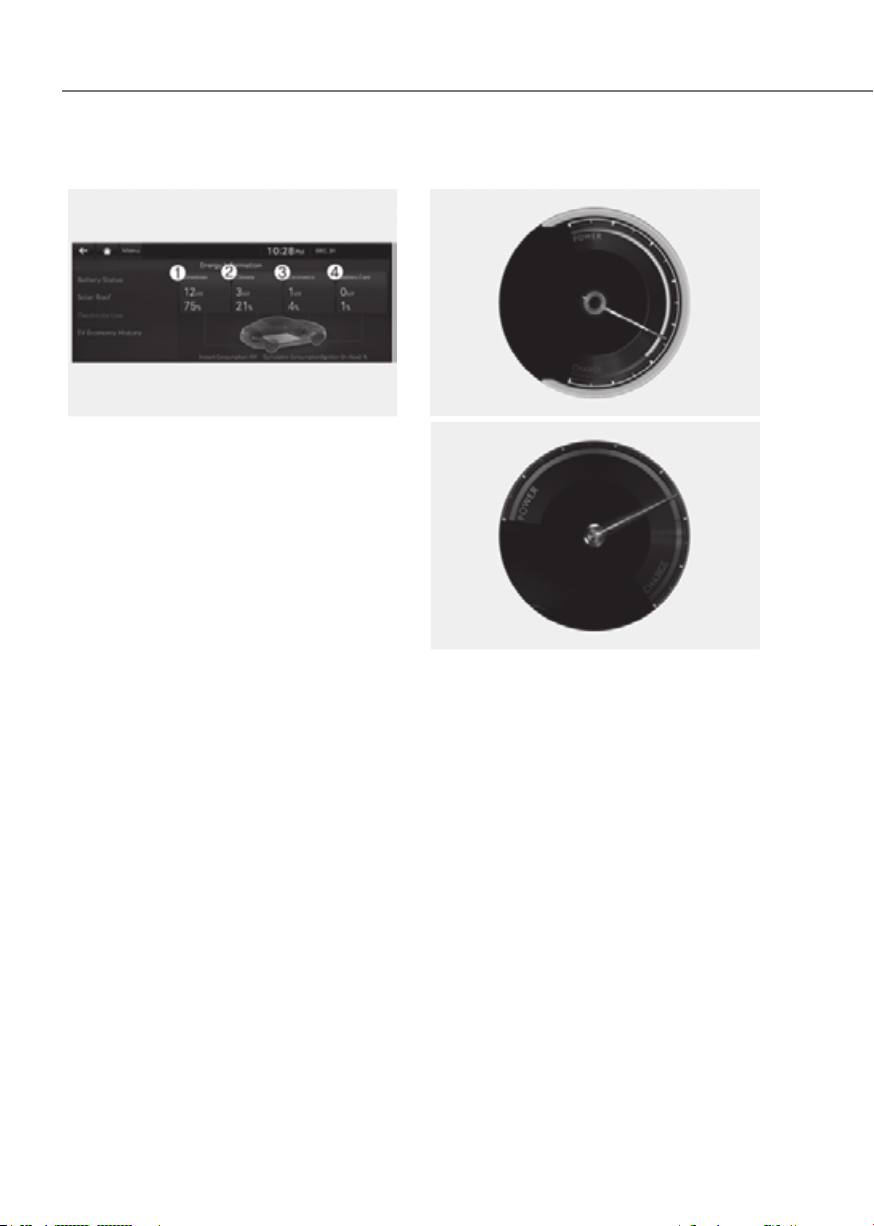
1-54
Foreword / Starting Your Electric Vehicle
Electricity Use
ORG3EVQ011116AUORG3EVQ011116AU
In order to check the current energy
consumption for each system of the
the screen.
1. ‘Battery care’ shows the momentary
power and energy consumption which
are used when:
- Operating the winter mode to
increase the battery temperature
during winter to improve the driving
performance.
- Cooling down the battery
temperature during summer to
prevent over temperature of the
battery.
2. ‘Climate’ shows the power and energy
consumption which are used by the
heater or air conditioner.
3. ‘Electronics’ shows the power and
energy consumption which are used
by the vehicle systems including the
cluster, infotainment system (speaker
and navigation), headlight, vehicle
control unit, etc.
4.
‘Driving’ shows the total power
and energy consumption of the
driving motor’s driving energy and
regenerative energy.
Power/Charge Gauge
Type AType A
ORG3EVQ011045ORG3EVQ011045
Type BType B
ORG3EVQ011044ORG3EVQ011044
The Power/Charge Gauge shows the
energy consumption and recovery status
of the electric motor.
• POWER:
It shows discharging status of the
electric motor when vehicle is
accelerating or driving on a uphill
road. The more electric energy is
discharged (used), the higher the
gauge level.
• CHARGE:
It shows the charging status of
the electric motor when vehicle
is decelerating or driving on a
downhill road (being charged by
the regenerative brakes). The more
electric energy is charged, the lower
the gauge level.
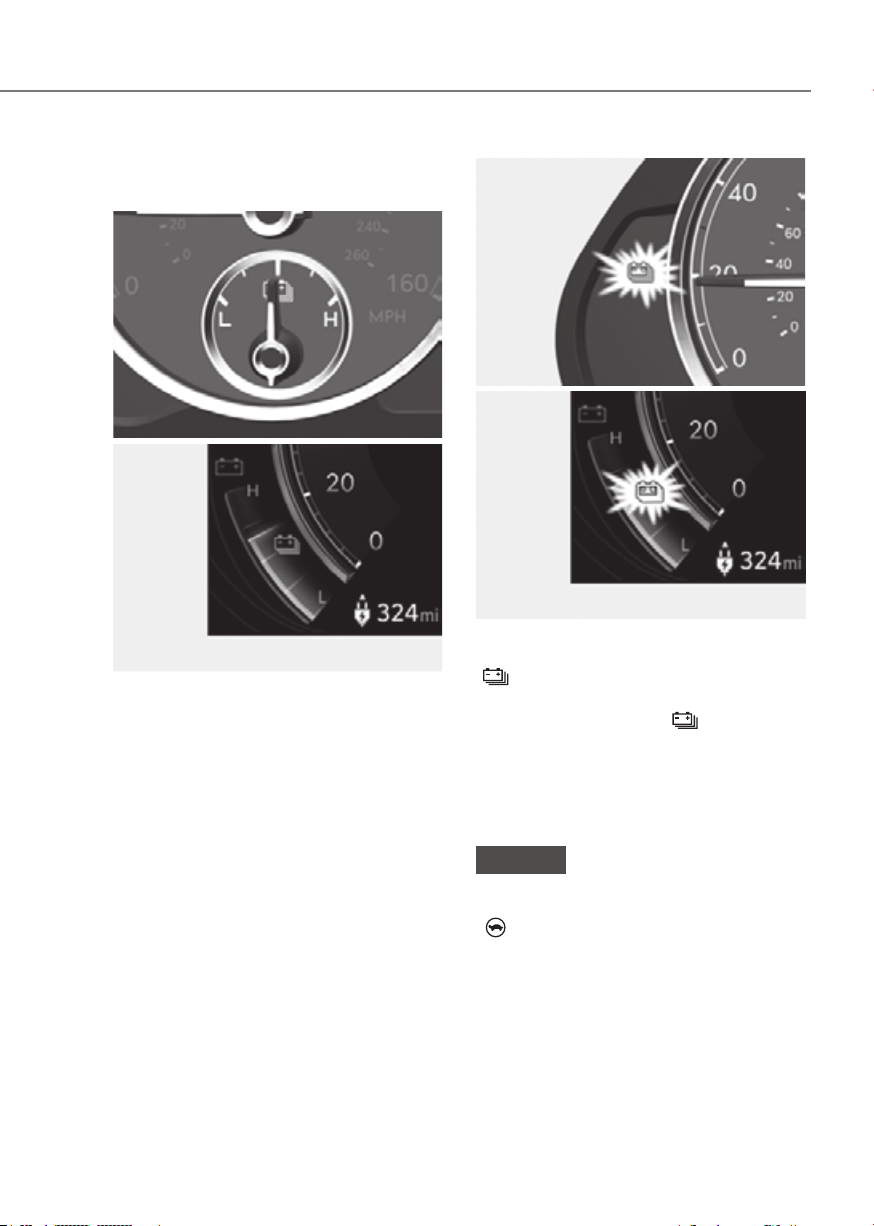
1-55
01
State Of Charge (SOC) Gauge for
High Voltage Battery
8-inch8-inch
ORG3EVQ011047NORG3EVQ011047N
12.3-inch 3D12.3-inch 3D
ORG3EVQ011004NORG3EVQ011004N
• The SOC gauge shows the charging
status of the high voltage battery.
• The ‘L’ on the indicator indicates that
there is not enough energy in the high
voltage battery. ‘H’ indicates that the
driving battery is fully charged.
• When driving on highways or
motorways, make sure to check
in advance if the driving battery is
charged enough.
Type AType A
ORG3EVQ011046NORG3EVQ011046N
Type BType B
ORG3EVQ011005NORG3EVQ011005N
When the remaining battery is lower than
12 % on the SOC gauge, the warning light
(
) turns ON to alert you of the battery
level.
When the warning light (
) turns ON,
the vehicle can drive an additional 13 ~
26 miles (25 ~ 50 km) depending on the
driving speed, heater/air conditioner,
weather, driving style, and other factors.
Charging is required.
NOTICE
When the high voltage battery level is
low, the power down indicator light
(
) illuminates and the vehicle power
is limited.
Charge the battery immediately since
your vehicle may not be driven, or may
roll back on a slope with the indicator
light ON.
1-56
Foreword / Starting Your Electric Vehicle
Warning and Indicator Lights
(related to electric vehicle)
Ready Indicator
This indicator illuminates:
When the vehicle is ready to be driven.
- ON : Normal driving is possible.
- OFF : Normal driving is not possible,
or a problem has occurred.
- Blinking : Emergency driving.
When the ready indicator goes OFF
or blinks, there is a problem with the
system. In this case, have your vehicle
inspected by an authorized retailer of
Genesis Branded products.
Service Warning Light
This warning light illuminates:
• When the Start/Stop button is in the
ON position.
- It illuminates for approximately 3
seconds and then goes off.
• When there is a problem with related
parts of the electric vehicle control
system, such as sensors, etc.
When the warning light illuminates while
driving, or does not go OFF after starting
the vehicle, have your vehicle inspected
by an authorized retailer of Genesis
Branded products.
Power Down Indicator Light
This indicator light illuminates:
When the power is limited for the safety
of the high-powered parts of an electric
vehicle. The power is limited for the
following reasons. (Unless both Service
Warning Light and Power Down Indicator
Light illuminate at the same time, it is not
a failure.)
- The high voltage battery level is too
low or voltage is decreasing
- The temperature of the high voltage
battery is too high or too low
- The temperature of the motor is high
NOTICE
• Do not accelerate or start the vehicle
suddenly when the power down
indicator light is ON.
• When the power is limited for the
safety of the high-powered parts of
an electric vehicle, the power down
indicator light illuminates. Your
vehicle may not be driven, or may roll
back on a slope with the indicator
light ON due to the limitation of
vehicle power.
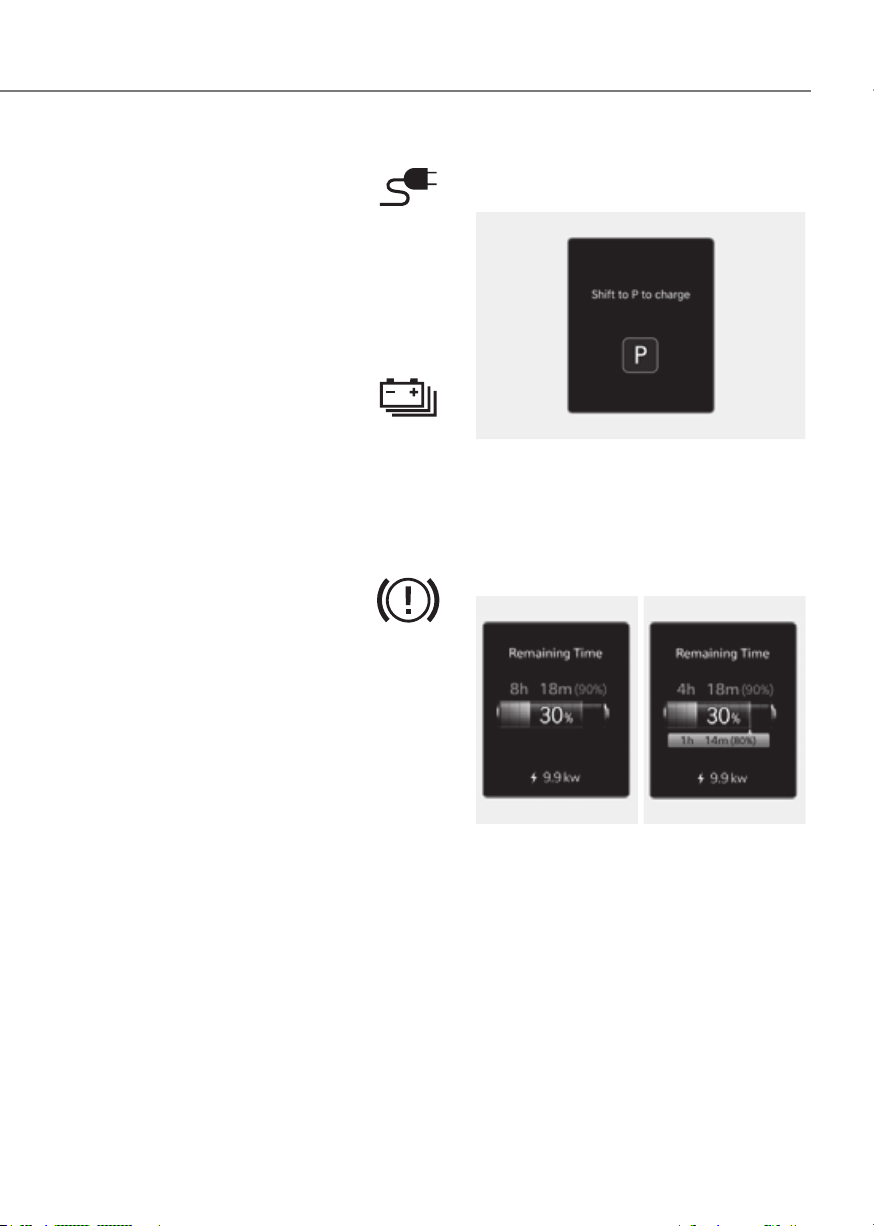
1-57
01
Charging Connector
Indicator Light
This warning light indicates the
connection status of the charging
connector. When the charging connector
is connected to the vehicle, the green
light illuminates for approximately 1
minute.
High Voltage Battery Level
Warning Light
This warning light illuminates:
• When the high voltage battery level
is low.
• When the warning light turns ON,
charge the battery immediately.
Regenerative Brake Warning
Light
This warning light illuminates:
When the regenerative brake does not
operate and the brake does not perform
well. This causes the Brake Warning
light (red) and Regenerative Brake
Warning Light (yellow) to illuminate
simultaneously.
In this case, drive safely and have your
vehicle inspected by an authorized
retailer of Genesis Branded products.
The operation of the brake pedal may
be more difficult than normal and the
braking distance can increase.
Cluster Display Messages
Shift to P to charge
ORG3EVQ011117NORG3EVQ011117N
This message is displayed if you connect
the charging cable without the gear in
the P (Park) position.
Shift to P (Park) before connecting the
charging cable.
Remaining Time
AC chargeAC charge DC chargeDC charge
ORG3EVQ011054LORG3EVQ011054L ORG3EVQ011055LORG3EVQ011055L
This message displays how much time
remains until the battery is charged to
the selected target battery charge level.
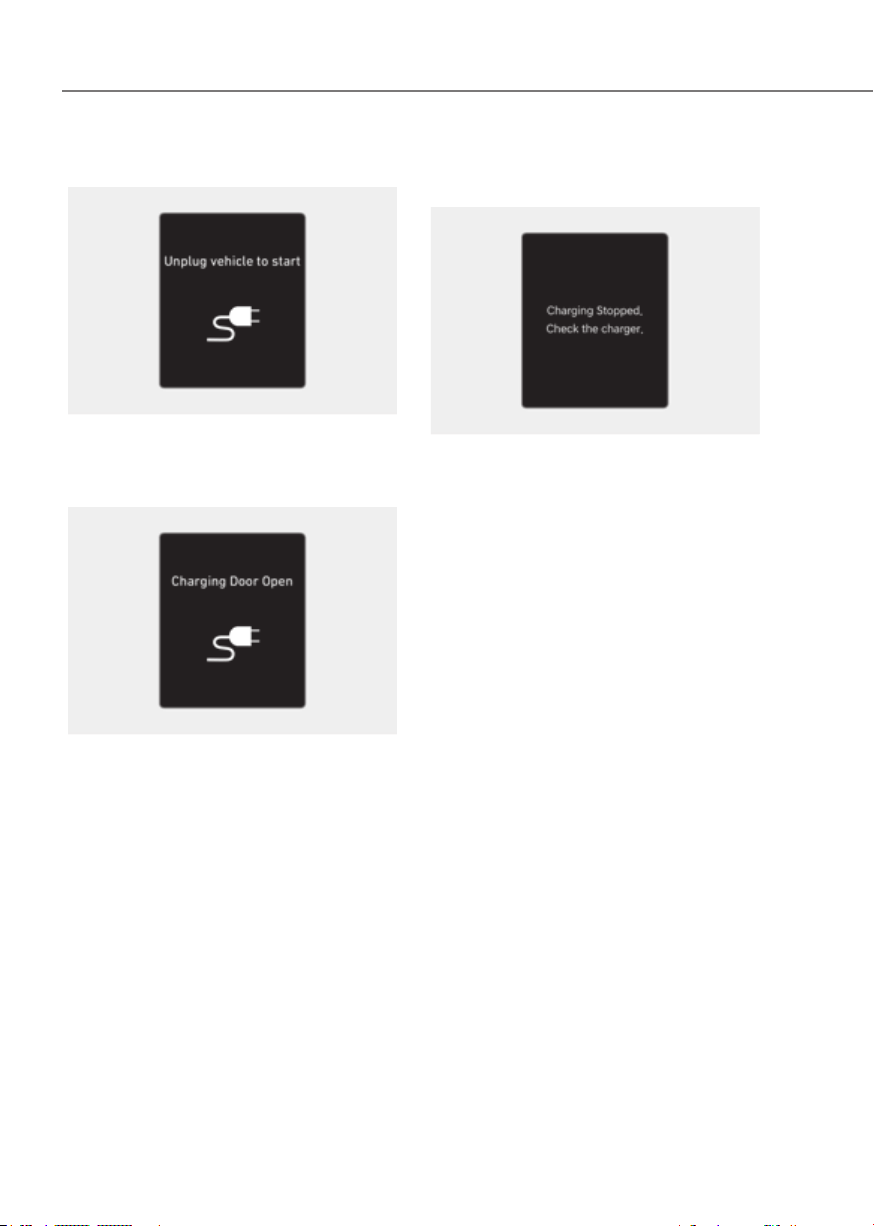
1-58
Foreword / Starting Your Electric Vehicle
Unplug Vehicle to Start
OOSEV040498LOOSEV040498L
This message is displayed when you
start the vehicle without unplugging the
charging cable. Unplug the charging
cable, and then turn on the vehicle.
OOSEV040499LOOSEV040499L
This message is displayed when the
vehicle is driven with the charging door
opened. Close the charging door and
then start driving.
Charging Stopped. Check the
Charger
ORG3EVQ011119NORG3EVQ011119N
• This warning message is displayed
when charging is stopped for the
reasons below:
- There is a problem with the external
AC charger or DC charger
- The external AC charger stopped
charging
- The charging cable is damaged
In this case, check whether there is any
problem with the external AC or DC
charger and charging cable.
If the same problem occurs when
charging the vehicle with a normally
operating AC charger or genuine Genesis
portable charger, have your vehicle
inspected by an authorized retailer of
Genesis Branded products.
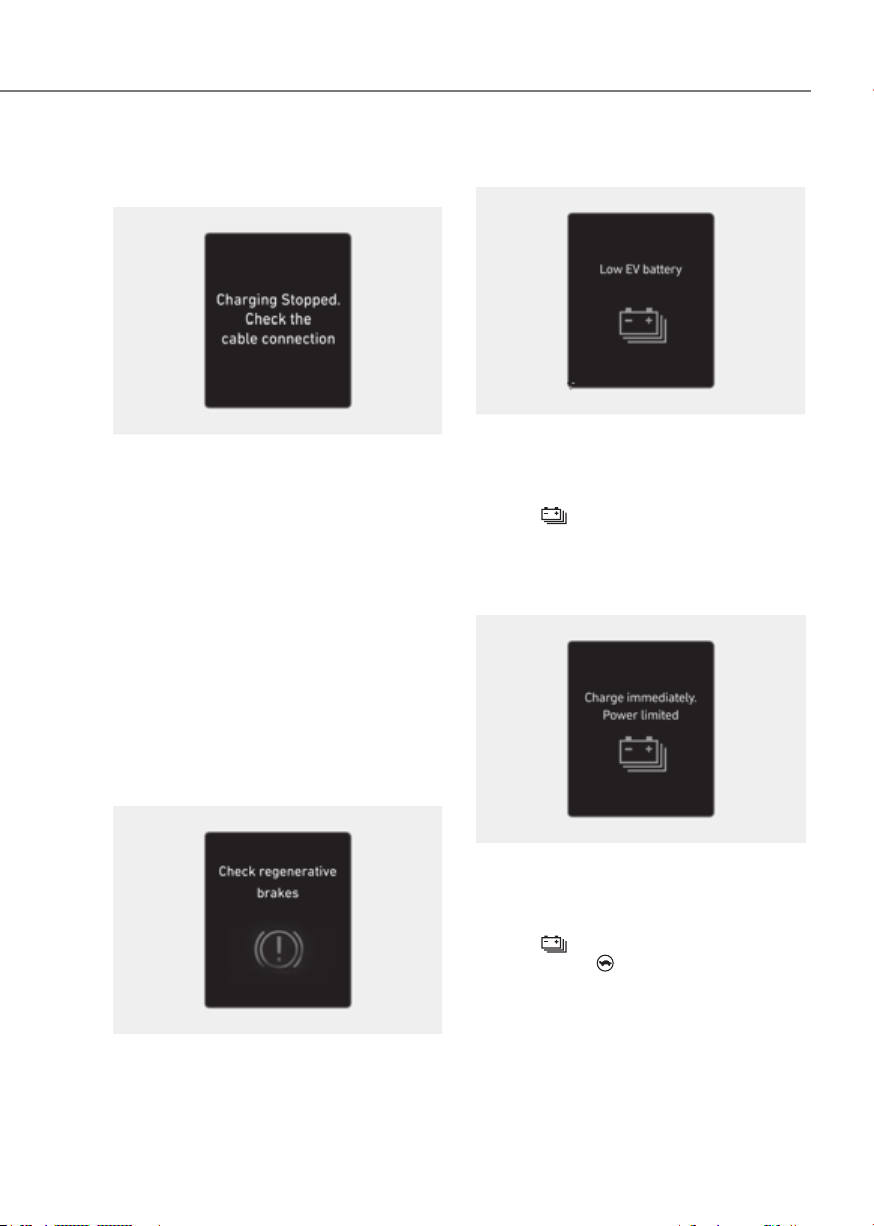
1-59
01
Charging Stopped. Check the Cable
Connection
OOSEV040502LOOSEV040502L
This warning message is displayed
when charging is stopped because the
charging connector is not correctly
connected to the charging inlet
In this case, separate the charging
connector and re-connect it and check
whether there is any problem (external
damage, foreign substances, etc.) with
the charging connector and charging
inlet.
If the same problem occurs when
charging the vehicle with a replaced
charging cable or genuine Genesis
portable charger, have your vehicle
inspected by an authorized retailer of
Genesis Branded products.
Check Regenerative Brakes
OOSEV040503EOOSEV040503E
This warning message is displayed when
the regenerative brake system does
not work properly. In this case, have
the vehicle inspected by an authorized
retailer of Genesis Branded products.
Low EV Battery
ORG3EVQ011001LORG3EVQ011001L
When the high voltage battery level
reaches below approximately 12%, this
warning message is displayed.
The warning light on the instrument
cluster (
) will turn ON simultaneously.
Charge the high voltage battery
immediately.
Charge Immediately. Power Limited
ORG3EVQ011122LORG3EVQ011122L
When the high voltage battery level
reaches below approximately 6%, this
warning message is displayed.
The warning light on the instrument
cluster (
) and the power down
indicator light (
) will turn on
simultaneously.
The vehicle’s power will be reduced to
minimize the energy consumption of the
high voltage battery. Charge the high
voltage battery immediately.
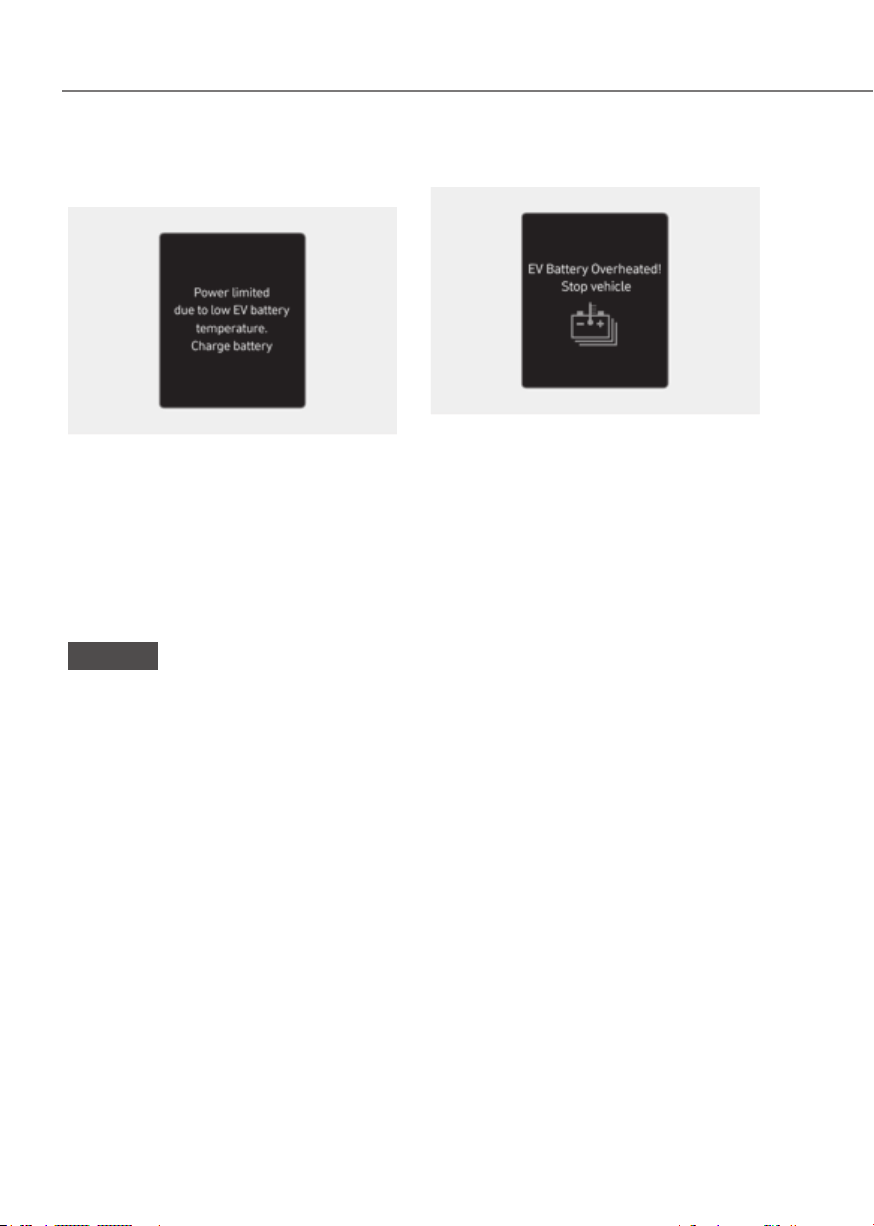
1-60
Foreword / Starting Your Electric Vehicle
Power Limited due to low EV Battery
Temperature. Charge Battery
ORG3EVQ011123LORG3EVQ011123L
Both warning messages are displayed
to protect electric vehicle system when
outside temperature is low. If the high
voltage battery charging level is low
and parked outside in low temperature
for a long time, vehicle power could be
limited.
Charging the battery before driving helps
increase power.
NOTICE
If these warning messages are still
displayed even after the ambient
temperature has increased, have the
vehicle inspected by an authorized
retailer of Genesis Branded products.
EV Battery Overheated! Stop Vehicle
ORG3EVQ011050LORG3EVQ011050L
This warning message is displayed to
protect battery and electric vehicle
system when the high voltage battery
temperature is too high.
Turn off the Start/Stop button and
stop the vehicle so that the battery
temperature decreases.

1-61
01
Power Limited
ORG3EVQ011003LORG3EVQ011003L
This warning message is displayed:
• To ensure the safety of high-powered
components of electric vehicles, the
power is limited for the following
reasons. (Unless both Service Warning
Light and Power Down Indicator Light
illuminate at the same time, it is not a
failure.)
- The high voltage battery level is too
low or voltage is decreasing
- The temperature of the high voltage
battery is too high or too low
- The temperature of the motor is
high
NOTICE
• When this warning message is
displayed, do not accelerate or start
the vehicle suddenly.
• When the power is limited for the
safety of the high-powered parts
of an electric vehicle, the warning
message is displayed. Your vehicle
may not be driven, or may roll back
on a slope with the warning message
displayed due to the limitation of
vehicle power.
Stop Vehicle and Check Power
Supply
ORG3EVQ011051LORG3EVQ011051L
This warning message is displayed when
a failure occurs in the power supply
system.
In this case, park the vehicle in a safe
location and have your vehicle towed to
the nearest authorized retailer of Genesis
Branded products and have the vehicle
inspected.
Check Virtual Engine Sound System
This message is displayed when there is
a problem with the Virtual Engine Sound
System (VESS).
In this case, have the vehicle inspected
by an authorized retailer of Genesis
Branded products .

1-62
Foreword / Starting Your Electric Vehicle
Check Electric Vehicle System
OOSEV040513LOOSEV040513L
This warning message is displayed when
there is a problem with the electric
vehicle control system.
Refrain from driving when the warning
message is displayed.
In this case, have the vehicle inspected
by an authorized retailer of Genesis
Branded products .
Aux. Battery Saver+
The Aux. Battery Saver+ is a function that
monitors the charging status of the 12 V
auxiliary battery. If the auxiliary battery
level is low, the main high voltage battery
charges the auxiliary battery.
Information
• The Aux. Battery Saver+ function
cannot prevent battery discharge if the
auxiliary battery is damaged, worn out,
used as a power supply or unauthorized
electronic devices are used.
• If the Aux. Battery Saver+ function was
activated, the high voltage battery level
may have decreased.
WARNING
ORG3EVQ011146ORG3EVQ011146
When this function is activating the
indicator lamp will illuminate and high
voltage electricity will be flowing into
the vehicle. Do not touch the high
voltage electric wire, connector, or any
electrical components and devices.This
may cause an electric shock and lead
to injuries. Also, do not modify your
vehicle in any way. This may affect your
vehicle performance and lead to an
accident.

1-63
01
Countermeasures for Accidents
or Fire
When an accident occurs while driving
the electric vehicle, turn on the hazard
warning flasher, move the vehicle to a
safe place, and do not let other people
approach the site.
WARNING
When an accident occurs, and the high
voltage battery is damaged, harmful
gas and electrolytes may leak.
• Be careful not to touch the leaked
liquid.
• When you suspect leakage of
inflammable gas and other harmful
gases, open the windows and
immediately evacuate to a safe
location.
• If any leaked fluid comes in contact
with your eyes or skin, immediately
clean the affected area thoroughly
with tap water or saline solution and
have doctors inspect it as soon as
possible.
If the electric vehicle catches fire
If a fire occurs, evacuate to a safe place
and do not let other people approach the
site.
• Contact the fire department, report an
electric vehicle fire, and then follow its
instructions.
CAUTION
• If a fire occurs, evacuate to a safe
place and wait until the firefighters
arrive.
• If the lower part of the vehicle where
the high voltage battery is located
catches fire, large amount of water
must be supplied continuously for a
long time to completely extinguish
the fire. It is hard to extinguish the
fire without sufficient water and
appropriate fire extinguishers. If you
approach the vehicle carelessly, it
may cause accidents, such as electric
shock, and result in serious injury.
If the electric vehicle is submerged
If the electric vehicle is submerged while
driving, follow the instructions below:
• Immediately turn off the vehicle and
evacuate to a safe place with your key.
• Contact the emergency rescue service
such as a fire department, or an
authorized retailer of Genesis Branded
products.
WARNING
Never touch the submerged electric
vehicle. This may lead to an accident
such as an electric shock or fire.
SAFETY PRECAUTIONS FOR ELECTRIC VEHICLE

1-64
Foreword / Starting Your Electric Vehicle
WARNING
ORG3EVQ011089ORG3EVQ011089
[A] : Dollies
For AWD vehicles, it must be towed
with a wheel lift and dollies or flatbed
equipment with all the wheels off the
ground.
WARNING
ORG3EV081033LORG3EV081033L
ORG3EV081012ORG3EV081012
• If towing is required, lift all wheels
to tow. Towing with the wheels on
the ground can damage the vehicle’s
motor components.
• Contact the fire department when
towing the vehicle after a fire. When
a vehicle fire occurs due to the
battery, there is a risk of a second
fire.
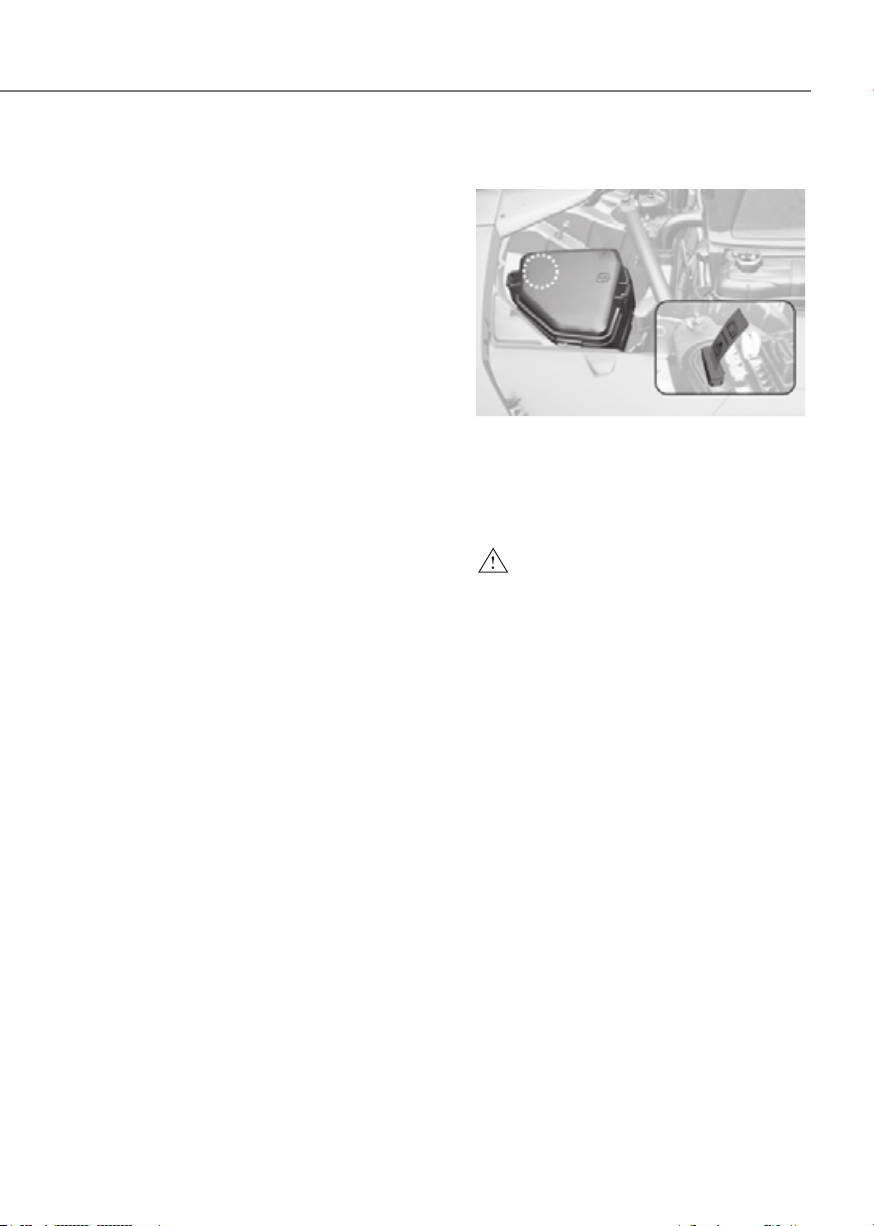
1-65
01
Other Precautions for Electric
Vehicle
• When you paint or apply heat
treatment to the vehicle as a result of
an accident, the performance of the
high voltage battery can be reduced.
• If heat treatment is required, contact
an authorized retailer of Genesis
Branded products .
• When you clean the motor
compartment, do not use high
pressure water to wash. This may
cause an electric shock due to a
discharge in high voltage electricity,
or damage the vehicle’s electric
system.
• Use or install genuine Genesis part or
the equivalent (of the genuine part)
specified for your vehicle.
High Voltage Cut-Off Switch
ORG3EVQ011010ORG3EVQ011010
High voltage cut-off switch is a device
located inside the motor compartment
to block the battery’s high voltage when
your vehicle is inspected at an authorized
retailer of Genesis Branded products.
WARNING
• Never touch the high voltage cut-off
switch. This could result in serious
injury or death in a collision or
electric shock.
• If the high voltage cut-off switch
requires an inspection or repair,
contact an retailer of Genesis
Branded products.
• Never disconnect or cut the high
voltage cut-off switch except in
an emergency situation. Serious
problems may occur, such as the
vehicle may not start.

2
2. Vehicle Information,
Consumer Information and
Reporting Safety Defects
Exterior Overview (Front View) ........................................................................ 2-2
Exterior Overview (Rear View)
......................................................................... 2-3
Interior Overview
............................................................................................. 2-4
Center Console Overview................................................................................. 2-5
Steering Wheel Control Overview
................................................................... 2-6
Motor Compartment Overview
........................................................................ 2-7
Dimensions
........................................................................................................ 2-8
Electric Vehicle Specifications
......................................................................... 2-8
Bulb Wattage
..................................................................................................... 2-9
Tires and Wheels
............................................................................................. 2-10
Air Conditioning System
.................................................................................2-11
Vehicle Weight and Luggage Volume
...........................................................2-11
Recommended Lubricants and Capacities
...................................................2-12
Vehicle Identification Number (VIN)
.............................................................2-13
Vehicle Certification Label
.............................................................................2-13
Tire Specification and Pressure Label
...........................................................2-14
Motor Number
................................................................................................2-14
Air Conditioner Compressor Label
................................................................2-15
Refrigerant Label
............................................................................................2-15
Consumer Information
...................................................................................2-16
Reporting Safety Defects
...............................................................................2-17
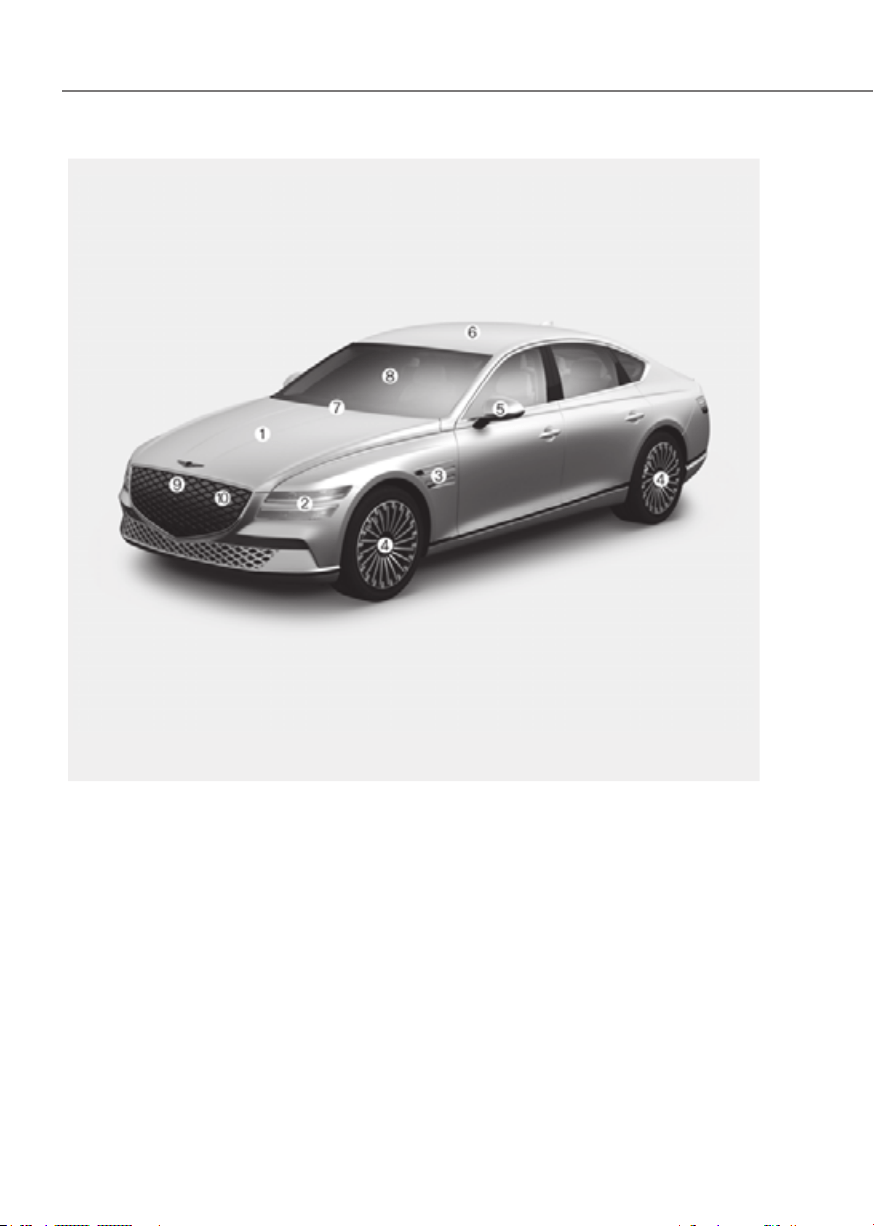
2-2
Vehicle Information, Consumer Information and Reporting Safety Defects
The actual shape may differ from the illustration.
ORG3EV011001NORG3EV011001N
1. Hood ......................................................5-66
2. Headlight .................................... 5-82, 9-53
3. Side repeater lamp ..............................9-54
4. Tires and wheels ..................................9-24
5. Side view mirror ...................................5-57
6. Solar roof ...............................................5-64
7. Front windshield wiper blades ........... 9-18
8. Windows ...............................................5-61
9. Front radar .............................................. 7-4
10. Charge door .......................................... 5-77

2-3
02
The actual shape may differ from the illustration.
ORG3EV011002ORG3EV011002
1. Door ...................................................... 5-27
2. Rear combination lamp .......................9-55
3. Reverse lamp .......................................9-55
4. Trunk ..................................................... 5-67
5. Trunk open/close button .....................5-67
6. High mounted stop lamp ....................9-55
7. Antenna ..............................................5-130
8. Rear view camera ............................. 7-123
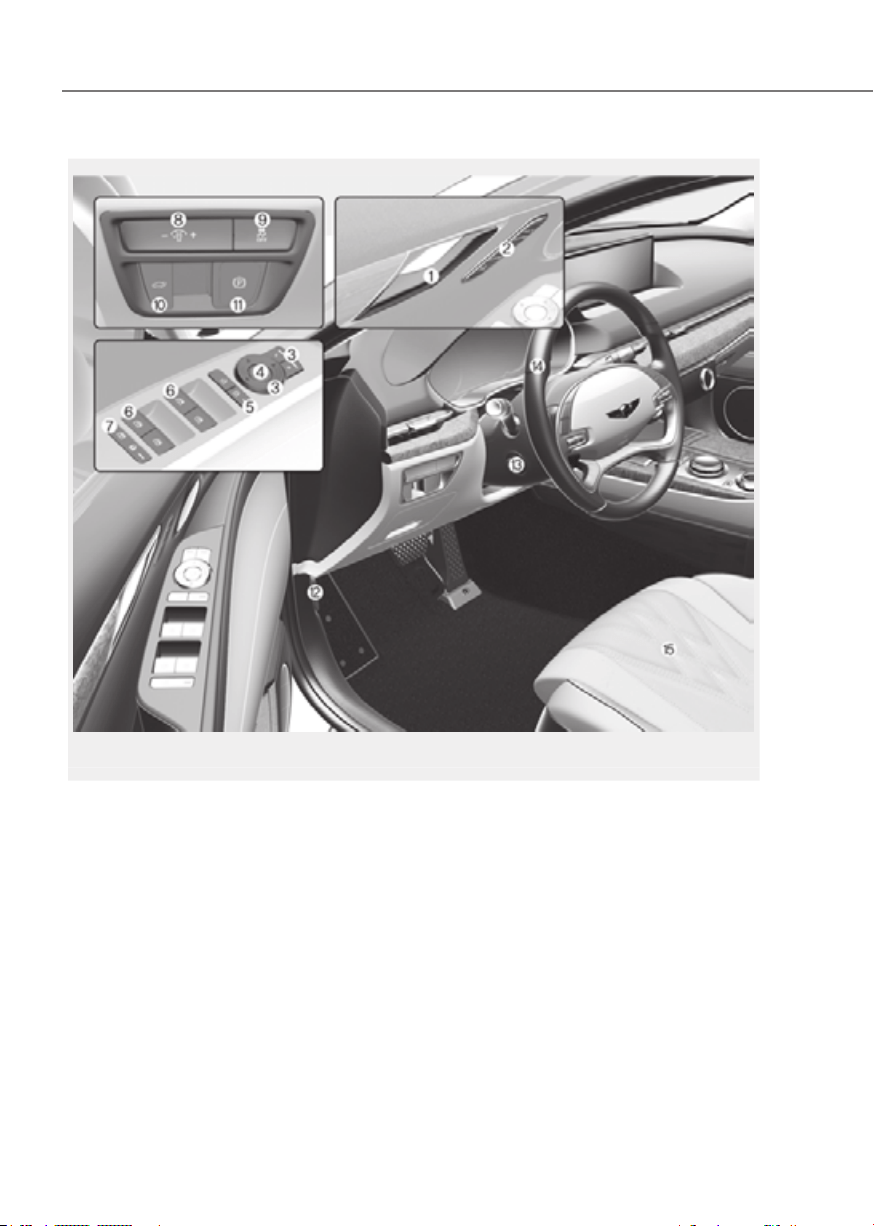
2-4
Vehicle Information, Consumer Information and Reporting Safety Defects
The actual shape may differ from the illustration.
ORG3EV011006NORG3EV011006N
1. Inside door handle ...............................5-29
2. Integrated memory system .................5-38
3. Side view mirror control switch .......... 5-58
4. Side view mirror folding button ..........5-58
5. Central door lock switch ..................... 5-29
6. Power window switches .....................5-61
7. Power window lock button / ...............5-63
Electronic child safety lock button .....5-33
8. Instrument panel illumination control
switch ..................................................... 4-5
9. ESC (Electronic Stability Control) OFF
button ................................................... 6-38
10. Trunk open/close button ........... 5-67, 5-71
11. EPB (Electronic Parking Brake)
switch ...................................................6-29
12. Hood release lever ...............................5-66
13. Steering wheel tilt/telescopic switch..5-43
14. Steering wheel ..................................... 5-42
15. Seat ......................................................... 3-3

2-5
02
1. Instrument cluster ................................. 4-4
2. Horn ......................................................5-44
3. Driver’s front air bag ............................3-47
4. Start/Stop button .................................. 6-4
5. Infotainment system .........................5-131
6. Hazard warning flasher button ............. 8-2
7. Automatic climate control system .....5-96
8. Passenger’s front air bag .....................3-47
9. Glove box ...........................................5-120
10. Wireless charging system indicator ..5-124
11. USB port .............................................5-130
12. USB charger .......................................5-124
13. Wireless charging system pad ..........5-124
14. Cup holder .........................................5-121
15. Rotary shifter (Rotary gear shift dial) .... 6-9
16. Auto Hold button ................................. 6-34
17. Drive mode button ..............................6-50
18. Parking/View button .........................7-124
19. Parking Safety button ........................7-145
20. Rear seat climate control system .......5-98
The actual shape may differ from the illustration.
ORG3EV011004NORG3EV011004N

2-6
Vehicle Information, Consumer Information and Reporting Safety Defects
The actual shape may differ from the illustration.
ORG3EV011005LORG3EV011005L
1. Lighting control lever ..........................5-82
2. Wiper and washer control lever ..........5-93
3. Regenerative Braking Paddles ............ 6-17
4. Voice recognition button ..................5-131
5. Steering wheel audio controls ........... 5-130
6. Bluetooth wireless technology
hands-free button ..............................5-132
7. Cluster display control ........................4-30
8. Lane Driving Assist button .................. 7-27
9. Driving Assist button ...........................7-59
10. Vehicle distance button ......................7-82
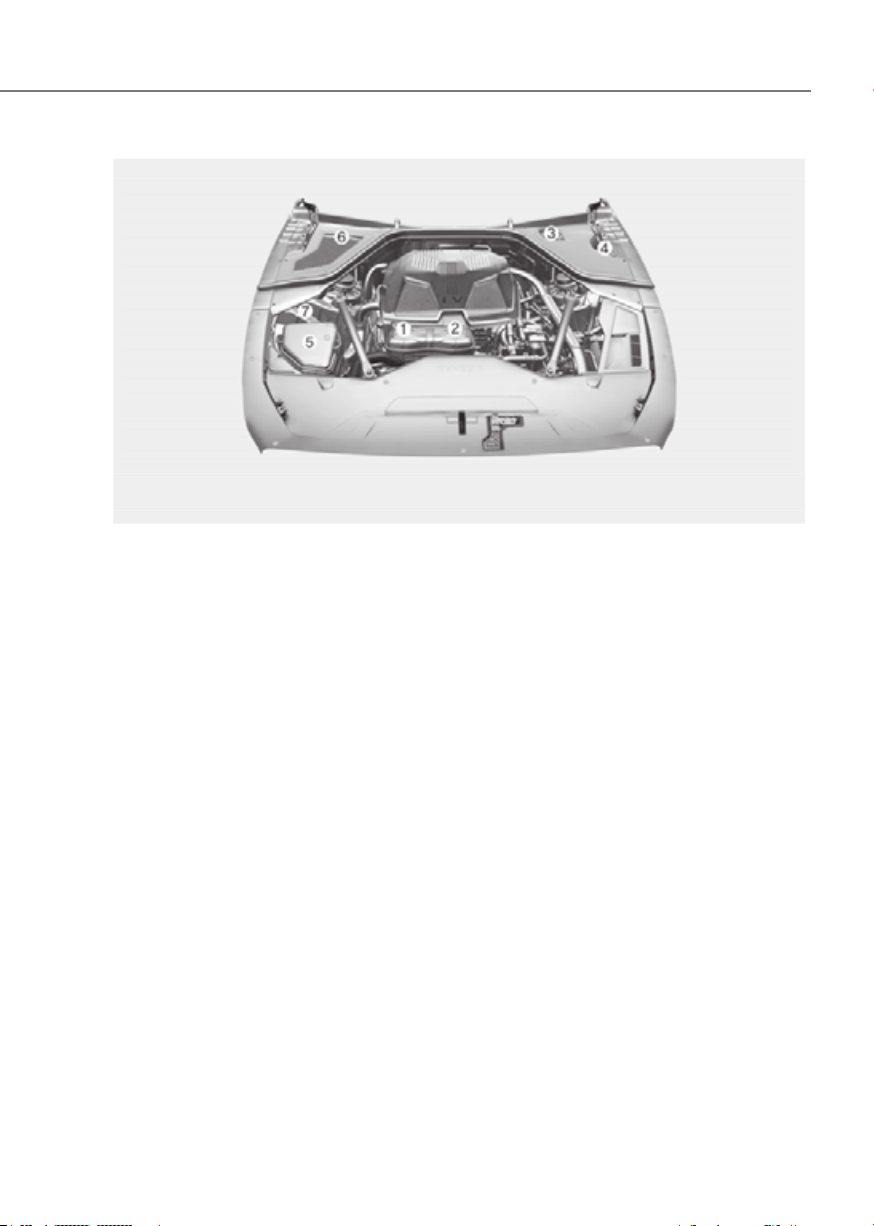
2-7
02
The actual motor compartment in the vehicle may differ from the illustration.
ORG3EV092001LORG3EV092001L
1. Low conductivity coolant reservoir .....9-12
2. Coolant reservoir .................................. 9-12
3. Brake fluid reservoir .............................9-14
4. Windshield washer fluid reservoir ....... 9-15
5. Fuse box ................................................ 9-38
6. Cabin air filter .......................................9-16

2-8
Vehicle Information, Consumer Information and Reporting Safety Defects
Items in (mm)
Overall length 197.04 (5,005)
Overall width 75.78 (1,925)
Overall height 58.07 (1,475)
Tread
Tire size Front Rear
245/45R19 64.2 (1,630) -
275/40R19 - 64.4 (1,636)
Wheelbase 118.50 (3,010)
Items
Motor (Front/Rear)
Max. output (kW) 136
Max. torque (Nm) 350
Battery
(Lithium-ion)
Capacity (kWh) 87.2
Power output (kW) 307
Voltage (V) 522.7
Charger (OBC) Max. output (kW)
5P 10.9
7P 7 (single-phase) / 10.5 (three-phase)
OBC : On-Board Battery Chargers

2-9
02
Front
Headlight
Low LED LED
High LED LED
Turn signal lamp LED LED
Parking lamp LED LED
Side marker LED LED
Daytime Running Lamp (DRL) LED LED
Puddle lamp LED LED
Rear
Stop lamp LED LED
Tail lamp LED LED
Turn signal lamp LED LED
Reverse lamp LED LED
Side marker LED LED
License plate lamp LED LED
High mounted stop lamp LED LED
Interior
Map lamp LED LED
Room lamp (without solar roof) LED LED
Personal lamp (with solar roof) LED LED
Vanity mirror lamp LED LED
Glove box lamp LED LED
Handle lamp / Mood lamp /
Door courtesy lamp
LED LED
Trunk lamp LED LED

2-10
Vehicle Information, Consumer Information and Reporting Safety Defects
Items Tire size
Wheel
size
Inflation pressure psi (kPa)
Maximum load
Rear Rear
Full size
tire
245/45R19 8.5J X 19
36 (250) - 36 (250) -
101~116
(14~16, 137~157)
275/40R19 9.5J X 19
- 36 (250) - 36 (250)
NOTICE
•
•
•
tire(s).

2-11
02
OZ.(g)
Item Classification
Refrigerant 32.62 ± 0.88 (925 ± 25) R-1234yf
Compressor lubricant 6.34 ± 0.35 (180 ± 10) POE
Contact an authorized retailer of Genesis Branded products for more details.
6,107 lbs. (2,770 kg)
Information
Elevator type automated parking is not possible due to the weight of the vehicle.

2-12
Vehicle Information, Consumer Information and Reporting Safety Defects
To help achieve proper vehicle performance and durability, use only lubricants of the
proper quality.
These lubricants and fluids are recommended for use in your vehicle.
Volume Classification
Gear fluid AWD
Front
3.06 ~ 3.17 US qt.
HK ATF 6S SP4M-1
Rear
2.96~ 3.06 US qt.
Coolant
Designated coolant for
electric vehicles
LCW Coolant
With battery
heater system
Without battery
heater system
Brake fluid As required
SAE J1704 DOT-4 LV,
FMVSS 116 DOT-4, ISO 4925
CLASS-6

2-13
02
Frame numberFrame number
ORG3EV011022NORG3EV011022N
The vehicle identification number (VIN)
is the number used in registering your
vehicle and in all legal matters pertaining
to its ownership, etc.
The number is punched on the floor
under glove box.
VIN label (if equipped)VIN label (if equipped)
ORG3EV011026LORG3EV011026L
The VIN is also on a plate attached to
the top of the left side dashboard. The
number on the plate can easily be seen
through the windshield from outside.
ORG3EV011025LORG3EV011025L
The vehicle certification label attached
on the driver’s (or front passenger’s)
side center pillar gives the vehicle
identification number (VIN).
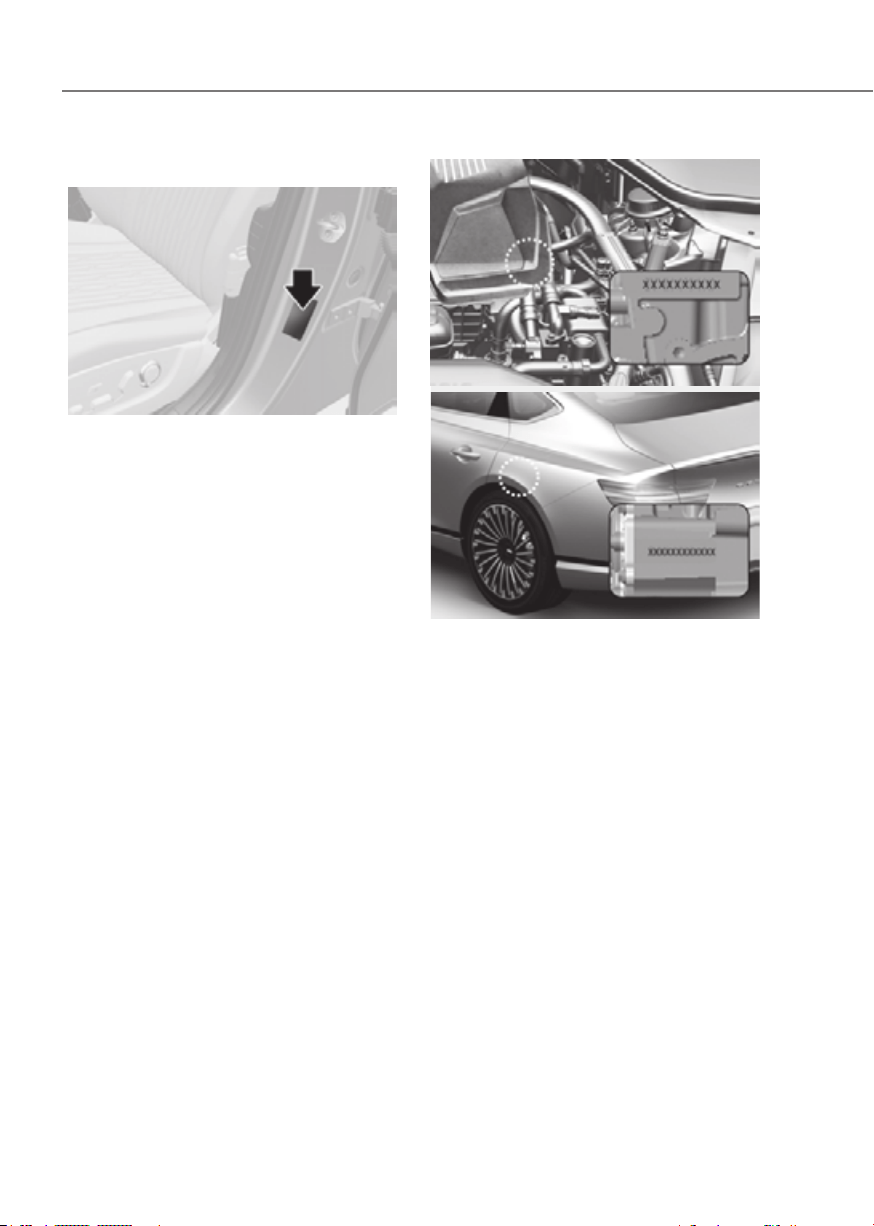
2-14
Vehicle Information, Consumer Information and Reporting Safety Defects
ORG3EV011027LORG3EV011027L
The tires supplied on your new
vehicle are chosen to provide the best
performance for normal driving.
The tire label located on the driver’s
side center pillar gives the tire pressures
recommended for your vehicle.
FrontFront
ORG3EV011029LORG3EV011029L
RearRear
ORG3EV011024ORG3EV011024
The motor number is stamped as shown
on the image.
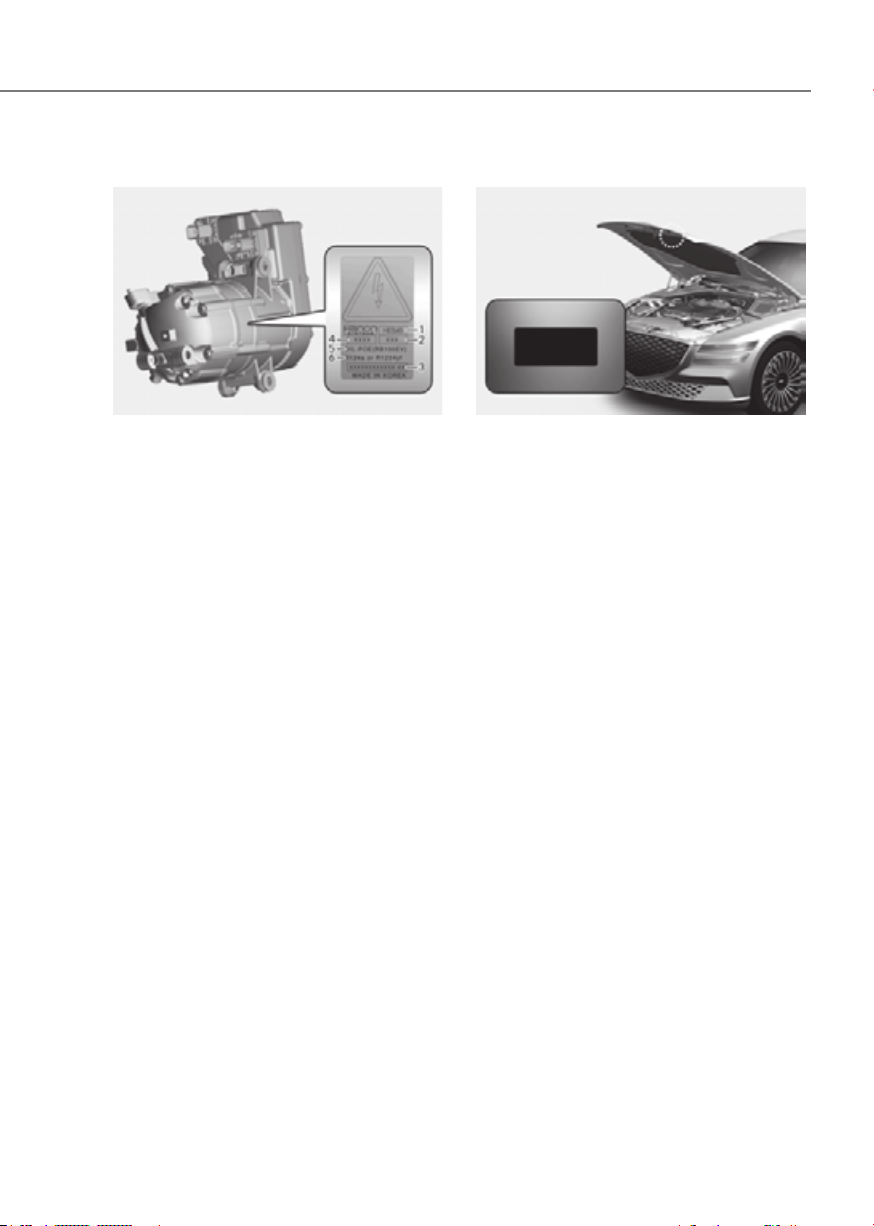
2-15
02
ORG3EVQ011137LORG3EVQ011137L
A compressor label informs you the type
of compressor your vehicle is equipped
with such as model (1), serial number (2),
supplier part number (3), lot number (4),
refrigerant oil (5) and refrigerant (6).
ORG3EV051096ORG3EV051096
You can find out which air conditioning
refrigerant is applied to your vehicle on
the label located inside of the hood.

2-16
Vehicle Information, Consumer Information and Reporting Safety Defects
This consumer information has been prepared in accordance with regulations
issued by the National Highway Traffic Safety Administration of the U.S. Department
of Transportation. Your retailer of Genesis Branded products will help answer any
questions you may have as you read this information.
Genesis Branded Vehicles are designed and manufactured to meet or exceed all
applicable safety standards.
For your safety, however, we strongly urge you to read and follow all directions in this
Owner’s Manual, particularly the information under the headings “NOTICE”,
“CAUTION” and “WARNING”.

2-17
02
If you believe that your vehicle has a defect which could cause a crash or
could cause injury or death, you should immediately inform the National
Highway Traffic Safety Administration (NHTSA) in addition to notifying Genesis
Customer Care.
If NHTSA receives similar complaints, it may open an investigation, and if it
finds that a safety defect exists in a group of vehicles, it may order a recall and
remedy campaign. However, NHTSA cannot become involved in individual
problems between you, your dealer, or Genesis Customer Care.
To contact NHTSA, you may call the Vehicle Safety Hotline toll-free at 1-888-
327-4236 (TTY: 1-800-424-9153);
go to http://www.safercar.gov;
download the SaferCar mobile application;
or write to: Administrator, NHTSA.
1200 New Jersey Ave, SE.,
Washington, DC. 20590.
You can also obtain other information about motor vehicle safety from
http://www.safercar.gov.

3
3. Seats and Safety System
Important Safety Precautions .......................................................................... 3-2
Always Wear Your Seat Belt .........................................................................................3-2
Restrain All Children
.....................................................................................................3-2
Air Bag Hazards
............................................................................................................3-2
Driver Distraction
.........................................................................................................3-2
Control Your Speed
......................................................................................................3-2
Keep Your Vehicle In Safe Condition
...........................................................................3-2
Seats .................................................................................................................. 3-3
Safety Precautions .......................................................................................................3-6
Front Seats
....................................................................................................................3-7
Rear Seats
.................................................................................................................. 3-14
Head Restraint
........................................................................................................... 3-17
Seat Warmers
............................................................................................................ 3-20
Air Ventilation Seats
.................................................................................................. 3-23
Seat Belts .........................................................................................................3-25
Seat Belt Safety Precautions .................................................................................... 3-25
Seat Belt Warning Light
............................................................................................ 3-26
Seat Belt Restraint System
....................................................................................... 3-28
Additional Seat Belt Safety Precautions
.................................................................. 3-33
Care of Seat Belts
...................................................................................................... 3-35
Child Restraint System (CRS) ......................................................................... 3-36
Children Always in the Rear ...................................................................................... 3-36
Selecting a Child Restraint System (CRS)
................................................................ 3-37
Installing a Child Restraint System (CRS)
................................................................ 3-38
Air Bag - Supplemental Restraint System .....................................................3-46
Where are the Air Bags? ............................................................................................ 3-48
How does the Air Bag System Operate?
.................................................................. 3-52
What to Expect After an Air Bag Inflates
................................................................. 3-55
Occupant Classification System (OCS)
.................................................................... 3-56
Why didn’t my air bag go off in a collision?
............................................................. 3-62
SRS Care
.................................................................................................................... 3-67
Additional Safety Precautions
.................................................................................. 3-68
Air Bag Warning Labels
............................................................................................. 3-68

3-2
Seats and Safety System
You will find many safety precautions
and recommendations throughout this
section, and throughout this manual.
The safety precautions in this section are
among the most important.
Always Wear Your Seat Belt
A seat belt is your best protection in all
types of accidents. Air bags are designed
to supplement seat belts, not to replace
them. So even though your vehicle is
equipped with air bags, ALWAYS make
sure you and your passengers wear your
seat belts, and wear them properly.
Restrain All Children
All children under age 13 should ride
in your vehicle properly restrained in a
rear seat, not the front seat. Infants and
small children should be restrained in
an appropriate Child Restraint System.
Larger children should use a booster
seat with the lap/shoulder belt until they
can use the seat belt properly without a
booster seat.
Air Bag Hazards
While air bags can save lives, they can
also cause serious or fatal injuries to
occupants who sit too close to them, or
who are not properly restrained. Infants,
young children, and short adults are at
the greatest risk of being injured by an
inflating air bag. Follow all instructions
and warnings in this manual.
Driver Distraction
Driver distraction presents a serious and
potentially deadly danger, especially for
inexperienced drivers. Safety should be
the first concern when behind the wheel
and drivers need to be aware of the wide
array of potential distractions, such as
drowsiness, reaching for objects, eating,
personal grooming, other passengers,
and using mobile phones.
Drivers can become distracted when
they take their eyes and attention off
the road or their hands off the wheel to
focus on activities other than driving.
To reduce your risk of distraction and an
accident:
• Set up your mobile devices (for
example, MP3 players, phones,
navigation units, etc.) ONLY when
your vehicle is parked or safely
stopped.
• ONLY use your mobile device when
allowed by laws and conditions permit
safe use. NEVER text or email while
driving. Most countries have laws
prohibiting drivers from texting. Some
countries and cities also prohibit
drivers from using handheld phones.
• NEVER let the use of a mobile device
distract you from driving. You have a
responsibility to your passengers and
others on the road to always drive
safely, with your hands on the wheel
as well as your eyes and attention on
the road.
Control Your Speed
Excessive speed is a major factor in crash
injuries and deaths. Generally, the higher
the speed, the greater the risk, but
serious injuries can also occur at lower
speeds. Never drive faster than is safe
for current conditions, regardless of the
maximum speed posted.
Keep Your Vehicle In Safe
Condition
Having a tire blowout or a mechanical
failure can be extremely hazardous. To
reduce the possibility of such problems,
check your tire pressures and condition
frequently, and perform all regularly
scheduled maintenance.
IMPORTANT SAFETY PRECAUTIONS
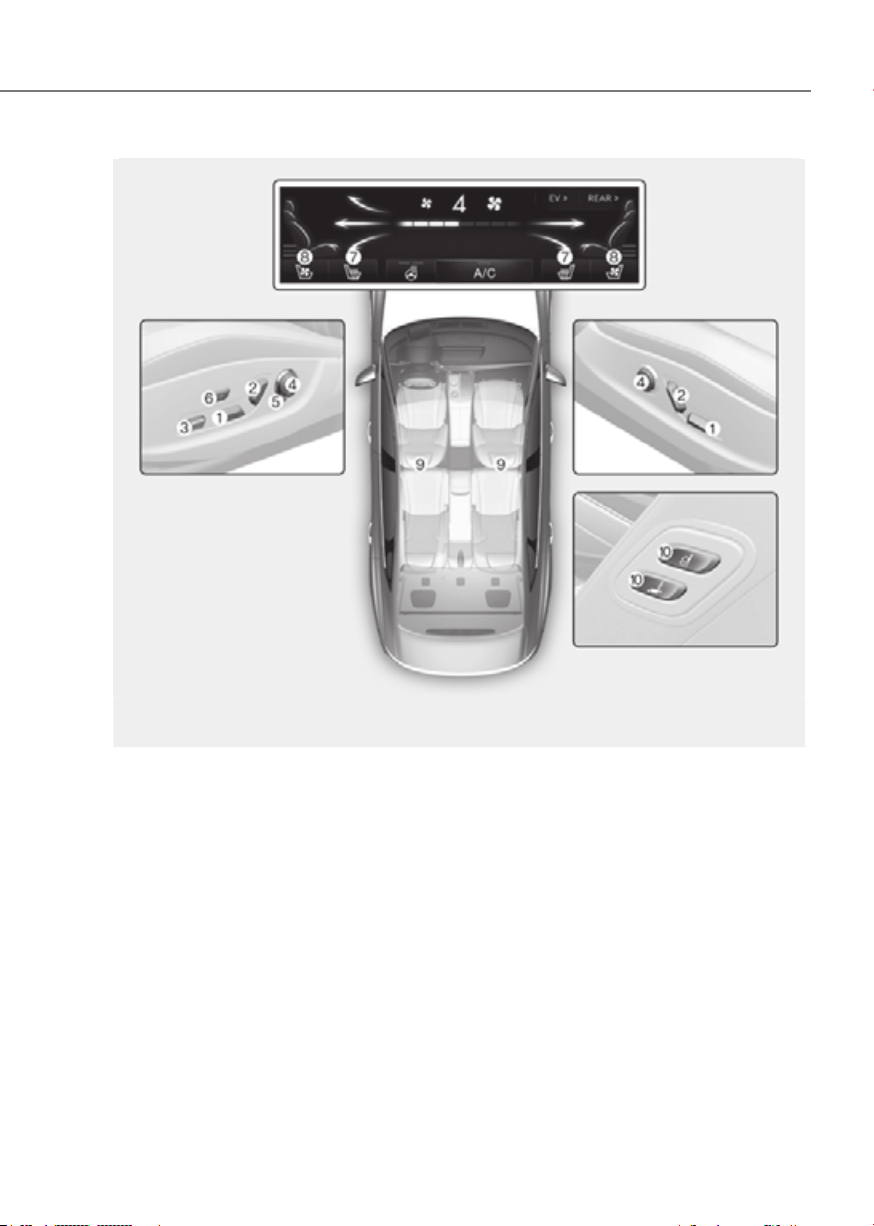
3-3
03
Front seat
(7) Seat sliding forward or rearward /
Seat cushion tilt /
Seat height
(8) Seatback angle
(9) Seat cushion extension /
Seat cushion support
(10) Lumbar support
(11) Seatback bolster
(12) Comfortable stretch
(13) Seat warmer
(14) Air ventilation seat
(15) Head restraint
(16)
Walk-in seat switch
SEATS
The actual shape may differ from the illustration.
ORG3EV031001NORG3EV031001N
A] : Driver’s side, [B] : Passenger’s side
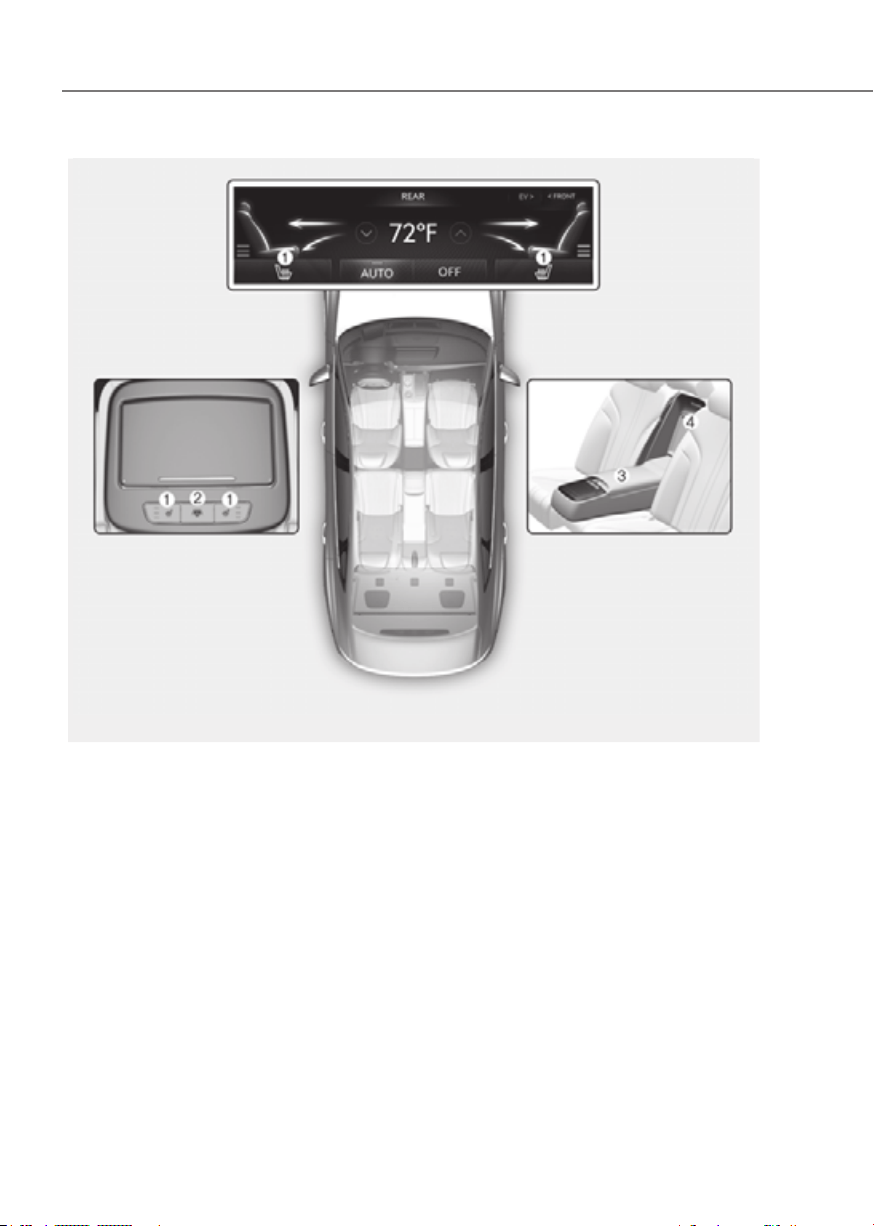
3-4
Seats and Safety System
The actual shape may differ from the illustration.
ORG3EV031002NORG3EV031002N
Rear seat
(1) Seat warmer
(2) Rear window sunshade control
(3) Armrest
(4) Ski through

3-5
03
OJX1039122LOJX1039122L
Infotainment system
system screen, you may use various convenience functions.
• Seat position change alert : Detailed information of the seat switch and image is
displayed when the seat position moves.
• Heated/Ventilated features
- Auto. Controls That Use Climate Control Settings (for driver’s seat) : The seat
temperature is automatically controlled.
- Seat heater balance : When the seat heater is on, you may lower the seat heater
(warmer) setting, or may turn the seat heater off for either the seatback or seat
cushion.
• Seating easy access
- Steering wheel easy access : Moves the steering wheel when the driver enters or
leaves the vehicle.
- Driver seat easy access : The distance (Normal/Extended/Off) the seat
automatically moves when the driver enters or leaves the vehicle may be
selected.
- Passenger seat easy access : Moves the passenger seat when the passenger
enters or leaves the vehicle.
• Ergo-motion seat
- Comfortable stretch : The operation intensity and operation time for Comfortable
Stretch may be selected.
- Posture assist : The seat is adjusted to assist the driver’s posture after driving for
an hour.
- Smart support : The driver's seat bolster is increased when SPORT mode is
selected or when driving at high speed.
See additional information in supplied Infotainment Manual.
Information
The infotainment system may change after software updates. For more information, refer
to the user's manual provided in the infotainment system and the quick reference guide.

3-6
Seats and Safety System
Safety Precautions
Adjusting the seats so that you are sitting
in a safe and comfortable position plays
an important role for the safety of the
driver and passengers, as much as seat
belts and air bags when in an accident.
WARNING
Do not use a cushion that reduces
friction between the seat and the
passenger. The passenger’s hips may
slide under the lap portion of the seat
belt during an accident or a sudden
stop.
Serious or fatal internal injuries could
result because the seat belt cannot
operate properly.
Air bags
You can take steps to reduce the risk
of being injured by an inflating air bag.
Sitting too close to an air bag greatly
increases the risk of injury in the event
the air bag inflates. The National
Highway Traffic Safety Administration
(NHTSA) recommends that drivers allow
at least 10 inches (25 cm) between the
center of the steering wheel and their
chest.
WARNING
To reduce the risk of serious injury or
death from an inflating air bag, take the
following precautions:
• Adjust the driver’s seat as far to the
rear as possible while maintaining
the ability to control the vehicle.
• Adjust the front passenger seat as far
to the rear as possible.
• Hold the steering wheel by the rim
with your hands at the 9 o’clock and
3 o’clock positions to minimize the
risk of injuries to your hands and
arms.
• NEVER place anything or anyone
between you and the air bag.
• Do not allow the front passenger to
place feet or legs on the dashboard
to minimize the risk of leg injuries.

3-7
03
Seat belts
Always fasten your seat belt before
starting any trip. At all times, passengers
should sit upright and be properly
restrained. Infants and small children
must be restrained in appropriate Child
Restraint Systems. Children who have
outgrown a booster seat and adults must
be restrained using the seat belts.
WARNING
Take the following precautions when
adjusting your seat belt:
• NEVER use one seat belt for more
than one occupant.
• Always position the seatback upright
with the lap portion of the seat belt
snug and low across the hips.
• NEVER allow children or small infants
to ride on a passenger’s lap.
• Do not route the seat belt across your
neck, across sharp edges, or reroute
the shoulder strap away from your
body.
• Do not allow the seat belt to become
caught or jammed.
Front Seats
The front seat can be adjusted by using
the control switches located on the
outside of the seat cushion. Before
driving, adjust the seat to the proper
position so that you can easily control
the steering wheel, foot pedals and
controls on the instrument panel.
WARNING
Take the following precautions when
adjusting your seat:
• NEVER attempt to adjust the seat
while the vehicle is moving. The seat
could respond with unexpected
movement and may cause loss
of vehicle control resulting in an
accident.
• Do not place anything under the
front seats. Loose objects in the
driver’s foot area could interfere
with the operation of the foot pedals,
causing an accident.
• Do not allow anything to interfere
with the normal position and proper
locking of the seatback.
• Do not place a cigarette lighter on
the floor or seat. When you operate
the seat, gas may exit out of the
lighter causing a fire.
• Use extreme caution when picking
up small objects trapped under the
seats or between the seat and the
center console. Your hands might be
cut or injured by the sharp edges of
the seat mechanism.
• If there are occupants in the rear
seats, be careful while adjusting the
front seat position.
• Make sure that the seat is locked in
place after the adjustment. If not,
the seat might move unexpectedly
resulting in an accident.
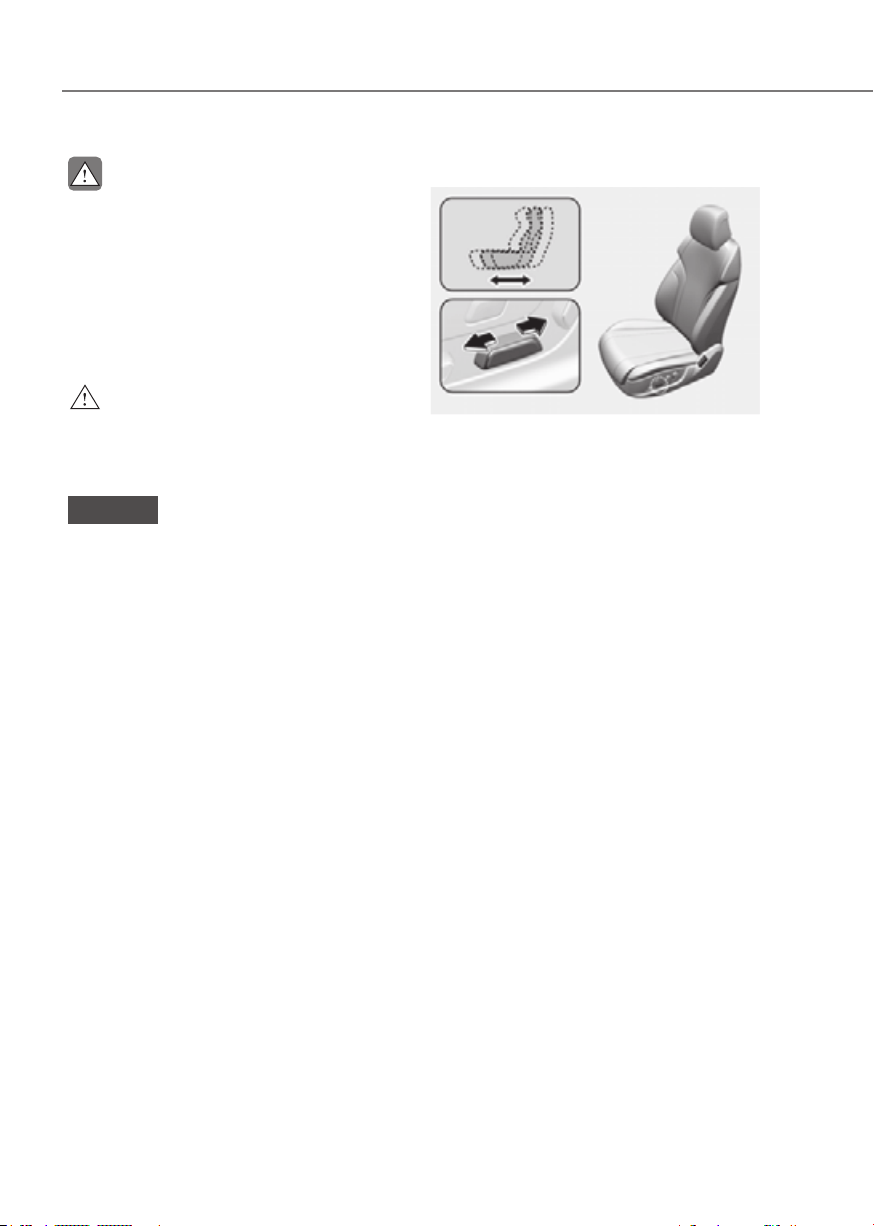
3-8
Seats and Safety System
CAUTION
To prevent injury:
• Do not adjust your seat while
wearing your seat belt. Moving the
seat cushion forward may cause
strong pressure on your abdomen.
• Do not allow your hands or fingers to
get caught in the seat mechanisms
while the seat is moving.
WARNING
NEVER allow children in the vehicle
unattended. The power seats are
operable when the vehicle is turned off.
NOTICE
To prevent damage to the seats:
• Always stop adjusting the seats when
the seat has been adjusted as far
forward or rearward as possible.
• Do not adjust the seats longer than
necessary when the vehicle is turned
off. This may result in unnecessary
battery drain.
• Do not operate two or more seats at
the same time. This may result in an
electrical malfunction.
Forward and rearward adjustment
ORG3EV031005ORG3EV031005
To move the seat forward or rearward:
1. Push the control switch forward or
rearward.
2. Release the switch once the seat
reaches the desired position.

3-9
03
Seat cushion tilt/height adjustment
ORG3EV031009ORG3EV031009
Seat cushion tilt (1)
To change the angle of the front part of
the seat cushion:
Push the front portion of the control
switch up to raise or down to lower the
front part of the seat cushion.
Release the switch once the seat reaches
the desired position.
Seat height (2)
To change the height of the seat cushion:
Push the rear portion of the control
switch up to raise or down to lower the
height of the seat cushion.
Release the switch once the seat reaches
the desired position.
Seatback angle adjustment
ORG3EV031008ORG3EV031008
To recline the seatback:
1. Push the control switch forward or
rearward.
2. Release the switch once the seatback
reaches the desired position.
Reclining seatback
Sitting in a reclined position when the
vehicle is in motion can be dangerous.
Even when buckled up, the protections
of your restraint system (seat belts and
air bags) is greatly reduced by reclining
your seatback.
WARNING
NEVER ride with a reclined seatback
when the vehicle is moving.
Riding with a reclined seatback
increases your chance of serious or fatal
injuries in the event of a collision or
sudden stop.
Driver and passengers should ALWAYS
sit well back in their seats, properly
belted, and with the seatbacks upright.
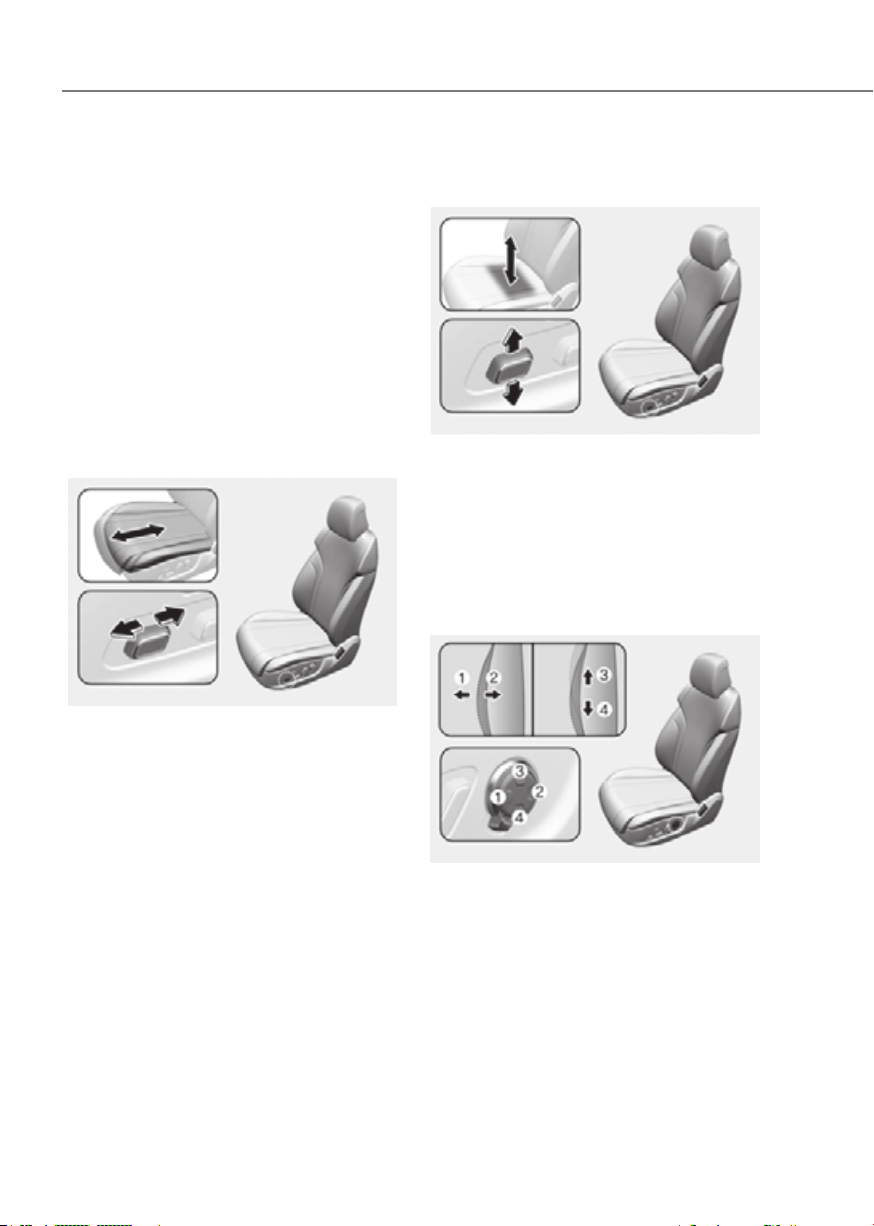
3-10
Seats and Safety System
Seat belts must be snug against your
hips and chest to work properly. When
the seatback is reclined, the shoulder
belt cannot do its job because it will not
be snug against your chest. Instead,
it will be in front of you. During an
accident, you could be thrown into the
seat belt, causing neck or other injuries.
The more the seatback is reclined,
the greater chance the passenger’s
hips will slide under the lap belt or the
passenger’s neck will strike the shoulder
belt.
Seat cushion extension adjustment
(for driver's seat) (if equipped)
ORG3EV031006ORG3EV031006
To move the front part of the cushion
forward or rearward:
1. Push the control switch forward or
rearward.
2. Release the switch once the seat
cushion reaches the desired length.
Seat cushion support adjustment
(for driver's seat) (if equipped)
ORG3EV031007ORG3EV031007
To adjust cushion support:
1. Push the control switch up to increase
cushion support or down to decrease
cushion support.
2. Release the switch once the seat
cushion support reaches the desired
position.
Lumbar support (if equipped)
ORG3EV031010ORG3EV031010
To adjust the lumbar support:
1. Press the front portion of the switch
(1) to increase support or the rear
portion of the switch (2) to decrease
support.
2. Press switch (3) or (4) to move the
support position up or down.
3. Release the switch once the lumbar
support reaches the desired position.
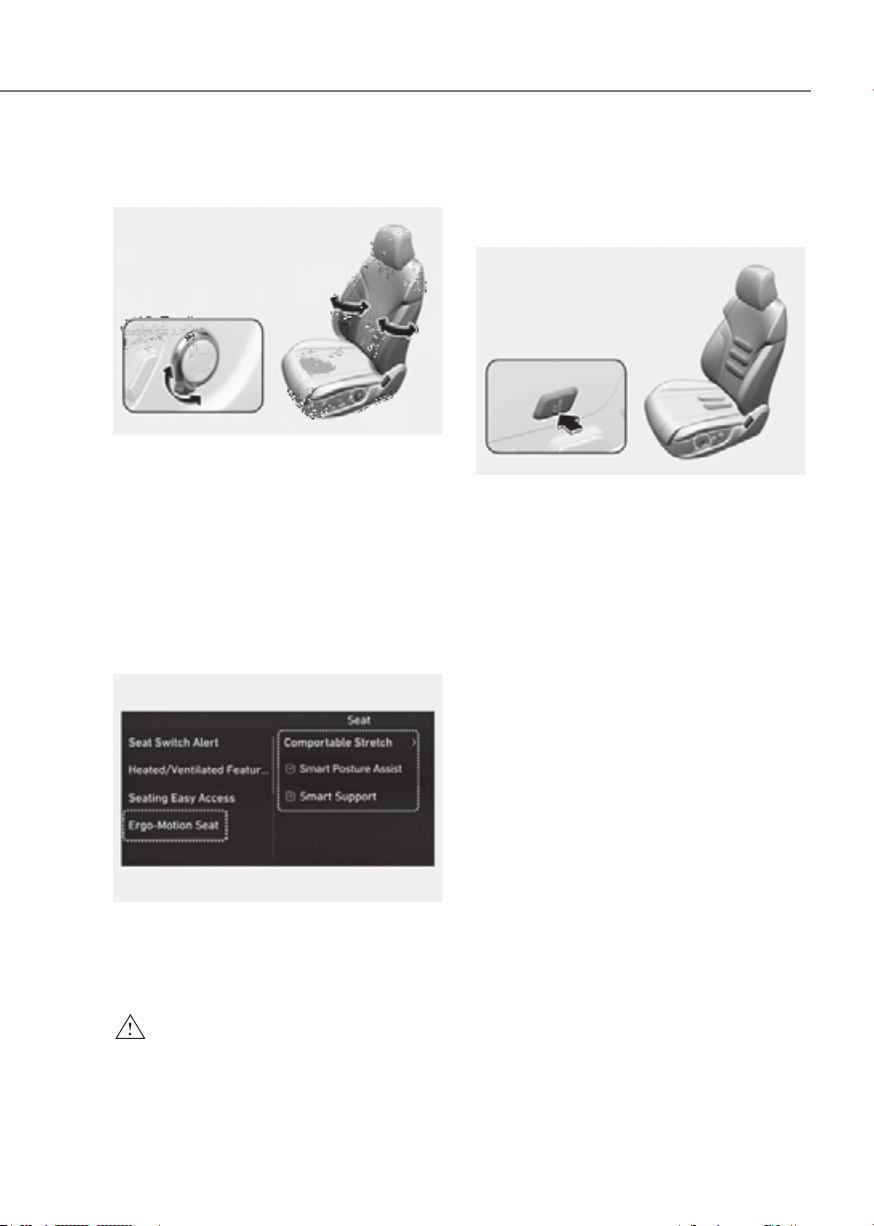
3-11
03
Seat bolster adjustment
(for driver's seat) (if equipped)
ORG3EV031011ORG3EV031011
To adjust seat bolster:
1. Push the adjustment lever clockwise,
the seatback bolster will be
adjusted inward. Push the switch
counterclockwise, the seatback
bolster will be adjusted outward.
2. Release the lever once the bolster
reaches the desired position.
Ergo-motion seat (for driver's seat)
(if equipped)
OJX1039103LOJX1039103L
Select 'Ergo-Motion Seat' from the
infotainment system's Settings menu to
select and set up supplemental functions
for the driver.
WARNING
Before actually using each function, try
the functions with the vehicle parked.
Comfortable stretch
Comfortable stretch is a function that
helps relieve fatigue of the driver’s pelvis
and lower back due to driving.
ORG3EV031012ORG3EV031012
Every time you press the button, you may
select a mode or turn off the function in
the following order.
- Pelvic stretching: The cushion portion
moves, helping the left and right
movement of the pelvis.
- Lumbar stretching: The seatback
portion moves, helping back and forth
movement of the lower back.
- Whole Body stretching: The cushion
and seatback moves in sequence,
helping the whole body reduce
fatigue.
- OFF: Turns off Comfortable Stretch.
Also, you can change the operation
intensity and operation time from the
Settings menu in the infotainment
system screen.
-
-
Short(10min.)/Normal(15min.)/
Long(20min.)

3-12
Seats and Safety System
Smart Posture Assist
After driving for an hour, Smart Posture
Assist automatically adjusts the pelvis
and back portion of the driver's seat to
assist the driver’s posture.
You can activate or deactivate Smart
Posture Assist function from the Settings
menu in the infotainment system screen.
Select:
-
Assist
Smart support
The driver’s seat bolster support
increases and the part of cushion
support goes down when SPORT mode is
selected for Drive Mode.
When the Drive Mode other than Sport
mode is selected, the support of the seat
bolster is increased at high speed (over
80 mph (130 km/h)).
When the vehicle slows down, it returns
to the previous position (below 68 mph
(110 km/h)).
You can activate or deactivate Smart
Support function from the Settings
menu in the infotainment system screen.
Select:
-
Walk-in switch (if equipped)
ORG3EV031020ORG3EV031020
The rear seat passenger may use the
switches to control the front passenger
seat.
• Sliding forward or rearward:
Press the switch (1) or (2) to move
the front passenger seat forward or
rearward.
• Seatback angle:
Press the switch (3) or (4) to recline
the front passenger seatback forward
or rearward.
WARNING
The rear passenger should not adjust
the front seat when a passenger is
seated.
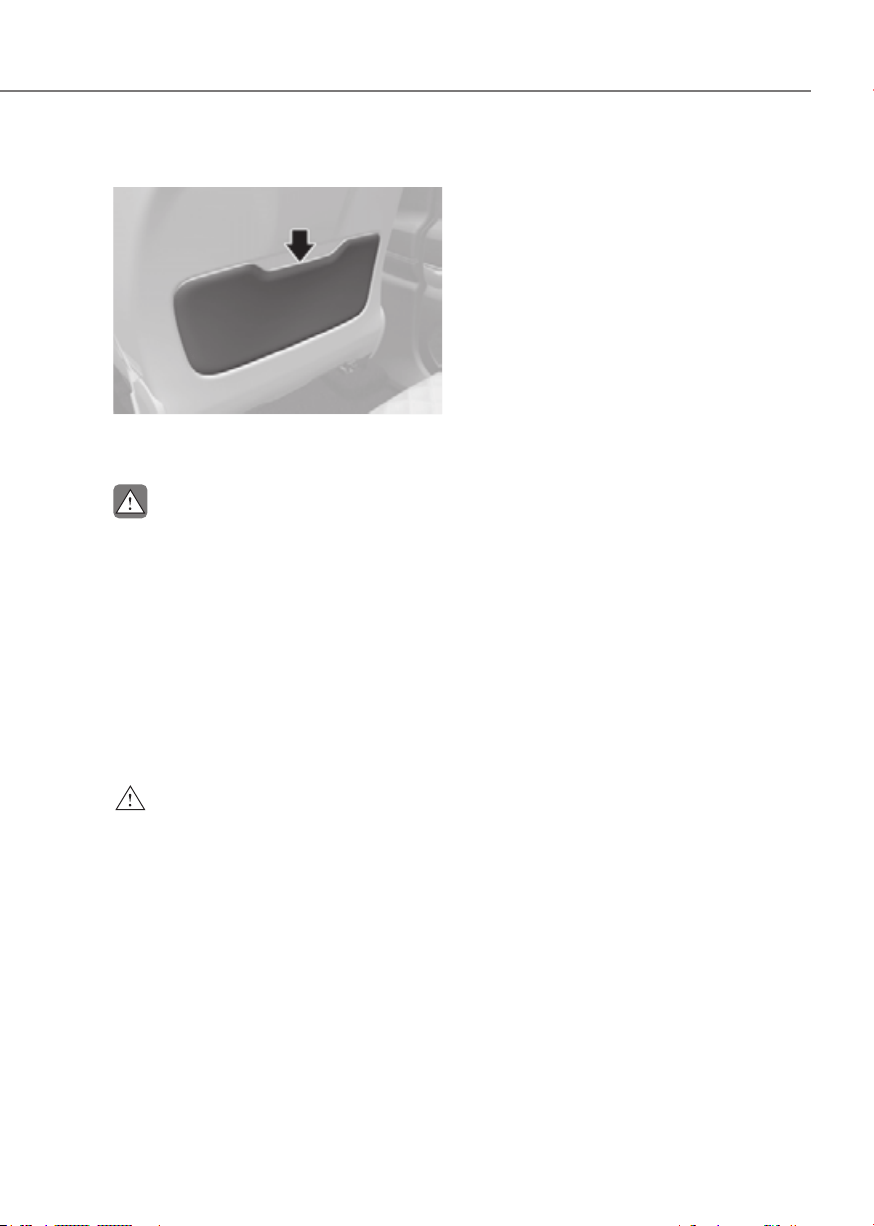
3-13
03
Seatback pocket
ORG3EV031019ORG3EV031019
The seatback pocket is provided on the
back of the front seatbacks.
CAUTION
Do not put heavy or sharp objects in the
seatback pockets. In an accident they
could come loose from the pocket and
injure occupants.
Pre-active Safety Seat (PSS) (if
equipped)
Pre-active Safety Seat enhances
crashworthiness and driving stability by
pulling up the backrest before collision
and hazardous situations when the
passenger seat is reclined.
WARNING
Pre-active Safety Seat is a
supplementary device. The drivers
should keep their eyes on the road and
verify that there are no obstructions
ahead. If there is not a passenger or
the seatbelt is not fastened, the system
does not work. In addition, the seat belt
interval is increased while a passenger’s
seat is reclined so that its performance
might be degraded.
System Operation
• Crashworthiness
Pre-active Safety Seat limits
passenger’s movement and helps
decrease the chance of injury from
the early stage of collision by reducing
the seat belt interval with putting
the seat in the upright position. The
operation conditions are as follows.
- It is considered as a risky situation
due to emergency braking.
- It is considered as a dangerous
situation due to the difficulties of
vehicle operation.
- It is considered as a hazardous
situation due to vehicle distance
detection sensor.
• Driving stability
Pre-active Safety Seat pulls up the
backset while sudden braking or
rapid turning to boost the tightness of
seat belt in order to prevent leaning
forward or laterally and increase
driving stability. The operation
conditions are as follows.
- There is a leaning forward of the
upper body due to sudden braking.
- There is a lateral leaning of the
upper body because of rapid
turning.
- Driving on the slippery frozen road
- Driving on the unpaved road
- High risk of rollover

3-14
Seats and Safety System
WARNING
While the system operates
automatically, do not be surprised or
misunderstand it as a system failure.
• Inoperative status
If the passenger adjusts the
seat manually, the system stops
immediately. However, it restarts to
operate after 5 seconds when the
hazardous signal continues.
• Malfunction
If the Pre-active Safety Seat system
does not operate properly, have the
vehicle inspected by an authorized
retailer of Genesis Branded products.
Rear seats
WARNING
NEVER adjust the rear power seats
when a Child Restraint System is
installed in that seat.
WARNING
To prevent injury:
• Do not adjust your seat while
wearing your seat belt. Moving the
seat cushion forward may cause
strong pressure on your abdomen.
• Do not allow your hands or fingers to
get caught in the seat mechanisms
while the seat is moving.
NOTICE
To prevent damage to the seats:
• Always stop adjusting the seats when
the seat has been adjusted as far
forward or rearward as possible.
• Do not adjust the seats longer than
necessary when the vehicle is turned
off. This may result in unnecessary
drain of the battery.
• Do not operate two or more seats at
the same time. This may result in an
electrical malfunction.

3-15
03
Additional switches for adjusting
the front passenger seat
ORG3EV031020ORG3EV031020
Walk-in seat switch (if equipped)
The rear seat passenger may use the
switches to control the front passenger
seat.
• Sliding forward or rearward:
To move the front passenger seat
forward, press the switch (1). To move
the front passenger seat rearward,
press the switch (2).
• Angle adjustment:
To recline the front passenger seat
forward, press the switch (3). To
recline the front passenger seat
rearward, press the switch (4).
WARNING
The rear passenger should not adjust
the front seat when a passenger is
seated.
Armrest
ORG3EV031023NORG3EV031023N
The armrest is located in the center of
the rear seat.
Grab the handle (1) on the upper end of
the arm rest. Then, pull down the handle
to use the arm rest.
NOTICE
• Do not put any items on the rear
center seat.Those items may get
damaged, when the arm rest is
pulled down.
• Do not attempt to fold back the
arm rest, when the cup holder is
extended out.
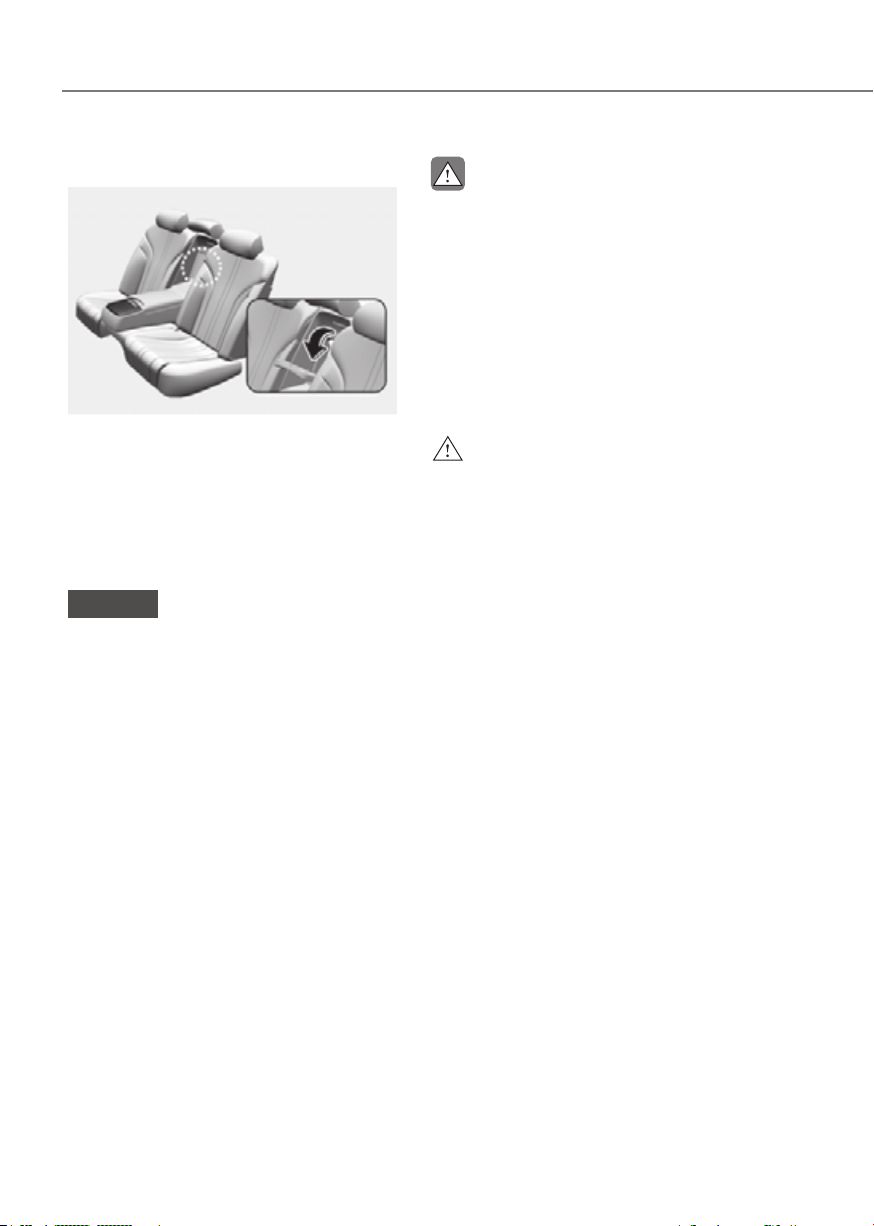
3-16
Seats and Safety System
Carrying long/narrow cargo
ORG3EV031024NORG3EV031024N
Additional cargo space is provided to
accommodate long/narrow cargo (skis,
poles, etc.) not able to fit properly in the
trunk when closed.
1. Pull the armrest down.
2. Pull the cover down while pushing the
release lever down.
NOTICE
• Be careful when loading cargo
through the rear passenger seats
to prevent damage to the vehicle
interior.
• When both the armrest and the
panel are folded down, put back the
panel first, before folding back the
armrest. If not, the panel knobs and
the armrest knobs may interfere with
each other and get damaged.
CAUTION
• Make sure the vehicle is off, the
vehicle is shifted to P (Park) and the
parking brake is applied whenever
loading or unloading cargo. The
vehicle may move if the shift lever
is inadvertently moved to another
position.
• When cargo is loaded through the
rear passenger seats, ensure the
cargo is properly secured to prevent
it from moving while driving.
WARNING
Cargo should always be secured to
prevent it from being thrown about the
vehicle in a collision and causing injury
to the vehicle occupants. Do not place
objects in the rear seats, since they
cannot be properly secured and may hit
the front seat occupants in a collision.
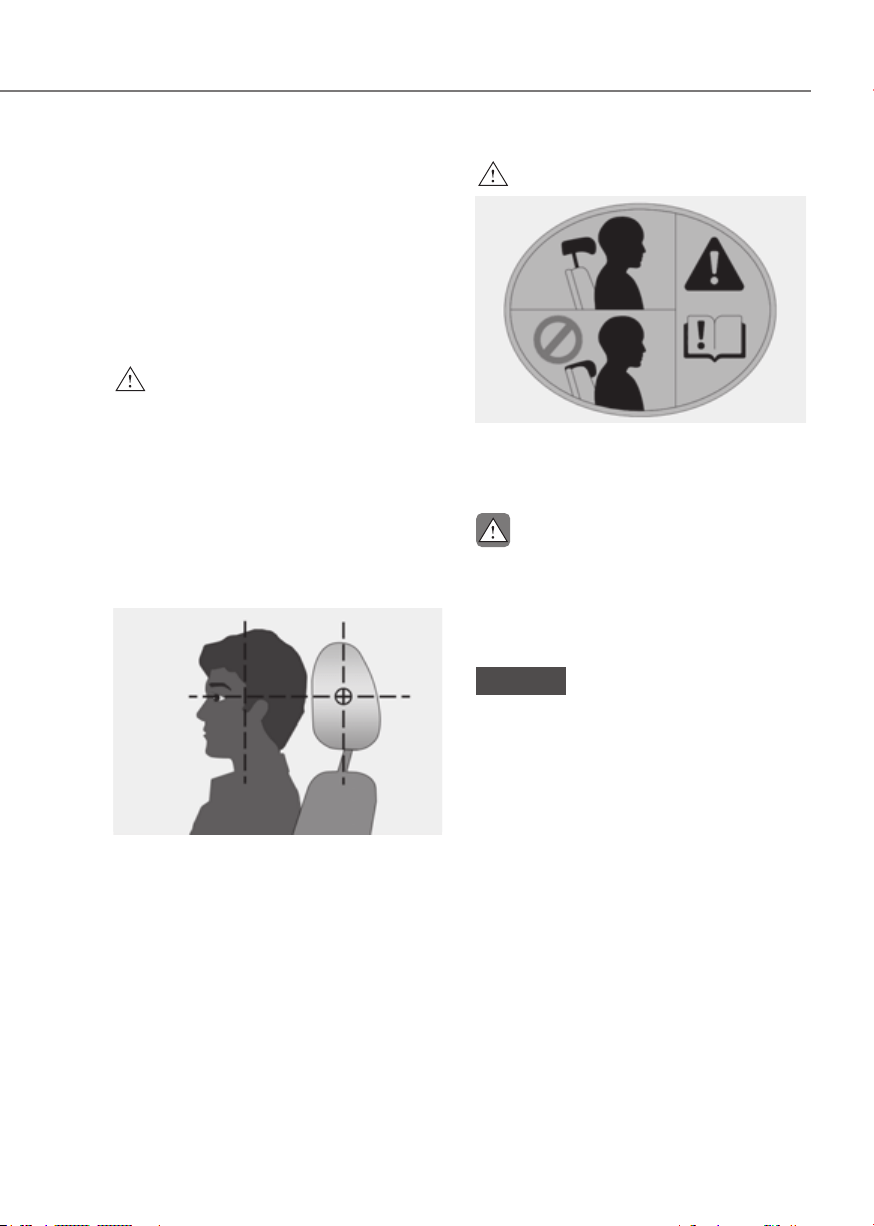
3-17
03
Head Restraint
The vehicle’s front and rear seats
have adjustable head restraints. The
head restraints provide comfort for
passengers, but more importantly they
are designed to help protect passengers
from whiplash and other neck and spinal
injuries during an accident, especially in
a rear impact collision.
WARNING
To reduce the risk of serious injury or
death in an accident, take the following
precautions when adjusting your head
restraints:
• Always properly adjust the head
restraints for all passengers BEFORE
starting the vehicle.
• NEVER let anyone ride in a seat
with the head restraint removed or
reversed.
OJKEV032104LOJKEV032104L
• Adjust the head restraints so the
middle of the head restraint is at the
same height as the height of the top
of the eyes.
• NEVER adjust the head restraint
position of the driver’s seat when the
vehicle is in motion.
• Adjust the head restraint as close to
the passenger’s head as possible. Do
not use a seat cushion that holds the
body away from the seatback.
• Make sure the head restraint locks
into position after adjusting it.
WARNING
OJX1039115OJX1039115
When sitting on the rear seat, do not
adjust the height of the head restraint
to the lowest position.
CAUTION
When there is no occupant in the rear
seats, adjust the height of the head
restraint to the lowest position. The
rear seat head restraint can reduce the
visibility of the rear area.
NOTICE
To prevent damage, NEVER hit or pull
on the head restraints.
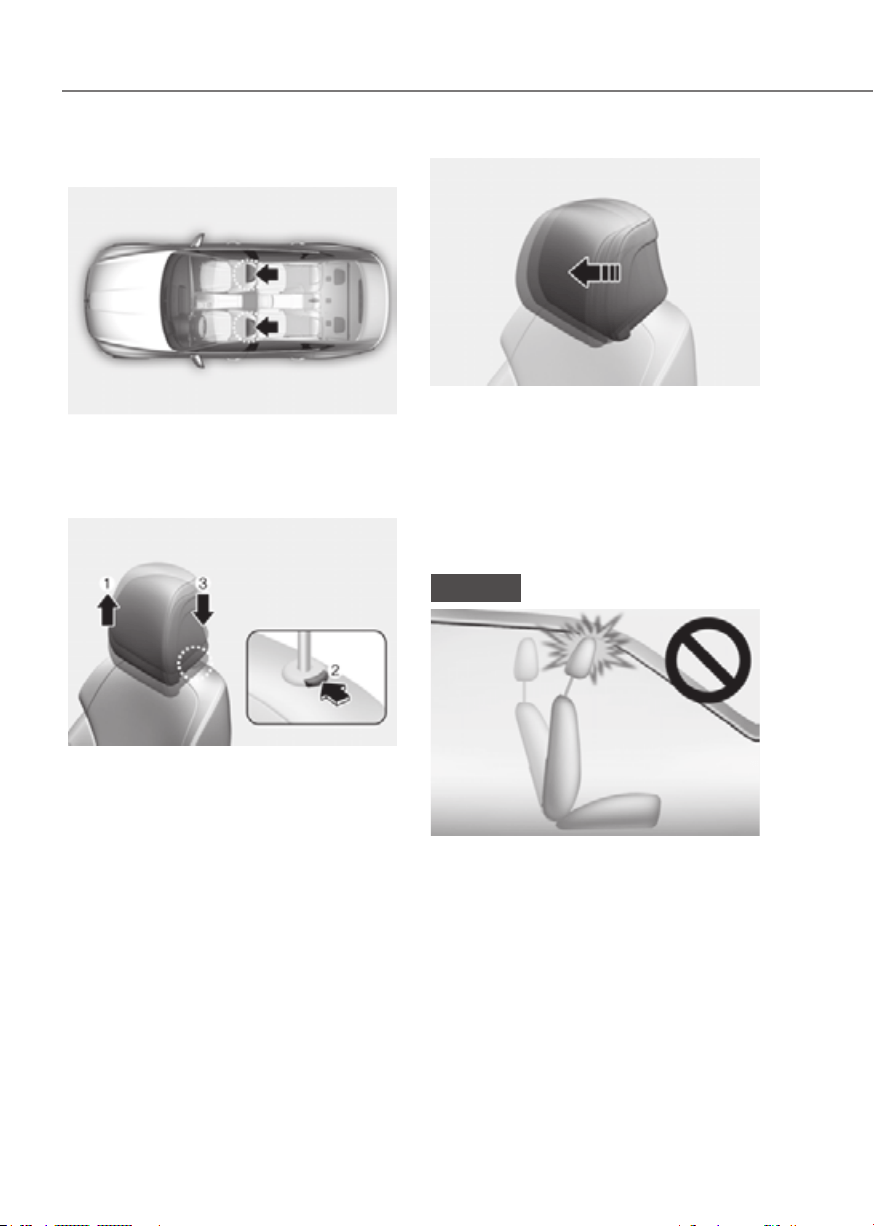
3-18
Seats and Safety System
Front seat head restraints
ORG3EV031088NORG3EV031088N
The driver’s and front passenger’s seats
are equipped with adjustable head
restraints for the passengers safety and
comfort.
ORG3EV031013ORG3EV031013
Adjusting the height up and down
To raise the head restraint:
1. Pull it up to the desired position (1).
To lower the head restraint:
1. Push and hold the release button (2)
on the head restraint support.
2. Lower the head restraint to the
desired position (3).
ORG3EV031014ORG3EV031014
Forward and rearward adjustment
The head restraint can be adjusted
forward to 3 different positions by pulling
the head restraint forward to the desired
detent. To adjust the head restraint to
it’s furthest rearwards position, pull it
fully forward to the farthest position and
release it.
NOTICE
ORG3EV031015ORG3EV031015
If you recline the seatback towards the
front with the head restraint and seat
cushion raised, the head restraint may
come in contact with the sunvisor or
other parts of the vehicle.
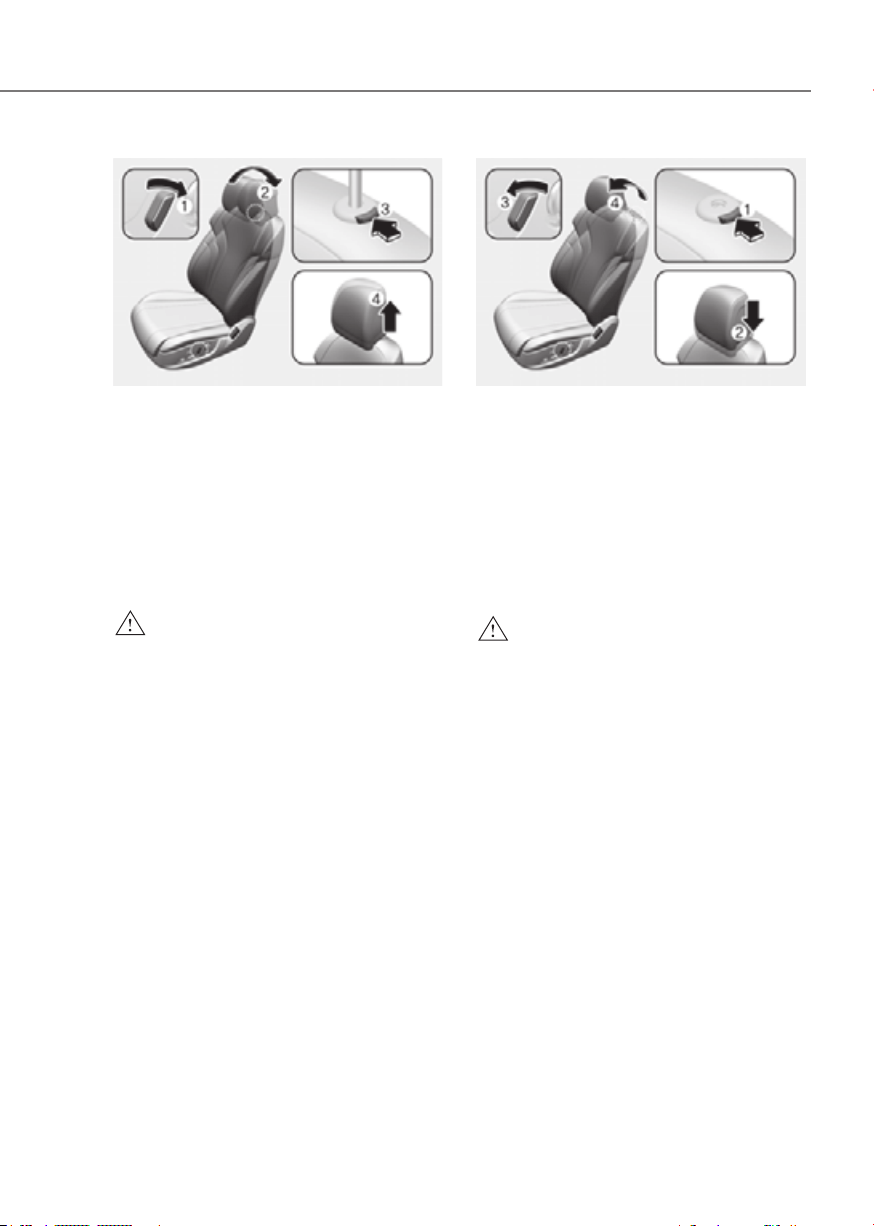
3-19
03
ORG3EV031016ORG3EV031016
Removal/Reinstall
To remove the head restraint:
1. Recline the seatback (2) with the
seatback angle switch (1).
2. Raise the head restraint as far as it can
go.
3. Press the head restraint release button
(3) while pulling the head restraint up
(4).
WARNING
NEVER allow anyone to travel in a seat
with the head restraint removed.
ORG3EV031017ORG3EV031017
To reinstall the head restraint :
1. Recline the seatback.
2. Put the head restraint poles (2) into
the holes while pressing the release
button (1).
3. Adjust the head restraint to the
appropriate height.
4. Recline the seatback (4) with the
seatback angle switch (3).
WARNING
Always make sure the head restraint
locks into position after reinstalling and
adjusting it properly.

3-20
Seats and Safety System
Rear seat head restraints
ORG3EV031089NORG3EV031089N
The rear seats are equipped with head
restraints in all the seating positions for
the passenger’s safety and comfort.
ORG3EV031022ORG3EV031022
Adjusting the height up and down
To raise the head restraint:
1. Pull it up to the desired position (1).
To lower the head restraint:
1. Push and hold the release button (2)
on the head restraint support.
2. Lower the head restraint to the
desired position (3).
Seat Warmers
Seat warmers are provided to warm the
seats during cold weather.
During mild weather or under conditions
where the operation of the seat warmer
is not needed, keep the seat warmers
OFF.
WARNING
The seat warmers can cause a SERIOUS
BURN, even at low temperatures and
especially if used for long periods of
time.
Passengers must be able to feel if the
seat is becoming too warm so they can
turn it off, if needed.
Seat warmers consume large amounts
of electricity. Please avoid using seat
warmers while the vehicle is off in order
to prevent battery discharge.
People who cannot detect temperature
change or pain to the skin should
use extreme caution, especially the
following types of passengers:
• Infants, children, elderly or disabled
persons, or hospital outpatients.
• People with sensitive skin or who
burn easily.
• Fatigued individuals.
• Intoxicated individuals.
• People taking medication that can
cause drowsiness or sleepiness.
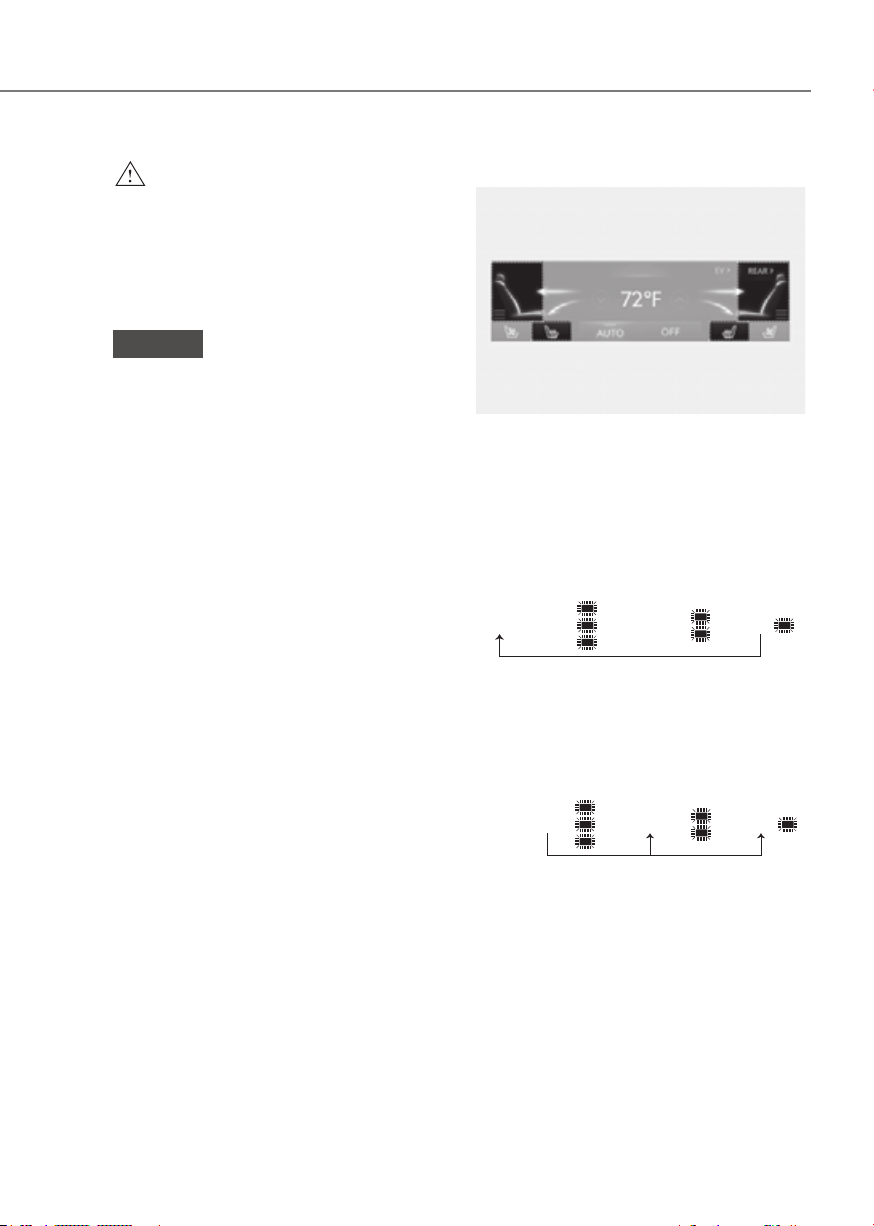
3-21
03
WARNING
NEVER place anything on the seat
that insulates against heat when the
seat warmer is in operation, such as a
blanket or seat cushion. This may cause
the seat warmer to overheat, causing a
burn or damage to the seat.
NOTICE
To prevent damage to the seat warmers
and seats:
• Never use a solvent such as paint
thinner, benzene, alcohol or gasoline
to clean the seats.
• Do not place heavy or sharp objects
on seats equipped with seat
warmers.
• Do not change the seat cover. It may
damage the seat warmer.
Front seat warmers
ORG3EV031104NORG3EV031104N
• While the vehicle is running, touch
either of the seat warmer icons
to warm the driver’s seat or front
passenger’s seat.
• Manual temperature control
Each time you touch the icon, the
temperature setting of the seat is
changed as follows :
OFF → HIGH ( ) → MEDIUM ( ) → LOW ( )
• Automatic temperature control
The seat warmer starts to
automatically control the seat
temperature in order to prevent
low temperature burns after being
manually turned ON.
OFF → HIGH ( ) → MEDIUM ( ) → LOW ( )
30 min 60 min
You may manually touch the icon to
increase seat temperature. However,
the seat temperature is automatically
adjusted again.
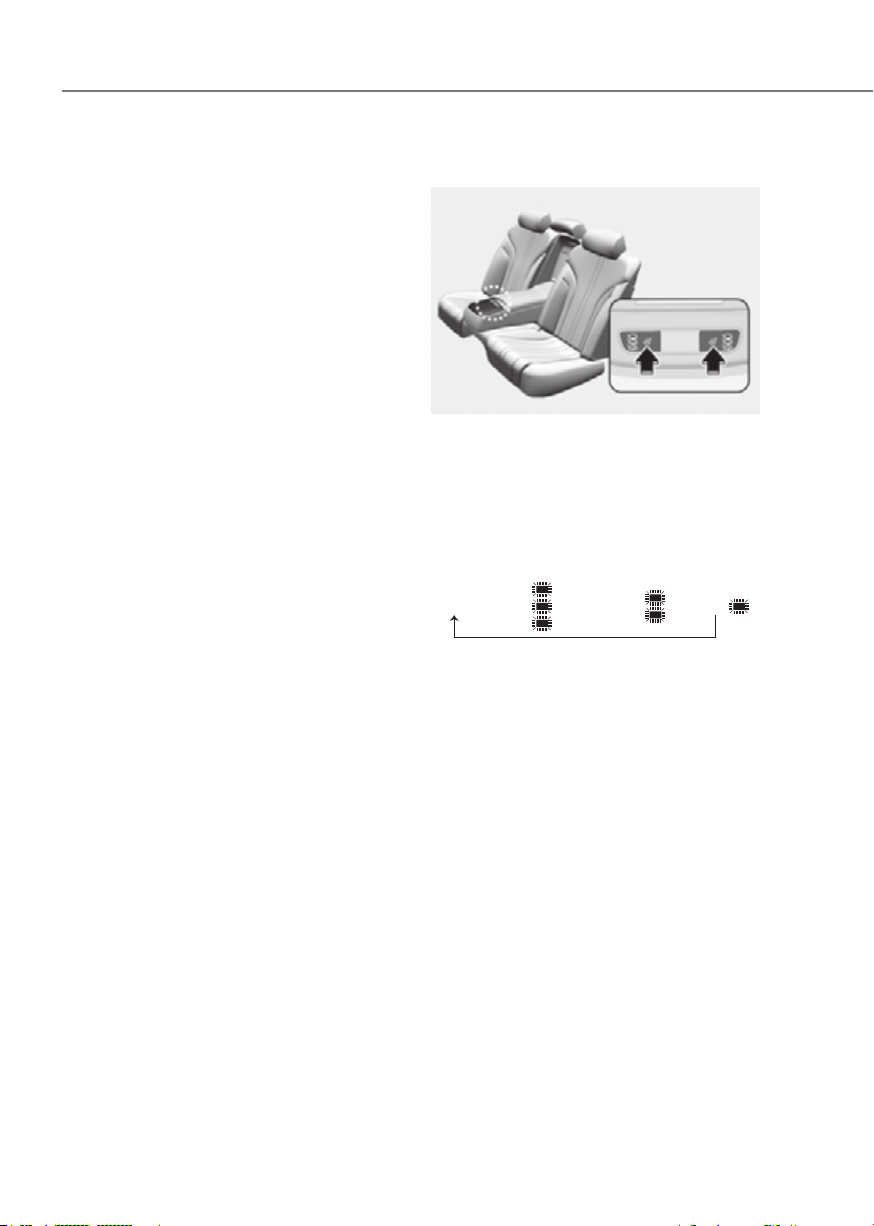
3-22
Seats and Safety System
• Auto. Controls That Use Climate
Control Settings (for driver’s seat) The
seat warmer automatically controls
the seat temperature depending on
the ambient temperature when the
vehicle is running.
To use this function, it must be
enabled from the Settings menu in the
infotainment system screen. Select:
-
Controls That Use Climate Control
• Seat Heater Balance
You may lower the seat warmer
setting, or may turn the seat warmer
off for either the seatback or seat
cushion, when the seat warmer is
on. To use this function, it must be
enabled from the Settings menu in the
infotainment system screen. Select:
-
Heater Balance
• When touching the icon for more than
1.5 seconds with the seat warmer
operating, the seat warmer will turn
OFF.
• The seat warmer defaults to the OFF
position whenever the Start/Stop
button is pressed to the ON position.
However, if the Auto. Controls That
Use Climate Control Settings function
is ON, the driver’s seat warmer will
turn on and off depending on the
ambient temperature.
Rear seat warmers (if equipped)
ORG3EV051269NORG3EV051269N
• While the vehicle is running, press
either of the seat warmer switches to
warm the rear seat.
• Manual temperature control
Each time you press the switch, the
temperature setting of the seat is
changed as follows :
OFF → HIGH ( ) → MEDIUM ( ) → LOW ( )
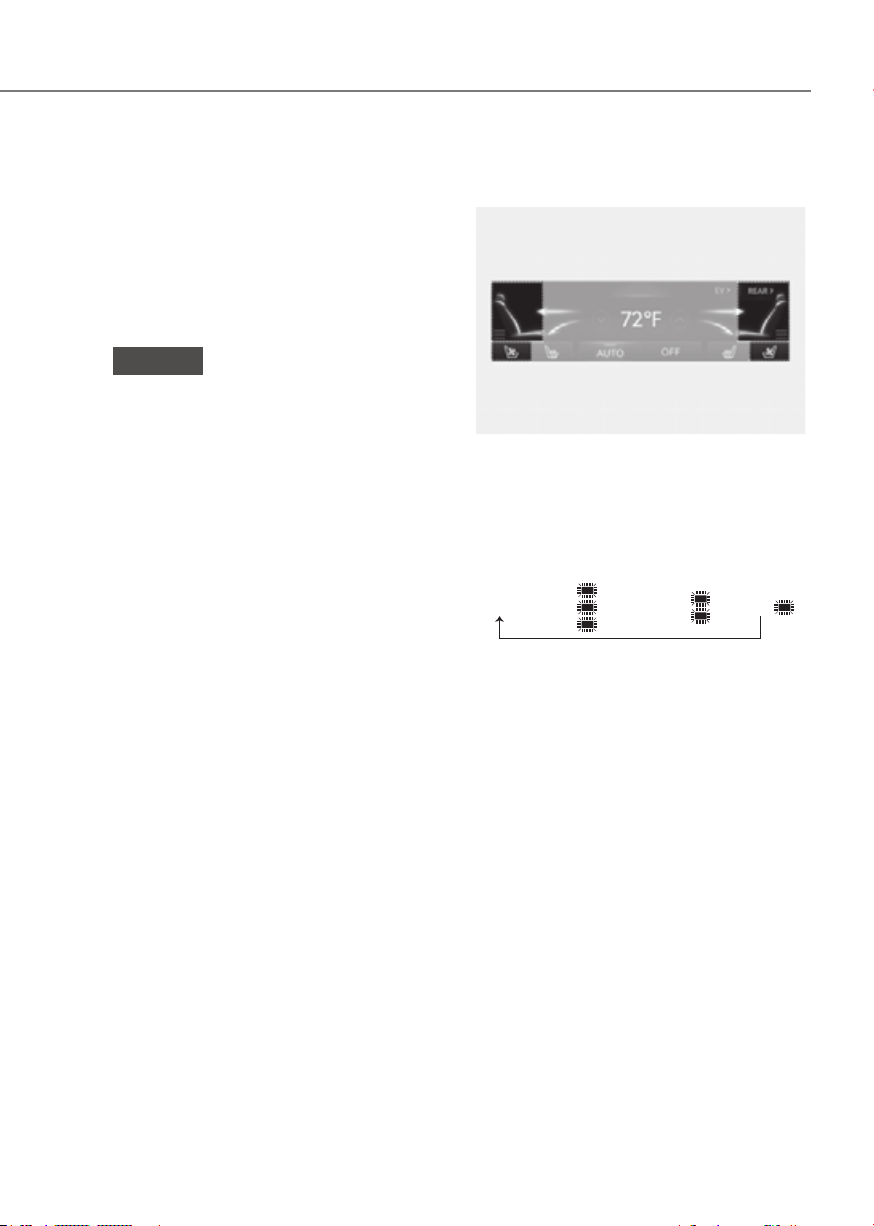
3-23
03
Air Ventilation Seats
The air ventilation seats are provided
to cool the front seats by blowing air
through small vent holes on the surface
of the seat cushions and seatbacks.
When the operation of the air ventilation
seat is not needed, keep the air
ventilation seats OFF.
NOTICE
To prevent damage to the air ventilation
seats:
• Never use a solvent such as paint
thinner, benzene, alcohol or gasoline
to clean the seats.
• Avoid spilling liquids on the surface
of the front seats and seatbacks; this
may cause the air vent holes to block
and not work properly.
• Do not place materials such as plastic
bags or newspapers under the seats.
They may block the air intake causing
malfunction of the air vent.
• Do not change the seat covers. It may
damage the air ventilation seat.
• If the air vents do not operate, restart
the vehicle. If there is no change,
have the vehicle to be inspected by
an authorized retailer of Genesis
Branded products .
Front air ventilation seats
(if equipped)
ORG3EV031105NORG3EV031105N
• While the vehicle is running, touch
either of the air ventilation seat icons
to cool the driver’s seat or the front
passenger’s seat.
• Each time you touch the icon, the
airflow changes as follows:
OFF → HIGH ( ) → MEDIUM ( ) → LOW ( )
• If the air ventilation seat is positioned
at HIGH, the airflow speed will
increase according to vehicle speed.
• Use the air ventilation seat with the
air conditioning on for more effective
ventilation.
• It may take 3~5 minutes after switch
operation to feel the temperature
change.

3-24
Seats and Safety System
• Auto. Controls That Use Climate
Control Settings (for driver’s seat)
The air ventilation seat automatically
controls the seat temperature
depending on the ambient
temperature when the vehicle is
running.
To use this function, it must be
enabled from the Settings menu in the
infotainment system screen. Select:
-
Controls That Use Climate Control
• The air ventilation seats defaults to the
OFF position whenever the Start/Stop
button is pressed to the ON position.
However, if the Auto. Controls That
Use Climate Control Settings function
is on, the driver’s seat warmer will turn
on and off depending on the ambient
temperature.

3-25
03
SEAT BELTS
This section describes how to use the
seat belts properly. It also describes
some of the things not to do when using
seat belts.
Seat Belt Safety Precautions
Always fasten your seat belt and make
sure all passengers have fastened their
seat belts before starting any trip. Air
bags are designed to supplement the
seat belt as an additional safety device,
and are not a replacement. Most states
require all occupants of a vehicle to wear
seat belts.
WARNING
Seat belts must be used by ALL
passengers whenever the vehicle is
moving. Take the following precautions
when adjusting and wearing seat belts:
• Children under the age of 13 should
be properly restrained in the rear
seats.
NEVER allow children to ride in the
front passenger seat, unless the air
bag is deactivated. If a child is seated
in the front passenger seat, move the
seat as far back as possible. And the
child must always be restrained in
the seat properly.
• NEVER allow an infant or child to be
carried on an occupant’s lap.
• NEVER ride with the seatback
reclined when the vehicle is moving.
• Do not allow children to share a seat
or seat belt.
• Do not wear the shoulder belt under
your arm or behind your back.
• NEVER wear a seat belt over fragile
objects. If there is a sudden stop or
impact, the seat belt can damage it.
• Do not use the seat belt if it is
twisted. A twisted seat belt will not
protect you properly in an accident.
• Do not use a seat belt if the webbing
or hardware is damaged.
• Do not latch the seat belt into the
buckles of other seats.
• NEVER unfasten the seat belt
while driving. This may cause loss
of vehicle control resulting in an
accident.
• Make sure there is nothing in the
buckle interfering with the seat
belt latch mechanism, because any
materials in the buckle can cause the
seat belt not to be fastened securely.
• No modifications or additions
should be made by the user which
will either prohibit the seat belt
adjusting devices from operating to
remove slack, or prohibit the seat
belt assembly from being adjusted to
remove slack.
WARNING
Damaged seat belts and seat belt
assemblies will not operate properly.
Always replace:
• Frayed, contaminated, or damaged
webbing.
• Damaged hardware.
• The entire seat belt assembly after it
has been worn in an accident, even
if damage to webbing or assembly is
not apparent.
3-26
Seats and Safety System
Seat Belt Warning Light
Driver’s seat belt warning
Instrument clusterInstrument cluster
ORG3EV031032ORG3EV031032
As a reminder to the driver, the seat
belt warning light will illuminate for
approximately 6 seconds each time the
Start/Stop button is in the ON position
regardless of belt fastening.
If the driver’s seat belt is not fastened,
the warning chime will sound for about
6 seconds and the waning light will stay
ON until the driver’s seat belt is fastened.
If the seat belt is not fastened, when
vehicle speed is between 5.5 mph (9
km/h) and 12 mph (20 km/h) the warning
light will continue to illuminate and
warning chime will sound until the seat
belt is fastened.
If the seat belt is not fastened, when
vehicle speed is above 12 mph (20 km/h),
the warning light will blink and warning
chime will sound for approximately 100
seconds. (warning chime will sound in
three stages)
Front passenger’s seat belt warning
As a reminder to the front passenger,
the front passenger’s seat belt warning
light will illuminate for approximately 6
seconds each time the Start/Stop button
is in the ON position regardless of belt
fastening.
If the passenger’s seat belt is not
fastened, the waning light will stay
ON until the passenger’s seat belt is
fastened.
If the seat belt is not fastened, when
vehicle speed is between 5.5 mph (9
km/h) and 12 mph (20 km/h) the warning
light will continue to illuminate and
warning chime will sound until the seat
belt is fastened.
If the seat belt is not fastened, when
vehicle speed is above 12 mph (20 km/h),
the warning light will blink and warning
chime will sound for approximately 100
seconds. (warning chime will sound in
three stages)
WARNING
Riding in an improper position
adversely affects the front passenger’s
seat belt warning system. It is important
for the driver to instruct the passenger
to be seated properly as instructed in
this manual.
Information
• Although the front passenger seat is not
occupied, the seat belt warning light
will blink or illuminate for 6 seconds.
• The front passenger’s seat belt warning
may operate when luggage is placed on
the front passenger seat.

3-27
03
Rear passenger’s seat belt warning
(if equipped)
ORG3EV031081ORG3EV031081
Rear outboard seat seatbelt
As a reminder to the rear outboard seat
passengers, the corresponding seat
belt warning lights will illuminate for
approximately 6 seconds each time the
Start/Stop button is in the ON position
regardless of belt fastening.
And then, if the seat belt is still not
fastened while driving, or unfastened
while driving, it will operate as follows
depending on vehicle speed.
- Below 12 mph (20 km/h):
The corresponding seat belt warning
light will illuminate until the seatbelt is
fastened.
- Above 12 mph (20 km/h):
The corresponding seat belt warning
light will blink and the warning chime
will sound for approximately 35 seconds,
and the warning light will continue to
illuminate until the seatbelt is fastened.
Rear center seatbelt
With the Start/Stop button in the ON
position, if the second row center seat
passenger’s seat belt is not fastened, the
corresponding seat belt warning light
will illuminate for 70 seconds. But, if the
seatbelt is fastened after 6 seconds, the
corresponding seat belt warning light will
immediately turn off.
If the seat belt was fastened, and was
unfastened while driving below 12
mph (20 km/h), the corresponding seat
belt warning light will illuminate for 70
seconds.
If the seat belt was fastened, and was
unfastened while driving above 12 mph
(20 km/h), the corresponding seat belt
warning light will blink and the warning
chime will sound for approximately 35
seconds.
.
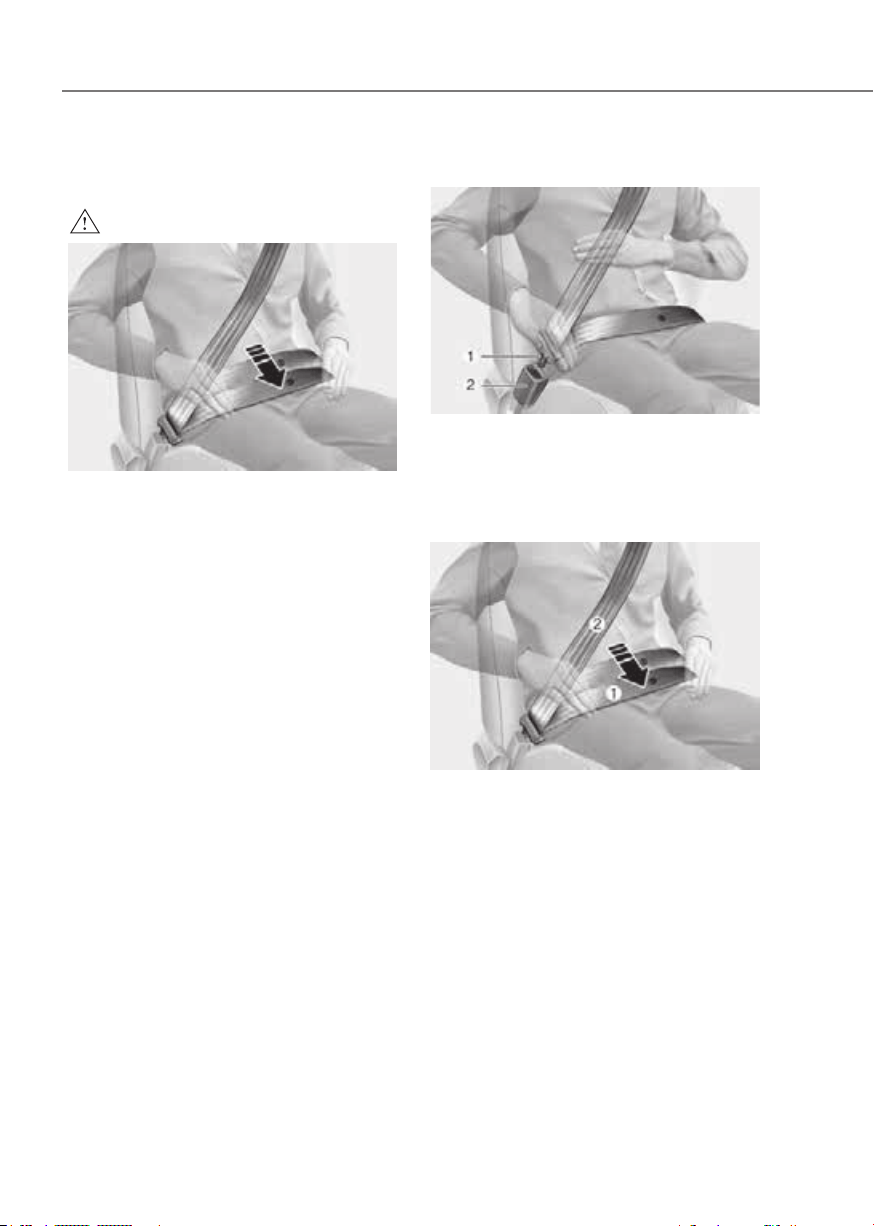
3-28
Seats and Safety System
Seat Belt Restraint System
WARNING
ORG3EV031034ORG3EV031034
Improperly positioned seat belts may
increase the risk of serious injury
in an accident. Take the following
precautions when adjusting the seat
belt:
• Position the lap portion of the seat
belt as low as possible across your
hips, not on your waist, so that it
fits snugly. This allows your strong
pelvic bones to absorb the force of
the crash, reducing the chance of
internal injuries.
• Position one arm under the shoulder
belt and the other over the belt, as
shown in the illustration.
• Always position the shoulder belt
anchor into the locked position at the
appropriate height.
• Never position the shoulder belt
across your neck or face.
Lap/shoulder belt
ORG3EV031033ORG3EV031033
To fasten your seat belt:
Pull it out of the retractor and insert the
metal tab (1) into the buckle (2). There
will be an audible “click” when the tab
locks into the buckle.
ORG3EV031090LORG3EV031090L
You should place the lap belt (1) portion
across your hips and the shoulder belt (2)
portion across your chest.
The seat belt automatically adjusts to the
proper length after the lap belt portion
is adjusted manually so that it fits snugly
around your hips. If you lean forward in
a slow, easy motion, the belt will extend
and move with you.
If there is a sudden stop or impact, the
belt will lock into position. It will also lock
if you try to lean forward too quickly.
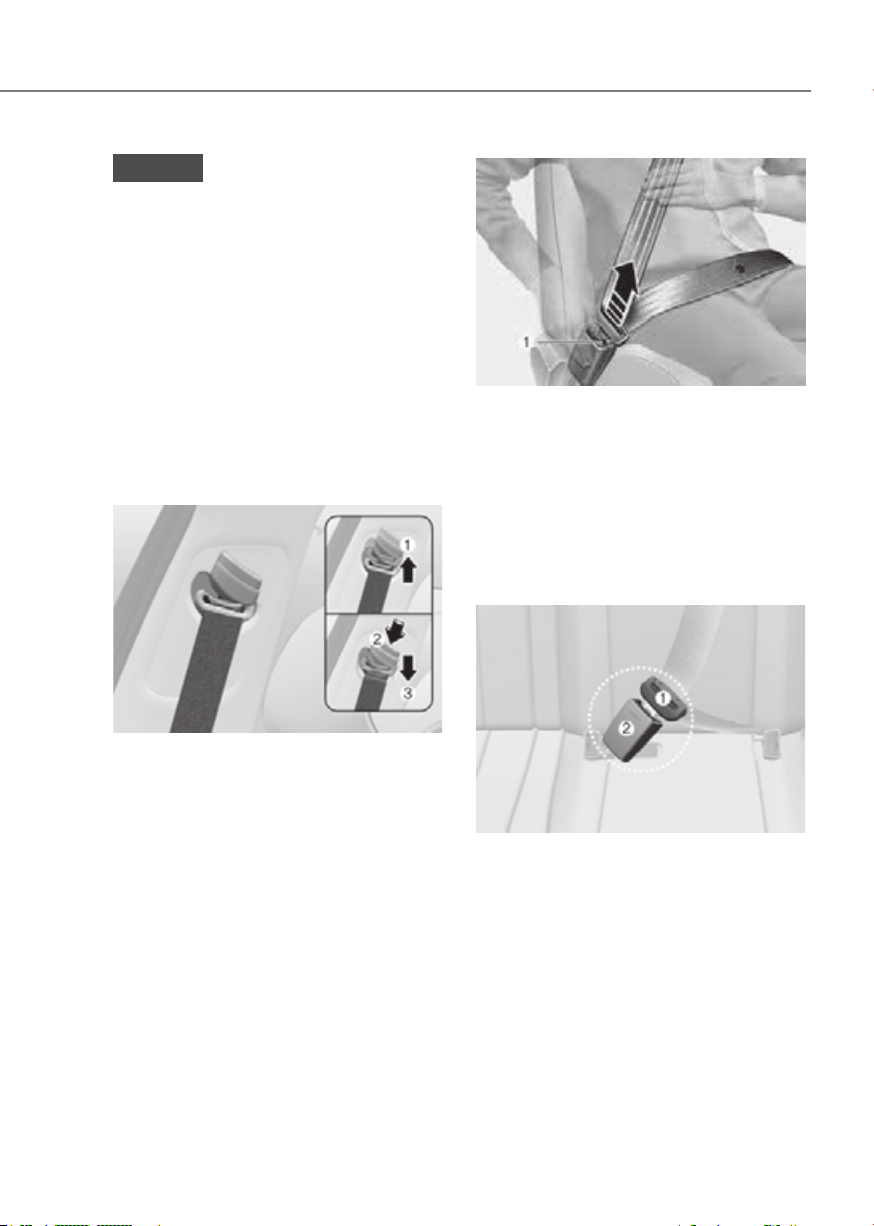
3-29
03
NOTICE
If you are not able to smoothly pull
enough of the seat belt out from the
retractor, firmly pull the seat belt out
and release it. After release, you will be
able to pull the belt out smoothly.
Height adjustment
You can adjust the height of the shoulder
belt anchor to one of the four different
positions for maximum comfort and
safety.
The shoulder portion should be adjusted
so it lies across your chest and midway
over your shoulder nearest the door, not
over your neck.
Front seatFront seat
ORG3EV031035ORG3EV031035
To adjust the height of the seat belt
anchor, lower or raise the height adjuster
into an appropriate position.
To raise the height adjuster, pull it up
(1). To lower it, push it down (3) while
pressing the height adjuster button (2).
Release the button to lock the anchor
into position. Try sliding the height
adjuster to make sure that it has locked
into position.
ORG3EV031036ORG3EV031036
To release your seat belt:
Press the release button (1) in the locking
buckle.
Once released, the belt should
automatically draw back into the
retractor. If this does not happen, check
the belt to be sure it is not twisted, then
try again.
Rear center seatbelt
ORG3EV031037ORG3EV031037
1. Take out the buckle (2), which is
stored between the seat/seatback
cushions.
2. Insert the metal plate (1) into the
buckle (2), until it clicks.
You can make sure its secure
fastening by pulling the seatbelt
webbing. The buckle with ‘CENTER’
mark should be used for the 3-point
seatbelt.
3. Restore the buckle between the seat/
seatback cushion after unfastening
the seatbelt.
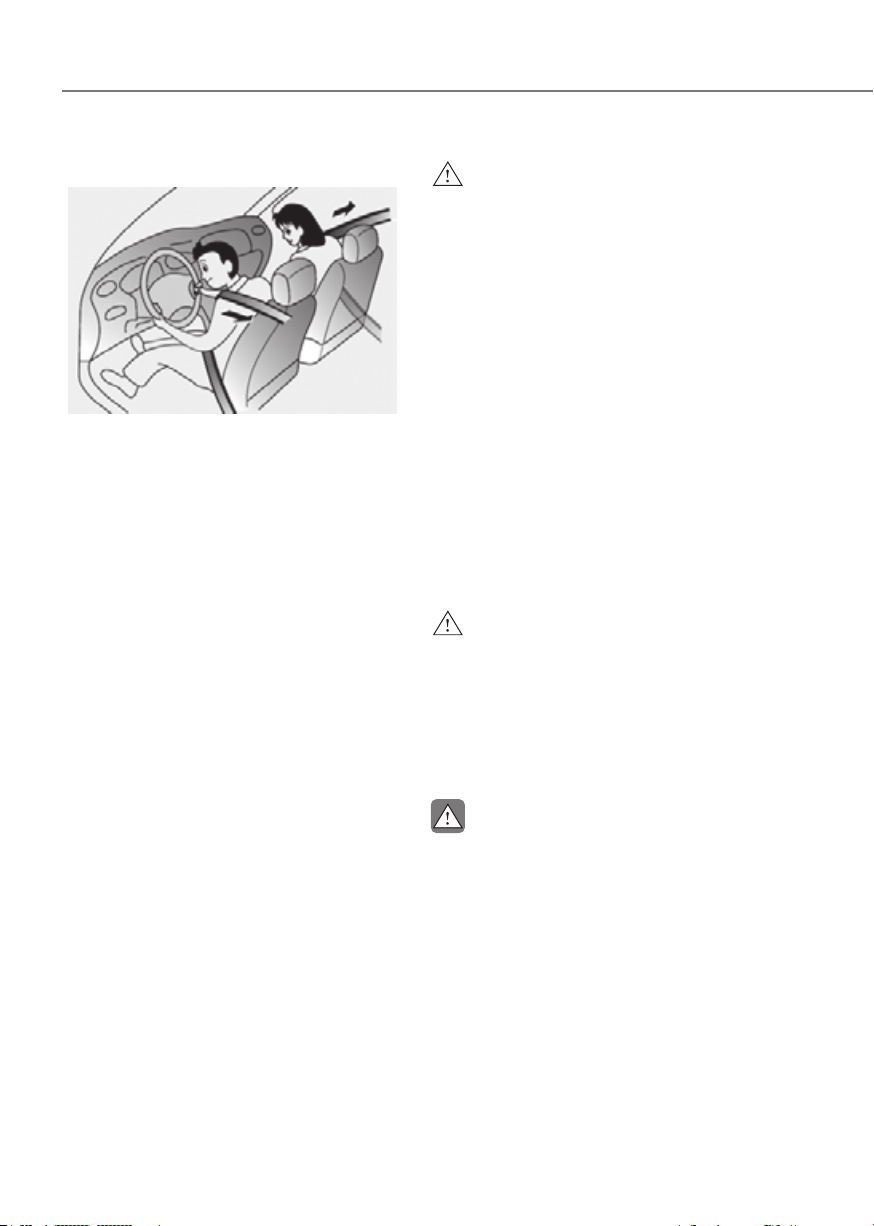
3-30
Seats and Safety System
Pre-tensioner seat belt
ORG3EV031111NORG3EV031111N
Your vehicle is equipped with driver's,
front passenger's, and rear passengers
Pre-tensioner Seat Belts (Retractor
Pre-tensioner). The purpose of the pre-
tensioner is to make sure the seat belts
fit tightly against the occupant’s body in
certain frontal or side collision(s).
When the vehicle stops suddenly, or
if the occupant tries to lean forward
too quickly, the seat belt retractor will
lock into position. In certain frontal or
side collision(s), the pre-tensioner will
activate and pull the seat belt into tighter
contact against the occupant’s body.
If the system senses excessive tension
on the driver or passenger’s seat belt
when the pre-tensioner system activates,
the load limiter inside the retractor
pre-tensioner will release some of the
pressure on the affected seat belt.
WARNING
• Always wear your seat belt and sit
properly in your seat.
• Do not use the seat belt if it is loose
or twisted. A loose or twisted seat
belt will not protect you properly in
an accident.
• Do not place anything near the
buckle. This may adversely affect
the buckle and cause it to function
improperly.
• Always replace your pre-tensioners
after activation or an accident.
• NEVER inspect, service, repair
or replace the pre-tensioners by
yourself. Have the pre-tensioners
inspected, serviced, repaired or
replaced by an authorized retailer of
Genesis Branded products .
• Do not hit the seat belt assemblies.
WARNING
Do not touch the pre-tensioner seat
belt assemblies for several minutes
after they have been activated. When
the pre-tensioner seat belt mechanism
deploys during a collision, the pre-
tensioner can become hot and can burn
you.
CAUTION
Body work on the front area of the
vehicle may damage the pre-tensioner
seat belt system. Therefore, have the
system serviced by an authorized
retailer of Genesis Branded products .
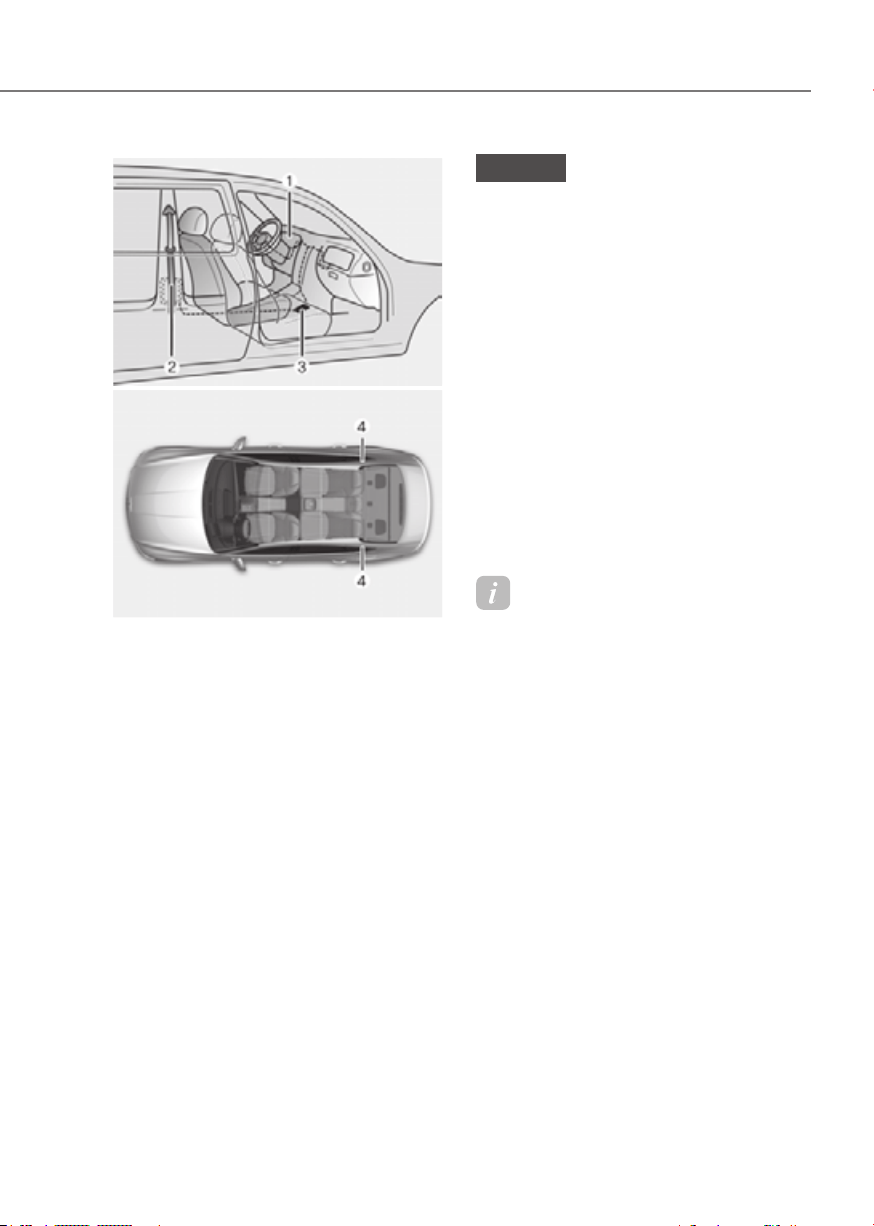
3-31
03
ODN8H033057ODN8H033057
ORG3030050LORG3030050L
The Pre-Tensioner Seat Belt System
consists mainly of the following
components. Their locations are shown
in the illustration above:
(1) SRS air bag warning light
(2) Retractor pre-tensioner
(3) SRS control module
(4) Rear Retractor pre-tensioner (if
equipped)
NOTICE
The sensor that activates the SRS
control module is connected with the
pre–tensioner seat belts. The SRS air
bag warning light on the instrument
cluster will illuminate for approximately
3~6 seconds after the Start/Stop button
is in the ON position, and then it should
turn off.
If the pre-tensioner is not working
properly, the warning light will
illuminate even if the SRS air bag is not
malfunctioning. If the warning light
does not illuminate, stays illuminated
or illuminates when the vehicle is
being driven, have the pre-tensioner
seat belts and/or SRS control module
inspected by an authorized retailer of
Genesis Branded products as soon as
possible.
Information
• Pre-tensioner seat belts may avtivate
in certain frontal or side collisions or
rollover situations (if equipped with
rollover sensor).
• When the pre-tensioner seat belts are
activated, a loud noise may be heard
and fine dust, which may appear to be
smoke, may be visible in the passenger
compartment. These are normal
operating conditions and are not
hazardous.
• Although it is non-toxic, the fine dust
may cause skin irritation and should
not be inhaled for prolonged periods.
Wash all exposed skin areas thoroughly
after an accident in which the pre-
tensioner seat belts were activated.
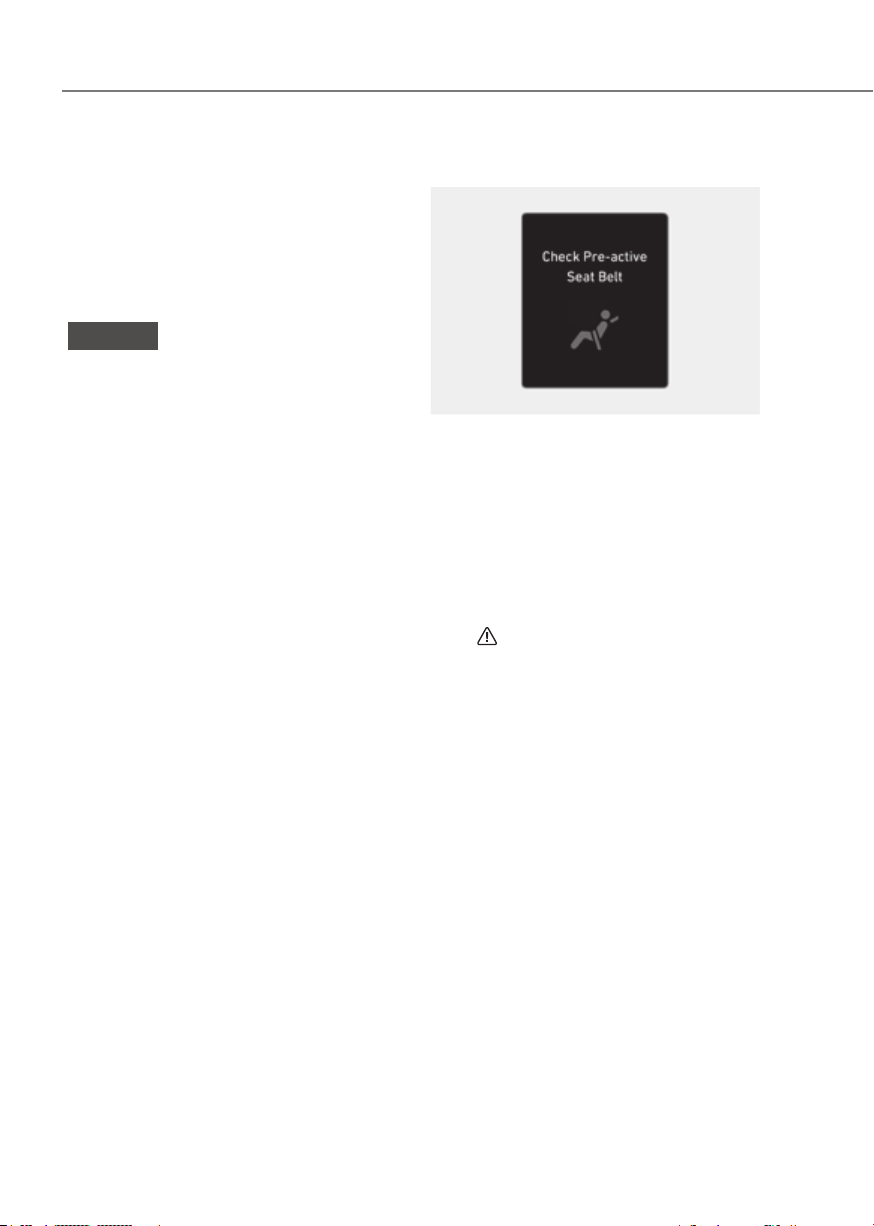
3-32
Seats and Safety System
Pre-Active Seat Belt (PSB) (if
equipped)
The purpose of the Pre-Active Seat
Belt is to tighten the driver’s and front
passenger’s seat belt when a collision is
sensed, during emergency braking, or
when a loss of control is detected.
NOTICE
Pre-Active Seat Belt is a supplementary
system. Pre-Active Seat Belt activates
only when the driver and front
passenger are wearing their seat belt.
Pre-Active Seat Belt operation
In order to help maximize the safety
of the driver and front passenger, Pre-
Active Seat Belt system may operate in
the situations below.
• Full retraction
The seat belt is tightened when:
- Emergency braking situation occurs
- Losing control of the vehicle
- The vehicle detects a collision
- The vehicle detects driving on a
frozen road
- Rough road with severe impact
- Unstable rolling of the vehicle
occurs
• Slack removal
Tightens a loose seat belt if vehicle
speed is over 9.3 mph (15 km/h).
• Belt parking
Tightens a loose seat belt when the
seat belt is unfastened.
Warning message
OJK030059LOJK030059L
Check Pre-Active Seat Belt
The Pre-Active Seat Belt warning
message will appear if there is a problem
with your Pre-Active Seat Belt.
Have the system checked by an
authorized retailer of Genesis Branded
products if the warning message
comes on while the vehicle is in motion.
When the Pre-Active Seat Belt warning
message disappears, the master warning
light (
) will illuminate.

3-33
03
Additional Seat Belt Safety
Precautions
Seat belt use during pregnancy
The seat belt should always be used
during pregnancy. The best way to
protect your unborn child is to protect
yourself by always wearing the seat belt.
Pregnant women should always wear
a lap-shoulder seat belt. Place the
shoulder belt across your chest, routed
between your breasts and away from
your neck. Place the lap belt below your
belly so that it fits SNUGLY across your
hips and pelvic bone, under the rounded
part of the belly.
WARNING
• Pregnant women and patients are
more vulnerable to any impacts on
the abdomen during an abrupt stop
or accident. If you are in an accident
while pregnant, consult your doctor.
• To reduce the risk of serious injury or
death to an unborn child during an
accident, pregnant women should
NEVER place the lap portion of the
seat belt above or over the area of
the abdomen where the unborn child
is located.
Seat belt use and children
Infant and small children
Most countries have Child Restraint
System laws which require children to
travel in approved Child Restraint System
devices, including booster seats. The age
at which seat belts can be used instead
of Child Restraint System differs among
countries, so you should be aware of the
specific requirements in your country,
and where you are travelling. Infant and
Child Restraint System must be properly
placed and installed in a rear seat.
For more information refer to the “Child
Restraint Systems” section in this
chapter.

3-34
Seats and Safety System
WARNING
ALWAYS properly restrain infants and
small children in a Child Restraint
System appropriate for the child’s
height and weight.
To reduce the risk of serious injury or
death to a child and other passengers,
NEVER hold a child in your lap or arms
when the vehicle is moving. The violent
forces created during an accident will
tear the child from your arms and throw
the child against the interior of the
vehicle.
Small children are best protected
from injury in an accident when
properly restrained in the rear seat
by a child restraint system that meets
the requirements of the Federal Motor
Vehicle Safety Standards. Before buying
any child restraint system, make sure
that it has a label certifying that it meets
Federal Motor Vehicle Safety Standard
FMVSS 213. The restraint must be
appropriate for your child’s height and
weight. Check the label on the child
restraint for this information. Refer to the
“Child Restraint Systems” section in this
chapter.
Larger children
Children under age 13 and who are
too large for a booster seat should
always occupy the rear seat and use the
available lap/shoulder belts. A seat belt
should lie across the upper thighs and
be snug across the shoulder and chest
to restrain the child safely. Check belt fit
periodically. A child’s squirming could
put the belt out of position. In the event
of an accident, children are afforded the
best safety restrained by a proper Child
Restraint System in the rear seats.
If a larger child over age 13 must be
seated in the front seat, the child must
be securely restrained by the available
lap/shoulder belt and the seat should be
placed in the rearmost position.
If the shoulder belt portion slightly
touches the child’s neck or face, try
placing the child closer to the center
of the vehicle. If the shoulder belt still
touches their face or neck, they need to
be returned to an appropriate booster
seat in the rear seat.
WARNING
• Always make sure larger children’s
seat belts are worn and properly
adjusted.
• NEVER allow the shoulder belt to
contact the child’s neck or face.
• Do not allow more than one child to
use a single seat belt.

3-35
03
Seat belt use and injured people
A seat belt should be used when an
injured person is being transported.
Consult a physician for specific
recommendations.
One person per belt
Two people (including children) should
never attempt to use a single seat belt.
This could increase the severity of
injuries in case of an accident.
Do not lie down
Sitting in a reclined position when the
vehicle is in motion can be dangerous.
Even when buckled up, the protections
of your restraint system (seat belts
and/or air bags) is greatly reduced by
reclining your seatback.
Seat belts must be snug against your
hips and chest to work properly.
During an accident, you could be thrown
into the seat belt, causing neck or other
injuries.
The more the seat back is reclined, the
greater the chance for the passenger’s
hips to slide under the lap belt or the
passenger’s neck to strike the shoulder
belt.
WARNING
• NEVER ride with a reclined seatback
when the vehicle is moving.
• Riding with a reclined seatback
increases your chance of serious
or fatal injuries in the event of a
collision or sudden stop.
• Driver and passengers should always
sit well back in their seats with the
seatbacks upright and should be
belted properly.
Care of Seat Belts
Seat belt systems should never be
disassembled or modified. In addition,
care should be taken to assure that seat
belts and belt hardware are not damaged
by seat hinges, doors or other abuse.
Periodic inspection
All seat belts should be inspected
periodically for wear or damage of any
kind. Any damaged parts should be
replaced as soon as possible.
Keep belts clean and dry
Seat belts should be kept clean and
dry. If belts become dirty, they can be
cleaned by using a mild soap solution
and warm water. Bleach, dye, strong
detergents or abrasives should not be
used because they may damage and
weaken the fabric.
When to replace seat belts
The entire seat belt assembly or
assemblies should be replaced if the
vehicle has been involved in an accident.
This should be done even if no damage is
visible. Consult an authorized retailer of
Genesis Branded products.

3-36
Seats and Safety System
Children Always in the Rear
WARNING
Always properly restrain children in
the rear seats of the vehicle. Children
of all ages are safer when restrained
in the rear seat. A child riding in the
front passenger seat can be forcefully
struck by an inflating air bag resulting in
SERIOUS INJURY or DEATH.
Children under age 13 should always
ride in the rear seats and must always be
properly restrained to minimize the risk
of injury in an accident, sudden stop or
sudden maneuver.
According to accident statistics, children
are safer when properly restrained in the
rear seats than in the front seat. Even
with air bags, children can be seriously
injured or killed. Children too large for a
Child Restraint System must use the seat
belts provided.
All 50 states have child restraint laws
which require children to travel in
approved Child Restraint Systems.
The laws governing the age or height/
weight restrictions at which seat belts
can be used instead of Child Restraint
System differs among states, so
you should be aware of the specific
requirements in your country, and where
you are travelling.
Child Restraint Systems must be properly
placed and installed in the rear seat.
You must use a commercially available
Child Restraint System that meets the
requirements of the Federal Motor
Vehicle Safety Standards (FMVSS 213).
Child Restraint Systems are generally
designed to be secured in a vehicle seat
by lap belt portion of a lap/shoulder belt,
or by a LATCH system in the rear seats of
the vehicle.
Child Restraint System (CRS)
Infants and younger children must be
restrained in an appropriate rearward-
facing or forward-facing CRS that has
first been properly secured to the seat
of the vehicle. Read and comply with
the instructions for installation and use
provided by the manufacturer of the
Child Restraint System.
WARNING
An improperly secured child restraint
can increase the risk of SERIOUS
INJURY or DEATH in an accident. Always
take the following precautions when
using a Child Restraint System:
• NEVER install a child or infant
restraint in the front passenger's
seat.
• Always properly secure the child
restraint to a rear seat of the vehicle.
• Always follow the child restraint
system manufacturer's instructions
for installation and use.
• Always properly restrain your child in
the child restraint.
• If the vehicle head restraint prevents
proper installation of a child seat
(as described in the child restraint
system manual), the head restraint of
the respective seating position shall
be readjusted or entirely removed.
• Do not use an infant carrier or a
child safety seat that "hooks" over
a seatback, it may not provide
adequate protection in an accident.
• After an accident, have an authorized
retailer of Genesis Branded products
check the child restraint system,
seat belts, tether anchors and lower
anchors.
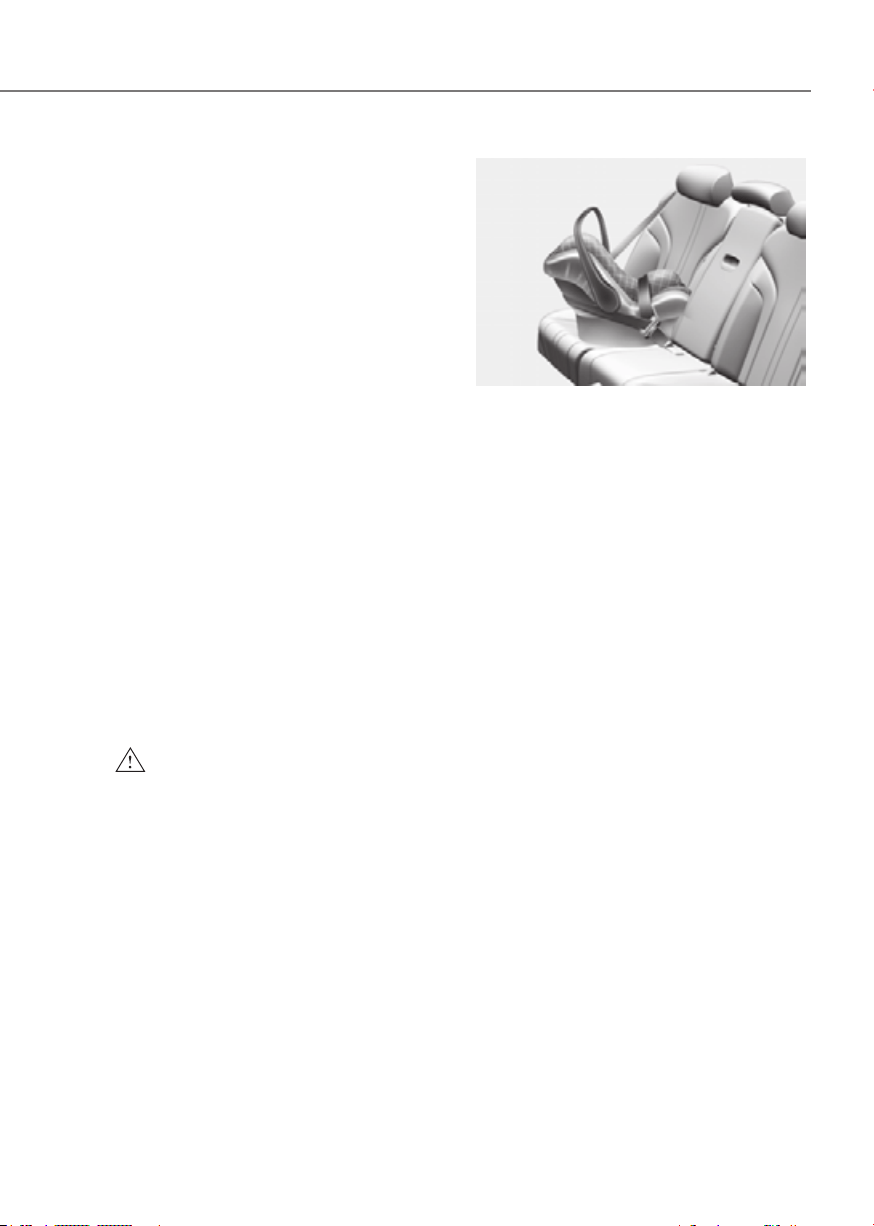
3-37
03
Selecting a Child Restraint
System (CRS)
When selecting a Child Restraint System
for your child, always:
• Make sure the Child Restraint System
has a label certifying that it meets
applicable Federal Motor Vehicle
Safety Standards (FMVSS 213).
• Select a Child Restraint System based
on your child’s height and weight. The
required label or the instructions for
use typically provide this information.
• Select a Child Restraint System that
fits the vehicle seating position where
it will be used.
• Read and comply with the warnings
and instructions for installation and
use provided with the Child Restraint
System.
Child Restraint System types
There are three main types of Child
Restraint Systems: rearward-facing,
forward-facing and booster Child
Restraint Systems.
They are classified according to the
child’s age, height and weight.
WARNING
NEVER install a child or infant restraint
in the front passenger's seat.
Placing a rearward-facing child restraint
in the front seat can result in SERIOUS
INJURY or DEATH if the child restraint is
struck by an inflating air bag.
ORG3EV031085ORG3EV031085
Rearward-facing Child Restraint System
A rearward-facing Child Restraint System
provides restraint with the seating
surface against the back of the child. The
harness system holds the child in place,
and in an accident, acts to keep the child
positioned in the Child Restraint Systems
and reduce the stress to the fragile neck
and spinal cord.
All children under the age of one year
must always ride in a rearward-facing
Child Restraint System. Convertible and
3-in-1 Child Restraint Systems typically
have higher height and weight limits for
the rearward-facing position, allowing
you to keep your child rearward-facing
for a longer period of time.
Keep using Child Restraint Systems in
the rearward-facing position as long as
children fit within the height and weight
limits allowed by the Child Restraint
System’s manufacturer. It’s the best way
to keep them safe.
Once your child has outgrown the
rearward-facing Child Restraint System,
your child is ready for a forward-facing
Child Restraint System with a harness.

3-38
Seats and Safety System
ORG3EV031086ORG3EV031086
Forward-facing Child Restraint System
A forward-facing Child Restraint System
provides restraint for the child’s body
with a harness. Keep children in a
forward-facing Child Restraint System
with a harness until they reach the top
height or weight limit allowed by your
Child Restraint System’s manufacturer.
Once your child outgrows the forward-
facing Child Restraint System, your child
is ready for a booster seat.
Booster seats
A booster seat is a Child Restraint
System designed to improve the fit of
the vehicle’s seat belt system. A booster
seat positions the seat belt so that it
fits properly over the stronger parts of
your child’s body. Keep your children in
booster seats until they are big enough
to fit in a seat belt properly.
For a seat belt to fit properly, the lap belt
must lie comfortable across the upper
thighs, not the stomach. The shoulder
belt should lie comfortable across the
shoulder and chest and not across the
neck or face. Children under age 13
must always be properly restrained to
minimize the risk of injury in an accident,
sudden stop or sudden maneuver.
Installing a Child Restraint
System (CRS)
WARNING
Before installing your Child Restraint
System always:
Read and follow the instructions
provided by the manufacturer of the
Child Restraint System.
Failure to follow all warnings and
instructions could increase the risk of
the SERIOUS INJURY or DEATH if an
accident occurs.
WARNING
If the vehicle head restraint prevents
proper installation of a Child Restraint
System, the head restraint of the
respective seating position shall be
readjusted or entirely removed.
After selecting a proper Child Restraint
System for your child and checking that
the Child Restraint System fits properly
on the seating position, there are three
general steps for a proper installation:
• Properly secure the Child Restraint
System to the vehicle. All Child
Restraint Systems must be secured
to the vehicle with the lap belt or lap
part of a lap/shoulder belt or with the
lower anchor and/or tether anchor
and/or with the support leg.

3-39
03
• Make sure the Child Restraint System
is firmly secured. After installing a
Child Restraint System to the vehicle,
push and pull the seat forward and
from side-to-side to verify that it is
securely attached to the seat. A Child
Restraint System secured with a seat
belt should be installed as firmly as
possible. However, some side-to-side
movement can be expected.
When installing a Child Restraint
System, adjust the vehicle seat and
seatback (up and down, forward
and rearward) so that your child fits
in the Child Restraint System in a
comfortable manner.
• Secure the child in the Child
Restraint System. Make sure the
child is properly strapped in the Child
Restraint System according to the
Child Restraint System manufacturer’s
instructions.
CAUTION
A Child Restraint System in a closed
vehicle can become very hot. To prevent
burns, check the seating surface and
buckles before placing your child in the
Child Restraint System.
Lower Anchors and Tether for
Children (LATCH System)
The LATCH system holds a Child
Restraint System during driving and in
an accident. This system is designed
to make installation of the Child
Restraint System easier and reduce
the possibility of improperly installing
your Child Restraint System. The LATCH
system uses anchors in the vehicle and
attachments on the Child Restraint
System. The LATCH system eliminates
the need to use seat belts to secure the
Child Restraint System to the rear seats.
Lower anchors are metal bars built into
the vehicle. There are two lower anchors
for each LATCH seating position that will
accommodate a Child Restraint System
with lower attachments.
To use the LATCH system in your vehicle,
you must have a Child Restraint System
with LATCH attachments.
The Child Restraint System manufacturer
will provide you with instructions on how
to use the Child Restraint System with its
attachments for the LATCH anchorages.

3-40
Seats and Safety System
ORG3EV031110NORG3EV031110N
LATCH anchors have been provided in
the left and right outboard rear seating
positions. Their locations are shown
in the illustration. There are no LATCH
anchors provided for the center rear
seating position.
WARNING
Do not attempt to install a Child
Restraint System using LATCH anchors
in the rear center seating position.
There are no LATCH anchors provided
for this seat. Using the outboard seat
anchors can damage the anchors which
may break or fail in a collision resulting
in serious injury or death.
ORG3EV031040ORG3EV031040
[A] : Lower Anchor Position Indicator
[B] : Lower Anchor
The lower anchor position indicator
symbols are located on the left and right
rear seat backs to identify the position
of the lower anchors in your vehicle (see
arrows in illustration).
The LATCH anchors are located between
the seatback and the seat cushion of the
rear seat left and right outboard seating
positions.
WARNING
Before installing the Child Restraint
System, make sure that there are no
objects (for example, toy, pen, wire)
around the lower anchor area. Those
objects may damage either the seat belt
system or the Child Restraint System
during the installment procedure. If
necessary, have the vehicle inspected
by an authorized retailer of Genesis
Branded products.

3-41
03
Securing a Child Restraint System
with the “LATCH Anchors System”
To install a LATCH-compatible Child
Restraint System in either of the rear
outboard seating positions:
1. Move the seat belt buckle away from
the lower anchors.
2. Move any other objects away from
the anchorages that could prevent
a secure connection between the
Child Restraint System and the lower
anchors.
3. Place the Child Restraint System on
the vehicle seat, then attach the seat
to the lower anchors according to the
instructions provided by the Child
Restraint System manufacturer.
4. Follow the instructions of the Child
Restraint System’s manufacturer for
proper installation and connection of
the lower attachments on the Child
Restraint System to the lower anchors.
WARNING
Take the following precautions when
using the LATCH system:
• Read and follow all installation
instructions provided with your Child
Restraint System.
• To prevent the child from reaching
and taking hold of unretracted
seat belts, buckle all unused rear
seat belts and retract the seat belt
webbing behind the child. Children
can be strangled if a shoulder belt
becomes wrapped around their neck
and the seat belt tightens.
• NEVER attach more than one
Child Restraint System to a single
anchorage. This could cause the
anchor or attachment to come loose
or break.
• Always have the LATCH system
inspected by your dealer after an
accident. An accident can damage
the LATCH system and may not
properly secure the Child Restraint
System.
NOTICE
The recommended weight for the
LATCH system is under 65 lb. (30 kg).
How to determine an appropriate child
restraint weight: Child weight + Child
restraint system weight < 65 lb. (30kg)
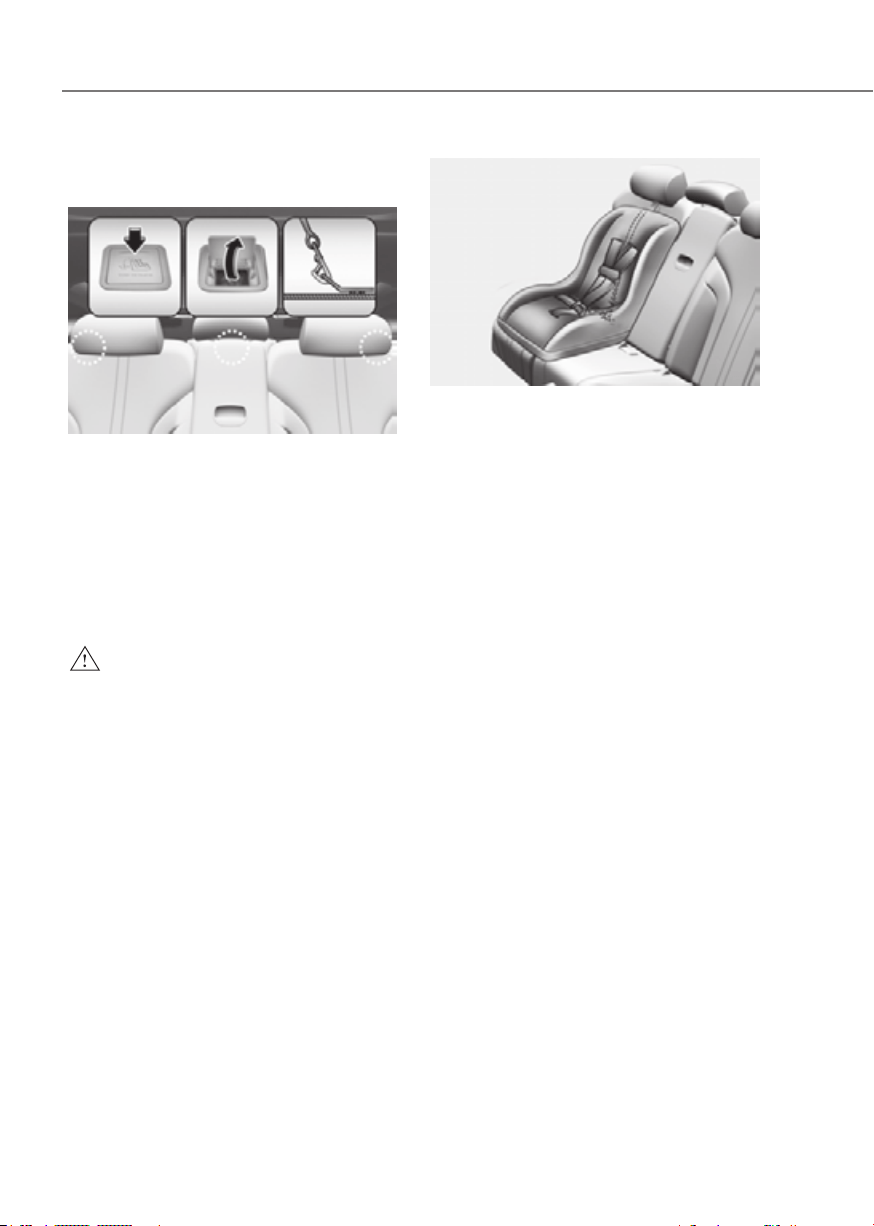
3-42
Seats and Safety System
Securing a Child Restraint System
seat with “Tether Anchor” system
ORG3EV031039NORG3EV031039N
First secure the child restraint with
the LATCH lower anchors or the seat
belt. If the child restraint manufacturer
recommends that the top tether strap
be attached, attach and tighten the
top tether strap to the top tether strap
anchor.
Child restraint hook holders are located
on the rear of the seatbacks.
WARNING
Take the following precautions when
installing the tether strap:
• Read and follow all installation
instructions provided with your child
restraint system.
• NEVER attach more than one child
restraint to a single tether anchor.
This could cause the anchor or
attachment to come loose or break.
• Do not attach the tether strap to
anything other than the correct
tether anchor. It may not work
properly if attached to something
else.
• Do not use the tether anchors for
adult seat belts or harnesses, or for
attaching other items or equipment
to the vehicle.
ORG3EV031087ORG3EV031087
To install the tether anchor:
1. Route the Child Restraint System
top-tether strap over the seatback.
Route the tether strap under the
head restraint and between the head
restraint posts, or route the tether
strap over the top of the vehicle
seatback. Make sure the strap is not
twisted.
2. Connect the tether strap hook to
the tether anchor, then tighten the
top-tether strap according to the
instructions of your Child Restraint
System’s manufacturer to firmly
attach the Child Restraint System to
the seat.
3. Check that the Child Restraint System
is securely attached to the seat by
pushing and pulling the seat forward-
and-back and side-to-side.

3-43
03
WARNING
Take the following precautions when
installing the top-tether:
• Read and follow all installation
instructions provided with your Child
Restraint System.
• NEVER attach more than one
Child Restraint System to a single
tether anchor. This could cause the
anchorage or attachment to come
loose or break.
• Do not attach the tether strap to
anything other than the correct
top-tether anchor. It may not work
properly if attached to something
else.
• Child Restraint System anchors are
designed to withstand only those
loads imposed by correctly fitted
Child Restraint System.
Do not use them for adult seat belts,
harnesses, or for attaching other
items or equipment to the vehicle.
Securing a Child Restraint System
with a lap/shoulder belt
When not using the LATCH system, all
Child Restraint Systems must be secured
to a rear seat with the lap part of a lap/
shoulder belt.
WARNING
ALWAYS place a rearward-facing Child
Restraint System in the rear seat of the
vehicle.
Placing a rearward-facing child restraint
in the front seat can result in serious
injury or death if the Child Restraint
System is struck by an inflating air bag.
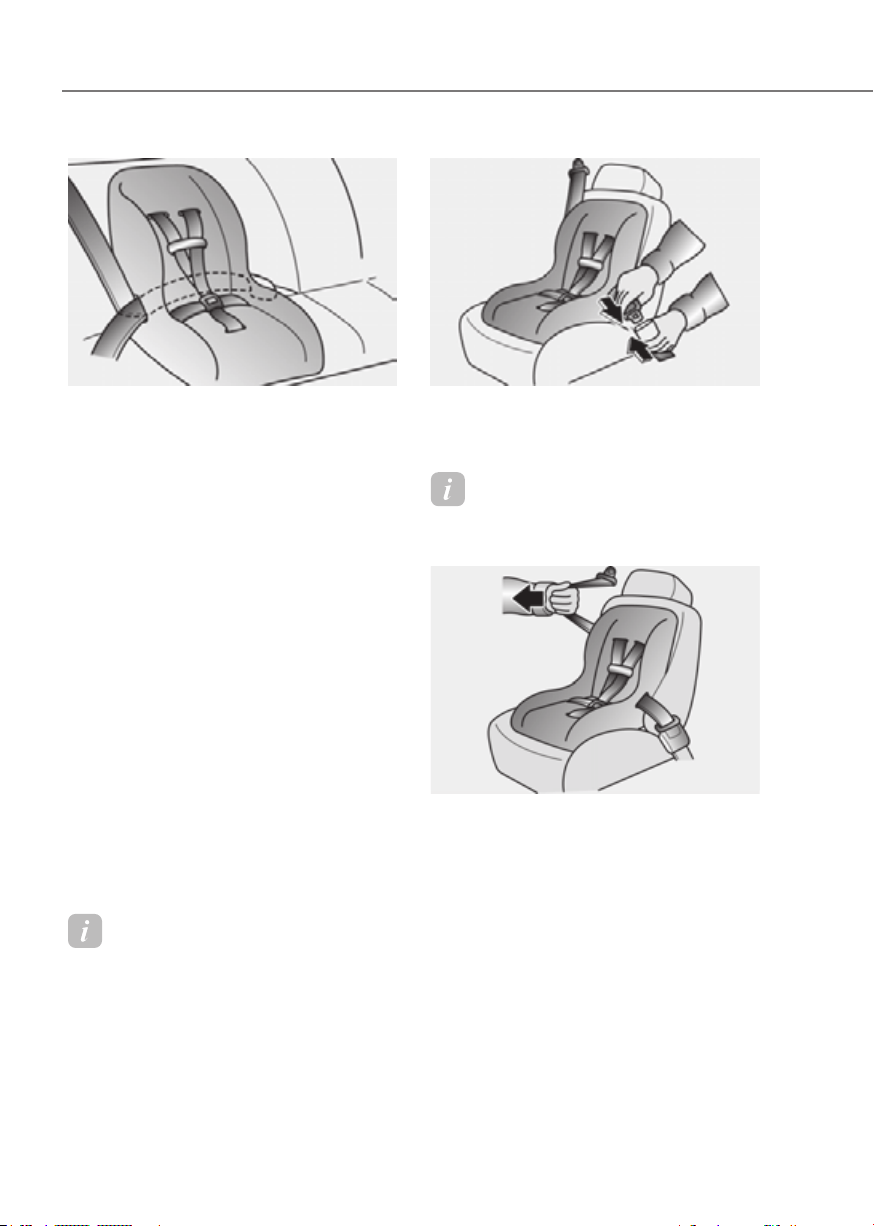
3-44
Seats and Safety System
OHI038145OHI038145
Automatic locking mode
Since all passenger seat belts move
freely under normal conditions and
only lock under extreme or emergency
conditions (emergency locking mode),
you must manually pull the seat belt all
the way out to shift the retractor to the
"Automatic Locking" mode to secure a
Child Restraint System.
The "Automatic Locking" mode will help
prevent the normal movement of the
child in the vehicle from causing the
seat belt to loosen and compromise
the Child Restraint System. To secure a
Child Restraint System, use the following
procedure.
To install a Child Restraint System on the
rear seats, do the following:
1. Place the Child Restraint System on a
rear seat and route the lap/shoulder
belt around or through the Child
Restraint System, following the Child
Restraint System manufacturer’s
instructions. Make sure the seat belt
webbing is not twisted.
Information
When using the rear center seat belt, you
should also refer to the "Rear Seat Belt –
Passenger's 3-point system" section in this
chapter.
ORG3EV031038ORG3EV031038
2. Fasten the lap/shoulder belt latch
into the buckle. Listen for the distinct
“click” sound.
Information
Position the release button so that it is easy
to access in case of an emergency.
OHI038147OHI038147
3. Pull the shoulder portion of the
seat belt all the way out. When the
shoulder portion of the seat belt
is fully extended, it will shift the
retractor to the "Automatic Locking"
(child restraint) mode.
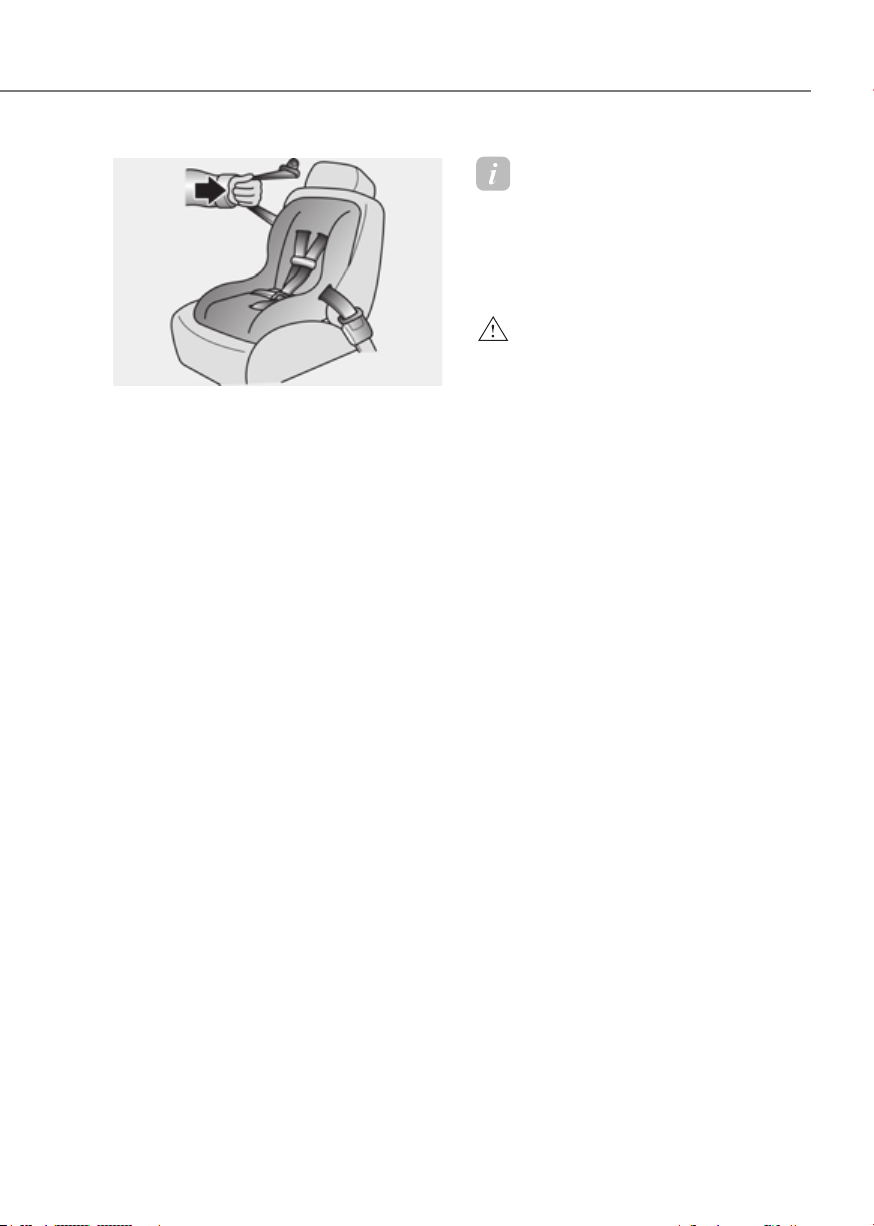
3-45
03
OHI038148OHI038148
4. Slowly allow the shoulder portion of
the seat belt to retract and listen for
an audible "clicking" or "ratcheting"
sound. This indicates that the retractor
is in the "Automatic Locking" mode.
If no distinct sound is heard, repeat
steps 3 and 4.
5. Remove as much slack from the belt
as possible by pushing down on the
Child Restraint System while feeding
the shoulder belt back into the
retractor.
6. Push and pull on the Child Restraint
System to confirm that the seat belt
is holding it firmly in place. If it is not,
release the seat belt and repeat steps
2 through 6.
7. Double check that the retractor is in
the "Automatic Locking" mode by
attempting to pull more of the seat
belt out of the retractor. If you cannot,
the retractor is in the "Automatic
Locking" mode.
If your Child Restraint System
manufacturer instructs or recommends
you to use a tether anchor with the lap/
shoulder belt, refer to the previous pages
for more information.
Information
When the seat belt is allowed to retract to
its fully stowed position, the retractor will
automatically switch from the “Automatic
Locking” mode to the emergency lock
mode for normal adult usage.
WARNING
If the retractor is not in the “Automatic
Locking” mode, the child restraint
can move when your vehicle turns or
stops suddenly. A child can be seriously
injured or killed if the child restraint
is not properly anchored in the car,
including manually pulling the seat belt
all the way out to shift the retractor to
the “Automatic Locking” mode.
To remove the Child Restraint System,
press the release button on the buckle
and then pull the lap/shoulder belt out of
the Child Restraint System and allow the
seat belt to retract fully.
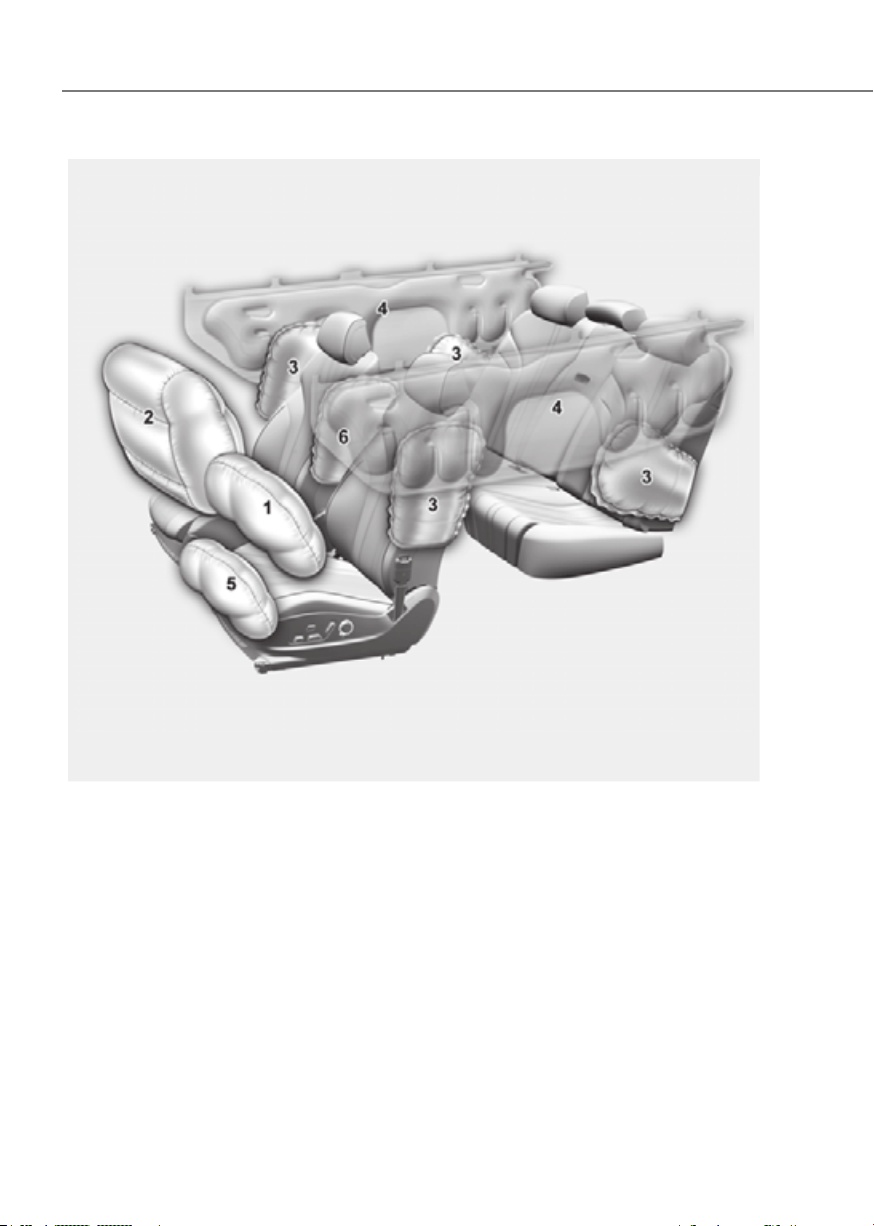
3-46
Seats and Safety System
The actual air bags in the vehicle may differ from the illustration.
ORG3EV031041ORG3EV031041
1. Driver’s front air bag
2. Passenger’s front air bag
3. Side air bag
4. Curtain air bag
5. Driver’s knee air bag
6. Front center side air bag

3-47
03
The vehicles are equipped with a Supplemental Air Bag System for the driver’s seat and
front passenger’s seats.
The front air bags are designed to supplement the three-point seat belts. For these air
bags to provide protection, the seat belts must be worn at all times when driving.
You can be severely injured or killed in an accident if you are not wearing a seat belt.
Air bags are designed to supplement seat belts, but do not replace them. Also, air bags
are not designed to deploy in every collision. In some accidents, the seat belts are the
only restraint protecting you.
WARNING
AIR BAG SAFETY PRECAUTIONS
ALWAYS use seat belts and Child Restraint Systems - every trip, every time,
everyone! Even with air bags, you can be seriously injured or killed in a collision if
you are improperly belted or not wearing your seat belt when the air bag inflates.
NEVER place a child in any Child Restraint System or booster seat in the front
passenger seat, unless the air bag is deactivated.
An inflating air bag could forcefully strike the infant or child causing serious or fatal
injuries.
ABC - Always Buckle Children under age 13 in the back seat. It is the safest place
for children of any age to ride. If a child age 13 or older must be seated in the front
seat, he or she must be properly belted and the seat should be moved as far back as
possible.
All occupants should sit upright with the seatback in an upright position, centered
on the seat cushion with their seat belt on, legs comfortably extended and their feet
on the floor until the vehicle is parked and the vehicle is turned off. If an occupant
is out of position during an accident, the rapidly deploying air bag may forcefully
contact the occupant causing serious or fatal injuries.
You and your passengers should never sit or lean unnecessarily close to the air bags
or lean against the door or center console.
Move your seat as far back as possible from front air bags, while still maintaining
control of the vehicle. The U.S. National Highway Traffic Safety Administration
(NHTSA) recommends that drivers allow at least 10 inches (25 cm) between the
center of the steering wheel and the chest.

3-48
Seats and Safety System
Where are the Air Bags?
Driver’s and passenger’s front air
bags
Driver’s front air bagDriver’s front air bag
ORG3EV031106LORG3EV031106L
Driver’s knee air bagDriver’s knee air bag
ORG3030025ORG3030025
Passenger’s front air bagPassenger’s front air bag
ORG3030026ORG3030026
Your vehicle is equipped with a
Supplemental Restraint System (SRS)
and lap/shoulder belts at both the driver
and passenger seating positions.
The SRS consists of air bags which are
located in the center of the steering
wheel and the passenger’s side front
panel pad above the glove box.
The air bags are labeled with the letters
“AIR BAG” embossed on the pad covers.
The purpose of the SRS is to provide the
vehicle’s driver and front passengers with
additional protection than that offered
by the seat belt system alone in case of a
frontal impact of sufficient severity.
The seat belt buckle sensors determine
if the driver and front passenger's seat
belts are fastened. These sensors provide
the ability to control the SRS deployment
based on whether or not the seat belts are
fastened, and how severe the impact is.
The advanced SRS offers the ability to
control the air bag inflation within two
levels. A first stage level is provided for
moderate-severity impacts. A second
stage level is provided for more severe
impacts.
According to the impact severity, and
seat belt usage, the SRS Control Module
(SRSCM) controls the air bag inflation.
Failure to properly wear seat belts can
increase the risk or severity of injury in an
accident.
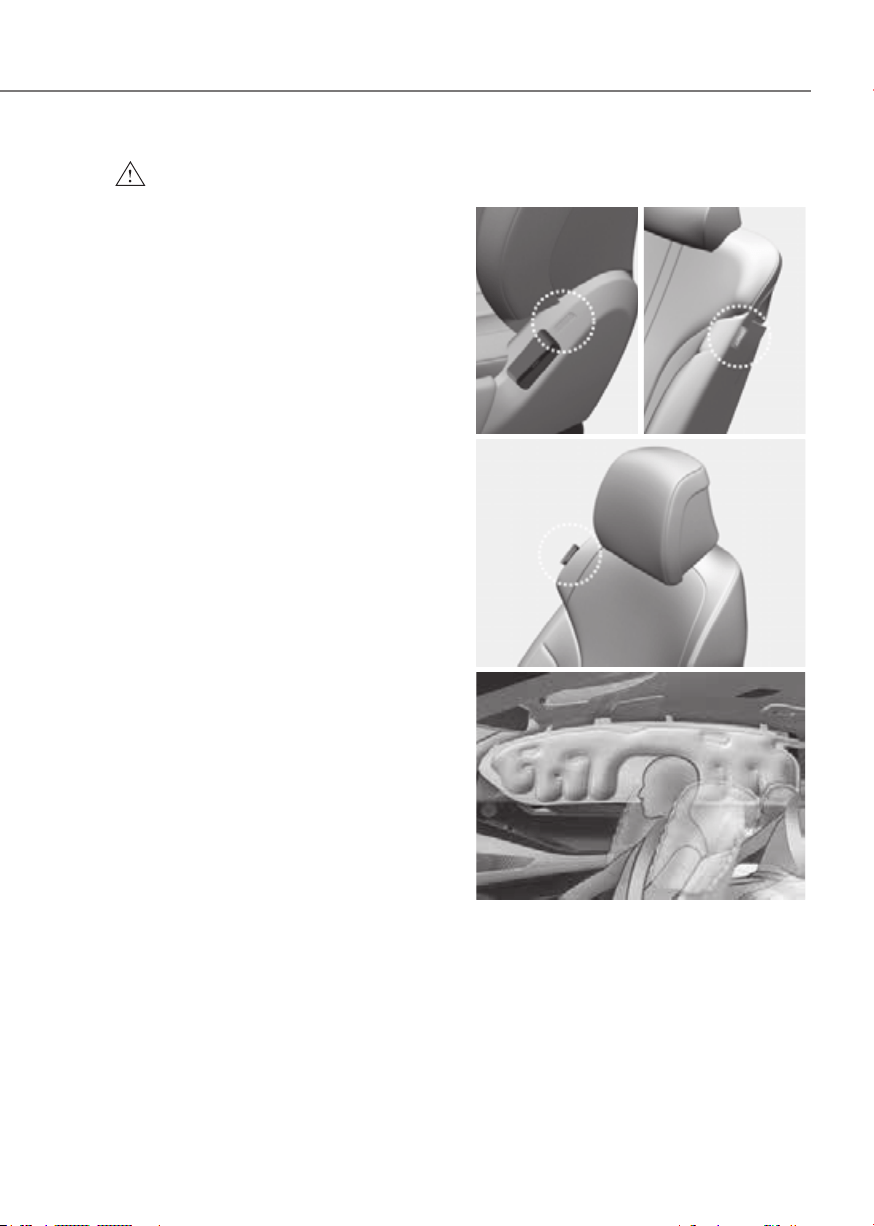
3-49
03
WARNING
To reduce the risk of serious injury or
death from inflating front air bags, take
the following precautions:
• Seat belts must be worn at all times
to help keep occupants positioned
properly.
• Move your seat as far back as
possible from front air bags, while
still maintaining control of the
vehicle.
• Never lean against the door or center
console.
• Do not allow the front passenger
to place their feet or legs on the
dashboard.
• No objects (such as crash pad
cover, mobile phone holder, cup
holder, perfume or stickers) should
be placed over or near the air bag
modules on the steering wheel,
instrument panel, windshield glass,
and the front passenger’s panel
above the glove box. Such objects
could cause harm if the vehicle is in a
crash severe enough to cause the air
bags to deploy.
• Do not attach any objects on the
front windshield and inside mirror.
Side air bags and front center side
air bag
Side air bagSide air bag
•• Front rowFront row •• Second rowSecond row
ORG3030028ORG3030028 ORG3EV031055ORG3EV031055
Front center side air bag (Driver’s seat)Front center side air bag (Driver’s seat)
ORG3EV031056ORG3EV031056
ORG3EV031058ORG3EV031058
Your vehicle is equipped with a side air
bag in each front and outboard second
row seat. Additionally, a front center
side air bag is provided in the inboard
side of the driver seatback. The purpose
of the air bag is to provide the vehicle’s
additional protection than that offered by
the seat belt alone.

3-50
Seats and Safety System
The side air bags and front center side
air bag are designed to deploy during
certain side impact collisions, depending
on the crash severity.
For vehicles equipped with a rollover
sensor the front center side air bag,
side and/or curtain air bags and pre-
tensioners on both sides of the vehicle
may deploy if a rollover or possible
rollover is detected.
The side air bags and front center side air
bag are not designed to deploy in all side
impact or rollover situations.
WARNING
To reduce the risk of serious injury or
death from an inflating side air bag
and front center side air bag, take the
following precautions:
• Seat belts must be worn at all times
to help keep occupants positioned
properly.
• Do not allow passengers to lean their
heads or bodies onto doors, put their
arms on the doors, stretch their arms
out of the window, or place objects
between the doors and seats.
• Hold the steering wheel at the 9
o’clock and 3 o’clock positions, to
minimize the risk of injuries to your
hands and arms.
• Do not use any accessory seat
covers. This could reduce or prevent
the effectiveness of the system.
• Do not hang objects over the airbags.
In an accident it may cause vehicle
damage or personal injury especially
when air bag is inflated.
• Do not place any objects over the
air bag or between the air bag and
yourself. Also, do not attach any
objects around the area the air bag
inflates such as the door, side door
glass, front and rear pillar.
• Do not place any objects between
the door and the seat. They may
become dangerous projectiles if the
side air bag inflates.
• Do not install any accessories on the
side or near the side air bags.
• Do not cause impact to the doors
when the Start/Stop button is in the
ON or START position as this may
cause the side air bags to inflate.
• If the seat or seat cover is damaged,
have the system serviced by an
authorized retailer of Genesis
Branded products.
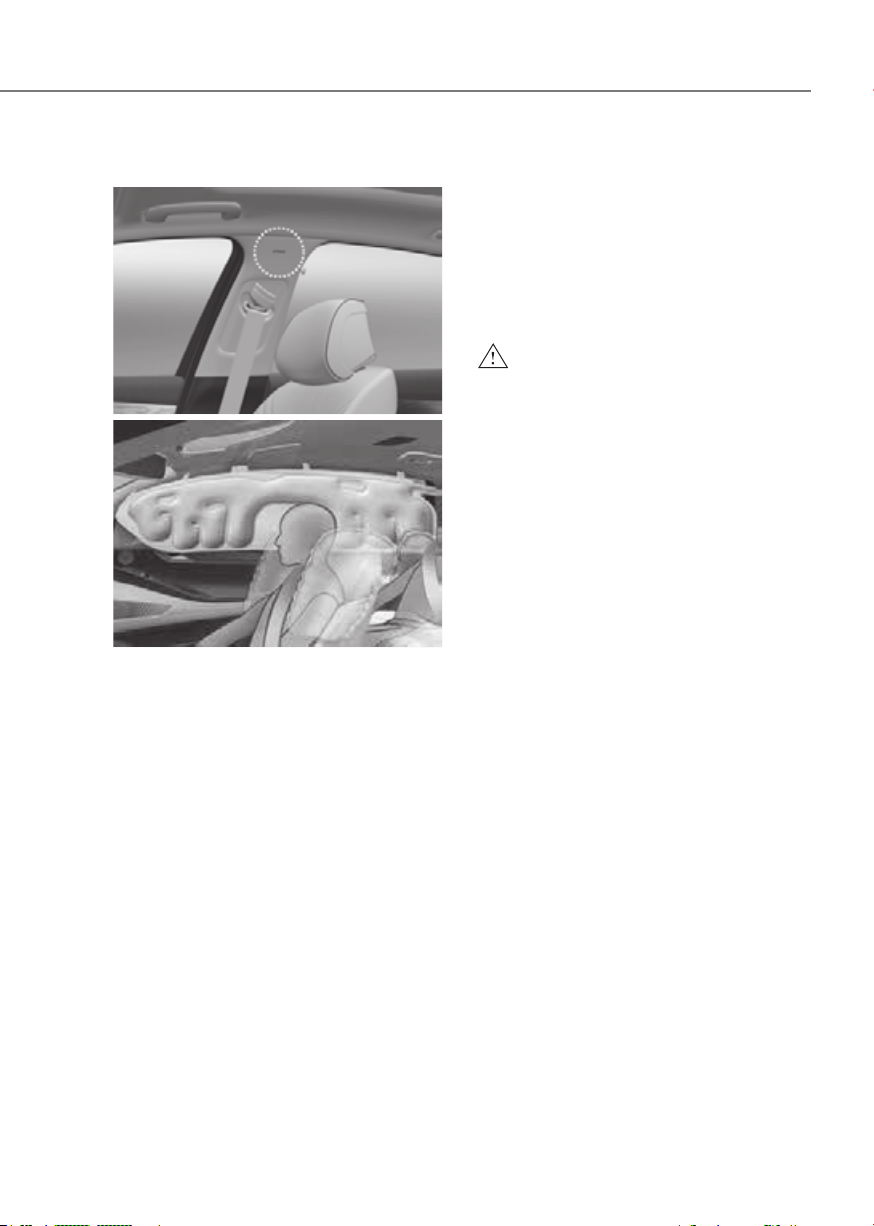
3-51
03
Curtain air bags
ORG3030032ORG3030032
ORG3EV031058ORG3EV031058
Curtain air bags are located along both
sides of the roof rails above the front and
rear doors.
They are designed to help protect the
heads of the front seat occupants and
the rear outboard seat occupants in
certain side impact collisions.
The curtain air bags are designed to
deploy during certain side impact
collisions, depending on the crash
severity.
For vehicles equipped with a rollover
sensor the side and/or curtain air bags
and pre-tensioners on both sides of
the vehicle may deploy if a rollover or
possible rollover is detected.
The curtain air bags are not designed
to deploy in all side impact or rollover
situations.
WARNING
To reduce the risk of serious injury or
death from an inflating curtain air bag,
take the following precautions:
• All seat occupants must wear
seat belts at all times to help keep
occupants positioned properly.
• Properly secure Child Restraint
System as far away from the door as
possible.
• Do not place any objects over the air
bag. Also, do not attach any objects
around the area the air bag inflates
such as the door, side door glass,
front and rear pillar, roof side rail.
• Do not hang other objects, especially
hard or breakable objects.
In an accident, it may cause vehicle
damage or personal injury.
• Do not allow passengers to lean their
heads or bodies onto doors, put their
arms on the doors, stretch their arms
out of the window, or place objects
between the doors and seats.
• Do not attempt to open or repair
the side curtain airbags yourself. If
necessary, have the air bag inspected
by an authorized retailer of Genesis
Branded products.

3-52
Seats and Safety System
How does the Air Bag System
Operate?
ORG3EV031084ORG3EV031084
The SRS consists of the following
components:
(1) Driver’s front air bag module
(2) Passenger’s front air bag module
(3) Front center side air bag module
(4) Side air bag modules
(5) Curtain air bag modules
(6) Front retractor pre-tensioner
(7) Air bag warning light
(8) SRS control module (SRSCM) /
Rollover sensor
(9) Front impact sensors
(10)
Side impact sensors
(11)
Side pressure sensors
(12)
Driver’s knee air bag module
(13)
Occupant classification system
(14)
Driver’s and front passenger’s seat
belt buckle sensors
à Front passenger’s air bag OFF lamp is
located on the overhead console.
The SRSCM (Supplemental Restraint
System Control Module) continually
monitors all SRS components while the
Start/Stop button is ON to determine if a
crash impact is severe enough to require
air bag deployment or pre-tensioner seat
belt deployment.
SRS warning light
The SRS (Supplemental Restraint System)
air bag warning light on the instrument
panel displays the air bag symbol
depicted in the illustration. The system
checks the air bag electrical system for
malfunctions. The light indicates that
there is a potential problem with your
air bag system, which could include
your side and/or curtain air bags used
for rollover protection (if equipped with
rollover sensor).
WARNING
If your SRS malfunctions, the air bag
may not inflate properly during an
accident, increasing the risk of serious
injury or death.
If any of the following conditions occur,
your SRS is malfunctioning:
• The light does not turn on for
approximately three to six seconds
when the Start/Stop button is in the
ON position.
• The light stays on after illuminating
for approximately three to six
seconds.
• The light comes on while the vehicle
is in motion.
• The light blinks when the vehicle is
running.
Have an authorized retailer of Genesis
Branded products inspect the SRS
as soon as possible if any of these
conditions occur.

3-53
03
During a moderate to severe frontal
collision, sensors will detect the
vehicle’s rapid deceleration. If the rate of
deceleration is high enough, the control
unit will inflate the front air bags, at the
time and with the force needed.
The front air bags help protect the driver
and front passenger by responding to
frontal impacts in which seat belts alone
cannot provide adequate restraint. The
side air bags help provide protection in
certain side impacts or rollover accidents
by supporting the side upper body area.
• Air bags are activated (able to inflate
if necessary) only when the Start/Stop
button is in the ON or START position,
and it can be activated within about 3
minutes after the vehicle is turned off.
• Air bags inflate in the event of certain
frontal or side collisions to help
protect the occupants from serious
physical injury.
• Generally, air bags are designed to
inflate based upon the severity of a
collision, its direction, or etc. These
two factors determine whether
the sensors produce an electronic
deployment/inflation signal.
• The front air bags will completely
inflate and deflate in an instant. It is
virtually impossible for you to see the
air bags inflate during an accident. It is
much more likely that you will simply
see the deflated air bags hanging out
of their storage compartments after
the collision.
• In addition to inflating in serious side
collisions, vehicles equipped with a
rollover sensor, side and/or curtain air
bags will inflate if the sensing system
detects a rollover.
When a rollover is detected, curtain
air bags will remain inflated longer to
help provide protection from ejection,
especially when used in conjunction
with the seat belts (if equipped with a
rollover sensor).
• To help provide protection, the air
bags must inflate rapidly. The speed
of air bag inflation is a consequence
of extremely short time in which
to inflate the air bag between the
occupant and the vehicle structures
before the occupant impacts those
structures. This speed of inflation
reduces the risk of serious or life-
threatening injuries and is thus a
necessary part of air bag design.
However, the rapid air bag inflation
can also cause injuries which can
include facial abrasions, bruises and
broken bones because the inflation
speed also causes the air bags to
expand with a great deal of force.
• There are even circumstances under
which contact with the air bag can
cause fatal injuries, especially if the
occupant is positioned excessively
close to the air bag.
You can take steps to reduce the risk
of being injured by an inflating air bag.
The greatest risk is sitting too close to
the air bag. An air bag needs about 10
in. (25 cm) of space to inflate. NHTSA
recommends that drivers allow at least
10 in. (25 cm) between the center of the
steering wheel and the chest.
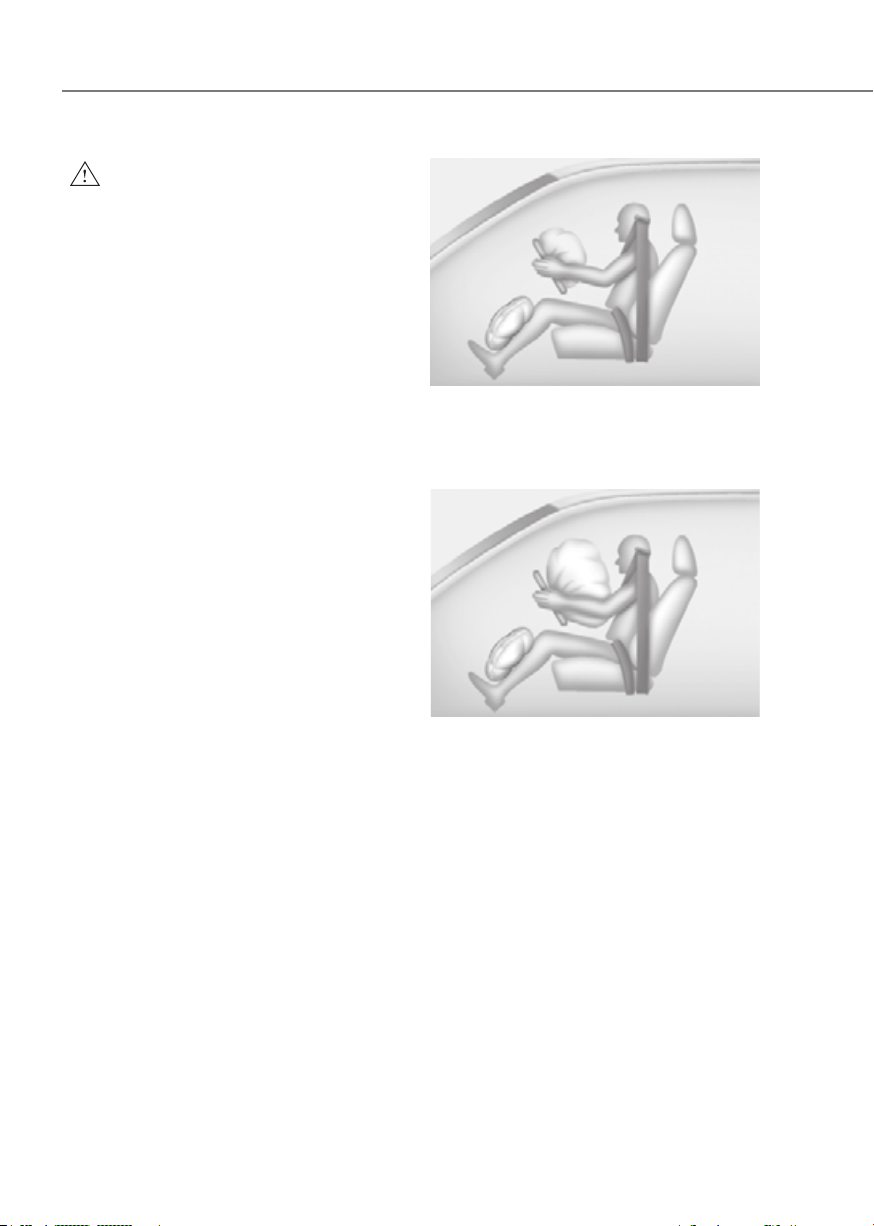
3-54
Seats and Safety System
WARNING
To reduce the risk of serious injury or
death from an inflating air bag, take the
following precautions:
• NEVER place a child restraint in the
front passenger seat.
Always properly restrain children
under age 13 in the rear seats of the
vehicle.
• Adjust the front passenger’s and
driver's seats as far to the rear as
possible while maintaining you to
maintain full control of the vehicle.
• Hold the steering wheel with
hands at the 9 o'clock and 3 o'clock
positions.
• Never place anything or anyone
between the air bag and the seat
occupant.
• Do not allow the front passenger
to place their feet or legs on the
dashboard.
Driver’s front air bag (1)Driver’s front air bag (1)
OHI038171LOHI038171L
When the SRSCM detects a sufficiently
severe impact to the front of the vehicle,
it will automatically deploy the front air
bags.
Driver’s front air bag (2)Driver’s front air bag (2)
OHI038172LOHI038172L
Upon deployment, tear seam molded
directly into the pad cover will separate
under pressure from the expansion of the
air bags. Further opening of the covers
allows full inflation of the air bags.
A fully inflated air bag, in combination
with a properly worn seat belt, slows the
driver’s or the front passenger’s forward
motion, reducing the risk of head and
chest injury.
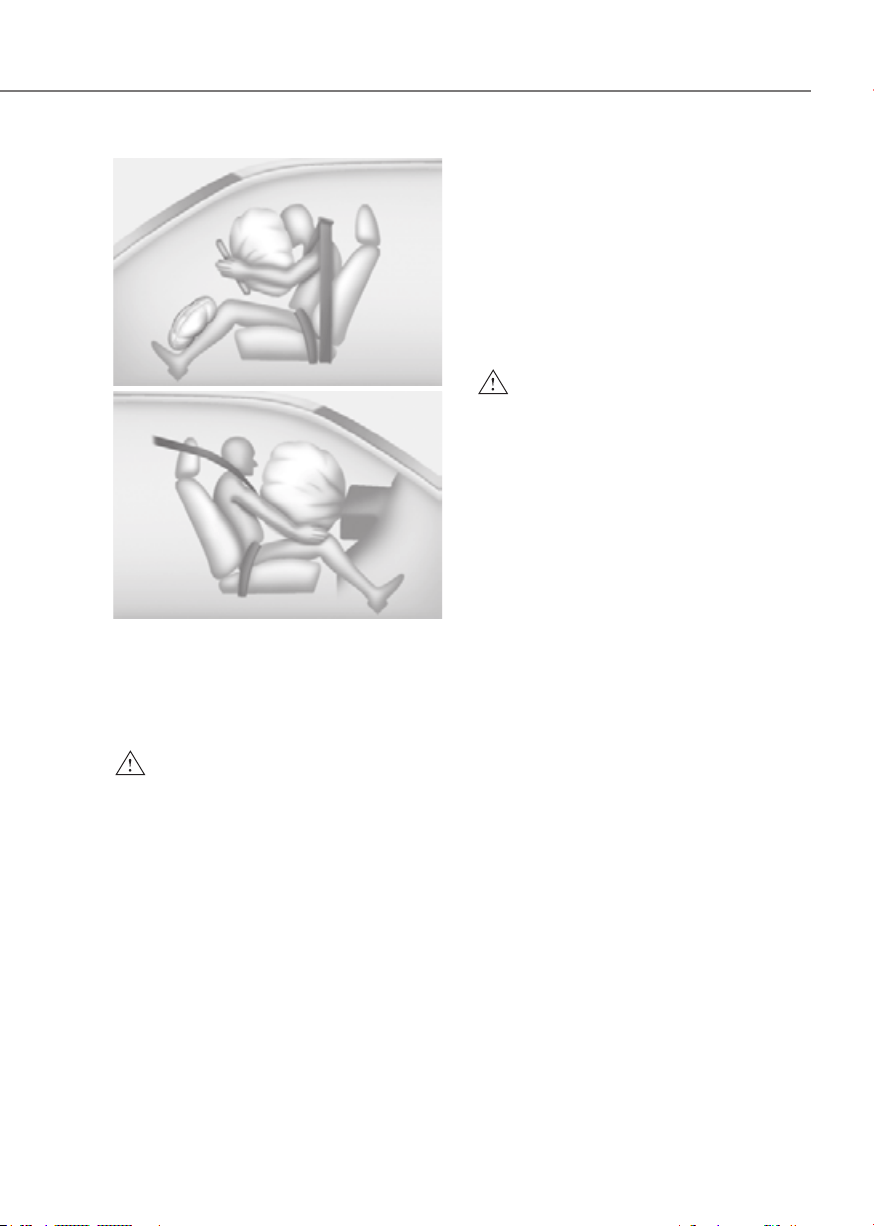
3-55
03
Driver’s front air bag (3)Driver’s front air bag (3)
OHI038173LOHI038173L
Passenger’s front air bagPassenger’s front air bag
ODN8039080LODN8039080L
After complete inflation, the air bag
immediately starts deflating, enabling
the driver to maintain forward visibility
and the ability to steer or operate other
controls.
WARNING
To prevent objects from becoming
dangerous projectiles when the
passenger’s air bag inflates:
• Do not install or place any objects
(drink holder, CD holder, stickers,
etc.) on the front passenger’s panel
above the glove box where the
passenger’s air bag is located.
• Do not install a container of liquid
air freshener near the instrument
cluster or on the instrument panel
surface.
What to Expect After an Air Bag
Inflates
After a frontal or side air bag inflates, it
will deflate very quickly. Air bag inflation
will not prevent the driver from seeing
out of the windshield or being able
to steer. Curtain air bags may remain
partially inflated for some time after they
deploy.
WARNING
After an air bag inflates, take the
following precautions:
• Open your windows and doors as
soon as possible after impact to
reduce prolonged exposure to the
smoke and powder released by the
inflating air bag.
• Do not touch the air bag storage
area’s internal components
immediately after an air bag has
inflated. The parts that come into
contact with an inflating air bag may
be very hot.
• Always wash exposed skin areas
thoroughly with cold water and mild
soap.
• Have an authorized retailer of
Genesis Branded products replaced
the air bag immediately after
deployment. Air bags are designed to
be used only once.
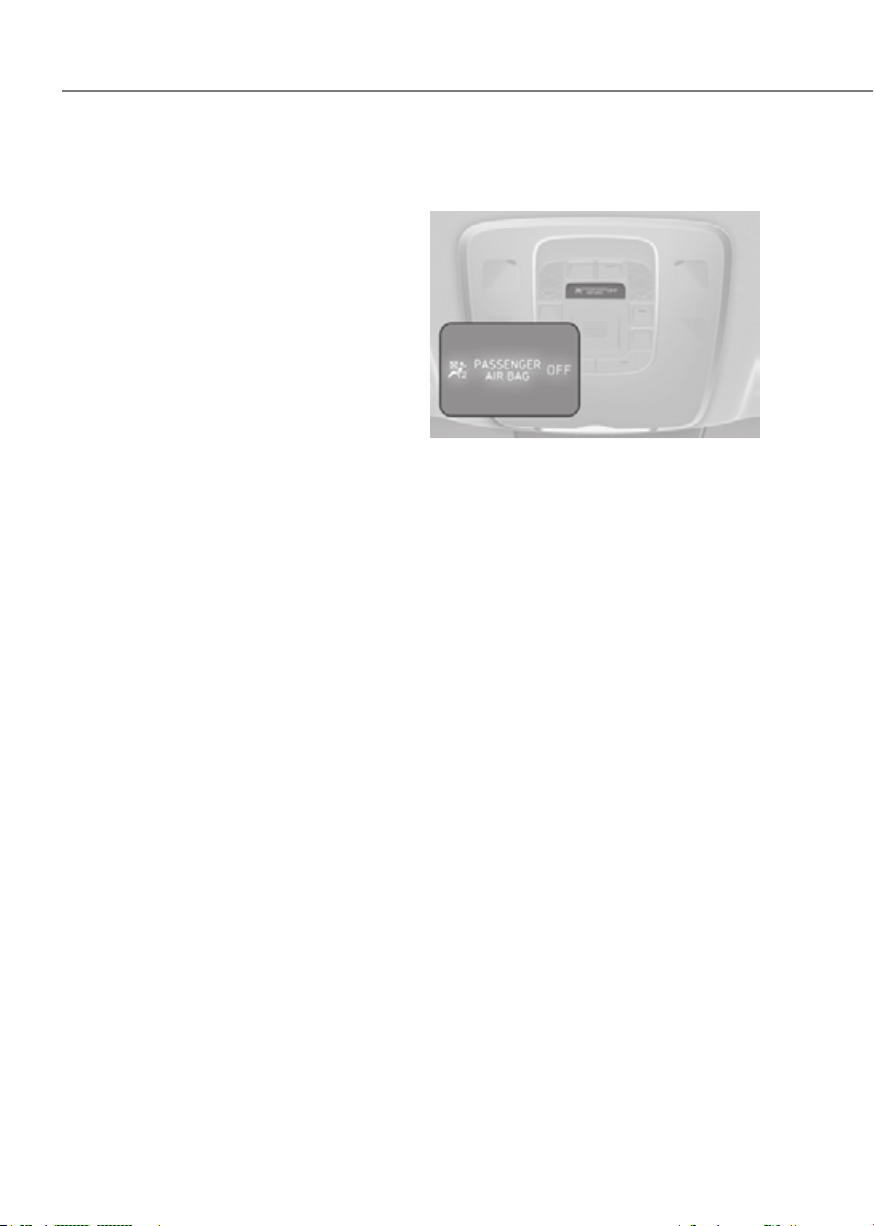
3-56
Seats and Safety System
Noise and smoke from inflating air
bag
When the air bags inflate, they make a
loud noise and may produce smoke and
powder in the air inside of the vehicle.
This is normal and is a result of the
ignition of the air bag inflator. After the
air bag inflates, you may feel substantial
discomfort in breathing because of the
contact of your chest with both the seat
belt and the air bag, as well as from
breathing the smoke and powder. The
powder may aggravate asthma for some
people. If you experience breathing
problems after an air bag deployment,
seek medical attention immediately.
Though the smoke and powder are
nontoxic, they may cause irritation to
the skin, eyes, nose, throat, etc. If this is
the case, wash and rinse with cold water
immediately and seek medical attention
if the symptoms persist.
Occupant Classification System
(OCS)
ORG3EV031044ORG3EV031044
Your vehicle is equipped with an
Occupant Classification System (OCS) in
the front passenger’s seat.

3-57
03
Main components of the Occupant
Classification System
• A detection device located within the
front passenger seat cushion.
• Electronic system to help determine
whether the passenger air bag
systems should be activated or
deactivated.
• An indicator light located on the
overhead console which illuminates
the words “PASSENGER AIR BAG OFF”
indicating the front passenger air bag
system is deactivated.
• The overhead console air bag
indicator light is interconnected with
the OCS.
The OCS is designed to help detect
the presence of a properly-seated
front passenger and determine if the
passenger’s front air bag should be
enabled (may inflate) or not.
The purpose is to help reduce the risk
of injury or death from an inflating air
bag to certain front passenger seat
occupants, such as children, by requiring
the air bag to be automatically turned
OFF.
For example, if a child restraint of the
type specified in the regulations is on the
seat, the occupant classification sensor
can detect it and cause the air bag to
turn OFF.
Front passenger seat adult occupants
who are properly seated and wearing the
seat belt properly, should not cause the
passenger air bag to be automatically
turned OFF. For smaller adults it may turn
OFF, however, if the occupant does not
sit in the seat properly (for example, by
not sitting upright, by sitting on the edge
of the seat, or by otherwise being out of
position), this could cause the sensor to
turn the air bag OFF.
You will find the “PASSENGER AIR BAG
OFF” indicator on the overhead console
panel. This system detects the conditions
1-4 in the following table and activates or
deactivates the front passenger air bag
based on these conditions.
Always be sure that you and all vehicle
occupants are seated properly and
wearing the seat belt properly for the
most effective protection by the air bag
and the seat belt.
The OCS may not function properly if the
passenger takes actions which can affect
the classification system. These include:
• Failing to sit in an upright position.
• Leaning against the door or center
console.
• Sitting towards the sides of the front
of the seat.
• Putting their legs on the dashboard or
resting them on other locations which
reduce the passenger weight on the
front seat.
• Wearing the seat belt improperly.
• Reclining the seatback.
• Wearing thick clothes like ski wear or
hip protection wear.
• Putting an additional thick cushion on
the seat.
• Putting electrical devices (for
example, notebook, satellite radio) on
the seat with inverter charging.

3-58
Seats and Safety System
Condition and operation in the front passenger Occupant Classification System
Condition detected by the
occupant classification system
Indicator/Warning light Devices
“PASSENGER
AIR BAG OFF”
indicator light
SRS warning
light
Front
passenger air
bag
1. Adult
*1
Off Off Activated
2. Infant
*2
or child restraint
system with 12 months old
*3 *4
On Off Deactivated
3. Unoccupied
On Off Deactivated
4. Malfunction in the system
Off On Activated
*1 :
The system judges a person of adult size as an adult. When a smaller adult sits in the
front passenger seat, the system may recognize him/her as a child depending on his/her
physique and posture.
*2 :
Do not allow children to ride in the front passenger seat. When a larger child who has
outgrown a child restraint system sits in the front passenger seat, the system may
recognize him/her as an adult depending upon his/her physique or sitting position.
*3 :
Never install a child restraint system on the front passenger seat.
*4 :
The PASSENGER AIR BAG “OFF” indicator may turn on or off when a child above 12
months to 12 years old (with or without child restraint system) sits in the front passenger
seat. This is a normal condition.

3-59
03
WARNING
Riding in an improper position or placing weight on the front passenger’s seat when
it is unoccupied by a passenger adversely affects the OCS. To reduce the risk of
serious injury or death:
ORG3EV031045ORG3EV031045
• NEVER put a heavy load in the front seat or seatback
pocket, or hang any items on the front passenger
seat.
ORG3EV031048ORG3EV031048
• NEVER place your feet on the front passenger
seatback.
ORG3EV031046ORG3EV031046
• NEVER sit with your hips shifted towards the front of
the seat.
ORG3EV031049ORG3EV031049
• NEVER ride with the seatback reclined when the
vehicle is moving.
ORG3EV031047ORG3EV031047
• NEVER place your feet or legs on the dashboard.
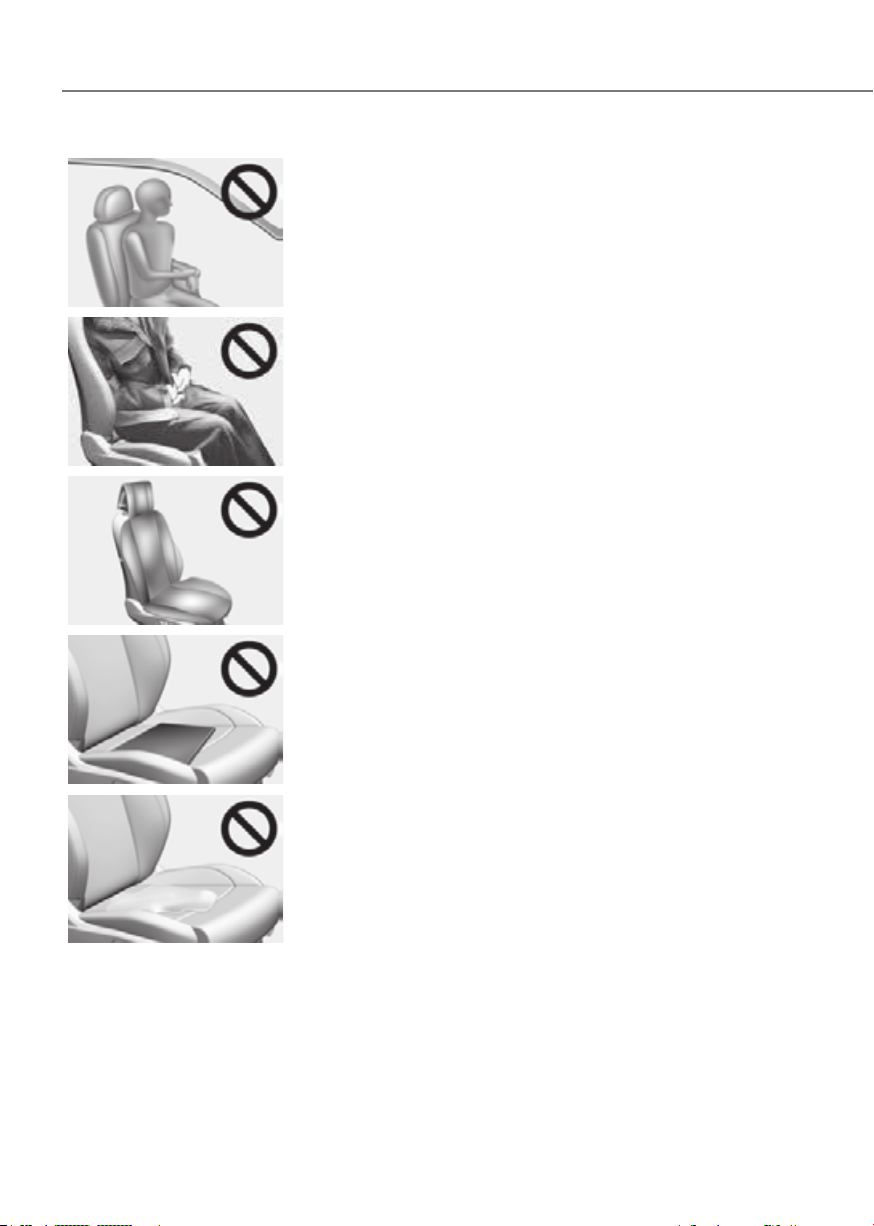
3-60
Seats and Safety System
ORG3EV031050ORG3EV031050
• NEVER lean on the door or center console or sit on
one side of the front passenger seat.
OJWEV031031OJWEV031031
• Do not sit on the passenger seat wearing heavily
padded clothes such as ski wear and hip protector.
OJWEV031034OJWEV031034
• Do not use car seat accessories such as thick blankets
and cushions which cover up the car seat surface.
OJWEV031032OJWEV031032
• Do not place electronic devices such as laptops, DVD
player, or conductive materials such as water bottles
on the passenger seat.
• Do not use electronic devices such as laptops and
satellite radios which use inverter chargers.
OJWEV031033OJWEV031033
• If a large quantity of liquid has been spilled on
the passenger seat, the air bag warning light may
illuminate or malfunction.
Therefore, make sure the seat has been completely
dried before driving the vehicle.
• Do not place sharp objects on the front passenger seat. These may damage the
occupant detection system, if they puncture the seat cushion.
• Do not place any items under the front passenger seat.
• When changing or replacing the seat or seat cover, use original retailer of Genesis
Branded products. The OCS has been developed using original Genesis parts car
seats. Altering or changing the authentic parts may result in system malfunction
and increase risk of injury when in a collision. Any of the above could interfere
with the proper operation of the OCS sensor thereby increasing the risk of an
injury in an accident.
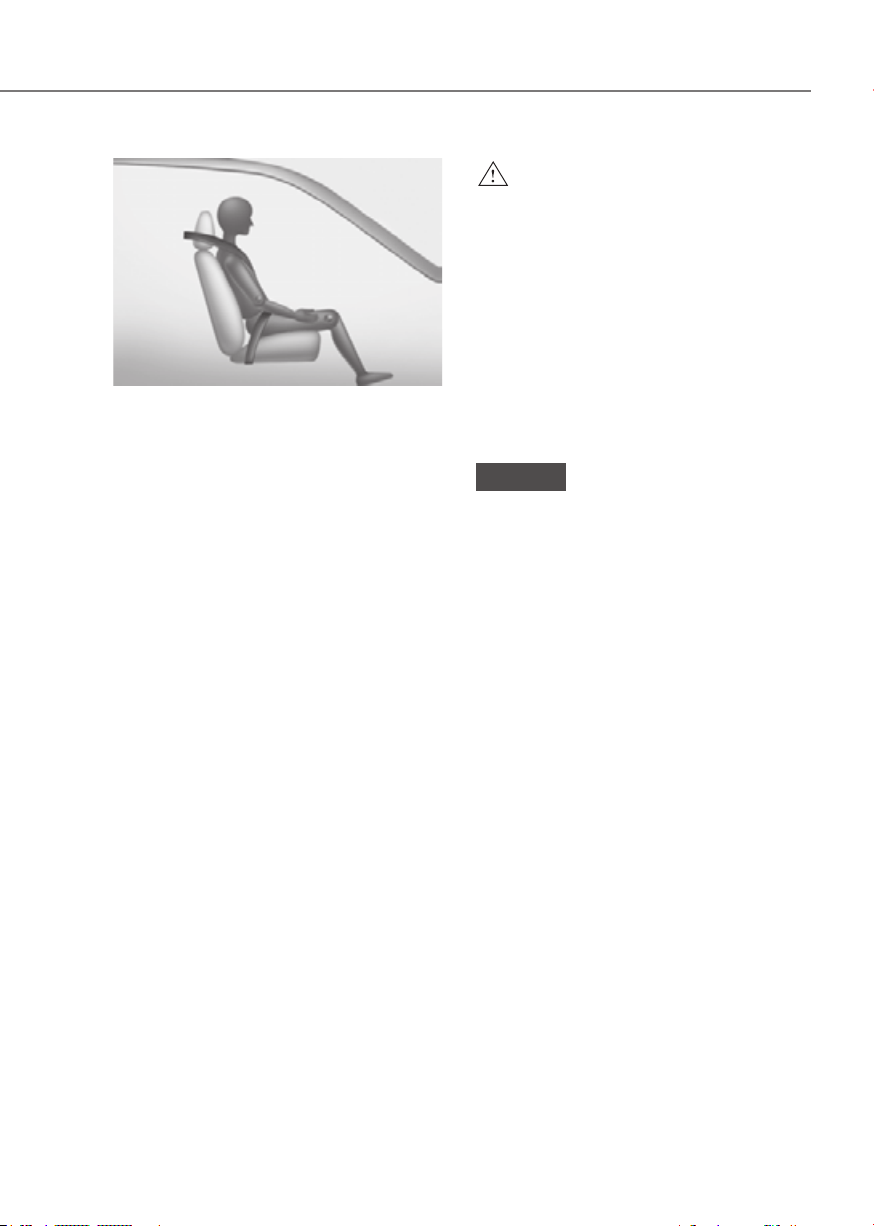
3-61
03
OHI038118OHI038118
Proper seated position for OCS
If the “PASSENGER AIR BAG OFF”
indicator is on when an adult is seated
in the front passenger seat, place the
Start/Stop button in the OFF position and
ask the passenger to sit properly (sitting
upright with the seat back in an upright
position, centered on the seat cushion
with their seat belt on, legs comfortably
extended and their feet on the floor).
Restart the vehicle and have the person
remain in that position. This will allow
the system to detect the person and
to enable the passenger air bag. If the
“PASSENGER AIR BAG OFF” indicator is
still on, ask the passenger to move to the
rear seat.
WARNING
NEVER allow an adult passenger to ride
in the front passenger seat when the
“PASSENGER AIR BAG OFF” indicator
is illuminated. During a collision, the
air bag will not inflate if the indicator
is illuminated. Have your passenger
reposition themselves in the seat. If the
“PASSENGER AIR BAG OFF” indicator
remains illuminated after the passenger
repositions themselves properly
and the vehicle is restarted, have
the passenger move to the rear seat
because the air bag will not inflate.
NOTICE
The “PASSENGER AIR BAG OFF”
indicator generally illuminates for
approximately 4 seconds after the
Start/Stop button is in the ON or START
position. But, if the Start/Stop button
is pressed to the ON or START position
within 3 minutes after the vehicle is
turned OFF, the indicator does not
illuminate. If the front passenger seat
is occupied, the OCS will then classify
the front passenger after several more
seconds.
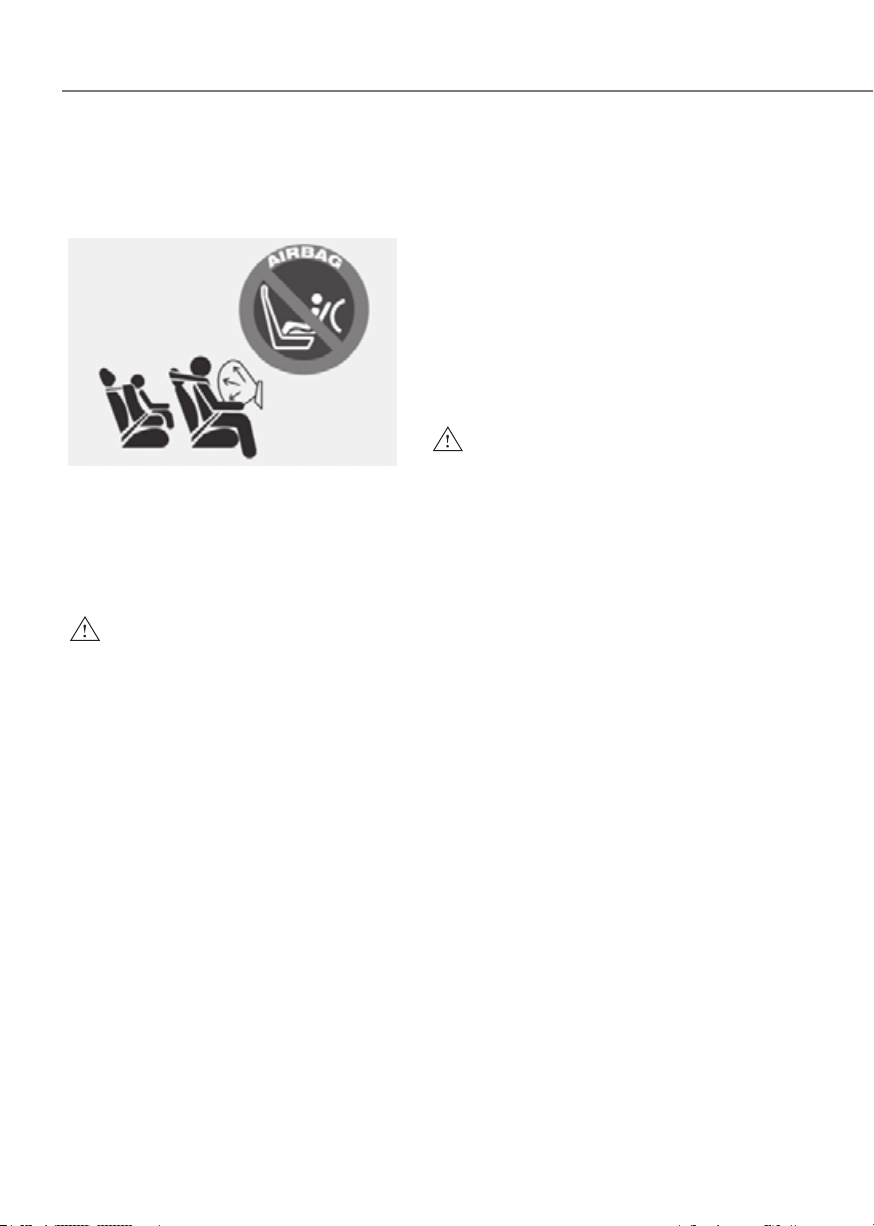
3-62
Seats and Safety System
Do not install a Child Restraint
System on the Front Passenger’s
Seat
OHI039193NOHI039193N
Even though your vehicle is equipped
with the OCS, never install a child
restraint in the front passenger’s seat.
An inflating air bag can forcefully strike a
child or child restraint resulting in serious
or fatal injury.
WARNING
• NEVER place a rear-facing or front-
facing child restraint in the front
passenger’s seat of the vehicle.
• An inflating frontal air bag could
forcefully strike a child resulting in
serious injury or death.
• Always properly restrain children in
an appropriate child restraint in the
rear seat of the vehicle.
Why didn’t my air bag go off in a
collision?
There are certain types of accidents in
which the air bag would not be expected
to provide additional protection. These
include rear impacts, second or third
collisions in multiple impact accidents,
as well as low speed impacts. Damage to
the vehicle indicates a collision energy
absorption, and is not an indicator of
whether or not an air bag should have
inflated.
WARNING
To reduce the risk of an air bag
deploying unexpectedly and causing
serious injury or death:
• Do not hit or allow any objects to
impact the locations where air bags
or sensors are installed.
• Do not perform maintenance on or
around the air bag sensors. If the
location or angle of the sensors is
altered, the air bags may deploy
when they should not or may not
deploy when they should.
• Do not install bumper guards or
replace the bumper with a non-
genuine Genesis part. This may
adversely affect the collision and air
bag deployment performance.
• Press the Start/Stop button to the
OFF or ACC position and wait for 3
minutes when the vehicle is being
towed to prevent inadvertent air bag
deployment.
• Have all air bag repairs performed
by an authorized retailer of Genesis
Branded products.
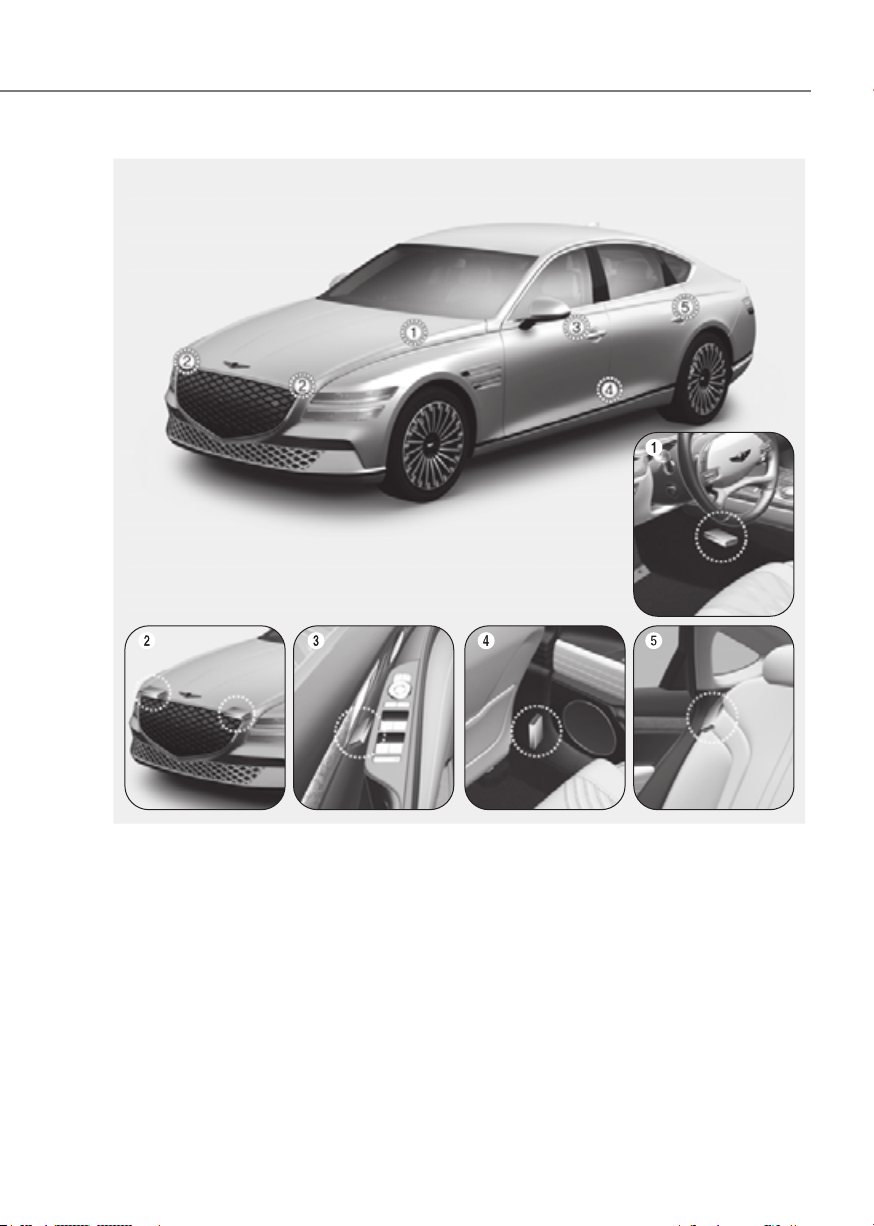
3-63
03
ORG3EV031059/ORG3EV031060/ORG3EV031061/ORG3EV031062/ORG3EV031063/ORG3EV031064ORG3EV031059/ORG3EV031060/ORG3EV031061/ORG3EV031062/ORG3EV031063/ORG3EV031064
1. SRS control module / Rollover sensor
2. Front impact sensor
3. Side impact sensor (Pressure)
4. Side impact sensor (Acceleration)
5. Side impact sensor (Acceleration)
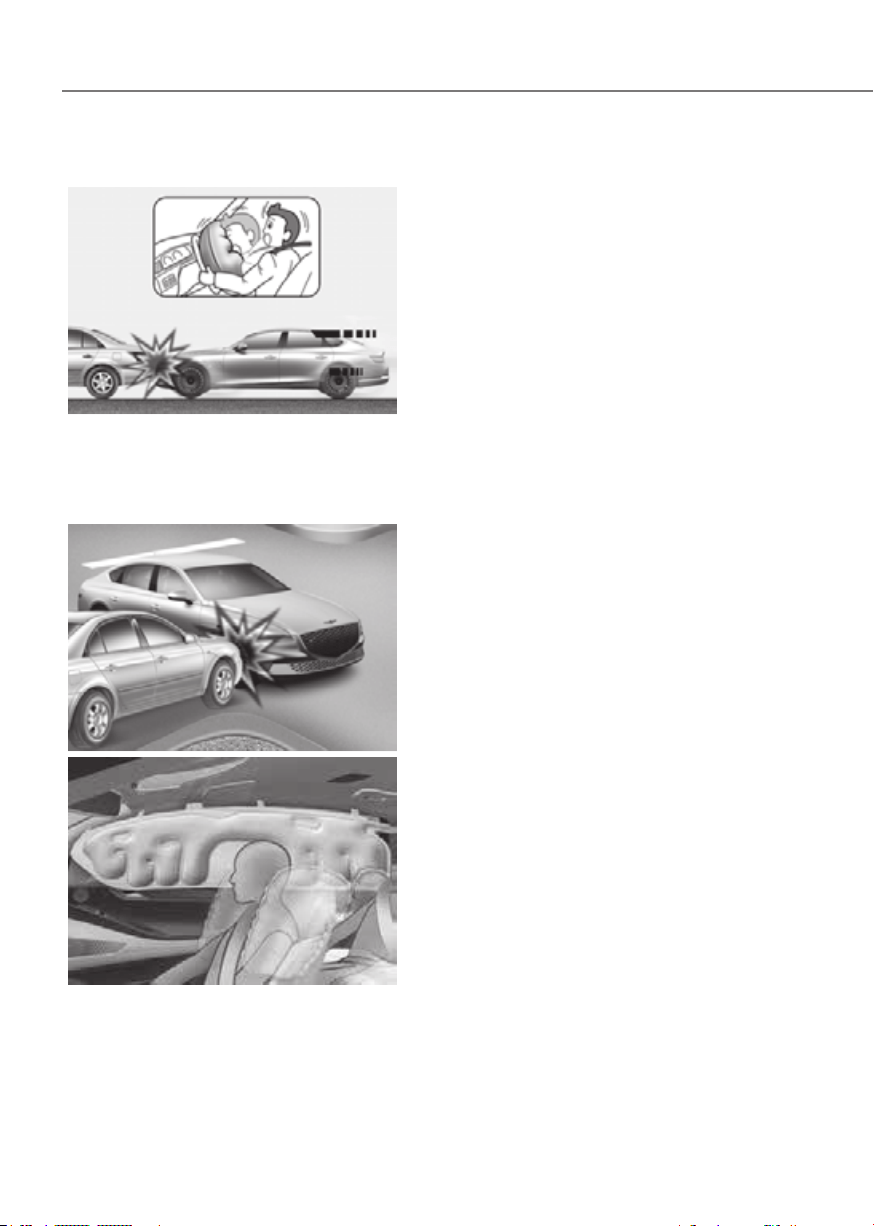
3-64
Seats and Safety System
Air bag inflation conditions
ORG3EV031065ORG3EV031065
Front air bags
Front air bags are designed to inflate
in a frontal collision depending on the
severity of impact of the front collision.
ORG3EV031079ORG3EV031079
ORG3EV031058ORG3EV031058
Side and curtain air bags and front center
side air bag
Side and curtain air bags and the front
center side air bag are designed to
inflate when an impact is detected by
side collision sensors depending on the
severity of impact resulting from a side
impact collision.
Although the driver’s and front
passenger’s air bags are designed to
inflate in frontal collisions, they also may
inflate in other types of collisions if the
front impact sensors detect a sufficient
impact. Side and curtain air bags and the
front center side air bag are designed
to inflate in side impact collisions, but
they may inflate in other collisions if the
side impact sensors detect a sufficient
impact.
Also, the side and curtain air bags and
the front center side air bag are designed
to inflate when a rollover is detected by a
rollover sensor (if equipped with rollover
sensor).
If the vehicle chassis is impacted by
bumps or objects on unimproved roads,
the air bags may deploy. Drive carefully
on unimproved roads or on surfaces not
designed for vehicle traffic to prevent
unintended air bag deployment.

3-65
03
Air bag non-inflation conditions
ORG3EV031066ORG3EV031066
In certain low-speed collisions the air
bags may not deploy. The air bags are
designed not to deploy in such cases
because they may not provide benefits
beyond the protection of the seat belts.
ORG3EV031082ORG3EV031082
Front air bags are not designed to inflate
in rear collisions, because occupants
are moved backward by the force of the
impact. In this case, inflated air bags
would not provide any additional benefit.
ORG3EV031067ORG3EV031067
Front air bags may not inflate in side
impact collisions, because occupants
move in the direction of the collision,
and thus in side impacts, front air bag
deployment would not provide additional
occupant protection.
However, side and curtain air bags and
the front center side air bag may inflate
depending on the severity of impact.
ORG3EV031068ORG3EV031068
In an angled collision, the force of impact
may direct the occupants in a direction
where the air bags would not be able to
provide any additional benefit, and thus
the sensors may not deploy any air bags.
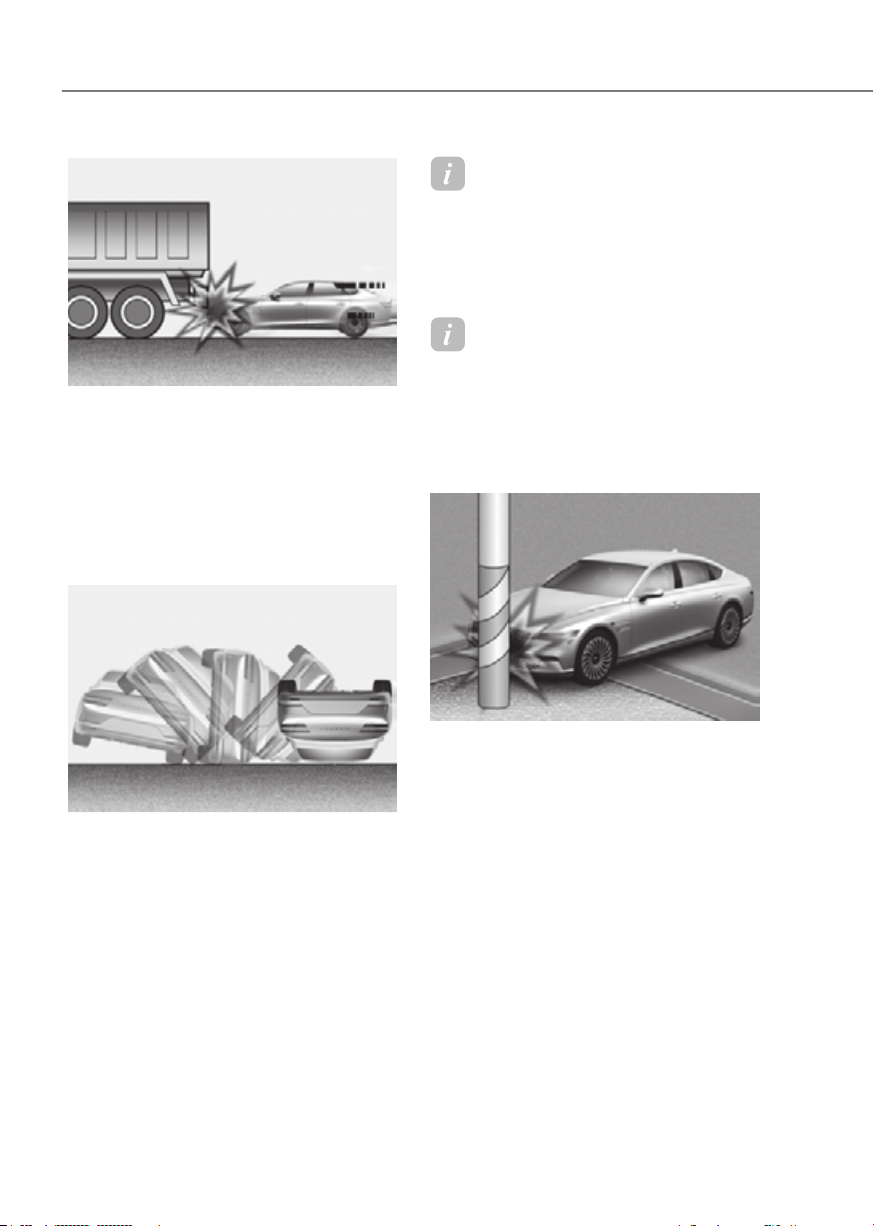
3-66
Seats and Safety System
ORG3EV031069ORG3EV031069
Just before impact, drivers often brake
heavily. Such heavy braking lowers the
front portion of the vehicle causing it
to “ride” under a vehicle with a higher
ground clearance. Air bags may not
inflate in this “underride” situation
because deceleration forces that are
detected by sensors may be significantly
reduced by such “underride” collisions.
ORG3EV031070ORG3EV031070
Front air bags may not inflate in
rollover accidents because front air bag
deployment would not provide additional
occupant protection.
Information
With rollover sensor
The side and curtain air bags and the
front center side air bag may inflate in a
rollover situation, when it is detected by
the rollover sensor.
Information
Without rollover sensor
The side and/or curtain air bags and the
front center side air bag may inflate when
the vehicle is rolled over by a side impact
collision, if the vehicle is equipped with
side and/or curtain air bags.
ORG3EV031071ORG3EV031071
Air bags may not inflate if the vehicle
collides with objects such as utility poles
or trees, where the point of impact is
concentrated and the collision energy is
absorbed by the vehicle structure.

3-67
03
SRS Care
The SRS is virtually maintenance-free
and there are no parts you can safely
service by yourself. If the SRS air bag
warning light does not illuminate
when the Start/Stop button is in the
ON position, or continuously remains
on, have the system be immediately
inspected by an authorized retailer of
Genesis Branded products.
We recommend any work on the SRS
system, such as removing, installing,
repairing, or any work on the steering
wheel, the front passenger’s panel, front
seats and roof rails be performed by an
authorized retailer of Genesis Branded
products. Improper handling of the SRS
system may result in serious personal
Injuries.
WARNING
To reduce the risk of serious injury or
death, take the following precautions:
• Do not attempt to modify or
disconnect the SRS components or
wiring, including the addition of any
kind of badges to the pad covers or
modifications to the body structure.
• Do not place objects over or near
the air bag modules on the steering
wheel, instrument panel, and the
front passenger’s panel above the
glove box.
• Clean the air bag pad covers with
a soft cloth moistened with plain
water. Solvents or cleaners could
adversely affect the air bag covers
and proper deployment of the
system.
• Always have inflated air bags
replaced by an authorized retailer of
Genesis Branded products.
• If components of the air bag system
must be discarded, or if the vehicle
must be scrapped, certain safety
precautions must be observed.
Consult an authorized retailer of
Genesis Branded products for the
necessary information. Failure to
follow these precautions could
increase the risk of personal injury.
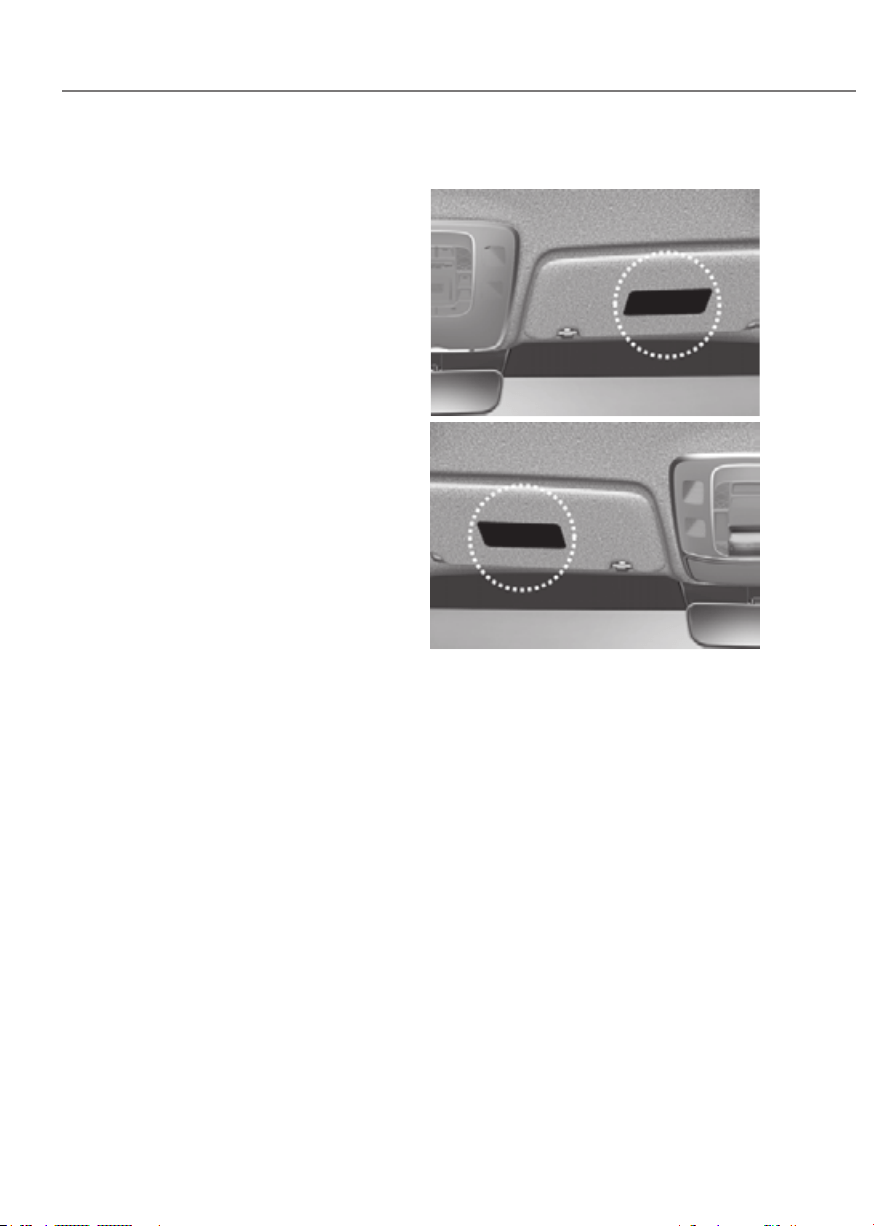
3-68
Seats and Safety System
Additional Safety Precautions
Passengers should not move out of
or change seats while the vehicle is
moving. A passenger who is not wearing
a seat belt during a crash or emergency
stop can be thrown against the inside of
the vehicle, against other occupants, or
be ejected from the vehicle.
Do not use any accessories on seat
belts. Devices claiming to improve
occupant comfort or reposition the seat
belt can reduce the protection provided
by the seat belt and increase the chance
of serious injury in a crash.
Do not modify the front seats.
Modification of the front seats could
interfere with the operation of the
supplemental restraint system sensing
components or side air bags.
Do not place items under the front
seats. Placing items under the front seats
could interfere with the operation of the
supplemental restraint system sensing
components and wiring harnesses.
Do not cause impact to the doors.
Impact to the doors when the Start/Stop
button is in the ON or START position
may cause the air bags to inflate.
Modifications to accommodate
disabilities. If you require modification
to your vehicle to accommodate a
disability, contact Genesis Customer
Care at 844 340-9741.
Adding equipment to or modifying
your air bag equipped vehicle
If you modify your vehicle by changing
your vehicle’s frame, bumper system,
front end or side sheet metal or ride
height, this may affect the operation of
your vehicle’s air bag system.
Air Bag Warning Labels
ORG3EV031072ORG3EV031072
ORG3EV031072RORG3EV031072R
Air bag warning labels, required by the
U.S. National Highway Traffic Safety
Administration (NHTSA), are attached
to alert the driver and passengers of
potential risks of the air bag system. Be
sure to read all of the information about
the air bags that are installed on your
vehicle in this Owners Manual.

4
4. Instrument Cluster
Instrument Cluster ............................................................................................ 4-4
Instrument Cluster Control ..........................................................................................4-5
Instrument panel illumination
...................................................................................4-5
Gauges and Meters
......................................................................................................4-6
Speedometer
.............................................................................................................4-6
Power/Charge Gauge
..................................................................................................4-6
State of Charge (SOC) Gauge for High Voltage Battery
............................................4-7
Outside temperature gauge
......................................................................................4-8
Odometer
...................................................................................................................4-8
Distance to empty
.....................................................................................................4-9
Energy economy (for 12.3-inch 3D cluster)
.......................................................... 4-10
Gear Shift Indicator
................................................................................................. 4-10
Regenerative braking level indicator
..................................................................... 4-11
Warning and Indicator Lights
................................................................................... 4-11
Ready indicator
....................................................................................................... 4-11
Service warning light
.............................................................................................. 4-11
Power down indicator light
.................................................................................... 4-12
Charging connector indicator light
....................................................................... 4-12
High voltage battery level warning light
............................................................... 4-12
Seat belt warning light
........................................................................................... 4-12
Air bag warning light
.............................................................................................. 4-13
Regenerative brake warning light
.......................................................................... 4-13
Parking brake & brake fluid warning light
............................................................. 4-13
Anti-lock Brake System (ABS) warning light
......................................................... 4-14
Electronic Brake Force Distribution (EBD) system warning light
........................ 4-14
MDPS (Motor Driven Power Steering)
................................................................... 4-15
Master warning light
............................................................................................... 4-15
Electronic Parking Brake (EPB) warning light
....................................................... 4-16
Low tire pressure warning light
............................................................................. 4-16
Forward safety warning light
................................................................................. 4-17
Lane safety indicator light
...................................................................................... 4-17
LED headlight warning light
................................................................................... 4-17
Icy road warning light
............................................................................................. 4-18
Electronic Stability Control (ESC) indicator light
.................................................. 4-18
Electronic Stability Control (ESC) OFF indicator light
.......................................... 4-18
Immobilizer indicator light
..................................................................................... 4-19
Turn signal indicator light
....................................................................................... 4-19
High beam indicator light
...................................................................................... 4-20
Low beam indicator light
....................................................................................... 4-20
Light ON indicator light
.......................................................................................... 4-20
High Beam Assist indicator light
............................................................................ 4-20
AUTO HOLD indicator light
.................................................................................... 4-20

4
Cluster Display Messages ......................................................................................... 4-21
Shift to P
.................................................................................................................. 4-21
Vehicle is in N. Press START button and shift to P
................................................ 4-21
Low key battery
....................................................................................................... 4-21
Press START button while turning wheel
.............................................................. 4-21
Low washer fluid
..................................................................................................... 4-21
Press brake pedal to start vehicle
.......................................................................... 4-21
Key not in vehicle
.................................................................................................... 4-21
Key not detected
..................................................................................................... 4-21
Press START button again
...................................................................................... 4-21
Place the smart key in the emergency start slot and press the start button
...... 4-21
Check BRAKE SWITCH fuse
................................................................................... 4-22
Shift to P to start vehicle
........................................................................................ 4-22
Battery discharging due to external electrical devices
........................................ 4-22
Door, Hood, Trunk open indicator
......................................................................... 4-22
Low tire pressure
.................................................................................................... 4-22
Lights
....................................................................................................................... 4-23
Wiper
....................................................................................................................... 4-23
Check headlight
...................................................................................................... 4-24
Check turn signal
.................................................................................................... 4-24
Check headlight LED
.............................................................................................. 4-24
Shift to P to charge
................................................................................................. 4-24
Remaining time
....................................................................................................... 4-24
Unplug vehicle to start
........................................................................................... 4-25
Charging door open
................................................................................................ 4-25
Charging stopped. Check the charger
.................................................................. 4-25
Charging stopped. Check the cable connection
.................................................. 4-26
Check regenerative brakes..................................................................................... 4-26
Low EV battery
........................................................................................................ 4-26
Charge immediately. Power limited
...................................................................... 4-27
Power limited due to low EV battery temperature. Charge battery
.................... 4-27
EV battery overheated! Stop vehicle
..................................................................... 4-28
Power limited
.......................................................................................................... 4-28
Stop vehicle and check power supply
................................................................... 4-29
Check virtual engine sound system....................................................................... 4-29
Check electric vehicle system
............................................................................... 4-29

4
Cluster Display ................................................................................................4-30
Cluster Display Control ............................................................................................. 4-30
View Modes
............................................................................................................... 4-30
Driving Assist view
.................................................................................................. 4-31
Turn By Turn (TBT) view
.......................................................................................... 4-31
Utility view
............................................................................................................... 4-32
Additional information display
............................................................................... 4-35
Option Menu
.............................................................................................................. 4-35
Service messages
................................................................................................... 4-36
3D cluster (for 12.3-inch 3D cluster)
..................................................................... 4-36
Head-up display
...................................................................................................... 4-36
Driver Assistance settings
...................................................................................... 4-36
Speed unit
............................................................................................................... 4-37
3D Instrument Cluster (for 12.3-inch 3D Cluster)
................................................... 4-37
3D cluster setting
.................................................................................................... 4-37
Recommendations to optimize the 3D effect
...................................................... 4-37
Vehicle Settings (Infotainment System) ........................................................ 4-40
Setting Your Vehicle .................................................................................................. 4-40
4. Instrument Cluster
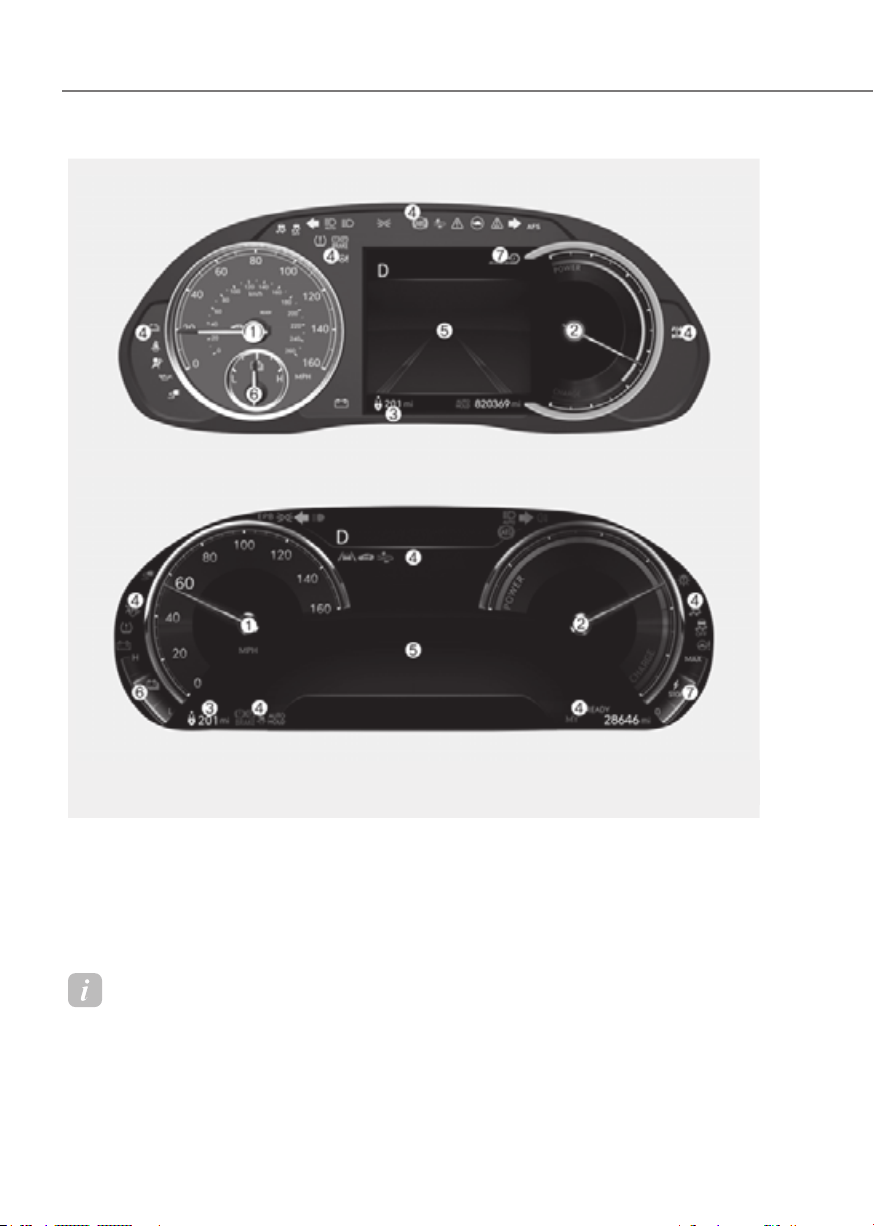
4-4
Instrument Cluster
1. Speedometer
2. Power/Charge gauge
3. Distance to empty
4. Warning indicator light
5. Cluster display
6. Battery SOC (State of Charge) gauge
7. Smart regeneration system
INSTRUMENT CLUSTER
8-inch8-inch
12.3-inch 3D12.3-inch 3D
The actual cluster in the vehicle may differ from the illustration.
For more information, refer to “Gauges and meters” section in this chapter.
ORG3EV041002N/ORG3EV041001NORG3EV041002N/ORG3EV041001N
Information
SNOW/NORMAL/ECO/SPORT mode by pressing the drive mode button will change the
main theme of the cluster
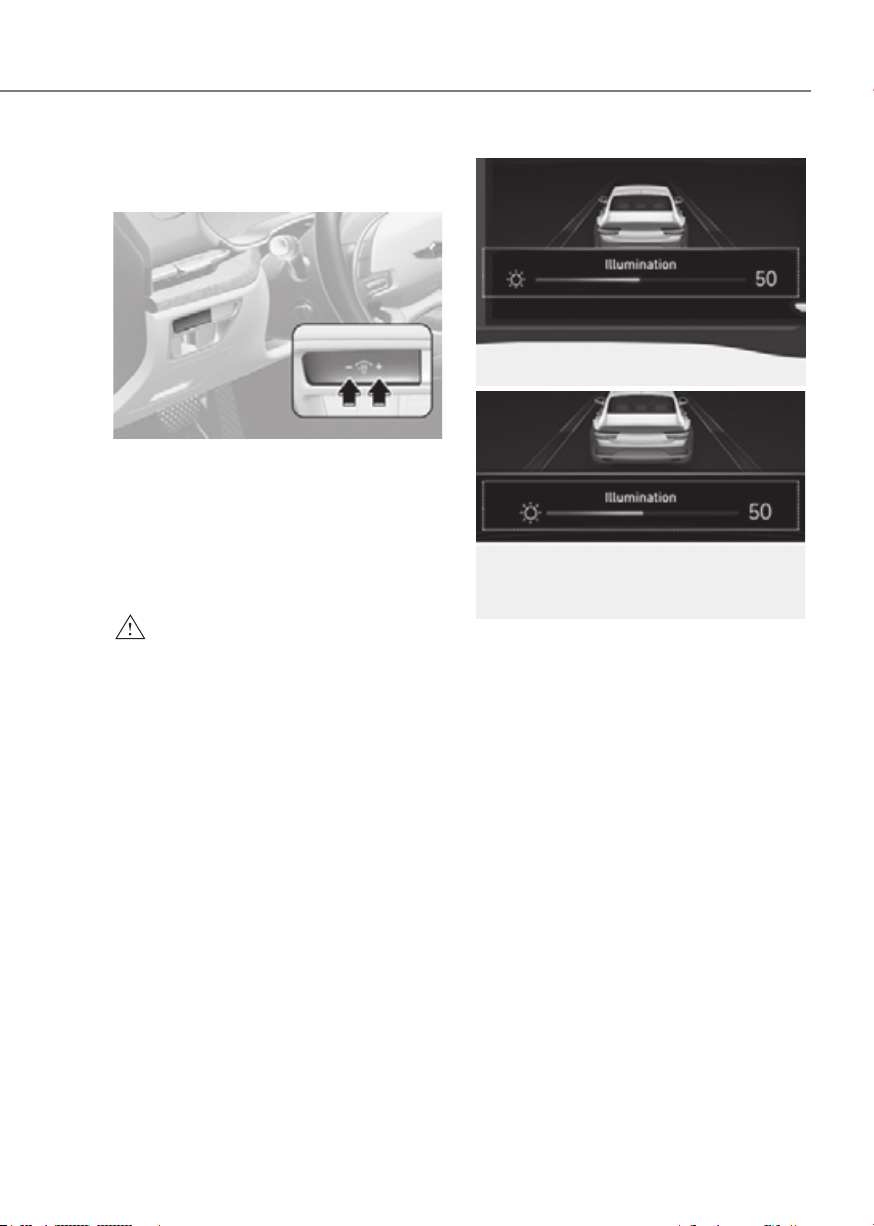
4-5
04
Instrument Cluster Control
Instrument panel illumination
ORG3EV041003ORG3EV041003
When the vehicle’s position lights or
headlight are on, press the illumination
control switch to adjust the brightness of
the instrument panel illumination.
When pressing the illumination control
switch, the interior switch illumination
intensity is also adjusted.
WARNING
Never adjust the instrument cluster
while driving. This could result in loss
of control and lead to an accident that
may cause death, serious injury, or
vehicle damage.
Type AType A
ORG3EV041050LORG3EV041050L
Type BType B
ORG3EV041051LORG3EV041051L
• The brightness of the instrument
panel illumination is displayed.
• If the brightness reaches the
maximum or minimum level, a chime
will sound.

4-6
Instrument Cluster
Gauges and Meters
Speedometer
8-inch8-inch
•• MPH, km/hMPH, km/h
12.3-inch 3D 12.3-inch 3D
•• MPHMPH
The speedometer indicates the speed of
the vehicle and is calibrated in miles per
hour (MPH) and/or kilometers per hour
(km/h).
Power/Charge Gauge
8-inch8-inch
ORG3EVQ011045ORG3EVQ011045
12.3-inch 3D 12.3-inch 3D
ORG3EVQ011044ORG3EVQ011044
The Power/Charge Gauge shows the
energy consumption and recovery status
of the electric motor.
• POWER:
It shows discharging status of the
electric motor when vehicle is
accelerating or driving on a uphill
road. The more electric energy is
discharged (used), the higher the
gauge level.
• CHARGE:
It shows the charging status of
the electric motor when vehicle
is decelerating or driving on a
downhill road (being charged by
the regenerative brakes). The more
electric energy is charged, the lower
the gauge level.

4-7
04
State of Charge (SOC) Gauge for
High Voltage Battery
8-inch8-inch
ORG3EVQ011047NORG3EVQ011047N
12.3-inch 3D 12.3-inch 3D
ORG3EVQ011004NORG3EVQ011004N
• The SOC gauge shows the charging
status of the high voltage battery.
• The ‘L’ on the indicator indicates that
there is not enough energy in the high
voltage battery. ‘H’ indicates that the
driving battery is fully charged.
• When driving on highways or
motorways, make sure to check
in advance if the driving battery is
charged enough.
8-inch8-inch
ORG3EVQ011046NORG3EVQ011046N
12.3-inch 3D 12.3-inch 3D
ORG3EVQ011005NORG3EVQ011005N
1. When the remaining battery is lower
than 12 % on the SOC gauge, the
warning light (
) turns ON to alert
you of the battery level.
2. When the warning light (
)
turns ON, the vehicle can drive an
additional 13 ~ 26 miles (25 ~ 50 km)
depending on the driving speed,
heater/air conditioner, weather,
driving style, and other factors.
Charging is required.
NOTICE
When the high voltage battery level is
low, the power down indicator light
(
) illuminates and the vehicle power
is limited.
Charge the battery immediately since
your vehicle may not be driven, or may
roll back on a slope with the indicator
light ON.
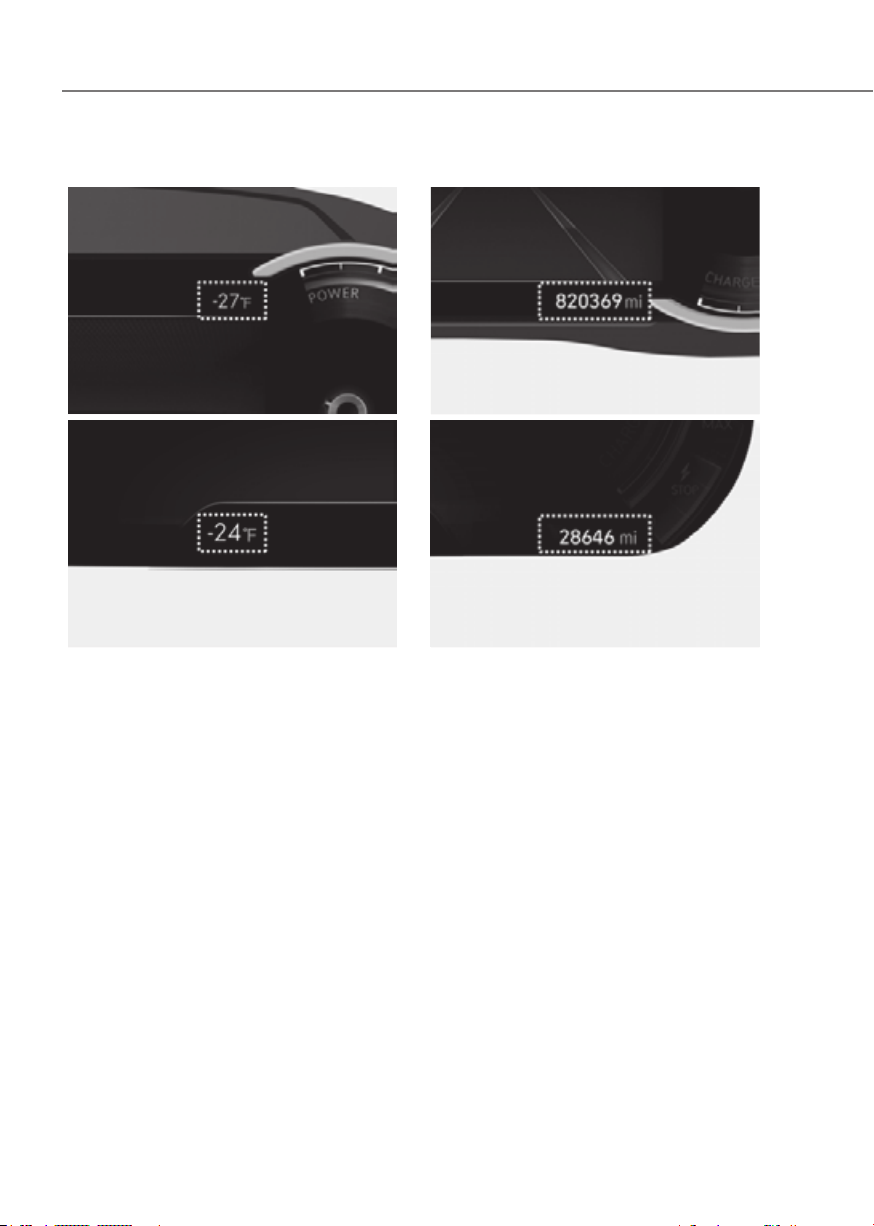
4-8
Instrument Cluster
Outside temperature gauge
8-inch8-inch
ORG3EV041008NORG3EV041008N
12.3-inch 3D 12.3-inch 3D
ORG3EV041007NORG3EV041007N
This gauge indicates the current outside
air temperatures by 1°F (1°C).
Note that the temperature indicated
on the Cluster display may not change
as quickly as the outside temperature
(there may be a slight delay before the
temperature changes.)
You can change the temperature
unit from the Settings menu in the
infotainment system screen. Select:
-
For detailed information, refer to the
separately supplied infotainment
system manual.
Both the temperature unit on the Cluster
display and climate control screen will
change.
Odometer
8-inch8-inch
ORG3EV041006EORG3EV041006E
12.3-inch 3D 12.3-inch 3D
ORG3EV041005EORG3EV041005E
The odometer indicates the total
distance that the vehicle has been
driven and should be used to determine
when periodic maintenance should be
performed.
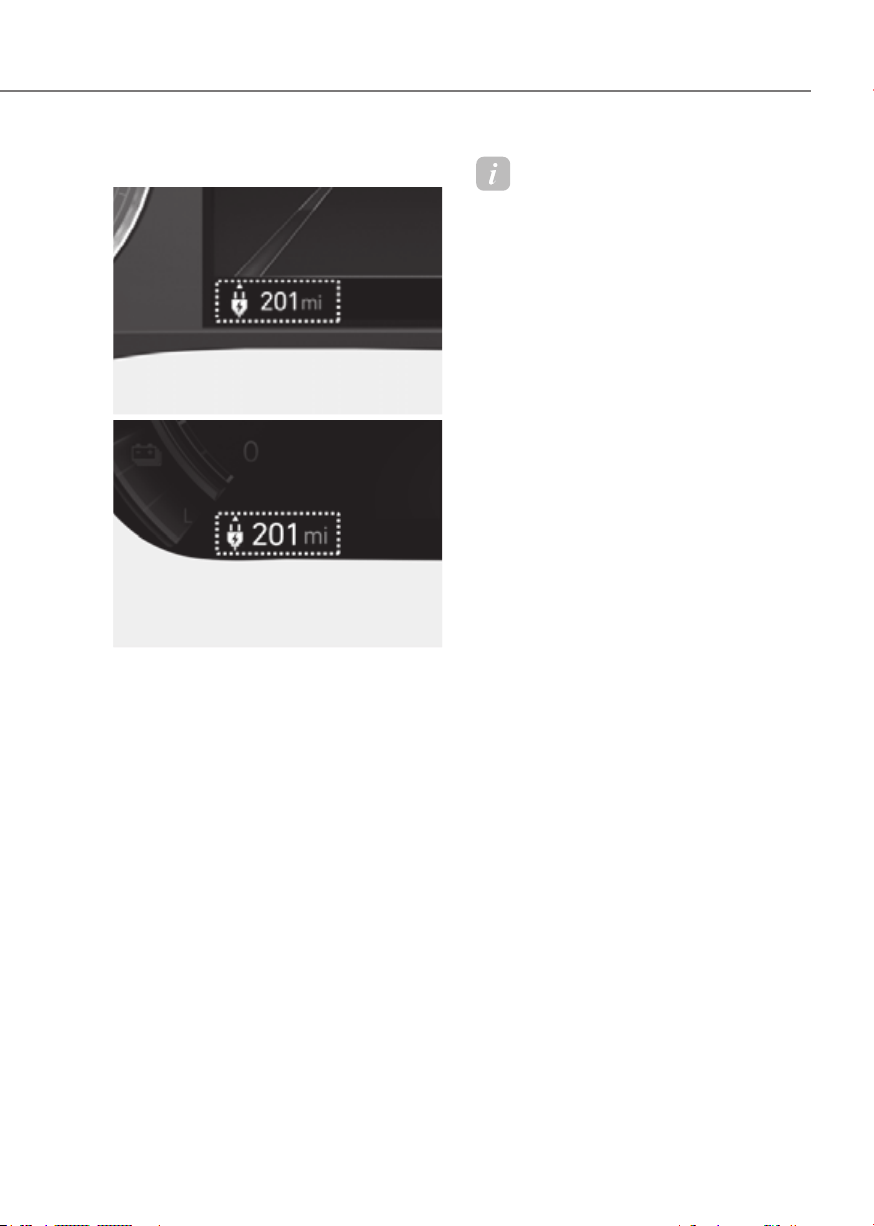
4-9
04
Distance to empty
8-inch8-inch
ORG3EVQ011043EORG3EVQ011043E
12.3-inch 3D 12.3-inch 3D
ORG3EVQ011042EORG3EVQ011042E
• The distance to empty is the
estimated distance the vehicle can
be driven with the remaining electric
energy.
• The distance to empty varies depend
on which drive mode is selected
among ECO/NORMAL/SPORT mode.
For more detail information, refer to
‘Distance to empty’ in chapter 1.
Information
• If the vehicle is not on level ground or
the battery power has been interrupted,
the distance to empty function may not
operate correctly.
• The distance to empty may differ
from the actual driving distance as it
is an estimate of the available driving
distance.
• The distance to empty may vary
significantly based on driving
conditions, driving habits, and
condition of the vehicle.
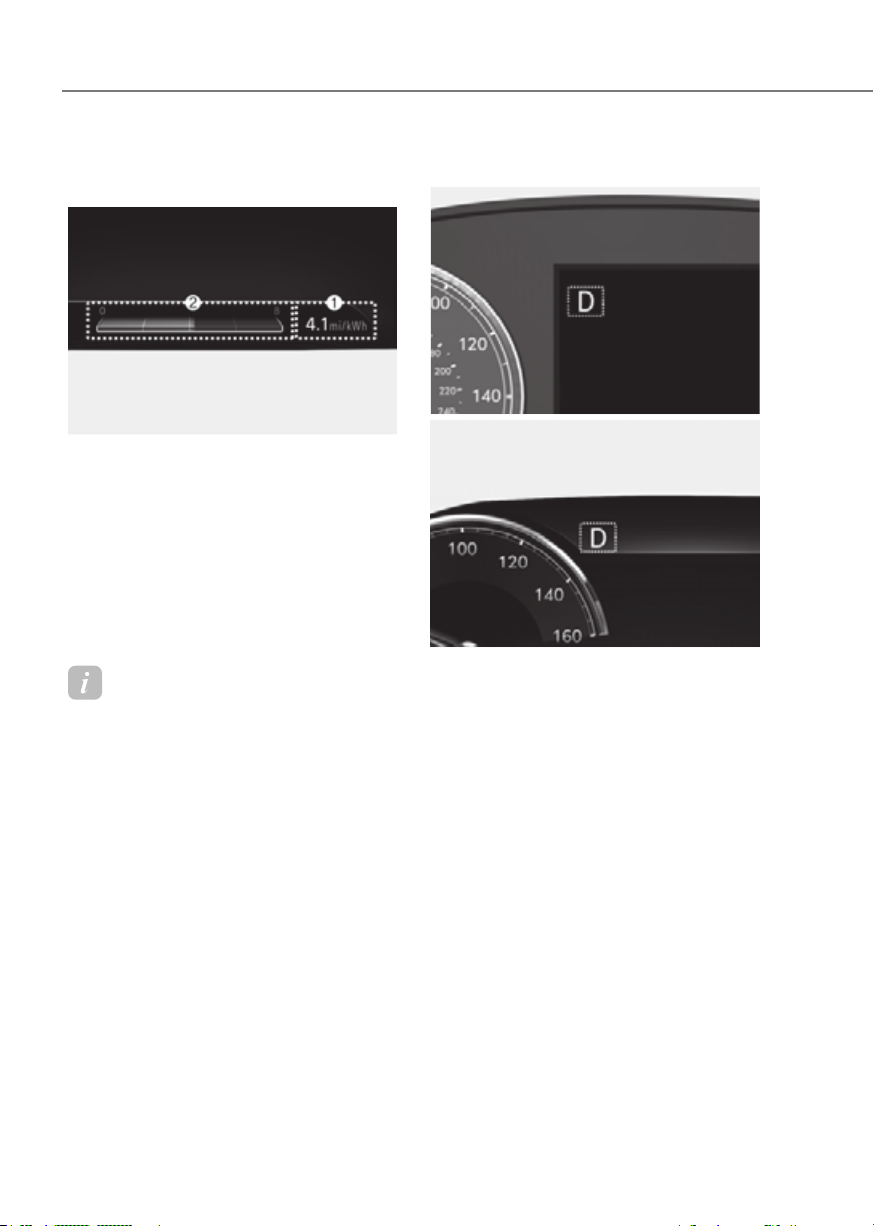
4-10
Instrument Cluster
Energy economy (for 12.3-inch 3D
cluster)
ORG3EV043009NORG3EV043009N
The average energy economy (1) and
instant energy economy (2) is displayed
at the bottom of the cluster.
Automatic reset
To automatically reset the average
energy economy, select between "After
Ignition" or "After Recharging" from
the Settings menu in the infotainment
system screen.
Information
For 8-inch instrument cluster, you can
check the energy economy in the Utility
view on the cluster.
Refer to “View Modes” section in chapter
4.
Gear Shift Indicator
8-inch8-inch
OJX1040070EOJX1040070E
12.3-inch 3D 12.3-inch 3D
OJX1040047EOJX1040047E
The indicator displays which gear is
selected.
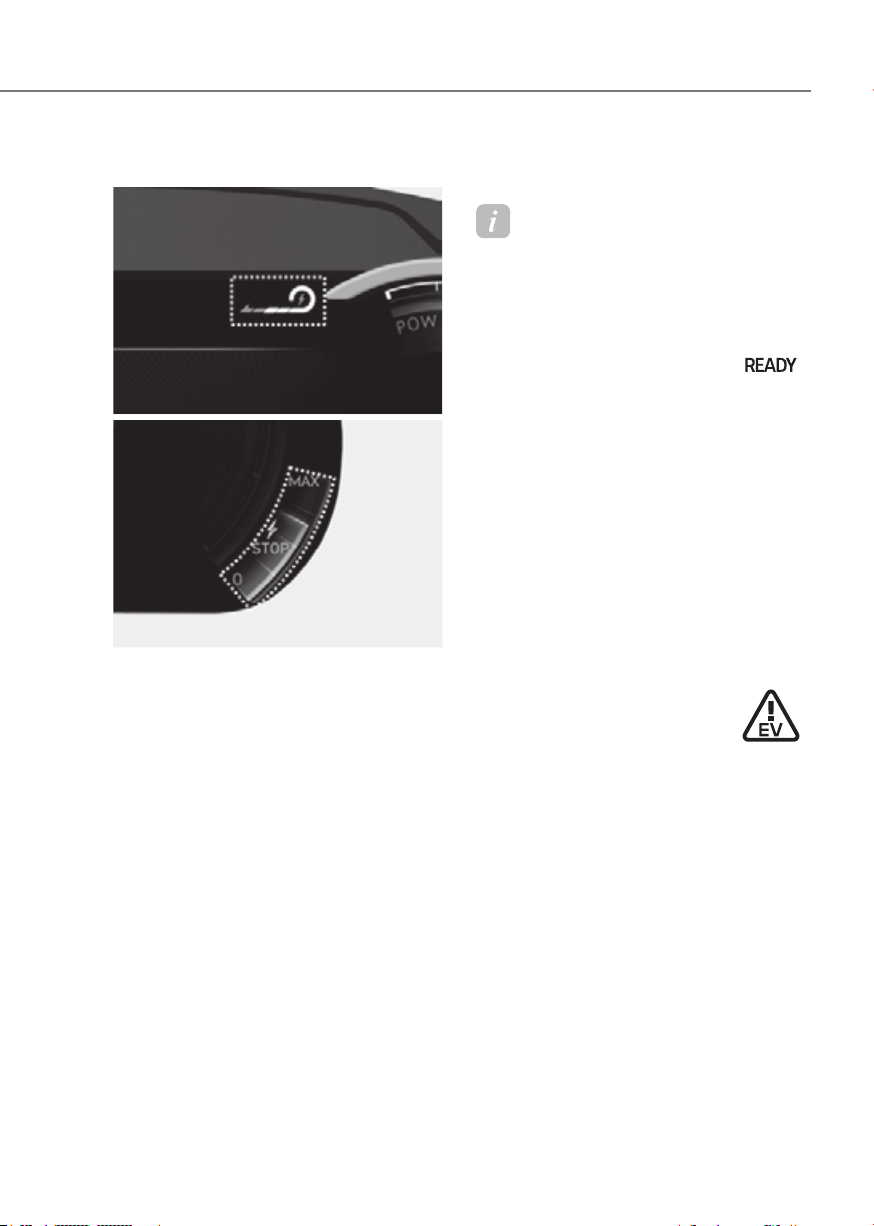
4-11
04
Regenerative braking level indicator
8-inch8-inch
ORG3EV041071LORG3EV041071L
12.3-inch 3D 12.3-inch 3D
ORG3EV041010AUORG3EV041010AU
The regenerative brake indicates the
level of the regenerative braking that
you set. And it also indicates Smart
regenerative system’s operation status.
For more details, refer to "Regenerative
Braking System" in chapter 6.
Warning and Indicator Lights
Information
Make sure that all warning lights are OFF
after starting the vehicle. If any light is
still ON, this indicates a situation that
needs attention.
Ready indicator
This indicator illuminates:
When the vehicle is ready to be driven.
- ON : Normal driving is possible.
- OFF : Normal driving is not possible,
or a problem has occurred.
- Blinking : Emergency driving.
When the ready indicator goes OFF
or blinks, there is a problem with the
system. In this case, have your vehicle
inspected by an authorized retailer of
Genesis Branded products.
Service warning light
This warning light illuminates:
• When the Start/Stop button is in the
ON position.
- It illuminates for approximately 3
seconds and then goes off.
• When there is a problem with related
parts of the electric vehicle control
system, such as sensors, etc.
When the warning light illuminates while
driving, or does not go OFF after starting
the vehicle, have your vehicle inspected
by an authorized retailer of Genesis
Branded products.
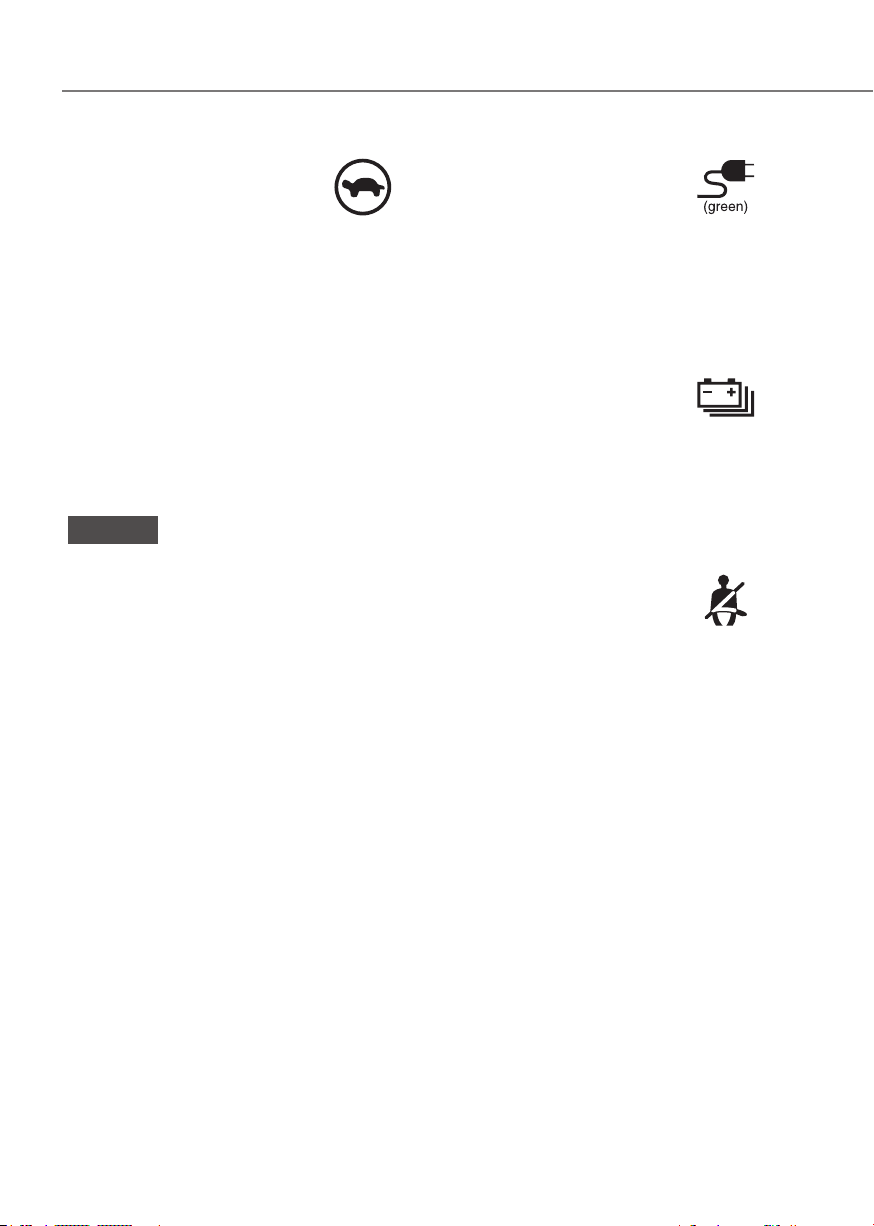
4-12
Instrument Cluster
Power down indicator light
This indicator light illuminates:
When the power is limited for the safety
of the high-powered parts of an electric
vehicle. The power is limited for the
following reasons.(Unless both Service
Warning Light and Power Down Indicator
Light illuminate at the same time, it is not
a failure.)
- The high voltage battery level is too
low or voltage is decreasing
- The temperature of the high voltage
battery is too high or too low
- The temperature of the motor is high
NOTICE
• Do not accelerate or start the vehicle
suddenly when the power down
indicator light is ON.
• When the power is limited for the
safety of the high-powered parts of
an electric vehicle, the power down
indicator light illuminates. Your
vehicle may not be driven, or may roll
back on a slope with the indicator
light ON due to the limitation of
vehicle power.
Charging connector
indicator light
This warning light indicates the
connection status of the charging
connector. When the charging connector
is connected to the vehicle, the green
light illuminates for approximately 1
minute.
High voltage battery level
warning light
This warning light illuminates:
• When the high voltage battery level
is low.
• When the warning light turns ON,
charge the battery immediately.
Seat belt warning light
This warning light informs the driver that
the seat belt is not fastened.
For more details, refer to “Seat Belts”
section in chapter 3.

4-13
04
Air bag warning light
This warning light illuminates:
• When you set the Start/Stop button to
the ON position.
- The air bag warning light illuminates
for about 6 seconds and then turns
off when all checks have been
performed.
• The air bag warning light will remain
illuminated if there is a malfunction
with the Safety Restraint System (SRS)
air bag operation.
If this occurs, have the vehicle
inspected by an authorized retailer of
Genesis Branded products.
Regenerative brake warning
light
This warning light illuminates:
When the regenerative brake does not
operate and the brake does not perform
well. This causes the Brake Warning
light (red) and Regenerative Brake
Warning Light (yellow) to illuminate
simultaneously.
In this case, drive safely and have your
vehicle inspected by an authorized
retailer of Genesis Branded products.
The operation of the brake pedal may
be more difficult than normal and the
braking distance can increase.
Parking brake & brake fluid
warning light
This warning light illuminates:
• When you set the Start/Stop button in
the ON position.
- It illuminates for approximately 3
seconds.
- It remains on if the parking brake is
applied.
• When the parking brake is applied.
• When the brake fluid level in the
reservoir is low.
- If the warning light illuminates
with the parking brake released, it
indicates the brake fluid level in the
reservoir is low.
• When the regenerative brake does not
operate.
If the brake fluid level in the reservoir is
low:
1. Drive carefully to the nearest safe
location and stop your vehicle.
2. With the motor stopped, check the
brake fluid level immediately and add
fluid as required (For more details,
refer to “Brake Fluid” section in
chapter 9). After adding brake fluid,
check all brake components for fluid
leaks. If a brake fluid leak is found, or
if the warning light remains on, or if
the brakes do not operate properly, do
not drive the vehicle. Have the vehicle
inspected by an authorized retailer of
Genesis Branded products.

4-14
Instrument Cluster
Dual-diagonal braking system
Your vehicle is equipped with dual-
diagonal braking system. This means you
still have braking on two wheels even if
one of the dual systems should fail.
With only one of the dual systems
working, more than normal pedal travel
and greater pedal pressure is required to
stop the vehicle.
Also, the vehicle will not stop in as short
a distance with only a portion of the
brake system working.
If the brakes fail while you are driving,
shift to a lower gear for additional vehicle
braking and stop the vehicle as soon as it
is safe to do so.
WARNING
Parking Brake & Brake Fluid warning
light
Driving the vehicle with a warning light
ON is dangerous. If the Parking Brake
& Brake Fluid warning light illuminates
with the parking brake released, it
indicates that the brake fluid level is
low.
If this occurs, have the vehicle
inspected by an authorized retailer of
Genesis Branded products.
Anti-lock Brake System (ABS)
warning light
This warning light illuminates:
• When you set the Start/Stop button to
the ON position.
- The ABS warning light illuminates
for about 3 seconds and then goes
off.
• Whenever there is a malfunction with
the ABS.
Note that the hydraulic braking
system will still be operational even if
there is a malfunction with the ABS.
If this occurs, have the vehicle
inspected by an authorized retailer of
Genesis Branded products.
Electronic Brake Force
Distribution (EBD) system
warning light
When the ABS warning and
Parking Brake warning lights are on
simultaneously, it may indicate a
problem with the Electronic Brake Force
Distribution system.
If this occurs, have the vehicle inspected
by an authorized retailer of Genesis
Branded products.

4-15
04
WARNING
Electronic Brake Force Distribution
(EBD) system warning light
When both ABS and Parking Brake &
Brake Fluid warning lights are on, the
brake system will not work normally
and you may experience an unexpected
and dangerous situation during sudden
braking.
If this occurs, avoid high speed driving
and abrupt braking.
Have the vehicle inspected by an
authorized retailer of Genesis Branded
products as soon as possible.
NOTICE
Electronic Brake Force Distribution
(EBD) system warning light
When the ABS warning light is on
or both ABS and Parking Brake &
Brake Fluid warning lights are on, the
speedometer, odometer, or tripmeter
may not work. Also, the MDPS warning
light may illuminate and the steering
effort may increase or decrease.
If this occurs, have the vehicle
inspected by an authorized retailer of
Genesis Branded products as soon as
possible.
MDPS (Motor Driven Power
Steering)
This warning light illuminates:
• When you set the Start/Stop button to
the ON position.
- The Motor Driven power steering
warning light illuminates for about 3
seconds and then goes off.
• Whenever there is a malfunction with
the Motor Driven power steering.
If this occurs, have the vehicle
inspected by an authorized retailer of
Genesis Branded products.
Master warning light
This warning light illuminates:
When there is a malfunction in operation
in any of the following systems:
- Forward Collision-Avoidance Assist
malfunction
- Forward Collision-Avoidance Assist
radar blocked
- Blind-Spot Collision-Avoidance Assist
malfunction
- Blind-Spot Collision-Avoidance Assist
radar blocked
- LED headlight malfunction
- High Beam Assist malfunction
- Smart Cruise Control malfunction
- Smart Cruise Control radar blocked
- Tire Pressure Monitoring System
(TPMS) malfunction
To identify the details of the warning,
look at the Cluster display.

4-16
Instrument Cluster
Electronic Parking Brake
(EPB) warning light
This warning light illuminates:
• When you set the Start/Stop button to
the ON position.
- The EPB warning light illuminates
for about 3 seconds and then goes
off.
• Whenever there is a malfunction with
EPB.
If this occurs, have the vehicle
inspected by an authorized retailer of
Genesis Branded products.
Information
The Electronic Parking Brake (EPB)
warning light may illuminate when
the Electronic Stability Control (ESC)
indicator light comes on to indicate that
ESC is not working properly. This does
not indicate malfunction of EPB.
Low tire pressure warning
light
This warning light illuminates:
• When you set the Start/Stop button to
the ON position.
- The low tire pressure warning light
illuminates for approximately 3
seconds and then goes off.
• When one or more of your tires are
significantly underinflated. (The
location of the underinflated tires are
displayed on the Cluster display.)
For more details, refer to “Tire Pressure
Monitoring System (TPMS)” section in
chapter 8.
This warning light remains ON after
blinking for approximately 60 seconds, or
repeatedly blinks ON and OFF in 3 second
intervals:
When there is a malfunction with the
TPMS.
If this occurs, have the vehicle inspected
by an authorized retailer of Genesis
Branded products as soon as possible.
For more details, refer to “Tire Pressure
Monitoring System (TPMS)” section in
chapter 8.
WARNING
Safe Stopping
• The TPMS cannot alert you to severe
and sudden tire damage caused by
external factors.
• If you notice any vehicle instability,
immediately take your foot off the
accelerator pedal, apply the brakes
gradually with light force, and slowly
move to a safe position off the road.
4-17
04
Forward safety warning light
This warning light illuminates:
• When you set the Start/Stop button to
the ON position.
- The Forward Safety warning light
illuminates for approximately 3
seconds and then goes off.
• Whenever there is a malfunction with
Forward Collision-Avoidance Assist.
If this occurs, have the vehicle inspected
by an authorized retailer of Genesis
Branded products.
For more details, refer to “Forward
Collision-Avoidance Assist (FCA)”
section in chapter 7.
Lane safety indicator light
This indicator light illuminates:
• [Green] When Lane Keeping Assist
operating conditions are satisfied.
• [White] When Lane Keeping Assist
operating conditions are not satisfied.
• [Yellow] Whenever there is a
malfunction with Lane Keeping Assist.
If this occurs, have the vehicle
inspected by an authorized retailer of
Genesis Branded products.
For more details, refer to “Lane Keeping
Assist (LKA)” section in chapter 7.
LED headlight warning light
(if equipped)
This warning light illuminates:
• When you set the Start/Stop button to
the ON position.
- The LED headlight warning light
illuminates for approximately 3
seconds and then goes off.
• Whenever there is a malfunction with
the LED headlight.
If this occurs, have the vehicle
inspected by an authorized retailer of
Genesis Branded products.
This warning light blinks:
Whenever there is a malfunction with a
LED headlight related part.
If this occurs, have the vehicle inspected
by an authorized retailer of Genesis
Branded products.
NOTICE
Continuous driving with the LED
Headlight warning light on or blinking
can reduce LED headlight life.

4-18
Instrument Cluster
Icy road warning light
(if equipped)
This warning light is to warn the driver
the road may be icy.
When the temperature on the outside
temperature gauge is approximately
below 4°C (40°F), the Icy Road warning
light and Outside Temperature Gauge
blinks and then illuminates. Also, the
warning chime sounds 1 time.
You can activate or deactivate Icy Road
Warning function from the Settings
menu in the infotainment system screen.
Select:
-
For detailed information, refer to the
separately supplied infotainment
system manual.
Information
If the Icy Road warning light appears
while driving, you should drive more
attentively and safely refraining from
over-speeding, rapid acceleration, sudden
braking or sharp turning, etc.
Electronic Stability Control
(ESC) indicator light
This indicator light illuminates:
• When you set the Start/Stop button to
the ON position.
- The Electronic Stability Control
indicator light illuminates for about
3 seconds and then goes off.
• Whenever there is a malfunction with
ESC system.
If this occurs, have the vehicle
inspected by an authorized retailer of
Genesis Branded products.
This indicator light blinks:
While ESC is operating.
For more details, refer to “Electronic
Stability Control (ESC)” section in
chapter 6.
Electronic Stability Control
(ESC) OFF indicator light
This indicator light illuminates:
• When you set the Start/Stop button to
the ON position.
- The ESC OFF indicator light
illuminates for approximately 3
seconds and then goes off.
• When you deactivate ESC system by
pressing the ESC OFF button.
For more details, refer to “Electronic
Stability Control (ESC)” section in
chapter 6.

4-19
04
Immobilizer indicator light
This indicator light illuminates for up to
30 seconds:
When the vehicle detects the smart key
in the vehicle with the Start/Stop button
in the ACC or ON position.
- Once the smart key is detected, you
can start the vehicle.
- The indicator light goes off after
starting the vehicle.
This indicator light blinks for a few
seconds:
When the smart key is not in the vehicle.
- If the smart key is not detected, you
cannot start the vehicle.
This indicator light illuminates for 2
seconds and goes off:
If the smart key is in the vehicle and the
Start/Stop button is ON, but the vehicle
cannot detect the smart key.
If this occurs, have the vehicle inspected
by an authorized retailer of Genesis
Branded products.
This indicator light blinks:
Whenever there is a malfunction with the
immobilizer system.
If this occurs, have the vehicle inspected
by an authorized retailer of Genesis
Branded products.
Turn signal indicator light
This indicator light blinks:
When you operate the turn signal
indicator stalk.
If any of the following occur, there may
be a malfunction with the turn signal
system.
- The turn signal indicator light
illuminates but does not blink
- The turn signal indicator light blinks
rapidly
- The turn signal indicator light does not
illuminate at all
If any of these conditions occur, have
the vehicle inspected by an authorized
retailer of Genesis Branded products.
4-20
Instrument Cluster
High beam indicator light
This indicator light illuminates:
• When the headlights are on and in the
high beam position
• When the turn signal lever is pulled
into the Flash-to-Pass position.
Low beam indicator light
This indicator light illuminates:
When the headlights are on.a
Light ON indicator light
This indicator light illuminates:
When the position lamps or headlamps
are on.
High Beam Assist indicator
light (if equipped)
This indicator light illuminates:
When the high-beam is on with the light
switch in the AUTO position.
• White: When High Beam Assist is
ready to operate.
• Green: When High Beam Assist is
operating.
If your vehicle detects oncoming or
preceding vehicles, High Beam Assist
will switch the high beam to low beam
automatically.
For more details, refer to “High Beam
Assist (HBA)” section in chapter 5.
AUTO HOLD indicator light
This indicator light illuminates:
• [White] When you activate Auto Hold
by pressing the AUTO HOLD switch.
• [Green] When you stop the vehicle
completely by depressing the brake
pedal with Auto Hold activated.
• [Yellow] Whenever there is a
malfunction with the Auto Hold
function.
If this occurs, have the vehicle
inspected by an authorized retailer of
Genesis Branded products.
For more details, refer to “Electronic
Parking Brake (EPB)” section in chapter
6.

4-21
04
Cluster Display Messages
Shift to P
This message is displayed if you try to
turn off the vehicle without the gear in
the P (Park) position.
If this occurs, the Start/Stop button turns
to the ACC position.
Vehicle is in N. Press START button
and shift to P
This message is displayed if you try to
turn off the vehicle with the gear in N
(Neutral).
To turn off the vehicle:
1. Press the Start/Stop button. The
button will change to the ON position.
2. Press the P button to shift to P (Park).
3. Press the Start/Stop button again,
then the vehicle will turn off.
Low key battery
This message is displayed if the battery
of the smart key is discharged while
changing the Start/Stop button to the
OFF position.
Press START button while turning
wheel (if equipped)
This message is displayed if the steering
wheel does not unlock normally when
the Start/Stop button is pressed.
You should press the Start/Stop button
while turning the steering wheel right
and left.
Low washer fluid (if equipped)
This message is displayed if the washer
fluid level in the reservoir is nearly empty.
Have the washer fluid reservoir refilled.
Press brake pedal to start vehicle
This message is displayed if the Start/
Stop button changes to the ACC position
twice by pressing the button repeatedly
without depressing the brake pedal.
You can start the vehicle by depressing
the brake pedal and then pressing the
Start/Stop button.
Key not in vehicle
This message is displayed if the smart
key is not in the vehicle when you leave
the vehicle with the Start/Stop button in
the ON or Start position.
Always turn off the vehicle before leaving
your vehicle.
Key not detected
This message is displayed if the smart
key is not detected when you press the
Start/Stop button.
Press START button again
This message is displayed if you were
unable to start the vehicle when the
Start/Stop button was pressed.
If this occurs, attempt to start the vehicle
by pressing the Start/Stop button again.
If the warning message appears each
time you press the Start/Stop button,
have the vehicle inspected by an
authorized retailer of Genesis Branded
products.
Place the smart key in the
emergency start slot and press the
start button
This message is displayed if you press
the Start/Stop button while the warning
message “Key not detected” is displayed.
At this time, the immobilizer indicator
light blinks.
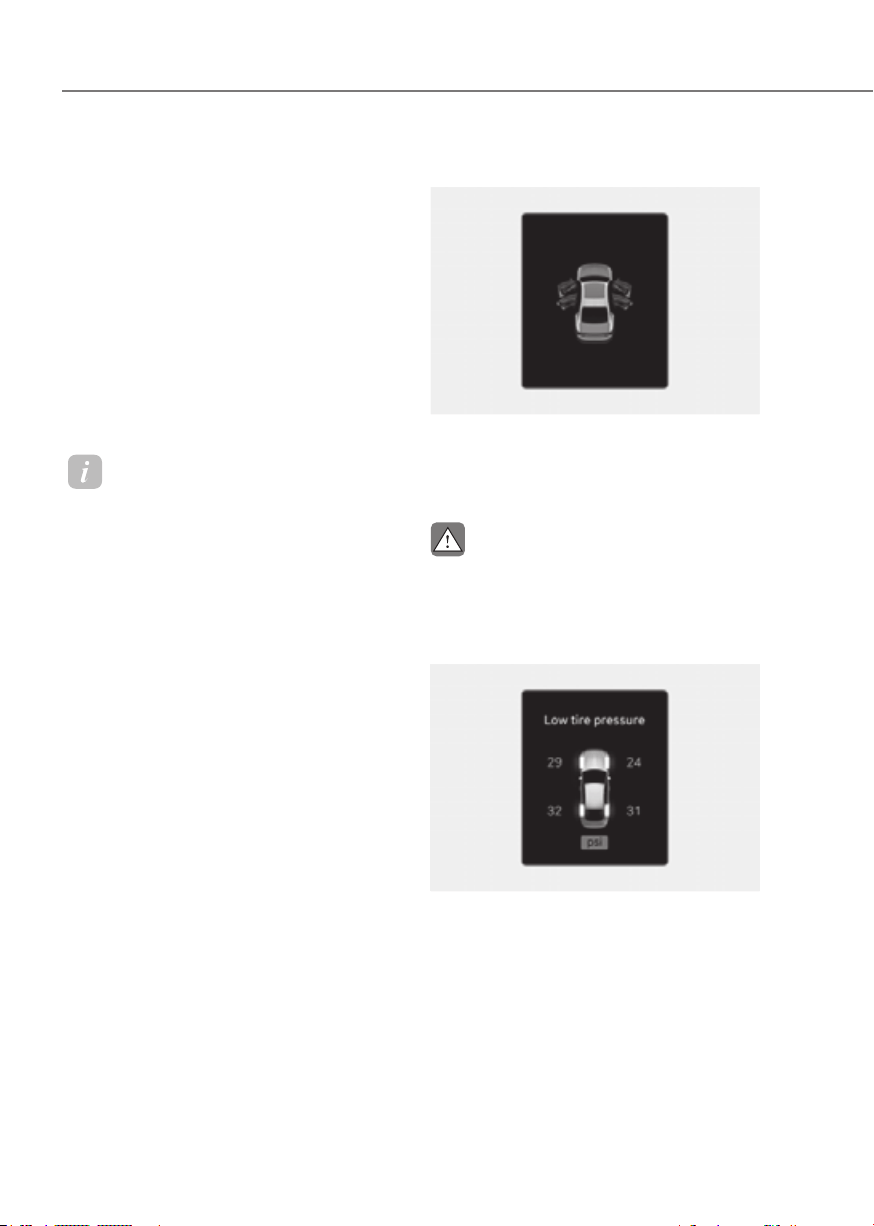
4-22
Instrument Cluster
Check BRAKE SWITCH fuse
This message is displayed if the brake
switch fuse is disconnected.
You need to replace the fuse with a new
one before starting the vehicle.
If that is not possible, you can start the
vehicle by pressing the Start/Stop button
for 10 seconds in the ACC position.
Shift to P to start vehicle
This message is displayed if you try to
start the vehicle in any other position
except P (Park).
Information
For your safety, Have you start the vehicle
with the gear shifted to P (Park).
Battery discharging due to external
electrical devices
This message is displayed if the 12 V
battery voltage is weak due to any
non-factory electrical accessories (for
example, dashboard camera) while
parking. Be careful that the battery is not
discharged.
If the message appears after removing
the non-factory electrical accessories,
have the vehicle inspected by an
authorized retailer of Genesis Branded
products.
Door, Hood, Trunk open indicator
ORG3EV041020ORG3EV041020
This warning is displayed if any door or
hood or trunk is left open. The warning
will indicate which door is open in the
display.
CAUTION
Before driving the vehicle, you should
confirm that the door/ hood/trunk are
fully closed.
Low tire pressure
ORG3EV041056LORG3EV041056L
This warning message is displayed if the
tire pressure is low. The corresponding
tire on the vehicle will be illuminated.
For more details, refer to “Tire Pressure
Monitoring System (TPMS)” section in
chapter 8.
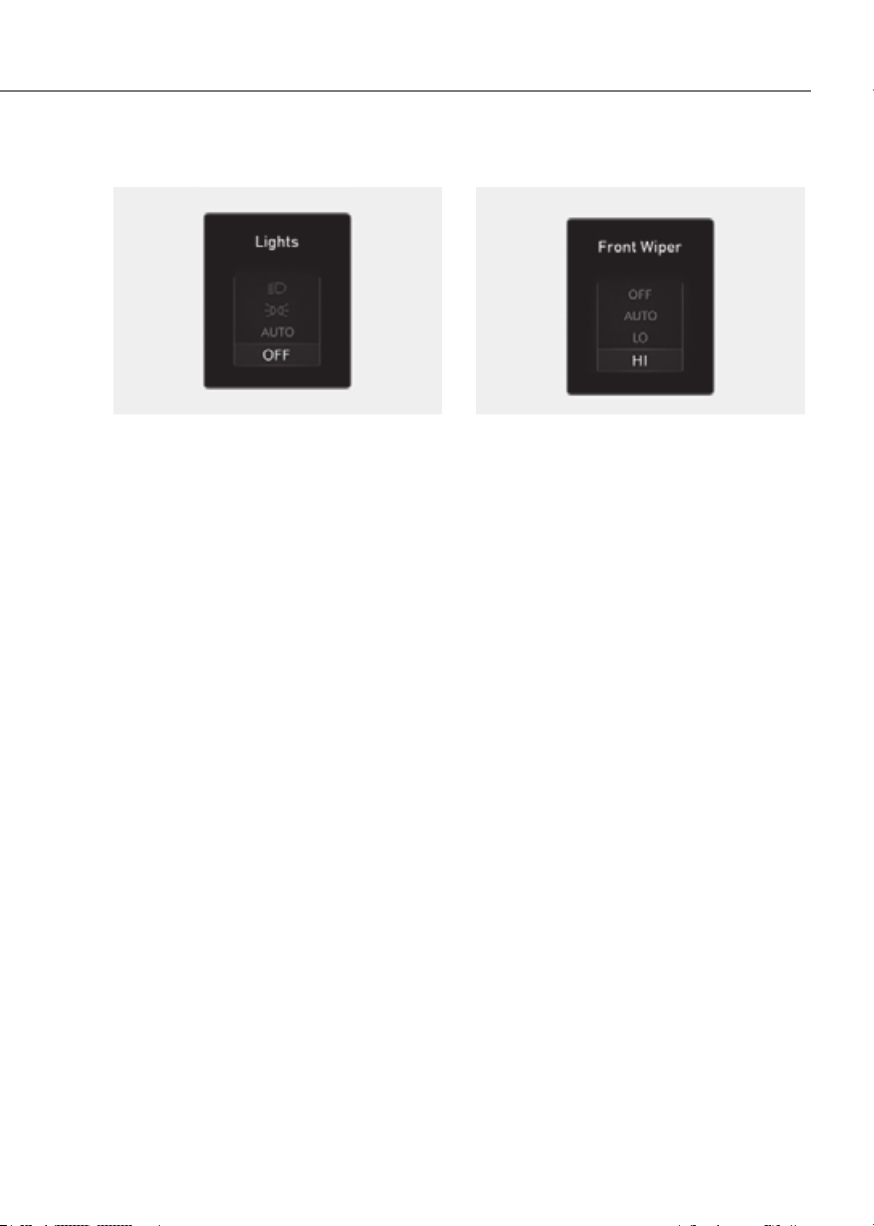
4-23
04
Lights
OIK040075LOIK040075L
This indicator displays which exterior
light is selected using the lighting
control.
You can activate or deactivate Wiper/
Lights display function from the Settings
menu in the infotainment system screen.
Select:
-
Display
See additional information in supplied
Infotainment Manual.
Wiper
OIK040077LOIK040077L
This indicator displays which wiper speed
is selected using the wiper control.
You can activate or deactivate Wiper/
Lights display function from the Settings
menu in the infotainment system screen.
Select:
-
Display
See additional information in supplied
Infotainment Manual.
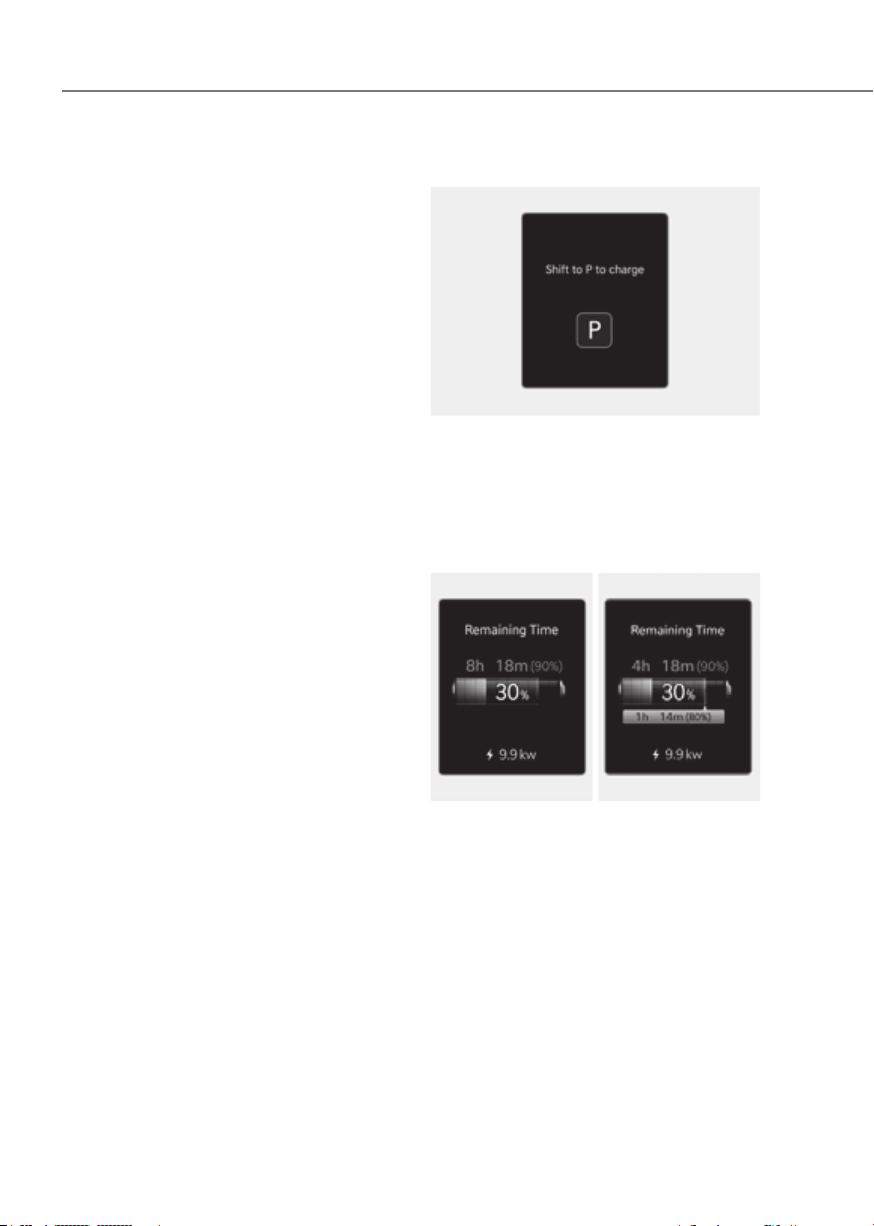
4-24
Instrument Cluster
Check headlight (if equipped)
This message is displayed if the
headlights are not operating properly. A
lamp may need to be replaced.
Make sure to replace the burned out
bulb with a new one of the same wattage
rating.
Check turn signal (if equipped)
This message is displayed if the turn
signal lamps are not operating properly.
A lamp may need to be replaced.
Make sure to replace the burned out
bulb with a new one of the same wattage
rating.
Check headlight LED (if equipped)
This message is displayed if there is a
problem with the LED headlight. Have
the vehicle inspected by an authorized
retailer of Genesis Branded products.
Shift to P to charge
ORG3EVQ011117NORG3EVQ011117N
This message is displayed if you connect
the charging cable without the gear in
the P (Park) position.
Shift to P (Park) before connecting the
charging cable.
Remaining time
AC chargeAC charge DC chargeDC charge
ORG3EVQ011054LORG3EVQ011054L ORG3EVQ011055LORG3EVQ011055L
This message is displayed to notify the
remaining time to charge the battery to
the selected target battery charge level.

4-25
04
Unplug vehicle to start
OOSEV040498LOOSEV040498L
This message is displayed when you
start the vehicle without unplugging the
charging cable. Unplug the charging
cable, and then turn on the vehicle.
Charging door open
OOSEV040499LOOSEV040499L
This message is displayed when the
vehicle is driven with the charging door
opened. Close the charging door and
then start driving.
Charging stopped. Check the
charger
ORG3EVQ011119NORG3EVQ011119N
• This warning message is displayed
when charging is stopped for the
reasons below:
- There is a problem with the external
AC charger or DC charger charger
- The external AC charger stopped
charging
- The charging cable is damaged
In this case, check whether there is any
problem with the external AC or DC
charger and charging cable.
If the same problem occurs when
charging the vehicle with a normally
operating AC charger or genuine Genesis
portable charger, have your vehicle
inspected by an authorized retailer of
Genesis Branded products.
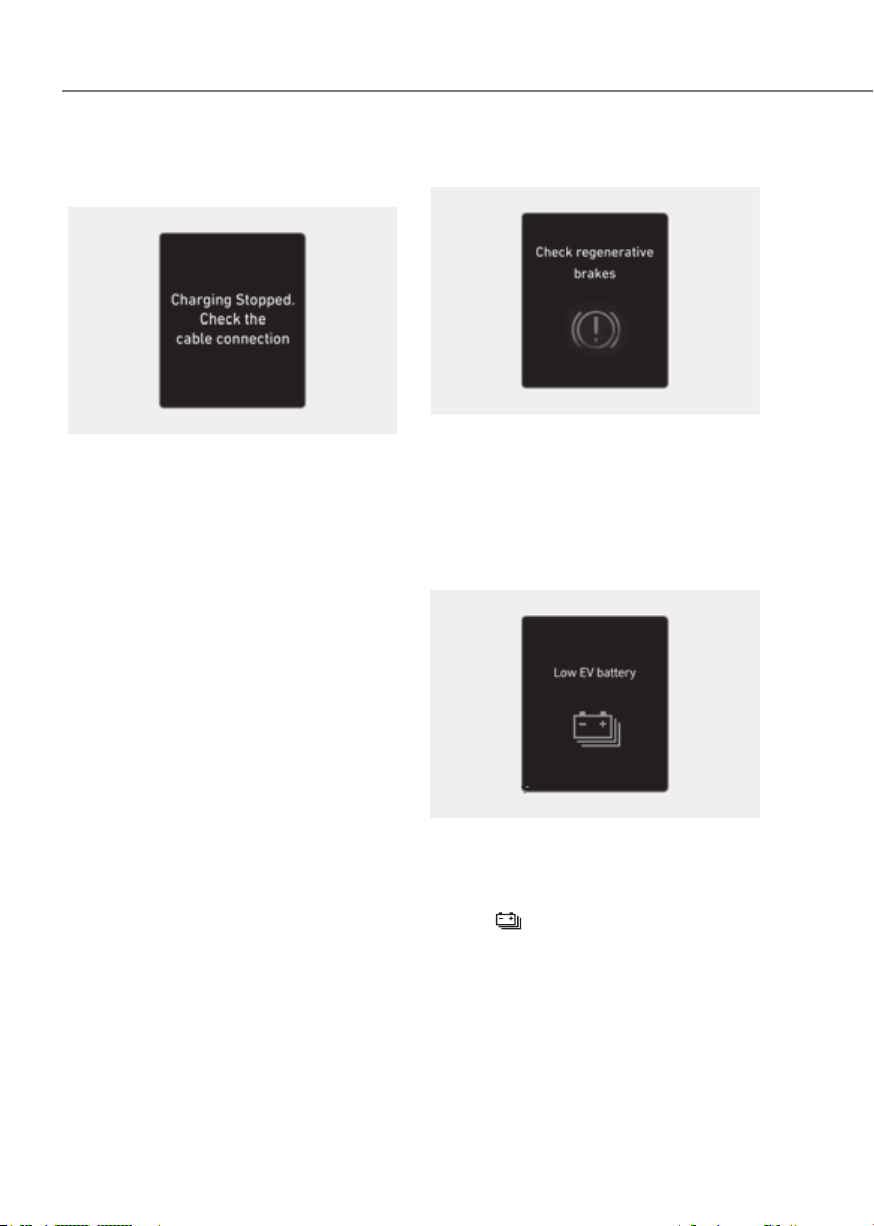
4-26
Instrument Cluster
Charging stopped. Check the cable
connection
OOSEV040502LOOSEV040502L
This warning message is displayed
when charging is stopped because the
charging connector is not correctly
connected to the charging inlet
In this case, separate the charging
connector and re-connect it and check
whether there is any problem (external
damage, foreign substances, etc.) with
the charging connector and charging
inlet.
If the same problem occurs when
charging the vehicle with a replaced
charging cable or genuine Genesis
portable charger, have your vehicle
inspected by an authorized retailer of
Genesis Branded products.
Check regenerative brakes
OOSEV040503EOOSEV040503E
These warning messages are displayed
when the regenerative brake system
does not work properly.
In this case, have the vehicle inspected
by an authorized retailer of Genesis
Branded products.
Low EV battery
ORG3EVQ011001LORG3EVQ011001L
When the high voltage battery level
reaches below approximately 12 %, this
warning message is displayed.
The warning light on the instrument
cluster (
) will turn ON simultaneously.
Charge the high voltage battery
immediately.
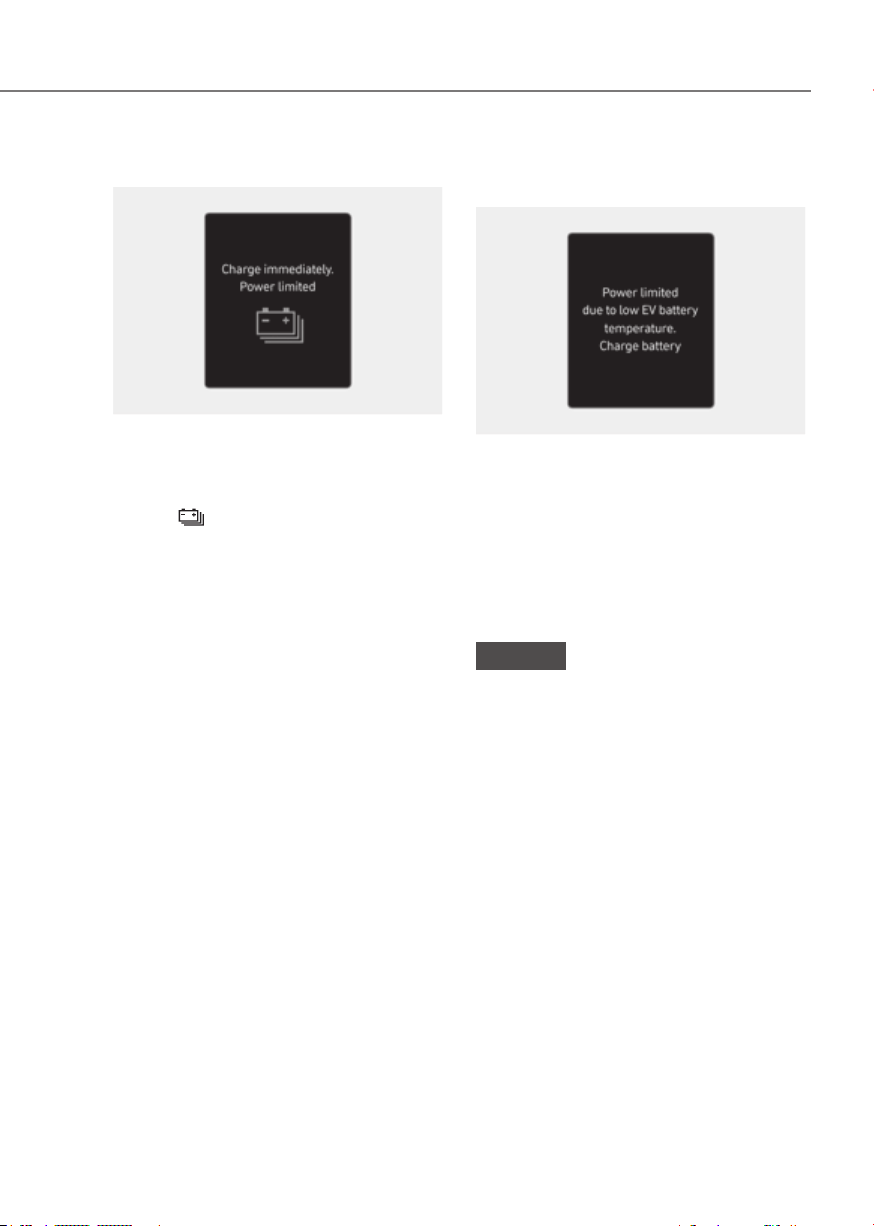
4-27
04
Charge immediately. Power limited
ORG3EVQ011122LORG3EVQ011122L
When the high voltage battery level
reaches below approximately 6 %, this
warning message is displayed.
The warning light on the instrument
cluster (
) will turn on simultaneously.
The vehicle’s power will be reduced to
minimize the energy consumption of the
high voltage battery. Charge the high
voltage battery immediately.
Power limited due to low EV battery
temperature. Charge battery
ORG3EVQ011123LORG3EVQ011123L
Both warning messages are displayed
to protect electric vehicle system when
outside temperature is low. If the high
voltage battery charging level is low
and parked outside in low temperature
for a long time, vehicle power could be
limited.
Charging the battery before driving helps
increase power.
NOTICE
If these warning messages are still
displayed even after the ambient
temperature has increased, have the
vehicle inspected by an authorized
retailer of Genesis Branded products.
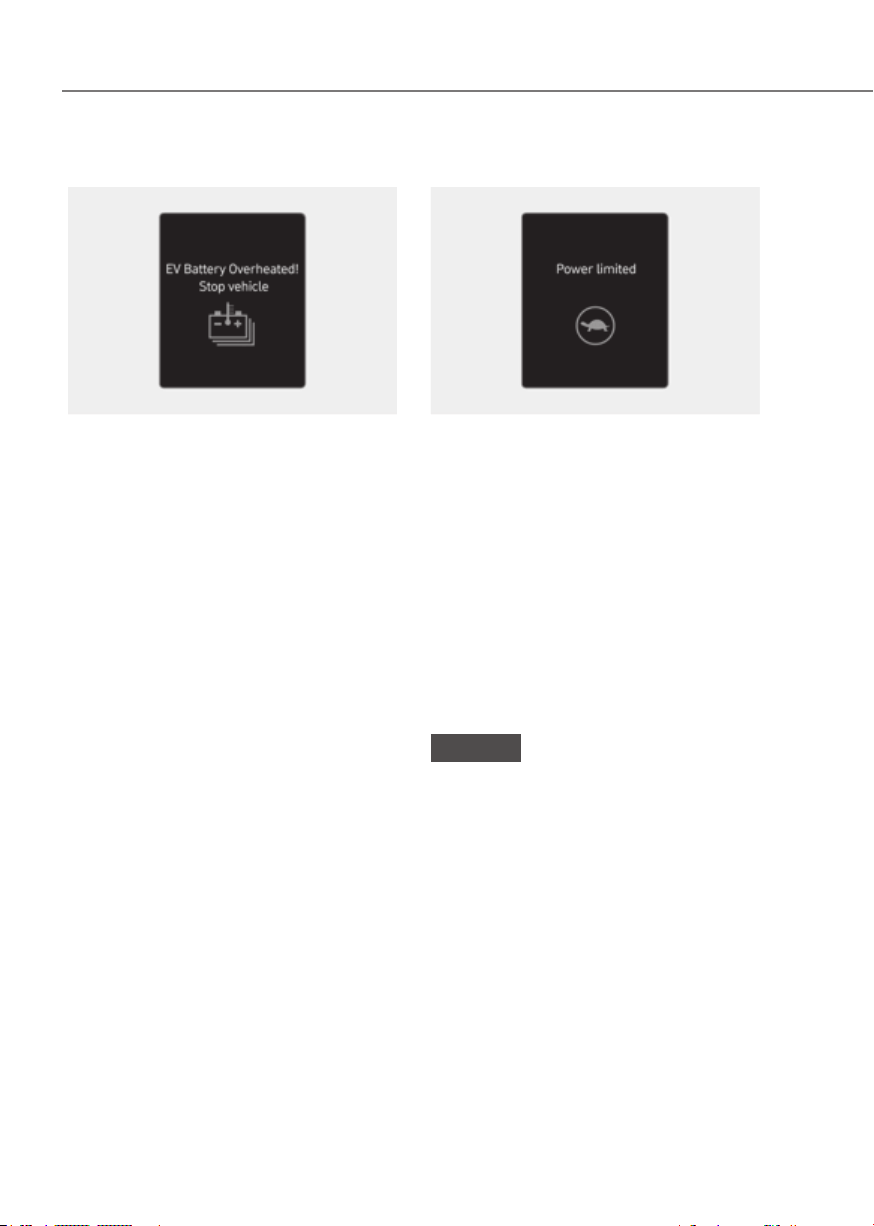
4-28
Instrument Cluster
EV battery overheated! Stop vehicle
ORG3EVQ011050LORG3EVQ011050L
This warning message is displayed to
protect battery and electric vehicle
system when the high voltage battery
temperature is too high.
Turn off the Start/Stop button and
stop the vehicle so that the battery
temperature decreases.
Power limited
ORG3EVQ011003LORG3EVQ011003L
This warning message is displayed:
• When the power is limited for the
safety of the high-powered parts of an
electric vehicle. The power is limited
for the following reasons. (Unless
both Service Warning Light and Power
Down Indicator Light illuminate at the
same time, it is not a failure.)
- The high voltage battery level is too
low or voltage is decreasing
- The temperature of the high voltage
battery is too high or too low
- The temperature of the motor is
high
NOTICE
• When this warning message is
displayed, do not accelerate or start
the vehicle suddenly.
• When the power is limited for the
safety of the high-powered parts
of an electric vehicle, the warning
message is displayed. Your vehicle
may not be driven, or may roll back
on a slope with the warning message
displayed due to the limitation of
vehicle power.
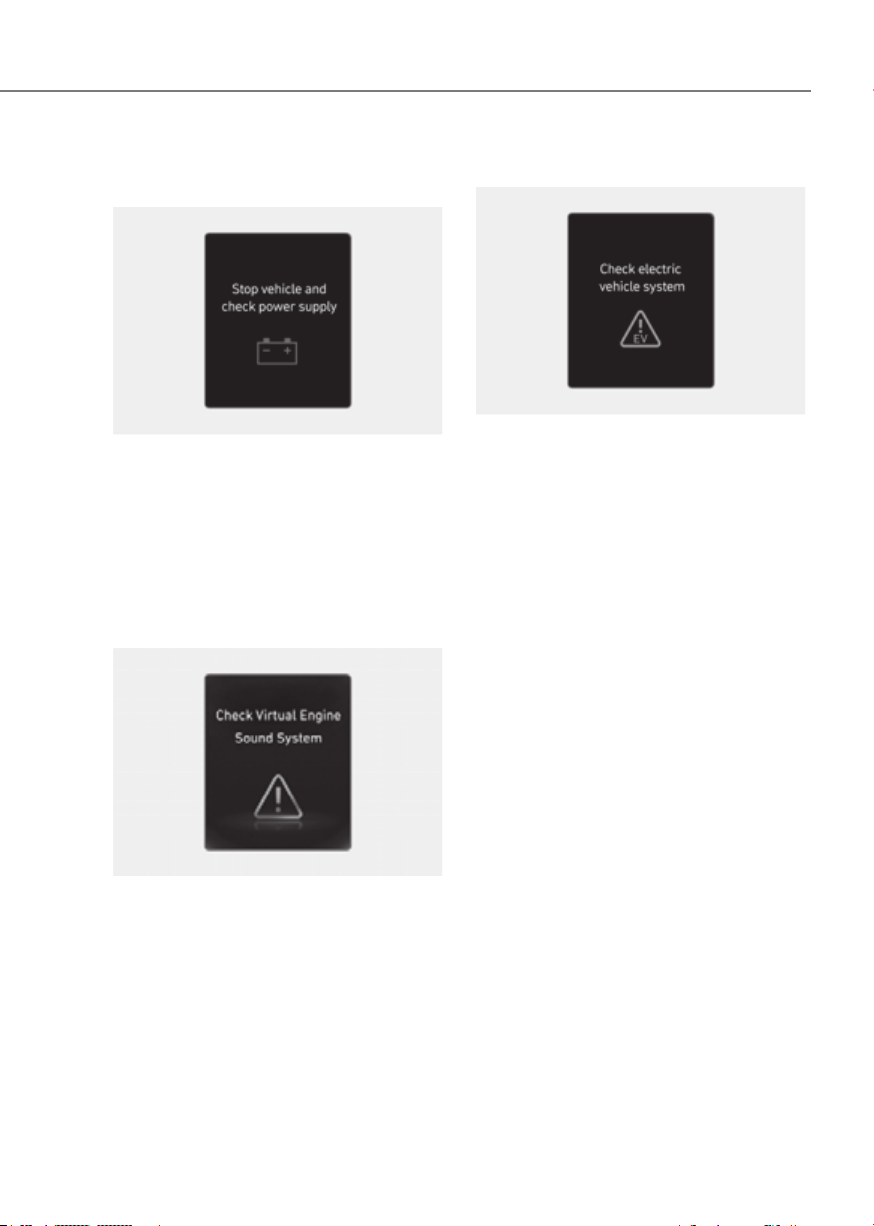
4-29
04
Stop vehicle and check power
supply
ORG3EVQ011051LORG3EVQ011051L
This warning message is displayed when
a failure occurs in the power supply
system.
In this case, park the vehicle in a safe
location and tow your vehicle to the
nearest authorized retailer of Genesis
Branded products and have the vehicle
inspected.
Check virtual engine sound system
OOSEV040512LOOSEV040512L
This message is displayed when there is
a problem with the Virtual Engine Sound
System (VESS).
In this case, have the vehicle inspected
by an authorized retailer of Genesis
Branded products.
Check electric vehicle system
ORG3EVQ011048LORG3EVQ011048L
This warning message is displayed when
there is a problem with the electric
vehicle control system.
Refrain from driving when the warning
message is displayed.
In this case, have the vehicle inspected
by an authorized retailer of Genesis
Branded products.
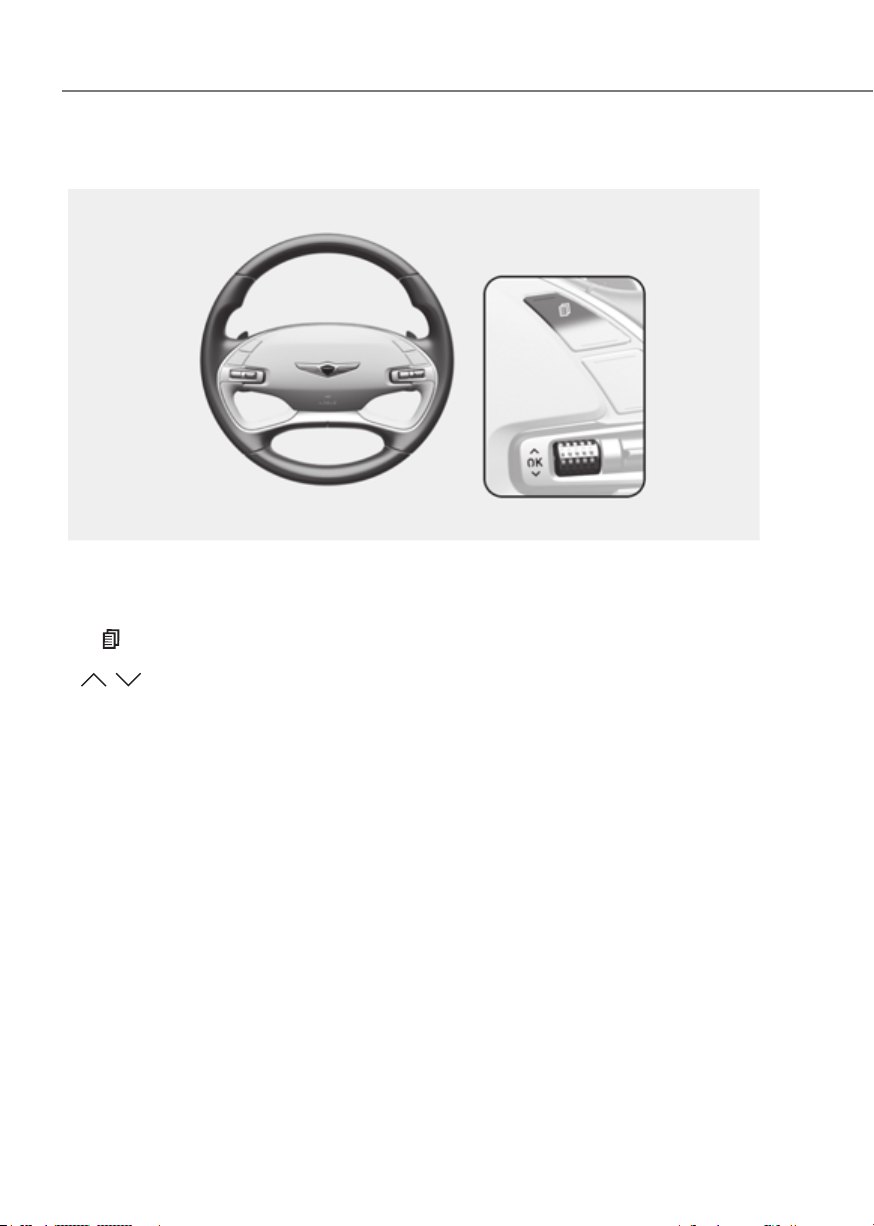
4-30
Instrument Cluster
Cluster Display Control
ORG3EV041025LORG3EV041025L
The Cluster display modes can be changed by using the control switches.
Switch Operation Function
Press MODE button for changing View modes
,
Press
UP, DOWN switch for changing items in Utility view and
Option menu
OK
Press SELECT/RESET switch for entering Option menu
Press and hold
SELECT/RESET switch for retrieving assist information or
resetting the selected item
View Modes
View modes Explanation
Driving Assist
Driving Assist view displays the status of the vehicle’s Driver
Assistance systems.
Turn by Turn Turn By Turn view displays the state of the navigation.
Utility
Utility view displays driving information such as the trip distance,
electric energy economy and etc.
The information provided may differ depending on which features are applicable to
your vehicle.
CLUSTER DISPLAY

4-31
04
Type AType A
ORG3EV041052NORG3EV041052N
Type BType B
ORG3EV041027NORG3EV041027N
Driving Assist, Turn by Turn, Utility view
modes are displayed in the center (A) of
the instrument cluster.
Driving Assist view
ORG3EV041028ORG3EV041028
The status of Lane Keeping Assist, Smart
Cruise Control, Lane Following Assist,
Highway Driving Assist, etc., is displayed
when Driving Assist view is selected.
For more details, refer to each function
information section in chapter 7.
Turn By Turn (TBT) view
OIK040085LOIK040085L
Turn-by-turn navigation, distance/time
to destination information is displayed
when Turn by Turn view is selected.

4-32
Instrument Cluster
Utility view
In the Utility view, using the , (UP,
DOWN) switch, you may change through
items in the following order.
8-inch8-inch
ORG3EV041057NORG3EV041057N
12.3-inch 3D 12.3-inch 3D
ORG3EV041030NORG3EV041030N
Drive info
This display shows the trip distance, the
average energy consumption, and the
total driving time.
The information is combined for each
ignition cycle.
To manually reset the information, press
and hold the OK button when viewing
the Drive Info. The trip distance, the
average energy consumption, and total
driving time will reset simultaneously.
The driving information will continue to
be counted while the vehicle is in the
ready (
) mode (for example, when
the vehicle is in traffic or stopped at a
stop light.).
Information
The vehicle must be driven for a minimum
of 0.19 miles (300 meters) since the last
ignition key cycle before the accumulated
driving information is recalculated.
8-inch8-inch
ORG3EV041058NORG3EV041058N
12.3-inch 3D 12.3-inch 3D
ORG3EV041032NORG3EV041032N
After Recharging
Trip distance, total driving time and
average energy consumption after
the vehicle has been recharged are
displayed. To reset manually, press
the OK button on the steering wheel
for more than 1 second when ‘After
recharging’ is displayed.
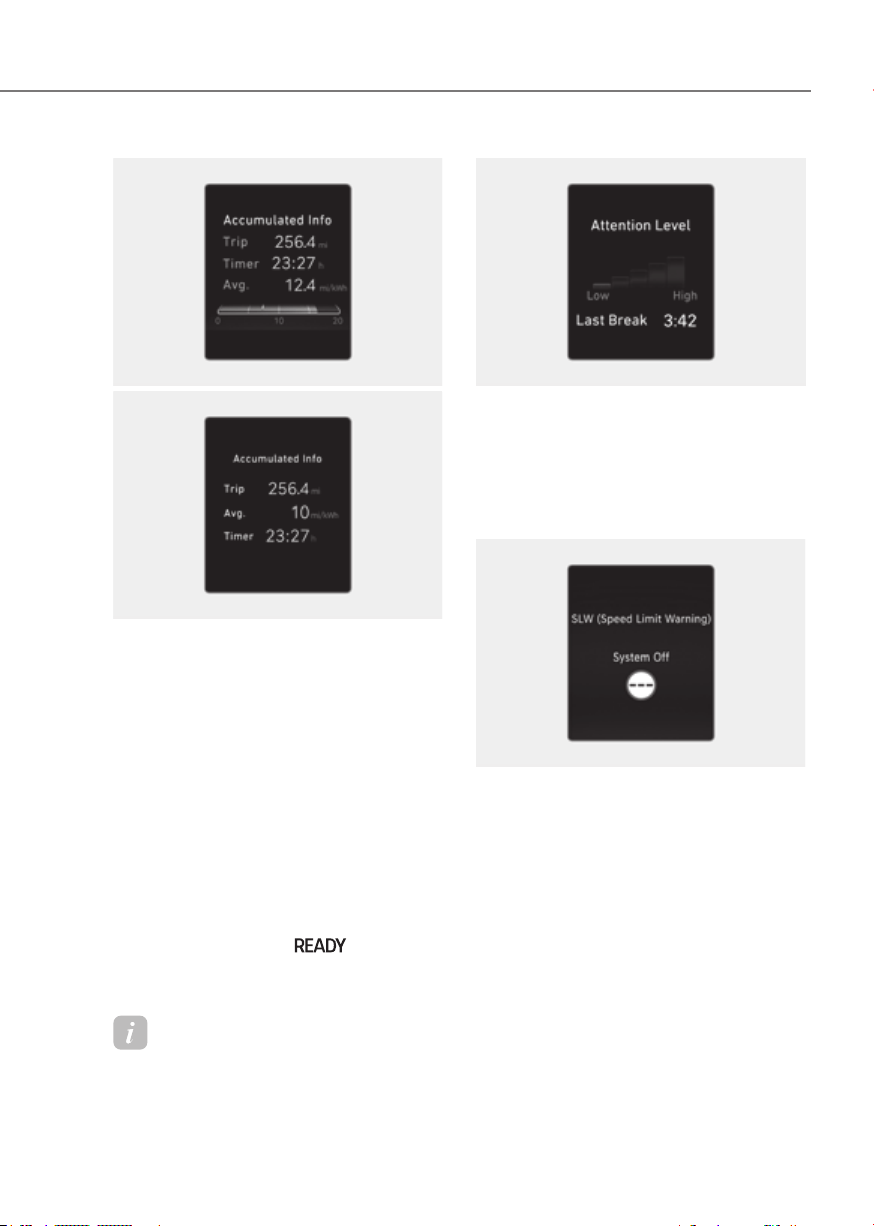
4-33
04
8-inch8-inch
ORG3EV041059NORG3EV041059N
12.3-inch 3D 12.3-inch 3D
ORG3EV041034NORG3EV041034N
Accumulated info
This display shows the accumulated
trip distance (1), the average energy
consumption (2), and the total driving
time (3).
The information is accumulated starting
from the last reset.
To manually reset the information,
press and hold the OK button when
viewing the Accumulated driving info.
The trip distance, the average energy
consumption, and total driving time will
reset simultaneously.
The accumulated driving information
will continue to be counted while the
vehicle is in the ready (
) mode (for
example, when the vehicle is in traffic or
stopped at a stop light).
Information
The vehicle must be driven for a minimum
of 0.19 miles (300 meters) since the last
ignition key cycle before the accumulated
driving information is recalculated.
ORG3EV071234NORG3EV071234N
Attention level
The driver’s attention level is shown
based on the driver’s driving pattern.
For more details, refer to "Driver
Attention Warning (DAW)“ section in
chapter 7.
OJK040045LOJK040045L
Speed limit warning (if equipped)
The driver can monitor the information
provided from Intelligent Speed Limit
Assist.
For more details, refer to "Intelligent
Speed Limit Assist (ISLA)" section in
chapter 7.

4-34
Instrument Cluster
ORG3EV041056LORG3EV041056L
Tire pressure
The tire pressure of each tire is displayed.
For more details, refer to “Tire Pressure
Monitoring System (TPMS)” section in
chapter 8.
ORG3EV041037ORG3EV041037
Energy flow / Driving force distribution (if
equipped)
• The electric vehicle system informs
the drivers its energy flow in various
operating modes.
• The distribution status of the driving
power of the front and rear wheels are
displayed when Auto AWD mode is
activated.
For more details, refer to "Four Wheel
Drive (AWD)" section in chapter 6.
Select contents
You can select the items to be displayed
in Utility view.
OJK040050LOJK040050L
1. Press and hold the OK switch on the
steering wheel.
Type AType A Type BType B
ORG3EV041055LORG3EV041055L ORG3EV041047LORG3EV041047L
2. Use the
, (UP, DOWN) switch
to change items, and press the OK
switch to select or deselect the item.
3. After selecting the items to be
displayed in the Utility view, press the
(MODE) button to exit the ‘Select
Contents’ display.
WARNING
To avoid driver distractions, do not
adjust the setting while driving the
vehicle which may lead to an accident.

4-35
04
Additional information display
8-inch8-inch
ORG3EV041057NORG3EV041057N
12.3-inch 3D 12.3-inch 3D
ORG3EV041030NORG3EV041030N
Drive info
Drive information is displayed for 4
seconds after the vehicle is turned off.
ORG3EV041039NORG3EV041039N
Driving assist information
The current operation conditions of
Manual Speed Limit Assist, Cruise
Control, Smart Cruise Control, Lane
Following Assist, Highway Driving Assist,
etc., is displayed.
Option Menu
Press the OK switch to enter Option
menu.
WARNING
To avoid driver distractions, do not
adjust the setting while driving which
may lead to an accident.
Information
The information provided may differ
depending on which functions are
applicable to your vehicle.
Menu Explanation
Service
messages
To check vehicle
warning messages.
3D cluster (for
12.3-inch 3D
cluster)
To activate or
deactivate 3D effect.
Head-up display
To activate or
deactivate head-up
display.
Driver Assistance
settings
To directly display
“Driver Assistance”
menu on the
infotainment system
screen
Speed unit
To set speed unit
between km/h and
MPH.
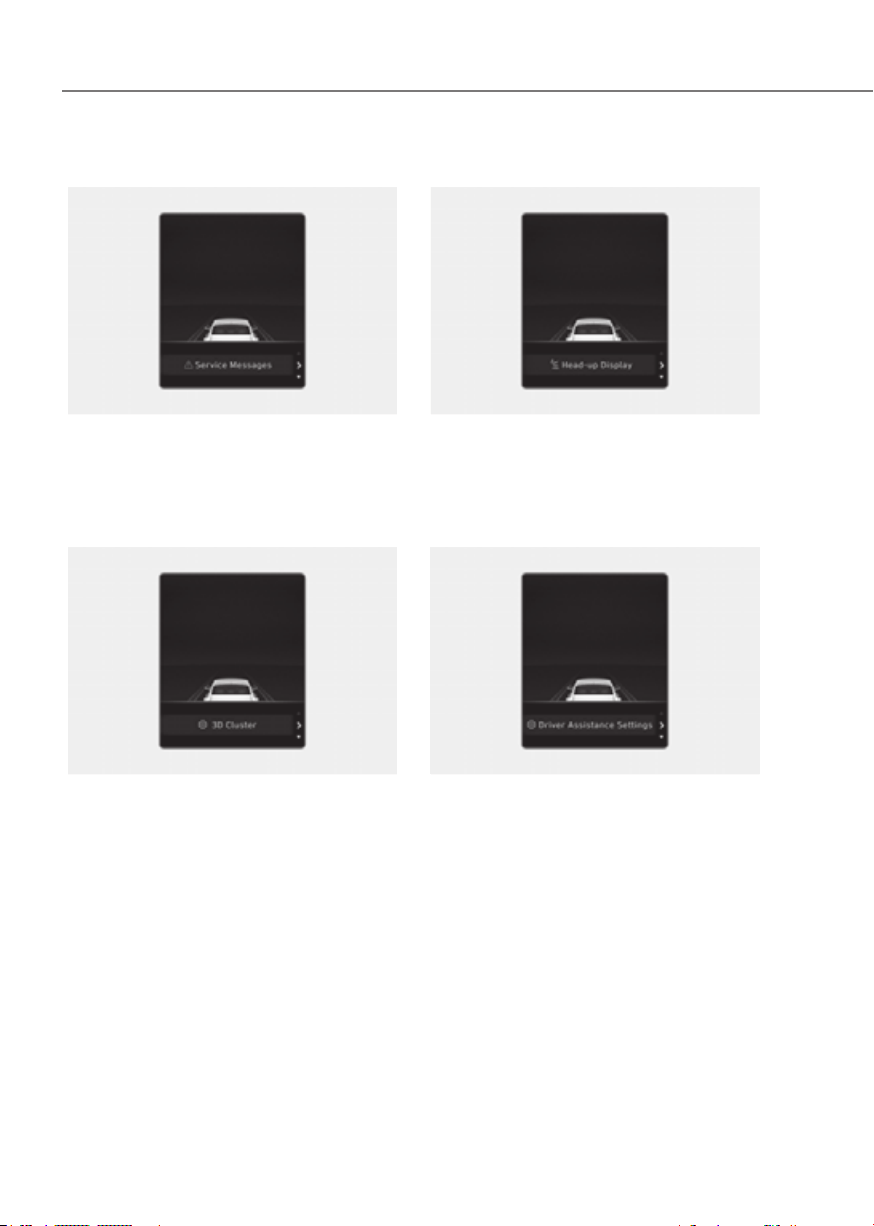
4-36
Instrument Cluster
Service messages
ORG3EV041040LORG3EV041040L
When Service Messages menu is
selected, press the OK switch on the
steering wheel to check vehicle warning
messages.
3D cluster (for 12.3-inch 3D cluster)
ORG3EV041041LORG3EV041041L
When 3D Cluster menu is selected, press
the OK switch on the steering wheel. You
may select or deselect 3D cluster effect
by pressing the OK switch.
Head-up display (if equipped)
ORG3EV041042LORG3EV041042L
When Head-Up Display menu is selected,
press the OK switch on the steering
wheel. You may select or deselect head-
up display by pressing the OK switch.
Driver Assistance settings
ORG3EV041043LORG3EV041043L
When Driver Assistance Settings menu
is selected, press the OK switch on the
steering wheel. The ‘Driver Assistance’
menu will be displayed on the
infotainment system screen.
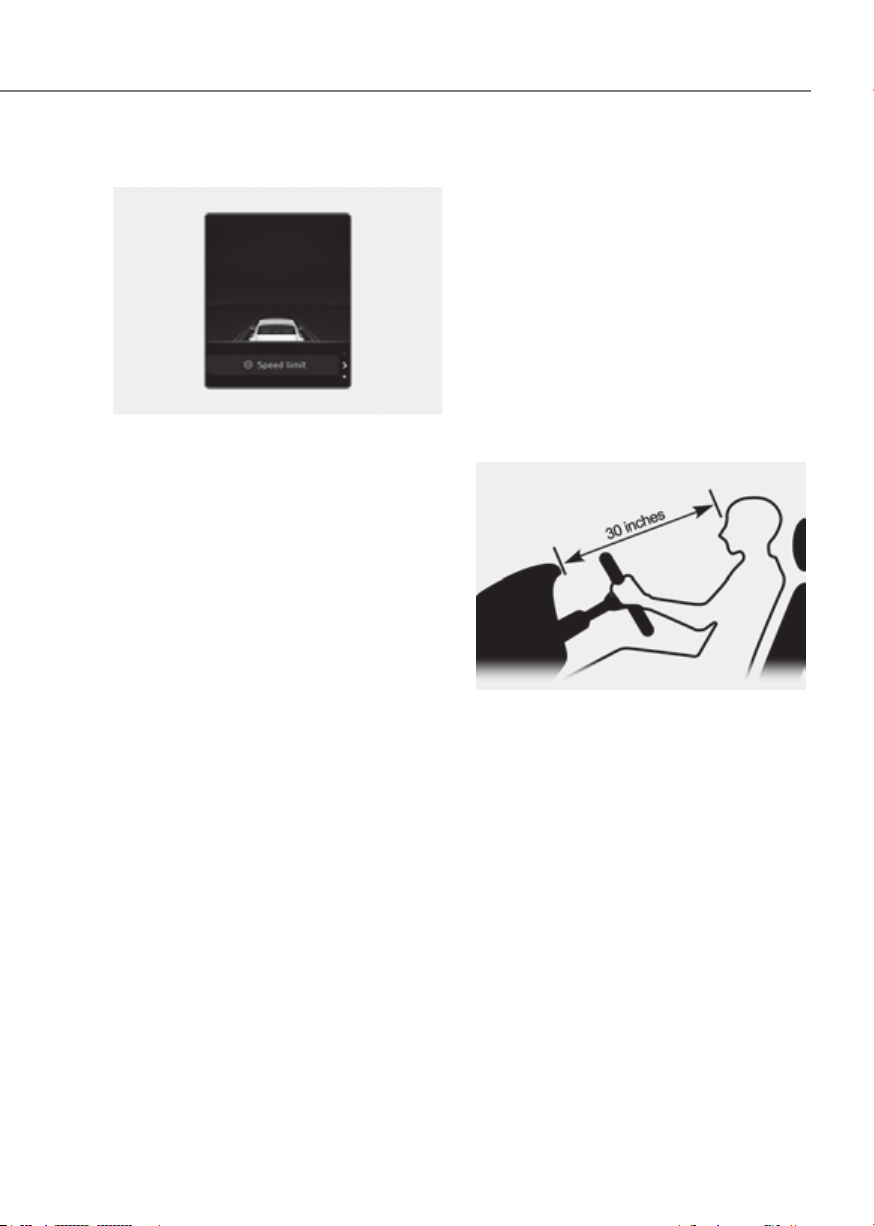
4-37
04
Speed unit (if equipped)
ORG3EV041068LORG3EV041068L
When the Speed Unit menu is selected,
press the OK switch on the steering
wheel. You can change the speed unit
setting between km/h and MPH for the
cluster.
3D Instrument Cluster (for 12.3-
inch 3D Cluster)
3D cluster setting
To use the 3D cluster, press the Start/
Stop button to the ON position, and
infotainment system screen.
To use the cluster 2D, select 'Off'.
See additional information in supplied
Infotainment Manual.
Recommendations to optimize the
3D effect
ORG3040031NORG3040031N
• Adjust the height of the seat and
steering wheel so that the instrument
cluster and camera module can be
seen at a glance.
• The optimal distance to maximize the
3D effect is 30 in. (75 cm). Adjust the
distance between the driver’s seat and
the instrument cluster.
• Hold the steering wheel with both
hands and drive in an upright position.

4-38
Instrument Cluster
Information
• When your face gets too close or far to
the instrument cluster, or the camera
on the instrument cluster is blocked by
the steering wheel or other objects, the
3D cluster changes to 2D automatically.
However if the object blocking the
camera is removed, the cluster changes
back to 3D automatically.
• If outside temperature is below 39 °F
(4 °C), it may change to 2D about 1 to
10 minutes.
• Two red lights may appear on the
camera in the following conditions
when:
- The outside brightness is dim or
driving at night
- The vehicle drives inside a building,
such as a basement parking lot
- The camera case of the instrument
cluster is partially damaged
CAUTION
• It may sometimes be difficult to
read information on the 3D cluster
in the following situations. You must
change the cluster to 2D for safe
driving.
- The driver is wearing sunglasses,
special glasses, infrared cutoff
glasses, refracting glasses or thick
glasses
- The driver has heavy eye makeup
(eyeliner, mascara, color makeup,
false eyelash) or eye piercing
- The driver’s view is blocked by his/
her hair, etc.
- The driver is winking or wearing an
eye patch on one eye
- The driver’s face is covered
partially by a mask, muffler, hood,
etc.
- The driver’s view is blocked by
incoming light from outside of the
vehicle
- Light from outside, sunlight or
infrared LED light of the camera
is reflected on the glasses or
sunglasses
- The driver turns or lowers his/her
head so that the face or an eye is
hidden from the camera
- The driver shakes his/her head
up and down, or adverse road
conditions cause excessive vehicle
vibrations while driving
- The driver is too tall or short
- More than two people are
looking at the instrument cluster
simultaneously from the driver’s
seat
- The driver’s eyesight of both eyes
are severely different
- The driver has a severe headache
• Do not look toward the camera
within 8 in. (20 cm) for longer than a
minute.
• If you use the 3D cluster while your
vehicle is stopped, it can cause eye
strains or dizziness.
• We recommend people who are
pregnant, elderly or has motion
sickness, avoid using the cluster in
3D.
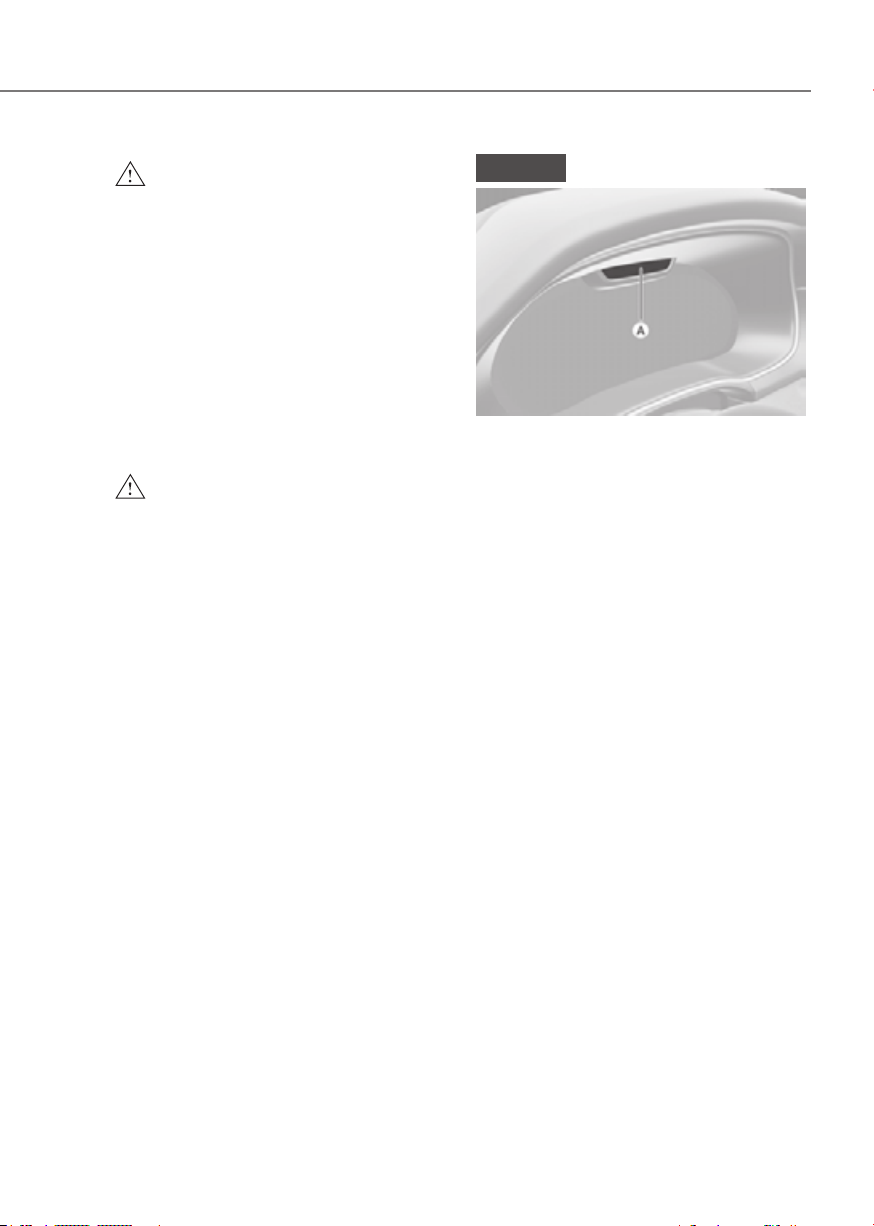
4-39
04
WARNING
• You should not use the 3D cluster if
you or any of your family members
or relatives has a history of epilepsy,
convulsions, etc. Flashing or
flickering lights or specific or regular
patterns shown on the cluster may
stimulate epilepsy, convulsions, etc.
• You should not use the 3D effect
immediately if you feel any of the
following symptoms:
Haziness, unconsciousness,
disorientation, nausea, headache,
fatigue, dizziness, etc.
WARNING
While replacing the instrument cluster
by yourself, be cautious of the heat
from the top and backside of the
instrument cluster.
NOTICE
ORG3EV041044ORG3EV041044
[A] : Interior view camera
• Do not apply any impact on the
surface of the instrument cluster,
interior view camera or around the
area of the interior view camera. If
interior view camera is damaged, the
system may not operate properly.
• Do not place a mobile phone
or an object in front of interior
view camera. The surface of the
instrument cluster or interior view
camera might be damaged due to an
impact while driving.
• Do not place anything on interior
view camera or in front of interior
view camera while driving. Interior
view camera may not operate
properly.
• When cleaning the instrument
cluster or interior view camera, wipe
with a soft and clean cloth to prevent
damages on the surface of the
cluster or interior view camera lens.
In addition, you should not use sharp
tools near the cluster or interior view
camera, or use chemicals to clean
the cluster or interior view camera.
• Always keep interior view camera
clean and dry.
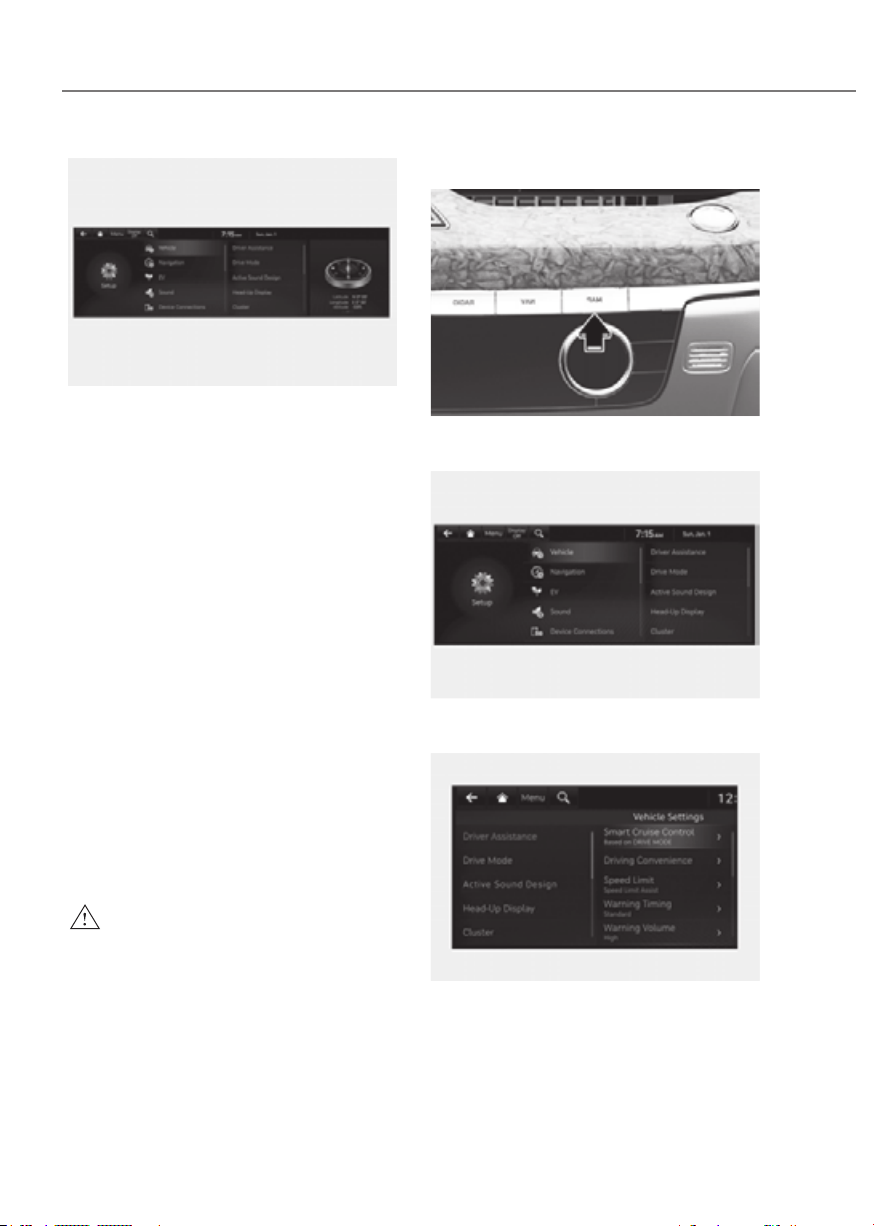
4-40
Instrument Cluster
ORG3EV041091NORG3EV041091N
Vehicle Settings in the infotainment
system provides user options for a
variety of settings including door lock/
unlock features, convenience features,
driver assistance settings, etc.
Vehicle Settings menu
- Driver Assistance
- Drive Mode
- Head-Up Display
- Cluster
- Climate
- Seat
- Lights
- Door/Trunk
- Digital key
- Convenience
- Reset
The information provided may differ
depending on which functions are
applicable to your vehicle.
WARNING
Do not operate the Vehicle Settings
while driving. This may cause
distraction resulting in an accident.
Setting Your Vehicle
ORG3EV041046ORG3EV041046
1. Press the SETUP button on the main
keyboard.
ORG3EV041092NORG3EV041092N
2. Select ‘Vehicle’ to change the Vehicle
Settings.
ORG3EV041067NORG3EV041067N
See additional information in supplied
Infotainment Manual.

5
5. Convenience Features
Accessing Your Vehicle .....................................................................................5-4
Smart Key ......................................................................................................................5-4
Immobilizer System
.................................................................................................. 5-12
Genesis Digital Key .........................................................................................5-13
Digital Key (Smart Phone) ......................................................................................... 5-13
Digital Key (Card Key)
................................................................................................ 5-20
Personalized Profile and Vehicle Settings
............................................................... 5-23
Used Vehicle/Digital Key Maintenance
................................................................... 5-26
Limitations of the System
......................................................................................... 5-26
Door Locks .......................................................................................................5-27
Operating Door Locks from Outside the Vehicle .................................................... 5-27
Operating Door Locks from Inside the Vehicle
....................................................... 5-29
Automatic Door Lock and Unlock Features
............................................................. 5-32
Child-Protector Rear Door Locks
............................................................................. 5-32
Electronic Child Safety Lock
..................................................................................... 5-33
Vehicle Auto-Shut Off Function
............................................................................... 5-34
Theft-alarm System ........................................................................................5-35
Rear Occupant Alert (ROA)
............................................................................5-36
System setting ........................................................................................................... 5-36
System operation
...................................................................................................... 5-36
System precautions
................................................................................................... 5-36
Integrated Memory System............................................................................5-38
Storing Memory Positions ........................................................................................ 5-38
Recalling Memory Positions
..................................................................................... 5-39
Resetting the System
................................................................................................ 5-39
Seat Easy Access
....................................................................................................... 5-40
Smart Posture Care System ...........................................................................5-41
Steering Wheel
................................................................................................5-42
Motor Driven Power Steering (MDPS) ..................................................................... 5-42
Tilt/Telescopic Steering
............................................................................................ 5-43
Horn............................................................................................................................ 5-44
Heated Steering Wheel
............................................................................................. 5-45
Mirrors .............................................................................................................5-46
Inside Rearview Mirror .............................................................................................. 5-46
Side View Mirrors
...................................................................................................... 5-56
Reverse Parking Aid
.................................................................................................. 5-58

5
Windows .......................................................................................................... 5-60
Power Windows ......................................................................................................... 5-61
Remote Window Opening Function
........................................................................ 5-63
Solar Roof ........................................................................................................5-64
Solar Roof Operation ................................................................................................. 5-64
Solar Roof Malfunction
............................................................................................. 5-65
Exterior Features ............................................................................................. 5-66
Hood ........................................................................................................................... 5-66
Non-Powered Trunk
.................................................................................................. 5-67
Power Trunk
............................................................................................................... 5-69
Smart Trunk
............................................................................................................... 5-75
Charging door
............................................................................................................ 5-77
Head-Up Display (HUD)..................................................................................5-79
Head-up display Settings ......................................................................................... 5-79
Head-up display Information
................................................................................... 5-80
Precautions while Using the Head-up display
........................................................ 5-80
Lighting ............................................................................................................5-82
Exterior Lights ........................................................................................................... 5-82
High Beam Assist (HBA) .................................................................................5-86
High Beam Assist Setting ......................................................................................... 5-86
High Beam Assist Operation
..................................................................................... 5-87
High Beam Assist Malfunction and Limitations
...................................................... 5-87
Interior Lights .................................................................................................. 5-89
Interior lamp AUTO cut ............................................................................................. 5-89
Front lamps
................................................................................................................ 5-89
Rear lamps
................................................................................................................. 5-90
Welcome System
....................................................................................................... 5-92
Wipers and Washers .......................................................................................5-93
Front Windshield Wipers .......................................................................................... 5-93
Front Windshield Washers
........................................................................................ 5-94
Automatic Climate Control System ...............................................................5-96
Automatic Temperature Control Mode .................................................................... 5-99
Manual Temperature Control Mode
....................................................................... 5-100
System Operation
.................................................................................................... 5-109
System Maintenance
.............................................................................................. 5-110

5
Windshield Defrosting and Defogging ........................................................5-113
To Defog Inside Windshield .................................................................................... 5-113
To Defrost Outside Windshield
............................................................................... 5-114
Defogging Logic
...................................................................................................... 5-114
Rear Window Defroster........................................................................................... 5-115
Climate Control Additional Features ...........................................................5-116
Auto Defogging System .......................................................................................... 5-116
Auto Dehumidify
..................................................................................................... 5-117
Recirculating Air When Washer Fluid Is Used
....................................................... 5-117
Auto. Controls That Use Climate Control Settings (for driver’s seat)
.................. 5-118
Storage Compartment ..................................................................................5-119
Center Console Storage .......................................................................................... 5-119
Rear Console Storage
............................................................................................. 5-119
Glove Box
................................................................................................................. 5-120
Sunglass Holder
...................................................................................................... 5-120
Interior Features ............................................................................................ 5-121
Cup Holder ............................................................................................................... 5-121
Sunvisor
................................................................................................................... 5-122
Rear Mirror
............................................................................................................... 5-122
Power Outlet
............................................................................................................ 5-123
USB Charger
............................................................................................................ 5-124
Wireless Smart Phone Charging System
............................................................... 5-124
Clock
........................................................................................................................ 5-126
Coat Hook
................................................................................................................ 5-127
Floor Mat Anchor(s)
................................................................................................. 5-127
Rear Side Window Sunshades
................................................................................ 5-128
Rear Window Sunshade
.......................................................................................... 5-128
Luggage Net Holder
................................................................................................ 5-129
Infotainment System ....................................................................................5-130
USB Port ................................................................................................................... 5-130
Antenna
.................................................................................................................... 5-130
Steering Wheel Remote Controls
........................................................................... 5-130
Infotainment System
............................................................................................... 5-131
Voice Recognition
................................................................................................... 5-131
Bluetooth® Wireless Technology
............................................................................ 5-132
Lexicon Premium Sound System
........................................................................... 5-132
5. Convenience Features
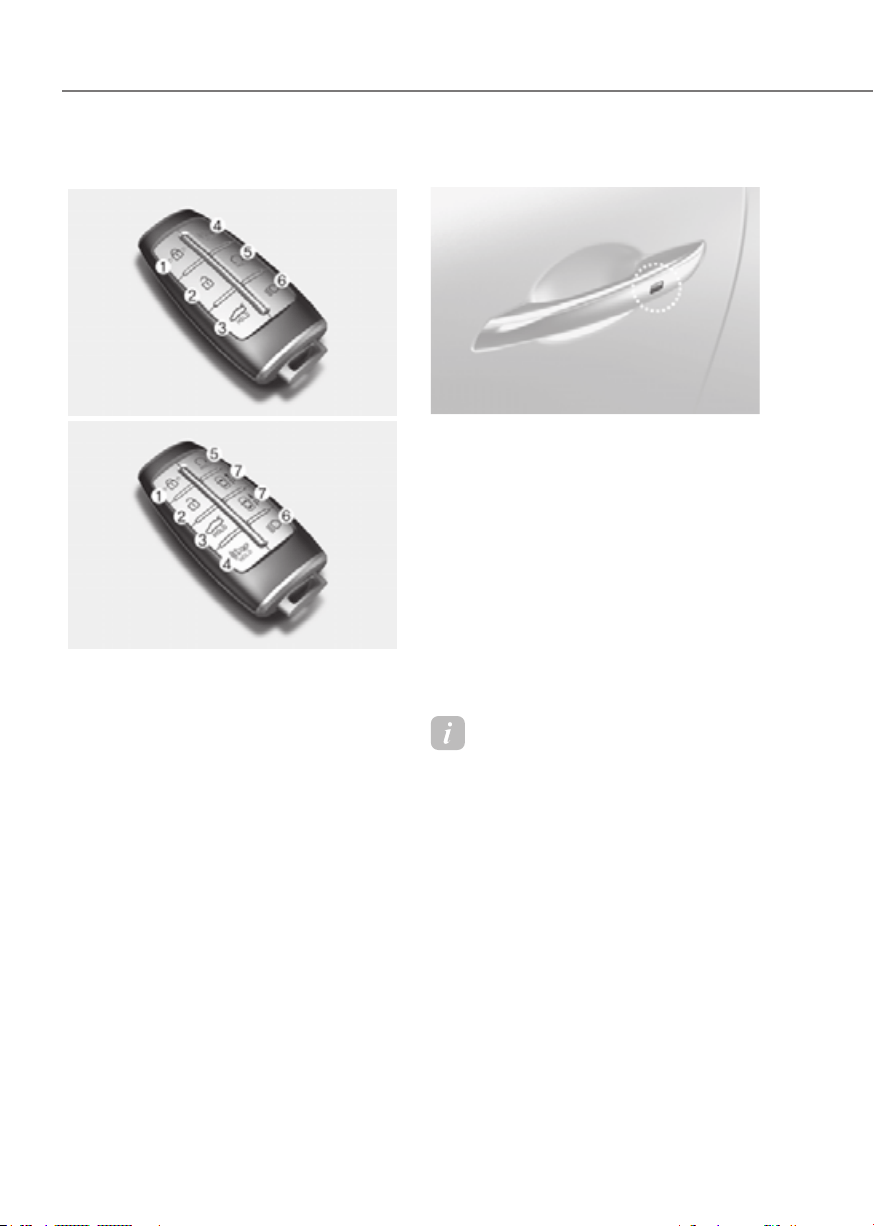
5-4
Convenience Features
Smart Key
Type AType A
ORG3050005ORG3050005
Type BType B
ORG3050006ORG3050006
Your Genesis Branded Vehicle uses a
Smart Key, which you can use to lock or
unlock the driver and passenger doors or
the rear trunk.
1. Door lock
2. Door unlock
3. Trunk open
4. Panic
5. Remote start
6. Lamp on
7. Forward/Reverse (Remote Entry/Exit
Parking function)
Locking your vehicle
ORG3EV051001ORG3EV051001
To lock your vehicle using the door
handle touch sensor or the Smart Key:
1. Make sure all doors, the hood and the
trunk are closed.
2. Make sure you have the smart key in
your possession.
3. Touch the touch sensor on the door
handle (the engraved part) or press
the Door Lock button (1) on the smart
key. The hazard warning lights will
blink.
4. Make sure the doors are locked by
pulling the door handle.
Information
• The side view mirror will fold if
‘Enable on Door Unlock’ is selected
from the Settings menu in the
infotainment system screen. Select:
- Setup → Vehicle Settings →
Convenience → Welcome Mirror/
Light → Enable on Door Unlock
• The door handle touch sensor will only
operate when the smart key is within
28~40 in. (0.7~1 m) from the outside
door handle.
• Touching the door handle touch sensor
does not unlock the doors. To unlock
the doors, refer to the following page.
ACCESSING YOUR VEHICLE

5-5
05
Note that you cannot lock your vehicle
using the door handle touch sensor if any
of the following occur:
• The Smart Key is in the vehicle.
• The Start/Stop button is from ACC or
ON position.
• Any of the doors are open except for
the trunk.
WARNING
Do not leave the Smart Key in your
vehicle with unsupervised children.
Unattended children could press the
Start/Stop button and may operate
power windows, lock the doors or other
controls, or even make the vehicle
move, which could result in serious
injury or death.
Unlocking your vehicle
(When the Two Press Unlock feature
is off)
ORG3EV051002ORG3EV051002
To unlock your vehicle using the door
handle touch sensor or the Smart Key:
1. Make sure you have the smart key in
your possession.
2. Put your hand in the door handle or
press the Door Unlock button (2) on
the smart key. All doors will unlock
and the hazard warning lights will
blink two times and the chime will
sound.
3. After unlocking the doors, the doors
will automatically relock after 30
seconds unless a door is opened.
• If you unlocked the door with the door
handle, the doors cannot be locked
with the sensor within 2 seconds.

5-6
Convenience Features
Unlocking your vehicle
(When the Two Press Unlock feature
is on)
To unlock your vehicle using the door
handle touch sensor or the Smart Key:
1. Make sure you have the smart key in
your possession.
2. Put your hand in the door handle or
press the Door Unlock button (2) on
the smart key.
3. The driver’s door will unlock.
4. If you touch the door unlock sensor
inside of the front door handle to
unlock the doors within 4 seconds, all
of the doors unlock. When the doors
unlock, the hazard warning lights will
blink two times and the chime will
sound.
5. After unlocking the doors, the doors
will automatically relock after 30
seconds unless a door is opened.
• The factory default setting is in
off mode so you should set in the
Settings menu in the infotainment
system screen.
• If you unlocked the door with the door
handle, the doors cannot be unlocked
with the sensor within 2 seconds.
Two Press Unlock Feature
The priority for unlocking the driver door
only, or unlocking all the doors with one
press may be adjusted in the Settings
menu in the infotainment system screen.
The Two Press Unlock feature, when
enabled, will require the user to press
the door unlock button once for driver
door only and twice for unlocking all the
doors.
Press Unlock
The Two Press Unlock feature can also be
enabled or disabled by pressing the door
lock and unlock buttons simultaneously
on the Key FOB:
Press and hold both the Door Lock
button and the Door Unlock button
simultaneously until the hazard warning
lights blink.
This will enable or disable the Two Press
Unlock feature. Repeat this procedure to
enable/disable the mode again.
Information
• If you press the front passenger outside
door handle with the smart key in your
possession, all the doors will unlock.
• The Two Press Unlock feature is off
when the vehicle is first delivered. To
use the feature, enable the feature from
the Settings menu in the infotainment
system screen.
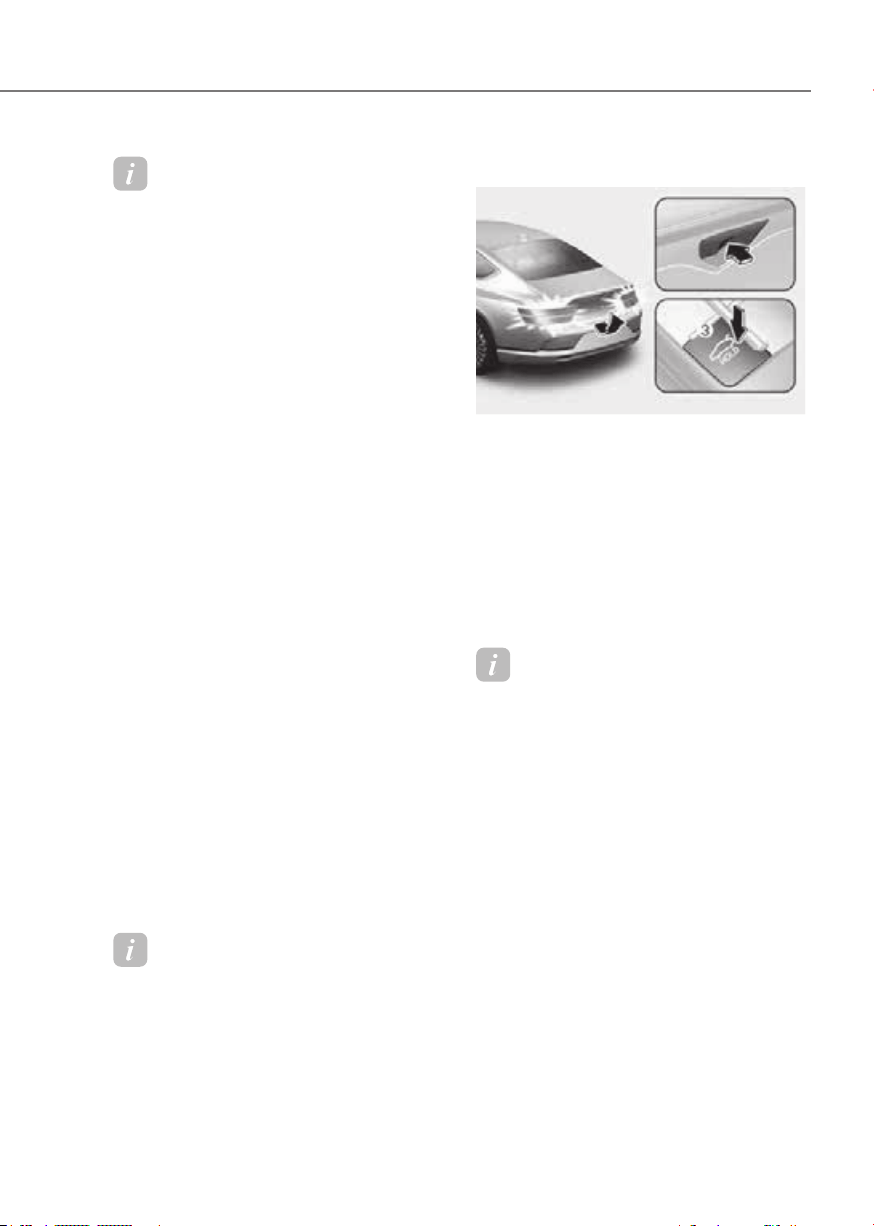
5-7
05
Information
• The side view mirror will unfold if
‘Enable on Door Unlock’ is selected
from the Settings menu in the
infotainment system screen. Select:
- Setup → Vehicle Settings →
Convenience → Welcome Mirror/
Light → Enable on Door Unlock
• The door handle touch sensor will only
operate when the smart key is within
28~40 in. (0.7 ~1 m) from the outside
door handle
• The doors may lock or unlock if the
touch sensor of the outer door handle is
recognized while washing your car or
due to heavy rain.
• To prevent unintentional door lock or
unlock:
You may prevent the doors from
locking or unlocking unintentionally.
Press the lock button on the smart
key and immediately press the unlock
button along with the lock button
for more than 4 seconds. The hazard
warning lights will blink four times.
At this time, the doors will not lock or
unlock even though the touch sensor is
touched on the outside door handle.
To deactivate the function, press the
door lock or unlock button on the
smart key.
• The doors may not lock or unlock in
the following situations.
- If the touch sensor is touched with
gloves on
- If the door is suddenly approached
Information
During a car wash or rain, in order to
minimize unintentional operation of the
touch sensor, the touch sensor may become
insensitive. This is not a malfunction.
Opening the trunk
ORG3EV051003ORG3EV051003
To open the trunk:
1. Make sure you have the smart key in
your possession.
2. Press either the trunk open/close
button on the vehicle or press and
hold the Trunk Unlock button (3)
on the smart key for more than one
second. The hazard warning lights
will blink two times and the trunk will
open.
Information
The trunk open/close button will only
operate when the smart key is within
28 in. (0.7 m) from the trunk.
Panic button
Press and hold the Panic button (4) for
more than one second. The horn sounds
and hazard warning lights blink for about
30 seconds. To cancel the panic mode,
press any button on the Smart Key.

5-8
Convenience Features
Remotely starting vehicle
You can start the vehicle using the
Remote Start button (5) on the smart key.
To start the vehicle remotely:
1. Press the door lock button on the
smart key within 32 feet (10 m) from
the vehicle.
2. Press the Remote Start button (5) for
more than 2 seconds within 4 seconds
after pressing the door lock button.
3. The hazard warning lights will blink
and the vehicle will start.
4. To turn off the remote start function,
press the Remote Start button (5)
once.
Information
• The vehicle must be in P (Park) for the
remote start function to start.
• The vehicle turns off if you enter the
vehicle without a registered smart key.
• The vehicle turns off if you do not get
on the vehicle within 10 minutes after
remotely starting the vehicle.
• The Remote Start button (5) may not
operate if the smart key is not within
32 feet (10 m).
• The vehicle will not remotely start if the
hood or trunk is opened.
Turning on the lamps
If the lamp on button (6) is pushed, the
headlights and tail lamps are turned
on. However, it works only when the
following conditions are satisfied:
• The vehicle is turned off.
• The doors are locked.
• The light control switch is in the AUTO
headlight position (The headlights and
tail lamps will turn on when it is dark.)
or in the headlight position.
Remotely moving vehicle forward or
reverse (if equipped)
With the smart key, the driver can move
the vehicle forward or reverse using the
Forward or Reverse button (7) on the
smart key.
For more details, refer to “Remote
Smart Parking Assist (RSPA)” section in
chapter 7.
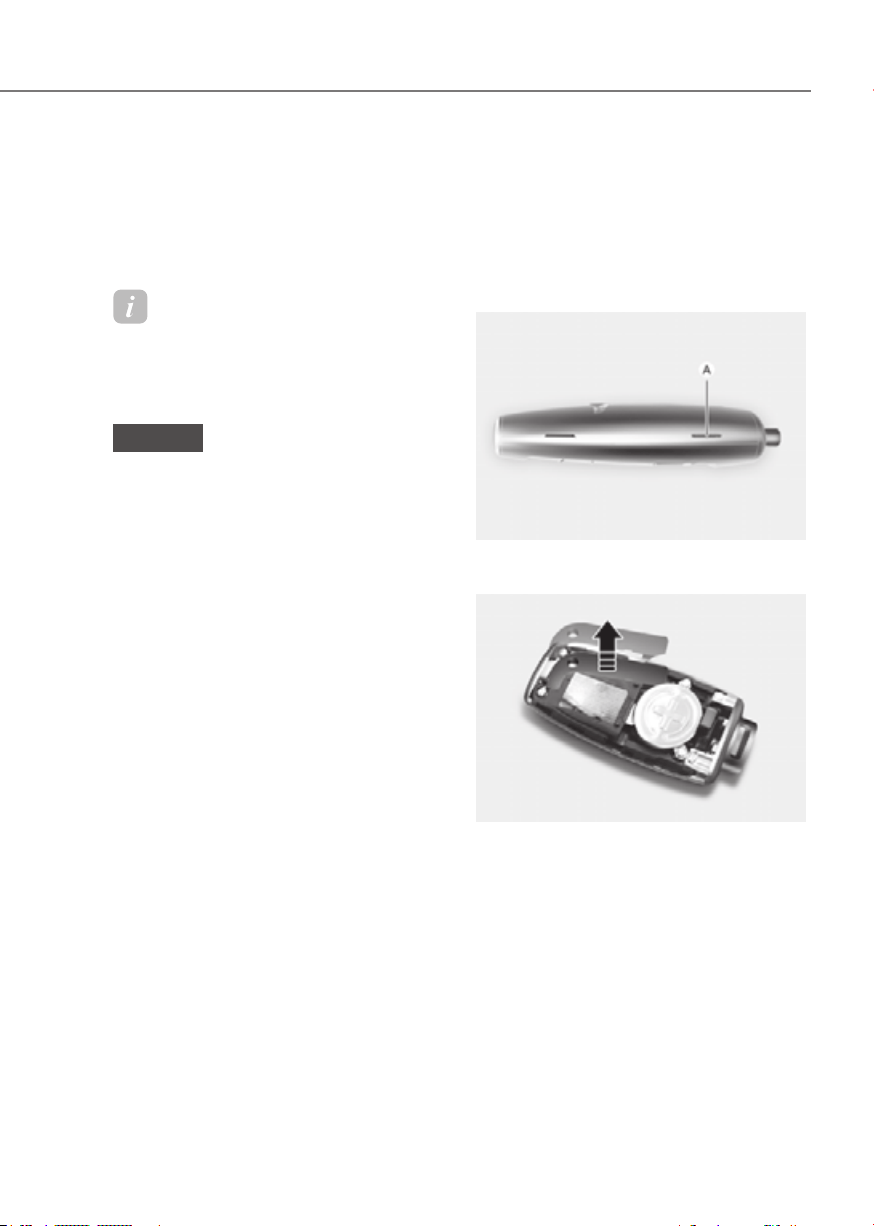
5-9
05
Start-up
You can start the vehicle without
inserting the key.
For more details, refer to the “Start/
Stop Button” section in chapter 6.
Information
If the smart key is not moved for some
time, the detection function for smart key
operation will pause. Lift the smart key to
activate the detection again.
NOTICE
To prevent damaging the smart key:
• Keep the smart key in a cool,
dry place to avoid damage or
malfunction. Exposure to moisture
or high temperature may cause
the internal circuit of the smart key
to malfunction which may not be
covered under warranty.
• Avoid dropping or throwing the
smart key.
• Protect the smart key from extreme
temperatures.
Mechanical key
If the Smart Key does not operate
normally, you can lock or unlock the
driver’s door by using the mechanical
key.
To remove the mechanical key from the
smart key FOB:
ORG3EV051004ORG3EV051004
1. Place a soft cloth over the groove (A),
and pry open the smart key cover.
ORG3EV051006ORG3EV051006
2. Press the mechanical key and remove
it from the smart key FOB.
3. After use, reinstall the mechanical key
and smart key cover in the reverse
order of removal.

5-10
Convenience Features
Loss of a smart key
A maximum of two Smart Keys can
be registered to a single vehicle. If
you happen to lose your smart key,
immediately take the vehicle and
remaining keys to your authorized
retailer of Genesis Branded products or
tow the vehicle, if necessary.
Smart key precautions
The smart key may not work if any of the
following occur:
• The smart key is close to a radio
transmitter such as a radio station or
an airport which can interfere with
normal operation of the transmitter.
• The smart key is near a mobile two
way radio system or a mobile phone.
• Another vehicle’s smart key is being
operated close to your vehicle.
If the smart key does not work correctly,
open and close the door with the
mechanical key. If you have a problem
with the smart key, contact an authorized
retailer of Genesis Branded products.
If the smart key is in close proximity to
your mobile phone, the signal could be
blocked by your mobile phone’s normal
operational signals. This is specifically
relevant when the phone is active such
as making and receiving calls, text
messaging, and/or sending/receiving
emails. When possible, avoid keeping the
smart key and your mobile phone in the
same location such as a pants or jacket
pocket in order to avoid interference
between the two devices.
Information
This device complies with Part 15 of the
FCC rules.
Operation is subject to the following three
conditions:
1. This device may not cause harmful
interference, and
2. This device must accept any
interference received, including
interference that may cause undesired
operation.
3. Changes or modifications not expressly
approved by the party responsible
for compliance could void the user’s
authority to operate the device.
NOTICE
• Keep the smart key away from
electromagnetic materials that
blocks electromagnetic waves to the
key surface.
• Always have the smart key with
you when leaving the vehicle. If the
smart key is left near the vehicle, the
vehicle battery may be discharged.
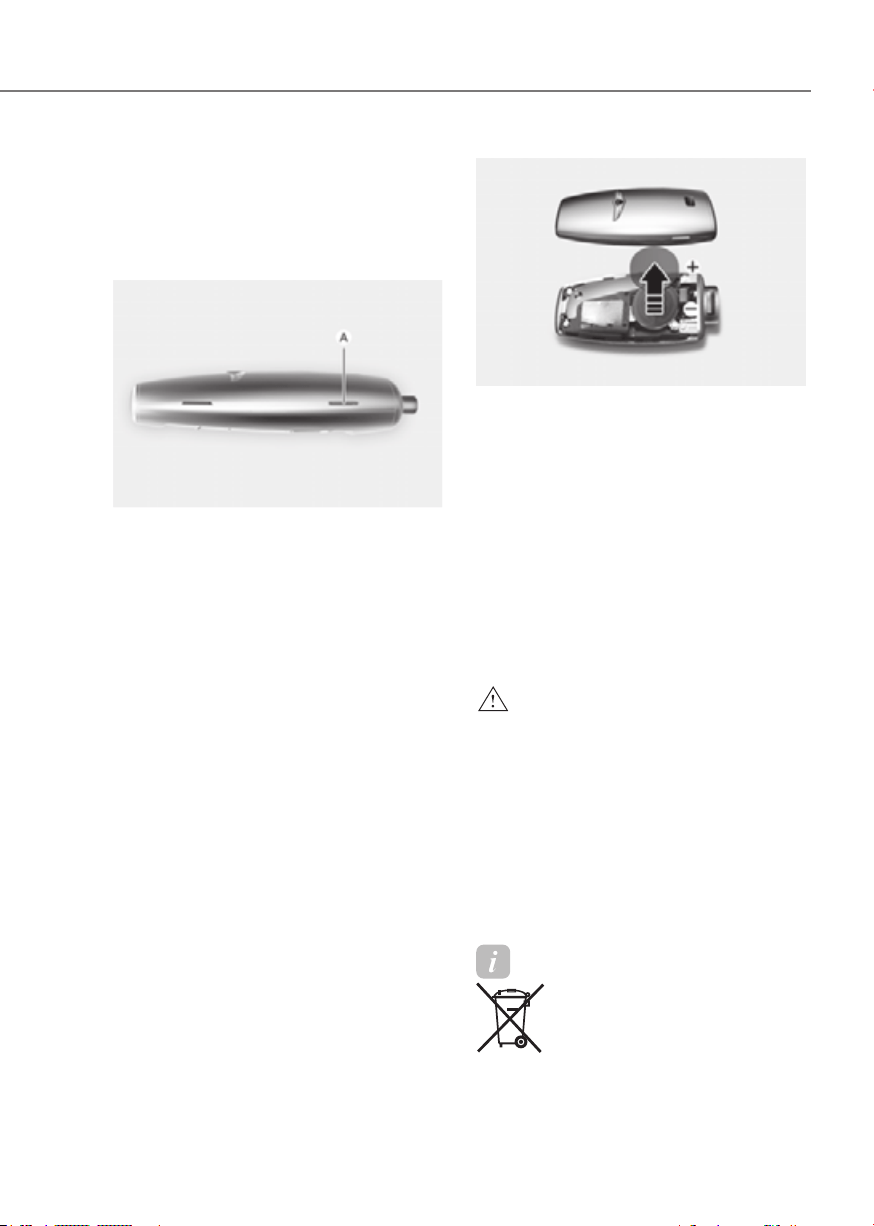
5-11
05
Battery replacement
If the Smart Key is not working properly,
try replacing the battery with a new one.
Battery Type: CR2032
To replace the battery:
ORG3EV051004ORG3EV051004
1. Place a soft cloth over the groove (A),
and pry open the smart key cover.
ORG3EV051005ORG3EV051005
2. Remove battery cover using a phillips
screwdriver.
3. Remove the old battery and insert the
new battery. Make sure the battery
position is correct.
4. Reinstall the battery cover and smart
key cover in the reverse order of
removal.
If you suspect your smart key might have
sustained some damage, or you feel
your smart key is not working correctly,
contact an authorized retailer of Genesis
Branded products.
WARNING
THIS PRODUCT CONTAINS A BUTTON
BATTERY.
If swallowed, a lithium button battery
can cause severe or fatal injuries within
2 hours. Keep batteries out of reach of
children.
If you think batteries may have been
swallowed or placed inside any part
of the body, seek immediate medical
attention.
Information
An inappropriately disposed
battery can be harmful to
the environment and human
health. Dispose of the battery
according to your local law(s) or
regulations.

5-12
Convenience Features
Immobilizer System
The immobilizer system helps protect
your vehicle from theft. If an improperly
coded key (or other device) is used, the
vehicle is disabled.
When the Start/Stop button is pressed to
the ON position, the immobilizer system
indicator should come on briefly, then
go off. If the indicator starts to blink, the
system does not recognize the coding of
the key.
Press the Start/Stop button to the OFF
position, then press the Start/Stop
button to the ON position again.
In some circumstances, the vehicle may
not recognize your smart key if another
smart key device is nearby or a metal
object such as a key chain is causing
interference with the smart key.
If this occurs, your vehicle may not
start. Remove any metal objects or
additional keys near the smart key before
attempting to start the vehicle again.
If the system repeatedly does not
recognize the coding of the key, contact
an authorized retailer of Genesis Branded
products.
Do not attempt to alter this system
or add other devices to it. Electrical
problems could result that may make
your vehicle inoperable.
WARNING
In order to prevent theft of your
vehicle, do not leave spare keys
anywhere in your vehicle. Your
immobilizer password is a customer
unique password and should be kept
confidential.
NOTICE
The transponder in your key is an
important part of the immobilizer
system. It is designed to give years
of trouble-free service, however you
should avoid exposure to moisture,
static electricity and rough handling.
Immobilizer system malfunction could
occur.
Information
This device complies with Part 15 of the
FCC rules.
Operation is subject to the following three
conditions:
1. This device may not cause harmful
interference.
2. This device must accept any
interference received, including
interference that may cause undesired
operation.
3. Changes or modifications not expressly
approved by the party responsible
for compliance could void the user’s
authority to operate the device.
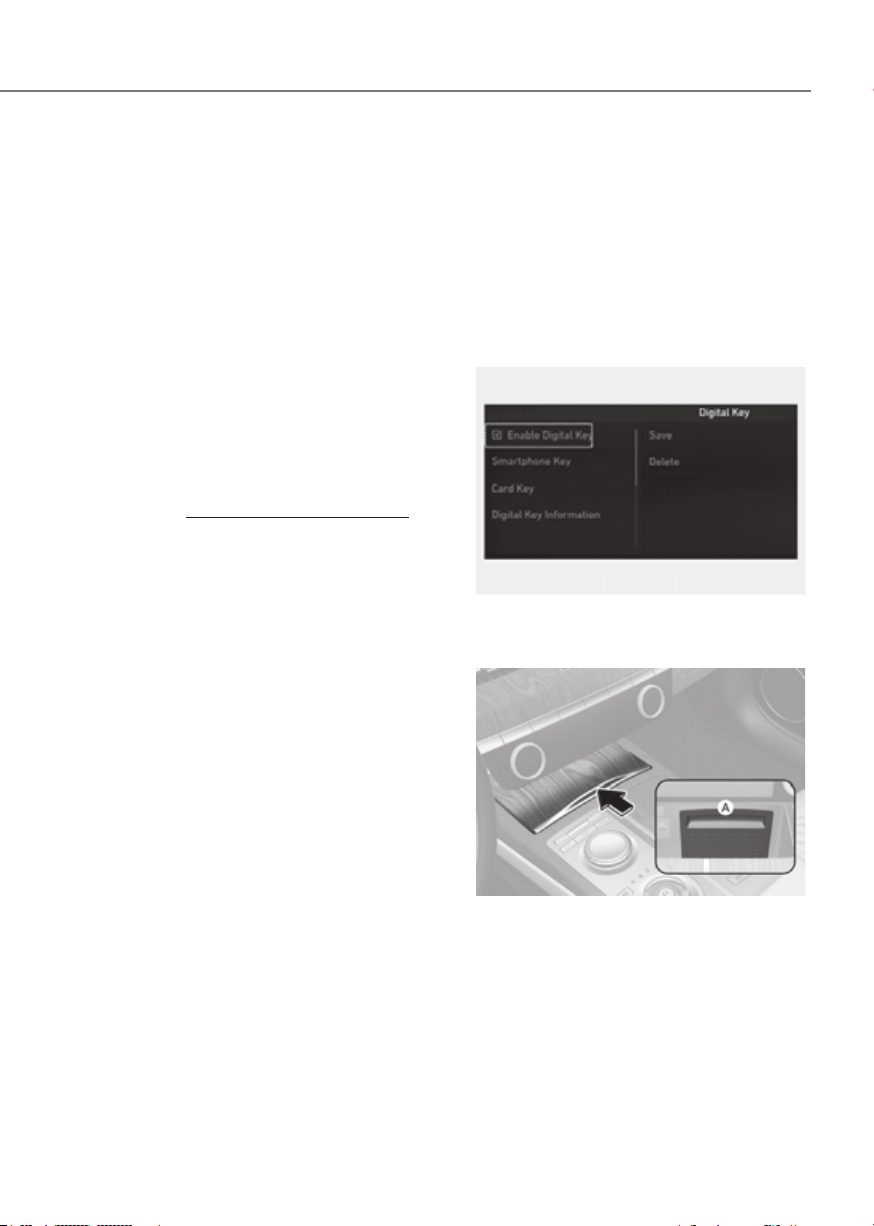
5-13
05
Genesis digital key provides convenience
to the driver, which the driver can use to
lock or unlock the driver and passenger
doors or the trunk and turn on the
vehicle.
Digital Key (Smart Phone)
How to register Digital Key (Smart
phone)
To use the smart phone as a digital key
follow the following procedure.
This service is only available for Android
smart phones that passed the internal
usability test. The driver can confirm
supported/compatible devices on our
website (https://owners.genesis.com).
In case of iPhone, Apple does not assist
any of the NFC services. (Services are
expected to be provided according to
policy change.)
Genesis Digital Key App
1. Search ‘Genesis digital key’ from the
Google Play Store and download
the app. Please refer to the detailed
manual of the digital key app or
Genesis website. The option can be
found under the following app menu:
Please note the manual before using
the app.
2. After downloading the app, sign up for
a Genesis account and service.
Smart phone set up
• The driver can use the Digital Key NFC
(Near Field Communication) feature
after enabling it on the smart phone’s
setting menu. To change the NFC
setting of the smart phone, please
refer to the smart phone manual or
contact the customer service center
of smart phone manufacturers.
• The driver should unlock and turn on
the smart phone screen. (Unlock the
screen lock such as password, pattern
or fingerprint, etc.)
Smart phone registration
1. Turn the vehicle on with the Smart key
and make sure to keep the smart key
inside the vehicle during digital key
registration.
2. Open Genesis Digital Key App in the
vehicle owner’s smart phone and
activate the digital key registration
screen after selecting the vehicle to
register.
ORG3050221NORG3050221N
3. From the infotainment system settings
ORG3EV051007NORG3EV051007N
[A] : In-vehicle authentication pad
(Wireless charging pad)
4. After ‘Enabling Digital Key’ is selected,
place the backside of the smart phone
on the in-vehicle authentication pad.
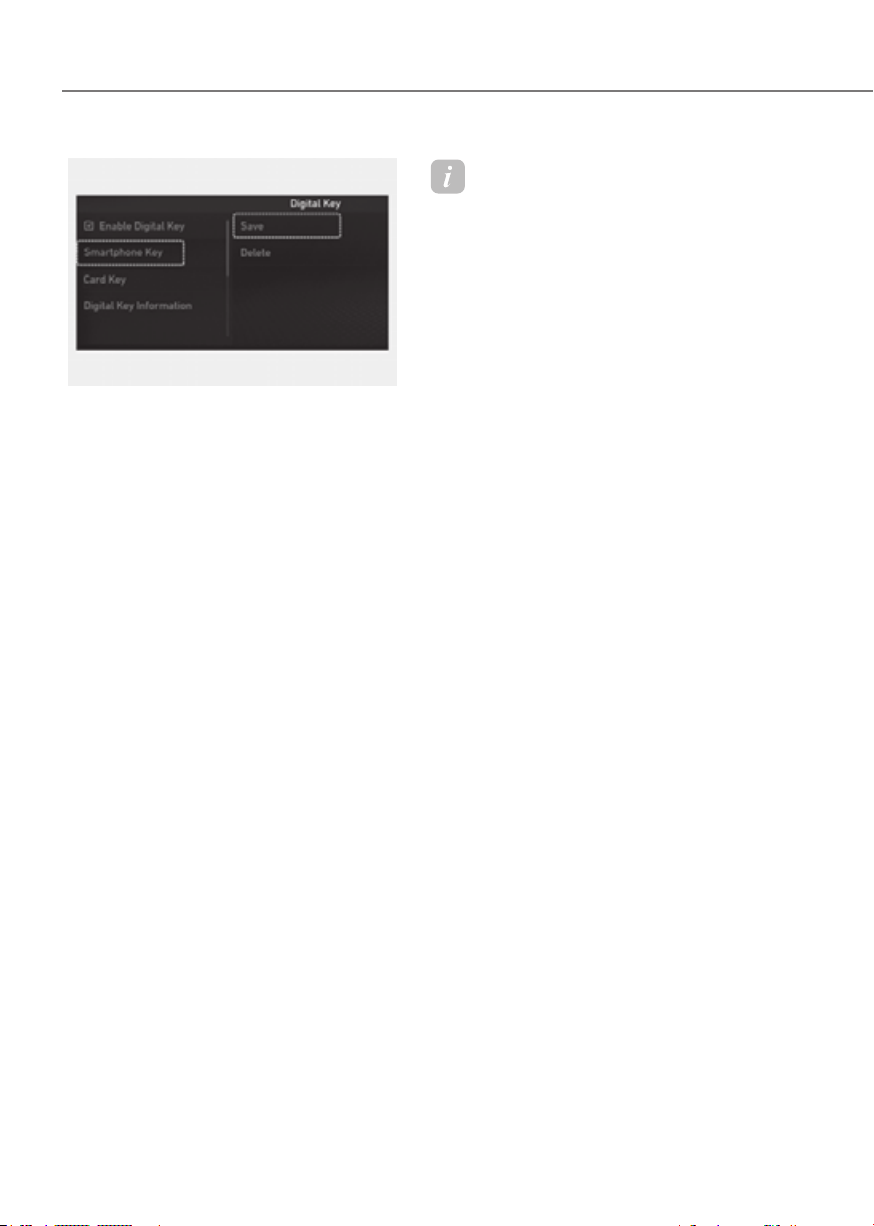
5-14
Convenience Features
ORG3050222NORG3050222N
5.
menu on the infotainment system
screen. The saving process will begin
automatically.
6. When the digital key (smart phone) is
saved, a message will appear on the
infotainment system screen.
7. Remove the smart phone from the
pad and complete the saving process
under the guidance of the smart
phone screen.
Information
• Vehicle
When there is a digital key (smart
phone) already saved in the vehicle, the
‘Save’ menu is disabled. If you want to
save a digital key again, refer to “How
to delete Digital Key (Smart phone)”
and follow the deleting procedure first
before saving a digital key.
• Smart phone
The digital key cannot be saved again
while the vehicle’s digital key is saved
in the owner’s smart phone. Save the
digital key after deleting the digital key
from the Digital Key App.
• During the digital key saving process,
the process will cancel when:
- The smart phone is removed from
the in-vehicle authentication pad
(wireless charging pad)
- Changing the infotainment system or
instrument cluster screen
- The vehicle is turned off
- The gear is shifted
- Saving digital key that does not
belong to the vehicle owner
- The smart phone screen is locked or
turned off
- NFC setting of your smart phone is
off (saving process will not begin)
- There is no smart key (saving process
will not begin)
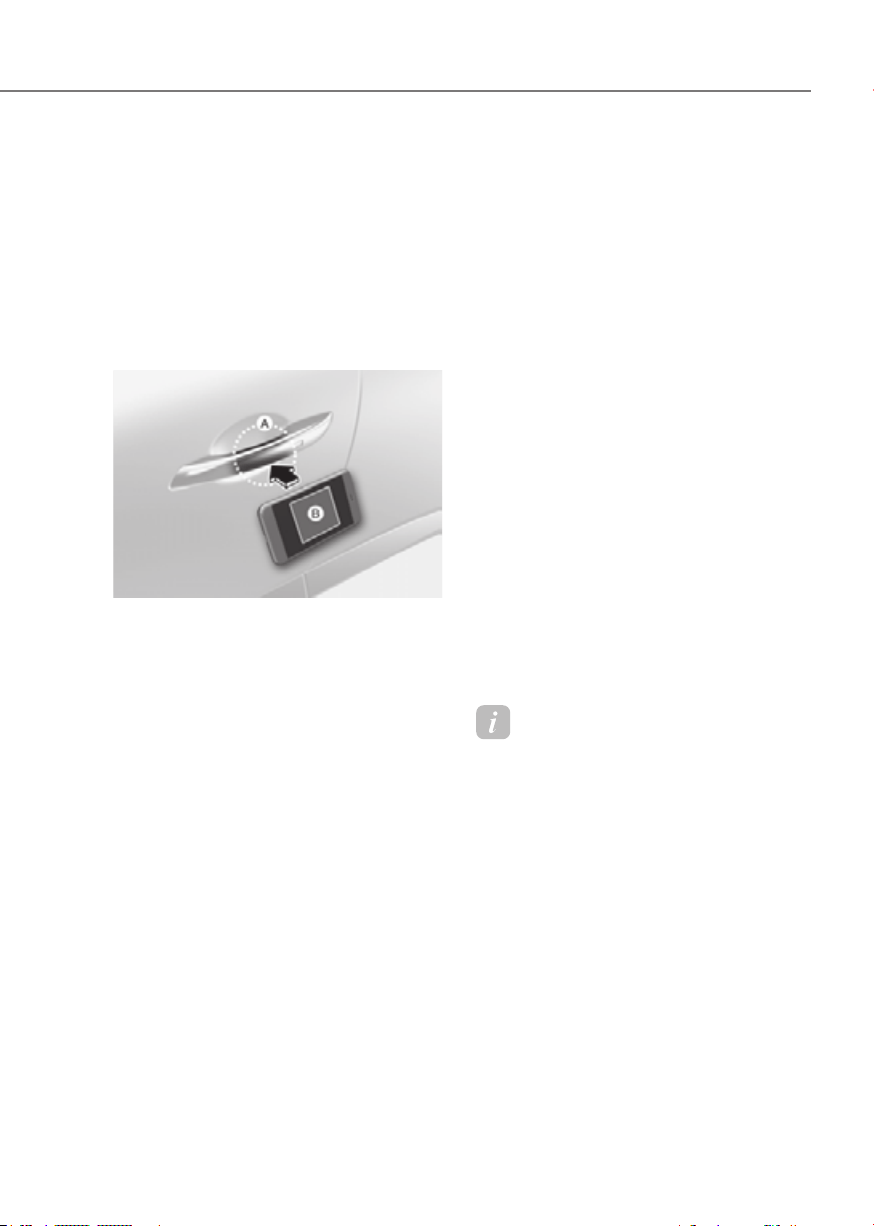
5-15
05
How to Use the Digital Key (Smart
phone)
Smart phone touch control
The driver can lock and unlock the door
by touching the smart phone on the door
handle without activating the Digital
Key App. Also, the vehicle can be started
by placing the smart phone on the
in-vehicle authentication pad (wireless
charging pad).
ORG3EV051008ORG3EV051008
[A] : Door handle authentication pad
[B] : NFC antenna (Backside of the smart phone) (The
antenna position differs depending on models.)
• Locking/Unlocking the doors
- If the driver touches the smart
phone NFC antenna to the driver’s
or passenger’s door handle
authentication pad for more than
2 seconds, the door will lock or
unlock.
- If Two Press Unlock function is
set, only the driver’s door will be
unlocked by touching the smart
phone on the driver’s door handle.
Touch the smart phone once more
within 4 seconds to unlock all doors.
- After unlocking the doors, the doors
will automatically re-lock after 30
seconds unless a door is opened.
- If the smart phone digital key does
not operate, move the smart phone
more than 4 in. (0.1 m) from the
door handle authentication pad and
try it again.
Note that you cannot lock your vehicle
using the smart phone NFC antenna if
any of the following occur:
- The Smart Key is in the vehicle
- The Start/Stop button is in ACC or ON
position
- Any of the doors are open except for
the hood or trunk
• Starting the vehicle
1. After placing your registered
smart phone on the in-vehicle
authentication pad (wireless charging
pad), depress the brake pedal and
press the Start/Stop button.
2. After starting the vehicle, the digital
key data will be automatically
updated. It will take 5 to 20 seconds.
After that, the smart phone will
automatically go into the wireless
charging mode. Once the vehicle is
started, you can remove the smart
phone from the pad.
For more details, refer to the “Start/
Stop Button” section in chapter 6.
Information
To lock/unlock the doors and/or start
the vehicle with the smart phone Digital
Key, always turn on and unlock the smart
phone screen.

5-16
Convenience Features
Information
• After the battery has been reconnected
or the battery has been recharged, it
will take time for the digital key (smart
phone) to operate due to remote security
update. When locking or unlocking the
door with the smart phone NFC antenna,
touch and hold the smart phone on the
door handle until the door(s) is locked or
unlocked.
• If the mobile data connection of the
smart phone is weak, remote security
information update may fail. At this
time, use the card key to lock or unlock
the doors, or start the vehicle. When
you are in a place where the mobile
data connection of your smart phone is
available, place your smart phone on the
in-vehicle authentication pad (wireless
charger pad) and start your vehicle, or
touch the digital key on the door handle
to lock or unlock the door, the remote
security information will be automatically
updated. Even though the vehicle is not
started, wait until the remote security
information is updated and the in-vehicle
authentication pad (wireless charging
pad) changes to charging mode.
WARNING
The vehicle can be started when the
registered smart phone is placed on the
in-vehicle authentication pad (wireless
charging pad). Therefore, do not leave
unsupervised children or people who
are not aware of the system since it
can result in serious injury or death. In
addition, always have the registered
smart phone with you to prevent
vehicle theft when leaving the vehicle.
Digital key App remote control
Various control functions such as Door
Lock/Unlock, Remote Start, Panic and
Trunk Open/Close are available using the
Digital Key App. To use the Digital Key App
functions, the smart phone’s Bluetooth must
be activated, and must be approximately
within 32 ft. (10 m) from the vehicle.
• Connecting Digital Key App with the
vehicle
1. Open the Genesis Digital Key App in
the smart phone. Select the vehicle
you want to control from the vehicle
list in the App.
2. Approach the vehicle with the Genesis
Digital Key App opened. The Digital
Key App will automatically connect
with the vehicle.
3. When the connection is complete,
the icons in the Digital Key App will
become active.
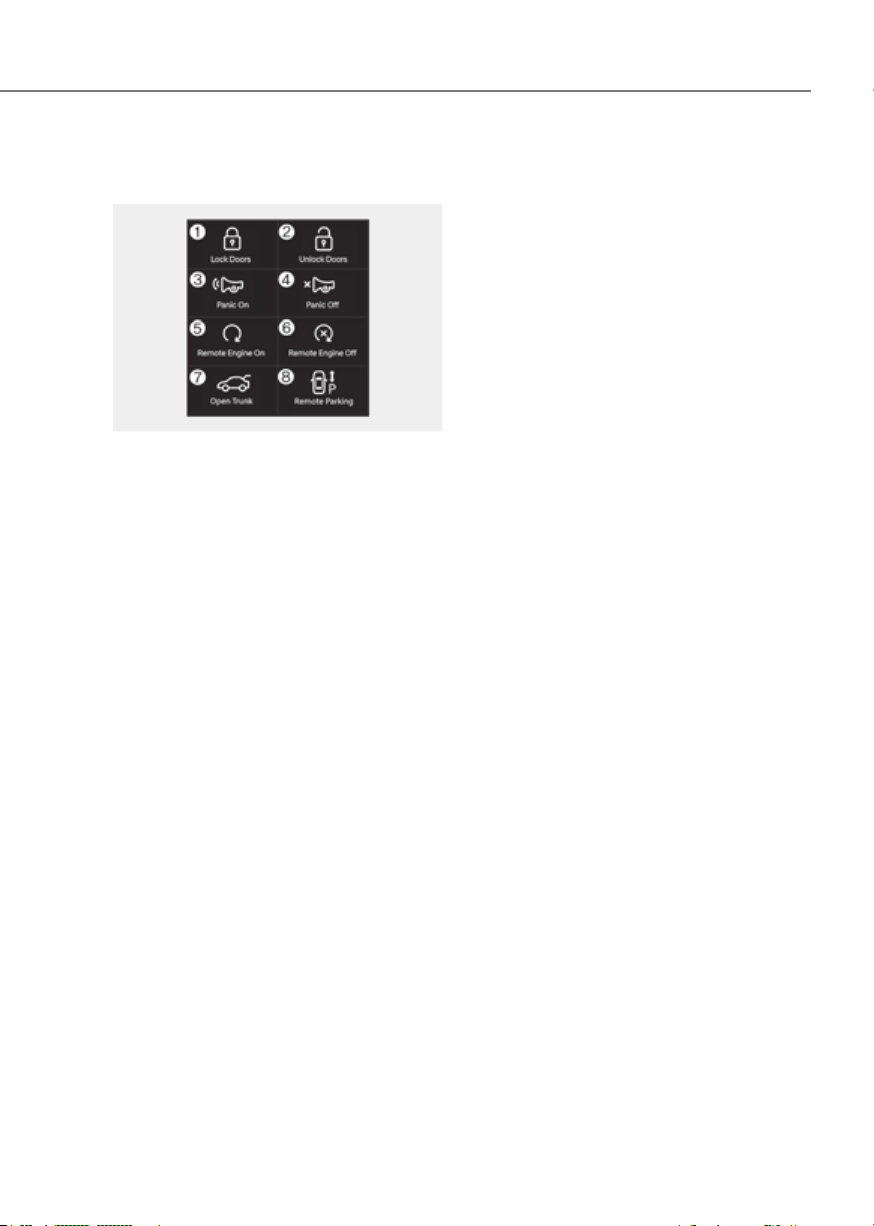
5-17
05
• Controlling the vehicle with Digital
Key App
ORG3050010LORG3050010L
Press the icons to remotely control the
vehicle.
1. Lock Doors
2. Unlock Doors
3. Panic On
4. Panic Off
5. Remote vehicle On
6. Remote vehicle Off
7. Open/Close Trunk
8. Remote Parking
For details on how to use Remote
Parking, see “Remote Smart Parking
Assist (RSPA)” section in chapter 7.
The icon will be highlighted or an alarm
and vibration will also be provided when
the selected icon function is being
performed.
After the Digital Key App and vehicle are
connected, if Digital Key App remote
control is not used over 5 minutes, the
connection between the app and vehicle
will disconnect automatically.
Note that you cannot lock your vehicle
using Genesis Digital Key APP if any of
the following occurs:
- The Start/Stop button is in the ACC or
ON position
- Door(s) is open
• Remotely starting vehicle with the
Digital Key App
1. Press the Door Lock button in Genesis
Digital Key App.
2. Press the Remote vehicle On icon
within 4 seconds.
3. The hazard warning lights will blink
and the vehicle will start.
- Unless the driver puts the
registered digital key (smart phone)
on the in-vehicle authentication
pad (wireless charging pad) when
the Remote Start function is on, the
vehicle will turn off.
- If the driver does not get in the
vehicle within 10 minutes after the
vehicle is remotely started, the
vehicle will turn off.

5-18
Convenience Features
CAUTION
• If the vehicle windows are tinted
with a film containing metallic
substances, it may cause poor
Bluetooth connection and poor
performance of the Digital Key App.
• If multiple users use the digital key
at the same time, the functions of
the Digital Key App may not work
properly. Only the necessary user
should operate the Digital Key App
remote control.
• When using the Digital Key App
remote control, the driver (the
remote control user) should leave
the vehicle after checking that the
doors are locked. When the doors are
locked, the chime will sound and the
hazard warning lights will blink once.
• The remote functions of the Digital
Key App enable the vehicle to be
controlled when the user is within
operating range. If the digital key
is out of the operating range, the
remote control function may not
operate properly.
• If the smart phone are moved away
from the vehicle while the smart
phone and the vehicle is connected,
Digital Key App remote control may
not operate properly.
• When using Digital Key App
remote control via Bluetooth,
communication may be slow or the
operating range may be reduced in
the following circumstances:
- Smart phone mobile data is weak
- Bluetooth connection is weak due
to many Bluetooth devices
- There is an object such as metal or
concrete between the vehicle and
smart phone
- The smart phone is wrapped in
your hand or other electronic
devices that cause interference is
placed near the smart phone
• If you use a smart phone cover that
uses wireless communication or is
made of metal, the digital key NFC
function may not work properly.
Remove the smart phone cover
before using the digital key NFC
function.
• If Digital Key App remote control
does not operate properly, use the
smart phone’s NFC function to lock
and unlock the doors.
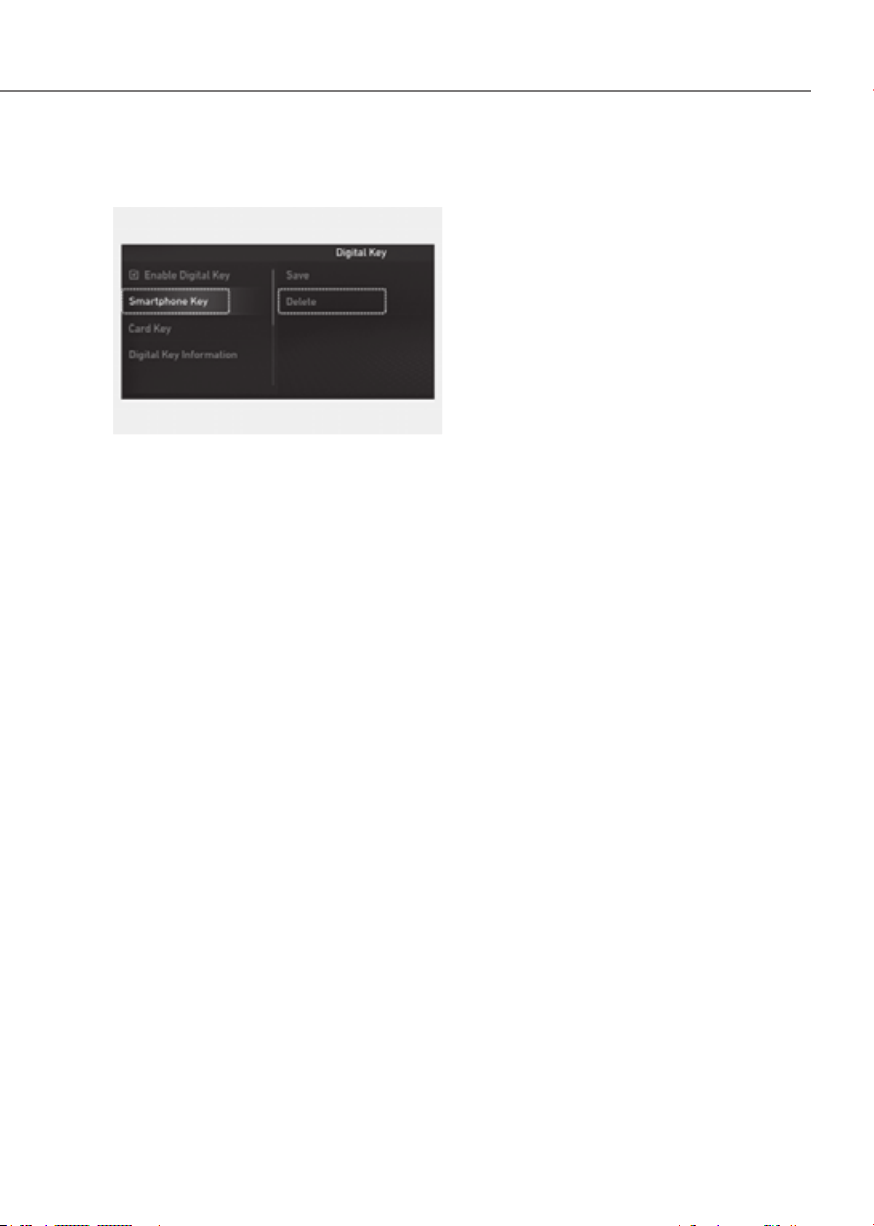
5-19
05
How to delete Digital Key (Smart
Phone)
ORG3050223N ORG3050223N
1. Turn the vehicle on with the smart key
and make sure to keep the smart key
inside the vehicle during the digital
key (smart phone) deleting process.
2. From the infotainment system settings
‘Delete’ menu will be disabled if there
is no digital key (smart phone) saved.
3. When the digital key (smart phone) is
deleted, a message will appear on the
infotainment screen or cluster.
4. Go to ‘Initialize Digital Key’ menu
in the Digital Key App and select
the vehicle to delete the digital key
information.
What to do when user changes
smart phone or deletes app
If the driver changes his/her smart phone
or has deleted the Genesis Digital Key
App, refer to the following to set up the
Genesis Digital Key App again.
Smart phone change
Follow the procedure below to use the
digital key in your new smart phone.
1. Install the Genesis Digital Key App and
log in.
2. From the infotainment system settings
menu, first delete the previous digital
Delete), and then save the digital key
again.
3. If you have shared the digital key with
others, you will need to re-share the
digital key.
Smart phone reset/App delete & reinstall/
App data delete
Follow the procedure below to use the
digital key when the smart phone was
reset, the app was deleted and then
reinstalled, or the app data was deleted.
1. Install the Genesis Digital Key App and
log in.
2. Input the PIN number for user
verification. If PIN is correct, digital
key data will be downloaded to the
user’s smart phone and you can use
the digital key without any further
registration or sharing procedure.
Smart phone operability with Digital Key
The Digital Key App may not be available
on some smart phones. Check for
available smart phone models on the
Genesis website. The smart phone NFC
antenna location guide can be confirmed
on the Genesis website or contact the
smart phone manufacturer’s customer
service center.

5-20
Convenience Features
Digital Key (Card Key)
How to register Digital Key (Card
Key)
To use the card key as a digital key,
follow the following procedure.
For Android smart phones
1. Install Genesis digital key app in main
user’s smart phone and register the
digital key (smart phone). Please refer
to the registration method of the
digital key (smart phone).
1-1. Activate Genesis digital key app
Please follow the digital key
authentication procedure
according to the app.
- Bluetooth authentication :
Before starting the process, the
driver needs to make sure to
check whether the Bluetooth
connection is working properly.
To enroll the card key, please
Key Enroll Authentication”
in the top right corner of the
digital key app. The card saving
process should be completed
within 5 minutes after the
authentication process is done
in the vehicle.
- NFC authentication : After
selecting NFC authentication,
please contact the smart
phone on the driver’s or
passenger’s outside door
handle.
1-2. Get in the vehicle with the smart
key.
Except Android smart phones
1. Get in the vehicle with two smart keys.
ORG3EV051007NORG3EV051007N
[A] : In-vehicle authentication pad
(Wireless charging pad)
2. Place the NFC card key on the in-
vehicle authentication pad.
ORG3050224NORG3050224N
3. From the infotainment system
Save’. The saving process will begin
automatically.
4. When the digital key (card key) is
saved, a message will appear on the
infotainment system screen.
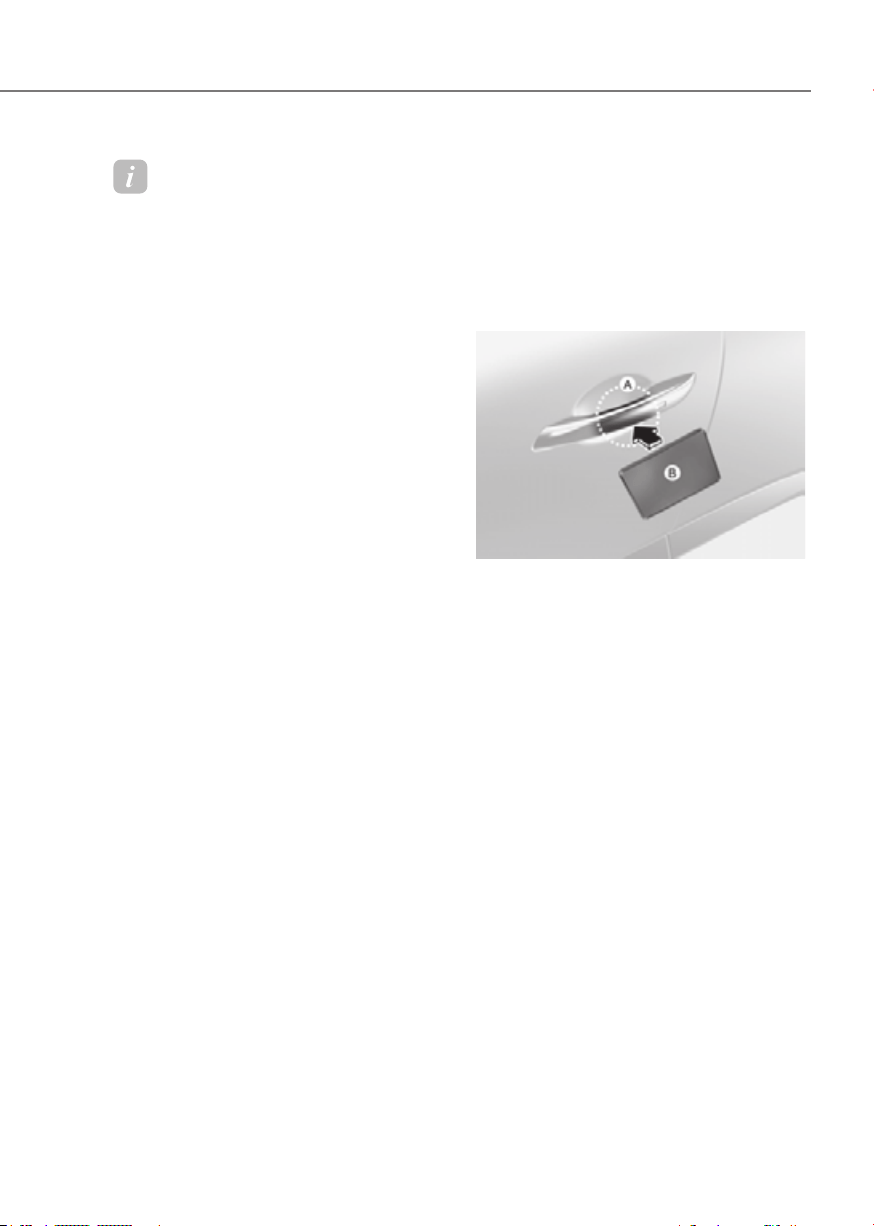
5-21
05
Information
• When there is a digital key (card key)
already saved in the vehicle, the ‘Save’
menu is disabled. If you want to save
a digital key again, refer to “How to
delete Digital Key (Card key)” and
follow the deleting procedure first
before saving a digital key.
• When registering a digital key (card
key), authentication is required once
through a smart phone. Complete the
registration within 5 minutes after
authentication.
• To register the digital key (card key),
the smart key must be in the vehicle.
• The registered digital key (card key)
cannot be used for another vehicle.
• The previously saved digital key (card
key) can be not used if a new digital key
(card key) is registered.
How to use the Digital key (Card key)
Card key touch control
The driver can lock and unlock the door
by touching the card key on the door
handle. Also, the vehicle can be started
by placing the card key on the in-vehicle
authentication pad (wireless charging
pad).
ORG3EV051009ORG3EV051009
[A] : Door handle authentication pad, [B] : Card key
NFC antenna
• Locking/Unlocking the doors
- If the driver touches the card key on
the driver’s or passenger’s door handle
authentication pad for more than 2
seconds, the door will lock or unlock.
- If Two Press Unlock function is set, only
the driver’s door will be unlocked by
touching the card key on the driver’s
door handle. Touch the card key once
more within 4 seconds to unlock all
doors.
- After unlocking the doors, the doors will
automatically re-lock after 30 seconds
unless a door is opened.
Note that you cannot lock your vehicle
using the NFC antenna if any of the
following occur:
- The Smart Key is in the vehicle
- The vehicle Start/Stop button is in
ACC or ON position
- Any of the doors are open except for
the hood or trunk

5-22
Convenience Features
• Starting the vehicle
After placing your registered card key
on the in-vehicle authentication pad
(wireless charger pad), depress the brake
pedal and press the Start/Stop button.
For more details, refer to the “Start/
Stop Button” section in chapter 6.
WARNING
The vehicle can be started when the
registered card key is placed on the
in-vehicle authentication pad (wireless
charging pad). Therefore, do not leave
unsupervised children or people who
are not aware of the system since it
can result in serious injury or death. In
addition, always have the registered
card key with you to prevent vehicle
theft when leaving the vehicle.
CAUTION
• The digital key (card key) may not
work under the following conditions:
- The card key is not touching
the center of the door handle
authentication pad or in-vehicle
authentication pad (wireless
charging pad) correctly.
- The card key is used overlapped
with NFC-enabled cards such as
credit card or smart phone.
- If the card key does not work,
move the card key approximately
4 in. (10 cm) away from the
authentication pad and then touch
it again.
• The card key can be damaged by
impacts. If the key is damaged,
replace the card key with a new one
and register it again.
• Long-time exposure to high
temperature may cause the card
key to malfunction. Be careful not to
expose the key to direct sunlight or
high temperature.
• The card key is consumable and it
is not covered by your warranty.
Therefore, the result of misuse by
customers such as breakage or loss is
not guaranteed.
• Always have the card key with you
when leaving the vehicle. If the
authenticated phone has a dead
battery, or it is lost or stolen, you may
be locked out of the vehicle.
• Leaving the digital key (card key)
on the in-vehicle authentication
pad (wireless charging pad) while
driving may cause the digital key
(card key) to malfunction. Remove
the digital key (card key) from the in-
vehicle authentication pad (wireless
charging pad) after starting the
vehicle.
• Remove the digital key (card key)
from the smartphone before
charging the smartphone. If the
digital key (card key) is placed
between the smartphone and the in-
vehicle authentication pad (wireless
charging pad) while the smartphone
is being charged, the digital key (card
key) may malfunction. For example,
when charging smartphone while
the digital key (card key) is attached
to the back of the smartphone case.
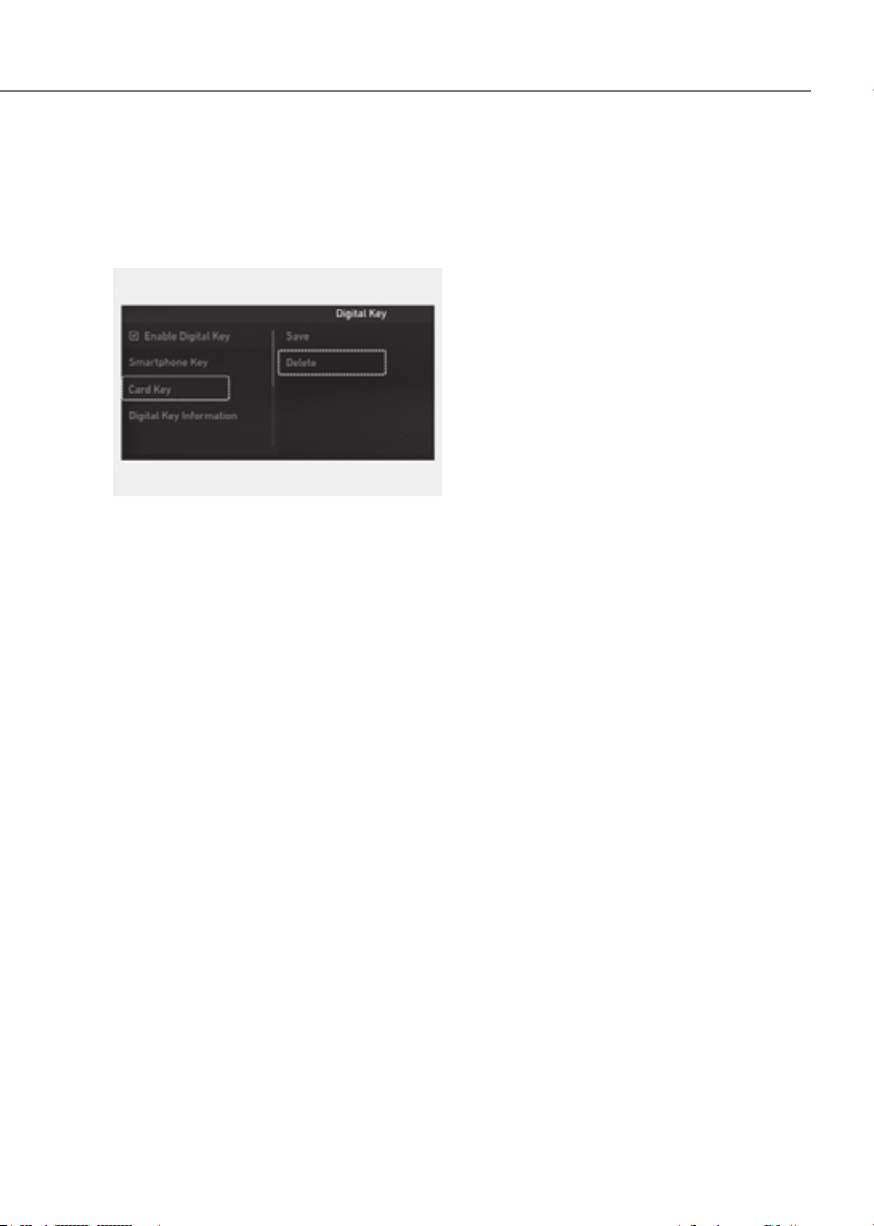
5-23
05
How to delete Digital Key (Card key)
1. Turn the vehicle on with the smart key
and make sure to keep the smart key
inside the vehicle during the digital
key (card key) deleting process.
ORG3050225NORG3050225N
2. From the infotainment system settings
menu will be disabled if there is no
digital key (card key) saved.
3. When the digital key (card key) is
deleted, a message will appear on the
infotainment screen or cluster.
Personalized Profile and Vehicle
Settings
When the registered digital key is
linked with user profile, the vehicle will
automatically operate (door lock/unlock
with digital key, etc.) according to the
user profile setting. User profile linking
and personalization are available for a
total of two drivers.
Linking / Unlinking profile
How to link user profile
1.
(Smartphone)’ on the infotainment
system settings menu.
2. Unlock the smart phone, enable the
NFC feature, and place it on the in-
vehicle authentication pad (wireless
charging pad) according to the
message on the infotainment system
screen.
3. User profile linking will start with
the message ‘Linking… Pressing any
button will cancel linking the Digital
K e y ’.
4. If you select ‘Link’, the registered
phone number’s digital key and the
user profile will link. Select ‘Link’
according to the instruction.
5. When the process is complete, the
message ‘Digital Key Link Complete.’
will appear on the infotainment
system screen.
How to unlink user profile
1. Unlink digital key in the User Profile
settings. Unlinking is possible only
when user profile is linked.
2. When unlinking is complete, the
message ‘Digital key is unlinked.’ will
appear on the infotainment system
screen.

5-24
Convenience Features
Information
• Use profile cannot be linked to
both Driver 1 and Driver 2 that are
connected to a single smart phone.
Personalization will operate with the
recently linked user profile, and the
previously linked user profile will be
automatically canceled.
• User profile can be linked when digital
key is enabled (Set up→ Vehicle →
Digital Key → Enable Digital Key).
The linked user profile information is
maintained even when the digital key
function is disabled. User profile can be
linked to a smart phone with the Digital
Key App installed.
• User profile can be linked when a
digital key is registered on the smart
phone and the vehicle. The smart
phone with another vehicle’s digital key
cannot be linked.
• If you remove the smart phone from the
in-vehicle authentication pad (wireless
charging pad) before completing the
user profile link, the linking process
will not be completed normally.
• To unlink the user profile, the smart
phone does not need to be on the in-
vehicle authentication pad (wireless
charging pad).
• Once the user profile linked digital
key in the smart phone is deleted, the
digital key should be re-registered and
personalized by linking the user profile
again.
Vehicle personalization operation
The personalization function linked with
digital key works under the following
conditions:
• Touch the driver’s door handle with
the profile linked smart phone to lock
or unlock the doors (Personalization
does not operate when locking or
unlocking the front passenger door.).
• When the remote door unlock with
the profile linked smart phone digital
key app works, the user profile linked
with digital key can be changed
manually from the infotainment
system settings.
Information
User profile operation according to door
lock/unlock system is as follows.
Item
Personalization
operation
Initial value Guest
Profile linked smart
phone key
Linked profile
Profile unlinked
smart phone key
Recently activated
profileNFC card key
Smart key
• The personalization function using
the digital key can be operated
after linking the digital key in the
infotainment system profile menu.
• The personalization function works
only when the vehicle is OFF or when
the vehicle is started remotely. If
the vehicle is not started remotely,
personalization function does not
work with the digital key.

5-25
05
Vehicle personalization with digital key
The available personalization function in the vehicle is as follows.
System Personalization Item
USM
Head Up Display
(HUD)
Position adjustment of image, Information display
selection
Lamp Blink number of one-touch signal lamps
Cluster
Information display on the cluster, Voice volume,
Welcome sound
Seat/Mirror/
Steering wheel
Seat position, O/S mirror position, Steering wheel
position, Easy Access
Smart heating wire/ventilation On/Off
Door Automatic door lock/unlock, Two Press Unlock
Smart phone
wireless charging
Wireless charging On/Off
Air conditioning
Setting up temperature unit, Block air inflow/
Automatic ventilation/Window defroster On/Off
Infotainment
menu
Navigation
Preferred volume of the navigation system
Recent destination
User preset My menu list settings, Radio preset
Phone connectivity
Bluetooth preferential connection
CarPlay/Android Auto
Air conditioning Operating condition
Latest operation setup of the following functions:
Temperature (AUTO), air flow direction, air
volume, air conditioner, air intake control, SYNC,
Front windshield defroster, OFF
For more information of personalization, refer to the infotainment system manual.
CAUTION
If you leave the digital key in the vehicle after locking or unlocking the doors or
starting the vehicle with the smart key, the doors can be locked with the central
door lock. Have the digital key with you at all times.

5-26
Convenience Features
Used Vehicle/Digital Key
Maintenance
Purchasing used vehicle
If any of the digital key devices (smart
phone key, card key) are registered in
the vehicle, the message ‘Digital key(s)
active’ will appear on the instrument
cluster once when the vehicle is turned
on after unlocking the vehicle door.
When purchasing a used car, be sure to
check the message and delete the smart
phone key and card key registered by
the previous user. Please let us know
the purchase of a used vehicle through
Genesis Customer Care. Check whether
the card key that came with the used
vehicle operates properly. If the card key
does not work properly, delete the card
key and register the smart phone key,
and then re-register the card key.
Digital Key Maintenance
If you need to have your Digital Key
System repaired or replaced, the
registered smart key/card key can be
deleted. In this case, you should delete
the digital key on the smart phone and
re-register the key.
Limitations of the System
• Genesis Digital Key App on the smart
phone and card key may not work if
any of the following occurs:
- The Digital Key App in the smart
phone is deleted (reinstall the app)
- Account log information of Genesis
Digital Key App is expired (required
to re-log in)
- When you try to log in from
another smart phone instead of the
registered smart phone with same
user account - Smart phone rooting
or app hacking is detected
- Smart phone battery or the vehicle
battery is discharged
- Smart phone’s screen is off or
locked
- NFC or Bluetooth is turned off in the
smart phone settings
- Smart phone’s mobile network
setting is off or airplane mode is
activated
- A credit card is overlapped in the
back of your smart phone, or metal
or thick smart phone case is used
- Using the card key with other cards,
or using it in a wallet or card holder
- There is electronic interference by
other vehicles, objects, etc.
• The vehicle may not be controlled
by the smart phone if any of the
following occurs:
- Basic and necessary functions of
the smart phone are operating
(general call, urgent call, audio or
NFC payment)
- Using wireless earphone
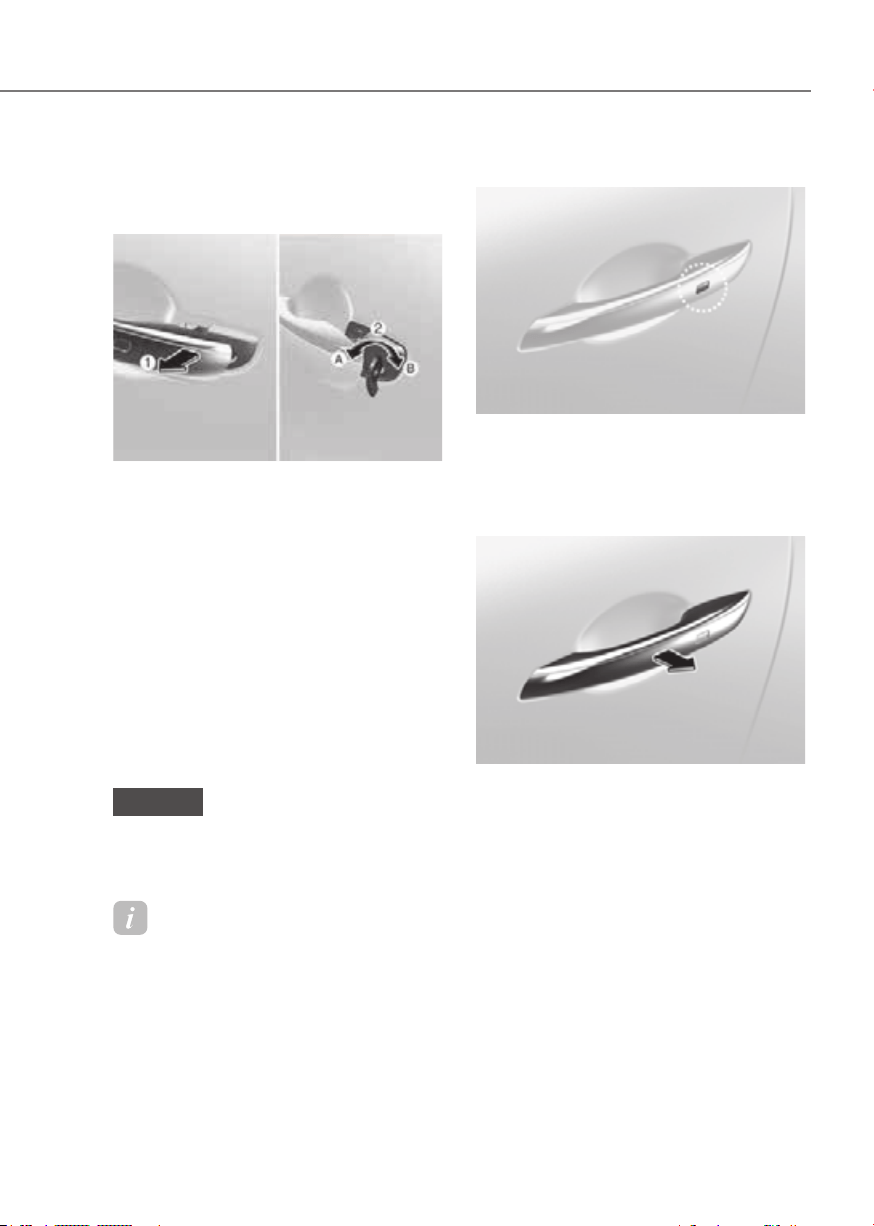
5-27
05
DOOR LOCKS
Operating Door Locks from
Outside the Vehicle
Mechanical key
ORG3EV051010ORG3EV051010
After pulling the door handle (1), turn the
key (2) toward the front of the vehicle to
lock (A) or turn the key toward the rear of
the vehicle to unlock (B).
If you lock/unlock the driver’s door
with a mechanical key, only the door of
driver will lock/unlock automatically, not
others. Namely, the driver’s door and the
rest of the doors are not interlocked in
terms of mechanical key.
Once the doors are unlocked, they may
be opened by pulling the door handle.
When closing the door, push the door by
hand. Make sure that doors are closed
securely.
NOTICE
Do not apply excessive force on the
door and door handle. It may damage
the door and door handle.
Information
When the keyhole freezes and does not
open, lightly tap or indirectly warm (i.e.
hand temperature) the keyhole.
Smart key
LockLock
ORG3EV051001ORG3EV051001
Touch the touch sensor on the front
outside door handle (the engraved part)
while carrying the Smart Key with you or
press the Door Lock button on the Smart
Key, all doors will lock.
UnlockUnlock
ORG3EV051002ORG3EV051002
Put your hand in the front outside door
handle while carrying the Smart Key with
you or press the Door Unlock button on
the Smart Key, all doors will unlock.
Once the doors are unlocked, they may
be opened by pulling the door handle.
When closing the door, push the door by
hand. Make sure that doors are closed
securely.
For more details, refer to “Smart Key” in
the previous pages.
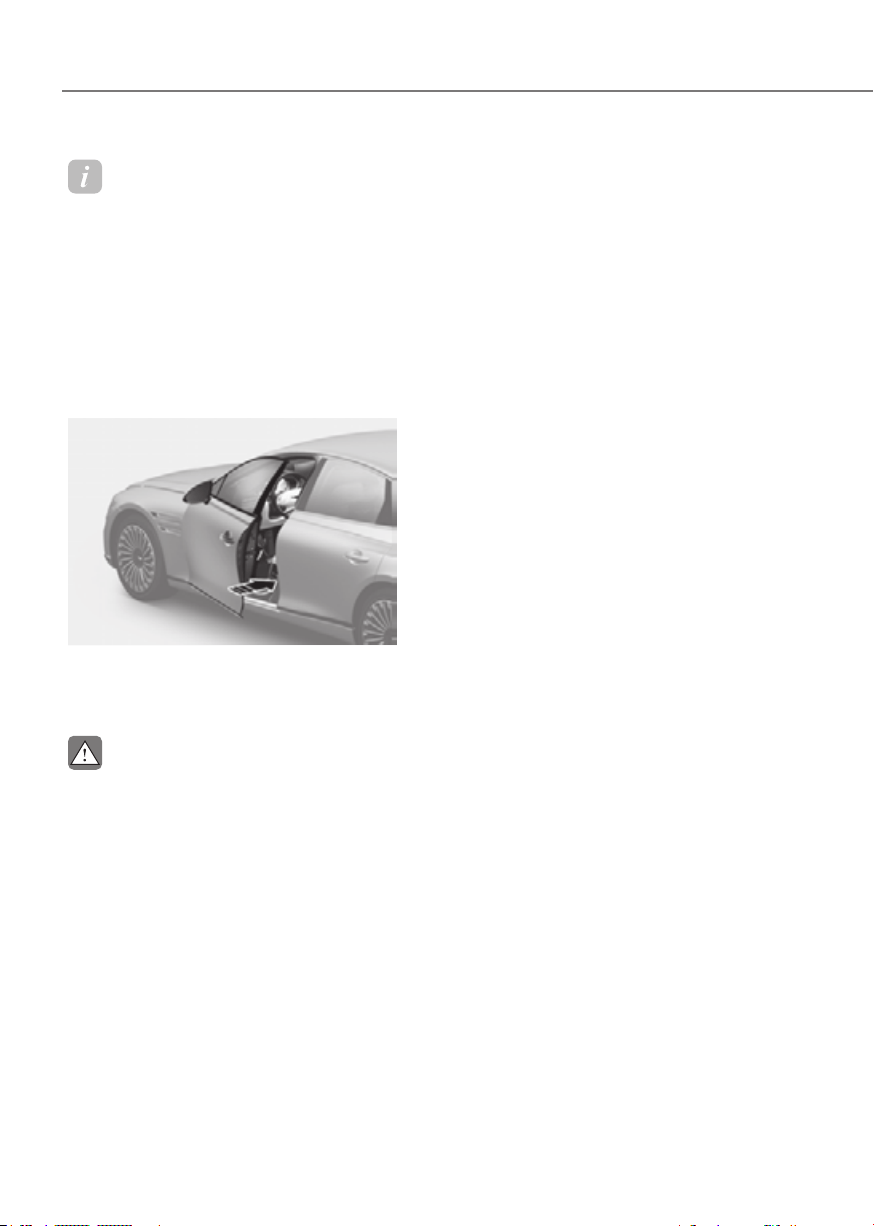
5-28
Convenience Features
Information
• In cold and wet climates, door lock
and door mechanisms may not work
properly due to freezing conditions.
• If the door is locked/unlocked multiple
times in rapid succession with either
the vehicle key or door lock switch, the
system may stop operating temporarily
in order to protect the circuit and
prevent damage to system components.
Power door latch (if equipped)
ORG3EV051011ORG3EV051011
If a door isn’t closed completely but is
closed to the first detent position, the
door will close automatically.
CAUTION
To reduce the risk of injury:
• Before closing the door, check there
are no obstructions in the path of the
door.
• Keep your fingers away from the
edge of the door or they may become
trapped when the power door latch
operates.
Resetting the power door latch
The power door latch may need to be
reset after the battery is discharged or
disconnected or a related fuse has been
replaced or disconnected.
To reset the power door latch, perform
the following steps:
1. Close the door to the first detent
positon.
2. Open the door.
When this is complete, the power door
latch is reset.
If the power door latch do not operate
properly after resetting, have the vehicle
inspected by an authorized retailer of
Genesis Branded products.
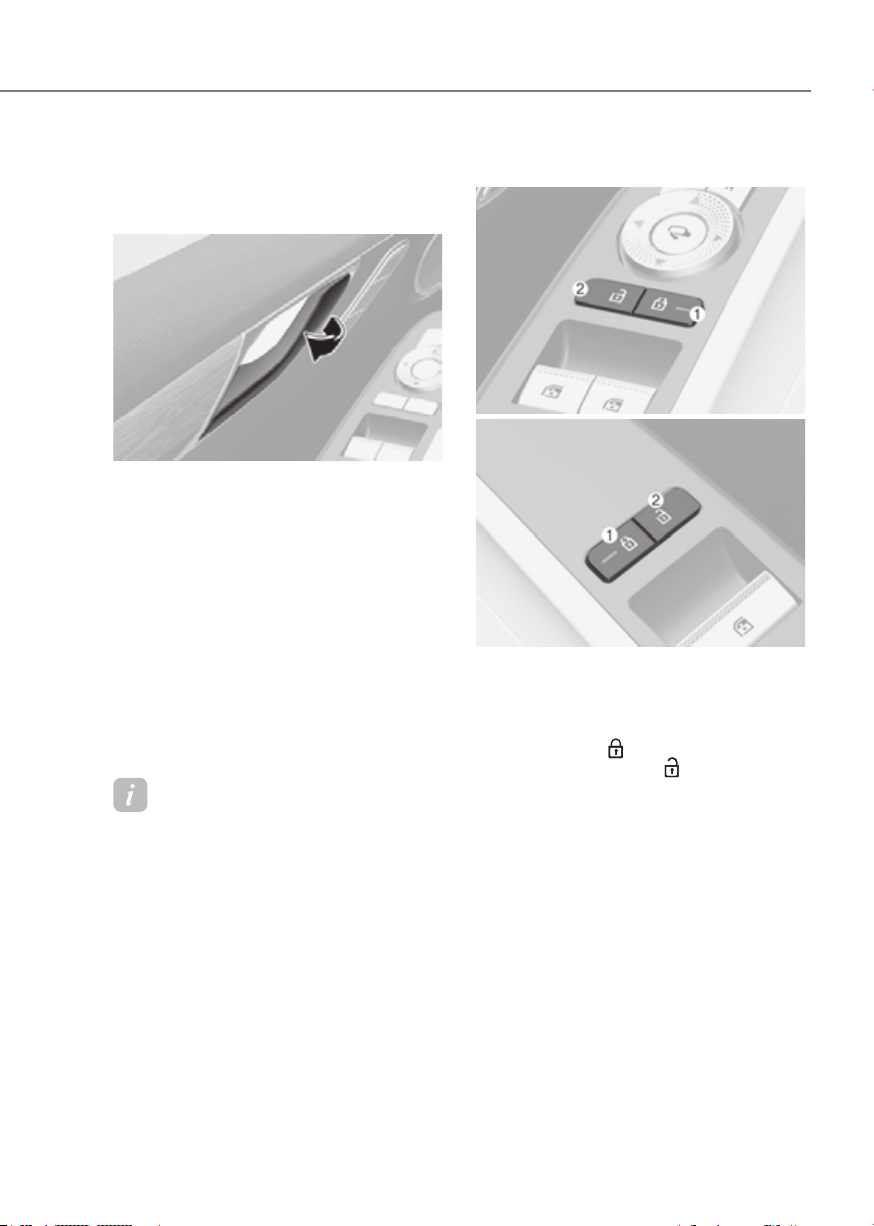
5-29
05
Operating Door Locks from
Inside the Vehicle
With the door handle
ORG3EV051012ORG3EV051012
Front door
If the inner door handle is pulled when
the door is locked, the door will unlock
and open.
Rear door
If the inner door handle is pulled once
when the door is locked, the door will
unlock. If the inner door handle is pulled
once more, the door will open.
If any door is opened, the doors will not
lock even though the central door lock
switch is pressed.
Information
If a power door lock ever fails to function
while you are in the vehicle try one or
more of the following techniques to exit:
• Operate the door unlock feature
repeatedly (both electronic and
manual) while simultaneously pulling
on the door handle.
• Operate the other door locks and
handles, front and rear.
• Lower a front window and use the
mechanical key to unlock the door from
outside.
With the central door lock switch
Driver’s doorDriver’s door
ORG3EV051013LORG3EV051013L
Front passenger’s doorFront passenger’s door
ORG3EV051014LORG3EV051014L
Driver and passenger door
The driver and front/rear passenger
side door armrest is equipped with a
central door lock switch. The lock switch
is indicated by a
symbol. The unlock
switch is indicated by a symbol.
When the lock switch (1) is pressed, all
the vehicle doors will lock.
When the unlock switch (2) is pressed, all
the vehicle doors will unlock.
If any door is open, the doors will not
lock even though the lock switch (1) is
pressed.
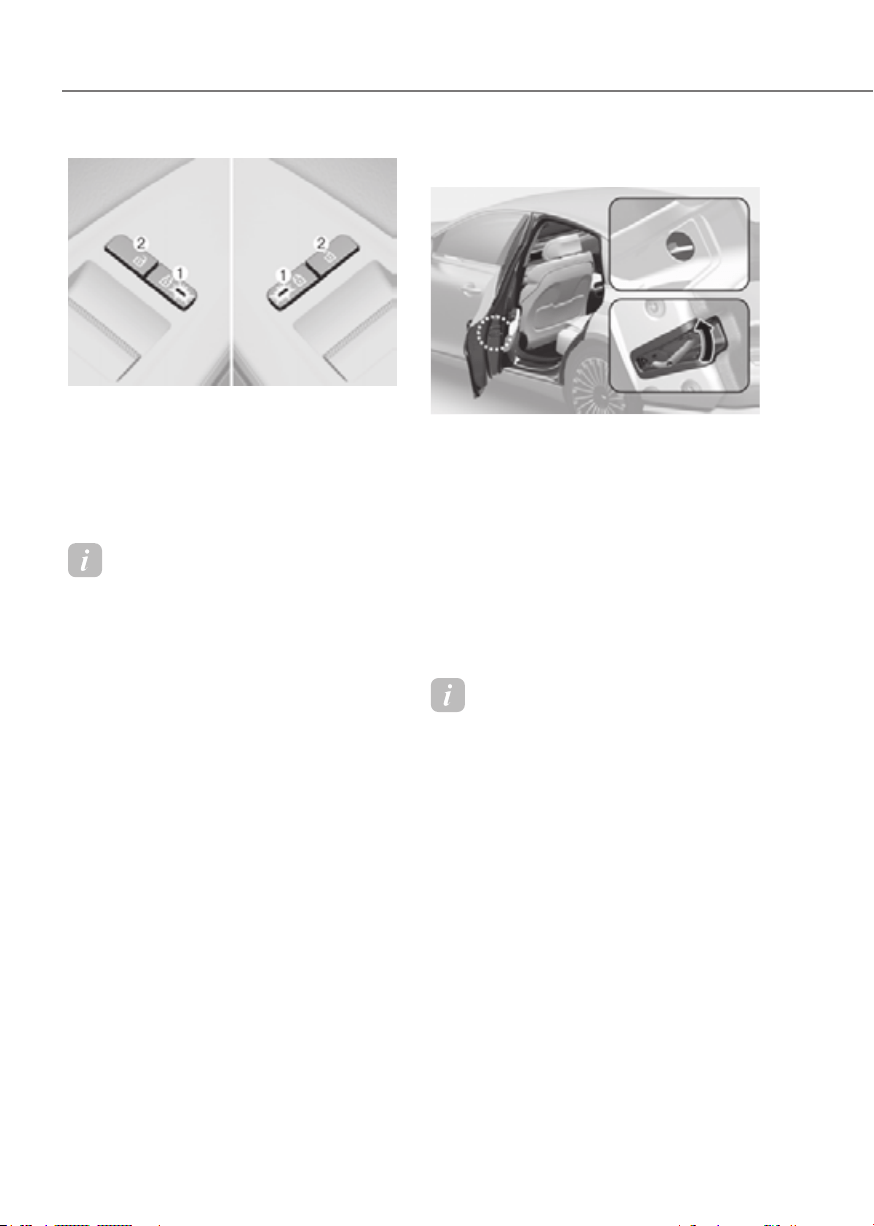
5-30
Convenience Features
ORG3EV051015LORG3EV051015L
Rear door
When the lock switch (1) is pressed (door
indicator light ON), all the vehicle doors
will lock.
When the unlock switch (2) is pressed, all
the vehicle doors will unlock.
Information
If all doors are locked with the rear door
lock button, and the electronic child safety
lock button (if equipped) in the driver’s
seat is turned ON (indicator light ON), the
rear doors cannot be opened. If you want
to open the rear doors:
• Unlock the door with the smart key
from outside.
• Unlock the door with Genesis
Connected Service using your smart
phone.
• Press the electronic child safety lock
button on the driver’s door to turn
it off (indicator light OFF), then
unlock the doors with the driver’s or
passenger’s central door lock switch.
(Electronic child lock OFF → Door
unlocked)
• Press the electronic child safety lock
button on the driver’s door to turn it
off (indicator light OFF), then pull the
rear inner door handle twice.
In case of an emergency
ORG3EV051016NORG3EV051016N
In case of emergency such as when the
battery is discharged, the only way to
lock the door(s) is with the mechanical
key from the outside key hole.
Doors without an outside key hole can be
locked as follows:
1. Open the door.
2. Insert the key into the emergency
door lock hole and turn the key to the
lock position.
3. Close the door securely.
Information
If the electrical power door lock switch
does not operate (ex. dead car battery) and
the trunk is closed, you will not be able to
open the trunk until power is restored.

5-31
05
WARNING
• The doors should always be fully
closed and locked while the
vehicle is in motion. If the doors
are unlocked, the risk of being
thrown from the vehicle in a crash is
increased.
• Do not pull the inner door handle of
the driver’s or passenger’s door while
the vehicle is moving.
WARNING
Do not leave the elderly, children or
animals unattended in your vehicle. An
enclosed vehicle can become extremely
hot, causing death or serious injury
to the elderly, unattended children
or animals who cannot escape from
the vehicle. Children might operate
features of the vehicle that could injure
them, or they could encounter other
harm, possibly from someone gaining
entry to the vehicle.
WARNING
Always secure your vehicle.
Leaving your vehicle unlocked increases
the potential risk to you or others from
someone hiding in your vehicle.
To secure your vehicle, while
depressing the brake, shift the gear
to the P (Park) position, engage the
parking brake, and press the Start/
Stop button to the OFF position, close
all windows, lock all doors, and always
take the key with you.
CAUTION
Opening a door when something is
approaching may cause damage or
injury. Be careful when opening doors
and watch for vehicles, motorcycles,
bicycles or pedestrians approaching the
vehicle in the path of the door.
WARNING
If you stay in the vehicle for a long time
while the weather is very hot or cold,
there are risks of injuries or danger to
life. Do not lock the vehicle from the
outside when someone is in the vehicle.
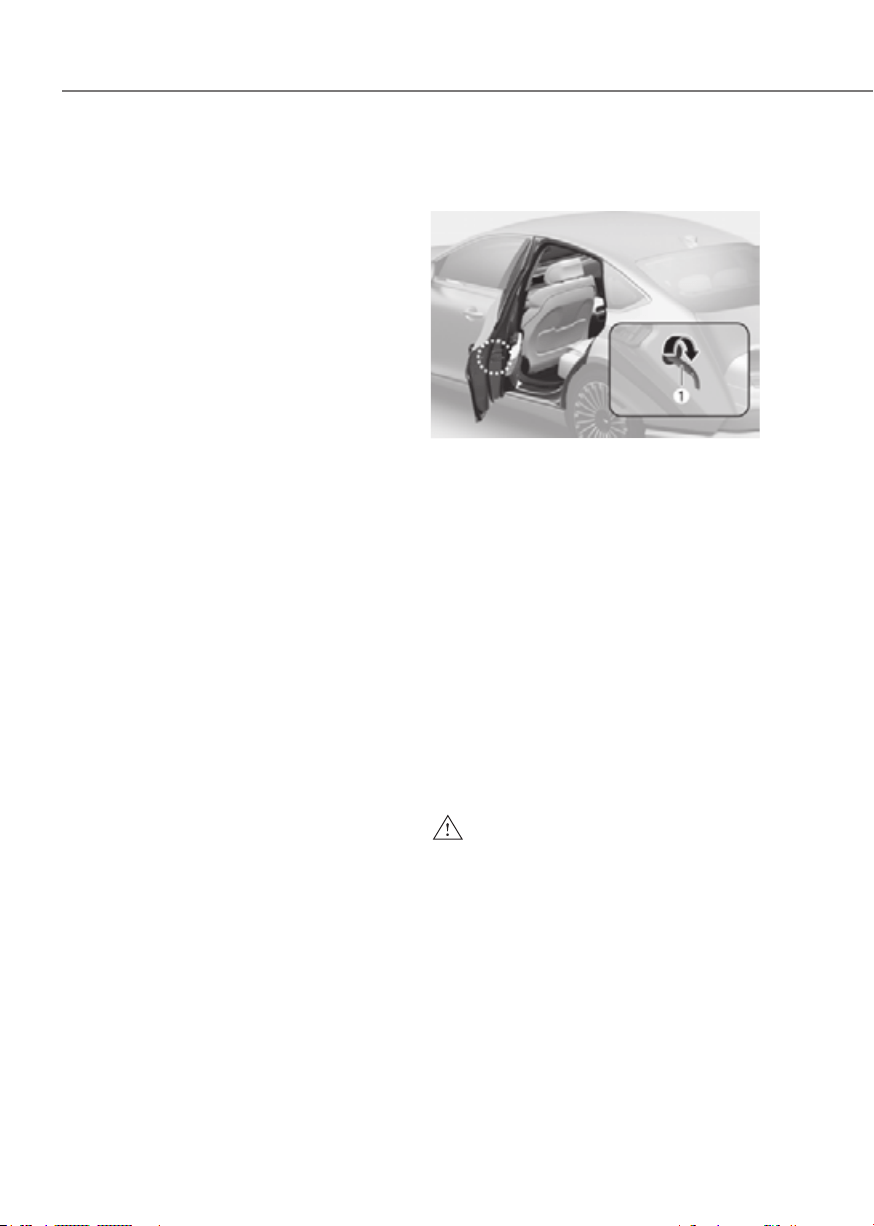
5-32
Convenience Features
Automatic Door Lock and Unlock
Features
Your vehicle is equipped with features
that will automatically lock or unlock
your vehicle based on settings you select
in the infotainment system screen.
Auto LOCK Enable on speed
When this feature is set in the
infotainment system screen, all the doors
will be locked automatically when the
vehicle exceeds 9 mph (15 km/h).
Auto LOCK Enable on shift
When this feature is set in the
infotainment system screen, all the doors
will be locked automatically when the
vehicle is shifted out of P (Park) while the
vehicle is running.
Auto UNLOCK On Shift to P
When this feature is set in the
infotainment system screen, all the doors
will be unlocked automatically when the
vehicle is shifted back into P (Park) while
the vehicle is running.
Auto UNLOCK Vehicle off
When this feature is set in the
infotainment system screen, all the doors
will be unlocked automatically when the
vehicle is turned off.
See additional information in supplied
Infotainment Manual.
Additional unlock safety feature air
bag deployment
As an additional safety feature, all doors
will be automatically unlocked when an
impact causes the air bags to deploy.
Child-Protector Rear Door Locks
(if equipped)
ORG3EV051218NORG3EV051218N
The child safety lock is provided to help
prevent children seated in the rear from
accidentally opening the rear doors. The
rear door safety locks should be used
whenever children are in the vehicle.
The child safety lock is located on the
edge of each rear door. When the child
safety lock is in the lock position, the
rear door will not open if the inner door
handle is pulled.
To lock the child safety lock, insert a
small flat blade tool (like a screwdriver or
similar) (1) into the slot and turn it to the
lock position as shown.
To allow a rear door to be opened from
inside the vehicle, unlock the child safety
lock.
WARNING
If children accidently open the rear
doors while the vehicle is in motion,
they could fall out of the vehicle. The
rear door safety locks should always
be used whenever children are in the
vehicle.
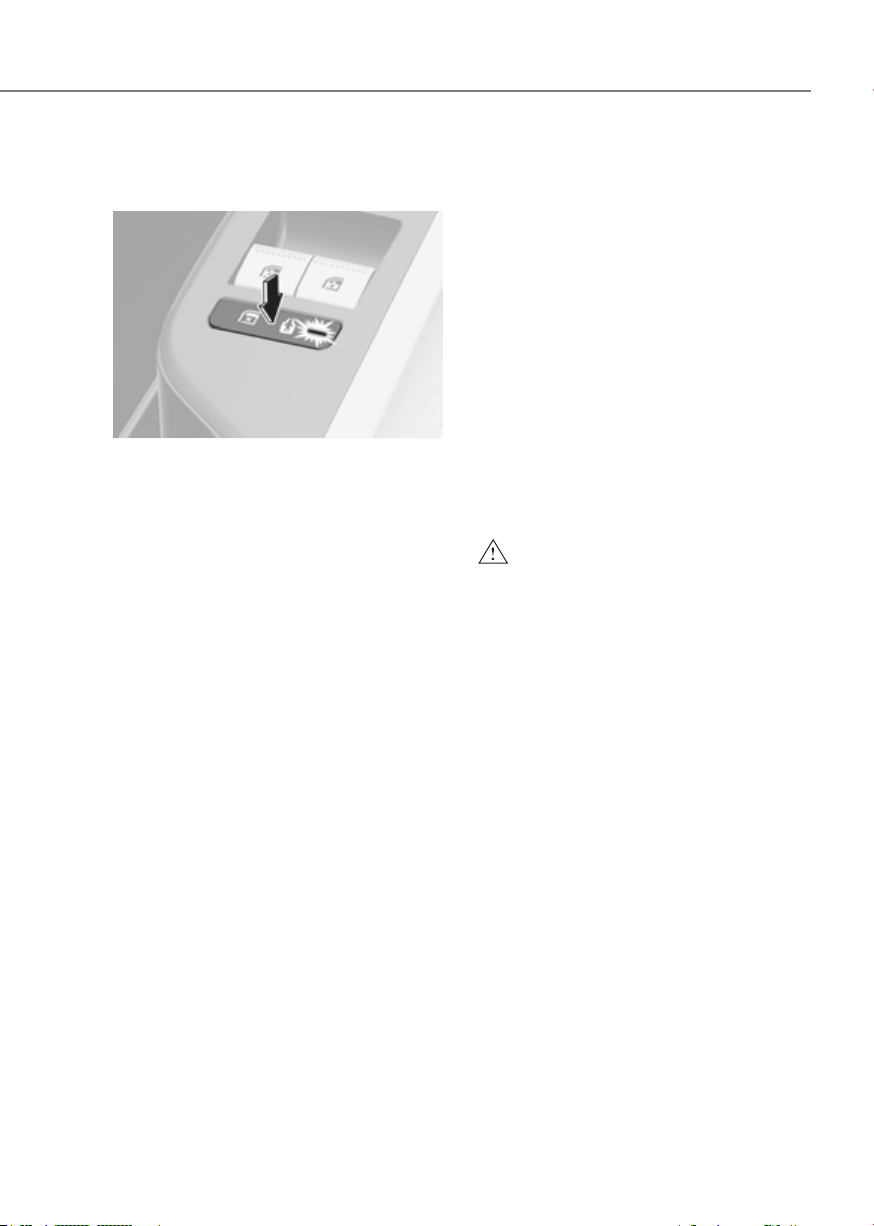
5-33
05
Electronic Child Safety Lock (if
equipped)
ORG3EV051017ORG3EV051017
When the electronic child safety lock
button is pressed and the indicator
light on the button illuminates, the rear
doors cannot be opened from inside the
vehicle.
• The rear door window cannot be
opened or closed while the electronic
child safety lock button is in the LOCK
position (indicator light ON).
For more details, refer to “Windows”
section in this chapter.
• Electronic child safety lock does not
automatically turn on unless the driver
presses the electronic child safety
lock button.
• If 3 minutes passes after the Start/
Stop button is pressed to the OFF
or ACC, the indicator on the button
turns off, and the driver cannot turn
off electronic child safety lock by
pressing the button. To turn off the
function, press the Start/Stop button
to the ON position, and then press the
electronic child safety lock button.
• If the power is supplied again after
removing the battery or battery is
discharged while the electronic child
safety lock button is in the LOCK
position, press the button once more
to match the state of the indicator on
the electronic child safety lock button
and actual status of the electronic
child safety lock function.
• If the airbag is activated while the
electronic child safety lock button
is in the LOCK position (indicator
light ON), the rear doors will unlock
automatically.
• Vehicles equipped with the electronic
child safety lock feature is not
provided with a manual child safety
lock.
WARNING
If children accidentally opens the rear
door while the vehicle is in motion, they
could fall out of the vehicle. Electronic
child safety lock should always be used
whenever children are in the vehicle.
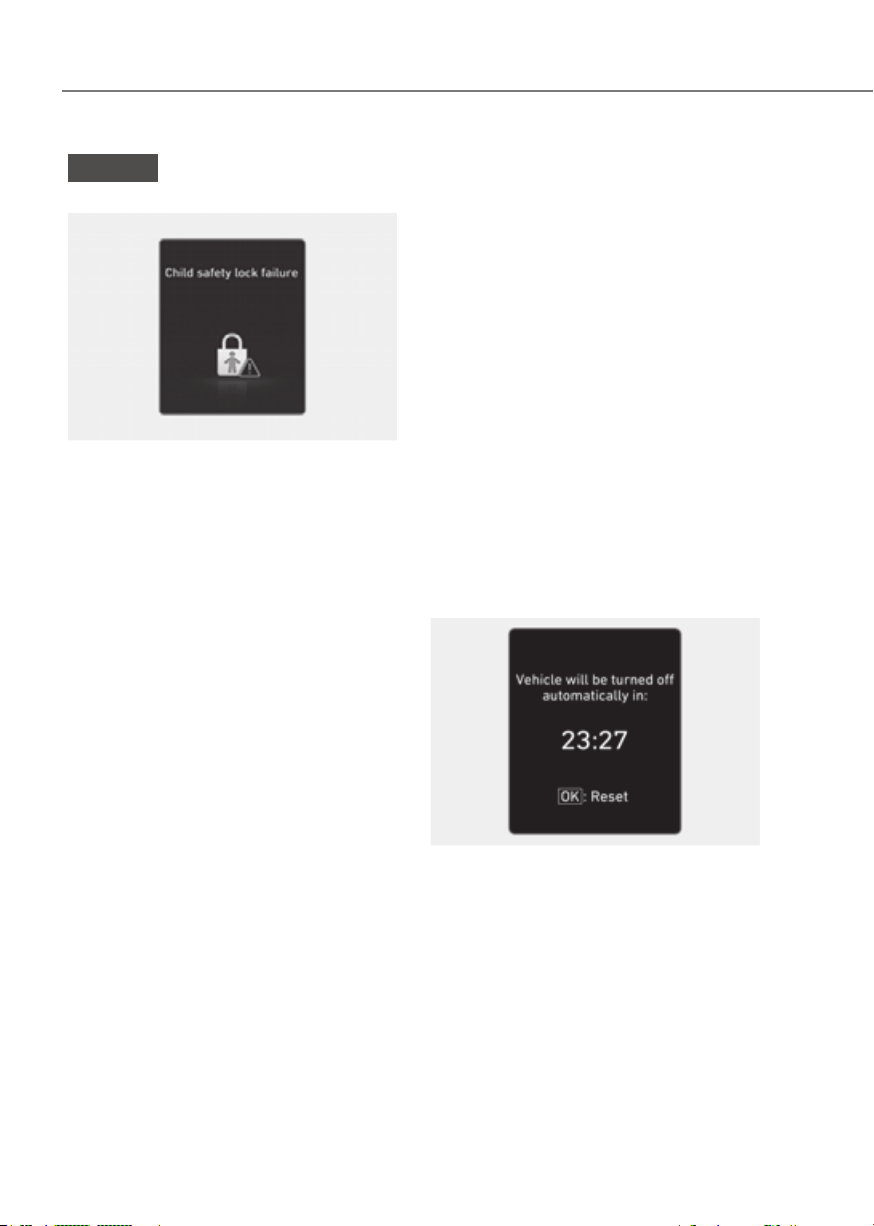
5-34
Convenience Features
NOTICE
Child safety lock failure
ONE1051205LONE1051205L
When electronic child safety lock does
not work even though the button is
pressed, the message will be displayed
and an alarm will sound. If this occurs,
have the vehicle inspected by an
authorized retailer of Genesis Branded
products.
Safe Exit Assist (if equipped with
electronic child safety lock)
Safe Exit Assist helps prevent the rear
occupant from opening the rear door.
When an approaching vehicle from the
rear area is detected after the vehicle
stops, the rear doors will not unlock even
when the driver tries to unlock the rear
doors using the electronic child safety
lock button.
For more details, refer to “Safe Exit
Assist (SEA)” section in chapter 7.
Vehicle Auto-Shut Off Function
If you forget to turn off the vehicle that
EV Drivable for a period of time, Vehicle
Shuts Off automatically to prevent waste
electric power.
Operating Conditions
Vehicle Auto-Shut Off timer activates
when the following conditions are met
• Not Auto-Shut Off timer reset
condition
- Vehicle is not EV ready state(Only
Ignition On) or the utility mode on
- Gear Shift Other than P
- Stepped on the brake pedal of the
accelerator pedal
- Fastened driver’s seat belt and
passenger’s seat belt
- Passenger`s seat is occupied
- The vehicle moves(vehicle speed is
above 2 mph (3 km/h))
- When Auto-Shut Off timer is left
10minutes, the user setting mode
pops up in the instrument cluster.
And you can check the time left. If
you push the ‘OK’ button, Auto-Shut
off timer is reset.
ODN8A059340ODN8A059340
• Head unit is not updating
• Outside of vehicle charging connector
engaged or outside V2L used
• If you want to deactivate auto-shut
off function during inside V2L, use the
Utility mode
System Operation
If the system is satisfied operating
conditions after 90 minutes, vehicle shut
off automatically.

5-35
05
This system helps to protect your vehicle
and valuables. The horn will sound and
the hazard warning lights will blink
continuously if any of the following
occur:
- A door is opened without using the
smart key.
- The trunk is opened without using the
smart key.
- The vehicle hood is opened.
The alarm continues for 30 seconds, then
the system resets. To turn off the alarm,
unlock the doors with the smart key.
The Theft Alarm System automatically
sets 30 seconds after you lock the doors
and the trunk. For the system to activate,
you must lock the doors and the trunk
from outside the vehicle with the smart
key or by touching the touch sensor
or pressing the button on the outside
door handle with the smart key in your
possession.
The hazard warning lights will blink and
the chime will sound once to indicate the
system is armed.
Once the security system is set, opening
any door, the trunk, or the hood without
using the smart key will cause the alarm
to activate.
The Theft Alarm System will not set if the
hood, the trunk, or any door is not fully
closed. If the system will not set, check
the hood, the trunk, or the doors are fully
closed.
Do not attempt to alter this system or
add other devices to it.
Information
• Do not lock the doors until all
passengers have left the vehicle. If the
remaining passenger leaves the vehicle
when the system is armed, the alarm
will be activated.
• If the vehicle is not disarmed with the
smart key, open the doors by using the
mechanical key and start the vehicle by
directly pressing the Start/Stop button
with the smart key.
• If the system is disarmed by unlocking
the vehicle, but neither a door or the
trunk is opened within 30 seconds, the
doors will relock and the system will
rearm automatically.

5-36
Convenience Features
Rear Occupant Alert is provided to help
prevent the driver from leaving the
vehicle with the rear passenger left in the
vehicle.
System setting
To use Rear Occupant Alert, it must be
enabled from the Settings menu in the
infotainment system screen. Select:
-
See additional information in supplied
Infotainment Manual.
System operation
• First alert
When you open the front door after
opening and closing the rear door and
turning off the vehicle, the ‘Check rear
seats’ warning message appears on
the cluster.
• Second alert
After the first alert, the second alert
operates when any movement is
detected in the vehicle after the
driver’s door is closed and all the
doors are locked. The horn will sound
for approximately 25 seconds. If
the system continues to detect a
movement, the alert operates up to 8
times.
Unlock the doors with the smart key
to stop the alert.
• The system detects movement in the
vehicle for 8 hours after the door is
locked.
• The second alert is activated only after
the prior activation of the first alert.
System precautions
• Make sure that all the windows are
closed. If the window is open, the
alert may operate by the sensor
detecting an unintended movement
(for example, wind or bugs).
•
ClusterCluster Steering wheelSteering wheel
OJX1059019LOJX1059019L ORG3EV051018ORG3EV051018
If you do not want to use Rear
Occupant Alert, press the OK button
on the steering wheel when the first
alert is displayed on the cluster. Doing
so will deactivate the second alert one
time.
• An alert can occur if the there is an
impact on the roof.
• If boxes or objects are stacked in the
vehicle, the system may not detect
the boxes or objects. Or, the alert may
operate if the boxes or objects fall off.
• The sensor may not operate normally
if the senor is obscured by foreign
substances.
• The alert may operate if movement
in the driver or passenger seat is
detected.
• The alert may operate with the doors
locked due to car wash or surrounding
vibration or noise.
• If the vehicle is started remotely (if
equipped with Remote Start), inside
movement detection will stop.

5-37
05
WARNING
Even if your vehicle is equipped with
Rear Occupant Alert, always make sure
to check the rear seat before you leave
the vehicle.
Rear Occupant Alert may not operate
when:
• Movement does not continue for
a certain period of time or the
movement is small.
• The rear passenger is covered with
an object such as a blanket.
• Always be cautious of the
passenger’s safety as the detection
function and second alert may
not operate depending on the
surrounding environment and
certain conditions.
5-38
Convenience Features
INTEGRATED MEMORY SYSTEM
ORG3EV051019ORG3EV051019
Integrated Memory System for the
driver’s seat is provided to store and
recall the following memory settings with
a simple button operation.
• Driver’s seat position
• Steering wheel position (power
adjustment)
• Side view mirror position
• Head-Up Display (HUD) position and
brightness (if equipped)
WARNING
Never attempt to operate the
integrated memory system while the
vehicle is moving.
This could result in loss of control, and
an accident causing death, serious
injury, or property damage.
Information
• If the battery is disconnected, the
memory settings will be erased.
• If integrated memory system does not
operate normally, have the system
inspected by an authorized retailer of
Genesis Branded products.
Storing Memory Positions
1. Shift to P (Park) while the Start/Stop
button is in the ON position.
2. Adjust the driver’s seat position,
side view mirror position, steering
wheel position, instrument panel
illumination intensity and head-up
display height/brightness to the
desired position.
3. Press the SET button. The system
will beep once and notify you ‘Press
button to save settings’ on the Cluster
display.
4. Press one of the memory buttons (1
or 2) within 4 seconds. The system
will beep twice when the memory has
been successfully stored.
5. ‘Settings 1(or 2) saved’ will appear
on the Cluster display. The message
appears only for the driver’s seat
position memory setting.

5-39
05
Recalling Memory Positions
1. Shift to P (Park) while the Start/Stop
button is in the ON position.
2. Press the desired memory button (1
or 2). The system will beep once, and
then the driver’s seat position, side
view mirror position, steering wheel
position, instrument panel illumination
intensity and head-up display height/
brightness will automatically adjust to
the stored positions.
3. ‘Settings 1(or 2) applied’ will appear on
the Cluster display.
Information
• If you press the SET button or the
corresponding button which the
setting is being recalled, the setting will
temporarily deactivate. If you press the
other buttons, the setting of the pressed
button will activate.
For example, if you press the SET
button or number 1 button with the
number 1 setting in operation, the
setting will temporarily deactivate. If
you press the number 2 button, the
number 2 setting will activate.
• If you adjust the seat, side view mirror,
steering wheel, instrument panel
illumination or head-up display while
recalling the stored positions, the pre-
set settings will become ineffective.
Resetting the System
Take the following procedures to reset
integrated memory system, when it does
not operate properly.
Resetting integrated memory
system
1. Stop the vehicle and open the driver’s
door with the Start/Stop button in the
ON position and the vehicle shifted to
P (Park).
2. Adjust the driver’s seat and seatback
to the foremost position.
3. Press the SET button and push
forward the driver’s seat switch
simultaneously (about two seconds).
4. Release the SET button and the
driver’s seat switch when a beep
sounds.
While resetting integrated memory
system
1. Resetting starts with a notification
sound.
2. The driver’s seat and seatback is
adjusted to the rearward position with
the notification sound.
3. The driver’s seat and seatback is
re-adjusted to the default position
(central position) with the notification
sound.
However, in the following cases, the
resetting procedure and the notification
sound may stop.
• The memory button is pressed.
• The seat control switch is operated.
• The driving speed exceeds
2 mph (3 km/h).
• The driver’s door is closed.

5-40
Convenience Features
NOTICE
• While integrated memory system
is being reset, if the resetting
and notification sound stops
incompletely, restart the resetting
procedure again.
• Make sure that there is no objects
around the driver’s seat in advance
of resetting the integrated memory
system.
Seat Easy Access
Seat easy access will move the driver’s
seat and steering wheel automatically as
follows:
• Exiting the vehicle:
The driver’s seat, steering wheel and
seat bolster will move as follows when
the Start/Stop button is in the OFF
position with the gear in P (Park) and
the driver’s door open.
- Driver seat: Moves rearward
depending on the distance selected
from the Settings menu in the
infotainment system.
- Steering wheel: Moves upward
- Seat bolster (if equipped): Adjusted
to the default position.
However, the driver’s seat may not
move rearward if there is not enough
space between the driver’s seat and
the rear seats.
Also, on a regular basis, the steering
wheel will also move forward to adjust
its location by itself.
• Entering the vehicle:
The driver’s seat, steering wheel and
seat bolster will move as follows when
the Start/Stop button is pressed to the
ACC, ON or START position or while
carrying the smart key, the driver’s
door is closed with the Start/Stop
button in the OFF position.
- Driver seat: Moves back to its
original position.
- Steering wheel: Moves back to its
original position.
- Seat bolster (if equipped): Adjusted
to the default position.
• You can set the Seat Easy Access
function from the Settings menu
in the infotainment system screen.
Select:
- Driver seat
- Steering wheel
wheel easy access
See additional information in supplied
Infotainment Manual.

5-41
05
The Smart Posture Care system
automatically provides a healthy
posture (position) for the driver’s back,
and sets the steering wheel, outer
side view mirrors, head-up display
positions according to the driver’s body
measurements.
Information
If the Seat Posture Care System does
not operate normally, have the system
checked by an authorized retailer of
Genesis Branded products.
ORG3EV051268NORG3EV051268N
1. Check that the gear is in P (Park) while
the Start/Stop button is in the ON
position.
2. Press the SMART button on the
Settings menu in the infotainment
system screen.
3. Enter information (Height, Pants
Inseam Length, Weight) in the
infotainment system screen.
4. After entering the driver’s information,
driver’s seat, steering wheel, side view
mirror and head-up display will be
adjusted.
5. Save the adjusted seat position in
‘Settings 1’ or ‘Settings 2’.
See additional information in supplied
Infotainment Manual.

5-42
Convenience Features
STEERING WHEEL
Motor Driven Power Steering
(MDPS)
The system assists you with steering the
vehicle. If the vehicle is turned off or
if the power steering system becomes
inoperative, you may still steer the
vehicle, but it will require increased
steering effort.
Should you notice any change in the
effort required to steer during normal
vehicle operation, have the system
checked by an authorized retailer of
Genesis Branded products.
CAUTION
If Motor Driven Power Steering does not
operate normally, the
warning light
and the message ‘Check Motor Driven
Power Steering’ will illuminate on the
instrument cluster. You may steer the
vehicle, but it will require increased
steering efforts. Take the vehicle to an
authorized retailer of Genesis Branded
products and have the system checked
as soon as possible.
Information
The following symptoms may occur during
normal vehicle operation:
• The steering effort may be high
immediately after pressing the Start/
Stop button to the ON position.
This happens as the system performs
the MDPS system diagnostics. When
the diagnostics are completed, the
steering wheel effort will return to its
normal condition.
• When the battery voltage is low, you
might have to put more steering effort.
However, it is a temporary condition so
that it will return to normal condition
after charging the battery.
• A click noise may be heard from the
MDPS relay after the Start/Stop button
is in the ON or OFF position.
• Motor noise may be heard when the
vehicle is at a stop or at a low driving
speed.
• When you operate the steering wheel
in low temperatures, abnormal noise
may occur. If the temperature rises, the
noise will disappear. This is a normal
condition.
• When an error is detected from MDPS,
the steering effort assist function will
not be activated in order to prevent
fatal accidents. Instrument cluster
warning lights may be on or the
steering effort may be high. If these
symptoms occur, drive the vehicle to
a safe area as soon as it is safe to do
so. Have the system checked by an
authorized retailer of Genesis Branded
products as soon as possible.
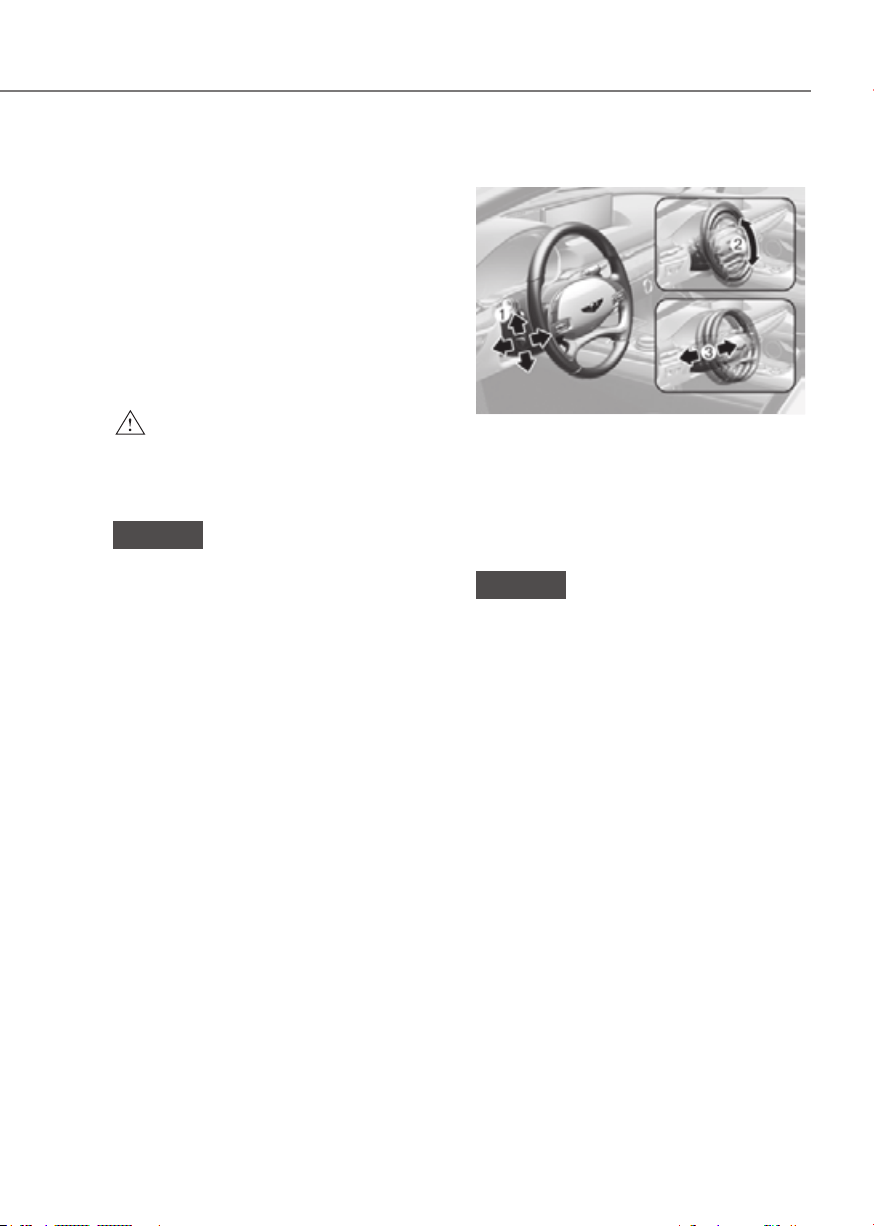
5-43
05
Tilt/Telescopic Steering
When adjusting the steering wheel to a
comfortable position, adjust the steering
wheel so that it points toward your chest,
not toward your face. Make sure you can
see the instrument cluster warning lights
and gauges. After adjusting, push the
steering wheel both up and down to be
certain it is locked in position.
Always adjust the position of the steering
wheel before driving.
WARNING
NEVER adjust the steering wheel while
driving. This may cause loss of vehicle
control resulting in an accident.
NOTICE
While adjusting the steering wheel
height, please do not push or pull it
hard since the fixture can be damaged.
Power adjustment
ORG3EV051020NORG3EV051020N
To change the steering wheel angle and
height:
• Push the switch (1) up and down to
adjust the angle (2).
• Push the switch forward or rearward
to adjust the height (3).
NOTICE
Do not adjust the steering wheel
longer than necessary when the
vehicle is turned off. This may result in
unnecessary battery drain.

5-44
Convenience Features
Resetting steering wheel power adjustment
If adjustment is no longer possible within
the operable range while adjusting the
steering wheel position (angle or height),
reset as follows.
1. From the position the steering wheel
has stopped, push the control switch
(1) for 10 seconds in the direction you
were adjusting the steering wheel.
The steering wheel will move in the
direction the control switch is pushed.
2. Continue pushing the switch (1) for
at least 2 seconds after the steering
wheel has stopped. Resetting will be
complete after the operational range
is recognized.
If the adjustment is still not possible
after resetting the steering wheel
power adjustment, have the system
inspected by authorized retailer of
Genesis Branded products.
Horn
ORG3EV051022LORG3EV051022L
To sound the horn, press the area
indicated by the horn symbol on your
steering wheel (see illustration). The
horn will operate only when this area is
pressed.
NOTICE
Do not strike the horn severely to
operate it, or hit it with your fist. Do not
press on the horn with a sharp-pointed
object.
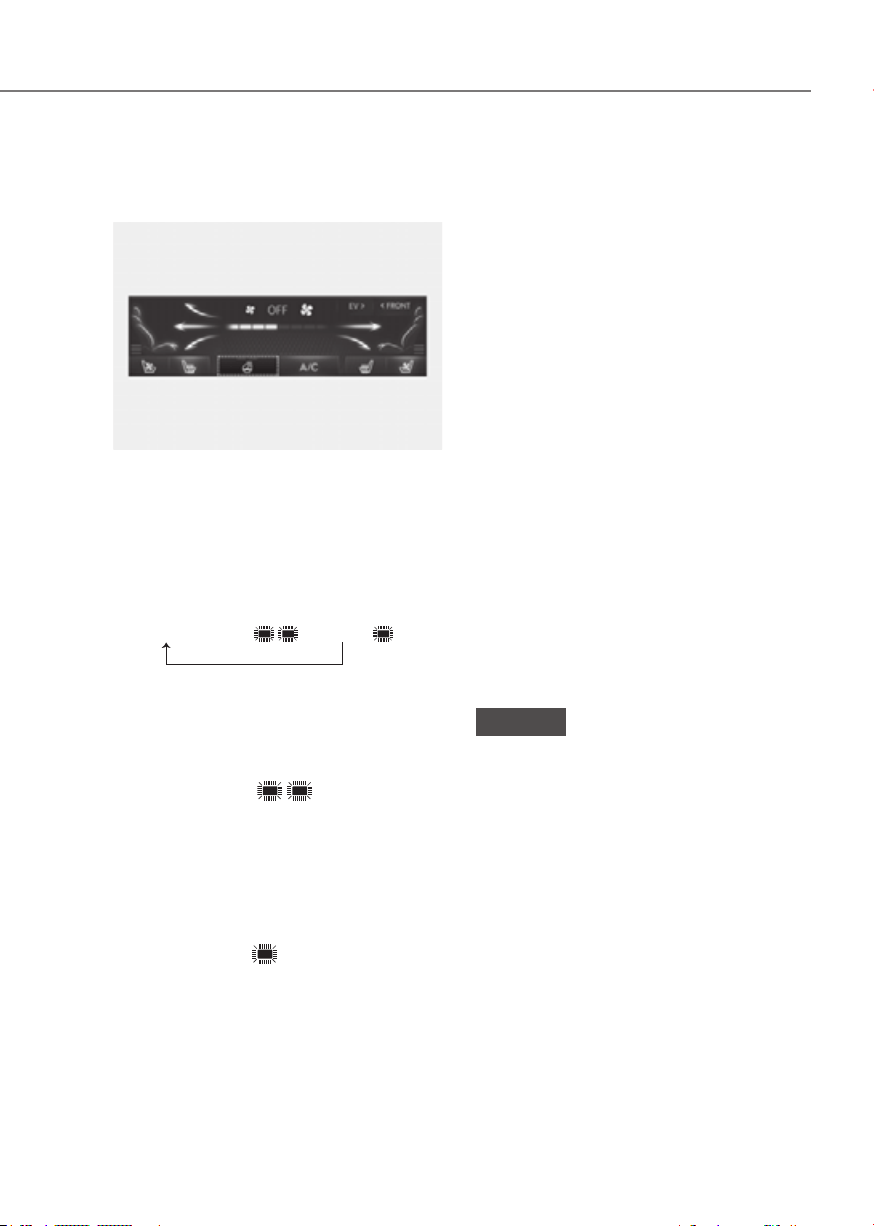
5-45
05
Heated Steering Wheel
(if equipped)
ORG3EV051232LORG3EV051232L
While the vehicle is running, touch the
heated steering wheel icon to warm the
steering wheel.
• Manual temperature control
Each time you touch the icon, the
temperature setting of the steering
wheel changes as follows:
OFF → HIGH ( ) → LOW ( )
• Automatic temperature control
The heated steering wheel starts to
automatically control the steering
wheel temperature after being
manually turned ON.
- When HIGH (
) is manually
selected:
The heated steering wheel
automatically changes to the LOW
position after 30 minutes. You can
turn off the heated steering wheel
by touching the icon to the OFF
position.
- When LOW (
) is manually
selected:
The heated steering wheel will not
be controlled manually.
If you touch the heated steering wheel
icon, the heated steering wheel will
have to be controlled manually.
• Auto. Controls That Use Climate
Control Settings (for driver’s seat)
The heated steering wheel
automatically controls the steering
wheel temperature depending on
the ambient temperature when the
vehicle is running.
To use this function, it must be
enabled from the Settings menu in the
infotainment system screen.
Select:
-
Controls That Use Climate Control
See additional information in
supplied Infotainment Manual.
• The heated steering wheel defaults
to the OFF position whenever the
Start/Stop button is pressed to
the ON position. However, if the
Auto. Controls That Use Climate
Control Settings function is ON, the
heated steering wheel will turn on
and off depending on the outside
temperature.
NOTICE
Do not install any cover or accessory
on the steering wheel. The cover or
accessory could cause damage to the
heated steering wheel system.
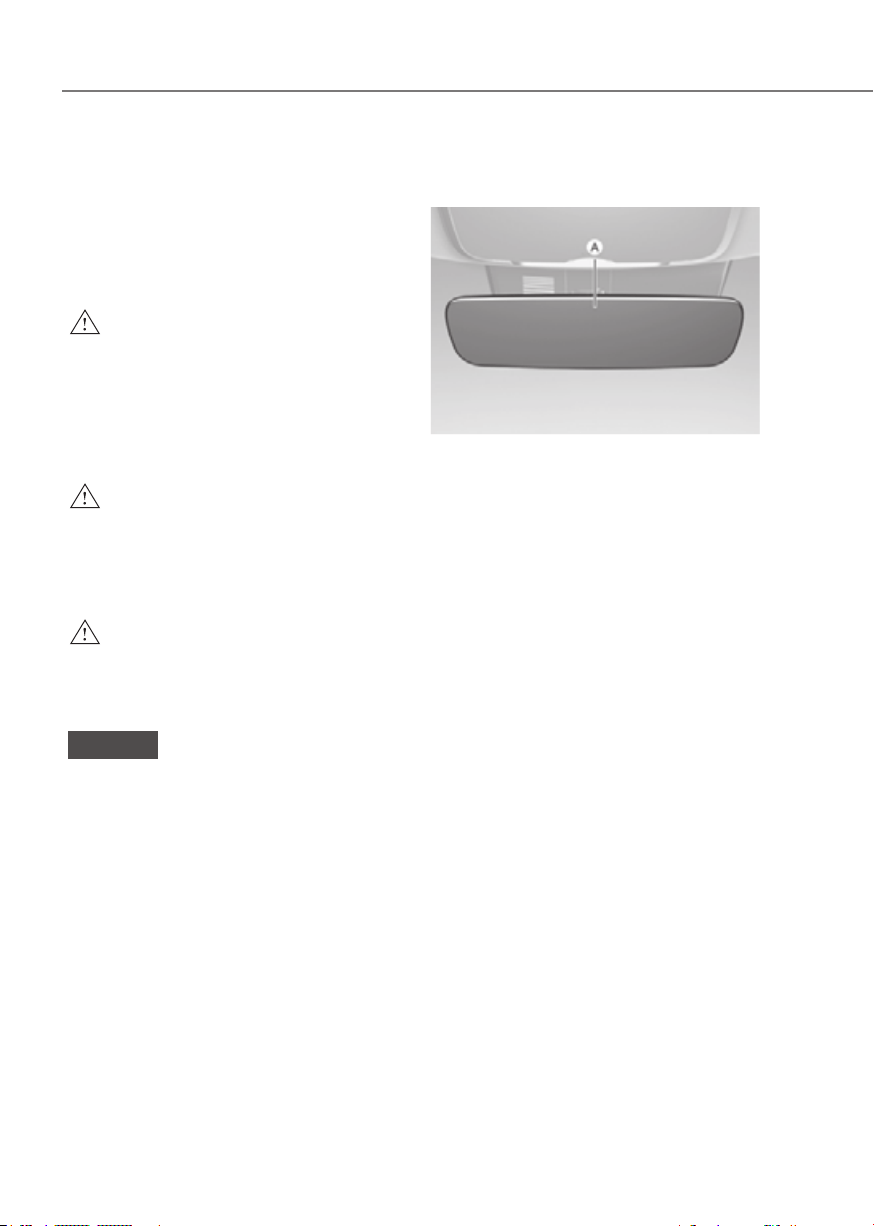
5-46
Convenience Features
MIRRORS
Inside Rearview Mirror
Before driving your vehicle, check to
see that your inside rearview mirror is
properly positioned. Adjust the rearview
mirror so that the view through the rear
window is properly centered.
WARNING
Make sure your line of sight is not
obstructed. Do not place objects in the
rear seat, cargo area, or behind the rear
head restraints which could interfere
with your vision through the rear
window.
WARNING
To prevent serious injury during an
accident or deployment of the air bag,
do not modify the rearview mirror and
do not install a wide mirror.
WARNING
NEVER adjust the mirror while driving.
This may cause loss of vehicle control
resulting in an accident.
NOTICE
When cleaning the mirror, use a paper
towel or similar material dampened
with glass cleaner. Do not spray glass
cleaner directly on the mirror as this
may cause the liquid cleaner to enter
the mirror housing.
Electric Chromic Mirror (ECM)
(if equipped)
ORG3EV051023ORG3EV051023
[A] : Indicator
Some vehicles come equipped with an
electrochromic mirror that helps control
glare while driving at night or under low
light driving conditions.
When the vehicle is running, the glare is
automatically controlled by the sensor
mounted in the rearview mirror. The
sensor detects the light level around the
vehicle, and automatically adjusts to
control the headlight glare from vehicles
behind you.
Whenever the the gear is shifted to R
(Reverse), the mirror will automatically
go to the brightest setting in order to
improve the driver’s view behind the
vehicle.
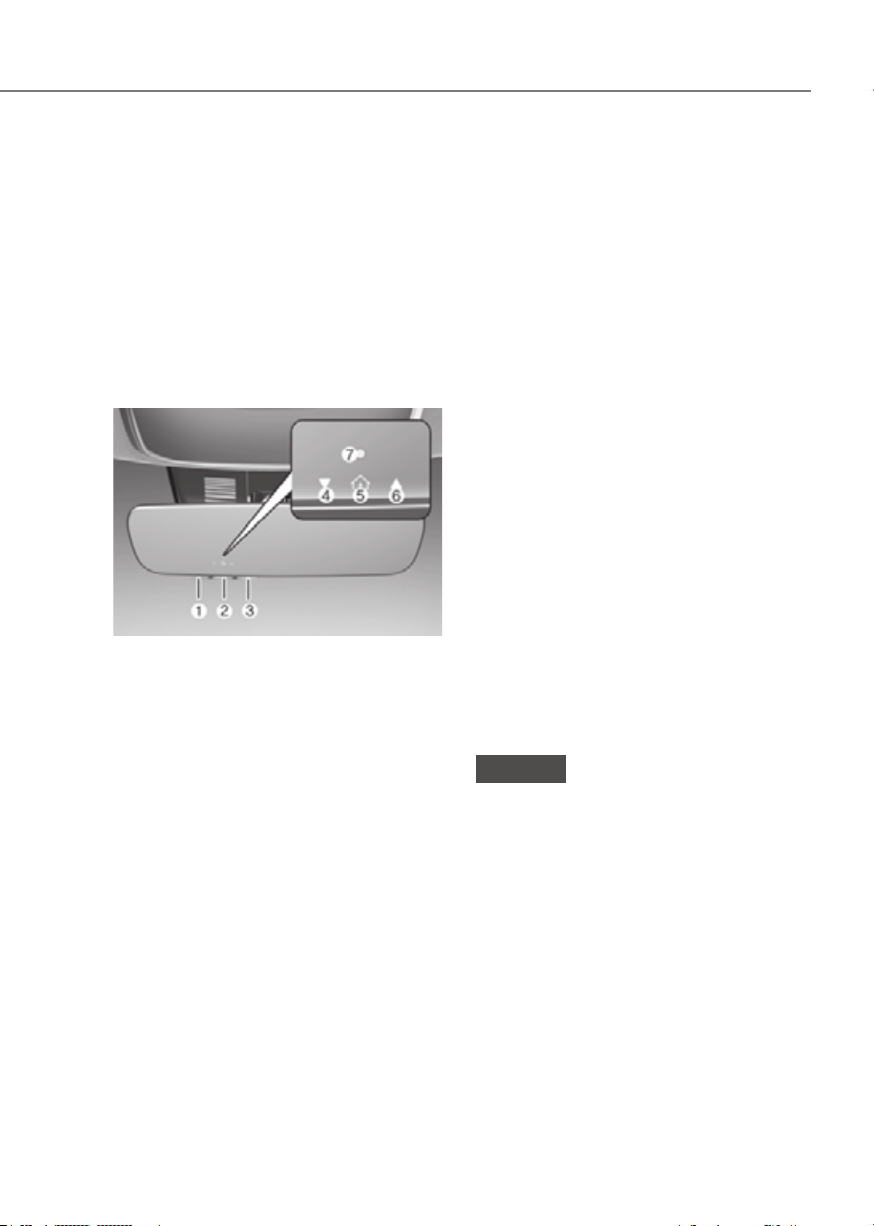
5-47
05
Electrochromic mirror (ECM) with
HomeLink® system (if equipped)
Your vehicle may be equipped with
a Gentex Automatic-Dimming Mirror
with an Integrated HomeLink® Wireless
Control System.
During nighttime driving, this feature
will automatically detect and reduce
rearview mirror glare. The HomeLink®
Universal Transceiver allows you to
activate your garage door(s), electric
gate, home lighting, etc.
ORG3050208NORG3050208N
(1) HomeLink Channel 1
(2) HomeLink Channel 2
(3) HomeLink Channel 3
(4) Garage Door Opener Status Indicator :
Closing or Closed
(5) HomeLink Operation Indicator
(6) Garage Door Opener Status Indicator :
Opening or Opened
(7) HomeLink User Interface Indicator
Automatic-Dimming Night Vision Safety™
(NVS
®
) Mirror (if equipped)
The NVS® Mirror automatically reduces
glare by monitoring light levels in the
front and the rear of the vehicle. Any
object that obstructs either light sensor
will degrade the automatic dimming
control feature.
For more information regarding NVS®
mirrors and other applications, please
refer to the Gentex website:
www.gentex.com
Your mirror will automatically dim
upon detecting glare from the vehicles
traveling behind you.
The mirror defaults to the ON position
each time the vehicle is started.
Integrated HomeLink
®
Wireless Control
System
The HomeLink® Wireless Control System
provides a convenient way to replace
up to three hand held radio-frequency
transmitters used to activate compatible
devices such as gate operators, garage
door openers, entry door locks, security
systems, and home lighting.
NOTICE
HomeLink® operates while the ignition
switch is in the ON position for safety
reasons. It is to prevent unintentional
security problems from happening
when the vehicle is parked outside the
garage.
5-48
Convenience Features
WARNING
Before programming HomeLink® to a
garage door opener or gate operator,
make sure people and objects are out
of the way of the device to prevent
potential harm or damage. Do not
use the HomeLink® with any garage
door opener that lacks the safety
stop and reverse features required
by U.S. federal safety standards (this
includes any garage door opener model
manufactured before April 1, 1982).
A garage door that cannot detect an
object - signaling the door to stop and
reverse - does not meet current U.S.
federal safety standards. Using a garage
door opener without these features
increases the risk of serious injury or
death.
For more information, contact
HomeLink® at www.homelink.com, or
call Home-Link customer support at
1-800-355-3515.
It is also recommended that a new
battery be replaced in the handheld
transmitter of the device being trained
to HomeLink® for quicker training and
accurate transmission of the radio
frequency.
1. Programming HomeLink
®
The following steps show how to
program HomeLink. If you have any
questions or are having difficulty
programming your HomeLink buttons,
refer to the HomeLink website or call the
HomeLink customer support toll-free
number. Do this, before going back to
the dealer who sold you the car.
• Visit the HomeLink website at: www.
homelink.com. Then at the top of the
page, choose your vehicle make. Then
watch the You Tube video, and/or
access additional website information.
• If you choose to access the website
via your cell phone, scan the QR code.
• Or, call HomeLink customer support
at 1-800-355-3515 (Please have the
vehicle make/model AND the opener
device make/model readily available.)
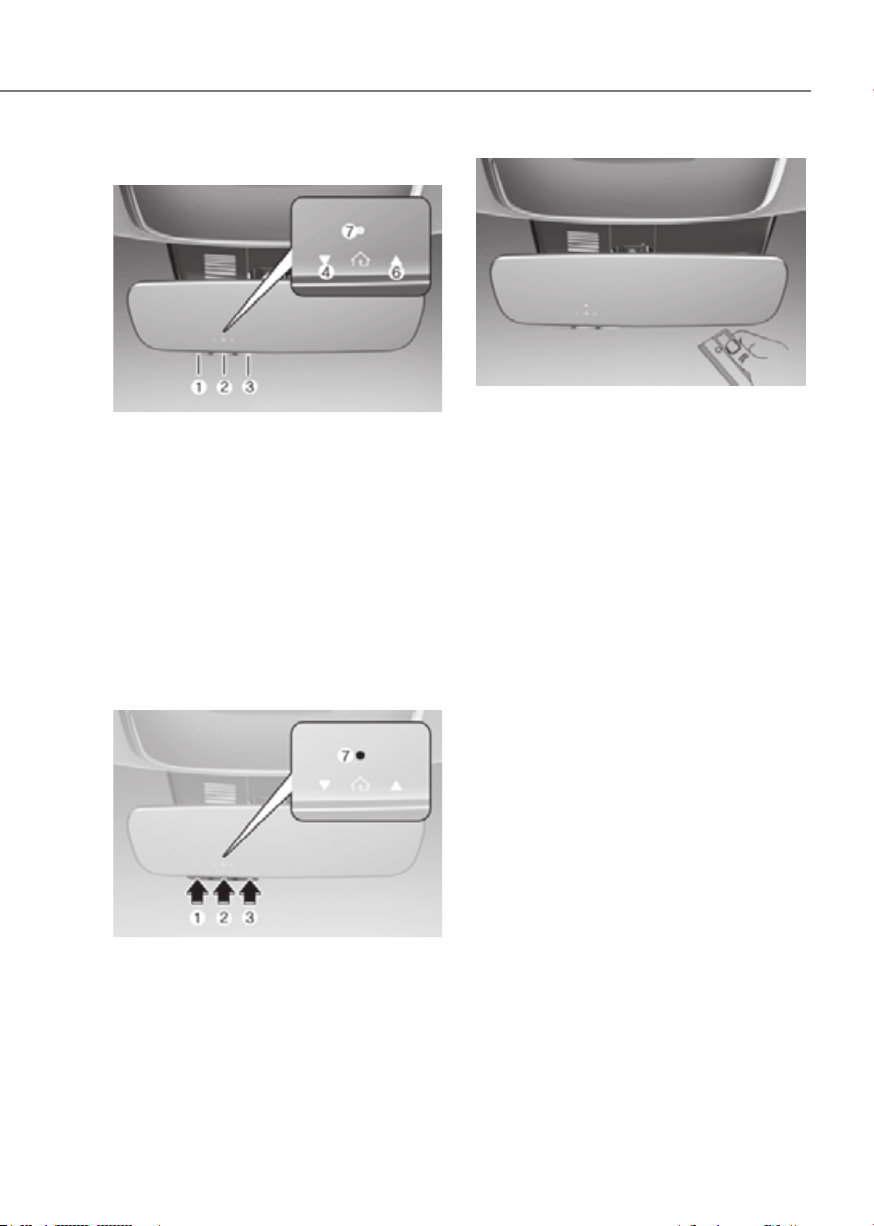
5-49
05
1) Programming Preparation
OJX1050293NOJX1050293N
1. When programming a garage door
opener, it is advised to park the
vehicle outside of the garage.
2. It is recommended that a new battery
be placed in the handheld transmitter
of the device being programmed to
HomeLink for quicker training and
accurate transmission of the radio-
frequency signal.
3. Place the ignition switch to the
ON position for programming of
HomeLink.
2) Programming a New HomeLink®
OJWEV051282NOJWEV051282N
1. Press and release the HomeLink
button (1), (2) or (3), you would like
to program. The HomeLink indicator
light (7) will flash orange slowly (if
not, perform the steps of “Erasing
over).
OJX1050295NOJX1050295N
2. Position the garage door opener
remote 1 – 3 inches (2 – 8cm) away
from the HoleLink buttons.
3. While the HomeLink indicator light (7)
is flashing orange, press and hold the
hand-held remote button. Continue
pressing the handheld remote button
until the HomeLink indicator light (7)
light changes from orange to green.
You may now release the handheld
remote button.
4. Wait until your garage door comes
to a complete stop, regardless of
position, before proceeding to the
next steps.
5. Press and release the HomeLink
button you are programming and
observe the indicator light.
• If the indicator light remains solid
green, your device should operate
when the HomeLink button is
pressed. At this point, if your device
operates, programming is complete.
• If the indicator light rapidly
flashes green, firmly press, hold
for two seconds and release the
HomeLink button up to three times
in a row slowly to complete the
programming process. Do not press
the HomeLink button rapidly. At
this point if your device operates,
programming is complete. If the
device does not operate, continue
with step 6.
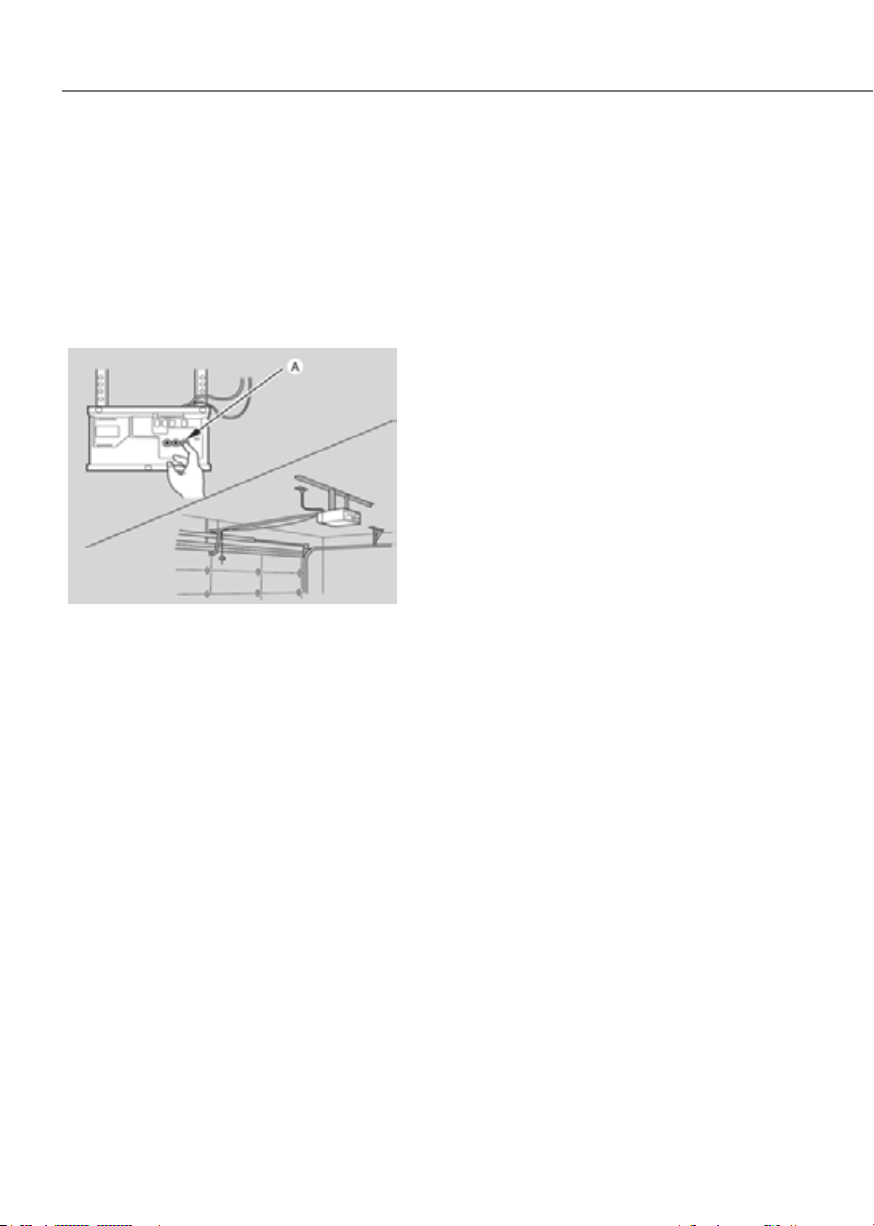
5-50
Convenience Features
6. At the garage door opener motor,
(security gate motor, etc.) locate the
button. This can usually be found
where the hanging antenna wire is
attached to the motor-head unit (see
the device’s manual to identify this
button). The name and color of the
button may vary by manufacturer.
ODL3A040504ODL3A040504
à A ladder and/or second person may
simplify the following steps.
7.
You now have up to 30 seconds in
which to complete the next step.
8. Return to the vehicle and firmly press,
hold for two seconds and release,
the HomeLink button up to three
times in a row slowly. Do not press
the HomeLink button rapidly. As soon
as you see the garage door start to
move, stop pressing any buttons
until a few seconds after the garage
door has come to a complete stop,
regardless of position. At this point,
programming is complete and your
device should operate when the
HomeLink button is pressed and
released.
3) Two-Way Communication
Programming (For select garage
door openers)
If your garage door opener has the
‘myQ’ logo on its side, your opener
likely has Two-Way Communication
capability. HomeLink has the capability
to establish Two-Way Communication
with your garage door opener. HomeLink
compatible garage door openers. At
any time, Home-Link can also recall
and display the last recorded status
communicated by the garage door
opener to indicate your garage door
To check if your garage door opener is
compatible with this feature, refer to
www.homelink.com/compatible/Two-
way-Communication. If your garage
door opener has this functionality, AND
the Two-Way Communication indicators
(4), (6) in the mirror appear while the
garage door is opening/closing, then
no further steps are needed. Two-Way
Communication Programming is already
complete. However, if your garage door
opener has this functionality, AND the
Two-Way Communication indicators (4),
(6) in the mirror DO NOT appear while
the garage door is opening/closing, use
the following instructions to enable this
functionality.
1. In your vehicle, press and hold the
programmed HomeLink button for 2
seconds, then release. Confirm that
the garage door is moving. AFTER it
stops, you will have one minute to
complete the following steps:
à A ladder and/or second person may
simplify the following steps.

5-51
05
2. On your garage door opener in your
(usually near where the hanging
antenna wire is attached to the garage
door opener). If there is difficulty
locating this button, reference the
device’s owner’s manual.
3.
4. A light on your garage door opener
may flash, and your Two-Way
Communication indicators (4), (6) in
your vehicle may flash, confirming
completion of the process.
5. Return to the vehicle and firmly
press and release the programmed
HomeLink button to activate
your garage door. The Two-Way
Communication indicators (4), (6)
flash in orange when the door is
moving. Do not make any additional
button presses until AFTER the garage
door has come to a complete stop.
6. Your Two-Way Communication
programming is now complete.
Information
If your garage door opener has Two-
Way Communication functionality,
it is possible for HomeLink to stop
functioning the garage door shortly
after initial programming, IF the Two-
Way Communication Programming
wasn’t properly completed. This
usually happens after the first 10 times
a programmed HomeLink button is
pressed. If you experience this, completing
the “Programming a New HomeLink
Button” and “Two-Way Communication
Programming” will restore door
operation.
4) Canadian Programming
Canadian radio-frequency laws require
transmitter remote signals to “time-
transmission, which may not be long
enough for HomeLink to pick up the
signal during programming.
If you live in Canada or you are having
difficulties programming a gate operator
or garage door opener by using the
programming procedures, replace
step 3 with the following:
While the HomeLink indicator light (7)
is flashing orange, press and release
every two seconds until the HomeLink
indicator light (7) changes from orange
to green. You may now release the hand-
held remote button. Then proceed with
step 4.
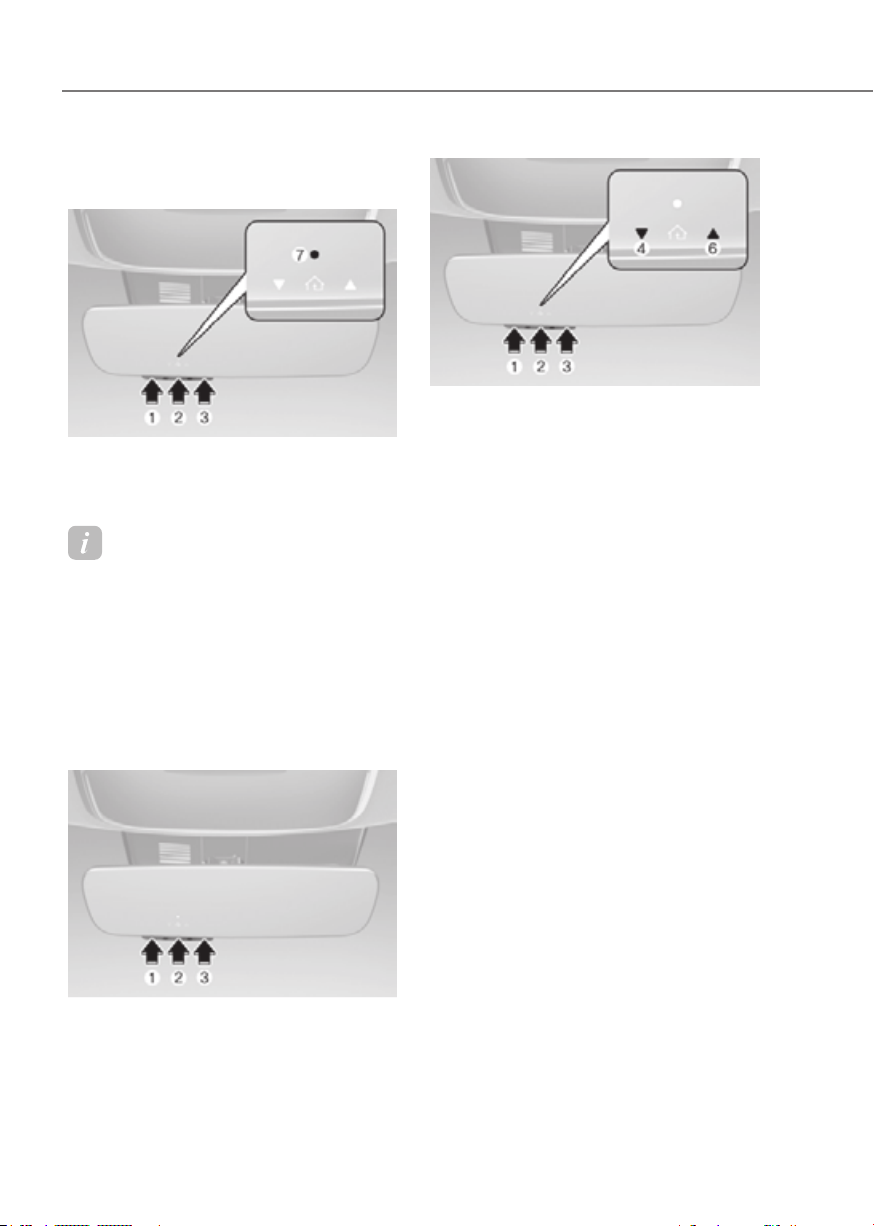
5-52
Convenience Features
2. Operating HomeLink
®
1) Operating HomeLink®
OJWEV051282NOJWEV051282N
1. Press and release the desired
programmed HomeLink button (1, 2
or 3).
Information
The HomeLink indicator (7) should
light green, solid or flashing, and your
programmed device should operate.
If your device does not operate, the
HomeLink programming was not
successful, and you’ll need to reprogram
the button.
2) Two-Way Communication Display
Behavior
OJWEV051283NOJWEV051283N
1. Press and release one of the
programmed HomeLink buttons (1, 2
or 3).
OJWEV051284NOJWEV051284N
2. The indicator (4) and (6) operates as
below, if your garage door opener
has Two-Way Communication
functionality.
• If the indicator (4) flashes in Orange,
it indicates that the garage door is
• The indicator (4) turns solid green
once the garage door has closed.
• If the indicator (6) flashes in Orange,
it indicates that the garage door is
• The indicator (6) turns solid green
once the garage door has fully
opened.
• If the indicator (4) or (6) does not
turn to green, it indicates that the
last status of garage door was not
received properly. The HomeLink
mirror tries to receive the last known
status of the garage door for a few
seconds.
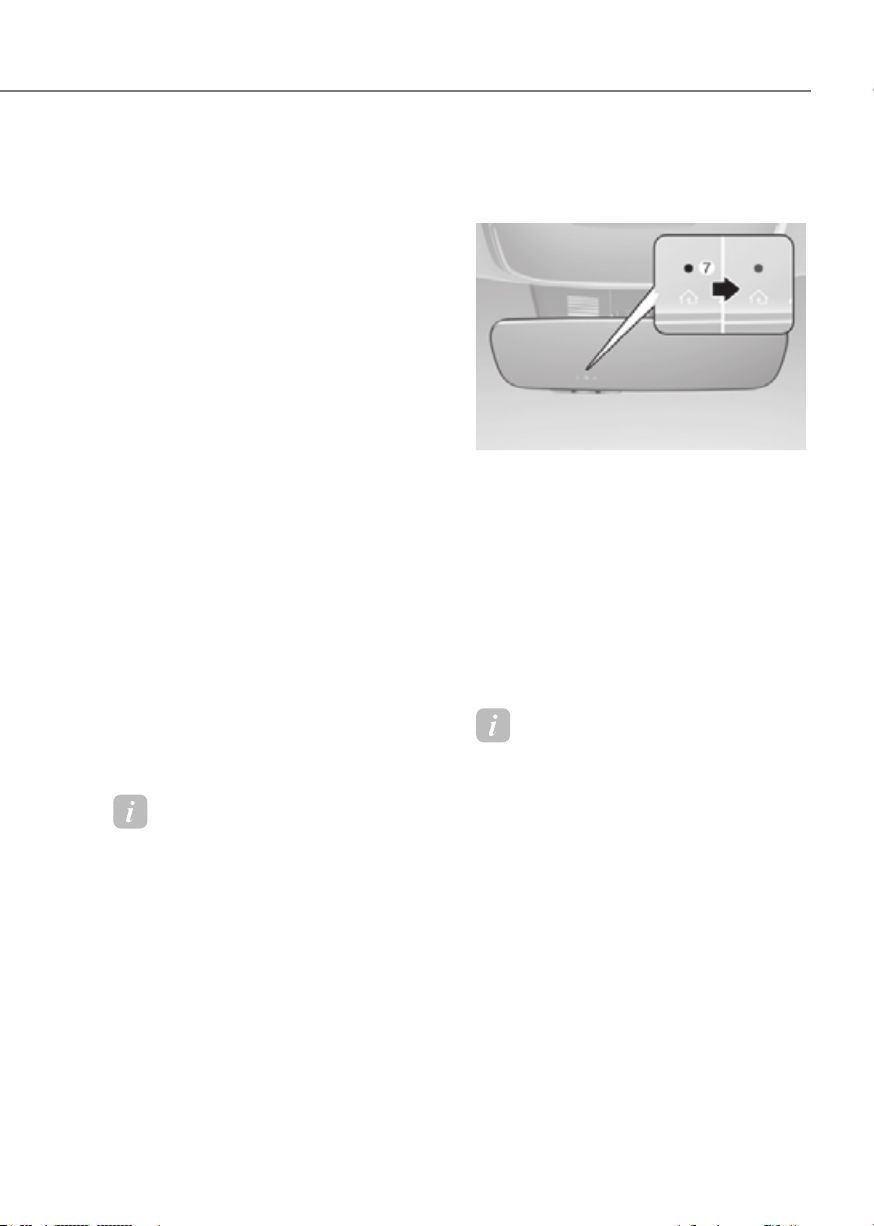
5-53
05
3) Recalling Garage Door Status
HomeLink mirror with Two-Way
Communication provides a way to view
the last stored message from the garage
door opener. In order to recall the last
known status of the last activated device,
simultaneously.
• If the indicator (4) appears solid
Green, it indicates that the last
properly.
• If the indicator (6) appears solid
Green, it indicates that the last
3. Erasing HomeLink
®
Buttons
1) Erasing and Reprogramming a
Single HomeLink® Button:
1. Press and hold the desired HomeLink
button you want to re-program. DO
NOT release the button.
2. The HomeLink indicator light (7) will
illuminate solid green. Release the
button as soon as the HomeLink
indicator light (7) begins to flash
orange, usually about 20 seconds.
3. Proceed with the steps in the
“Programming a New HomeLink
Information
If you do not complete the re-
programming of a new device to the
button, it will revert to the previously
stored programming.
2) The following instructions will erase
ALL HomeLink® programming from
ALL buttons:
OJWEV051285NOJWEV051285N
1. Press and hold the buttons (1) and (3)
simultaneously
2. The HomeLink indicator light (7) will
illuminate solid Orange for about 10
seconds
3. Release the buttons once the
HomeLink indicator light (7) changes
to Green and flashes rapidly
4. Now all three HomeLink buttons
(1), (2) and (3) are cleared of any
programming
Information
HomeLink
®
and the HomeLink
®
House
logo are registered trademarks of Gentex
Corporation.
The myQ logo is a registered trademark of
The Chamberlain Group, Inc.

5-54
Convenience Features
FCC (USA) and ISED (Canada)
This device complies with FCC rules
part 15 and Innovation, Science, and
Economic Development Canada RSS-
210. Operation is subject to the following
two conditions: (1) This device may not
cause harmful interference, and (2) This
device must accept any interference that
may be received including interference
that may cause undesired operation.
WARNING: The transmitter has been
tested and complies with FCC and
ISED rules. Changes or modifications
not expressly approved by the party
responsible for compliance could void
the user’s authority to operate the
device.
This equipment complies with FCC
and ISED radiation exposure limits set
forth for an uncontrolled environment.
End Users must follow the specific
operating instructions for satisfying RF
exposure compliance. This transmitter
must be at least 20cm from the user and
must not be co-located or operating in
conjunction with any other antenna or
transmitter.
FCC (Htats-Unis) et ISED (Canada)
Cet appareil est conforme aux
règlements de la FCC, section 15, et
au CNR-210 d’Innovation, Sciences et
Dhveloppement économique Canada. Le
fonctionnement est assujetti aux deux
conditions suivantes : (1) cet appareil ne
doit pas causer d’interférences nuisibles
et (2) cet appareil doit accepter toute
interférence reçue, y compris celle qui
pourrait entraîner un dysfonctionnement.
MISE EN GARDE : L’émetteur a subi des
tests et est conforme aux règlements de
la FCC et d’ISDE. Les changements ou
modifications non approuvés explicitement
par la partie responsable de la conformité
pourraient rendre caduque l’autorisation de
l’utilisateur de se servir du dispositif.
Cet appareil est conforme aux limites
d’exposition aux radiations de la FCC et
d’ISDE établies pour un environnement
non contrôlé. Les utilisateurs finaux doivent
respecter les instructions d’utilisation
spécifiques pour satisfaire aux exigences
de conformité aux expositions de RF.
L’émetteur doit se trouver à 20 cm au
minimum de l’utilisateur et ne doit pas
être situé au même endroit que tout autre
émetteur ou antenne ni fonctionner avec
un autre émetteur ou antenne.
Méjico
La operación de este equipo está sujeta
a las siguientes dos condiciones: (1) es
posible que este equipo o dispositivo
pueda no causar interferencia dañina, y
(2) este dispositivo o dispositivos deben
aceptar cualquier interferencia, que
incluye la interferencia que puede causar
su operación no deseada.
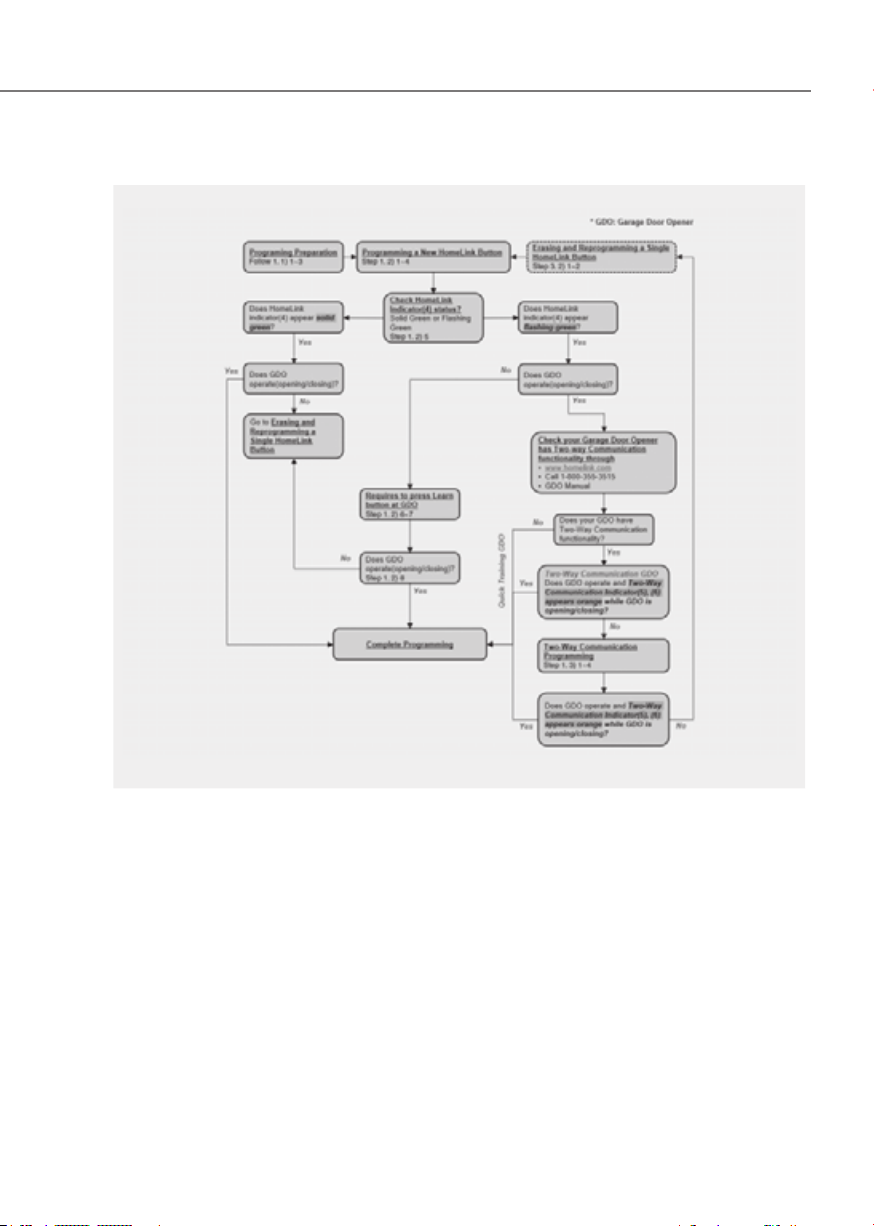
5-55
05
HomeLink 5 Programing Flow Chart
ODL3A040518ODL3A040518
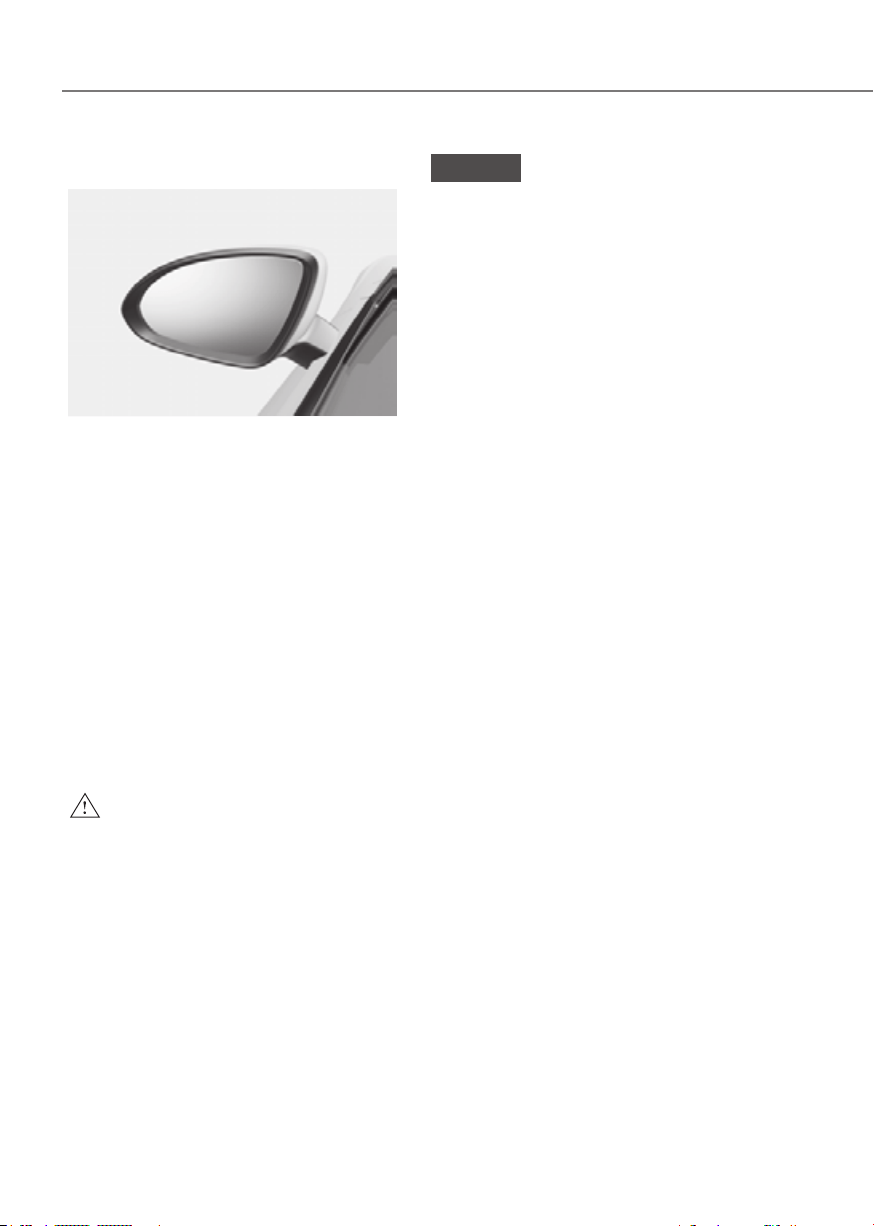
5-56
Convenience Features
Side View Mirrors
ORG3EV051024ORG3EV051024
Your vehicle is equipped with both left-
hand and right-hand side view mirrors.
The mirrors can be adjusted remotely
with the mirror adjustment control
switch. The side view mirrors can be
folded to help prevent damage when
going through an automatic car wash or
when passing through a narrow street.
The right side view mirror is convex.
Objects seen in the mirror are closer than
they appear.
Use the inside view mirror or look back
directly to determine the actual distance
of other vehicles prior to changing lanes.
Make sure to adjust the side view mirrors
to your desired position before you begin
driving.
WARNING
Do not adjust or fold the side view
mirrors while driving. This may cause
loss of vehicle control resulting in an
accident.
NOTICE
• Do not scrape ice off the mirror face;
this may damage the surface of the
glass.
• If the mirror is jammed with ice, do
not adjust the mirror by force. Use
an approved de-icer (not radiator
antifreeze) spray, or a sponge or soft
cloth with very warm water, or move
the vehicle to a warm place and
allow the ice to melt.
• Do not clean the mirror with harsh
abrasives, fuel or other petroleum
based cleaning products.
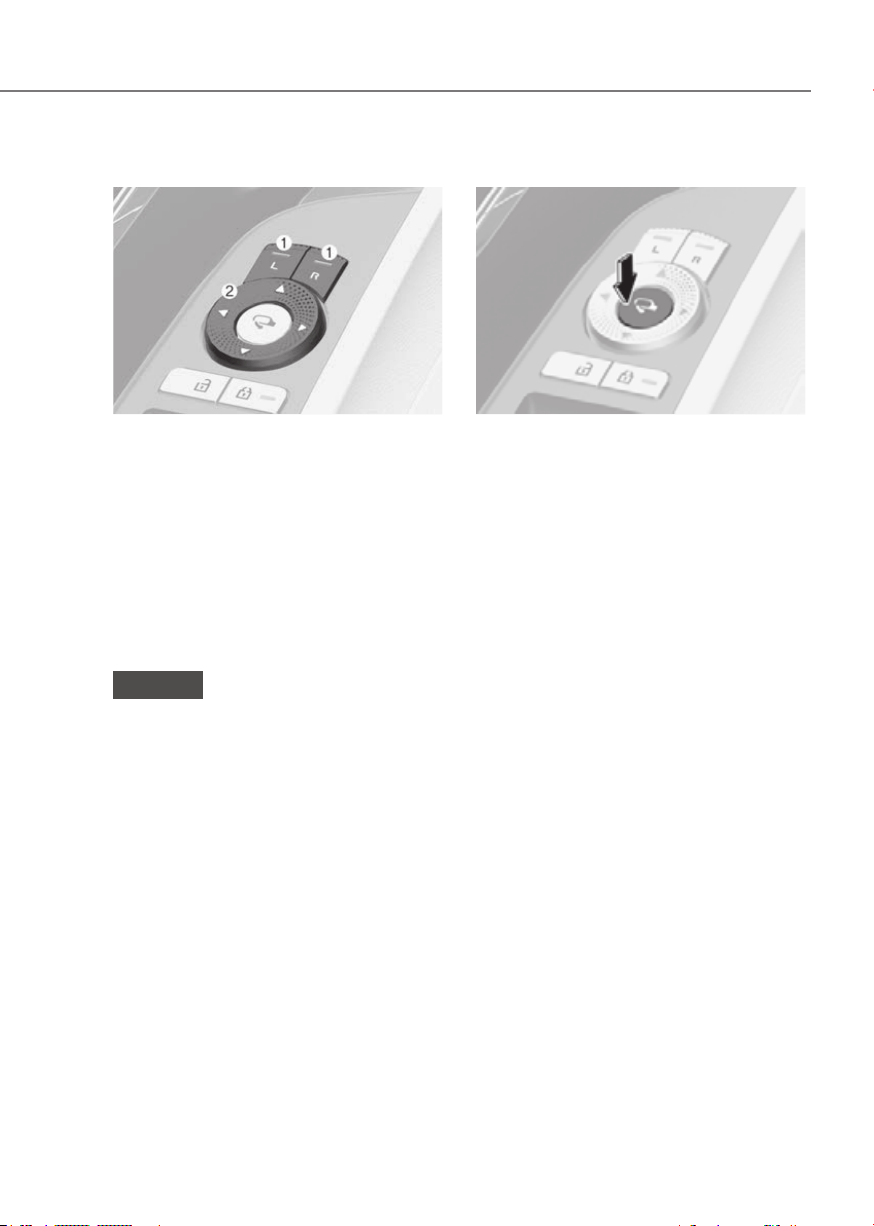
5-57
05
Adjusting the rearview mirrors
ORG3EV051025LORG3EV051025L
Adjusting the side view mirrors:
1. Press either the L (Left side) or R
(Right side) button (1) to select the
side view mirror you would like to
adjust.
2. Use the mirror adjustment control
switch (2) to position the selected
mirror up, down, left or right.
3. After adjustment, press both L and
R button off (indicator light off) to
prevent inadvertent adjustment.
NOTICE
• The mirrors stop moving when
they reach the maximum adjusting
angles, but the motor continues to
operate while the switch is pressed.
Do not press the switch longer than
necessary, because this can damage
the motor.
• Do not attempt to adjust the
rearview mirrors by hand, because
this can damage the motor.
Folding the rearview mirrors
ORG3EV051026LORG3EV051026L
Folding button
The rearview mirrors can be folded or
unfolded by pressing the button.
Infotainment system setting
• Enable on door unlock
is selected from the Settings menu in
the infotainment system screen,
- The mirror will fold or unfold when
the door is locked or unlocked by
the smart key.
- The mirror will fold or unfold when
the door is locked or unlocked by
the touch sensor or button on the
outside door handle.
• Enable on driver approach
selected from the Settings menu in
the infotainment system screen, the
mirror will unfold when the vehicle
is approached with the smart key in
possession.
See additional information in supplied
Infotainment Manual.

5-58
Convenience Features
NOTICE
The electric type outside rearview
mirror operates even though the Start/
Stop button is in the OFF position.
However, to prevent unnecessary
battery discharge, do not adjust the
mirrors longer than necessary while the
vehicle is not running.
NOTICE
Do not fold the electric type outside
rearview mirror by hand. It could cause
motor failure.
Reverse Parking Aid (if equipped)
ORG3EV051027ORG3EV051027
When the gear is shifted to the R
(Reverse) position, the side view mirror(s)
will rotate downwards to aid with driving
in reverse.
The state of the side view mirror button
(1) determines whether or not the mirrors
will move:
How it works
• When the L or R button (1) is pressed
(indicator lights ON), both side view
mirrors will move.
• If the L and R buttons (1) are not
pressed (indicator lights OFF), both
side view mirrors will not move.
The side view mirrors will automatically
revert to their original positions if any of
the following occur:
• The Start/Stop button is pressed to
either the OFF position or the ACC
position.
• The gear is shifted to any position
except R (Reverse).
• The side view mirror adjustment
button is not selected.

5-59
05
Reverse parking aid user settings
mode
You may change the angle of the side
view mirror if it is difficult to see the rear
view with the basic downward mirror
angle provided when reversing.
When the vehicle is first delivered, the
set downward angle of the left and right
side view mirror are different to ensure
driver visibility.
1. Make sure the vehicle is stopped.
2. Depress the brake pedal and shift
the gear to R (Reverse). When L (Left)
or R (Right) button is pressed, both
side view mirror angle will move
downward to the basic set position.
3. Press either L or R button to select
the side view mirror you would like
to adjust. Then press “▼, ▲, ◄, ►
switch to adjust the side view mirror
to the desired angle.
4. After adjusting the angle to save the
adjusted side view mirror angle, shift
the gear to another position other
than R (Reverse), or change the L and
R buttons to the neutral position (L
and R buttons are not pressed).
5. Set the other side view mirror
following the above procedure 1 to 4.
Resetting reverse parking aid user settings
mode
To change the side view mirror angle
back to the basic angle, shift the gear to
R (Reverse), and adjust the mirror angle
higher than when the gear is in P (Park),
N (Neutral) and D (Drive).
NOTICE
When changing the angle of both side
view mirrors, it is recommended to
change the angle one side at a time
following the procedure 1 to 4.
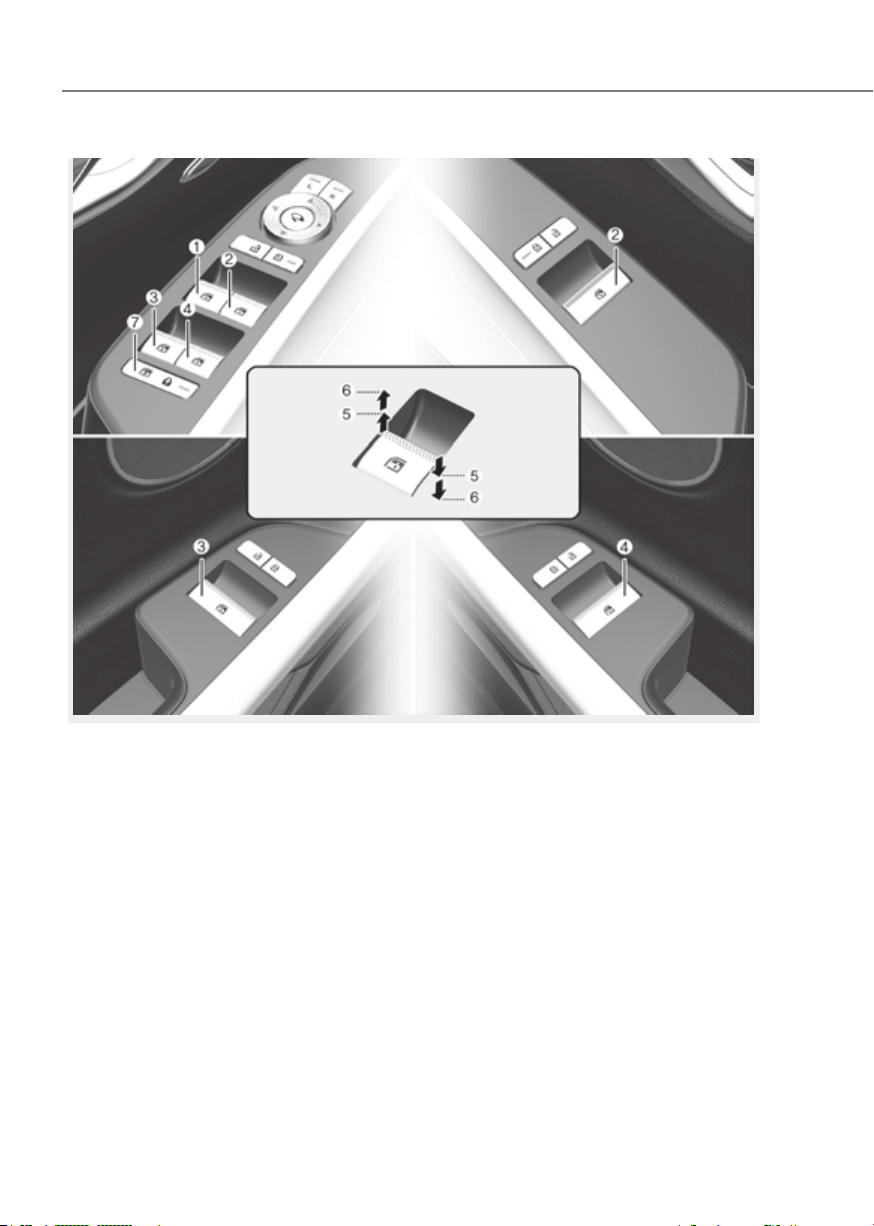
5-60
Convenience Features
ORG3EV051213LORG3EV051213L
WINDOWS
(1) Driver’s door power window switch
(2) Front passenger’s door power
window switch
(3) Rear door (left) power window switch
(4) Rear door (right) power window
switch
(5) Window opening and closing
(6) Automatic power window
(7) Power window lock switch
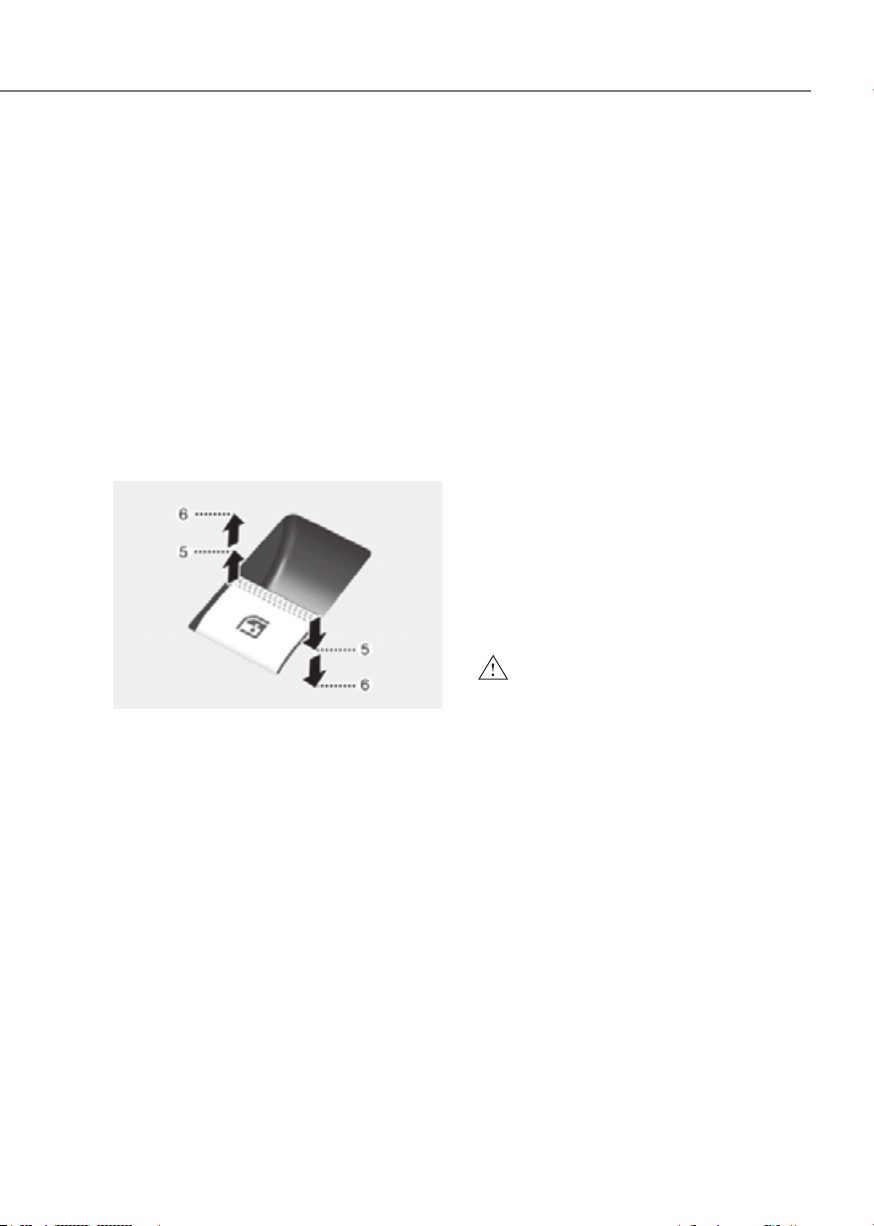
5-61
05
Power Windows
The Start/Stop button must be in the
ON position to be able to raise or lower
the windows. Each door has a Power
Window switch to control that door’s
window. The driver has a Power Window
Lock button which can block the
operation of rear passenger windows.
The power windows will operate for
approximately 3 minutes after the
Start/Stop button is in the ACC or OFF
position. However, if the front doors are
opened, the Power Windows will not
operate even within the 3 minute period.
Window opening and closing
OJX1059031OJX1059031
To open:
Press the window switch down to the
first detent position (5). Release the
switch when you want the window to
stop.
To close:
Pull the window switch up to the first
detent position (5). Release the window
switch when you want the window to
stop.
Auto up/down window
Pressing the power window switch
momentarily to the second detent
position (6) completely lowers or lifts
the window even when the switch is
released. To stop the window at the
desired position while the window is in
operation, pull up or press down and
release the switch.
Resetting the power windows
If the power windows do not operate
normally, the automatic power window
system must be reset as follows:
1. Press the Start/Stop button to the ON
position.
2. Close the window and continue
pulling up on the power window
switch for at least one second.
If the power windows do not operate
properly after resetting, have the system
inspected by an authorized retailer of
Genesis Branded products.
WARNING
The automatic reverse feature doesn’t
activate while resetting the power
window system.Make sure body parts
or other objects are safely out of the
way before closing the windows to
avoid injuries or vehicle damage.
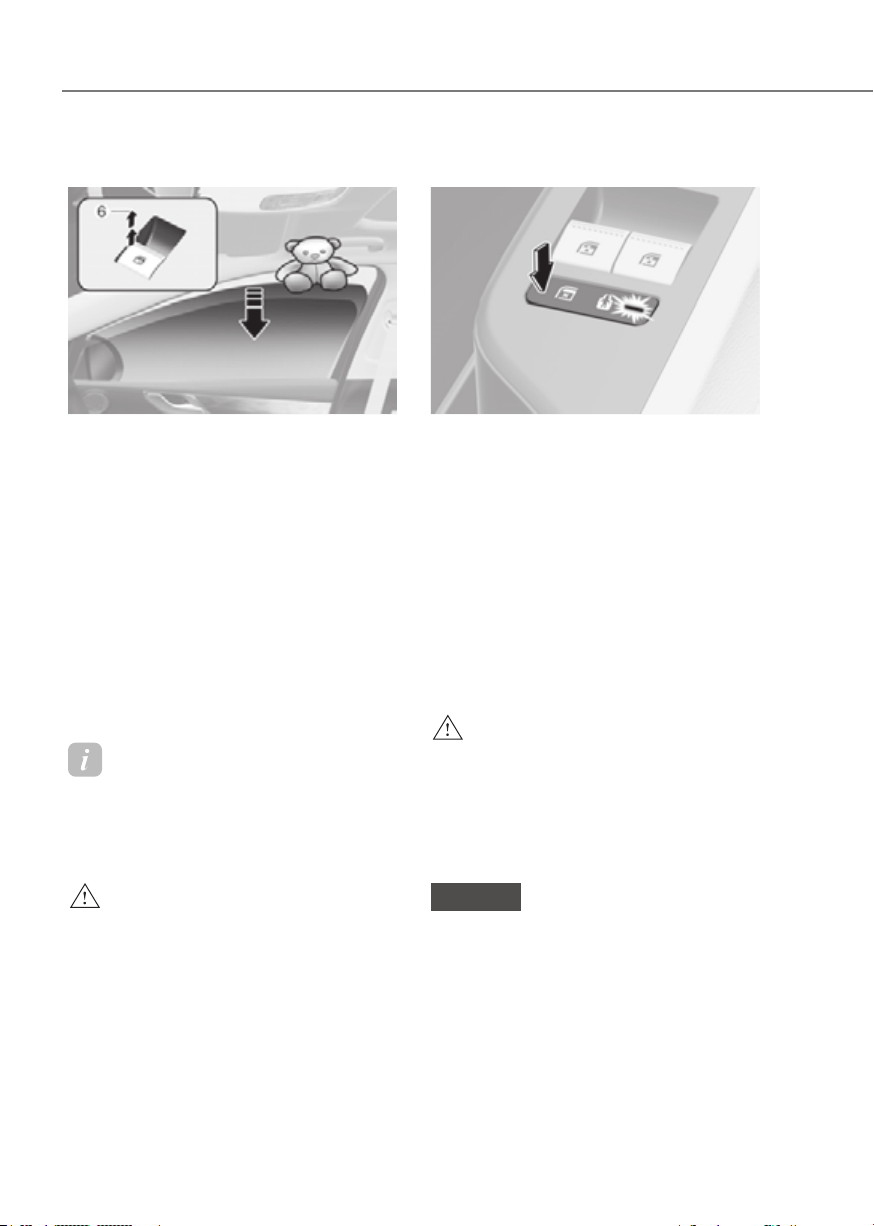
5-62
Convenience Features
Automatic reverse
ORG3EV051029ORG3EV051029
If a window senses any obstacle while it
is closing automatically, it will stop and
lower approximately 12 in. (30 cm) to
allow the object to be cleared.
If the window detects the resistance
while the power window switch is
pulled up continuously, the window
will stop upward movement then lower
approximately 1 in. (2.5 cm).
If the power window switch is pulled
up continuously again within 5 seconds
after the window is lowered by the
automatic window reverse feature,
the automatic window reverse will not
operate.
Information
The automatic reverse feature is only
active when the “Auto Up” feature is used
by fully pulling up the switch to the second
detent.
WARNING
Make sure body parts or other objects
are safely out of the way before closing
the windows to avoid injuries or vehicle
damage.
Objects less than 0.16 in. (4 mm) in
diameter caught between the window
glass and the upper window channel
may not be detected by the automatic
reverse window and the window will
not stop and reverse direction.
Power window lock button
ORG3EV051212ORG3EV051212
The driver can disable the power window
switches on the rear passenger doors by
pressing the power window lock button.
When the power window lock button is
pressed:
• The rear passenger control will not
be able to operate the rear passenger
power window.
• Note that the front passenger control
is still able to operate the front
passenger window, and that the driver
master control can still operate all the
power windows.
WARNING
Do not allow children to play with the
power windows. Keep the driver’s
door power window lock button in the
LOCK position. Serious injury or death
can result from unintentional window
operation by a child.
NOTICE
• To prevent possible damage to the
power window system, do not open
or close two windows or more at the
same time. This will also ensure the
longevity of the fuse.
• Never try to operate the main
switch on the driver’s door and the
individual door window switch in
opposite directions at the same time.
If this is done, the window will stop
and cannot be opened or closed.
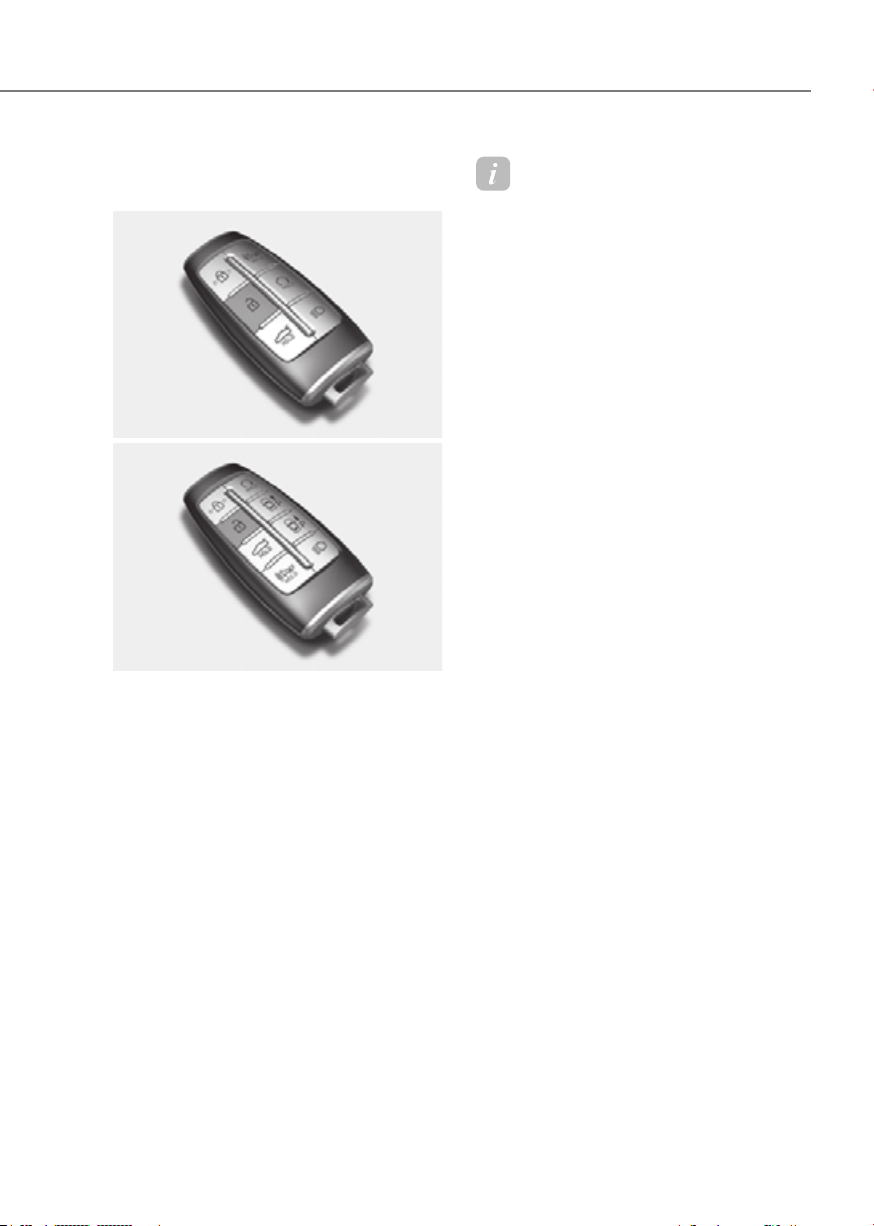
5-63
05
Remote Window Opening
Function (if equipped)
Type AType A
ORG3EV063008NORG3EV063008N
Type BType B
ORG3EV063009NORG3EV063009N
You can still control the window
movement with the vehicle turned off by
pressing the Door Unlock button.
• Press the Door Unlock button for more
than 3 seconds. The doors will unlock
and the windows will move down as
long as you press the door unlock
button.
Information
• The remote window opening function
may abruptly stop when you move
away from your vehicle during
operation. Stay in close proximity from
your vehicle, while monitoring the
window movement.
• One of the windows may stop
operating, when the window is
interrupted by certain force. However,
the other windows will keep operating.
Thus, you should make sure that all
windows are closed.
• Please be aware that the doors unlock
when the windows are opened using the
remote window opening function.

5-64
Convenience Features
Solar roof is a system that uses sunlight
to charge the vehicle’s 12 V battery and
high-voltage battery to increase driving
distance and prevent battery discharge.
Solar Roof Operation
How the solar roof works
ORG3EV051032ORG3EV051032
[A] : Solar cell
Solar roof operates automatically when
it gets exposed to the sun regardless of
the vehicle’s start-up. If the vehicle turns
off while the solar roof is operating, it will
stop and re-operate after 5 minutes.
Solar roof battery charging amount
The solar roof charges the 12 V battery
and high-voltage battery by generating
electricity with the sunlight. The amount
of electricity produced by the solar roof
varies depending on sunlight intensity
and temperature. Solar roof produces
more electricity when the sunlight is
stronger, and the temperature is lower.
Information
• The solar roof generates more
electricity with stronger sunlight, but
the actual intensity of sunlight may
differ from the intensity a person feels.
• The solar cells installed in the solar
roof have higher generating efficiency
in lower temperature. Therefore, the
solar cells can produce more electricity
while driving due to the wind cooling
the solar cells than when the vehicle is
parked.
Checking solar roof operation
The solar roof operation status can be
checked in the infotainment system.
Solar roof operation status is displayed in
three stages according to the output of
the solar cell.
ORG3EVQ011095LORG3EVQ011095L
Select ‘Solar Roof Info’ from the
infotainment system menu to check
the solar roof’s ‘Total Cumulative Power
Generation’.
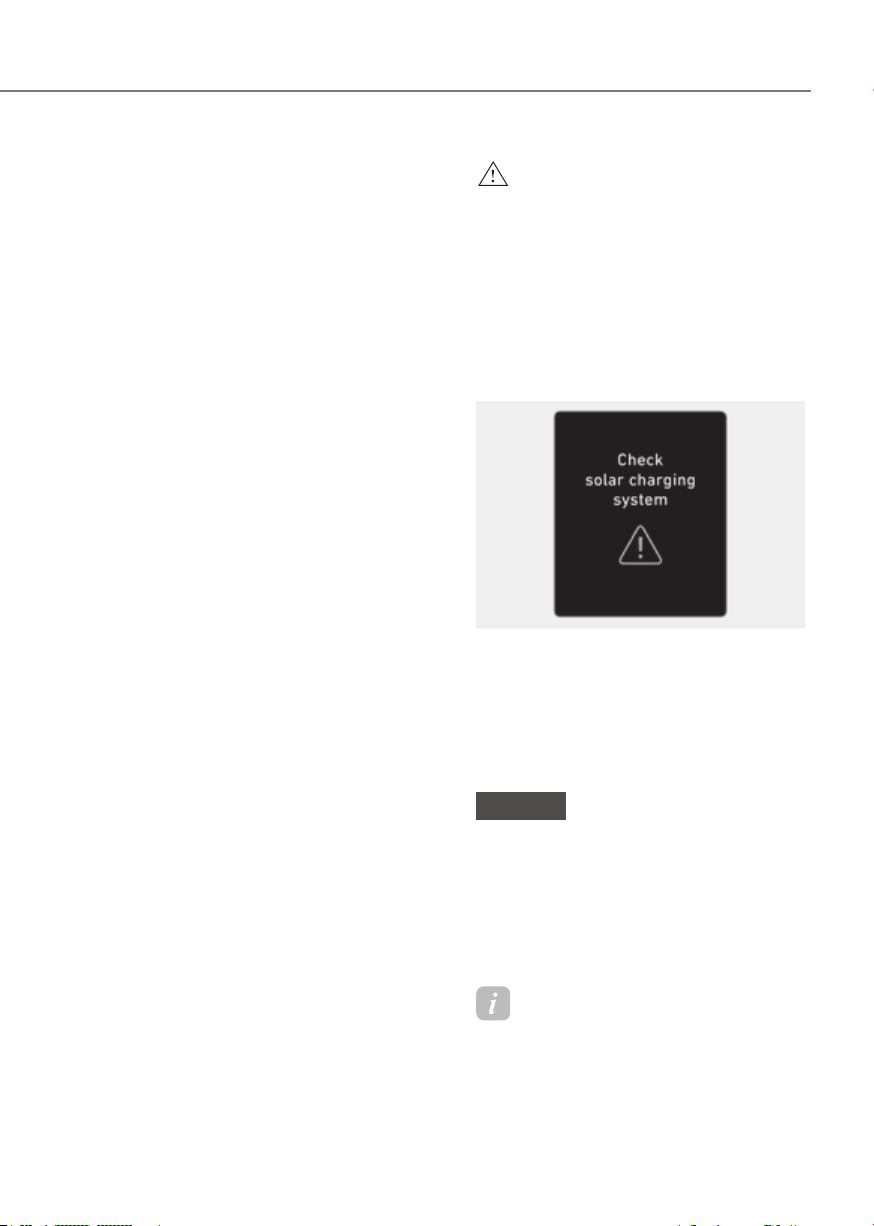
5-65
05
Solar roof generating level
The amount of electricity generated
from the solar roof varies according to
the amount of sunlight the solar roof is
exposed to.
Generation
level
Environmental condition
Low
A cloudy and sun-deprived
day
Morning and night when
sunlight is weak
Inoperable
Dark outdoors due to a
cloudy day
Night-time without
sunlight
Generation
amount level
Operation condition
Slight
decrease in
electricity
generated
Solar roof is contaminated
with dust
Decrease in
electricity
generated
Solar roof is partially
covered by a shadow
from trees, traffic lights,
buildings etc.
Solar roof temperature
rises excessively
Inoperable
Vehicle is parked indoors
or located in a tunnel
Solar roof is cover with
snow
Solar roof is hidden by
a directly approaching
object
WARNING
High voltage electricity may flow in
the inner wire or controller when the
vehicle is exposed to sunlight even
though the vehicle is turned off. Check
whether the solar roof operation lamp
installed on the upper part of the
dashboard is off before touching the
inner wire or controller.
Solar Roof Malfunction
ODN8HQ019031NODN8HQ019031N
When the solar roof controller is not
working properly, the ‘Check solar
charging system’ warning message will
appear on the cluster. Take your vehicle
to an authorized retailer of Genesis
Branded products and have the system
checked.
NOTICE
• Do not place heavy objects or apply
impact on the solar roof. The solar
roof may not work properly.
• If roof bars are installed, the shadow
of the roof bars may prevent the
solar roof from working properly and
reduce the life of related parts.
Information
The color and the distance between solar
cells may vary due to the characteristics of
the solar cell.
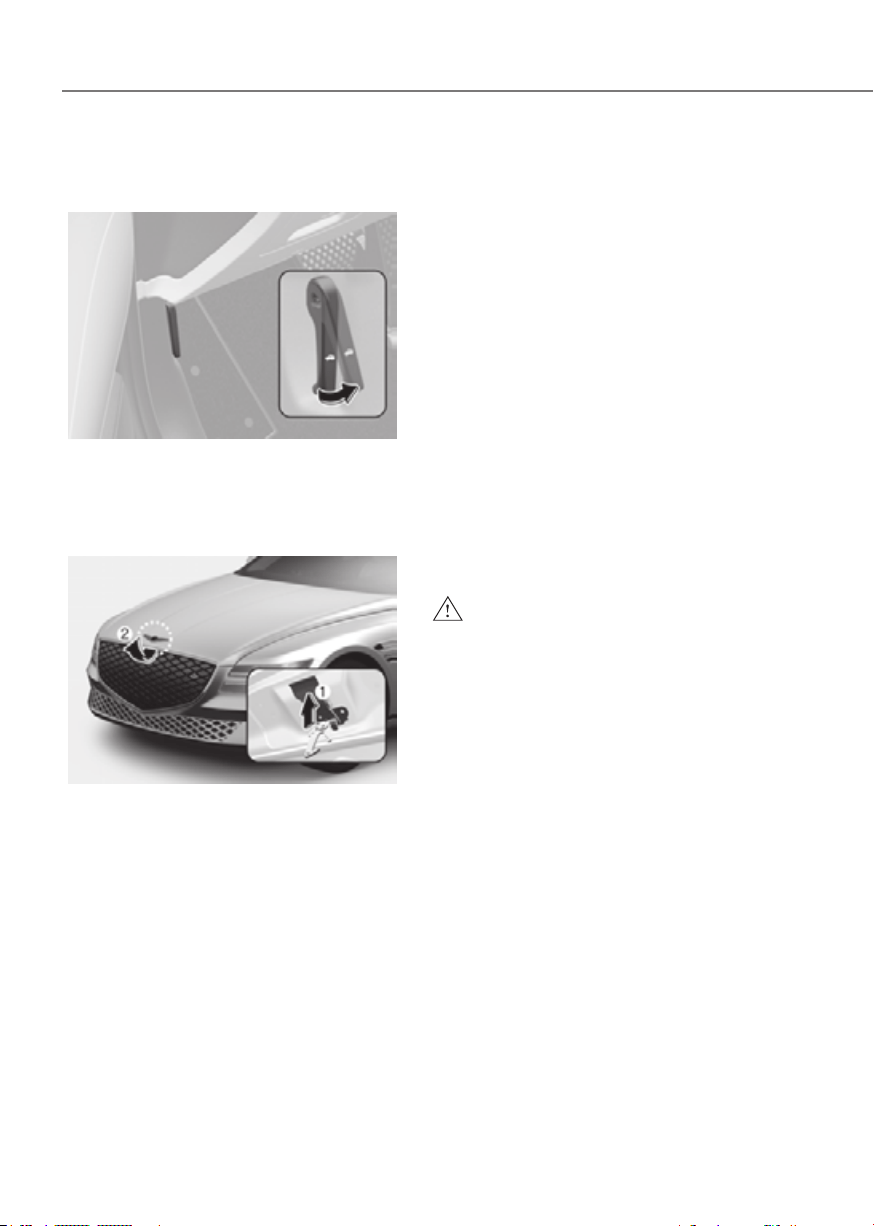
5-66
Convenience Features
EXTERIOR FEATURES
Hood
Opening the hood
ORG3EV051033ORG3EV051033
1. Park the vehicle and set the parking
brake.
2. Pull the release lever to unlatch the
hood. The hood should pop open
slightly.
ORG3EV051034ORG3EV051034
3. Go to the front of the vehicle, raise the
hood slightly, push up the secondary
hood release lever (1) inside of the
hood center and lift the hood (2).
After the hood has been lifted halfway,
it will raise completely by itself.
Closing the hood
1. Before closing the hood, check in and
around the motor compartment to
ensure the following:
- Any tools or other loose objects are
removed from the motor room area
or hood opening area
- All glove, rags, or other
combustible material is removed
from the motor compartment
- All filler caps are tightly and
correctly installed
2. Lower the hood halfway (lifted
approximately 12 in. (30 cm) from the
closed position) and push down to
securely lock in place. Then double
check to be sure the hood is secure.
If the hood can be raised slightly, it is
not securely locked. Open it again and
close it with more force.
WARNING
• Before closing the hood, ensure
all obstructions are removed from
around the hood opening.
• Always double check to be sure that
the hood is firmly latched before
driving away. Check there is no
hood open warning light or message
displayed on the instrument cluster.
Driving with the hood opened may
cause a total loss of visibility, which
might result in an accident.
• Do not move the vehicle with the
hood in the raised position, as vision
is obstructed, which might result in
an accident, and the hood could fall
or be damaged.
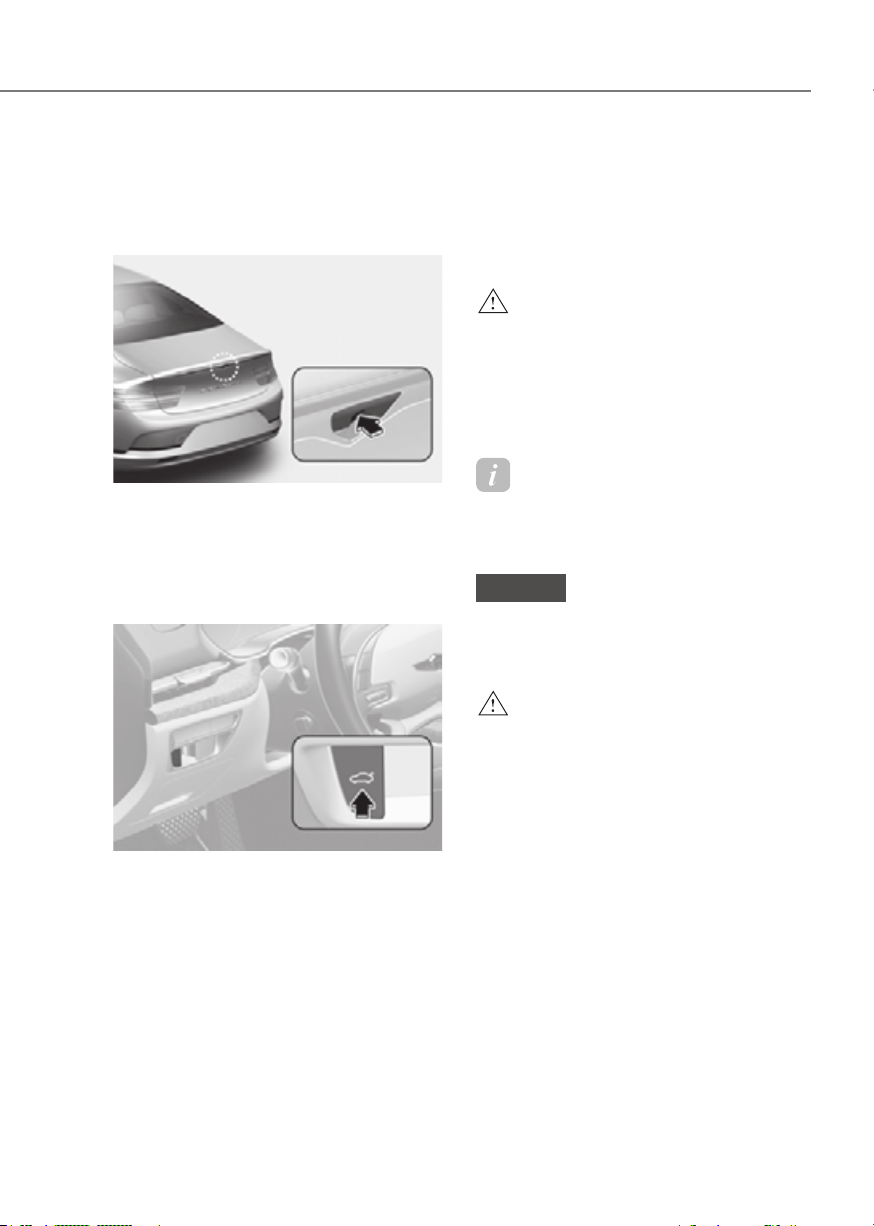
5-67
05
Non-Powered Trunk (if equipped)
Opening the trunk
1. Make sure the vehicle is shifted to P
(Park) and engage the parking brake.
OutsideOutside
ORG3EV051037ORG3EV051037
2. Then do one of the following :
- Press the Smart Key Trunk Open
button for more than one second.
- Press the button on the trunk
itself with the Smart Key in your
possession.
InsideInside
ORG3EV051036NORG3EV051036N
- Use the trunk release button.
3. Lift the trunk lid up.
Closing the trunk
Lower the trunk lid and press down
until it locks. To be sure the trunk lid is
securely fastened, always check by trying
to pull it up again.
WARNING
Always keep the trunk lid completely
closed while the vehicle is in motion. If
it is left open or ajar, poisonous exhaust
gases containing carbon monoxide
(CO) may enter the vehicle and serious
illness or death may result.
Information
To prevent damage to the trunk lift
cylinders and the attached hardware,
always close the trunk before driving.
NOTICE
In cold and wet climates, trunk lock
and trunk mechanisms may not work
properly due to freezing conditions.
WARNING
Your vehicle should be kept locked and
keys should be kept out of the reach
of children. Parents should teach their
children about the dangers of playing in
the trunk.
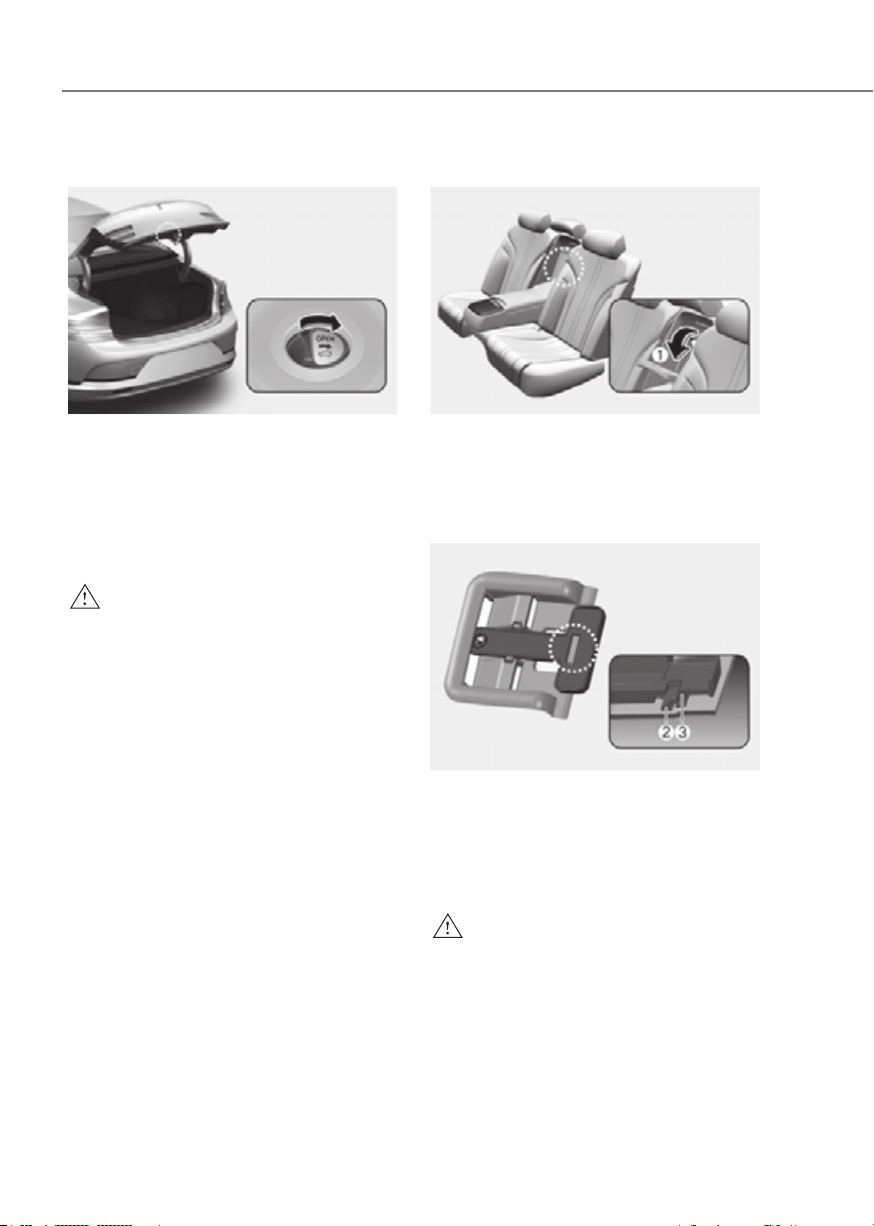
5-68
Convenience Features
Emergency trunk safety release
ORG3EV051049ORG3EV051049
Your vehicle is equipped with an
Emergency Trunk Safety Release lever
located inside the trunk. When someone
is inadvertently locked in the trunk, the
trunk can be opened by moving the lever
in the direction of the arrow and pushing
the trunk open.
WARNING
• You and your passengers must
be aware of the location of the
Emergency Trunk Safety Release
lever in this vehicle and how to open
the trunk in case you are accidentally
locked in the trunk.
• • NEVER allow anyone to occupy the
trunk of the vehicle at any time. If the
trunk is partially or totally latched
and the person is unable to get out,
serious injury or death could occur
due to lack of ventilation, exhaust
fumes and rapid heat build-up, or
because of exposure to cold weather
conditions. The trunk is also a highly
dangerous location in the event of a
crash because it is not a protected
occupant space but is a part of the
vehicle’s crush zone.
• Your vehicle should be kept locked
and the Smart Key should be kept
out of the reach of children. Parents
should teach their children about the
dangers of playing in trunks.
• Use the release lever for emergencies
only.
Trunk release lever
ORG3EV051050NORG3EV051050N
When the vehicle battery is discharged or
the trunk needs to be opened manually:
1. Open the cover (1) at the center of the
rear seat. Pull the lever on the back of
the cover all the way.
ORG3EV051092ORG3EV051092
2. With the lever pulled to the end, fix
the lever (3) on the projecting part (2).
3. Lift and open the trunk manually.
4. Remove the inserted lever to close the
trunk.
WARNING
Make sure to at least have minimum
space at the back and in the upper area
of the trunk when opening or closing
the trunk. If not, the trunk may hit the
surrounding objects (wall, ceiling,
vehicle, etc.) and result in damaging the
vehicle or injuring the person near.

5-69
05
Power Trunk (if equipped)
Power trunk operating conditions
The power trunk operates when vehicle
speed is below 1.8 mph (3 km/h).
WARNING
• Never leave children or animals
unattended in your vehicle. Children
may operate the power trunk. Doing
so can result in injury to themselves
or others and can damage the
vehicle.
• Make sure there are no people or
objects and enough space around
the trunk before operating the
power trunk or smart trunk prior to
use. Serious injury, damage to the
vehicle or damage to surrounding
objects (for example, walls, ceilings,
vehicles, etc.) may result if contact
with the trunk occurs.
• Make sure there are no people or
objects around the trunk before
operating the power trunk. Wait until
the trunk is opened fully and stopped
before loading or unloading cargo
from the vehicle.
• Always keep the trunk lid completely
closed while the vehicle is in motion.
If it is left open or ajar, poisonous
exhaust gases containing carbon
monoxide (CO) may enter the vehicle
and serious illness or death may
result.
NOTICE
• Do not close or open the power
trunk manually. This may cause
damage to the power trunk. If it is
necessary to close or open the power
trunk manually when the battery is
discharged or disconnected, do not
apply excessive force.
• Do not operate the power trunk
more than 10 times continuously
when the (
) indicator is off. Use
the power trunk with the (
)
indicator on when the power trunk is
used repeatedly to prevent battery
discharge.
• Do not leave the trunk open for a
long period of time. This may drain
the battery.
• Do not modify or repair any part of
the power trunk by yourself. This
must be done by an authorized
retailer of Genesis Branded products.
• Do not operate the power trunk
under the following conditions.
The power trunk may not operate
properly.
- One side of the vehicle is lifted to
inspect the vehicle or change a tire
- Parking on an uneven road such as
a slope, etc.
• Close the trunk completely and lock
all doors and trunk using the central
door lock button before using an
automatic car wash.
• Do not spray high pressure water
directly on the power trunk outside
open/close button. The trunk may
open unintentionally.
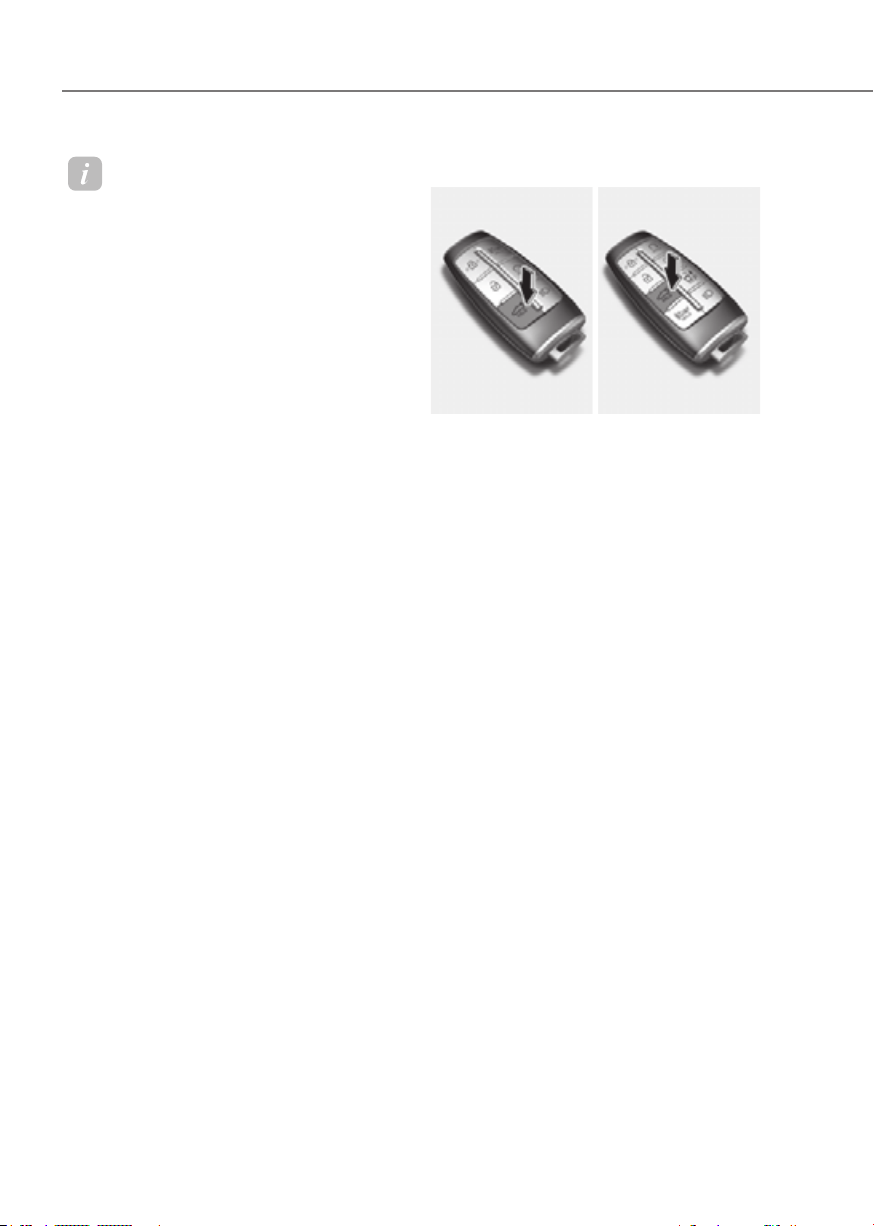
5-70
Convenience Features
Information
• In cold and wet climates, the outside
power trunk open button may not work
properly due to freezing conditions. If
this occurs, remove the ice before using
the outside power trunk open/close
button or use the power trunk open/
close button on the smart key or the
instrument panel.
• If you leave the smart key in the trunk
and close the trunk, a warning will
sound for about 5 seconds. If this
occurs, open the trunk by pressing the
power trunk open button on the outside
of the trunk.
• If there are obstacles such as snow
on the trunk, the trunk may not open
automatically. After removing the
obstacle, try to open it again.
• Be careful where there is an incline, as
the trunk lid may drop slightly when it
is stopped before it fully opens.
Operating the power trunk
Type AType A Type BType B
Power trunk open button (Smart key)
When the trunk is closed, press the
power trunk open button for 1 second.
The trunk will open with a warning
sound.
While the trunk is opening, press the
button to stop power trunk operation.
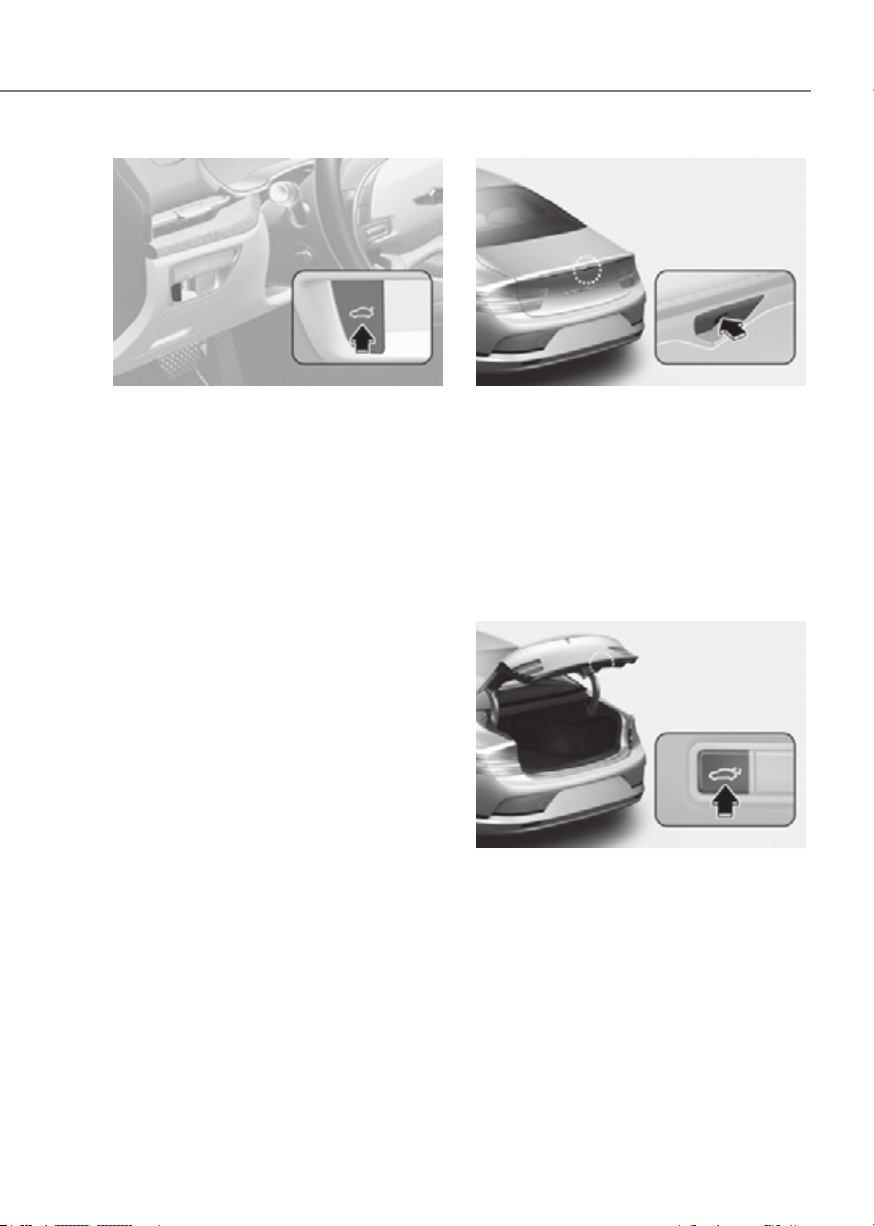
5-71
05
ORG3EV051036NORG3EV051036N
Power trunk open/close button
(instrument panel)
When the trunk is closed, press the
power trunk open/close button for 1
second. The power trunk will open with a
warning sound.
While the trunk is opening, press the
button to stop power trunk operation.
When the trunk is opened, press and
hold the trunk open/close button to
close the power trunk. If you release the
button while the trunk is closing, power
trunk operation will stop with a warning
sound for 5 seconds.
ORG3EV051037ORG3EV051037
Power trunk open button (Outside the
power trunk)
When the trunk is closed, press the
power trunk open button to open the
trunk.
If the vehicle is locked, press the power
trunk open button with the smart key in
your possession.
While the trunk is opening, press the
button to stop power trunk operation.
ORG3EV051045ORG3EV051045
Power trunk close button (Inside the
power trunk)
Press the power trunk close button. The
trunk will close.
While the trunk is closing, press the
button to stop power trunk operation.

5-72
Convenience Features
ORG3EV051046ORG3EV051046
Power trunk lock button (Inside the power
trunk)
Press the power trunk lock button while
carrying the smart key. The power trunk
will close and lock. Additionally, all doors
will lock.
The trunk will close and lock, and all
doors will lock only when the vehicle is
off.
Switching the power trunk from manual
to automatic
If you apply over a certain amount
of power manually when the trunk is
opened, the power trunk system detects
the direction and closes or opens
automatically.
- The power trunk fully opens when the
trunk is raised
- The power trunk closes completely
when the trunk is lowered
Information
The power trunk may not operate
properly if the trunk is not opened above a
certain height.
Automatic reverse
During power trunk operation if the
power trunk senses any obstacle, the
trunk will stop or will fully open. The
automatic reverse feature may not
operate properly, or it may operate
unexpectedly under the following
circumstances:
• The automatic reverse feature may
not detect the resistance if the
detected resistance is below a certain
level, or if the trunk is almost fully
closed near the latched position.
• The automatic reverse feature may
operate if a strong impact is applied
with no obstructions placed.
WARNING
Never intentionally place any object
or part of your body in the path of the
power trunk to make sure the automatic
reverse feature operates. Serious injury,
or damage to the vehicle or object may
occur.
Information
The power trunk may stop operating if the
automatic reverse feature operates more
than two times while attempting to open
or close the trunk. If this occurs, carefully
open or close the trunk manually, and then
after 30 seconds try to operate the power
trunk automatically again.

5-73
05
Power trunk settings
Power trunk opening height
To adjust the power trunk opening
Height’ in the infotainment system.
See additional information in supplied
Infotainment Manual.
ORG3EV051048ORG3EV051048
Trunk lid control button
When the trunk lid control button is
in the UNLOCK (button not pressed)
position, the trunk can be controlled with
the power trunk open or close button.
When this trunk lid control button is in
the LOCK (button pressed) position, the
power trunk can be opened using the
trunk safety release lever.
The smart trunk does not operate, when
the trunk lid control button is pressed to
the LOCK position.
WARNING
Always be careful that all faces, hands,
arms, body parts are not in the path of
the power trunk. Even though the trunk
lid control button is in the LOCK (button
pressed) position, the trunk will still be
propelled upward by mechanical force
if the trunk is manually opened more
than 10 degrees beyond the fully closed
position. In addition, if the trunk is
manually closed to the secondary latch
position, the trunk will be electrically
moved to the fully latched position.
CAUTION
• Always keep the trunk lid control
button in the LOCK (button pressed)
position when not in use. Serious
injury or death can result from
unintentional operation.
• Do not leave valuables in the trunk.
Even though the trunk lid control
button is in the LOCK (button
pressed) position, the trunk can be
opened using the trunk release lever.
Information
Close the trunk and keep the trunk lid
control button in the LOCK (button
pressed) position before washing the
vehicle in an automatic car wash.

5-74
Convenience Features
Resetting the power trunk
In some circumstances resetting the
power trunk operation may need to
be performed. Some instances where
resetting the power trunk may be
required include:
• When the 12 V battery is recharged
• When the 12 V battery is reinstalled
after removal or replacement
• When the related fuse is reinstalled
after removal or replacement
1. With the vehicle off or running, put
the gear in P (Park).
2. While Pressing the power trunk close
inner button, press the power trunk
open outer button for more than 3
seconds. A chime will sound.
3. Slowly close the trunk manually.
4. Press the power trunk open outer
button. The trunk will open with a
chime sound. Wait until the trunk
fully opens to complete resetting. If
the trunk stops before it is fully open,
resetting cannot be completed.
Information
If the power trunk does not operate
properly after the above procedure, have
the system inspected by an authorized
retailer Genesis Branded products.
Emergency trunk safety release
• Inside the trunk
ORG3EV051049ORG3EV051049
Your vehicle is equipped with an
emergency trunk safety release lever
located inside the trunk. When someone
is inadvertently locked in the trunk, the
trunk can be opened by moving the lever
in the direction of the arrow and pushing
the trunk lid to open.
• Inside the vehicle
Follow the below procedure to open
the trunk manually when the battery is
discharged or when there is a problem
with the vehicle:
ORG3EV051050NORG3EV051050N
1. Open the pass through cover j at the
center of the rear seat.
2. Pull trunk release lever the all the way
back that is located behind the left
side of the pass through cover.

5-75
05
ORG3EV051092ORG3EV051092
3. With the lever pulled to the end, fix
the lever l on the projecting part k.
4. Lift and open the trunk manually.
5. Place manual trunk release lever back
to original position or trunk will not
close.
Smart Trunk (if equipped)
ORG3EV051051ORG3EV051051
On a vehicle equipped with a smart key,
the trunk can be opened with hands-free
activation using the smart trunk system.
How to use the smart trunk
The hands-free smart trunk system
can be opened automatically when the
following conditions are met:
• The smart trunk option is enabled in
the Settings menu in the infotainment
system screen.
• The smart trunk is activated and ready
15 seconds after all the doors are
closed and locked
• The smart trunk will open when the
smart key is detected in the area
behind the vehicle for 3 seconds
Information
The smart trunk will NOT operate when:
• Any door is open, or all doors are
closed but not locked
• The smart key is detected within 15
seconds from when the doors were
closed and locked
• For vehicles equipped with illuminated
exterior front door handles, if the smart
key is detected within 15 seconds from
when the doors were closed and locked
or if the smart key is within 60 in. (1.5 m)
from the front door handles
• The smart key is in the vehicle.
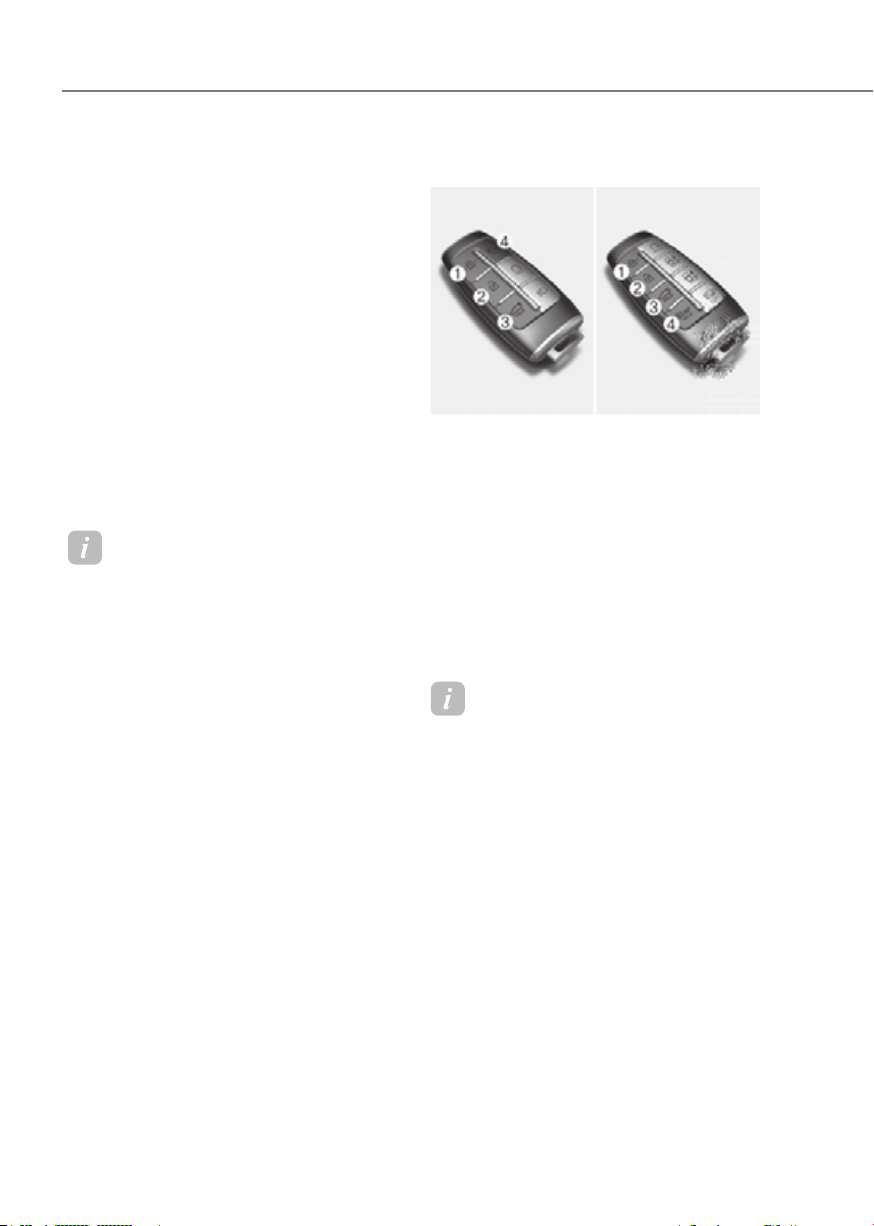
5-76
Convenience Features
1. Settings
To use smart trunk, it must be enabled
from the Settings menu in the
infotainment system screen. Select:
-
See additional information in supplied
Infotainment Manual.
2. Detect and Alert
The smart trunk detecting area extends
approximately 20-40 in. (50-100 cm)
behind the vehicle. If you are positioned
in the detecting area and are carrying the
smart key, the hazard warning lights will
blink and the chime will sound to alert
you that the smart trunk will open.
Information
Do not approach the detecting area if you
do not want the trunk to open. If you have
unintentionally entered the detecting area
and the hazard warning lights and chime
starts to operate, move away from the area
behind the vehicle with the smart key. The
trunk will remain closed.
3. Automatic opening
After the hazard warning lights blink and
the chime sounds 6 times, the smart
trunk will open.
Deactivating smart trunk
ORG3EV051038ORG3EV051038
1. Door lock
2. Door unlock
3. Trunk open/close
4. Panic button
If you press any button on the smart key
during the Detect and Alert stage, the
smart trunk function will be deactivated.
Make sure to be aware of how to
deactivate the smart trunk function for
emergency situations.
Information
• If you press the door unlock button
(2), the smart trunk function will be
deactivated temporarily. But, if you do
not open any door for 30 seconds, the
smart trunk function will be activated
again.
• If you press the trunk open button
(3) for more than 1 second, the trunk
opens.
• The smart trunk function will still be
activated if you press the door lock
button (1) or trunk open button (3)
on the smart key as long as the smart
trunk is not already in the Detect and
Alert stage.
• In case you have deactivated the smart
trunk function by pressing the smart
key button and opened a door, the
smart trunk function can be activated
again by closing and locking all doors.
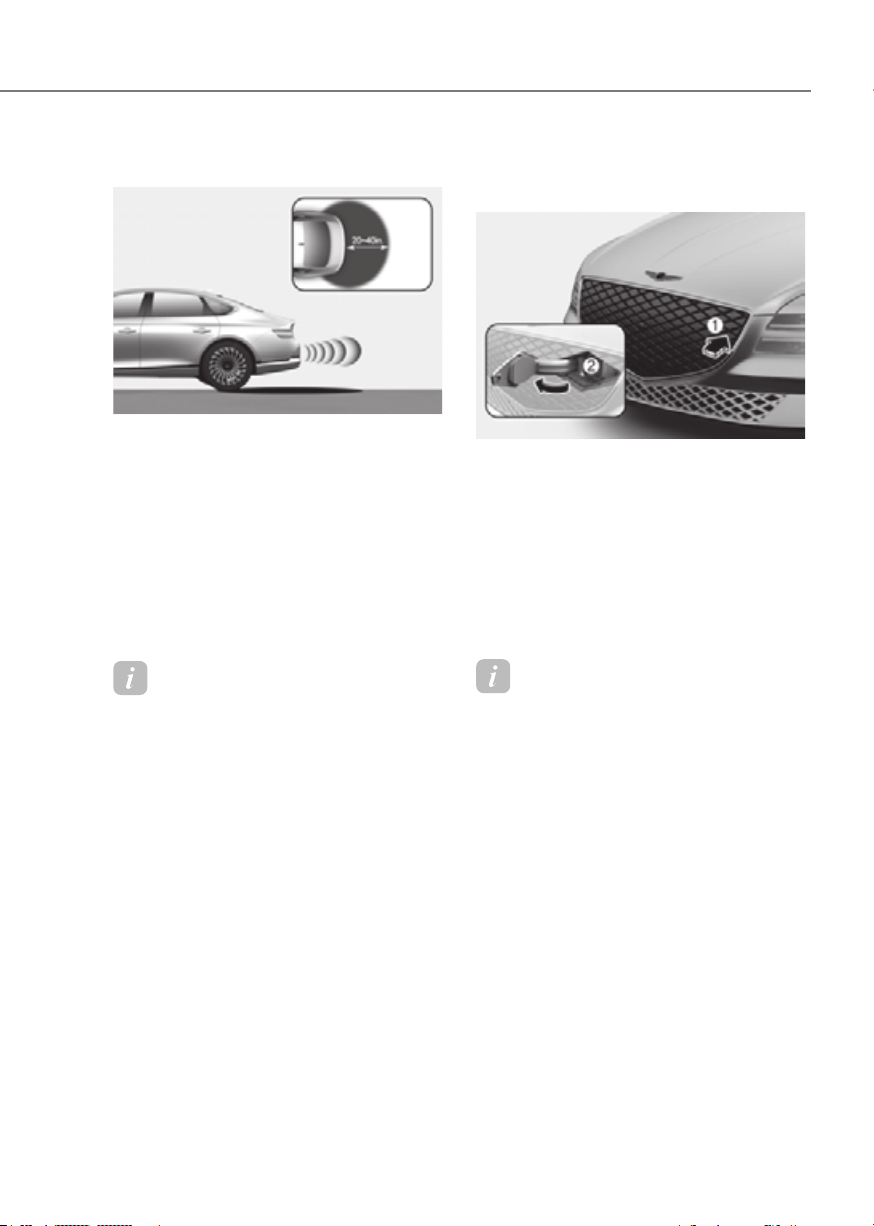
5-77
05
Detecting area
ORG3EV051052NORG3EV051052N
• The smart trunk detecting area
extends approximately 20-40 in. (50-
100 cm) behind the vehicle. If you are
positioned in the detecting area and
are carrying the smart key, the hazard
warning lights will blink and the chime
will sound for about 3 seconds to alert
you that the smart trunk will open.
• The alert stops once the smart key is
moved outside of the detecting area
within the 3 second period.
Information
• The smart trunk function may not
operate properly if any of the following
instances occur:
- The smart key is close to a radio
transmitter such as a radio station or
an airport which can interfere with
normal operation of the transmitter.
- The smart key is near a mobile two
way radio system or a cellular phone.
- Another vehicle’s smart key is being
operated close to your vehicle.
• The smart trunk detecting area may
change when:
- The vehicle is parked on an incline
or slope.
- One side of the vehicle is raised or
lowered relative to the opposite side.
Charging door
Opening the charging door
ORG3EVQ011035ORG3EVQ011035
1. Depress the brake pedal and apply the
parking brake.
2. Turn OFF all switches, shift to P (Park),
and turn OFF the vehicle.
3. Push the charging door where the
tringle symbol (1) is located to open.
The charging door opens only when
the vehicle is unlocked.
4. Open the inlet cover (2).
Information
If you cannot open the charging door due
to freezing weather, tap lightly or remove
any ice near the charging door. Do not try
to forcibly open the charging door.

5-78
Convenience Features
Closing the charging door
ORG3EV051043ORG3EV051043
1. After recharging, install the charging
inlet cover.
2. Close the charging door until it is
latched securely.
For more details, refer to the Electric
Vehicle Guide provided in the front of
the owner’s manual.
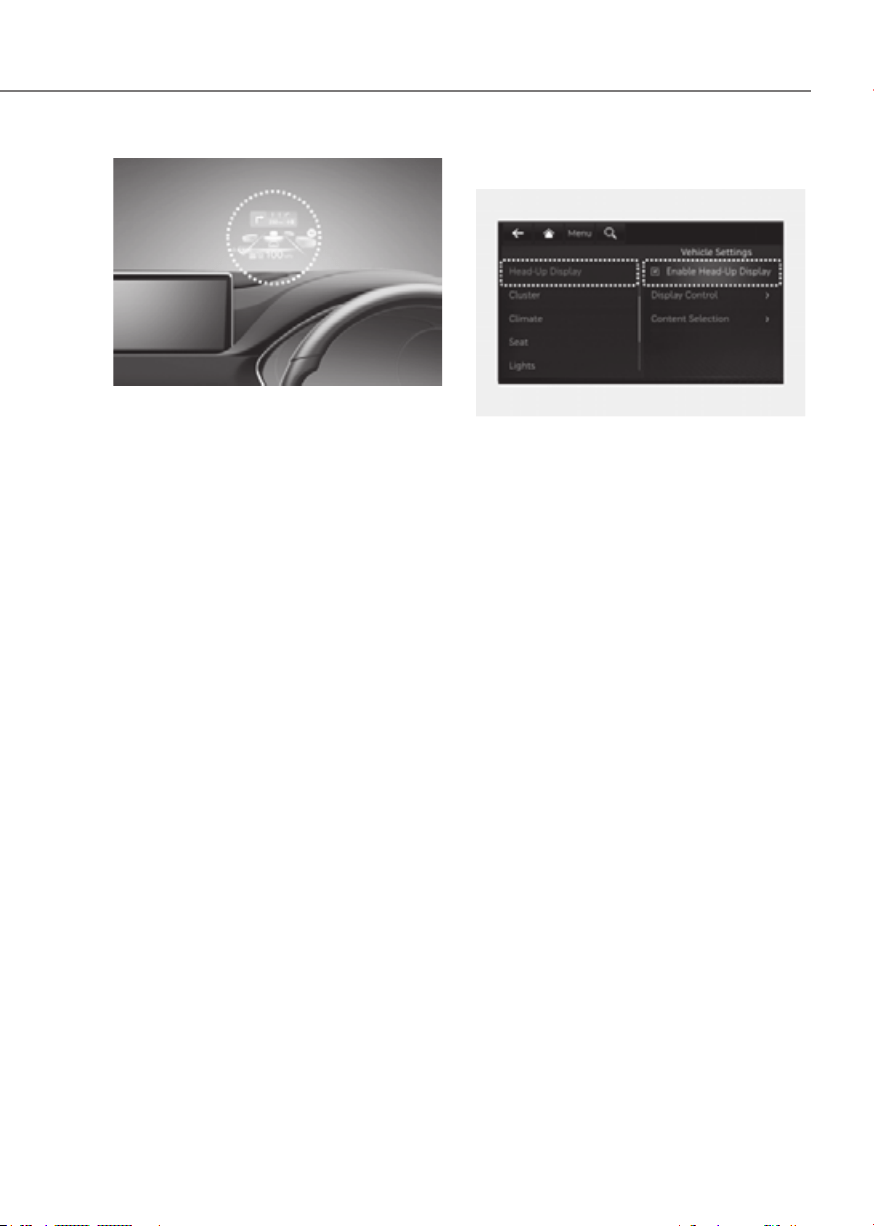
5-79
05
ORG3EV051214EORG3EV051214E
The Head-Up Display is an optional
feature that allows the driver to view
information projected onto a transparent
screen while still keeping your eyes
safely on the road ahead while driving.
Head-up display Settings
OJK050087LOJK050087L
• Head-up display can be enabled from
the Settings menu in the infotainment
system screen. Select:
-
Display
• After turning on the head-up
display, you can change the settings
of ‘Display Control’ and ‘Content
Selection’ of the head-up display.
See additional information in
supplied Infotainment Manual.

5-80
Convenience Features
Head-up display Information
ORG3051266NORG3051266N
1. Turn by Turn (TBT) navigation
information
2. Traffic signs or speed limit information
3. Speedometer information
4. SCC set speed information
5. SCC vehicle distance information
6. Lane Following Assist information
7. Lane Safety information
8. Blind-Spot Safety information
9.
Highway Auto Speed Change
information
10.
Highway Driving Assist information
11.
Surrounding vehicles information
Information
If you select Turn By Turn (TBT)
navigation information as Head-Up
Display contents, the Turn By Turn
(TBT) navigation information will not
be displayed in the instrument Cluster
display.
Precautions while Using the
Head-up display
• It may sometimes be difficult to read
information on the Head-Up Display in
the following situations.
- The driver is improperly positioned
in the driver’s seat
- The driver wears polarizing-filter
sunglasses
- An object is located above the
head-up display cover
- The vehicle is driven on a wet road
- Any improper lighting accessory is
installed inside the vehicle, or there
is incoming light from outside of the
vehicle
- The driver wears glasses
- The driver wears contact lenses
When it is difficult to read the head up
display information, adjust the image
height or brightness level from the
Settings menu in the infotainment
system screen.
See additional information in
supplied Infotainment Manual.
• For your safety, make sure to stop the
vehicle before adjusting the settings.
• Do not tint the front windshield glass
or add other types of metallic coating.
Otherwise, the Head-Up Display
image may be invisible.
• Do not place any accessories on the
crash pad or attach any objects on the
windshield glass.
• When replacing the front windshield
glass, replace it with a windshield
glass designed for Head-Up Display
operation. Otherwise, duplicated
images may be displayed on the
windshield glass.

5-81
05
WARNING
The Blind-Spot Safety system
warnings on the head-up display are
supplemental. Do not solely depend on
them to change lanes. Always take a
look around before changing lanes.
Information
Head-Up Display includes GPL, LGPL,
MPL and other open source license
softwares. All license notices including
related source code are provided at http://
www.mobis.co.kr/opensource/list.do.
If the driver requests on-board
software open source code via MOBIS_
[email protected] within 3 years
after buying this product, a CD-ROM or
other storage device will be sent with the
minimum cost covering storage device cost
and delivery cost.
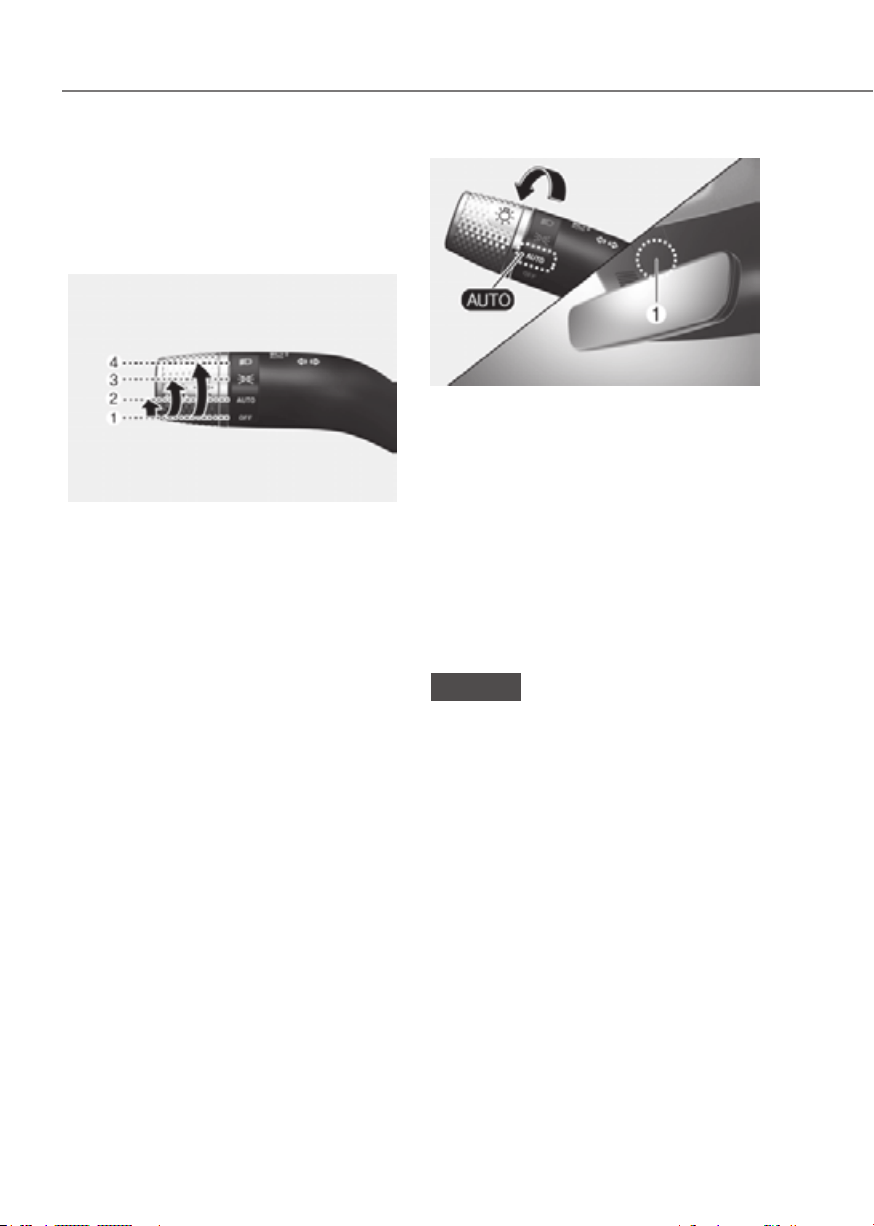
5-82
Convenience Features
Exterior Lights
Lighting control
To operate the lights, turn the knob at
the end of the control lever to one of the
following positions:
OJX1059057OJX1059057
1. OFF
2. AUTO headlight
3. Parking lamp
4. Headlight
Daytime Running Light (DRL)
The Daytime Running Lights (DRL) can
make it easier for others to see the front
of your vehicle during the day, especially
after dawn and before sunset.
The DRL system will turn the dedicated
lamp OFF when :
• The headlights are ON.
• The parking brake is applied.
• The vehicle is turned off.
ORG3EV051070ORG3EV051070
AUTO headlight
The parking lamp and headlight will
be turned ON or OFF automatically
depending on the amount of daylight as
measured by the ambient light sensor (1)
at the upper end of the windshield glass.
Even with the AUTO headlight feature
in operation, it is recommended to
manually turn ON the headlights when
driving at night or in a fog, driving in the
rain, or when you enter dark areas, such
as tunnels and parking facilities.
NOTICE
• Do not cover or spill anything on the
sensor (1) located at the upper end of
the windshield glass.
• Do not clean the sensor using
a window cleaner, the cleanser
may leave a light film which could
interfere with sensor operation.
• If your vehicle has window tint or
other types of metallic coating on the
front windshield, the AUTO headlight
system may not work properly.
LIGHTING
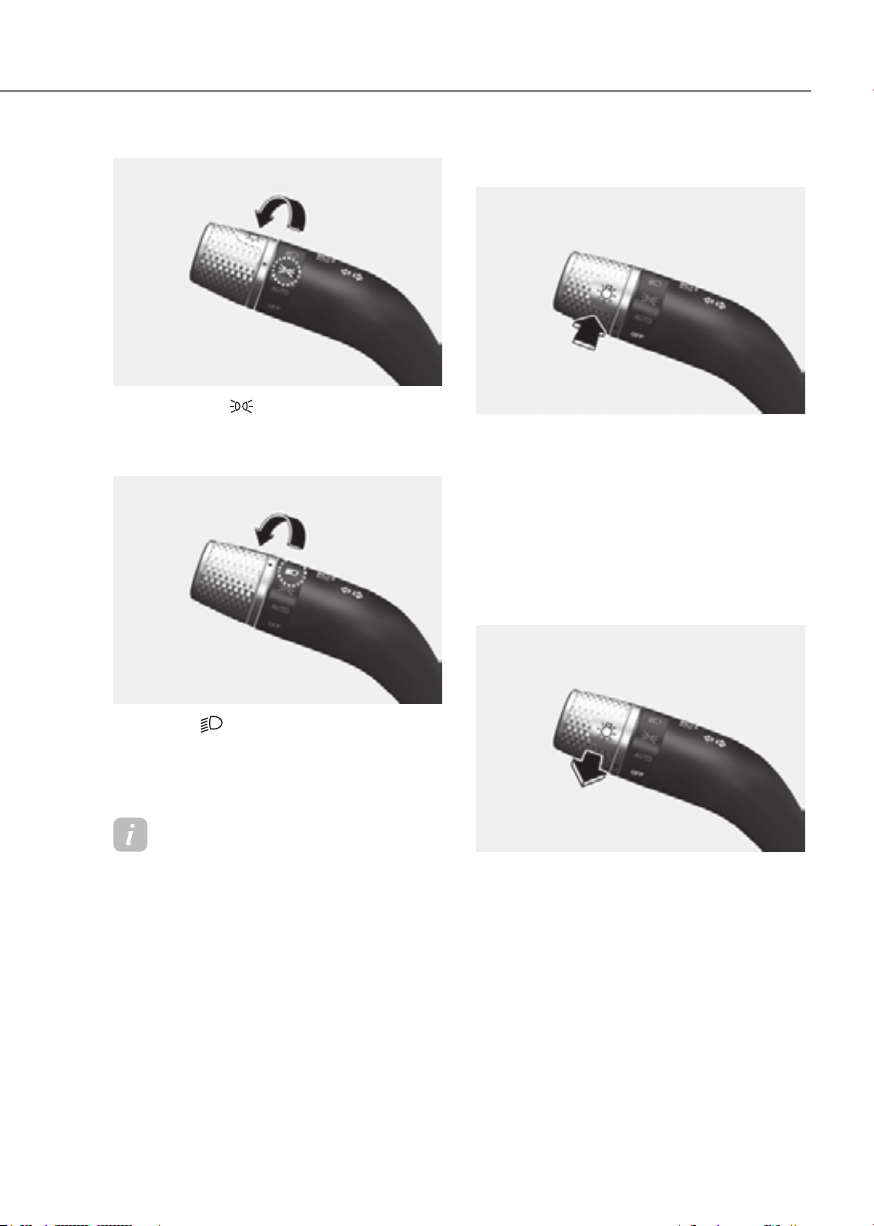
5-83
05
ORG3EV051069ORG3EV051069
Parking lamp ( )
The parking lamp, license plate lamp and
instrument panel lamp are turned ON.
ORG3EV051071ORG3EV051071
Headlight ( )
The headlight, parking lamp, license
plate lamp and instrument panel lamp
are turned ON.
Information
The Start/Stop button must be in the ON
position to turn on the headlight.
High beam operation
ORG3EV051073ORG3EV051073
To turn on the high beam headlight, push
the lever away from you. The lever will
return to its original position.
The high beam indicator will light when
the headlight high beams are switched
on.
To turn off the high beam headlight, pull
the lever towards you. The low beams
will turn on.
ORG3EV051072ORG3EV051072
To flash the high beam headlight, pull the
lever towards you, then release the lever.
The high beams will remain ON as long
as you hold the lever towards you.

5-84
Convenience Features
Turn signals and lane change signals
ORG3EV051074ORG3EV051074
To signal a turn, push down on the lever
for a left turn or up for a right turn in
position (A).
If an indicator stays on and does not flash
or if it flashes abnormally, one of the turn
signal bulbs may be burned out and will
require replacement.
One touch turn signal
To use One Touch Turn Signal push the
turn signal lever up or down to position
(B) and then release it.
The lane change signals will blink 3, 5 or
7 times.
You can enable the One Touch Turn
Signal function or choose the number
flashes/7 flashes/Off’ in the infotainment
system screen.
See additional information in supplied
Infotainment Manual.
Battery saver function
The purpose of this feature is to prevent
the battery from being discharged.
The system automatically turns off the
position lamp when the driver turns the
vehicle off and opens the driver-side
door.
With this feature, the position lamps will
turn off automatically if the driver parks
on the side of road at night.
However, the position lamps stay ON
even when the driver-side door is
opened if the light headlight switch is
turned to the position lamp or AUTO (if
equipped) position after the vehicle is
turned off.
If necessary, to keep the lamps on
turn the position lamps OFF and ON
again using the headlight switch on
the steering column after the vehicle is
turned off.

5-85
05
Headlight delay function
If the Start/Stop button is in the ACC
position or the OFF position with the
headlights ON, the headlights (and/or
position lamps) remain on for about 5
minutes. However, if the driver’s door
is opened and closed, the headlights
are turned off after 15 seconds. Also,
with the vehicle off if the driver’s door is
opened and closed, the headlights (and/
or position lamps) are turned off after 15
seconds.
The headlights (and/or position lamps)
can be turned off by pressing the lock
button on the smart key twice or turning
the headlight switch to the OFF or AUTO
position.
You can enable the headlight delay
Headlight time-out)’ in the infotainment
system screen.
See additional information in supplied
Infotainment Manual.
NOTICE
If the driver exits the vehicle through
another door besides the driver
door, the battery saver function
does not operate and the headlight
delay function does not turn OFF
automatically.
This may cause the battery to
discharge. To avoid battery discharge,
turn OFF the headlights manually from
the headlight switch before exiting the
vehicle.
Headlight moisture removal
function
When moisture fogs up inside of the
headlight with the headlight on for a
certain period of time, the fan circulates
air inside the headlight to remove
moisture. If moisture is not removed,
have the vehicle inspected by an
authorized retailer of Genesis Branded
products.
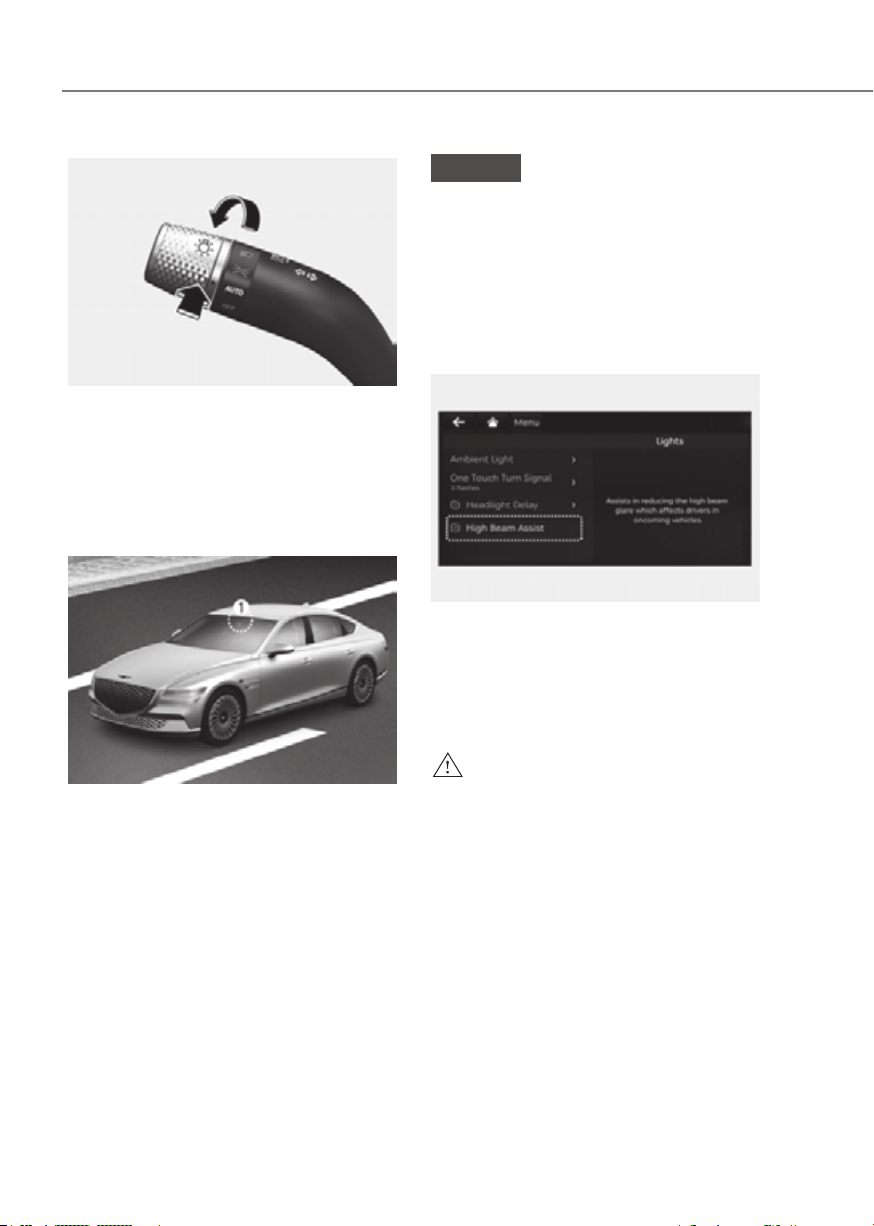
5-86
Convenience Features
ORG3EV051075ORG3EV051075
High Beam Assist is a function that
automatically adjusts the headlight range
(switches between high beam and low
beam) depending on the brightness
of detected vehicles and certain road
conditions.
Detecting sensor
ORG3EV071074ORG3EV071074
[1] : Front view camera
The front view camera is used as a
detecting sensor to detect ambient light
and brightness while driving.
Refer to the picture above for the
detailed location of the detecting sensor.
NOTICE
Always keep the front view camera in
good condition to maintain optimal
performance of High Beam Assist.
For more details on the precautions
of the front view camera, refer to
“Forward Collision-Avoidance Assist
(FCA)” section in chapter 7.
High Beam Assist Setting
OJX1059234LOJX1059234L
With the Start/Stop button in the ON
Assist (or HBA (High Beam Assist))’
from the Settings menu to turn on High
Beam Assist and deselect to turn off the
function.
WARNING
For your safety, change the Settings
after parking the vehicle at a safe
location.
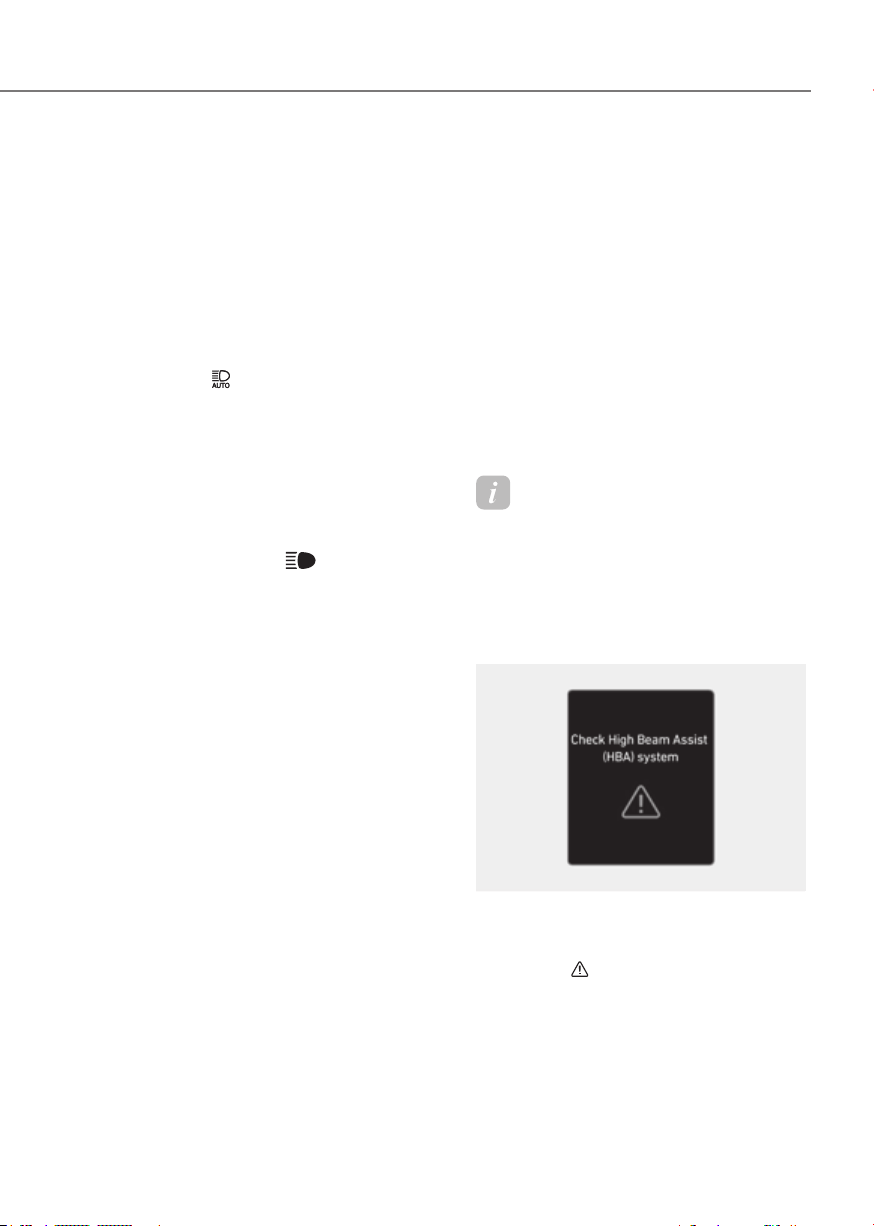
5-87
05
High Beam Assist Operation
Display and control
• After selecting ‘High Beam Assist’
in the Settings menu, High Beam
Assist will operate by following the
procedure below.
- Place the headlight switch in
the AUTO position and push
the headlight lever towards the
instrument cluster. The High Beam
Assist (
) indicator light will
illuminate on the cluster and the
function will be enabled.
- When the function is enabled, high
beam will turn on when vehicle
speed is above 25 mph (40 km/h).
When vehicle speed is below 15
mph (25 km/h), high beam will not
turn on.
- The High Beam (
) indicator light
will illuminate on the cluster when
high beam is on.
• When High Beam Assist is operating,
if the headlight lever or switch is used,
the function operates as follow:
- If the headlight lever is pulled
towards you when the high beam
is off, the high beam will turn on
without High Beam Assist canceled.
When you let go of the headlight
lever, the lever will move to the
middle and the high beam will turn
off.
- If the headlight lever is pulled
towards you when the high beam is
on by High Beam Assist, low beam
will be on and the function will turn
off.
- If the headlight switch is placed
from AUTO to another position
(headlight/position/off), High
Beam Assist will turn off and the
corresponding lamp will turn on.
• When High Beam Assist is operating,
high beam switches to low beam if
any of the following conditions occur:
- When the headlight of an oncoming
vehicle is detected.
- When the tail lamp of a vehicle in
front is detected.
- When the headlight or tail lamp of a
motorcycle or a bicycle is detected.
- When the surrounding ambient light
is bright enough that high beams
are not required.
- When streetlights or other lights are
detected.
Information
The images and colors in the cluster may
differ depending on the cluster type or
theme selected from the cluster.
High Beam Assist Malfunction
and Limitations
High Beam Assist malfunction
OJK050059LOJK050059L
When High Beam Assist is not working
properly, the ‘Check High Beam Assist
(HBA) system’ warning message will
appear and
light will illuminate on the
cluster. Have the function be inspected
by an authorized retailer of Genesis
Branded products.

5-88
Convenience Features
Limitations of High Beam Assist
High Beam Assist may not work properly
in the following situations:
• Light from an oncoming or front
vehicle is not detected because of
lamp damage, or because it is hidden
from sight, etc.
• Headlight of an oncoming or front
vehicle is covered with dust, snow or
water.
• An oncoming or front vehicle’s
headlights are off, but the fog lamps
are on, etc.
• There is a lamp that has a similar
shape as a vehicle’s lamp.
• Headlights have been damaged or not
repaired properly.
• Headlights are not aimed properly.
• Driving on a narrow-curved road,
curved road, rough road, uphill or
downhill.
• Vehicle in front is partially visible on a
crossroad or curved road.
• There is a traffic light, reflecting sign,
flashing sign or mirror ahead.
• There is a temporary reflector or flash
ahead (construction area).
• The road conditions are bad such as
being wet, iced or covered with snow.
• A vehicle suddenly appears from a
curve.
• The vehicle is tilted from a flat tire or
is being towed.
• Light from an oncoming or front
vehicle is not detected due to
obstacles in the air such as exhaust
fume, smoke, fog, snow, or water spay
or blizzard on the road, or fogging in
the lamp, etc.
NOTICE
For more details on the limitations
of the front view camera, refer to
“Forward Collision-Avoidance Assist
(FCA)” section in chapter 7.
WARNING
• At times, High Beam Assist may
not work properly. The function is
for your convenience only. It is the
responsibility of the driver for safe
driving practices and always check
the road conditions for your safety.
• When High Beam Assist does not
operate normally, change the
headlight position manually between
high beam and low beam.
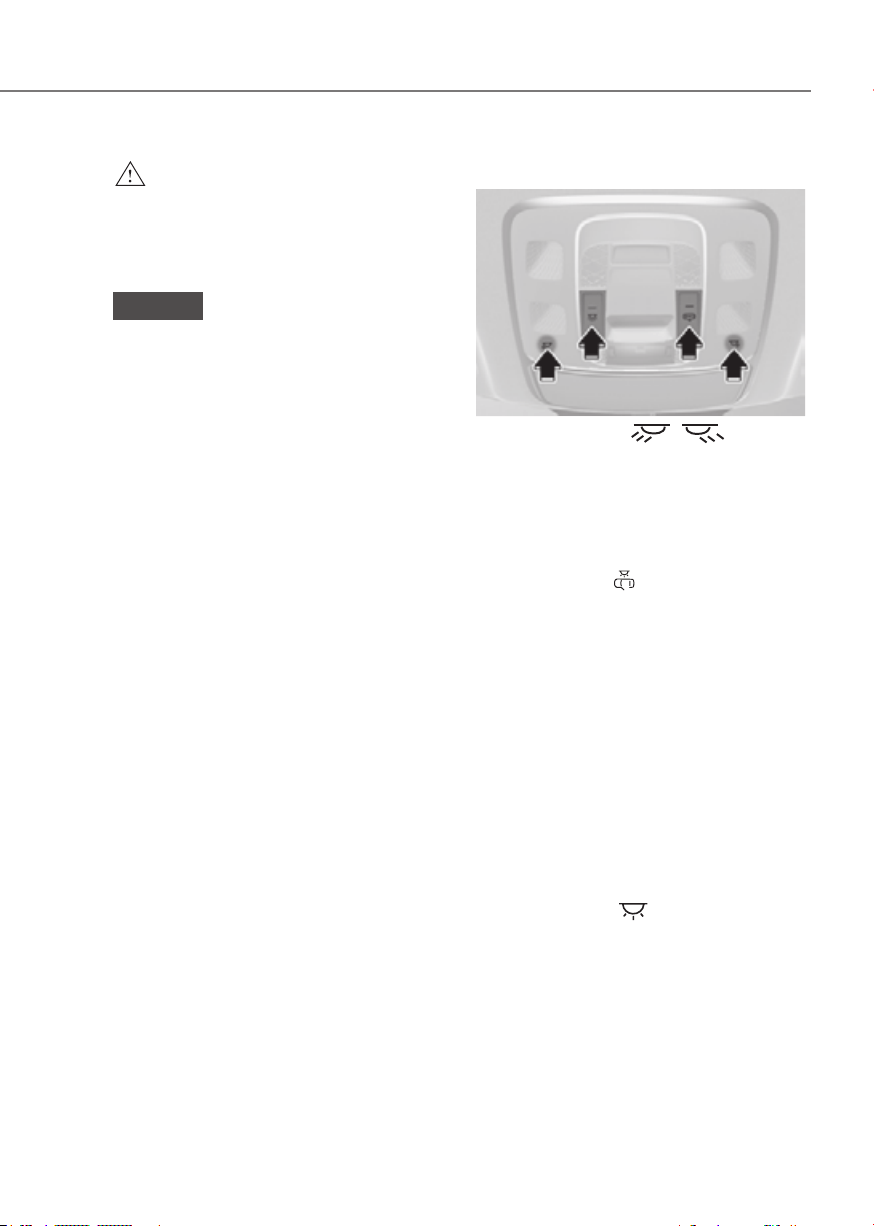
5-89
05
WARNING
Do not use the interior lights when
driving in the dark. The interior lights
may obscure your view and cause an
accident.
NOTICE
Do not use the interior lights for
extended periods when the vehicle is
turned off or the battery will discharge.
Interior lamp AUTO cut
The interior lamps will automatically go
off approximately 20 minutes after the
vehicle is turned off and the doors are
closed. If a door is opened, the lamp
will go off 25 minutes after the vehicle
is turned off. If the doors are locked by
the smart key and the vehicle enters the
armed stage of the theft alarm system,
the lamps will go off five seconds later.
Front lamps
ORG3EV051060LORG3EV051060L
Front map lamp ( ):
Touch either icons to turn the map lamp
on or off. This light produces a spot
beam for convenient use as a map lamp
at night or as a personal lamp for the
driver and the front passenger.
Front door lamp (
):
The front or rear room lamps come on
when the front or rear doors are opened.
When doors are unlocked by the smart
key, the front and rear lamps come on
for approximately 30 seconds as long as
any door is not opened. The front and
rear room lamps go out gradually after
approximately 30 seconds when the
door is closed. However, if the Start/Stop
button is in the ON position or all doors
are locked, the front and rear lamps will
turn off. If a door is opened with the
Start/Stop button in the ACC position
or the OFF position, the front and rear
lamps will stay on for about 5 minutes.
Front room lamp (
)
Press the button to turn ON the room
lamp for the front/rear seats.
INTERIOR LIGHTS
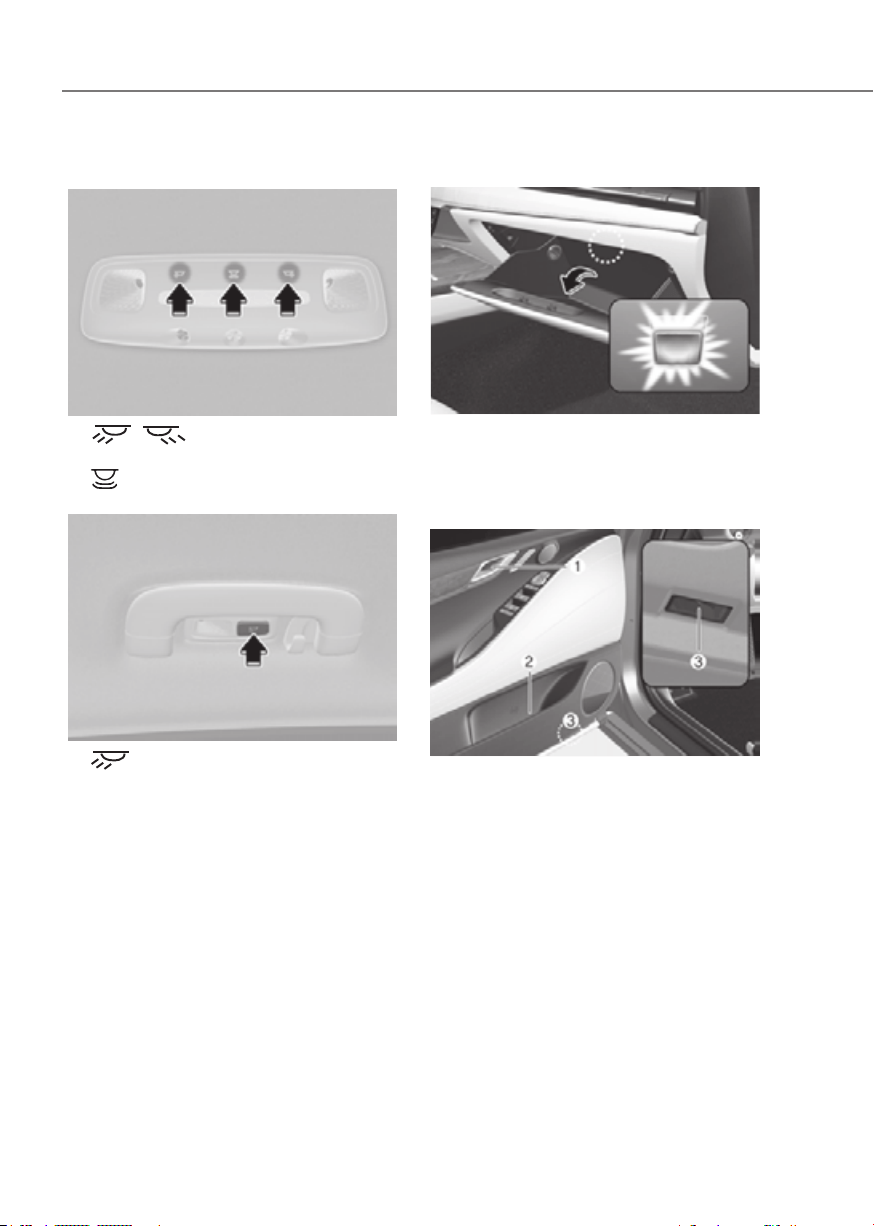
5-90
Convenience Features
Rear lamps
Room lampRoom lamp
ORG3EV051076ORG3EV051076
•
: Touch the icon to turn
either lamp on or off.
•
: Touch the icon to turn the mood
lamp on or off.
Personal lamp (with solar roof)Personal lamp (with solar roof)
ORG3EV051077ORG3EV051077
•
: Press the button to turn the
lamp on or off.
Glove box lamp
ORG3EV051062ORG3EV051062
The glove box lamp turns on when the
glove box is opened.
Door handle lamp/Mood lamp/Door
foot lamp
ORG3EV051063ORG3EV051063
• Door handle lamp (1): The lamp turns
on when the tail lamps are on.
• Mood lamp (2): The lamp turns on
from the infotainment system screen.
• Door foot lamp (3): The lamp turns
on when a door is open and turns off
when the door is closed.
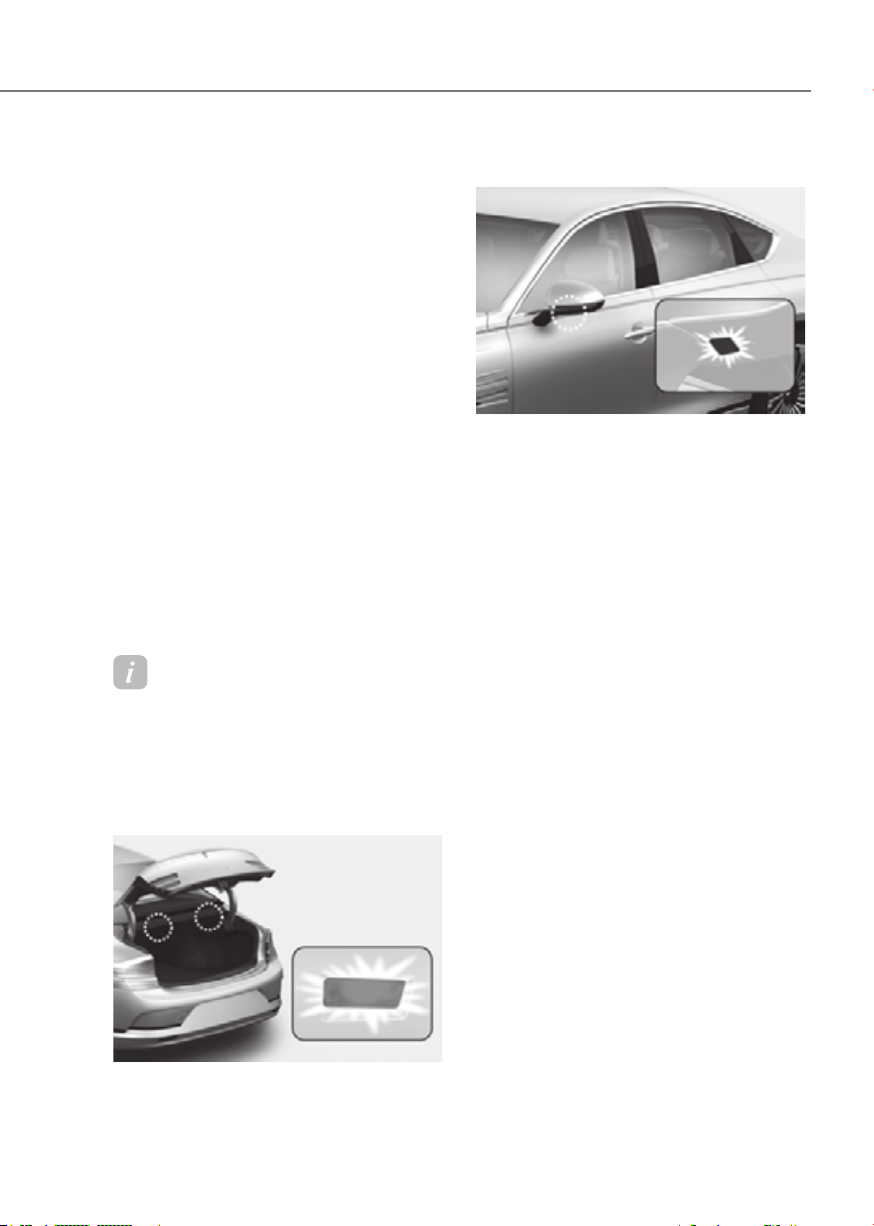
5-91
05
Interior Lights Always On (if
equipped)
The Interior Lights Always On function
turns on the interior button lights
regardless of the day or night condition.
You can enable the Interior Lights Always
On’ in the infotainment system.
After the function is enabled, the Interior
button lights are turned on or off in the
following situations:
• The interior button lights turn on for a
while when the door is unlocked and
opened after all doors were closed
and locked.
• The interior button lights always turns
on when the vehicle is turned on.
• The interior button lights turn on for a
while when the vehicle is turned off.
If the door is opened and closed or
locked, the interior button lights turn
off immediately.
Information
The infotainment system may change
after software updates. For more
information, refer to the manual provided
in the infotainment system and the quick
reference guide.
Trunk lamp
ORG3EV051065ORG3EV051065
The trunk lamp comes on when the trunk
is opened.
Puddle lamp
ORG3EV051066ORG3EV051066
Welcome light
When all doors (and trunk) are closed
and locked, the puddle lamp will turn on
for 15 seconds if the door is unlocked by
the smart key or when you put your hand
in the outside door handle with the smart
key in possession.
For more details, refer to “Welcome
System” in this chapter.
Escort light
When the Start/Stop button is in the
OFF position and the driver’s door is
opened, the puddle lamp will turn on for
30 seconds. If the driver’s door is closed
within the 30 second period, the puddle
lamp will turn off after 15 seconds. If the
driver’s door is closed and locked, the
puddle lamp will turn off immediately.
The Puddle Lamp Escort Light will turn
on only the first time the driver’s door is
opened after the vehicle is turned off.
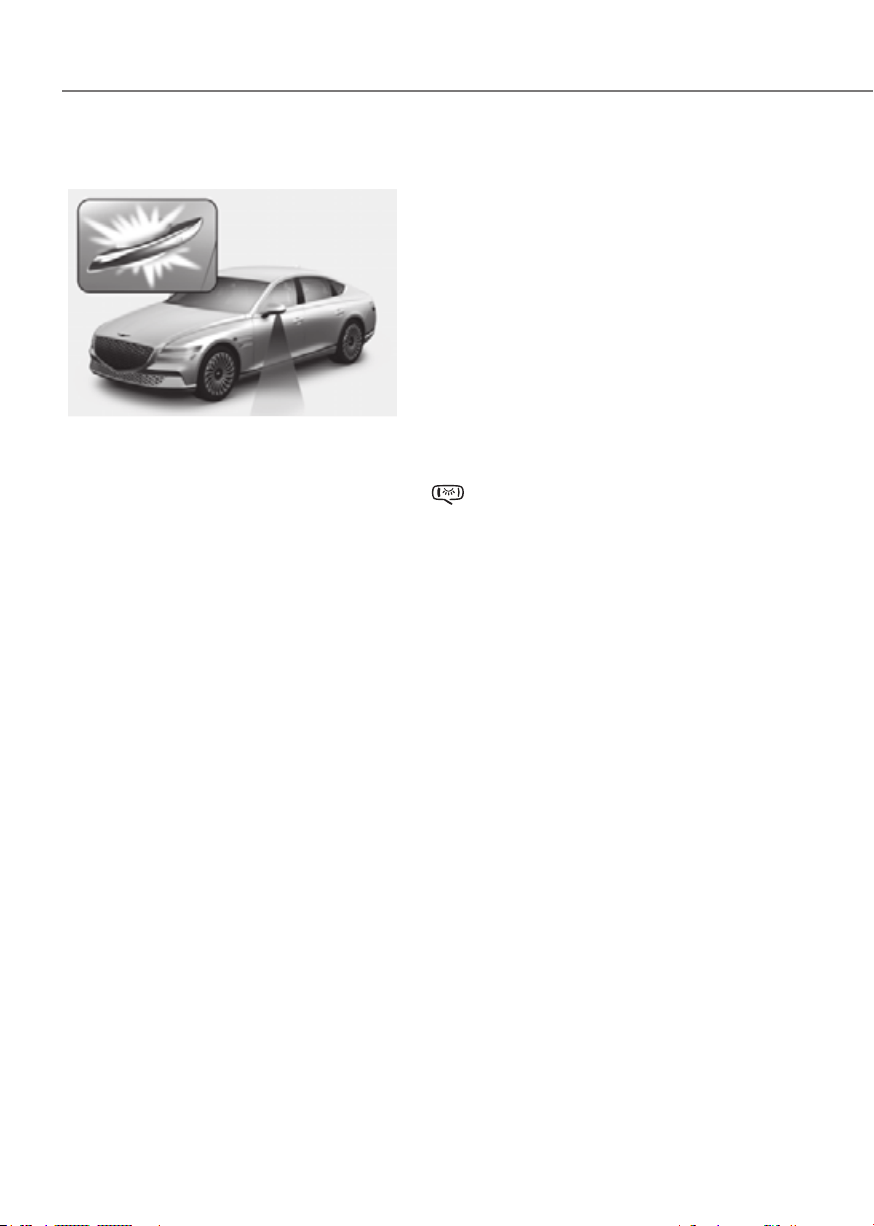
5-92
Convenience Features
Welcome System
ORG3EV051059ORG3EV051059
Welcome system helps keep the driver
visible by turning on vehicle lights when
the driver approaches the vehicle.
Puddle lamp and door handle lamp
When all the doors (and trunk) are
closed and locked, the puddle lamp
and door handle lamp will turn on for
approximately 15 seconds if any of the
below is performed.
- When the door unlock button is
pressed on the smart key.
- When you put your hand in the
outside door handle with the smart
key in possession.
-
selected from the Settings menu in
the infotainment system screen, the
lamps will turn on when the vehicle
is approached with the smart key in
possession.
See additional information in
supplied Infotainment Manual.
Headlight and parking lamp
When the light switch is ON, and all the
doors (and trunk) are closed and locked,
the headlight and parking lamp will turn
on for approximately 15 seconds if the
door unlock button is pressed on the
smart key. Note that if the light switch is
in the AUTO position, the headlight and
position light will turn on only when it is
dark outside.
from the Settings menu to turn on this
function.
Interior lamp
When the interior lamp switch is in the
position and all doors (and trunk)
are closed and locked, the room lamp
will come on for 30 seconds if any of the
below is performed.
- When the door unlock button is
pressed on the smart key.
- When you put your hand in the
outside door handle while carrying the
smart key.
At this time, if you press the door lock
or unlock button on the smart key the
lamps will turn off immediately.

5-93
05
WIPERS AND WASHERS
ORG3EV051067ORG3EV051067
Front Windshield Wipers
Operates as follows when the Start/Stop
button is in the ON position.
MIST : For a single wiping cycle,
push the lever upward (or
downward) and release.
The wipers will operate
continuously if the lever is
held in this position.
OFF : Wiper is not in operation.
AUTO : The rain sensor located on the
upper end of the windshield
glass senses the amount of
rainfall and controls the wiping
cycle for the proper interval.
The more it rains, the faster the
wiper operates. When the rain
stops, the wiper stops. To vary
the speed setting, turn the speed
control knob.
LO : The wiper runs at a lower speed.
HI : The wiper runs at a higher speed.
Information
If there is heavy accumulation of snow
or ice on the windshield, defrost the
windshield for about 10 minutes, or until
the snow and/or ice is removed before
using the windshield wipers to ensure
proper operation.
If you do not remove the snow and/or ice
before using the wiper and washer, it may
damage the wiper and washer system.
AUTO (Automatic) control
ORG3EV051068ORG3EV051068
The rain sensor located on the upper
end of the windshield glass senses
the amount of rainfall and controls the
wiping cycle for the proper interval.
The wiper operation time will be
automatically controlled depends on
rainfall.
When the rain stops, the wiper stops.
To vary the sensitivity setting, turn the
sensitivity control knob.
If the wiper switch is set in AUTO mode
when the Start/Stop button is in the ON
position, the wiper will operate once to
perform a self-check of the system. Set
the wiper to the OFF position when the
wiper is not in use.

5-94
Convenience Features
WARNING
To avoid personal injury from the
windshield wipers, when the vehicle
is running and the windshield wiper
switch is placed in the AUTO mode:
• Do not touch the upper end of the
windshield glass facing the rain
sensor.
• Do not wipe the upper end of the
windshield glass with a damp or wet
cloth.
• Do not put pressure on the
windshield glass.
NOTICE
• When washing the vehicle, set the
wiper switch in the OFF position to
stop the auto wiper operation. The
wiper may operate and be damaged
if the switch is set in the AUTO mode
while washing the vehicle.
• Do not remove the sensor cover
located on the upper end of the
passenger side windshield glass.
Damage to system components
could occur and may not be covered
by your vehicle warranty.
• Because of using a photo sensor,
temporary malfunction could occur
according to sudden ambient light
change made by stone and dust
while driving.
Front Windshield Washers
ORG3EV051079ORG3EV051079
In the OFF position, pull the lever gently
toward you to spray washer fluid on the
windshield and to run the wipers 1-3
cycles. The spray and wiper operation
will continue until you release the lever. If
the washer does not work, you may need
to add washer fluid to the washer fluid
reservoir.
Recirculating air when washer fluid
is used
When washer fluid is used, in order to
reduce any objectionable scent of the
washer fluid from entering the cabin,
recirculation mode and air conditioning
are automatically activated depending
on the outside temperature. If you
select fresh mode while the function is
operating, the function will resume after
a certain amount of time. It may not work
in some conditions such as cold weather
or vehicle OFF.
For more details, refer to “Climate
Control Additional Features” section in
this chapter.

5-95
05
WARNING
When the outside temperature is below
freezing, ALWAYS warm the windshield
using the defroster to help prevent
the washer fluid from freezing on the
windshield and obscuring your vision
which could result in an accident and
serious injury or death.
NOTICE
• To prevent possible damage to the
washer pump, do not operate the
washer when the fluid reservoir is
empty.
• To prevent possible damage to the
wipers or windshield, do not operate
the wipers when the windshield is
dry.
• To prevent damage to the wiper
arms and other components, do
not attempt to move the wipers
manually.
• To prevent possible damage to the
wipers and washer system, use anti-
freezing washer fluids in the winter
season or cold weather.
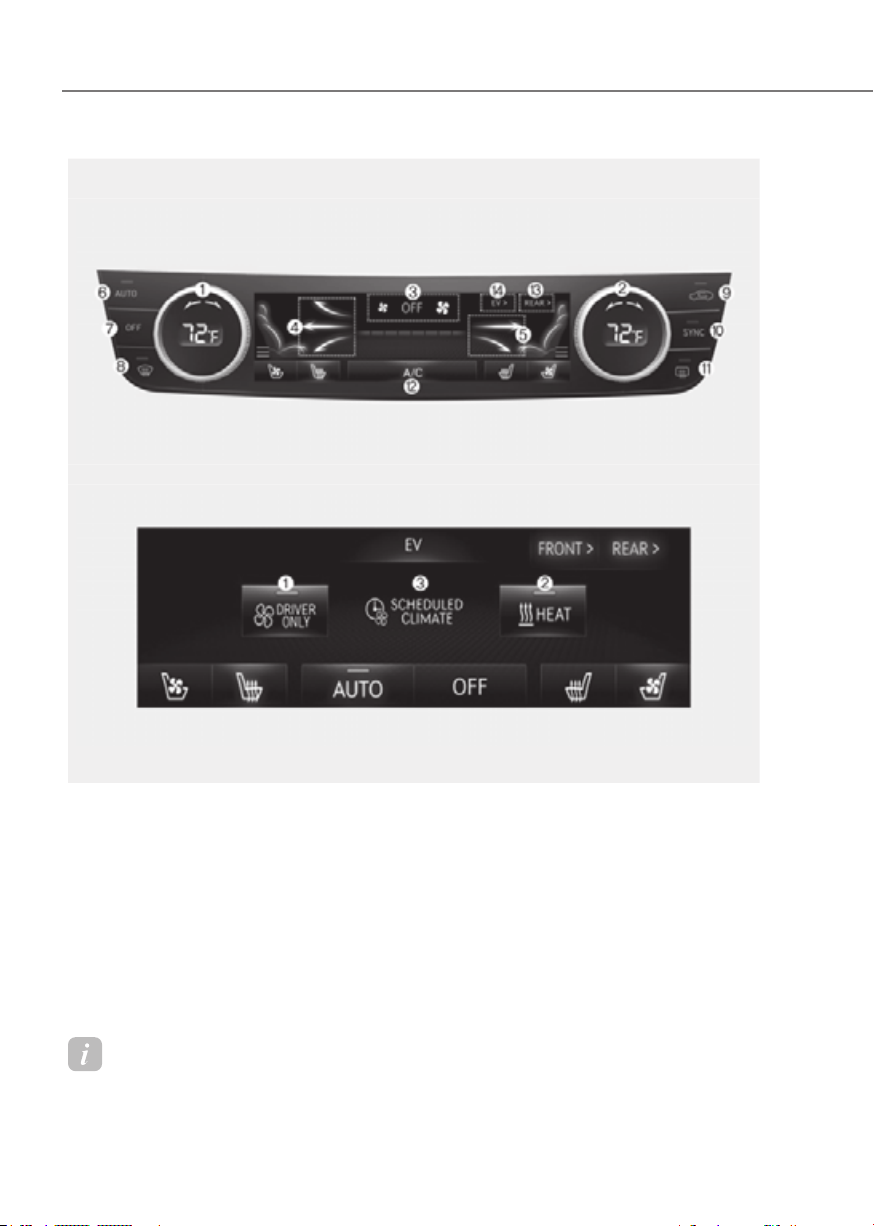
5-96
Convenience Features
Information
Use a clean soft microfiber cloth to gently wipe any finger prints off the touch screen.
Front seatFront seat
•• Front seat controlFront seat control
•• EV ModeEV Mode
The actual shape may differ from the illustration.
ORG3EV051127N/ORG3EV051133LORG3EV051127N/ORG3EV051133L
AUTOMATIC CLIMATE CONTROL SYSTEM
1. Driver’s temperature control
2. Passenger’s temperature control
3. Fan speed control
4. Driver’s mode selection
5. Passenger’s mode selection
6. AUTO (automatic control)
7. OFF (system off)
8. Front windshield defroster
9. Air intake control
10.
SYNC
11.
Rear window defroster
12.
A/C (air conditioning)
13.
Rear temperature control
14.
EV Mode
EV Mode
1. Driver’s seat climate control
2. Heat button
3. Pre-schedule heating
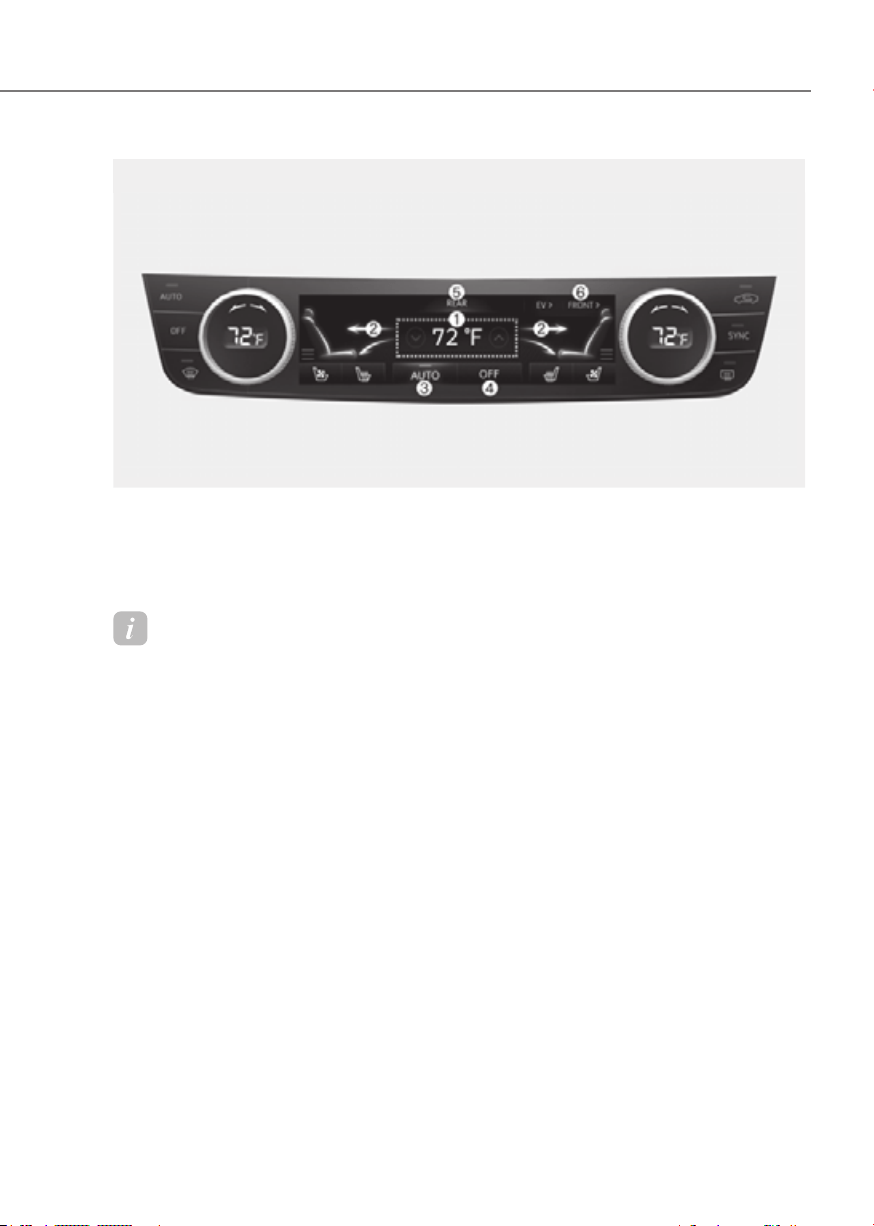
5-97
05
•• Rear seat controlRear seat control
ORG3EV051132NORG3EV051132N
1. Temperature control
2. Mode selection
3. AUTO
4. OFF
5. Climate control information screen
6. Front control
Information
Use a clean soft microfiber cloth to gently wipe any finger prints off the touch screen.

5-98
Convenience Features
Rear seatRear seat
ORG3050102NORG3050102N
1. Fan speed control
2. Temperature control
3. OFF (system off)
4. AUTO (automatic control)
5. Mode selection
Information
Temperature, Mode selection (air flow direction) can be controlled individually from the
rear seat.
However, if ‘Setup → Vehicle Settings → Climate → Climate Features → Lock the Rear
Climate Control’ is selected, the rear climate control can be operated only from the front
seat. Deselect ‘Lock the Rear Climate Control’ before using it from the rear seats.
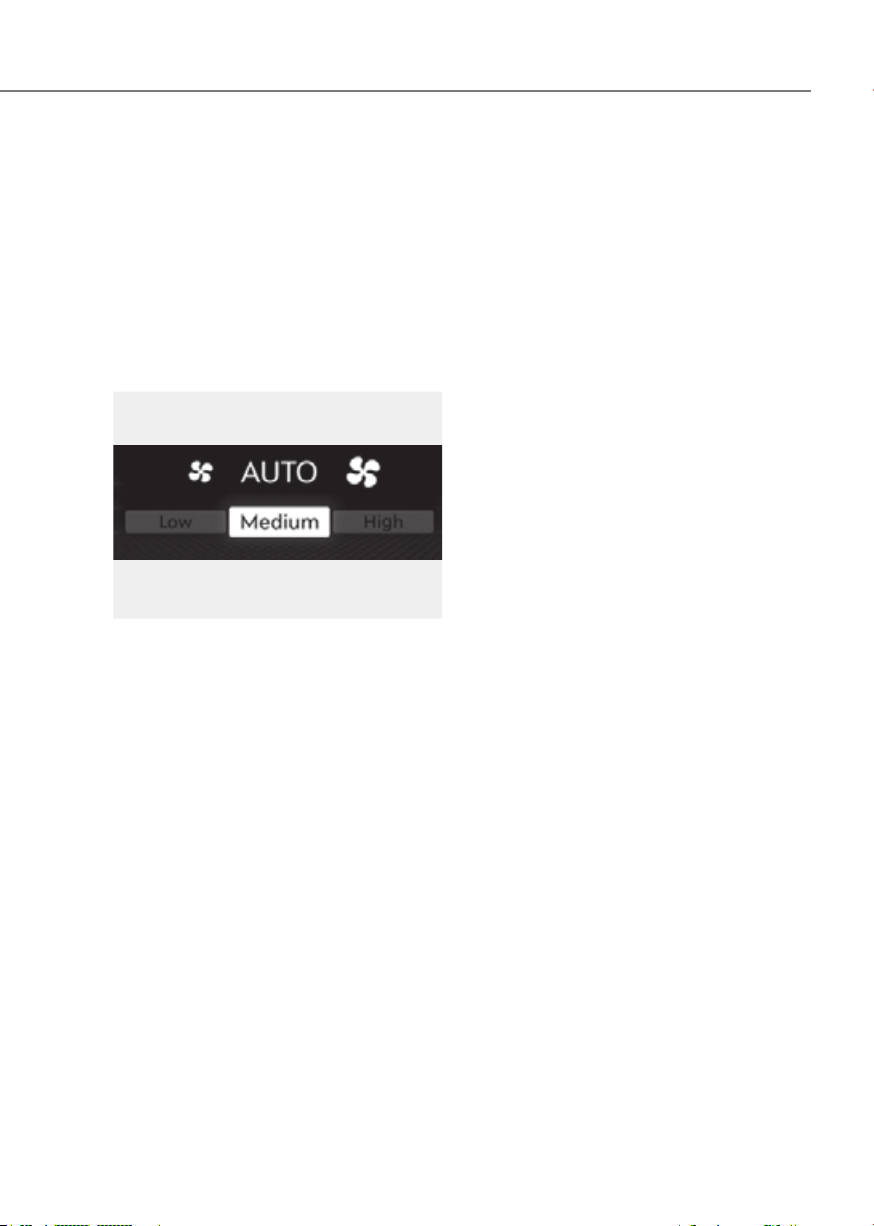
5-99
05
Automatic Temperature Control
Mode
The Automatic Climate Control System
is controlled by setting the desired
temperature.
1. Press the AUTO button.
The mode selection, fan speed,
air intake and air-conditioning will
be controlled automatically by the
temperature setting you select.
OJX1059246OJX1059246
2. When the climate control system is
being automatically controlled, fan
speed can be selected (Low/Medium/
High).
- HIGH: Use when quick heating or
cooling is preferred with higher fan
speed capability.
- MEDIUM: Use when medium fan
speed is preferred for cooling or
heating with moderate fan speed
capability.
- LOW: Use when low fan speed is
preferred for cooling or heating with
lower fan speed capability.
3. Turn the temperature control knob
to the desired temperature. If the
temperature is set to the lowest
setting, the air conditioning system
will operate continuously. After the
interior has cooled sufficiently, adjust
the knob to a higher temperature set
point whenever possible.
To turn the automatic operation off,
select any function of the following:
- Mode selection button
- Front windshield defroster button
(Press the button one more time
to deselect the front windshield
defroster function. The ‘AUTO’
sign will illuminate on the climate
information screen once again.)
- Fan speed control icon or knob
- A/C (air conditioning) icon
The selected function will be controlled
manually while other functions operate
automatically.
For your convenience and to improve the
efficiency of the climate control, use the
AUTO button and set the temperature to
72 °F (22 °C).
To change the temperature unit from °C
to °F or °F to °C:
Press the AUTO button for 3 seconds
while pressing the OFF button.

5-100
Convenience Features
Information
ORG3EV051068ORG3EV051068
Never place anything near the ambient
light/solar sensor to ensure better control
of the heating and cooling system.
Manual Temperature Control
Mode
The heating and cooling system can be
controlled manually by pushing buttons
other than the AUTO button. In this case,
the system works sequentially according
to the order of buttons selected.
When pressing any button except the
AUTO button while using automatic
operation, the functions not selected will
be controlled automatically.
1. Start the vehicle.
2. Set the mode to the desired position.
To improve the effectiveness of
heating and cooling, select the mode
according to the following:
- Heating:
- Cooling:
3. Set the temperature control to the
desired position.
4. Set the air intake control to Fresh or
Recirculation mode.
5. Set the fan speed control to the
desired speed.
6. If air conditioning is desired, turn the
air conditioning system on.
7. Press the AUTO button to revert
back to full automatic control of the
system.
The climate control system settings
will be maintained, even when the
vehicle is turned OFF. However, the
climate control system settings will be
initialized when the battery has been
discharged, or when the cables have
been disconnected.
In this case, adjust the climate control
system settings again.
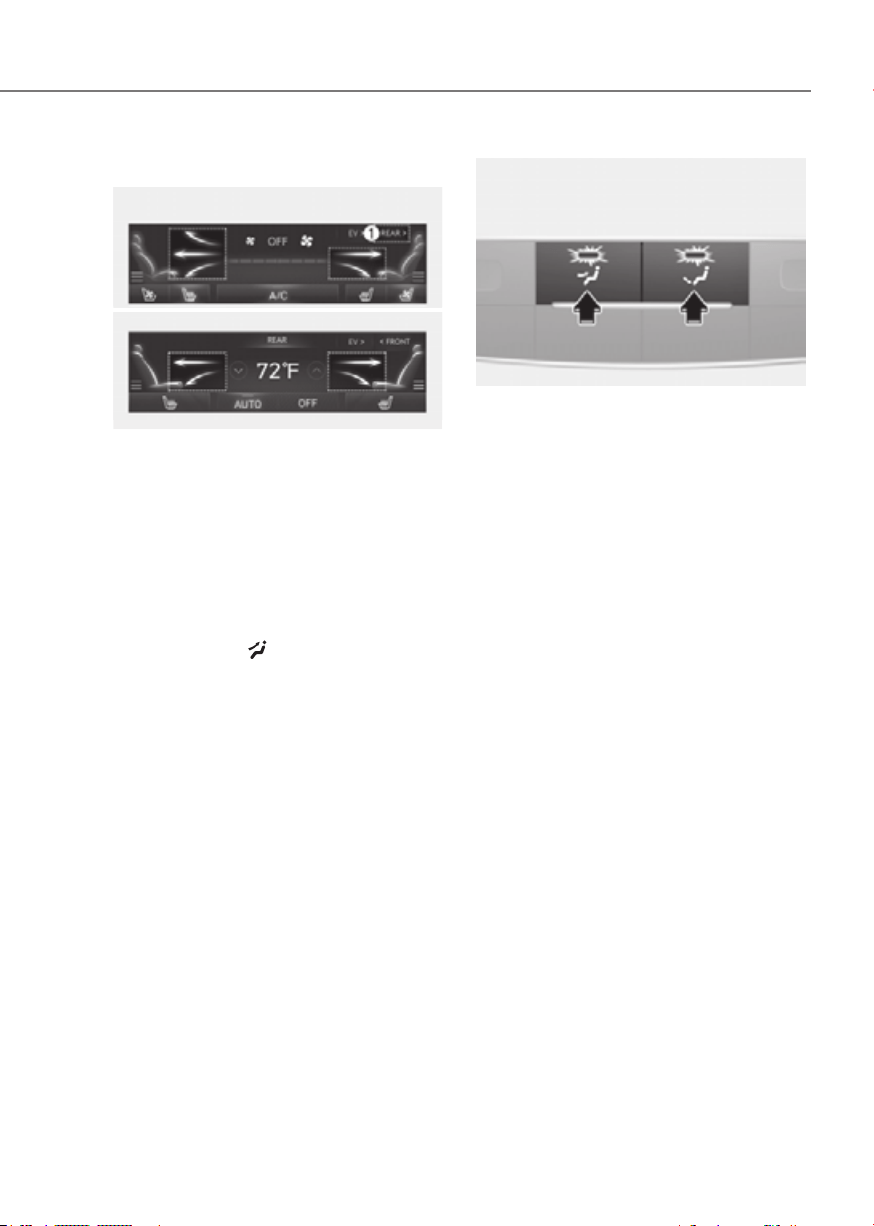
5-101
05
Mode selection
Front seatFront seat
•• Front seat controlFront seat control
•• Rear seat controlRear seat control
ORG3EV051128L/ORG3EV051107NORG3EV051128L/ORG3EV051107N
Front seat mode selection
• Touch the arrows on the climate
control information screen to select
air flow direction.
• Press the SYNC button and when
the indicator light on the button
turns off, the air flow direction of the
driver’s seat, passenger seat, and rear
seat can be controlled individually.
However, passengers and rear seats
cannot select
.
• Touch REAR (1) to control the second
row seat mode selection from the
front seats.
• You may select 2~3 modes at the
same time.
ORG3EV051105ORG3EV051105
Rear seat mode selection
• Press the button to select the
direction of the air flow to the desired
position.
• You may select 2 modes at the same
time
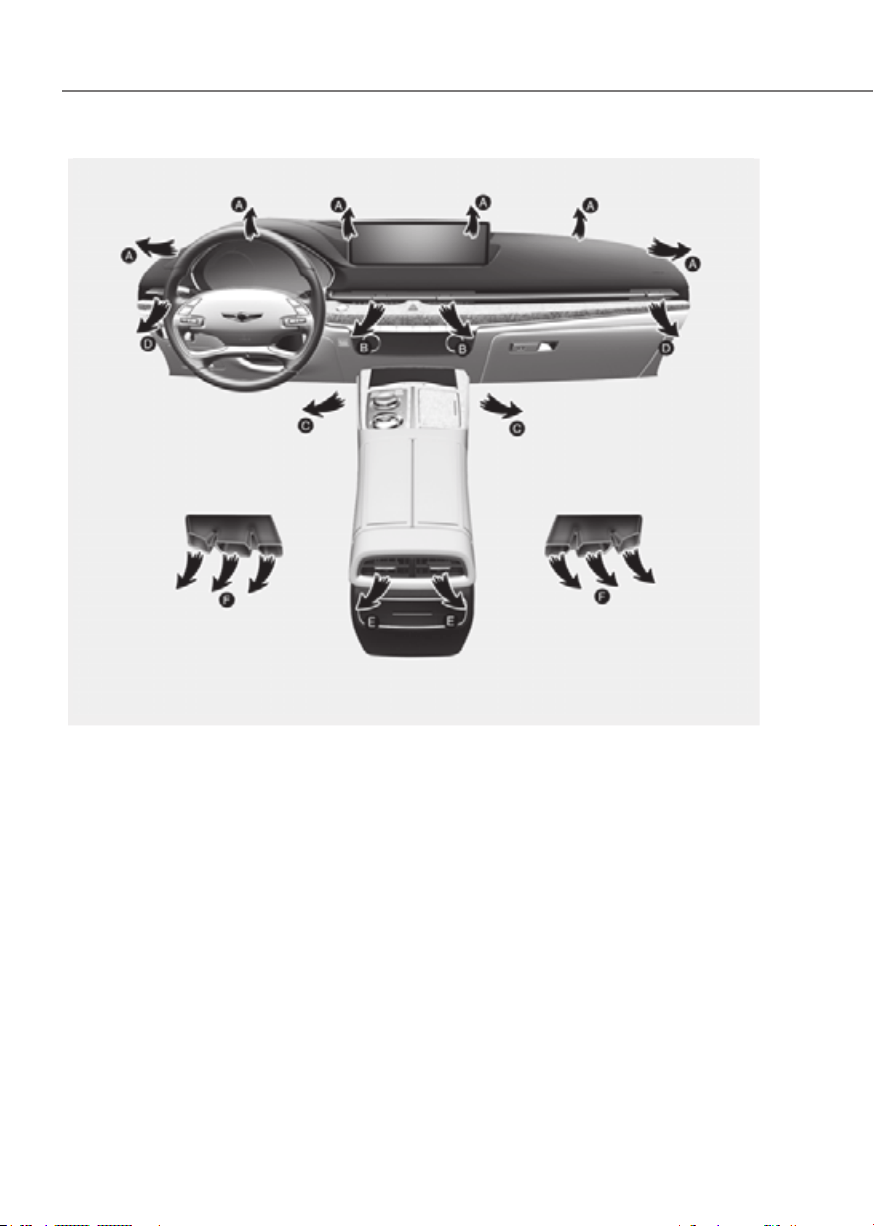
5-102
Convenience Features
ORG3EV051109N
Air flow direction
The mode selection Icon or button controls the direction of the air flow through the
ventilation system.
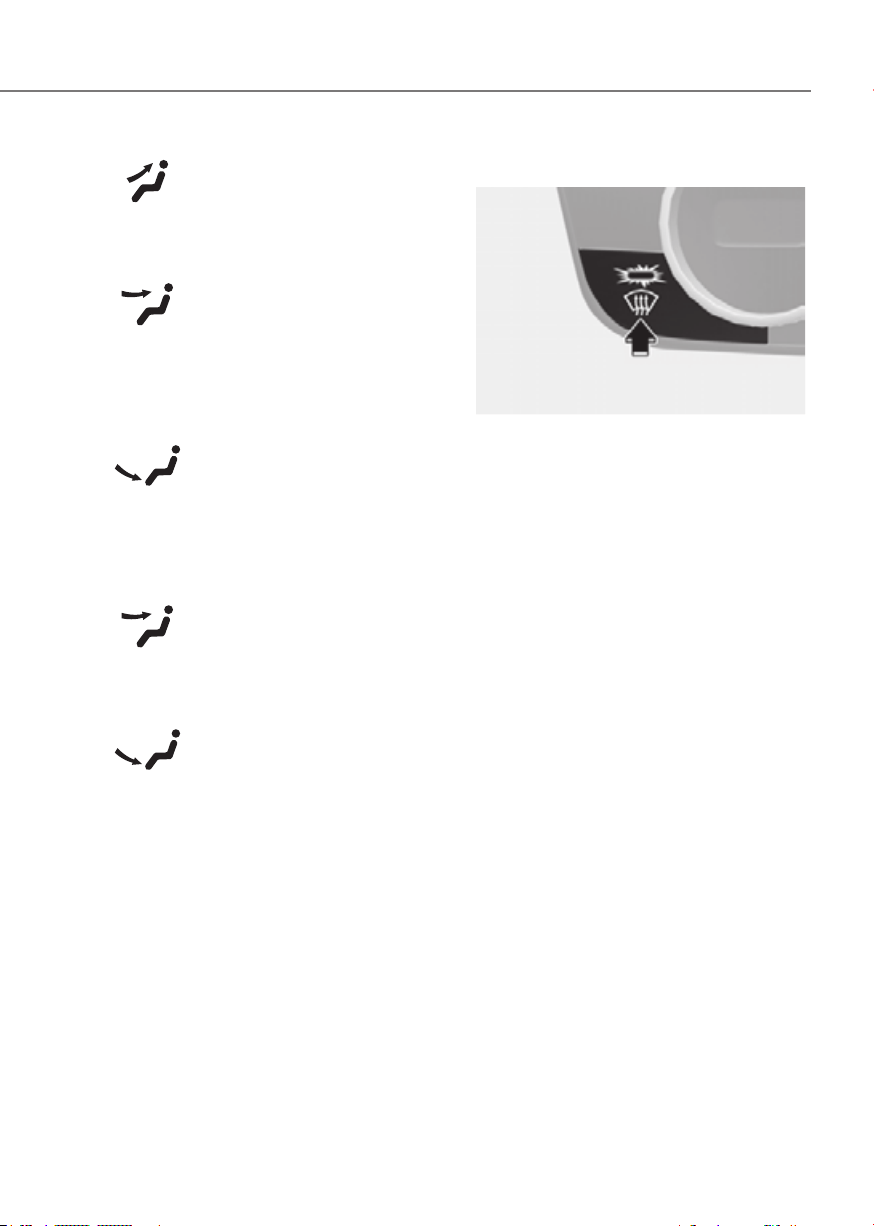
5-103
05
Defrost (A, D)
Most of the air flow is directed to the
windshield.
Face-level (B, D, E)
Air flow is directed toward the upper
body and face. Additionally, each outlet
can be controlled to direct the air
discharged from the outlet.
Floor-level (A, C, F)
Most of the air flow is directed to the
floor, with a small amount of the air
being directed to the windshield and side
window defrosters.
Face-level (E)
Air flow is directed toward the upper
body and face.
Floor-level (F)
Most of the air flow is directed to the
floor.
Front windshield defroster
ORG3EV051111ORG3EV051111
Defrost-level (A, D)
Press the button, and the indicator light
on the button will illuminate and the
windshield defroster indicator will appear
on the climate control information
screen.
Most of the air flow is directed to the
windshield with a small amount of air
directed to the side window defrosters.
When Defogging logic is enabled, Fresh
mode is selected and air conditioning
is selected according to outside
temperature.
Press the button again, the indicator light
will turn off and the previous settings will
be selected.
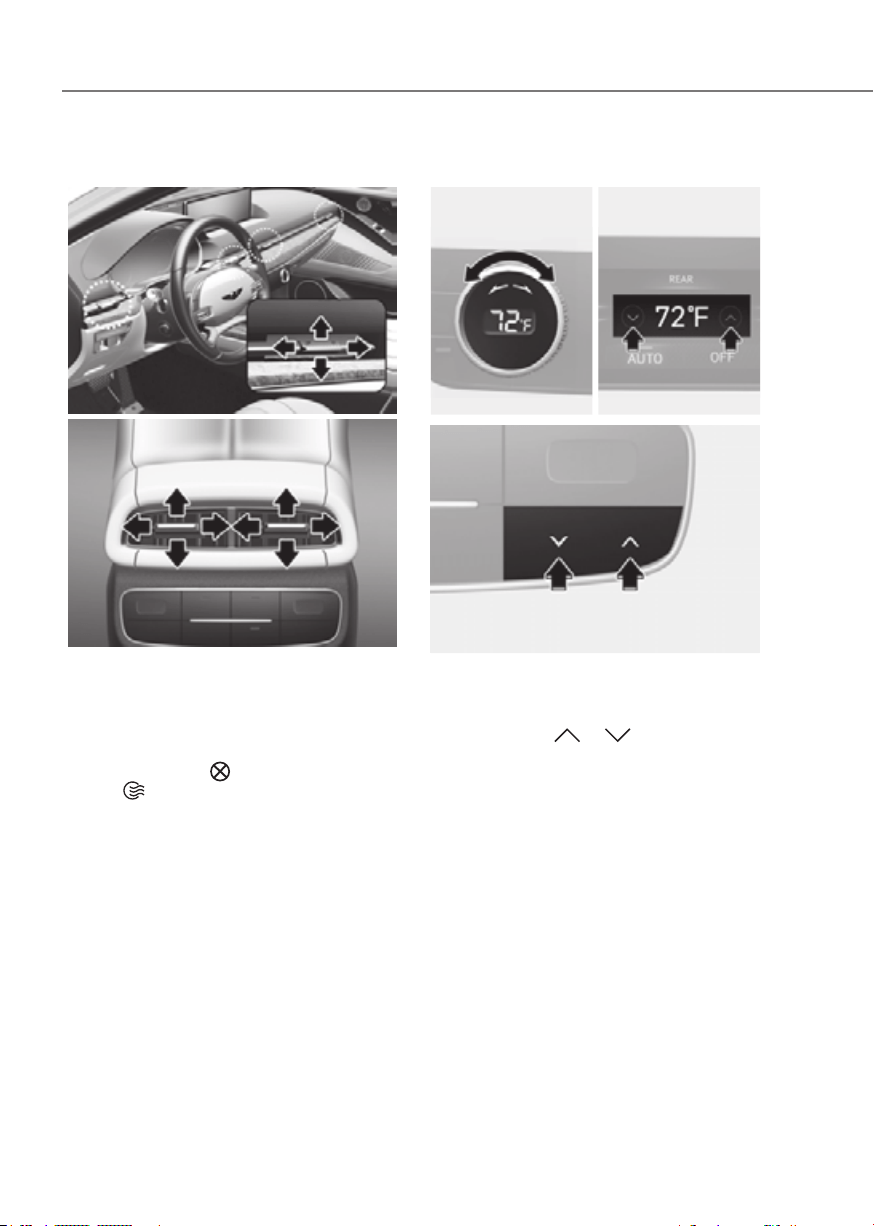
5-104
Convenience Features
Instrument panel vents
Front seatFront seat
ORG3EV051110ORG3EV051110
Rear seatRear seat
ORG3050108ORG3050108
The instrument panel vent air flow can be
directed up/down or left/right using the
vent adjustment lever.
The air flow can also be CLOSED using
the vent adjustment lever.
Move the lever to
position to close,
and to position to open.
Temperature control
Front seatFront seat
•• Front seat controlFront seat control
•• Rear seat controlRear seat control
ORG3EV051112NORG3EV051112N ORG3EV051113NORG3EV051113N
Rear seatRear seat
ORG3EV051115ORG3EV051115
Turn the knob to the right to increase the
temperature. Turn the knob to the left to
decrease temperature.
Also, touch the
or icon to select
the temperature for second row seats
from the front row.
The Set Temperature can be increased or
decreased by increments of 1 °F (0.5 °C)
for each incremental location. When set
to the lowest temperature setting, the air
conditioning will operate continuously.

5-105
05
SYNC
ORG3EV051114ORG3EV051114
Adjusting the temperature, air flow
direction and fan speed equally
Press the SYNC button (indicator light
ON), the rear seat’s temperature, air flow
direction and fan speed will be adjusted
same as the driver’s control.
Air intake control
ORG3EV051118ORG3EV051118
The air intake control button is used to
select either Fresh mode (outside air) or
Recirculation mode (cabin air).
Recirculation mode
When Recirculation mode
is selected, air from the
passenger compartment will
be recirculated through the
system and heated or cooled
according to the function
selected.
Fresh mode
When Fresh mode is selected,
air enters the vehicle from
outside and is heated or
cooled according to the
function selected.
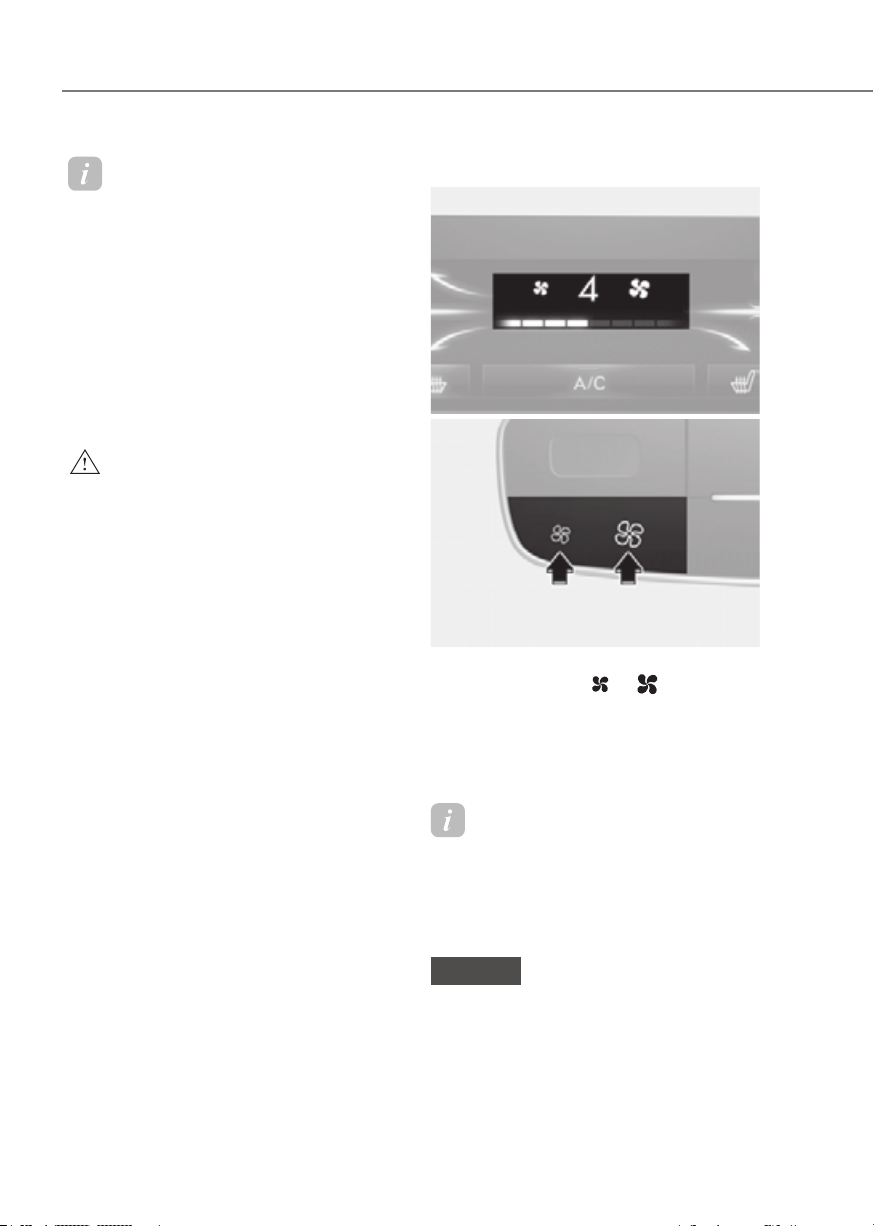
5-106
Convenience Features
Information
Operating the system primarily in Fresh
mode is recommended. Use Recirculation
mode temporarily only when needed.
Prolonged operation of the heater in
Recirculation mode and without the air
conditioning ON can cause fogging of the
windshield. In addition, prolonged use of
the air conditioning ON in Recirculation
mode may result in excessively dry,
dehumidified air in the cabin and may
promote formation of musty vent odor due
to stagnant air.
WARNING
• Continued use of the climate control
system operation in Recirculation
mode for a prolonged period of
time may cause drowsiness to the
occupants in the cabin. This may lead
to loss of vehicle control which may
lead to an accident.
• Continued use of the climate control
system operation in Recirculation
mode with the air conditioning OFF
may allow humidity to increase
inside the cabin. This may cause
condensation to accumulate on the
windshield and obscure visibility.
• Do not sleep in your vehicle or
remain parked in your vehicle with
the windows up and either the
heater or the air conditioning ON for
prolonged periods of time. Doing so
may increase the levels of carbon
dioxide in the cabin which may lead
to serious injury or death.
Fan speed control
Front seatFront seat
ORG3EV051129LORG3EV051129L
Rear seatRear seat
ORG3EV051116ORG3EV051116
The fan speed can be set to the desired
speed touching the
or icon.
More air is delivered with higher fan
speeds.
Pressing the OFF icon or button turns off
the fan.
Information
To help improve microphone voice
input sound quality, fan speed may
automatically slow down for a couple
of minutes when you activate voice
recognition or hands free.
NOTICE
Operating the fan when the Start/Stop
button is in the ON position could cause
the battery to discharge. Operate the
fan when the vehicle is running.
.
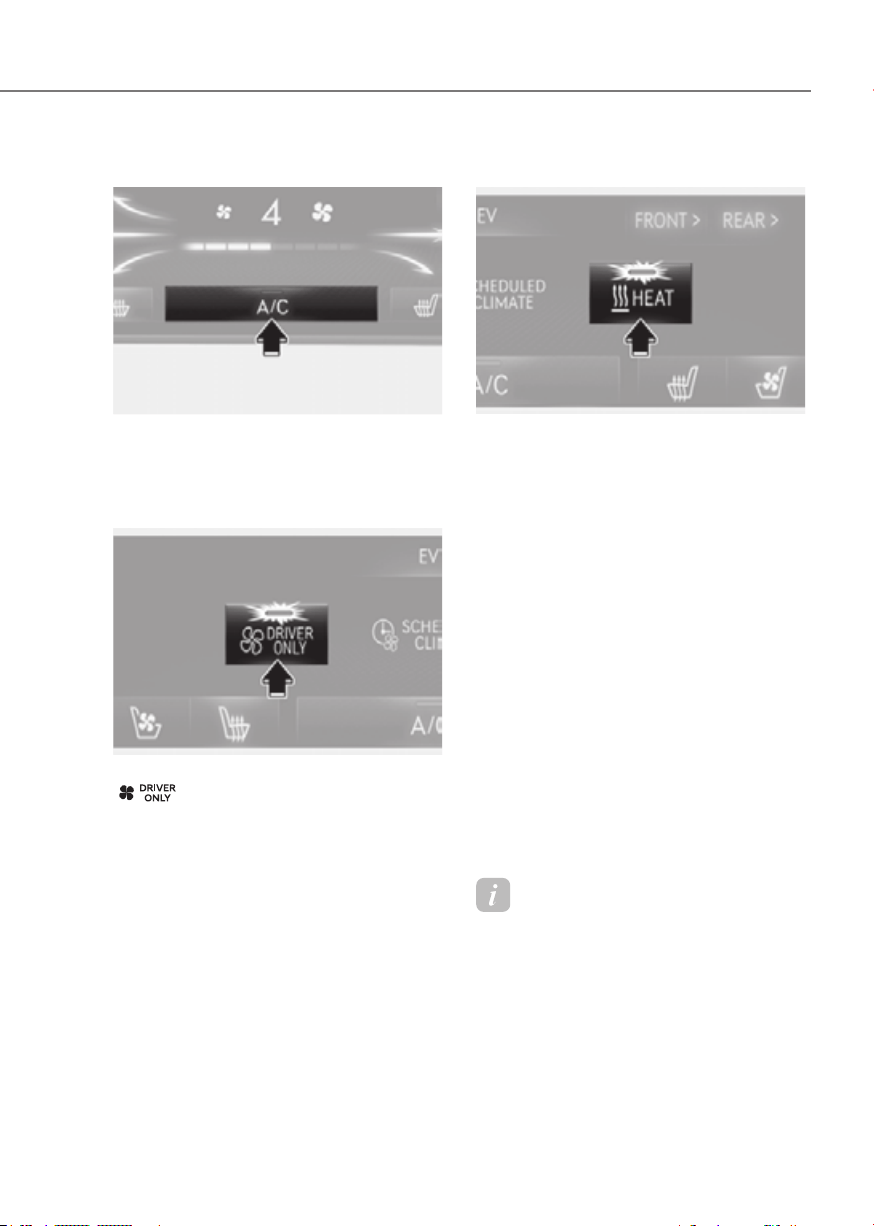
5-107
05
Air conditioning
ORG3EV051130LORG3EV051130L
Touch the A/C icon to manually turn the
air conditioning on (indicator light will
illuminate) and off.
Driver only
ORG3EV051102LORG3EV051102L
If you press the DRIVER ONLY button
(
) and the indicator light
illuminates in the infotainment climate
control screen, cold air mostly blows
in the driver’s seat. However, some
of the cold air may come out of other
seating position ducts to keep indoor air
pleasant.
If you use the button with no passenger
in the front passenger seat, energy
consumption will be reduced.
DRIVER ONLY button will be turned off
under the following conditions:
1) Defrost on
2) DRIVER ONLY button re-push
HEAT button
ORG3EV051103LORG3EV051103L
When you touch AUTO button, the heater
works automatically according to the
set temperature. You can select the
temperature to the 81 °F (27 °C) in AUTO
mode.
But if you want to choose the heater
separately, touch CLIMATE icon in
the climate control panel. The climate
information screen will appear on the
infotainment screen. Touch the HEAT
icon in the infotainment screen to
turn the heater on (indicator light will
illuminate).
Touch the button again to turn the heater
off.
The air conditioner and heater uses
energy from the battery. If you use the
heater or air conditioner for too long,
distance to empty can be reduced due to
too much power consumption.
Turn off the heater and air conditioner if
you do not need them.
Information
If the vehicle is turned off after the heating
and cooling operation, a sound may occur
temporarily as the air climate system
mode is changed.
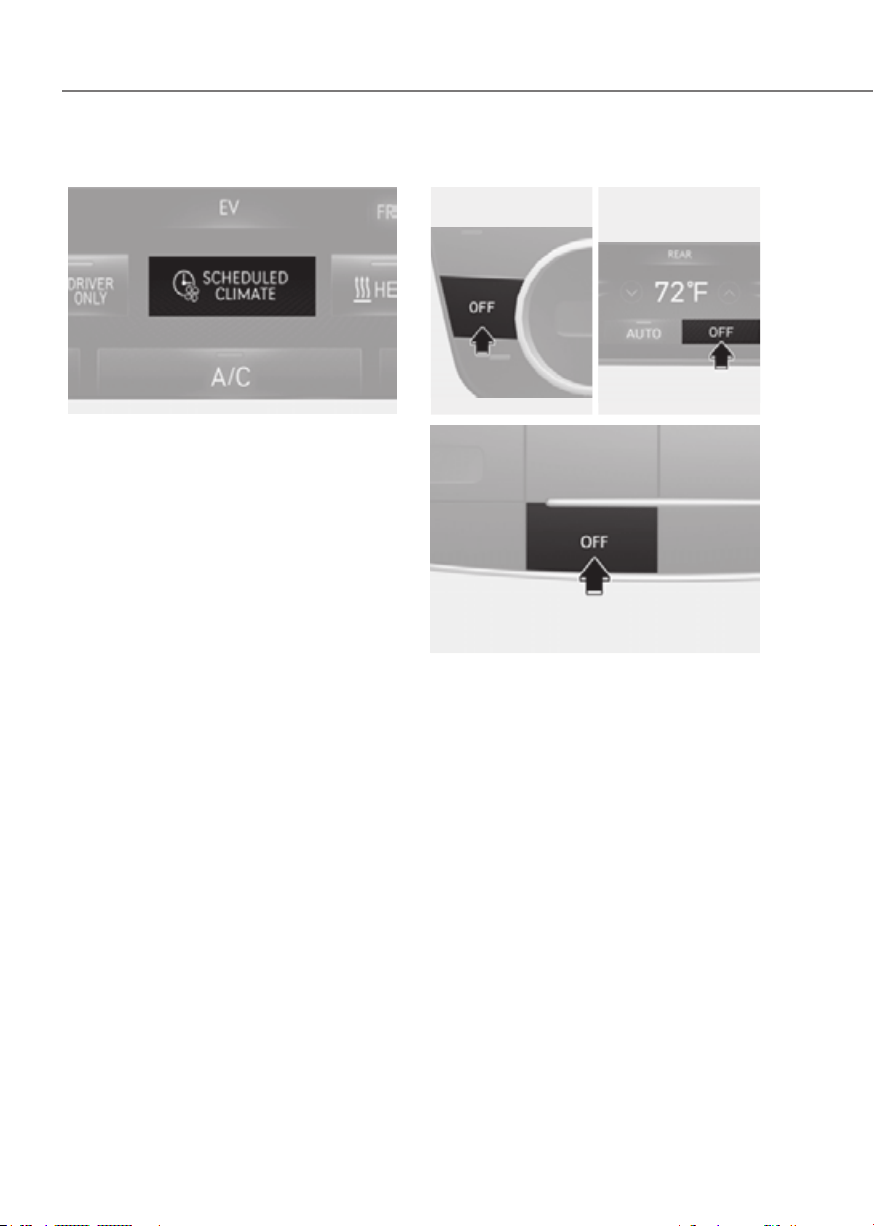
5-108
Convenience Features
Scheduled climate
ORG3EV051104LORG3EV051104L
Set target temperature.
This function is linked to the departure
time.
For more details, refer to “EV mode” in
chapter 1.
OFF mode
Front seatFront seat
•• Front seat controlFront seat control
•• Rear seat controlRear seat control
ORG3EV051121ORG3EV051121 ORG3EV051122NORG3EV051122N
Rear seatRear seat
ORG3EV051123ORG3EV051123
Touch the OFF icon or press the OFF
button to turn the climate control system
off. You can still operate the air intake
button as long as the Start/Stop button is
in the ON position.

5-109
05
System Operation
Cooling / Ventilation
1. Select the Face Level ( ) mode in the
infotainment screen.
2. Set the air intake control to fresh or
recirculation mode.
3. Set the temperature to the desired
position.
4. Set the fan speed to the desired
speed.
Heating
1. Select the Floor Level ( ) mode in
the infotainment screen.
2. Set the air intake control to fresh or
recirculation mode.
3. Set the temperature to the desired
position.
4. Set the fan speed to the desired
speed.
5. If desired, turn the air conditioning ON
with the temperature set high in order
to dehumidify the air before it enters
into the cabin.
If the windshield fogs up, select the Front
Defrost (
) mode.
Operation Tips
• To keep dust or unpleasant fumes
from entering the vehicle through the
ventilation system, temporarily set the
air intake control to the recirculation
mode. Return the control to the
Recirculation mode to the Fresh mode
when the unpleasant air outside has
diminished. This will help keep the
driver alert and comfortable.
• To help prevent the inside of the
windshield from fogging, set the air
intake control to fresh mode and the
fan speed to the desired position, turn
on the air conditioning system, and
adjust the temperature control to the
desired temperature.
Air conditioning
Your Genesis Branded Vehicle air
conditioning system is filled with
R-1234yf refrigerant.
1. Start the vehicle.
2. Press the air conditioning button.
3. Set the mode to the Face Level
mode.
4. Set the air intake control to
Recirculation mode temporarily to
allow the cabin to cool quickly. When
the desired temperature in the cabin
is reached, change the air intake
control back to Fresh mode.
5. Adjust the fan speed control and
temperature control to maintain
maximum comfort.
When maximum cooling is desired, set
the temperature to the lowest position,
then set the fan speed control to the
highest setting.

5-110
Convenience Features
Air conditioning system operation tips
• If the vehicle has been parked in
direct sunlight during hot weather,
open the windows for a short time
to let the hot air inside the vehicle
escape.
• After sufficient cooling has been
achieved, switch back from
recirculation mode to fresh mode.
• To help reduce moisture inside of
the windows on rainy or humid
days, decrease the humidity inside
the vehicle by operating the air
conditioning system with the windows
and solar roof closed.
• Use the air conditioning system
every month only for a few minutes
to ensure maximum system
performance.
• If you operate air conditioner
excessively, the difference between
the temperature of the outside air and
that of the windshield could cause
the outer surface of the windshield to
fog up, causing loss of visibility. In this
case, set the mode selection to the
position and fan speed control to the
lowest speed.
System Maintenance
Cabin air filter
OHI048581LOHI048581L
[A] : Outside air, [B] : Recirculated air
[C] : Cabin air filter, [D] : Blower
[E] : Evaporator core, [F] : PTC & Inner condenser
The cabin air filter is installed behind the
front trunk. It filters the dust or other
pollutants that enter the vehicle through
the heating and air conditioning system.
Have the cabin air filter replaced by an
authorized retailer of Genesis Branded
products according to the maintenance
schedule. If the vehicle is being driven in
severe conditions such as dusty or rough
roads, more frequent cabin air filter
inspections and changes are required.
If the air flow rate suddenly decreases,
have the system inspected at an
authorized retailer of Genesis Branded
products.
5-111
05
Checking the amount of air
conditioner refrigerant and
compressor lubricant
When the amount of refrigerant is low,
the performance of the air conditioning
is reduced. Overfilling also reduces the
performance of the air conditixoning
system.
Therefore, if abnormal operation is
found, have the system inspected by an
authorized retailer of Genesis Branded
products.
NOTICE
It is important that the correct type and
amount of oil and refrigerant is used.
Otherwise, damage to the compressor
and abnormal system operation may
occur. To prevent damage, the air
conditioning system in your vehicle
should only be serviced by trained and
certified technicians.
NOTICE
The refrigerant system should only
be serviced by trained and certified
technicians to insure proper and safe
operation.
The refrigerant system should be
serviced in a well-ventilated place.
The air conditioning evaporator (cooling
coil) shall never be repaired or replaced
with one removed from a used or
salvaged vehicle and new replacement
MAC evaporators shall be certified
(and labeled) as meeting SAE Standard
J2842.
WARNING
Vehicles equipped with R-1234yf
refrigerant
Since the refrigerant is
mildly flammable and
operated at high pressure,
the air conditioning system
should only be serviced
by trained and certified
technicians. It is important
that the correct type and
amount of oil and refrigerant
are used.
All refrigerants should be reclaimed
with proper equipment.
Venting refrigerants directly to the
atmosphere is harmful to individuals
and environment. Failure to heed these
warnings can lead to serious injuries.
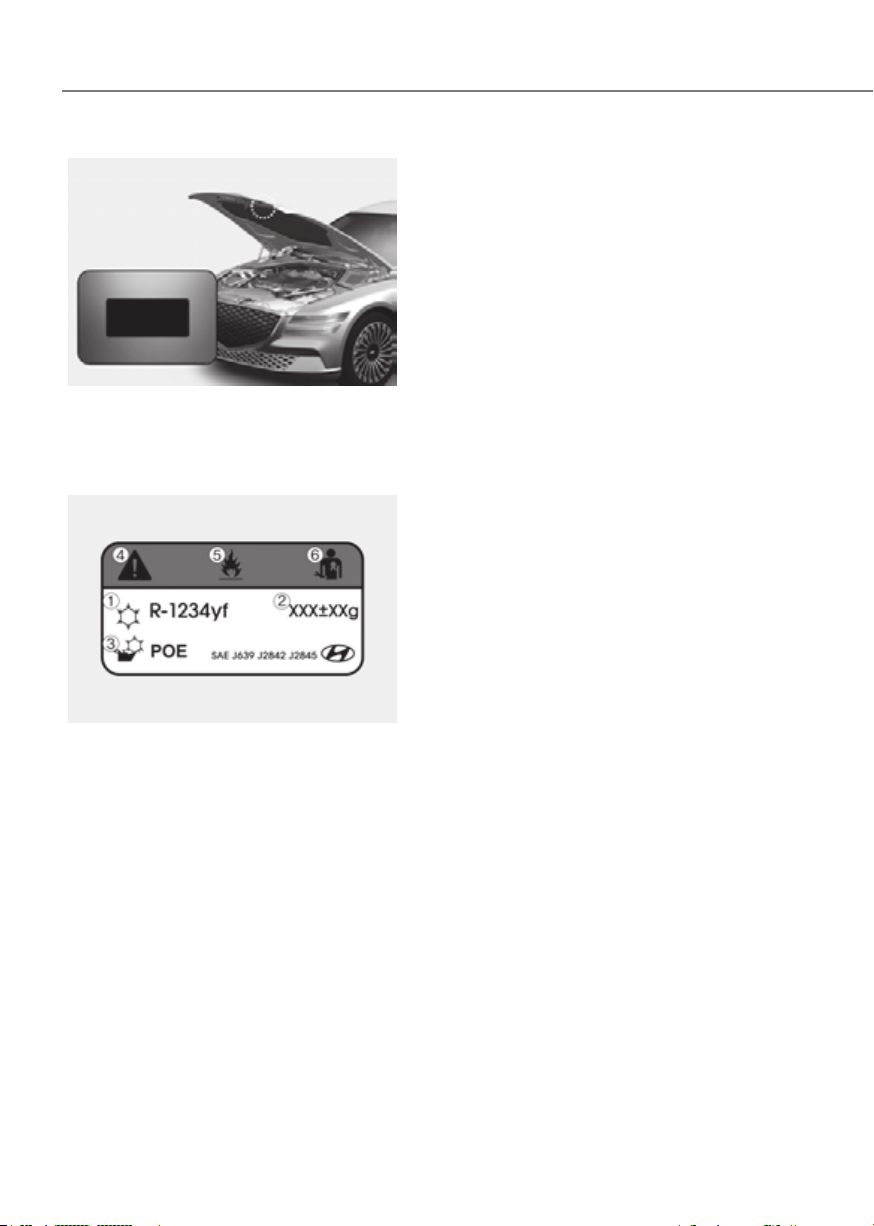
5-112
Convenience Features
ORG3EV051096ORG3EV051096
Air Conditioning refrigerant label
You can find out which air conditioning
refrigerant is applied to your vehicle on
the label located inside of the hood.
ExampleExample
ORG3EV051093ORG3EV051093
Each symbol and specification on the
air conditioning refrigerant label is
represented as below:
1. Classification of refrigerant
2. Amount of refrigerant
3. Classification of compressor lubricant
4. Caution
5. Flammable refrigerant
6. To require registered technician to
service air conditioning system

5-113
05
WINDSHIELD DEFROSTING AND DEFOGGING
WARNING
Windshield heating
Do not use the
position during
cooling operation in extremely humid
weather. The difference between the
temperature of the outside air and that
of the windshield could cause the outer
surface of the windshield to fog up,
causing loss of visibility could cause
an accident resulting in serious injury
or death. In this case, set the mode
selection to the
position and fan
speed control to a lower speed.
• For maximum defrost performance,
set the temperature control to the
highest temperature setting and
the fan speed control to the highest
setting.
• If warm air to the floor is desired while
defrosting or defogging, set the mode
to the floor-defrost position.
• Before driving, clear all snow and ice
from the windshield, rear window,
outside rearview mirrors, and all side
windows.
• Clear all snow and ice from the
hood and air inlet in the cowl grill
to improve heater and defroster
efficiency and to reduce the
probability of fogging up the inside of
the windshield.
To Defog Inside Windshield
ORG3EV051124NORG3EV051124N
1. Select the desired fan speed.
2. Select the desired temperature.
3. Press the defroster button ( ).
4. Fresh mode will be selected
automatically.
Check to make sure the air intake control
is in Fresh mode. If the air intake control
indicator light is illuminated, touch
the icon once to enable Fresh mode
(indicator light OFF).
If the
position is selected, the fan
speed is automatically increased.
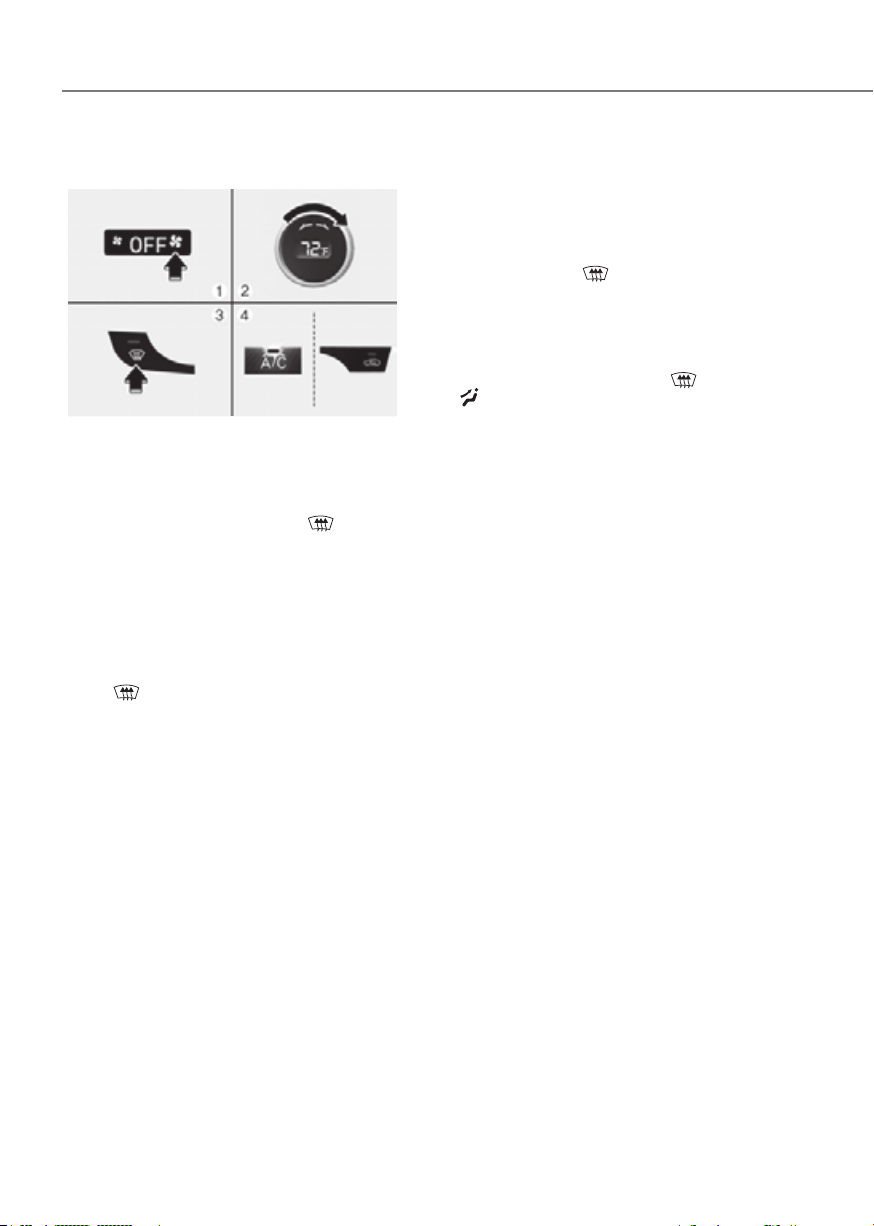
5-114
Convenience Features
To Defrost Outside Windshield
ORG3EV051125NORG3EV051125N
1. Set the fan speed to the highest
(extreme right) position.
2. Set the temperature to the extreme
hot position.
3. Press the defroster button (
).
4. Fresh mode will be selected
automatically.
Check to make sure the air intake control
is in Fresh mode. If the air intake control
indicator light is illuminated, press the
button once to enable Fresh mode
(indicator light OFF).
If the
position is selected, lower fan
speed is adjusted to a higher fan speed.
Defogging Logic
To reduce the probability of fogging
up the inside of the windshield, the air
intake or air conditioning are controlled
automatically according to certain
conditions such as
positions. To
cancel or reset the defogging logic, do
the following.
1. Press the Start/Stop button to the ON
position.
2. Press the defroster button (
) or
(
).
3. While pressing the air conditioning
button (A/C), press the air intake
control button at least 5 times within
3 seconds.
The air intake control button indicator
will blink 3 times to indicate that the
defogging logic has been disabled.
Repeat the steps again to re-enable the
defogging logic.
If the battery has been discharged or
disconnected, it resets to the defog logic
status.
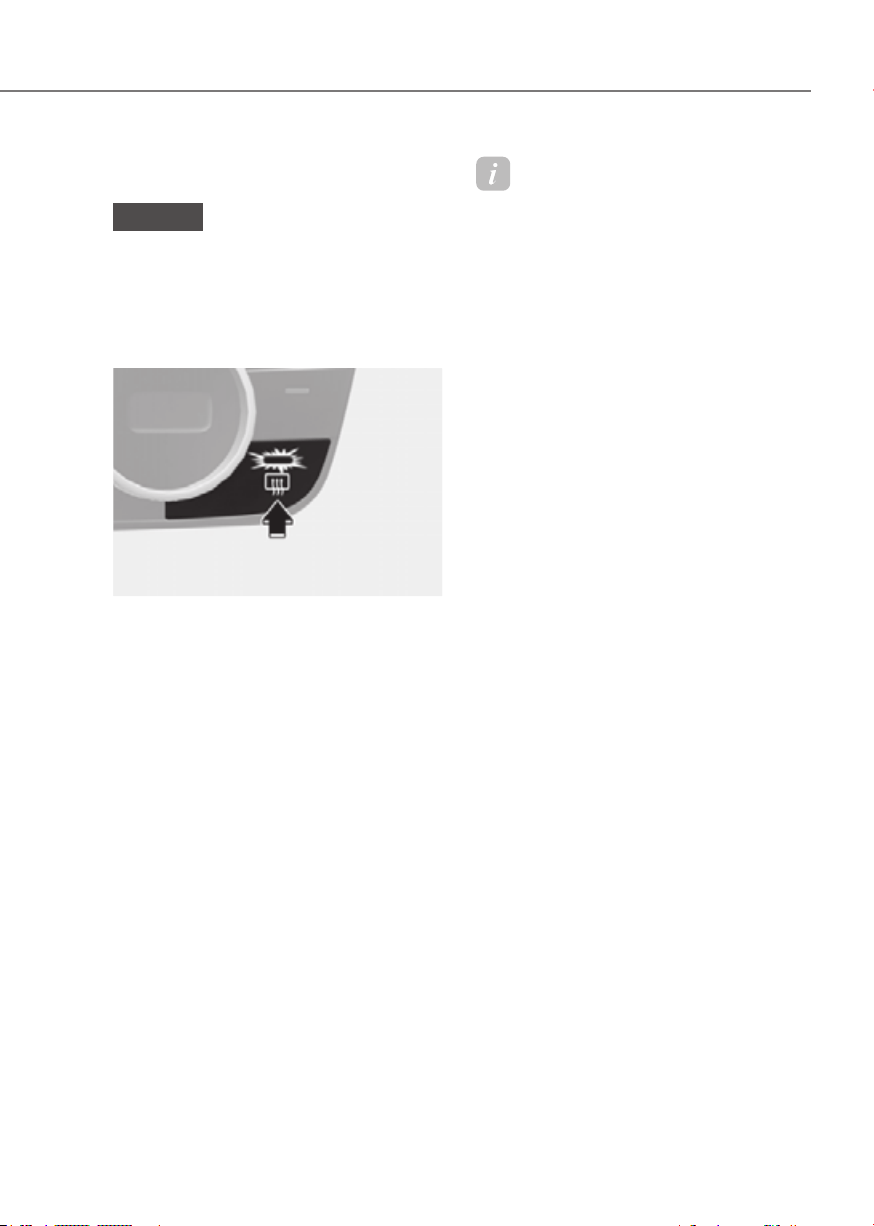
5-115
05
Rear Window Defroster
NOTICE
To prevent damage to the rear window
defroster conducting elements bonded
to the inside surface of the rear window,
never use sharp instruments or window
cleaners containing abrasives to clean
the window.
ORG3EV051126ORG3EV051126
The defroster heats the window to
remove frost, fog and thin ice from the
interior and exterior of the rear window,
while the vehicle is running.
• To activate the rear window defroster,
touch the rear window icon located
in the center control panel. The
indicator on the rear window defroster
illuminates when the defroster is on.
• To turn off the defroster, touch the
rear window defroster button again.
Information
• If there is heavy accumulation of snow
on the rear window, brush it off before
operating the rear defroster.
• The rear window defroster
automatically turns off after
approximately 20 minutes or when
the Start/Stop button is in the OFF
position.
Outside rearview mirror defroster
If your vehicle is equipped with the
rearview mirror defrosters, they will
operate at the same time you turn on the
rear window defroster.
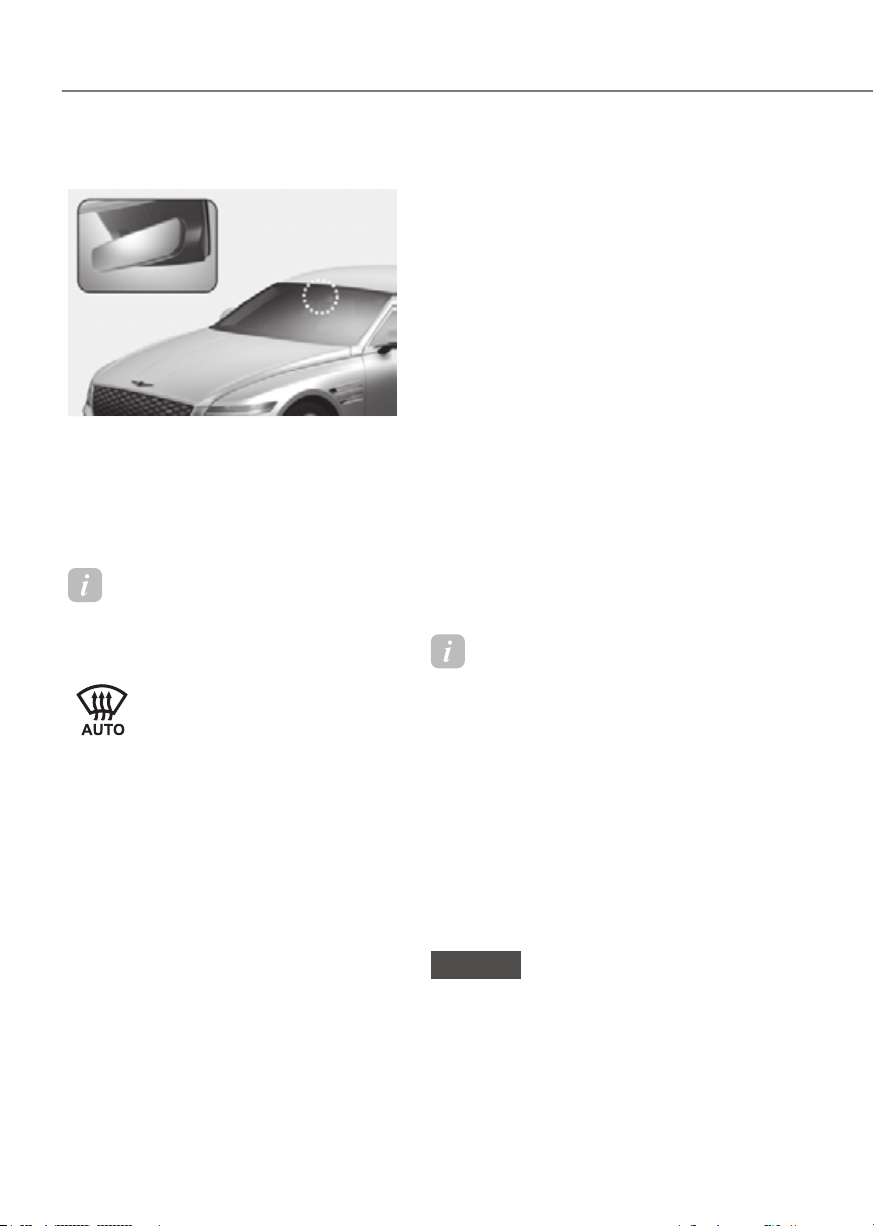
5-116
Convenience Features
Auto Defogging System
ORG3EV051068ORG3EV051068
Auto defogging helps reduce the
possibility of fogging up the inside of the
windshield by automatically sensing the
moisture on inside the windshield.
The auto defogging system operates
when the heater or air conditioning is on.
Information
The auto defogging system may not
operate normally, when the outside
temperature is below 14 °F (-10 °C).
When the Auto Defogging
System operates, the indicator
will illuminate.
If a high amount of humidity is detected
in the vehicle, the Auto Defogging
System will be enabled. The following
steps will be performed automatically:
Step 1) Air conditioning will turn ON.
Step 2) Air intake control will change to
Fresh mode.
Step 3) Mode will change to defrost to
direct airflow to the windshield.
Step 4) Fan speed will be set to MAX.
If the air conditioning is off or
recirculation mode is manually selected
while Auto Defogging System is ON, the
Auto Defogging System indicator will
blink 3 times to signal that the manual
operation has been canceled.
Turning the Auto Defogging System
ON or OFF
Climate control system
Press the front windshield defroster
button for 3 seconds when the Start/Stop
button is in the ON position. When the
Auto Defogging System is turned off, the
ADS OFF symbol will blink 3 times and
ADS OFF will be displayed on the climate
control information screen.
When the Auto Defogging System is
turned on, the ADS OFF symbol will blink
6 times without a signal.
Infotainment system
Auto Defogging System can be turned
infotainment system screen.
See additional information in supplied
Infotainment Manual.
Information
• When the air conditioning is turned
on by Auto Defogging System, if you
try to turn off the air conditioning, the
indicator will blink 3 times and the air
conditioning will not be turned off.
• To maintain the effectiveness and
efficiency of the Auto Defogging
System, do not select Recirculation
mode while the system is operating.
• When Auto Defogging System is
operating, fan speed adjustment,
temperature adjustment, and air intake
control selection are all disabled.
NOTICE
Do not remove the sensor cover located
on the upper end of the windshield
glass.
Damage to system parts could occur
and may not be covered by your vehicle
warranty.
CLIMATE CONTROL ADDITIONAL FEATURES

5-117
05
Auto Dehumidify (if equipped)
To increase cabin air quality and reduce
windshield misting, recirculation mode
switches off automatically after about
5 minutes, depending on the outside
temperature, and the air intake will
change to fresh mode.
Turning Auto Dehumidify ON or OFF
Climate control system
To turn the Auto Dehumidify feature
on or off, select Face level (
) mode
and press the air intake control (
)
button at least five times within four
seconds while pressing the A/C button.
When Auto Dehumidify is turned on,
the air intake control button indicator
will blink 6 times. When turned off, the
indicator will blink 3 times.
Infotainment system
Auto Dehumidify can be turned on and
Auto Dehumidify’ from the infotainment
system screen.
See additional information in supplied
Infotainment Manual.
Information
If the battery (12V) is discharged or
disconnected, Auto dehumidify settings
will be reset. Readjust the settings to
turning Auto dehumidify option ON or
OFF.
See additional information in supplied
Infotainment Manual.
Recirculating Air When Washer
Fluid Is Used
Recirculation mode automatically
activates to reduce any objectionable
scent of the washer fluid from entering
the cabin when the windshield washer is
used.
Turning Activate upon Washer Fluid
Use ON or OFF
Climate control system
To turn the Activate upon Washer Fluid
Use feature on or off, select Floor level
(
) mode, and then press the air
intake control (
) button four times
within two seconds while pressing the
A/C icon.
When Activate upon Washer Fluid Use
ON is turned on, the air intake control
button indicator will blink 6 times. When
turned off, the indicator will blink 3
times.
Infotainment system
Activate upon Washer Fluid Use can be
(or Interlocking washer fluid)’ from the
infotainment system screen.
See additional information in supplied
Infotainment Manual.
However, in cold weather to prevent
the windshield from fogging up, the
recirculation mode may not be selected.

5-118
Convenience Features
Auto. Controls That Use Climate
Control Settings (for driver’s
seat)
The temperature of the driver’s seat
warmer, air ventilated seat and heated
steering wheel is automatically
controlled depending on the inside and
outside temperature of the vehicle when
the vehicle is running.
To use these features, it must be
enabled from the Settings menu in the
infotainment system screen. Select:
-
That Use Climate Control Settings
For more details on Auto Comfort
Control, refer to “Seat Warmers” and
“Air ventilation seats” section in chapter
3 and “Heated Steering Wheel” section
in this chapter.
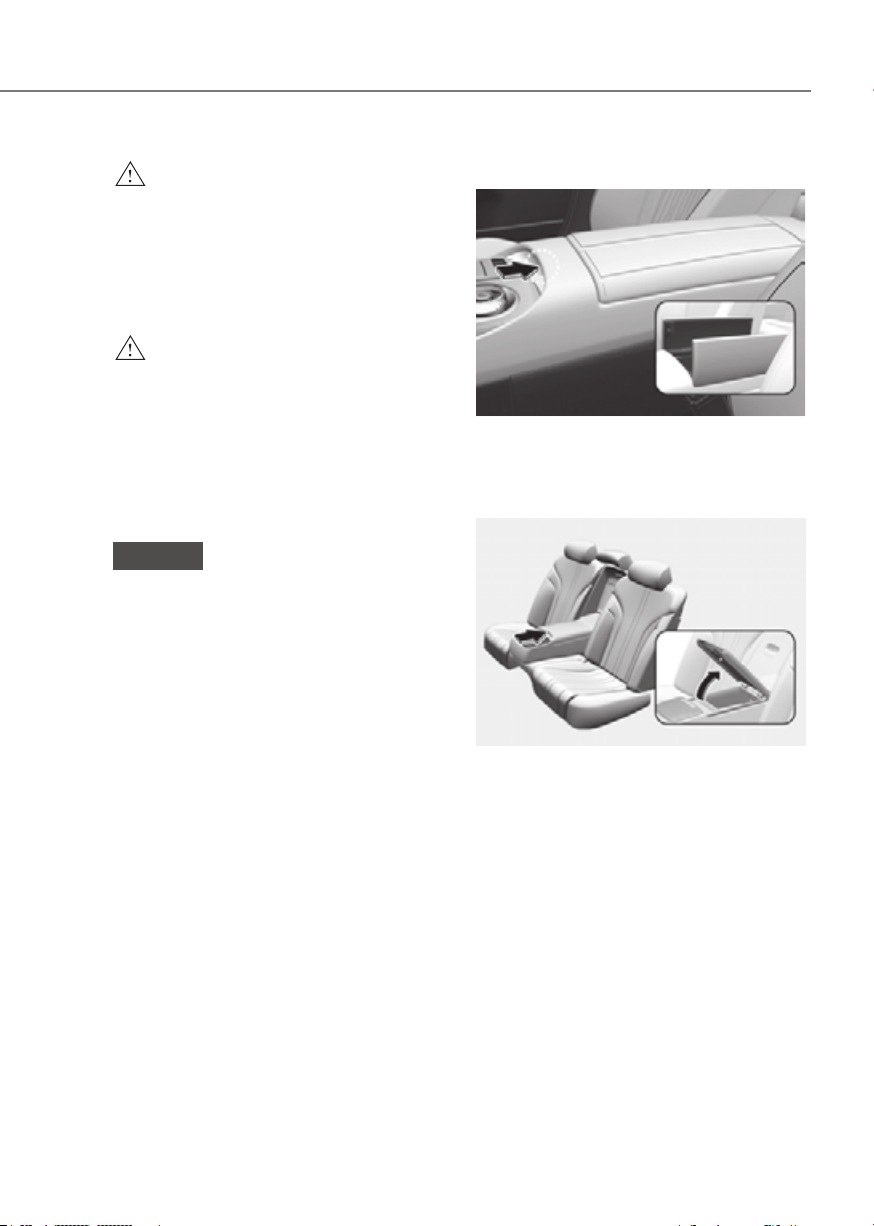
5-119
05
STORAGE COMPARTMENT
WARNING
Never store cigarette lighters, propane
cylinders, or other flammable/explosive
materials in the vehicle. These items
may catch fire and/or explode if the
vehicle is exposed to hot temperatures
for extended periods.
WARNING
ALWAYS keep the storage compartment
covers closed securely while driving.
Items inside your vehicle are moving as
fast as the vehicle. If you have to stop
or turn quickly, or if there is a crash, the
items may fly out of the compartment
and may cause an injury if they strike
the driver or a passenger.
NOTICE
To avoid possible theft, do not leave
valuables in the storage compartments.
Center Console Storage
ORG3EV051085ORG3EV051085
To open:
Press the button.
Rear Console Storage
ORG3EV051097NORG3EV051097N
To open:
Press the button.
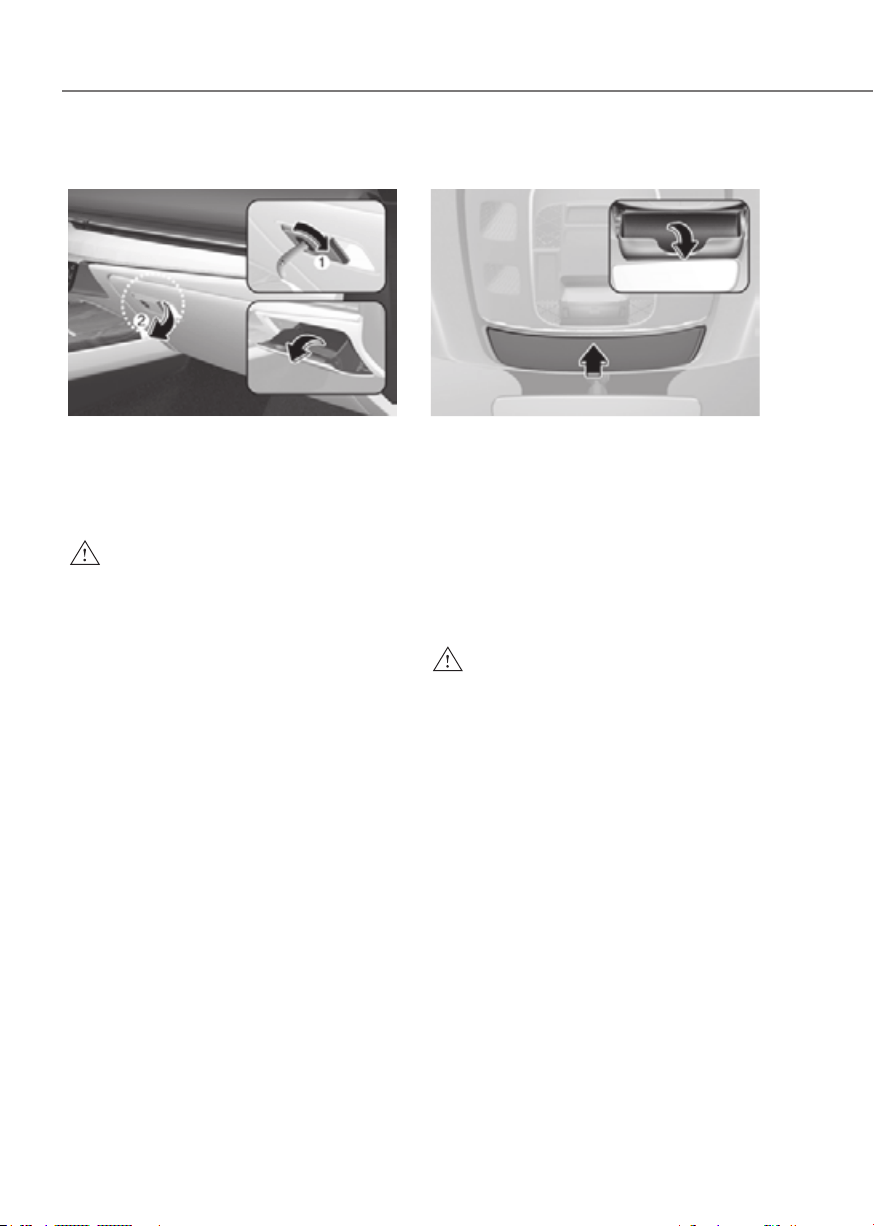
5-120
Convenience Features
Glove Box
ORG3EV051094ORG3EV051094
The glove box can be locked and
unlocked with the mechanical key (1).
To open:
Pull the lever (1).
WARNING
ALWAYS close the glove box door after
use.
An open glove box door can cause
serious injury to the passenger in an
accident, even if the passenger is
wearing a seat belt.
Sunglass Holder (if equipped)
ORG3EV051234LORG3EV051234L
To open:
Push and release the cover and the
holder will slowly open. Place your
sunglasses in the compartment door
with the lenses facing out.
To close:
Push back into position.
Make sure the sunglass holder is closed
while driving.
WARNING
• Do not keep objects except
sunglasses inside the sunglass
holder. Such objects can be thrown
from the holder in the event of a
sudden stop or an accident, possibly
injuring the passengers in the
vehicle.
• Do not open the sunglass holder
while the vehicle is moving. The rear
view mirror of the vehicle can be
blocked by an open sunglass holder.
• Do not put the glasses forcibly into
a sunglass holder. It may cause
personal injury if you try to open
it forcibly when the glasses are
jammed in holder.

5-121
05
INTERIOR FEATURES
Cup Holder
FrontFront
ORG3EV051098NORG3EV051098N
RearRear
ORG3EV051200ORG3EV051200
[A] : Press
Cups or small beverages cups may be
placed in the cup holders.
WARNING
• Avoid abrupt starting and braking
when the cup holder is in use to
prevent spilling your drink. If hot
liquid spills, you could be burned.
Such a burn to the driver could cause
loss of vehicle control resulting in an
accident.
• Do not place uncovered or unsecured
cups, bottles, cans, etc., in the cup
holder containing hot liquid while
the vehicle is in motion. Injuries may
result in the event of a sudden stop
or collision.
• Only use soft cups in the cup holders.
Hard objects can injure you in an
accident.
WARNING
Keep cans or bottles out of direct sun
light and do not put them in a hot
vehicle. It may explode.
NOTICE
• Keep your drinks sealed while
driving to prevent spilling your drink.
If liquid spills, it may get into the
vehicle’s electrical/electronic system
and damage electrical/electronic
parts.
• When cleaning spilled liquids do not
use hot air to blow out or dry the cup
holder. This may damage the interior.
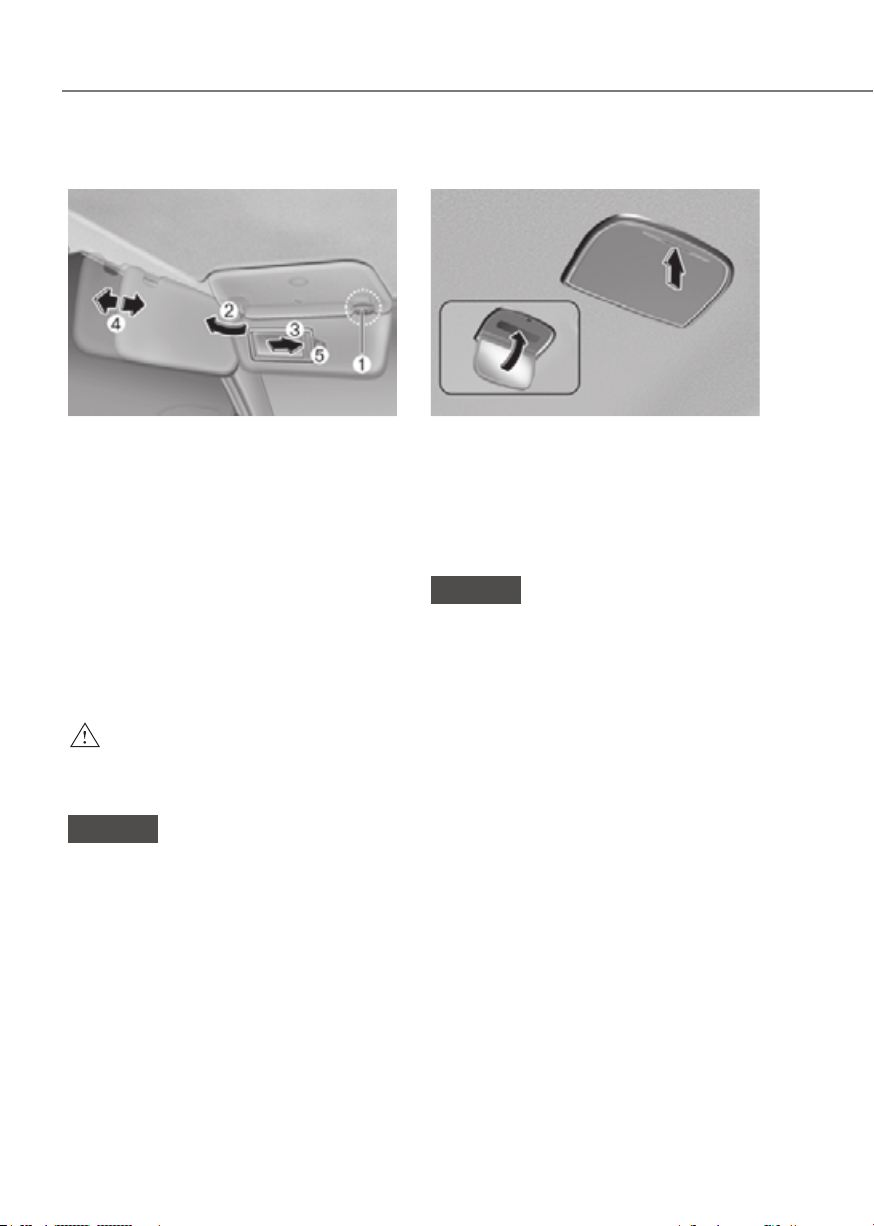
5-122
Convenience Features
Sunvisor
ORG3EV051095ORG3EV051095
To use the sunvisor, pull it downward.
To use the sunvisor to block the sun
from the side window, pull it downward,
release it from the bracket (1) and swing
it to the side (2) towards the window.
To use the vanity mirror, pull down the
sunvisor and slide the mirror cover (3).
Adjust the sunvisor forward or backward
(4) as needed (if equipped). Use the
ticket holder (5) to hold tickets.
Close the vanity mirror cover securely
and return the sunvisor to its original
position after use.
WARNING
For your safety, do not block your view
when using the sunvisor.
NOTICE
The tab (5) adjacent to the vanity mirror
on the sunvisor can be used for toll
road tickets or self parking tickets. Use
caution when inserting tickets into the
ticket holder to avoid damage. Refrain
from putting several tickets in the ticket
holder as this could also damage the
retaining tab.
Rear Mirror (if equipped)
ORG3EV051201ORG3EV051201
To open:
Press the cover and it will slowly open
and the mirror lamp will turn on.
To close:
Push back into position.
NOTICE
Make sure to close the rear mirror
cover after use. If not, the rear mirror
lamp remains ON, possibly draining the
battery or damaging the rear mirror.
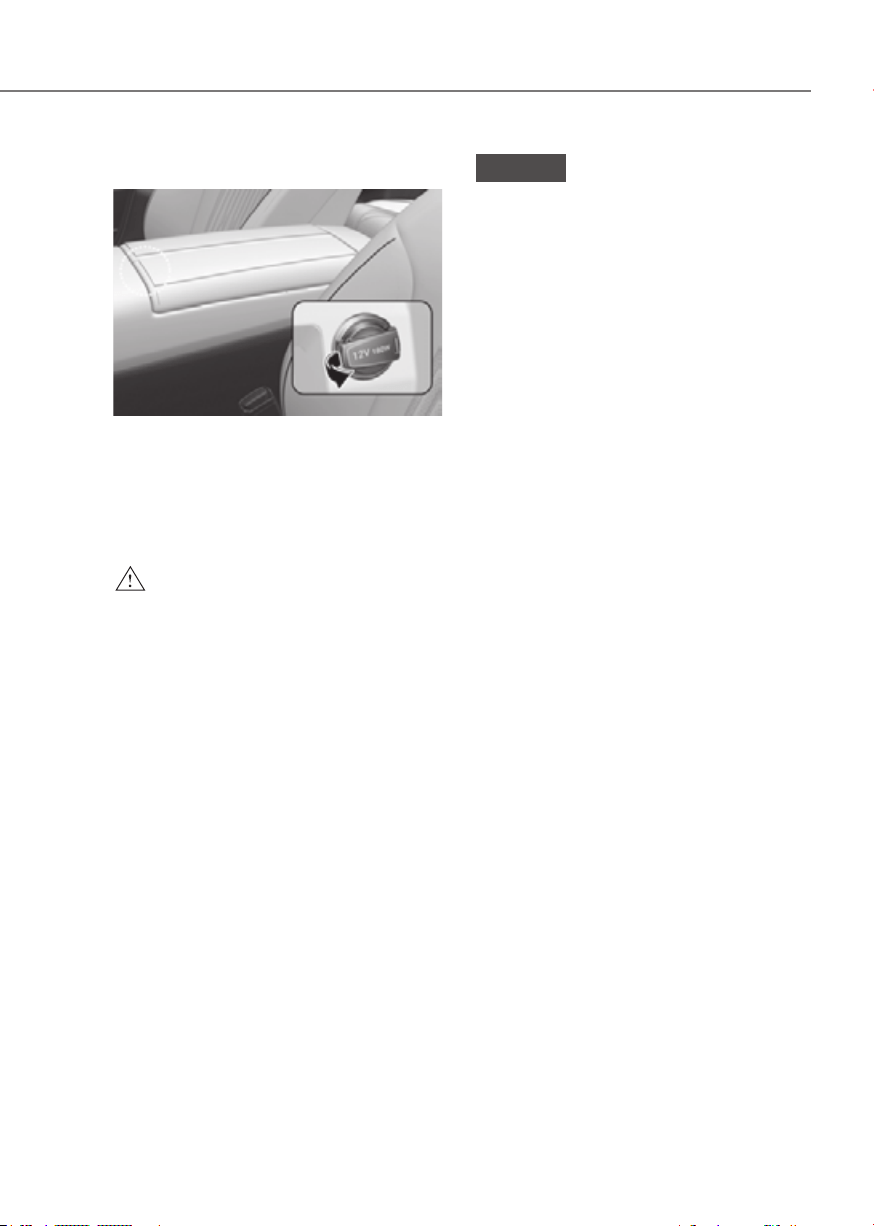
5-123
05
Power Outlet
ORG3EV051202ORG3EV051202
The power outlet is designed to provide
power for mobile telephones or other
devices designed to operate with vehicle
electrical systems. The devices should
draw less than 180 watts with the vehicle
running.
WARNING
Avoid electrical shocks. Do not place
your fingers or foreign objects (pin, etc.)
into a power outlet or touch the power
outlet with a wet hand.
NOTICE
To prevent damage to the power
outlets:
• Use the power outlet only when the
vehicle is running and remove the
accessory plug after use. Using the
accessory plug for prolonged periods
of time with the vehicle off could
cause the battery to discharge.
• Only use 12 volts electric accessories
which are less than 180 watts in
electric capacity.
• Adjust the air-conditioner or heater
to the lowest operating level when
using the power outlet.
• Close the cover when not in use.
• Some electronic devices can
cause electronic interference
when plugged into a vehicle’s
power outlet. These devices may
cause excessive audio static and
malfunctions in other electronic
systems or devices used in your
vehicle.
• Push the plug in as far as it will go. If
good contact is not made, the plug
may overheat and the fuse may open.
• Plug in battery equipped electrical/
electronic devices with reverse
current protection. The current
from the battery may flow into the
vehicle’s electrical/electronic system
and cause system malfunction.
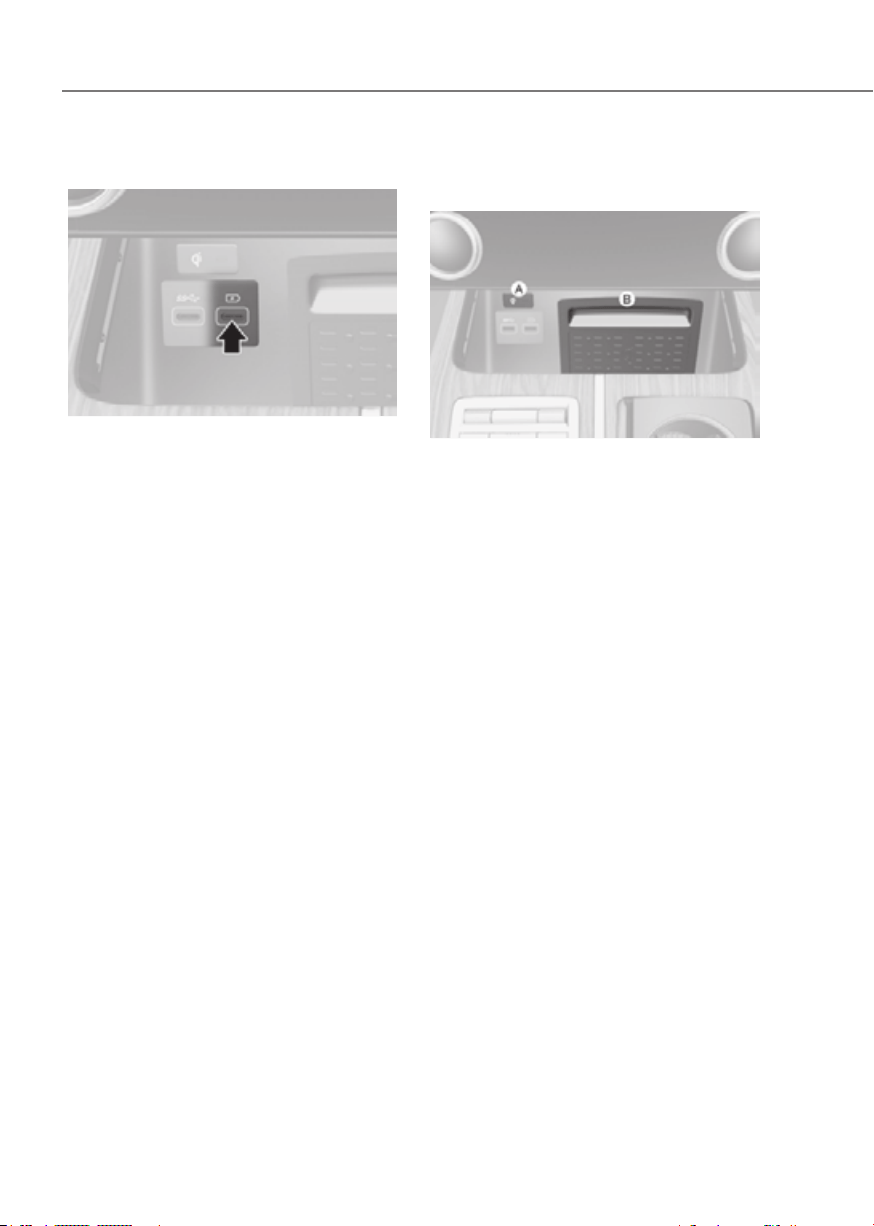
5-124
Convenience Features
USB Charger
ORG3EV051203ORG3EV051203
The USB charger is designed to recharge
batteries of small size electrical devices
using a USB cable.
The electrical devices can be recharged
when the Start/Stop button is in the ON
or START position.
The battery charging state may be
monitored on the electrical device.
Disconnect the USB cable from the USB
port after use.
• A smart phone or a tablet PC may
get warmer during the re-charging
process. It does not indicate any
malfunction with the charging system.
• A smart phone or a tablet PC, which
adopts a different re-charging
method, may not be properly re-
charged. In this case, use an exclusive
charger of your device.
• The charging terminal is only to
recharge a device. Do not use the
charging terminal either to turn ON
an audio or to play media In the
infotainment system.
Wireless Smart Phone Charging
System (if equipped)
ORG3EV051204ORG3EV051204
[A] : Indicator light, [B] : Charging pad
On certain models, the vehicle comes
equipped with a wireless smart phone
charger.
The system is available when all doors
are closed, and when the Start/Stop
button is in the ON or START position.

5-125
05
Charging smart phone
The wireless smart phone charging
system charges only the Qi-enabled
smart phones (
). Read the label on
the smart phone accessory cover or
visit your smart phone manufacturer’s
website to check whether your smart
phone supports the Qi technology.
The wireless charging process starts
when you put a Qi-enabled smart phone
on the wireless charging unit.
1. Remove other items, including the
smart key, from the wireless charging
unit. If not, the wireless charging
process may be interrupted. Place
the smart phone on the center of the
charging pad.
2. The indicator light is orange when the
smart phone is charging. The indicator
light will turn blue when phone
charging is complete.
3. You can turn ON or OFF the wireless
charging function from the Settings
menu in the infotainment system
screen. Select:
-
Wireless Charging
If your smart phone is not charging:
- Slightly change the position of the
smart phone on the charging pad.
- Make sure the indicator light is
orange.
The indicator light will blink orange for 10
seconds if there is a malfunction in the
wireless charging system.
In this case, temporarily stop the
charging process, and re-attempt to
charge your smart phone again.
The system warns you with a message
on the Cluster display if the smart phone
is still on the wireless charging unit after
the vehicle is turned OFF and the front
door is opened.
For some manufacturer’s smart phones,
the system may not warn you even
though the smart phone is left on the
wireless charging unit. This is due to the
particular characteristic of the smart
phone and not a malfunction of the
wireless charging.
NOTICE
• The wireless smart phone charging
system may not support certain
smart phones, which are not verified
(
).
• When placing your smart phone on
the charging pad, position the phone
in the middle of the mat for optimal
charging performance. If your smart
phone is off to the side, the charging
rate may be less and in some cases
the smart phone may experience
higher heat conduction.
• In some cases, the wireless charging
may stop temporarily when the
smart key is used, either when
starting the vehicle or locking/
unlocking the doors, etc.
• When charging certain smart
phones, the charging indicator may
not change to blue when the smart
phone is fully charged.
• The wireless charging process may
temporarily stop, when temperature
abnormally increases inside the
wireless smart phone charging
system. The wireless charging
process restarts, when temperature
falls to a certain level.
• The wireless charging process may
temporarily stop when there is
any metallic item, such as a coin,
between the wireless smart phone
charging system and smart phone.
• When charging some smart phones
with a self-protection feature,
the wireless charging speed may
decrease and the wireless charging
may stop.

5-126
Convenience Features
• If the smart phone has a thick cover,
the wireless charging may not be
possible.
• If the smart phone is not completely
contacting the charging pad,
wireless charging may not operate
properly.
• Some magnetic items like credit
cards, phone cards or rail tickets may
be damaged if left with the smart
phone during the charging process.
• When any smart phone without
a wireless charging function or a
metallic object is placed on the
charging pad, a small noise may
sound. This small sound is due to the
vehicle discerning compatibility of
the object placed on the charging
pad. It does not affect your vehicle or
the smart phone in any way.
Information
If the Start/Stop button is in the OFF
position, the charging also stops.
Information
This device complies with Part 15 of the
FCC rules.
Operation is subject to the following three
conditions:
1. This device may not cause harmful
interference.
2. This device must accept any
interference received, including
interference that may cause undesired
operation.
3. Changes or modifications not expressly
approved by the party responsible
for compliance could void the user’s
authority to operate the device
Clock
The clock can be set from the
infotainment system.
See additional information in supplied
Infotainment Manual.
WARNING
Do not attempt to adjust the clock
while driving. Doing so may result in
distracted driving which may lead to
an accident involving personal injury or
death.

5-127
05
Coat Hook
Type AType A
ORG3EV051087ORG3EV051087
Type BType B
ORG3EV051089ORG3EV051089
These hooks are not designed to hold
large or heavy items.
WARNING
ORG3EV051088ORG3EV051088
Do not hang other objects such
as hangers or hard objects except
clothes. Also, do not put heavy, sharp
or breakable objects in the clothes
pockets. In an accident or when the
curtain air bag is inflated, it may cause
vehicle damage or personal injury.
Floor Mat Anchor(s)
ALWAYS use the Floor Mat Anchors to
attach the front floor mats to the vehicle.
The anchors on the front floor carpet
keep the floor mats from sliding forward.
WARNING
Do not overlay additional mats or liners
over the floor mats. If using All Weather
mats, remove the carpeted floor mats
before installing them. Only use floor
mats designed to connect to the
anchors.
WARNING
The following must be observed when
installing ANY floor mat to the vehicle.
• Ensure to remove a protective
film attached on the carpet
before attaching a floor mat on
the front floor carpet. Otherwise,
the floor mat may move freely on
the protective film and it could
result in unintentional braking or
accelerating.
• Ensure that the floor mats are
securely attached to the vehicle’s
floor mat anchor(s) before driving
the vehicle.
• Do not use ANY floor mat that cannot
be firmly attached to the vehicle’s
floor mat anchors.
• Do not stack floor mats on top of one
another (for example, all-weather
rubber mat on top of a carpeted floor
mat). Only a single floor mat should
be installed in each position.
IMPORTANT Your vehicle was
manufactured with driver’s side floor
mat anchors that are designed to
securely hold the floor mat in place.
To avoid any interference with pedal
operation, Genesis Branded Vehicle
recommends that the Genesis Branded
floor mat designed for use in your
vehicle be installed.
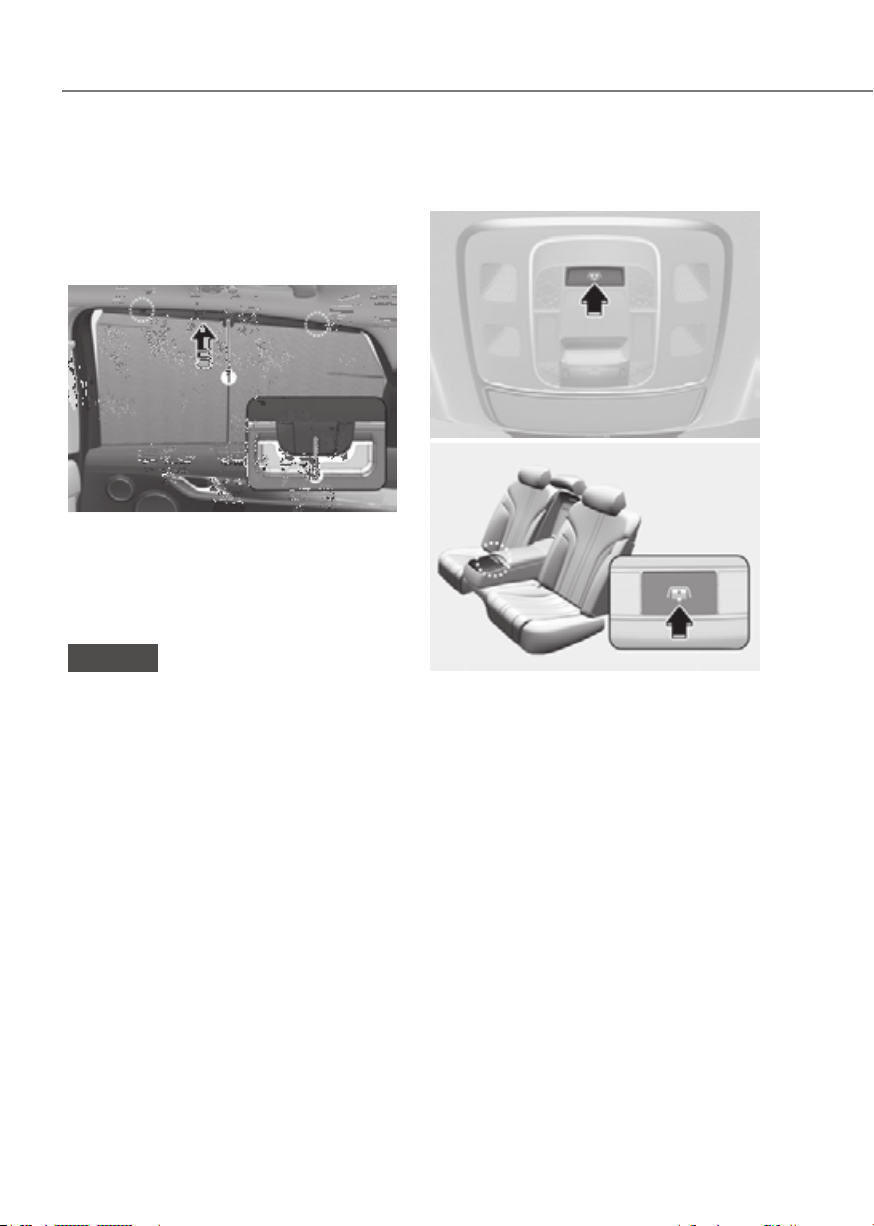
5-128
Convenience Features
Rear Side Window Sunshades (if
equipped)
Use the rear side window sunshade to
block external light coming through the
rear window glass.
ORG3EV051090ORG3EV051090
1. Lift the sunshade by the handle (1).
2. Hang the sunshade on both sides of
the hook (2). If the sunshade is hung
on one side of the hook, the sunshade
may be wrinkled.
NOTICE
• Do not hang any other object except
the rear side window sunshade on
the hooks.
• If you pull the rear side window
sunshade or apply force to return
the sunshade to its original position
after use, you may find the sunshade
wrinkled or out of shape. To lower
the sunshade, be sure to put the
handle downward and slowly return
the sunshade to its original position.
• Sunshades may not work properly if
foreign objects (coins, toys, cookies,
etc.) are stuck in the door. Be careful
that the foreign objects do not get
into the door.
Rear Window Sunshade
(if equipped)
FrontFront
ORG3EV051091LORG3EV051091L
RearRear
ORG3EV051206ORG3EV051206
• To raise or lower the sunshade, press
the button.
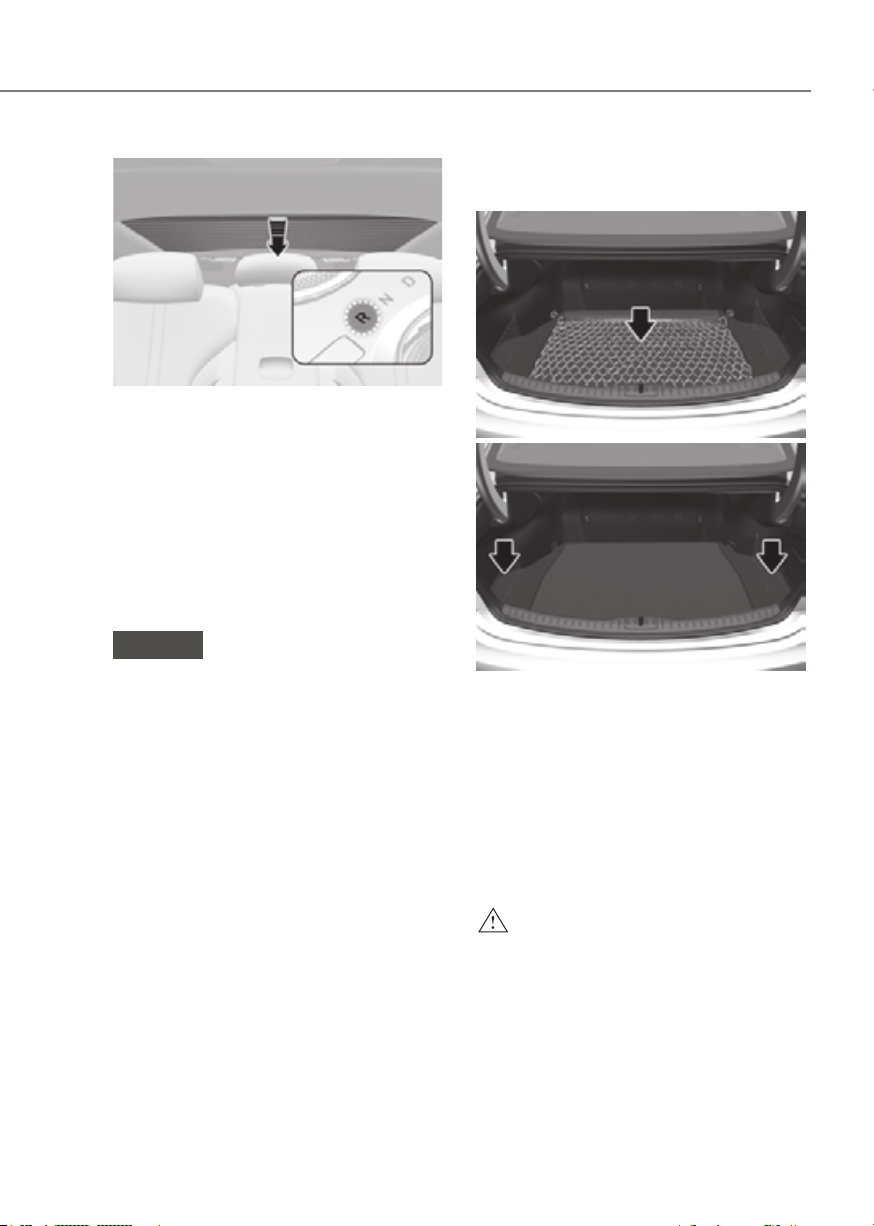
5-129
05
ORG3EV051207ORG3EV051207
• The rear window sunshade will be
lowered automatically when the
vehicle is shifted to R (Reverse) and
raised automatically when the vehicle
is shifted from R (Reverse) to P (Park).
• After the rear window sunshade is
lowered by shifting the vehicle to R
(Reverse), if you drive more than
12 mph (20 km/h) with the shift
lever in D (Drive), the rear window
sunshade will be raised automatically.
NOTICE
Do not apply excessive force while
operating the rear window sunshade.
This could cause damage to the rear
window sunshade.
Luggage Net Holder (if
equipped)
ORG3EV051208ORG3EV051208
ORG3EV051209ORG3EV051209
To keep items from shifting in the
luggage compartment, you can use the 4
holders located in the luggage board to
attach the luggage net.
Make sure the luggage net is securely
attached to the holders in the luggage
board.
If necessary, contact your authorized
retailer of Genesis Branded products to
obtain a luggage net.
WARNING
Avoid eye injury. DO NOT overstretch
the luggage net. ALWAYS keep your
face and body out of the luggage net’s
recoil path. DO NOT use the luggage net
when the strap has visible signs of wear
or damage.
Use the luggage net to keep only light
items from shifting in the luggage
compartment.
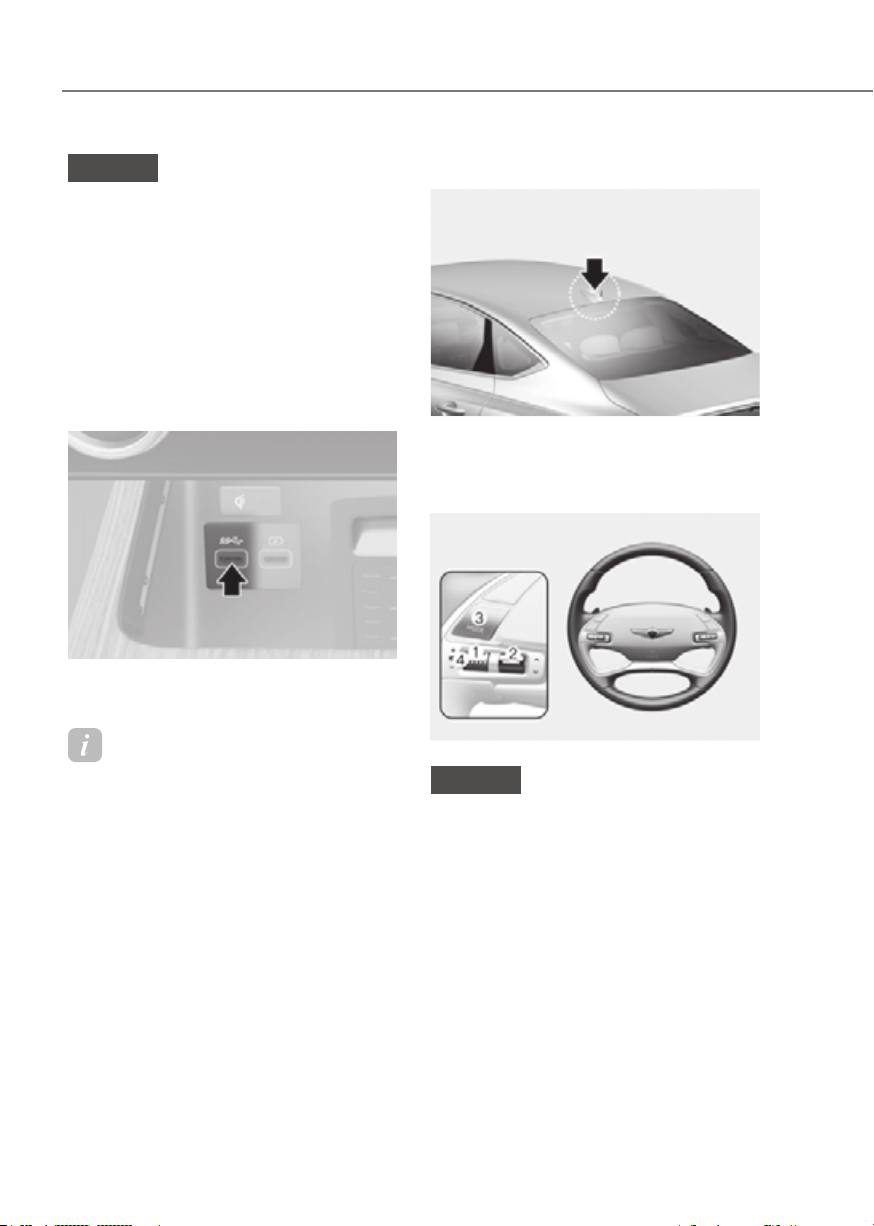
5-130
Convenience Features
INFOTAINMENT SYSTEM
NOTICE
• If you install an aftermarket HID
head lamp, your vehicle’s audio and
electronic devices may not function
properly.
• Prevent chemicals such as perfume,
cosmetic oil, sun cream, hand
cleaner, and air freshener from
contacting the interior parts
because they may cause damage or
discoloration.
USB Port
ORG3EV051210ORG3EV051210
You can use an USB cable to connect
audio devices to the vehicle USB port.
Information
When using a portable audio device
connected to the power outlet, noise may
occur during playback. If this happens,
use the portable audio device’s power
source.
Antenna
ORG3EV051086ORG3EV051086
The shark fin antenna will receive AM,
FM broadcast signals and transmit data.
Steering Wheel Remote Controls
ORG3EV051084LORG3EV051084L
NOTICE
Do not operate multiple audio remote
control buttons simultaneously.
VOLUME (VOL + / VOL -) (1)
• Rotate the VOLUME scroll up to
increase volume.
• Rotate the VOLUME scroll down to
decrease volume.

5-131
05
Information
You can set the volume level of each
source (FM, AM, SXM, USB, BT, etc.)
individually by adjusting the VOLUME
scroll.
Then the infotainment system saves the
last volume level of each source in the
system sound settings.
If you change the source, the volume will
revert to the previously set volume for that
source.
SEEK/PRESET ( / ) (2)
If the SEEK/PRESET switch is pressed up
or down and held for 0.8 second or more,
it will function in the following modes:
•
RADIO mode
It will function as the AUTO SEEK
select button. It will SEEK until you
release the button.
•
MEDIA mode
It will function as the FF/RW button.
If the SEEK/PRESET switch is pressed up
or down, it will function in the following
modes:
•
RADIO mode
It will function as the PRESET STATION
UP/DOWN button.
•
MEDIA mode
It will function as the TRACK UP/
DOWN button.
MODE (3)
Press the MODE button to toggle
through Radio or AUX modes.
MUTE ( ) (4)
• Press the MUTE button to mute the
sound.
• Press the MUTE button again to
activate the sound.
See additional information in supplied
Infotainment Manual.
Infotainment System
ORG3EV051270NORG3EV051270N
See additional information in supplied
Infotainment Manual.
Voice Recognition
ORG3EV051081LORG3EV051081L
See additional information in supplied
Infotainment Manual.
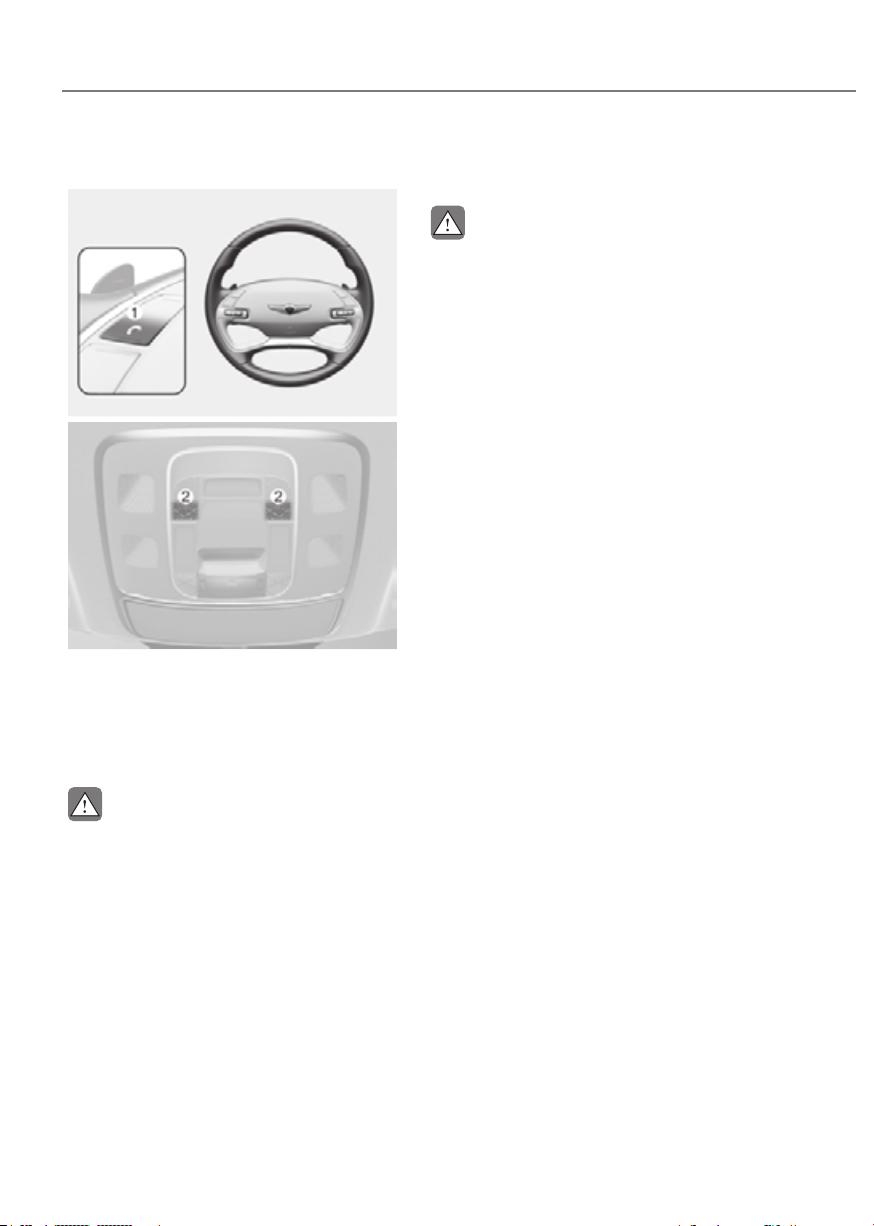
5-132
Convenience Features
Bluetooth® Wireless Technology
ORG3EV051083LORG3EV051083L
ORG3EV051082LORG3EV051082L
(1) Call / Answer / Call end button
(2) Microphone
See additional information in supplied
Infotainment Manual.
CAUTION
To avoid driver distractions, do not
excessively operate the device while
driving the vehicle which may lead to
an accident.
Lexicon Premium Sound System
CAUTION
Lexicon premium sound system is
equipped with door speaker grills made
of stainless steel. The grill surface can
be heated when the vehicle is exposed
to hot weather for a long period of time.
Keep away from the speaker grill when
it is hot.

6
6. Driving Your Vehicle
Before Driving ................................................................................................... 6-3
Before Entering the Vehicle .........................................................................................6-3
Before Starting
.............................................................................................................6-3
Start/Stop Button .............................................................................................. 6-4
Start/Stop Button Positions .........................................................................................6-5
Starting the Vehicle
......................................................................................................6-6
Turning Off the Vehicle
................................................................................................6-7
Remote Start
.................................................................................................................6-8
Shift By Wire ...................................................................................................... 6-9
Shift By Wire Operation ...............................................................................................6-9
Cluster Display Messages
......................................................................................... 6-14
Good Driving Practices
............................................................................................. 6-15
Regenerative Braking System ........................................................................6-17
One Pedal Driving...................................................................................................... 6-18
Limitations
................................................................................................................. 6-18
i-Pedal
........................................................................................................................ 6-19
Limitations
................................................................................................................. 6-19
Smart Recuperation System ..........................................................................6-20
Smart Recuperation System Setting ........................................................................ 6-20
To Activate Smart Recuperation System
................................................................. 6-20
Ready to Operate
...................................................................................................... 6-22
How to Operate
......................................................................................................... 6-22
Smart Recuperation System Will Be Temporarily Cancelled When:
...................... 6-23
To Resume Smart Recuperation System
................................................................. 6-23
Vehicle-to-Vehicle Distance Recognition Sensor (Front Radar)
............................ 6-23
System Malfunction
.................................................................................................. 6-24
Limitations of the System
......................................................................................... 6-24
Braking System ...............................................................................................6-27
Power-Assist Brakes .................................................................................................. 6-27
Disc Brakes Wear Indicator....................................................................................... 6-28
High Performance Brake........................................................................................... 6-28
Electronic Parking Brake (EPB)
................................................................................. 6-29
Auto Hold
................................................................................................................... 6-34
Anti-Lock Brake System (ABS)
.................................................................................. 6-37
Electronic Stability Control (ESC)
............................................................................ 6-38
Vehicle Stability Management (VSM)
...................................................................... 6-41
Hill-Start Assist Control (HAC)
.................................................................................. 6-42
Good Braking Practices
............................................................................................ 6-43

6
All Wheel Drive (AWD) ....................................................................................6-44
Emergency Precautions ............................................................................................ 6-46
Electronic Control Suspension .......................................................................6-48
System Malfunction .................................................................................................. 6-48
Electronically Controlled Suspension with Road Preview ...........................6-48
System Malfunction .................................................................................................. 6-49
Limitations of the System
......................................................................................... 6-49
Drive Mode Integrated Control System .........................................................6-50
Drive Mode ................................................................................................................ 6-50
Drive Modes Characteristic
...................................................................................... 6-52
Active Noise Control-road ..............................................................................6-53
System Malfunction .................................................................................................. 6-53
Special Driving Conditions ............................................................................. 6-54
Hazardous Driving Conditions ................................................................................. 6-54
Rocking the Vehicle
.................................................................................................. 6-54
Smooth Cornering
..................................................................................................... 6-55
Driving at Night
......................................................................................................... 6-55
Driving in the Rain
..................................................................................................... 6-55
Driving in Flooded Areas
........................................................................................... 6-56
Highway Driving
........................................................................................................ 6-56
Winter Driving .................................................................................................6-57
Snow or Icy Conditions ............................................................................................. 6-57
Winter Precautions
.................................................................................................... 6-59
Vehicle Load Limit ..........................................................................................6-61
The Loading Information Label ................................................................................ 6-62
Trailer Towing ..................................................................................................6-66

6-3
06
Before Entering the Vehicle
• Be sure all windows, outside mirror(s),
and outside lights are clean and
unobstructed.
• Remove frost, snow, or ice.
• Visually check the tires for uneven
wear and damage.
• Check under the vehicle for any sign
of leaks.
• Be sure there are no obstacles behind
you if you intend to back up.
Before Starting
• Make sure the hood, the trunk, and
the doors are securely closed and
locked.
• Adjust the position of the seat and
steering wheel.
• Adjust the inside and outside rearview
mirrors.
• Verify all the lights work.
• Fasten your seat belt. Check that all
passengers have fastened their seat
belts.
• Check the gauges and indicators
in the instrument panel and the
messages on the instrument display
when the vehicle is in the ON position.
• Check that any items you are carrying
are stored properly or fastened down
securely.
WARNING
To reduce the risk of SERIOUS INJURY or
DEATH, take the following precautions:
• ALWAYS wear your seat belt. All
passengers must be properly belted
whenever the vehicle is moving.
For more information, refer to “Seat
Belts” section in chapter 3.
• Always drive defensively. Assume
other drivers or pedestrians may be
careless and make mistakes.
• Stay focused on the task of driving.
Driver distraction can cause
accidents.
• Leave plenty of space between you
and the vehicle in front of you.
WARNING
NEVER drink or take drugs and drive.
Drinking or taking drugs and driving
is dangerous and may result in an
accident and SERIOUS INJURY or
DEATH.
Drunk driving is the number one
contributor to the highway death
toll each year. Even a small amount
of alcohol will affect your reflexes,
perceptions and judgment. Just
one drink can reduce your ability to
respond to changing conditions and
emergencies and your reaction time
gets worse with each additional drink.
Driving while under the influence
of drugs is as dangerous as or more
dangerous than driving under the
influence of alcohol.
You are much more likely to have a
serious accident if you drink or take
drugs and drive. If you are drinking or
taking drugs, don’t drive. Do not ride
with a driver who has been drinking
or taking drugs. Choose a designated
driver or call a taxi.
BEFORE DRIVING

6-4
Driving Your Vehicle
ORG3EV061001ORG3EV061001
Whenever the front door is opened, the
Start/Stop button will illuminate and will
go off for a few seconds after the door is
closed.
WARNING
To turn the vehicle off in an emergency:
Press and hold the Start/Stop button
for more than two seconds OR Rapidly
press and release the Start/Stop button
three times (within three seconds).
If the vehicle is still moving, you can
restart the vehicle without depressing
the brake pedal by pressing the Start/
Stop button with the gear in the N
(Neutral) position.
WARNING
• NEVER press the Start/Stop button
while the vehicle is in motion except
in an emergency. This will result in
the vehicle turning off and loss of
power assist for the steering and
brake systems. This may lead to loss
of directional control and braking
function, which could cause an
accident.
• Before leaving the driver’s seat,
always make sure the gear is in the
P (Park) position, set the parking
brake, press the Start/Stop button
to the OFF position, and take the
Smart Key with you. Unexpected
vehicle movement may occur if these
precautions are not followed.
• NEVER reach through the steering
wheel for the Start/Stop button or
any other control while the vehicle
is in motion. The presence of your
hand or arm in this area may cause a
loss of vehicle control resulting in an
accident.
START/STOP BUTTON

6-5
06
Start/Stop Button Positions
Button
Position
Action Notes
OFF
To turn off the engine, press the Start/
Stop button with the vehicle shifted to
P (Park).
If the Start/Stop button is pressed
with the vehicle shifted to D (Drive),
R (Reverse), or N (Neutral), the gear
automatically shifts to P (Park).
The steering wheel locks to protect
the vehicle from theft.
ACC
Press the Start/Stop button when the
button is in the OFF position without
depressing the brake pedal.
Some of the electrical accessories are
usable.
The steering wheel unlocks.
• If you leave the Start/Stop button in
the ACC position for more than one
hour, the battery power will turn off
automatically to prevent the battery
from discharging.
• If the steering wheel doesn’t unlock
properly, the Start/Stop button
will not work. Press the Start/Stop
button while turning the steering
wheel right and left to release.
ON
Press the Start/Stop button while
it is in the ACC position without
depressing the brake pedal.
The warning lights can be checked
before the vehicle is started.
Do not leave the Start/Stop button
in the ON position when the vehicle
is not running to prevent the battery
from discharging.
START
To start the vehicle, depress the brake
pedal and press the Start/Stop button
with the gear shifted to the P (Park)
position.
If you press the Start/Stop button
without depressing the brake pedal,
the vehicle does not start and the
Start/Stop button changes as follows:
à To prevent vehicle battery discharge, the Start/Stop button changes to the OFF
position when the Start/Stop button is in the ACC or ON position with the gear in
P (Park) for a certain period of time. When the function operates, the tail lamps
will turn off. To use the tail lamps again, turn the headlight switch located on the
steering column to the OFF and ON position again.
6-6
Driving Your Vehicle
Starting the Vehicle
WARNING
• Always wear appropriate shoes when
operating your vehicle. Unsuitable
shoes, such as high heels, ski boots,
sandals, flipflops, etc., may interfere
with your ability to use the brake and
accelerator pedals.
• Do not start the vehicle with the
accelerator pedal depressed.
The vehicle can move which can lead
to an accident.
Information
• The vehicle will start by pressing the
Start/Stop button, only when the smart
key is in the vehicle.
• Even if the smart key is in the vehicle,
and when it is far away from the driver,
the vehicle may not start.
• When the Start/Stop button is in the
ACC or ON position, if any door is
open, the system checks for the smart
key. When the smart key is not in the
vehicle, the “
” indicator will
blink and the warning 'Key not in
vehicle' will come on. When all doors
are closed, the chime will also sound for
a few seconds. Keep the smart key in
the vehicle when in the ACC position
or if the vehicle is in the ready (
)
mode.
Starting the vehicle
1. Always carry the smart key with you.
2. Make sure the parking brake is
applied.
3. Make sure the gear is in P (Park).
4. Depress the brake pedal.
5. Press the Start/Stop button. If the
vehicle starts, the "
" indicator
will come on.
Information
• Always start the vehicle with your foot
on the brake pedal. Do not depress the
accelerator while starting the vehicle.
Do not race the motor while warming
it up.
• If ambient temperature is low, the
“
” indicator may remain
illuminated longer than the normal
amount of time.
NOTICE
To prevent damage to the vehicle:
• If the (
) indicator turns off
while you are in motion, do not
attempt to shift the gear to the P
(Park) position.
If traffic and road conditions permit,
you may put the gear in N (Neutral)
while the vehicle is still moving and
press the Start/Stop button in an
attempt to restart the vehicle.
• Do not push or tow your vehicle to
start the vehicle.
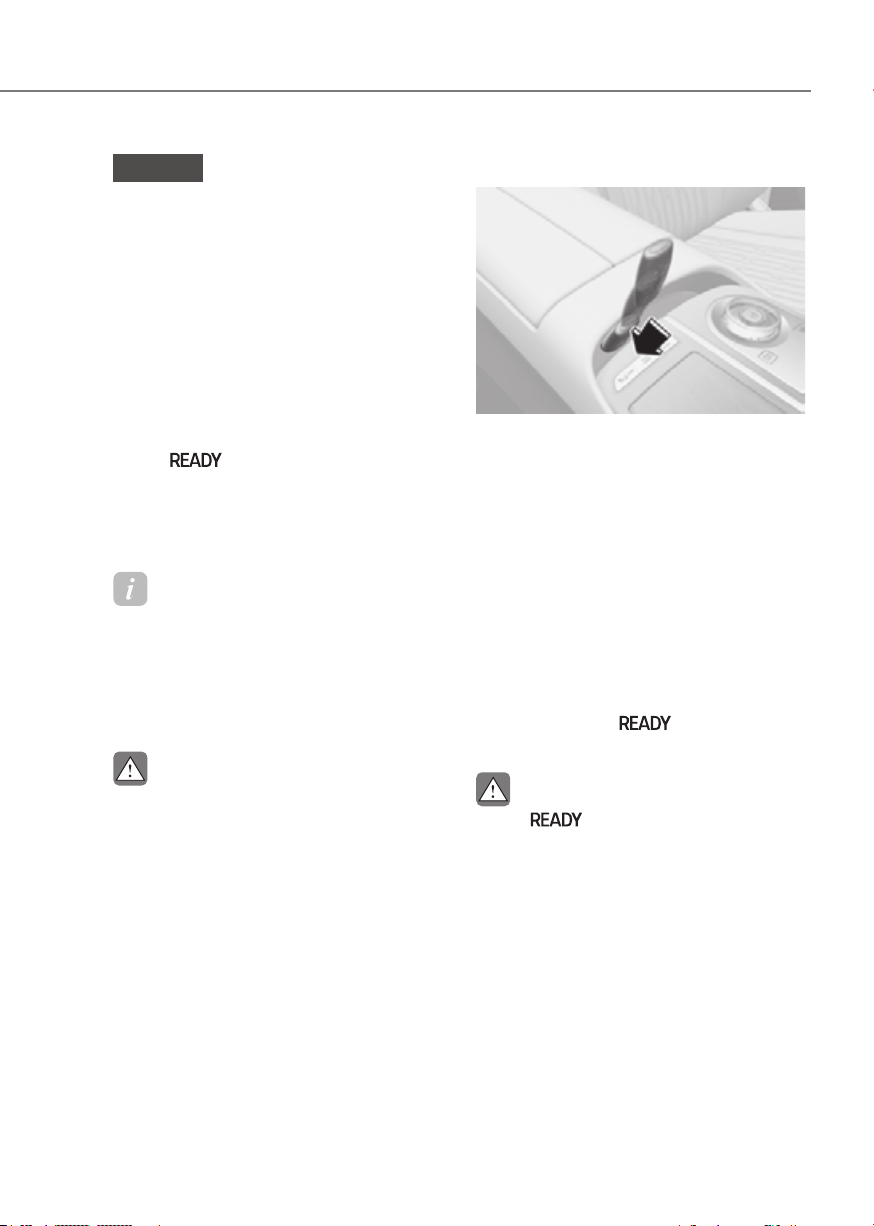
6-7
06
NOTICE
To prevent damage to the vehicle:
Do not press the Start/Stop button for
more than 10 seconds except when the
stop lamp fuse is blown.
When the stop lamp fuse is blown,
you cannot normally start the vehicle.
Replace the fuse with a new one. If you
are not able to replace the fuse, you
can start the vehicle by pressing and
holding the Start/Stop button for 10
seconds with the Start/Stop button in
the ACC position.
Pressing the brake pedal many times
while “
” indicator light is off will
increase the possibility of discharging
the 12 V battery.
For your safety always depress the
brake pedal before starting the vehicle.
Information
Virtual Engine Sound System(VESS)
VESS generates virtual engine sound to
make pedestrians to aware. VESS operates
when the vehicle can be driven. When the
vehicle in P(parking) gear status, VESS
doesn't work.
CAUTION
• Because the vehicle doesn't make
the engine sound, pay attention to
the surrounding environment and
drive carefully.
• After parking or waiting for a traffic
light, please check around(children,
obstacle, etc.) before departure.
• When reversing, check directly
behind you before driving.
Pedestrians may not be able to
recognize vehicle sounds.
Emergency starting
ORG3EV061007NORG3EV061007N
If the smart key battery is weak or the
smart key does not work correctly, you
can start the vehicle by placing the smart
key in the smart key slot for emergency
starting. After placing the smart key
in the smart key slot, press the Start/Stop
button.
Turning Off the Vehicle
1. Stop the vehicle and depress the
brake pedal fully.
2. Shift to P (Park).
3. Press the Start/Stop button to the OFF
position and apply the parking brake.
4. Make sure the ‘
’ indicator light
is off in the instrument cluster.
CAUTION
If the "
" indicator light on the
instrument cluster is still on, the vehicle
is not turned off and can move when
the gear is in any position except P
(Park).

6-8
Driving Your Vehicle
Remote Start
Type AType A
ORG3EV061008ORG3EV061008
Type BType B
ORG3EV061009ORG3EV061009
You can start the vehicle using the
Remote Start button of the smart key.
To start the vehicle remotely:
1. Press the door lock button within 32
feet (10 m) from the vehicle.
2. Press the remote start (
) button for
over 2 seconds within 4 seconds after
locking the doors.
3. To turn off the remote start function,
press the remote start (
) button
once.
• The remote start (
) button may not
operate if the smart key is not within
32 feet (10 m).
• The vehicle will not remotely start if
the hood or trunk is opened.
• The vehicle must be in P (Park) for the
remote start function to start.
• The vehicle displays "Smart Key
must be present to keep the vehicle
running" if you get on the vehicle
without a registered smart key.
• The vehicle turns off if you do not get
in the vehicle within 10 minutes after
remotely starting the vehicle.

6-9
06
SHIFT BY WIRE
ORG3EV061002NORG3EV061002N
[A]: Rotary shifter (Rotary gear shift dial),
[B] : P button, [C] : N PARK button
Shift By Wire Operation
Depress the brake pedal whenever
rotating the shift dial to change gear or
shifting P.
WARNING
To reduce the risk of serious injury or
death:
• ALWAYS check the surrounding
areas near your vehicle for people,
especially children, before shifting a
vehicle into D (Drive) or R (Reverse).
• Before leaving the driver's seat,
always make sure the vehicle is
shifted to the P (Park) position, then
apply the parking brake, then press
the Start/Stop button to the OFF
position. Unexpected and sudden
vehicle movement can occur if these
precautions are not followed.
Rotary shifter/ Rotary gear shift dial
P (Park)
Always come to a complete stop before
shifting into P (Park).
ORG3EV061010NORG3EV061010N
To shift the gear to P (Park), press the P
button while depressing the brake pedal.
If you turn the vehicle off in R (Reverse),
N (Neutral) or D (Drive), the gear will
automatically shift to P (Park).
WARNING
• Shifting into P (Park) while the
vehicle is in motion may cause you to
lose control of the vehicle.
• After the vehicle has stopped, always
make sure the vehicle is in P (Park),
apply the parking brake, and turn the
vehicle off.
• When parking on an incline, shift
the gear to P (Park) and apply the
parking brake to prevent the vehicle
from rolling downhill.
Information
For vehicles equipped with the Electronic
Parking Brake (EPB), EPB applies
automatically when the gear is shifted to
P (Park).

6-10
Driving Your Vehicle
Automatic gear shift to P (Park)
The gear is automatically shifted to P
(Park), and the Electronic Parking Brake
(EPB) applies automatically under the
following conditions:
- When the vehicle is turned off with
the gear in R (Reverse), D (Drive) or N
(Neutral).
- When the driver’s door is open while
the READY indicator on, the gear in R
(Reverse), D (Drive) or N (Neutral), and
the vehicle at a standstill.
- When the driver’s door is open with
the gear in N (Neutral) and the vehicle
is off.
In situations the gear must be in P (Park),
always check if the gear is shifted to P
(Park) by checking the cluster.
R (Reverse)
Use this position to drive the vehicle
rearward.
ORG3EV061011NORG3EV061011N
To shift the gear to R (Reverse), rotate
the rotary gear shift dial to R (Reverse)
while depressing the brake pedal.
When the vehicle is stopped in the
R (Reverse) position, if you open the
driver’s door, the gear will automatically
shift to P (Park).
However, if the vehicle is in motion, the
gear may not automatically shift to P
(Park) to prevent reduction gear damage.
The direction of the rotary gear shift dial
is the same as that of the wheel.
NOTICE
Always come to a complete stop before
shifting into or out of R (Reverse); you
may damage the reduction gear if you
shift into R (Reverse) while the vehicle is
in motion.

6-11
06
N (Neutral)
ORG3EV061012NORG3EV061012N
To shift the gear to N (Neutral), rotate the
shift dial clockwise from R (Reverse) or
counterclockwise from D (Drive) while
depressing the brake pedal.
Always depress the brake pedal when
you are shifting from N (Neutral) to
another gear.
When the vehicle is turned off with
the gear in N (Neutral), the gear
automatically shifts to P (Park), and the
Electronic Parking Brake (EPB) applies
automatically.
However, if you need to stay in N
(Neutral) with the vehicle off, refer to “To
stay in N (Neutral) when vehicle is OFF”
in the following page.
CAUTION
The vehicle can be started with the gear
in N (Neutral), but for your safety, be sure
to start the vehicle with the gear in P
(Park).
To stay in N (Neutral) when vehicle is
OFF
OJX1069009LOJX1069009L
ORG3EV061014ORG3EV061014
If you want to stay in N (Neutral) after the
vehicle is OFF (in the ACC state), do the
following.
1. Turn off Auto Hold and release
Electronic Parking Brake when the
vehicle is in the ready (READY) mode.
2. Rotate the shift to N (neutral) while
depressing the brake pedal.
3. When you take your foot off the brake
pedal, the message ‘Press and hold
OK button to stay in Neutral when
vehicle is Off’ will appear on the
Cluster display.

6-12
Driving Your Vehicle
4. Press and hold the OK button on
the steering wheel for more than 1
second.
5. When the message ‘Vehicle will stay in
(N). Change gear to cancel’ (or ‘N will
stay engaged when the vehicle is Off’)
will appear on the Cluster display,
press the Start/Stop button while
depressing the brake pedal.
However, if you open the driver’s door,
the gear will automatically shift to P
(Park) and the Start/Stop button will
change to the OFF position.
NOTICE
With the gear in N (Neutral) the Start/
Stop button is in the ACC position. In
the ACC position, the doors cannot be
locked. The battery may discharge if left
in the ACC position for a long time.
D (Drive)
This is the normal driving position.
It automatically activates the
regenerative braking system according
to the road conditions.
ORG3EV061013NORG3EV061013N
To shift the gear to D (Drive), rotate the
rotary gear shift dial to D (Drive) while
depressing the brake pedal.
When the vehicle is stopped in the D
(Drive) position, if you open the driver's
door, the gear will automatically shift to
P (Park).
However, if the vehicle is in motion, the
gear may not automatically shift to P
(Park) to prevent reduction gear damage.
NOTICE
Always come to a complete stop before
shifting into D (Drive).
CAUTION
When you start after stopping on a steep
incline, even if the gear is in D (Drive),
if you do not depress the accelerator
or brake pedal, the vehicle may roll
backwards, which can cause an accident.
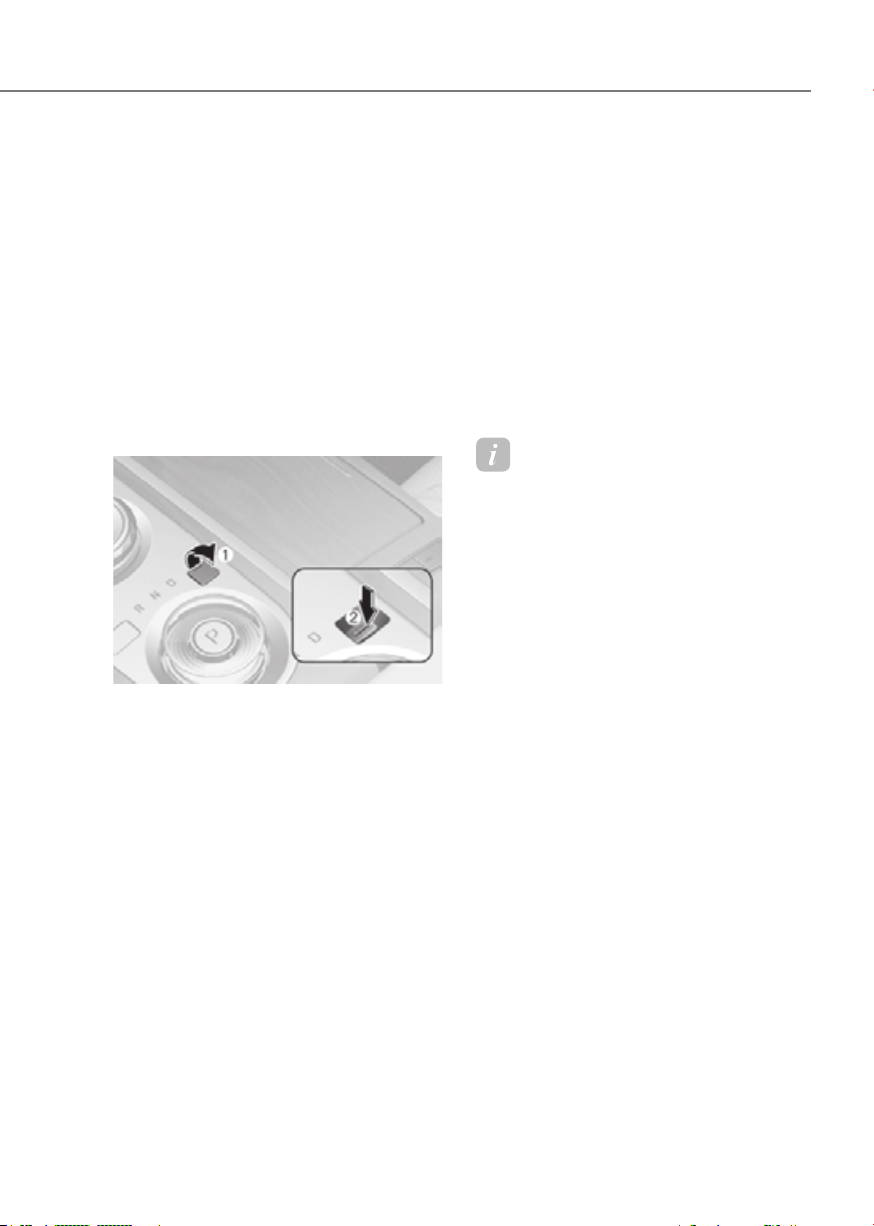
6-13
06
When the battery is discharged
You cannot shift gears, when the battery
is discharged.
In emergencies, do the following to shift
the gear to N (Neutral) on a level ground.
1. Connect the battery cables from
another vehicle or from a another
battery to the jump-starting terminals
inside the motor compartment.
For more details, refer to "Jump
Starting" section in chapter 8.
2. Release the Electronic Parking Brake
with the Start/Stop button in the ON
position and the gear in P (Park).
ORG3EV061035NORG3EV061035N
3. Remove the cap-cover (1) and press
the button (2) while depressing the
brake pedal. Then, the gear will
change to the N (Neutral) position.
The button must be pressed within 3
minutes after the vehicle is turned off.
The button (2) operates only for 20
seconds to change the gear between
P (Park) and N (Neutral) from the time
when the button (2) is first pressed.
Shift-lock system
For your safety, the automatic
transmission has a shift-lock system
which prevents shifting the transmission
from P (Park) into R (Reverse) or D (Drive)
unless the brake pedal is depressed.
To shift from P (Park) or N (Neutral) into R
(Reverse) or D (Drive):
1. Depress and hold the brake pedal.
2. Start the vehicle.
3. Shift gear while depressing the brake
pedal.
Information
For your safety, you cannot shift the gear
while the charging cable is connected.
Parking
Always come to a complete stop and
continue to depress the brake pedal.
Shift the gear to P (Park), apply the
parking brake, and press the Start/Stop
button to the OFF position. Take the Key
with you when leaving the vehicle.

6-14
Driving Your Vehicle
Cluster Display Messages
Press brake pedal to change gear
ORG3EV061049AUORG3EV061049AU
This message is displayed when the
brake pedal is not depressed while
shifting the gear.
Depress the brake pedal and then shift
the gear.
Shift to P after stopping
OJK060053LOJK060053L
This message is displayed when the gear
is shifted to P (Park) while the vehicle is
moving.
Stop the vehicle before shifting to P
(Park).
Shifter system malfunction
OJK060057LOJK060057L
This message is displayed when the shift
gear does not properly operate in the P
(Park) position.
Have the vehicle inspected by an
authorized retailer of Genesis Branded
products.
Check shifter dial
OJK060061LOJK060061L
This message is displayed when there is
a malfunction with the rotary gear shift
dial.
Have the vehicle inspected by an
authorized retailer of Genesis Branded
products.

6-15
06
Check P button
OJK060063LOJK060063L
This message is displayed when there is
a problem with the P button.
Have the vehicle inspected by an
authorized retailer of Genesis Branded
products.
Rotary shifter stuck
OJK060064LOJK060064L
This message is displayed when the
rotary gear shift dial does not return back
to it’s normal position after rotating it.
Have the vehicle inspected by an
authorized retailer of Genesis Branded
products.
Good Driving Practices
• Never shift the gear from P (Park) or
N (Neutral) to any other position with
the accelerator pedal depressed.
• Never shift the gear into P (Park) when
the vehicle is in motion.
Be sure the vehicle is completely
stopped before you attempt to shift
into R (Reverse) or D (Drive).
• Do not shift the gear to N (Neutral)
when driving. If the gear is shifted to
N (Neutral) while driving, doing so
may increase the risk of an accident.
Also, shifting the gear back to D
(Drive) while the vehicle is moving
may severely damage the reduction
gear.
• When driving uphill or downhill,
always shift to D (Drive) for driving
forward or shift to R (Reverse) for
driving rearwards. After selecting
D (Drive) or R (Reverse), check the
gear position indicated on the cluster
before driving. If the vehicle moves in
the opposite direction of the selected
gear, the vehicle may turn off and a
serious accident might occur due to
degraded brake performance.
• Do not drive with your foot resting
on the brake pedal. Even light, but
consistent pedal pressure can result
in the brakes overheating, brake wear
and possibly even brake failure.
• Always apply the parking brake when
leaving the vehicle. Do not depend
on placing the shift gear in P (Park) to
keep the vehicle from moving.
• Exercise extreme caution when
driving on a slippery surface. Be
especially careful when braking,
accelerating or shifting gears. On a
slippery surface, an abrupt change
in vehicle speed can cause the drive
wheels to lose traction and may cause
loss of vehicle control resulting in an
accident.

6-16
Driving Your Vehicle
• Optimum vehicle performance and
economy is obtained by smoothly
depressing and releasing the
accelerator.
WARNING
To reduce the risk of SERIOUS INJURY
or DEATH:
• ALWAYS wear your seat belt. In a
collision, an unbelted occupant
is significantly more likely to be
seriously injured or killed than a
properly belted occupant.
• Avoid high speeds when cornering or
turning.
• Do not make quick steering wheel
movements, such as sharp lane
changes or fast, sharp turns.
• The risk of rollover is greatly
increased if you lose control of your
vehicle at highway speeds.
• Loss of control often occurs if two or
more wheels drop off the roadway
and the driver over steers to reenter
the roadway.
• In the event your vehicle leaves
the roadway, do not steer sharply.
Instead, slow down before pulling
back into the travel lanes.
• Genesis Branded Vehicle
recommends you to follow all posted
speed limits.
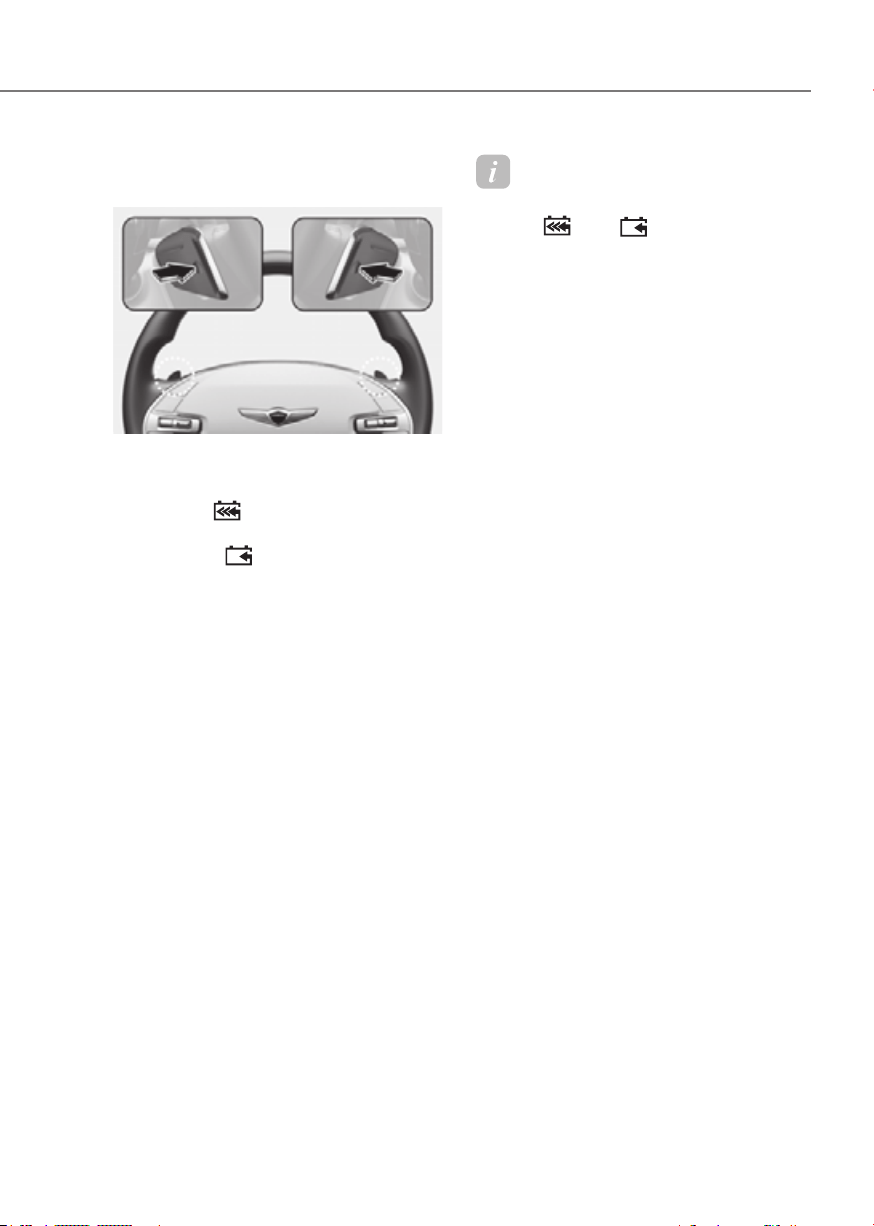
6-17
06
Regenerative braking (Paddle
shifter)
ORG3EV061015LORG3EV061015L
The paddle shifter is used to adjust the
regenerative braking level from 0 to 3
during decelerating.
• Left side (
): Increases regenerative
braking and deceleration.
• Right side (
): Decreases
regenerative braking and deceleration.
• Pull and hold the left side paddle
shifter for more than 0.5 seconds
and One pedal driving function is
operated, increasing the regenerative
braking. In this case, stopping the
vehicle is possible by keep on pulling
the paddle shifter.
Refer to the following pages on "One
pedal driving".
• Pull and hold the right side paddle
shifter for over 1 second to turn on
and off the automatic change of the
regenerative braking.
Refer to the following pages on
"Smart Recuperation System".
Information
The paddle shifter does not operate when:
• The [
] and [ ] paddle shifters are
pulled at the same time.
• The vehicle is decelerating by
depressing the brake pedal.
• Smart Cruise Control is activated.
• If level 0 is selected for the regenerative
braking system, the brake disc cleaning
function is operated. While operating
to clean the brake disc, the driving
distance and the regenerative braking
performance can be reduced. After
finishing, the regenerative braking
performance will be restored. The
brake disc cleaning function operates
when level 0 is re-selected after
adjusting the regenerative braking
level.
REGENERATIVE BRAKING SYSTEM
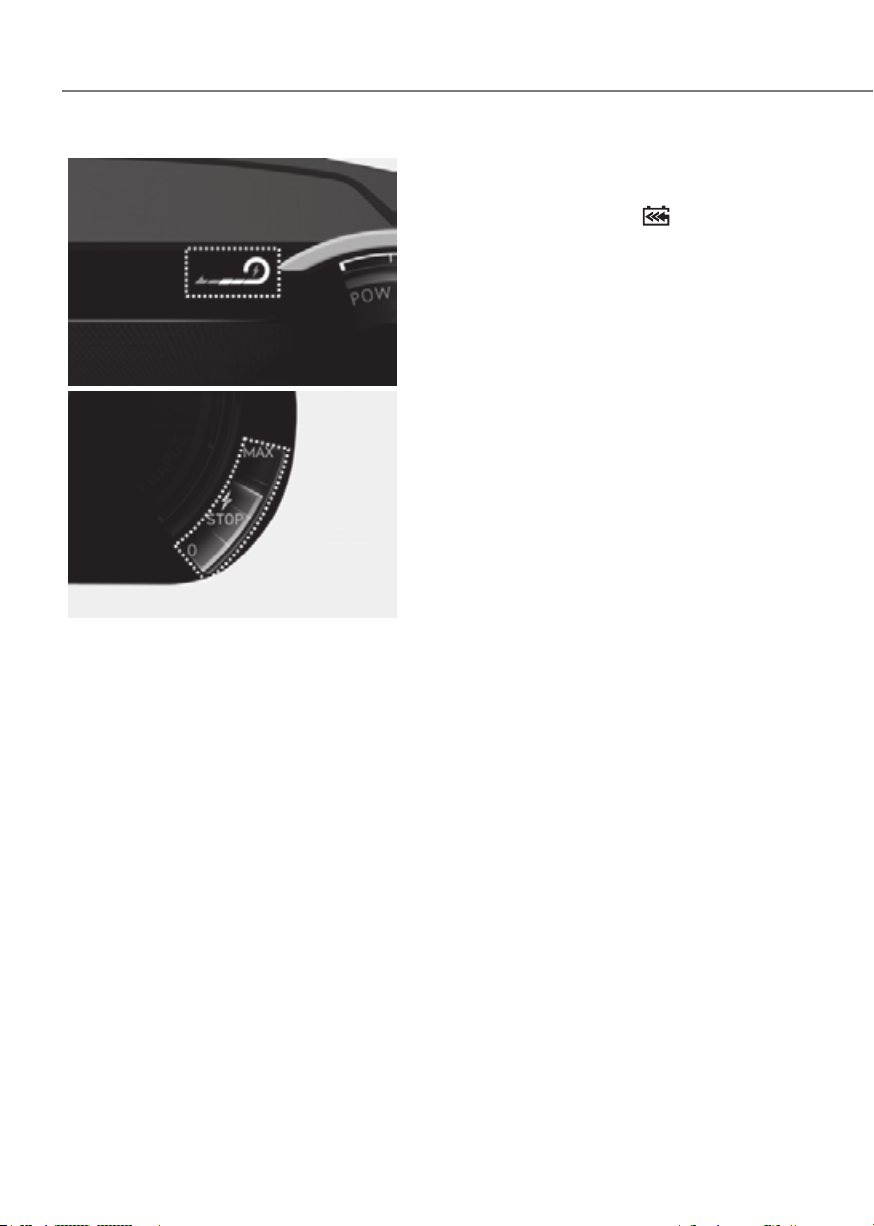
6-18
Driving Your Vehicle
Type AType A
ORG3EV041071LORG3EV041071L
Type BType B
ORG3EV041010AUORG3EV041010AU
The selected regenerative braking level is
displayed on the instrument cluster.
Initial setting of the regenerative
braking level and adjustable range vary
according to the selected Drive mode.
Drive mode Adjustable Range
SNOW 0 to 1
ECO 0 to 3
COMFORT 0 to 3
SPORT 0 to 3
For more details, refer to "Drive Mode
Integrated Control System" in this
chapter.
One Pedal Driving
The driver can stop the vehicle by pulling
the left side paddle shifter
.
To operate:
• Pull and hold the left side paddle
shifter while coasting.
• When the vehicle speed is above 1.8
mph (3 km/h), release the paddle
shifter to return to the preset
regenerative braking stage.
• When the vehicle speed is below 1.8
mph (3 km/h), the function maintains
control to stop the vehicle even
though the paddle shifter is released.
• While the One pedal driving is
operating, the driver can control the
vehicle stopping position using the
accelerator pedal.
Limitations
The vehicle may move even if one pedal
driving is normally operated. Therefore,
the driver should be careful to stop
the vehicle by this function under
circumstances as follows:
- Driving on icy, snowy, wet, sandy,
muddy roads, manhole/pit hole
surfaces
- Wheels not aligned
- Conditions in which wheel slip or spin
occurs
- On heavy loading
- By leaning left of right
- Under bad tire wear
- Driving uphill or downhill
- Driving where the slope starts or ends
- By repeating stop and go on ramp

6-19
06
Automatic engagement of EPB
After the vehicle is stopped by the
One Pedal Driving function, EPB is
automatically engaged when any of
these conditions occur:
• The driver’s seatbelt is unfastened and
the driver’s door is open.
• The shift gear is changed N (Neutral)
• The hood is open.
• The trunk is open.
• 5 minutes have passed since the
vehicle has stopped.
• The system operation is limited due to
other reasons.
WARNING
• Stopping the vehicle may not be
possible according to the vehicle and
road conditions. Pay attention to the
road condition ahead and apply the
brake if necessary.
• Please refrain to use the one
pedal driving function when road
conditions are poor, such as when
wet, icy or covered with snow.
CAUTION
When the vehicle is stopped or parked by
One Pedal Driving on steep hills, be sure
to also press the brake pedal.
i-Pedal
i-Pedal is controlled by the accelerator
pedal. i-Pedal provides vehicle speed
control (acceleration/deceleration,
stopping) without manually controlling
the paddle shifter.
To operate:
• Pull the left side paddle shifter at level
3 regenerative braking system.
• During the activation of i-Pedal, the
vehicle is stopped when the vehicle
speed is less than 1 mph (3 km/h) even
if the brake pedal is not pressed.
• When you press the accelerator pedal
at the same time during one-pedal
driving by pulling the left paddle shift
lever, the vehicle cannot be stopped.
• i-Pedal indicator will illuminate on
instrument cluster.
CAUTION
When the vehicle is stopped or parked by
i-Pedal on steep hills, be sure to also press
the brake pedal.
To deactivate:
• The i-Pedal is deactivated when the
driver turns off the vehicle. When the
vehicle is turned on, the regenerative
braking is set to be on level 3.
• The i-Pedal is turned off and the
regenerative braking changes to level
3 when the gear is shifted to R.
Limitations
The vehicle may move even if one pedal
driving is normally operated. Therefore,
the driver should be careful to stop
the vehicle by this function under
circumstances as follows:
- Driving on icy, snowy, wet, sandy, muddy
roads, manhole/pit hole surfaces
- Wheels not aligned
- Conditions in which wheel slip or spin
occurs
- On heavy loading
- By leaning left of right
- Under bad tire wear
- Driving uphill or downhill
- Driving where the slope starts or ends
- By repeating stop and go on ramp
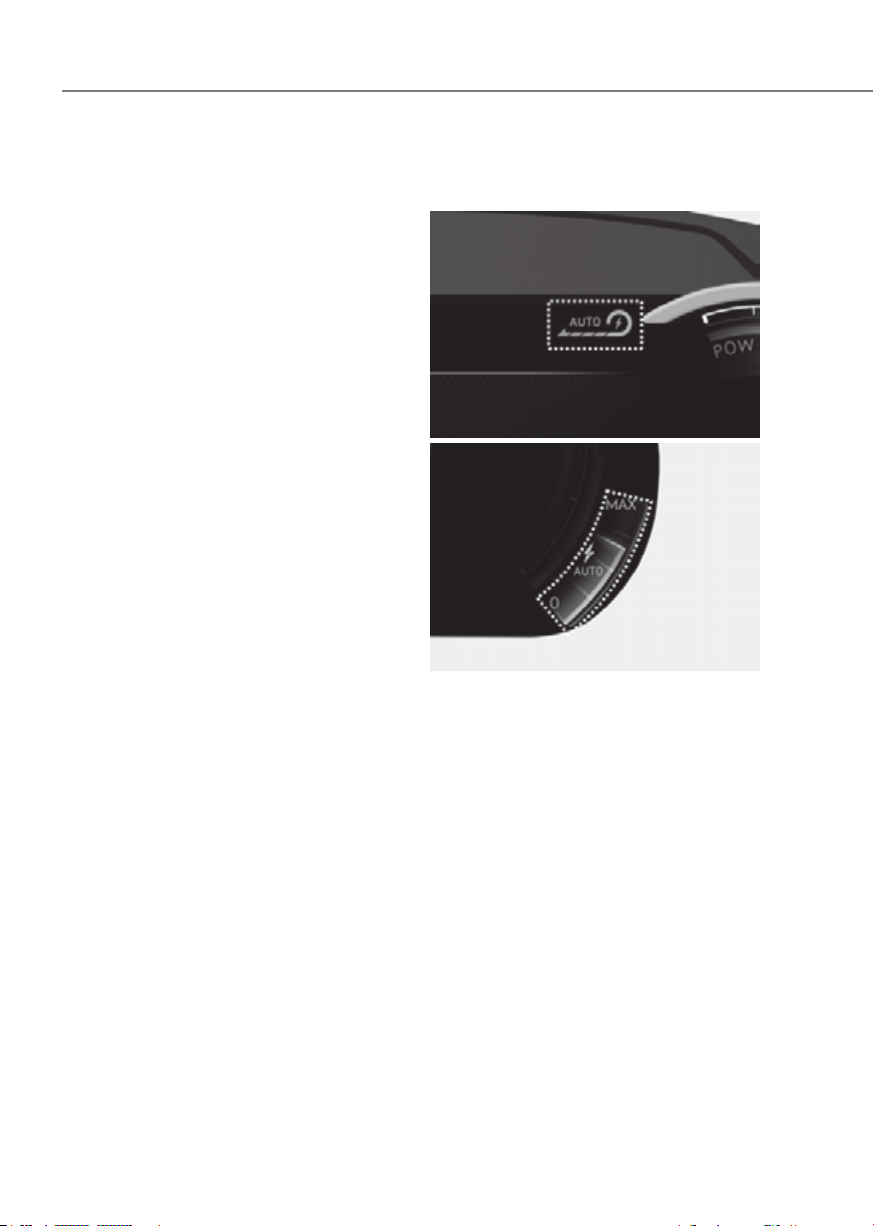
6-20
Driving Your Vehicle
SMART RECUPERATION SYSTEM
The Smart Recuperation System controls
the regenerative braking automatically
according to the road gradient and
driving style of the vehicle in front. The
system minimizes the unnecessary
operation of the brake and acceleration
pedal, improving the electric energy
efficiency and assisting the driver.
Smart Recuperation System
Setting
Pull and hold the right side paddle shifter
for over 1 second to turn on and off the
automatic change of the regenerative
braking.
To Activate Smart Recuperation
System
Type AType A
ORG3EV041069L ORG3EV041069L
Type BType B
ORG3EV041070LORG3EV041070L
With 'AUTO' for the regenerative braking
level displayed on the instrument
cluster, the regenerative braking level is
controlled automatically when vehicle
speed is above 6 miles (10 km/h) and one
of the condition below is met.
• The road gradient changes
• Distance from the vehicle ahead
reduces or increases
• Speed of the vehicle ahead reduces or
increases
• A speed camera is on the road while
driving(the navigation setting must be
linked with the speed camera in the
infotainment system)

6-21
06
Information
The regenerative braking amount
adjustment according to the road slope is
reflected only when the paddle level 0 has
been set.
WARNING
• When using the Smart Recuperation
Braking system, you can use one-
pedal driving (stopping the vehicle
by pulling the left paddle shifter).
• i-Pedal system can stop when you
are using the Smart Recuperation
Braking system. Use i-Pedal after
turning off the Smart Recuperation
Braking system.
Information
ORG3EV061036AUORG3EV061036AU
The regenerative braking response is
adjusted based on the setting of the
driver's deceleration style (strong/
medium/gentle).
To adjust the level, select ‘Setup →
EV → Smart Regeneration → Smart
Regeneration Deceleration Intensity’ in
the infotainment system.
WARNING
When vehicle speed is under 6 mph (10
km/h), the Smart Recuperation System
is cancelled. The driver must adjust
the vehicle speed by depressing the
accelerator or brake pedal according to
the road condition ahead and driving
condition.
Smart Recuperation System relies
on front view camera in the vehicle.
Foreign substances on the front view
camera may cause the malfunction of
Smart Recuperation System. Be sure to
maintain clear view for the front view
camera.
The Smart Recuperation System will not
operate when the Forward Collision-
Avoidance Assist (FCA) system warning
light illuminates on the cluster. The
driver must adjust the vehicle speed
by depressing the accelerator or brake
pedal according to the road condition
ahead and driving condition.
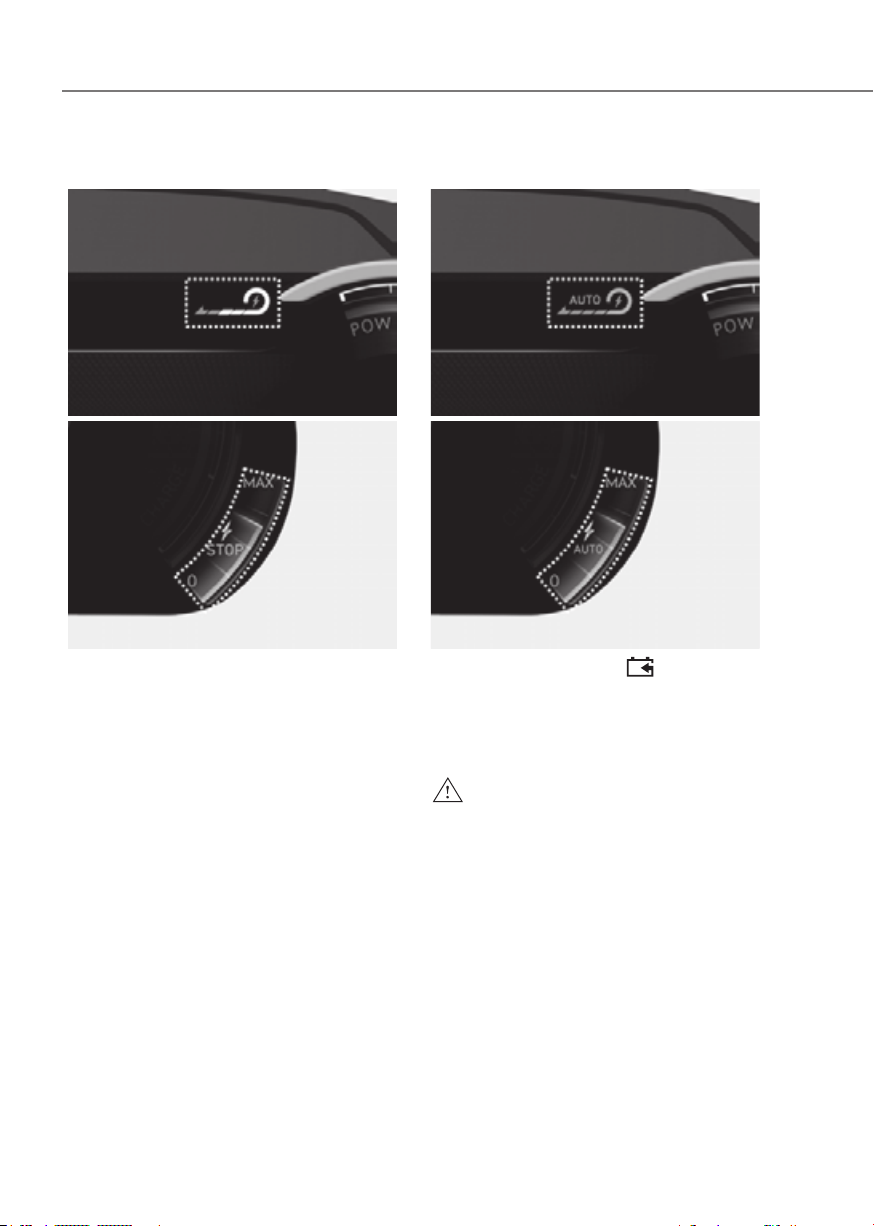
6-22
Driving Your Vehicle
Ready to Operate
Type AType A
ORG3EV041071L ORG3EV041071L
Type BType B
ORG3EV041010AUORG3EV041010AU
Regenerative braking level is displayed
on instrument cluster.
How to Operate
Type AType A
ORG3EV041069L ORG3EV041069L
Type BType B
ORG3EV041070LORG3EV041070L
Pulling the paddle-shift (
) for 1 or
more seconds, the smart recuperation
system will operate. The indicator of the
regenerative braking will be changed to
'AUTO' from the level indicator.
WARNING
The Smart Recuperation System which
automatically controls the regenerative
braking level when coasting is only a
supplemental system for the driver's
convenience. The system cannot
completely stop the vehicle nor avoid
all collisions. The brake control may
be insufficient depending on the
speed of the vehicle in front and when
the vehicle in front suddenly stops,
a vehicle cuts in suddenly and there
is a steep slope. Always look ahead
cautiously to prevent unexpected and
sudden situations from occurring.
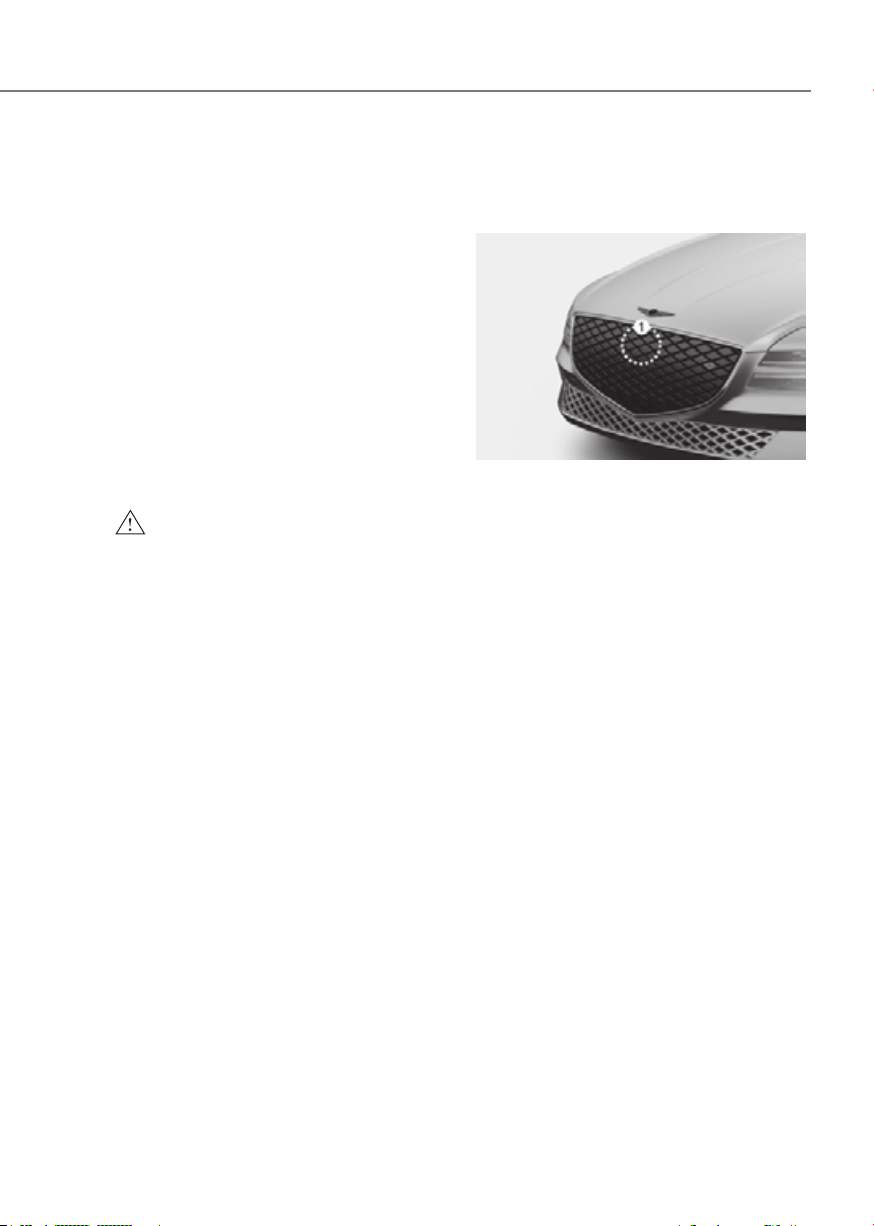
6-23
06
Smart Recuperation System Will
Be Temporarily Cancelled When:
• Cancelled manually
Pulling and holding the right side
paddle shifter for more than 1 second.
The Smart Recuperation System turns
off temporarily and “AUTO” will be
replaced with regenerative braking
level indicator.
• Cancelled automatically
- The vehicle is shifted to N (Neutral),
R (Reverse) or P (Park).
- Smart Cruise Control is in activation.
- The ESC (Electronic Stability
Control) or ABS is operating.
WARNING
When the Smart Recuperation System
is cancelled automatically, adjust the
vehicle speed directly by depressing the
accelerator or brake pedal according to
the road condition ahead and driving
condition.
To Resume Smart Recuperation
System
To re-activate the Smart Recuperation
System while driving, pull and hold the
right side paddle shifter for more than
1 second again. Then, AUTO for the
regenerative braking level will appear on
the cluster.
Vehicle-to-Vehicle Distance
Recognition Sensor (Front
Radar)
ORG3EV061016ORG3EV061016
[1] : Front radar
In order for the Smart Recuperation
System to operate properly, always make
sure the radar sensor cover is clean and
free of dirt, snow, and debris. Dirt, snow,
or foreign substances on the lens may
adversely affect the sensing performance
of the sensor. In this case, the system
operation may stop temporarily and not
operate normally.
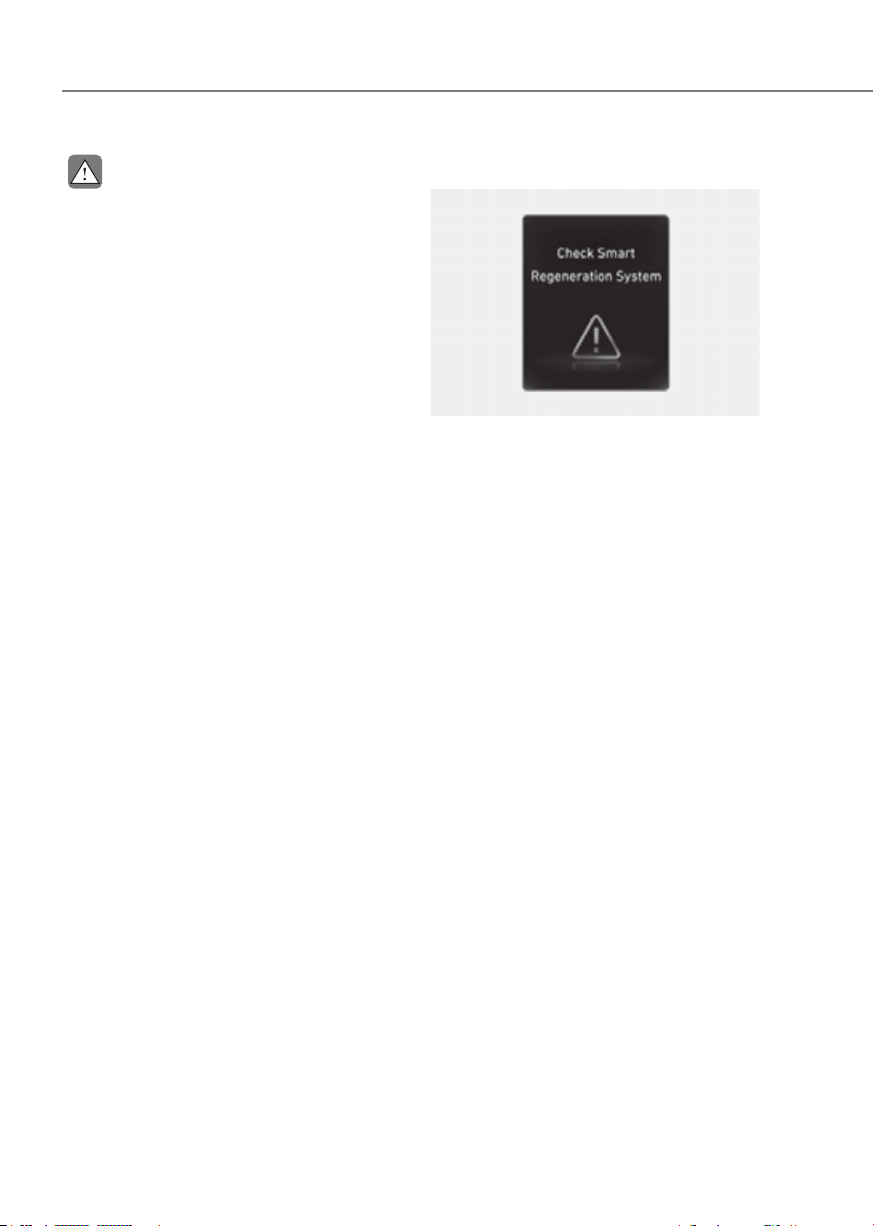
6-24
Driving Your Vehicle
CAUTION
• Do not apply license plate frame or
foreign objects such as a bumper
sticker or a bumper guard near the
radar sensor. Doing so may adversely
affect the sensing performance of
the radar.
• Always keep the radar sensor and
lens cover clean and free of dirt and
debris.
• Use only a soft cloth to wash the
vehicle. Do not spray pressurized
water directly on the sensor or
sensor cover.
• Be careful not to apply unnecessary
force on the radar sensor or sensor
cover. If the sensor is forcibly
moved out of proper alignment,
the Smart Recuperation System
may not operate correctly. In this
case, a warning message may not
be displayed. Have the vehicle
inspected by an authorized retailer of
Genesis Branded products.
• If the front bumper becomes
damaged in the area around the
radar sensor, the Smart Recuperation
System may not operate properly.
Have the vehicle authorized retailer
of Genesis Branded products.
• Use only genuine parts or the
equivalent specified for your vehicle
to repair or replace a damaged
sensor or sensor cover. Do not apply
paint to the sensor cover.
System Malfunction
OOSEV040521LOOSEV040521L
Check smart recuperation system
The message will appear when the
system is not functioning normally. The
system will be cancelled and the word
'AUTO' on the cluster will disappear and
instead display regenerative braking
level. Check for foreign substances on
the front radar. Remove any dirt, snow, or
foreign material that could interfere with
the radar sensors. If the system still does
not operate normally, take your vehicle
to an authorized retailer of Genesis
Branded products and have the system
checked.
Limitations of the System
The Smart Recuperation System may
not operate properly in certain situations
when the driving condition is beyond the
performance of the front radar sensor.
Driver's attention is required in such
cases when the system does not react
properly or operate unintentionally.
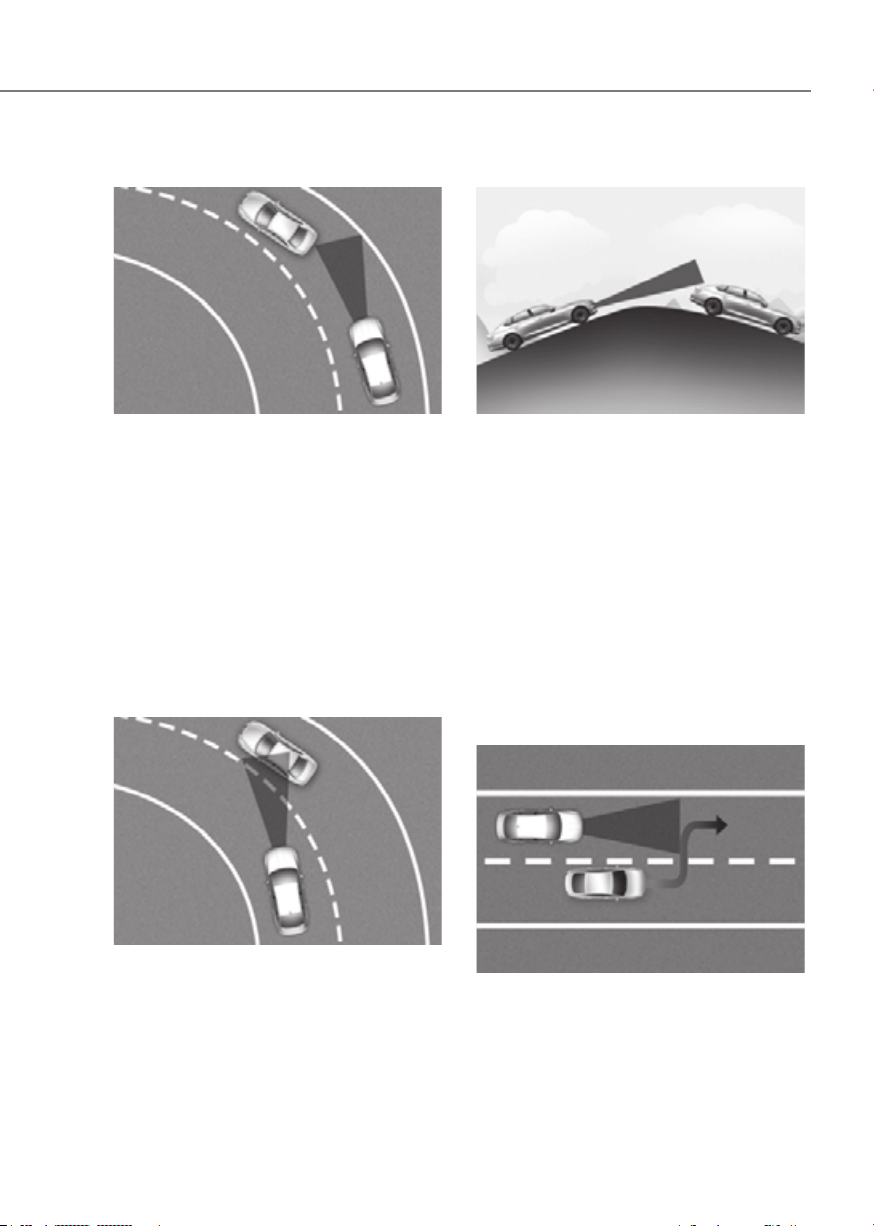
6-25
06
Driving on a curved road
ORG3EV061018 ORG3EV061018
When coasting on the curve, the system
may not detect the vehicle in your lane
and the regenerative braking level will
reduce automatically, making you feel
that the vehicle is accelerating.
Also, if the system suddenly recognizes
the vehicle in front, the regenerative
braking level will increase automatically,
making you feel that the vehicle is
decelerating.
The driver must maintain a safe braking
distance, and if necessary, depress the
brake pedal to reduce your driving speed
in order to maintain a safe distance.
ORG3EV061019ORG3EV061019
Your vehicle speed can be reduced due
to a vehicle in the adjacent lane.
Apply the accelerator pedal and select
the appropriate speed. Check to be sure
that the road conditions permit safe
operation of the Smart Recuperation
System.
Driving on an inclined road
ORG3EV061021ORG3EV061021
When coasting on an uphill or downhill,
the system may not detect the vehicle in
your lane and the regenerative braking
level will reduce automatically, making
you feel that the vehicle is accelerating.
Also, if the system suddenly recognizes
the vehicle in front, the regenerative
braking level will increase automatically,
making you feel that the vehicle is
decelerating.
The driver must maintain a safe braking
distance, and if necessary, depress the
brake pedal to reduce your driving speed
in order to maintain a safe distance.
Lane changing
ORG3EV061020ORG3EV061020
• A vehicle which moves into your lane
from an adjacent lane cannot be
recognized by the sensor until it is in
the sensor's detection range.
• The radar may not detect immediately
when a vehicle cuts in suddenly.
Always pay attention to the traffic,
road and driving conditions.

6-26
Driving Your Vehicle
Vehicle recognition
ORG3EV061022ORG3EV061022
Some vehicles in your lane cannot be
recognized by the sensor:
- Narrow vehicles such as motorcycles or
bicycles
- Vehicles offset to one side
- Slow-moving vehicles or sudden-
decelerating vehicles
- Stopped vehicles (When the vehicle
ahead drives away, the system may not
detect a stopped vehicle.)
- Vehicles with small rear profile such as
trailers with no loads
A vehicle ahead cannot be recognized
correctly by the sensor if any of following
occurs:
- When the vehicle is pointing upwards
due to overloading in the luggage
compartment.
- While the steering wheel is operating.
- When driving to one side of the lane.
- When driving on narrow lanes or on
curves.
- Apply the brake or accelerator pedal if
necessary.
WARNING
When using the Smart Recuperation
System take the following precautions:
• If an emergency stop is necessary,
you must apply the brakes.
• Keep a safe distance according to
road conditions and vehicle speed. If
the vehicle to vehicle distance is too
close during a high-speed driving, a
serious collision may result.
• Always maintain sufficient braking
distance and decelerate your vehicle
by applying the brakes if necessary.
• The Smart Recuperation System
cannot recognize a stopped vehicle,
pedestrians or an oncoming vehicle.
Always look ahead cautiously to
prevent unexpected and sudden
situations from occurring.
• Vehicles moving in front of you with
a frequent lane changes may cause
a delay in the system's reaction or
may cause the system to react to a
vehicle actually in an adjacent lane.
Always drive cautiously to prevent
unexpected and sudden situations
from occurring.
• The Smart Recuperation System
may not recognize complex driving
situations so always pay attention to
driving conditions and control your
vehicle speed.
NOTICE
The Smart Recuperation System may
not operate temporarily due to:
• Electrical interference
• Modifying the suspension
• Differences of tire abrasion or tire
pressure
• Installing different type of tires
6-27
06
Power-Assist Brakes
Your vehicle has power-assisted brakes
that adjust automatically through normal
usage.
In the event of a vehicle power failure,
the power assist for the brakes will not
work. You can still stop your vehicle, but
it will require greater force and increased
pedal travel than normal. The stopping
distance, however, will be longer than
with power brakes.
NOTICE
• When the brake pedal is
depressed under certain
driving conditions or weather
conditions, you may temporarily hear
a noise. This is normal and does not
indicate a problem with your brakes.
• While driving on a road with
deicing chemicals, brake noise
or abnormal tire wear may occur
due to deicing chemicals. In a
safe traffic condition, additionally
apply the brakes to remove deicing
chemicals on the brake discs and
pads.
WARNING
Take the following precautions:
• Do not drive with your foot resting
on the brake pedal. This will create
abnormal high brake temperatures,
excessive brake lining and pad wear,
and increased stopping distances.
So increase the regeneration braking
level with the left paddle shift lever
to decrease the speed.
• When descending down a long or
steep hill, use the paddle shifter to
increase the regeneration braking
level in order to decrease your
speed without using the brake
pedal excessively. Applying the
brakes continuously will cause
the brakes to overheat and could
result in a temporary loss of braking
performance.
• Wet brakes may impair the vehicle's
ability to safely decelerate. Because
wet brakes increase braking distance
and cause noise troubles, select 0
step of the regenerative braking
system and depress the brake pedal
around 10 times, with keeping the
safe distance from other vehicles,
lightly in order to dry the braking
system. Such procedure may
decrease the driving distance by
restraining the regenerative braking
system, which is not a system
malfunction. Inspect the braking
system after car wash or driving over
wet road conditions.
NOTICE
• Do not continue depressing
the brake pedal if the "
"
indicator is OFF. The battery may be
discharged.
• Noise and vibration generated
during braking is normal.
• Under normal operation, electric
brake pump noise and motor
vibration may occur temporarily in
below cases.
- When the pedal is depressed
suddenly.
- When the pedal is repeatedly
depressed in short intervals.
- When the ABS function is activated
while braking.
BRAKING SYSTEM

6-28
Driving Your Vehicle
Disc Brakes Wear Indicator
When your brake pads are worn and new
pads are required, you will hear a high
pitched warning sound from your front
or rear brakes. You may hear this sound
come and go or it may occur whenever
you depress the brake pedal.
NOTICE
To avoid costly brake repairs, do not
continue to drive with worn brake pads.
Information
Always replace brake pads as complete
front or rear axle sets.
WARNING
Frequent braking may deform
components and worn the disc brake
causing vibration when braking.
Observe the speed limit to prevent
brake damage from excessive braking.
Brake wear, noise, vibration from
excessive braking or deformation of the
brakes caused by repeatedly braking in
high speed, racing on tracks, etc. can be
excluded from warranty coverage.
High Performance Brake
For vehicles equipped with the High
Performance Brake (large diameter
monoblock brakes with enhanced
braking performance), noise such as a
squeal, squeak or groan is generated
while braking. This is normal and the
friction may create circle patterns on
the disc surface. This is also a normal
condition which does not affect braking
performance.
WARNING
Frequent braking may deform
components and worn the disc brake
causing vibration when braking.
Observe the speed limit to prevent
brake damage from excessive braking.
Brake wear, noise, vibration from
excessive braking or deformation of the
brakes caused by repeatedly braking in
high speed, racing on tracks, etc., can
be excluded from warranty coverage.

6-29
06
Electronic Parking Brake (EPB)
Applying the parking brake
ORG3EV061023ORG3EV061023
To apply EPB (Electronic Parking Brake):
1. Depress and hold the brake pedal.
2. Pull up the EPB switch.
Make sure the Parking Brake warning
light comes on.
EPB (Electronic Parking Brake) may be
automatically applied when:
• Requested by other systems
• The driver turns the vehicle off while
Auto Hold is operating.
Emergency braking
If there is a problem with the brake
pedal while driving, emergency braking
is possible by pulling up and holding
the EPB switch. Braking is possible only
while you are holding the EPB switch.
However, braking distance will be longer
than normal.
WARNING
To reduce the risk of SERIOUS INJURY
or DEATH, do not operate the EPB
while the vehicle is moving except
in an emergency situation. It could
damage the brake system and lead to
an accident.
Information
During emergency braking, the Parking
Brake warning light will illuminate to
indicate that the system is operating.
NOTICE
If you continuously notice a noise or
burning smell when the EPB is used for
emergency braking, have the system
checked by an authorized retailer of
Genesis Branded products.
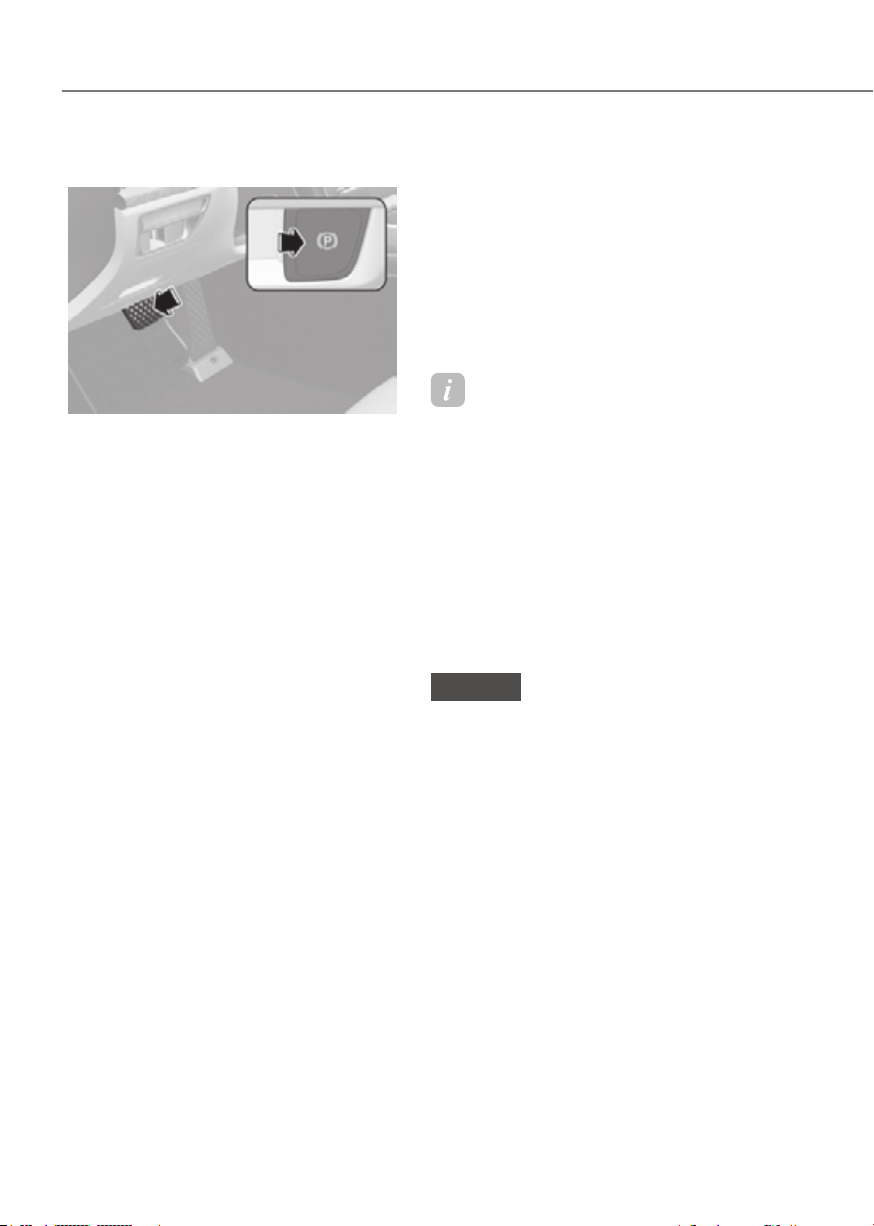
6-30
Driving Your Vehicle
Releasing the parking brake
ORG3EV061024ORG3EV061024
To release EPB (Electronic Parking
Brake):
1. Press the Start/Stop button to the ON
or START position.
2. Press the EPB switch while depressing
the brake pedal.
Make sure the Parking Brake warning
light goes off.
To release EPB (Electronic Parking Brake)
automatically:
• Gear in P (Park)
With the vehicle running depress the
brake pedal and shift out of P (Park) to
R (Reverse) or D (Drive).
• Gear in N (Neutral)
With the vehicle running depress
the brake pedal and shift out of N
(Neutral) to R (Reverse) or D (Drive).
• Satisfy the following conditions
1. Ensure seat belts are fastened and the
doors, hood and trunk are closed.
2. With the vehicle running, depress the
brake pedal and shift out of P (Park) to
R (Reverse) or D (Drive).
3. Depress the accelerator pedal.
Make sure the Parking Brake warning
light goes off.
Information
• For the Middle East, EPB is released
regardless of seat belt fastening.
• For your safety, you can engage EPB
even though the Vehicle Start/Stop
button is in the OFF position (only if
battery power is available), but you
cannot release it.
• For your safety, depress the brake
pedal and release the parking brake
manually with the EPB switch when
you drive downhill or when backing up
the vehicle.
NOTICE
• If the Parking Brake warning light is
still on even though the EPB has been
released, have the system checked
by an authorized retailer of Genesis
Branded products.
• Do not drive your vehicle with EPB
applied. It may cause excessive brake
pad and brake rotor wear.
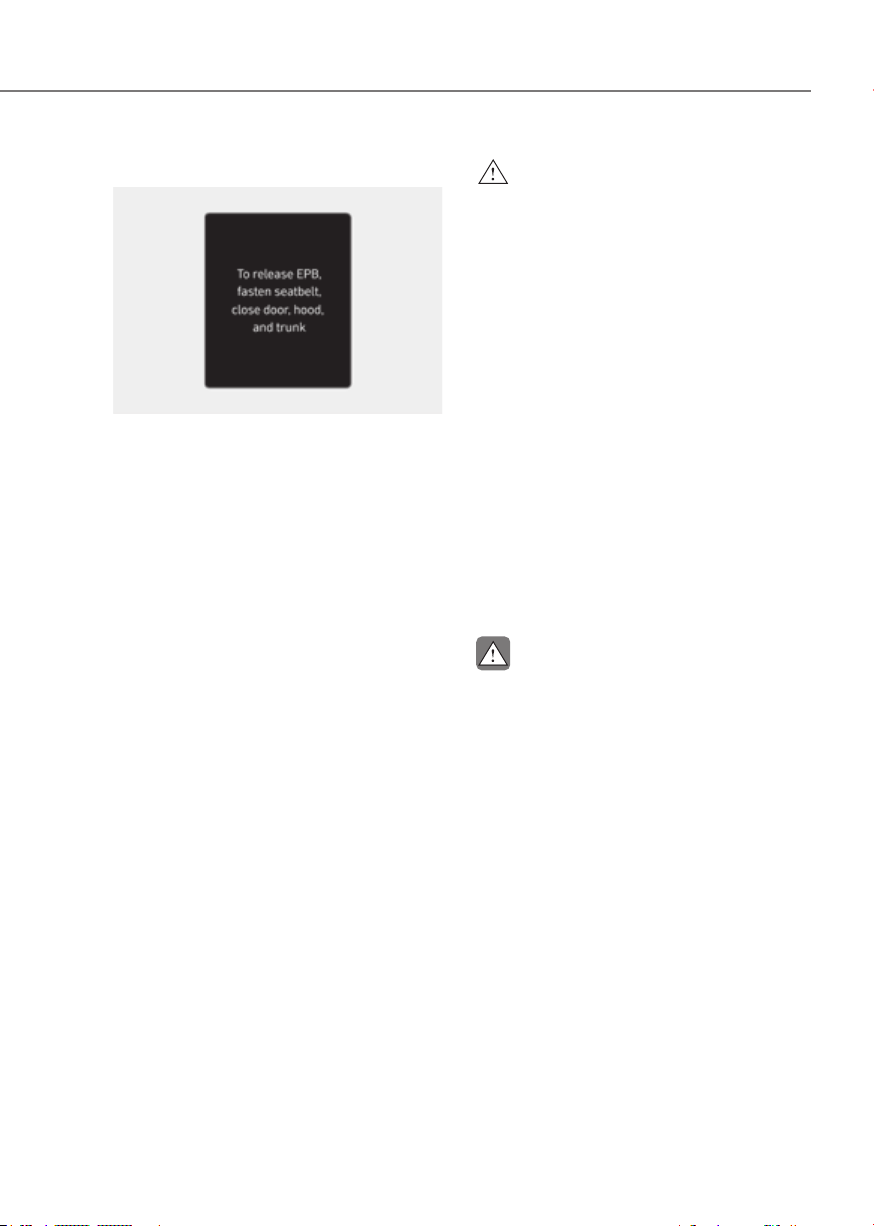
6-31
06
Warning messages
ORG3EV061038L ORG3EV061038L
To release EPB, fasten seatbelt, close door,
hood and trunk
• If you try to drive with EPB applied, a
warning will sound and a message will
appear.
• If the driver's seat belt is unfastened
and the hood or trunk is opened, a
warning will sound and a message will
appear.
• If there is a problem with the vehicle,
a warning may sound and a message
may appear.
If the situation occurs, depress the brake
pedal and release EPB by pressing the
EPB switch.
WARNING
• Whenever leaving the vehicle or
parking, always come to a complete
stop and continue to depress the
brake pedal.
Shift the gear into P (Park), pull the
EPB switch, and press the Start/Stop
button to the OFF position. Take
the Key with you when leaving the
vehicle.
Vehicles not fully engaged in P (Park)
with the parking brake set are at risk
for moving inadvertently and causing
injury to yourself or others.
• NEVER allow anyone who is
unfamiliar with the vehicle to touch
the EPB switch. If EPB is released
unintentionally, serious injury may
occur.
• Only release EPB when you are
seated inside the vehicle with your
foot firmly on the brake pedal.
CAUTION
In winter, the Electronic Parking Brake
(EPB) related device may freeze and
cannot be released. Do not use the
Electronic Parking Brake (EPB), but park
on a flat surface with the gear in P (Park).
Use wheel chocks under the wheels if
necessary.
If the Electronic Parking Brake (EPB)
applies automatically when the gear is
shifted to P (Park), turn off Auto Hold, and
press the Electronic Parking Brake (EPB)
switch to release the parking brake.
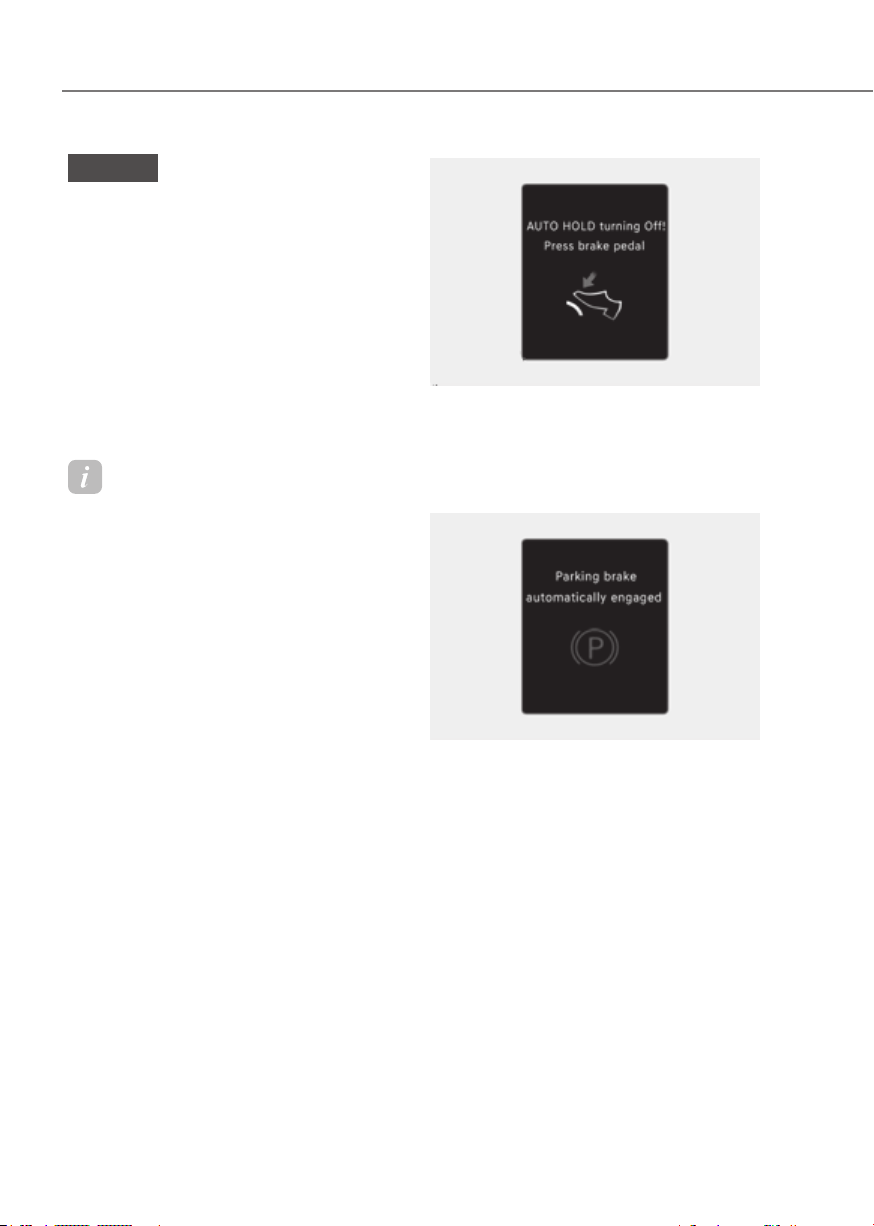
6-32
Driving Your Vehicle
NOTICE
• Do not apply the accelerator pedal
while the parking brake is engaged.
If you depress the accelerator pedal
with EPB engaged, a warning will
sound and a message will appear.
Damage to the parking brake may
occur.
• Driving with the parking brake on
can overheat the braking system and
cause premature wear or damage
to brake parts. Make sure EPB is
released and the Parking Brake
warning light is off before driving.
Information
• A clicking sound may be heard while
operating or releasing the EPB. These
conditions are normal and indicate that
EPB is functioning properly.
• When leaving your keys with a parking
attendant or assistant, make sure to
inform him/her how to operate EPB.
OIK060067LOIK060067L
AUTO HOLD turning Off! Press brake
pedal
When the conversion from Auto Hold to
EPB is not working properly a warning
will sound and a message will appear.
OIK060069LOIK060069L
Parking brake automatically engaged
When EPB is applied while Auto Hold
is activated, a warning will sound and a
message will appear.

6-33
06
EPB malfunction
Electronic Parking Brake (EPB) warning
light illuminates if the Start/Stop button
is pressed to the ON position and goes
off in approximately 3 seconds if the
system is operating normally.
If the EPB warning light remains on,
comes on while driving, or does not
come on when the Start/Stop button is
pressed to the ON position, this indicates
that the EPB may have malfunctioned.
If this occurs, have the system checked
by an authorized retailer of Genesis
Branded products.
The EPB warning light may illuminate
when the ESC indicator comes on to
indicate that ESC is not working properly,
but it does not indicate a malfunction of
EPB.
NOTICE
• If the EPB warning light is still
on, have the system checked by
an authorized retailer of Genesis
Branded products.
• If the Parking Brake warning light
does not illuminate or blinks even
though the EPB switch was pulled
up, EPB may not be applied.
• If the Parking Brake warning light
blinks when the EPB warning light is
on, press the switch, and then pull it
up. Repeat this one more time. If the
EPB warning does not go off, have
the system checked by an authorized
retailer of Genesis Branded products.
Parking brake warning light
Check the Parking Brake
warning light by pressing the
Vehicle Start/Stop button to the
ON position.
This light will be illuminated when the
parking brake is applied with the Vehicle
Start/Stop button in the START or ON
position.
Before driving, be sure the parking
brake is released and the Parking Brake
warning light is OFF.
If the Parking Brake warning light
remains on after the parking brake is
released while the motor is running,
there may be a malfunction in the
brake system. Immediate attention is
necessary.
If at all possible, cease driving the vehicle
immediately. If that is not possible,
use extreme caution while operating
the vehicle and only continue to drive
the vehicle until you can reach a safe
location.
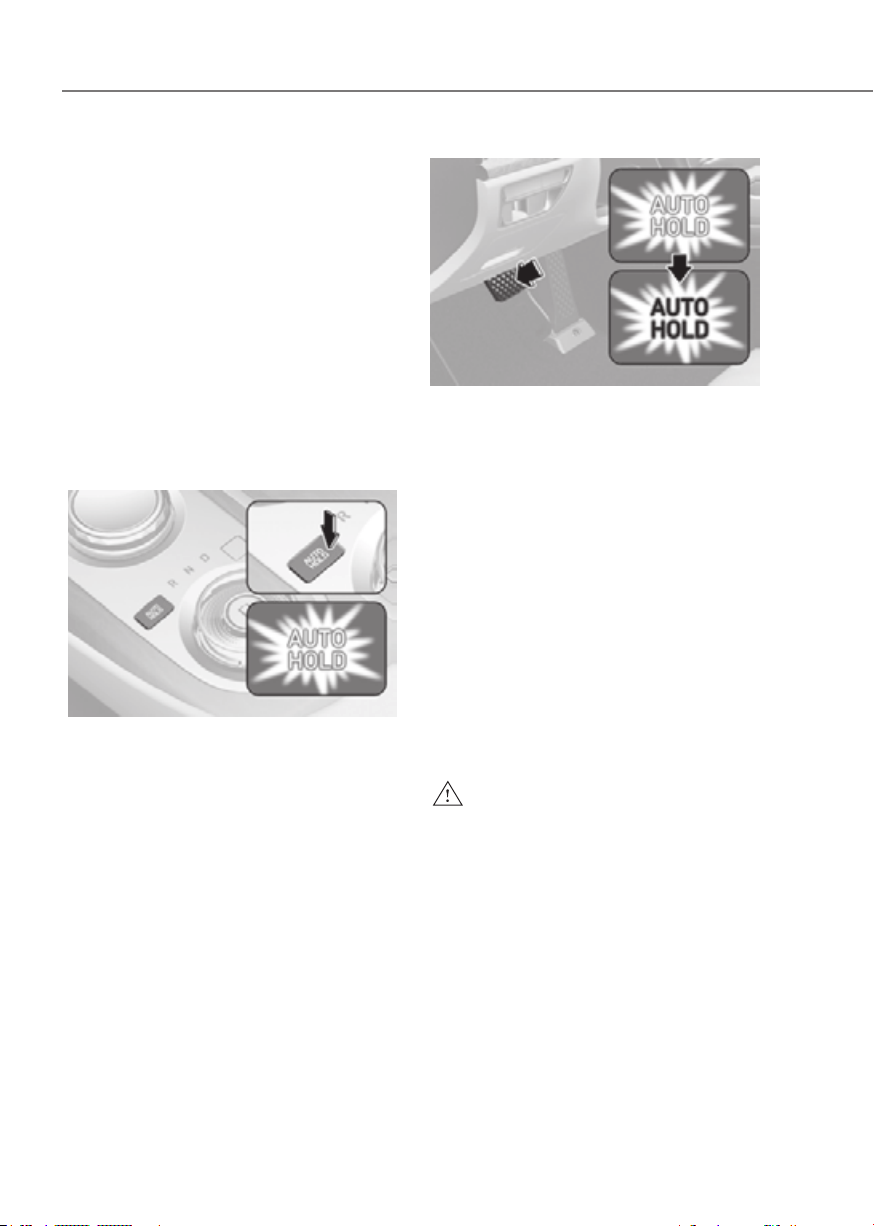
6-34
Driving Your Vehicle
When the EPB (Electronic Parking
Brake) does not release
If the EPB does not release normally,
contact an authorized retailer of Genesis
Branded products by loading the vehicle
on a flatbed tow truck and have the
system checked.
Auto Hold
Auto Hold maintains the vehicle in a
standstill even though the brake pedal is
not depressed after the driver brings the
vehicle to a complete stop by depressing
the brake pedal.
To apply:
ORG3EV061026NORG3EV061026N
1. With the driver's door and hood
closed, depress the brake pedal and
then press the AUTO HOLD switch.
The white AUTO HOLD indicator will
come on and the system will be in the
standby position.
ORG3EV061027 ORG3EV061027
2. When you stop the vehicle completely
by depressing the brake pedal, Auto
Hold maintains the brake pressure
to hold the vehicle stationary. The
indicator changes from white to
green.
3. The vehicle will remain stationary
even if you release the brake pedal.
4. If EPB is applied, Auto Hold will be
released.
To release:
If you depress the accelerator pedal
with the gear in D (Drive) or Manual shift
mode, the Auto Hold will be released
automatically and the vehicle will start
to move. The AUTO HOLD indicator
changes from green to white.
WARNING
When Auto Hold is automatically
released by depressing the accelerator
pedal, always take a look around your
vehicle.
Slowly depress the accelerator pedal
for a smooth start.
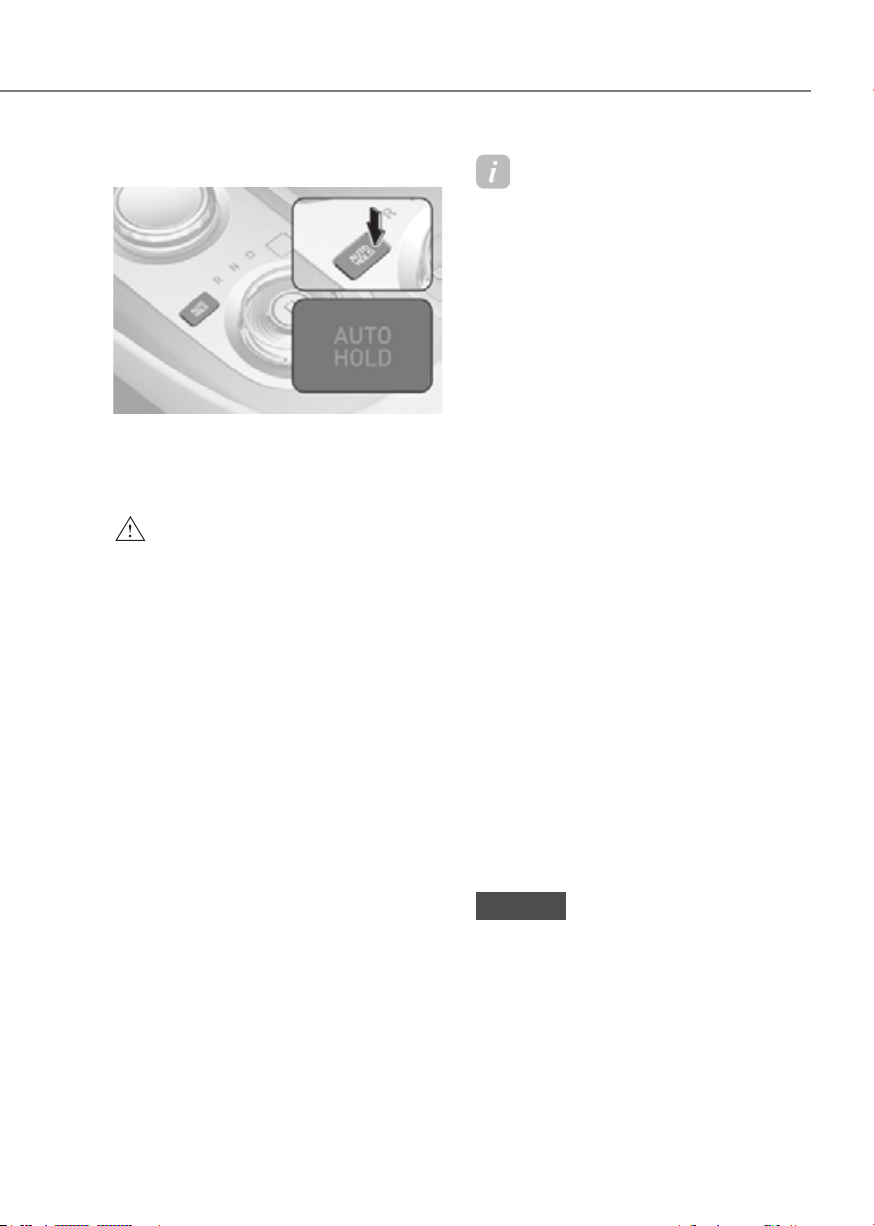
6-35
06
To cancel:
ORG3EV061028NORG3EV061028N
1. Depress and hold the brake pedal.
2. Press the AUTO HOLD switch.
The AUTO HOLD indicator will turn off.
WARNING
To prevent, unexpected and sudden
vehicle movement, ALWAYS press your
foot on the brake pedal to cancel the
Auto Hold before you:
- Drive downhill.
- Drive the vehicle in R (Reverse).
- Park the vehicle.
Information
• The Auto Hold does not operate when:
- The gear is in P (Park)
- EPB is applied
• For your safety, the Auto Hold
automatically switches to EPB when:
- The driver's door is opened
- The tail gate is opened
- The hood is opened
- The vehicle is in a standstill for more
than 10 minutes
- The vehicle is standing on a steep
slope
- The vehicle moved several times
In these cases, the Parking Brake
warning light comes on, the AUTO
HOLD indicator changes from green
to white, and a warning sound and a
message will appear to inform you that
EPB has been automatically engaged.
Before driving off again, depress the
brake pedal, check the surrounding
area near your vehicle and release the
parking brake manually with the EPB
switch.
• While operating Auto Hold, you may
hear mechanical noise. However, it is
normal operating noise.
• If the vehicle is restarted with the Auto
Hold system in the standby position
or operating, the Auto hold system
will continue to operate in the standby
position.
NOTICE
If the AUTO HOLD indicator changes
to yellow, Auto Hold is not working
properly. Contact an authorized retailer
of Genesis Branded products.

6-36
Driving Your Vehicle
WARNING
• Depress the accelerator pedal slowly
when you start the vehicle.
• For your safety, cancel Auto Hold
when you drive downhill, back up the
vehicle or park the vehicle.
NOTICE
If there is a malfunction with the
driver's door or hood open detection
system, Auto Hold may not work
properly.
Contact an authorized retailer of
Genesis Branded products.
Warning messages
OIK060069LOIK060069L
Parking brake automatically engaged
When EPB is applied while Auto Hold
is activated, a warning will sound and a
message will appear.
OIK060067LOIK060067L
AUTO HOLD turning Off! Press brake
pedal
When the conversion from Auto Hold to
EPB is not working properly a warning
will sound and a message will appear.
When this message is displayed, Auto
Hold and EPB may not operate. For your
safety, depress the brake pedal.
OIK060071LOIK060071L
Press brake pedal to deactivate AUTO
HOLD
If you did not apply the brake pedal when
you release Auto Hold by pressing the
AUTO HOLD switch, a warning will sound
and a message will appear.

6-37
06
Anti-Lock Brake System (ABS)
WARNING
Anti-Lock Braking System (ABS) or
Electronic Stability Control (ESC)
system will not prevent accidents
due to improper or dangerous driving
maneuvers. Even though vehicle
control is improved during emergency
braking, always maintain a safe
distance between you and objects
ahead of you. Vehicle speeds should
always be reduced during extreme
road conditions. The braking distance
for vehicles equipped with ABS or ESC
may be longer than for those without
these systems in the following road
conditions.
Drive your vehicle at reduced speeds
during the following conditions:
• Rough, gravel or snow-covered
roads.
• On roads where the road surface is
pitted or has different surface height.
• Tire chains are installed on your
vehicle.
The safety features of ABS or ESC
equipped vehicle should not be tested
by high speed driving or cornering. This
could endanger the safety of yourself or
others.
ABS is an electronic braking system that
helps prevent a braking skid. ABS allows
the driver to steer and brake at the same
time.
Using ABS
To obtain the maximum benefit from
your ABS in an emergency situation,
do not attempt to modulate your brake
pressure and do not try to pump your
brakes. Depress your brake pedal as hard
as possible.
When you apply your brakes under
conditions which may lock the wheels,
you may hear sounds from the brakes,
or feel a corresponding sensation in the
brake pedal. This is normal and it means
your ABS is active.
ABS does not reduce the time or distance
it takes to stop the vehicle.
Always maintain a safe distance from the
vehicle in front of you.
ABS will not prevent a skid that results
from sudden changes in direction, such
as trying to take a corner too fast or
making a sudden lane change. Always
drive at a safe speed for the road and
weather conditions.
ABS cannot prevent a loss of stability.
Always steer moderately when braking
hard. Severe or sharp steering wheel
movement can still cause your vehicle to
veer into oncoming traffic or off the road.
On loose or uneven road surfaces,
operation of the anti-lock brake system
may result in a longer stopping distance
than for vehicles equipped with a
conventional brake system.
The ABS (
) warning light will stay on
for several seconds after the Start/Stop
button is in the ON position.
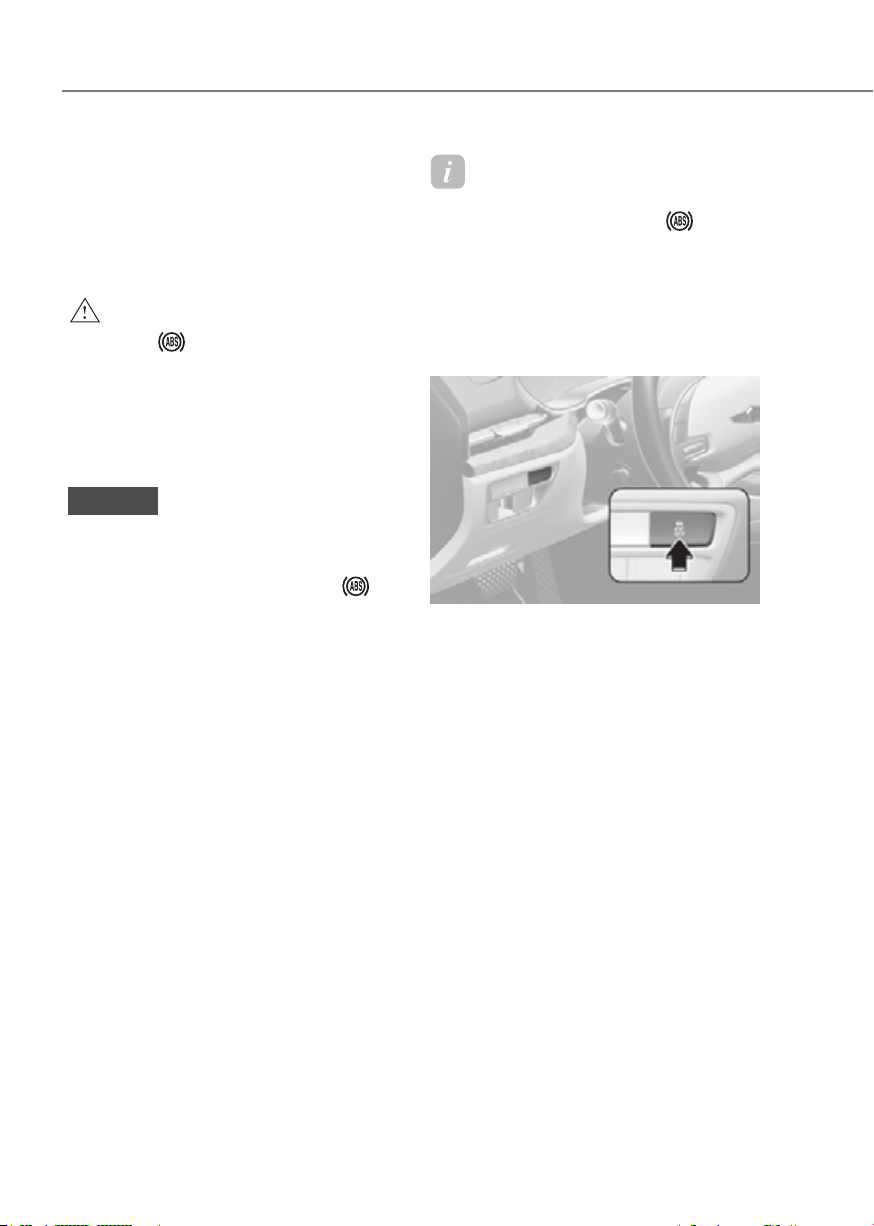
6-38
Driving Your Vehicle
During that time, ABS will go through
self-diagnosis and the light will go off if
everything is normal. If the light stays on,
you may have a problem with your ABS.
Contact an authorized retailer of Genesis
Branded products as soon as possible.
WARNING
If the ABS (
) warning light is on and
stays on, you may have a problem with
the ABS. Your power brakes will work
normally. To reduce the risk of serious
injury or death, contact your authorized
retailer of Genesis Branded products as
soon as possible.
NOTICE
When you drive on a road having poor
traction, such as an icy road, and apply
your brakes continuously, ABS will be
active continuously and the ABS (
)
warning light may illuminate. Pull your
vehicle over to a safe place and turn the
vehicle off.
Restart the vehicle. If the ABS warning
light is off, then your ABS system is
normal.
Otherwise, you may have a problem
with your ABS system. Contact an
authorized retailer of Genesis Branded
products as soon as possible.
Information
When you jump start your vehicle because
of a drained battery, the ABS (
)
warning light may turn on at the same
time. This happens because of the low
battery voltage. It does not mean your
ABS is malfunctioning. Have the battery
recharged before driving the vehicle.
Electronic Stability Control (ESC)
ORG3EV061029ORG3EV061029
Electronic Stability Control helps to
stabilize the vehicle during cornering
maneuvers.
ESC checks where you are steering and
where the vehicle is actually going. ESC
applies braking pressure to any one of
the vehicle's brakes and intervenes in the
electric vehicle control system to assist
the driver with keeping the vehicle on the
intended path. It is not a substitute for
safe driving practices. Always adjust your
speed and driving to the road conditions.

6-39
06
WARNING
Never drive too fast for the road
conditions when cornering. ESC will not
prevent accidents.
Excessive speed in turns, abrupt
maneuvers, and hydroplaning on wet
surfaces can result in severe accidents.
ESC operation
ESC ON condition
When the Start/Stop button is in the ON
position, ESC and the ESC OFF indicator
lights illuminate for approximately three
seconds. After both lights go off, ESC is
enabled.
When operating
When ESC is in operation, the
ESC indicator light blinks:
• When you apply your brakes under
conditions which may lock the wheels,
you may hear sounds from the brakes,
or feel a corresponding sensation in
the brake pedal. This is normal and it
means your ESC is active.
• When ESC activates, the vehicle may
not respond to the accelerator as it
does under routine conditions.
• If Smart Cruise Control was in use
when ESC activates, Smart Cruise
Control automatically disengages.
Smart Cruise Control can be
reengaged when the road conditions
allow. See “Smart Cruise Control
(SCC)” section in chapter 7 (if
equipped).
ESC OFF condition
To cancel ESC operation:
• State 1
Press the ESC OFF button briefly.
The ESC OFF indicator light and/or
message 'Traction Control disabled'
will illuminate. In this state, the traction
control function of ESC (electric vehicle
control management) is disabled, but the
brake control function of ESC (braking
management) still operates.
• State 2
Press and hold the ESC OFF button
continuously for more than 3 seconds.
The ESC OFF indicator light and/or
message 'Traction & Stability Control
disabled' illuminates and a warning
chime sounds. In this state, both the
traction control function of ESC (electric
vehicle control management) and the
brake control function of ESC (braking
management) are disabled.
If the Start/Stop button is pressed to
the OFF position when ESC is off, ESC
remains off. Upon restarting the vehicle,
ESC will automatically turn on again.
When ESC (electric vehicle control) is
deactivated, the vehicle will loose the
traction and stability if the vehicle is
driven by abrupt steering wheel control.
It is possible that the tire may make a
collision with the connected parts of the
tire. We recommend to do not turn off
ESC while driving the vehicle for your
safety.
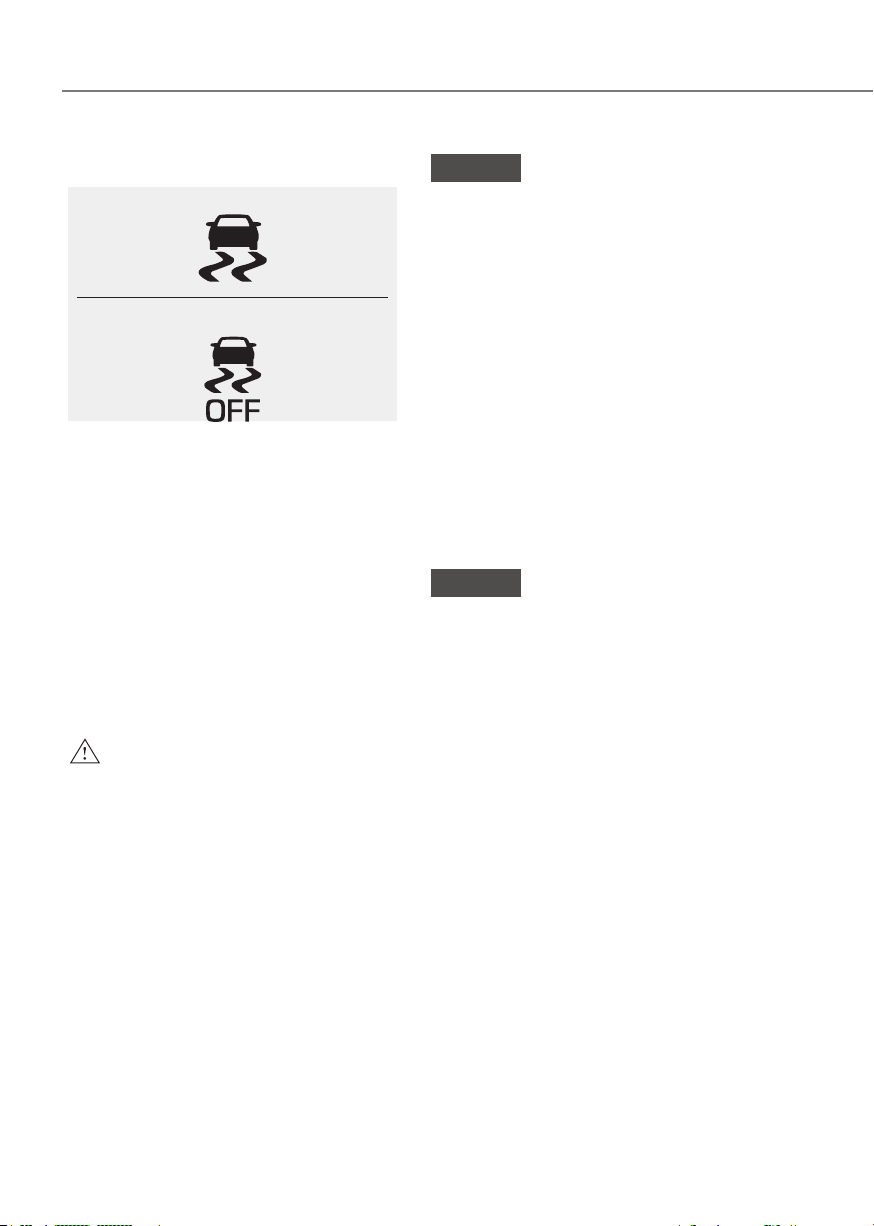
6-40
Driving Your Vehicle
Indicator lights
■
ESC indicator light (blinks)
■
ESC OFF indicator light (comes on)
When the Start/Stop button is pressed
to the ON position, the ESC indicator
light illuminates, then goes off if the ESC
system is operating normally.
The ESC indicator light blinks whenever
ESC is operating.
If the ESC indicator light stays on, your
vehicle may have a malfunction with
the ESC system. When this warning light
illuminates , have the vehicle checked by
an authorized retailer of Genesis Branded
products as soon as possible.
The ESC OFF indicator light comes on
when ESC is turned off.
WARNING
When ESC is blinking, this indicates ESC
is active:
Drive slowly and NEVER attempt to
accelerate. NEVER turn ESC off while
the ESC indicator light is blinking or you
may lose control of the vehicle resulting
in an accident.
NOTICE
Driving with wheels and tires with
different sizes may cause the ESC
system to malfunction. Before replacing
tires, make sure all four tires and wheels
are the same size. Never drive the
vehicle with different sized wheels and
tires installed.
ESC OFF usage
When Driving
The ESC OFF mode should only be used
briefly to help free the vehicle if stuck in
snow or mud, by temporarily stopping
operation of ESC, to maintain wheel
torque.
To turn ESC off while driving, press the
ESC OFF button while driving on a flat
road surface.
NOTICE
To prevent damage to the shift by wire:
• Do not allow wheel(s) of one axle to
spin excessively while the ESC, ABS,
and Parking Brake warning lights
are displayed. The repairs would not
be covered by the vehicle warranty.
Reduce motor power and do not spin
the wheel(s) excessively while these
lights are displayed.
• When operating the vehicle
on a dynamometer, make sure
ESC is turned off (ESC OFF light
illuminated).

6-41
06
Information
• Turning ESC off does not affect ABS or
standard brake system operation.
• Select 0 step of the regenerative
braking system and depress the brake
pedal around 10 times to efficiently
apply brake disc cleaning.
Brake disc cleaning may decrease the
driving distance by restraining the
regenerative braking system. After
brake disc cleaning, the regenerative
braking system may be restored.
If the regenerative braking system
is not restored after the brake disc
cleaning, have the vehicle inspected
by an authorized retailer of Genesis
Branded products.
Vehicle Stability Management
(VSM)
Vehicle Stability Management is a
function of the Electronic Stability
Control (ESC) system. It helps the vehicle
stay stable when accelerating or braking
suddenly on wet, slippery and rough
roads where traction over the four tires
can suddenly become uneven.
WARNING
Take the following precautions when
using Vehicle Stability Management:
• ALWAYS check the speed and the
distance to the vehicle ahead. VSM
is not a substitute for safe driving
practices.
• Never drive too fast for the road
conditions. VSM will not prevent
accidents. Excessive speed in bad
weather, on slippery and uneven
roads can result in severe accidents.
6-42
Driving Your Vehicle
VSM operation
When operating
When you apply your brakes under
conditions which may activate ESC, you
may hear sounds from the brakes, or feel
a corresponding sensation in the brake
pedal. This is normal and it means your
VSM is active.
Information
VSM does not operate when:
• Driving on a banked road such as
gradient or incline.
• Driving in reverse.
• The ESC OFF indicator light is on.
• The MDPS (Motor Driven Power
Steering) warning light (
) is on or
blinks.
VSM OFF condition
To cancel VSM operation, press the ESC
OFF button. ESC OFF (
) indicator light
will illuminate.
To turn on VSM, press the ESC OFF
button again. The ESC OFF indicator light
will go out.
WARNING
If the ESC (
) indicator light or MDPS
(
) warning light stays illuminated
or blinks, your vehicle may have a
malfunction with the VSM system.
When the warning light illuminates
have the vehicle checked by an
authorized retailer of Genesis Branded
products as soon as possible.
NOTICE
Driving with wheels and tires with
different sizes may cause the VSM
system to malfunction. Before replacing
tires, make sure all four tires and wheels
are the same size. Never drive the
vehicle with different sized tires and
wheels installed.
Hill-Start Assist Control (HAC)
Hill-Start Assist Control helps prevent
the vehicle from rolling backwards
when starting a vehicle from a stop
on a hill. The system operates the
brakes automatically for approximately
2 seconds (maximum of 5 seconds
when the accelerator pedal is slightly
depressed during HAC operation) and
releases the brake after 2 seconds or
when the accelerator pedal is depressed.
WARNING
Always be ready to depress the
accelerator pedal when starting off
an incline. Hill-Start Assist Control
activates only for approximately 2
seconds (maximum of 5 seconds
when the accelerator pedal is slightly
depressed during HAC operation).
Information
• Hill-Start Assist Control does not
operate when the gear is shifted to P
(Park) or N (Neutral).
• Hill-Start Assist Control activates even
when the ESC (Electronic Stability
Control) is off. However, it does not
activate, when ESC does not operate
normally.

6-43
06
Good Braking Practices
WARNING
Whenever leaving the vehicle or
parking, always come to a complete
stop and continue to depress the brake
pedal. Shift the gear to the P (Park)
position, then apply the parking brake,
and press the Start/Stop button to the
OFF position.
Vehicles parked with the parking brake
not applied or not fully engaged may
roll inadvertently and may cause injury
to the driver and others. ALWAYS apply
the parking brake before exiting the
vehicle.
Be aware of wet brakes. The brakes may
get wet if the vehicle is driven through
standing water or if it is washed. Your
vehicle will not stop as quickly if the
brakes are wet. Wet brakes may cause
the vehicle to pull to one side.
To dry the brakes, apply the brakes
lightly until the braking action returns to
normal. If the braking action does not
return to normal, stop as soon as it is safe
to do so and call an authorized retailer of
Genesis Branded products for assistance.
DO NOT drive with your foot resting on
the brake pedal. Even light, but constant
pedal pressure can result in the brakes
overheating, brake wear, and possibly
even brake failure.
If a tire goes flat while you are driving,
apply the brakes gently and keep the
vehicle pointed straight ahead while you
slow down. When you are moving slowly
enough for it to be safe to do so, pull off
the road and stop in a safe location.
Keep your foot firmly on the brake pedal
when the vehicle is stopped to prevent
the vehicle from rolling forward.

6-44
Driving Your Vehicle
When All Wheel Drive(AWD) is
activated, driving forces are distributed
appropriately to front and rear wheels.
It could improve driving performance by
maximizing the driving force of vehicles
on severe road conditions such as steep
hills, unpaved, slippery, etc.
Advantage of electronic AWD
1. Improvement of straight stability
2. Improvement of driving performance
on curve
3. Secure stability on severe condition
such as wet and sandy roads.
4. Improvement of energy efficiency
from driving mode automatic control.
Information
AWD vehicles could change the
engagement status of the motor according
to the situation required. Auto changing
the driving mode(2WD/AWD)helps
improve energy efficiency and driving
stability.
WARNING
To reduce the risk of SERIOUS INJURY
or DEATH:
• Avoid high speeds when cornering or
turning.
• Do not make quick steering wheel
movements, such as sharp lane
changes or fast, sharp turns.
• The risk of a rollover is greatly
increased if you lose control of your
vehicle at highway speeds.
• Loss of control often occurs if two or
more wheels drop off the roadway
and the driver over steers to reenter
the roadway.
• In the event your vehicle leaves
the roadway, do not steer sharply.
Instead, slow down before pulling
back into the travel lanes.
NOTICE
• Do not drive in water if the water
level is higher than the bottom of the
vehicle.
• Check your brake condition once
you are out of mud or water. Depress
the brake pedal several times as you
move slowly until you feel normal
braking condition is returned.
• Shorten your scheduled
maintenance interval if you drive in
off-road conditions such as sand,
mud or water (see "Maintenance
Under Severe Usage Conditions"
section in chapter 9).
• Always wash your vehicle thoroughly
after off road use, especially the
bottom of the vehicle.
• Be sure to equip the vehicle with four
tires of the same size and type.
• Make sure that a full time AWD
vehicle is towed by a flat bed tow
truck.

6-45
06
For safe AWD operation
Before driving
• Make sure all passengers are wearing
seat belts.
• Sit upright and closer to the steering
wheel than usual. Adjust the steering
wheel to a position comfortable for
you to drive.
Driving on snow-covered or icy roads
• Start off slowly by applying the
accelerator pedal gently.
• Use snow tires or tire chains.
• Keep sufficient distance between your
vehicle and the vehicle in front of you.
• Using regenerative braking helps the
steering on the downhill. However, it
may be difficult to adjust the vehicle
while coasting using regenerative
braking, so avoid using the third level
of regenerative braking as much as
possible.
• Avoid speeding, rapid acceleration,
sudden brake applications, and sharp
turns to prevent skids.
• It is difficult to start again if the
vehicle stops on an uphill road. Keep
your distance from other vehicles and
drive slowly.
Information
When using Snow Tires, mount them on
all four wheels.
When using tire chains, install them on the
rear tires.
However, driving speed must be below 30
km/h and minimize the driving distance.
High-speed or long-term driving with
tire chains installed may malfunction or
damage the AWD system.
For more details on Snow Tires and Tire
Chains, refer to "Winter Driving" section
later in this chapter.
Driving in sand or mud
• Maintain slow and constant speed.
• Use tire chains driving in mud if
necessary.
• Keep sufficient distance between your
vehicle and the vehicle in front of you.
• Reduce vehicle speed and always
check the road condition.
• Avoid speeding, rapid acceleration,
sudden brake applications, and sharp
turns to prevent getting stuck.
NOTICE
When the vehicle is stuck in snow, sand
or mud, place a nonslip material under
the drive wheels to provide traction
OR slowly spin the wheels in forward
and reverse directions which causes
a rocking motion that may free the
vehicle.
Driving up or down hills
• Driving uphill
- Before starting off, check if it is
possible to drive uphill.
- Drive as straight as possible.
• Driving downhill
- Do not change gear while driving
downhill. Select gear before driving
downhill.
- Drive straight as possible.
WARNING
Exercise extreme caution driving up or
down steep hills. The vehicle may flip
over depending on the grade, terrain,
water and mud conditions.

6-46
Driving Your Vehicle
WARNING
Do not drive across the contour of steep
hills. A slight change in the wheel angle
can destabilize the vehicle, or a stable
vehicle may lose stability if the vehicle
stops its forward motion. Your vehicle
may roll over and lead to a serious injury
or death.
Additional driving conditions
• Become familiar with the off-road
conditions before driving.
• Always pay attention when driving off-
road and avoid dangerous areas.
• Drive slowly when driving in heavy
wind.
• Reduce vehicle speed when
cornering. The center of gravity
of AWD vehicles is higher than
conventional 2WD vehicles, making
them more likely to roll over when you
rapidly turn corners.
• Always hold the steering wheel firmly
when you are driving off-road.
WARNING
Do not grab the inside of the steering
wheel when you are driving off-road.
You may hurt your arm by a sudden
steering maneuver or from steering
wheel rebound due to an impact with
objects on the ground. You could lose
control of the steering wheel which may
lead to serious injury or death.
Emergency Precautions
Tires
When replacing tires, be sure to equip
all four tires with the same size, type,
tread patterns, brand and load-carrying
capacity.
WARNING
Do not use tire and wheel with different
size and type from the one originally
installed on your vehicle. It can affect
the safety and performance of your
vehicle, which could lead to steering
failure or rollover causing serious injury.
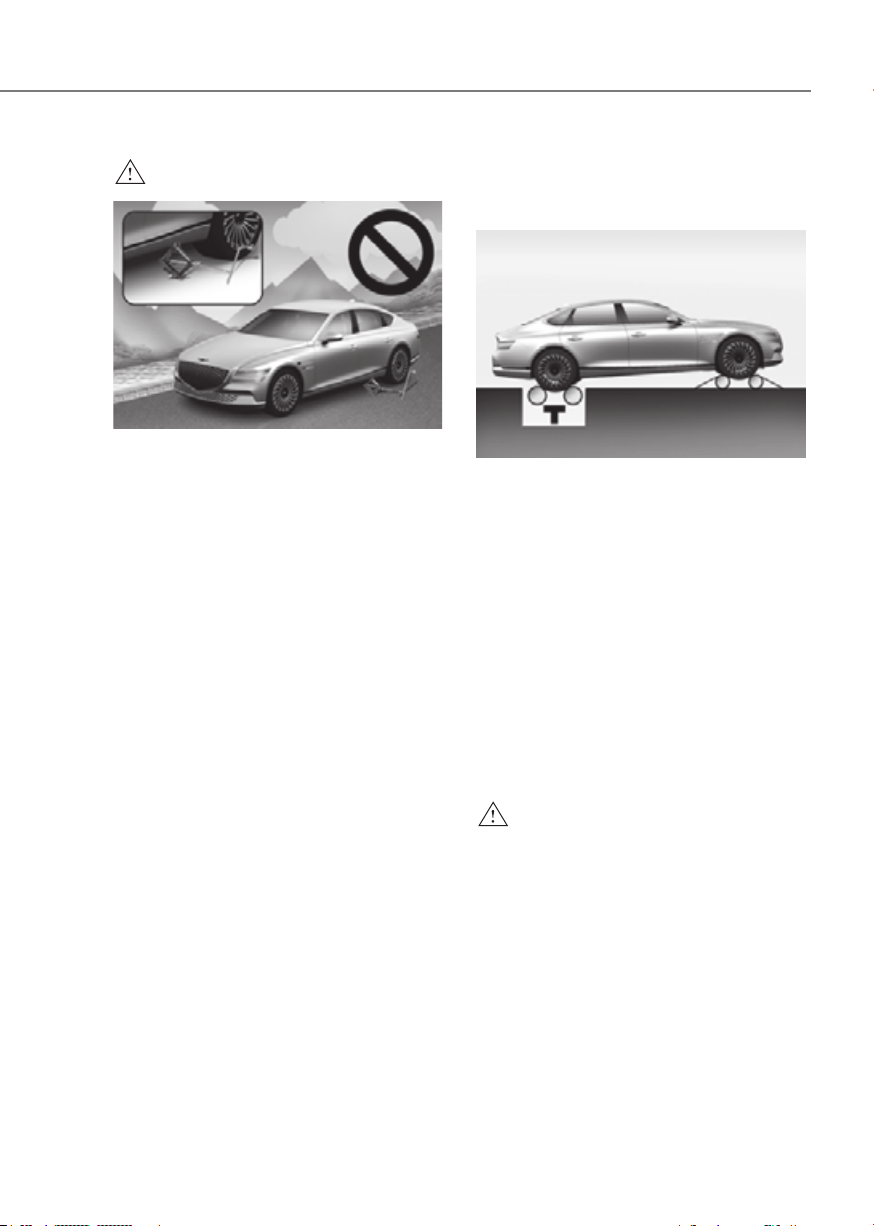
6-47
06
WARNING
ORG3EV061030ORG3EV061030
Never start or run the vehicle while
an AWD vehicle is raised on a jack.
The vehicle can slip or roll off of a jack
causing serious injury or death to you or
those nearby.
Towing
AWD vehicles must be towed with
a wheel lift and dollies or flatbed
equipment with all the wheels off the
ground. For more details, refer to
"Towing" section in chapter 8.
Vehicle inspection
• If the vehicle needs to be operated on
a vehicle lift do not attempt to stop
any of the four wheels from turning.
This could damage the AWD system.
• Never engage the parking brake while
running the vehicle on a car lift. This
may damage the AWD system.
Dynamometer testing
An AWD vehicle must be tested on a
special four wheel chassis dynamometer.
ORG3EV061031ORG3EV061031
[A] : Roll tester (Speedometer),
[B] : Temporary free roller
An AWD vehicle should not be tested
on a 2WD roll tester. If a 2WD roll tester
must be used, perform the following
procedure:
1. Check the tire pressures
recommended for your vehicle.
2. Place the rear wheels on the roll tester
for a speedometer test as shown in
the illustration.
3. Release the parking brake.
4. Place the front wheels on the
temporary free roller as shown in the
illustration.
WARNING
Keep away from the front of the vehicle
while the vehicle is in gear on the
dynamometer. The vehicle can jump
forward and cause serious injury or
death.
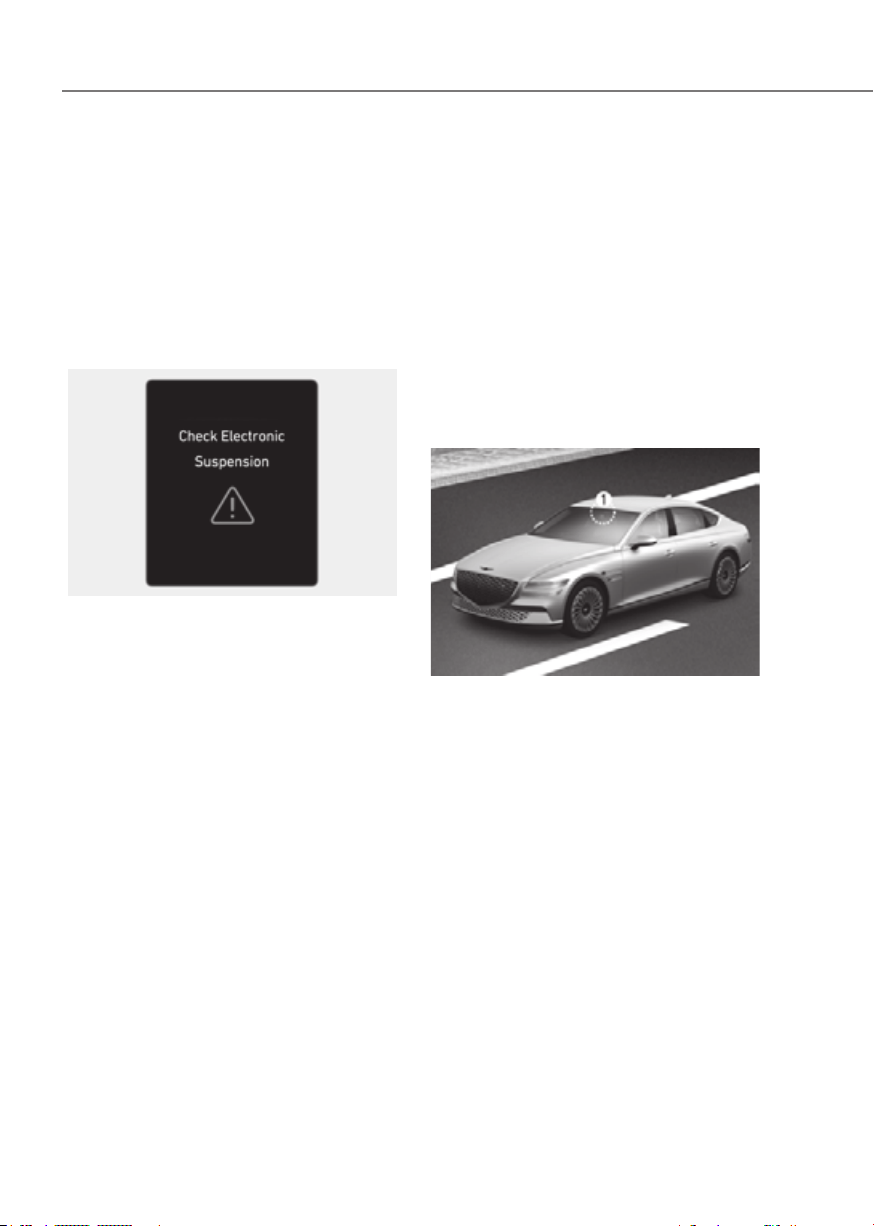
6-48
Driving Your Vehicle
ELECTRONICALLY
CONTROLLED SUSPENSION
Electronic Control Suspension controls
the vehicle suspension automatically
using vehicle sensors to maximize
driving comfort by taking into account
the driving conditions such as speed,
surface of the road, cornering, stopping
requirements and acceleration.
System Malfunction
Check Electronic Suspension
When Electronic Control Suspension
is not working properly, this warning
message will appear on the Cluster
display. If this occurs, have the system
inspected by an authorized retailer of
Genesis Branded products.
ELECTRONIC CONTROL
Electronically Controlled Suspension
with Road Preview controls the vehicle
suspension automatically using the front
view camera and vehicle sensors to
maximize driving comfort by taking into
account the driving conditions such as
speed, surface of the road, cornering,
stopping requirements and acceleration.
Front view camera
ORG3EV071074ORG3EV071074
[1] : Front view camera
The front view camera is a sensor that
detects the front road. If the windshield
or the front view camera is covered
with snow, rain or foreign matters, the
data collected by the camera is limited
due to the degradation of the camera’s
performance. Always keep the front view
camera clean.
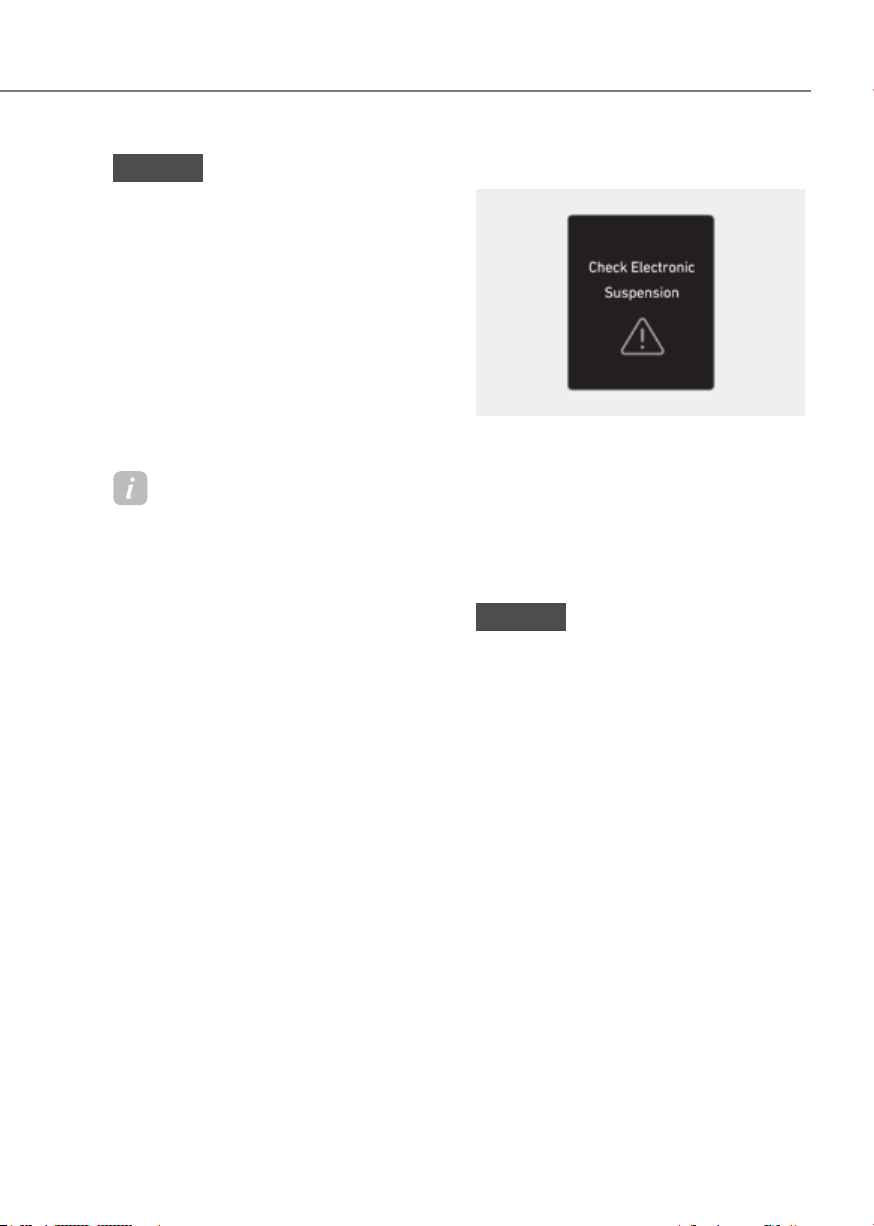
6-49
06
NOTICE
• NEVER install any accessories or
stickers on the front windshield, or
tint the front windshield.
• NEVER place any reflective objects
(i.e. white paper, mirror) over the
dashboard. Any light reflection may
prevent the system from functioning
properly.
• Pay extreme caution to keep the
camera dry.
• Never disassemble the camera
assembly, or apply any impact on the
camera assembly.
Information
Have the system inspected by an
authorized retailer of Genesis Branded
products when:
• The windshield glass is replaced.
• The front view camera or cover gets
damaged or replaced.
System Malfunction
OIK060073LOIK060073L
Check Electronic Suspension
When Electronically Controlled
Suspension with Road Preview is not
working properly, this warning message
will appear on the Cluster display. If this
occurs, have the system inspected by an
authorized retailer of Genesis Branded
products.
NOTICE
If the battery level is high or low,
Electronically Controlled Suspension
with Road Preview may not work
temporarily to protect the system. If this
occurs, ‘Check Electronic Suspension’
warning message will appear.
Limitations of the System
Electronically Controlled Suspension
with Road Preview always operates
while driving according to the vehicle’s
movement, and the preview function
starts to work when the front view
camera detects road conditions such as
speed bumps. Therefore, the preview
function is limited when there is an
extreme condition that the front view
camera may not work normally. In this
case, the electronic control suspension
function operates without the preview
function in accordance with vehicle
movement.
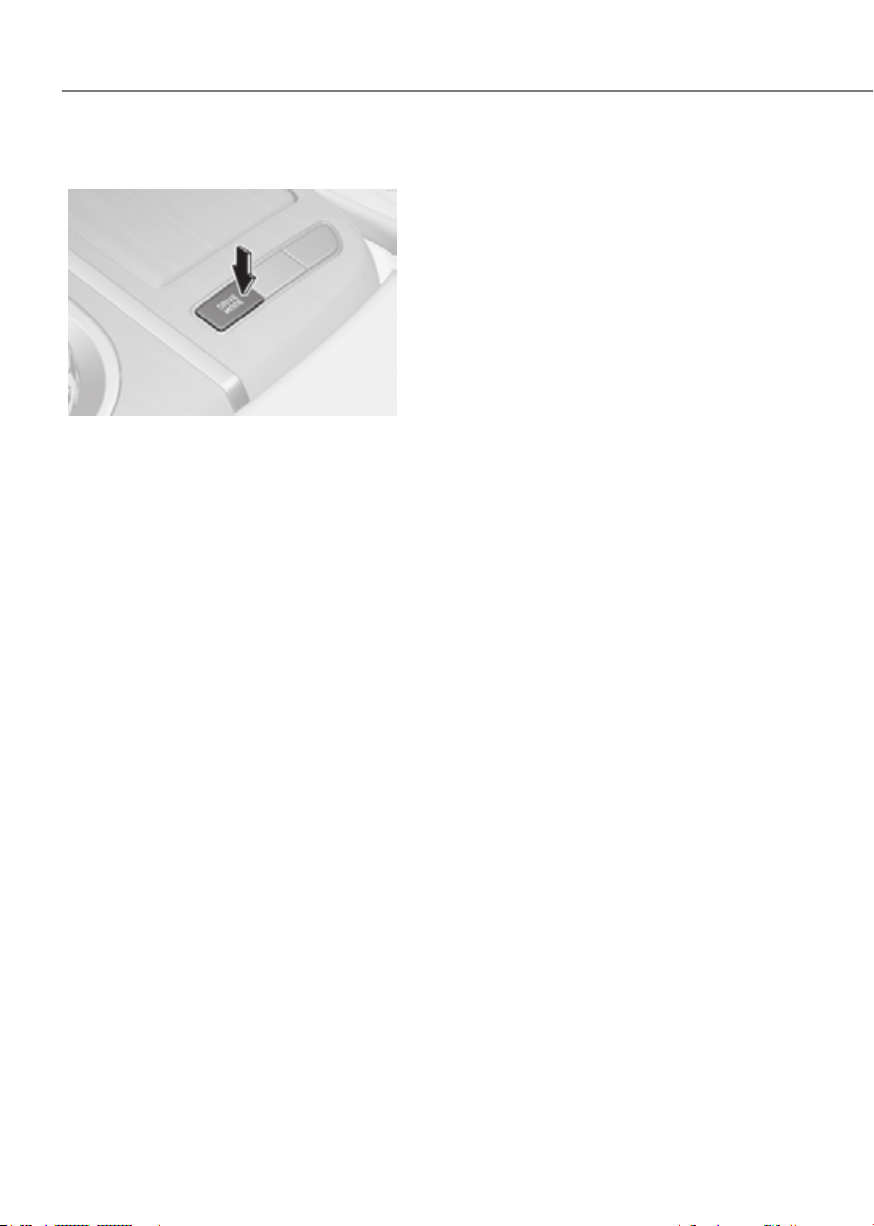
6-50
Driving Your Vehicle
Drive Mode
ORG3EV061032ORG3EV061032
Drive mode may be selected according
to the driver's preference or road
condition.
The mode changes whenever the driver
pushes the DRIVE mode button.
COMFORT mode
Comfort mode is a driving with auto
changing the driving mode(2WD/AWD)
on road condition.
ECO mode
ECO mode is a driving mode that helps
improve energy efficiency by limiting
maximum vehicle power (torque),
providing smooth vehicle response and
driving the vehicle with the rear wheels
(2WD).
Electric energy efficiency varies
according to the driver's driving habit
and road condition.
• When ECO mode is selected, the
ECO indicator will illuminate on the
instrument cluster and theme of the
instrument cluster will change.
When ECO mode is activated:
• All wheel drive and sharp acceleration
and deceleration is limited
• The vehicle will automatically convert
between 2WD to AWD when:
- i-Pedal or One Pedal Driving is
operating
- The temperature is low
- Driving on a slope or a slippery road

6-51
06
SPORT mode
SPORT mode is a driving mode that
provides sporty but firm riding by making
the motor response more quickly,
making the steering wheel heavier and
driving the vehicle with all four wheels
(AWD).
In SPORT mode, the electric energy
efficiency may decrease.
• When SPORT mode is selected, the
SPORT indicator will illuminate on the
instrument cluster and the color of the
mood lamp will change.
• Whenever the vehicle is restarted,
the drive mode will revert back to
COMFORT mode. If SPORT mode is
desired, re-select SPORT mode.
SNOW mode
SNOW mode is a driving mode improving
driving performance by changing
the engagement status of the motor
according to the situation required. Auto
changing the driving mode(2WD/AWD)
helps improve driving stability.
• Press and hold the drive mode button
to select SNOW mode.
• When SNOW mode is selected, the
SNOW indicator will illuminate on the
instrument cluster and the color of the
mood lamp will change.
• When SNOW mode is activated, the
driving power is distributed to four
wheels automatically, increasing the
stability of the vehicle.
NOTICE
• Depress the accelerator pedal softly
on the snow and the ice.
• Keep the distance from the vehicle in
the front.
• Prevent rapid acceleration,
deceleration and steering control.
Abrupt driving on the snow may
cause the accident.

6-52
Driving Your Vehicle
Drive Modes Characteristic
The characteristic of each components varies according to which drive mode is
selected.
Drive mode
SNOW COMFORT ECO SPORT
MY DRIVE
MODE
Characteristics
Snow
driving
COMFORT
driving
mode
High electric
energy
efficiency
mode
Sporty
driving
mode
Selected
Button activation
Press more
than 1 sec.
Press Press Press
Press more
than 1 sec.
Indicator on the
cluster
SNOW - ECO SPORT
MY
Climate system
control
COMFORT COMFORT
ECO (ECO/
COMFORT)
*1
COMFORT
COMFORT
Speed Limit - - - -
-
Regenerative
braking level
0~1 0~3
*1 :
It is possible to set the driving condition for each drive mode, at the drive mode setting in
Infotainment system, See additional information in supplied Infotainment Manual.
à You can reset CUSTOM mode from the Settings menu in the infotainment system screen.
-
à You can select separate modes for Motor, Steering, Suspension (if equipped) when MY
DRIVE MODE is set.
Information
Brake mode is not linked with drive mode. You can individually set the brake mode in the
submenu of drive mode. See additional information in supplied infotainment Manual.
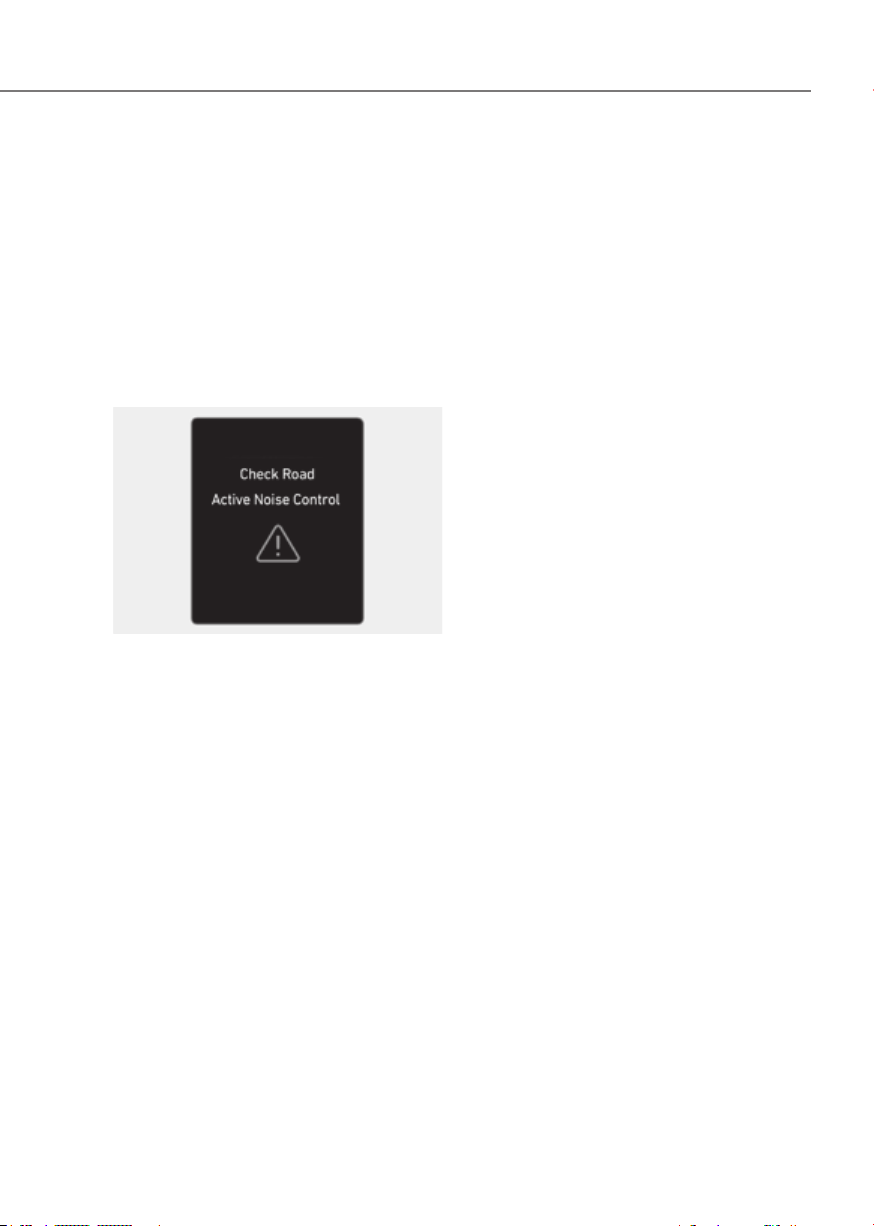
6-53
06
Active noise control-road helps reduce
noise caused while driving.
The system may not operate properly in
the following conditions:
• Any of the window is open
• Any of the door is open
• The trunk is open
• Vehicle’s microphone and speaker is
blocked by loads
System Malfunction
OJX1069055LOJX1069055L
When Active noise control-road is not
working properly, this warning message
will appear on the Cluster display. If this
occurs, have the system inspected by an
authorized retailer of Genesis Branded
products.

6-54
Driving Your Vehicle
Rocking the Vehicle
If it is necessary to rock the vehicle to
free it from snow, sand, or mud, first turn
the steering wheel right and left to clear
the area around your front wheels. Then,
shift back and forth between R (Reverse)
and a forward gear.
Try to avoid spinning the wheels, and do
not race the vehicle.
To prevent shift by wire wear, wait until
the wheels stop spinning before shifting
gears. Release the accelerator pedal
while shifting, and press lightly on the
accelerator pedal while the shift by wire
is in gear. Slowly spinning the wheels in
forward and reverse directions causes a
rocking motion that may free the vehicle.
WARNING
If the vehicle is stuck and excessive
wheel spin occurs, the temperature
in the tires can increase very quickly.
If the tires become damaged, a tire
blow out or tire explosion can occur.
This condition is dangerous - you and
others may be injured. Do not attempt
this procedure if people or objects are
anywhere near the vehicle.
If you attempt to free the vehicle, the
vehicle can overheat quickly, possibly
causing an motor compartment fire or
other damage. Try to avoid spinning the
wheels as much as possible to prevent
overheating of either the tires or the
motor. DO NOT allow the vehicle to spin
the wheels above 35 mph (56 km/h).
Hazardous Driving Conditions
When hazardous driving elements
are encountered such as water, snow,
ice, mud and sand, take the following
precautions:
• Drive cautiously and maintain a longer
braking distance.
• Avoid abrupt braking or steering.
• When your vehicle is stuck in snow,
mud, or sand, accelerate slowly to
avoid unnecessary wheel spin.
• Put sand, rock salt, tire chains or other
non-slip materials under the wheels to
provide additional traction while the
vehicle becomes stuck in ice, snow,
or mud.
WARNING
Changing the tire speed suddenly could
cause the tires to skid while driving
on slippery surface. Be careful when
driving on slippery surfaces.
SPECIAL DRIVING CONDITIONS

6-55
06
Information
The ESC system must be turned OFF
before rocking the vehicle.
NOTICE
If you are still stuck after rocking the
vehicle a few times, have the vehicle
pulled out by a tow vehicle to avoid
motor overheating, possible damage to
the shift by wire, and tire damage. See
“Towing” section in chapter 8.
Smooth Cornering
Avoid braking or gear changing in
corners, especially when roads are wet.
Ideally, corners should always be taken
under gentle acceleration.
Driving at Night
Night driving presents more hazards than
driving in the daylight. Here are some
important tips to remember:
• Slow down and keep more distance
between you and other vehicles, as it
may be more difficult to see at night,
especially in areas where there may
not be any street lights.
• Adjust your mirrors to reduce the glare
from other drivers’ headlights.
• Keep your headlights clean and
properly aimed. Dirty or improperly
aimed headlights will make it much
more difficult to see at night.
• Avoid staring directly at the headlights
of oncoming vehicles. You could be
temporarily blinded, and it will take
several seconds for your eyes to
readjust to the darkness.
Driving in the Rain
Rain and wet roads can make driving
dangerous. Here are a few things to
consider when driving in the rain or on
slick pavement:
• Slow down and allow extra following
distance. A heavy rainfall makes
it harder to see and increases the
distance needed to stop your vehicle.
• Turn off your Smart Cruise Control.
• Replace your windshield wiper blades
when they show signs of streaking or
missing areas on the windshield.
• Be sure your tires have enough tread.
If your tires do not have enough tread,
making a quick stop on wet pavement
can cause a skid and possibly lead to
an accident. See “Tire Tread” section
in chapter 9.
• Turn on your headlights to make it
easier for others to see you.
• Driving too fast through large puddles
can affect your brakes. If you must go
through puddles, try to drive through
them slowly.
• If you believe your brakes may be wet,
apply them lightly while driving until
normal braking operation returns.

6-56
Driving Your Vehicle
Hydroplaning
If the road is wet enough and you are
going fast enough, your vehicle may
have little or no contact with the road
surface and actually ride on the water.
The best advice is SLOW DOWN when
the road is wet.
The risk of hydroplaning increases as
the depth of tire tread decreases, refer
to “Tire Tread” section in chapter 9.
Driving in Flooded Areas
Avoid driving through flooded areas
unless you are sure the water is no
higher than the bottom of the wheel hub.
Drive through any water slowly. Allow
adequate stopping distance because
brake performance may be reduced.
After driving through water, dry the
brakes by gently applying them several
times while the vehicle is moving slowly.
Highway Driving
Tires
Adjust the tire inflation, as specified.
Under-inflation may overheat or damage
the tires.
Do not install worn-out or damaged tires,
which may reduce traction or fail the
braking operation.
Information
Never over-inflate your tires above the
maximum inflation pressure, as specified
on your tires.
Coolant and high voltage battery
Driving at higher speeds on the highway
consumes more electric energy and is
less efficient than driving at a slower,
more moderate speed. Maintain a
moderate speed in order to conserve
electric energy when driving on the
highway.
Be sure to check both the coolant level
and the electric energy level before
driving.

6-57
06
The severe weather conditions of winter quickly wear out tires and cause other
problems. To minimize winter driving problems, you should take the following
suggestions:
Snow or Icy Conditions
You need to keep sufficient distance between your vehicle and the vehicle in front of
you.
Apply the brakes gently. Speeding, rapid acceleration, sudden brake applications, and
sharp turns are potentially very hazardous practices. Sudden brake applications on
snowy or icy roads may cause the vehicle to skid.
To drive your vehicle in deep snow, it may be necessary to install tire chains on your
tires.
Always carry emergency equipment. Some of the items you may want to carry include
tire chains, tow straps or chains, a flashlight, emergency flares, sand, a shovel, jumper
cables, a window scraper, gloves, ground cloth, coveralls, a blanket, etc.
Snow tires
WARNING
Snow tires should be equivalent in size and type to the vehicle’s standard tires.
Otherwise, the safety and handling of your vehicle may be adversely affected.
Use snow tires when road temperature is below 45 °F (7 °C). Refer to the below chart,
and mount the recommended snow tire for your vehicle.
Standard tire Recommended snow tire
Tire size Wheel size Tire size Wheel size
245/45R19 8.5J X 19 245/45R19 8.5J X 19
275/40R19 9.5J X 19
245/45R19 8.5J X 19
275/40R19 9.5J X 19
If you mount snow tires on your vehicle, make sure to use the same Inflation pressure
as the original tires. Mount snow tires on all four wheels to balance your vehicle’s
handling in all weather conditions. The traction provided by snow tires on dry roads
may not be as high as your vehicle’s original equipment tires. Check with the tire dealer
for maximum speed recommendations.
WINTER DRIVING
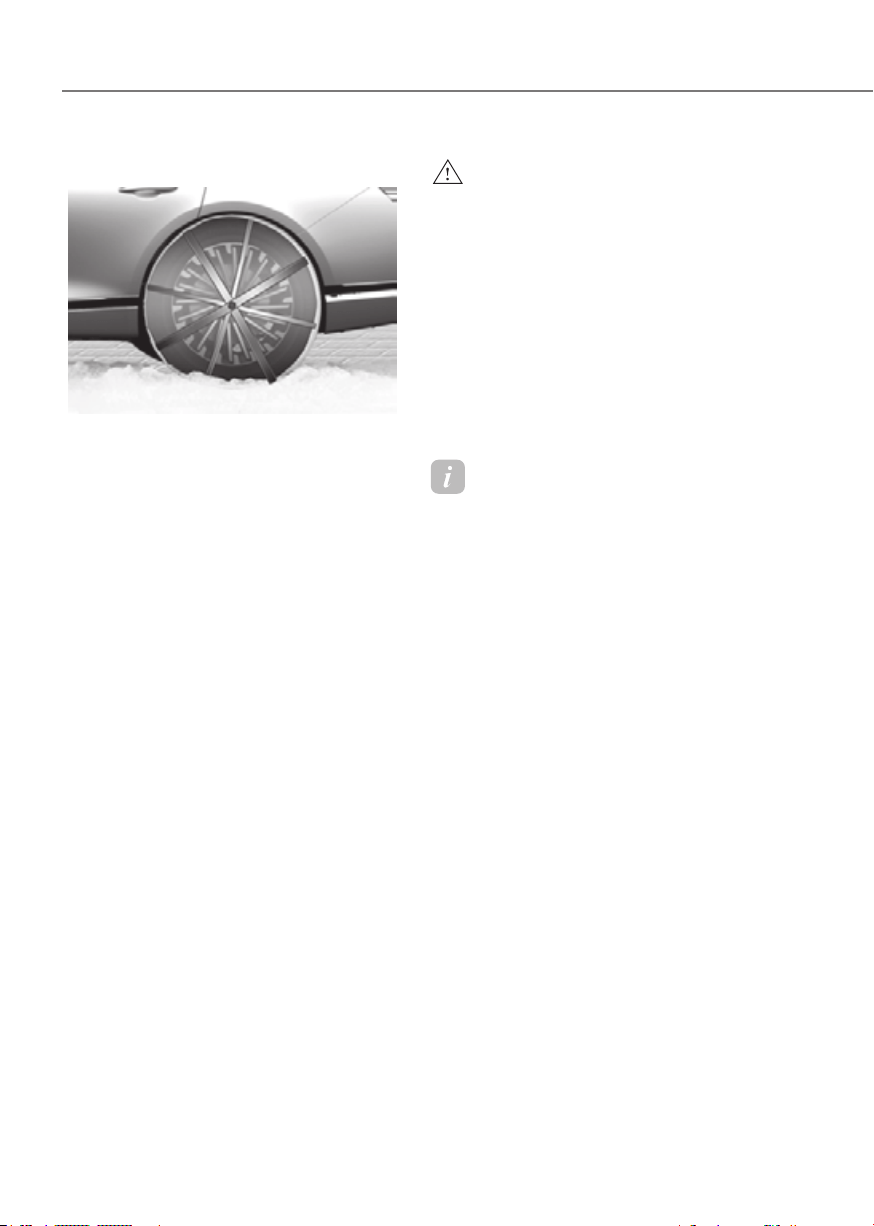
6-58
Driving Your Vehicle
Tire chains (Auto sock)
ORG3EV061033ORG3EV061033
Since the sidewalls of radial tires are
thinner, they can be damaged by
mounting some types of snow chains on
them. Therefore, the use of snow tires is
recommended instead of snow chains.
Do not mount tire chains on vehicle
equipped with aluminum wheels;
snow chains may cause damage to the
wheels. If snow chains must be used, use
AutoSock (fabric snow chain). Damage
to your vehicle caused by improper snow
chain use is not covered by your vehicle
manufacturer’s warranty.
When using tire chains, install tire chains
only on the rear tires.
WARNING
The use of AutoSock (fabric snow chain)
may adversely affect vehicle handling:
• Drive less than 20 mph (30 km/h)
or the chain manufacturer’s
recommended speed limit,
whichever is lower.
• Drive carefully and avoid bumps,
holes, sharp turns, and other road
hazards, which may cause the
vehicle to bounce.
• Avoid sharp turns or locked wheel
braking.
Information
• Install AutoSock (fabric snow chain)
only in pairs and on the rear tires.
It should be noted that installing
AutoSock (fabric snow chain) on the
tires will provide a greater driving
force, but will not prevent side skids.
• Do not install studded tires without
first checking local and municipal
regulations for possible restrictions
against their use.

6-59
06
Chain Installation
When installing tire chains, follow the
manufacturer’s instructions and mount
them as tightly possible. Drive slowly
(less than 20 mph (30 km/h)) with
chains installed. If you hear the chains
contacting the body or chassis, stop and
tighten them. If they still make contact,
slow down until the noise stops. Remove
the tire chains as soon as you begin
driving on cleared roads.
When mounting snow chains, park the
vehicle on level ground away from traffic.
Turn on the vehicle Hazard Warning
Flasher and place a triangular emergency
warning device behind the vehicle (if
available). Always place the vehicle in P
(Park), apply the parking brake and turn
off the vehicle before installing snow
chains.
NOTICE
When using AutoSock (fabric snow
chain):
• Wrong size chains or improperly
installed chains can damage your
vehicle’s brake lines, suspension,
body and wheels.
• If you hear noise caused by chains
contacting the body, retighten the
chain to prevent contact with the
vehicle body.
• To prevent body damage, retighten
the chains after driving 0.3~0.6 miles
(0.5~1.0 km).
Winter Precautions
Check battery and cables
Winter temperatures affect battery
performance. Inspect the battery and
cables, as specified in chapter 9. The
battery charging level can be checked by
an authorized retailer of Genesis Branded
products or in a service station.
To prevent locks from freezing
To prevent the locks from being frozen,
spray approved de-icing fluid or glycerin
into key holes. When a lock opening is
already covered with ice, spray approved
de-icing fluid over the ice to remove it.
When an internal part of a lock freezes,
try to thaw it with a heated key. Carefully
use the heated key to avoid an injury.
Use approved window washer anti-
freeze solution in system
To prevent the window washer from
being frozen, add authorized window
washer anti-freeze solution, as specified
on the window washer container.
Window washer anti-freeze solution is
available from an authorized retailer of
Genesis Branded products, and most
vehicle accessory outlets. Do not use
coolant or other types of anti-freeze
solution, to prevent any damage to the
vehicle paint.

6-60
Driving Your Vehicle
Do not let your parking brake freeze
Under some conditions your parking
brake can freeze in the engaged position.
This is most likely to happen when there
is an accumulation of snow or ice around
or near the rear brakes or if the brakes
are wet. When there is the risk that your
parking brake may freeze, temporarily
apply it with the gear in P (Park). Also,
block the rear wheels in advance, so the
vehicle may not roll. Then, release the
parking brake.
Do not let ice and snow accumulate
underneath
Under some conditions, snow and ice
can build up under the fenders and
interfere with the steering. When driving
in such conditions during the severe
winter, you should check underneath
the vehicle on a regular basis, to ensure
that the front wheels and the steering
components is unblocked.
Carry emergency equipment
In accordance with weather conditions,
you should carry appropriate emergency
equipment, while driving. Some of the
items you may want to carry include tire
chains, tow straps or chains, flashlight,
emergency flares, sand, shovel, jumper
cables, window scraper, gloves, ground
cloth, coveralls, blanket, etc.
Do not place objects or materials in the
motor compartment
Putting objects or materials in the motor
compartment may cause an motor
failure. Such damage will not be covered
by the manufacturer’s warranty.

6-61
06
Two labels on your driver’s door sill
show how much weight your vehicle
was designed to carry: the Tire and
Loading Information Label and the
Certification Label.
Before loading your vehicle,
familiarize yourself with the
following terms for determining
your vehicle’s weight ratings, from
the vehicle’s specifications and the
Certification Label:
Base Curb Weight
This is the weight of the vehicle
including a full tank of fuel and
all standard equipment. It does
not include passengers, cargo, or
optional equipment.
Vehicle Curb Weight
This is the weight of your new
vehicle when you picked it up from
your dealer plus any aftermarket
equipment.
Cargo Weight
This figure includes all weight added
to the Base Curb Weight, including
cargo and optional equipment.
GAW (Gross Axle Weight)
This is the total weight placed on
each axle (front and rear) - including
vehicle curb weight and all payload.
GAWR (Gross Axle Weight Rating)
This is the maximum allowable
weight that can be carried by a single
axle (front or rear). These numbers
are shown on the Certification Label.
The total load on each axle must
never exceed its GAWR.
GVW (Gross Vehicle Weight)
This is the Base Curb Weight
plus actual Cargo Weight plus
passengers.
GVWR (Gross Vehicle Weight
Rating)
This is the maximum allowable
weight of the fully loaded vehicle
(including all options, equipment,
passengers and cargo). The GVWR
is shown on the Certification Label
located on the driver’s door sill.
VEHICLE LOAD LIMIT
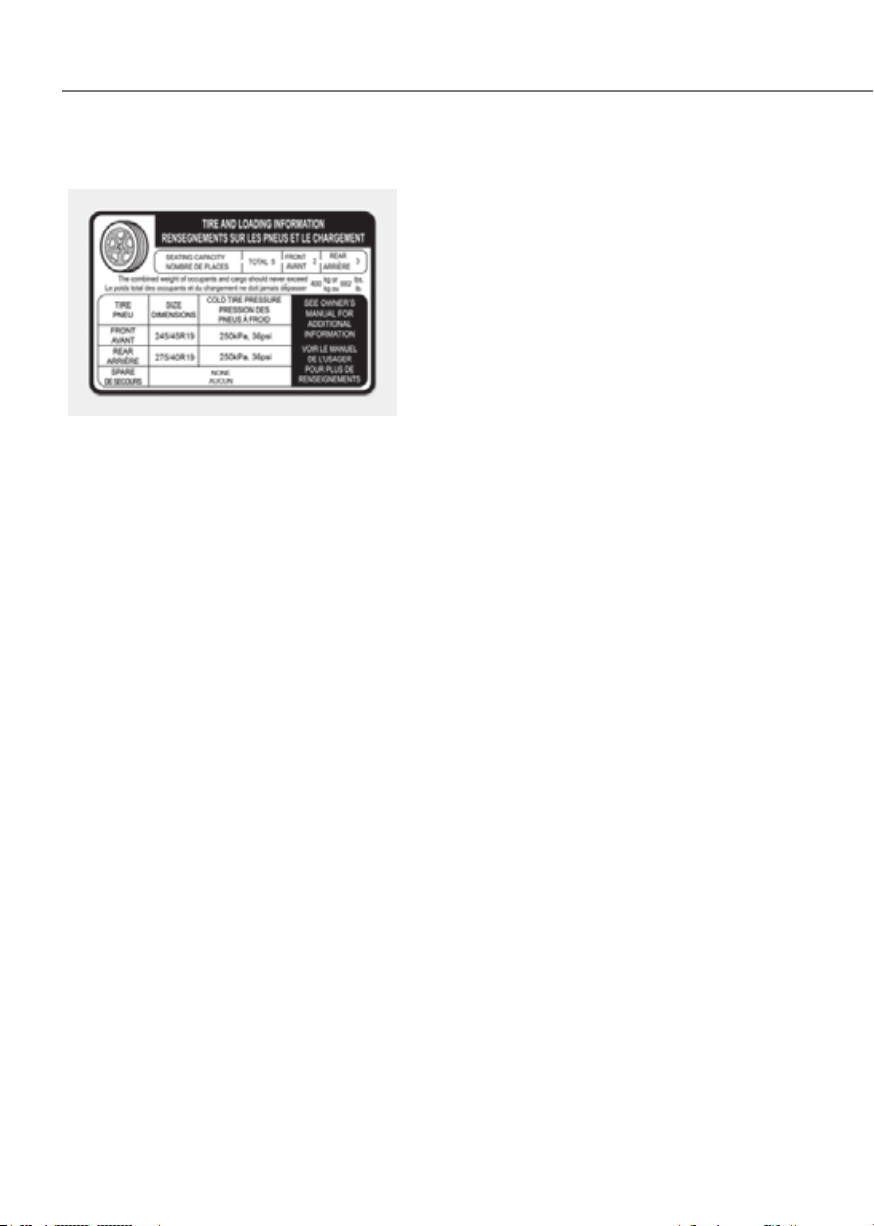
6-62
Driving Your Vehicle
The Loading Information Label
ORG3EV061050NORG3EV061050N
The label located on the driver’s door
sill gives the original tire size, cold
tire pressures recommended for your
vehicle, the number of people that
can be in your vehicle and vehicle
capacity weight.
Vehicle capacity weight
882 lbs. (400 kg)
Vehicle capacity weight is the
maximum combined weight of
occupants and cargo. If your
vehicle is equipped with a trailer,
the combined weight includes the
tongue load.
Seating capacity
Total : 5 persons (Front seat : 2
persons, Rear seat : 3 persons)
Seating capacity is the maximum
number of occupants including
a driver, your vehicle may carry.
However, the seating capacity may
be reduced based upon the weight
of all of the occupants, and the
weight of the cargo being carried or
towed. Do not overload the vehicle
as there is a limit to the total weight,
or load limit including occupants and
cargo, the vehicle can carry.
Towing capacity
We do not recommend using this
vehicle for trailer towing.
Cargo capacity
The cargo capacity of your vehicle
will increase or decrease depending
on the weight and the number of
occupants and the tongue load,
if your vehicle is equipped with a
trailer.

6-63
06
Steps for determining correct load
limit
1. Locate the statement "The
combined weight of occupants
and cargo should never exceed
XXX kg or XXX lbs." on your
vehicle's placard.
2. Determine the combined weight
of the driver and passengers that
will be riding in your vehicle.
3. Subtract the combined weight of
the driver and passengers from
XXX kg or XXX lbs.
4. The resulting figure equals
the available amount of cargo
and luggage load capacity. For
example, if the "XXX" amount
equals 1,400 lbs. (635 kg) and
there will be five 150 lbs. (68 kg)
passengers in your vehicle, the
amount of available cargo and
luggage load capacity is 650 lbs.
(295 kg).
(1,400 - 750 (5 x 150) = 650 lbs. or
635 – 340 (5 x 68) = 295 kg)
5. Determine the combined weight
of luggage and cargo being
loaded on the vehicle. That
weight may not safely exceed the
available cargo and luggage load
capacity calculated in Step 4.
6. If your vehicle will be towing a
trailer, load from your trailer will
be transferred to your vehicle.
Consult this manual to determine
how this reduces the available
cargo and luggage load capacity
of your vehicle.
WARNING
Do not overload the vehicle as
there is a limit to the total weight,
or load limit, including occupants
and cargo, the vehicle can carry.
Overloading can shorten the life
of the vehicle. If the GVWR or
the GAWR is exceeded, parts on
the vehicle can be broken and it
can change the handling of your
vehicle. These could cause you
to lose control and result in an
accident.
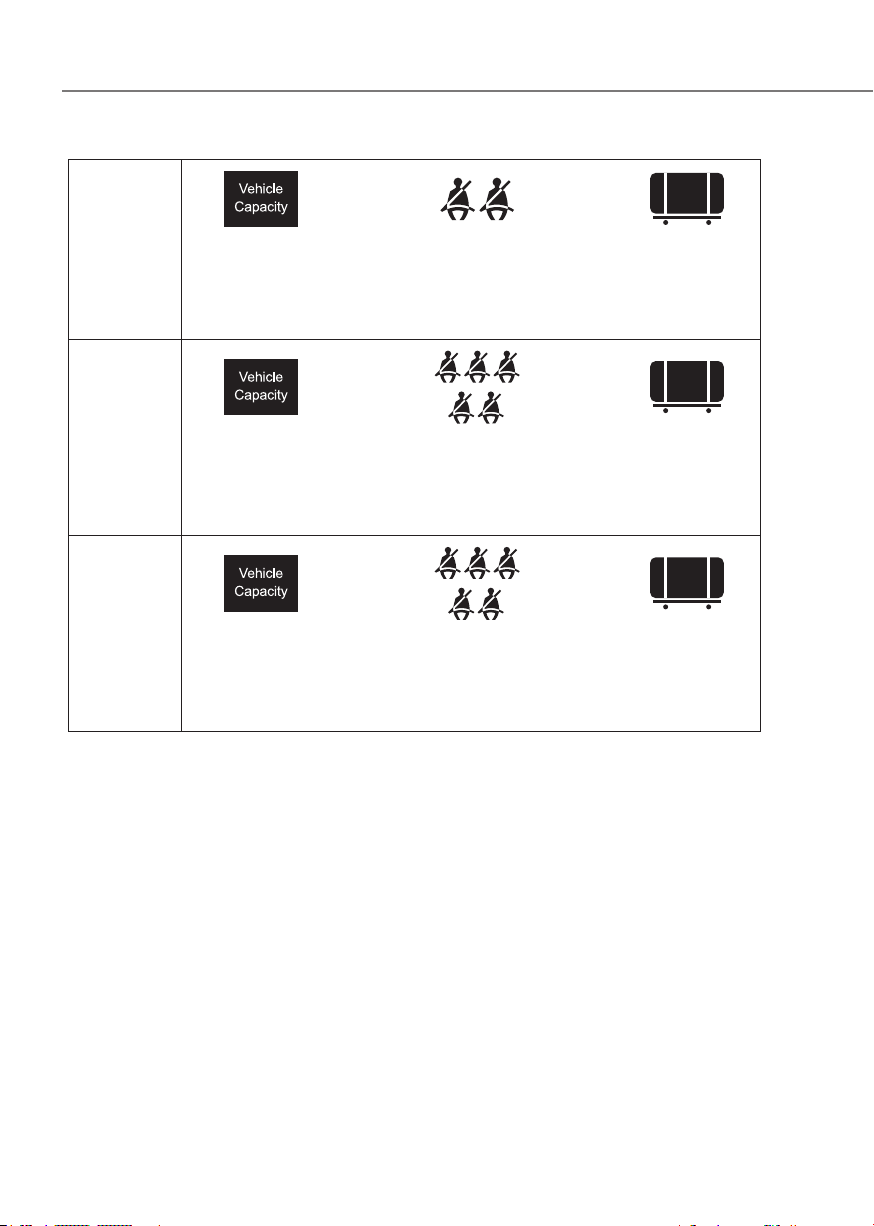
6-64
Driving Your Vehicle
Example 1
+
Maximum
Load
(1,400 lbs.)
(635 kg)
Passenger Weight
(150 lbs. × 2 = 300
lbs.)
(68 kg × 2 = 136 kg)
Cargo Weight
(1,100 lbs.)
(499 kg)
Example 2
+
Maximum
Load
(1,400 lbs.)
(635 kg)
Passenger Weight
(150 lbs. × 5 = 750
lbs.)
(68 kg × 5 = 340 kg)
Cargo Weight
(650 lbs.)
(295 kg)
Example 3
+
Maximum
Load
(1,400 lbs.)
(635 kg)
Passenger Weight
(172 lbs. × 5 = 860
lbs.)
(78 kg × 5 = 390 kg)
Cargo Weight
(540 lbs.)
(245 kg)
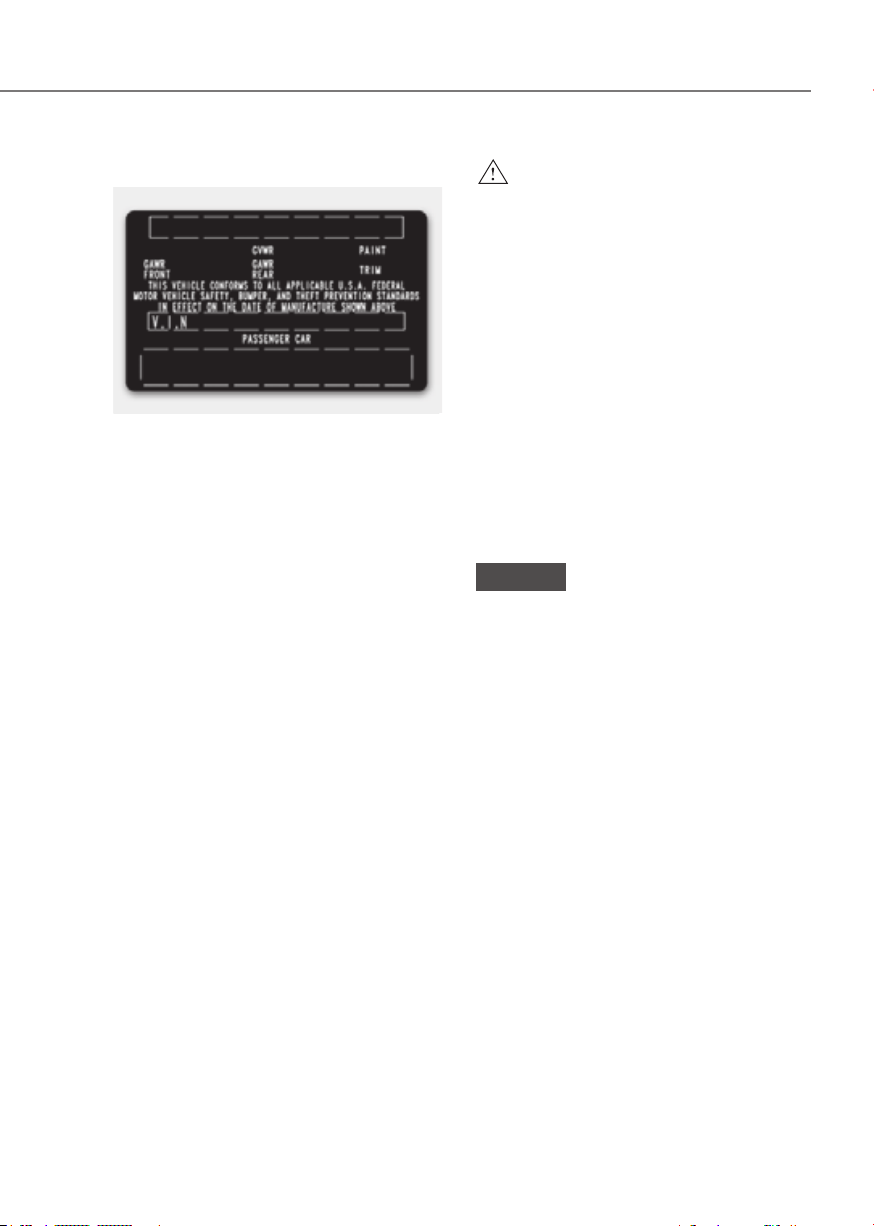
6-65
06
Certification label
OBH059070OBH059070
The certification label is located on
the driver's door sill at the center
pillar and shows the maximum
allowable weight of the fully loaded
vehicle. This is called the GVWR
(Gross Vehicle Weight Rating). The
GVWR includes the weight of the
vehicle, all occupants, fuel and
cargo.
This label also tells you the maximum
weight that can be supported by the
front and rear axles, called Gross
Axle Weight Rating (GAWR).
The total weight of the vehicle,
including all occupants, accessories,
cargo, and trailer tongue load must
not exceed the Gross Vehicle Weight
Rating (GVWR) or the Gross Axle
Weight Rating (GAWR). To find out
the actual loads on your front and
rear axles, you need to go to a weigh
station and weigh your vehicle. Be
sure to spread out your load equally
on both sides of the centerline.
WARNING
Overloading
• Never exceed the GVWR for your
vehicle, the GAWR for either the
front or rear axle and vehicle
capacity weight. Exceeding these
ratings can affect your vehicle's
handling and braking ability, and
cause an accident.
• Do not overload your vehicle.
Overloading your vehicle can
cause heat buildup in your
vehicle's tires and possible
tire failure, increased stopping
distances and poor vehicle
handling-all of which may result
in a crash.
NOTICE
Overloading your vehicle may cause
damage. Repairs would not be
covered by your warranty. Do not
overload your vehicle.

6-66
Driving Your Vehicle
WARNING
If you carry items inside your
vehicle (for example, suitcases,
tools, packages, or anything else),
they are moving as fast as the
vehicle. If you have to stop or turn
quickly, or if there is a crash, the
items will keep going and can cause
an injury if they strike the driver or a
passenger.
• Put items in the cargo area of
your vehicle. Try to spread the
weight evenly.
• Do not stack items - like suitcases
- inside the vehicle above the
tops of the seats.
• Do not leave an unsecured child
restraint in your vehicle.
• When you carry something inside
the vehicle, secure it.
TRAILER TOWING
We do not recommend using this vehicle
for trailer towing.

7
Driving Safety
Forward Collision–Avoidance Assist .........................................................................7-2
Lane Keeping Assist (LKA)
...................................................................................... 7-26
Blind-Spot Collision-Avoidance Assist (BCA)
....................................................... 7-32
Safe Exit Warning (SEW)
......................................................................................... 7-46
Safe Exit Assist (SEA)
.............................................................................................. 7-52
Manual Speed Limit Assist (MSLA)
........................................................................ 7-59
Intelligent Speed Limit Assist (ISLA)
...................................................................... 7-62
Driver Attention Warning (DAW)
............................................................................ 7-68
Forward Attention Warning (FAW)
......................................................................... 7-74
Blind-Spot View Monitor (BVM)
............................................................................. 7-79
Driving Convenience
Smart Cruise Control (SCC) ................................................................................... 7-81
Navigation-Based Smart Cruise Control (NSCC) ............................................... 7-100
Lane Following Assist (LFA)
.................................................................................. 7-107
Highway Driving Assist (HDA)
.............................................................................. 7-111
Parking Safety
Rear View Monitor (RVM) ..................................................................................... 7-123
Surround View Monitor (SVM)
............................................................................ 7-127
Rear Cross-Traffic Collision-Avoidance Assist (RCCA)
...................................... 7-133
Forward/Reverse Parking Distance Warning (PDW)
......................................... 7-144
Reverse Parking Collision-Avoidance Assist (PCA)
............................................. 7-149
Parking convenience
Remote Smart Parking Assist (RSPA) .................................................................. 7-157
Declaration of Conformity
.......................................................................................... 7-184
7. Driver Assistance System
Due to the infotainment software version, the description of each function of the driver assistance
system may differ from the owner's manual.
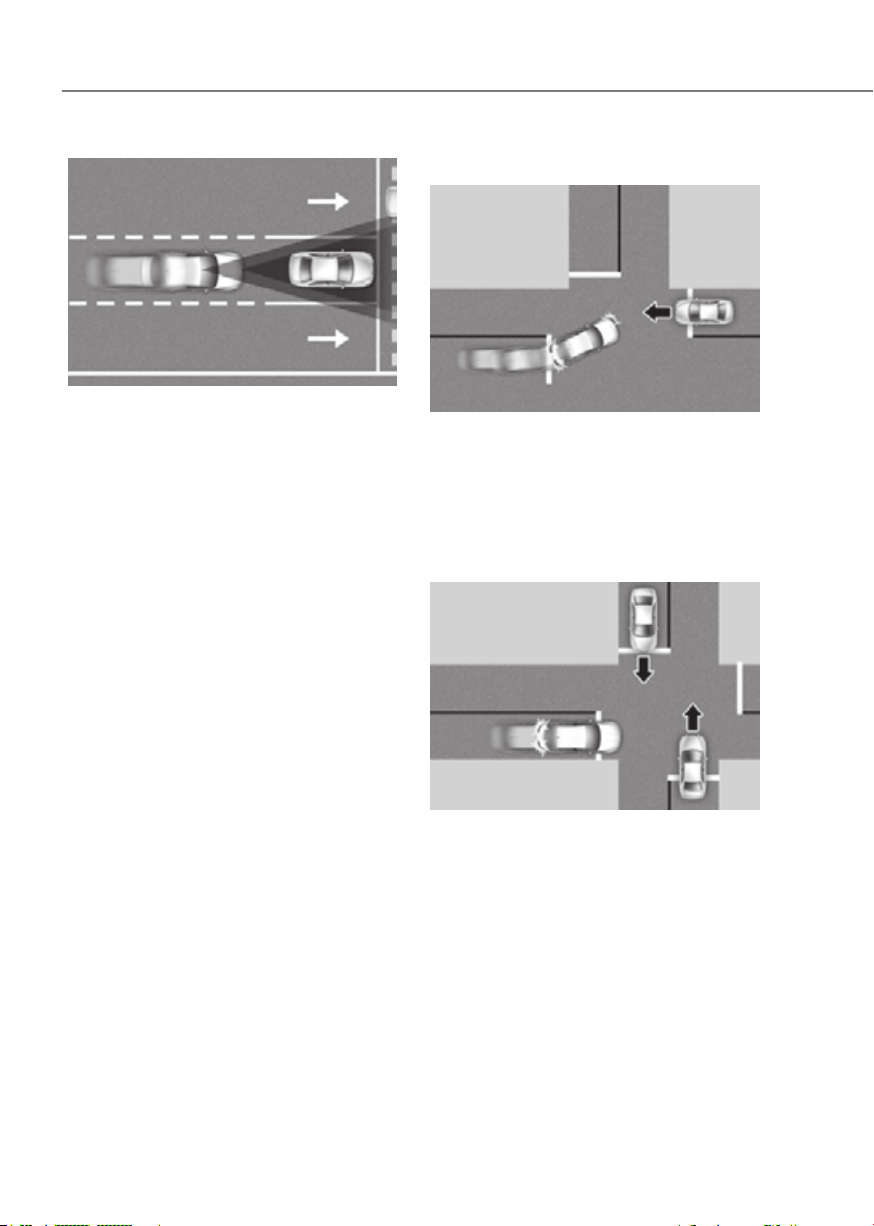
7-2
Driver Assistance System
ORG3EV071083ORG3EV071083
Forward Collision-Avoidance Assist is
designed to help detect and monitor the
vehicle ahead or help detect a pedestrian
or cyclist in the roadway and warn the
driver that a collision is imminent with
a warning message, an audible warning
and application of emergency braking.
In addition, if equipped with front corner
radars, when driving at high speeds,
Forward Collision-Avoidance Assist helps
detect vehicles in front and adjacent
lanes. If a collision is imminent when
changing lanes, Forward Collision-
Avoidance Assist will apply emergency
braking to help prevent or mitigate a
collision (if equipped).
Junction Turning function
ORG3EV071295NORG3EV071295N
Junction Turning function helps avoid
or mitigate a collision with an oncoming
vehicle in an adjacent lane when turning
left at a crossroad with the turn signal on
by applying emergency braking.
Junction Crossing function (if
equipped)
ORG3EV071085ORG3EV071085
Junction Crossing function helps avoid
or mitigate a collision with oncoming
vehicles on the left or right side when
crossing an intersection by applying
emergency braking.

7-3
07
Lane-Change Oncoming function (if
equipped)
ORG3EV071086ORG3EV071086
[A] : Oncoming vehicle
Lane-Change Oncoming function helps
avoid or mitigate a collision with an
oncoming vehicle when changing lanes
by assisting the driver’s steering.
Lane-Change Side function (if
equipped)
ORG3EV071087ORG3EV071087
[A] : Front-side vehicle
Lane-Change Side function helps avoid
or mitigate a collision with the vehicle
ahead in the next lane when changing
lanes by assisting the driver’s steering.
equipped)
ORG3EV073366LORG3EV073366L
• Driver steering assist
Evasive Steering Assist function helps
avoid or mitigate a collision with a
vehicle, pedestrian or cyclist ahead in
the same lane. When a risk of collision
is detected, Evasive Steering Assist
function will warn the driver and if the
driver steers to avoid collision it will
assist the driver’s steering.
• Evasive steering assist
Evasive Steering Assist function helps
avoid or mitigate a collision with a
pedestrian or cyclist ahead in the
same lane. When a risk of collision
is detected, Evasive Steering Assist
function will warn the driver and if
there is space to avoid collision in the
lane, it will assist the driver’s steering.
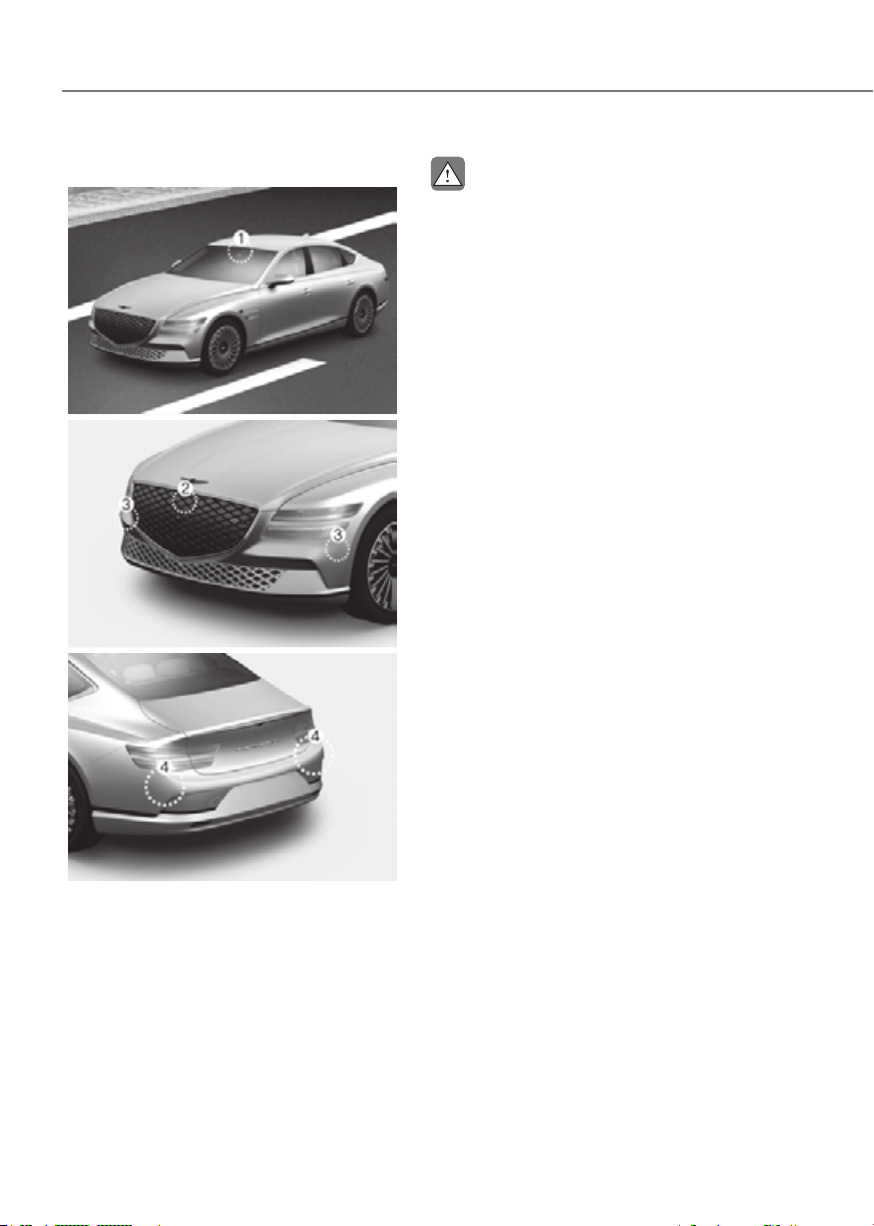
7-4
Driver Assistance System
Detecting sensor
ORG3EV071074ORG3EV071074
ORG3EV071001ORG3EV071001
ORG3EV071075ORG3EV071075
[1]: Front view camera, [2]: Front radar,
[3]: Front corner radar (if equipped),
[4]: Rear corner radar
Refer to the picture above for the
detailed location of the detecting
sensors.
CAUTION
Take the following precautions to
maintain optimal performance of the
detecting sensor:
•
•
•
•
•
•
It can affect the performance of the
defogging and defrosting function
•
moisture and defrost performance
•
•
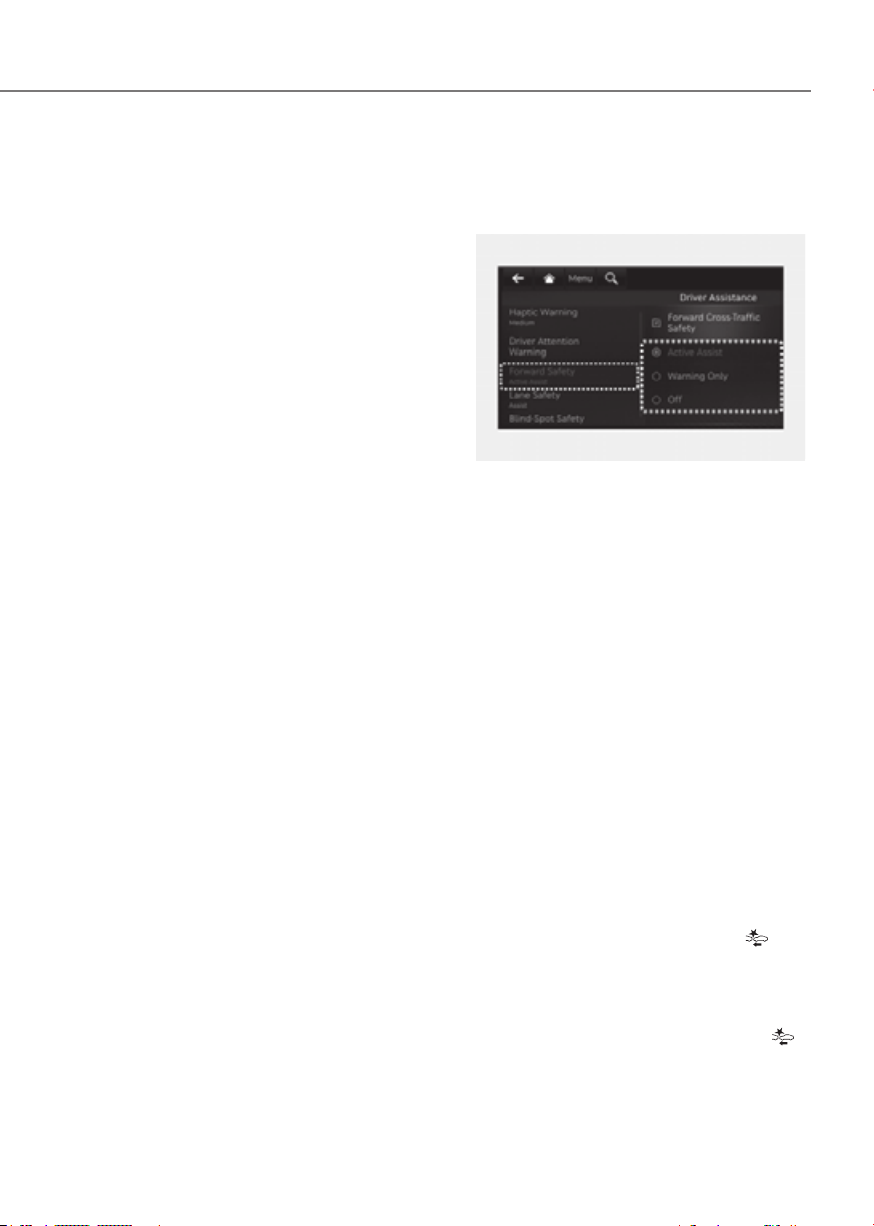
7-5
07
• If the radar or around the radar has
though a warning message does
•
repair or replace a damaged front
•
radar and/or rear corner radar
-
front corner radar or rear corner
-
of the front corner radar or rear
-
performance of the rear corner
radar or Forward Collision-
Assist Settings
Setting features
OJK070001LOJK070001L
Forward Safety
With the vehicle on, select or deselect
the Settings menu to set whether to use
each function.
- If ‘Active Assist’ is selected, Forward
Collision-Avoidance Assist will warn
the driver with a warning message, an
audible warning and steering wheel
vibration depending on the collision
risk levels. Braking assist or steering
assist (if equipped) will be applied
depending on the collision risk levels.
- If ‘Warning Only’ is selected, Forward
Collision-Avoidance Assist will warn
the driver with a warning message, an
audible warning and steering wheel
vibration depending on the collision
risk levels. Braking and steering (if
equipped) will not be assisted. The
driver must apply the brake pedal or
steer the vehicle if necessary.
- If ‘Off’ is selected, Forward Collision-
Avoidance Assist will turn off. The
warning light illuminates on the cluster.
The driver can monitor Forward
Collision-Avoidance Assist ON/OFF
status from the Settings menu. If the
warning light remains ON when Forward
Collision-Avoidance Assist is ON, have
the vehicle inspected by an authorized
retailer of Genesis Branded products.
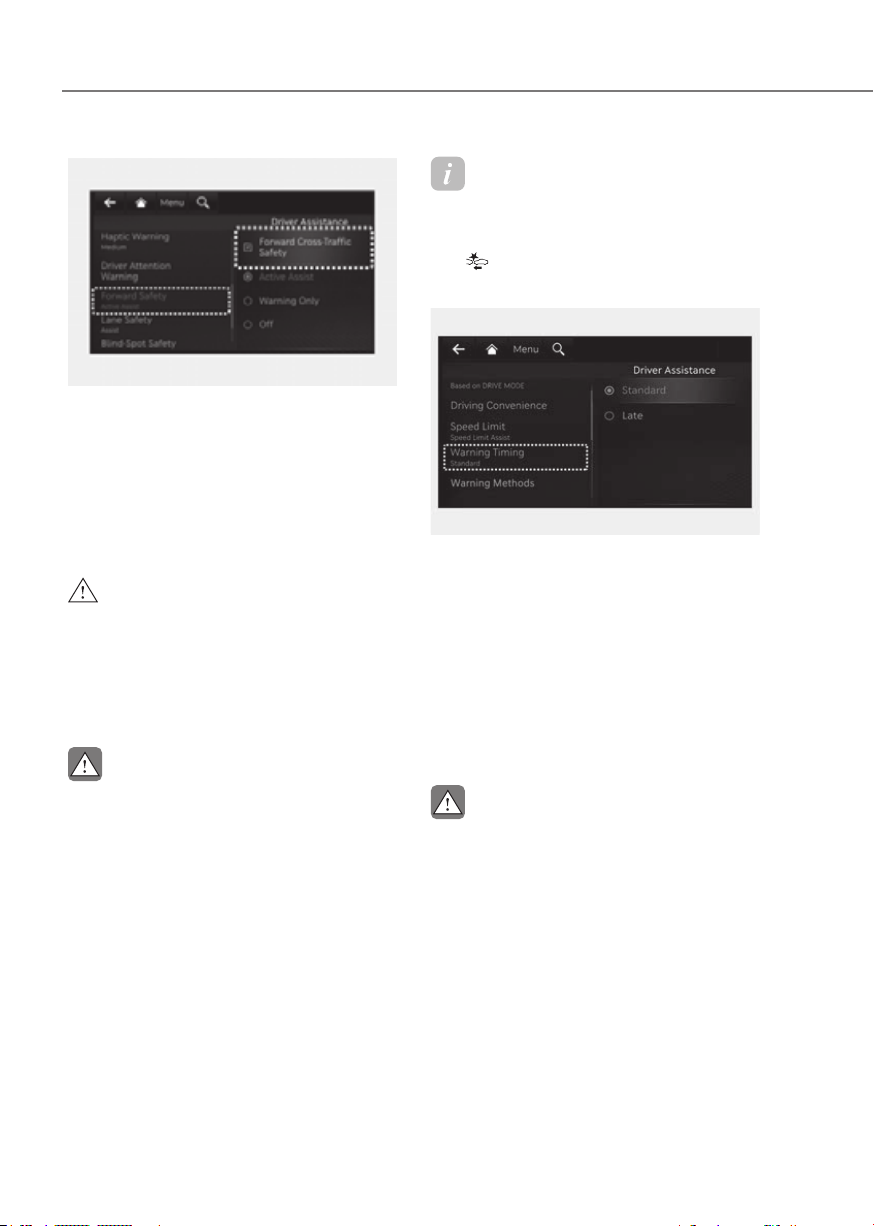
7-6
Driver Assistance System
OJK070200LOJK070200L
Forward Cross-Traffic Safety (if
equipped)
With the vehicle on, select ‘Driver
Cross-Traffic Safety’ from the Settings
menu to turn on Junction Crossing
function and deselect to turn off the
function.
WARNING
CAUTION
•
and steering (if equipped) is not
•
•
Junction Crossing function will
•
Information
Forward Collision-Avoidance Assist
will turn off when ESC is turned off by
pressing and holding the ESC OFF button.
The
warning light will illuminate on
the cluster.
ORG3EV073380NORG3EV073380N
Warning Timing
With the vehicle on, select ‘Driver
Settings menu to change the initial
warning activation time for Forward
Collision-Avoidance Assist.
When the vehicle is first delivered,
Warning Timing is set to ‘Standard’. If you
change the Warning Timing, the warning
time of other Driver Assistance systems
may change.
CAUTION
• The setting of the Warning Timing
applies to all functions of Forward
•
• Select Late for Warning Timing when

7-7
07
ORG3EV073379NORG3EV073379N
Warning Methods
Methods from the Settings in the
infotainment system to select the
following:
• Warning Volume: The Warning Volume
can be adjusted. If you turn off the
Warning Volume, for your safety, the
function may warn you with a low
volume.
• Haptic Warning: The steering wheel
vibration can be adjusted.
• Driving Safety Priority: Your vehicle
lowers all other audio volumes when
the Driver Assistance system warning
sounds.
Information
• If you change the Warning Methods,
Warning Methods of other Driver
Assistance systems may change.
• If the vehicle is restarted, Warning
Methods will maintain the last setting.
• There may be no Settings menu
depending on the feature applied to
your vehicle.
• The Warning Volume and Haptic
Warning cannot be turned off at the
same time. When one of the warning is
turned off the other is activated.
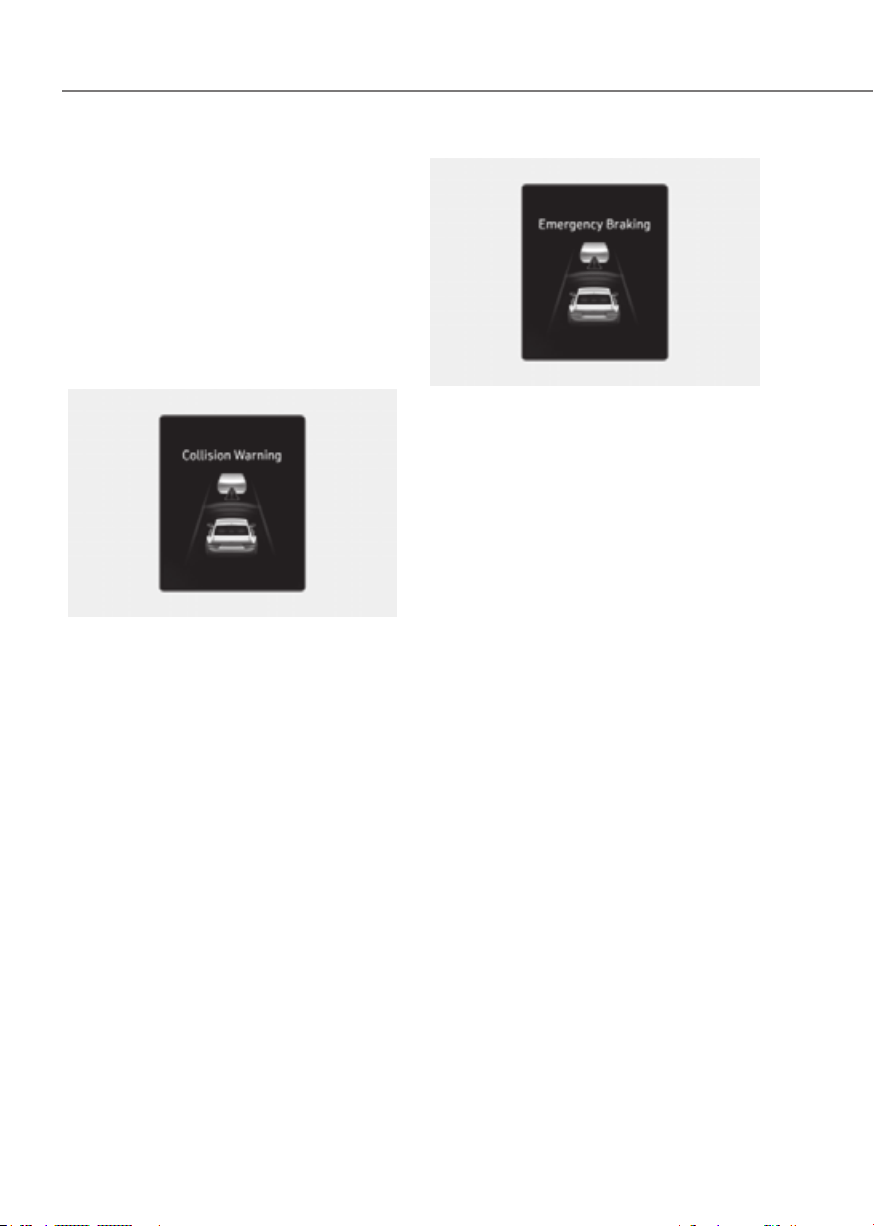
7-8
Driver Assistance System
Assist Operation
Basic function
Warning and control
The basic function for Forward Collision-
Avoidance Assist is to warn and help
control the vehicle depending on the
collision risk level: ‘Collision Warning’,
‘Emergency Braking’ and ‘Stopping
vehicle and ending brake control’.
ORG3EV071002LORG3EV071002L
Collision Warning
• To warn the driver of a collision, the
‘Collision Warning’ warning message
will appear on the cluster, an audible
warning will sound and the steering
wheel will vibrate.
• If a vehicle is detected in front,
the function will operate when
your vehicle speed is between
approximately 6~124 mph (10~200
km/h).
• If a pedestrian or cyclist is detected
in front, the function will operate
when your vehicle speed is between
approximately 6~53 mph (10~85
km/h).
• If ‘Active Assist’ is selected, braking
may be assisted.
ORG3EV071003LORG3EV071003L
Emergency Braking
• To warn the driver that emergency
braking will be assisted, the
‘Emergency Braking’ warning
message will appear on the cluster,
an audible warning will sound and the
steering wheel will vibrate.
• If a vehicle is detected in front,
the function will operate when
your vehicle speed is between
approximately 6~53 mph (10~85
km/h).
• If Forward Collision- Avoidance
Assist judges that avoiding a collision
is difficult even by changing the
driving lane, the function will operate
when your vehicle speed is between
approximately 6~62 mph (10~100
km/h) (if equipped with front corner
radar).
The function operation range may
decrease due to the front traffic
condition or the surroundings of the
vehicle.
• If a pedestrian or cyclist is detected
in front, the function will operate
when your vehicle speed is between
approximately 6~40 mph (10~65
km/h).
• In emergency braking situation,
braking is assisted with strong braking
power by the function to help prevent
collision with the vehicle, pedestrian
or cyclist ahead.
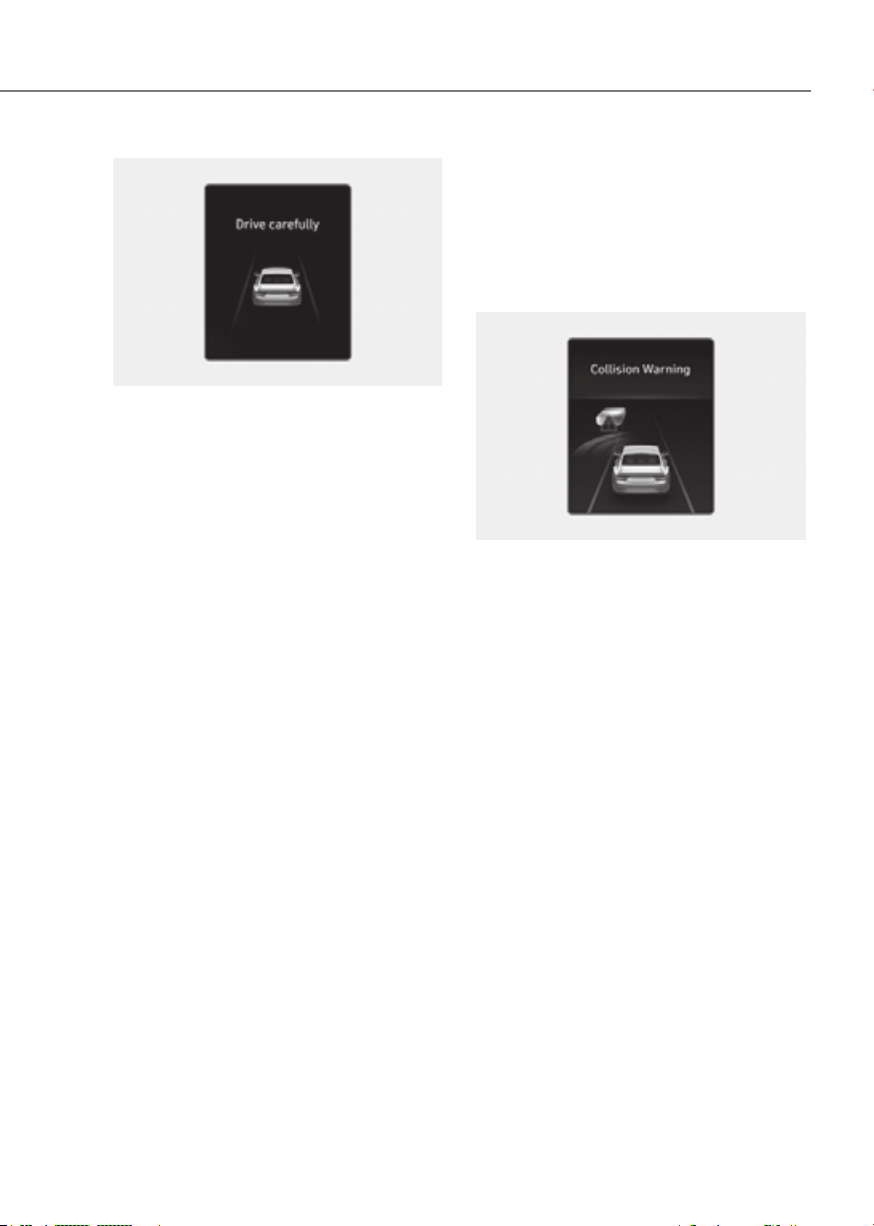
7-9
07
ORG3EV071004LORG3EV071004L
Stopping vehicle and ending brake control
• When the vehicle is stopped due
to emergency braking, the ‘Drive
carefully’ warning message will
appear on the cluster.
For your safety, the driver should
depress the brake pedal immediately
and check the surroundings.
• Brake control will end after the vehicle
is stopped by emergency braking for
approximately 2 seconds.
Junction Turning function
Warning and control
Junction Turning function will warn and
help control the vehicle depending on
the collision risk level: ‘Collision Warning’,
‘Emergency Braking’ and ‘Stopping
vehicle and ending brake control’
ORG3EV071241LORG3EV071241L
Collision Warning
• To warn the driver of a collision, the
‘Collision Warning’ warning message
will appear on the cluster, an audible
warning will sound and the steering
wheel will vibrate.
• The function will operate when
your vehicle speed is between
approximately 6~19 mph (10~30 km/h)
and the oncoming vehicle speed is
between approximately 19~44 mph
(30~70 km/h).
• If ‘Active Assist’ is selected, braking
may be assisted.
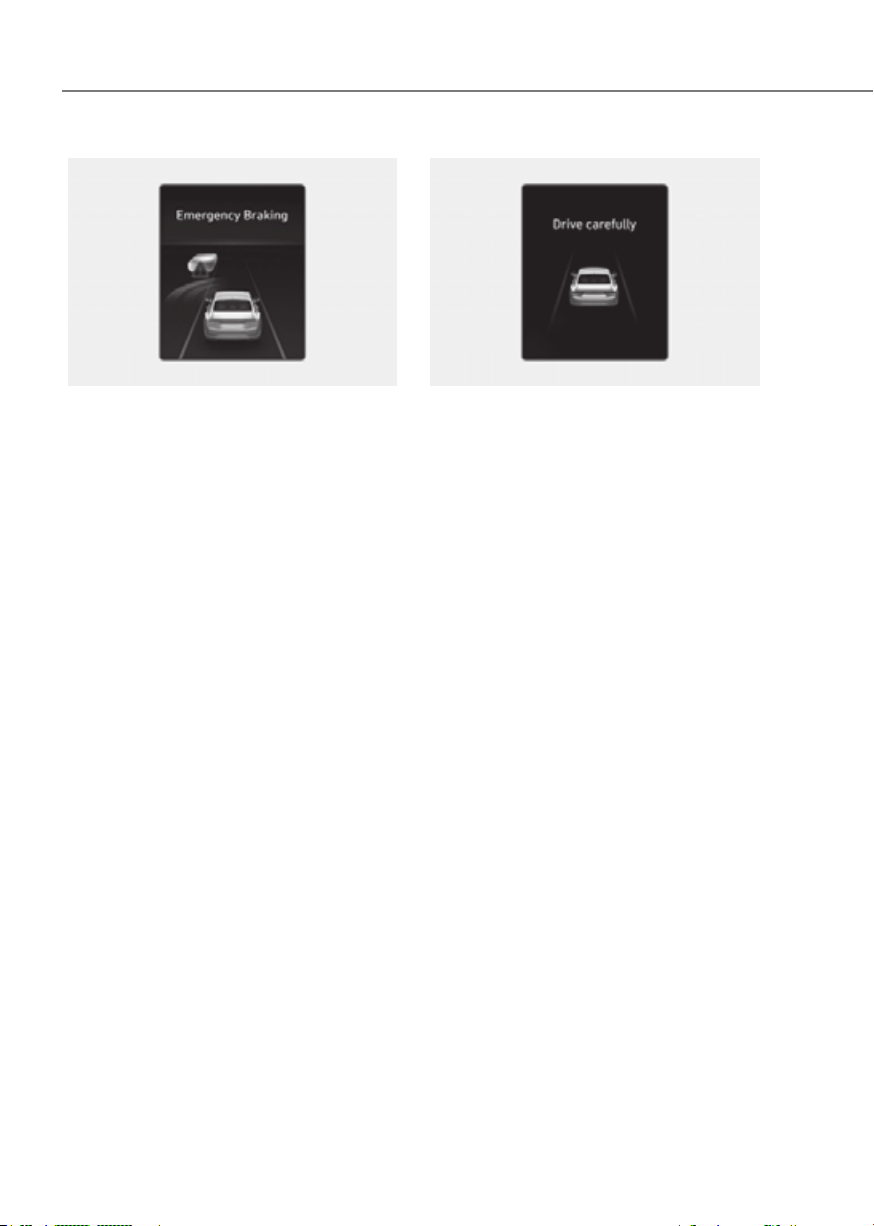
7-10
Driver Assistance System
ORG3EV071242LORG3EV071242L
Emergency Braking
• To warn the driver that emergency
braking will be assisted, the
‘Emergency Braking’ warning
message will appear on the cluster,
an audible warning will sound and the
steering wheel will vibrate.
• The function will operate when
your vehicle speed is between
approximately 6~19 mph (10~30 km/h)
and the oncoming vehicle speed is
between approximately 19~44 mph
(30~70 km/h).
• In emergency braking situation,
braking is assisted with strong braking
power by the function to help prevent
collision with the oncoming vehicle.
ORG3EV071004LORG3EV071004L
Stopping vehicle and ending brake control
• When the vehicle is stopped due
to emergency braking, the ‘Drive
carefully’ warning message will
appear on the cluster.
For your safety, the driver should
depress the brake pedal immediately
and check the surroundings.
• Brake control will end after the vehicle
is stopped by emergency braking for
approximately 2 seconds.
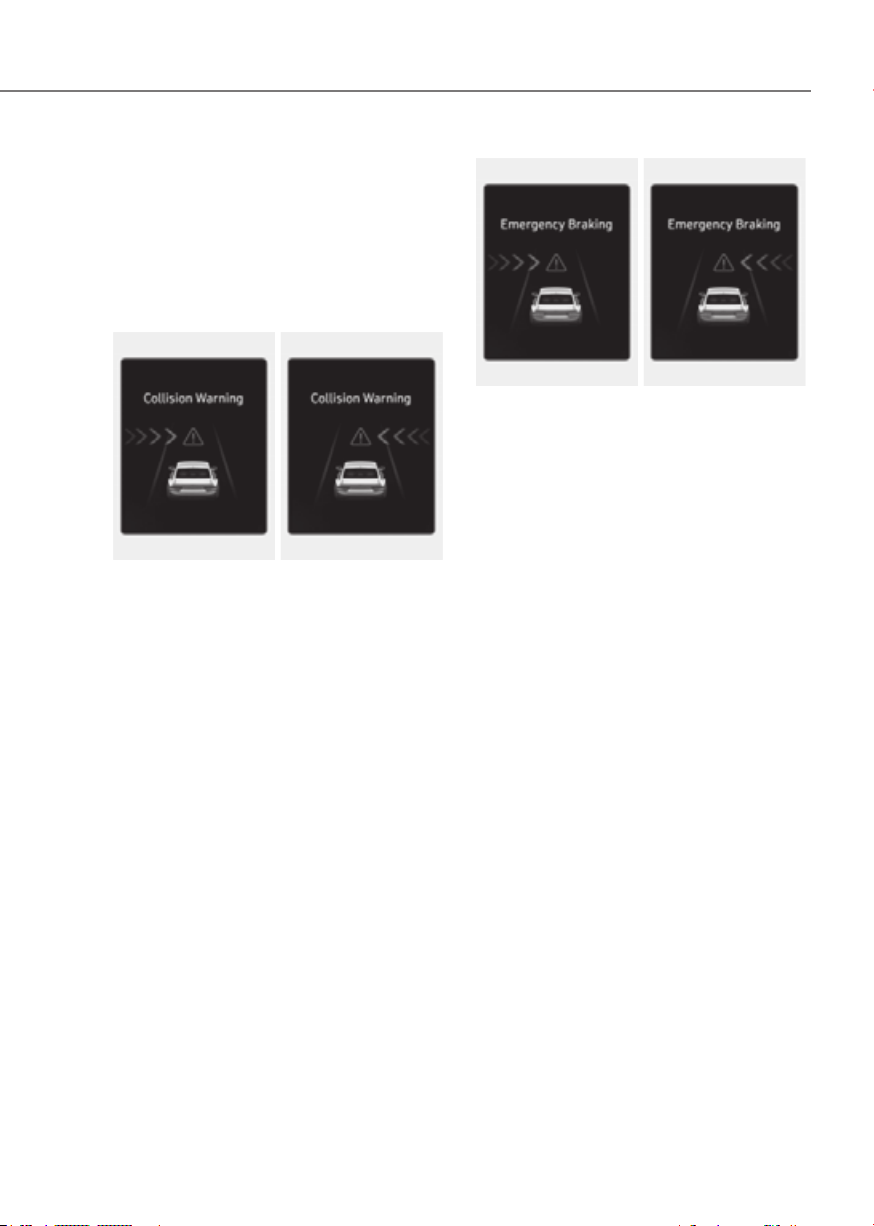
7-11
07
Junction Crossing function (if
equipped)
Warning and control
Junction Crossing function will warn and
help control the vehicle depending on
collision risk level: ‘Collision Warning’,
‘Emergency Braking’ and ‘Stopping
vehicle and ending brake control’
ORG3EV071007LORG3EV071007L ORG3EV071008LORG3EV071008L
Collision Warning
• To warn the driver of a collision, the
‘Collision Warning’ warning message
will appear on the cluster, an audible
warning will sound and the steering
wheel will vibrate.
• The function will operate when
your vehicle speed is between
approximately 6~19 mph (10~30
km/h) and the crossing vehicle speed
is between approximately 6~37 mph
(10~60 km/h).
• If ‘Active Assist’ and 'Forward Cross-
Traffic Safety' are selected, braking
may be assisted.
ORG3EV071010LORG3EV071010L ORG3EV071009LORG3EV071009L
Emergency Braking
• To warn the driver that emergency
braking will be assisted, the
‘Emergency Braking’ warning
message will appear on the cluster,
an audible warning will sound and the
steering wheel will vibrate.
• The function will operate when
your vehicle speed is between
approximately 6~19 mph (10~30
km/h) and the crossing vehicle speed
is between approximately 6~12 mph
(10~20 km/h).
• In emergency braking situation,
braking is assisted with strong braking
power by the function to help prevent
collision with the crossing vehicle.
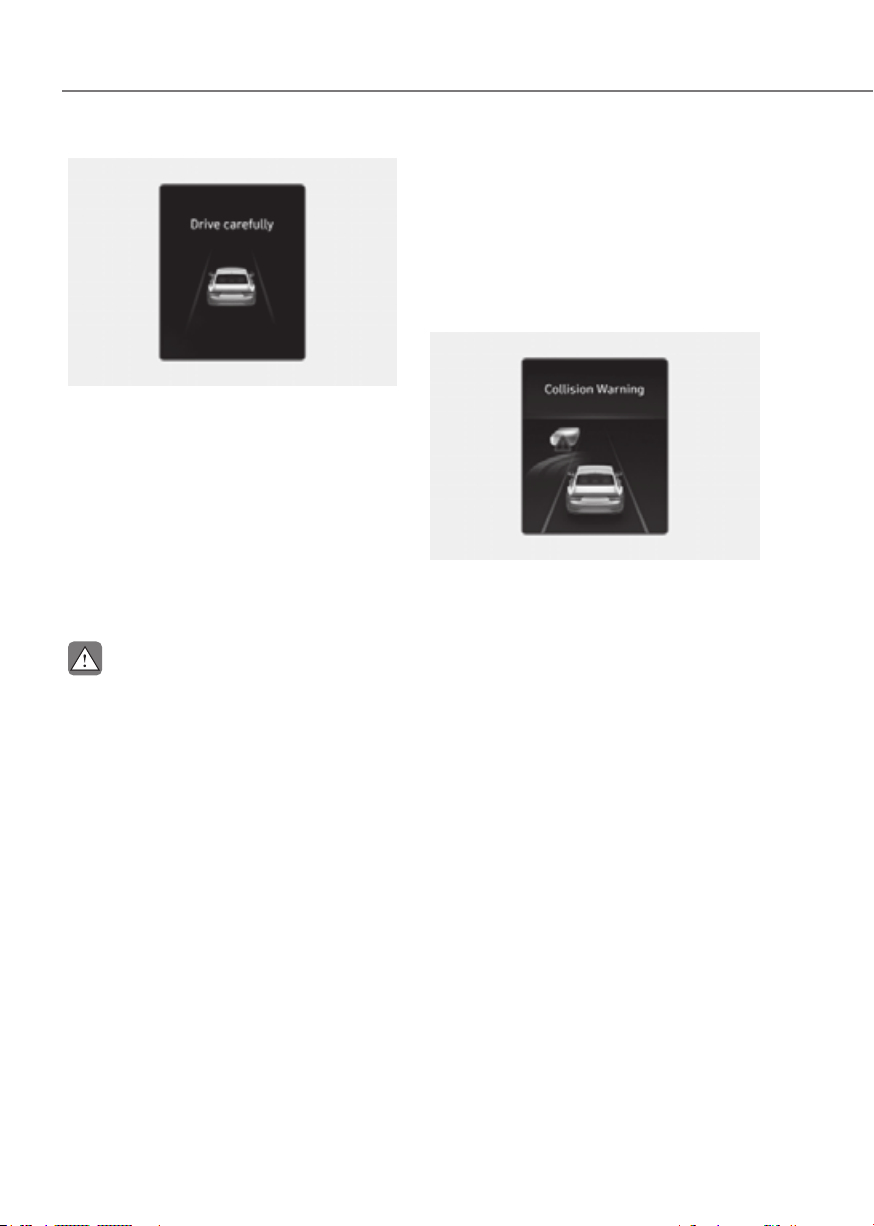
7-12
Driver Assistance System
ORG3EV071004LORG3EV071004L
Stopping vehicle and ending brake control
• When the vehicle is stopped due
to emergency braking, the ‘Drive
carefully’ warning message will
appear on the cluster.
For your safety, the driver should
depress the brake pedal immediately
and check the surroundings.
• Brake control will end after the vehicle
is stopped by emergency braking for
approximately 2 seconds.
CAUTION
If the collision angle with the crossing
Junction Crossing function warning and
Lane-Change Oncoming function (if
equipped)
Warning and control
Lane-Change Oncoming function
will warn and help control the vehicle
depending on collision risk level:
‘Collision Warning’ and ‘Emergency
Steering’
ORG3EV071241LORG3EV071241L
Collision Warning
• To warn the driver of a collision, the
‘Collision Warning’ warning message
will appear on the cluster, an audible
warning will sound and the steering
wheel will vibrate.
• The function will operate when
your vehicle speed is between
approximately 25~90 mph (40~145
km/h) and the oncoming vehicle
speed is approximately above 6 mph
(10 km/h) and the relative speed with
your vehicle is approximately below
124 mph (200 km/h).
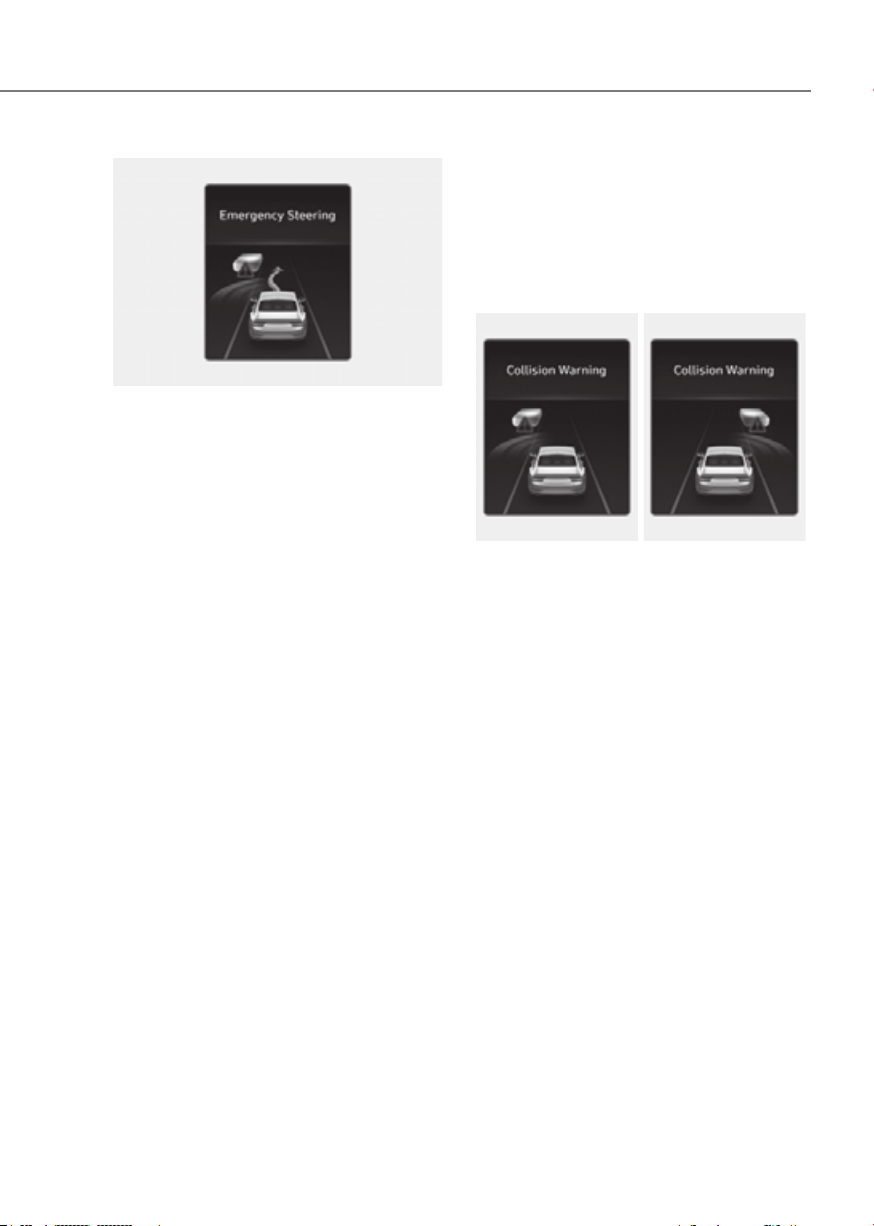
7-13
07
ORG3EV071190LORG3EV071190L
Emergency Steering
• To warn the driver that emergency
steering will be assisted, the
‘Emergency Steering’ warning
message will appear on the cluster,
an audible warning will sound and the
steering wheel will vibrate.
• The function will operate when
your vehicle speed is between
approximately 25~90 mph (40~145
km/h) and the oncoming vehicle
speed is approximately above 6 mph
(10 km/h) and the relative speed with
your vehicle is approximately below
124 mph (200 km/h).
• In an emergency steering situation,
steering is assisted by the function
to help prevent a collision with the
oncoming vehicle.
Lane-Change Side function (if
equipped)
Warning and control
Lane-Change Side function will warn
and help control the vehicle depending
on collision risk level: ‘Collision Warning’
and ‘Emergency Steering’
ORG3EV071241LORG3EV071241L ORG3EV071188LORG3EV071188L
Collision Warning
• To warn the driver of a collision, the
‘Collision Warning’ warning message
will appear on the cluster, an audible
warning will sound and the steering
wheel will vibrate.
• The function will operate when
your vehicle speed is between
approximately 25~90 mph (40~145
km/h).
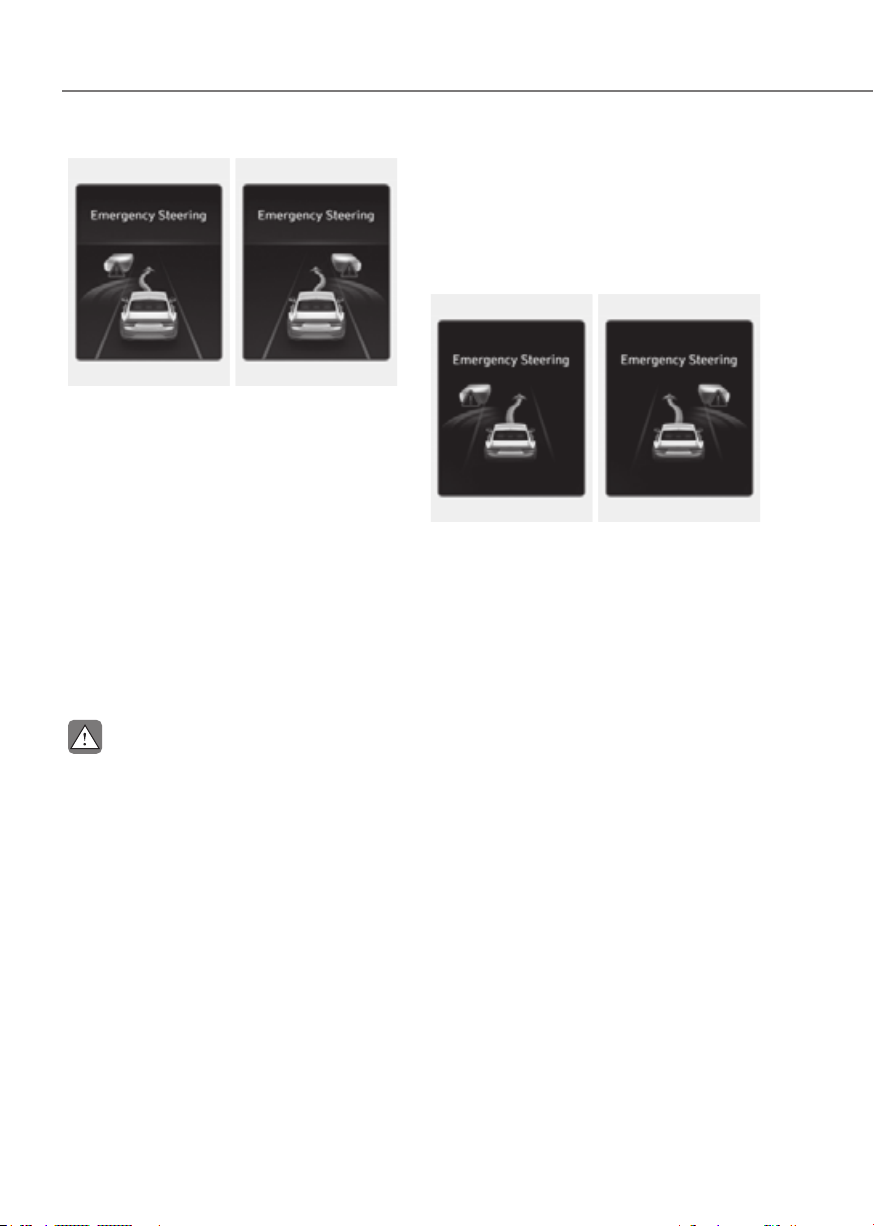
7-14
Driver Assistance System
ORG3EV071190LORG3EV071190L ORG3EV071191LORG3EV071191L
Emergency Steering
• To warn the driver that emergency
steering will be assisted, the
‘Emergency Steering’ warning
message will appear on the cluster,
an audible warning will sound and the
steering wheel will vibrate.
• The function will operate when
your vehicle speed is between
approximately 25~90 mph (40~145
km/h).
• In emergency steering situation,
steering is assisted by the function to
help prevent collision with the front-
side vehicle.
CAUTION
Lane-Change Side function does not
Evasive Steering Assist function (if
equipped)
Warning and control
Evasive Steering Assist function will
warn and help control the vehicle with
‘Emergency steering’.
ORG3EV071016LORG3EV071016L ORG3EV071017LORG3EV071017L
Emergency Steering (Driver steering
assist)
• To warn the driver that emergency
steering will be assisted, the
‘Emergency Steering’ message will
appear on the cluster, an audible
warning will sound and the steering
wheel will vibrate.
• The function will operate when
your vehicle speed is between
approximately 25~53 mph (40~85
km/h).
• If there is a risk of collision with a
vehicle, pedestrian and cyclist in
front, the steering will be assisted to
help prevent collision when the driver
steers the vehicle to avoid collision.

7-15
07
ORG3EV071016LORG3EV071016L ORG3EV071017LORG3EV071017L
Emergency Steering (Evasive steering
assist)
• To warn the driver that emergency
steering will be assisted, the
‘Emergency Steering’ message will
appear on the cluster, an audible
warning will sound and the steering
wheel will vibrate.
• The function will operate when
your vehicle speed is between
approximately 40~47 mph (65~75
km/h).
• If there is high risk of collision with a
pedestrian and cyclist in front, and the
vehicle speed to operate emergency
braking is within the operation range,
the steering will be assisted to help
prevent collision when there is space
to avoid collision in the driving lane.
CAUTION
•
•
•
the steering wheel is held tight or
•
•
Information
For more details on warning messages,
refer to Collision Warning in “Basic
Function”.

7-16
Driver Assistance System
WARNING
•
•
Settings menu and the
warning
light will illuminate on the cluster
•
does not operate in all situations and
•
depend on Forward Collision-
•
•
•
•
•
•
•
WARNING
•
•
depresses the accelerator pedal or
7-17
07
CAUTION
• Depending on the condition of the
speed range to operate Forward
•
will operate under certain conditions
the condition of the oncoming
• When a collision with a surrounding
Information
In a situation where collision is imminent,
braking may be assisted by Forward
Collision-Avoidance Assist when braking
is insufficient by the driver.
Assist Malfunction and
Limitations
Forward Collision-Avoidance Assist
malfunction
OTM070094NOTM070094N
When Forward Collision-Avoidance
Assist is not working properly, the ‘Check
Forward Safety system’ warning message
will appear, and the
and warning
lights will illuminate on the cluster. Have
the vehicle inspected by an authorized
retailer of Genesis Branded products.
7-18
Driver Assistance System
Forward Collision-Avoidance Assist
disabled
OJX1079005LOJX1079005L OJX1079212LOJX1079212L
When the front windshield where the
front view camera is located, front radar
cover, bumper or sensor is covered with
foreign material, such as snow or rain, it
can reduce the detecting performance
and temporarily limit or disable Forward
Collision-Avoidance Assist.
If this occurs the ‘Forward Safety system
disabled. Camera obscured’ or the
‘Forward Safety system disabled. Radar
blocked’ warning message, and the
and
warning lights will illuminate on
the cluster.
Forward Collision-Avoidance Assist will
operate properly when snow, rain or
foreign material is removed.
If Forward Collision-Avoidance Assist
does not operate properly after
obstruction (snow, rain, or foreign
material) is removed (including trailer,
carrier, etc., from the rear bumper), have
the vehicle inspected by an authorized
retailer of Genesis Branded products.
WARNING
•
warning light does not appear on the
•
Limitations of Forward Collision-
Avoidance Assist
Forward Collision-Avoidance Assist may
not operate properly, or it may operate
unexpectedly under the following
circumstances:
• The detecting sensor or the
surroundings are contaminated or
damaged
• The temperature around the front
view camera is high or low due to
surrounding environment
• The camera lens is contaminated due
to tinted, filmed or coated windshield,
damaged glass, or sticky foreign
material (sticker, bug, etc.) on the
glass
• Moisture is not removed or frozen on
the windshield
• Washer fluid is continuously sprayed,
or the wiper is on
• Driving in heavy rain or snow, or thick
fog
• The field of view of the front view
camera is obstructed by sun glare
• Street light or light from an oncoming
vehicle is reflected on the wet road
surface, such as a puddle on the road
• An object is placed on the dashboard

7-19
07
• Your vehicle is being towed
• The surrounding is very bright
• The surrounding is very dark, such as
in a tunnel, etc.
• The brightness changes suddenly, for
example when entering or exiting a
tunnel
• The brightness outside is low, and the
headlights are not on or are not bright
• Driving through steam, smoke or
shadow
• Only part of the vehicle, pedestrian or
cyclist is detected
• The vehicle in front is a bus, heavy
truck, truck with an unusually shaped
cargo, trailer, etc.
• The vehicle in front has no tail lights,
tail lights are located unusually, etc.
• The brightness outside is low, and the
tail lamps are not on or are not bright
• The rear of the front vehicle is small
or the vehicle does not look normal,
such as when the vehicle is tilted,
overturned, or the side of the vehicle
is visble, etc.
• The front vehicle’s ground clearance is
low or high
• A vehicle, pedestrian or cyclist
suddenly cuts in front
• The bumper around the front radar is
impacted, damaged or the front radar
is out of position
• The temperature around the front
radar is high or low
• Driving through a tunnel or iron bridge
• Driving in vast areas where there
are few vehicles or structures (for
example, desert, meadow, suburb,
etc.)
• Driving near areas containing metal
substances, such as a construction
zone, railroad, etc.
• A material is near that reflects very
well on the front radar, such as a
guardrail, nearby vehicle, etc.
• The cyclist in front is on a bicycle
made of material that does not reflect
on the front radar
• The vehicle in front is detected late
• The vehicle in front is suddenly
blocked by an obstacle
• The vehicle in front suddenly changes
lane or suddenly reduces speed
• The vehicle in front is bent out of
shape
• The front vehicle’s speed is fast or
slow
• The vehicle in front steers in the
opposite direction of your vehicle to
avoid a collision
• With a vehicle in front, your vehicle
changes lane at low speed
• The vehicle in front is covered with
snow
• You are departing or returning to the
lane
• Unstable driving
• You are on a roundabout and the
vehicle in front is not detected
• You are continuously driving in a circle
• The vehicle in front has an unusual
shape
• The vehicle in front is driving uphill or
downhill
• The pedestrian or cyclist is not
fully detected, for example, if the
pedestrian is leaning over or is not
fully walking upright
• The pedestrian or cyclist is wearing
clothing or equipment that makes it
difficult to detect
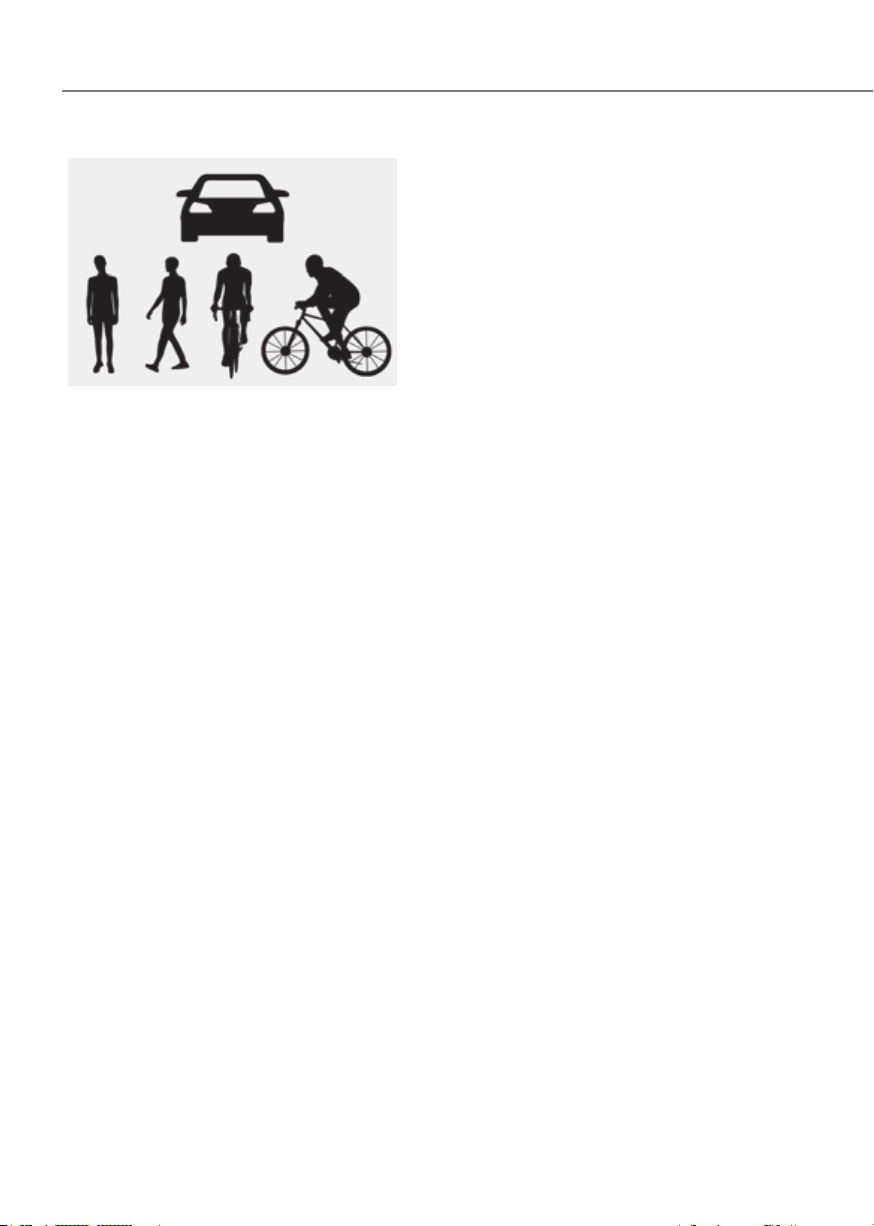
7-20
Driver Assistance System
OADAS044OADAS044
The illustration above shows the image
the front view camera and front radar
is capable of detecting as a vehicle,
pedestrian and cyclist.
• The pedestrian or cyclist in front is
moving very quickly
• The pedestrian or cyclist in front is
short or is posing a low posture
• The pedestrian or cyclist in front has
impaired mobility
• The pedestrian or cyclist in front is
moving intersected with the driving
direction
• There is a group of pedestrians,
cyclists or a large crowd in front
• The pedestrian or cyclist is wearing
clothing that easily blends into the
background, making it difficult to
detect
• The pedestrian or cyclist is difficult to
distinguish from the similarly shaped
structure in the surroundings
• You are driving by a pedestrian,
cyclist, traffic signs, structures, etc.,
near the intersection
• Driving in a parking lot
• Driving through a tollgate,
construction area, unpaved road,
partial paved road, uneven road,
speed bumps, etc.
• Driving on an incline road, curved
road, etc.
• Driving through a roadside with trees
or streetlights
• The adverse road conditions cause
excessive vehicle vibrations while
driving
• Your vehicle height is low or high
due to heavy loads, abnormal tire
pressure, etc.
• Driving through a narrow road where
trees or grass are overgrown
• There is interference by
electromagnetic waves, such as
driving in an area with strong radio
waves or electrical noise

7-21
07
Junction Crossing, Lane-Change
Oncoming, Lane-Change Side, Evasive
Steering Assist function (if equipped)
• The temperature around the front
corner radar or rear corner radar is
high or low
• A trailer or carrier is installed around
the rear corner radar
• The front corner radar or rear corner
radar is covered with snow, rain, dirt,
etc.
• The bumper around the front corner
radar or rear corner radar is covered
with objects, such as a bumper
sticker, bumper guard, bike rack, etc.
• The bumper around the front corner
radar or rear corner radar is impacted,
damaged or the radar is out of
position
• The front corner radar or rear corner
radar is blocked by other vehicles,
walls or pillars
• Driving on a highway (or motorway)
ramp
• Driving on a road where the guardrail
or wall is in double structure
• The other vehicle drives very close
behind your vehicle, or the other
vehicle passes by your vehicle in close
proximity
• The speed of the other vehicle is very
fast that it passes by your vehicle in a
short time
• Your vehicle passes by the other
vehicle
• Your vehicle has started at the same
time as the vehicle next to you and
has accelerated
• The vehicle in the next lane moves
two lanes away from you, or when the
vehicle two lanes away moves to the
next lane from you
• A motorcycle or bicycle is detected
• A vehicle such as a flat trailer is
detected
• A big vehicle such as a bus or truck is
detected
• A small moving obstacle such as a
pedestrian, animal, shopping cart or a
baby stroller is detected
• A vehicle with low height such as a
sports car is detected
• The lane is difficult to see due to
foreign material, such as rain, snow,
dust, sand, oil and water puddles
• The color of the lane marking is not
distinguishable from the road
• There are markings on the road near
the lane or the markings on the road
looks similar to the lane markings
• The shadow is on the lane marking by
a median strip, trees, guardrail, noise
barriers, etc.
• The lane number increases or
decreases, or the lane markings are
crossing
• There are more than two lane
markings on the road
• The lane markings are complicated or
a structure substitutes for the lines,
such as a construction area
• There are road markings, such as
zigzag lanes, crosswalk markings and
road signs
• The lane suddenly disappears, such as
at the intersection
• The lane is very wide or narrow
• There is a curb or road edges without
a lane
• The vehicle in front is driving with one
side on the lane marking
• The distance to the front vehicle is
extremely short
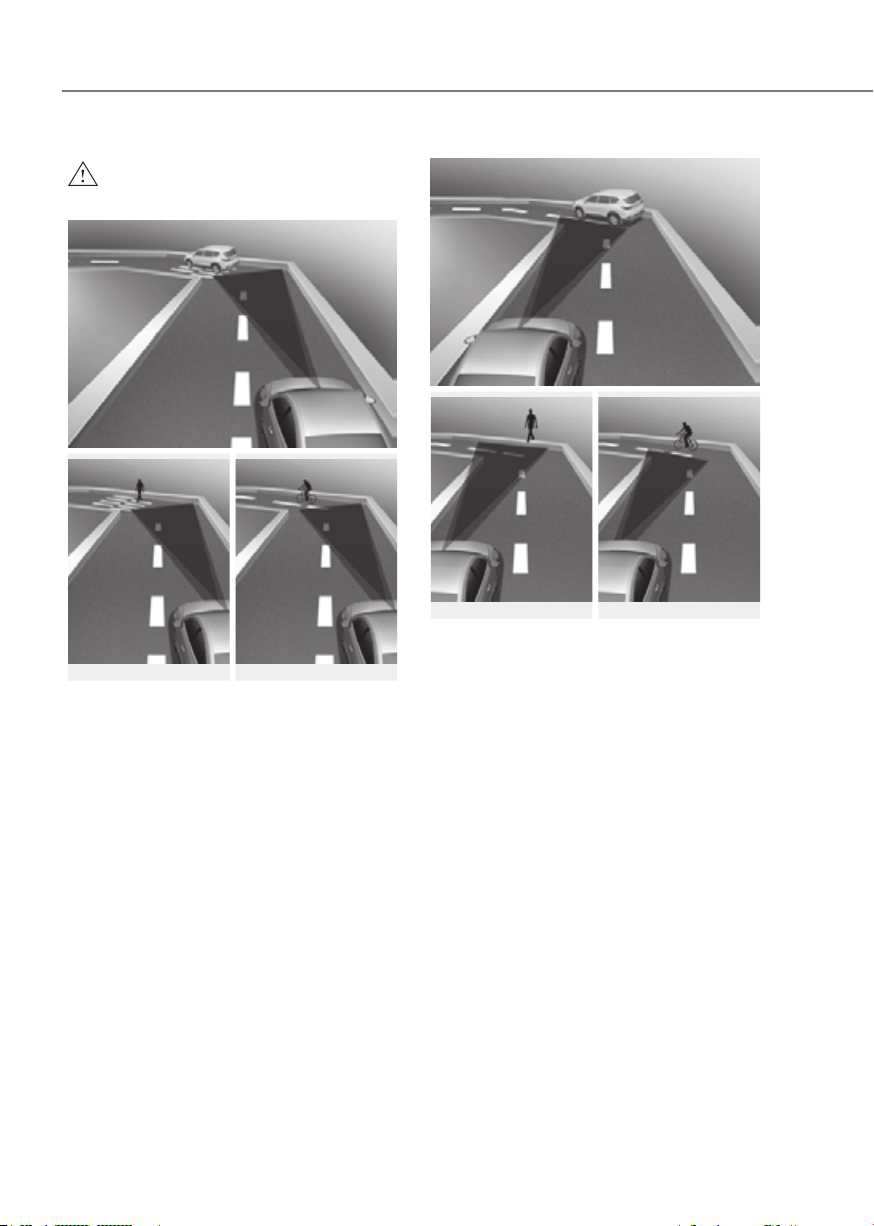
7-22
Driver Assistance System
WARNING
•
ORG3EV071094ORG3EV071094
ORG3EV071095ORG3EV071095 ORG3EV071096ORG3EV071096
ORG3EV071097ORG3EV071097
ORG3EV071098ORG3EV071098 ORG3EV071099 ORG3EV071099
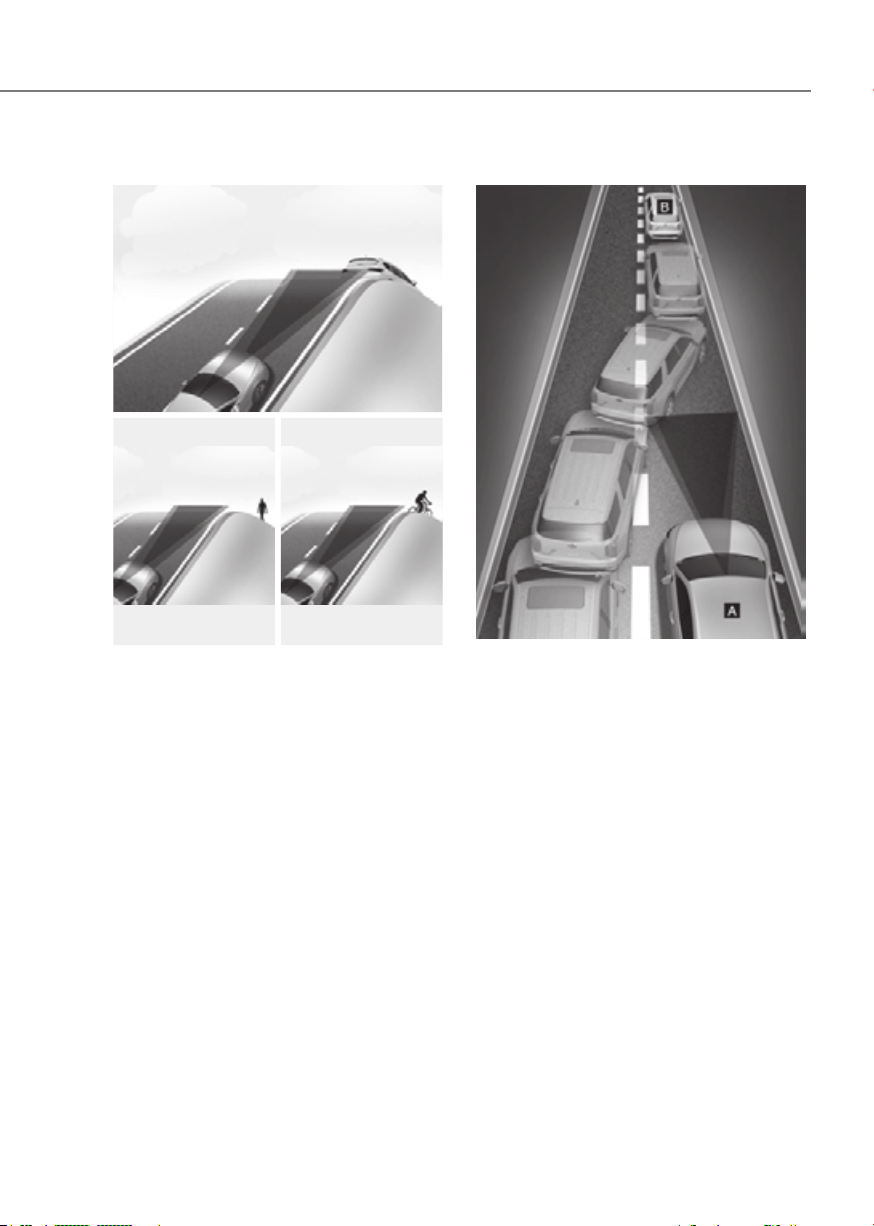
7-23
07
•
ORG3EV071100ORG3EV071100
ORG3EV071101ORG3EV071101 ORG3EV071102ORG3EV071102
• Changing lanes
ORG3EV071103ORG3EV071103
[A] : Your vehicle, [B] : Lane changing vehicle
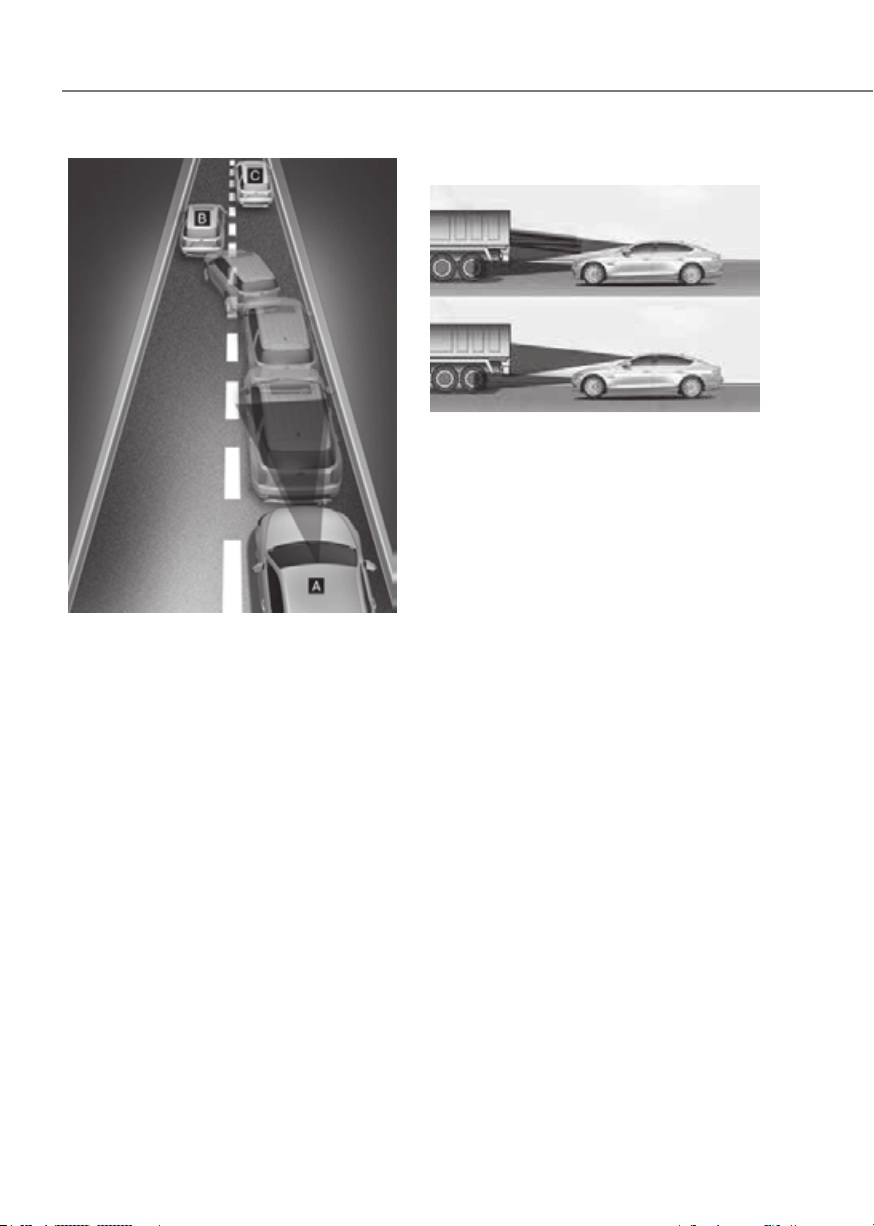
7-24
Driver Assistance System
ORG3EV071104ORG3EV071104
[A] : Your vehicle, [B] : Lane changing vehicle,
[C] : Same lane vehicle
•
ORG3EV071089ORG3EV071089
additional special attention is

7-25
07
WARNING
•
•
similar in shape or characteristics to
•
•
•
Information
This device complies with Part 15 of the
FCC rules.
Operation is subject to the following three
conditions:
1. This device may not cause harmful
interference, and
2. This device must accept any
interference received, including
interference that may cause undesired
operation.
3. Changes or modifications not expressly
approved by the party responsible
for compliance could void the user's
authority to operate the device.
Information
Radio frequency radiation exposure
information:
This equipment complies with FCC
radiation exposure limits set forth for an
uncontrolled environment.
This equipment should be installed and
operated with minimum distance of 8 in.
(20 cm) between the radiator (antenna)
and your body.
This transmitter must not be co-located or
operating in conjunction with any other
antenna or transmitter.
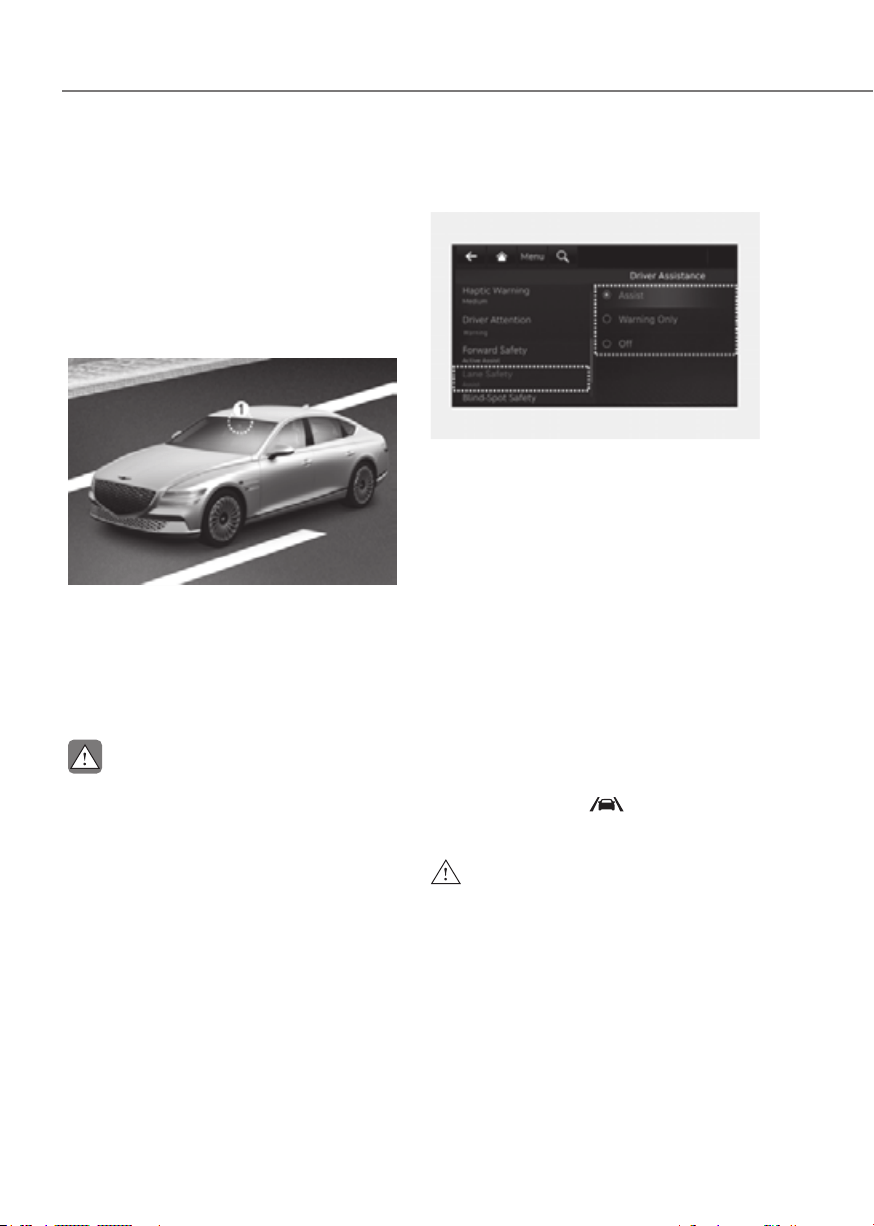
7-26
Driver Assistance System
Lane Keeping Assist is designed to help
detect lane markings (or road edges)
while driving over a certain speed. Lane
Keeping Assist will warn the driver if the
vehicle leaves the lane without using the
turn signal, or will automatically assist
the driver’s steering to help prevent the
vehicle from departing the lane.
Detecting sensor
ORG3EV071074ORG3EV071074
[1] : Front view camera
The front view camera is used as a
detecting sensor to detect lane markings
(or road edges).
Refer to the picture above for the
detailed location of the detecting sensor.
CAUTION
For more details on the precautions
Lane Keeping Assist Settings
Setting features
ORG3EV071343AUORG3EV071343AU
Lane Safety
With the vehicle on, select or deselect
the Settings menu to set whether to use
each function.
- If ‘Assist’ is selected, Lane Keeping
Assist will automatically assist the
driver’s steering when lane departure
is detected to help prevent the vehicle
from moving out of its lane.
- If 'Warning Only' is selected, Lane
Keeping Assist will warn the driver
with an audible warning and steering
wheel vibration when lane departure
is detected. The driver must steer the
vehicle.
- If ‘Off’ is selected, Lane Keeping Assist
will turn off. The
indicator light
will turn off on the cluster.
WARNING
•
• Lane Keeping Assist does not control
•
of the surroundings and steer the
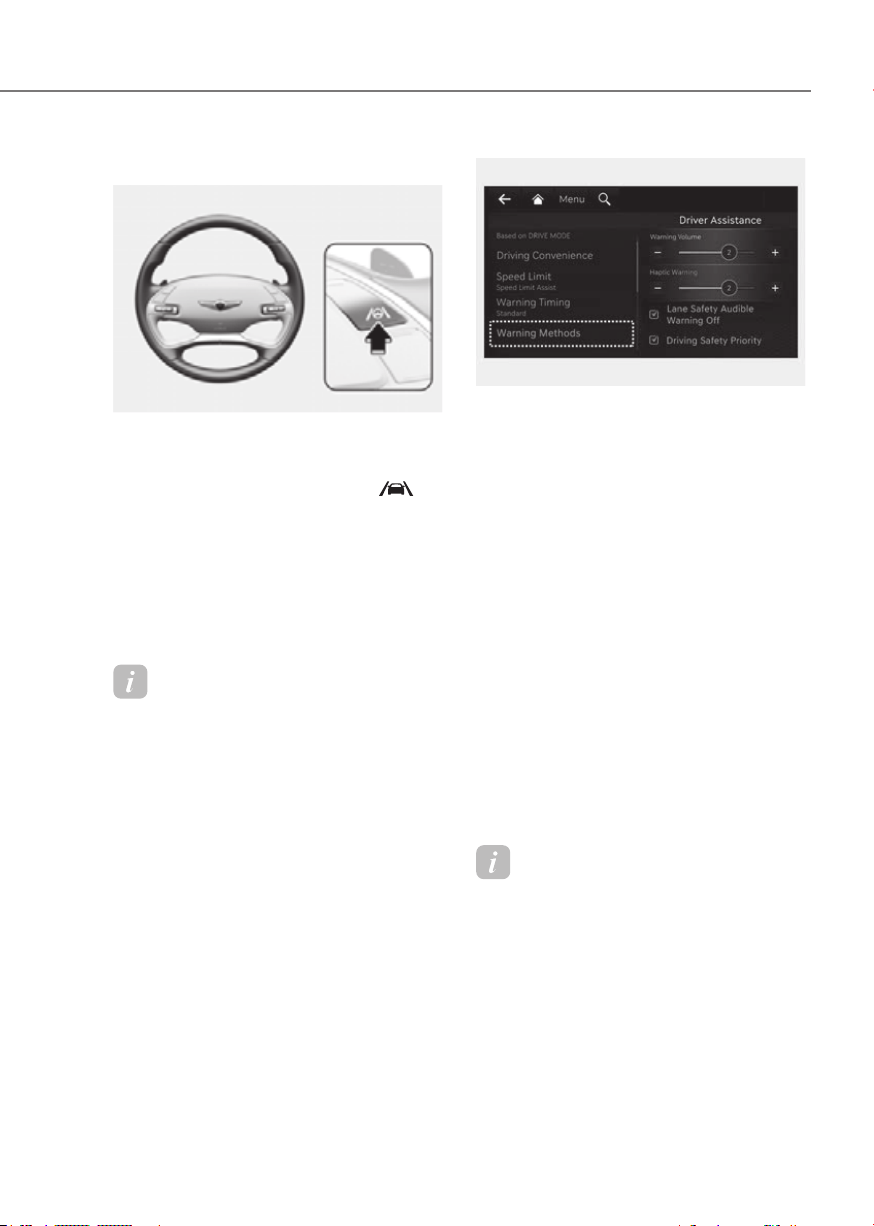
7-27
07
Turning Lane Keeping Assist On/Off
ORG3EV071019LORG3EV071019L
With the vehicle on, press and hold
the Lane Driving Assist button located
on the steering wheel to turn on
Lane Keeping Assist. The grey
indicator light will illuminate on the
cluster.
Press and hold the button again to
turn off the function.
If the vehicle is restarted, Lane
Keeping Assist will maintain the last
setting.
Information
When Lane Keeping Assist is turned off
with the Lane Driving Assist button, the
Lane Safety setting also changes to 'Off'.
ORG3EV073379NORG3EV073379N
Warning Methods
from the Settings in the infotainment
system to select the following:
• Warning Volume: The Warning Volume
can be adjusted.
• Haptic Warning: The steering wheel
vibration can be adjusted.
• Lane Safety Audible Warning Off:
Safety Audible Warning Off' on the
infotainment system, and turn off the
audible warning if Warning Volume
and Haptic Warning is both turned
'On'.
• Driving Safety Priority: Your vehicle
lowers all other audio volumes when
the Driver Assistance system warning
sounds.
Information
• If you change the Warning Methods,
Warning Methods of other Driver
Assistance systems may change.
• If the vehicle is restarted, Warning
Methods will maintain the last setting.
• There may be no Settings menu
depending on the feature applied to
your vehicle.

7-28
Driver Assistance System
• The Warning Volume and Haptic
Warning cannot be turned off at the
same time. When one of the warning is
turned off the other is activated.
• Lane Safety Audible Warning Off
can be set when Warning Volume and
Haptic Warning is both turned 'On'.
Lane Keeping Assist Operation
Warning and control
Lane Keeping Assist will warn and help
control the vehicle with Lane Departure
Warning and Lane Keeping Assist.
LeftLeft RightRight
ORG3EV071020ORG3EV071020 ORG3EV071021ORG3EV071021
Lane Departure Warning
• To warn the driver that the vehicle is
departing from the projected lane in
front, the green
indicator light
will blink on the cluster, the lane line
will blink on the cluster depending on
which direction the vehicle is veering,
and an audible warning will sound.
Also, the steering wheel will vibrate.
• Lane Keeping Assist will operate
when your vehicle speed is between
approximately 40~120 mph (60~200
km/h).
Lane Keeping Assist
• To warn the driver that the vehicle
is departing from the projected lane
in front, the green
indicator
light will blink on the cluster, and the
steering wheel will make adjustments
to keep vehicle inside the lane.
• Lane Keeping Assist will operate
when your vehicle speed is between
approximately 40~120 mph (60~200
km/h).
ORG3EV071024LORG3EV071024L
Hands-off warning
If the driver takes their hands off the
steering wheel for several seconds, the
‘Place hands on the steering wheel’
warning message will appear on the
cluster, and an audible warning will
sound in stages.

7-29
07
WARNING
•
assisted if the steering wheel is held
• Lane Keeping Assist does not operate
• The hands–off warning message
•
•
Information
• For more details on setting the
functions in the infotainment system,
refer to “Vehicle Settings” section in
chapter 4.
• When lane markings (or road edges)
are detected, the lane lines on the
cluster will change from grey to white
and the green
indicator light will
illuminate.
• When the lane markings (or road
edges) are detected and Highway Lane
Change Assist is on, the lane lines on
the cluster may change to green.
Lane undetectedLane undetected Lane detectedLane detected
ORG3EV071022ORG3EV071022 ORG3EV071023ORG3EV071023
• The images and colors in the
instrument cluster may differ
depending on the cluster type or theme
selected from the instrument cluster.
• Even though the steering is assisted by
Lane Keeping Assist, the driver may
control the steering wheel.
• The steering wheel may feel heavier
or lighter when the steering wheel is
assisted by Lane Keeping Assist than
when it is not.

7-30
Driver Assistance System
Lane Keeping Assist Malfunction
and Limitations
Lane Keeping Assist malfunction
ORG3EV071192LORG3EV071192L
When Lane Keeping Assist is not working
properly, the ‘Check Lane Keeping Assist
(LKA) system’ warning message will
appear and the yellow
indicator
light will illuminate on the cluster. If this
occurs, have the vehicle inspected by an
authorized retailer of Genesis Branded
products.
Limitations of Lane Keeping Assist
Lane Keeping Assist may not operate
properly or may operate unexpectedly
under the following circumstances:
• The lane is contaminated or difficult
to detect because:
- The lane markings (or road edge)
are covered with rain, snow, dirt,
oil, etc.
- The color of the lane marking (or
road edge) is not distinguishable
from the road
- There are markings (or road
edges) on the road near the lane
or the markings (or road edges) on
the road look similar to the lane
markings (or road edge)
- The lane marking (or road edge) is
indistinct or damaged
- The shadow is on the lane marking
(or road edge) by a median strip,
trees, guardrail, noise barriers, etc.
- The number of lanes change or the
lanes merge
• There are more than two lane
markings (or road edges) on the road
• The lane markings (or road edges) are
complicated or a structure substitutes
for the lines, such as a construction
area
• There are road markings, such as
zigzag lanes, crosswalk markings and
road signs
• The lane suddenly disappears, such as
at the intersection
• The lane (or road width) is very wide
or narrow
• There is a road edge without a lane
• There is a boundary structure in the
roadway, such as a tollgate, sidewalk,
curb, etc.
• The distance to the front vehicle is
extremely short or the vehicle in front
is covering the lane marking (or road
edge)
Information
For more details on the limitations of the
front view camera, refer to “Forward
Collision-Avoidance Assist (FCA)” section
in this chapter.

7-31
07
WARNING
Take the following precautions when
using Lane Keeping Assist:
•
• The operation of Lane Keeping Assist
depending on road conditions and
• Refer to “Limitations of Lane Keeping
Assist” if the lane is not detected
•
•
follow the speed limit when using
•
•
sound of Lane Keeping Assist if the
•
•
• Lane Keeping Assist will not operate
when:
-
-
center of the lane when Lane
Keeping Assist is turned on or right
-
-
-
-
-
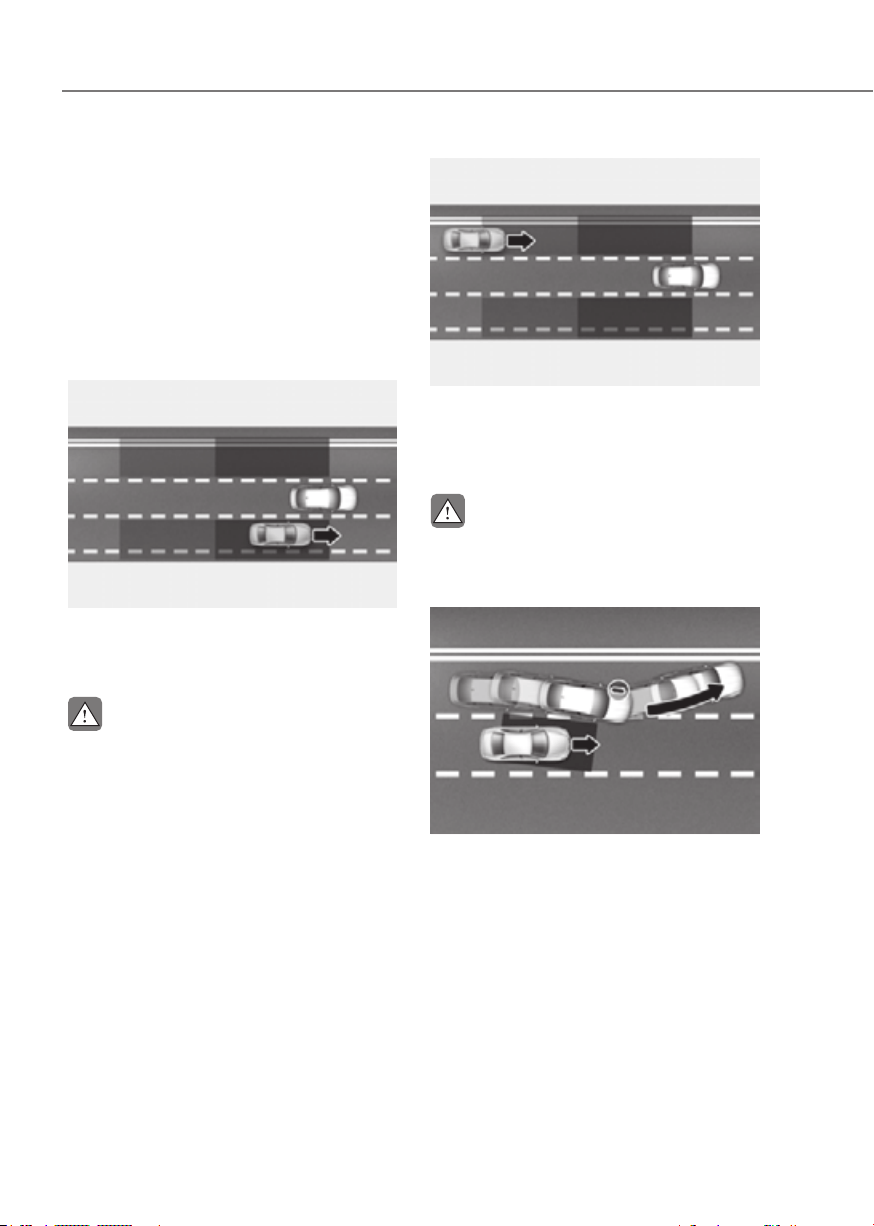
7-32
Driver Assistance System
Blind-Spot Collision-Avoidance Assist
is designed to help detect and monitor
approaching vehicles in the driver’s
blind spot area and warn the driver
of a possible collision with a warning
message and audible warning.
In addition, if there is a risk of collision
when changing lanes or driving forward
out of a parking space, Blind-Spot
Collision-Avoidance Assist can help avoid
a collision by applying the brake.
ORG3EV071090ORG3EV071090
Blind-Spot Collision-Avoidance Assist
helps detect and informs the driver that a
vehicle is in the blind spot.
CAUTION
ORG3EV071091ORG3EV071091
Blind-Spot Collision-Avoidance Assist
helps detect and informs the driver that
a vehicle is approaching at high speed
from the blind spot area.
CAUTION
ORG3EV071092ORG3EV071092
When changing lanes by detecting
the lane ahead, if Blind-Spot Collision-
Avoidance Assist judges that there is
a collision risk with an approaching
vehicle in the blind spot, it can help avoid
collision by applying the brake.

7-33
07
ORG3EV071093ORG3EV071093
When you are driving forward out of a
parking space, if Blind-Spot Collision-
Avoidance Assist judges that there is
a collision risk with an approaching
vehicle in the blind spot, it can help avoid
collision by applying the brake.
Detecting sensor
ORG3EV071074ORG3EV071074
ORG3EV071076ORG3EV071076
[1] : Front view camera, [2] : Rear corner radar
Refer to the picture above for the
detailed location of the detecting
sensors.
CAUTION
Take the following precautions to
maintain optimal performance of the
detecting sensor:
•
• If the rear corner radar or near
the warning message does not
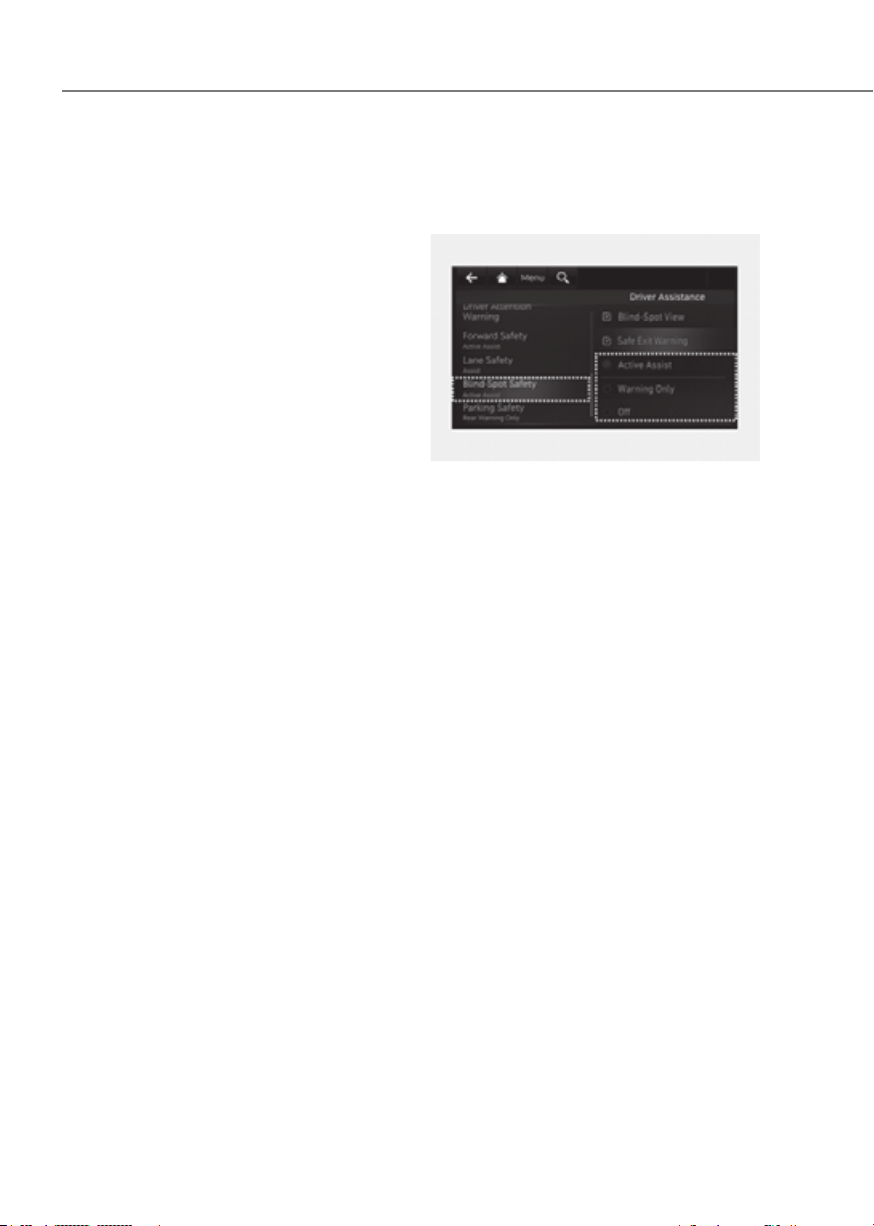
7-34
Driver Assistance System
•
•
•
•
surroundings of the rear corner radar
•
performance of the rear corner radar
• For more details on the precautions
Assist Settings
Setting features
ORG3EV071344AUORG3EV071344AU
Blind-Spot Safety
With the vehicle on, select or deselect
from the Settings menu to set whether to
use each function.
- If ‘Active Assist’ is selected, Blind-Spot
Collision-Avoidance Assist will warn
the driver with a warning message, an
audible warning and steering wheel
vibration depending on the collision
risk levels. Braking assist will be
applied depending on the collision
risk levels.
- If ‘Warning Only’ is selected, Blind-
Spot Collision-Avoidance Assist
will warn the driver with a warning
message, an audible warning and
steering wheel vibration depending
on the collision risk levels. Braking will
not be assisted.
- If ‘Off’ is selected, Blind-Spot
Collision-Avoidance Assist will turn
off.

7-35
07
OTM070097NOTM070097N
When the vehicle is restarted with
Blind-Spot Collision-Avoidance Assist
off, the ‘Blind-Spot Safety System is Off’
message will appear on the cluster.
If you change the setting from ‘Off’ to
‘Active Assist’ or ‘Warning Only’, the
warning light on the side view mirror will
blink for three seconds.
In addition, if the vehicle is turned on,
when Blind-Spot Collision-Avoidance
Assist is set to ‘Active Assist’ or ‘Warning
Only’, the warning light on the side view
mirror will blink for three seconds.
WARNING
•
•
Information
If the vehicle is restarted, Blind-Spot
Collision-Avoidance Assist will maintain
the last setting.
ORG3EV073380NORG3EV073380N
Warning Timing
With the vehicle on, select ‘Driver
Settings menu to change the initial
warning activation time for Blind-Spot
Collision-Avoidance Assist.
When the vehicle is first delivered,
Warning Timing is set to ‘Standard’. If you
change the Warning Timing, the warning
time of other Driver Assistance systems
may change.
CAUTION
• The setting of the Warning Timing
applies to all functions of Blind-Spot
•
• Select Late for Warning Timing when

7-36
Driver Assistance System
ORG3EV073379NORG3EV073379N
Warning Methods
from the Settings in the infotainment
system to select the following:
• Warning Volume: The Warning Volume
can be adjusted.
• Haptic Warning: The steering wheel
vibration can be adjusted.
• Driving Safety Priority: Your vehicle
lowers all other audio volumes when
the Driver Assistance system warning
sounds.
Information
• If you change the Warning Methods,
Warning Methods of other Driver
Assistance systems may change.
• If the vehicle is restarted, Warning
Methods will maintain the last setting.
• There may be no Settings menu
depending on the feature applied to
your vehicle.
• The Warning Volume and Haptic
Warning cannot be turned off at the
same time. When one of the warning is
turned off the other is activated.
Assist Operation
Warning and control
OPDEN060039OPDEN060039
Vehicle detection
• To warn the driver a vehicle is
detected, the warning light on the
side view mirror and head-up display
(if equipped) will illuminate.
• Blind-Spot Collision-Avoidance Assist
will operate when your vehicle speed
is above 12 mph (20 km/h) and the
speed of the vehicle in the blind spot
area is above 7 mph (10 km/h).

7-37
07
Collision warning
• Collision warning will operate when
the turn signal is turned on in the
direction of the detected vehicle.
• If ‘Warning Only’ is selected from the
Settings menu, the collision warning
will operate when your vehicle
approaches the lane the blind spot
vehicle is detected.
• To warn the driver of a collision, the
warning light on the side view mirror
and head-up display (if equipped) will
blink. At the same time, an audible
warning will sound and the steering
wheel will vibrate.
• When the turn signal is turned off or
you move away from the lane, the
collision warning will be canceled and
Blind-Spot Collision-Avoidance Assist
will return to vehicle detection state.
WARNING
• The detecting range of the rear
•
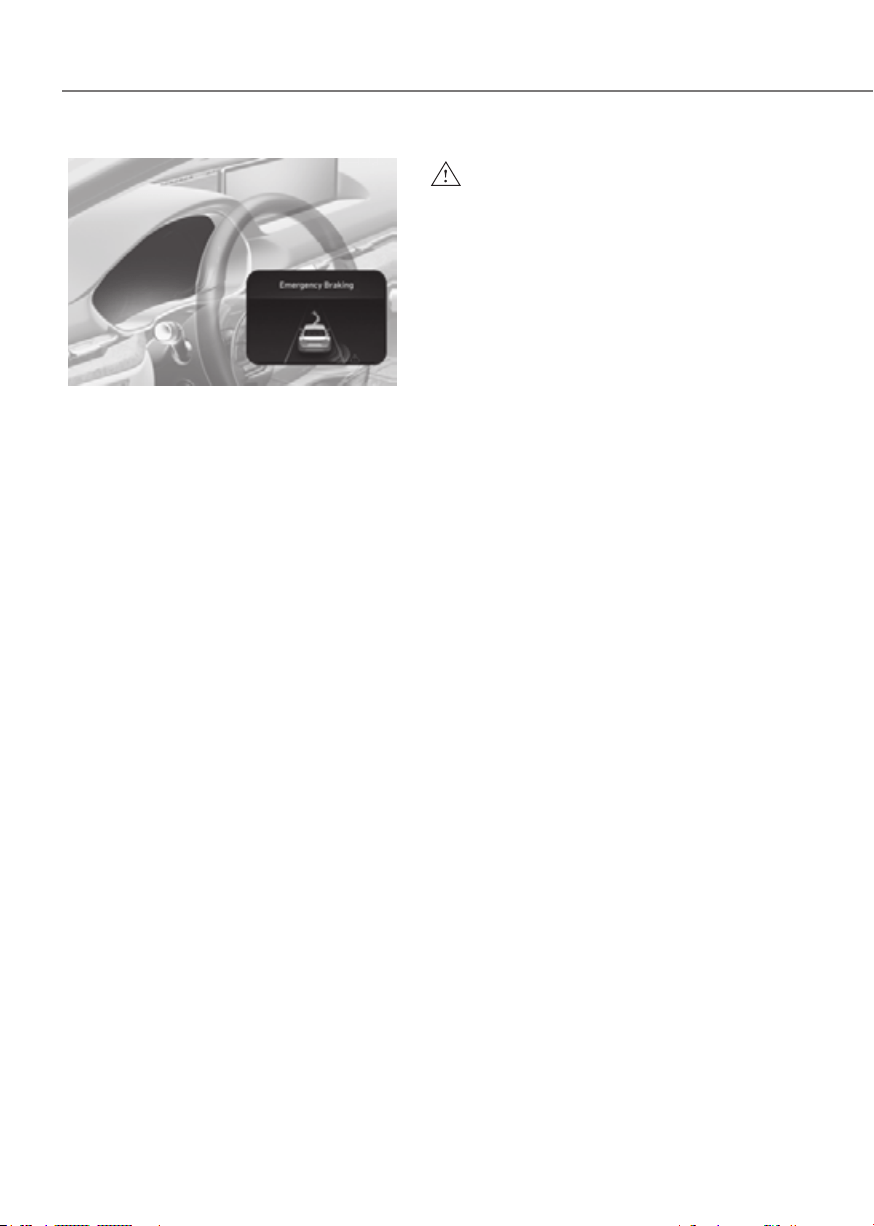
7-38
Driver Assistance System
ORG3EV071025LORG3EV071025L
Collision-avoidance assist (while driving)
• To warn the driver of a collision, the
warning light on the side view mirror
will blink and a warning message
will appear on the cluster. At the
same time, an audible warning will
sound, warning light on the head-up
display (if equipped) will blink and the
steering wheel will vibrate.
• Blind-Spot Collision-Avoidance Assist
will operate when your vehicle speed
is between 40~120 mph (60~200
km/h) and both lane markings of the
driving lane are detected.
• Emergency braking will be assisted to
help prevent collision with the vehicle
in the blind spot area.
WARNING
•
circumstances:
-
-
collision risk
-
steered
-
-
is operating
•

7-39
07
ORG3EV071026LORG3EV071026L
Collision-avoidance assist (while
departing)
• To warn the driver of a collision, the
warning light on the side view mirror
will blink and a warning message
will appear on the cluster. At the
same time, an audible warning will
sound, warning light on the head-up
display (if equipped) will blink and the
steering wheel will vibrate.
• Blind-Spot Collision-Avoidance Assist
will operate when your vehicle speed
is below 2 mph (3 km/h) and the
speed of the vehicle in the blind spot
area is above 3 mph (5 km/h).
• Emergency braking will be assisted to
help prevent collision with the vehicle
in the blind spot area.
ORG3EV071004LORG3EV071004L
• When the vehicle is stopped due
to emergency braking, the ‘Drive
carefully’ warning message will
appear on the cluster.
For your safety, the driver should
depress the brake pedal immediately
and check the surroundings.
• Brake control will end after the vehicle
is stopped by emergency braking for
approximately 2 seconds.

7-40
Driver Assistance System
WARNING
Take the following precautions when
Assist:
•
•
•
•
•
depresses the accelerator pedal or
• During Blind-Spot Collision-
passengers and shifting loose
•
•
does not operate in all situations or
•
•
•
WARNING
-
warning light is on
-
engaged in a different function
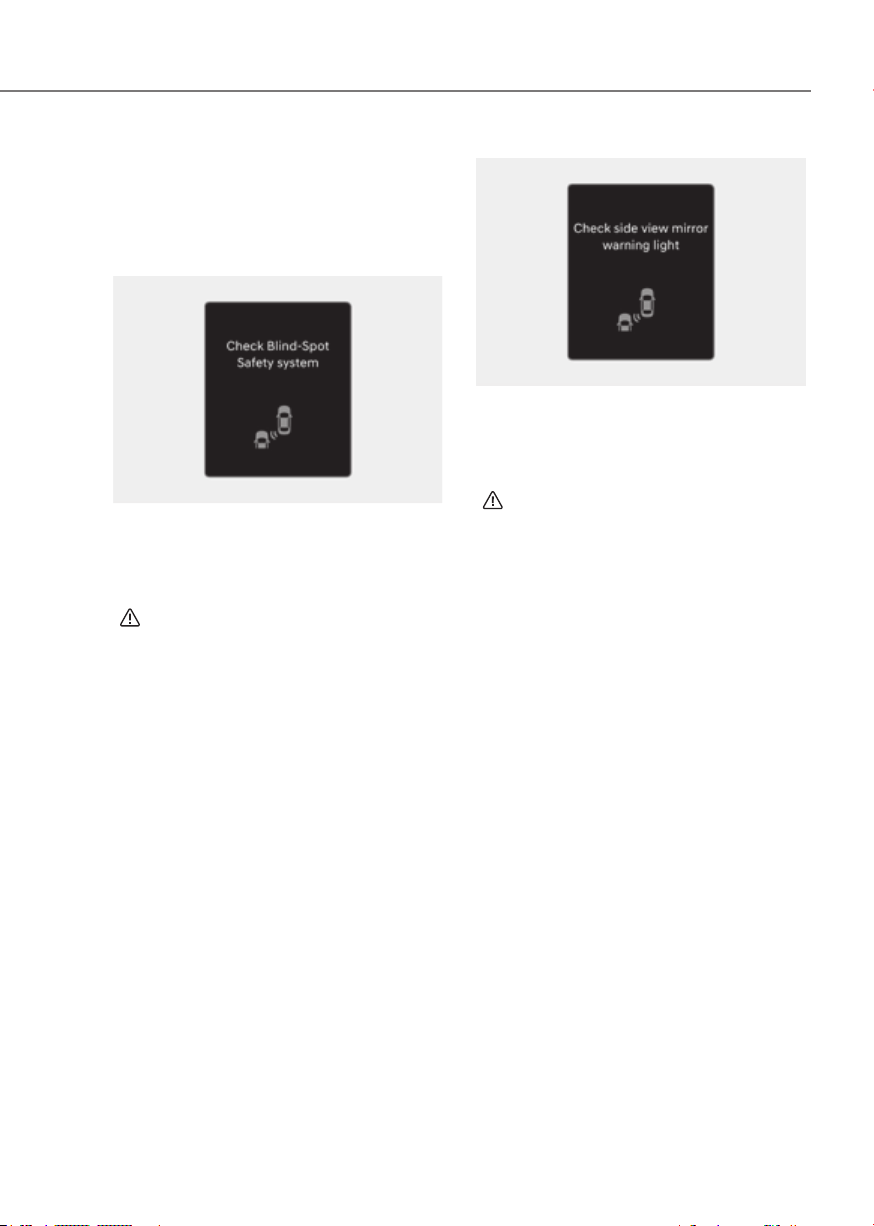
7-41
07
Assist Malfunction and
Limitations
Blind-Spot Collision-Avoidance
Assist malfunction
OTM070099NOTM070099N
When Blind-Spot Collision-Avoidance
Assist is not working properly, the ‘Check
Blind-Spot Safety system’ warning
message will appear on the cluster
for several seconds, and the master
(
) warning light will illuminate on the
cluster. If this occurs, have the vehicle
inspected by an authorized retailer of
Genesis Branded products.
OTM070100NOTM070100N
When the side view mirror warning
light is not working properly, the ‘Check
side view mirror warning light’ warning
message will appear on the cluster
for several seconds, and the master
(
) warning light will illuminate on the
cluster. If this occurs, have the vehicle
inspected by an authorized retailer of
Genesis Branded products.

7-42
Driver Assistance System
Blind-Spot Collision-Avoidance
Assist disabled
OTM070098NOTM070098N
When the rear bumper around the rear
corner radar or sensor is covered with
foreign material, such as snow or rain,
or installing a trailer or carrier, it can
reduce the detecting performance and
temporarily limit or disable Blind-Spot
Collision-Avoidance Assist.
If this occurs, the ‘Blind-Spot Safety
system disabled. Radar blocked’ warning
message will appear on the cluster.
Blind-Spot Collision-Avoidance Assist
will operate properly when such foreign
material or trailer, etc., is removed, and
then the vehicle is restarted.
If Blind-Spot Collision-Avoidance Assist
does not operate properly after it is
removed, have the vehicle inspected by
an authorized retailer of Genesis Branded
products.
WARNING
•
•
with foreign material right after the
CAUTION
Limitations of Blind-Spot Collision-
Avoidance Assist
Blind-Spot Collision-Avoidance Assist
may not operate properly, or it may
operate unexpectedly under the
following circumstances:
• There is inclement weather, such as
heavy snow, heavy rain, etc.
• The rear corner radar is covered with
snow, rain, dirt, etc.
• The temperature around the rear
corner radar is high or low
• Driving on a highway ramp
• The road pavement (or the peripheral
ground) abnormally contains metallic
components (for example, possibly
due to subway construction)

7-43
07
• There is a fixed object near the
vehicle, such as sound barriers,
guardrails, central dividers, entry
barriers, street lamps, signs,
tunnels, walls, etc. (including double
structures)
• Driving in vast areas where there
are few vehicles or structures (for
example, desert, meadow, suburb,
etc.)
• Driving through a narrow road where
trees or grass are overgrown
• Driving on a wet road surface, such as
a puddle on the road
• The other vehicle drives very close
behind your vehicle, or the other
vehicle passes by your vehicle in close
proximity
• The speed of the other vehicle is very
fast that it passes by your vehicle in a
short time
• Your vehicle passes by the other
vehicle
• Your vehicle changes lane
• Your vehicle has started at the same
time as the vehicle next to you and
has accelerated
• The vehicle in the next lane moves
two lanes away from you, or when the
vehicle two lanes away moves to the
next lane from you
• A trailer, carrier or other attachment is
installed around the rear corner radar
• The bumper around the rear corner
radar is covered with objects, such as
a bumper sticker, bumper guard, bike
rack, etc.
• The bumper around the rear corner
radar is impacted, damaged or the
radar is out of position
• Your vehicle height is low or high
due to heavy loads, abnormal tire
pressure, etc.
Blind-Spot Collision-Avoidance Assist
may not operate properly, or it may
operate unexpectedly when the
following objects are detected:
• A motorcycle or bicycle is detected
• A vehicle such as a flat trailer is
detected
• A big vehicle such as a bus or truck is
detected
• A moving obstacle such as a
pedestrian, animal, shopping cart or a
baby stroller is detected
• A vehicle with low height such as a
sports car is detected
Braking control may not work, driver’s
attention is required in the following
circumstances:
• The vehicle severely vibrates while
driving over a bumpy road, uneven
road or concrete patch
• Driving on a slippery surface due to
snow, water puddle, ice, etc.
• The tire pressure is low or a tire is
damaged
• The braking system has been modified
• The vehicle makes abrupt lane
changes
Information
For more details on the limitations of the
front view camera, refer to “Forward
Collision-Avoidance Assist (FCA)” and
“Lane Keeping Assist (LKA)” section in
this chapter.
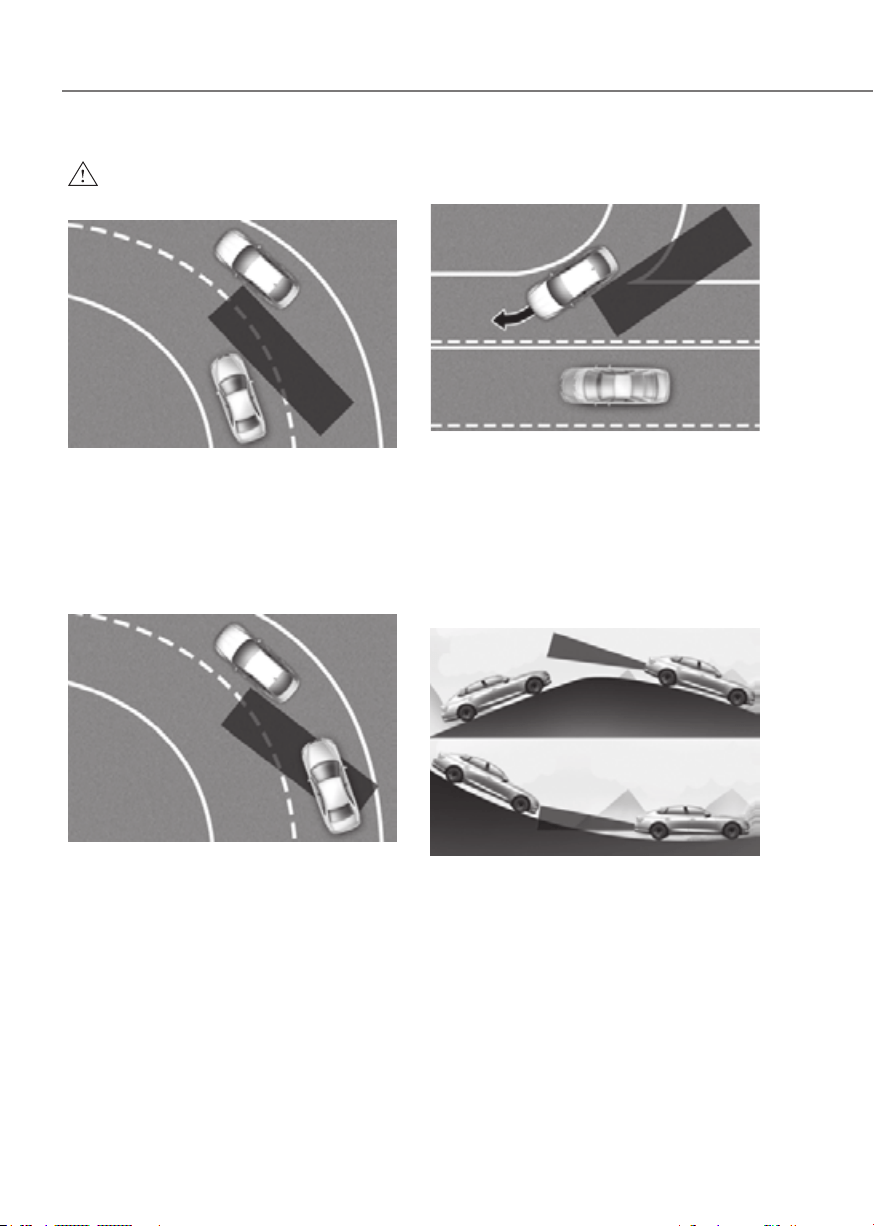
7-44
Driver Assistance System
WARNING
•
ORG3EV071106ORG3EV071106
ORG3EV071107ORG3EV071107
•
ORG3EV071108ORG3EV071108
•
ORG3EV071109ORG3EV071109
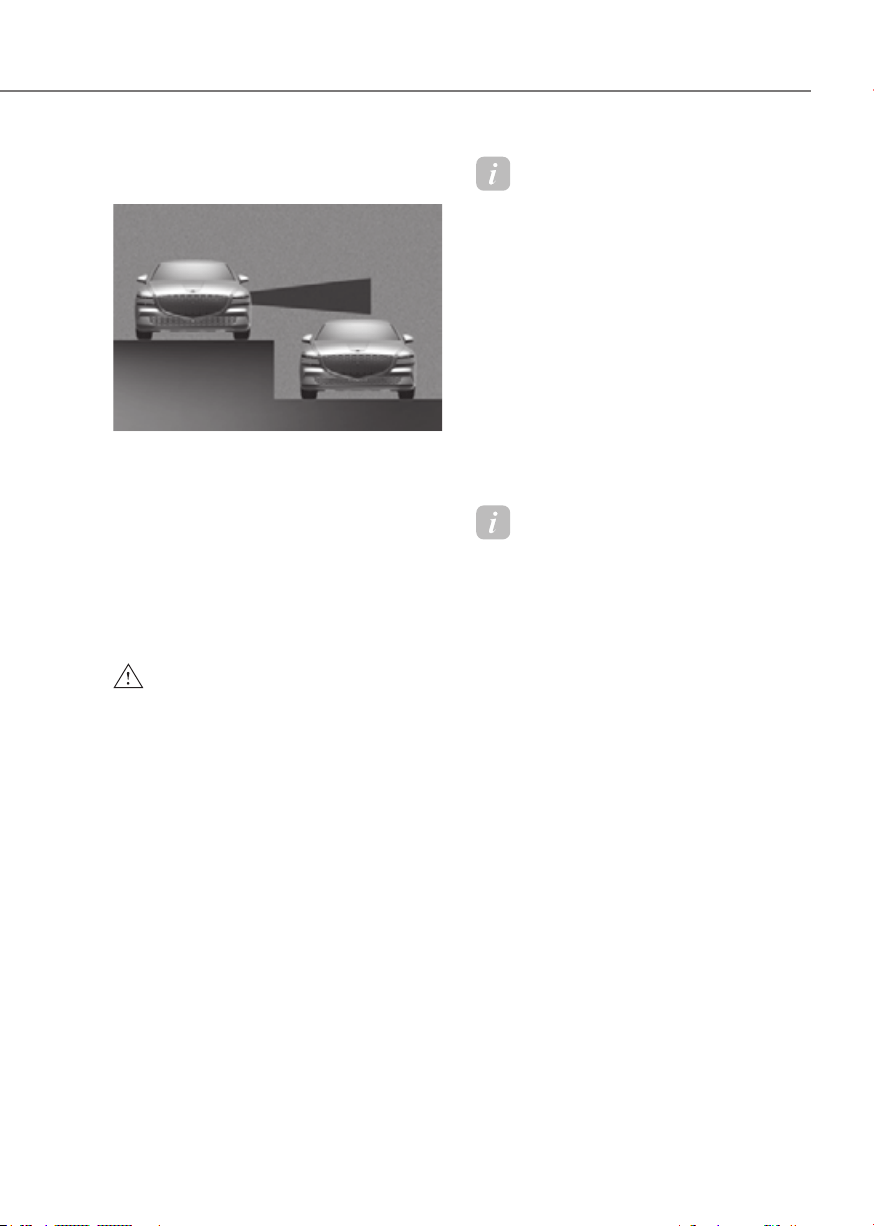
7-45
07
•
lanes are different
ORG3EV071326ORG3EV071326
road with different lane heights
WARNING
•
•
•
Information
This device complies with Part 15 of the
FCC rules.
Operation is subject to the following three
conditions:
1. This device may not cause harmful
interference, and
2. This device must accept any
interference received, including
interference that may cause undesired
operation.
3. Changes or modifications not expressly
approved by the party responsible
for compliance could void the user's
authority to operate the device.
Information
Radio frequency radiation exposure
information:
This equipment complies with FCC
radiation exposure limits set forth for an
uncontrolled environment.
This equipment should be installed and
operated with minimum distance of 8 in.
(20 cm) between the radiator (antenna)
and your body.
This transmitter must not be co-located or
operating in conjunction with any other
antenna or transmitter.
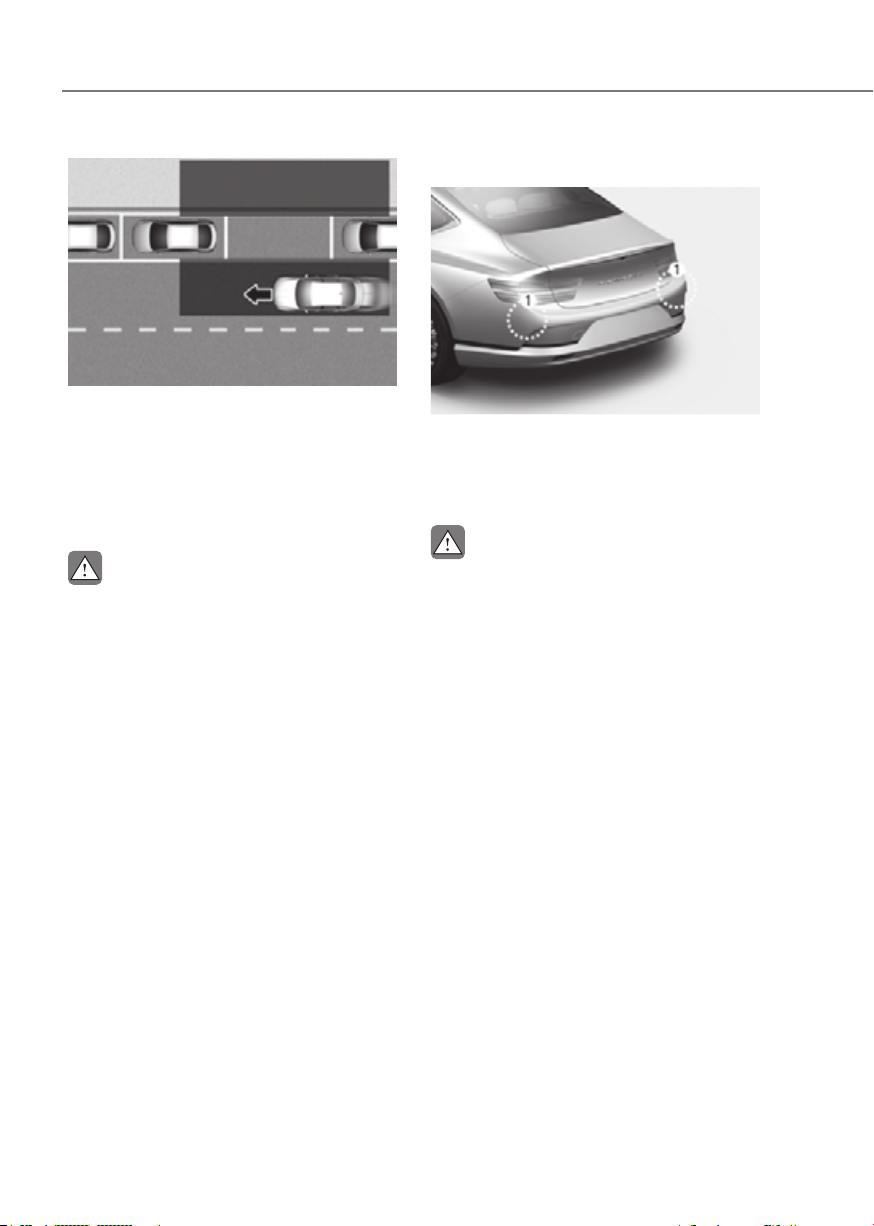
7-46
Driver Assistance System
ORG3EV071194LORG3EV071194L
After the vehicle stops, when an
approaching vehicle from the rear area
is detected after a passenger opens
the door, Safe Exit Warning will warn
the driver with a warning message and
an audible warning to help prevent a
collision.
CAUTION
Detecting sensor
ORG3EV071077ORG3EV071077
[1] : Rear corner radar
Refer to the picture above for the
detailed location of the detecting
sensors.
CAUTION
For more details on the precautions of

7-47
07
Setting features
ORG3EV072357CORG3EV072357C
Safe Exit Warning
With the vehicle on, select ‘Driver
Warning’ from the Settings menu to turn
on Safe Exit Warning and deselect to turn
off the function.
WARNING
Information
If the vehicle is restarted, Safe Exit
Warning will maintain the last setting.
ORG3EV073379NORG3EV073379N
Warning Methods
Methods from the Settings in the
infotainment system to select the
following:
• Warning Volume: The Warning Volume
can be adjusted. If you turn off the
Warning Volume, for your safety, the
function may warn you with a low
volume.
• Driving Safety Priority: Your vehicle
lowers all other audio volumes when
the Driver Assistance system warning
sounds.
Information
• If you change the Warning Methods,
Warning Methods of other Driver
Assistance systems may change.
• If the vehicle is restarted, Warning
Methods will maintain the last setting.
• There may be no Settings menu
depending on the feature applied to
your vehicle.
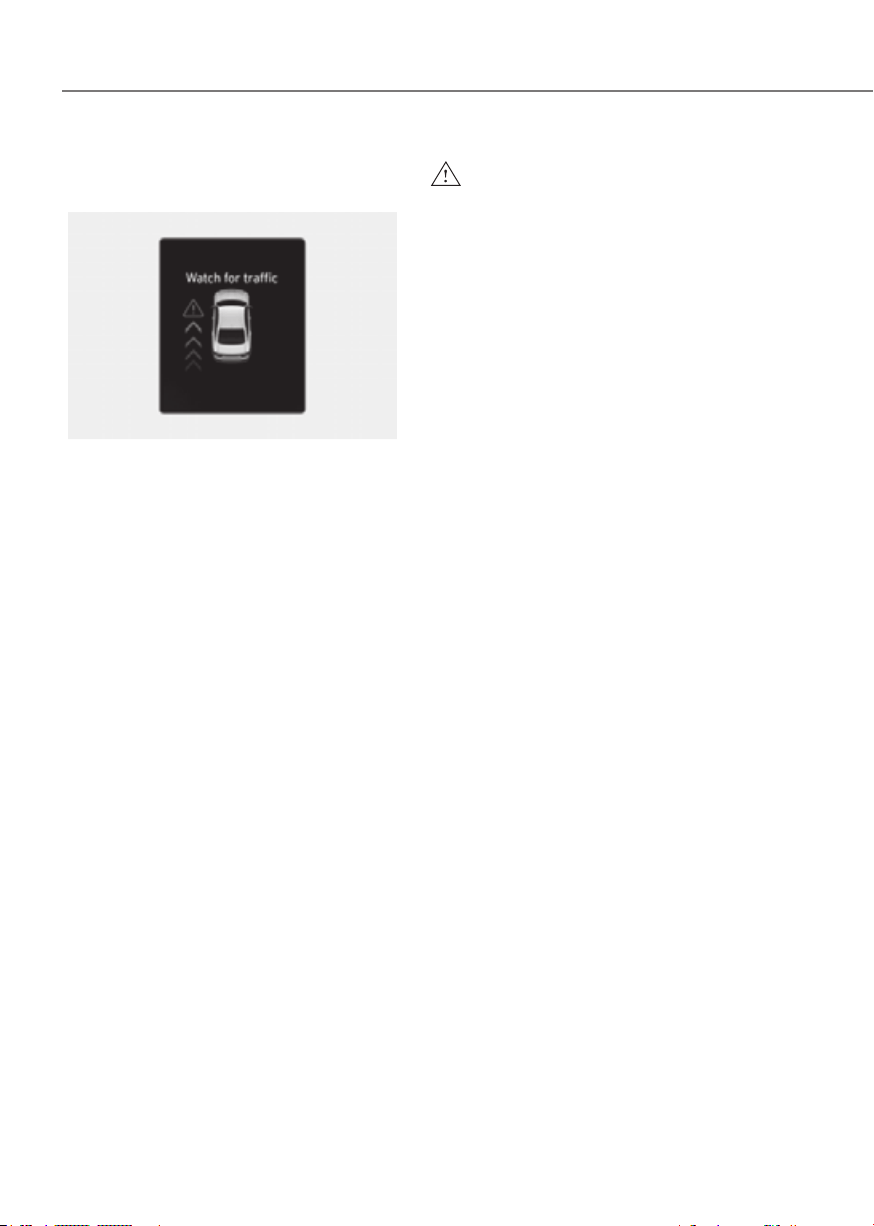
7-48
Driver Assistance System
Safe Exit Warning
ORG3EV071027LORG3EV071027L
Collision warning when exiting vehicle
• When an approaching vehicle from
the rear is detected at the moment a
door is opened, the ‘Watch for traffic’
warning message will appear on the
cluster, and an audible warning will
sound.
• Safe Exit Warning will warn the driver
when your vehicle speed is below 2
mph (3 km/h), and the speed of the
approaching vehicle from the rear is
above 4 mph (6 km/h).
WARNING
Take the following precautions when
•
•
•
•
•
•

7-49
07
•
•
The warning message of Blind-Spot
appear when:
-
Assist sensor or the sensor
-
Assist fails to warn passengers or
Information
After the vehicle is turned off, Safe Exit
Warning operates approximately for 3
minutes, but turns off immediately if the
doors are locked.
and Limitations
Safe Exit Warning malfunction
OTM070099NOTM070099N
When Safe Exit Warning is not working
properly, the ‘Check Blind-Spot Safety
system’ warning message will appear on
the cluster for several seconds, and the
master (
) warning light will illuminate
on the cluster. If this occurs, have the
vehicle inspected by an authorized
retailer of Genesis Branded products.
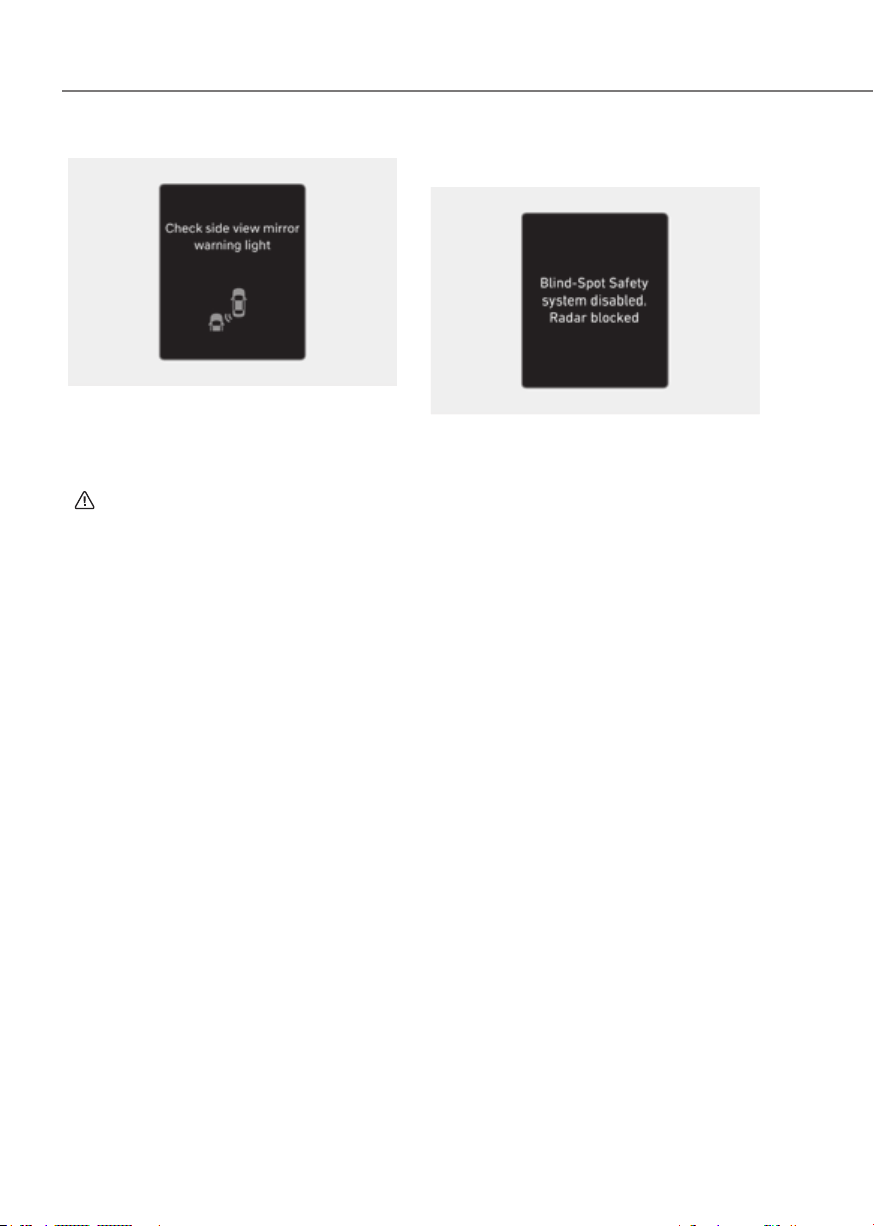
7-50
Driver Assistance System
OTM070100NOTM070100N
When the side view mirror warning
light is not working properly, the ‘Check
side view mirror warning light’ warning
message will appear on the cluster
for several seconds, and the master
(
) warning light will illuminate on the
cluster. If this occurs, have the vehicle
inspected by an authorized retailer of
Genesis Branded products.
Safe Exit Warning disabled
OTM070098NOTM070098N
When the rear bumper around the rear
corner radar or sensor is covered with
foreign material, such as snow or rain,
or installing a trailer or carrier, it can
reduce the detecting performance and
temporarily limit or disable Safe Exit
Warning.
If this occurs, the ‘Blind-Spot Safety
system disabled. Radar blocked’ warning
message will appear on the cluster.
Safe Exit Warning will operate properly
when such foreign material or trailer,
etc., is removed, and then the vehicle is
restarted.
If Safe Exit Warning does not operate
properly after it is removed, have the
vehicle inspected by an authorized
retailer of Genesis Branded products.

7-51
07
WARNING
•
•
CAUTION
Limitations of Safe Exit Warning
Safe Exit Warning may not operate
properly, or it may operate unexpectedly
under the following circumstances:
• Getting out of the vehicle where trees
or grass are overgrown
• Getting out of the vehicle where the
road is wet
• The approaching vehicle is very fast or
very slow
Information
For more details on the limitations of the
rear corner radar, refer to “Blind-Spot
Collision-Avoidance Assist (BCA)” section
in this chapter.
WARNING
•
•

7-52
Driver Assistance System
ORG3EV071167ORG3EV071167
After the vehicle stops, when an
approaching vehicle from the rear area
is detected after a passenger opens the
door, Safe Exit Assist will warn the driver
with a warning message and an audible
warning to help prevent a collision.
ORG3EV051017ORG3EV051017
In addition, when the electronic child
safety lock button is in the LOCK position
and an approaching vehicle from the
rear area is detected, the electronic child
safety lock button will not unlock even if
the driver presses the button to prevent
the rear doors from opening.
CAUTION
Detecting sensor
ORG3EV071077ORG3EV071077
[1] : Rear corner radar
Refer to the picture above for the
detailed location of the detecting
sensors.
CAUTION
For more details on the precautions of
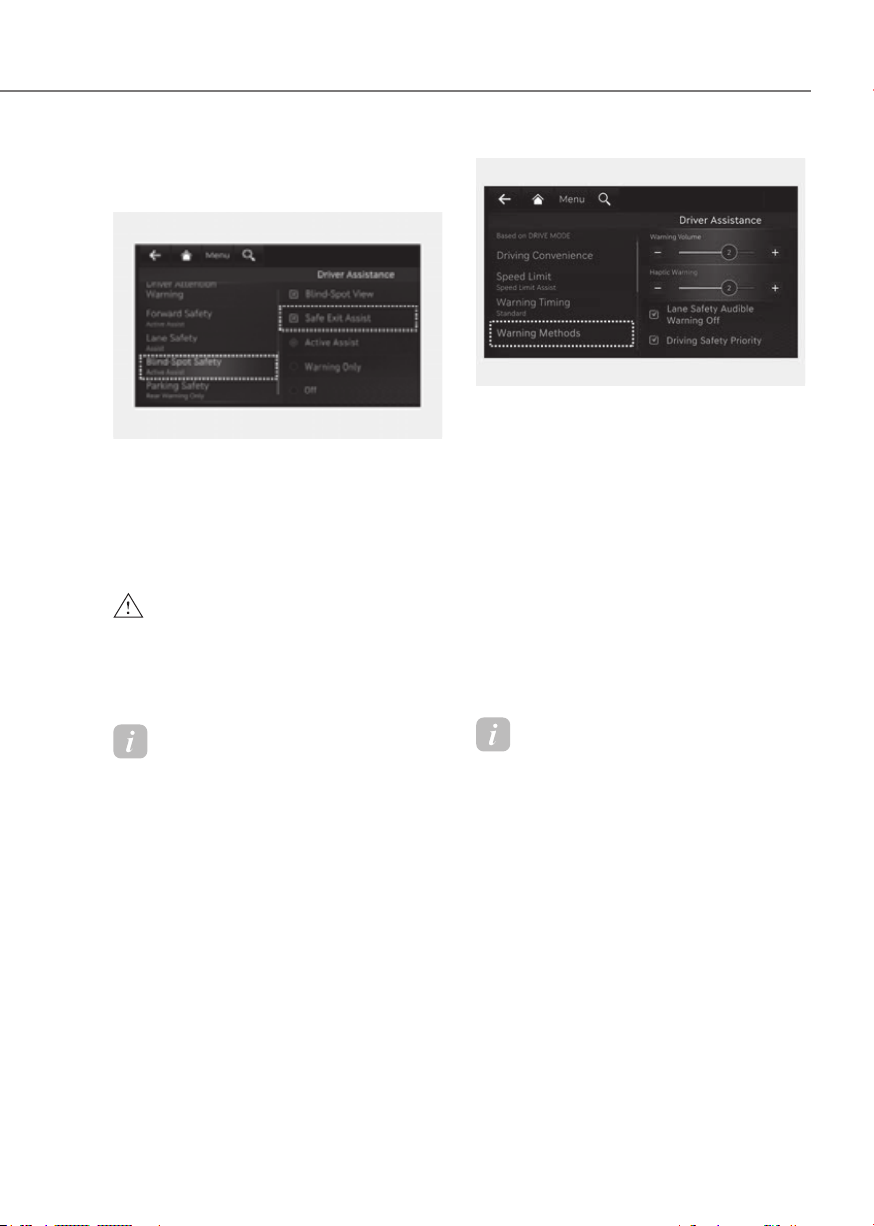
7-53
07
Setting features
ORG3EV071345AUORG3EV071345AU
Safe Exit Assist
With the vehicle on, select ‘Driver
Assist’ from the Settings menu to turn on
Safe Exit Assist and deselect to turn off
the function.
WARNING
Information
If the vehicle is restarted, Safe Exit Assist
will maintain the last setting.
ORG3EV073379NORG3EV073379N
Warning Methods
Methods from the Settings in the
infotainment system to select the
following:
• Warning Volume: The Warning Volume
can be adjusted. If you turn off the
Warning Volume, for your safety, the
function may warn you with a low
volume.
• Driving Safety Priority: Your vehicle
lowers all other audio volumes when
the Driver Assistance system warning
sounds.
Information
• If you change the Warning Methods,
Warning Methods of other Driver
Assistance systems may change.
• If the vehicle is restarted, Warning
Methods will maintain the last setting.
• There may be no Settings menu
depending on the feature applied to
your vehicle.
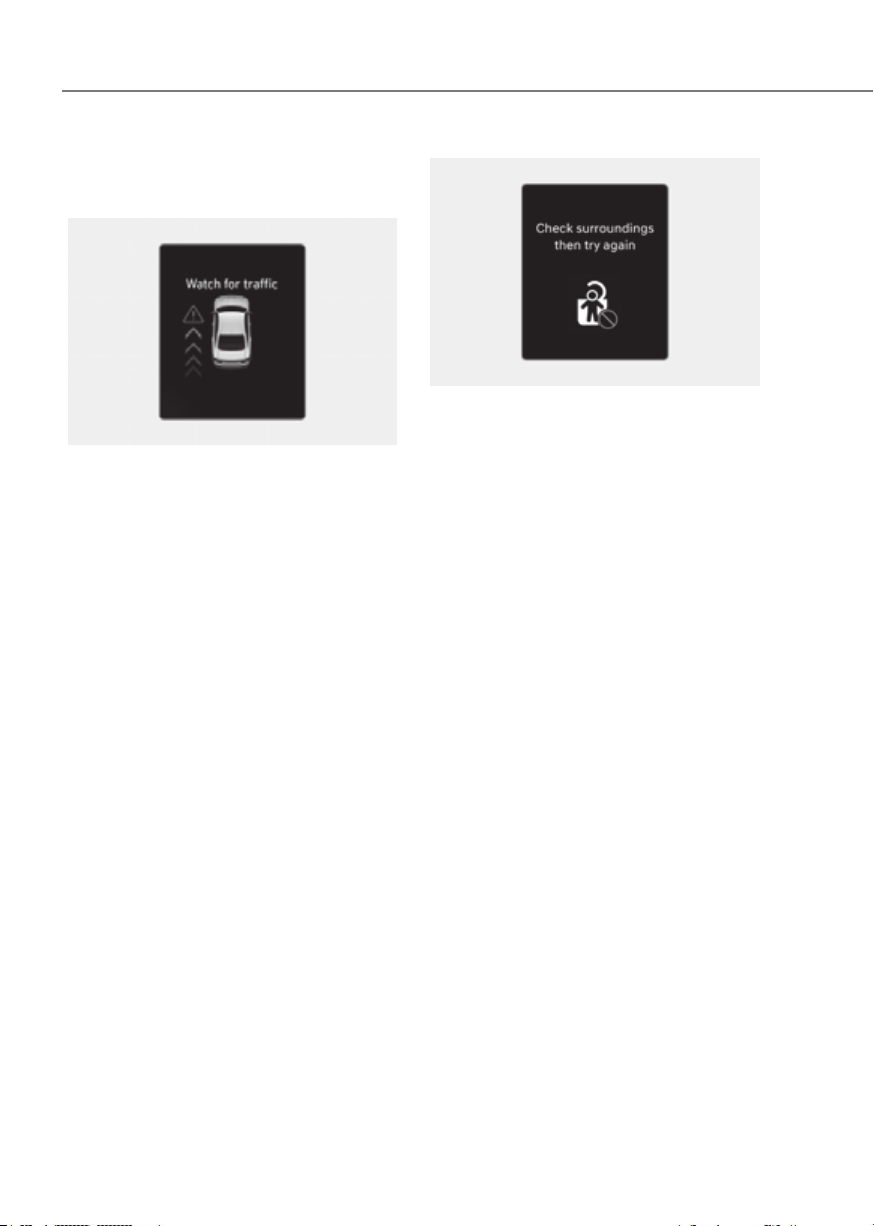
7-54
Driver Assistance System
Warning and control
ORG3EV071027LORG3EV071027L
Collision warning when exiting vehicle
• When an approaching vehicle from
the rear is detected at the moment a
door is opened, the ‘Watch for traffic’
warning message will appear on the
cluster, and an audible warning will
sound.
• Safe Exit Assist will warn the driver
when your vehicle speed is below
2 mph (3 km/h), and the speed of the
approaching vehicle from the rear is
above 4 mph (6 km/h).
OTM070145LOTM070145L
Safe Exit Assist linked with Electronic
child safety lock
• When Electric child safety lock is
operating and an approaching vehicle
from the rear area is detected, the rear
doors cannot be unlocked even if the
driver tries to unlock the rear doors
using the electronic child safety lock
button. The warning light on the side
view mirror will blink and the ‘Check
surroundings then try again’ warning
message will appear on the cluster.
• Safe Exit Assist will warn the driver
when vehicle speed is below 2 mph
(3 km/h) and the speed of the
approaching vehicle from the rear is
above 4 mph (6 km/h).
• For more details on electric child
safety lock button, refer to “Electronic
Child Safety Lock” section in chapter
5.

7-55
07
CAUTION
has unlocked the doors acknowledging
indicator OFF) and the rear doors will
Information
If a rear door is opened from the outside,
it will open regardless of Safe Exit Assist
operation.
WARNING
Take the following precautions when
•
•
•
•
•
•
•
•
warning message of Blind-Spot
appear when:
-
Assist sensor or the sensor
-
Assist fails to warn passengers or
Information
After the vehicle is turned off, Safe Exit
Assist operates approximately for 3
minutes, but turns off immediately if the
doors are locked.
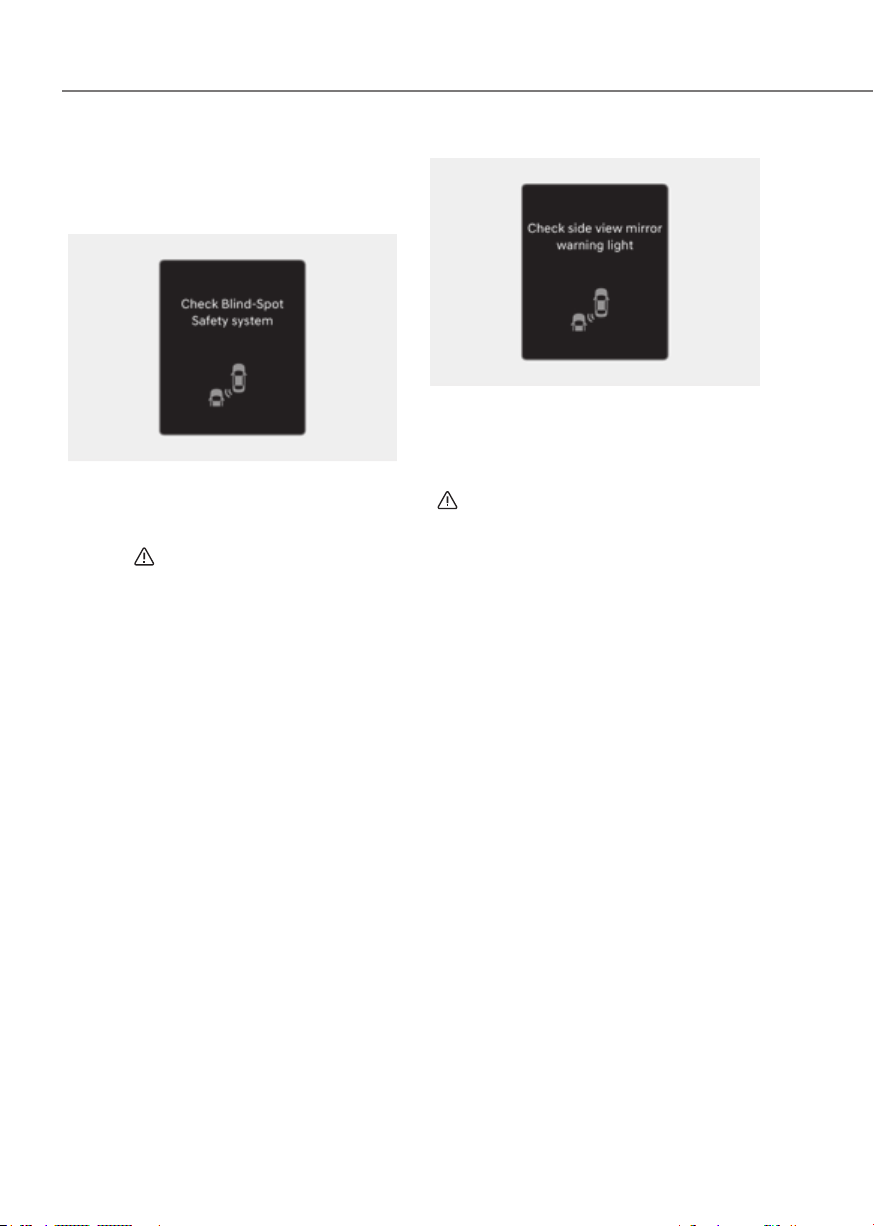
7-56
Driver Assistance System
Limitations
Safe Exit Assist malfunction
OTM070099NOTM070099N
When Safe Exit Assist is not working
properly, the ‘Check Blind-Spot Safety
system’ warning message will appear on
the cluster for several seconds, and the
master (
) warning light will illuminate
on the cluster. If this occurs, have the
vehicle inspected by an authorized
retailer of Genesis Branded products.
OTM070100NOTM070100N
When the side view mirror warning
light is not working properly, the ‘Check
side view mirror warning light’ warning
message will appear on the cluster
for several seconds, and the master
(
) warning light will illuminate on the
cluster. If this occurs, have the vehicle
inspected by an authorized retailer of
Genesis Branded products.
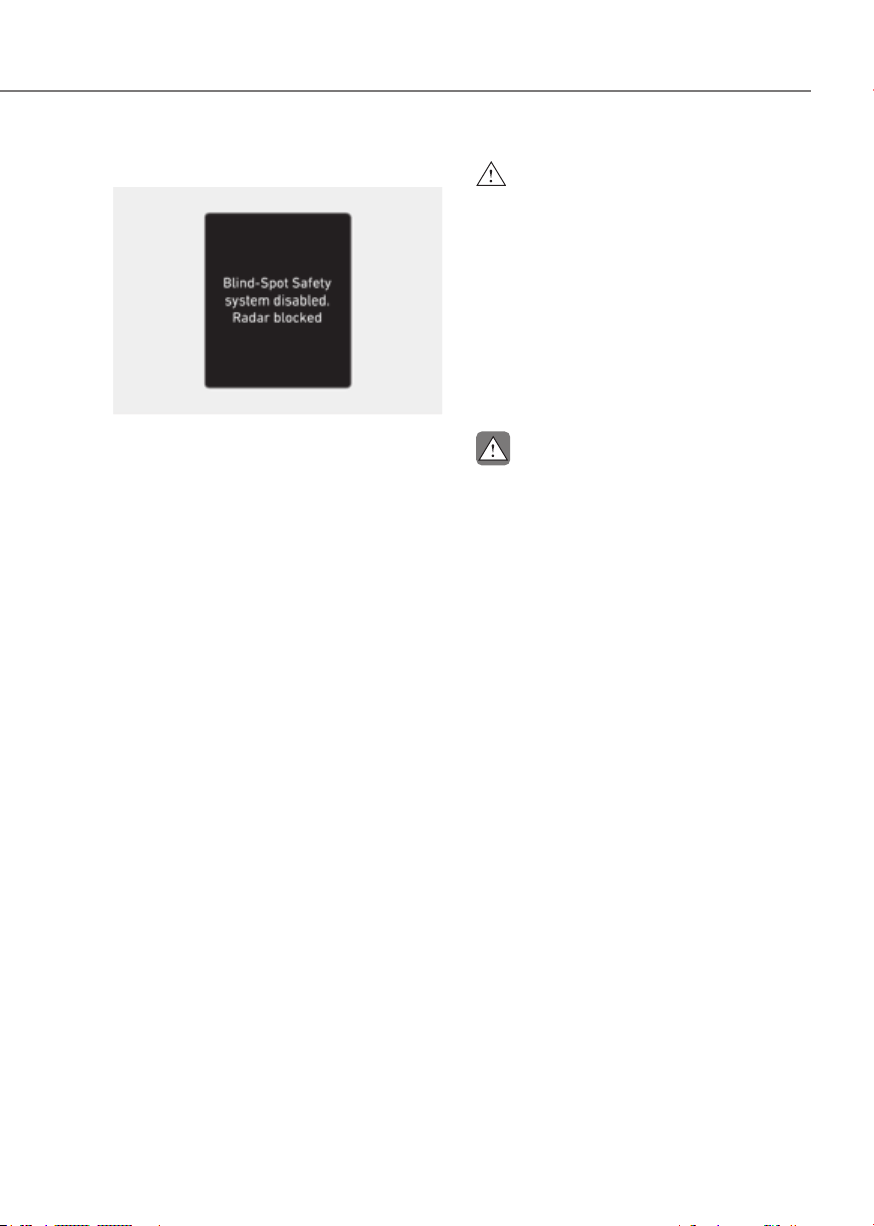
7-57
07
Safe Exit Assist disabled
OTM070098NOTM070098N
When the rear bumper around the rear
corner radar or sensor is covered with
foreign material, such as snow or rain,
or installing a trailer or carrier, it can
reduce the detecting performance and
temporarily limit or disable Safe Exit
Assist.
If this occurs, the ‘Blind-Spot Safety
system disabled. Radar blocked’ warning
message will appear on the cluster.
Safe Exit Assist will operate properly
when such foreign material or trailer,
etc., is removed, and then the vehicle is
restarted.
If Safe Exit Assist does not operate
properly after it is removed, have the
vehicle inspected by an authorized
retailer of Genesis Branded products.
WARNING
•
•
CAUTION

7-58
Driver Assistance System
Limitations of Safe Exit Assist
Safe Exit Assist may not operate properly,
or it may operate unexpectedly under the
following circumstances:
• Getting out of the vehicle where trees
or grass are overgrown
• Getting out of the vehicle where the
road is wet
• The approaching vehicle is very fast or
very slow
Information
For more details on the limitations of the
rear corner radar, refer to “Blind- Spot
Collision-Avoidance Assist (BCA)” section
in this chapter.
WARNING
•
•
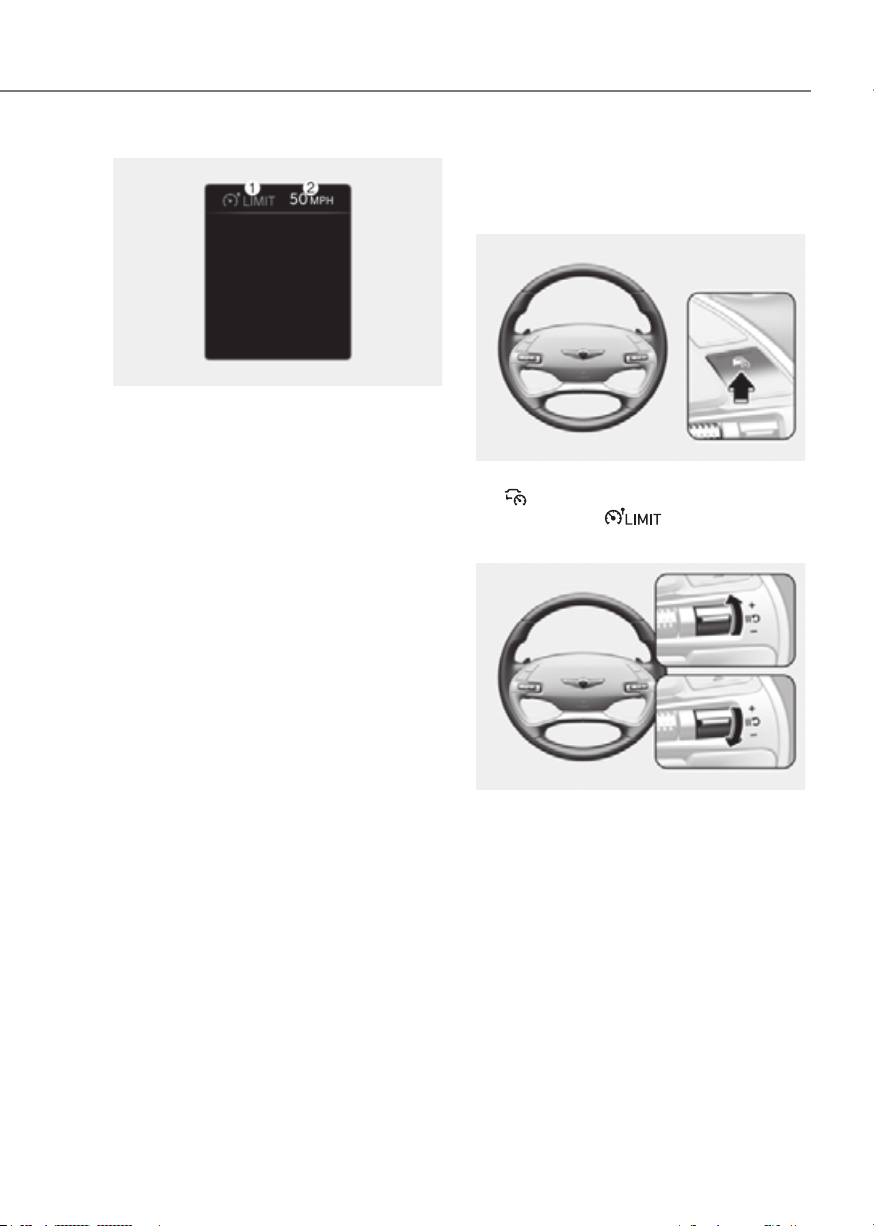
7-59
07
OJK071213NOJK071213N
(1) Speed Limit indicator
(2) Set speed
You can set the speed limit when you do
not want to drive over a specific speed.
If you drive over the preset speed limit,
Manual Speed Limit Assist will operate
(set speed limit will blink and chime will
sound) until the vehicle speed returns
within the speed limit.
Manual Speed Limit Assist
Operation
Setting speed limit
ORG3EV071028LORG3EV071028L
1. Press and hold Driving Assist
(
) button at the desired speed. The
Speed Limit (
) indicator will
illuminate on the cluster.
ORG3EV071029LORG3EV071029L
2. Push the + switch up or - switch down,
and release it at the desired speed.
Push the + switch up or - switch down
and hold it. The speed will increase
or decrease to the nearest multiple of
five (multiple of ten in km/h) at first,
and then increase or decrease by 5
mph (10 km/h).
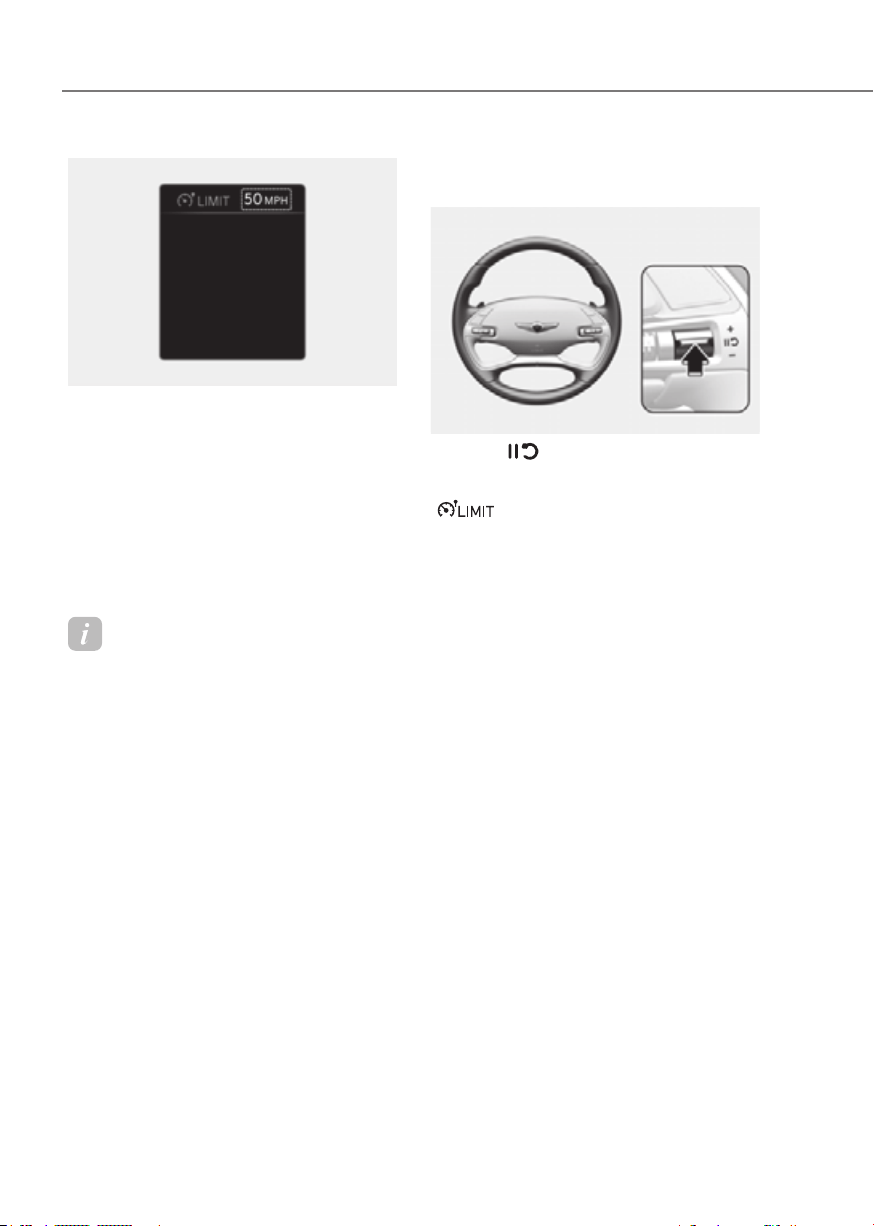
7-60
Driver Assistance System
OJK071214NOJK071214N
3. The set speed limit will be displayed
on the cluster.
If you would like to drive over the
preset speed limit, depress the
accelerator pedal beyond the pressure
point to activate the kickdown
mechanism.
The set speed limit will blink and
chime will sound until you return the
vehicle speed within the speed limit.
Information
• When the accelerator pedal is not
depressed beyond the pressure point,
vehicle speed will maintain within the
speed limit.
• A clicking sound may be heard from
the kickdown mechanism when the
accelerator pedal is depressed beyond
the pressure point.
Temporarily pausing Manual Speed
Limit Assist
ORG3EV071111LORG3EV071111L
Press the
switch to temporarily
pause the set speed limit. The set speed
limit will turn off but the Speed Limit
(
) indicator will stay on.
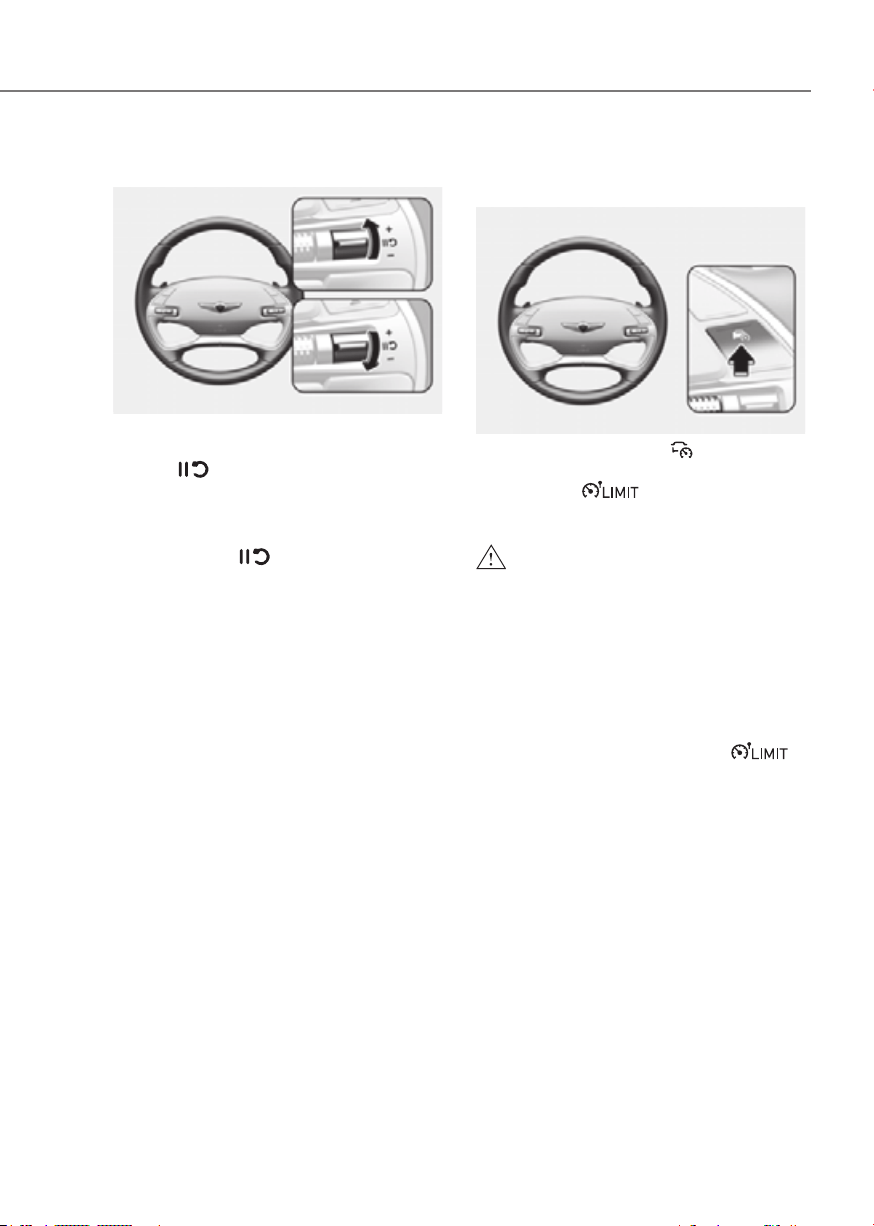
7-61
07
Resuming Manual Speed Limit Assist
ORG3EV071029LORG3EV071029L
To resume Manual Speed Limit Assist
after the function was paused, operate
the +, -,
switch.
If you push the + switch up or – switch
down, vehicle speed will be set to the
current speed on the cluster.
If you press the
switch, vehicle
speed will resume to the preset speed.
Turning off Manual Speed Limit
Assist
ORG3EV071028LORG3EV071028L
Press the Driving Assist (
) button to
turn Manual Speed Limit Assist off. The
Speed Limit (
) indicator will go
off.
WARNING
Take the following precautions when
using Manual Speed Limit Assist:
•
• Keep Manual Speed Limit Assist off
Check that the Speed Limit (
)
• Manual Speed Limit Assist does
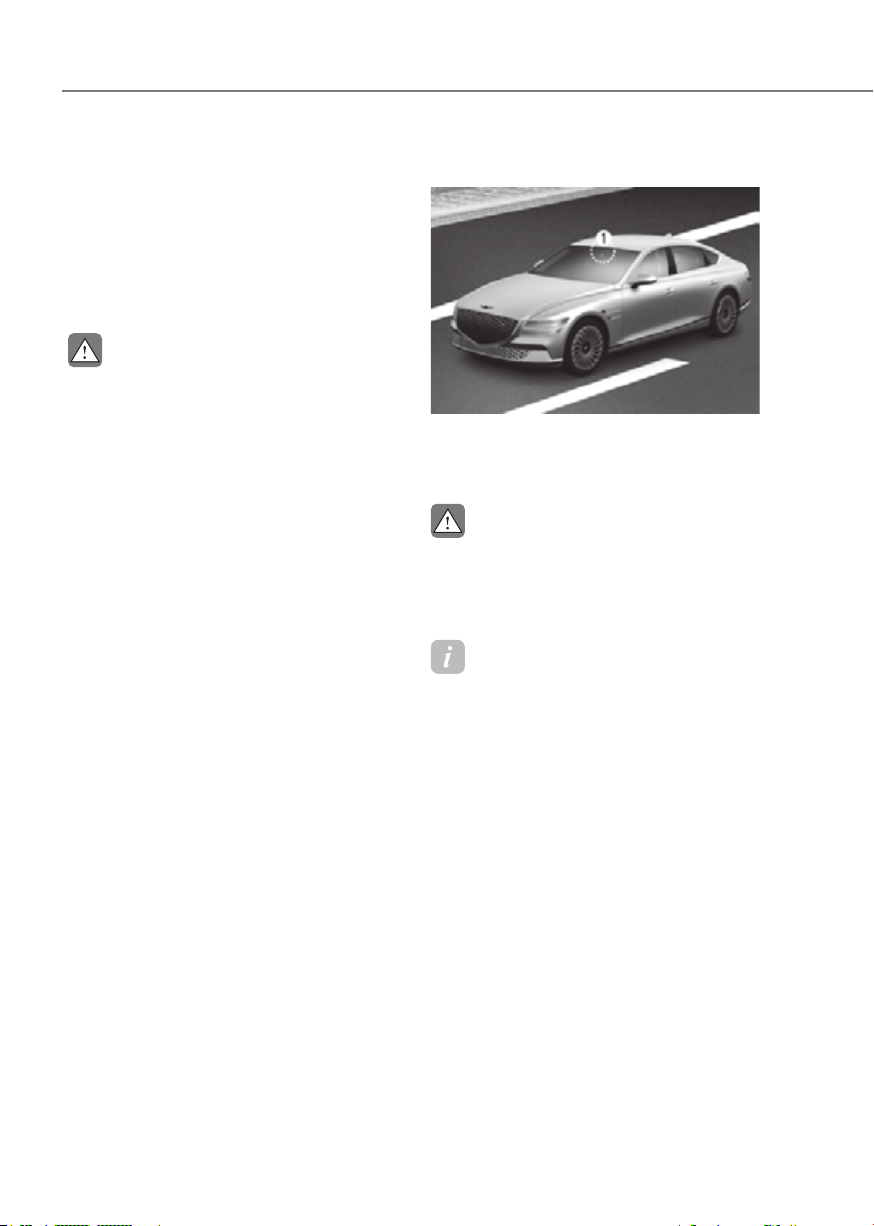
7-62
Driver Assistance System
Intelligent Speed Limit Assist uses
information from the detected road sign
and navigation system to inform the
driver of the speed limit and additional
information of the current road. Also,
Intelligent Speed Limit Assist helps the
driver to maintain within the speed limit
of the road.
CAUTION
•
•
Speed Limit Assist to operate
Detecting sensor
ORG3EV071074ORG3EV071074
[1]: Front view camera
Refer to the picture above for the
detailed location of the detecting sensor.
CAUTION
For more details on the precautions
Information
If a navigation system is available, the
information from the navigation system is
used along with the road sign information
detected by the front view camera.
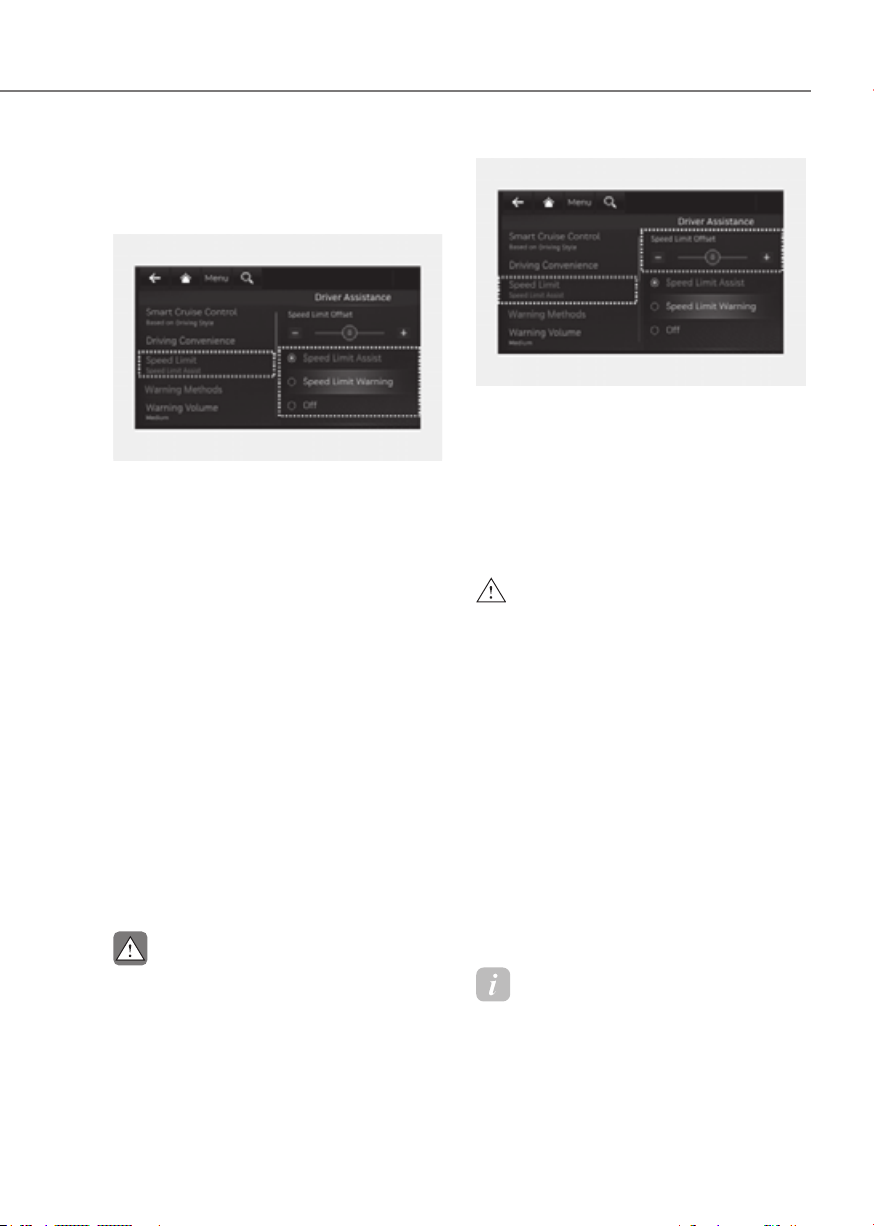
7-63
07
Intelligent Speed Limit Assist
Settings
Setting features
ORG3EV071346AUORG3EV071346AU
Speed Limit
With the vehicle on, select or deselect
the Settings menu to set whether to use
each function.
- If ‘Speed Limit Assist’ is selected,
Intelligent Speed Limit Assist will
inform the driver of speed limit and
additional road signs. In addition,
Intelligent Speed Limit Assist will
inform the driver to change set speed
of Manual Speed Limit Assist and/or
Smart Cruise Control to help the driver
stay within the speed limit.
- If ‘Speed Limit Warning’ is selected,
Intelligent Speed Limit Assist will
inform the driver of speed limit. In
addition, Intelligent Speed Limit Assist
will warn the driver when the vehicle
is driven faster than the speed limit.
- If ‘Off’ is selected, Intelligent Speed
Limit Assist will turn off.
CAUTION
Intelligent Speed Limit Assist will not
ORG3EV071347NORG3EV071347N
Speed Limit Offset
With the vehicle on, when ‘Driver
Offset’ is selected, the Speed Limit Offset
can be changed. Speed Limit Warning
and Speed Limit Assist will operate by
applying the Speed Limit Offset setting
to the detected speed limit.
WARNING
•
• Speed Limit Assist function operates
change the set speed according to
• Speed Limit Warning function warns
want Speed Limit Warning to warn
Information
The setting of 'Speed Offset' is not
reflected in Navigation-based Smart
Cruise Control (NSCC).

7-64
Driver Assistance System
Intelligent Speed Limit Assist
Operation
Warning and control
Intelligent Speed Limit Assist will warn
and control vehicle speed by ‘Displaying
speed limit’, ‘Warning overspeed’ and
‘Changing set speed’.
Information
Intelligent Speed Limit Assist warning
and control are described based on the
Offset adjusted to '0'. For details on Offset
setting, refer to the “Intelligent Speed
Limit Assist Settings”.
ORG3EV071030NORG3EV071030N
Displaying speed limit
Speed limit information is displayed on
the instrument cluster.
Information
• If speed limit information of the road
cannot be recognized, '---' sign will be
displayed. Please refer to "Limitations
of Intelligent Speed Limit Assist" if the
road signs are difficult to recognize.
• Intelligent Speed Limit Assist provides
additional road sign information in
addition to speed limit. The additional
road sign information provided may
vary according to your country.
• Supplementary sign displayed under
the speed limit or overtaking restriction
sign means the conditions under which
the signs must be followed. If the
supplementary sign is not recognized, it
will be displayed as blank.
• The images and colors in the cluster
may differ depending on the cluster
type or theme selected from the cluster.
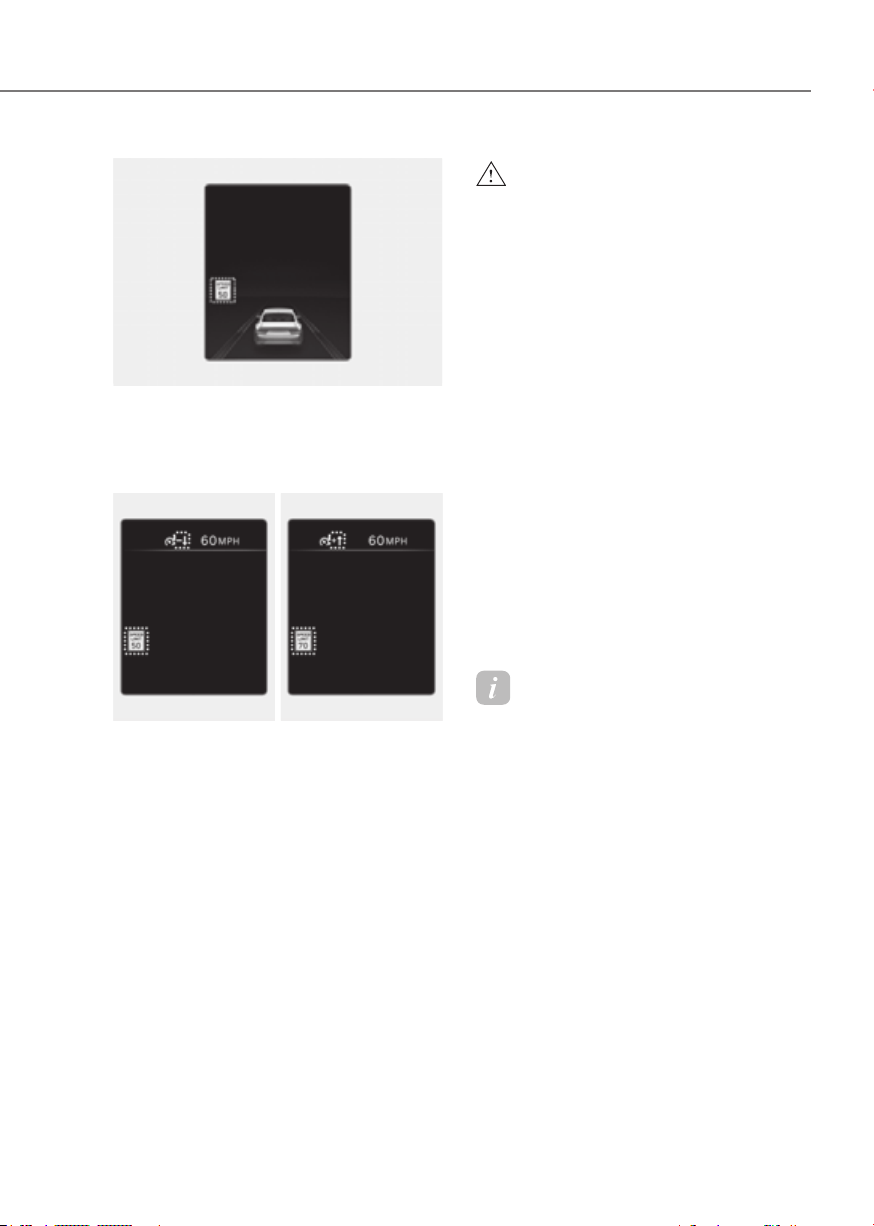
7-65
07
ORG3EV071031NORG3EV071031N
Warning overspeed
When driving at a speed higher than the
displayed speed limit, the red speed limit
indicator will blink.
ORG3EV073387NORG3EV073387N ORG3EV073386NORG3EV073386N
Changing set speed
If the speed limit of the road changes
during the operation of Manual Speed
Limit Assist or Smart Cruise Control, an
arrow in the direction of up or down is
displayed to inform the driver that the set
speed needs to be changed. At this time,
the driver can change the set speed
according to the speed limit by using the
+ or – switch on the steering wheel.
WARNING
•
set speed will change to a higher
speed than the speed limit of the
'0' or use the – switch on the steering
•
according to the speed limit of the
• If the speed limit of the road is under
• Intelligent Speed Limit Assist
operates using the speed unit in the
If the speed unit is set to a unit other
Information
• For more details on Manual Speed
Limit Assist operation, refer to
“Manual Speed Limit Assist (MSLA)”
section in this chapter.
• For more details on Smart Cruise
Control operation, refer to “Smart
Cruise Control (SCC)” section in this
chapter.
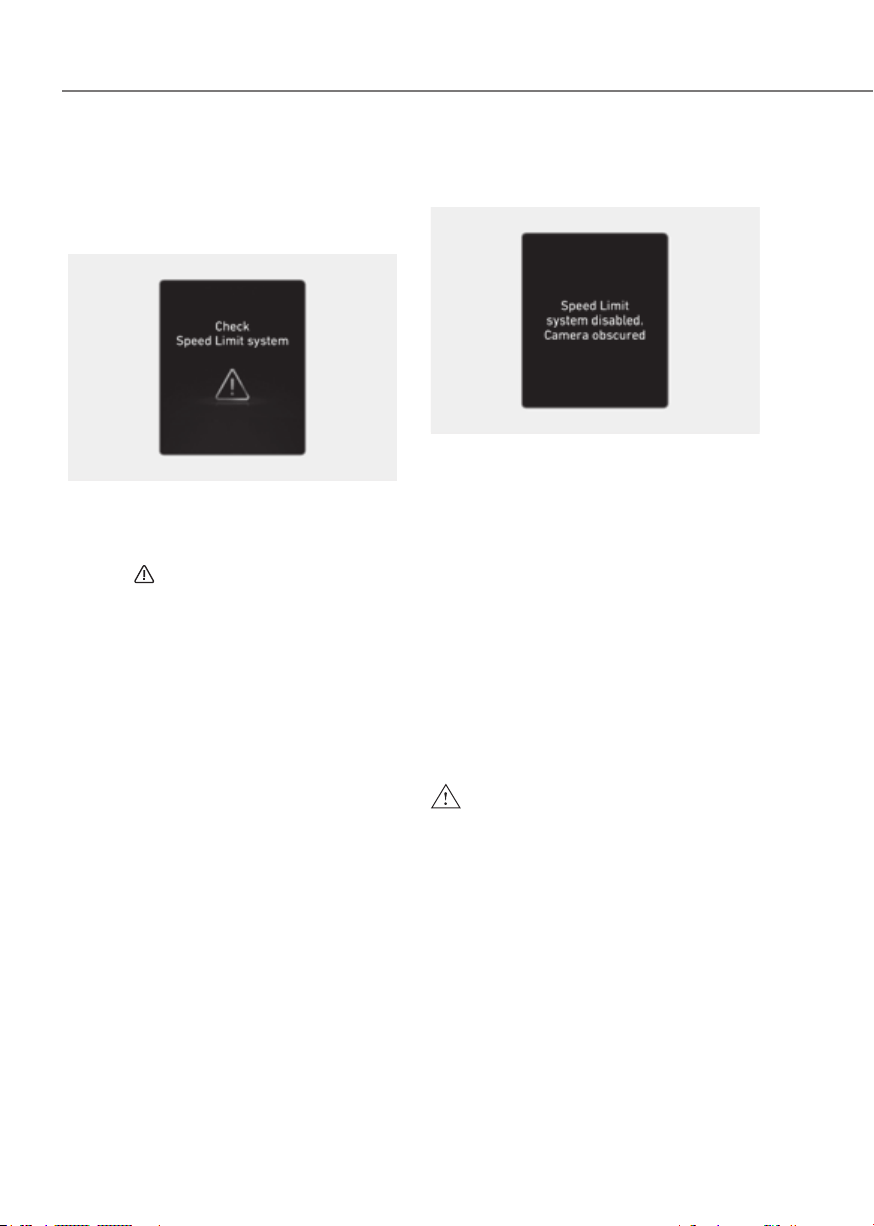
7-66
Driver Assistance System
Intelligent Speed Limit Assist
Malfunction and Limitations
Intelligent Speed Limit Assist
malfunction
OJK071215N OJK071215N
When Intelligent Speed Limit Assist is not
working properly, the ‘Check Speed Limit
system’ warning message will appear on
the cluster for several seconds, and the
master (
) warning light will illuminate
on the cluster. If this occurs, have the
vehicle inspected by an authorized
retailer of Genesis Branded products.
Intelligent Speed Limit Assist
disabled
OJK071216N OJK071216N
When the front windshield where the
front view camera is located is covered
with foreign material, such as snow
or rain, it can reduce the detecting
performance and temporarily limit or
disable Intelligent Speed Limit Assist.
If this occurs, the ‘Speed Limit system
disabled. Camera obscured’ warning
message will appear on the cluster.
Intelligent Speed Limit Assist will operate
properly when snow, rain or foreign
material is removed.
If Intelligent Speed Limit Assist does not
operate properly after it is removed, have
the vehicle inspected by an authorized
retailer of Genesis Branded products.
WARNING
•
warning light does not appear on the
• If the detecting sensor is

7-67
07
Limitations of Intelligent Speed
Limit Assist
Intelligent Speed Limit Assist may not
operate properly, or it may operate
unexpectedly under the following
circumstances:
• The road sign is contaminated or
indistinguishable
- The road sign is difficult to see due
to bad weather, such as rain, snow,
fog, etc.
- The road sign is not clear or
damaged
- The road sign is partially obscured
by surrounding objects or shadow
- A road sign near the road you are
driving is detected
• The road signs do not conform to the
standard
- The text or picture on the road sign
is different from the standard
- The road sign is installed between
the main line and the exit road or
between diverging roads
- There is no conditional road signs
on the road sign located on the exit
road
- A sign is attached to another vehicle
• The distance between the vehicle and
the road signs is too far
• The vehicle encounters illuminant
road signs
• Intelligent Speed Limit Assist
incorrectly recognizes numbers in the
street signals or other signs as the
speed limit
• A road sign near the road you are
driving is detected
• Multiple signs are installed close
together
• The minimum speed limit sign is
misrecognized
• The minimum speed limit sign is on
the road
• The brightness changes suddenly, for
example when entering or exiting a
tunnel or passing under a bridge
• Headlights are not used or the
brightness of the headlights are weak
at night or in the tunnel
• Road signs are difficult to recognize
due to the reflection of sunlight, street
lights, or oncoming vehicles
• The navigation information or GPS
information contain errors.
• The driver does not follow the guide
of the navigation.
• The driver is driving on a new road
that is not in the navigation system
yet.
• The field of view of the front view
camera is obstructed by sun glare
• Driving on a road that is sharply
curved or continuously curved
• Driving through speed bumps, or
driving up and down or left to right on
steep inclines
• The vehicle is shaking heavily
Information
For more details on the limitations of the
front view camera, refer to “Forward
Collision-Avoidance Assist (FCA)” section
in this chapter.
WARNING
• Intelligent Speed Limit Assist is a
supplemental function that helps the
correct speed limit or control the
•

7-68
Driver Assistance System
Basic function
Driver Attention Warning can help
determine the driver's attention level
by analyzing driving pattern and driving
time while the vehicle is driven. Driver
Attention Warning will recommend a
break when the driver’s attention level
falls below a certain level.
function
Leading Vehicle Departure Alert function
will inform the driver when a detected
vehicle in front departs from a stop.
Detecting sensor
ORG3EV071074ORG3EV071074
[1]: Front view camera
The front view camera is used as a
detecting sensor to help detect driving
patterns and front vehicle departure
while vehicle is being driven.
Refer to the picture above for the
detailed location of the detecting sensor.
CAUTION
•
good condition to maintain optimal
• For more details on the precautions
Setting features
OJK070014LOJK070014L
Driver Attention Warning
With the vehicle on, select or deselect
Warning’ from the Settings menu to set
whether to use each function.
- If ‘Inattentive Driving Warning’ is
selected, Driver Attention Warning will
inform the driver the driver’s attention
level and will recommend taking a
break when the level falls below a
certain level.
OJK070015LOJK070015L
Leading Vehicle Departure Alert
- If ‘Leading Vehicle Departure Alert’ is
selected, the function will inform the
driver when a detected vehicle in front
departs from a stop.
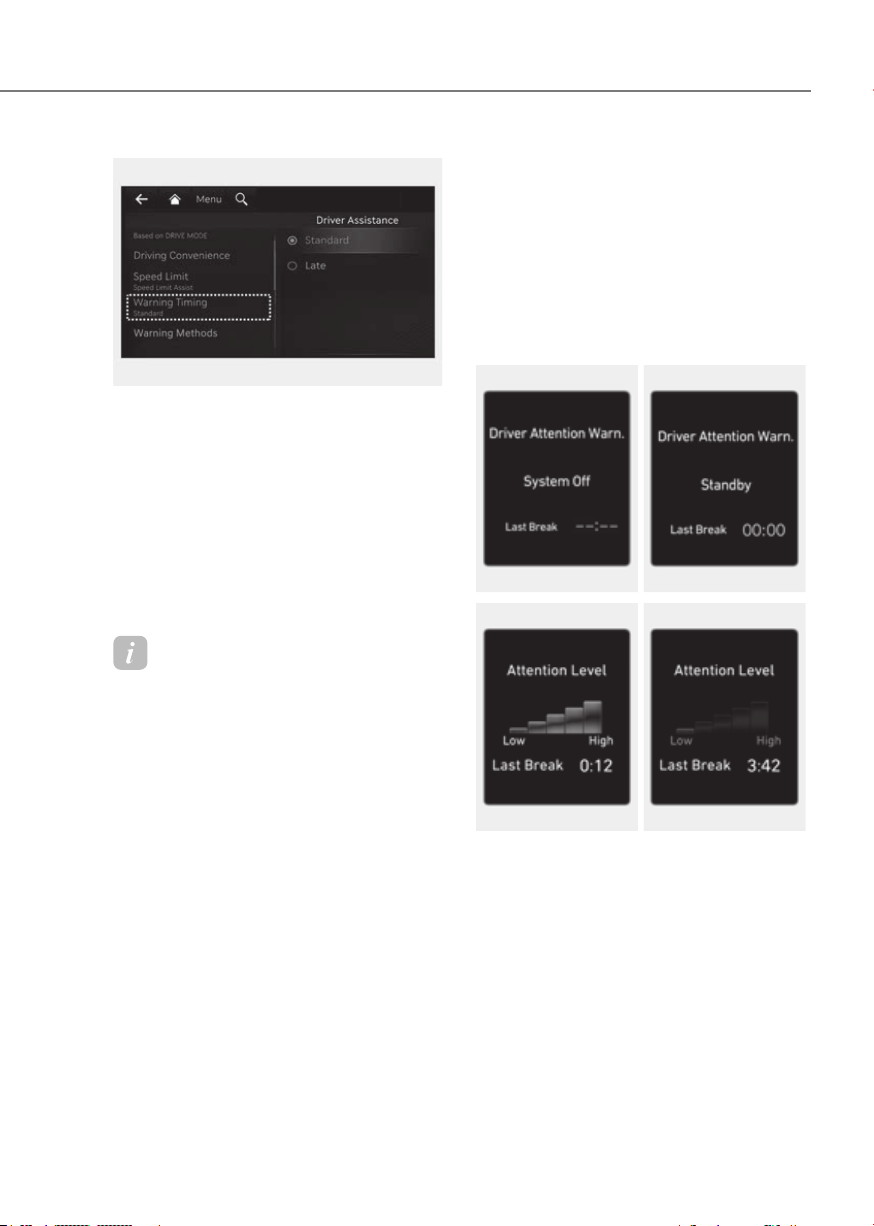
7-69
07
ORG3EV073380NORG3EV073380N
Warning Timing
With the vehicle on, select ‘Driver
Settings menu to change the initial
warning activation time for Driver
Attention Warning.
When the vehicle is first delivered,
Warning Timing is set to ‘Standard’. If you
change the Warning Timing, the warning
time of other Driver Assistance systems
may change.
Information
If the vehicle is restarted, Driver Attention
Warning will maintain the last setting.
Operation
Basic function
Display and warning
The basic function of Driver Attention
Warning is to inform the driver the
‘Attention Level’ and to warn the driver
‘Consider taking a break’.
Function offFunction off StandbyStandby
OTM070102N OTM070102N OTM070106NOTM070106N
Attentive drivingAttentive driving Inattentive drivingInattentive driving
ORG3EV071233NORG3EV071233N ORG3EV071234NORG3EV071234N
• The driver can monitor his/her driving
conditions on the cluster.
- When the ‘Inattentive Driving
Warning’ is deselected from the
Settings menu, ‘System Off’ is
displayed.
- Driver Attention Warning will
operate when vehicle speed is
between 0~130 mph (0~210 km/h).
- When vehicle speed is not within
the operating speed, the message
‘Standby’ will be displayed.

7-70
Driver Assistance System
• The driver’s attention level is displayed
on the scale of 1 to 5. The lower the
level is, the more inattentive the driver
is.
• The level decreases when the driver
does not take a break for a certain
period of time.
OTM070105LOTM070105L
• The ‘Consider taking a break’ message
will appear on the cluster and an
audible warning will sound to suggest
that the driver take a break, when the
driver’s attention level is below 1.
• Driver Attention Warning will not
suggest a break when the total driving
time is shorter than 10 minutes or 10
minutes has not passed after the last
break was suggested.
WARNING
CAUTION
•
•
•
Information
• For more details about setting
instrument panel, refer to “Cluster
Display Control” section in chapter 4.
• Driver Attention Warning will reset the
last break time to 00:00 in the following
situations:
- The vehicle is turned off
- The driver unfastens the seat belt
and opens the driver’s door
- The vehicle is stopped for more than
10 minutes
• When the driver resets Driver Attention
Warning, the last break time is set to
00:00 and the driver’s attention level is
set to High.

7-71
07
Leading Vehicle Departure Alert
function
OJK070142LOJK070142L
When a detected vehicle in front departs
from a stop, Leading Vehicle Departure
Alert will inform the driver by displaying
the ‘Leading vehicle is driving away’
message on the cluster and an audible
warning will sound.
WARNING
•
•
CAUTION
•
•
Malfunction and Limitations
Driver Attention Warning
malfunction
OTM070107LOTM070107L
When Driver Attention Warning is not
working properly, the ‘Check Driver
Attention Warning (DAW) system’
warning message will appear on the
cluster for several seconds, and the
master (
) warning light will illuminate
on the cluster. If this occurs, have the
vehicle inspected by an authorized
retailer of Genesis Branded products.
Limitations of Driver Attention
Warning
Driver Attention Warning may not work
properly in the following situations:
• The vehicle is driven violently
• The vehicle intentionally crosses over
lanes frequently
• The vehicle is controlled by Driver
Assistance system, such as Lane
Keeping Assist

7-72
Driver Assistance System
Leading Vehicle Departure Alert function
• When the vehicle cuts in
ORG3EV071112ORG3EV071112
ORG3EV071113ORG3EV071113
[A] : Your vehicle, [B] : Front vehicle
If a vehicle cuts in front of your
vehicle, Leading Departure Alert may
not operate properly.
• When the vehicle ahead sharply steers
ORG3EV071114ORG3EV071114
[A] : Your vehicle, [B] : Front vehicle
If the vehicle in front makes a sharp
turn, such as to turn left or right or
make a U- turn, etc., Leading Vehicle
Departure Alert may not operate
properly.
• When the vehicle ahead abruptly
departures
ORG3EV071115ORG3EV071115
If the vehicle in front abruptly
departures, Leading Vehicle Departure
Alert may not operate properly.

7-73
07
• When a pedestrian or bicycle is
between you and the vehicle ahead
ORG3EV071116RORG3EV071116R
If there is a pedestrian(s) or bicycle(s)
in between you and the vehicle in
front, Leading Vehicle Departure Alert
may not operate properly.
• When in a parking lot
ORG3EV071117RORG3EV071117R
If a vehicle parked in front drives away
from you, Leading Vehicle Departure
Alert may alert you that the parked
vehicle is driving away.
• When driving at a tollgate or
intersection, etc.
ORG3EV071118ORG3EV071118
If you pass a tollgate or intersection
with lots of vehicles or you drive
where lanes are merged or divided
frequently, Leading Vehicle Departure
Alert may not operate properly.
Information
For more details on the precautions of
the front view camera, refer to “Forward
Collision-Avoidance Assist (FCA)” section
in this chapter.
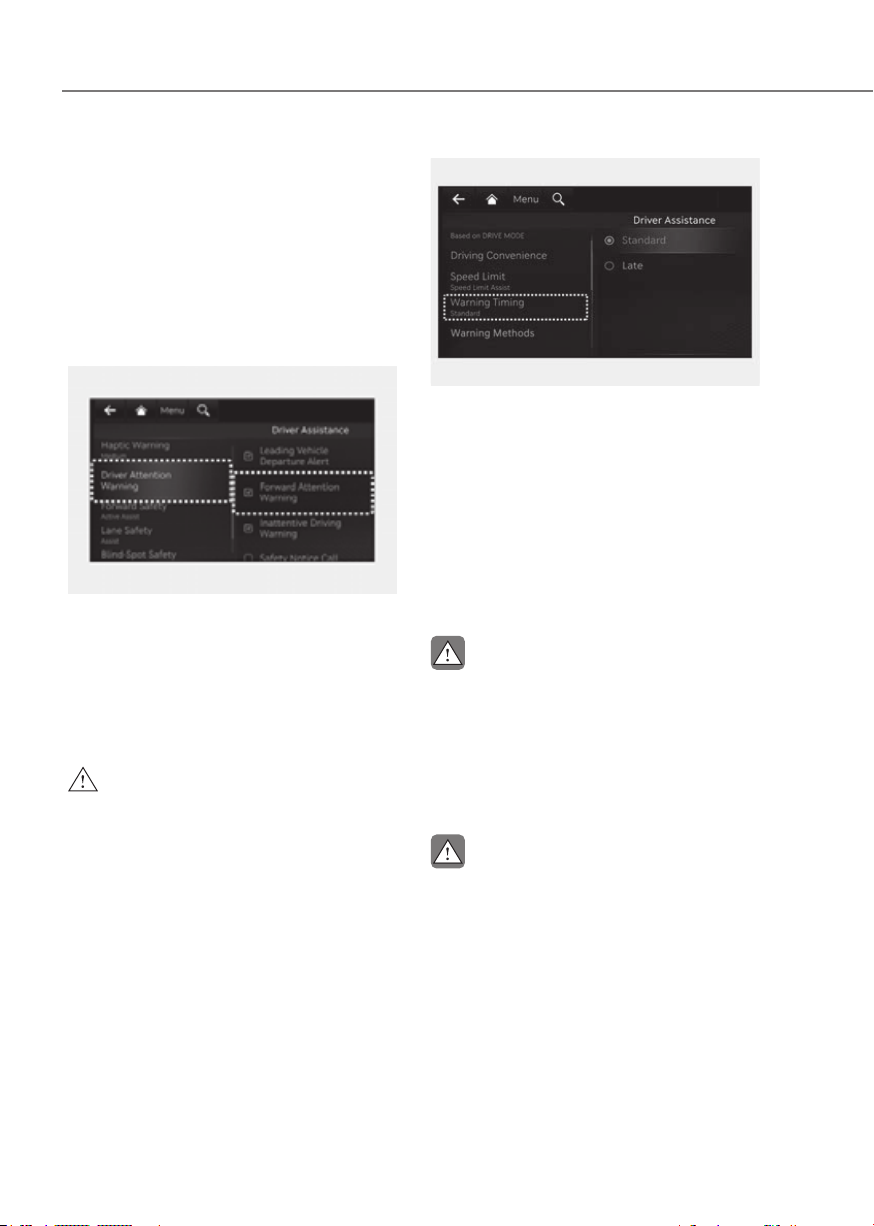
7-74
Driver Assistance System
Forward Attention Warning will warn the
driver with a warning message on the
cluster to help prevent the driver from
being distracted while using the interior
view camera installed in the instrument
cluster.
Forward Attention Warning
Settings
Setting features
OJK070084LOJK070084L
Forward Attention Warning
With the vehicle on, select ‘Driver
the Settings menu to turn on Forward
Attention Warning and deselect to turn
off the function.
WARNING
Attention Warning will maintain the last
ORG3EV073380NORG3EV073380N
Warning Timing
With the vehicle on, select ‘Driver
Settings menu to change the initial
warning activation time for Forward
Attention Warning.
When the vehicle is first delivered,
Warning Timing is set to ‘Standard’. If you
change the Warning Timing, the warning
time of other Driver Assistance systems
may change.
CAUTION
•
• While Smart Cruise Control is
CAUTION
The setting of the Warning Timing
applies to all functions of Forward
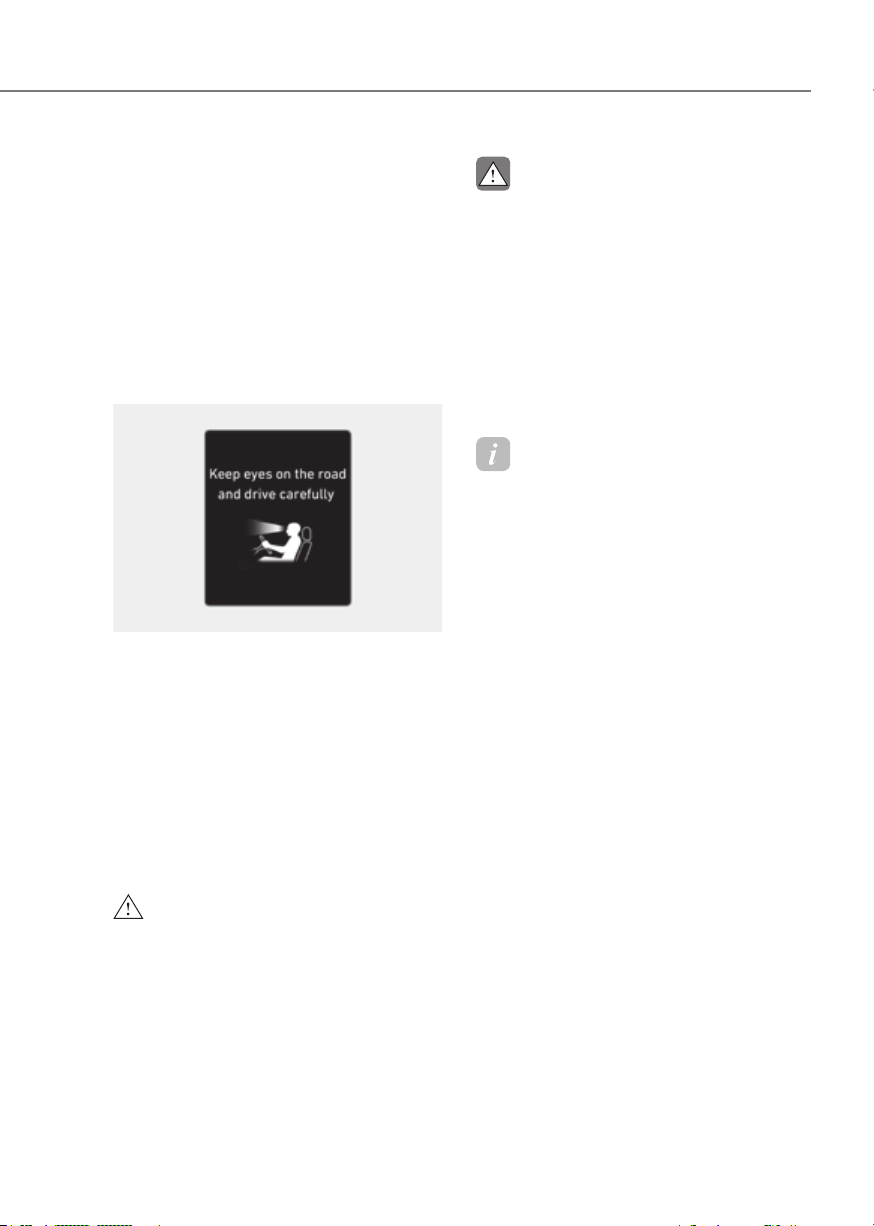
7-75
07
Forward Attention Warning
Operation
Operating conditions
Forward Attention Warning will operate
when the following conditions are
satisfied:
- Vehicle speed is above 0.6 mph
(1 km/h)
- The gear is in D (Drive) or N (Neutral)
Forward Attention Warning
ORG3EV071196LORG3EV071196L
Forward Attention Warning determines
whether the driver is focused on the
road depending on information, such
as the amount of time the driver is
looking elsewhere, the amount of time
the eyes are closed, how frequently the
driver yawns, etc. If Forward Attention
Warning judges the driver is not focused,
the ‘Keep eyes on the road and drive
careful’ warning message will appear on
the cluster, and an audible warning will
sound.
WARNING
CAUTION
•
• Forward Attention Warning is a
•
Information
Forward Attention Warning does not
transmit recorded videos outside of the
vehicle or store the video.
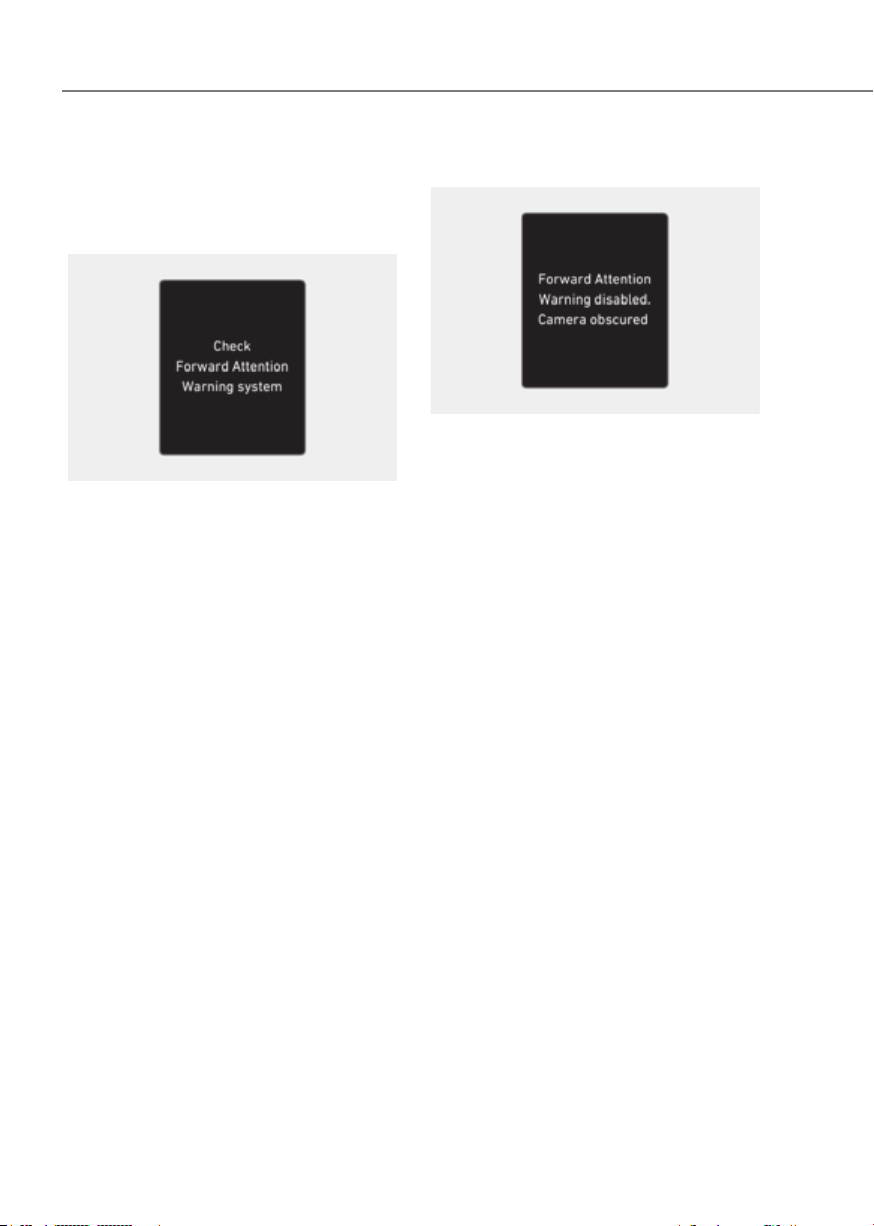
7-76
Driver Assistance System
Forward Attention Warning
Malfunction and Limitations
Forward Attention Warning
malfunction
OJK070086LOJK070086L
When Forward Attention Warning is not
working properly, the ‘Check Forward
Attention Warning system’ warning
message will appear on the cluster. If this
occurs, have the vehicle inspected by an
authorized retailer of Genesis Branded
products.
Forward Attention Warning disabled
OJK071086NOJK071086N
When there is an object right in front
of the camera or between the driver
and the camera for a certain period of
time, Forward Attention Warning will
not operate properly, and the ‘Forward
Attention Warning disabled. Camera
obscured’ warning message will appear
on the cluster.
After the warning message appears,
if the object is removed, or Forward
Attention Warning is able to detect the
driver’s face, the function will operate
properly.

7-77
07
CAUTION
ORG3EV041044ORG3EV041044
[A] : Interior view camera
• Do not impact the surface of the
•
surface of the instrument cluster or
•
or in front of the camera while
•
• When cleaning the instrument
on the surface of the cluster or
not use sharp tools near the cluster
•
•
Information
• Two red lights may appear on the
camera in the following conditions
when:
- The outside brightness is dim or
driving at night
- The vehicle drives inside a building,
such as a basement parking lot,
garage or tunnel
- The camera case of the instrument
cluster is partially broken
• The 3D cluster may flicker when
adjusting to the driver's eyes or when
the instrument cluster's camera view is
blocked by the steering wheel or other
objects.
WARNING
Do not look toward the camera within
8

7-78
Driver Assistance System
Limitations of Forward Attention
Warning
Forward Attention Warning may be
limited or may not operate properly in
the following circumstances:
• The driver is wearing sunglasses,
special glasses, infrared cutoff
glasses, refracting glasses or thick
glasses
• The driver has heavy eye makeup
(eyeliner, mascara, color makeup,
false eyelash) or eye piercing
• The driver’s view is blocked by his/her
hair, hat, etc.
• The driver is winking or wearing an
eye patch on one eye
• The driver’s face is covered partially
by a mask, muffler, etc.
• The driver’s view is blocked by
incoming light from outside of the
vehicle
• Light from outside, sunlight or infrared
LED light of the camera is reflected by
glasses or sunglasses
• The driver turns or lowers his/her
head so that the face or an eye is
hidden from the camera
• The camera is out of the range to
monitor or close within 8 in. (20 cm)
• The driver shakes his/her head up
and down, or adverse road conditions
cause excessive vehicle vibrations
while driving
• The driver is improperly positioned in
the driver's seat so that the driver’s
face is not detected
• The driver is too tall or short
• The camera is blocked by the adjusted
steering wheel height or the turned
steering wheel
• More than two people are looking at
the instrument cluster simultaneously
from the driver’s seat
• The driver’s eyes are narrowed due to
laughing or sun glare
• Misrecognize a picture that has a
similar size of the driver’s face
• There are other devices using infrared
light in the vehicle

7-79
07
Left sideLeft side Right sideRight side
ORG3EV071119ORG3EV071119 ORG3EV071120ORG3EV071120
Blind-Spot View Monitor displays the
rear blind spot area of the vehicle in the
cluster when the turn signal is turned on
to help safely change lanes.
Detecting sensor
ORG3EV071036ORG3EV071036
[1], [2]: Surround-side view camera
(camera located at bottom of the mirror)
Refer to the picture above for the
detailed location of the detecting
sensors.
Settings
Setting features
Blind-Spot View
With the vehicle on, select ‘Driver
Spot View’ from the Settings menu to
turn on Blind-Spot View Monitor and
deselect to turn off the function.
Operation
Operating switch
ORG3EV071215NORG3EV071215N
Turn signal switch
Blind-Spot View Monitor will turn on and
off when the turn signal is turned on and
off.

7-80
Driver Assistance System
Blind-Spot View Monitor
Operating conditions
When the left or right side turn signal
turns on, the image in that direction is
displayed on the instrument cluster.
Off conditions
• When the turn signal turns off, the
image on the instrument cluster will
turn off.
• When the hazard warning flasher
is on, Blind-Spot View Monitor will
turn off, regardless of the turn signal
status.
• When other important warning is
displayed on the instrument cluster,
Blind-Spot View Monitor may turn off.
Malfunction
When Blind-Spot View Monitor is not
working properly, or the cluster display
flickers, or the camera image does
not display properly, have the vehicle
inspected by an authorized retailer of
Genesis Brand products.
WARNING
•
differ from the actual distance of the
•
camera performance and Blind-
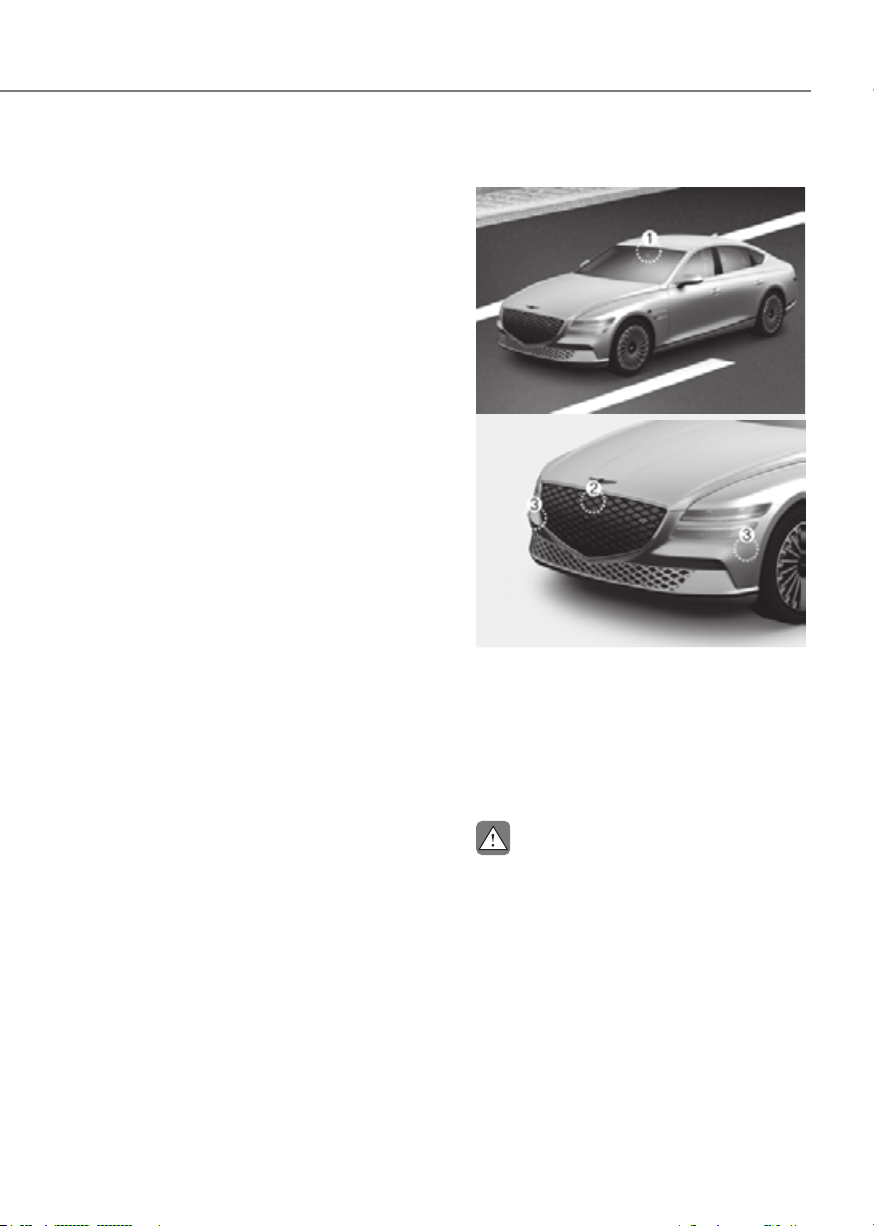
7-81
07
Smart Cruise Control is designed to
help detect the vehicle ahead and
help maintain the desired speed and
minimum distance between the vehicle
ahead.
While Smart Cruise Control is operating,
if the function judges that the driver is
determined to overtake the vehicle in
front, acceleration will be assisted.
Smart Cruise Control will operate based
on the driver’s driving style, such as
inter-vehicle distance, acceleration,
reaction speed.
Detecting sensor
ORG3EV071074ORG3EV071074
ORG3EV071001ORG3EV071001
[1]: Front view camera, [2]: Front radar,
[3] Front corner radar (if equipped)
The front view camera and front radar
are used as a detecting sensor to help
detect vehicles in front.
Refer to the picture above for the
detailed location of the detecting sensor.
CAUTION
and front radar in good condition to
maintain optimal performance of Smart
For more details on the precautions of
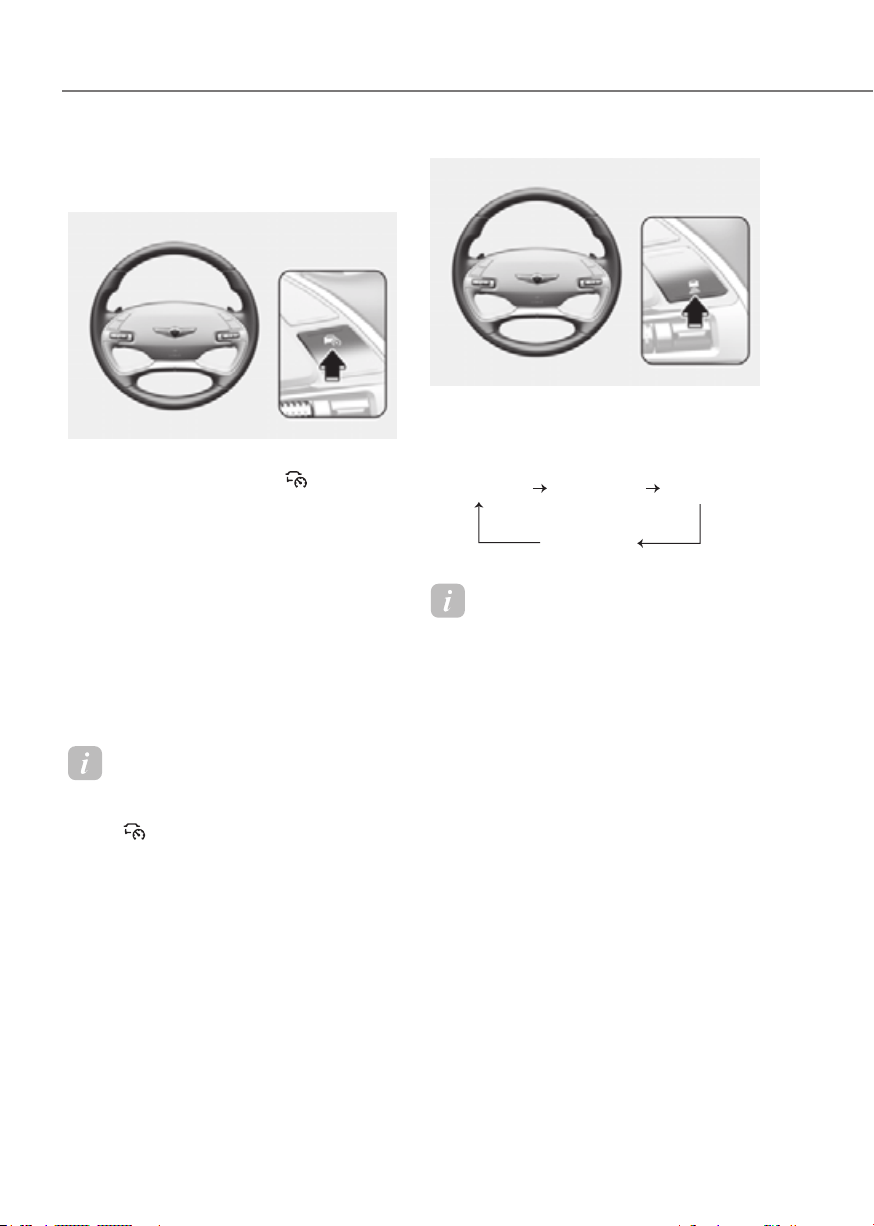
7-82
Driver Assistance System
Smart Cruise Control Settings
Setting features
ORG3EV071028LORG3EV071028L
Turning on Smart Cruise Control
• Press the Driving Assist ( ) button
to turn on Smart Cruise Control. The
speed will be set to the current speed
on the cluster.
• If there is no vehicle in front of you,
the set speed will be maintained, but
if there is a vehicle in front of you,
the speed may decrease to maintain
the distance to the vehicle ahead. If
the vehicle ahead accelerates, your
vehicle will travel at a steady cruising
speed after accelerating to the set
speed.
Information
If your vehicle speed is between 0~ 20 mph
(0~ 30 km/h) when you press the Driving
Assist (
) button, the Smart Cruise
Control speed will be set to 20 mph (30
km/h).
ORG3EV071121LORG3EV071121L
Setting vehicle distance
Each time the button is pressed, the
headway changes as follows:
Distance 4 Distance 3
Distance 1
Distance 2
Information
• If you drive at 56 mph (90 km/h), the
distance is maintained as follows:
Distance 4 -
approximately 172 ft. (53 m)
Distance 3 -
approximately 130 ft. (40 m)
Distance 2 -
approximately 106 ft. (30 m)
Distance 1 -
approximately 82 ft. (25 m)
• The distance is set to the last set
distance when the vehicle is restarted,
or when Smart Cruise Control was
temporarily canceled.

7-83
07
ORG3EV071122LORG3EV071122L
Increasing set speed
• Push the + switch up and release
it immediately. The set speed will
increase by 1 mph (1 km/h) each time
the switch is operated in this manner.
• Push the + switch up and hold it while
monitoring the set speed on the
cluster. The set speed will increase by
5 mph (10 km/h) each time the switch
is operated in this manner. Release
the switch when the desired speed is
shown, and the vehicle will accelerate
to that speed. You can increase the set
speed to 110 mph (180 km/h).
WARNING
ORG3EV071123LORG3EV071123L
Decreasing set speed
• Push the - switch down and release
it immediately. The set speed will
decrease by 1 mph (1 km/h) each time
the switch is operated in this manner.
• Push the - switch down and hold it
while monitoring the set speed on the
cluster. The set speed will decrease by
5 mph (10 km/h) each time the switch
is operated in this manner. Release
the switch at the speed you want to
maintain. You can decrease the set
speed to 20 mph (30 km/h).
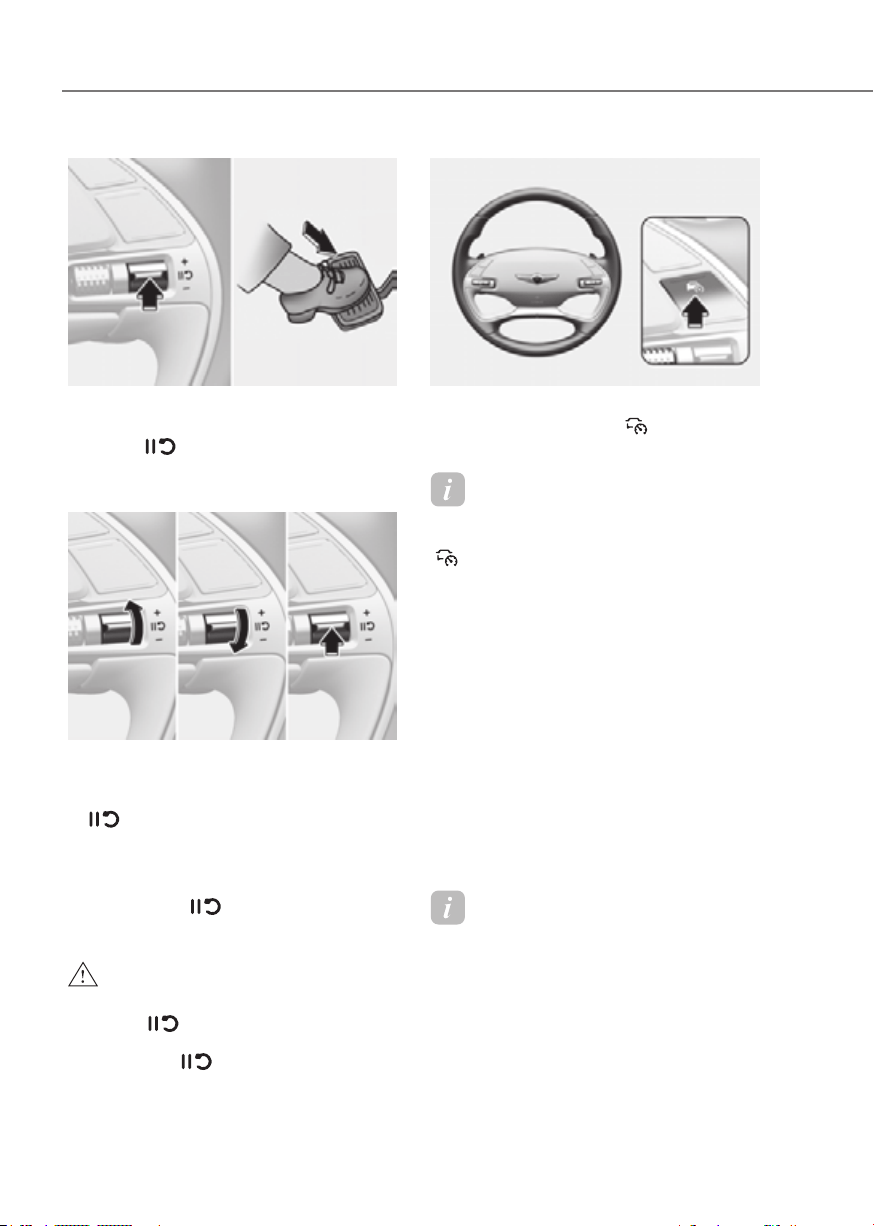
7-84
Driver Assistance System
ORG3EV071124ORG3EV071124
To temporarily cancel Smart Cruise
Control
Press the
switch or depress the
brake pedal to temporarily cancel Smart
Cruise Control.
ORG3EV071125ORG3EV071125
To resume Smart Cruise Control
To resume Smart Cruise Control after the
function was canceled, operate the +, -
or
switch.
If you press the + switch up or - switch
down, vehicle speed will be set to the
current speed on the cluster.
If you push the
switch, vehicle speed
will resume to the preset speed.
WARNING
using the
ORG3EV071028LORG3EV071028L
To turn off Smart Cruise Control
Press the Driving Assist (
) button to
turn Smart Cruise Control off.
Information
If your vehicle is equipped with Manual Speed
Limit Assist, press and hold the Driving Assist
(
) button to turn off Smart Cruise Control.
However Manual Speed Limit Assist will turn on.
Based on Drive Mode
Smart Cruise Control will change
acceleration based on the drive mode
selected from Drive Mode Integrated
Control system. Refer to the following chart.
Smart Cruise Control
COMFORT Normal
ECO Slow
SPORT Fast
MY DRIVE
(CUSTOM)
Depending on power
train mode
SNOW Normal
Information
• For more details on drive mode, refer
to “Drive Mode Integrated Control
System” section in chapter 6.
• Smart Cruise Control may not turn on
or off in some of the drive modes for the
operating conditions are not satisfied.
• If your vehicle is not equipped with
Drive Mode Integrated Control system,
Smart Cruise Control accelerates your
vehicle at a standard level.

7-85
07
ORG3EV071348AUORG3EV071348AU
Based on Driving Style (if equipped)
• With the vehicle on, if ‘Driver
Based on Driving Style’ is selected
from the Settings menu, Smart Cruise
Control will operate based on the
driver’s driving style, such as vehicle
distance, acceleration, reaction
speed.
• While Smart Cruise Control is
operating with ‘Based on Drive Mode’
selected, if you press and hold the
Vehicle Distance (
) button, Smart
Cruise Control will change to ‘Based
on Driving Style’. While Smart Cruise
Control is operating with ‘Based on
Driving Style’, if the Vehicle Distance
(
) button is shortly pressed, it will
change to ‘Based on Drive Mode’.
Information
• If equipped with Based on Driving
Style, ‘Based on Drive mode’ and
‘Based on Driving Style’ can be selected
from the settings menu by selecting
‘Driver Assistance → Smart Cruise
Control’.
• If ‘Based on Drive mode’ is selected,
Smart Cruise Control will operate
based on the drive mode selected.
OJK071017NOJK071017N
Driving Style Settings (if equipped)
With the vehicle on, select ‘Driver
Driving Style Settings’ from the Settings
menu to check the driver’s driving
style, and to change each driving style
manually.
Information
• ‘Driving Style Settings’ is displayed
when ‘Based on Driving Style’ is
selected.
• Smart Cruise Control learns the
driver’s driving styles only when the
driver drives the vehicle.
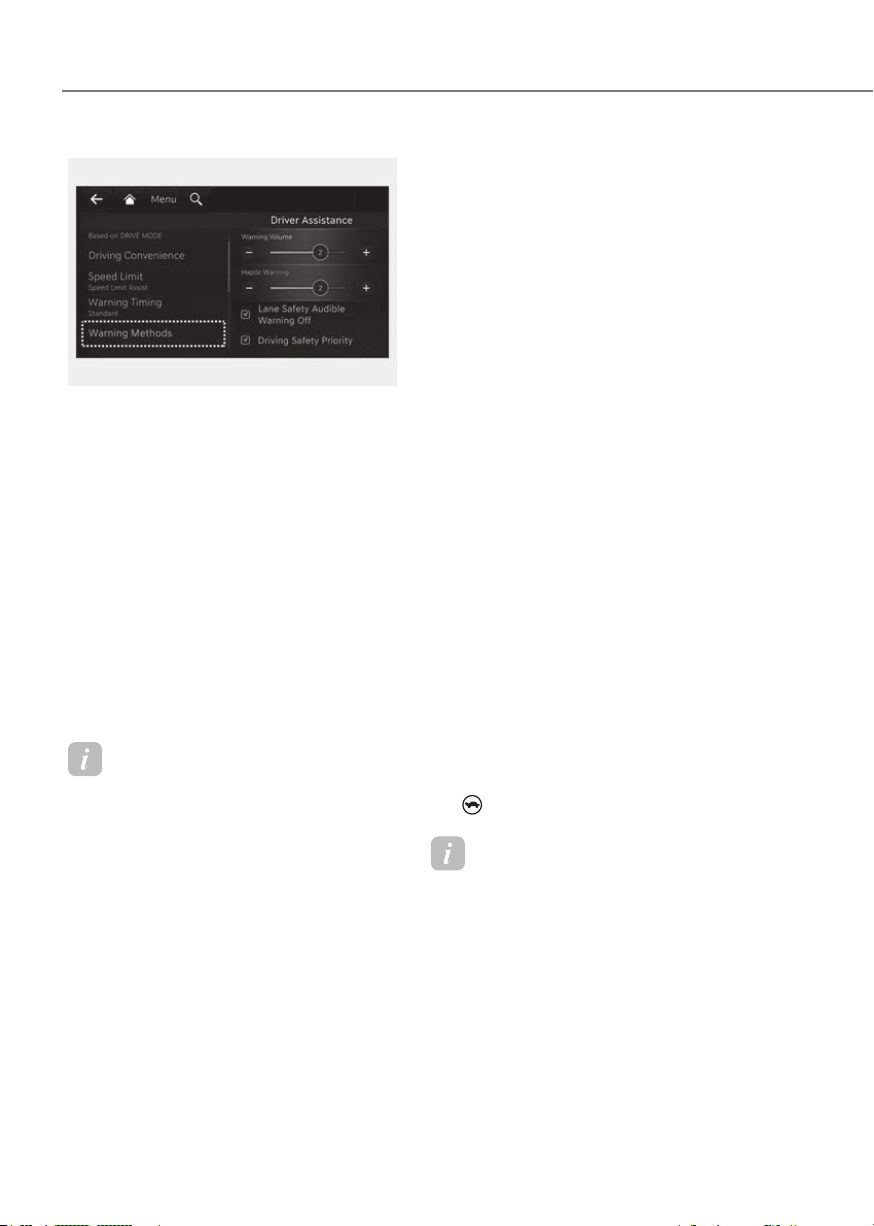
7-86
Driver Assistance System
ORG3EV073379NORG3EV073379N
Warning Methods
from the Settings in the infotainment
system to select the following:
• Warning Volume: The Warning Volume
can be adjusted. If you turn off the
Warning Volume, for your safety, the
function may warn you with a low
volume.
• Haptic Warning: The steering wheel
vibration can be adjusted.
• Driving Safety Priority: Your vehicle
lowers all other audio volumes when
the Driver Assistance system warning
sounds.
Information
• If you change the Warning Methods,
Warning Methods of other Driver
Assistance systems may change.
• If the vehicle is restarted, Warning
Methods will maintain the last setting.
• There may be no Settings menu
depending on the feature applied to
your vehicle.
• The Warning Volume and Haptic
Warning cannot be turned off at the
same time. When one of the warning is
turned off the other is activated.
Smart Cruise Control Operation
Operating conditions
Smart Cruise Control operates when the
following conditions are satisfied.
Basic function
• The gear is in D (Drive)
• The driver’s door is closed
• EPB (Electronic Parking Brake) is not
applied
• Your vehicle speed is within the
operating speed range
- 5-110 mph (10-180 km/h): when
there is no vehicle in front
- 0-110 mph (0-180 km/h): when
there is a vehicle in front
• ESC (Electronic Stability Control) or
ABS (Anti-Lock Braking System) is on
• ESC (Electronic Stability Control) or
ABS (Anti-Lock Braking System) is not
controlling the vehicle
• Forward Collision-Avoidance Assist
brake control is not operating
• Remote Smart Parking Assist brake
control is not operating (if equipped)
• Hands-off warning for Lane Keeping
Assist and Highway Driving Assist is
off
• The vehicle is not in the Power Down
(
) mode
Information
When stopped behind another vehicle, the
driver can turn on Smart Cruise Control
while the brake pedal is depressed.
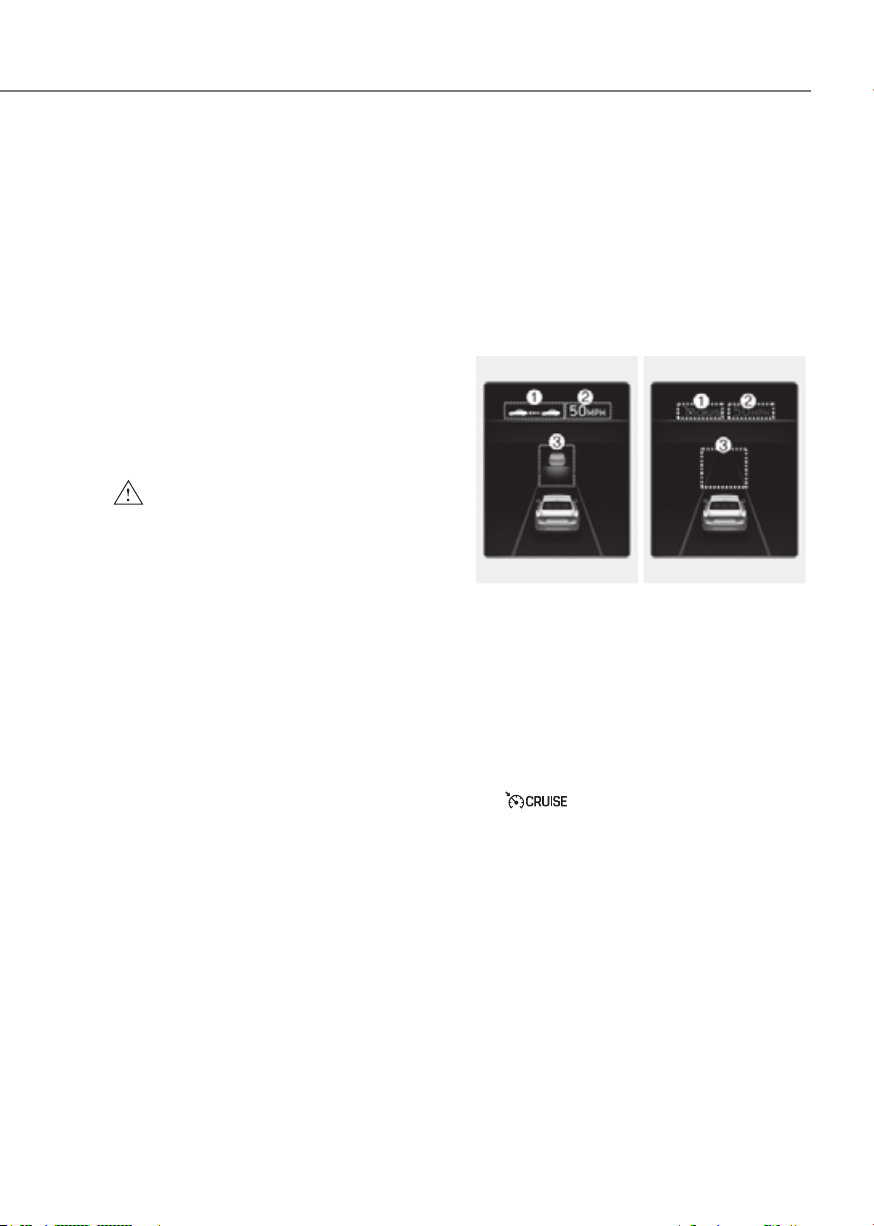
7-87
07
Overtaking Acceleration Assist
Overtaking Acceleration Assist operates
when the turn signal indicator is turned
on to the left while Smart Cruise Control
is operating, and the following conditions
are satisfied:
• Your vehicle speed is above 40 mph
(60 km/h)
• The hazard warning flasher is off
• A vehicle is detected in front of your
vehicle
• Deceleration is not needed to
maintain distance with the vehicle in
front
WARNING
• When the turn signal indicator is
turned on to the left while there is
•
Assist will operate when the
using the function in countries with
check the road conditions at all
Display and Control
Basic function
You can see the status of the Smart
Cruise Control operation in the Driving
Assist view on the cluster. Refer to “View
Modes” section in chapter 4.
Smart Cruise Control will be displayed
as below depending on the status of the
function.
OperatingOperating Temporarily canceledTemporarily canceled
ORG3EV071037NORG3EV071037N ORG3EV071298NORG3EV071298N
• When operating
(1) Whether there is a vehicle ahead
and the selected distance level are
displayed.
(2) Set speed
(3) Whether there is a vehicle ahead and
the target vehicle distance
• When temporarily canceled
(1)
indicator
(2) The previous set speed is shaded.
(3) Whether there is a vehicle ahead (if
equipped)
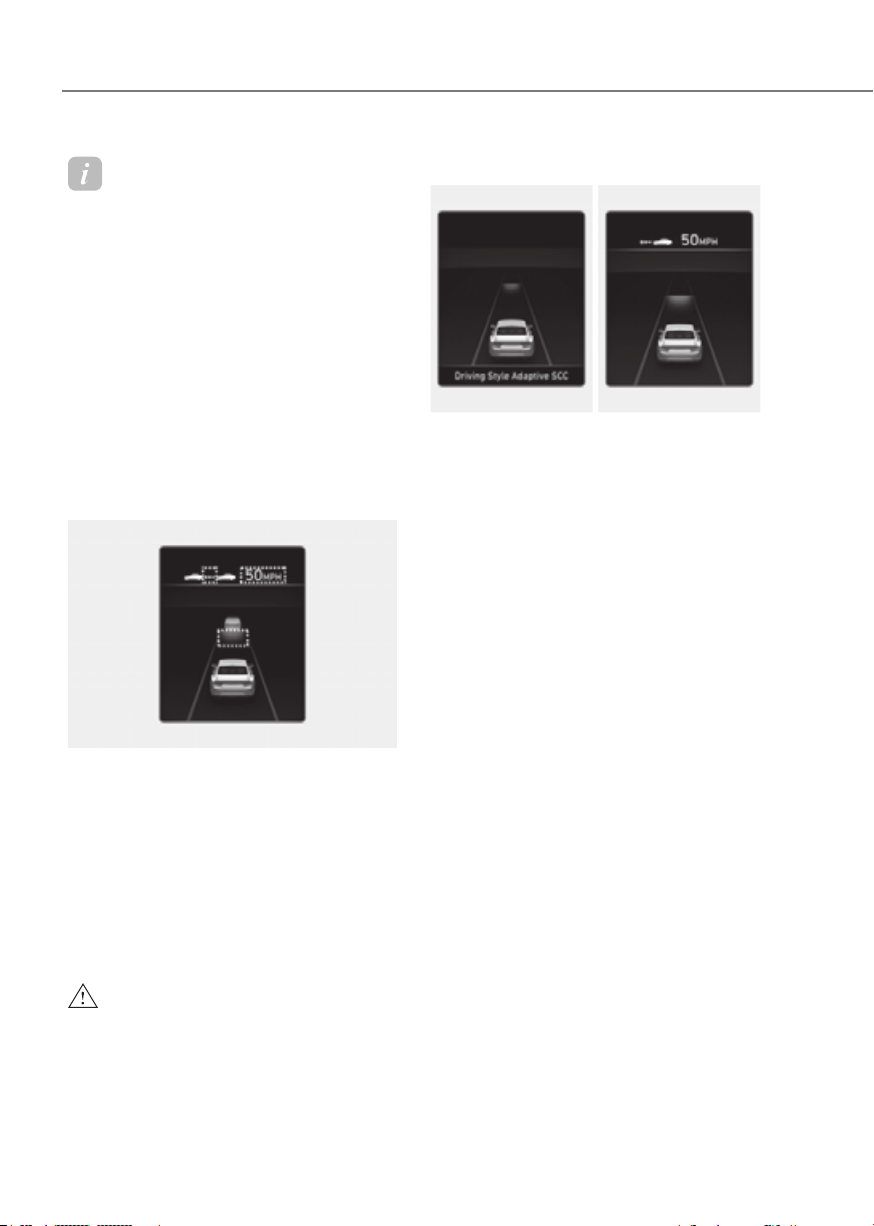
7-88
Driver Assistance System
Information
• The distance of the front vehicle on the
cluster is displayed based on the actual
distance between your vehicle and the
vehicle ahead.
• The target distance may vary according
to the vehicle speed and the set
distance level. If the vehicle speed is
low, even though the vehicle distance
have changed, the change of the target
vehicle distance may be small.
• The images and colors in the
instrument cluster may differ
depending on the cluster type or theme
selected from the instrument cluster.
Accelerating temporarily
ORG3EV072039NORG3EV072039N
If you want to speed up temporarily
without altering the set speed while
Smart Cruise Control is operating,
depress the accelerator pedal. While the
accelerator pedal is depressed, the set
speed, distance level and target distance
will blink on the cluster.
However, if the accelerator pedal is
depressed insufficiently, the vehicle may
decelerate.
WARNING
Be careful when accelerating
Based on Driving Style operating
ORG3EV071040LORG3EV071040L ORG3EV071041NORG3EV071041N
When Based on Driving Style is
operating, ‘Driving Style Adaptive SCC’
message will appear on the cluster for
2 seconds, and the distance level and
target distance will be displayed based
on the driving style.

7-89
07
Smart Cruise Control temporarily
canceled
OTM070113NOTM070113N
Smart Cruise Control will be temporarily
canceled automatically when:
• The vehicle speed is above 120 mph
(190 km/h)
• The vehicle is stopped for a certain
period of time
• The accelerator pedal is continuously
depressed for a certain period of time
• The conditions for the Smart Cruise
Control to operate is not satisfied
If Smart Cruise Control is temporarily
canceled automatically, the ‘Smart
Cruise Control canceled’ warning
message will appear on the cluster, and
an audible warning will sound to warn
the driver.
If Smart Cruise Control is temporarily
canceled while the vehicle is at a
standstill with the function activated,
EPB (Electronic Parking Brake) maybe
applied.
WARNING
When Smart Cruise Control is
speed in order to maintain a safe
Smart Cruise Control conditions not
satisfied
OTM070112NOTM070112N
If the Driving Assist button, + switch,
- switch or
switch is operated
when Smart Cruise Control operated
conditions are not satisfied, the ‘Smart
Cruise Control conditions not met’ will
appear on the cluster, and an audible
warning will sound.
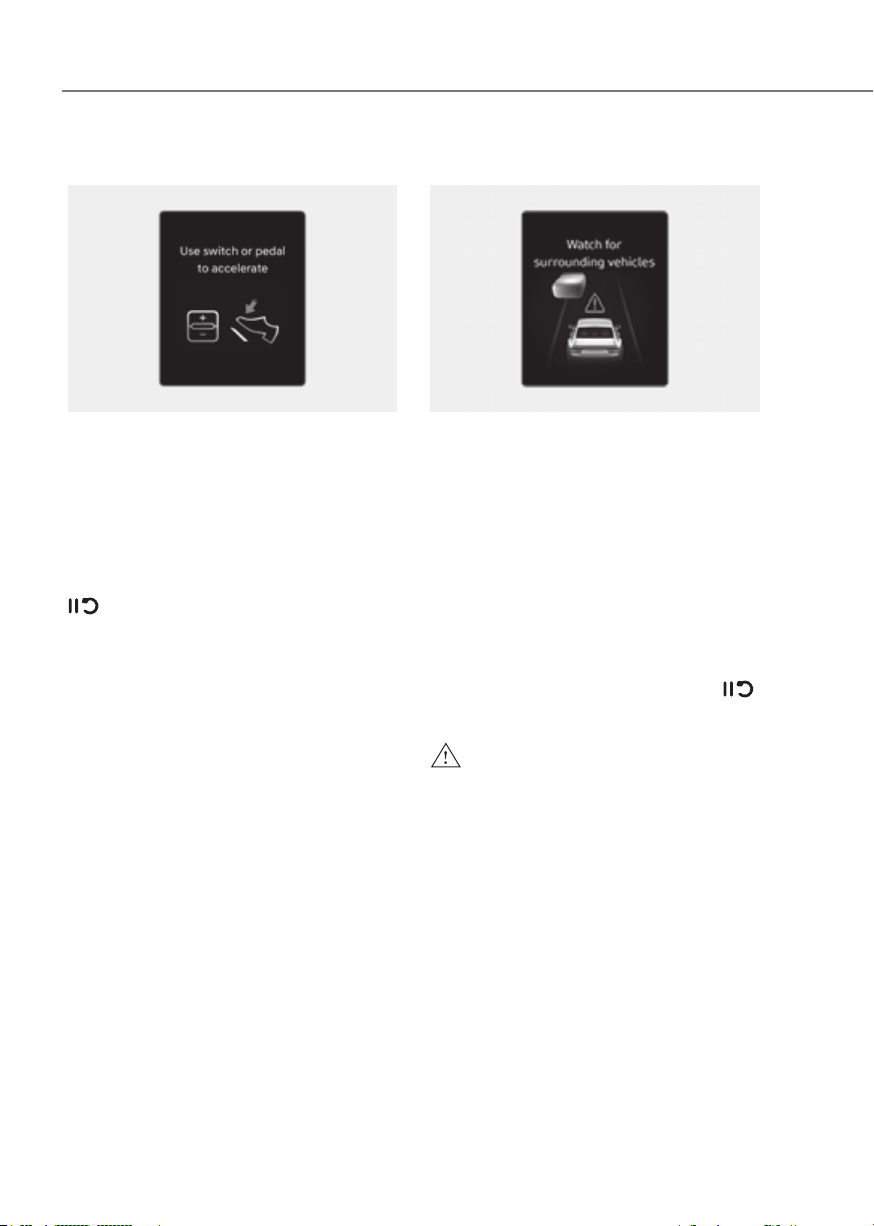
7-90
Driver Assistance System
In traffic situation
OTM070114L OTM070114L
In traffic, your vehicle will stop if the
vehicle ahead of you stops. Also, if the
vehicle ahead of you starts moving, your
vehicle will start as well. In addition, after
the vehicle has stopped and a certain
time have passed, the ‘Use switch or
pedal to accelerate’ message will appear
on the cluster. Depress the accelerator
pedal or operate the + switch, - switch or
switch to start driving.
Warning road conditions ahead
ORG3EV071042LORG3EV071042L
In the following situation, the ‘Watch for
surrounding vehicles’ warning message
will appear on the cluster, and an audible
warning will sound to warn the driver of
road conditions ahead.
- The vehicle in front disappears when
Smart Cruise Control is maintaining
the distance with the vehicle ahead
while driving below a certain speed.
- While the ‘Use switch or pedal to
accelerate’ message is displayed on
the cluster, if there is no vehicle in
front or the vehicle is far away from
you, and the + switch, – switch or
switch is operated.
WARNING
speed in order to maintain a safe

7-91
07
Collision Warning
ORG3EV071002LORG3EV071002L
While Smart Cruise Control is operating,
when the collision risk with the vehicle
ahead is high, the ‘Collision Warning’
warning message will appear on the
cluster, and an audible warning will
sound to warn the driver. Always have
your eyes on the road while driving, and
if necessary, depress the brake pedal to
reduce your driving speed in order to
maintain a safe distance.
WARNING
-
-
slow or is at a standstill
- The accelerator pedal is depressed
right after Smart Cruise Control is
turned on
WARNING
Take the following precautions when
using Smart Cruise Control:
• Smart Cruise Control does not
•
• Keep Smart Cruise Control off when
•
•
• Keep a safe distance according to

7-92
Driver Assistance System
• When maintaining distance with
•
upward slope and increase on a
•
•
• Turn off Smart Cruise Control when
•
•
and sudden situations from
•
and sudden situations from
•
warning message does not appear or
•
•
•
•
•

7-93
07
CAUTION
•
•
changed when determining the
•
Information
• Smart Cruise Control may not operate
for 15 seconds after the vehicle is
started or the front view camera or
front radar is initialized.
• You may hear a sound when the brake
is controlled by Smart Cruise Control.
• Based on Driving Style may not reflect
the driver’s driving style or driving
conditions that affects driving safety.
• Based on Driving Style does not reflect
any other driving style other than
inter-vehicle distance, acceleration and
reaction speed.
Smart Cruise Control
Malfunction and Limitations
Smart Cruise Control malfunction
OTM070116N OTM070116N
When Smart Cruise Control is not working
properly, the ‘Check Smart Cruise Control
system’ warning message will appear, and
the
warning light will illuminate on the
cluster. Have the vehicle inspected by an
authorized retailer of Genesis Branded
products.

7-94
Driver Assistance System
Smart Cruise Control disabled
OTM070115N OTM070115N
When the front radar cover or sensor
is covered with snow, rain, or foreign
material, it can reduce the detecting
performance and temporarily limit or
disable Smart Cruise Control.
If this occurs the ‘Smart Cruise Control
disabled. Radar blocked’ warning
message will appear for a certain period
of time on the cluster.
Smart Cruise Control will operate properly
when snow, rain or foreign material is
removed.
WARNING
CAUTION
Limitations of Smart Cruise Control
Smart Cruise Control may not operate
properly, or it may operate unexpectedly
under the following circumstances:
• The detecting sensor or the
surroundings are contaminated or
damaged
• Washer fluid is continuously sprayed,
or the wiper is on
• The camera lens is contaminated due
to tinted, filmed or coated windshield,
damaged glass, or sticky foreign
material (sticker, bug, etc.) on the
glass
• Moisture is not removed or frozen on
the windshield
• The field of view of the front view
camera is obstructed by sun glare
• Street light or light from an oncoming
vehicle is reflected on the wet road
surface, such as a puddle on the road
• The temperature around the front
view camera is high or low
• An object is placed on the dashboard
• The surrounding is very bright
• The surrounding is very dark, such as
in a tunnel, etc.
• The brightness changes suddenly, for
example when entering or exiting a
tunnel
• The brightness outside is low, and the
headlights are not on or are not bright
• Driving in heavy rain or snow, or thick
fog
• Driving through steam, smoke or
shadow

7-95
07
• Only part of the vehicle is detected
• The vehicle in front has no tail lights,
tail lights are located unusually, etc.
• The brightness outside is low, and the
tail lamps are not on or are not bright
• The rear of the front vehicle is small
or does not look normal (for example,
tilted, overturned, etc.)
• The front vehicle’s ground clearance is
low or high
• A vehicle suddenly cuts in front
• Your vehicle is being towed
• Driving through a tunnel or iron bridge
• Driving near areas containing metal
substances, such as a construction
zone, railroad, etc.
• An object reflecting off the front radar
such as a guardrail, nearby vehicle,
etc.
• The bumper around the front radar is
impacted, damaged or the front radar
is out of position
• The temperature around the front
radar is high or low
• Driving in vast areas where there
are few vehicles or structures (for
example, desert, meadow, suburb,
etc.)
• The vehicle in front is made of
material that does not reflect on the
front radar
• Driving near a highway (or motorway)
interchange or tollgate
• Driving on a slippery surface due to
snow, water puddle, ice, etc.
• Driving on a curved road
• The vehicle in front is detected late
• The vehicle in front is suddenly
blocked by an obstacle
• The vehicle in front suddenly changes
lane or suddenly reduces speed
• The vehicle in front is bent out of
shape
• The front vehicle’s speed is fast or
slow
• With a vehicle in front, your vehicle
changes lane at low speed
• The vehicle in front is covered with
snow
• Unstable driving
• You are on a roundabout and the
vehicle in front is not detected
• You are continuously driving in a circle
• Driving in a parking lot
• Driving through a construction area,
unpaved road, partial paved road,
uneven road, speed bumps, etc.
• Driving on an incline road, curved
road, etc.
• Driving through a roadside with trees
or streetlights
• The adverse road conditions cause
excessive vehicle vibrations while
driving
• Your vehicle height is low or high
due to heavy loads, abnormal tire
pressure, etc.
• Driving through a narrow road where
trees or grass are overgrown
• There is interference by
electromagnetic waves, such as
driving in an area with strong radio
waves or electrical noise
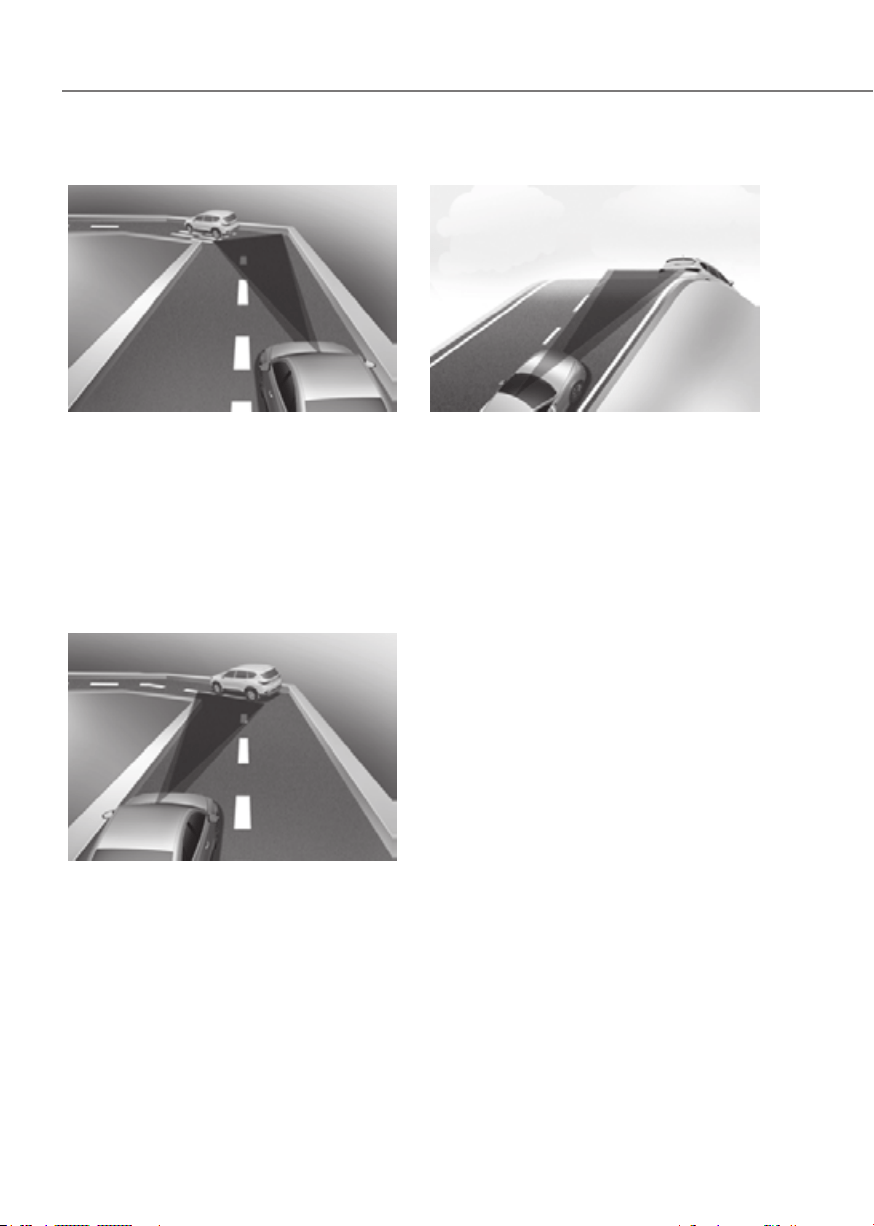
7-96
Driver Assistance System
• Driving on a curved road
ORG3EV071094ORG3EV071094
On curves, Smart Cruise Control may
not detect a vehicle in the same lane,
and may accelerate to the set speed.
Also, vehicle speed may rapidly
decrease when the vehicle ahead is
detected suddenly.
Select the appropriate set speed on
curves and apply the brake pedal or
accelerator pedal according to the
road and driving conditions ahead.
ORG3EV071097 ORG3EV071097
Your vehicle speed can be reduced
due to a vehicle in the adjacent lane.
Apply the accelerator pedal and select
the appropriate set speed. Check
to be sure that the road conditions
permit safe operation of the Smart
Cruise Control.
• Driving on an inclined road
ORG3EV071100ORG3EV071100
During uphill or downhill driving, the
Smart Cruise Control may not detect
a moving vehicle in your lane, and
cause your vehicle to accelerate to
the set speed. Also, vehicle speed will
rapidly decrease when the vehicle
ahead is detected suddenly.
Select the appropriate set speed on
inclines and apply the brake pedal or
accelerator pedal according to the
road and driving conditions ahead.
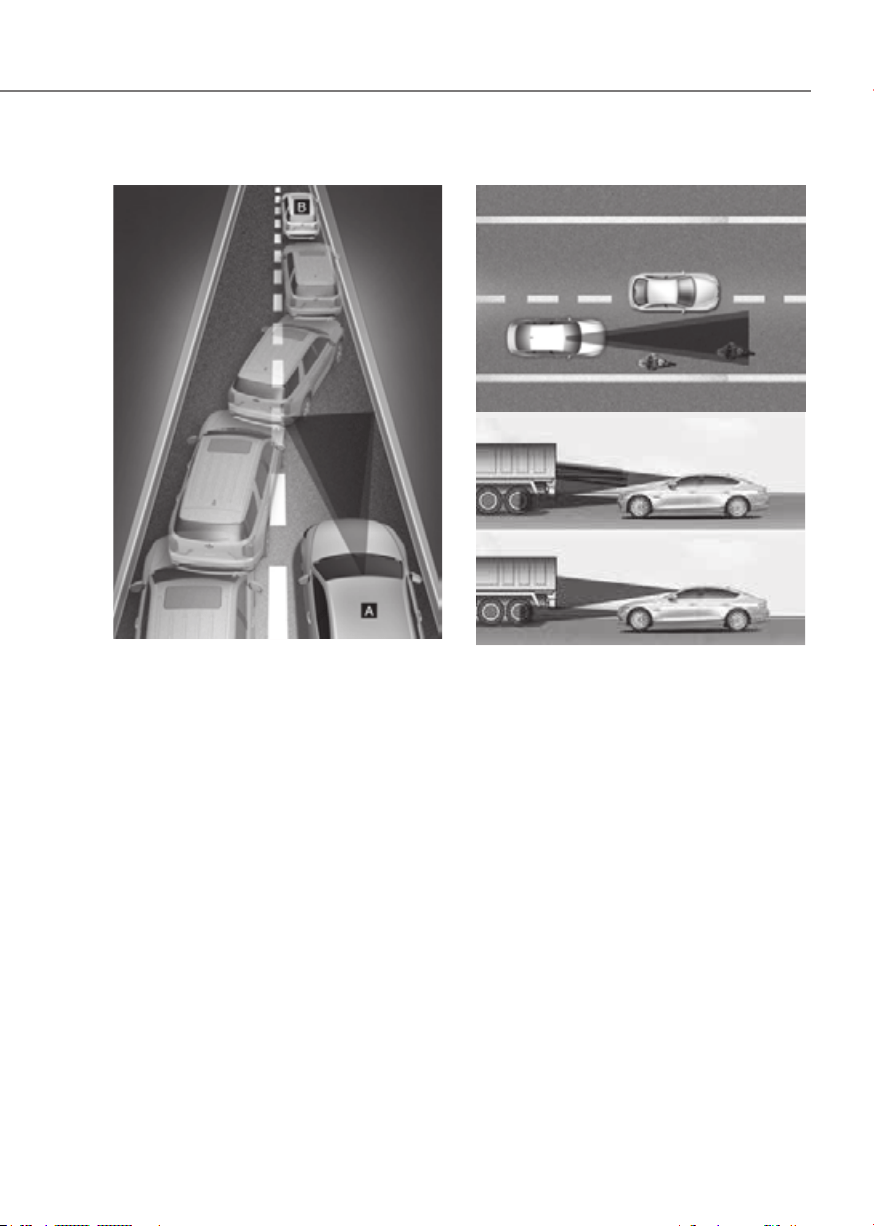
7-97
07
• Changing lanes
ORG3EV071103ORG3EV071103
[A] : Your vehicle, [B] : Lane changing vehicle
When a vehicle moves into your lane
from an adjacent lane, it cannot be
detected by the sensor until it is in the
sensor's detection range. Smart Cruise
Control may not immediately detect
the vehicle when the vehicle changes
lanes abruptly. In this case, you must
maintain a safe braking distance, and
if necessary, depress the brake pedal
to reduce your driving speed in order
to maintain a safe distance.
• Detecting vehicle
ORG3EV071126ORG3EV071126
ORG3EV071089ORG3EV071089
In the following cases, some vehicles
in your lane cannot be detected by the
sensor:
- Vehicles offset to one side
- Slow-moving vehicles or sudden-
decelerating vehicles
- Vehicles with higher ground
clearance or vehicles carrying loads
that stick out of the back of the
vehicle
- Vehicles that has the front lifted due
to heavy loads
- Vehicles within approximately 6
feet(2 m) from your vehicle
- Oncoming vehicles
- Stopped vehicles
- Vehicles with small rear profile, such
as trailers
- Narrow vehicles, such as
motorcycles or bicycles
- Special vehicles
- Animals and pedestrians
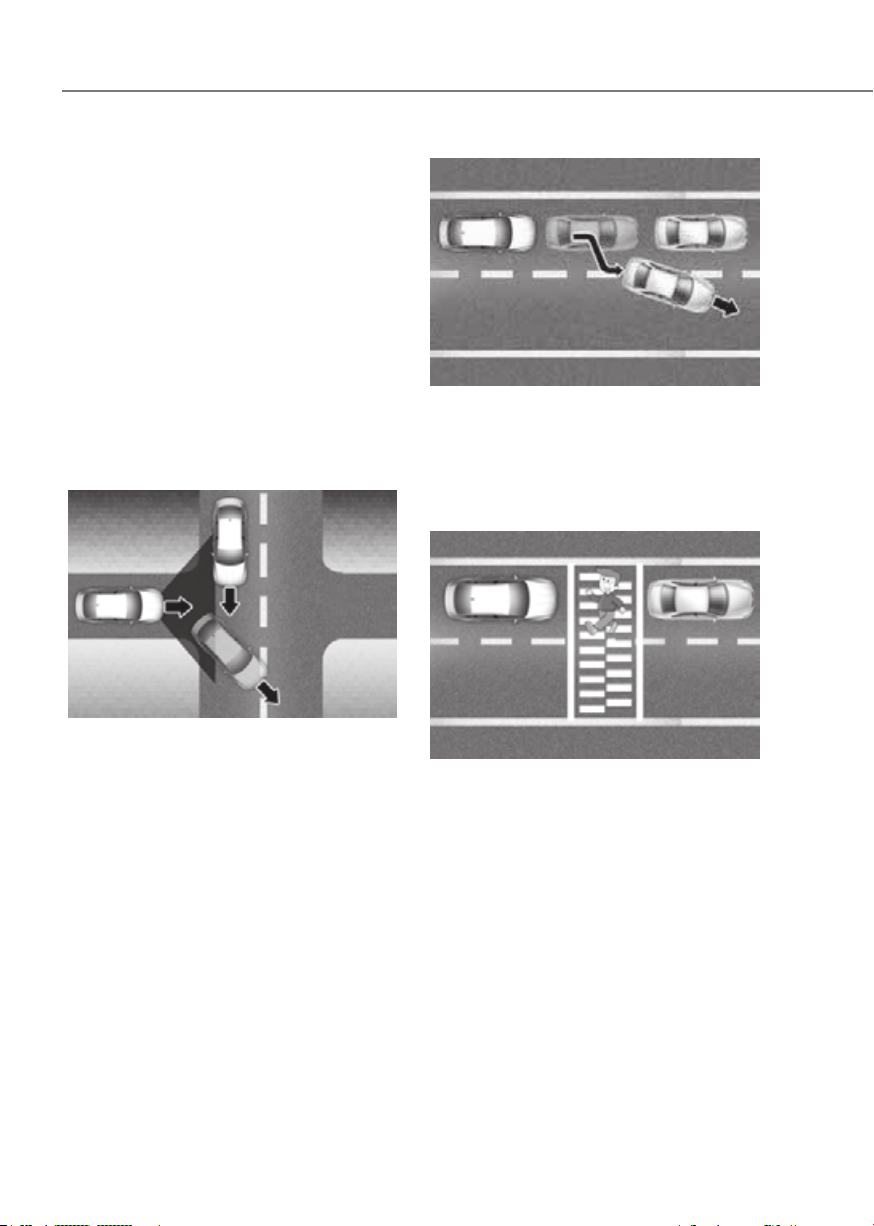
7-98
Driver Assistance System
Adjust your vehicle speed by
depressing the brake pedal according
to the road and driving conditions
ahead.
In the following cases, the vehicle
in front cannot be detected by the
sensor:
- You are steering your vehicle
- Driving on narrow or sharply curved
roads
Adjust your vehicle speed by
depressing the brake pedal according
to the road and driving conditions
ahead.
ORG3EV071127ORG3EV071127
• When a vehicle ahead disappears
at an intersection, your vehicle may
accelerate.
Always pay attention to road and
driving conditions while driving.
ORG3EV071128ORG3EV071128
• When a vehicle in front of you merges
out of the lane, Smart Cruise Control
may not immediately detect the new
vehicle that is now in front of you.
Always pay attention to road and
driving conditions while driving.
ORG3EV071129ORG3EV071129
• Always look out for pedestrians when
your vehicle is maintaining a distance
with the vehicle ahead.

7-99
07
Information
This device complies with Part 15 of the
FCC rules.
Operation is subject to the following three
conditions:
1. This device may not cause harmful
interference, and
2. This device must accept any
interference received, including
interference that may cause undesired
operation.
3. Changes or modifications not expressly
approved by the party responsible
for compliance could void the user's
authority to operate the device.
Information
Radio frequency radiation exposure
information:
This equipment complies with FCC
radiation exposure limits set forth for an
uncontrolled environment.
This equipment should be installed and
operated with minimum distance of 8 in.
(20 cm) between the radiator (antenna)
and your body.
This transmitter must not be co-located or
operating in conjunction with any other
antenna or transmitter.

7-100
Driver Assistance System
Navigation-based Smart Cruise Control
helps drive at a certain speed according
to the road conditions when driving on
highways by using road information from
the navigation system while Smart Cruise
Control is operating.
Information
• The Navigation-based Smart Cruise
Control is available only on controlled
access road of certain highways.
à Controlled access road indicates
roads with limited entrances and
exits that allow uninterrupted high
speed traffic flow. Only passenger
cars and motorcycles are allowed on
controlled access roads.
USA
Select Interstate Highway
and U.S. (Federal) and State
Highways
Canada
Select Provincial and Territorial
Highways
• Additional highways may be expanded
by future navigation updates.
Information
Navigation-based Smart Cruise Control
operates on main roads of highways (or
motorways), and does not operate on
interchanges or junctions.
If vehicle speed is high, Highway Curve
Zone Auto Slowdown function will
temporarily decelerate your vehicle
or limit acceleration to help you drive
safely on a curve based on the curve
information from the navigation.
Highway Set Speed Auto Change
function automatically changes Smart
Cruise Control set speed based on
the speed limit information from the
navigation.
Control Settings
Setting features
OJK070161LOJK070161L
With the vehicle on, select ‘Driver
Highway Auto Speed Change’ from the
Settings menu to turn on Navigation-
based Smart Cruise Control and deselect
to turn off the function.
Information
When there is a problem with Navigation-
based Smart Cruise Control, the function
cannot be set from the Settings menu.
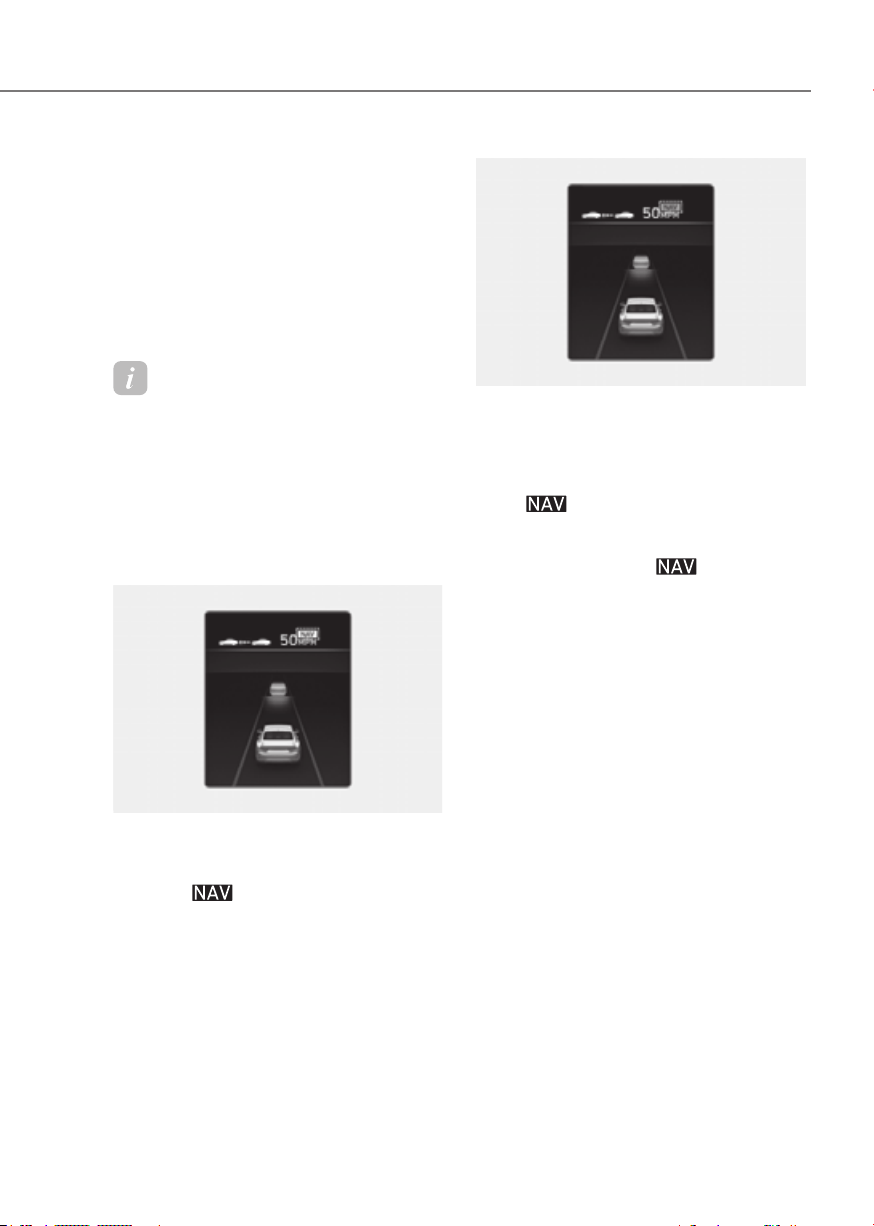
7-101
07
Control Operation
Operating conditions
Navigation-based Smart Cruise Control
is ready to operate if all of the following
conditions are satisfied:
• Smart Cruise Control is operating
• Driving on main roads of highways
Information
For more details on how to operate Smart
Cruise Control, refer to “Smart Cruise
Control (SCC)” section in this chapter.
Navigation-based Smart Cruise
Control display and control
When Navigation-based Smart Cruise
Control operates, it will be displayed on
the cluster as follows:
ORG3EV071043NORG3EV071043N
Navigation-based Smart Cruise Control
standby
If the operating conditions are satisfied,
the white
indicator will illuminate.
ORG3EV071044NORG3EV071044N
Navigation-based Smart Cruise Control
operating
If temporary deceleration is required in
the standby state and Navigation-based
Smart Cruise Control is operating, the
green
symbol will illuminate on the
cluster.
If the Highway Set Speed Auto Change
function operates, the
symbol and
set speed will illuminate in green on
the cluster, and an audible warning will
sound.
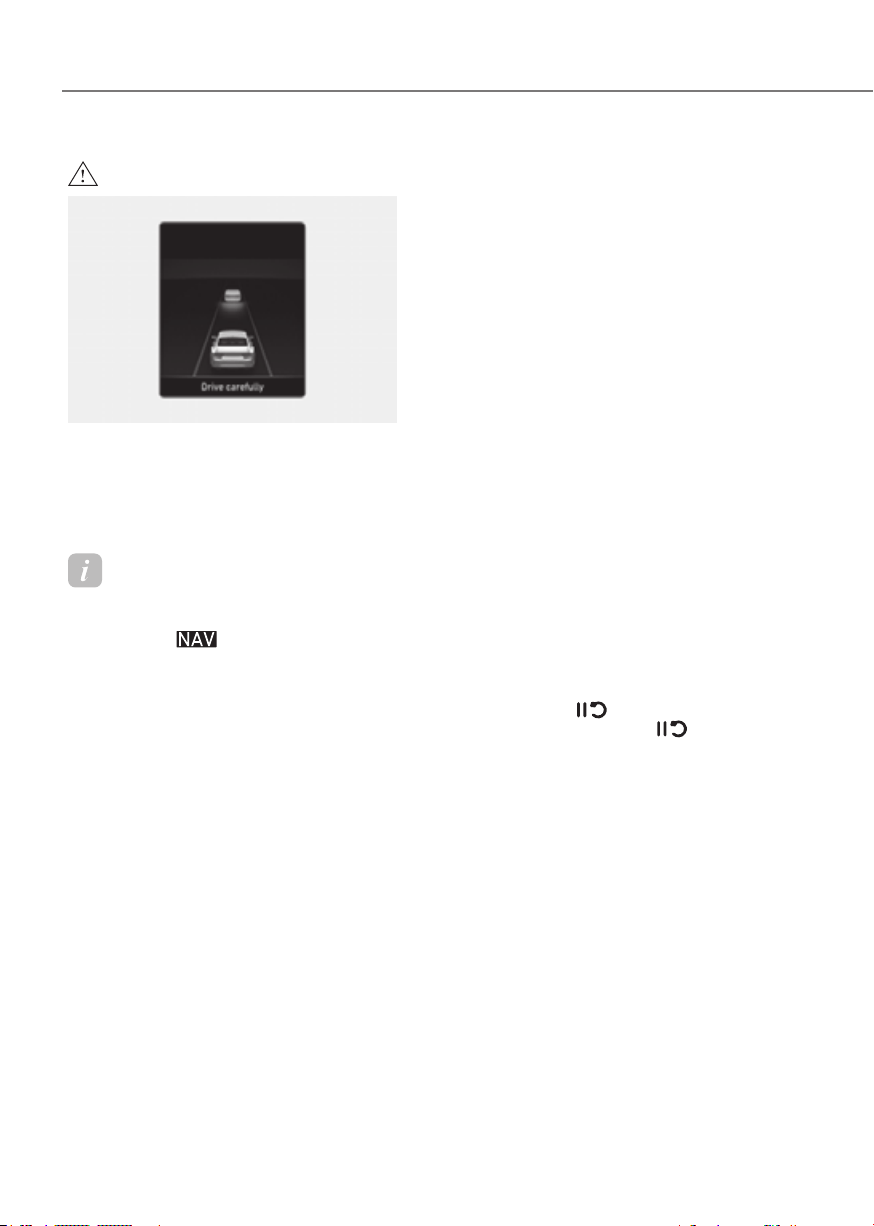
7-102
Driver Assistance System
WARNING
ORG3EV071045LORG3EV071045L
appear in the following circumstances:
-
Information
Highway Curve Zone Auto Slowdown and
Highway Set Speed Auto Change function
uses the same
symbol.
Highway Curve Zone Auto Slowdown
• Depending on the curve ahead on the
highway (or motorway), the vehicle
will decelerate, and after passing the
curve, the vehicle will accelerate to
Smart Cruise Control set speed.
• Vehicle deceleration time may differ
depending on the vehicle speed
and the degree of the curve on the
road. The higher the driving speed,
deceleration will start faster.
Highway Set Speed Auto Change
• Highway Set Speed Auto Change
function will operate when Smart
Cruise Control set speed and the
highway (or motorway) speed limit is
matched.
• While Highway Set Speed Auto
Change function is operating, when
the highway (or motorway), speed
limit changes, Smart Cruise Control
set speed automatically changes to
the changed speed limit.
• If Smart Cruise Control set speed is
adjusted different from the speed
limit, Highway Set Speed Auto Change
function will be in the standby state.
• If Highway Set Speed Auto Change
function has changed to the standby
state by driving on a road other than
the highway (or motorway) main road,
Highway Set Speed Auto Change
function will operate again when you
drive on the main road again without
setting the set speed.
• If Highway Set Speed Auto Change
function has changed to the standby
state by depressing the brake pedal
or pressing the
switch on the
steering wheel, press the switch
to restart the function.
• Highway Set Speed Auto Change
function does not operate on highway
interchanges or junctions.

7-103
07
Information
• Highway Set Speed Auto Change
function only operates based on
the speed limits of the highway (or
motorway), it does not work with the
speed cameras.
• When Highway Set Speed Auto Change
function is operating, the vehicle
automatically accelerates or decelerates
when the highway (or motorway) speed
limit changes.
• The maximum set speed for Highway
Set Speed Auto Change function is 86
mph (140 km/h).
• If the speed limit of a new road is not
updated in the navigation, Highway Set
Speed Auto Change function may not
operate properly.
• If the speed unit is set to a unit other
than the speed unit used in your
country, Highway Set Speed Auto
Change function may not operate
properly.
Smart Cruise Control
Navigation-based Smart Cruise Control
may not operate properly under the
following circumstances:
• The navigation is not working properly
• Map information is not transmitted
due to infotainment system's
abnormal operation
• Speed limit and road information in
the navigation is not updated
• The map information and the actual
road is different because of real-time
GPS data or map information error
• The navigation searches for a route
while driving
• GPS signals are blocked in areas such
as a tunnel
• A road that divides into two or more
roads and joins again
• The driver goes off course the route
set in the navigation
• The route to the destination is
changed or canceled by resetting the
navigation
• The vehicle enters a service station or
rest area
• Android Auto or Car Play is operating
• The navigation cannot detect the
current vehicle position (for example,
elevated roads including overpass
adjacent to general roads or nearby
roads exist in a parallel way)
• The navigation is being updated while
driving
• The navigation is being restarted while
driving
• The speed limit of some sections
changes according to the road
situations
• Driving on a road under construction
• Driving on a road that is controlled
• There is bad weather, such as heavy
rain, heavy snow, etc.
• Driving on a road that is sharply
curved

7-104
Driver Assistance System
ORG3EV071130LORG3EV071130L
[1] : Set route, [2] : Branch line, [3] : Driving route,
[4] : Main road, [5] : Curved road section
• When there is a difference between
the navigation set route (branch line)
and the driving route (main road),
Highway Curve Zone Auto Slowdown
function may not operate until the
driving route is recognized as the
main road.
• When the vehicle's driving route
is recognized as the main road by
maintaining the main road instead
of the navigation set route, Highway
Curve Zone Auto Slowdown function
will operate. Depending on the
distance to the curve and the current
vehicle speed, vehicle deceleration
may not be sufficient or may
decelerate rapidly.
ORG3EV071131LORG3EV071131L
[1] : Set route, [2] : Branch line, [3] : Driving route,
[4] : Main road, [5] : Curved road section
• When there is a difference between
the navigation route (main road)
and the driving route (branch line),
Highway Curve Zone Auto Slowdown
function will operate based on the
curve information on the main road.
• When it is judged that you are driving
out of the route by entering the
highway interchange or junction,
Highway Curve Zone Auto Slowdown
function will not operate.
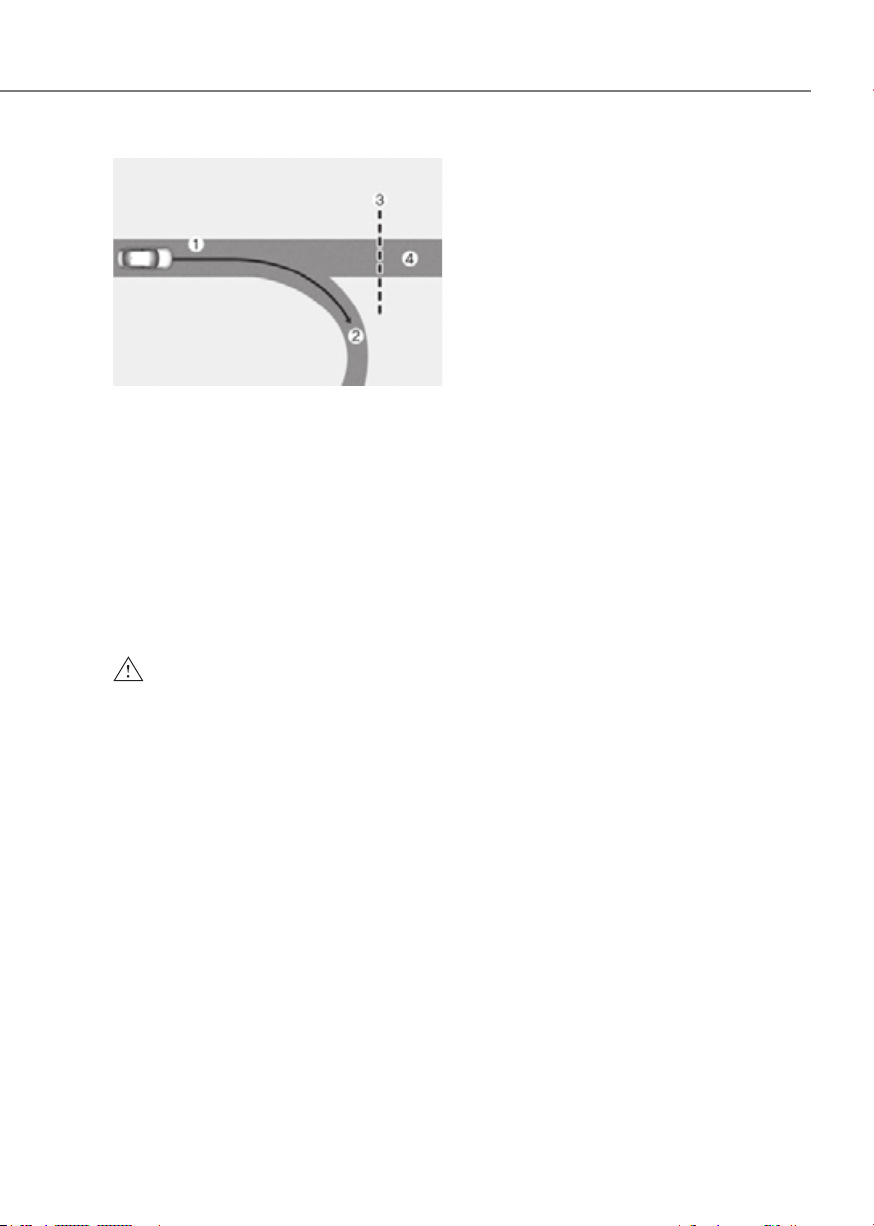
7-105
07
ORG3EV071132LORG3EV071132L
[1] : Driving route, [2] : Branch line,
[3] : Curved road section, [4] : Main road
• If there is no destination set on the
navigation, Highway Curve Zone Auto
Slowdown function will operate based
on the curve information on the main
road.
• Even if you depart from the main road,
Highway Curve Zone Auto Slowdown
function may temporarily operate
due to navigation information of the
highway curve section.
WARNING
•
•
actual speed limit information on the
to check the speed limit on the
•
•
•
•
•
the function will not decelerate the
•
releases the accelerator pedal while
•

7-106
Driver Assistance System
Information
• A time gap could occur between the
navigation’s guidance and when
Navigation-based Smart Cruise Control
operation starts and ends.
• The speed information on the cluster
and navigation may differ.
• Even if you are driving at a speed lower
than Smart Cruise Control set speed,
acceleration may be limited by the
curve sections ahead.
• If Navigation-based Smart Cruise
Control is operating while leaving the
main road to enter an interchange,
junction, rest area, etc., the function
may operate for a certain period of
time.
• Deceleration by Navigation-based
Smart Cruise Control may feel it is not
sufficient due to road conditions such
as uneven road surfaces, narrow lanes,
etc.
Information
This device complies with Part 15 of the
FCC rules.
Operation is subject to the following three
conditions:
1. This device may not cause harmful
interference, and
2. This device must accept any
interference received, including
interference that may cause undesired
operation.
3. Changes or modifications not expressly
approved by the party responsible
for compliance could void the user's
authority to operate the device.
Information
Radio frequency radiation exposure
information:
This equipment complies with FCC
radiation exposure limits set forth for an
uncontrolled environment.
This equipment should be installed and
operated with minimum distance of 8 in.
(20 cm) between the radiator (antenna)
and your body.
This transmitter must not be co-located or
operating in conjunction with any other
antenna or transmitter.
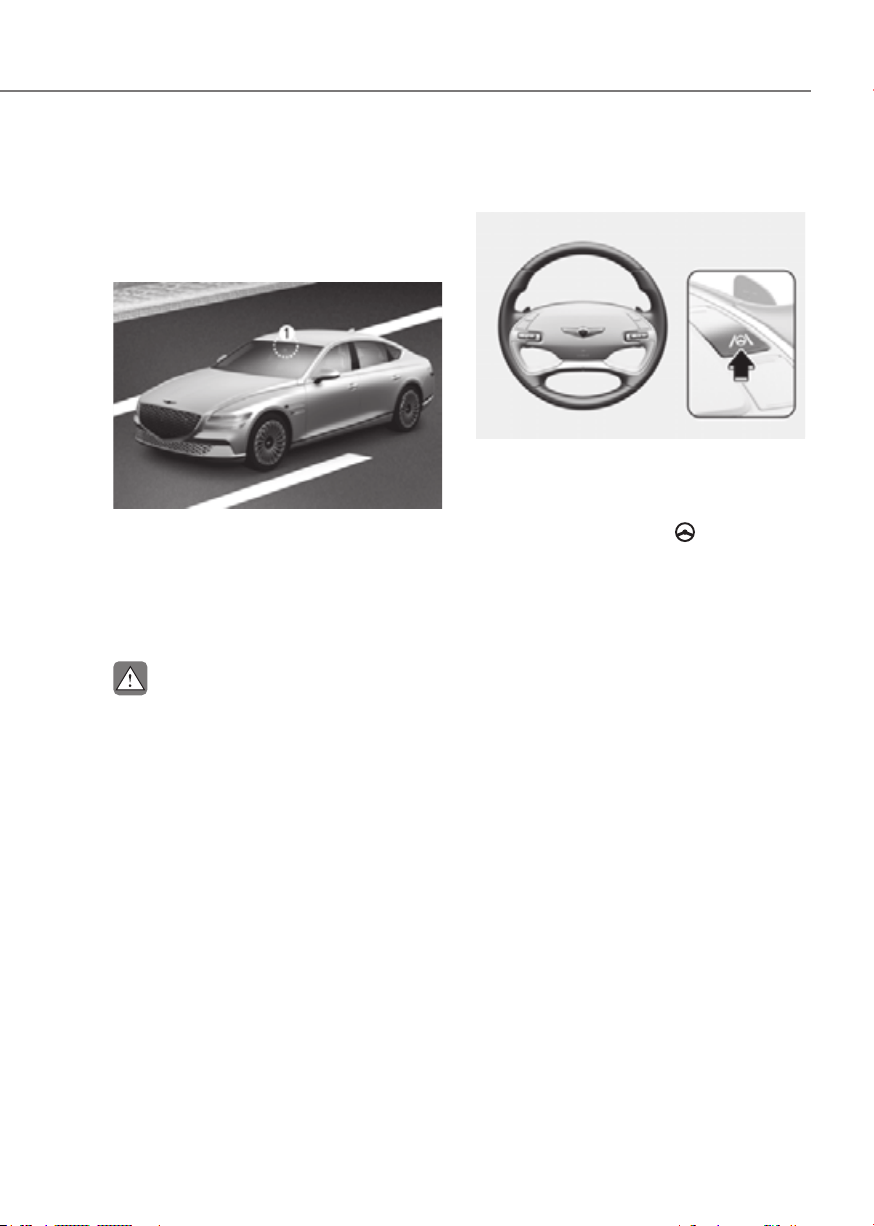
7-107
07
Lane Following Assist is designed to help
detect lane markings and/or vehicles on
the road, and assists the driver’s steering
to help center the vehicle in the lane.
Detecting sensor
ORG3EV071074ORG3EV071074
[1]: Front view camera
The front view camera is used as a
detecting sensor to detect lane markings
and front vehicles.
Refer to the picture above for the
detailed location of the detecting sensor.
CAUTION
For more details on the precautions
Lane Following Assist Settings
Setting features
ORG3EV071019LORG3EV071019L
Turning Lane Following Assist On/Off
With the vehicle on, short press the Lane
Driving Assist button located on the
steering wheel to turn on Lane Following
Assist. The grey or green
indicator
light will illuminate on the cluster.
Press the button again to turn off the
function.
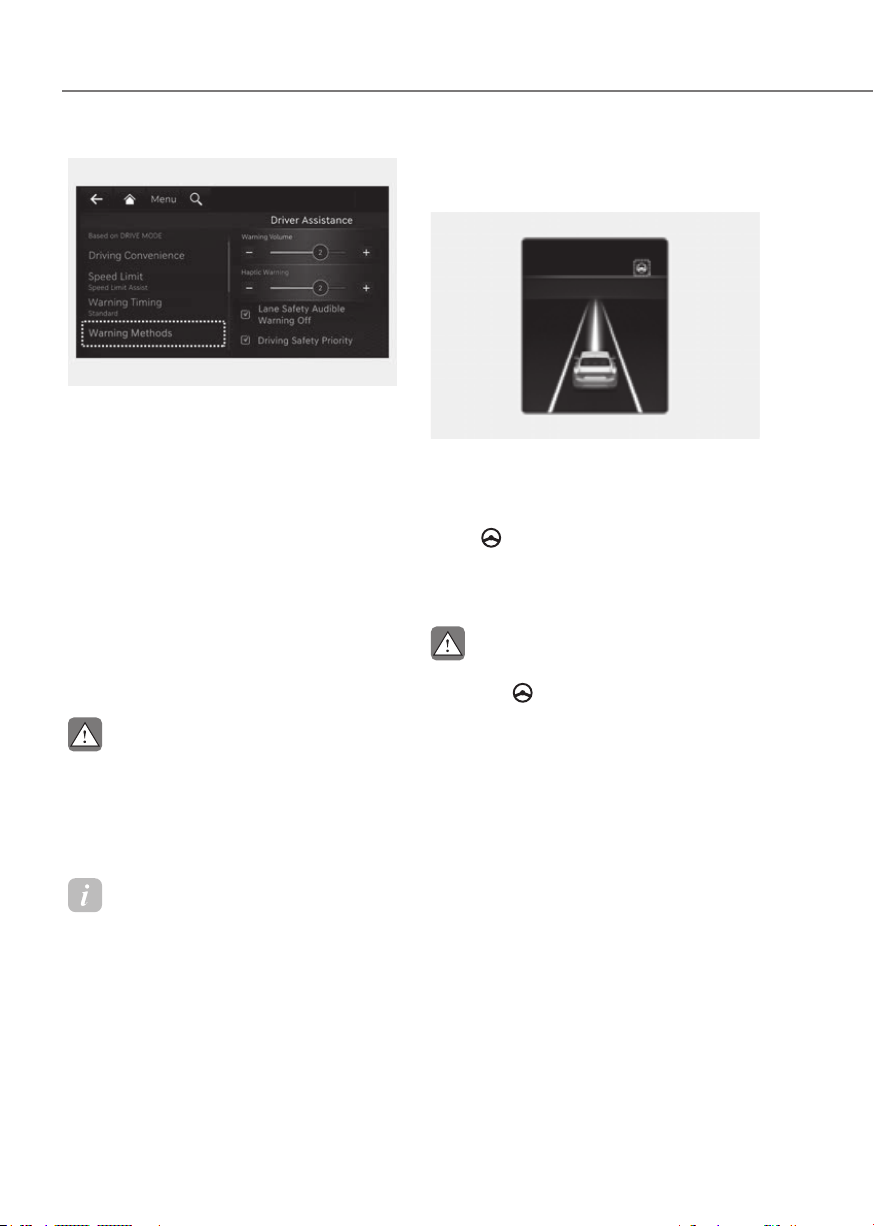
7-108
Driver Assistance System
ORG3EV073379NORG3EV073379N
Warning Methods
Methods from the Settings in the
infotainment system to select the
following:
• Warning Volume: The Warning Volume
can be adjusted. If you turn off the
Warning Volume, for your safety, the
function may warn you with a low
volume.
• Driving Safety Priority: Your vehicle
lowers all other audio volumes when
the Driver Assistance system warning
sounds.
CAUTION
Information
• If you change the Warning Methods,
Warning Methods of other Driver
Assistance systems may change.
• If the vehicle is restarted, Warning
Methods will maintain the last setting.
• There may be no Settings menu
depending on the feature applied to
your vehicle.
Lane Following Assist Operation
Warning and control
ORG3EV072365AUORG3EV072365AU
Lane Following Assist
If the vehicle ahead and/or both lane
markings are detected and your vehicle
speed is below 120 mph (200 km/h), the
green
indicator light illuminates on
the cluster, and Lane Following Assist
helps center the vehicle in the lane by
assisting the steering wheel.
CAUTION
the white
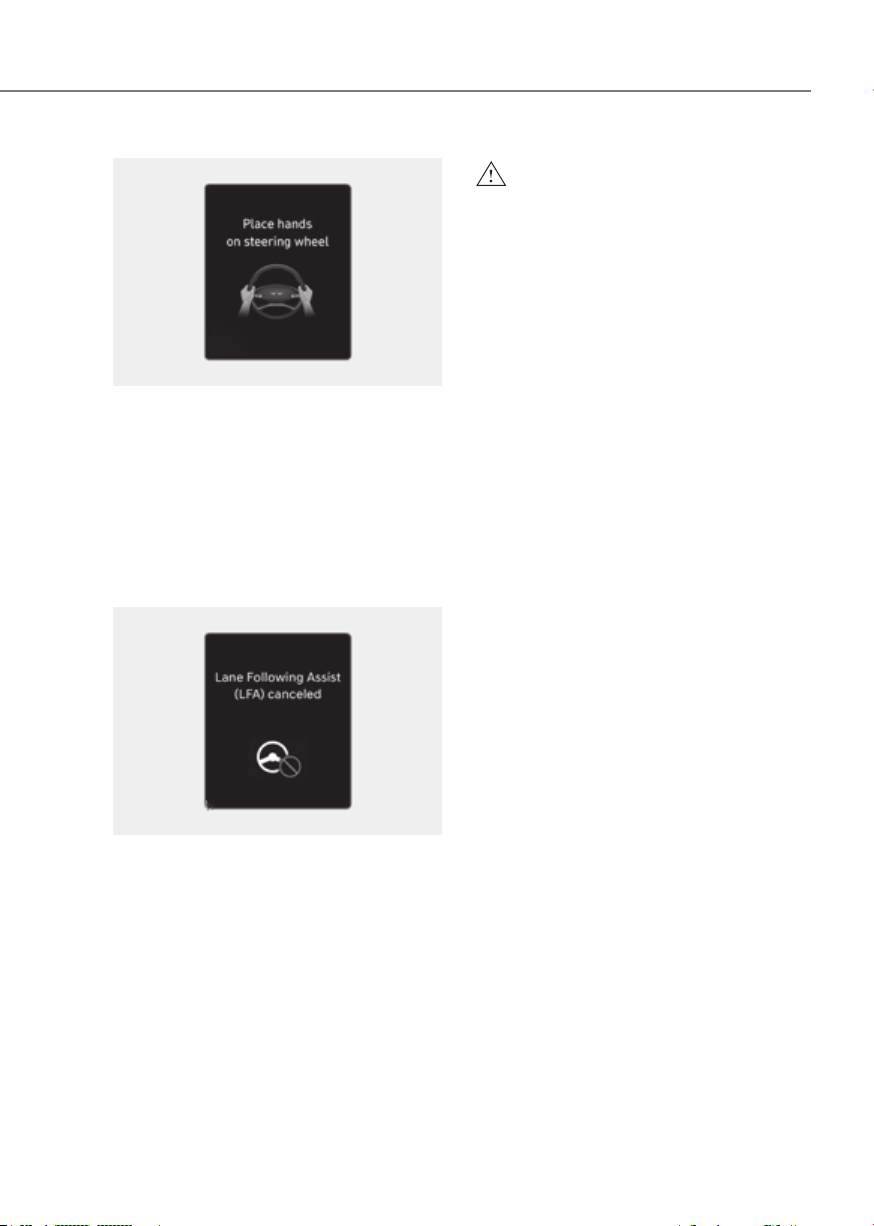
7-109
07
ORG3EV071024NORG3EV071024N
Hands-off warning
If the driver takes their hands off the
steering wheel for several seconds, the
‘Place hands on the steering wheel’
warning message will appear and an
audible warning will sound in stages.
First stage : Warning message
Second stage : Warning message (red
steering wheel) and
audible warning
OTM070117NOTM070117N
If the driver still does not have their
hands on the steering wheel after the
hands-off warning, the ‘Lane Following
Assist (LFA) canceled’ warning message
will appear and Lane Following Assist will
be automatically canceled.
WARNING
•
assisted if the steering wheel is held
• Lane Following Assist does not
• The hands–off warning message
•
•
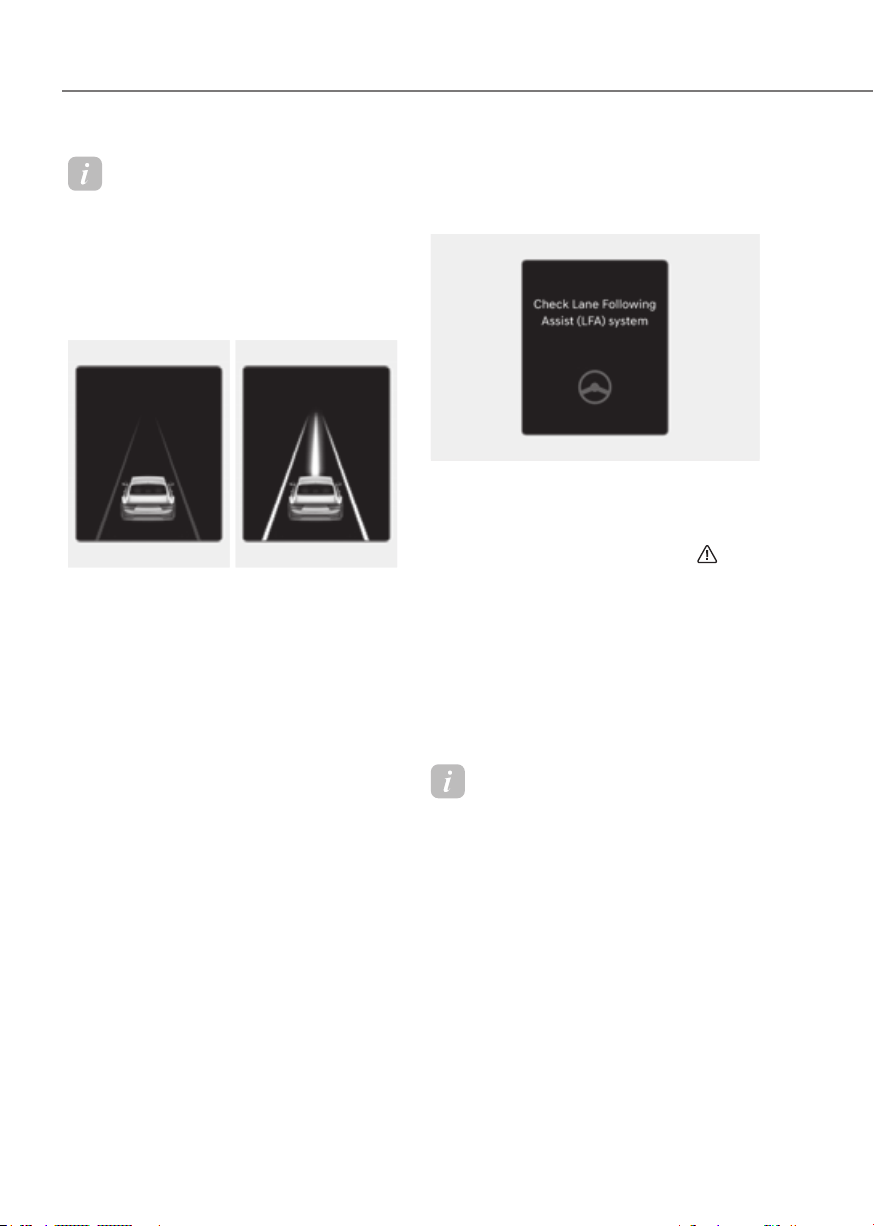
7-110
Driver Assistance System
Information
• For more details on setting the
functions in the infotainment system,
refer to “Vehicle Settings” section in
chapter 4.
• When both lane markings are detected,
the lane lines on the cluster will change
from grey to white.
Lane undetectedLane undetected Lane detectedLane detected
ORG3EV071022ORG3EV071022 ORG3EV071280LORG3EV071280L
• The images and colors in the cluster
may differ depending on the cluster
type or theme selected from the cluster.
• If lane markings are not detected,
steering wheel control by Lane
Following Assist can be limited
depending on whether a vehicle is in
front or the driving conditions of the
vehicle.
• Even though the steering is assisted by
Lane Following Assist, the driver may
control the steering wheel.
• The steering wheel may feel heavier
or lighter when the steering wheel is
assisted by Lane Following Assist than
when it is not.
Lane Following Assist
Malfunction and Limitations
Lane Following Assist malfunction
OTM070118NOTM070118N
When Lane Following Assist is not
working properly, the ‘Check Lane
Following Assist (LFA) system’ warning
message will appear on the cluster for
several seconds, and the master (
)
warning light illuminates on the cluster. If
this occur, have the vehicle inspected by
an authorized retailer of Genesis Branded
products.
Limitations of Lane Following Assist
For more details on Lane Following Assist
limitations, refer to “Lane Keeping Assist
(LKA)” section in this chapter.
Information
For more details on Lane Following Assist
precautions, refer to “Lane Keeping Assist
(LKA)” section in this chapter.

7-111
07
Basic function
Highway Driving Assist is designed to
help detect vehicles and lanes ahead,
and help maintain distance from the
vehicle ahead, maintain the set speed,
and help center the vehicle in the
lane while driving on the highway (or
motorway).
ORG3EV071133ORG3EV071133
Highway Lane Change Assist function
helps change lanes to the direction the
driver slightly moves the turn signal
switch if the function judges that lane
change is possible.
ORG3EV071134ORG3EV071134
Information
• Highway Driving Assist is available
only on controlled access road of
certain highways.
à Controlled access road indicates
roads with limited entrances and
exits that allow uninterrupted high
speed traffic flow. Only passenger
cars and motorcycles are allowed on
controlled access roads.
USA
Select Interstate Highway
and U.S. (Federal) and State
Highways
Canada
Select Provincial and Territorial
Highways
• Additional highways may be expanded
by future navigation updates.
Information
Highway Driving Assist operates on
main roads of highways (or motorways),
and does not operate on interchanges or
junctions.
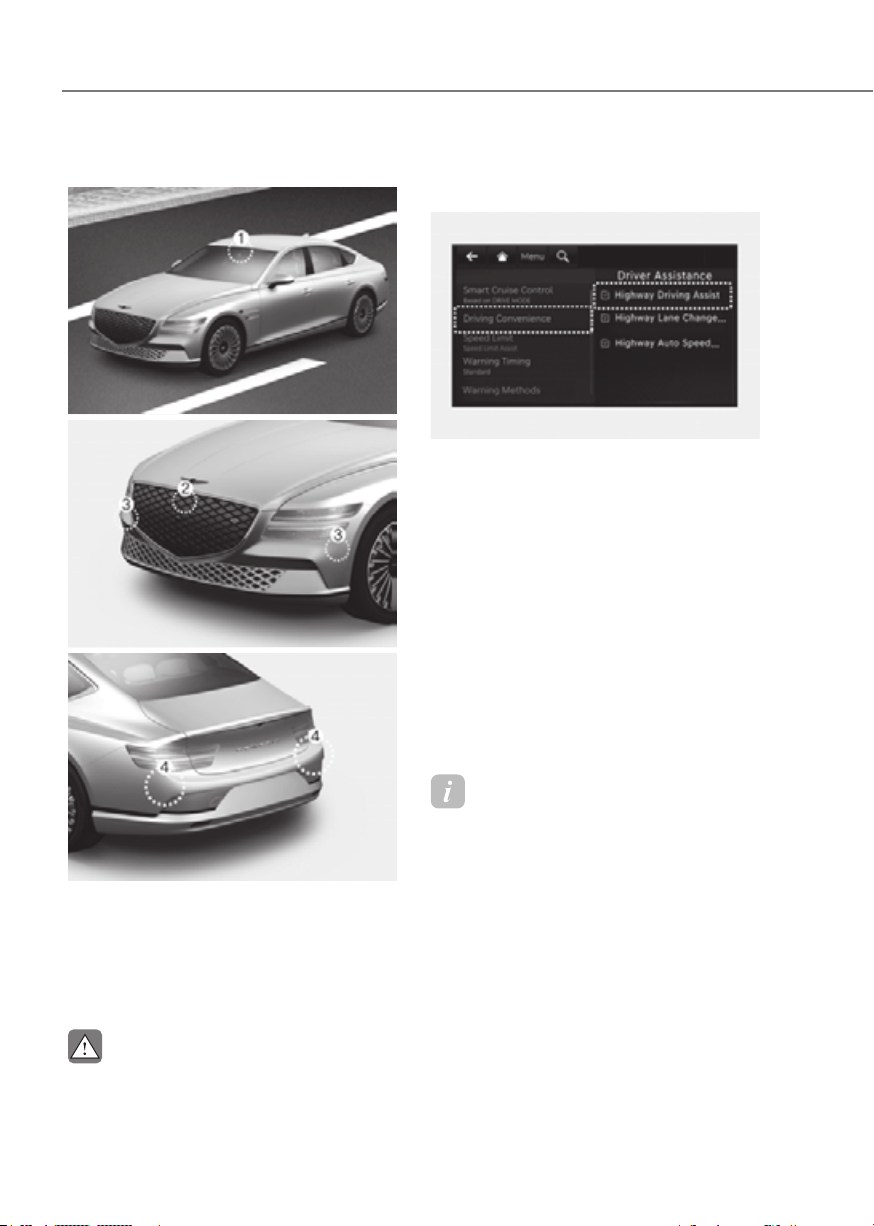
7-112
Driver Assistance System
Detecting sensor
ORG3EV071074ORG3EV071074
ORG3EV071001ORG3EV071001
ORG3EV071075ORG3EV071075
[1] : Front view camera, [2]: Front radar,
[3] : Front corner radar (if equipped),
[4] : Rear corner radar
Refer to the picture above for the
detailed location of the detecting
sensors.
CAUTION
For more details on the precautions of
Setting features
OJK070160LOJK070160L
Basic function
With the vehicle on, select or
Convenience’ from the Settings menu to
set whether use each function.
- If ‘Highway Driving Assist’ is selected,
it helps maintain distance from the
vehicle ahead, maintain the set speed,
and helps center the vehicle in the
lane.
Highway Lane Change Assist (if equipped)
- If ‘Highway Lane Change Assist’ is
selected, it helps the driver change
lanes.
Information
• When ‘Highway Driving Assist’ is
deselected, the setting for ‘Highway
Lane Change Assist’ cannot be
changed.
• If there is a problem with the functions,
the settings cannot be changed. Have
the vehicle inspected by an authorized
retailer of Genesis Branded products.
• If the vehicle is restarted, the functions
will maintain the last setting.
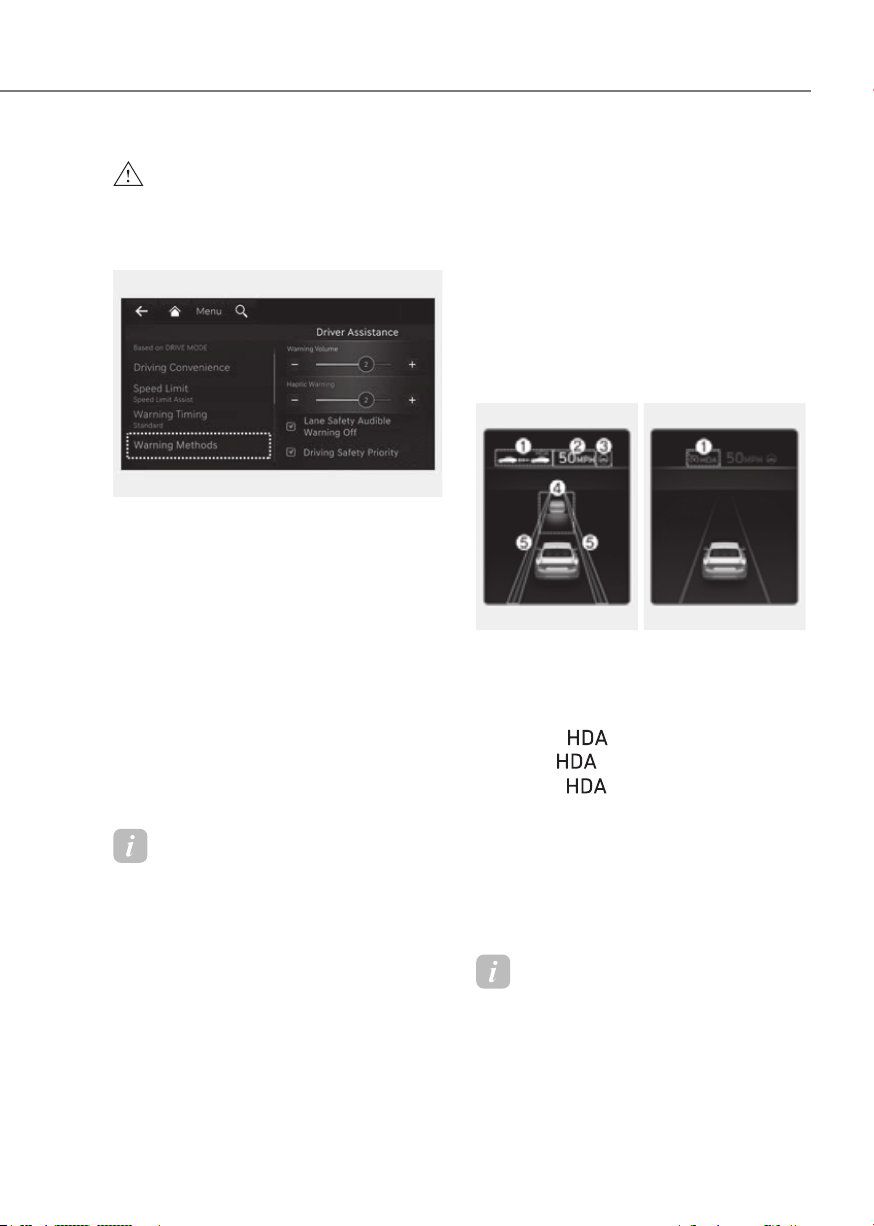
7-113
07
WARNING
ORG3EV073379NORG3EV073379N
Warning Methods
Methods from the Settings in the
infotainment system to select the
following:
• Warning Volume: The Warning Volume
can be adjusted. If you turn off the
Warning Volume, for your safety, the
function may warn you with a low
volume.
• Driving Safety Priority: Your vehicle
lowers all other audio volumes when
the Driver Assistance system warning
sounds.
Information
• If you change the Warning Methods,
Warning Methods of other Driver
Assistance systems may change.
• If the vehicle is restarted, Warning
Methods will maintain the last setting.
• There may be no Settings menu
depending on the feature applied to
your vehicle.
Operation
Basic function
Display and control
You can see the status of the Highway
Driving Assist operation in the Driving
Assist view on the cluster. Refer to “View
Modes” section in chapter 4.
Highway Driving Assist will be displayed
as below depending on the status of the
function.
Operating stateOperating state Standby stateStandby state
ORG3EV071047NORG3EV071047N ORG3EV071299NORG3EV071299N
(1) Highway Driving Assist indicator,
whether there is a vehicle ahead and
the selected distance level
à Highway Driving Assist indicator
- Green
: Operating state
- Grey
: Standby state
- White
blink: Accelerator
depressed state
(2) Set speed
(3) Lane Following Assist indicator
(4) Whether there is a vehicle ahead and
the selected headway
(5) Whether the lane is detected or not
Information
For more details on the display refer to
“Smart Cruise Control (SCC)” and “Lane
Following Assist (LFA)” sections in this
chapter.

7-114
Driver Assistance System
Highway Driving Assist operates when:
• Driving on the main road of highways,
and turning on Highway Driving Assist
by pressing the Driving Assist (
)
button.
• Entering the main road of highways
while Lane Following assist and Smart
Cruise Control are operating
Information
The images and colors in the cluster may
differ depending on the cluster type or
theme selected from the cluster.
Information
• While driving on the highway (or
motorway), if Smart Cruise Control
starts operating, Highway Driving
Assist will operate.
• When entering the main roads of
highways (or motorways) while
Smart Cruise Control is operating,
Driving Assist will not turn on if Lane
Following Assist is turned off.
• Restarting after stopping
OTM070114L OTM070114L
When Highway Driving Assist is
operating, your vehicle will stop if the
vehicle ahead of you stops. Also, if the
vehicle ahead of you starts moving
within 30 seconds after the stop, your
vehicle will start as well. In addition,
after the vehicle has stopped and 30
seconds have passed, the ‘Use switch
or pedal to accelerate’ message will
appear on the cluster. Depress the
accelerator pedal or operate the +
switch, - switch or
switch to start
driving.
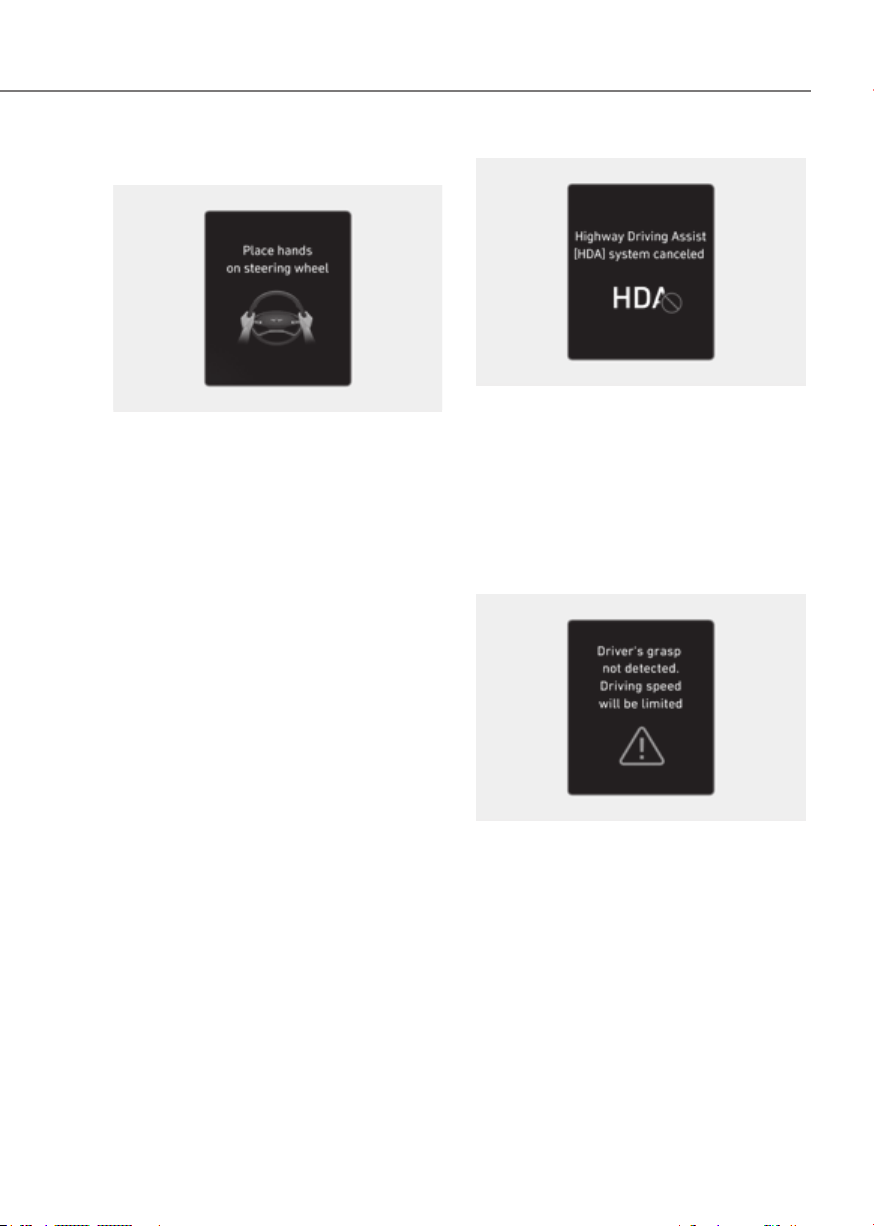
7-115
07
• Hands-off warning
ORG3EV071024NORG3EV071024N
If the driver takes their hands off the
steering wheel for several seconds,
the ‘Place hands on the steering
wheel’ warning message will appear
and an audible warning will sound in
stages.
First stage : Warning message
Second stage : Warning message (red
steering wheel) and
audible warning
ORG3EV071197LORG3EV071197L
If the driver still does not have their
hands on the steering wheel after
the hands-off warning, the ‘Highway
Driving Assist (HDA) canceled’
warning message will appear and
Highway Driving Assist and Lane
Change Assist will be automatically
canceled.
• Driving speed limit
OJK070103LOJK070103L
When Highway Driving Assist is
canceled by the hands-off warning,
The driving speed will be limited.
While Driving Speed Limit function
is operating, the ‘Driver’s grasp
not detected. Driving speed will be
limited’ warning message will appear
on the cluster, and an audible warning
will sound continuously.
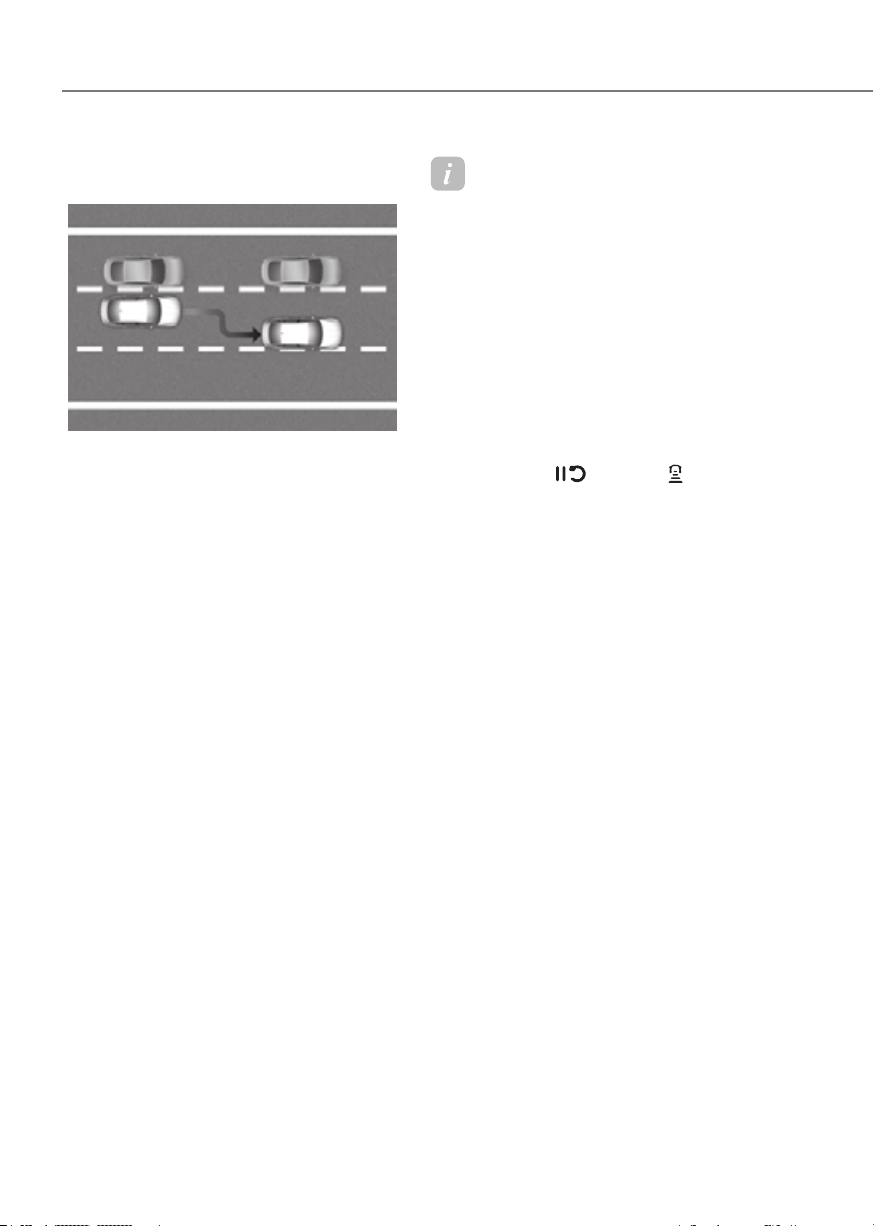
7-116
Driver Assistance System
• Driving to one side within lane (if
equipped)
ORG3EV071135ORG3EV071135
When vehicle speed is above 40 mph
(60 km/h), if a vehicle around you
is driving at a close distance, your
vehicle will control steering in the
opposite direction of the vehicle to
assist in safe driving.
If there are vehicles in both sides
of the lane that are driving close to
you, the function will not veer to the
opposite side of the lane.
When the Smart Cruise Control is
temporarily canceled while Highway
Driving Assist is operating, Highway
Driving Assist will be in the standby state.
At this time, Lane Following Assist will
operate properly.
Information
• Driving Speed Limit helps you drive
below 40 mph (60 km/h). At this time,
the vehicle decelerates due to the
vehicle ahead. After the vehicle has
decelerated, it cannot automatically
accelerate.
• Driving Speed Limit will cancel in the
following circumstances:
- When the driver grabs the steering
wheel again
- When the driver turns on Lane
Following Assist by pressing the Lane
Driving Assist button
- When +, -,
switch or button is
operated, or the accelerator pedal or
the brake pedal is depressed
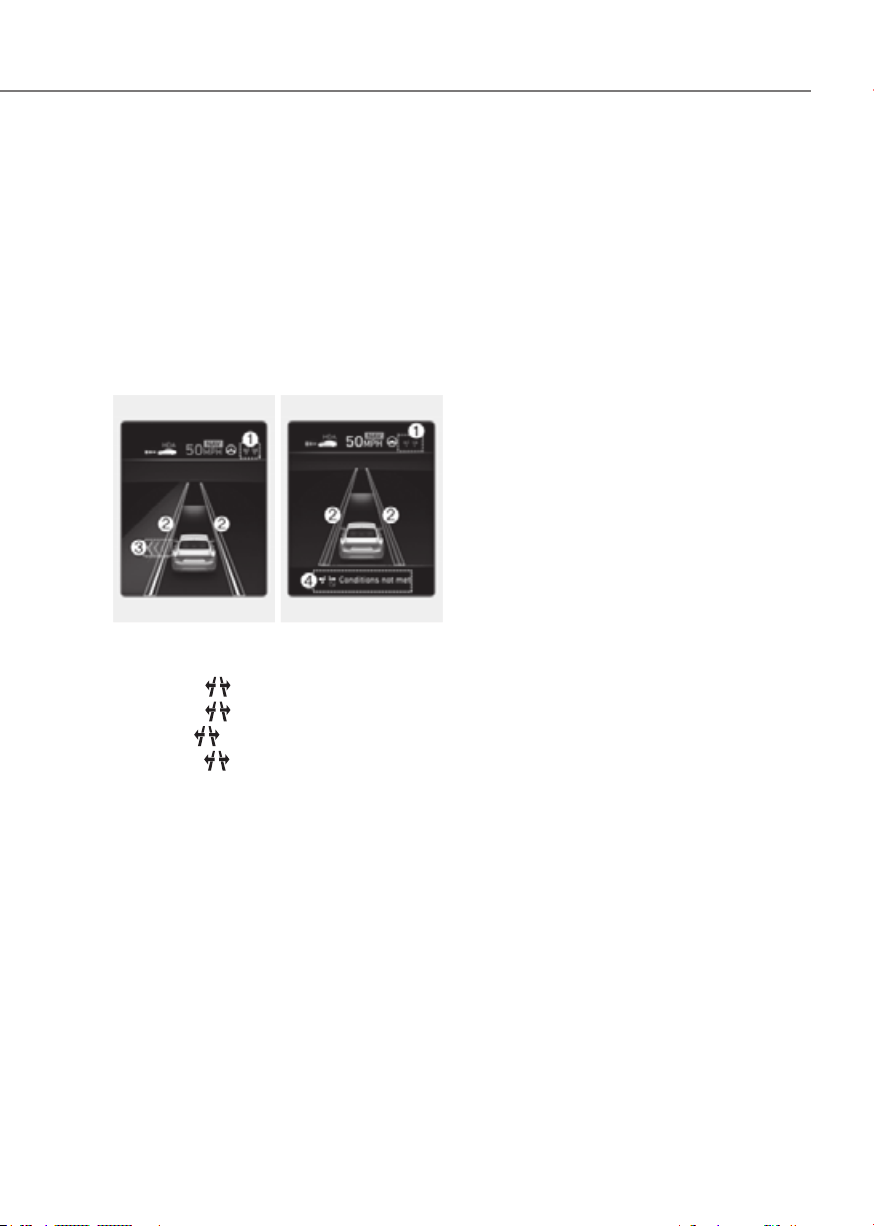
7-117
07
Highway Lane Change Assist (if
equipped)
Display and control
You can see the status of the Highway
Lane Change Assist function operation
in the Driving Assist view on the cluster.
Refer to “View Modes” section in chapter
4.
Highway Lane Change Assist function
will be displayed as below depending on
the status of the function.
Ready/OperatingReady/Operating Standby/CanceledStandby/Canceled
ORG3EV073243NORG3EV073243N ORG3EV071050NORG3EV071050N
(1) Highway Lane Change Assist
indicator
• Green
on : Ready state
• Green
blink : Operating state
• Grey
on : Standby state
• White
blink : Canceled state
(2) Green lane line
The green lane line is displayed when
the function starts operating, and until
the vehicle steps on the lane line.
(3) Green arrow and shade
The green arrow is displayed when a
certain amount of time has passed
after the function has started
operating, and until the lane change
has completed.
(4) Message
• Message is displayed when the
function does not operate even
though the turn signal lever is used.
• Message is displayed when
the function is canceled while
operating.
Highway Lane Change Assist function
will turn on when the following
conditions are satisfied.
• The Driving Assist button or Lane
Driving Assist button is used to turn
on Highway Driving Assist.
operate
While Highway Lane Change Assist
function is on, the function will be
ready to operate when all the following
conditions are satisfied:
• Highway Driving Assist is operating
• Lane Following Assist is operating
• A vehicle in the rear area of your
vehicle is detected more than once
after the vehicle is turned on
• Your vehicle speed is above 40 mph
(60 km/h)
• Hands-off warning is not displayed on
the cluster
• Hazard warning flasher is off

7-118
Driver Assistance System
Information
• While Lane Change Assist function
is turned on (indicator on), Lane
Following Assist will not cancel even
if the turn signal indicator or hazard
warning flasher is operating.
• Lane Change Assist function turns
off automatically when driven in the
following road conditions:
- One driving lane
- A road with a intersection or
crosswalk ahead
- A road with no structure, such as a
medium strip, guardrails, etc.
- There is a pedestrian or cyclist on the
road ahead
• When the function is in the ready state,
and vehicle speed is below 35 mph (55
km/h), the function will change to the
standby state.
WARNING
Highway Lane Change Assist operating
ORG3EV051074ORG3EV051074
[1] : Center
Highway Lane Change Assist function
will operate, when you push the turn
signal lever up or down to the A or B
position while the function is in the ready
state (
indicator is green), and all of
the following conditions are satisfied:
• The driver has his/her hand on the
steering wheel
• There is no collision risk in the
direction of lane change
• There is a single dotted lane line in the
direction of lane change
• There are no Forward Collision-
Avoidance Assist and Blind Spot
Collision-Avoidance Assist warnings
• The vehicle is driven in the middle of
the lane (should not be driving close
to one side of the lane)
• The road you are driving on, or the
road you are about to change lane is a
road that the function can operate

7-119
07
Information
• Highway Lane Change Assist operates
when the turn signal lever is positioned
at A. If the turn signal lever is released
to the center (1) before stepping on
the lane, Highway Lane Change Assist
cancels. If the turn signal lever is
released to the center (1) after stepping
on the lane, Highway Lane Change
Assist changes the lane and turns off
the turn signal after lane change is
complete.
• When the turn signal lever is placed at
B position for a certain period of time,
the green arrow will appear. At this
time, even when the lever is released
and returns to it’s original position (1),
lane change will still be assisted.
• While lane change is being made by the
function, the turn signal indicator will
blink even when the turn signal lever is
not held, and the turn signal indicator
will turn off when lane change is
complete.
Highway Lane Change Assist function
will be in the standby state when one of
the ready state condition is not satisfied,
or when entering or driving on one of the
following roads:
• Road within a certain distance from
the tollgate on the main road of the
highway
• The road ahead ends without an
interchange or junction
• Road with sharp curves
• Road with narrow lanes
• Road that is under construction
The function will be canceled when:
• The turn signal lever is turned on in
the opposite direction of lane change
• The steering wheel is steered sharply
WARNING
•
one of the following occurs:
-
off
- Lane Following Assist or Smart
Cruise Control is turned off or
-
-
position
-
turned on
-
Assist or Blind-Spot Collision-
-
Assist and Blind Spot Collision-
-
- The target lane to make a lane
change disappears
- The target lane to make a lane
change is not detected
-
lamps

7-120
Driver Assistance System
-
function is off (The function turns
off when the function is turned off
when there is a intersection or
or when there is a pedestrian or
-
•
•
Malfunction and Limitations
Highway Driving Assist malfunction
OTM070120NOTM070120N OJX1079105LOJX1079105L
When Highway Driving Assist or
Highway Lane Change function is not
working properly, the ‘Check Highway
Driving Assist (HDA) system’ or ‘Check
Lane Change Assist function’ warning
message will appear, and the
warning
light will illuminate on the cluster. Have
the vehicle inspected by an authorized
retailer of Genesis Branded products
WARNING
•
•
•
supplemental function that assists
and is not a complete autonomous

7-121
07
•
•
•
situations:
-
-
restarted
•
depending on road conditions
•
•
•
•
• The hands–off warning message
on how the steering wheel is held or
hands on the steering wheel while
•
•
or when the detecting sensors or

7-122
Driver Assistance System
Limitations of Highway Driving
Assist
Highway Driving Assist and Highway
Lane Change function may not operate
properly, or may not operate under the
following circumstances:
• The map information and the
actual road is different because the
navigation is not updated
• The map information and the actual
road is different because of real-time
GPS data or map information error
• The infotainment system is overloaded
by simultaneously performing
functions such as route search, video
playback, voice recognition, etc.
• GPS signals are blocked in areas such
as a tunnel
• The driver goes off course or the
route to the destination is changed or
canceled by resetting the navigation
• The vehicle enters a service station or
rest area
• Android Auto or Car Play is operating
• The navigation cannot detect the
current vehicle position (ex: elevated
roads including overpass adjacent to
general roads or nearby roads exist in
a parallel way)
• White single dotted lane line or road
edge cannot be detected
• The road is temporarily controlled due
to construction, etc.
• There is no structure, such as a
medium strip, guardrails, etc., on the
road
• There is a changeable lane in the
direction of lane change
• A trailer or carrier is installed on the
rear of your vehicle
Information
For more details on the limitations of
the front view camera, front radar, front
corner radar and rear corner radar, refer
to “Forward Collision-Avoidance Assist
(FCA)” section in this chapter.
Information
This device complies with Part 15 of the
FCC rules.
Operation is subject to the following three
conditions:
1. This device may not cause harmful
interference, and
2. This device must accept any
interference received, including
interference that may cause undesired
operation.
3. Changes or modifications not expressly
approved by the party responsible
for compliance could void the user's
authority to operate the device.
Information
Radio frequency radiation exposure
information:
This equipment complies with FCC
radiation exposure limits set forth for an
uncontrolled environment.
This equipment should be installed and
operated with minimum distance of 8 in.
(20 cm) between the radiator (antenna)
and your body.
This transmitter must not be co-located or
operating in conjunction with any other
antenna or transmitter.
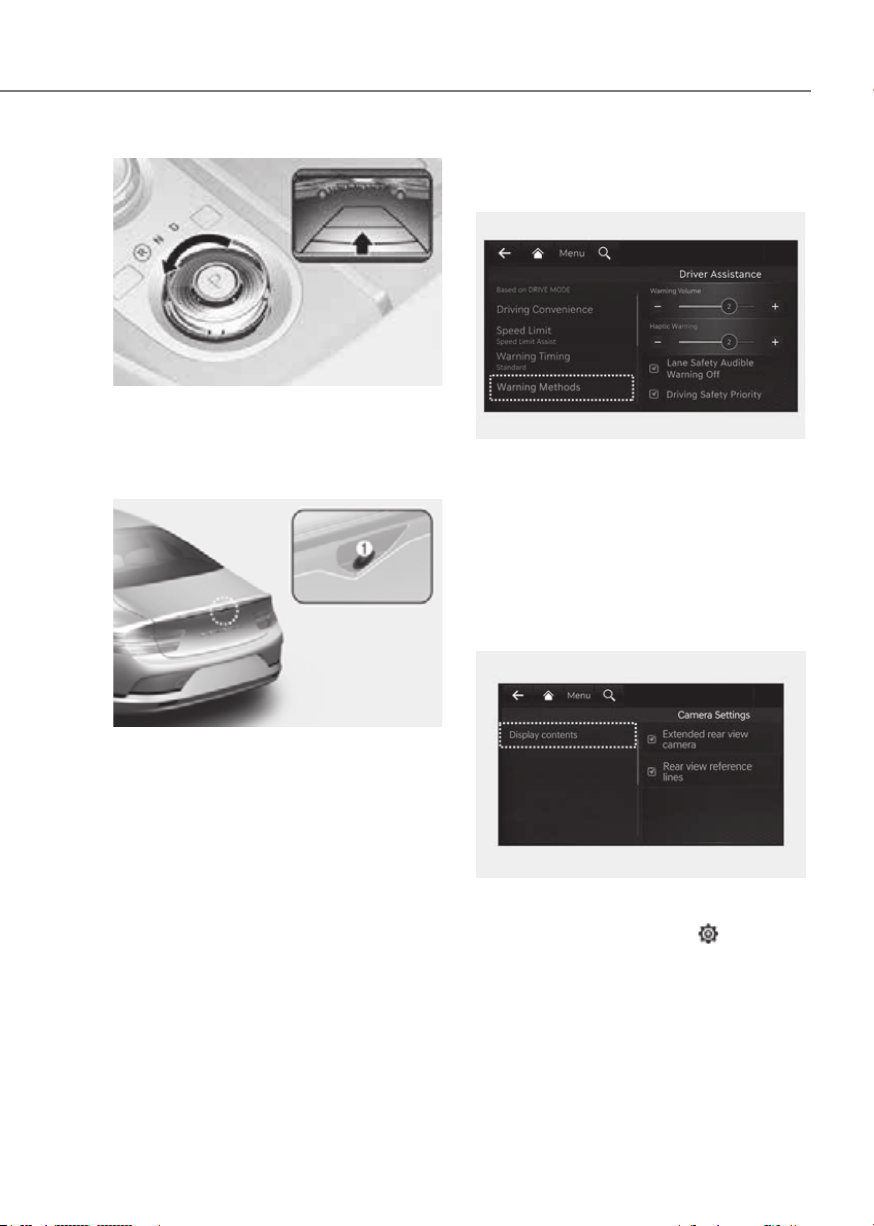
7-123
07
ORG3EV071180NORG3EV071180N
Rear View Monitor shows the area
behind the vehicle to assist you when
parking or backing up.
Detecting sensor
ORG3EV071138ORG3EV071138
[1] : Wide-rear view camera
Refer to the picture above for the
detailed location of the detecting sensor.
Warning Methods
ORG3EV073379NORG3EV073379N
Methods from the Settings in the
infotainment system to select the
following:
• Parking Safety Priority: Your vehicle
lowers all other audio volumes when
Rear View Monitor is operating.
Camera settings
ORG3EV073381LORG3EV073381L
You can change Rear View Monitor
'Display Contents' or 'Display Settings'
by touching the setup icon (
) on
the screen while Rear View Monitor is
operating, or selecting ‘Driver Assistance
the Settings menu while the vehicle is
on.
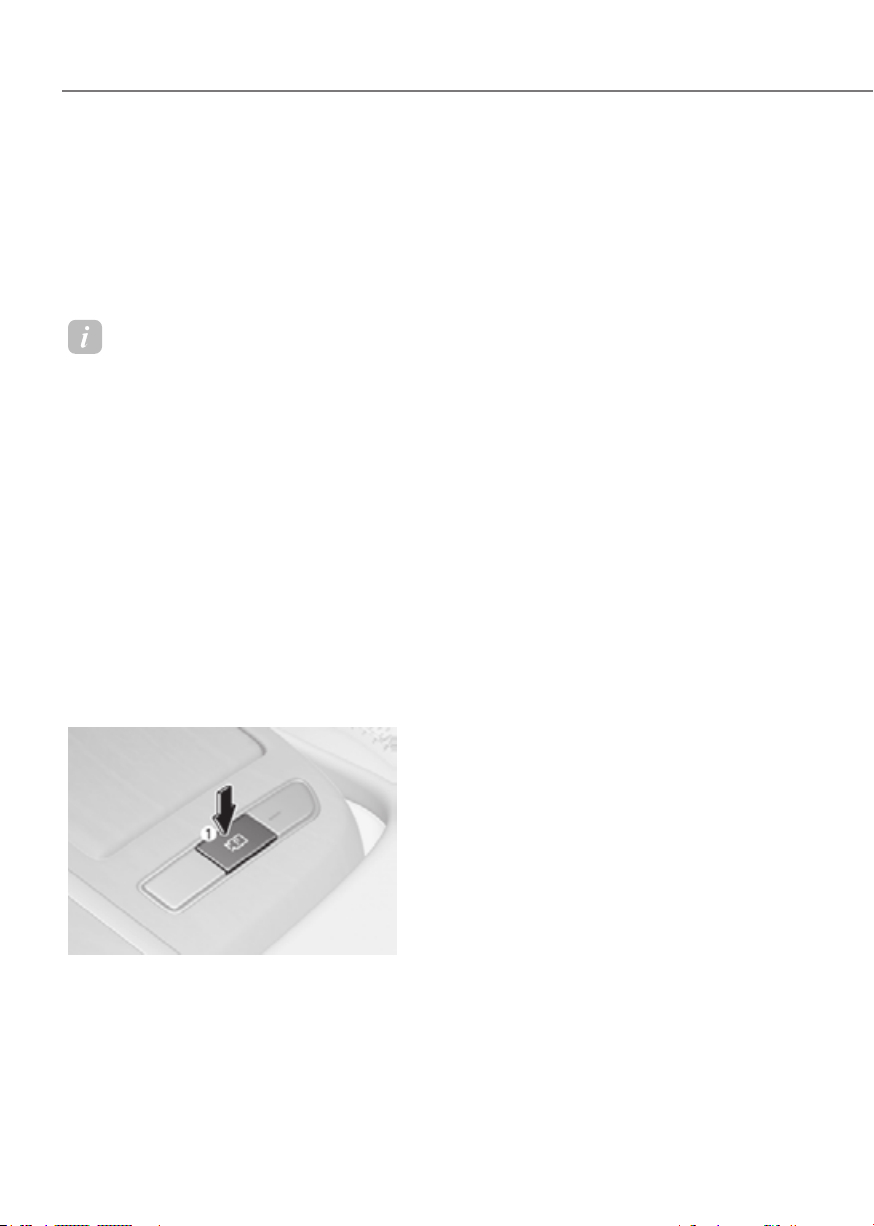
7-124
Driver Assistance System
Rear View Parking Guide Lines
If 'Rear view reference lines (Rear View
Parking Guide Lines)' is selected, the
rear view parking guide lines and rear
top view guide lines will be displayed at
the left side of the infotaintment system
screen.
Information
• The horizontal guideline of the Rear
View Parking Guidance shows the
distance of 1.6 ft. (0.5 m), 3.3 ft. (1 m)
and 7.6 ft. (2.3 m) from the vehicle.
• The horizontal guideline of the Rear
Top View Parking Guidance shows the
distance of 0.98 ft. (0.3 m) and 4.9 ft.
(1.5 m) from the vehicle.
Extended rear view settings
With the vehicle on, select ‘Display
infotainment system Settings menu to
turn on Extended rear view function and
deselect to turn off the function.
Operating button
ORG3EV071140ORG3EV071140
Parking/View button
Press the Parking/View button (1) to turn
on Rear View Monitor.
Press the button again to turn off the
function.
Rear view function
Operating conditions
• Shift the gear to R (Reverse), the
image will appear on the screen.
• Press the Parking/View button (1)
while the gear is in P (Park), the image
will appear on the screen.
Off conditions
• The rear view cannot be turned off
when the gear is in R (Reverse).
• Press the Parking/View button (1)
again while the gear is in P (Park) with
the rear view on the screen, the rear
view will turn off.
• Shift the gear from R (Reverse) to P
(Park), the rear view will turn off.
Extended rear view function
The rear view will maintain showing on
the screen to help you when parking.
Operating conditions
Shift the gear from R (Reverse) to N
(Neutral) or D (Drive), the rear view will
appear on the screen.
Off conditions
• When vehicle speed is above 6 mph
(10 km/h), the rear view will turn off.
• Shift the gear to P (Park), the rear view
will turn off.
• Press the Parking/View button (1), the
rear view will turn off.
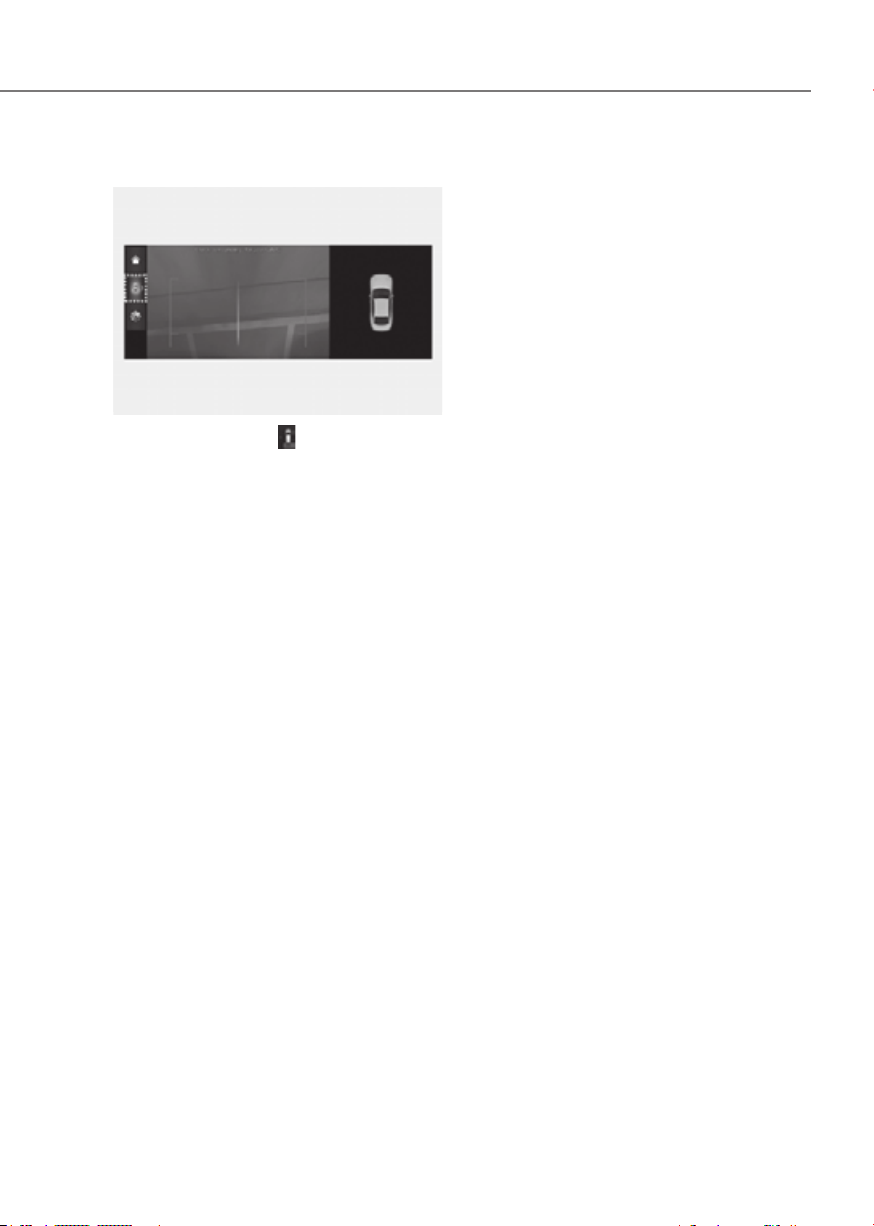
7-125
07
Rear top view
ORG3EV071282NORG3EV071282N
When you touch the
icon, the top view
is displayed on the screen and shows the
distance from the vehicle in the back of
your vehicle while parking.
and Limitations
Rear View Monitor malfunction
When Rear View Monitor is not working
properly, or the screen flickers, or the
camera image does not display properly,
have the vehicle inspected by an
authorized retailer of Genesis Branded
products.
Limitations of Rear View Monitor
When the vehicle is stopped for a long
time in winter or when the vehicle is
parked in an indoor parking lot, the
exhaust fumes may temporarily blur the
image.

7-126
Driver Assistance System
WARNING
•
•
differ from the actual distance of the
•
affect camera performance and
detergents containing high alkaline
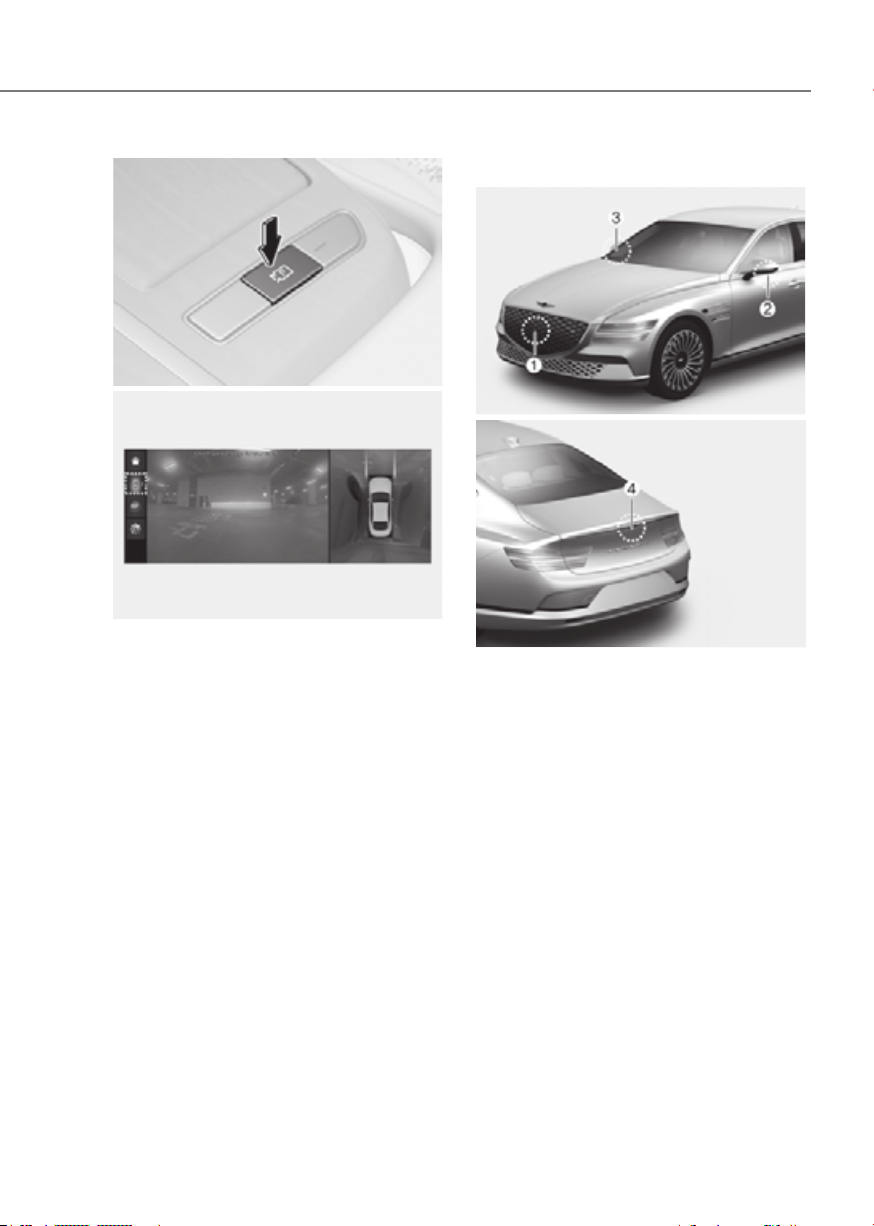
7-127
07
ORG3EV071143ORG3EV071143
ORG3EV071353NORG3EV071353N
Surround View Monitor can assist in
parking by allowing the driver to see
around the vehicle.
Detecting sensor
ORG3EV071053ORG3EV071053
ORG3EV071054ORG3EV071054
[1] : Surround-front view camera,
[2],[3] : Surround-side view camera
(Under the side view mirror),
[4] : Surround-rear view camera
Refer to the picture above for the
detailed location of the detecting
sensors.
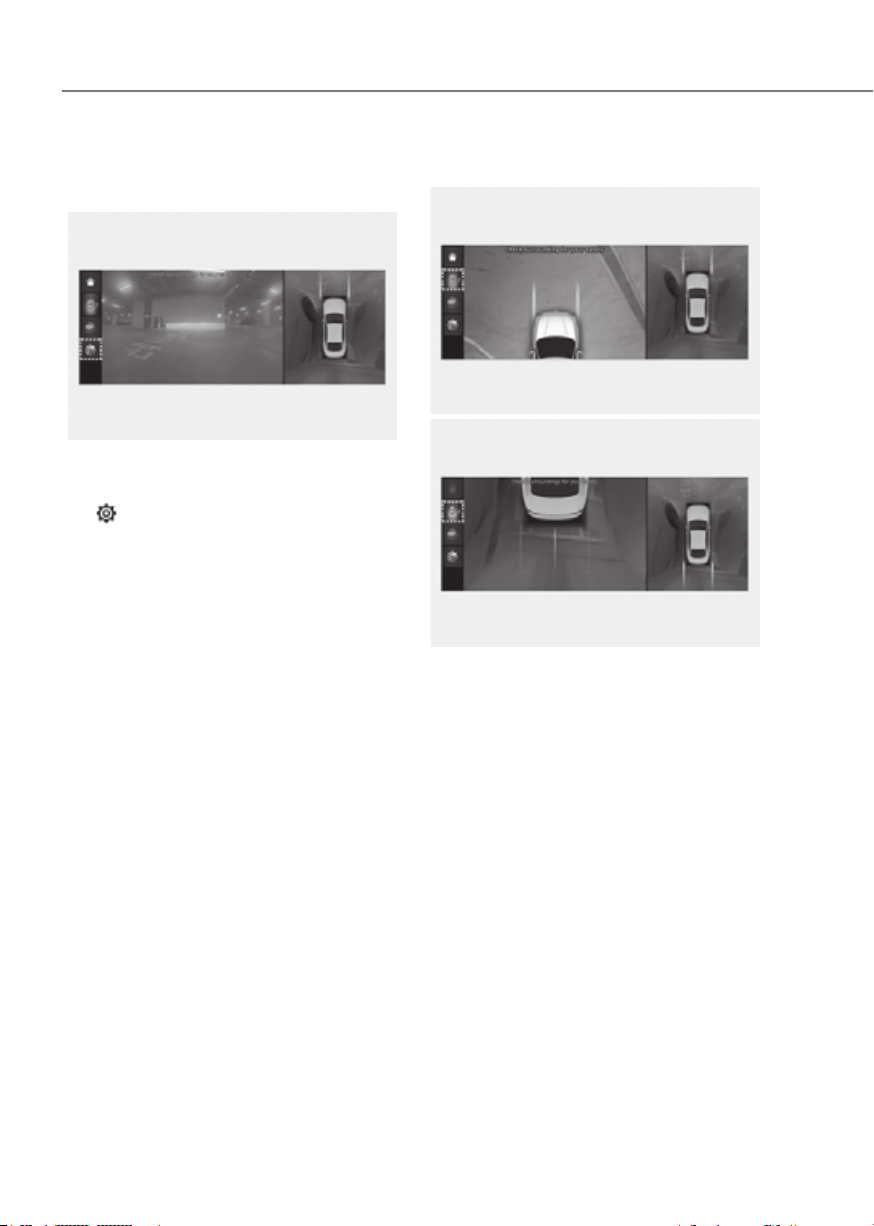
7-128
Driver Assistance System
Camera settings
ORG3EV071356NORG3EV071356N
• You can change Surround View
Monitor ‘Display Contents’ or ‘Display
Settings’ by touching the setup icon
(
) on the screen while Surround
View Monitor is operating, or selecting
Camera Settings’ from the Settings
menu while the vehicle is on.
• In the Display Contents, you can
change settings for ‘Top View Parking
Guidance’, ‘Rear View Parking
Guidance’ and ‘Parking Distance
Warning’.
Top View Parking Guidance
Front top viewFront top view
ORG3EV071354NORG3EV071354N
Rear top viewRear top view
ORG3EV071284NORG3EV071284N
• When the ‘Top View Parking Guidance’
is selected, parking guidance is
displayed on the right side of the
Surround View Monitor screen.
• You may see the front top view or the
rear top view when using Top View
Parking Guidance.
• The ‘Top View Parking Guidance’ can
be connected with the front top view
parking guidance or the rear top view
parking guidance.
• The horizontal guideline of the Rear
Top View Parking Guidance shows the
distance of 0.98 ft. (0.3 m) and 4.9 ft.
(1.5 m) from the vehicle.
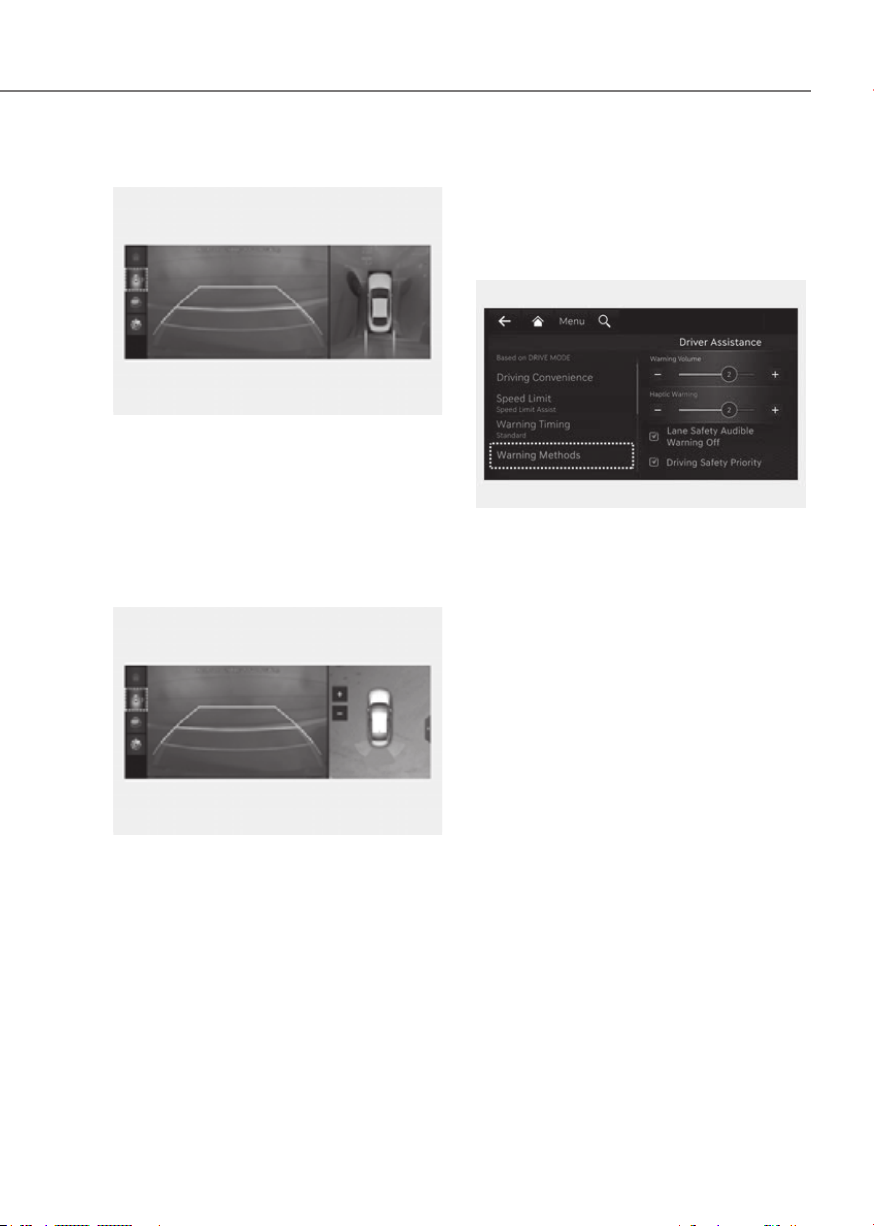
7-129
07
Rear View Parking Guidance
ORG3EV071285NORG3EV071285N
• When the ‘Rear View Parking
Guidance’ is selected, parking
guidance is displayed in the rear view.
• The horizontal guideline of the Rear
View Parking Guidance shows the
distance of 1.6 ft. (0.5 m), 3.3 ft. (1 m)
and 7.6 ft. (2.3 m) from the vehicle.
Parking Distance Warning
ORG3EV071355NORG3EV071355N
• When the ‘Parking Distance Warning’
is selected, parking distance warning
is displayed on the right side of the
Surround View Monitor screen.
• The image will be displayed only when
Parking Distance Warning is warning
the driver.
Surround View Monitor Auto On
With the vehicle on, select ‘Driver
View Monitor Auto On’ from the Settings
menu to use the function.
ORG3EV073379NORG3EV073379N
Warning Methods
Methods from the Settings in the
infotainment system to select the
following:
• Parking Safety Priority: Your vehicle
lowers all other audio volumes when
Surround View Monitor is operating.

7-130
Driver Assistance System
Operation
Operating button
ORG3EV071140ORG3EV071140
ORG3EV071150NORG3EV071150N
• Press the Parking/View button (1) to
turn on Surround View Monitor.
Press the button again to turn off the
function.
• Other view modes can be selected
by touching the view icons (2) on the
Surround View Monitor screen.
• When one of the infotainment system
button (3) is pressed without the gear
in R (Reverse), Surround View Monitor
will turn off.
Front view
The front image is displayed on the
screen when the gear is in N (Neutral) or
D (Drive) to assist in parking. The front
view has a top view/front view/side
view/3D view.
Operating conditions
• When the gear is shifted from R
(Reverse) to N (Neutral) or D (Drive),
the last set mode of front view
function will be selected.
• Front view function will operate when
the following conditions are satisfied:
- While the infotainment system
screen is being displayed, press the
Parking/View button (1) briefly when
the gear is in D (Drive) or N (Neutral)
and vehicle speed is below 9 mph
(15 km/h).
• Surround View Monitor Auto On
function will operate when the
following conditions are satisfied:
-
Auto On’ selected from the Settings
menu, the front parking assist view
screen is displayed when Parking
Distance Warning warns the driver
while driving in D (Drive).

7-131
07
Off conditions
• Press the Parking/View button (1)
again, the image will turn off.
• When vehicle speed is above 9 mph
(15 km/h) with the gear in D (Drive),
Surround View Monitor will turn off
and the screen will change back to the
previous infotainment system screen.
Although you drive below 9 mph (15
km/h) again, Surround View Monitor
will not turn on.
• Press one of the infotainment system
button (3), the screen will change to
the infotainment system screen.
• Shift the gear to P (Park), the image
will turn off.
Rear view
The rear image is displayed on the screen
when the gear is in P (Park) to assist in
parking. The rear view has a top view/
rear view/side view/3D view.
Operating conditions
• Shift the gear to R (Reverse), the rear
view will appear on the screen.
• Press the Parking/View button (1)
while the gear is in P (Park), the rear
view will appear on the screen.
Off conditions
• The image cannot be turned off when
the gear is in R (Reverse).
• Shift the gear from R (Reverse) to P
(Park), the image will turn off.
• Press the Parking/View button (1)
again while the gear is in P (Park) with
the image on the screen.
Malfunction and Limitations
Surround View Monitor malfunction
When Surround View Monitor is not
working properly, or the screen flickers,
or the camera image does not display
properly, have the vehicle inspected by
an authorized retailer of Genesis Branded
products.
Limitations of Surround View
Monitor
• When the vehicle is stopped for a long
time in winter or when the vehicle is
parked in an indoor parking lot, the
exhaust fumes may temporarily blur
the image.
• The screen may be displayed
abnormally, and an icon will appear at
the top left side of the screen under
the following circumstances:
- The trunk is opened
- The driver or front passenger door
is opened
- The side view mirror is folded

7-132
Driver Assistance System
WARNING
•
•
differ from the actual distance of the
•
•
camera performance and Surround
detergents containing high alkaline
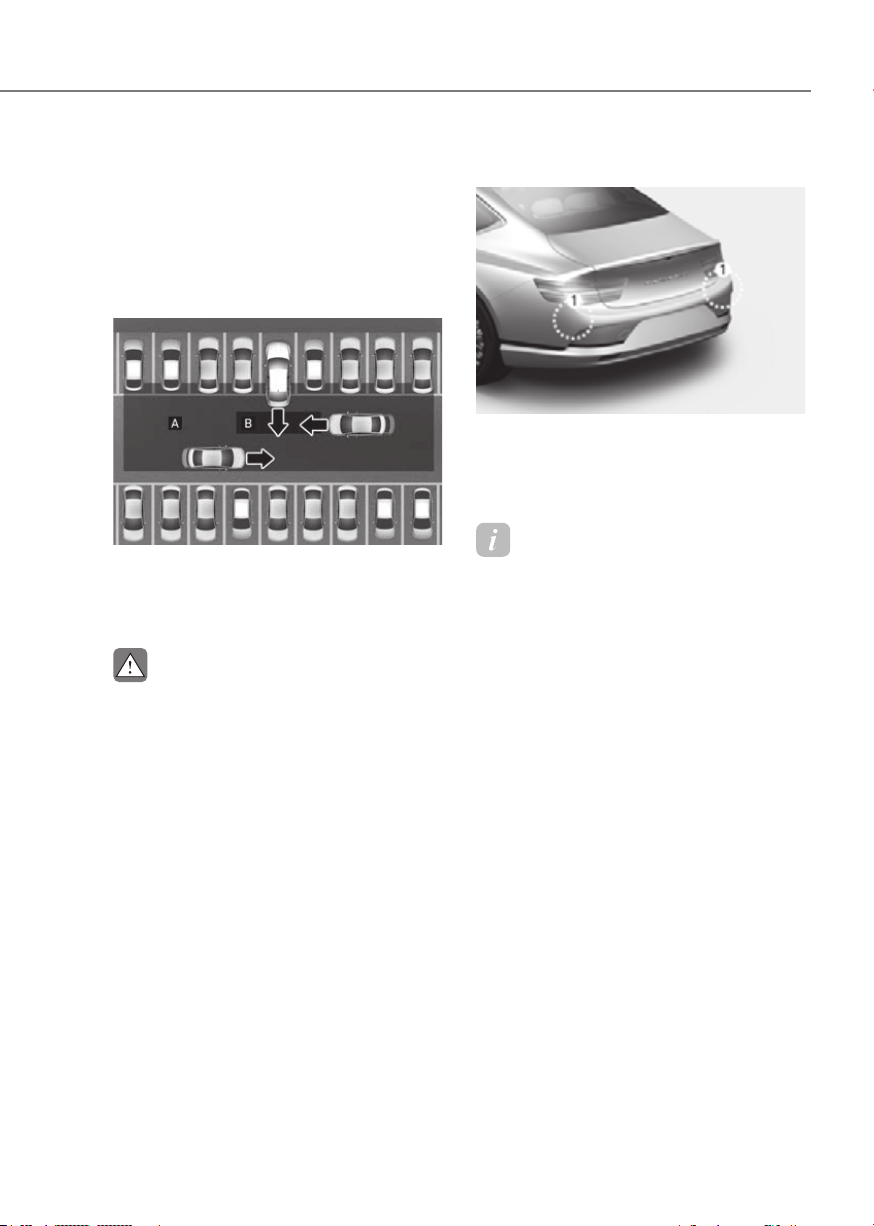
7-133
07
Rear Cross-Traffic Collision-Avoidance
Assist is designed to help detect vehicles
approaching from the rear left and right
side while your vehicle is reversing,
and warn the driver that a collision is
imminent with a warning message and
an audible warning. Also, braking is
assisted to help prevent collision.
ORG3EV071182ORG3EV071182
[A] : Rear Cross-Traffic Collision Warning operating
range,
[B] : Rear Cross-Traffic Collision-Avoidance Assist
operating range
CAUTION
Detecting sensor
ORG3EV071077ORG3EV071077
[1] : Rear corner radar
Refer to the picture above for the
detailed location of the detecting
sensors.
Information
For more details on the precautions of the
rear corner radar, refer to “Blind-Spot
Collision-Avoidance Assist (BCA)” section
in this chapter.
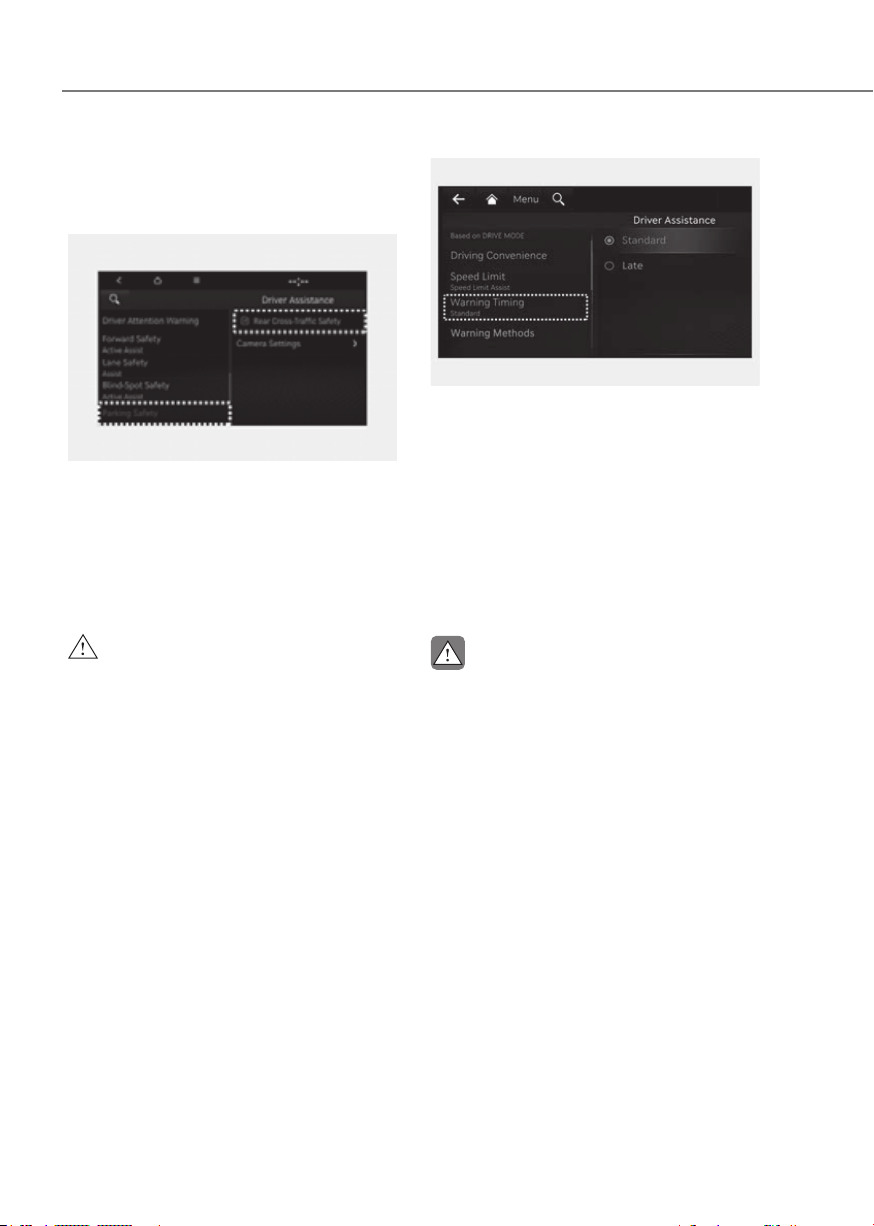
7-134
Driver Assistance System
Rear Cross-Traffic Collision-
Setting features
OIK070136LOIK070136L
Rear Cross-Traffic Safety
With the vehicle on, select ‘Driver
Traffic Safety’ from the Settings menu
to turn on Rear Cross-Traffic Collision-
Avoidance Assist and deselect to turn off
the function.
WARNING
ORG3EV073380NORG3EV073380N
Warning Timing
With the vehicle on, select ‘Driver
Settings menu to change the initial
warning activation time for Rear Cross-
Traffic Collision-Avoidance Assist.
When the vehicle is first delivered,
Warning Timing is set to ‘Standard’. If you
change the Warning Timing, the warning
time of other Driver Assistance systems
may change.
CAUTION
• The setting of the Warning Timing
applies to all functions of Rear Cross
•
• Select Late for Warning Timing when
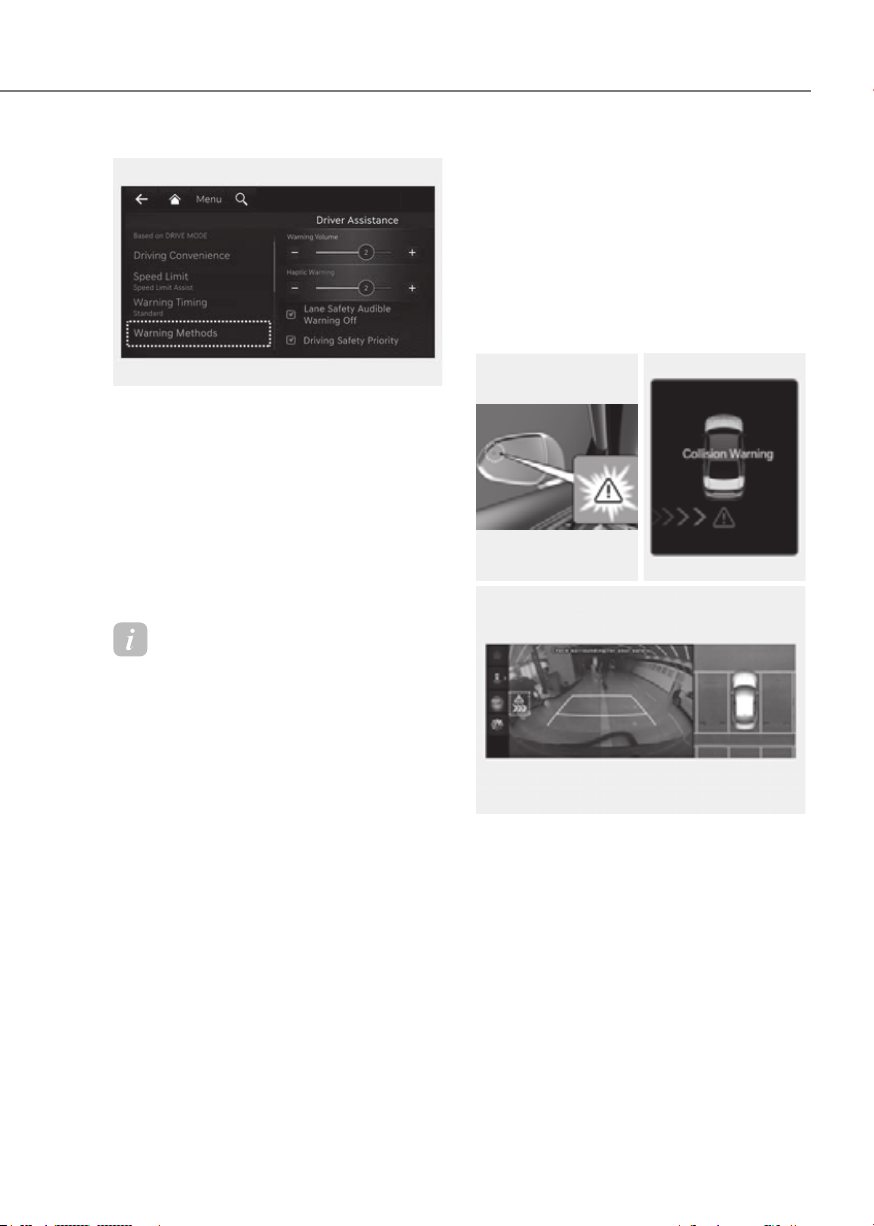
7-135
07
ORG3EV073379NORG3EV073379N
Warning Methods
Methods from the Settings in the
infotainment system to select the
following:
• Warning Volume: The Warning Volume
can be adjusted.
• Haptic Warning: The steering wheel
vibration can be adjusted.
Information
• If you change the Warning Methods,
Warning Methods of other Driver
Assistance systems may change.
• If the vehicle is restarted, Warning
Methods will maintain the last setting.
• There may be no Settings menu
depending on the feature applied to
your vehicle.
• The Warning Volume and Haptic
Warning cannot be turned off at the
same time. When one of the warning is
turned off the other is activated.
Rear Cross-Traffic Collision-
Warning and control
Rear Cross-Traffic Collision-Avoidance
Assist will warn and help control the
vehicle depending on collision risk level:
‘Collision Warning’, ‘Emergency Braking’
and ‘Stopping vehicle and ending brake
control’.
OPDEN060039OPDEN060039 ORG3EV071056NORG3EV071056N
ORG3EV073152CORG3EV073152C
Collision Warning
• To warn the driver of an approaching
vehicle from the rear left/right side
of your vehicle, the warning light on
the side view mirror will blink and a
warning will appear on the cluster. At
the same time, an audible warning
will sound and the steering wheel will
vibrate. If the Rear View Monitor is
operating, a warning will also appear
on the infotainment system screen.
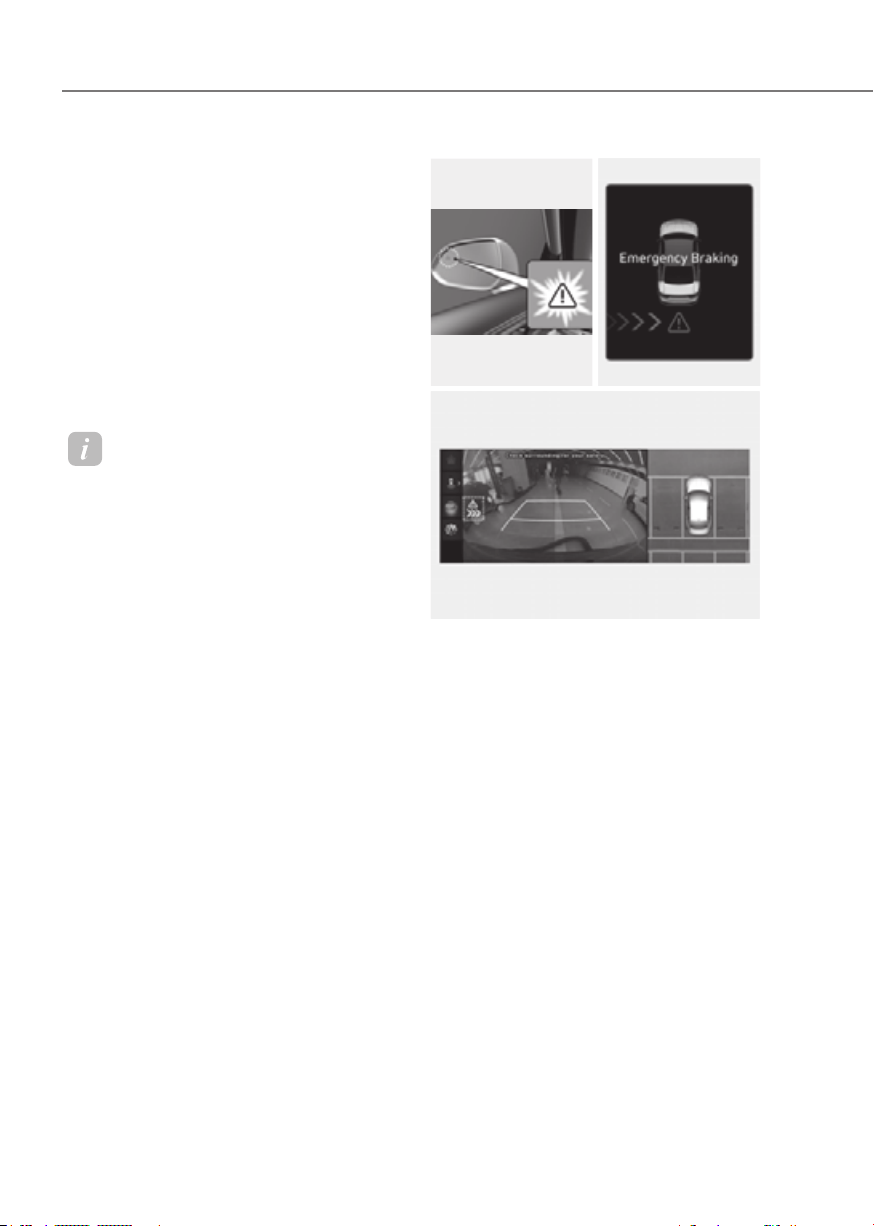
7-136
Driver Assistance System
• Rear Cross-Traffic Collision-Avoidance
Assist will operate when all the
following conditions are satisfied:
- The gear is shifted to R (Reverse)
- Vehicle speed is below 5 mph (8
km/h)
- The approaching vehicle is within
approximately 82 ft. (25 m) from the
left and right side of your vehicle
- The speed of the vehicle
approaching from the left and right
is above 3 mph (5 km/h)
Information
• If the operating conditions are satisfied,
there will be a warning whenever the
vehicle approaches from the left or
right side even though your vehicle
speed is 0 mph (0 km/h).
• The images and colors in the cluster
may differ depending on the cluster
type or theme selected from the cluster.
OPDEN060039OPDEN060039 ORG3EV071056LORG3EV071056L
ORG3EV073152CORG3EV073152C
Emergency Braking
• To warn the driver of an approaching
vehicle from the rear left/right side
of your vehicle, the warning light on
the side view mirror will blink and a
warning message will appear on the
cluster. At the same time, an audible
warning will sound and the steering
wheel will vibrate. A warning will also
appear on the infotainment system
screen.
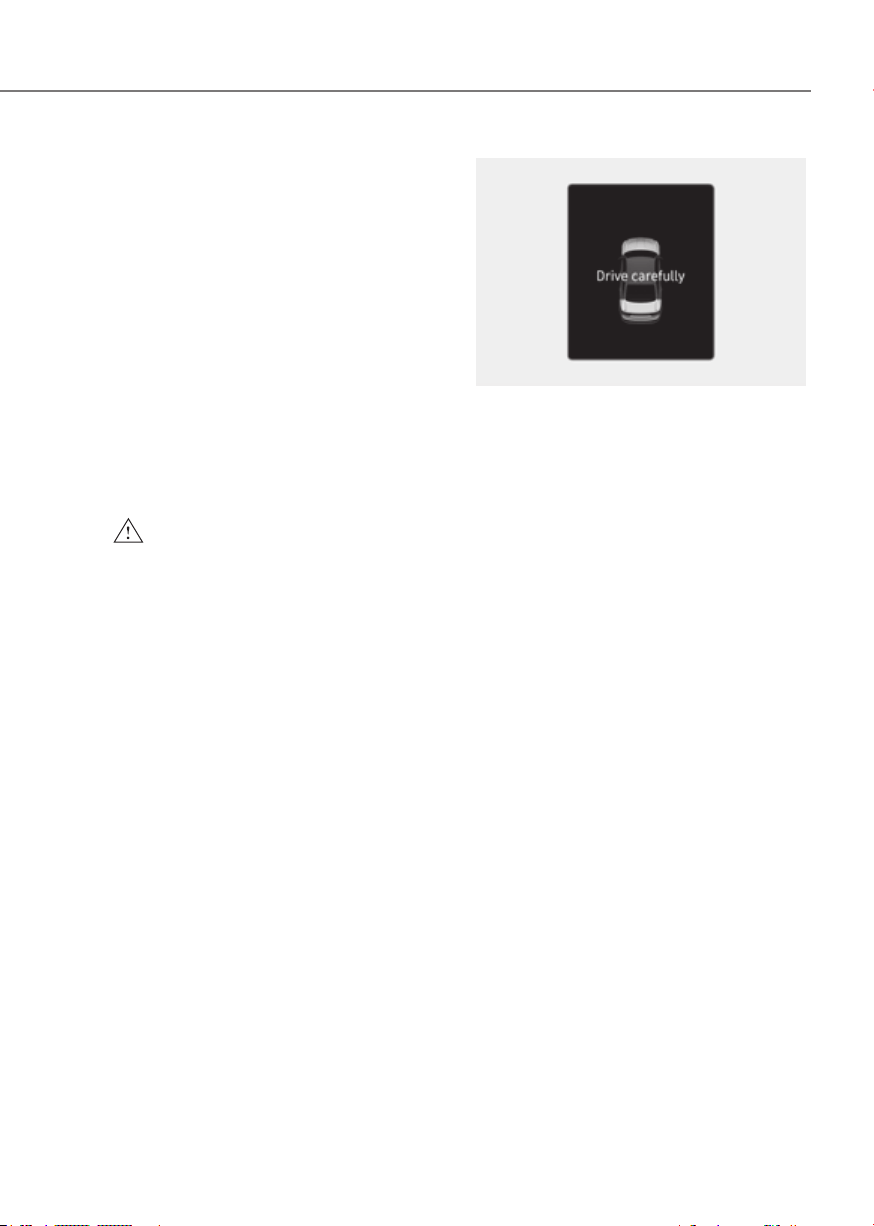
7-137
07
• Rear Cross-Traffic Collision-Avoidance
Assist will operate when all the
following conditions are satisfied:
- The gear is shifted to R (Reverse)
- Vehicle speed is below 5 mph (8
km/h)
- The approaching vehicle is within
approximately 5 ft. (1.5 m) from the
left and right side of your vehicle
- The speed of the vehicle
approaching from the left and right
is above 3 mph (5 km/h)
• Emergency braking will be assisted
to help prevent collision with
approaching vehicles from the left
and right.
WARNING
Brake control will end when:
•
detecting range
•
•
•
down
•
with sufficient power
ORG3EV071057LORG3EV071057L
Stopping vehicle and ending brake control
• When the vehicle is stopped due
to emergency braking, the ‘Drive
carefully’ warning message will
appear on the cluster.
• For your safety, the driver should
depress the brake pedal immediately
and check the surroundings.
• Brake control will end after the vehicle
is stopped by emergency braking for
approximately 2 seconds.
• During emergency braking, braking
control by Rear Cross-Traffic Collision-
Avoidance Assist will automatically
cancel when the driver excessively
depresses the brake pedal.

7-138
Driver Assistance System
WARNING
Take the following precautions when
using Rear Cross-Traffic Collision-
•
•
•
of Rear Cross-Traffic Collision-
• Rear Cross-Traffic Collision-
• During Rear Cross-Traffic Collision-
passengers and shifting loose
•
• When Rear Cross-Traffic Collision-
• Rear Cross-Traffic Collision-
• Rear Cross-Traffic Collision-
•
depend on Rear Cross-Traffic
•
CAUTION
•
warning light is on
•
engaged in a different function
Information
If braking is assisted by Rear Cross-
Traffic Collision-Avoidance Assist, the
driver must immediately depress the brake
pedal and check vehicle surroundings.
• Brake control will end when the
driver depresses the brake pedal with
sufficient power.
• After shifting the gear to R (Reverse),
braking control will operate once for
left and right vehicle approach.
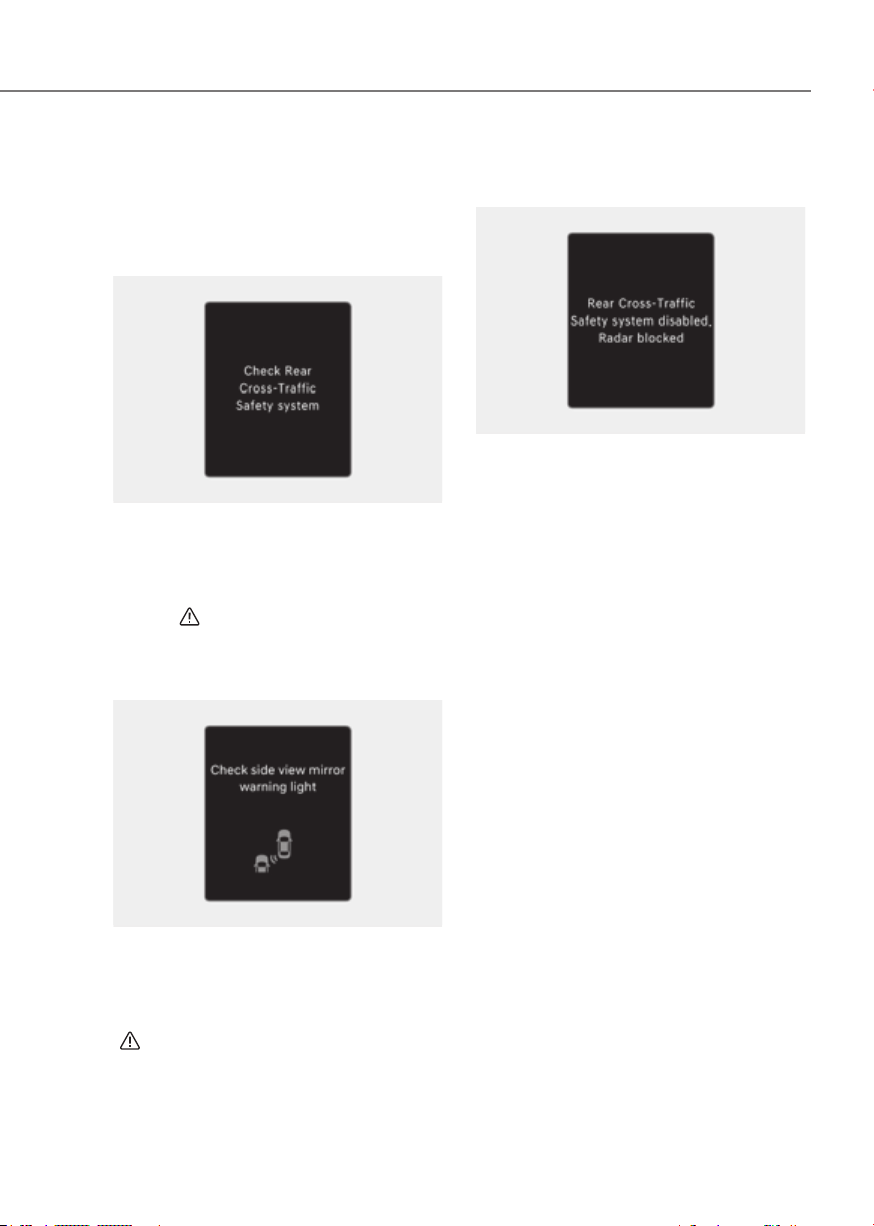
7-139
07
Rear Cross-Traffic Collision-
and Limitations
Rear Cross-Traffic Collision-
Avoidance Assist malfunction
OTM070125NOTM070125N
When Rear Cross-Traffic Collision-
Avoidance Assist is not working properly,
the ‘Check Rear Cross-Traffic Safety
system’ warning message will appear on
the cluster for several seconds, and the
master (
) warning light will illuminate
on the cluster. If this occur, have the
vehicle inspected by an authorized
retailer of Genesis Branded products.
OTM070100NOTM070100N
When the side view mirror warning
light is not working properly, the ‘Check
side view mirror warning light’ warning
message will appear on the cluster
for several seconds, and the master
(
) warning light will illuminate on the
cluster. If this occur, have the vehicle
inspected by an authorized retailer of
Genesis Branded products.
Rear Cross-Traffic Collision-
Avoidance Assist disabled
OTM070124NOTM070124N
When the rear bumper around the rear-
side radar or sensor is covered with
foreign material, such as snow or rain,
or installing a trailer or carrier, it can
reduce the detecting performance and
temporarily limit or disable Rear Cross-
Traffic Collision-Avoidance Assist.
If this occurs, the ‘Rear Cross-Traffic
Safety system disabled. Radar blocked’
warning message will appear on the
cluster.
Rear Cross-Traffic Collision-Avoidance
Assist will operate properly when
such foreign material or trailer, etc., is
removed.
If Rear Cross-Traffic Collision-Avoidance
Assist does not operate properly after it
is removed, have the vehicle inspected
by an authorized retailer of Genesis
Branded products.

7-140
Driver Assistance System
WARNING
•
• Rear Cross-Traffic Collision-
not detected after turning ON the
CAUTION
Turn off Rear Cross-Traffic Collision-
Turn on Rear Cross-Traffic Collision-
Limitations of Rear Cross-Traffic
Collision-Avoidance Assist
Rear Cross-Traffic Collision-Avoidance
Assist may not operate properly, or it
may operate unexpectedly under the
following circumstances:
• Departing from where trees or grass
are overgrown
• Departing from where roads are wet
• Speed of the approaching vehicle is
fast or slow
Braking control may not work, driver’s
attention is required in the following
circumstances:
• The vehicle severely vibrates while
driving over a bumpy road, uneven
road or concrete patch
• Driving on a slippery surface due to
snow, water puddle, ice, etc.
• The tire pressure is low or a tire is
damaged
• The braking system has been modified
• Remote Smart Parking Assist is
operating (if equipped)
Information
For more details on the limitations of the
rear corner radar, refer to “Blind-Spot
Collision-Avoidance Assist (BCA)” section
in this chapter.
WARNING
•
ORG3EV071153ORG3EV071153
[A] : Structure
Rear Cross-Traffic Collision-
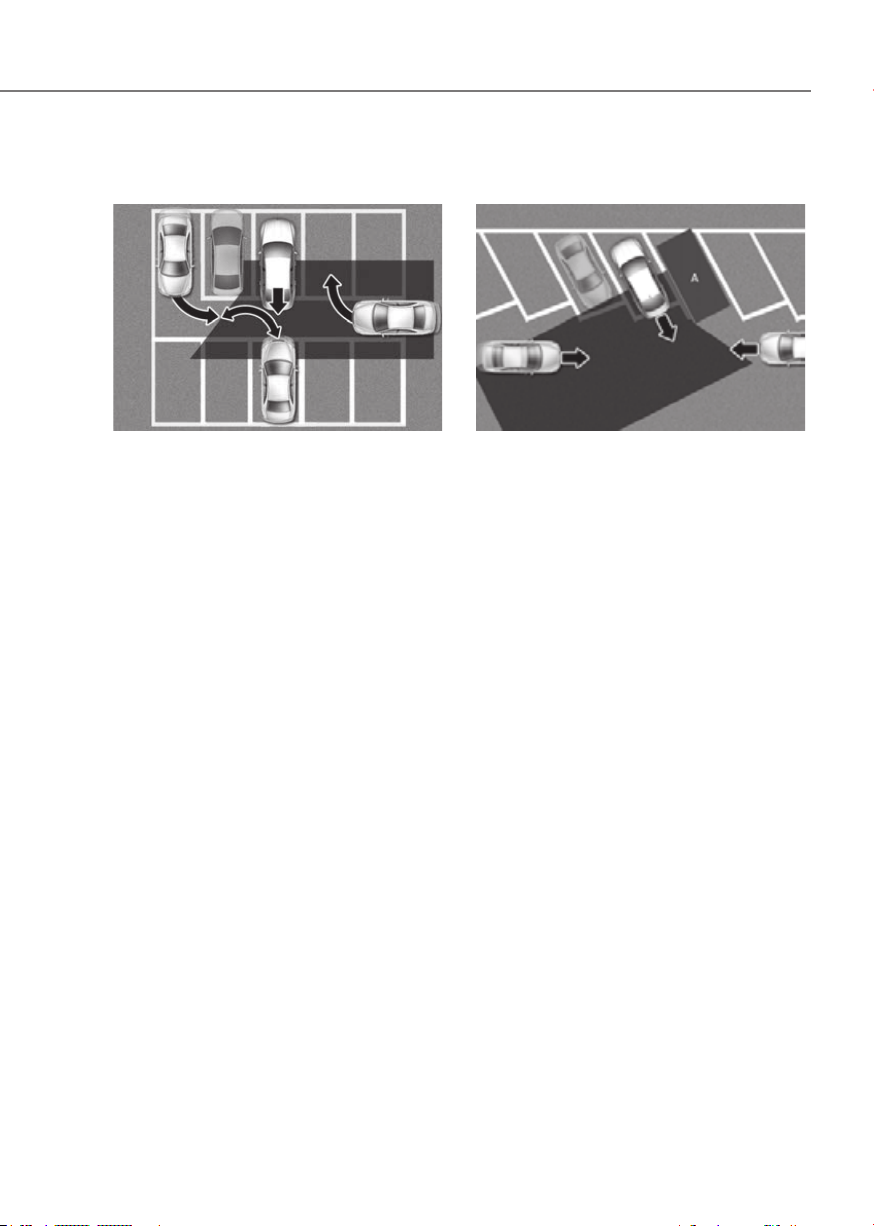
7-141
07
•
ORG3EV071154ORG3EV071154
Rear Cross-Traffic Collision-
which are parking or pulling out
•
ORG3EV071155ORG3EV071155
[A] : Vehicle
Rear Cross-Traffic Collision-
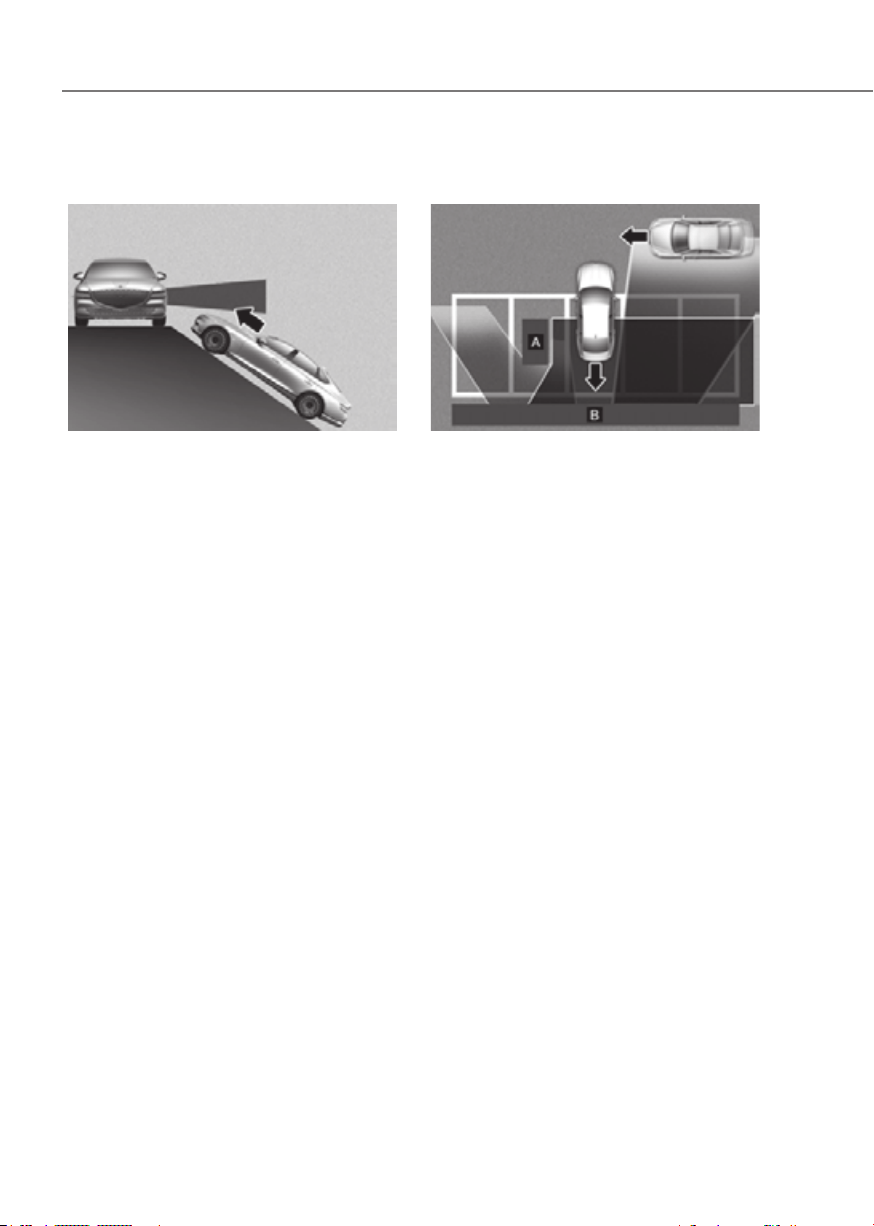
7-142
Driver Assistance System
•
slope
ORG3EV071183ORG3EV071183
Rear Cross-Traffic Collision-
•
there is a structure
ORG3EV071156ORG3EV071156
[A] : Structure, [B] : Wall
Rear Cross-Traffic Collision-
space with a wall or structure in the
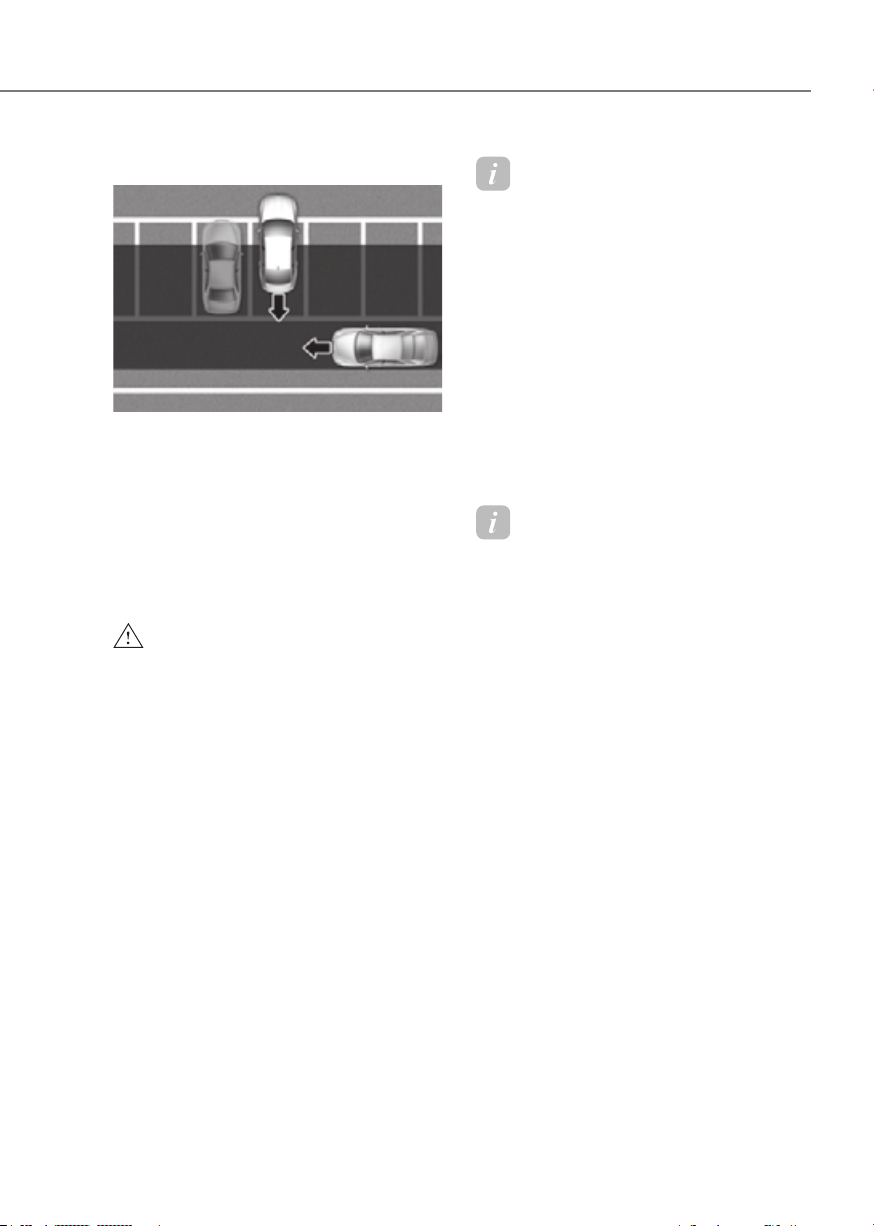
7-143
07
•
ORG3EV071157ORG3EV071157
Rear Cross-Traffic Collision-
WARNING
•
turn off Rear Cross-Traffic Collision-
• Rear Cross-Traffic Collision-
• Rear Cross-Traffic Collision-
Information
This device complies with Part 15 of the
FCC rules.
Operation is subject to the following three
conditions:
1. This device may not cause harmful
interference, and
2. This device must accept any
interference received, including
interference that may cause undesired
operation.
3. Changes or modifications not expressly
approved by the party responsible
for compliance could void the user's
authority to operate the device.
Information
Radio frequency radiation exposure
information:
This equipment complies with FCC
radiation exposure limits set forth for an
uncontrolled environment.
This equipment should be installed and
operated with minimum distance of 8 in.
(20 cm) between the radiator (antenna)
and your body.
This transmitter must not be co-located or
operating in conjunction with any other
antenna or transmitter.
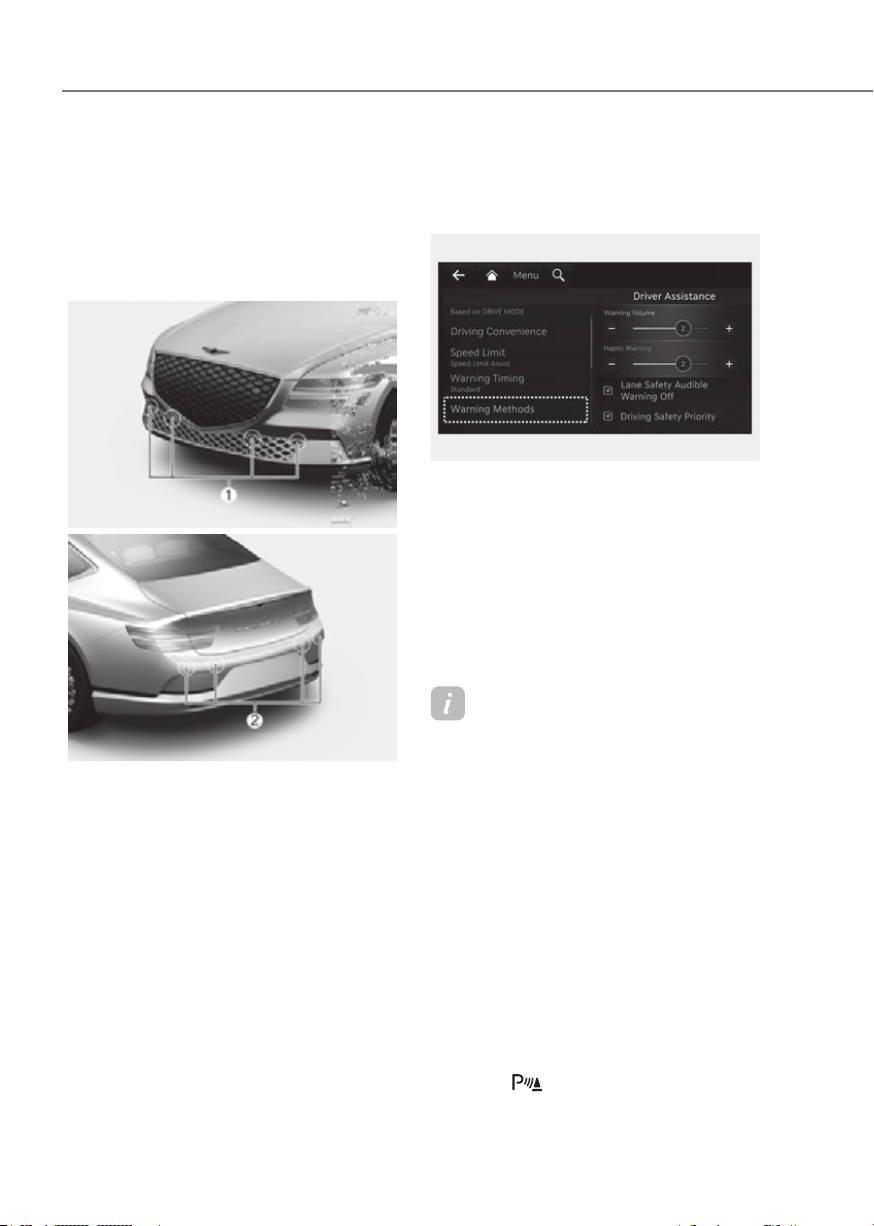
7-144
Driver Assistance System
Forward/Reverse Parking Distance
Warning can help warn the driver if an
obstacle is detected within a certain
distance when the vehicle is moving
forward or in reverse at low speeds.
Detecting sensor
ORG3EV071058ORG3EV071058
ORG3EV071059ORG3EV071059
[1] : Front ultrasonic sensors,
[2] : Rear ultrasonic sensors
Refer to the picture above for the
detailed location of the detecting
sensors.
Distance Warning Settings
Warning Methods
ORG3EV073379NORG3EV073379N
Methods from the Settings in the
infotainment system to select the
following:
• Warning Volume: The Warning Volume
can be adjusted. If you turn off the
Warning Volume, for your safety, the
function may warn you with a low
volume.
Information
• If you change the Warning Methods,
Warning Methods of other Driver
Assistance systems may change.
• If the vehicle is restarted, Warning
Methods will maintain the last setting.
• There may be no Settings menu
depending on the feature applied to
your vehicle.
Parking Distance Warning Auto On
To use Parking Distance Warning Auto
On function, select ‘Driver Assistance
Warning Auto On’ from the infotainment
system Settings menu.
When Parking Distance Warning Auto
On is selected, the Parking Safety button
indicator (
) stays on.
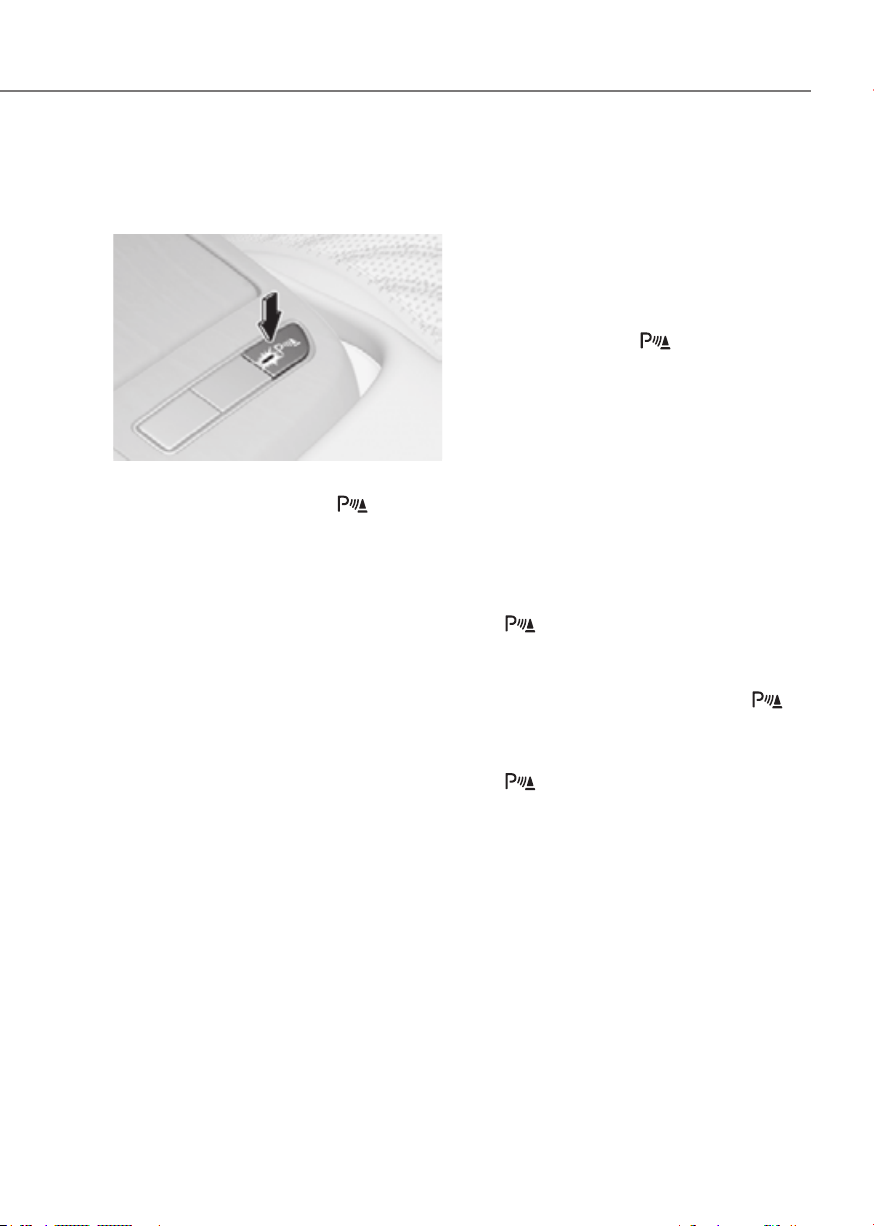
7-145
07
Distance Warning Operation
Operating button
ORG3EV071158ORG3EV071158
Parking Safety button
• Press the Parking Safety ( ) button
to turn on Forward/Reverse Parking
Distance Warning. Press the button
again to turn off the function.
• When Forward/Reverse Parking
Distance Warning is off (button
indicator light off), if you shift the
gear to R (Reverse), Forward/Reverse
Parking Distance Warning will
automatically turn on.
• When Forward/Reverse Parking
Distance Warning turns on, the button
indicator light will turn on. If vehicle
speed is above 12 mph (20 km/h),
Forward/Reverse Parking Distance
Warning will turn off (button indicator
light off).
à If equipped with Reverse Parking
Collision-Avoidance Assist or Remote
Smart Parking Assist, Forward/
Reverse Parking Distance Warning
will turn off (button indicator light off)
when vehicle speed is above 18 mph
(30 km/h).
Forward Parking Distance Warning
• Forward Parking Distance Warning will
operate when one of the condition is
satisfied.
- The gear is shifted from R (Reverse)
to D (Drive) with Reverse Parking
Distance Warning on
- The gear is in D (Drive) and the
Parking Safety (
) button
indicator light is on
- ‘Parking Distance Warning Auto On’
is selected from the Settings menu
and the gear is in D (Drive)
• Forward Parking Distance Warning
helps detect a person, animal or
object in front when the vehicle’s
forward speed is below 6 mph (10
km/h).
• Forward Parking Distance Warning
does not operate when the vehicle's
forward speed is above 6 mph (10
km/h) even when the Parking Safety
(
) button indicator is on. Forward
Parking Distance Warning will operate
again when the vehicle's forward
speed decreases below 6 mph (10
km/h) while the Parking Safety (
)
button indicator is on.
• When ‘Parking Distance Warning Auto
On’ is selected, the Parking Safety
(
) button indicator light stays on.

7-146
Driver Assistance System
• When ‘Parking Distance Warning Auto
On’ is deselected, and the vehicle’s
forward speed is above 12 mph (20
km/h), the Parking Safety (
) button
indicator will turn off. Although you
drive below 6 mph (10 km/h), Forward
Parking Distance Warning will not turn
on.
à If equipped with Reverse
ParkingCollision-Avoidance Assist
or Remote Smart Parking Assist,
Forward/Reverse Parking Distance
Warning will turn off when vehicle
speed is above 18 mph (30 km/h).
Distance
Warning
indicator
when
forward
Warning
sound
24~40 in.
(60~100 cm)
Buzzer beeps
intermittently
12~24 in.
(30~60 cm)
Beeps more
frequently
within 12 in.
(30 cm)
Beeps
continuously
• The corresponding indicator will
illuminate whenever each ultrasonic
sensor detects a person, animal or
object in its sensing range. Also an
audible warning will sound.
• When more than two objects are
detected at the same time, the closest
one will be warned with an audible
warning.
• The shape of the indicator in the
illustration may differ from the actual
vehicle.
Reverse Parking Distance Warning
• Reverse Parking Distance Warning
will operate when the gear is in R
(Reverse).
• Reverse Parking Distance Warning
helps detect a person, animal or
object in the rear when the vehicle’s
rearward speed is below 6 mph (10
km/h).
• When the vehicle’s rearward speed is
below 6 mph (10 km/h), both the front
and rear ultrasonic sensors will help
detect objects. However, the front
ultrasonic sensors can help detect a
person, animal or object when it is
within 24 in. (60 cm) from the sensors.
Distance
Warning
indicator
when
rearward
Warning
sound
24~48 in.
(60~120 cm)
Buzzer beeps
intermittently
12~24 in.
(30~60 cm)
Beeps more
frequently
within 12 in.
(30 cm)
Beeps
continuously
• The corresponding indicator will
illuminate whenever each ultrasonic
sensor detects a person, animal or
object in its sensing range. Also an
audible warning will sound.
• When more than two objects are
detected at the same time, the closest
one will be warned with an audible
warning.
• The shape of the indicator in the
illustration may differ from the actual
vehicle.
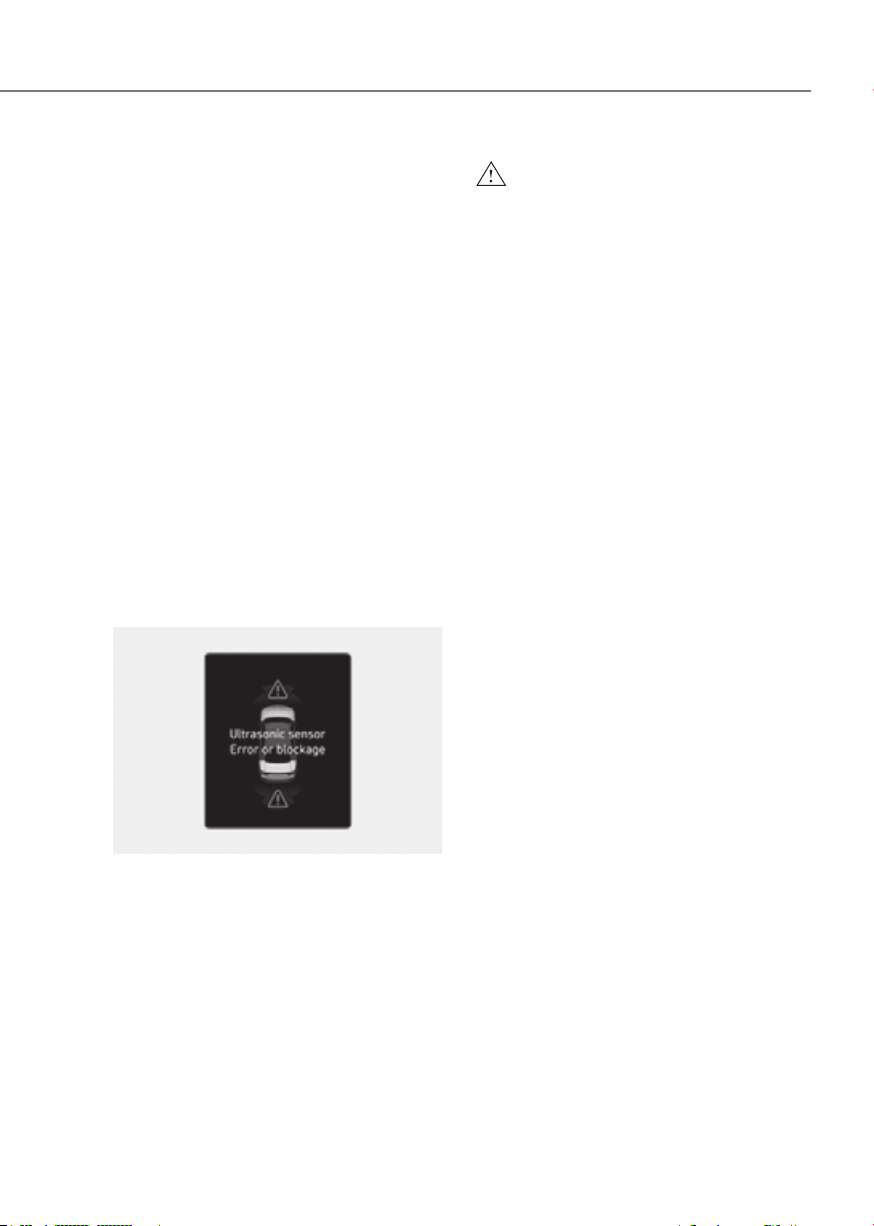
7-147
07
Distance Warning Malfunction
Forward/Reverse Parking Distance
Warning malfunction
After starting the vehicle, a beep will
sound when the gear is shifted to R
(Reverse) to indicate Forward/Reverse
Parking Distance Warning is operating
properly.
However, if one or more of the following
occurs, first check whether the ultrasonic
sensor is damaged or blocked with
foreign material. If it still does not work
properly, have the vehicle inspected by
an authorized retailer of Genesis Branded
products.
• The audible warning does not sound.
• The buzzer sounds intermittently.
• The ‘Ultrasonic sensor error or
blockage’ warning message appears
on the cluster.
ORG3EV071066LORG3EV071066L
WARNING
•
•
•

7-148
Driver Assistance System
Limitations of Forward/Reverse
Parking Distance Warning
• Forward/Reverse Parking Distance
Warning may not operate properly
when:
- Moisture is frozen to the sensor
- Sensor is covered with substance,
such as snow or water (Forward/
Reverse Parking Distance Warning
will operate properly when such
substance is removed.)
- The weather is extremely hot or cold
- The sensor or sensor assembly is
disassembled
- The surface of the sensor is pressed
hard or hit with a hard object
- The surface of the sensor is
scratched with a sharp object
- The sensors or its surrounding
area is directly sprayed with high
pressure washer
• Forward/Reverse Parking Distance
Warning may malfunction when:
- Heavy rain or water spray is present
- Water flows on the surface of the
sensor
- Affected by another vehicle’s
sensors
- The sensor is covered with snow or
ice
- Driving on uneven road, gravel
roads or bushes
- Objects that generate ultrasonic
waves are near the sensor
- License plate is installed in a
different spot from the original
location
- The vehicle bumper height or
ultrasonic sensor installation has
been modified
- Attaching equipment or accessories
next to the ultrasonic sensors
• The following objects may not be
detected:
- Sharp or slim objects, such as ropes,
chains or small poles.
- Narrow objects, such as corners of a
square column
- Objects, which tend to absorb
sensor frequency, such as clothes,
spongy material or snow.
- Objects smaller than 40 in. (100 cm)
in length and narrower than 6 in. (14
cm) in diameter.
- Pedestrians, animals or objects
that are very close to the ultrasonic
sensors
• Parking Distance Warning Indicators
may be displayed differently from
the actual detected location when
the obstacle is located between the
sensors.
• Parking Distance Warning indicator
may not occur sequentially depending
on vehicle speed or obstacle shape.
• If Forward/Reverse Parking Distance
Warning needs repair, have the
vehicle inspected by an authorized
retailer of Genesis Branded products.
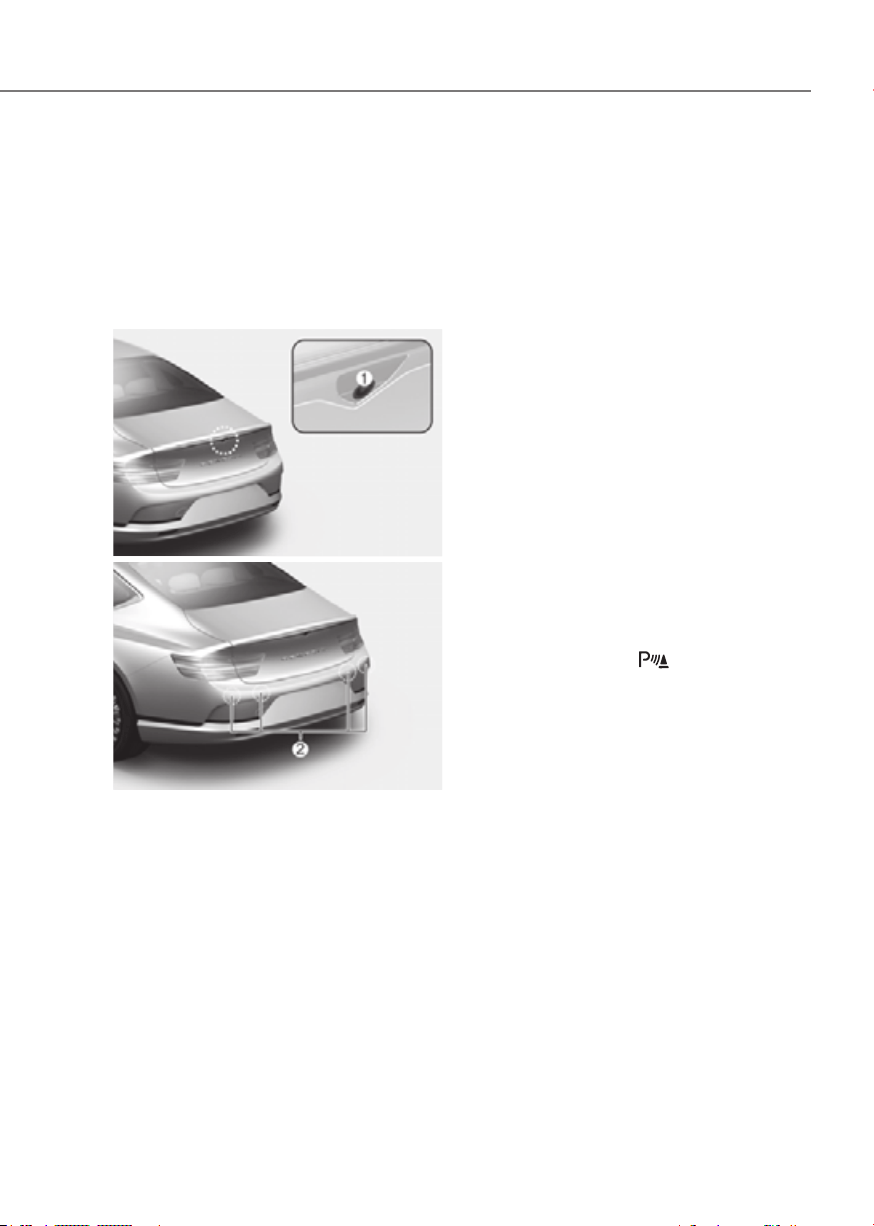
7-149
07
Reverse Parking Collision-Avoidance
Assist can warn the driver or assist with
braking to help reduce the possibility of
collision with a pedestrian or an object
when backing up.
Detecting sensor
ORG3EV071138 ORG3EV071138
ORG3EV071059ORG3EV071059
[1] : Rear view camera,
[2] : Rear ultrasonic sensors
Refer to the picture above for the
detailed location of the detecting
sensors.
Setting features
Parking Safety
• With the vehicle on, select or deselect
from the Settings menu to set
whether to use each function.
- If ‘Rear Active Assist’ is selected,
Reverse Parking Collision-Avoidance
Assist will warn the driver and assist
with braking when a collision with a
pedestrian or an object is imminent.
- If ‘Rear Warning Only’ is selected,
Reverse Parking Collision-Avoidance
Assist will warn the driver when a
collision with a pedestrian or an
object is imminent. Braking will not
be assisted.
- If ‘Off’ is selected, Reverse Parking
Collision-Avoidance Assist will turn
off.
• If Parking Safety (
) button is
pressed more than 2 seconds, ‘Rear
Active Assist’ or ‘Rear Warning Only’
can be turned on or off.

7-150
Driver Assistance System
ORG3EV073380NORG3EV073380N
Warning Timing
With the vehicle on, select ‘Driver
Settings menu to change the initial
warning activation time for Reverse
Parking Collision-Avoidance Assist.
If you change the Warning Timing, the
warning time of other Driver Assistance
systems may change.
ORG3EV073379NORG3EV073379N
Warning Methods
Methods from the Settings in the
infotainment system to select the
following:
• Warning Volume: The Warning Volume
can be adjusted. If you turn off the
Warning Volume, for your safety, the
function may warn you with a low
volume.
• Haptic Warning: The steering wheel
vibration can be adjusted.
Information
• If you change the Warning Methods,
Warning Methods of other Driver
Assistance systems may change.
• If the vehicle is restarted, Warning
Methods will maintain the last setting.
• There may be no Settings menu
depending on the feature applied to
your vehicle.
• The Warning Volume and Haptic
Warning cannot be turned off at the
same time. When one of the warning is
turned off the other is activated.
Operating conditions
If ‘Rear Active Assist’ or ‘Rear Warning
Only’ is set from the Settings menu,
Reverse Parking Collision-Avoidance
Assist will be in the ready status when
the following conditions are satisfied:
- The trunk is closed
- The gear is shifted to R (Reverse)
- Vehicle speed is below 6 mph (10
km/h)
- Reverse Parking Collision-Avoidance
Assist components such as the rear
view camera and the rear ultrasonic
sensors are in normal conditions
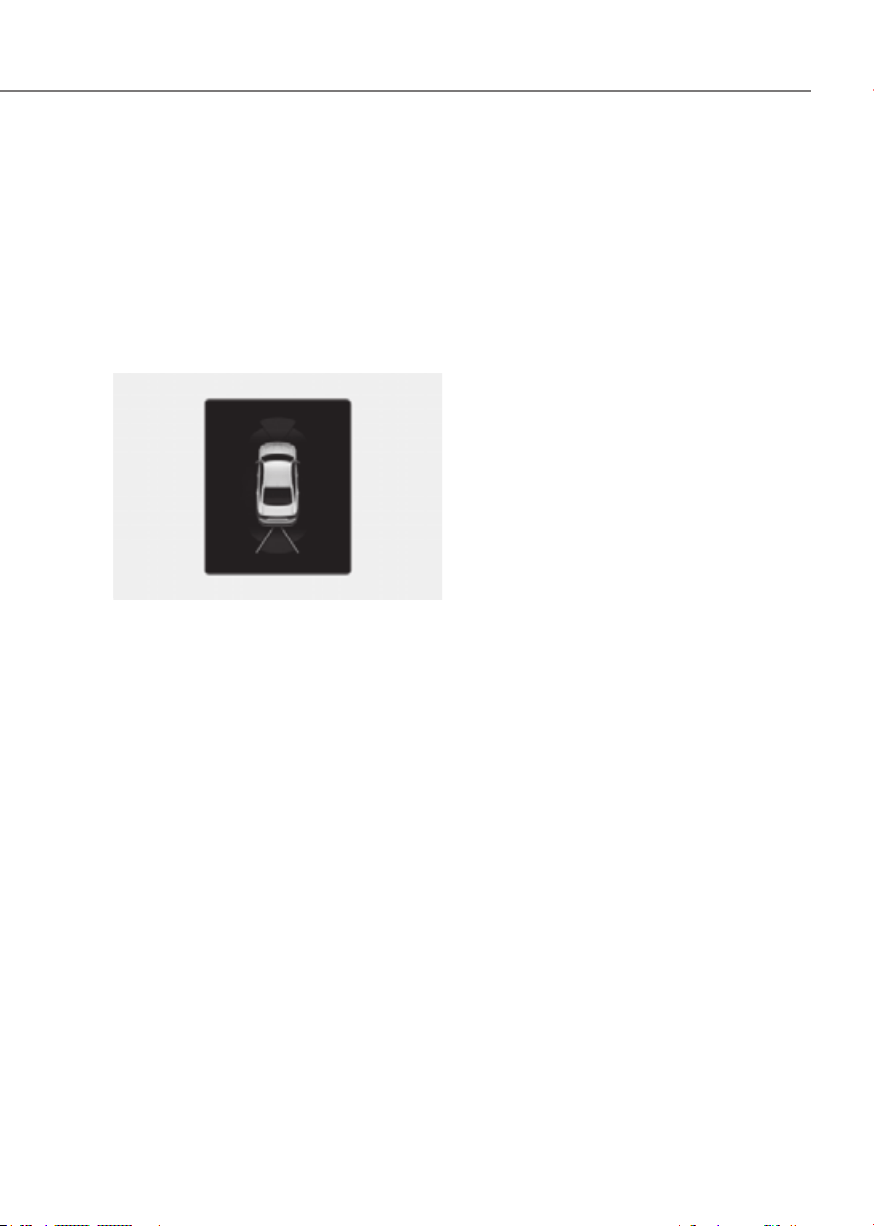
7-151
07
When Reverse Parking Collision-
Avoidance Assist activates, a line
appears behind the vehicle image in the
instrument cluster.
Reverse Parking Collision-Avoidance
Assist operates only once after the gear
is shifted to R (Reverse). To reactivate
Reverse Parking Collision-Avoidance
Assist, shift the gear from another gear
to R (Reverse).
ORG3EV071067ORG3EV071067
Rear Active Assist
• If Reverse Parking Collision-Avoidance
Assist detects a risk of collision with
a pedestrian or an object, Reverse
Parking Collision-Avoidance Assist
will warn the driver with an audible
warning and warning message on the
cluster. When Rear View Monitor is
operating, a warning will appear on
the infotainment system screen.
• If Reverse Parking Collision-Avoidance
Assist detects an imminent collision
with a pedestrian or an object behind
the vehicle, Reverse Parking Collision-
Avoidance Assist will assist you with
braking. The driver needs to pay
attention and apply the brakes as the
brake assist will last for 5 minutes.
The driver must immediately depress
the brake pedal and check vehicle
surroundings.
• Brake control will end when:
- The gear is shifted to P (Park) or D
(Drive).
- The driver depresses the brake
pedal with sufficient power
- Braking assist has last for
approximately 5 minutes
• The warning will turn off when:
- The driver shifts the gear to P (Park),
N (Neutral), or D (Drive)
Rear Warning Only
• If Reverse Parking Collision-Avoidance
Assist detects a risk of collision with
a pedestrian or an object, Reverse
Parking Collision-Avoidance Assist
will warn the driver with an audible
warning and warning message on the
cluster. When Rear View Monitor is
operating, a warning will appear on
the infotainment system screen.
• If ‘Rear Warning Only’ is selected,
braking will not be assisted.
• The warning will turn off when the
gear is shifted to P (Park), N (Neutral)
or D (Drive).

7-152
Driver Assistance System
and Limitations
Reverse Parking Collision-
Avoidance Assist malfunction
ORG3EV071068LORG3EV071068L
When Reverse Parking Collision-
Avoidance Assist or other related
functions are not working properly, the
‘Check Parking Safety system’ warning
message will appear on the cluster, and
Reverse Parking Collision-Avoidance
Assist will turn off automatically. Have
the vehicle inspected by an authorized
retailer of Genesis Branded products.
Reverse Parking Collision-Avoidance
Assist disabled
ORG3EV071052ORG3EV071052
The rear view camera is used as a
detecting sensor to detect pedestrians. If
the camera lens is covered with foreign
material, such as snow or rain, it may
adversely affect camera performance
and Reverse Parking Collision-Avoidance
Assist may not operate properly. Always
keep the camera lens clean.
ORG3EV071071ORG3EV071071
The rear ultrasonic sensors are located
inside the rear bumper to detect objects
in the rear area. If the sensors are
covered with foreign material, such as
snow or rain, it may adversely affect
sensor performance and Reverse Parking
Collision-Avoidance Assist may not
operate properly. Always keep the rear
bumper clean.

7-153
07
Rear view cameraRear view camera Rear ultrasonic sensorRear ultrasonic sensor
ORG3EV071069LORG3EV071069L ORG3EV071070LORG3EV071070L
The ‘Camera error or blockage’ or
‘Ultrasonic sensor error or blockage’
warning message will appear on the
cluster if the following situations occur:
- The rear view camera or rear
ultrasonic sensor(s) is covered with
foreign material, such as snow or rain,
etc.
- There is inclement weather, such as
heavy snow, heavy rain, etc.
If this occurs, Reverse Parking Collision-
Avoidance Assist may turn off or may not
operate properly. Check whether the rear
view camera and rear ultrasonic sensors
are clean.
Limitations of Reverse Parking
Collision-Avoidance Assist
Reverse Parking Collision-Avoidance
Assist may not assist braking or warn
the driver even if there are pedestrians
or objects under the following
circumstances:
• Any non-factory equipment or
accessory is installed
• Your vehicle is unstable due to an
accident or other causes
• Bumper height or rear ultrasonic
sensor installation has been modified
• Rear view camera or rear ultrasonic
sensor(s) is damaged
• Rear view camera or the rear
ultrasonic sensor(s) is stained with
foreign material, such as snow, dirt,
etc.
• Rear view camera is obscured by a
light source or by inclement weather,
such as heavy rain, fog, snow, etc.
• The surrounding is very bright or very
dark
• Outside temperature is very high or
very low
• The wind is either strong (above
12 mph (20 km/h)) or blowing
perpendicular to the rear bumper
• Objects generating excessive
noise, such as vehicle horns, loud
motorcycle vehicles or truck air
brakes, are near your vehicle
• An ultrasonic sensor with similar
frequency is near your vehicle
• There is ground height difference
between the vehicle and the
pedestrian
• The image of the pedestrian in the
rear view camera is indistinguishable
from the background

7-154
Driver Assistance System
• The pedestrian is near the rear edge of
the vehicle
• The pedestrian is not standing upright
• The pedestrian is either very short or
very tall for Reverse Parking Collision-
Avoidance Assist to detect
• The pedestrian or cyclist is wearing
clothing that easily blends into the
background, making it difficult to
detect
• The pedestrian is wearing clothing
that does not reflect ultrasonic waves
well
• Size, thickness, height, or shape of
the object does not reflect ultrasonic
waves well (for example, pole, bush,
curbs, carts, edge of a wall, etc.)
• The pedestrian or the object is moving
• The pedestrian or the object is very
close to the rear of the vehicle
• A wall is behind the pedestrian or the
object
• The object is not located at the rear
center of your vehicle
• The object is not parallel to the rear
bumper
• The road is slippery or inclined
• The driver backs up the vehicle
immediately after shifting to R
(Reverse)
• The driver accelerates or circles the
vehicle
Reverse Parking Collision-Avoidance
Assist may unnecessarily warn the driver
or assist with braking even if there are
no pedestrians or objects under the
following circumstances:
• Any non-factory equipment or
accessory is installed
• Your vehicle is unstable due to an
accident or other causes
• Bumper height or rear ultrasonic
sensor installation has been modified
• Your vehicle height is low or high
due to heavy loads, abnormal tire
pressure, etc.
• Rear view camera or the rear
ultrasonic sensor(s) is stained with
foreign material, such as snow, dirt,
etc.
• The pattern on the road is mistaken
for a pedestrian
• There is shadow or light reflecting on
the ground
• Pedestrians or objects are around the
path of the vehicle
• Objects generating excessive
noise, such as vehicle horns, loud
motorcycle vehicles or truck air
brakes, are near your vehicle
• Your vehicle is backing towards a
narrow passage or parking space
• Your vehicle is backing towards an
uneven road surface, such as an
unpaved road, gravel, bump, gradient,
etc.
• A trailer or carrier is installed on the
rear of your vehicle
• An ultrasonic sensor with similar
frequency is near your vehicle

7-155
07
WARNING
Take the following precautions when
•
•
•
make sure there are no pedestrians
•
•
•
depending on the road conditions
•
CAUTION
•
•
•
•
•
•
•
-
Control) warning light is on
-
engaged in a different function

7-156
Driver Assistance System
CAUTION
Take the following precautions to
maintain optimal performance of the
detecting sensors:
•
•
acid or alkaline detergents when
•
the rear ultrasonic sensors or their
•
•
•
Information
Reverse Parking Collision-Avoidance
Assist can detect a pedestrian or an object
when:
• A pedestrian is standing behind the
vehicle
• A large obstacle, such as a vehicle,
is parked in the rear center of your
vehicle
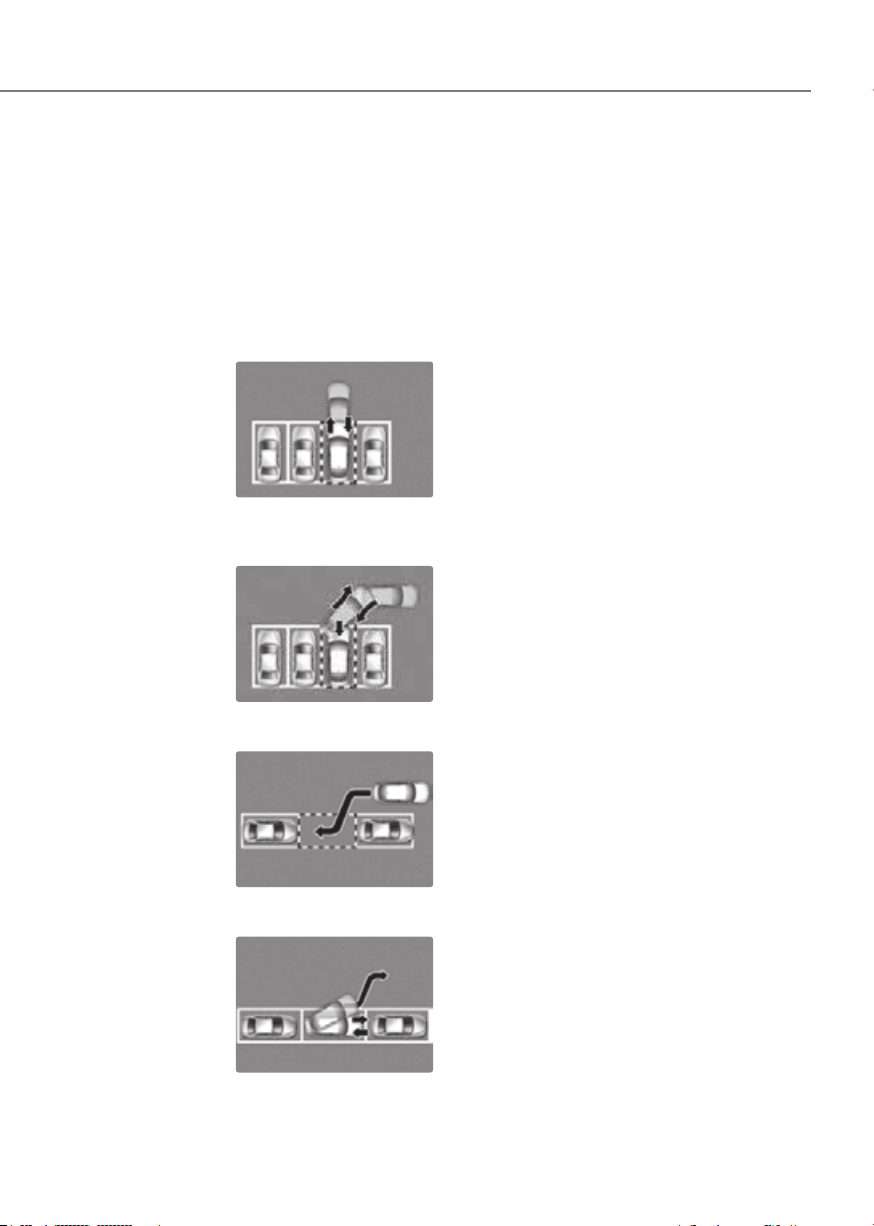
7-157
07
Remote Smart Parking Assist uses
vehicle sensors to help the driver park
and exit parking spaces remotely from
outside the vehicle by controlling the
steering wheel, vehicle speed and
gearshifts.
Function Description
Remote
Operation
Remotely moving forward
or backward
ORG3EV071159ORG3EV071159
Smart
Parking or
Remote
Smart
Parking
Perpendicular reverse
parking
ORG3EV071160ORG3EV071160
Parallel reverse parking
ORG3EV071161ORG3EV071161
Smart Exit
Parallel forward exit
ORG3EV071162ORG3EV071162
• Remote Smart Parking and Remote
Operation function may be operated
from outside the vehicle using the
smart key.
• Smart Parking and Remote Smart
Parking function may be operated
from inside the vehicle.
• Smart Parking and Remote Smart
Parking function helps the driver with
perpendicular reverse parking and
parallel reverse parking.
• Smart Exit function helps the driver
with parallel forward exit.
• When Remote Smart Parking Assist
operates, Parking Distance Warning
and Surround View Monitor will also
operate. For more details, refer to
“Parking Distance Warning (PDW)”
and “Surround View Monitor (SVM)”
sections in this chapter.
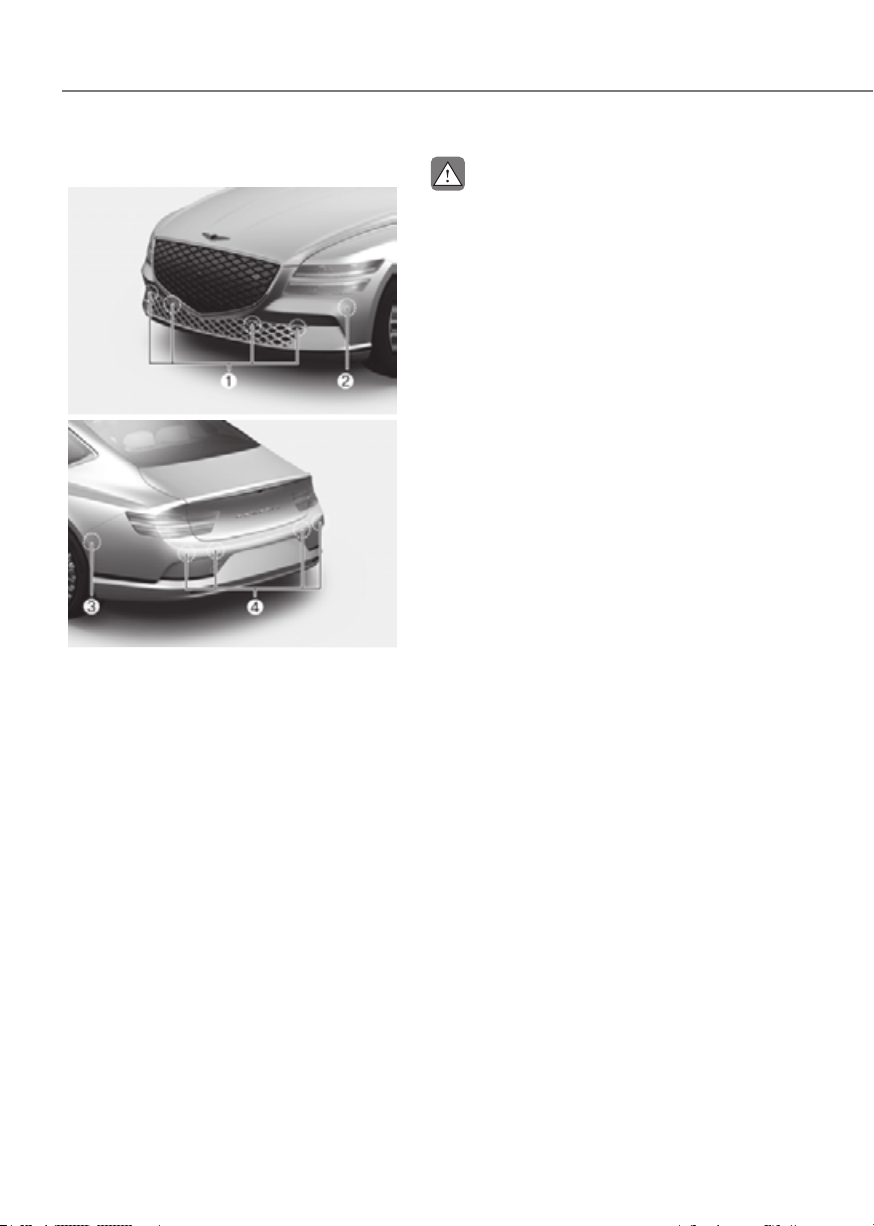
7-158
Driver Assistance System
Detecting sensors
ORG3EV071072ORG3EV071072
ORG3EV071073ORG3EV071073
[1] : Front ultrasonic sensors,
[2] : Front corner ultrasonic sensors,
[3] : Rear corner ultrasonic sensors,
[4] : Rear ultrasonic sensors
Refer to the picture above for the
detailed location of the detecting
sensors.
CAUTION
Take the following precautions to
maintain optimal performance of the
detecting sensors:
•
•
•
installed equipment or accessories
•
•
•
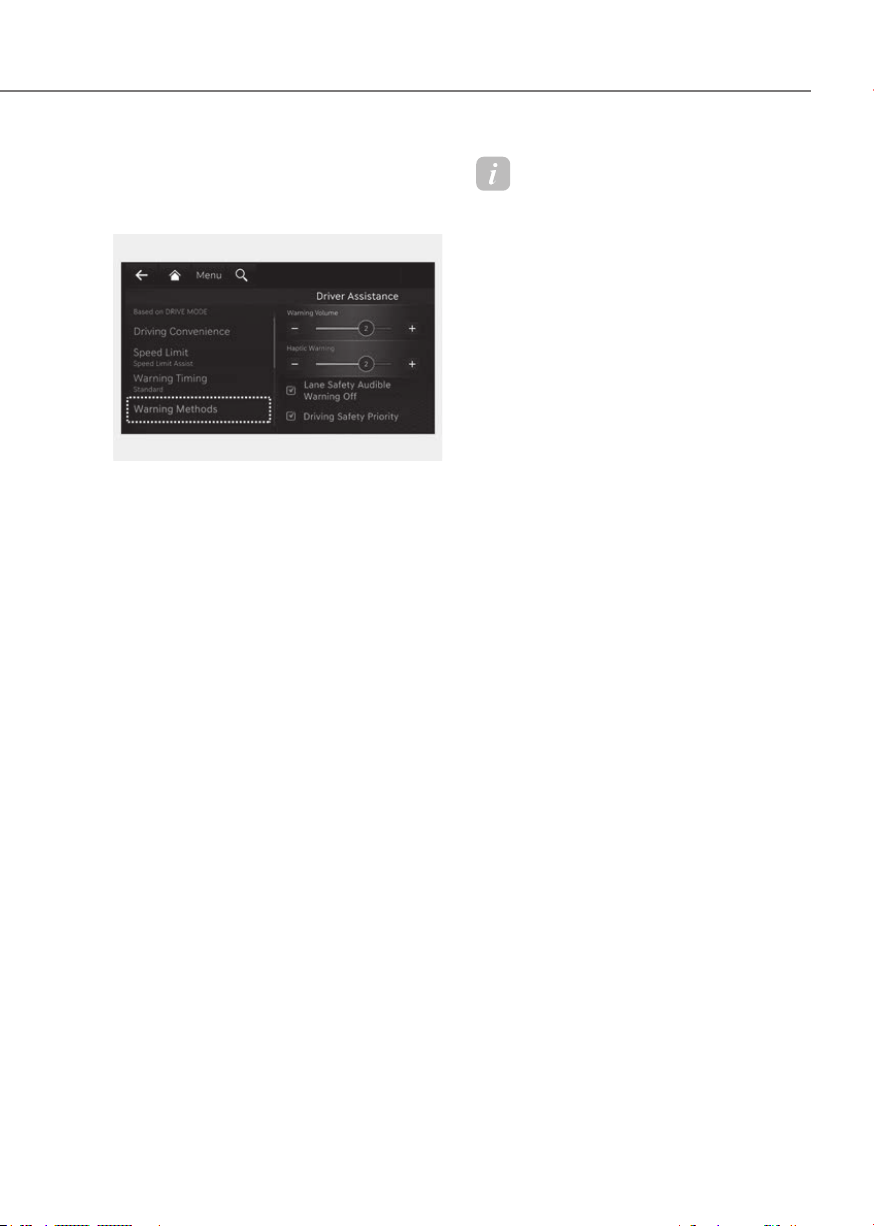
7-159
07
Settings
Settings features
ORG3EV073379NORG3EV073379N
Warning Methods
Methods from the Settings in the
infotainment system to select the
following:
• Warning Volume: The Warning Volume
can be adjusted. If you turn off the
Warning Volume, for your safety, the
function may warn you with a low
volume.
Information
• If you change the Warning Methods,
Warning Methods of other Driver
Assistance systems may change.
• If the vehicle is restarted, Warning
Methods will maintain the last setting.
• There may be no Settings menu
depending on the feature applied to
your vehicle.
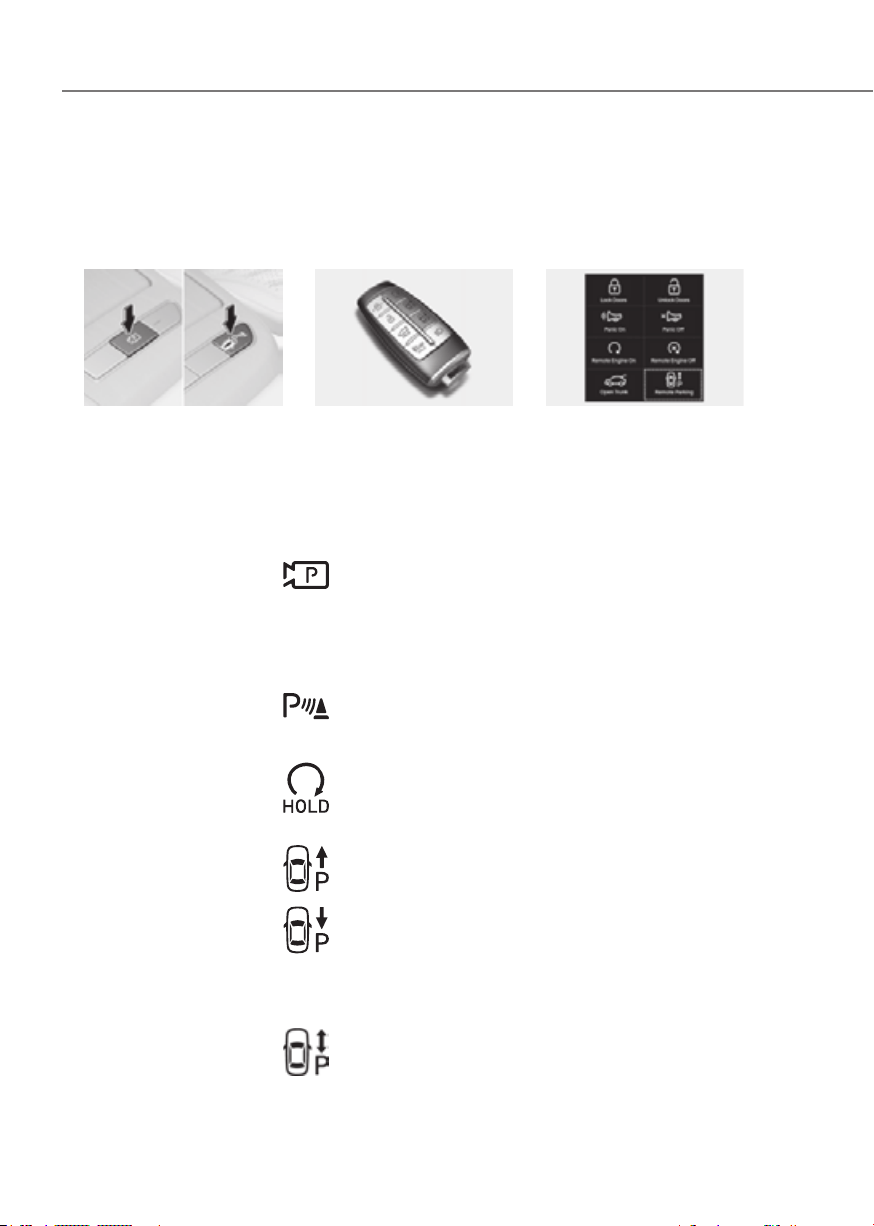
7-160
Driver Assistance System
Remote Smart Parking Assist button
ORG3EV071163ORG3EV071163 ORG3EV071164ORG3EV071164
ORG3EV071341NORG3EV071341N
Location Name Description
Inside
vehicle
Parking/View
button
• Press and hold the Parking/View button to turn
on Remote Smart Parking Assist. Also, Forward/
Reverse Parking Distance warning will automatically
turn on.
However, functions may differ depending on the
situations. Refer to each function's description for
more details in the following pages.
• Press and hold the Parking/View button while Smart
Parking or Smart Exit function is on to operate the
function.
Parking
Safety button
• Press the Parking Safety button while Remote Smart
Parking Assist is operating to end Remote Smart
Parking Assist operation.
Smart
key
Remote Start
button
• Press the Remote Start button after the door is locked
with the vehicle off to start the vehicle remotely.
• Press the Remote Start button while Remote Smart
Parking or Remote Operation function is operating
to end function operation.
Forward
button
• When using Remote Smart Parking function,
regardless of which direction button is pressed,
parking is supported while the button is pressed.
• When using the Remote Operation function, the
vehicle moves in the direction of the button while
the button is pressed.
Backward
button
Digital
key
Remote
Smart
Parking
Assist icon
• Press the Remote Smart Parking Assist icon on
the smartphone digital key application to activate
Remote Smart Parking.
• When using the Remote Operation function, the
vehicle moves in the direction of the icon is pushed
and moves while the icon is pushed.
• When using Remote Smart Parking function,
regardless of which direction the icon is pushed,
parking is supported while the icon is pushed.
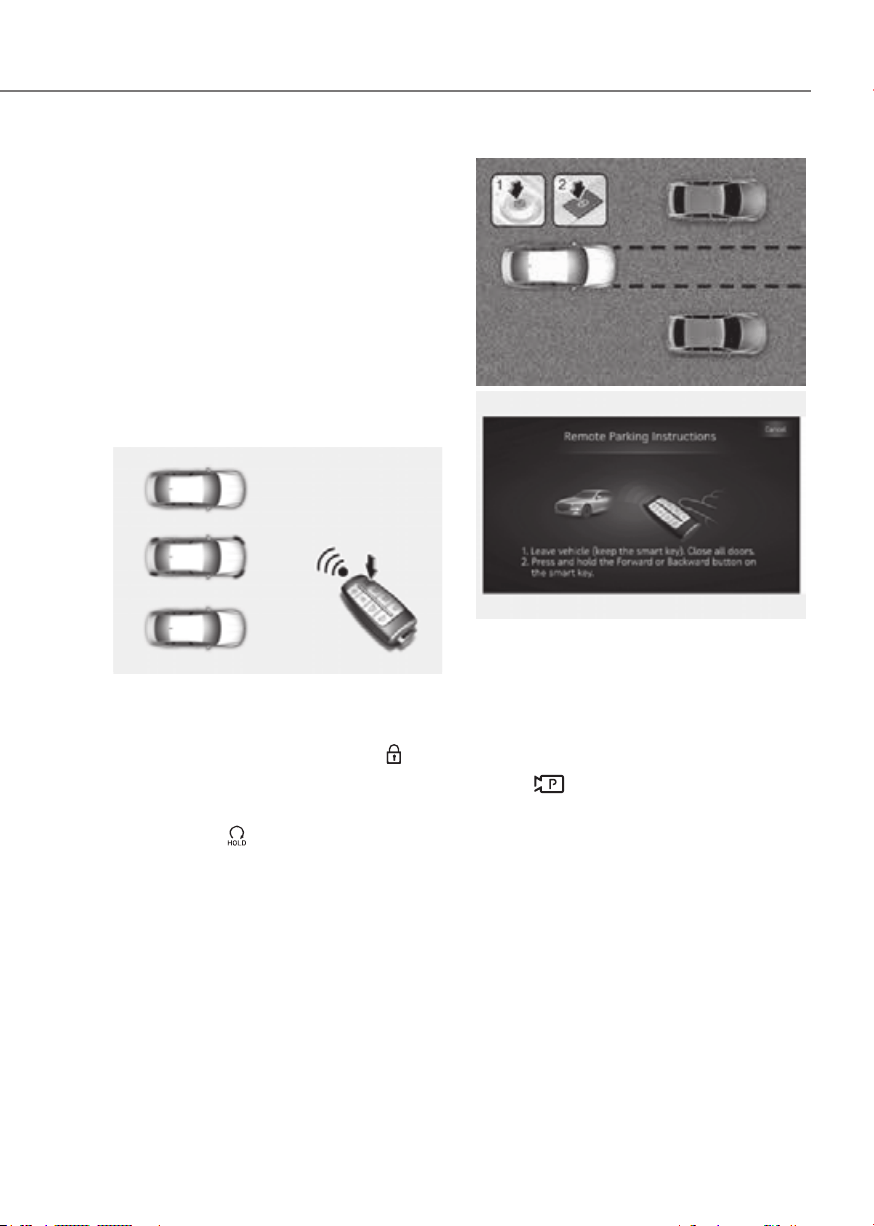
7-161
07
Remote Operation
Operating order
Remote Operation operates in the
following order:
1. Getting ready to remotely move
forward and backward
2. Remotely moving forward and
backward
There are two ways to operate Remote
Operation function.
ORG3EV071165ORG3EV071165
Method (1) Using the function with
vehicle off
(1) Within a certain range from the
vehicle press the door lock (
)
button on the smart key and lock
all doors.
(2) Press and hold the Remote Start
button (
) within 4 seconds until
the vehicle starts.
• For more details on remotely
starting the vehicle, refer to
“Remote Start” section in chapter 6.
ORG3EV071166ORG3EV071166
ORG3EV071217AUORG3EV071217AU
Method (2) Using the function with
vehicle on
(1) Park the vehicle in front of the
space where you want to use
Remote Operation function, and
shift the gear to P (Park).
(2) Press and hold the Parking/View
(
) button to turn on Smart
Parking Assist. A message ‘Remote
Parking Instructions’ will appear
on the infotainment system
screen.
(3) Get out of the vehicle with the
smart key and close all doors.
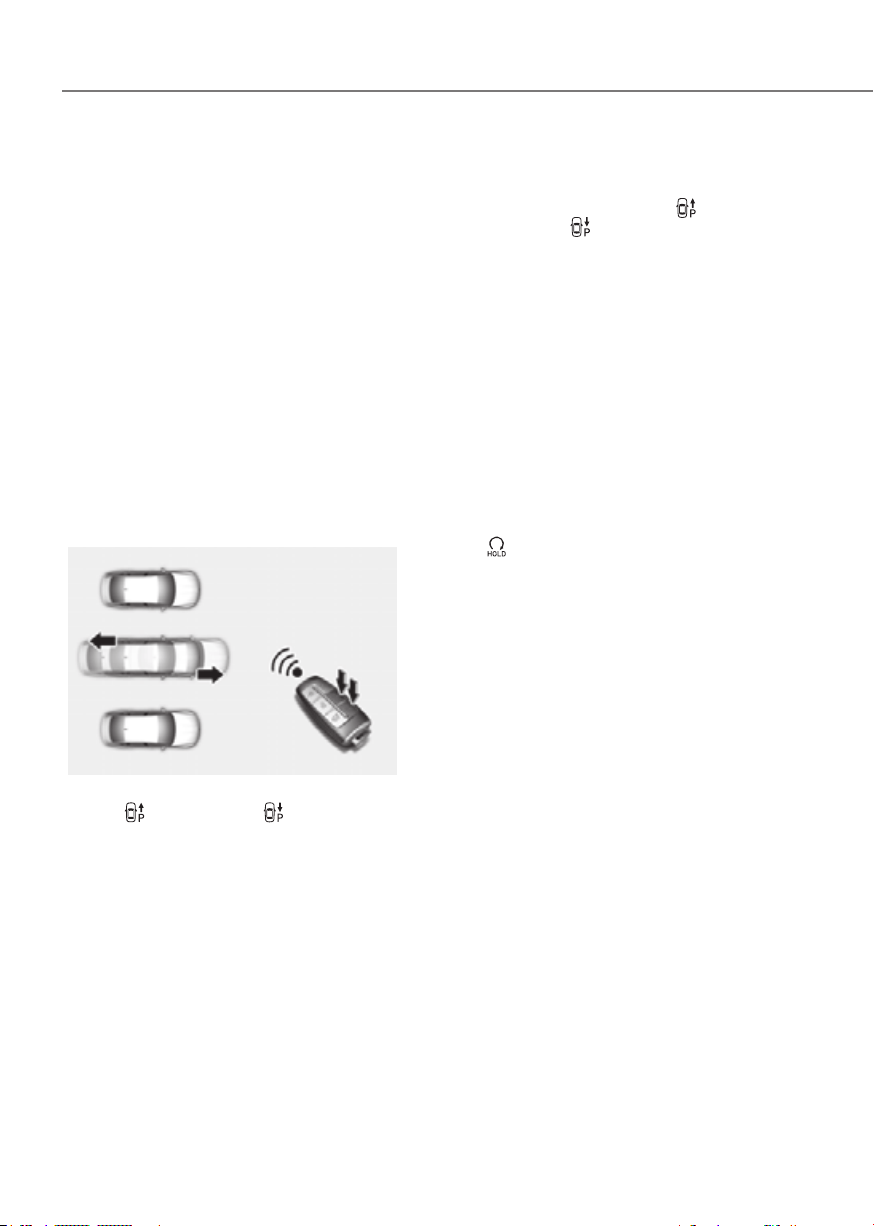
7-162
Driver Assistance System
• 'Agree' must be selected on the
infotainment system screen and the
infotainment system has to operate
properly to use Remote Operation
function.
• Method (2) can be used after the
vehicle has been driven above 3
mph (5 km/h).
• If the function is turned on again
after parallel parking is completed
by Remote Smart Parking Assist,
Remote Operation function can be
used with Method (2).
• Check that all smart keys are
outside the vehicle when using
Remote Operation function.
ORG3EV071168LORG3EV071168L
(1) Press and hold one of the Forward
(
) or Backward ( ) button on
the smart key. Remote Smart
Parking Assist will automatically
control the steering wheel, vehicle
speed and gearshift. The vehicle
will move in the direction of the
button pressed.
(2) While Remote Operation function
is operating, if you do not
hold down the Forward (
) or
Backward (
) button, the vehicle
will stop and function control
will pause. The function will start
operating again when the button is
pressed and held again.
(3) When the vehicle reaches the
target location, release the smart
key Forward or Backward button.
(4) When the driver gets in the vehicle
with the smart key, a message
will appear informing the driver
Remote Operation function is
complete on the infotainment
system screen and the vehicle will
remain on.
In addition, when the Remote Start
(
) button is pressed on the smart
key from outside the vehicle, a
message will appear informing the
driver Remote Operation function
is complete and the vehicle will
turn off.

7-163
07
• Check that all smart keys are
outside the vehicle when using
Remote Operation function.
• Remote Operation function will
operate only when the smart key is
within 13 ft. (4 m) from the vehicle. If
there is no vehicle movement even
when the Forward or Backward
button is pressed on the smart key,
check the distance to the vehicle
and press the button again.
• The detecting range of the smart
key may vary depending on the
surroundings that are affected by
radio waves such as transmission
tower, broadcast station, etc.
• When remotely moving forward
using method (1), it is recognized
as an exit situation, and the
vehicle moves 13 ft. (4 m) to
check for pedestrians, animals or
objects around the vehicle. After
confirmation, the steering wheel
is controlled according to the
condition ahead.
• When remotely moving forward
using method (2), it is recognized
as a parking situation, and will
immediately control the steering
wheel according to the condition
ahead to assist with entering the
parking space and aligning the
vehicle. However, performance
may reduce depending on the
pedestrians, animals, shape of
objects, location, etc., around the
vehicle.
• For moving remotely backward,
both method (1) and (2) aligns the
steering wheel first, and then will
only move the vehicle straight.
• When remotely moving forward or
backward is completed, the vehicle
will automatically shift to P (Park)
and engage EPB (Electronic Parking
Brake).
CAUTION
• When using Remote Operation
•
malfunctions when parked in a
•
•
•

7-164
Driver Assistance System
Remote Operation function operation
status
Operation
status
warning
light
Under
control
Green LED
continuously
blinks
-
Pause
Red LED
continuously
blinks
Blinks
Off
Red LED
illuminates for
4 seconds and
then turns off
Blinks 3
times and
turns off
Complete
Green LED
illuminates for
4 seconds and
then turns off
Blinks 1
time and
turns off
à Operation status by the hazard
warning light may not be applicable
based on the regulation of your
country.
à If the smart key is not within the
operating range from the vehicle
(approximately 13 ft. (4 m)), the
smart key LED will not illuminate or
blink. Use the smart key within the
operating range.
How to turn off Remote Operation
function while operating
• Press the Parking/View ( ) button
while the infotainment system screen
guides the driver using method 2.
• Shift the gear except to P (Park)
while the infotainment system screen
guides the driver using method 2.
• Press the Parking Safety (
) button
or select ‘Cancel’ on the infotainment
system screen.
• Press the Remote Start (
) button
on the smart key while the vehicle is
being controlled by Remote Operation
function. Remote Operation function
will turn off. At this time, the vehicle
will turn off.
• Get on the vehicle with the smart
key. Remote Operation function will
turn off. At this time, the vehicle will
remain on.
The function will pause in the following
conditions when:
• There is a pedestrian, animal or object
in the direction the vehicle is moving
• The door or trunk is open
• The Forward (
) or Backward ( )
button is not continuously pressed
• Simultaneously pressing multiple
buttons on a smart key
• The smart key is not operated within
13 ft. (4 m) from the vehicle
• Button of another smart key is pressed
in addition to the operating smart key
• Blind-Spot Collision-Avoidance
Assist or Rear Cross-Traffic Collision-
Avoidance Assist operates while the
vehicle is being controlled in the
reverse direction.

7-165
07
• The vehicle moves 22 ft. (7 m) while
the smart key is pressed with Remote
Operation function (maximum travel
distance per button press)
When Remote Operation function is
paused, the vehicle will stop. If the
condition that made the function to
pause disappears, the function may
operate again.
The function will cancel in the following
conditions when:
• The steering wheel is steered
• The gear is shifted while the vehicle is
moving
• Operating EPB while the vehicle is
moving
• The hood is open
• The brake pedal or accelerator pedal
is depressed when all the doors are
closed
• The smart key is outside the vehicle
when the brake pedal is depressed
while the driver's door is open
• Rapid acceleration occurs
• Vehicle skid occurs
• The wheel is stuck by an obstacle and
cannot move
• Approximately 3 minutes and 50
seconds has passed after Remote
Operation function has started to
operate
• The slope of the road exceeds the
operational range
• The function is paused for more than
1 minute
• The total travel distance of the vehicle
has exceeded 45 ft. (14 m) after
Remote Operation function operation
• The steering wheel, gearshift, braking,
and drive controls are not working
properly
• There is a problem with the smart key
or the smart key battery is low
• ABS, TCS or ESC system operates due
to slippery road conditions
• The alarm of the Theft Alarm System
sounds
• The charging door is open
When Remote Operation function is
canceled, the vehicle will automatically
stop, shift the gear to P (Park) and
engage EPB (Electronic Parking Brake).

7-166
Driver Assistance System
Smart Parking, Remote Smart
Parking
Operating order
Parking function operates in the
following order:
1. Getting ready for parking
2. Searching for parking space
3. Select parking type and operating
mode
4. Smart Parking
5. Remote Smart Parking
• Parking function includes Smart
Parking and Remote Smart Parking.
ORG3EV071143ORG3EV071143
(1) With the vehicle turned on,
depress the brake pedal and shift
the gear to D (Drive) or N (Neutral).
(2) Press and hold the Parking/View
(
) button to turn on Remote
Smart Parking Assist.
• 'Agree' must be selected on the
infotainment system screen and the
infotainment system has to operate
properly to use Parking function.
• If you drive above 3 mph (5 km/h)
with the vehicle on, you may use
the Parking function with the gear
shifted to N (Neutral).
ORG3EV071220AUORG3EV071220AU
(1) Slowly drive forward maintaining
the distance of approximately
40 in. (100 cm) from the parked
vehicles.
(2) When searching for a parking
space is complete, a message will
appear on the infotainment system
screen with an audible sound to
notify the search is complete.
(3) ‘Select Parking Type’ will be
displayed on the infotainment
system screen and the selected
parking space will appear on Top
View screen of Surround View
Monitor.
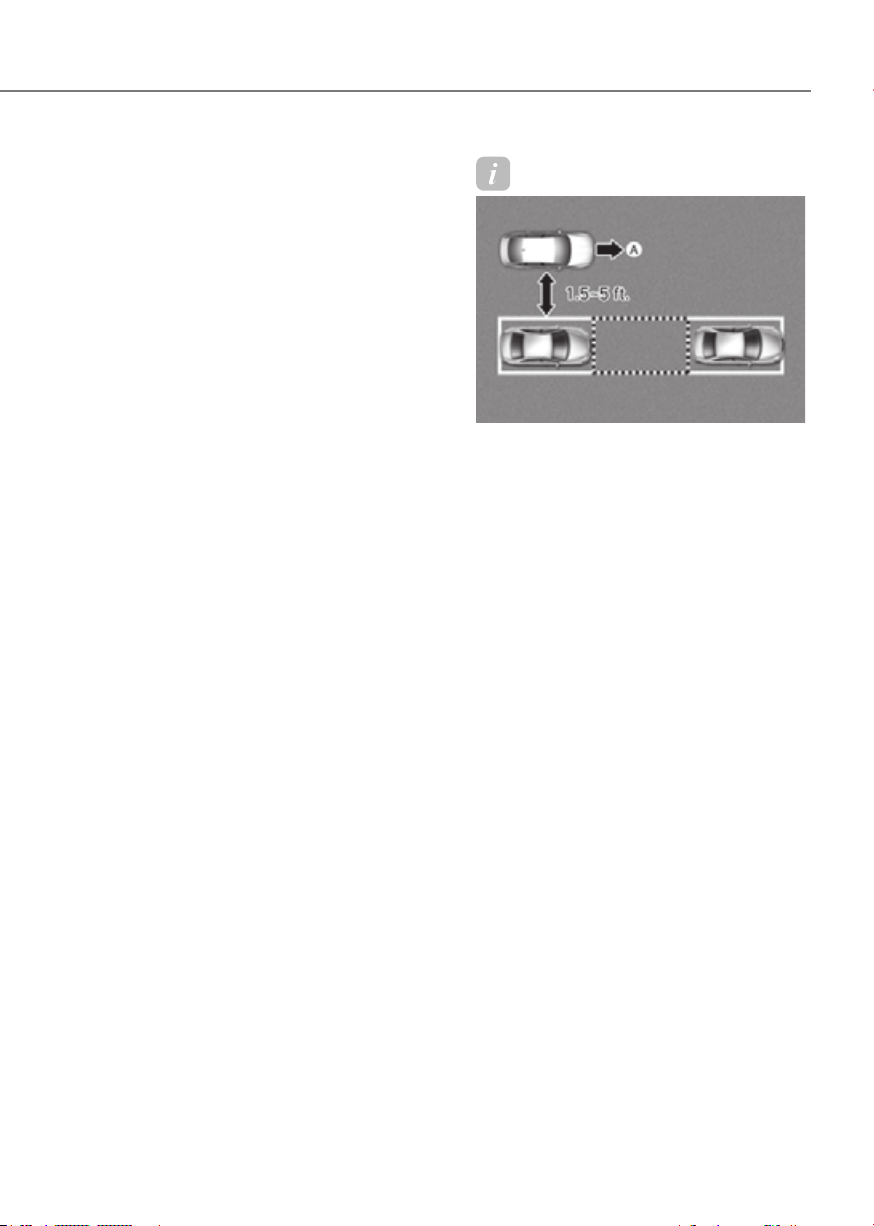
7-167
07
• Remote Smart Parking Assist
searches for parking spaces that are
next to parked vehicles, or parking
spaces with parked vehicles in front
or rear.
• While searching for a parking space,
when vehicle speed is above 12
mph (20 km/h), a message will
appear on the infotainment system
screen informing you to slow down.
When vehicle speed is above 18
mph (30 km/h), Parking function
will turn off.
• Searching for a parking space will
be completed when there is enough
space to move the vehicle in
addition to the parking space.
• Even if an audible sound is heard
to notify that searching for a
parking space is complete, search
completion can be canceled
immediately depending on
surroundings.
Information
ORG3EV071169NORG3EV071169N
[A] : Searching for parking space
• If the distance is below 1.5 ft. (50 cm)
or over 5 ft. (150 cm), Remote Smart
Parking Assist may not be able to
search for a parking space.
• If you do not maintain a certain
distance from the parked vehicle, the
performance to search for a parking
space may reduce.
• Even if a diagonal parking space is
searched as a parking space, parking is
not assisted properly.
• Due to abnormal performance of the
ultrasonic sensor or the influence of
the surroundings, Parking function
may not be able to search for a parking
space even if there is a parking space,
or may search for a space that is not
suitable for parking.
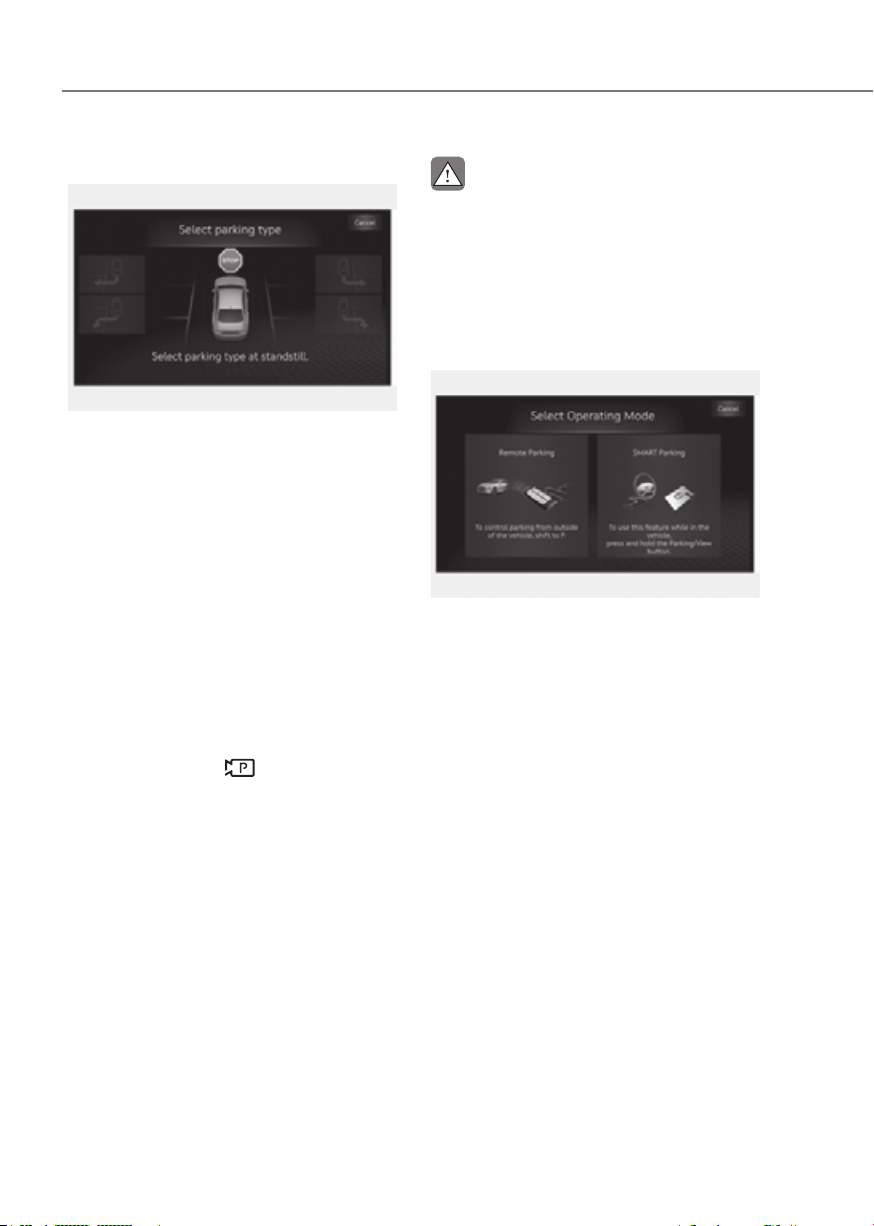
7-168
Driver Assistance System
ORG3EV071221AUORG3EV071221AU
(1) Parking type – Perpendicular
reverse (Left/Right), Parallel
reverse (Left/Right)
With the vehicle stopped by
depressing the brake pedal, touch
the infotainment system screen or
use the central controller to select
the desired parking type.
• If you continue to drive without
stopping after the parking type
selection screen appears, Remote
Smart Parking Assist will return to
the previous stage and search for a
parking space.
• If Parking function is canceled
unintentionally by pressing the
Parking/View (
) button before
the parking type is selected, you
can return to the parking type
selection stage by pressing and
holding the button again while the
vehicle is stopped.
CAUTION
ORG3EV071218AUORG3EV071218AU
(2) Operating mode – Remote
Parking, Smart Parking
After selecting a parking type,
the infotainment system screen
will guide you with Remote Smart
Parking function and Smart
Parking function. Follow the
instructions to operate Remote
Smart Parking Assist.
• Operating instructions will be
displayed on the screen for each
desired function you select.
• Do not take your foot off the brake
pedal during the Parking function
guide. When the vehicle moves,
Remote Smart Parking Assist will
turn off.
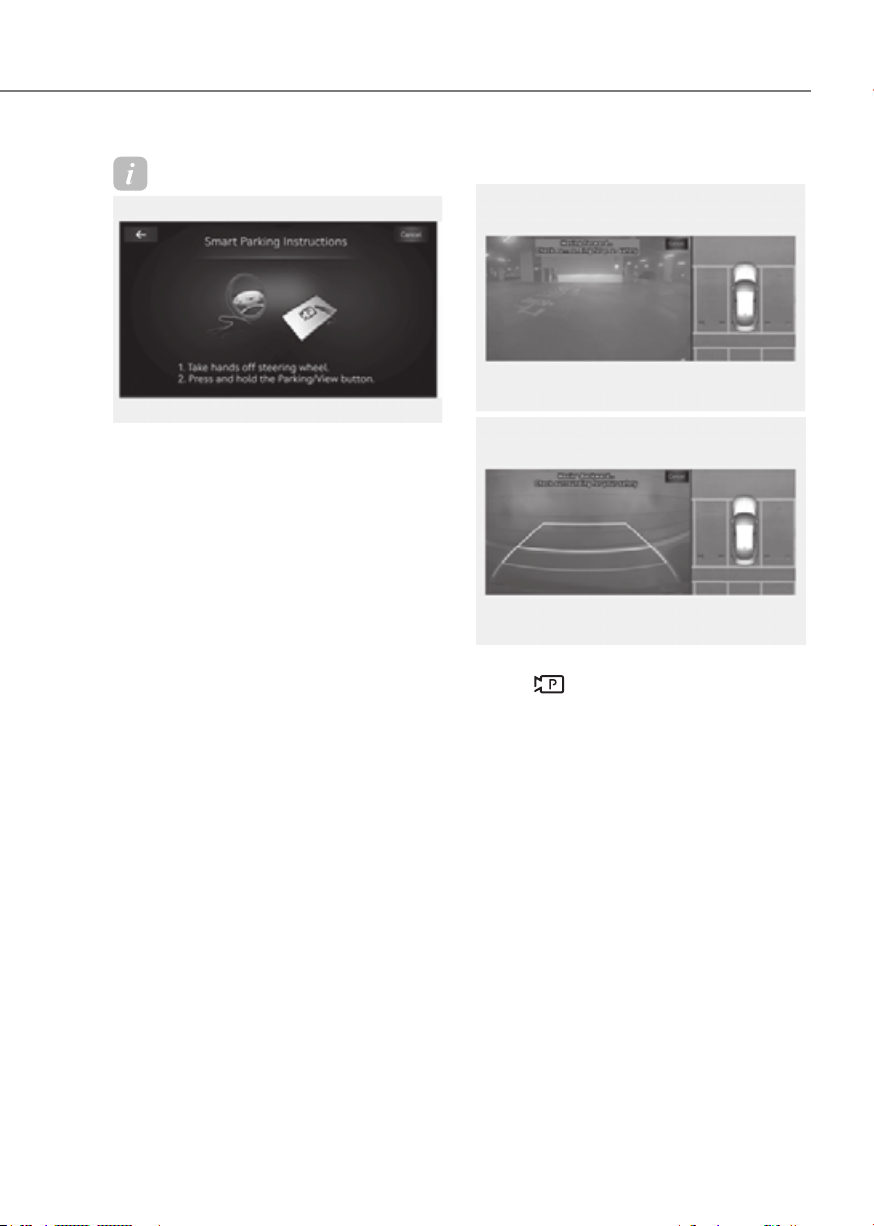
7-169
07
Information
ORG3EV071219AUORG3EV071219AU
If Remote Smart Parking Assist cannot
activate Remote Smart Parking function,
only the Smart Parking guide will be
displayed on the infotainment system
screen.
ORG3EV071320LORG3EV071320L
ORG3EV071321L ORG3EV071321L
(1) Press the Parking/View
(
) button when the vehicle is
stopped by depressing the brake
pedal. When the brake pedal is
released, Remote Smart Parking
Assist will automatically control
the steering wheel, vehicle speed
and gearshift.
(2) While Smart Parking function
is operating, if you do not hold
down the Parking/View button,
the vehicle will stop and function
control will pause. The function
will start operating again when the
Parking/View button is pressed
and held again.
(3) When the vehicle reaches the
target parking position, a message
will appear on the infotainment
system screen to inform you
that parking is complete. Also,
the gear shifts to P (Park) and
EPB (Electronic Parking Brake) is
applied.
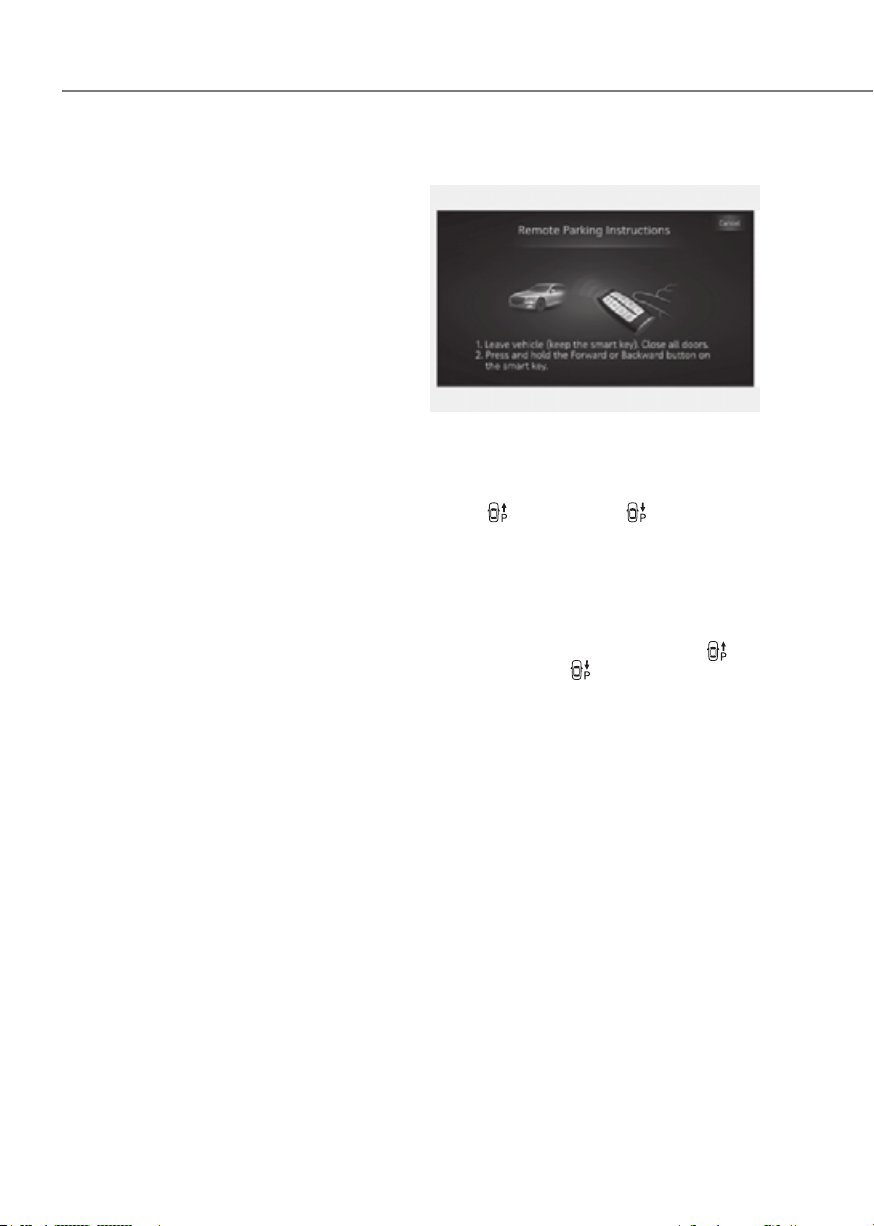
7-170
Driver Assistance System
• Smart Parking function will not
operate if the door is open or the
seat belt is not fastened.
• The parking location indicator is
displayed on Surround View Monitor
screen and is displayed until the
vehicle enters the parking space
for the first time by Smart Parking
function.
• Vehicle speed can be adjusted
by depressing the brake pedal
while Smart Parking function is
operating. However, the vehicle
does not accelerate even when the
accelerator pedal is depressed.
• Depending on parking
environments, if the vehicle is
stopped by a stopper, parking may
be completed.
• If you need to change the vehicle's
position or location, manually
complete parking your vehicle.
ORG3EV071217AUORG3EV071217AU
(1) Shift the gear to P (Park), get out
of the vehicle with the smart key,
and close all doors.
(2) Press and hold one of the Forward
(
) or Backward ( ) button on
the smart key. Remote Smart
Parking Assist will automatically
control the steering wheel, vehicle
speed and gearshift.
(3) While Remote Smart Parking
function is operating, if you do
not hold down the Forward (
) or
Backward (
) button, the vehicle
will stop and function control
will pause. The function will start
operating again when the button is
pressed and held again.
(4) When the vehicle reaches the
target parking position, a message
will appear on the infotainment
system screen to inform you that
parking is complete. The vehicle
will automatically shift to P (Park),
engage EPB (Electronic Parking
Brake) and the vehicle will turn off.

7-171
07
• When operating Remote Smart
Parking function, make sure all
smart keys are outside of the
vehicle.
• Remote Smart Parking function will
operate only when the smart key is
within 13 ft. (4 m) from the vehicle.
If there is no vehicle movement
even when the Remote Forward or
Backward button is pressed on the
smart key, check the distance to the
vehicle and press the button again.
• The detecting range of the smart
key may vary depending on the
surroundings that are affected by
radio waves such as transmission
tower, broadcast station, etc.
• The parking location indicator is
displayed on Surround View Monitor
screen and is displayed until the
vehicle enters the parking space
for the first time by Remote Smart
Parking function.
• Depending on parking
environments, if the vehicle is
stopped by a stopper, parking may
be completed.
• If you need to change the vehicle's
position or location, manually
complete parking your vehicle.
CAUTION
•
• After ending or turning off Remote
•
How to turn off Parking function while
operating
• Press the Parking/View ( ) button
in the following stage:
- Searching for parking space
- Select parking type
• Shift the gear to R (Reverse) in the
following stage:
- Searching for parking space
- Select parking type
- Select operating mode
• Press the Parking Safety (
) button
or select ‘Cancel’ on the infotainment
system screen to turn off Parking
function.
• While Smart Parking function is
operating:
- If the vehicle is stopped by
depressing the brake pedal, and the
gear is shifted, Parking function will
turn off. At this time, EPB (Electronic
Parking Brake) will not be engaged.
• While Remote Smart Parking function
is operating:
- Press the Remote Start (
) button
on the smart key. Parking function
will turn off.
- Get on the vehicle with the smart
key. Parking function will turn off. At
this time, the vehicle will remain on.

7-172
Driver Assistance System
Parking function operation status
• Smart Parking function
Operation
status
Turn signal
Under control
The turn signal of the parking direction blinks until the first reverse
is complete.
• Smart Parking function
Operation
status
warning
light
Turn signal
Under control
Green LED
continuously
blinks
-
The turn signal of the parking direction blinks
until the first reverse is complete.
Pause
Red LED
continuously
blinks
Blinks -
Off
Red LED
illuminates
for 4 seconds
and then
turns off
Blinks 3
times and
turns off
-
Complete
Green LED
illuminates
for 4 seconds
and then
turns off
Blinks 1
time and
turns off
-
à Operation status by the hazard warning light and the turn signal light may not be
applicable based on the regulation of your country
à If the smart key is not within the operating range from the vehicle (approximately 13
ft. (4m)), the smart key LED will not illuminate or blink. Use the smart key within the
operating range.

7-173
07
The function will pause in the
following conditions when:
• Smart Parking
- There is a pedestrian, animal or
object in the direction the vehicle is
moving
- The door or trunk is open
- The driver’s seat belt is not fastened
- Blind-Spot Collision-Avoidance
Assist or Rear-Cross Traffic
Collision-Avoidance Assist operates
while the vehicle is being controlled
in the reverse direction
- The Parking/View (
) button is
not continuously pressed
- The vehicle is stopped by
depressing the brake pedal
• Remote Smart Parking
- There is a pedestrian, animal or
object in the direction the vehicle is
moving
- The door or trunk is open
- The Forward (
) or Backward ( )
button is not continuously pressed
- Simultaneously pressing multiple
buttons on a smart key
- The smart key is not operated within
13 ft. (4 m) from the vehicle
- Button of another smart key is
pressed in addition to the operating
smart key
- Blind-Spot Collision-Avoidance
Assist or Rear-Cross Traffic
Collision-Avoidance Assist operates
while the vehicle is being controlled
in the reverse direction
When Parking function is paused, the
vehicle will automatically stop. If the
condition that made the function to
pause disappears, the function may
operate again.
The function will cancel in the
following conditions when:
• Smart Parking
- The steering wheel is steered
- The gear is shifted while the vehicle
is moving
- Operating EPB while the vehicle is
moving
- The hood is open
- The driver opens the door with the
seatbelt unfastened
- Rapid acceleration occurs
- Vehicle skid occurs
- The wheel is stuck by an obstacle
and cannot move
- There are pedestrians, animals or
objects at the front and rear of the
vehicle at the same time
- Approximately 3 minutes and 50
seconds has passed after Smart
Parking function has started to
operate
- The slope of the road exceeds the
operational range
- The function is paused for more
than 1 minute
- The steering wheel, gearshift,
braking, and drive controls are not
working properly
- ABS, TCS or ESC system operates
due to slippery road conditions
- The charging door is open
When Smart Parking function is
canceled, the vehicle will automatically
stop, shift the gear to P (Park) and
engage EPB (Electronic Parking Brake).
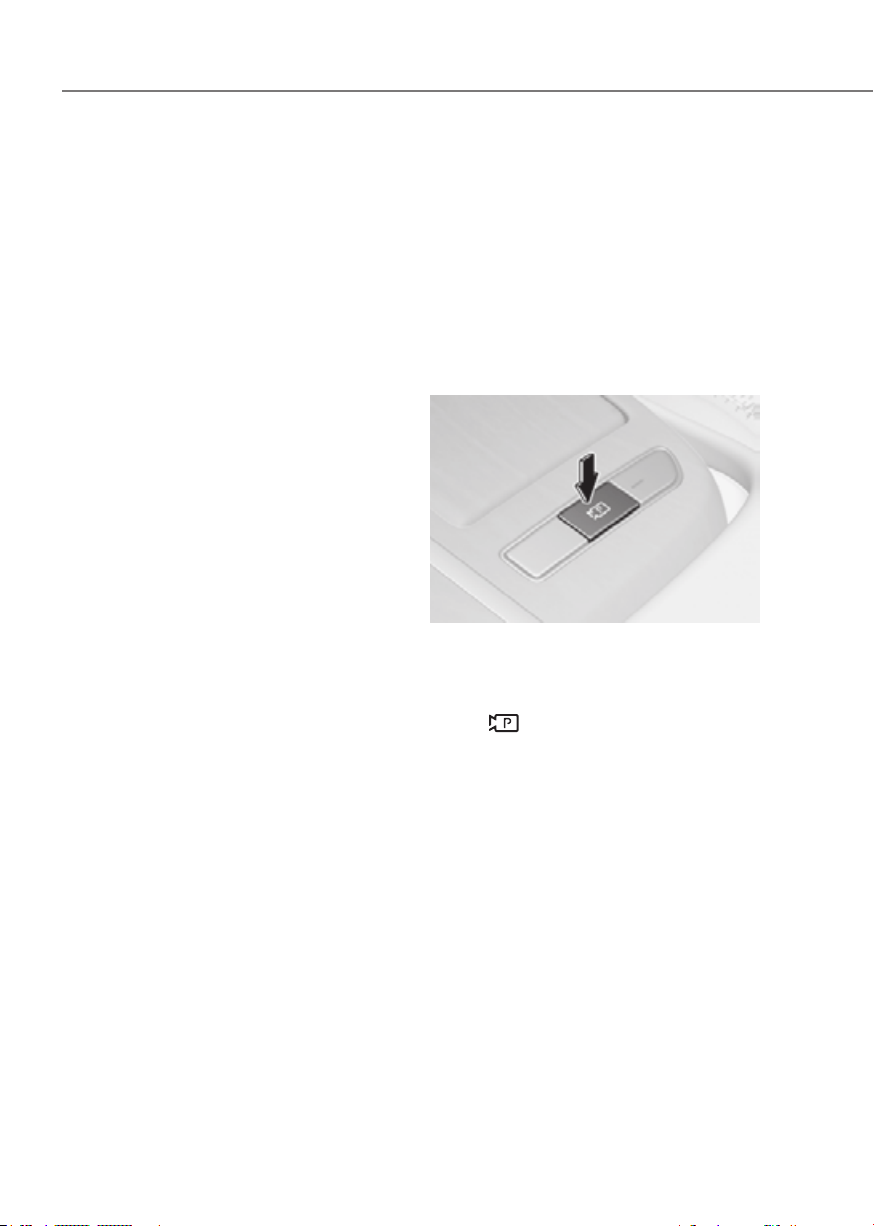
7-174
Driver Assistance System
• Remote Smart Parking
- The steering wheel is steered
- The gear is shifted
- Operating EPB while the vehicle is
moving
- The hood is open
- The brake pedal or accelerator
pedal is depressed when all the
doors are closed
- The smart key is outside the vehicle
when the brake pedal is depressed
while the driver's door is open.
- Rapid acceleration occurs
- Vehicle skid occurs
- The wheel is stuck by an obstacle
and cannot move
- There are pedestrians, animals or
objects at the front and rear of the
vehicle at the same time
- Approximately 3 minutes and 50
seconds has passed after Remote
Smart Parking function has started
to operate
- The slope of the road exceeds the
operational range
- The function is paused for more
than 1 minute
- The steering wheel, gearshift,
braking, and drive controls are not
working properly
- There is a problem with the smart
key or the smart key battery is low
- ABS, TCS or ESC system operates
due to slippery road conditions
- The alarm of the Theft Alarm System
sounds
- The charging door is open
When Remote Smart Parking function is
canceled, the vehicle will automatically
stop, shift the gear to P (Park) and
engage EPB (Electronic Parking Brake).
Smart Exit
Operating order
Smart Exit function operates in the
following order:
1. Getting ready for exit
2. Checking space
3. Select exit direction
4. Smart Exit
ORG3EV071143ORG3EV071143
(1) With the vehicle turned on,
depress the brake pedal and shift
the gear to P (Park) or N (Neutral).
(2) Press and hold the Parking/View
(
) button to turn on Remote
Smart Parking Assist.
• 'Agree' must be selected on the
infotainment system screen and the
infotainment system has to operate
properly to use Smart Smart Exit
function.
• Drive below 3 mph (5 km/h) with
the vehicle on and shift the gear to
N (Neutral), Smart Exit function can
be used.
• If the function is turned on again
after parallel parking is completed
by Remote Smart Parking Assist,
Smart Exit function can be used.
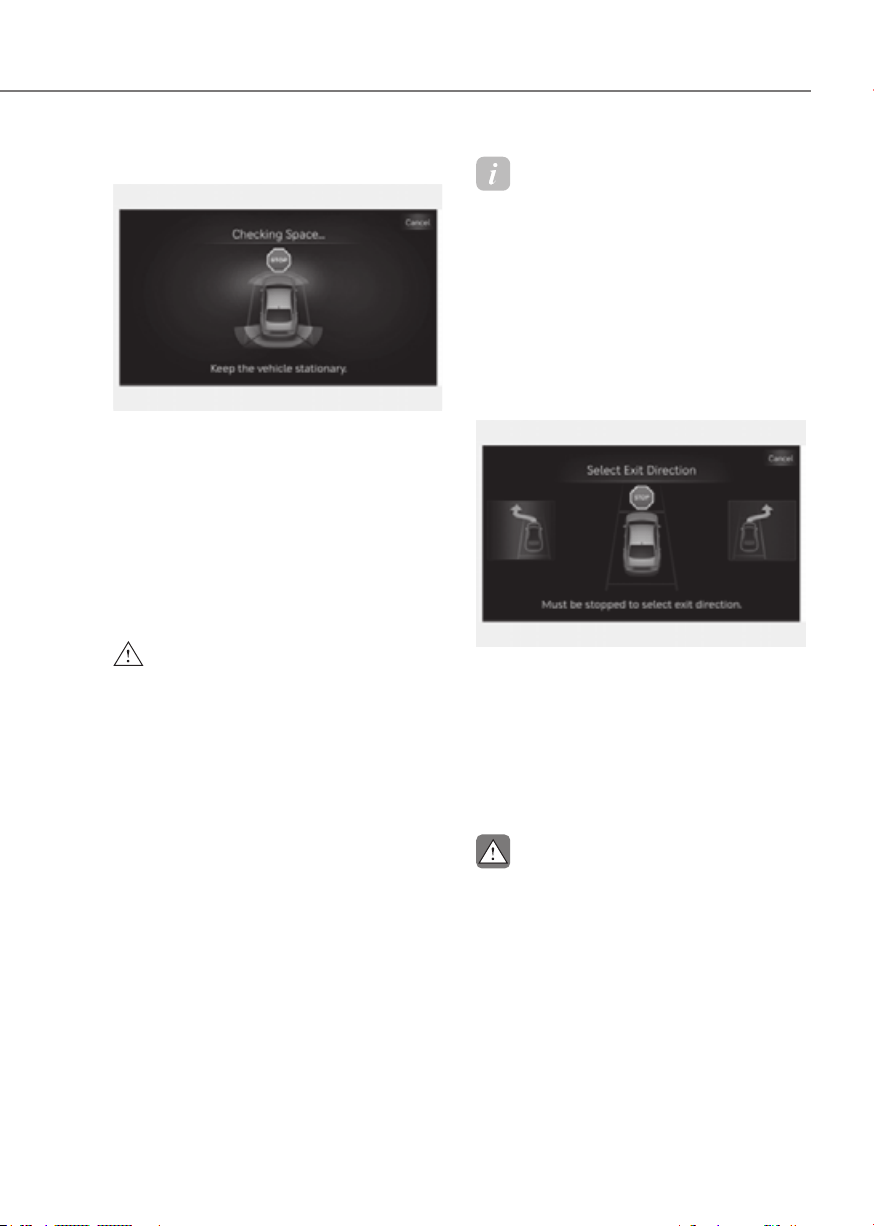
7-175
07
ORG3EV071209LORG3EV071209L
(1) When the vehicle is stopped by
depressing the brake pedal, the
vehicle sensors will detect the
distance from nearby objects and
check for space to exit.
(2) When checking for space is
complete, a message will appear
on the infotainment system screen
with an audible sound to notify the
search is complete.
WARNING
•
•
Information
Due to abnormal performance of the
ultrasonic sensor or the influence of the
surroundings, Parking function may not
be able to search for a parking space even
if there is a parking space, or may search
for a space that is not suitable for parking.
- The parked vehicle has objects attached
to the bumper such as bumper guard,
trailer hitch, etc.
ORG3EV071210LORG3EV071210L
(1) With the vehicle stopped by
depressing the brake pedal, the
infotainment system screen
displays the possible directions for
parallel exit.
(2) Touch the infotainment system
screen or use the central controller
to select the desired exit direction.
CAUTION
•
•
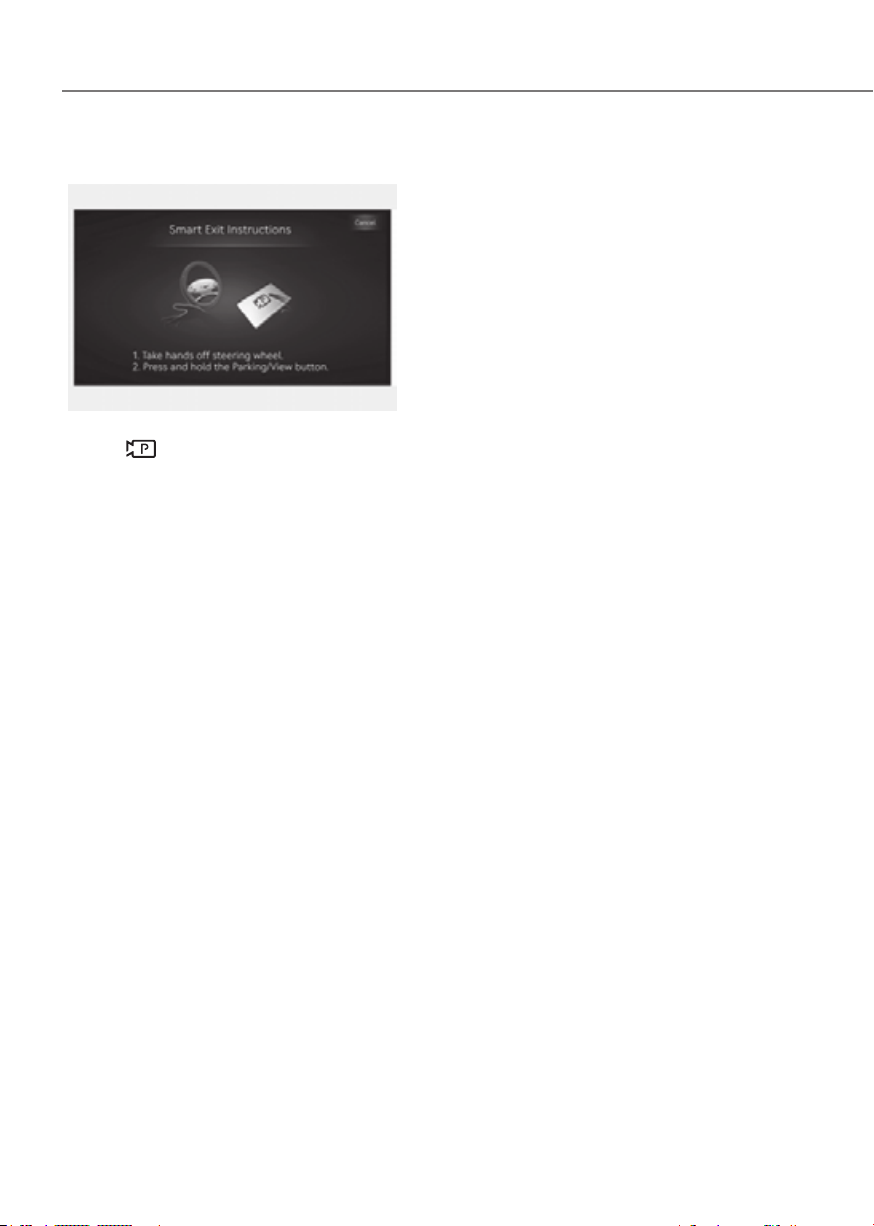
7-176
Driver Assistance System
ORG3EV071323AUORG3EV071323AU
(1) Press the Parking/View
(
) button when the vehicle is
stopped by depressing the brake
pedal. When the brake pedal is
released, Remote Smart Parking
Assist will automatically control
the steering wheel, vehicle speed
and gearshift.
(2) While Smart Exit function is
operating, if you do not hold
down the Parking/View button,
the vehicle will stop and function
control will pause. The function
will start operating again when the
Parking/View button is pressed
and held again.
(3) When the vehicle reaches the
target exit location, a message will
appear on the infotainment system
screen to inform you that exit is
complete.
• Smart Exit function will not operate
if the door is open or the seat belt is
not fastened.
• Vehicle speed can be adjusted
by depressing the brake pedal
while Smart Exit function is
operating. However, the vehicle
does not accelerate even when the
accelerator pedal is depressed.
• If exit is completed while
depressing the brake pedal, Smart
Exit function will complete with the
gear in D (Drive).
• If exit is completed while depressing
the accelerator pedal, you must
take your foot off the accelerator
pedal once for the accelerator pedal
to operate.
• If there is no vehicle operation such
as depressing the brake pedal or
accelerator pedal within 4 seconds
after exit is complete, the vehicle
will automatically shift to P (Park)
and engage EPB (Electronic Parking
Brake).
• After Exit function is complete,
always check the surroundings
before driving.
Smart Exit operation status
Operation
status
Turn signal
Under
control
The turn signal of the exit
direction blinks until the exit
is complete or Smart Exit is
canceled.
à Operation status by the turn signal
may not be applicable based on the
regulation of your country.

7-177
07
How to turn off Smart function while
operating
• Press the Parking/View ( ) button
in the following stage:
- Checking space
- Select exit direction
• Shift the gear to R (Reverse) in the
following stage:
- Checking space
- Select exit direction
• Press the Parking Safety (
) button
or select ‘Cancel’ on the infotainment
system screen to turn off Exit
function.
• While Smart Exit function is operating,
if the vehicle is stopped by depressing
the brake pedal, and the gear is
shifted, Exiting function will turn off.
At this time, EPB (Electronic Parking
Brake) will not be engaged.
The function will pause in the following
conditions when:
• There is a pedestrian, animal or object
in the direction the vehicle is moving
• The door or trunk is open
• The driver’s seat belt is not fastened
• Blind-Spot Collision-Avoidance
Assist or Rear-Cross Traffic Collision-
Avoidance Assist operates while the
vehicle is being controlled in the
reverse direction
• The Parking/View (
) button is not
continuously pressed
• The vehicle is stopped by depressing
the brake pedal
When Exit function is paused, the vehicle
will stop. If the condition that made
the function to pause disappears, the
function may operate again.
The function will cancel in the following
conditions when:
• Smart Exit
- The steering wheel is steered
- The gear is shifted while the vehicle
is moving
- Operating EPB while the vehicle is
moving
- The hood is open
- The driver opens the door with the
seatbelt unfastened
- Rapid acceleration occurs
- Vehicle skid occurs
- The wheel is stuck by an obstacle
and cannot move
- There are pedestrians, animals or
objects at the front and rear of the
vehicle at the same time
- Approximately 3 minutes and 50
seconds has passed after Smart Exit
function has started to operate
- The slope of the road exceeds the
operational range
- The function was paused for more
than 1 minute
- The steering wheel, gearshift,
braking, and drive controls are not
working properly
- ABS, TCS or ESC system operates
due to slippery road conditions
- The charging door is open
- The vehicle is utility mode
When Smart Exit function is canceled,
the vehicle will automatically stop, shift
the gear to P (Park) and engage EPB
(Electronic Parking Brake).
7-178
Driver Assistance System
Malfunction and Limitations
Remote Smart Parking Assist
malfunction
ORG3EV071211LORG3EV071211L
Remote Smart Parking Assist check
When Remote Smart Parking Assist is
not working properly, the ‘Check Parking
Assist’ warning message will appear
on the infotainment system screen.
If the message appears, stop using
Remote Smart Parking Assist, and have
the vehicle inspected by an authorized
retailer of Genesis Branded products.
ORG3EV071324LORG3EV071324L
Remote Smart Parking Assist canceled
When Remote Parking Assist is
operating, the function can be canceled,
and the ‘Parking Assist Canceled’
warning message may appear regardless
of the parking order. Other messages
may appear depending on the situations.
Follow the instructions provided on
the infotainment system screen while
parking your vehicle with Remote
Parking Assist. Always look around and
pay attention when using Remote Smart
Parking Assist.
7-179
07
ORG3EV071325LORG3EV071325L
Remote Smart Parking Assist standby
When ‘Parking Assist Conditions Not
Met’ message appears, when Parking/
View (
) button has been pressed and
held, Remote Smart Parking Assist is in
standby. After a while, press and hold the
Parking/View (
) button again to see if
Remote Smart Parking Assist works.
The message appears even when the
smart key's battery is low. Check the
smart key battery level.
It does not work even when the EV
mode is in the Utility mode. For related
information refer to Utility Mode in
‘Foreword/Electric Vehicle System
Overview’.
Limitations of Remote Smart Parking
Assist
In the following circumstances, Remote
Smart Parking Assist performance to
park or exit the vehicle may be limited,
there may be a risk of collision, or
Remote Smart Parking Assist may turn
off. Park or exit the vehicle manually if
necessary.
• An object is attached to the steering
wheel
• The vehicle is installed with a snow
chain, spare tire or different size
wheel
• Tire pressure is lower or higher than
the standard tire pressure
• Your vehicle is loaded with cargo
longer or wider than your vehicle or a
trailer is connected to your vehicle
• There is a problem with the wheel
alignment
• Your vehicle is leaned severely to one
side
• Your vehicle is equipped with a trailer
hitch
• The license plate is installed
differently from the original location
• There is a person, animal or object
above or below the ultrasonic sensor
when Remote Smart Parking Assist is
activated
• The parking space is curved or
diagonal
• There is an obstacle such as a person,
animal or object (trash can, bicycle,
motorcycle, shopping cart, narrow
pillar, etc.) near the parking space
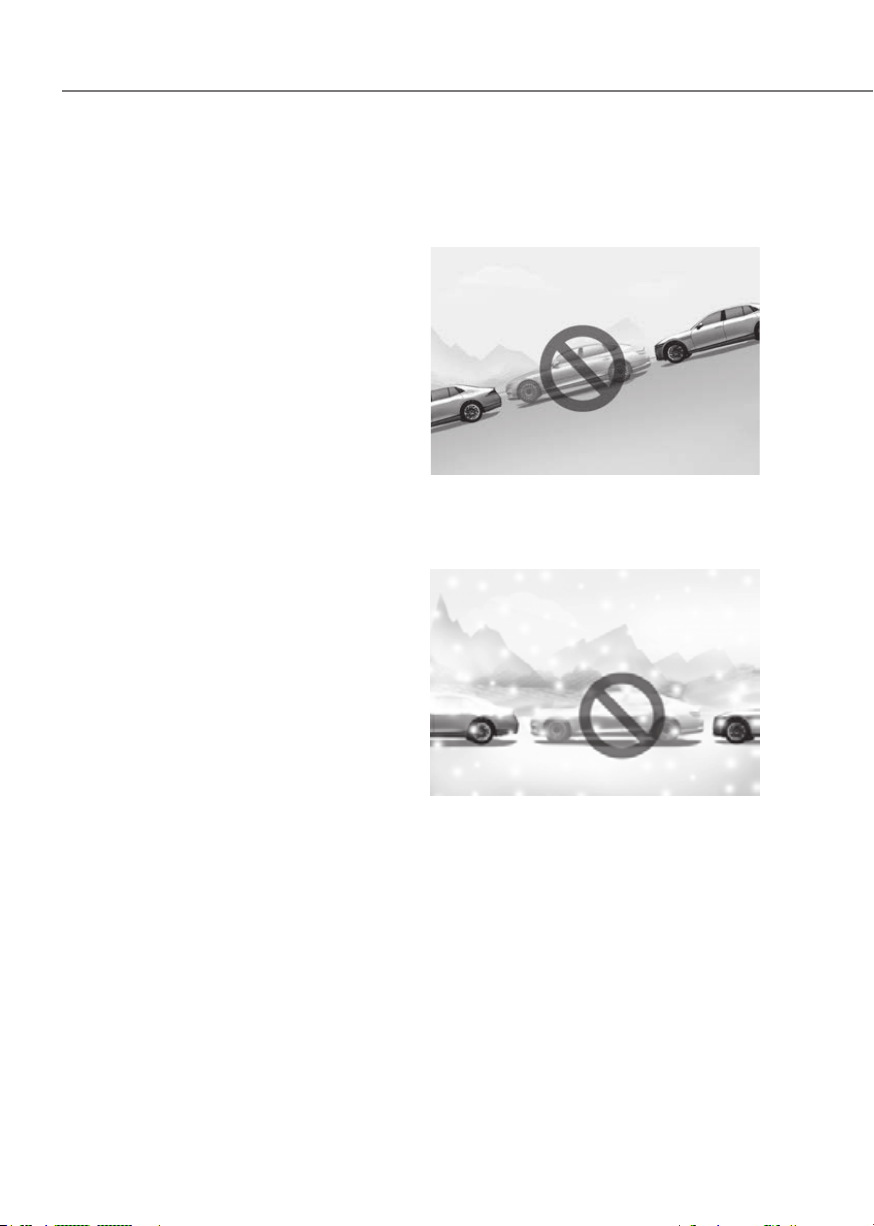
7-180
Driver Assistance System
• There is a circular pillar or narrow
pillar, or a pillar surrounded by objects
such as fire extinguisher, etc., near the
parking space
• The road surface is bumpy (curbstone,
speed bump, etc.)
• The road is slippery
• The parking space is near a vehicle
with higher ground clearance or big,
such as a truck, etc.
• The parking space is Inclined
• There is heavy wind
• Operating Remote Smart Parking
Assist on uneven roads, gravel roads,
bushes, etc.
• The performance of the ultrasonic
sensor is affected by extremely hot or
cold weather
• The ultrasonic sensor is covered with
snow or water
• An object that generates ultrasonic
waves is nearby
• A wireless device with a transmission
function operates near the ultrasonic
sensors
• Your vehicle is affected by another
vehicle’s Parking Distance Warning
• The sensor is mounted or positioned
incorrectly by an impact to the
bumper
• When the ultrasonic sensor cannot
detect the following objects:
- Sharp or slim objects, such as ropes,
chains or small poles
- Objects smaller than 40 in. (100 cm)
in length and narrower than 6 in. (14
cm) in diameter
- Objects which tend to absorb
sensor frequency, such as clothes,
spongy material or snow
- A narrow object such as a corner of
a square pillar
- Person, animal or object near the
ultrasonic sensor
Remote Smart Parking Assist may not
operate properly under the following
circumstances:
• Parking on inclines
ORG3EV072172LORG3EV072172L
Park manually when parking on
inclines.
• Parking in snow
ORG3EV072178LORG3EV072178L
Snow may interfere with sensor
operation, or Remote Smart Parking
Assist may cancel if the road is
slippery while parking.
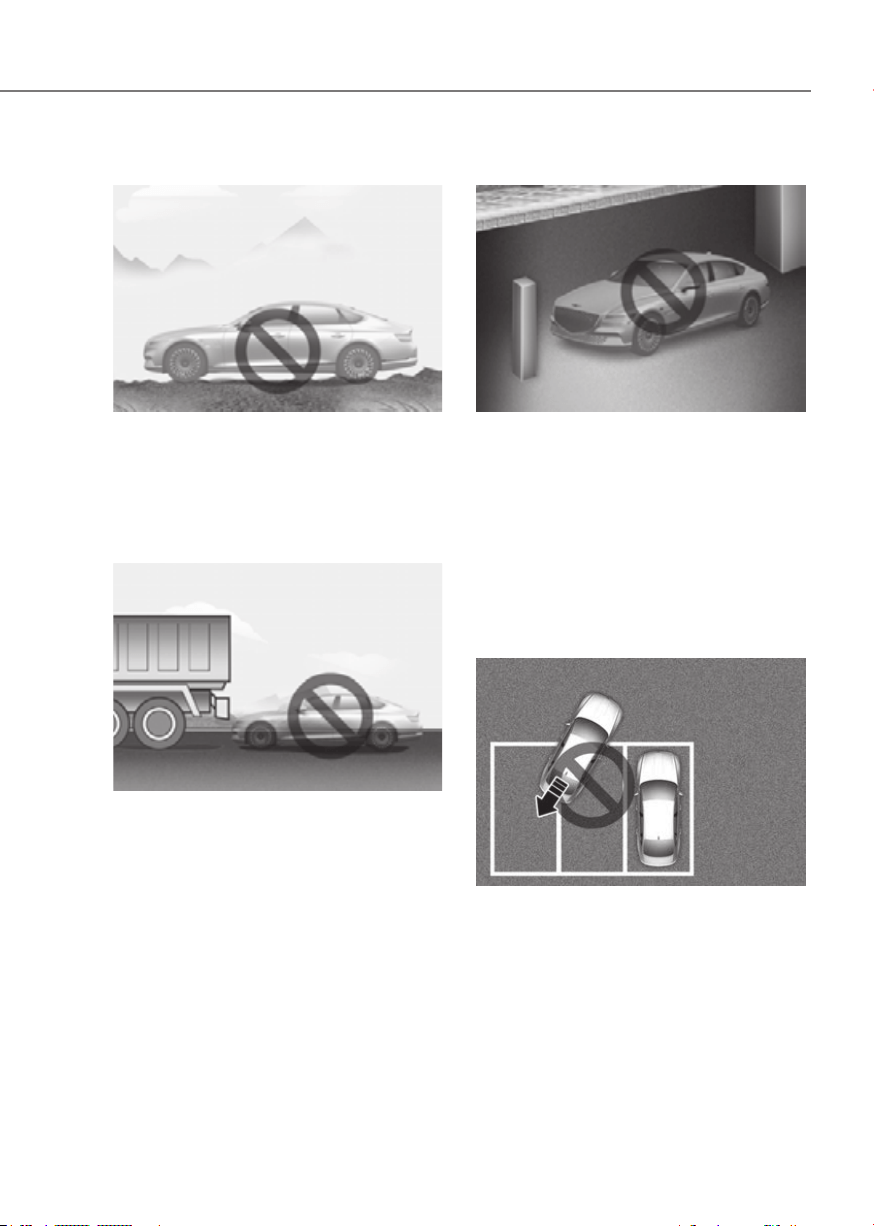
7-181
07
• Parking on uneven road
ORG3EV072173LORG3EV072173L
Remote Smart Parking Assist may
cancel when the vehicle slips, or
the vehicle cannot move due to
road conditions such as pebbles or
fragmented stones.
• Parking behind a truck
ORG3EV072174LORG3EV072174L
Do not use Remote Smart Parking
Assist around vehicles with higher
ground clearance, such as a bus,
truck, etc. It may lead to an accident.
• Parking near a pillar
ORG3EV072296LORG3EV072296L
Remote Smart Parking Assist
performance may reduce or collision
with an obstacle may occur when
there is a narrow object, circular pillar,
square pillar, or a pillar surrounded
by objects such as a fire extinguisher,
etc., near the parking space. The
driver should park the vehicle
manually.
• Parking in a parking space with a
vehicle on one side only
ORG3EV072176LORG3EV072176L
If Remote Smart Parking Assist is
used, when parking in a parking space
with a vehicle only on one side, your
vehicle may cross the parking line to
avoid the parked vehicle.
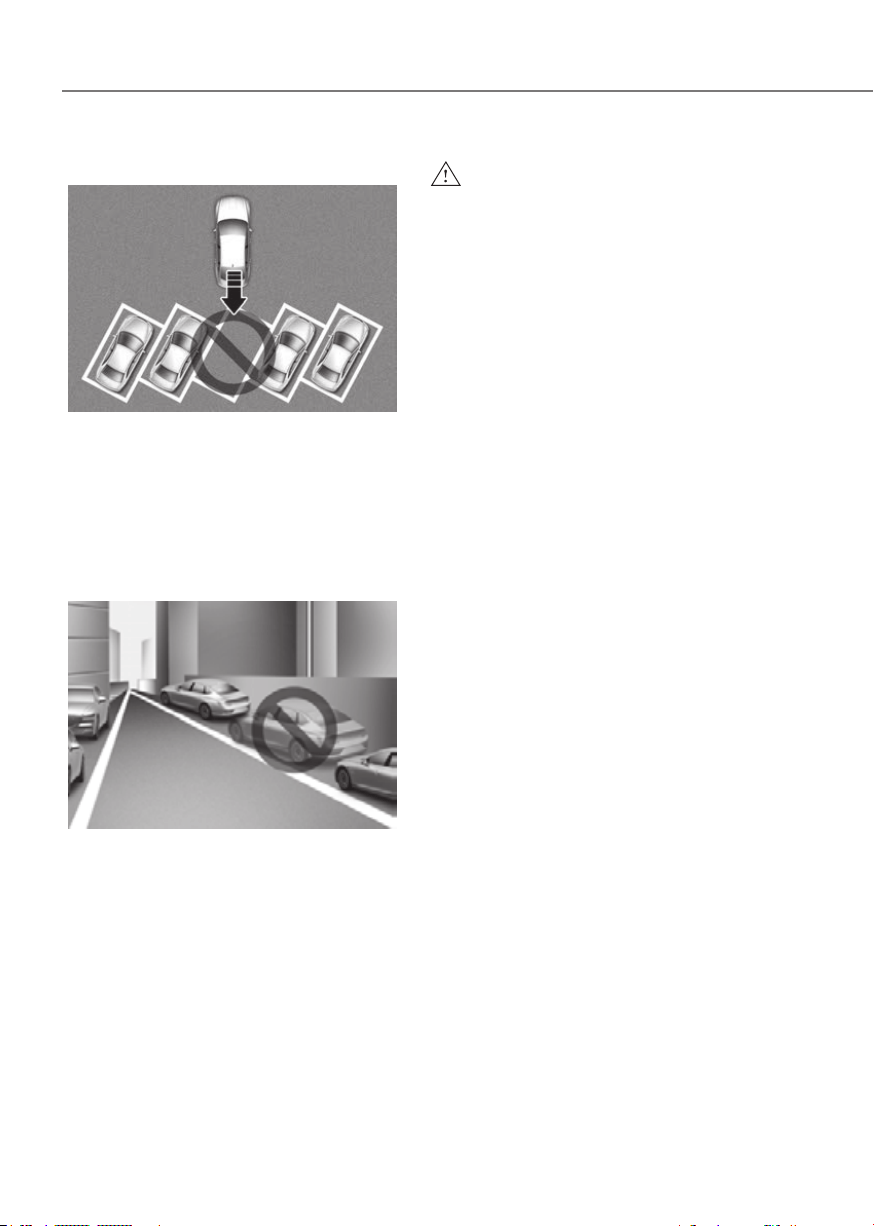
7-182
Driver Assistance System
• Parking diagonal
ORG3EV072177LORG3EV072177L
Remote Smart Parking Assist does not
provide diagonal parking. Even if your
vehicle was able to enter the parking
space, do not use Remote Smart
Parking Assist because the function
cannot operate properly.
• Leaving a parking space near a wall or
parking in a narrow space
ORG3EV072179LORG3EV072179L
- Remote Smart Parking Assist my
not operate properly when leaving
a parking space that is narrow
and near a wall. Always check for
pedestrians, animals, objects while
leaving.
- For your safety, Remote Smart
Parking Assist does not search for
parking spaces at areas with narrow
parking spaces that are narrower
than the minimum space required
for parking.
WARNING
Take the following precautions when
•
•
•
•
•
Assist when under the influence of
• Do not let children or other people to
•

7-183
07
•
•
•
•
NOTICE
•
•
•
7-184
Driver Assistance System
Front Radar
The radio frequency components (Front
radar) complies:
- For USA
OANATEL284OANATEL284
- For Canada
OANATEL286OANATEL286

7-185
07
Front/Rear corner radar
The radio frequency components (Front/
Rear corner radar) complies:
- For USA
OANATEL053OANATEL053
- For Canada
OANATEL054OANATEL054

8
Hazard Warning Flasher ................................................................................... 8-2
In Case of an Emergency while Driving........................................................... 8-2
If the Vehicle Stalls While Driving ...............................................................................8-2
If the Vehicle Stalls at A Crossroad or Crossing
.........................................................8-2
If You Have a Flat Tire While Driving
...........................................................................8-3
If the Vehicle will not Start ...............................................................................8-3
Confirm the EV Battery is not Low on the Charge Gauge .........................................8-3
Jump Starting (12 V Battery) ........................................................................... 8-4
Tire Pressure Monitoring System (TPMS)
........................................................ 8-8
Check Tire Pressure ......................................................................................................8-8
Tire Pressure Monitoring System
................................................................................8-9
Low Tire Pressure Warning Light
.............................................................................. 8-10
Low Tire Pressure Position and Tire Pressure Telltale
............................................. 8-10
TPMS (Tire Pressure Monitoring System) Malfunction Indicator
........................... 8-11
Changing a Tire with TPMS
...................................................................................... 8-11
If You Have a Flat Tire (with Tire Mobility Kit) ...............................................8-13
Introduction ............................................................................................................... 8-13
Notes on the Safe Use of the Tire Mobility Kit
........................................................ 8-14
Components of the Tire Mobility Kit
........................................................................ 8-15
Using the Tire Mobility Kit When a Tire is Flat
......................................................... 8-17
How to Adjust Tire Pressure ..................................................................................... 8-20
Towing .............................................................................................................8-21
Towing Service .......................................................................................................... 8-21
Removable Towing Hook
.......................................................................................... 8-22
8. Emergency Situations

8-2
Emergency Situations
ORG3EV081001ORG3EV081001
The hazard warning flasher serves as
a warning to other drivers to exercise
extreme caution when approaching,
overtaking, or passing your vehicle.
It should be used whenever emergency
repairs are being made or when the
vehicle is stopped near the edge of a
roadway.
To turn the hazard warning flasher on
or off, press the hazard warning flasher
button with the Start/Stop button in any
position. The hazard warning flasher
button is located in the center fascia
panel. All turn signal lights will flash
simultaneously.
• The hazard warning flasher operates
regardless of whether your vehicle is
running or not.
• The turn signals do not work when the
hazard flasher is on.
If the Vehicle Stalls While Driving
• Reduce your speed gradually, keeping
a straight line. Move cautiously off the
road to a safe place.
• Turn on your hazard warning flasher.
• Try to start the vehicle again. If your
vehicle will not start, contact an
authorized retailer of Genesis Branded
products or seek other qualified
assistance.
If the Vehicle Stalls at A
Crossroad or Crossing
If the vehicle stalls at a crossroads or
crossing, if safe to do so, shift the gear to
N (Neutral) and then push the vehicle to
a safe location.
To stay N (Neutral) while the vehicle is
off, refer to ‘To stay in N (Neutral) when
vehicle is OFF’ in chapter 6.
HAZARD WARNING FLASHER IN CASE OF AN EMERGENCY
WHILE DRIVING

8-3
08
If You Have a Flat Tire While
Driving
If a tire goes flat while you are driving:
• Take your foot off the accelerator
pedal and let the vehicle slow down
while driving straight ahead. Do not
apply the brakes immediately or
attempt to pull off the road as this
may cause loss of vehicle control
resulting in an accident. When the
vehicle has slowed to such a speed
that it is safe to do so, brake carefully
and pull off the road. Drive off the
road as far as possible and park on
firm, level ground. If you are on a
divided highway, do not park in the
median area between the two traffic
lanes.
• When the vehicle is stopped, press the
hazard warning flasher button, shift
the gear to P (Park), apply the parking
brake, and press the Start/Stop button
to the OFF position.
• Have all passengers get out of the
vehicle. Be sure they all get out on the
side of the vehicle that is away from
traffic.
• When you have a flat tire, follow the
Tire Mobility Kit instructions provided
later in this chapter.
IF THE VEHICLE WILL NOT
START
Confirm the EV Battery is not
Low on the Charge Gauge
• Be sure the gear is in P (Park). The
vehicle starts only when the gear is in
P (Park).
• Check the 12 V battery connections to
be sure they are clean and tight.
• Turn on the interior light. If the light
dims or goes out when you operate
the starter, the 12 V battery is drained.
Do not push or pull the vehicle to start it.
This could cause damage to your vehicle.
See instructions for “Jump Starting”
provided in this chapter.
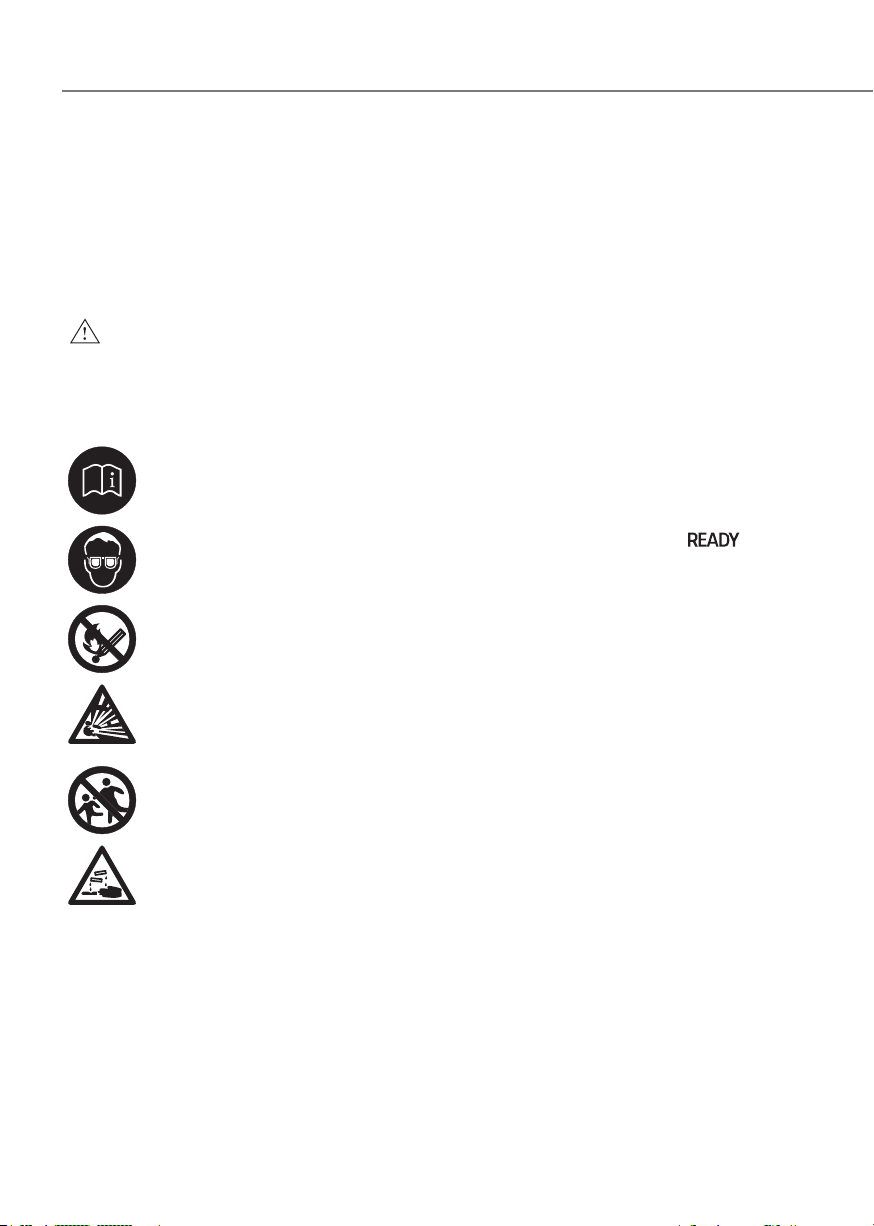
8-4
Emergency Situations
Jump starting can be dangerous if done
incorrectly. Follow the jump starting
procedure in this section to avoid serious
injury or damage to your vehicle. If in
doubt about how to properly jump start
your vehicle, have a service technician or
towing service do it for you.
WARNING
To prevent SERIOUS INJURY or DEATH
to you or bystanders, always follow
these precautions when working near
or handling the battery:
Always read and follow
instructions carefully when
handling a battery.
Wear eye protection designed
to protect the eyes from acid
splashes.
Keep all flames, sparks, or
smoking materials away from
the battery.
Hydrogen is always present
in battery cells, is highly
combustible, and may explode
if ignited.
Keep batteries out of reach of
children.
Batteries contain sulfuric acid
which is highly corrosive. Do
not allow acid to contact your
eyes, skin or clothing.
If acid gets into your eyes, flush your
eyes with clean water for at least 15
minutes and get immediate medical
attention. If acid gets on your skin,
thoroughly wash the area. If you feel
pain or a burning sensation, get medical
attention immediately.
• When lifting a plastic-cased battery,
excessive pressure on the case may
cause battery acid to leak. Lift with a
battery carrier or with your hands on
opposite corners.
• Do not attempt to jump start your
vehicle if your battery is frozen.
• NEVER attempt to recharge the
battery when the vehicle’s battery
cables are connected to the battery.
• The electrical ignition system works
with high voltage.
NEVER touch these components
with the vehicle running or when
the Start/Stop button is in the ON
position.
• The electrical ignition system works
with high voltage. NEVER touch
these components with the (
)
indicator ON or when the Start/Stop
button is in the ON position.
• Do not allow the (+) and (-) jumper
cables to touch. It may cause sparks.
• The battery may rupture or explode
when you jump start with a low or
frozen battery.
• Do not directly connect the (-) to the
jump cable. Connect the (-) to the
one of the metallic parts located far
from the jump cable in the vehicle.
The direct (-) connection to the jump
cable may cause an explosion.
• Be sure to use only 12 V battery to
jump start. Using batteries with other
voltages to jump start can damage
the battery or even provoke an
explosion.
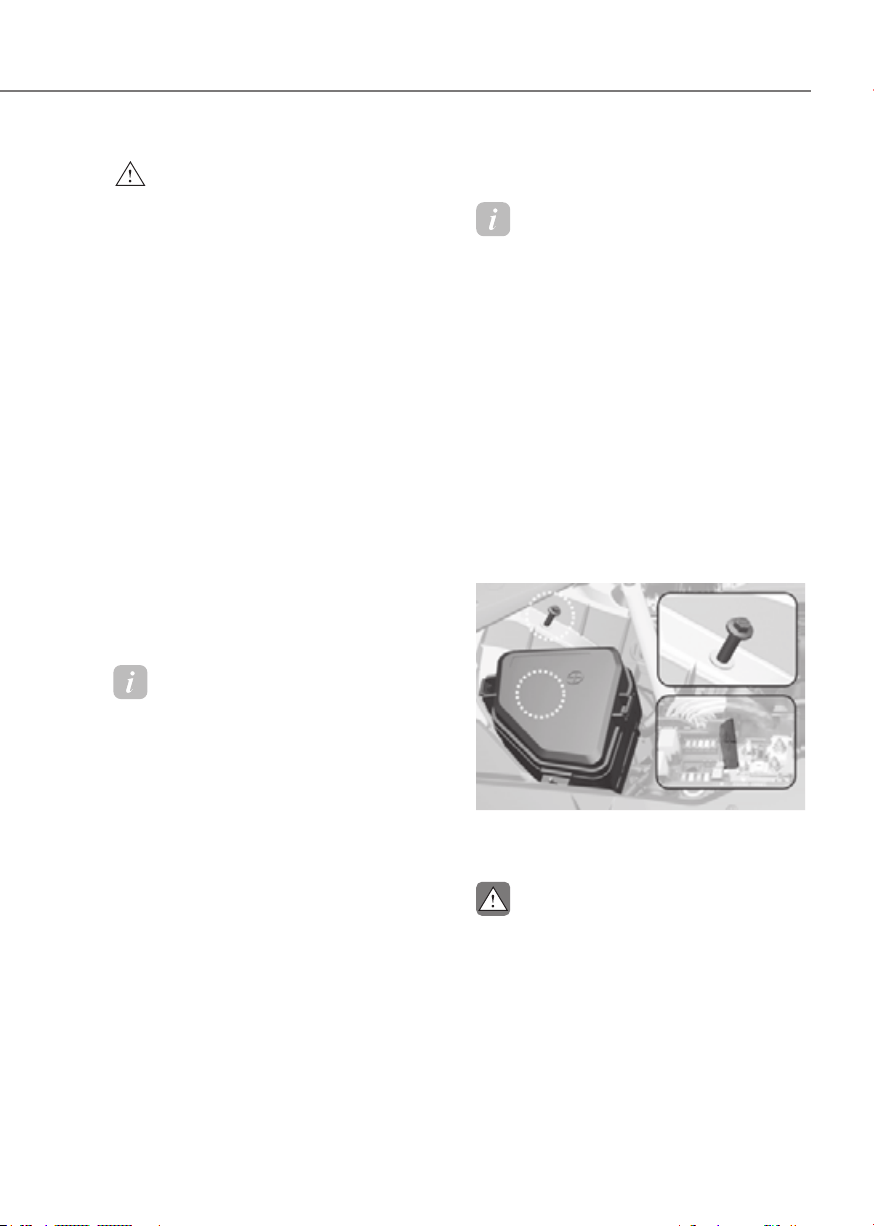
8-5
08
WARNING
• Keep sparks away from the battery as
the explosive gas is generated by the
sparks while the battery is running.
• When connecting the supplementary
battery and the discharged battery
with a jump cable because the
jump start does not operate with
jump start terminal in the motor
compartment, do not directly
connect the (-) to the jump cable.
Connect the (-) to the one of the
metallic parts located far from the
jump cable in the vehicle. The direct
(-) connection to the jumpcable may
cause an explosion.
• The battery contains dilute sulfuric
acid, which is highly corrosive, so be
careful not to let the battery liquid
get on your body, clothes, or car
body. If dilute sulfuric acid gets on
your body or eyes, immediately rinse
the area with clean water for about
15 minutes and then consult a doctor.
Information
Your vehicle has a battery in the luggage
compartment, but when you jump start
your vehicle, use the jumper terminal in
the motor compartment.
If jump start does not operate with
the jump start terminal in the motor
compartment, use the battery terminal in
the trunk.
Jump starting procedure
Information
Your vehicle has a battery in the luggage
compartment, but when you jump start
your vehicle, use the jumper terminal in
the motor compartment.
1. Position the vehicles close enough
that the jumper cables will reach, but
do not allow the vehicle to touch.
2. Avoid fans or any moving parts in the
motor compartment at all times, even
when the vehicles are turned off.
3. Turn off all electrical devices such as
radios, lights, air conditioning, etc.
Put the vehicles in P (Park) and set the
parking brake. Turn both vehicles OFF.
4. Open the hood.
ORG3EV081010ORG3EV081010
5. Remove the motor compartment fuse
box cover.
CAUTION
Before jump starting, make sure to
correctly identify the positive (+) and
negative (-) terminals to avoid reverse
polarity connections.
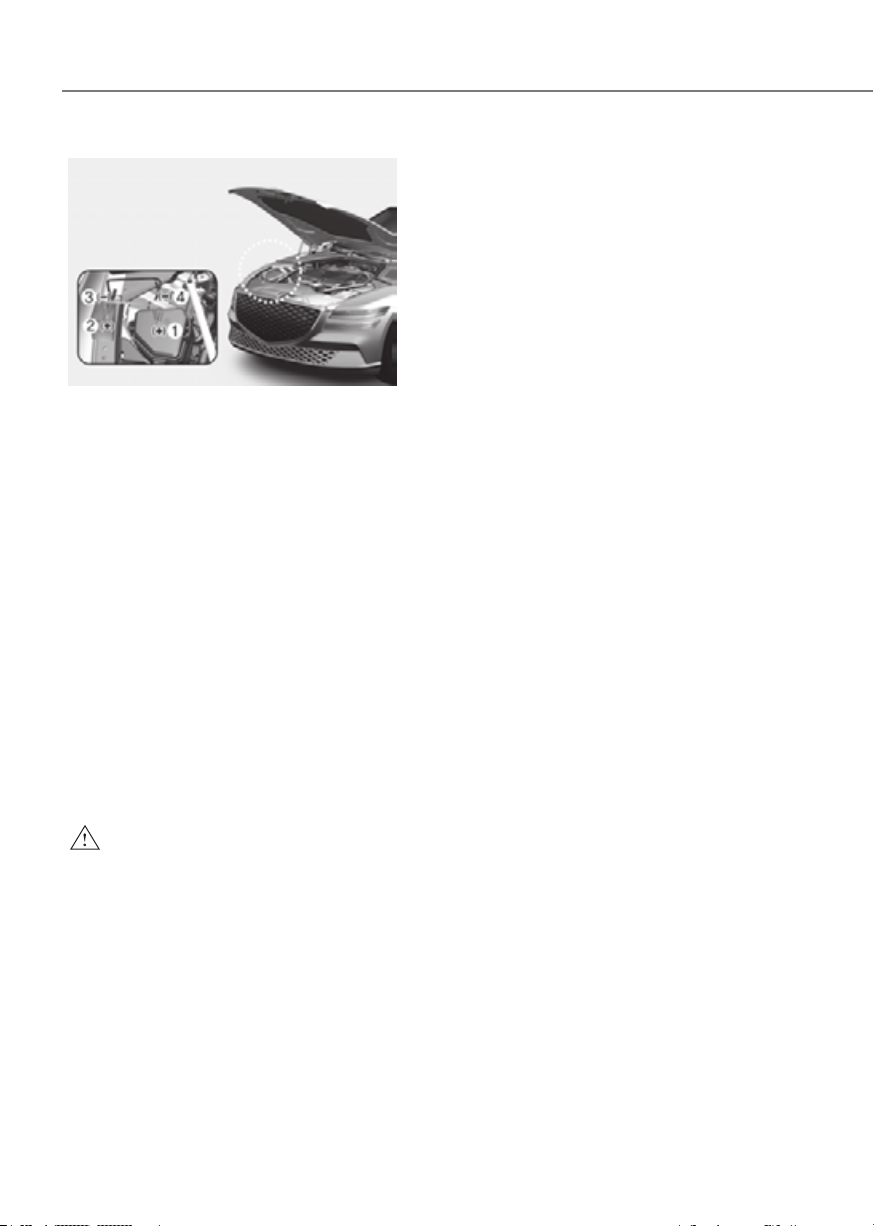
8-6
Emergency Situations
ORG3EV081020ORG3EV081020
6. Connect the jumper cables in
the exact sequence shown in the
illustration. First connect one jumper
cable to the red, positive (+) jumper
terminal of your vehicle (1).
7. Connect the other end of the jumper
cable to the red, positive (+) battery/
jumper terminal of the assisting
vehicle (2).
8. Connect the second jumper cable to
the black, negative (-) battery/jumper
terminal of the assisting vehicle (3).
9.
Connect the other end of the second
jumper cable to the black, negative (-)
chassis ground of your vehicle (4).
Do not allow the jumper cables to
contact anything except the correct
battery or jumper terminals or the
correct ground. Do not lean over the
battery when making connections.
WARNING
Do not connect the jumper cable to
the negative (-) jumper terminal of the
discharged battery. A spark could cause
the battery to explode and lead to a
personal injury or vehicle damage.
10.
Start the assisting vehicle and let
it run at approximately for a few
minutes. Then start your vehicle.
11.
Keep your vehicle operating for at
least 30 minutes at idle or driving to
assure your battery receives enough
charge to be able to start on its
own after the vehicle is shut off. A
completely discharged battery may
require as long as 60 minutes runtime
to fully recharge it. If the vehicle is run
for less, the vehicle may not restart.
If your vehicle will not start after a few
attempts, it probably requires service.
In this event please seek qualified
assistance. If the cause of your battery
discharging is not apparent, have your
vehicle checked by an authorized retailer
of Genesis Branded products.
Disconnect the jumper cables in the
exact reverse order you connected them:
1. Disconnect the jumper cable from the
black, negative (-) chassis ground of
your vehicle (4).
2. Disconnect the other end of the
jumper cable from the black, negative
(-) battery/chassis ground of the
assisting vehicle (3).
3. Disconnect the second jumper cable
from the red, positive (+) battery/
jumper terminal of the assisting
vehicle (2).
4. Disconnect the other end of the
jumper cable from the red, positive (+)
jumper terminal of your vehicle (1).
8-7
08
Information
An inappropriately disposed
battery can be harmful to
the environment and human
health. Dispose of the battery
according to your local law(s) or
regulations.
NOTICE
To prevent damage to your vehicle:
• Only use a 12 V power supply (battery
or jumper system) to jump start your
vehicle.
• Do not attempt to jump start your
vehicle by push-starting.
• Always be sure that the battery
cover and cable are tightened after
finishing jump start your vehicle.
Otherwise is may cause damage to
the relevant parts, noise trouble, or
entrance of foreign substances.
CAUTION
While jump starting your vehicle, avoid
the positive (+) and negative (-) cables
to come in contact. A spark could cause
personal injury.
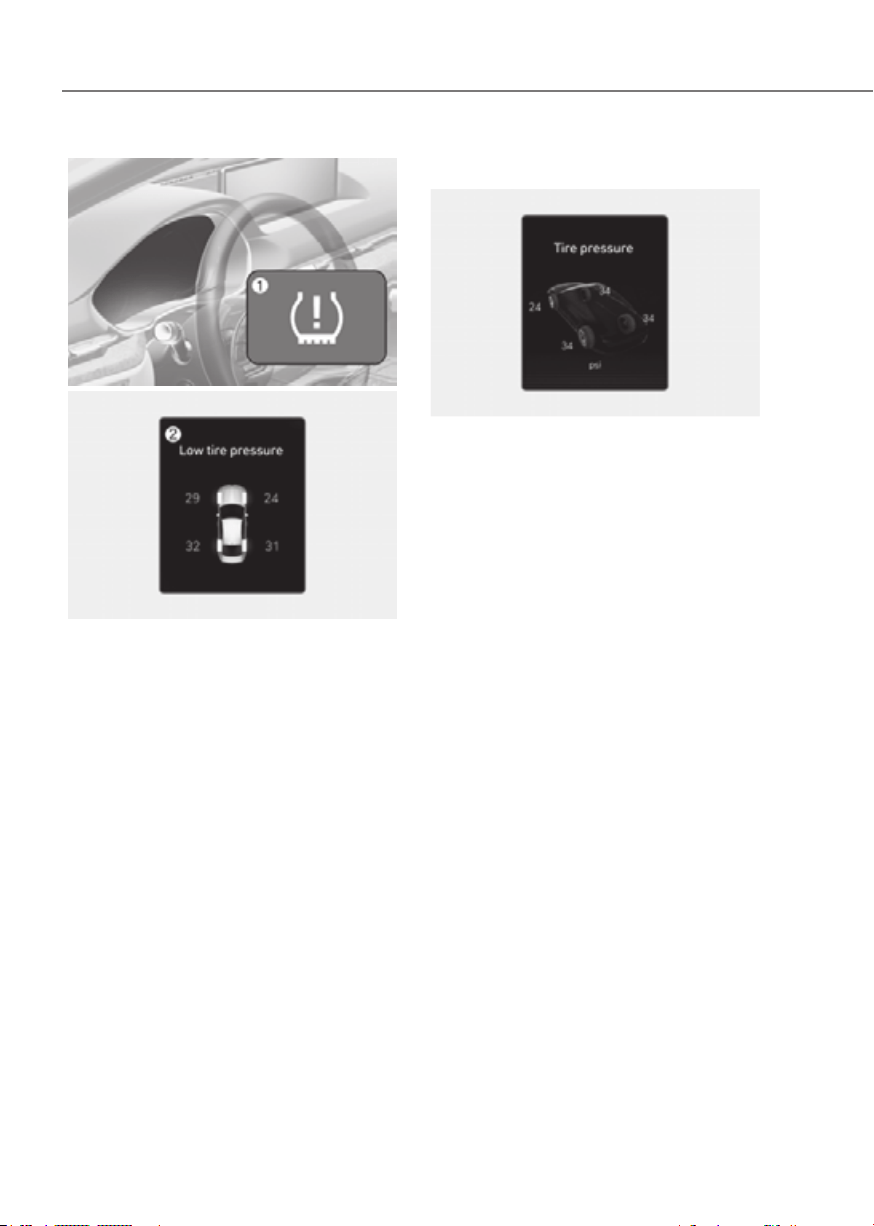
8-8
Emergency Situations
ORG3EV081025ORG3EV081025
ORG3EV081026LORG3EV081026L
(1) Low Tire Pressure Telltale/TPMS
Malfunction Indicator
(2) Low Tire Pressure Position Telltale
and Tire Pressure Telltale (Shown on
the Cluster display)
Check Tire Pressure
ORG3EV081027LORG3EV081027L
• You can check the tire pressure in the
Utility view on the cluster.
Refer to the “View Modes” section in
chapter 4.
• Tire pressure is displayed after a few
minutes of driving after initial vehicle
start up.
• If tire pressure is not displayed when
the vehicle is stopped, ‘Drive to
display’ message will appear. After
driving, check the tire pressure.
• The displayed tire pressure values may
differ from those measured with a tire
pressure gauge.
• You can change the tire pressure
unit from the Settings menu in the
infotainment system screen. Select:
-
See additional information in supplied
Infotainment Manual.

8-9
08
Tire Pressure Monitoring System
WARNING
Over-inflation or under-inflation can
reduce tire life, adversely affect vehicle
handling, and lead to sudden tire failure
that may cause loss of vehicle control
resulting in an accident.
Each tire, including the spare (if
provided), should be checked monthly
when cold and inflated to the inflation
pressure recommended by the vehicle
manufacturer on the vehicle placard
or tire inflation pressure label. (If your
vehicle has tires of a different size than
the size indicated on the vehicle placard
or tire inflation pressure label, you should
determine the proper tire inflation
pressure for those tires.)
As an added safety feature, your
vehicle has been equipped with a tire
pressure monitoring system (TPMS)
that illuminates a low tire pressure
telltale when one or more of your tires is
significantly under-inflated. Accordingly,
when the low tire pressure telltale
illuminates, you should stop and check
your tires as soon as possible, and inflate
them to the proper pressure. Driving on
a significantly under-inflated tire causes
the tire to overheat and can lead to tire
failure.
Under-inflation also reduces energy
efficiency and tire tread life, and may
affect the vehicle’s handling and
stopping ability.
Please note that the TPMS is not a
substitute for proper tire maintenance,
and it is the driver’s responsibility to
maintain correct tire pressure, even if
under-inflation has not reached the level
to trigger illumination of the TPMS low
tire pressure telltale.
Your vehicle has also been equipped with
a TPMS malfunction indicator to indicate
when the system is not operating
properly. The TPMS malfunction
indicator is combined with the low
tire pressure telltale. When the system
detects a malfunction, the telltale will
flash for approximately one minute and
then remain continuously illuminated.
This sequence will continue upon
subsequent vehicle start-ups as long as
the malfunction exists.
When the malfunction indicator is
illuminated, the system may not be able
to detect or signal low tire pressure as
intended. TPMS malfunctions may occur
for a variety of reasons, including the
installation of replacement or alternate
tires or wheels on the vehicle that
prevent the TPMS from functioning
properly.
Always check the TPMS malfunction
telltale after replacing one or more tires
or wheels on your vehicle to ensure that
the replacement or alternate tires and
wheels allow the TPMS to continue to
function properly.
NOTICE
If any of the below happens, have
the system checked by an authorized
retailer of Genesis Branded products.
1. The Low Tire Pressure Telltale/ TPMS
Malfunction Indicator does not
illuminate for 3 seconds when the
Start/Stop button is pressed to the
ON position or when the vehicle is
running.
2. The TPMS Malfunction Indicator
remains illuminated after blinking for
approximately 1 minute.
3. The Low Tire Pressure Position
Telltale remains illuminated.

8-10
Emergency Situations
Low Tire Pressure
Warning Light
Low Tire Pressure Position and
Tire Pressure Telltale
ORG3EV041056LORG3EV041056L
When the tire pressure monitoring
system warning indicators are
illuminated and a warning message
displayed on the Cluster display, one
or more of your tires is significantly
under-inflated. The Low Tire Pressure
Position Telltale will indicate which
tire is significantly underinflated by
illuminating the corresponding position
light.
If either telltale illuminates, immediately
reduce your speed, avoid hard cornering
and anticipate increased stopping
distances. You should stop and check
your tires as soon as possible. Inflate the
tires to the proper pressure as indicated
on the vehicle’s placard or tire inflation
pressure label located on the driver’s
side center pillar outer panel.
If you cannot reach a service station or
if the tire cannot hold the newly added
air, replace the low pressure tire with the
spare tire.
The Low Tire Pressure Telltale will remain
on and the TPMS Malfunction Indicator
may blink for one minute and then
remain illuminated (when the vehicle
is driven approximately 10 minutes at
speed above 15.5 mph (25 km/h)) until
you have the low pressure tire repaired
and replaced on the vehicle.
CAUTION
In winter or cold weather, the Low Tire
Pressure Telltale may be illuminated if
the tire pressure was adjusted to the
recommended tire inflation pressure
in warm weather. It does not mean
your TPMS is malfunctioning because
the decreased temperature leads to a
proportional lowering of tire pressure.
When you drive your vehicle from a
warm area to a cold area or from a cold
area to a warm area, or the outside
temperature is greatly higher or lower,
you should check the tire inflation
pressure and adjust the tires to the
recommended tire inflation pressure.
WARNING
Low pressure damage
Significantly low tire pressure makes
the vehicle unstable and can contribute
to loss of vehicle control and increased
braking distances.
Continued driving on low pressure tires
can cause the tires to overheat and fail.

8-11
08
TPMS (Tire Pressure
Monitoring System)
Malfunction Indicator
The TPMS Malfunction Indicator
will illuminate after it blinks for
approximately one minute when there
is a problem with the Tire Pressure
Monitoring System.
Have the system checked by an
authorized retailer of Genesis Branded
products as soon as possible.
NOTICE
If there is a malfunction with the TPMS,
the Low Tire Pressure Position Telltale
will not be displayed even though the
vehicle has an under-inflated tire.
NOTICE
The TPMS Malfunction Indicator may
illuminate after blinking for one minute
if the vehicle is near electric power
supply cables or radio transmitters
such as police stations, government
and public offices, broadcasting
stations, military installations, airports,
transmitting towers, etc.
Additionally, the TPMS Malfunction
Indicator may illuminate if snow chains
are used or electronic devices such as
computers, chargers, remote starters,
navigation, etc. This may interfere with
normal operation of the TPMS.
Changing a Tire with TPMS
If you have a flat tire, the Low Tire
Pressure and Position telltales will come
on. Have the flat tire repaired by an
authorized retailer of Genesis Branded
products as soon as possible or replace
the flat tire with the spare tire.
NOTICE
It is recommended that you do not use a
puncture-repairing agent not approved
by an authorized retailer of Genesis
Branded products or the equivalent
specified for your vehicle to repair
and/or inflate a low pressure tire. Tire
sealant not approved by an authorized
retailer of Genesis Branded products or
the equivalent specified for your vehicle
may damage the tire pressure sensor.
The spare tire (if equipped) does not
come with a tire pressure monitoring
sensor. When the low pressure tire or
the flat tire is replaced with the spare
tire, the Low Tire Pressure Telltale will
remain on. Also, the TPMS Malfunction
Indicator will illuminate after blinking
for one minute if the vehicle is driven
at speed above 15.5 mph (25 km/h) for
approximately 10 minutes.
Once the original wheel equipped with
a tire pressure monitoring sensor is
reinflated to the recommended pressure
and reinstalled on the vehicle, the
Low Tire Pressure Telltale and TPMS
Malfunction Indicator will go off within a
few minutes of driving.
If the indicators do not extinguish after
a few minutes, consult an authorized
retailer of Genesis Branded products.

8-12
Emergency Situations
Each wheel is equipped with a tire
pressure sensor mounted inside the tire
behind the valve stem (except for the
spare tire). You must use TPMS specific
wheels. Have your tires serviced by an
authorized retailer of Genesis Branded
products.
You may not be able to identify a tire
with low pressure by simply looking at it.
Always use a good quality tire pressure
gauge to measure. Please note that a tire
that is hot (from being driven) will have a
higher pressure measurement than a tire
that is cold.
A cold tire means the vehicle has been
sitting for 3 hours and driven for less
than 1 mile (1.6 km) in that 3 hour period.
Allow the tire to cool before measuring
the inflation pressure. Always be sure
the tire is cold before inflating to the
recommended pressure.
WARNING
• The TPMS cannot alert you to severe
and sudden tire damage caused by
external factors such as nails or road
debris.
• If you feel any vehicle instability,
immediately take your foot off
the accelerator, apply the brakes
gradually with light force, and slowly
move to a safe position off the road.
WARNING
Tampering with, modifying, or disabling
the Tire Pressure Monitoring System
(TPMS) components may interfere
with the system’s ability to warn the
driver of low tire pressure conditions
and/or TPMS malfunctions. Tampering
with, modifying, or disabling the Tire
Pressure Monitoring System (TPMS)
components may void the warranty for
that portion of the vehicle.
WARNING
This device complies with Part 15 of the
FCC rules.
Operation is subject to the following
three conditions:
1. This device may not cause harmful
interference.
2. This device must accept any
interference received, including
interference that may cause
undesired operation of the device.
3. Changes or modifications not
expressly approved by the party
responsible for compliance could
void the user’s authority to operate
the device.
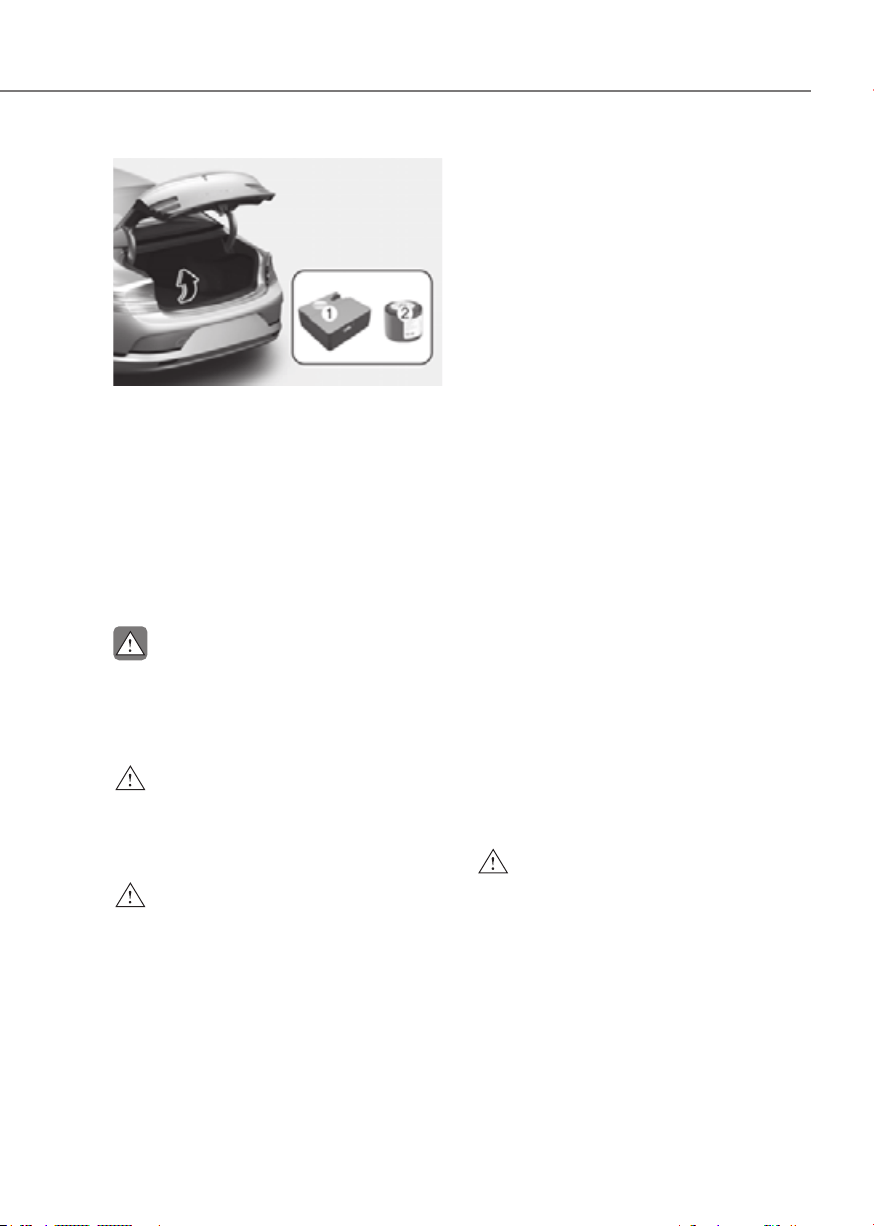
8-13
08
ORG3EV083006LORG3EV083006L
For safe operation, carefully read and
follow the instructions in this manual
before use.
(1) Compressor
(2) Sealant bottle
The tire mobility kit is a temporary fix to
the tire, have the tire inspected by an
authorized retailer of Genesis Branded
products or the equivalent approved for
your vehicle as soon as possible.
CAUTION
When two or more tires are flat, do not
use the tire mobility kit because the
sealant provided with the Tire Mobility
Kit must be used for only one flat tire.
WARNING
Do not use the Tire Mobility Kit to repair
punctures in the tire walls. This can
result in an accident due to tire failure.
WARNING
Have your tire repaired as soon as
possible. The tire may lose air pressure
at any time after inflating with the Tire
Mobility Kit.
Introduction
With the Tire Mobility Kit you stay mobile
even after experiencing a tire puncture.
The compressor and sealing compound
system effectively and comfortably seals
most punctures in a passenger car tire
caused by nails or similar objects and
reinflates the tire.
After you ensure that the tire is properly
sealed you can drive cautiously on the
tire (distance up to 120 miles (200 km))
at a max. speed of 50 mph (80 km/h) in
order to reach a service station or tire
dealer for the tire replacement.
It is possible that some tires, especially
with larger punctures or damage to the
sidewall, cannot be sealed completely.
Air pressure loss in the tire may adversely
affect tire performance.
For this reason, you should avoid abrupt
steering or other driving maneuvers,
especially if the vehicle is heavily loaded
or if a trailer is in use.
The Tire Mobility Kit is not designed
or intended as a permanent tire repair
method and is to be used for one tire
only.
This instruction shows you step by step
how to temporarily seal the puncture
simply and reliably.
Read the section “Notes on the safe use
of the Tire Mobility Kit”.
WARNING
Do not use the TMK if a tire is severely
damaged by driving run flat or with
insufficient air pressure.
Only punctured areas located within the
tread region of the tire can be sealed
using the TMK.

8-14
Emergency Situations
Notes on the Safe Use of the Tire
Mobility Kit
• Park your car at the side of the road
so that you can work with the Tire
Mobility Kit away from moving traffic.
• To be sure your vehicle will not move,
even when you’re on fairly level
ground, always set your parking brake.
• Only use the Tire Mobility Kit for
sealing/inflation passenger car tires.
Only punctured areas located within
the tread region of the tire can be
sealed using the tire mobility kit.
• Do not use on motorcycles, bicycles
or any other type of tires.
• When the tire and wheel are
damaged, do not use Tire Mobility Kit
for your safety.
• Use of the Tire Mobility Kit may not be
effective for tire damage larger than
approximately 0.16 in. (4 mm).
• If the tire cannot be made roadworthy
with the Tire Mobility Kit, contact an
authorized retailer of Genesis Branded
products.
• Do not use the Tire Mobility Kit if a tire
is severely damaged by driving run flat
or with insufficient air pressure.
• Do not remove any foreign objects
such as nails or screws that have
penetrated the tire.
• Provided the car is outdoors, leave the
Vehicle is ON (
indicator ON).
Otherwise operating the compressor
may eventually drain the car battery.
• Never leave the Tire Mobility Kit
unattended while it is being used.
• Do not leave the compressor running
for more than 10 min. at a time or it
may overheat.
• Do not use the Tire Mobility Kit if the
ambient temperature is below -22 °F
(-30 °C).
• In case of skin contact with the
sealant, wash the area thoroughly
with plenty of water. If the irritation
persists, seek medical attention.
• In case of eye contact with the
sealant, flush your eyes for at least 15
minutes. If the irritation persists, seek
medical attention.
• In case of swallowing the sealant,
rinse the mouth and drink plenty of
water. However, never give anything
to an unconscious person and seek
medical attention immediately.
• Long time exposure to the sealant
may cause damage to bodily tissue
such as kidney, etc.
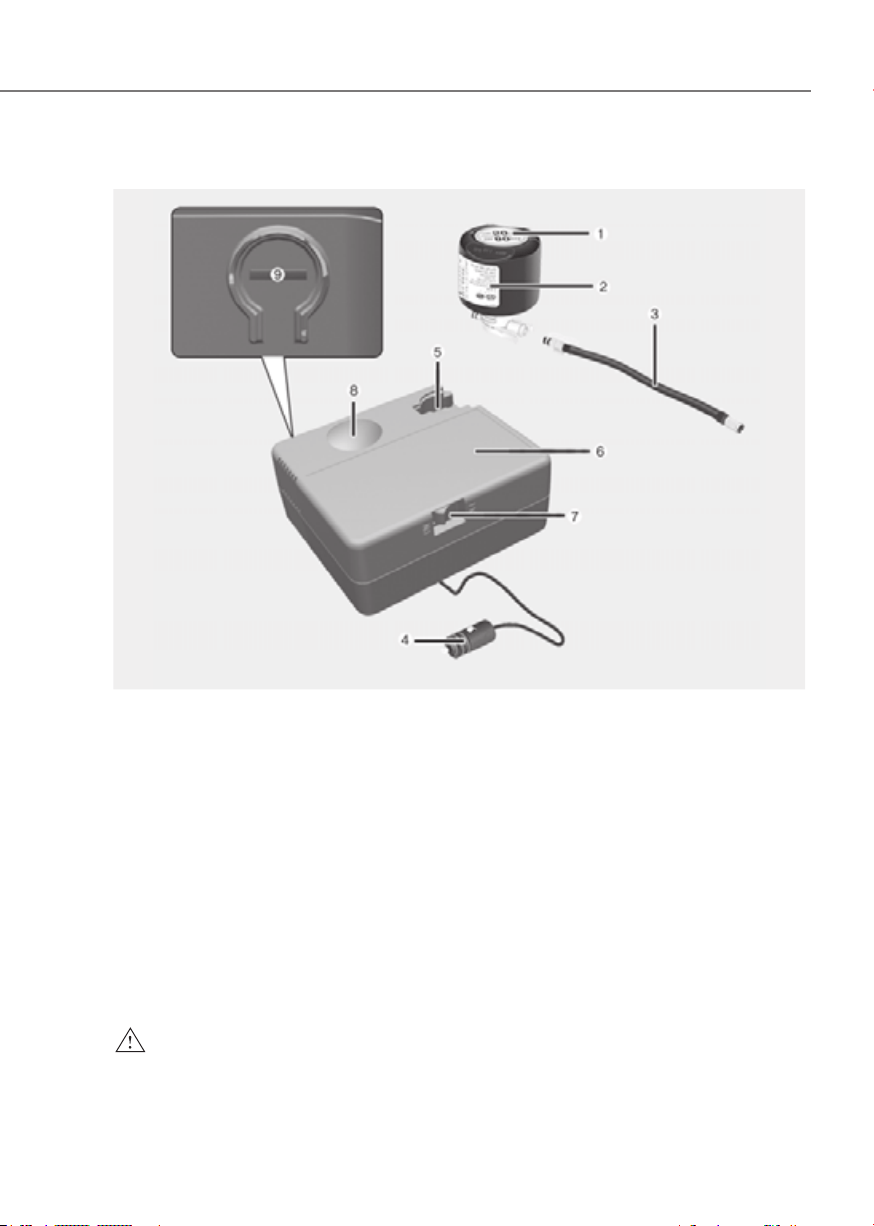
8-15
08
Components of the Tire Mobility Kit
ONE1081030ONE1081030
1. Speed-restriction label
2. Sealant bottle and label with speed restriction
3. Filling hose
4. Connectors and cable for the power outlet direct connection
5. Holder for the sealant bottle
6. Compressor
7. ON/OFF switch
8. Pressure gauge for displaying the tire inflation pressure
9. Button for reducing the tire inflation pressure
Connectors, cable and connection hose are stored in the compressor housing.
Strictly follow the specified sequence, otherwise the sealant may escape under high
pressure.
WARNING
Expired sealant
Do not use the Tire sealant after the sealant has expired (for example, the expiration
date on the sealant container). This can increase the risk of tire failure.
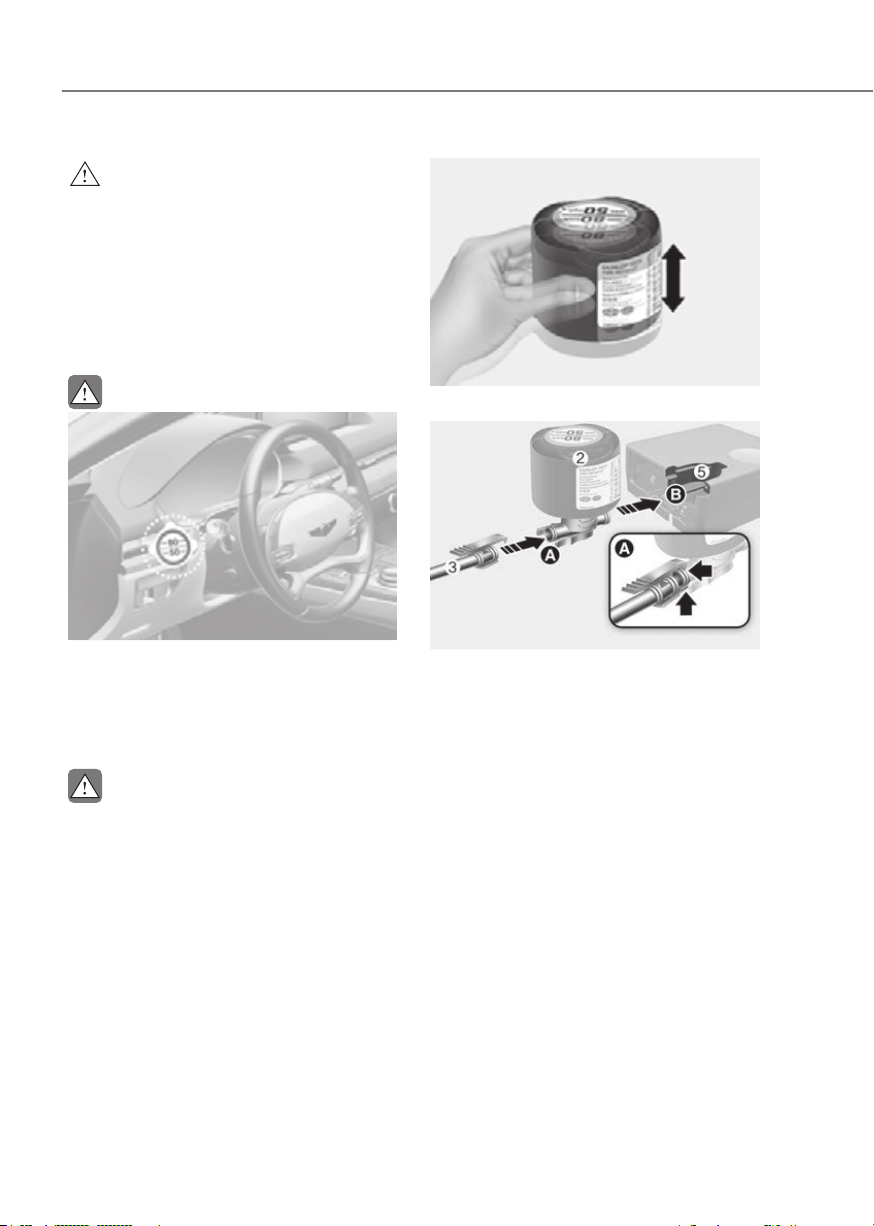
8-16
Emergency Situations
WARNING
Sealant
• Keep out of reach of children.
• Avoid contact with eyes.
• Do not swallow.
Using the Tire Mobility Kit When
a Tire is Flat
CAUTION
ORG3EV081007NORG3EV081007N
Detach the speed restriction label (1)
from the sealant bottle (2), and place
it in a highly visible place inside the
vehicle such as on the steering wheel to
remind the driver not to drive too fast.
CAUTION
If only the tire pressure needs to be
adjusted, refer to “How to Adjust Tire
Pressure” in this chapter.
Before using the Tire Mobility Kit, be
fully aware of the explanation on the
sealant.
ORG3EV081022ORG3EV081022
1. Shake the sealant bottle (2).
ORG3EV081009ORG3EV081009
2. Connect the filling hose (3) to the
sealant bottle (2) in the direction of (A)
and connect the sealant bottle to the
holder for the sealant bottle (5) in the
direction of (B).
3. Ensure that the compressor is
switched OFF.
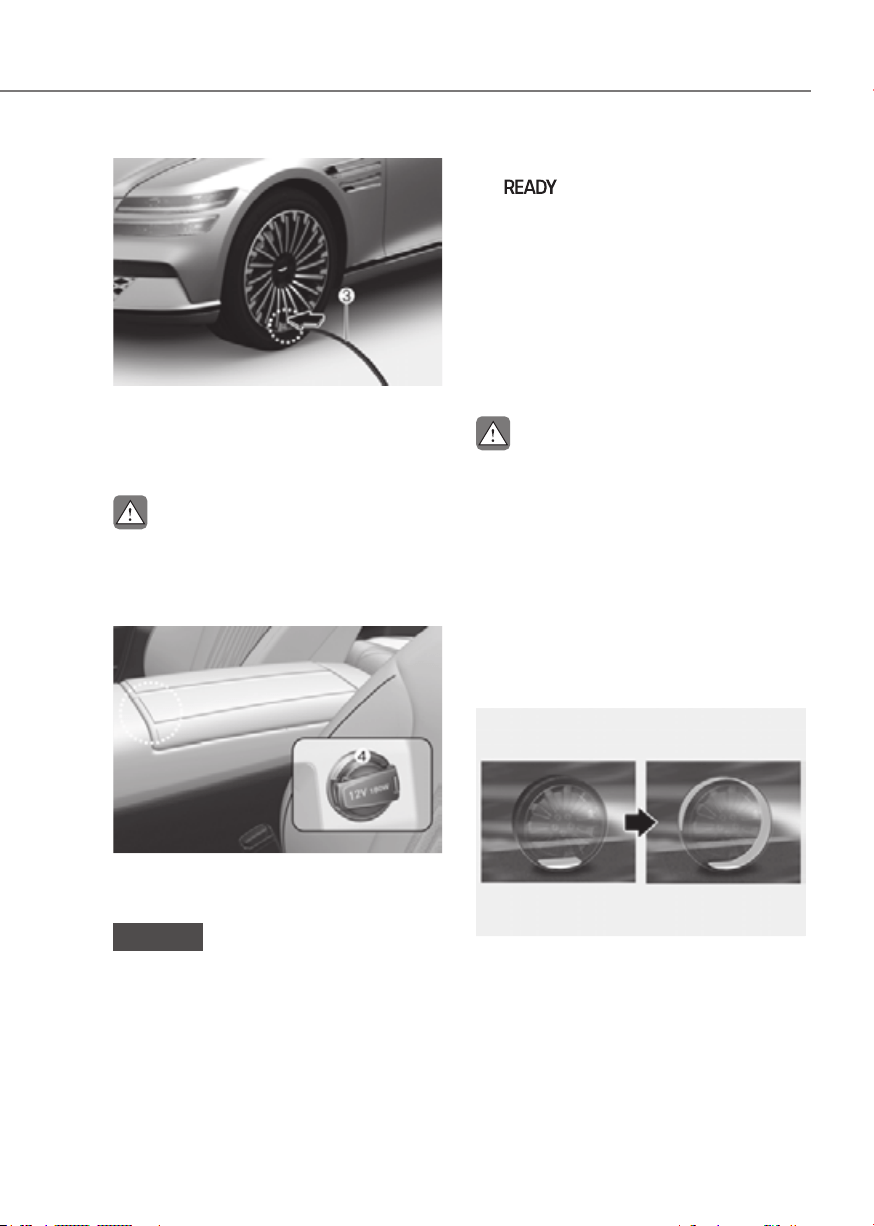
8-17
08
ORG3EV083008LORG3EV083008L
4. Unscrew the valve cap from the valve
of the defective wheel and screw the
filling hose (3) of the sealant bottle
onto the valve.
CAUTION
Securely install the sealant filling hose
to the valve. If not, sealant may flow
backward, possibly clogging the filling
hose.
ORG3EV081009ORG3EV081009
5. Plug the compressor power cord (4)
into the vehicle power outlet.
NOTICE
Only use the front passenger side
power outlet when connecting the
power cord.
6. With the vehicle ON
(
indicator ON), switch on
the compressor and let it run for
approximately 5~7 minutes to fill the
sealant up to proper pressure. (refer
to the Tire and Wheels, chapter 2).
The inflation pressure of the tire after
filling is unimportant and will be
checked/corrected later.
Be careful not to overinflate the tire
and stay away from the tire when
filling it.
CAUTION
Tire pressure
Do not attempt to drive your vehicle if
the tire pressure is below 32 psi (220
kPa). This could result in an accident
due to sudden tire failure.
7. Switch off the compressor.
8. Detach the hoses from the sealant
bottle connector and from the tire
valve.
Return the Tire Mobility Kit to its storage
location in the vehicle.
ORG3EV081024ORG3EV081024
9. Immediately drive approximately 4~6
miles (7~10 km or, about 10min) to
evenly distribute the sealant in the
tire.
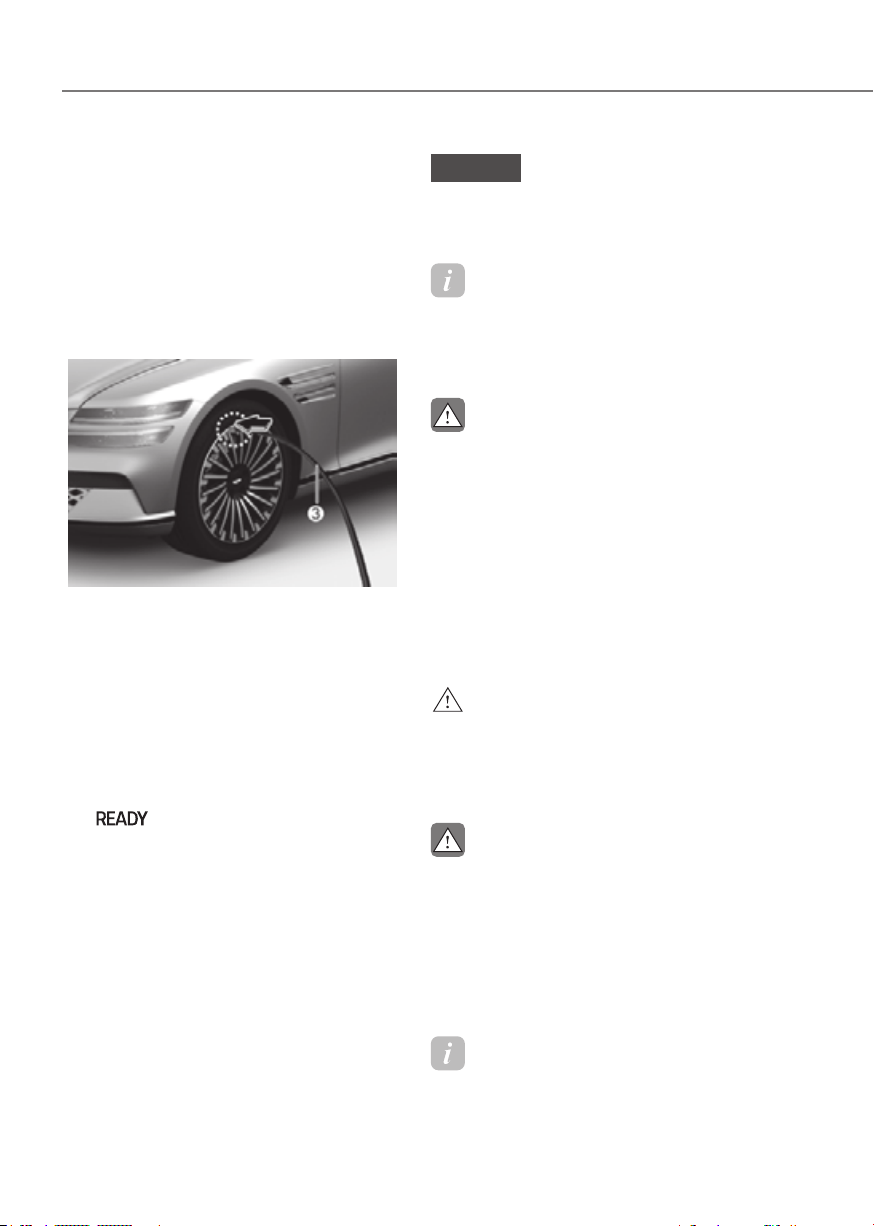
8-18
Emergency Situations
Do not exceed a speed of 50 mph (80
km/h). If possible, do not fall below a
speed of 12 mph (20 km/h).
While driving, if you experience any
unusual vibration, ride disturbance or
noise, reduce your speed and drive with
caution until you can safely pull off of the
side of the road.
Call for road side service or towing.
ORG3EV081008ORG3EV081008
10.
After driving approximately 4~6 miles
(7~10 km or about 10 min), stop at a
safety location.
11.
Connect the filling hose (3) of the
compressor directly to the tire valve.
12.
Plug the compressor power cord into
the vehicle power outlet.
13.
Adjust the tire inflation pressure to the
recomended tire inflation.
With the Vehicle is ON
(
indicator ON) proceed as
follows.
- To increase the inflation pressure
: Switch on the compressor. To
check the current inflation pressure
setting, briefly switch off the
compressor.
- To reduce the inflation pressure:
Press the button (9) on the
compressor.
NOTICE
Do not let the compressor run for more
than 10 minutes, otherwise the device
will overheat and may be damaged.
Information
The pressure gauge may show higher than
actual reading when the compressor is
running. To get an accurate tire reading,
the compressor needs to be turned off.
CAUTION
If the inflation pressure is not
maintained, drive the vehicle a second
time, refer to step 9.
Then repeat steps 10 to 13.
Use of the TMK may be ineffectual for
tire damage larger than approximately
0.16 in. (4 mm).
Contact an authorized retailer of
Genesis Branded products if the tire
cannot be made roadworthy with the
Tire Mobility Kit.
WARNING
The tire inflation pressure must be at
least 32 psi (220 kPa). If it is not, do not
continue driving.
Call for road side service or towing.
CAUTION
Tire pressure sensor (if equipped with
TPMS)
The sealant on the tire pressure sensor
and wheel should be removed when
you replace the tire with a new one and
inspect the tire pressure sensors. You
should get this done at an authorized
retailer of Genesis Branded products.
Information
When reinstalling the repaired or replaced
tire and wheel on the vehicle, tighten the
wheel bolt to 101 ~ 116 lbf·ft (14 ~ 16
kgf·m).
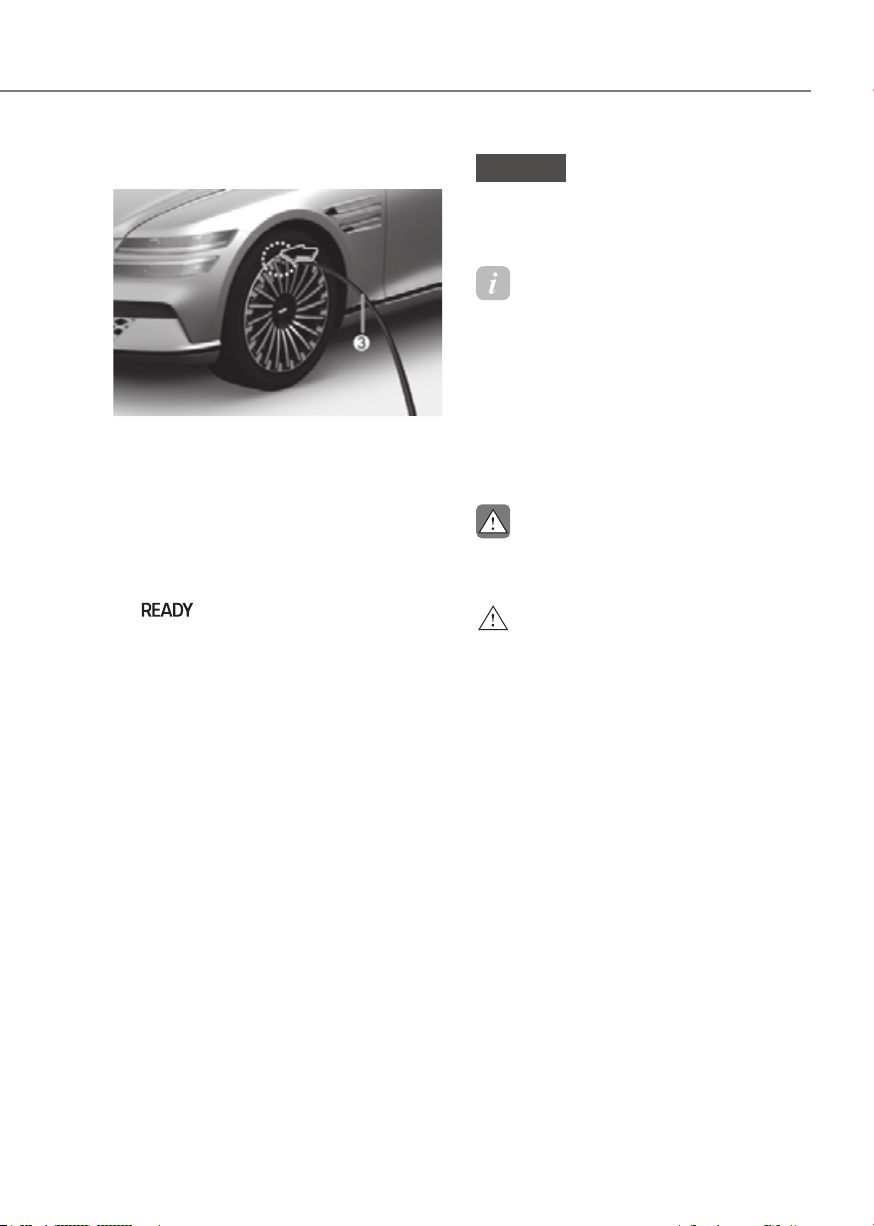
8-19
08
How to Adjust Tire Pressure
ORG3EV081008ORG3EV081008
1. Park your vehicle in a safe location.
2. Connect the filling hose (3) of the
compressor directly to the tire valve.
3. Plug the compressor power cord into
the vehicle power outlet.
4. Adjust the tire inflation pressure to the
recomended tire inflation.
With the Vehicle is ON
(
indicator ON), proceed as
follows.
- To increase the inflation pressure
: Switch on the compressor. To
check the current inflation pressure
setting, briefly switch off the
compressor.
- To reduce the inflation pressure:
Press the button (9) on the
compressor.
NOTICE
Do not let the compressor run for more
than 10 minutes, otherwise the device
will overheat and may be damaged.
Information
• The pressure gauge may show
higher than actual reading when the
compressor is running. To get an
accurate tire reading, the compressor
needs to be turned off.
• When reinstalling the repaired or
replaced tire and wheel on the vehicle,
tighten the wheel bolt to 101 ~ 116 lbf·ft
(14 ~ 16 kgf·m).
CAUTION
Do not use the sealant when the tire
pressure only needs to be adjusted.
WARNING
The tire inflation pressure must be at
least 32 psi (220 kPa). If it is not, do not
continue driving.
Call for road side service or towing.

8-20
Emergency Situations
Towing Service
ORG3EVQ011089ORG3EVQ011089
[A] : Dollies
If emergency towing is necessary, have it
done by an authorized retailer of Genesis
Branded products or a commercial tow-
truck service.
Proper lifting and towing procedures
are necessary to prevent damage to
the vehicle. The use of wheel dollies or
flatbed is recommended.
For AWD vehicles, it must be towed
with a wheel lift and dollies or flatbed
equipment with all the wheels off the
ground.
Precautions when moving a short
distance before towing a vehicle
Move short distances within 394 in. (10
m) at a speed of 3 mph (5 km/h) or less
only when loading on a tow truck of if the
vehicle needs to be repositioned.
At this time, the gear must be in the ‘N’
(Neutral) position and the parking brake
must be released. If it is impossible to
operate the transmission and parking
brake, move the vehicle with the all
wheels lifted.
NOTICE
Do not lift the vehicle by the tow fitting
or body and chassis parts. Otherwise
the vehicle may be damaged.
CAUTION
• Do not tow the vehicle with the any
wheels on the ground as this may
cause damage to the vehicle.
ORG3EV081012ORG3EV081012
• Do not tow with sling-type
equipment. Use wheel lift or flatbed
equipment.
ORG3EV081033LORG3EV081033L
TOWING
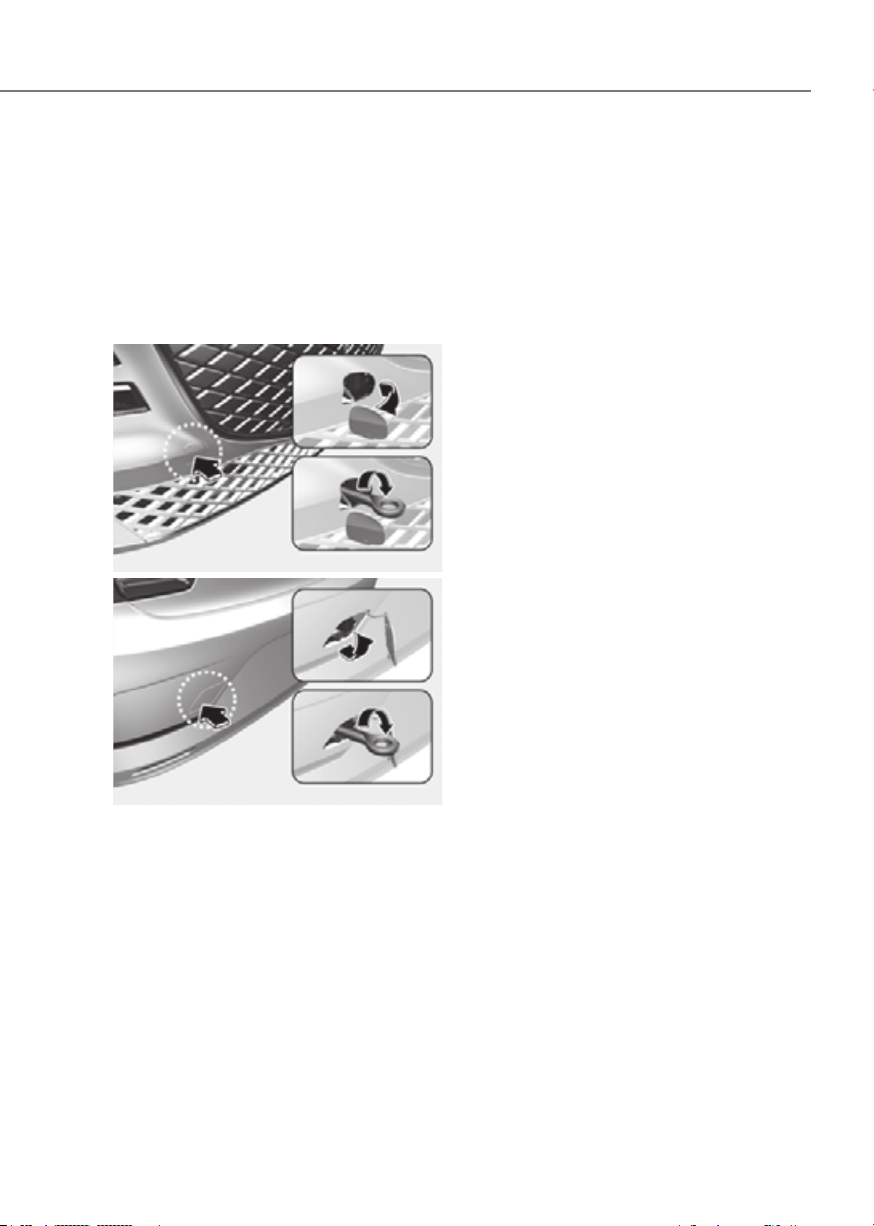
8-21
08
Removable Towing Hook
Have your vehicle towed by
an authorized retailer of Genesis Branded
products or a commercial tow-truck
service.
Only use the tow hook to move short
distances or to lift the vehicle before
towing.
FrontFront
ORG3EV081014ORG3EV081014
RearRear
ORG3EV081015ORG3EV081015
1. Open the trunk, and remove the
towing hook from the tool case.
2. Remove the hole cover by pressing
the lower part of the cover on the
bumper.
3. Install the towing hook by turning it
clockwise into the hole until it is fully
secured.
4. Remove the towing hook and install
the cover after use.

9
9. Maintenance
Motor Compartment ........................................................................................ 9-3
Maintenance Services
......................................................................................9-4
Owner’s Responsibility ............................................................................................... 9-4
Owner Maintenance Precautions
............................................................................... 9-4
Owner Maintenance ......................................................................................... 9-5
Owner Maintenance Schedule ................................................................................... 9-6
Scheduled Maintenance Services ....................................................................9-7
Normal Maintenance Schedule ................................................................................. 9-8
Normal Maintenance Schedule
.................................................................................. 9-9
Maintenance Under Severe Usage and Low Mileage Conditions
........................... 9-10
Explanation of Scheduled Maintenance Items ...............................................9-11
Coolant
.............................................................................................................9-12
Brake Fluid
........................................................................................................ 9-14
Checking the Brake Fluid Level ................................................................................. 9-14
Reduction Gear Fluid ....................................................................................... 9-15
Washer Fluid
.....................................................................................................9-15
Checking the Washer Fluid Level .............................................................................. 9-15
Cabin Air Filter .................................................................................................. 9-16
Filter Inspection.......................................................................................................... 9-16
Filter Replacement
..................................................................................................... 9-16
Motor compartment
...................................................................................................9-17
Wiper Blades ....................................................................................................9-18
Blade Inspection ........................................................................................................ 9-18
Blade Replacement
.................................................................................................... 9-18
Battery (12 V) ...................................................................................................9-20
For Best Battery Service ............................................................................................ 9-21
Battery Replacement
................................................................................................. 9-21
Battery Capacity Label
...............................................................................................9-22
Battery Recharging
....................................................................................................9-22
Reset Items
.................................................................................................................9-23

9
Tires and Wheels ............................................................................................. 9-2 4
Tire Care ...................................................................................................................... 9 -24
Recommended Cold Tire Inflation Pressures
........................................................... 9-24
Check Tire Inflation Pressure
.....................................................................................9-25
Tire Rotation
...............................................................................................................9-26
Wheel Alignment and Tire Balance
........................................................................... 9-27
Tire Replacement
....................................................................................................... 9-27
Wheel Replacement
...................................................................................................9-28
Tire Traction
................................................................................................................9-28
Tire Maintenance........................................................................................................9-28
Tire Sidewall Labeling
................................................................................................9-28
Tire Terminology and Definitions
.............................................................................. 9-31
All Season Tires
...........................................................................................................9-35
Summer Tires
.............................................................................................................9-35
Snow Tires...................................................................................................................9-35
Radial-Ply Tires
...........................................................................................................9-35
Low Aspect Ratio Tires
...............................................................................................9-36
Fuses ................................................................................................................ 9-37
Instrument Panel Fuse Replacement ....................................................................... 9-38
Motor Compartment Panel Fuse Replacement
.......................................................9-39
Fuse/Relay Panel Description................................................................................... 9-40
Light Bulbs .......................................................................................................9-49
Headlight, Parking Lamp, Turn Signal Lamp, Daytime Running Light (DRL)
Replacement
............................................................................................................. 9-50
Side Repeater Lamp Replacement
........................................................................... 9-51
Puddle Lamp Replacement
....................................................................................... 9-51
Rear Combination Lamp Replacement
....................................................................9-52
High Mounted Stop Lamp Replacement
..................................................................9-52
License Plate Lamp Replacement
.............................................................................9-53
Interior Light Replacement
........................................................................................9-53
Appearance Care ............................................................................................ 9-55
Exterior Care ...............................................................................................................9-55
Interior Care
............................................................................................................... 9-60
California Perchlorate Notice ......................................................................... 9-63
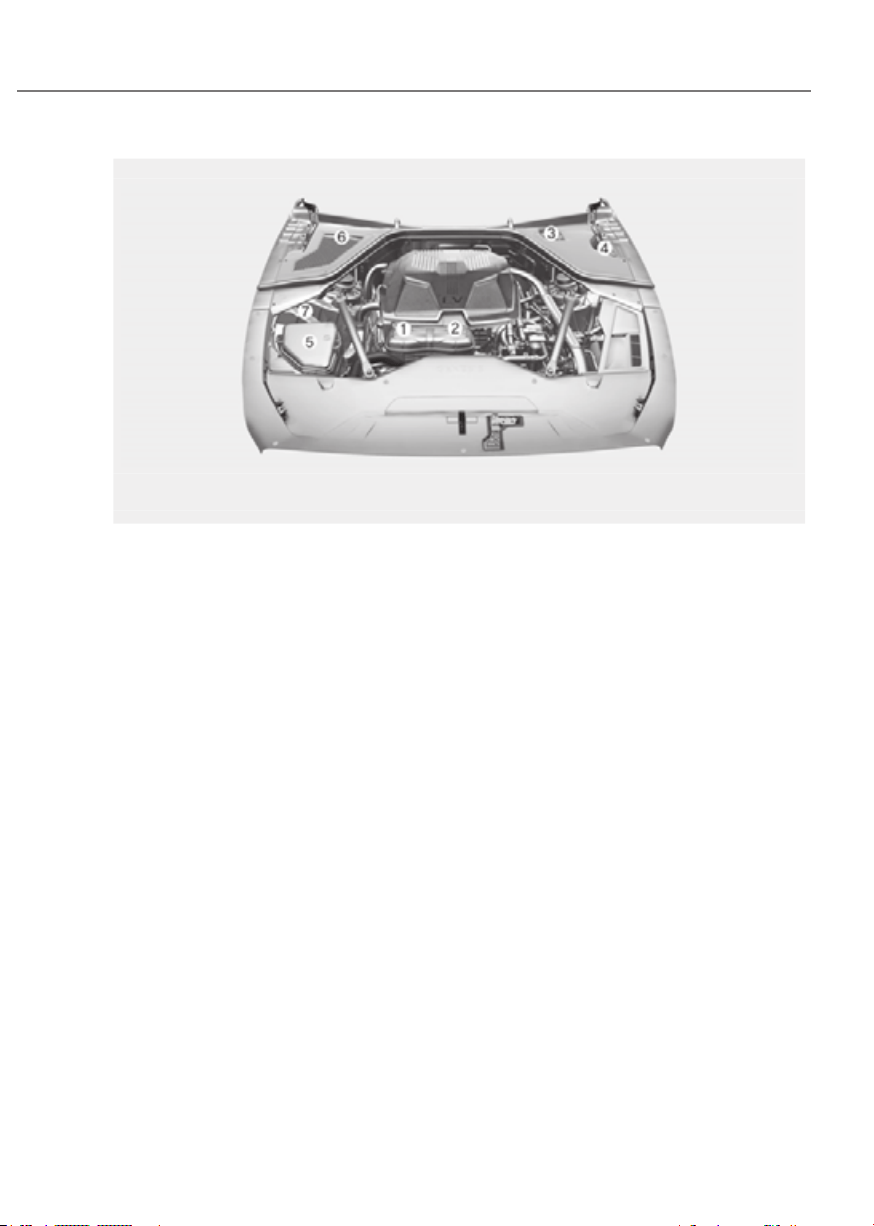
9-3
09
The actual motor compartment in the vehicle may differ from the illustration.
ORG3EV092001LORG3EV092001L
1. Low conductivity coolant reservoir
2. Coolant reservoir
3. Brake fluid reservoir
4. Windshield washer fluid reservoir
5. Fuse box
6. Climate control system air filter
7. Jump-start negative(chassis) terminal
MOTOR COMPARTMENT

9-4
Maintenance
You should exercise the utmost care
to prevent damage to your vehicle and
injury to yourself whenever performing
any maintenance or inspection
procedures.
Have your vehicle maintained and
repaired by an authorized retailer of
Genesis Branded products. An authorized
retailer of Genesis Branded products
meets Genesis Branded Vehicle’s high
service quality standards and receives
technical support from Genesis Branded
Vehicle in order to provide you with a
high level of service satisfaction.
Owner’s Responsibility
Maintenance service and record
retention are the owner’s responsibility.
You should retain documents that show
proper maintenance has been performed
on your vehicle in accordance with
the scheduled maintenance service
charts shown on the following pages.
You need this information to establish
your compliance with the servicing
and maintenance requirements of your
vehicle warranties.
Detailed warranty information is
provided in your Owner’s Handbook &
Warranty Information booklet.
Repairs and adjustments required as a
result of improper maintenance or a lack
of required maintenance are not covered.
Owner Maintenance Precautions
Inadequate, incomplete or insufficient
servicing may result in operational
problems with your vehicle that could
lead to vehicle damage, an accident, or
personal injury. This chapter provides
instructions only for the maintenance
items that are easy to perform.
Your vehicle should not be modified
in any way. Such modifications may
adversely affect the performance, safety
or durability of your vehicle and may, in
addition, violate conditions of the limited
warranties covering the vehicle.
Certain modifications may also be in
violation of regulations established by
the U.S. Department of Transportation
and other federal or state agencies.
NOTICE
Improper owner maintenance during
the warranty period may affect
warranty coverage. For details, read
the separate Owner’s Handbook &
Warranty Information booklet provided
with the vehicle. If you’re unsure about
any service or maintenance procedure,
have it done by an authorized retailer of
Genesis Branded products.
MAINTENANCE SERVICES

9-5
09
WARNING
Performing maintenance work on a
vehicle can be dangerous. If you lack
sufficient knowledge and experience
or the proper tools and equipment
to do the work, it should be done
by an authorized retailer of Genesis
Branded products. ALWAYS follow
these precautions for performing
maintenance work:
• Park your vehicle on level ground.
Shift the vehicle to P (Park), apply the
parking brake, and press the Start/
Stop button to the OFF position.
• Block the tires (front and back) to
prevent the vehicle from moving.
Remove loose clothing or jewelry
that can become entangled in
moving parts.
• Keep flames, sparks, or smoking
materials away from the battery and
motor related parts.
WARNING
Make sure to turn the Start/Stop button
to the ‘OFF’ position to shut down the
vehicle before performing maintenance
work on the vehicle.
The following lists are vehicle checks and
inspections that should be performed
by the owner or an authorized retailer
of Genesis Branded products at the
frequencies indicated to help ensure
safe, dependable operation of your
vehicle.
Any adverse conditions should be
brought to the attention of your dealer as
soon as possible.
These Owner Maintenance vehicle
checks are generally not covered by
warranties and you may be charged for
labor, parts and lubricants used.
The electric control system in the vehicle
may cause malfunction or other negative
impact on the artificial heart and the
artificial internal organs. Be sure to
inquire the impact of the electric control
system on the artificial organs from the
medical product corporation.
OWNER MAINTENANCE

9-6
Maintenance
Owner Maintenance Schedule
When you stop for charging:
• Check the coolant level in the coolant
reservoir.
• Check the windshield washer fluid
level.
• Check for low or under-inflated tires.
WARNING
Be careful when checking your coolant
level if the motor compartment is hot.
This may result in coolant being blown
out of the opening and cause serious
burns and other injuries.
While operating your vehicle:
• Check for vibrations in the steering
wheel. Notice if there is any increased
steering effort or looseness in the
steering wheel, or change in its
straight-ahead position.
• Notice if your vehicle constantly turns
slightly or “pulls” to one side when
traveling on smooth, level road.
• When stopping, listen and check for
unusual sounds, pulling to one side,
increased brake pedal travel or “hard-
to-push” brake pedal.
• Check the shift gear P (Park) function.
• Check the parking brake.
• Check for fluid leaks under your
vehicle (water dripping from the air
conditioning system during or after
use is normal).
At least monthly:
• Check coolant level in the coolant
reservoir.
• Check the operation of all exterior
lights, including the stoplights, turn
signals and hazard warning flashers.
• Check the inflation pressures of all
tires including the spare for tires that
are worn, show uneven wear, or are
damaged.
• Check for loose wheel lug nuts.
At least twice a year: (for example,
every Spring and Autumn)
• Check radiator, heater and air
conditioning hoses for leaks or
damage.
• Check windshield washer spray and
wiper operation. Clean wiper blades
with a clean cloth dampened with
washer fluid.
• Check headlight alignment.
• Check the seat belts for wear and
function.
At least once a year:
• Clean body and door drain holes.
• Lubricate door hinges and hood
hinges.
• Lubricate door and hood locks and
latches.
• Lubricate door rubber weather strips.
• Check the air conditioning system.
• Inspect and lubricate shift gear
linkage and controls.
• Clean the battery (12 V) and terminals.
• Check the brake fluid level.

9-7
09
Follow Normal Maintenance Schedule if the vehicle is usually operated where none of
the following conditions apply. If any of the following conditions apply, you must follow
the Maintenance Under Severe Usage Conditions.
• Repeated driving short distance of less than 5 miles (8 km) in normal temperature or
less than 10 miles (16 km) in freezing temperature
• Driving on rough, dusty, muddy, unpaved, graveled or salt-spread roads
• Driving in areas using salt or other corrosive materials or in very cold weather
• Driving in heavy dust conditions
• Driving in heavy traffic area
• Driving in heavy traffic area with the ambient temperature higher than 32 ºC (90 ºF)
while consuming more than 50% of electric energy.
• Towing a trailer or using a camper, or driving with loads on the roof
• Driving as a patrol car, taxi, other commercial use of vehicle towing
• Frequently driving under high speed or rapid acceleration/deceleration
• Frequently driving in stop-and-go condition
If your vehicle is operated under the above conditions, you should inspect, replace
or refill more frequently than the following Normal Maintenance Schedule. After the
periods or distance shown in the chart, continue to follow the prescribed maintenance
intervals.
NOTICE
After driving more than 10 years or 100,000 miles, use severe maintenance schedule.
SCHEDULED MAINTENANCE SERVICES

9-8
Maintenance
Normal Maintenance Schedule
The following maintenance services must be performed to ensure good vehicle performance.
Keep receipts for all vehicle services to protect your warranty. Where both mileage and time are shown, the frequency of
service is determined by whichever occurs first.
MAINTENANCE
INTERVALS
MAINTENANCE
ITEM
Months 12 24 36 48 60 72 84 96 108 120 132 144 156
Miles×1,000 8 16 24 32 40 48 56 64 72 80 88 96 104
Km×1,000 13 26 39 52 65 78 91 104 117 130 143 156 169
Cooling system I I I I I I I I I I I I I
Rotate Tires
(Includes Tire Pressure and
Tread Wear Inspection)
Rotate every 8,000 miles (13,000 km) or 12 months
Replace Climate Control Air
Filter (For Evaporator and
Blower Unit)
I R I R I R I R I R I R I
Coolant *
1
Standard
At first, replace 120,000 miles (200,000 km) or 120 months.
After that, replace every 24,000 miles (40,000 km) or 24 month.
Low
Conductivity
Replace every 35,000 miles (60,000 km) or 36 months
*2
12 V auxiliary battery condition I I I I I I I I I I I I I
Brake lines, hoses, and connections I I I I I I I I I I I I I
I : Inspect and if necessary, adjust, correct, clean or replace.
R : Replace or change.
*1 :
When replacing or adding coolant, visit an authorized retailer of Genesis Branded products.
*2 :
For your convenience, it can be replaced prior to it’s interval when you do maintenance of other items.

9-9
09
Normal Maintenance Schedule
MAINTENANCE
INTERVALS
MAINTENANCE
ITEM
Months 12 24 36 48 60 72 84 96 108 120 132 144 156
Miles×1,000 8 16 24 32 40 48 56 64 72 80 88 96 104
Km×1,000 13 26 39 52 65 78 91 104 117 130 143 156 169
Disc brakes and pads I I I I I I I I I I I I I
Steering gear rack,
linkage, and boots
I I I I I I I I I I I I I
Drive shafts and boots I I I I I I
Air conditioning
compressor, air conditioner
refrigerant and performance
I I I I I I I I I I I I I
Reduction gear fluid I I I
Brake pedal I I I I I I I I I I I I I
Brake fluid
Inspect every 8,000 miles (13,000 km) or 12 months,
Replace every 48,000 miles (78,000 km) or 48 months
I : Inspect and if necessary, adjust, correct, clean or replace.
R : Replace or change.

9-10
Maintenance
Maintenance Under Severe Usage and Low Mileage Conditions
The following items must be serviced more frequently on cars mainly used under
severe driving conditions.
Refer to the chart below for the appropriate maintenance intervals.
R : Replace I : Inspect and if necessary, adjust, correct, clean or replace
Maintenance item
Maintenance
operation
Maintenance intervals
Driving
condition
Reduction gear fluid
R
Every 80,000 miles
(120,000 km)
B, D, G, H
Steering gear rack,
linkage and boots
I
Inspect more frequently
depending on the condition
B, C, D, E, F
Front suspension ball
joints
I
Inspect more frequently
depending on the condition
B, C, D, E, F
Disc brakes and pads,
calipers and rotors
I
Inspect more frequently
depending on the condition
B, C, D, E, F,
G, H, I, J
Driveshaft and boots
I
Inspect more frequently
depending on the condition
B, C, D, E, F,
G, H, I
Climate control air filter
R
Replace more frequently
depending on the condition
B, D, F
Severe driving conditions
A. Repeatedly driving short distance of less than 5 miles (8 km) in normal temperature
or less than 10 miles (16 km) in freezing temperature
B. Driving on rough, dusty, muddy, unpaved, graveled or salt spread roads
C. Driving in areas using salt or other corrosive materials or in very cold weather
D. Driving in heavy dust condition
E. Driving in heavy traffic area with the ambient temperature higher than 32 ºC (90 ºF)
while consuming more than 50% of electric energy.
F. Driving on uphill, downhill, or mountain roads repeatedly
G. Towing a trailer, or using a camper or roof rack
H. Driving as a patrol car, taxi, other commercial use or vehicle towing
I. Frequently driving under high speed or rapid acceleration/deceleration
J. Frequently driving in stop-and-go conditions

9-11
09
Cooling System
Check cooling system components, such
as radiator, coolant reservoir, hoses and
connections for leakage and damage.
Replace any damaged parts.
Coolant
The coolant should be changed at the
intervals specified in the maintenance
schedule.
Reduction Gear Fluid
The reduction gear fluid should be
inspected according to the intervals
specified in the maintenance schedule.
Brake Hoses and Lines
Visually check for proper installation,
chafing, cracks, deterioration and any
leakage. Replace any deteriorated or
damaged parts immediately.
Brake Fluid
Check the brake fluid level in the brake
fluid reservoir. The level should be
between the MIN and the MAX marks
on the side of the reservoir. Use only
hydraulic brake fluid conforming to DOT
4 specification.
Brake Discs, Pads, Calipers and
Rotors
Check the pads, the discs, and the rotors
for any excessive wear-out. Inspect
calipers for any fluid leakage.
Suspension Mounting Bolts
Check the suspension connections for
looseness or damage. Retighten to the
specified torque.
Steering Gear Box, Linkage &
Boots/Lower Arm Ball Joint
With the vehicle stopped and the vehicle
off, check for excessive free-play in the
steering wheel. Check the linkage for
bends or damage. Check the dust boots
and ball joints for deterioration, cracks,
or damage.
Replace any damaged parts.
Drive Shafts and Boots
Check the drive shafts, boots and clamps
for cracks, deterioration, or damage.
Replace any damaged parts and, if
necessary, repack the grease.
Air Conditioning Refrigerant
Check the air conditioning lines and
connections for leakage and damage.
EXPLANATION OF SCHEDULED MAINTENANCE ITEMS
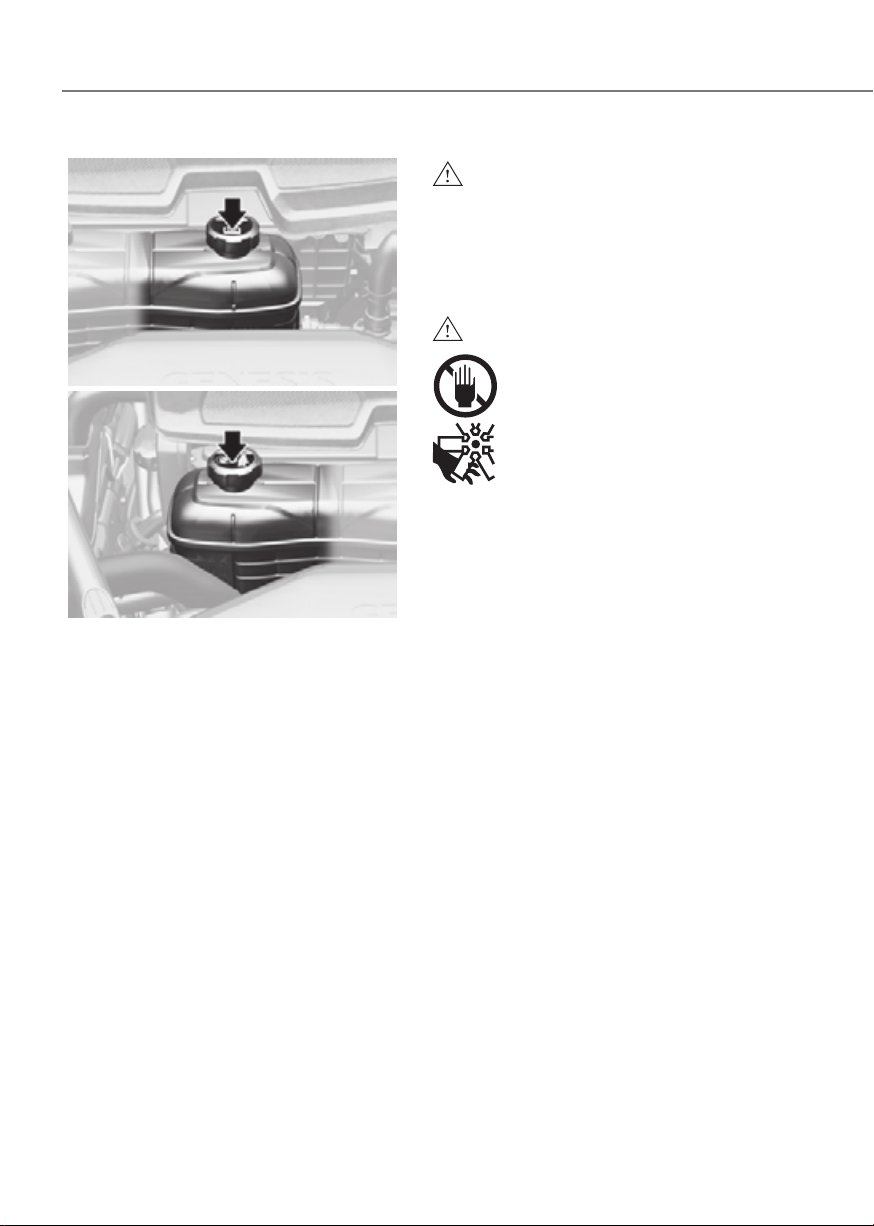
9-12
Maintenance
Standard coolantStandard coolant
ORG3EV091003ORG3EV091003
Low conductivity coolantLow conductivity coolant
ORG3EV091002ORG3EV091002
Check the condition and connections
of all cooling system hoses and
heater hoses. Replace any swollen or
deteriorated hoses.
The coolant level should be filled
between the MAX or F and the MIN
or L marks on the side of the coolant
reservoir when the parts in the motor
compartment is cool.
If the coolant is low, have the vehicle
inspected by an authorized retailer of
Genesis Branded products.
Use only designated coolant for electric
vehicles, adding other types of water or
antifreeze can damage the vehicle.
WARNING
Since specific coolant (Blue color, Low
conductivity) is applied for electric
vehicles, replenishment of other
antifreeze or water may cause problems
to the vehicle.
WARNING
The electric motor for the
cooling fan may continue to
operate or start up when the
vehicle is not running and can
cause serious injury.
Keep hands, clothing and tools
away from the rotating fan
blades of the cooling fan.
The electric motor for the cooling
fan is controlled by vehicle coolant
temperature, refrigerant pressure and
vehicle speed. As the vehicle coolant
temperature decreases, the electric
motor will automatically shut off. This is
a normal condition.
COOLANT
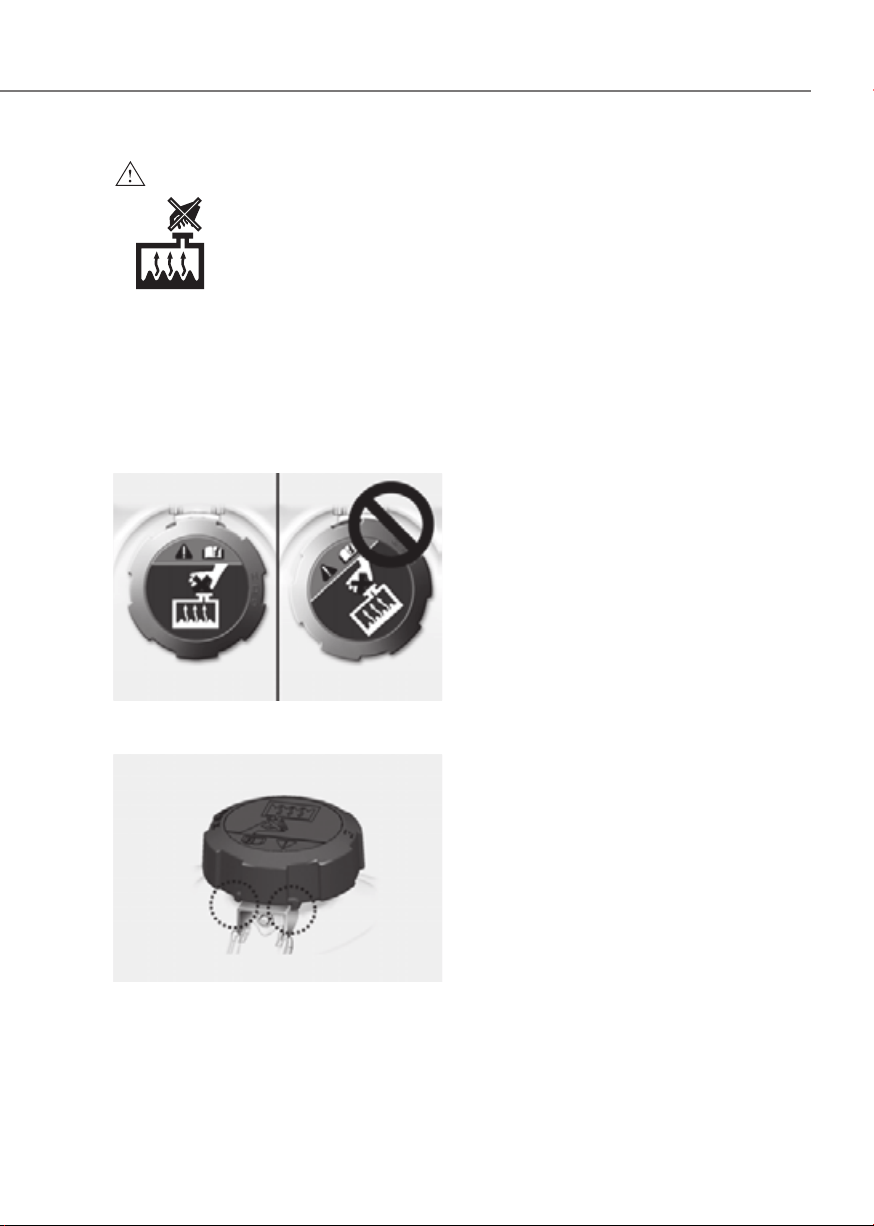
9-13
09
WARNING
•
Check the coolant level when
the motor compartment
is cooled. Coolant level is
influenced by temperature,
and if the coolant reservoir
cap is removed when coolant
temperature is high, hot
coolant and steam may blow
out under pressure causing
serious injury.
• Make sure the coolant cap is properly
closed after refilling coolant.
Otherwise the motor could be
overheated while driving.
Motor compartment front viewMotor compartment front view
ORG3EV091045ORG3EV091045
1. Check if the coolant cap label is
straight in front.
ORG3EV091043ORG3EV091043
2. Make sure that the tiny protrusions
inside the coolant cap are securely
interlocked.
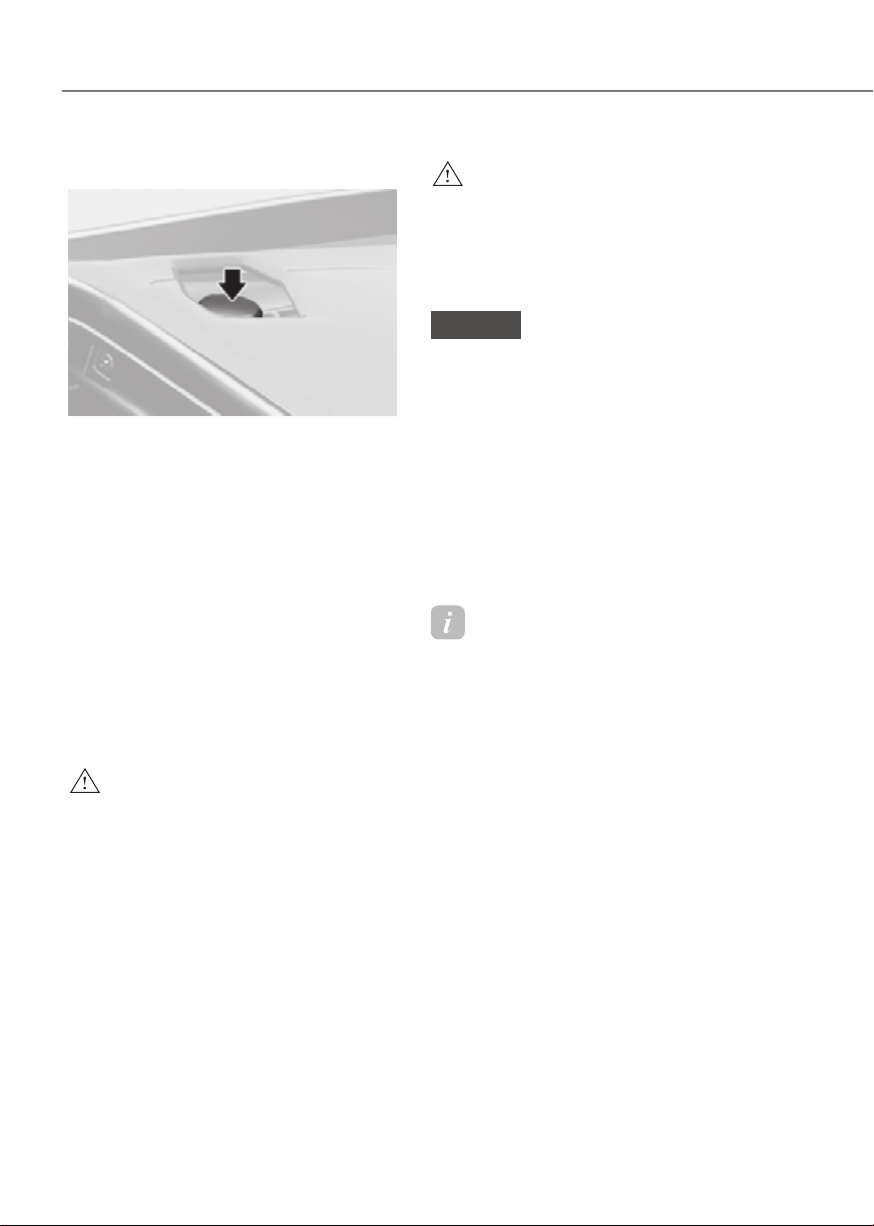
9-14
Maintenance
Checking the Brake Fluid Level
ORG3EV092004LORG3EV092004L
Check the fluid level in the reservoir
periodically. The fluid level should be
between MAX and MIN marks on the side
of the reservoir.
Before removing the reservoir cap and
adding brake fluid, clean the area around
the reservoir cap thoroughly to prevent
brake fluid contamination.
If the level is low, add the specified brake
fluid to the MAX level. The level will fall
with accumulated kilometers. This is a
normal condition associated with the
wear of the brake linings. If the fluid level
is excessively low, have the brake system
checked by an authorized retailer of
Genesis Branded products.
WARNING
If the brake system requires frequent
additions of fluid this could indicate
a leak in the brake system. Have the
vehicle inspected by an authorized
retailer of Genesis Branded products.
WARNING
Do not let brake fluid enter into your
eyes. If brake fluid gets in your eyes,
flush your eyes with clean water for
at least 15 minutes and get immediate
medical attention.
NOTICE
• Do not allow brake fluid to contact
the vehicle’s body paint, as it will
result in paint damage.
• NEVER use brake fluid which has
been exposed to open air for an
extended time, as its quality cannot
be guaranteed. It should be disposed
of properly.
• Do not use the wrong type of brake
fluid. A few drops of mineral based
oil in your brake system can damage
brake system parts.
Information
Use only the specified brake fluid (refer
to “Recommended Lubricants and
Capacities” section in chapter 2).
BRAKE FLUID
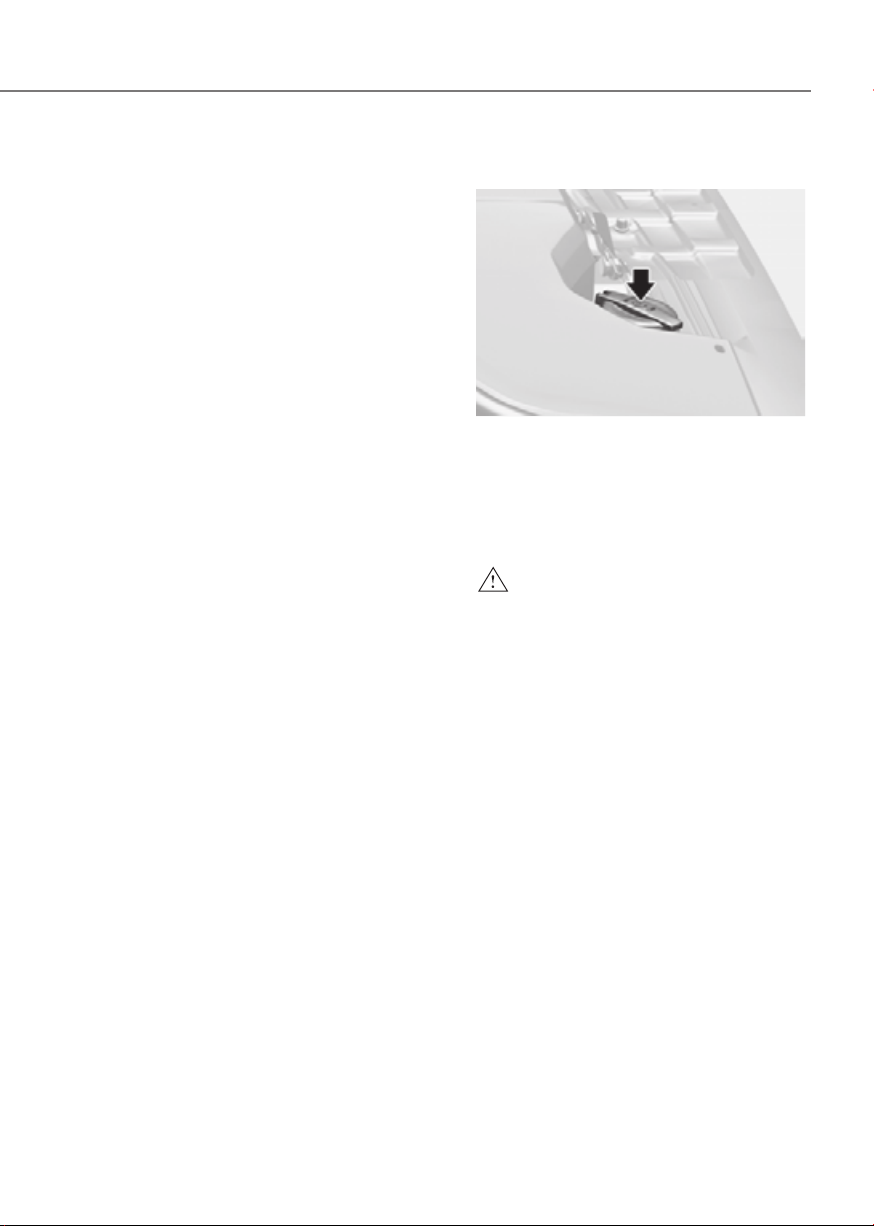
9-15
09
Checking the Washer Fluid Level
ORG3EV092005LORG3EV092005L
Check the fluid level in the washer fluid
reservoir and add fluid if necessary. Plain
water may be used if washer fluid is not
available. However, use washer solvent
with antifreeze characteristics in cold
climates to prevent freezing.
WARNING
To prevent serious injury or death, take
the following safety precautions when
using washer fluid:
• Do not use coolant or antifreeze in
the washer fluid reservoir. Coolant
can severely obscure visibility when
sprayed on the windshield and
may cause loss of vehicle control
resulting in an accident or damage to
paint and body trim.
• Do not allow sparks or flame to
contact the washer fluid or the
washer fluid reservoir. Washer fluid
may contain alcohol and can be
flammable.
• Do not drink washer fluid and avoid
contact with skin. Washer fluid is
harmful to humans and animals.
• Keep washer fluid away from
children and animals.
WASHER FLUIDREDUCTION GEAR FLUID
There is no reduction gear fluid level
gauge in the vehicle. Check the
reduction gear fluid every 60,000 km
regularly. If the vehicle is driven under
severe condition, check the maintenance
under severe usage condition and
consult an authorized retailer of Genesis
Branded products.

9-16
Maintenance
Filter Inspection
The cabin air filter should be replaced
according to the Maintenance Schedule.
If the vehicle is operated in severely air-
polluted cities or on dusty rough roads
for a long period, it should be inspected
more frequently and replaced sooner.
Replace the cabin air filter by following
the procedure below and be careful to
avoid damaging other components.
Filter Replacement
ORG3EV091026ORG3EV091026
1. Open the glove box and remove the
support rod (1).
ORG3EV091027ORG3EV091027
2. Remove the stoppers on both sides to
allow the glove box to hang freely on
the hinges.
ORG3EV091028ORG3EV091028
3. Press and hold the lock on the left side
of the cover.
4. Pull out the cover
5. Replace the cabin air filter.
6. Reassemble in the reverse order of
disassembly.
CABIN AIR FILTER
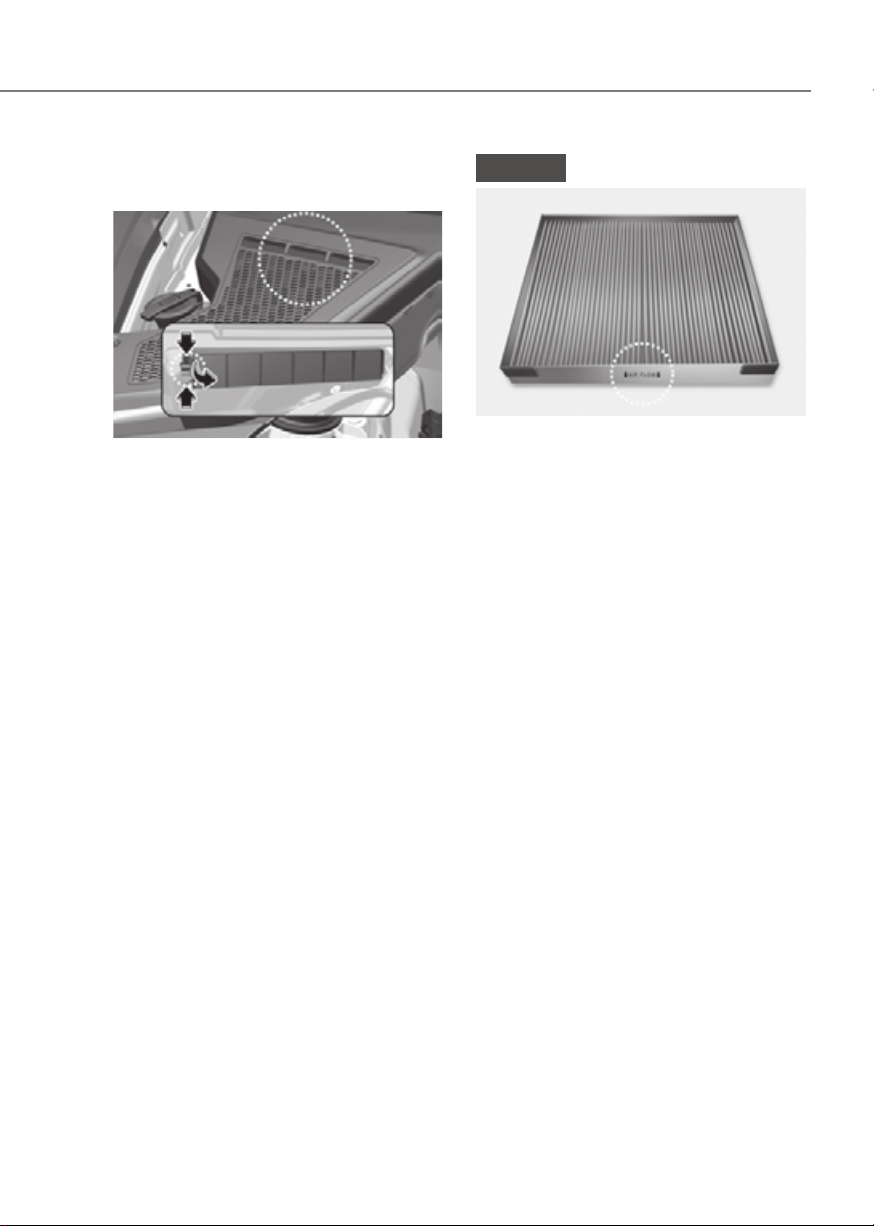
9-17
09
Motor compartment
(if equipped)
ORG3EV091029ORG3EV091029
1. Remove the cover covering the cabin
air filter by pushing out the retainer
clip with a slim tool.
2. Press and hold the lock on the left side
of the cover and then pull the cover
out.
3. Replace the cabin air filter.
4. Reassemble in the reverse order of
disassembly.
NOTICE
OHI078055OHI078055
Install a new cabin air filter in the
correct direction with the arrow symbol
and reduce effectiveness.

9-18
Maintenance
Blade Inspection
Contamination of either the windshield
or the wiper blades with foreign matter
can reduce the effectiveness of the
windshield wipers.
Common sources of contamination are
insects, tree sap, and hot wax treatments
used by some commercial car washes. If
the blades are not wiping properly, clean
both the window and the blades with a
good cleaner or mild detergent, and rinse
thoroughly with clean water.
NOTICE
To prevent damage to the wiper blades,
arms or other components, do not:
• Use gasoline, kerosene, paint
thinner, or other solvents on or near
them.
• Attempt to move the wipers
manually.
• Use non-specified wiper blades.
Information
Commercial hot waxes applied by
automatic car washes have been known to
make the windshield difficult to clean.
Information
Wiper blades are consumable items.
Normal wear of the wipers may not be
covered by your vehicle warranty.
Blade Replacement
When the wipers no longer clean
adequately, the blades may be worn or
cracked, and require replacement.
NOTICE
• In order to prevent damage to the
hood and the wiper arms, the wiper
arms should only be lifted when in
the top wiping position.
• Always return the wiper arms to the
windshield before driving.
Front windshield wiper blade
replacement
ORG3EV091050NORG3EV091050N
1. Within 20 seconds of turning off the
vehicle, lift up and hold the wiper
lever to the MIST position for about 2
seconds until the wipers move to the
top wipe position.
2. At this time you can lift the wipers off
the windshield.
Information
This vehicle has a “hidden” wiper design
which means that the wipers cannot be
lifted manually when they are in their
bottom resting position.
WIPER BLADES
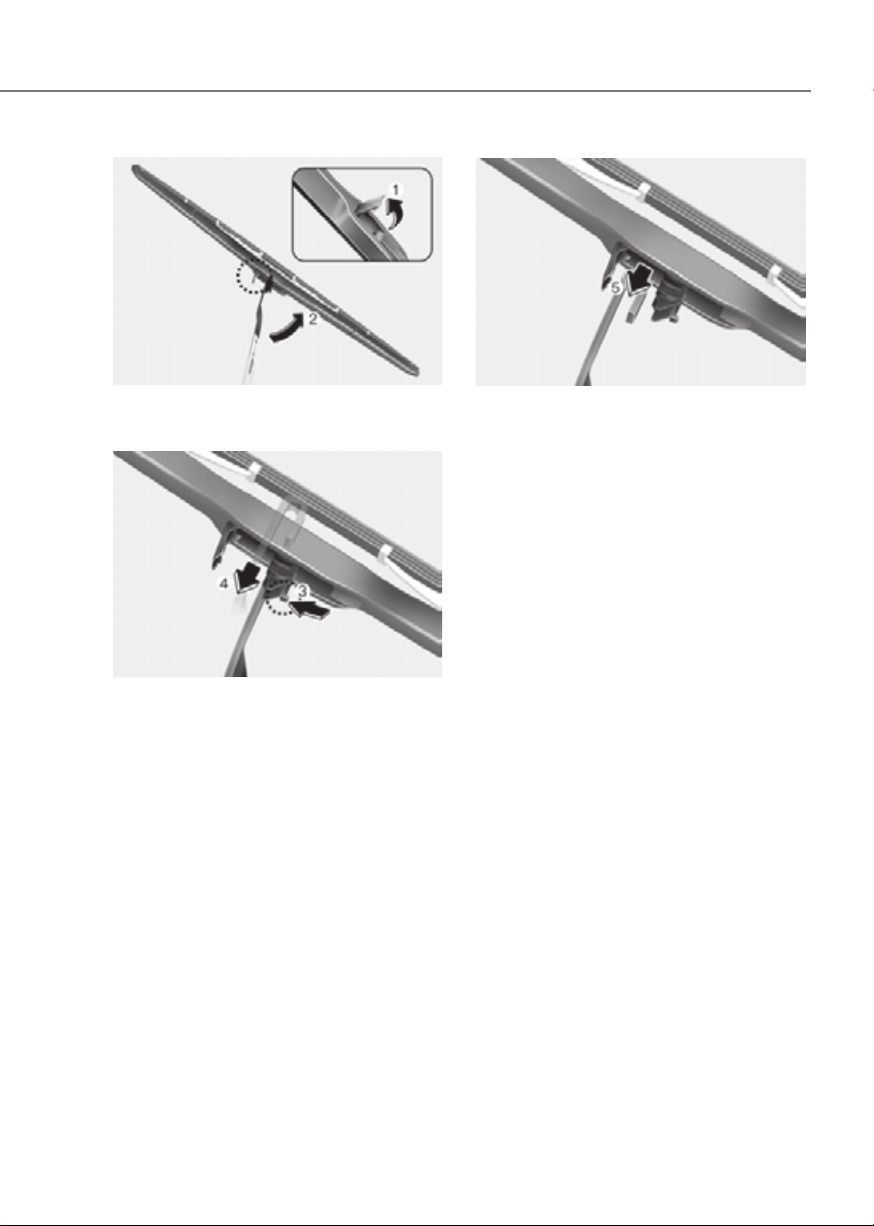
9-19
09
ORG3EV091035ORG3EV091035
1. Lift up the wiper blade clip (1). Then
lift up the wiper blade (2).
ORG3EV091036ORG3EV091036
2. Press the clip (3). Then push the blade
forward through the wiper arm to
disassemble it (4).
ORG3EV091037ORG3EV091037
3. Remove the wiper blade from the
wiper arm (5).
4. Install the new blade assembly in the
reverse order of removal.
5. Return the wiper arm on the
windshield.
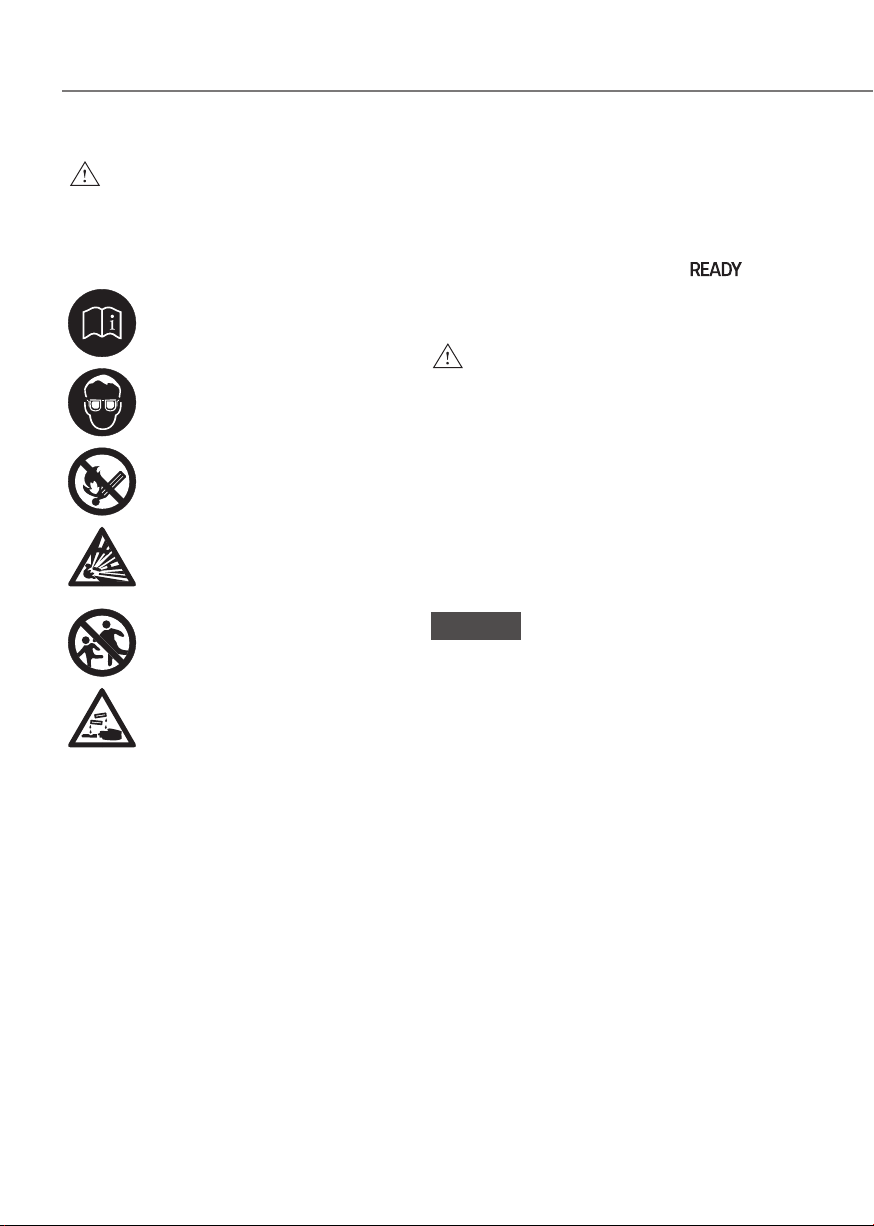
9-20
Maintenance
WARNING
To prevent SERIOUS INJURY or DEATH
to you or bystanders, always follow
these precautions when working near
or handling the battery:
Always read and follow
instructions carefully when
handling a battery.
Wear eye protection designed
to protect the eyes from acid
splashes.
Keep all flames, sparks, or
smoking materials away from
the battery.
Hydrogen is always present
in battery cells, is highly
combustible, and may explode
if ignited.
Keep batteries out of reach of
children.
Batteries contain sulfuric acid
which is highly corrosive. Do
not allow acid to contact your
eyes, skin or clothing.
If acid gets into your eyes, flush your
eyes with clean water for at least 15
minutes and get immediate medical
attention. If acid gets on your skin,
thoroughly wash the area. If you feel
pain or a burning sensation, get medical
attention immediately.
• When lifting a plastic-cased battery,
excessive pressure on the case may
cause battery acid to leak. Lift with a
battery carrier or with your hands on
opposite corners.
• Do not attempt to jump start your
vehicle if your battery is frozen.
• NEVER attempt to recharge the
battery when the vehicle’s battery
cables are connected to the battery.
• The electrical ignition switch works
with high voltage. NEVER touch
these components with the “
”
indicator ON or when the Start/Stop
button is in the ON position.
WARNING
CALIFORNIA PROPOSITION 65
WARNING
Battery posts, terminals, and related
accessories contain lead and lead
compounds, chemicals known to the
State of California to cause cancer,
birth defects and reproductive harm.
Batteries also contain other chemicals
known to the State of California
to cause cancer. Wash hands after
handling.
NOTICE
Always follow these instructions when
handling your vehicle’s battery to
prevent damage to your battery:
• When you do not use the vehicle for a
long time in a low temperature area,
disconnect the battery and keep it
indoors.
• Always charge the battery fully to
prevent battery case damage in low
temperature areas.
• Prevent liquid from wetting the
battery terminals. The performance
of the battery may be degraded, and
may cause injury. Be cautious when
loading liquid in the trunk.
• Do not tilt the battery.
• If you connect unauthorized
electronic devices to the battery, the
battery may be discharged. Never
use unauthorized devices.
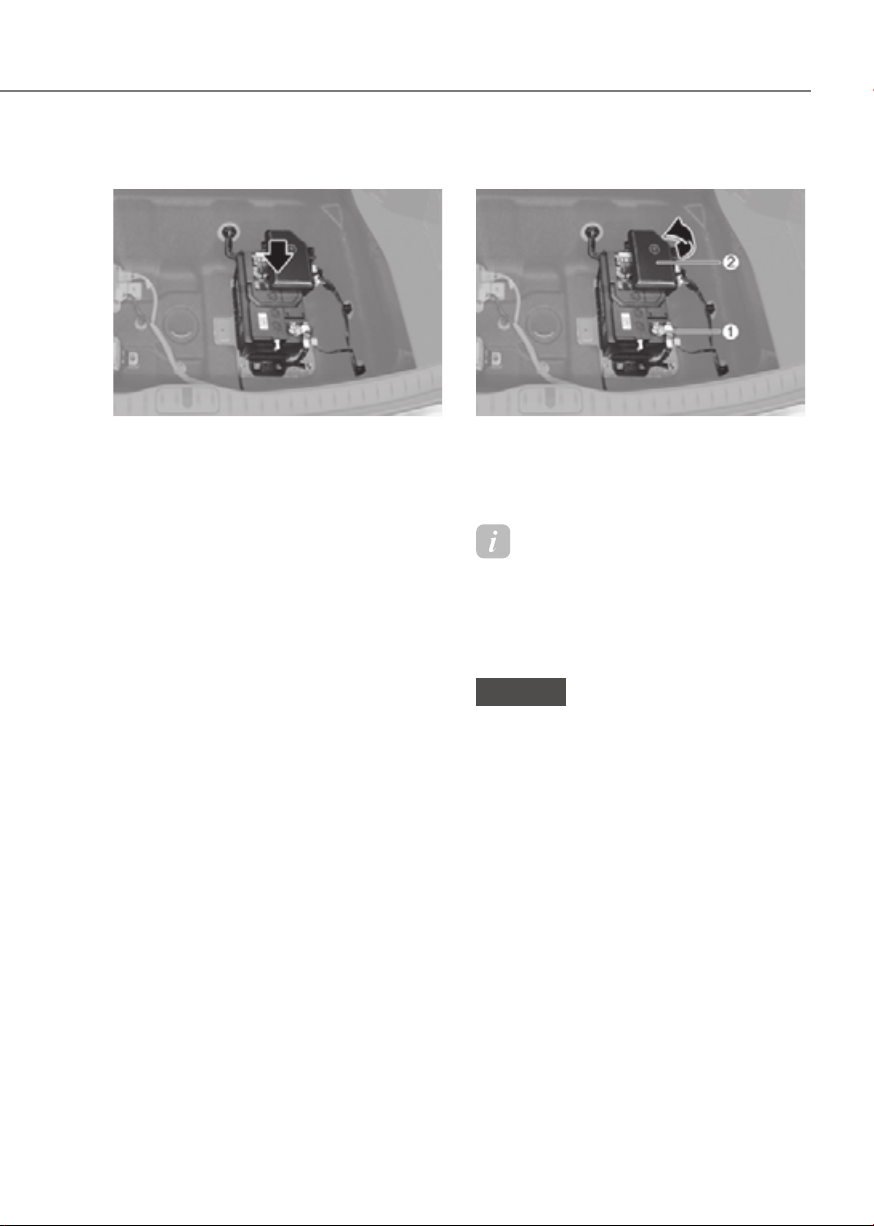
9-21
09
For Best Battery Service
ORG3EV091006ORG3EV091006
• Keep the battery securely mounted.
• Keep the battery top clean and dry.
• Keep the terminals and connections
clean, tight, and coated with
petroleum jelly or terminal grease.
• Rinse any spilled electrolyte from the
battery immediately with a solution of
water and baking soda.
• If the vehicle is not going to be used
for an extended time, disconnect the
battery cables.
• Inspect the battery frequently and
keep the battery clean at all times.
Leaving the battery contaminated will
shorten battery life.
• Before recharging the battery or
performing any inspections, turn off
the vehicle and turn off all electrical
equipment.
Battery Replacement
ORG3EV091052LORG3EV091052L
When replacing the battery, disconnect
negative (-) cable (1) and remove positive
(+) battery fuse box (2). Reassemble in
the reverse order of disassembly.
Information
For vehicles with power trunks, note that
the power trunk needs to be reset after
the battery has been replaced. For more
details, refer to “Power Trunk” section in
chapter 5.
NOTICE
Make sure the battery is installed
securely when the it is replaced. If the
battery vibrates while driving, the case
and electrode plate can be damaged.

9-22
Maintenance
Battery Capacity Label
ORG3EV091053LORG3EV091053L
à The actual battery label in the vehicle
may differ from the illustration.
1. AGM60L-DIN : The Genesis model
name of battery
2. 60Ah(20HR) : The nominal capacity
(in Ampere hours)
3. 100RC : The nominal reserve capacity
(in min.)
4. 12 V : The nominal voltage
5. 640CCA / 512A : The cold-test current
in amperes by SAE/EN
Battery Recharging
By battery charger
Should your vehicle’s battery become
discharged either run the motor for at
least 60 minutes driving. Alternatively
you may connect a fully automatic
regulated charger to the motor
compartment front jumper posts or at
the battery in the trunk.
WARNING
Always follow these instructions when
recharging your vehicle’s battery to
avoid the risk of SERIOUS INJURY or
DEATH from explosions or acid burns:
• Before performing maintenance or
recharging the battery, turn off all
accessories and stop the vehicle.
• Keep all flames, sparks, or smoking
materials away from the battery.
• Always work outdoors or in an area
with plenty of ventilation.
• Wear eye protection when checking
the battery during charging.
• The battery must be removed from
the vehicle and placed in a well
ventilated area.
• Watch the battery during charging,
and stop or reduce the charging
rate if the battery cells begin boiling
violently.
• The negative battery cable must
be removed first and installed last
when the battery is disconnected.
Disconnect the battery charger in the
following order:
1. Turn off the battery charger main
switch.
2. Unhook the negative clamp from
the negative battery terminal.
3. Unhook the positive clamp from
the positive battery terminal.
• Use batteries for replacement from
an authorized retailer of Genesis
Branded products.

9-23
09
NOTICE
AGM battery
• Absorbent Glass Matt (AGM)
batteries are maintenance-free and
have the AGM battery serviced by
an authorized retailer of Genesis
Branded products. For charging
your AGM battery, use only fully
automatic battery chargers that
are specially developed for AGM
batteries.
• When replacing the AGM battery,
use parts for replacement from
an authorized retailer of Genesis
Branded products.
• Do not open or remove the cap on
top of the battery. This may cause
leaks of internal electrolyte that
could result in severe injury.
By jump starting
After a jump start from a good battery,
drive the vehicle for 20-30 minutes
before it is shutoff. The vehicle may
not restart if you shut it off before the
battery had a chance to adequately
recharge. See “Jump Starting” in chapter
8 for more information on jump starting
procedures.
Information
An inappropriately disposed
battery can be harmful to the
environment and human health.
Dispose of the battery according
to your local law(s) or regulation.
Reset Items
The following items may need to be reset
after the battery has been discharged or
the battery has been disconnected.
• Driving info/After recharging/
Accumulated info (items in Utility
view) (see chapter 4)
• Integrated memory system (see
chapter 5)
• Power window (see chapter 5)
• Vision roof (see chapter 5)
• Power trunk (see chapter 5)
• Climate control system (see chapter 5)
• Clock (see Infotainment system
manual)
• Infotainment system (see
Infotainment system manual)

9-24
Maintenance
WARNING
Tire failure may cause loss of
vehicle control resulting in an
accident. To reduce risk of SERIOUS
INJURY or DEATH, take the
following precautions:
• Inspect your tires monthly for
proper inflation as well as wear
and damage.
• The recommended cold tire
pressure for your vehicle can be
found in this manual and on the
tire label located on the driver’s
side center pillar. Always use a
tire pressure gauge to measure
tire pressure. Tires with too
much or too little pressure wear
unevenly causing poor handling.
• Check the pressure of the
spare every time you check the
pressure of the other tires on
your vehicle.
• Replace tires that are worn, show
uneven wear, or are damaged.
Worn tires can cause loss of
braking effectiveness, steering
control, or traction.
• ALWAYS replace tires with the
same size, type, construction and
tread pattern as each tire that
was originally supplied with this
vehicle. Using tires and wheels
other than the recommended
sizes could cause unusual
handling characteristics, poor
vehicle control, or negatively
affect your vehicle’s Anti-Lock
Brake System (ABS) resulting in a
serious accident.
Tire Care
For proper maintenance, safety,
and maximum electric energy
economy, you must always maintain
recommended tire inflation
pressures and stay within the load
limits and weight distribution
recommended for your vehicle.
ORG3EV011027LORG3EV011027L
All specifications (sizes and
pressures) can be found on a label
attached to the driver’s side center
pillar.
Recommended Cold Tire
Inflation Pressures
All tire pressures (including the
spare) should be checked when the
tires are cold. “Cold tires” means the
vehicle has not been driven for at
least three hours or driven less than
1 mile (1.6 km).
Warm tires normally exceed
recommended cold tire pressures
by 4 to 6 psi (28 to 41 kPa). Do not
release air from warm tires to adjust
the pressure or the tires will be
under-inflated. For recommended
inflation pressure, refer to “Tire and
Wheels” section in chapter 2.
TIRES AND WHEELS

9-25
09
WARNING
Recommended pressures must be
maintained for the best ride, vehicle
handling, and minimum tire wear.
Over-inflation or under-inflation
can reduce tire life, adversely
affect vehicle handling, and lead to
sudden tire failure that could result
in loss of vehicle control resulting in
an accident.
Severe under-inflation can lead
to severe heat build-up, causing
blowouts, tread separation and
other tire failures that can result in
the loss of vehicle control resulting
in an accident. This risk is much
higher on hot days and when
driving for long periods at high
speeds.
CAUTION
• Under-inflation results in
excessive wear, poor handling
and reduced electric energy
economy. Wheel deformation
is also possible. Keep your tire
pressures at the proper levels. If
a tire frequently needs refilling,
have it checked by an authorized
retailer of Genesis Branded
products.
• Over-inflation produces a harsh
ride, excessive wear at the center
of the tire tread, and a greater
possibility of damage from road
hazards.
Check Tire Inflation Pressure
Check your tires, including the spare
tire, once a month or more.
How to check
Use a good quality tire pressure
gauge to check tire pressure. You
can not tell if your tires are properly
inflated simply by looking at them.
Radial tires may look properly
inflated when they are under-
inflated.
Remove the valve cap from the tire
valve stem. Press the tire gauge
firmly onto the valve to get a
pressure measurement. If the cold
tire inflation pressure matches the
recommended pressure on the tire
and loading information label, no
further adjustment is necessary. If
the pressure is low, add air until you
reach the recommended pressure.
Make sure to put the valve caps
back on the valve stems. Without
the valve cap, dirt or moisture could
get into the valve core and cause
air leakage. If a valve cap is missing,
install a new one as soon as possible.
If you overfill the tire, release air by
pushing on the metal stem in the
center of the tire valve. Recheck the
tire pressure with the tire gauge. Be
sure to put the valve caps back on
the valve stems. Without the valve
cap, dirt or moisture could get into
the valve core and cause air leakage.
If a valve cap is missing, install a new
one as soon as possible.
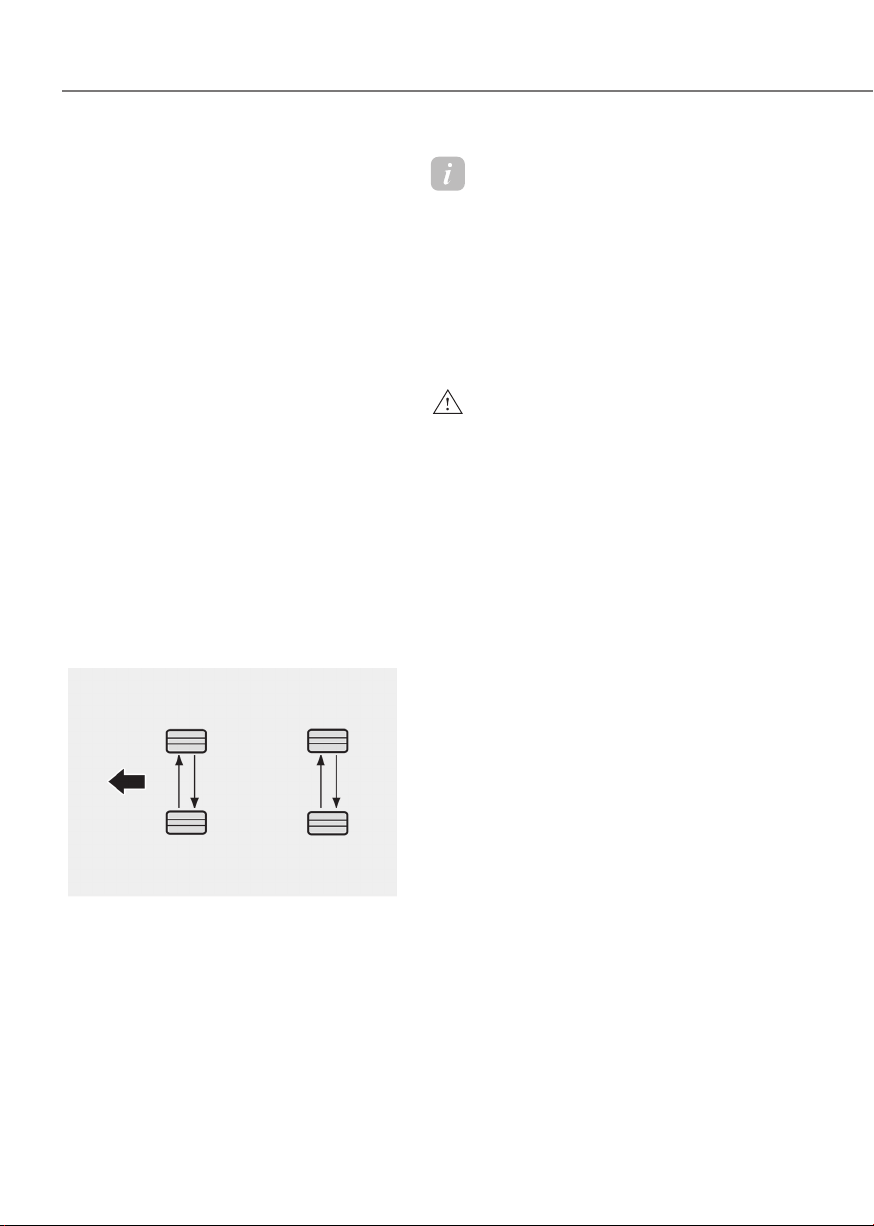
9-26
Maintenance
Tire Rotation
To equalize tread wear, Genesis
Branded Vehicle recommends that
the tires be rotated according to the
maintenance schedule or sooner if
irregular wear develops.
During rotation, check the tires for
correct balance.
When rotating tires, check for
uneven wear and damage. Abnormal
wear is usually caused by incorrect
tire pressure, improper wheel
alignment, out-of-balance wheels,
severe braking or severe cornering.
Look for bumps or bulges in the
tread or side of the tire. Replace
the tire if you find any of these
conditions. Replace the tire if fabric
or cord is visible. After rotation, be
sure to bring the front and rear tire
pressures to specification and check
wheel bolt tightness (proper torque
is 101 ~ 116 lbf·ft (14 ~ 16 kgf·m).
ORG3EV091038ORG3EV091038
Disc brake pads should be inspected
for wear whenever tires are rotated.
Information
The outside and inside of the
unsymmetrical tire is distinguishable.
When installing an unsymmetrical
tire, be sure to install the side marked
“outside” face the outside. If the side
marked “inside” is installed on the
outside, it will have a negative effect
on vehicle performance.
WARNING
• Do not use the compact spare
tire for tire rotation.
• Do not mix bias ply and radial ply
tires under any circumstances.
This may cause unusual handling
characteristics that may cause
loss of vehicle control resulting in
an accident.
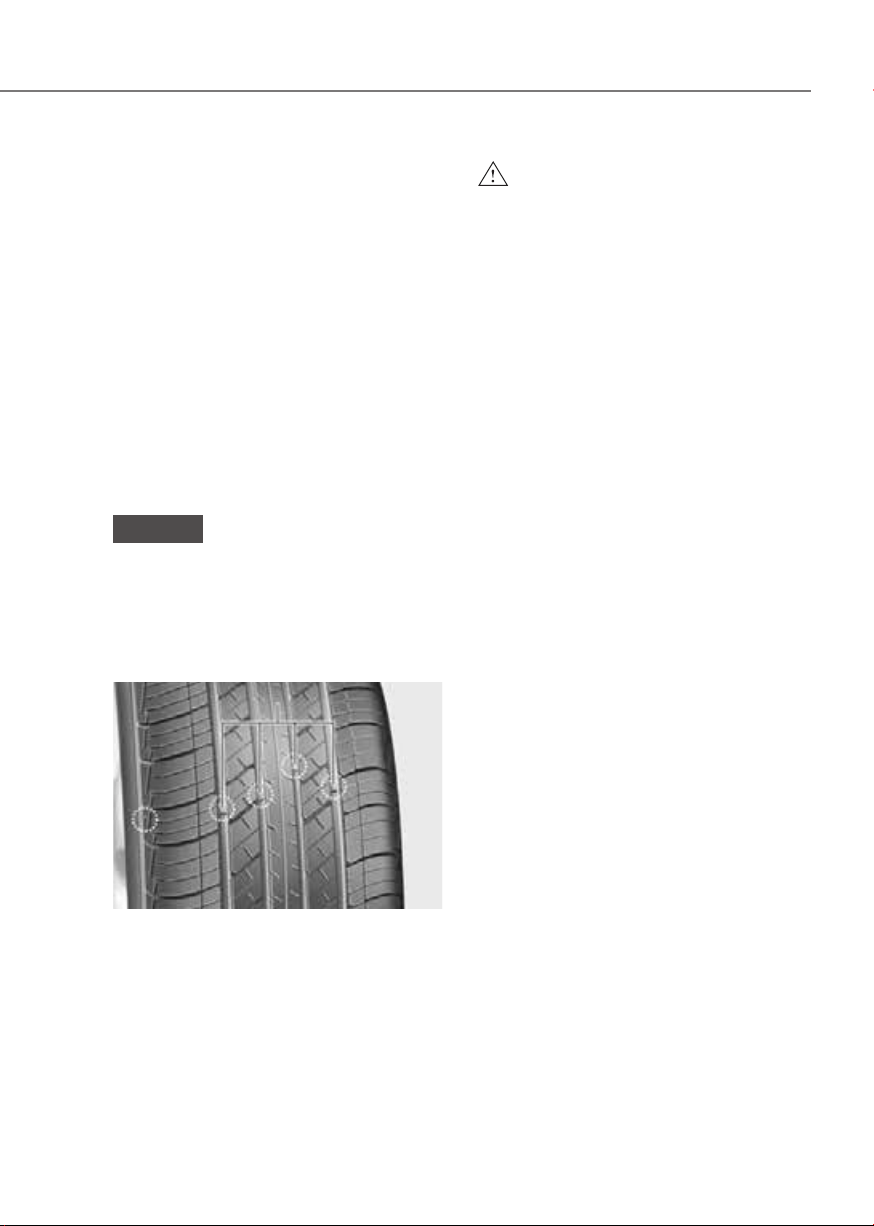
9-27
09
Wheel Alignment and Tire
Balance
The wheels on your vehicle were
aligned and balanced carefully at the
factory to give you the longest tire
life and best overall performance.
In most cases, you will not need to
have your wheels aligned again.
However, if you notice unusual tire
wear or your vehicle pulling one way
or the other, the alignment may need
to be reset.
If you notice your vehicle vibrating
when driving on a smooth road, your
wheels may need to be rebalanced.
NOTICE
Incorrect wheel weights can
damage your vehicle’s aluminum
wheels. Use only approved wheel
weights.
Tire Replacement
OLMB073027OLMB073027
AA
[A] : Tread wear indicator
If the tire is worn evenly, a tread
wear indicator will appear as a solid
band across the tread. This shows
there is less than 1/16 in. (1.6 mm) of
tread left on the tire. Replace the tire
when this happens.
Do not wait for the band to appear
across the entire tread before
replacing the tire.
WARNING
To reduce the risk of DEATH or
SERIOUS INJURY:
• Replace tires that are worn, show
uneven wear, or are damaged.
Worn tires can cause loss of
braking effectiveness, steering
control, and traction.
• Always replace tires with the
same size as each tire that was
originally supplied with this
vehicle. Using tires and wheels
other than the recommended
sizes could cause unusual
handling characteristics, poor
vehicle control, or negatively
affect your vehicle’s Anti-Lock
Brake System (ABS) resulting in a
serious accident.
• When replacing tires (or wheels),
it is recommended to replace
the two front or two rear tires (or
wheels) as a pair. Replacing just
one tire can seriously affect your
vehicle’s handling.
• Tires degrade over time, even
when they are not being used.
Regardless of the remaining
tread, Genesis Branded Vehicle
recommends that tires be
replaced after six (6) years of
normal service.
• Heat caused by hot climates or
frequent high loading conditions
can accelerate the aging process.
Failure to follow this warning
may cause sudden tire failure,
which could lead to a loss of
vehicle control resulting in an
accident.
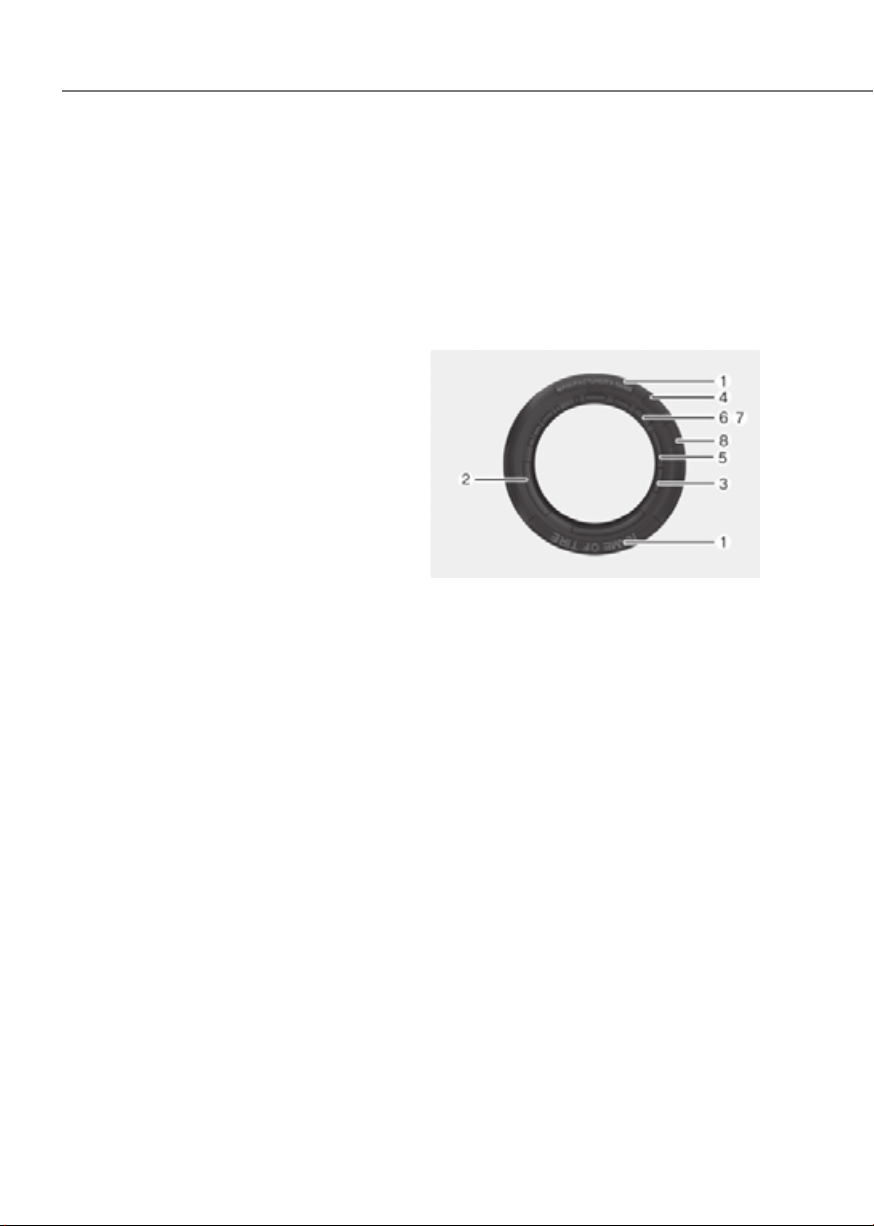
9-28
Maintenance
Wheel Replacement
When replacing the metal wheels
for any reason, make sure the new
wheels are equivalent to the original
factory units in diameter, rim width
and offset.
Tire Traction
Tire traction can be reduced if you
drive on worn tires, tires that are
improperly inflated or on slippery
road surfaces. Tires should be
replaced when tread wear indicators
appear. To reduce the possibility of
losing control, slow down whenever
there is rain, snow or ice on the road.
Tire Maintenance
In addition to proper inflation,
correct wheel alignment helps to
decrease tire wear. If you find a tire
is worn unevenly, have your dealer
check the wheel alignment.
When you have new tires installed,
make sure they are balanced. This
will increase vehicle ride comfort
and tire life. Additionally, a tire
should always be rebalanced if it is
removed from the wheel.
Tire Sidewall Labeling
This information identifies and
describes the fundamental
characteristics of the tire and also
provides the Tire Identification
Number (TIN) for safety standard
certification. The TIN can be used to
identify the tire in case of a recall.
ORS093077LORS093077L
1. Manufacturer or brand name
Manufacturer or brand name is
shown.
2. Tire size designation
A tire’s sidewall is marked with a
tire size designation. You will need
this information when selecting
replacement tires for your car.
The following explains what the
letters and numbers in the tire size
designation mean.

9-29
09
Example tire size designation:
(These numbers are provided as
an example only; your tire size
designator could vary depending on
your vehicle.)
245/45R19 101H
245 - Tire width in millimeters.
45 - Aspect ratio. The tire’s section
height as a percentage of its
width.
R - Tire construction code (Radial).
19 - Rim diameter in inches.
105 - Load Index, a numerical code
associated with the maximum
load the tire can carry.
W - Speed Rating Symbol. See
the speed rating chart in
this section for additional
information.
Wheel size designation
Wheels are also marked with
important information that you need
if you ever have to replace one. The
following explains what the letters
and numbers in the wheel size
designation mean.
Example wheel size designation:
8.5J X 19
8.5 - Rim width in inches.
J - Rim contour designation.
19 - Rim diameter in inches.
Tire speed ratings
The chart below lists many of the
different speed ratings currently
being used for passenger vehicle
tires. The speed rating is part of the
tire size designation on the sidewall
of the tire. This symbol corresponds
to that tire’s designed maximum safe
operating speed.
Speed Rating
Symbol
Maximum Speed
S 112 mph (180 km/h)
T 118 mph (190 km/h)
H 130 mph (210 km/h)
V 149 mph (240 km/h)
W 168 mph (270 km/h)
Y 186 mph (300 km/h)
3. Checking tire life (TIN : Tire
Identification Number)
Any tires that are over six years old,
based on the manufacturing date,
(including the spare tire) should be
replaced by new ones. You can find
the manufacturing date on the tire
sidewall (possibly on the inside of
the wheel), displaying the DOT Code.
The DOT Code is a series of numbers
on a tire consisting of numbers and
English letters. The manufacturing
date is designated by the last four
digits (characters) of the DOT code.
DOT : XXXX XXXX OOOO
The front part of the DOT shows a
plant code number, tire size and
tread pattern and the last four
numbers indicate week and year
manufactured.
For example:
DOT XXXX XXXX 1523 represents that
the tire was produced in the 15th
week of 2023.

9-30
Maintenance
4. Genesis exclusive tire
Genesis Branded Vehicle
recommends that tires designed
specifically for Genesis vehicles
be used. You may find the marking
“GOE” (Genesis Original Equipment)
embossed on the tire sidewall.
5. Tire ply composition and material
The number of layers or plies of
rubber-coated fabric in the tire. Tire
manufacturers also must indicate the
materials in the tire, which include
steel, nylon, polyester, and others.
The letter “R” means radial ply
construction; the letter “D“ means
diagonal or bias ply construction;
and the letter “B” means belted-bias
ply construction.
6. Maximum permissible inflation
pressure
This number is the greatest amount
of air pressure that should be put in
the tire. Do not exceed the maximum
permissible inflation pressure. Refer
to the Tire and Loading Information
label for recommended inflation
pressure.
7. Maximum load rating
This number indicates the maximum
load in kilograms and pounds that
can be carried by the tire. When
replacing the tires on the vehicle,
always use a tire that has the same
load rating as the factory installed
tire.
8. Uniform tire quality grading
Quality grades can be found where
applicable on the tire sidewall
between tread shoulder and
maximum section width.
For example:
TREADWEAR 200
TRACTION AA
TEMPERATURE A
Tread wear
The tread wear grade is a
comparative rating based on the
wear rate of the tire when tested
under controlled conditions on a
specified government test course.
For example, a tire graded 150 would
wear one-and-a-half times (1½) as
well on the government course as a
tire graded 100.
The relative performance of tires
depends upon the actual conditions
of their use, however, and may
depart significantly from the norm
due to variations in driving habits,
service practices and differences in
road characteristics and climate.
These grades are molded on the
sidewalls of passenger vehicle tires.
The tires available as standard or
optional equipment on your vehicle
may vary with respect to grade.
Traction - AA, A, B & C
The traction grades, from highest
to lowest, are AA, A, B and C. Those
grades represent the tire’s ability to
stop on wet pavement as measured
under controlled conditions on
specified government test surfaces
of asphalt and concrete. A tire
marked C may have poor traction
performance.

9-31
09
WARNING
The traction grade assigned to
this tire is based on straight ahead
braking traction tests, and does not
include acceleration, cornering,
hydroplaning, or peak traction
characteristics.
Temperature - A, B & C
The temperature grades are A (the
highest), B and C representing the
tire’s resistance to the generation
of heat and its ability to dissipate
heat when tested under controlled
conditions on a specified indoor
laboratory test wheel.
Sustained high temperature can
cause the material of the tire to
degenerate and reduce tire life,
and excessive temperature can
lead to sudden tire failure. Grades
B and A represent higher levels of
performance on the laboratory test
wheel than the minimum required
by law.
WARNING
The temperature grade for this
tire is established for a tire that
is properly inflated and not
overloaded. Excessive speed,
under-inflation, over-inflation, or
excessive loading, either separately
or in combination, can cause heat
build-up and possible sudden
tire failure. This may cause loss
of vehicle control resulting in an
accident.
Tire Terminology and Definitions
Air pressure
The amount of air inside the tire
pressing outward on the tire. Air
pressure is expressed in pounds per
square inch (psi) or kilopascal (kPa).
Accessory weight
This means the combined weight
of optional accessories. Some
examples of optional accessories
are automatic transmission, power
seats, and air conditioning.
Aspect ratio
The relationship of a tire’s height to
its width.
Belt
A rubber coated layer of cords that
is located between the plies and the
tread. Cords may be made from steel
or other reinforcing materials.
Bead
The tire bead contains steel wires
wrapped by steel cords that hold the
tire onto the rim.

9-32
Maintenance
Bias ply tire
A pneumatic tire in which the plies are
laid at alternate angles less than 90
degrees to the centerline of the tread.
Cold tire pressure
The amount of air pressure in a tire,
measured in pounds per square inch
(psi) or kilopascals (kPa) before a tire
has built up heat from driving.
Curb weight
This means the weight of a motor
vehicle with standard and optional
equipment including the maximum
capacity of fuel, oil and coolant, but
without passengers and cargo.
DOT markings
A code molded into the sidewall
of a tire signifying that the tire
is in compliance with the U.S.
Department of Transportation motor
vehicle safety standards. The DOT
code includes the Tire Identification
Number (TIN), an alphanumeric
designator which can also identify
the tire manufacturer, production
plant, brand and date of production.
GVWR
Gross Vehicle Weight Rating
GAWR FRT
Gross Axle Weight Rating for the
Front Axle.
GAWR RR
Gross Axle Weight Rating for the
Rear axle.
Intended outboard sidewall
The side of an asymmetrical tire,
that must always face outward when
mounted on a vehicle.
Kilopascal (kPa)
The metric unit for air pressure.
Light Truck (LT) tire
A tire designated by its manufacturer
as primarily intended for use on
lightweight trucks or multipurpose
passenger vehicles.
Load ratings
The maximum load that a tire is rated
to carry for a given inflation pressure.
Load index
An assigned number ranging from 1
to 279 that corresponds to the load
carrying capacity of a tire.
Maximum inflation pressure
The maximum air pressure to which
a cold tire may be inflated. The
maximum air pressure is molded
onto the sidewall.
Maximum load rating
The load rating for a tire at the
maximum permissible inflation
pressure for that tire.

9-33
09
Maximum loaded vehicle weight
The sum of curb weight; accessory
weight; vehicle capacity weight; and
production options weight.
Normal occupant weight
The number of occupants a vehicle
is designed to seat multiplied by 150
pounds (68 kg).
Occupant distribution
Designated seating positions.
Outward facing sidewall
An asymmetrical tire has a particular
side that faces outward when
mounted on a vehicle. The outward
facing sidewall bears white lettering
or bears manufacturer, brand, and/or
model name molding that is higher
or deeper than the same moldings
on the inner facing sidewall.
Passenger (P-Metric) tire
A tire used on passenger cars
and some light duty trucks and
multipurpose vehicles.
Ply
A layer of rubber-coated parallel
cords.
Pneumatic tire
A mechanical device made of rubber,
chemicals, fabric and steel or other
materials, that, when mounted on
an automotive wheel provides the
traction and contains the gas or fluid
that sustains the load.
Pneumatic options weight
The combined weight of installed
regular production options weighing
over 5 lb. (2.3 kg) in excess of the
standard items which they replace,
not previously considered in
curb weight or accessory weight,
including heavy duty breaks, ride
levelers, roof rack, heavy duty
battery, and special trim.
Recommended inflation pressure
Vehicle manufacturer’s
recommended tire inflation pressure
as shown on the tire placard.
Radial ply tire
A pneumatic tire in which the ply
cords that extend to the beads are
laid at 90 degrees to the centerline
of the tread.
Rim
A metal support for a tire and upon
which the tire beads are seated.
Sidewall
The portion of a tire between the
tread and the bead.
Speed rating
An alphanumeric code assigned to a
tire indicating the maximum speed
at which a tire can operate.

9-34
Maintenance
Traction
The friction between the tire and
the road surface. The amount of grip
provided.
Tread
The portion of a tire that comes into
contact with the road.
Treadwear indicators
Narrow bands, sometimes called
“wear bars”, that show across the
tread of a tire when only 1/16 inch of
tread remains.
UTQGS
Uniform Tire Quality Grading
Standards is a tire information
system that provides consumers
with ratings for a tire’s traction,
temperature and treadwear.
Ratings are determined by tire
manufacturers using government
testing procedures. The ratings are
molded into the sidewall of the tire.
Vehicle capacity weight
The number of designated seating
positions multiplied by 150 lbs. (68
kg) plus the rated cargo and luggage
load.
Vehicle maximum load on the tire
Load on an individual tire due to curb
and accessory weight plus maximum
occupant and cargo weight.
Vehicle normal load on the tire
Load on an individual tire that is
determined by distributing to each
axle its share of the curb weight,
accessory weight, and normal
occupant weight and dividing by 2.
Vehicle placard
A label permanently attached
to a vehicle showing the
original equipment tire size and
recommended inflation pressure.

9-35
09
All Season Tires
Genesis Branded Vehicle specifies
all season tires on some models to
provide good performance for use
all year round, including snowy and
icy road conditions. All season tires
are identified by ALL SEASON and/
or M+S (Mud and Snow) on the tire
sidewall. Snow tires have better
snow traction than all season tires
and may be more appropriate in
some areas.
Summer Tires
Genesis Branded Vehicle specifies
summer tires on some models to
provide superior performance on dry
roads. Summer tire performance is
substantially reduced in snow and
ice. Summer tires do not have the
tire traction rating M+S (Mud and
Snow) on the tire side wall. If you
plan to operate your vehicle in snowy
or icy conditions, Genesis Branded
Vehicle recommends the use of
snow tires or all season tires on all
four wheels.
Snow Tires
If you equip your car with snow
tires, they should be the same size
and have the same load capacity as
the original tires. Snow tires should
be installed on all four wheels;
otherwise, poor handling may result.
Snow tires should carry 4 psi (28 kPa)
more air pressure than the pressure
recommended for the standard
tires on the tire label on the driver’s
side of the center pillar, or up to the
maximum pressure shown on the tire
sidewall, whichever is less. Do not
drive faster than 75 mph (120 km/h)
when your vehicle is equipped with
snow tires.
Radial-Ply Tires
Radial-ply tires provide improved
tread life, road hazard resistance
and smoother high speed ride. The
radial-ply tires used on this vehicle
are of belted construction, and are
selected to complement the ride
and handling characteristics of
your vehicle. Radial-ply tires have
the same load carrying capacity,
as bias-ply or bias belted tires of
the same size, and use the same
recommended inflation pressure.
Mixing of radial-ply tires with
bias-ply or bias belted tires is not
recommended. Any combinations of
radial-ply and bias-ply or bias belted
tires when used on the same vehicle
will seriously deteriorate vehicle
handling. The best rule to follow
is: Identical pairs of radial-ply tires
should always be used as a set for
the front tires and a set for the rear
tires.
Longer wearing tires can be more
susceptible to irregular tread wear.
It is very important to follow the tire
rotation interval in this chapter to
achieve the tread life potential of
these tires. Cuts and punctures in
radial-ply tires are repairable only in
the tread area, because of sidewall
flexing. Consult your tire dealer for
radial-ply tire repairs.
WARNING
Do not mix bias ply and radial ply
tires under any circumstances.
This may cause unusual handling
characteristics that may cause loss
of vehicle control resulting in an
accident.

9-36
Maintenance
Low Aspect Ratio Tires
The aspect ratio is lower than 50 on
low aspect ratio tires.
Because low aspect ratio tires are
optimized for handling and braking,
their sidewall is a little stiffer than a
standard tire. Also, low aspect ratio
tires tend to be wider so that they
consequently have a greater contact
patch with the road surface. In some
instances, they may generate more
road noise compared with standard
tires.
CAUTION
The side wall of a low aspect ratio
tire is shorter than the normal one.
Thus, the low-aspect wheel and
tire are easily damaged. Follow the
below instructions.
• When driving on a rough road or
driving off a road, be careful not
to damage the tires and wheels.
After driving, inspect the tires
and wheels.
• When passing over a pothole,
speed bump, manhole, or curb
stone, drive the vehicle slowly so
as not to damage the tires and
wheels.
• When there is an impact on a tire,
inspect the tire condition. Or,
contact an authorized retailer of
Genesis Branded products.
• Inspect the tire condition and
pressure every 1,800 miles (3,000
km) to prevent tire damage.
• It is difficult to recognize a tire
damage only with your eyes.
When there is a slight hint of a
tire damage, check and replace
the tire to prevent the damage
caused by air leakage.
• When a tire is damaged while
driving on a rough road, off a
road, or over obstacles, such as a
pothole, manhole, or curb stone,
your warranty does not cover the
damage.
• The tire information is specified
on the tire side wall.
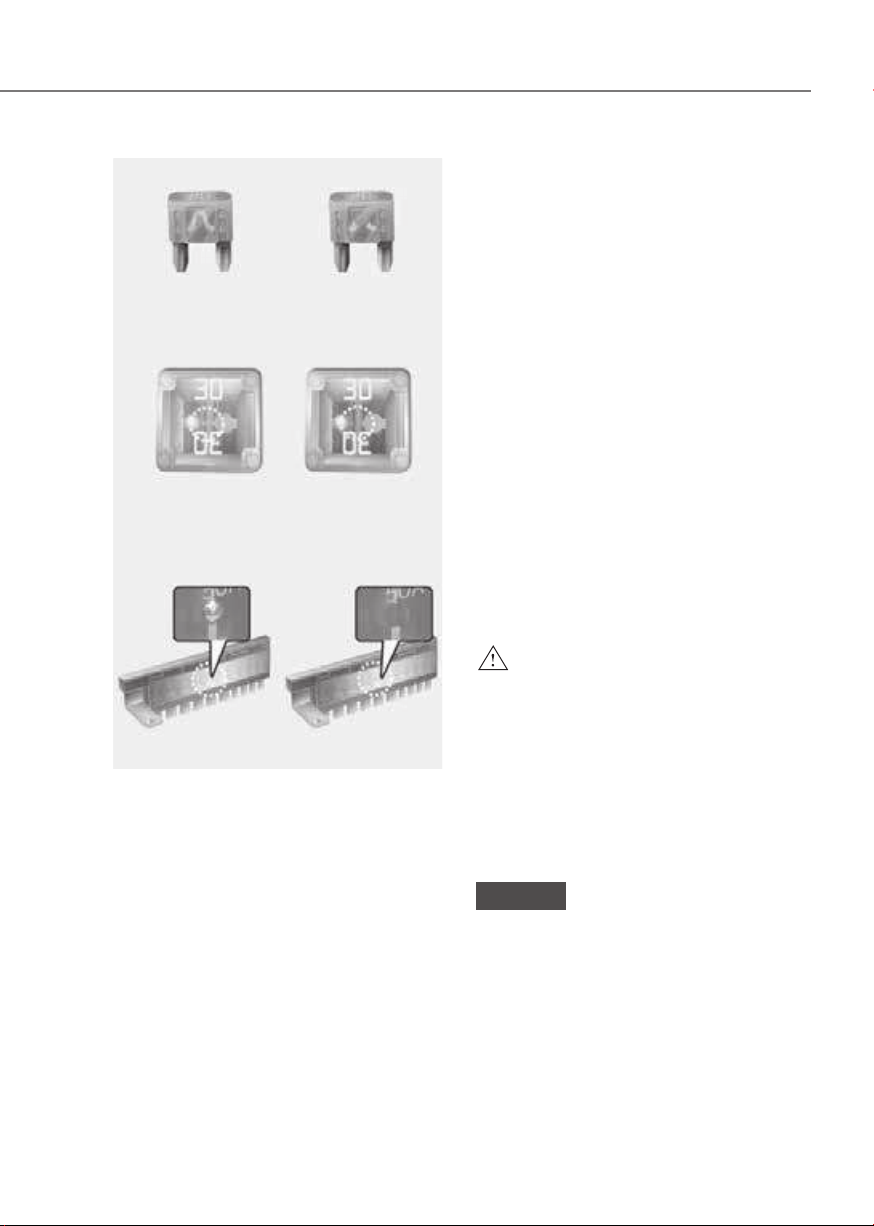
9-37
09
■
Blade type
■
Cartridge type
■
Multi type
Normal Blown
Normal Blown
Normal Blown
OTM078035OTM078035
A vehicle’s electrical system is protected
from electrical overload damage by
fuses.
This vehicle has 5 fuse panels, one
located in the driver’s side panel bolster,
the other in the vehicle compartment.
If any of your vehicle’s lights,
accessories, or controls do not work,
check the appropriate circuit fuse. If a
fuse has blown, the element inside the
fuse will be melted or broken.
If the electrical system does not work,
first check the driver’s side fuse panel.
Before replacing a blown fuse, turn the
vehicle and all switches off, and then
disconnect the negative battery cable.
Always replace a blown fuse with one of
the same rating.
If the replacement fuse blows, this
indicates an electrical problem. Avoid
using the system involved. Consult an
authorized retailer of Genesis Branded
products.
WARNING
NEVER replace a fuse with anything but
another fuse of the same rating.
• A higher capacity fuse could cause
damage and possibly cause a fire.
• Do not install a wire or aluminum
foil instead of the proper fuse -
even as a temporary repair. It may
cause extensive wiring damage and
possibly a fire.
NOTICE
Do not use a screwdriver or any other
metal object to remove fuses because
it may cause a short circuit and damage
the system.
FUSES
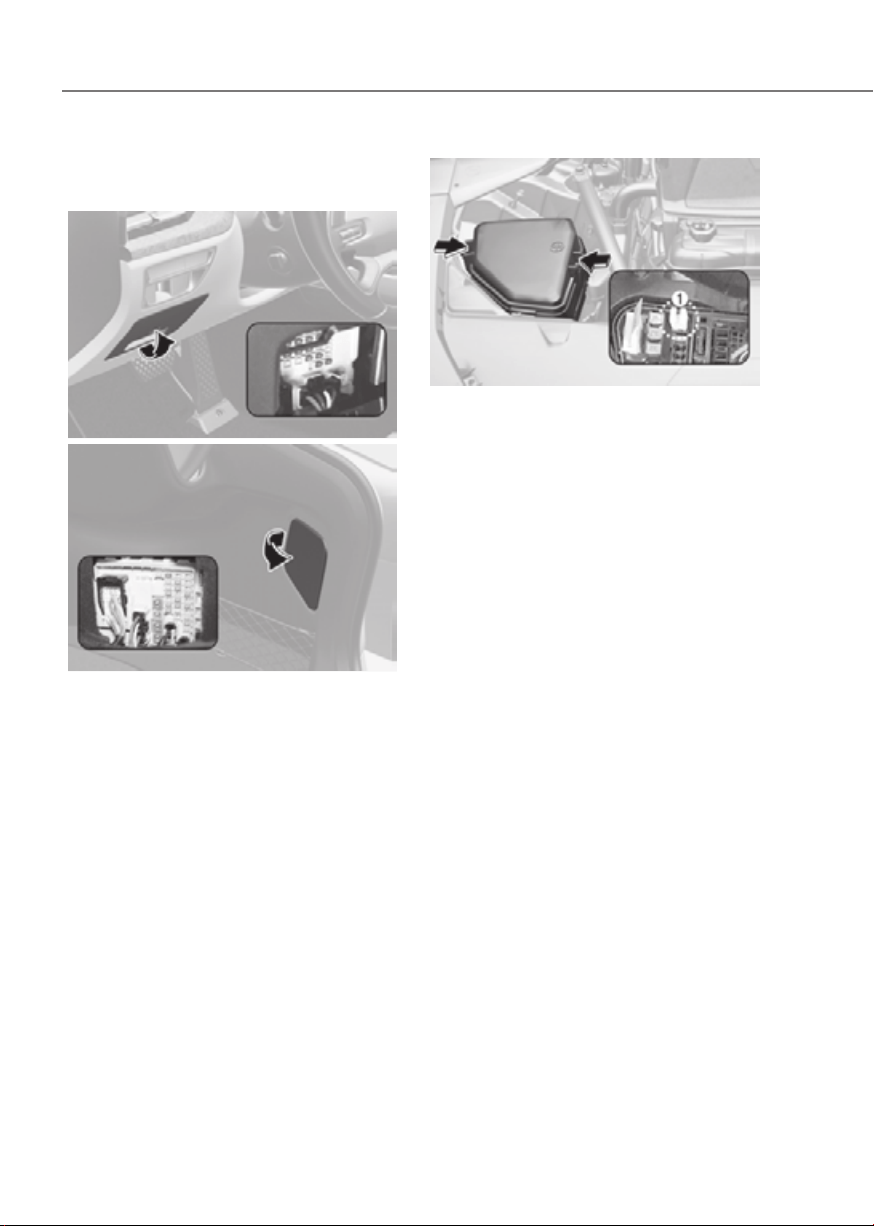
9-38
Maintenance
Instrument Panel Fuse
Replacement
Driver’s sideDriver’s side
ORG3EV091007ORG3EV091007
TrunkTrunk
ORG3EV091044ORG3EV091044
1. Turn the vehicle off.
2. Turn all other switches off.
3. Open the fuse panel cover.
4. Refer to the label on the inside of
the fuse panel cover to locate the
suspected fuse location.
ORG3EV091059ORG3EV091059
5. Pull the suspected fuse straight out.
Use the removal tool (1) provided in
the motor compartment fuses panel
cover.
6. Check the removed fuse; replace it if
it is blown. Spare fuses are provided in
the instrument panel fuse panels (or in
the motor compartment fuse panel).
7. Push in a new fuse of the same
rating, and make sure it fits tightly in
the clips. If it fits loosely, consult an
authorized retailer of Genesis Branded
products.
In an emergency, if you do not have
a spare fuse, use a fuse of the same
rating from a circuit you may not need
for operating the vehicle, such as the
cigarette lighter fuse.
If the headlights or other electrical
components do not work and the fuses
are undamaged, check the fuse panel
in the motor compartment. If a fuse is
blown, it must be replaced with the same
rating.

9-39
09
Motor Compartment Panel Fuse
Replacement
Blade fuse / Cartridge fuse
Blade type fuseBlade type fuse
ORG3EV091009ORG3EV091009
Cartridge type fuseCartridge type fuse
ORG3EV091010ORG3EV091010
1. Turn the vehicle off.
2. Turn all other switches off.
3. Remove the fuse panel cover by
pressing the tap and pulling up.
4. Check the removed fuse; replace it if it
is blown. To remove or insert the fuse,
use the removal tool in the motor
compartment fuse panel.
5. Push in a new fuse of the same
rating, and make sure it fits tightly in
the clips. If it fits loosely, consult an
authorized retailer of Genesis Branded
products.
NOTICE
After checking the fuse panel in the
motor compartment, securely install
the fuse panel cover. You may hear a
clicking sound if the cover is securely
latched. If it is not securely latched,
electrical failure may occur from water
contact.
Multi fuse / Midi fuse
Multi typeMulti type
ORG3EV091011ORG3EV091011
Midi typeMidi type
ORG3EV091012ORG3EV091012
If the multi fuse or midi fuse is blown,
consult an authorized retailer of Genesis
Branded products.
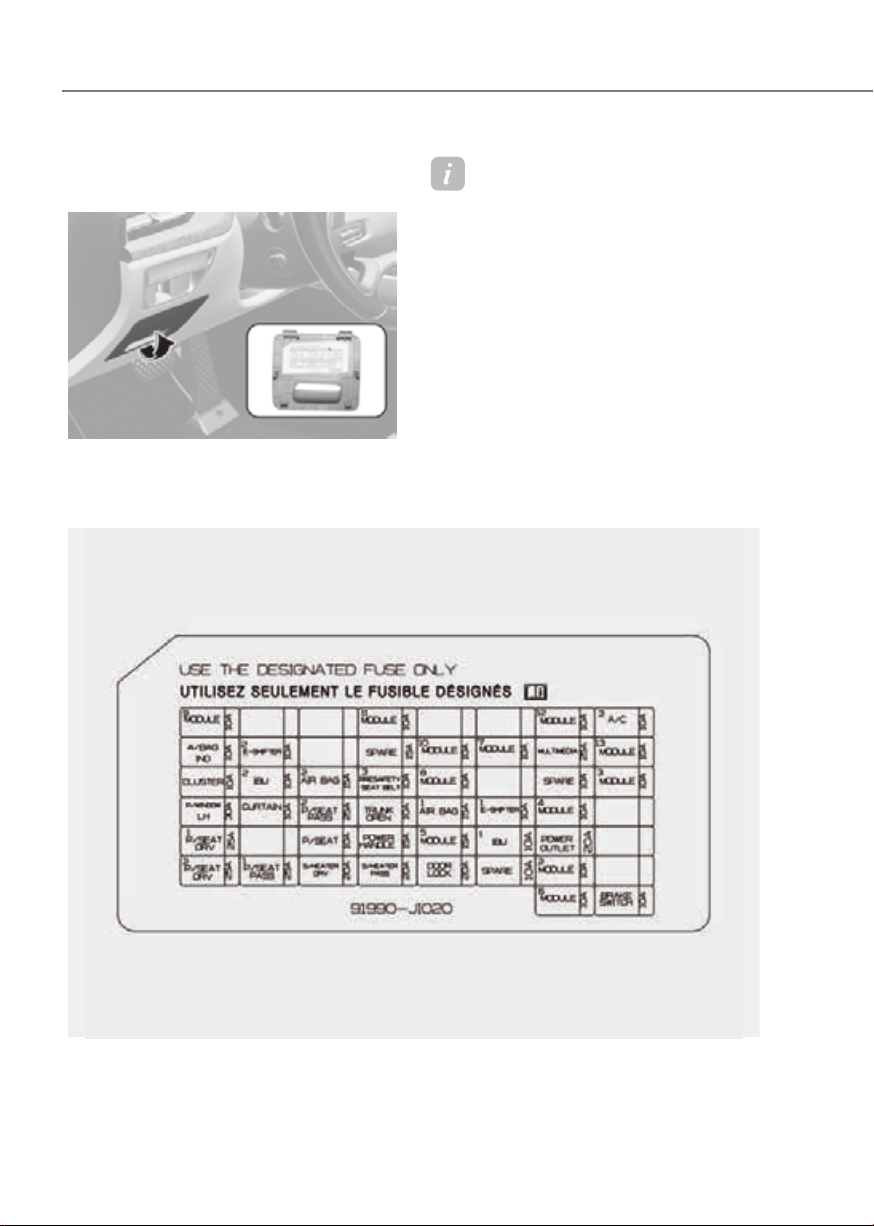
9-40
Maintenance
Fuse/Relay Panel Description
Instrument panel fuse panel
ORG3EV091013NORG3EV091013N
Inside the fuse/relay box cover, you can
find the fuse/relay label describing fuse/
relay names and ratings.
Information
Not all fuse panel descriptions in this
manual may be applicable to your vehicle;
the information is accurate at the time of
printing. When you inspect the fuse box on
your vehicle, refer to the fuse box label.
ORG3EV091060N

9-41
09
Instrument panel fuse panel
Fuse Name
Fuse Rating Circuit Protected
Module 9
10A
Overhead Console, AMP, A/V & Navigation Head Unit,
Driver/Passenger Power Seat Module, Inverter (Rear),
Rear Seat LH/RH Heater Unit, Electro Chromic Mirror,
Rear Seat Console Remote Control Switch, SDC,
Smart Phone Wireless Charger, Data Link Connector
Module 11
10A
Head Lamp LH/RH, ADAS Unit (Parking),
Multifunction Switch
Module12
10A IAU, IBU
A/C3
10A
A/C Control Module, Front A/C Controller,
Rear A/C Controller
A/BAG IND.
10A Instrument Cluster, Overhead Console
E-Shifter2
10A Electronic ATM Shift Dial
Spare
15A Not Used
Module 10
10A ICU Junction Block (ESU)
Module 7
10A
Driver Door Module, Stop Lamp Switch, IBU, IAU,
Multifunction Switch
Multi Media
25A A/V & Navigation Head Unit
Module 13
10A
ICU Junction Block (ESU), A/C Control Module,
Front A/C Controller, Rear A/C Controller,
Instrument Cluster, Head-Up Display, Security Indicator
Cluster
10A Instrument Cluster, Head-Up Display
IBU 2
10A IBU
Airbag 2
15A
SRS Control Module, Passenger Occupant Detection
Sensor
Presafety Seat
Belt 3
10A Pre-Active Seat Belt Unit
Module8
10A
Rear Corner Radar LH/RH, ECS Unit, Crash Pad Switch,
ADAS Unit (Driving), ADAS Unit (Parking), Front View
Camera, Front Console Switch, Steering Tilt & Telescopic
Unit
Spare
10A Not Used
Module3
10A
Rear Corner Radar LH/RH, Front Console Keyboard,
Rear Seat Console Remote Control Switch, VESS Unit,
Steering Tilt & Telescopic Unit, Front Corner Radar LH/RH,
Smart Phone Wireless Charger, Clock Spring

9-42
Maintenance
Instrument panel fuse panel
Fuse Name
Fuse Rating Circuit Protected
P/Window LH
30A
Rear Power Window Module LH, Driver Power Window
Module
Curtain
10A IBU
P/Seat PASS 2
25A Passenger Power Seat Module
Trunk Open
10A Trunk Latch Motor
Airbag 1
15A SRS Control Module
E-Shifter 1
10A Electronic ATM Shift Dial, SCU
Module 4
10A
Driver/Passenger Power Outside Mirror, Hazard Switch,
Rear Seat Console Remote Control Switch, Rain Sensor,
Data Link Connector, A/C Control Module,
Rear Occupant Alert (ROA) Sensor, Multifunction Switch,
Passenger Power Seat Module
P/Seat DRV 1
25A Driver Power Seat Module
P/Seat
10A Driver Lumbar Support Unit
Power Handle
15A Steering Tilt & Telescopic Unit
Module 5
15A
Driver Door Module, Driver/Passenger Power Seat Switch,
Driver/Passenger Power Seat Module, PTL Unit,
Driver Lumbar Support Unit
IBU 1
10A BLE Unit, IBU, IAU, Driver/Passenger Door Outside Handle
Power Outlet
20A Armrest Power Outlet
P/Seat DRV 2
25A Driver Power Seat Module
P/Seat PASS 1
25A Passenger Power Seat Module
S/Heater DRV
20A Driver Power Seat Module
S/Heater PASS
20A Passenger Power Seat Module
Door Lock
20A Center Door Lock/Unlock Relay, Driver Door Unlock Relay
Spare
10A Not Used
Module 2
10A
CDM, P/R Junction Block (Blower Relay, Rear Heated
Relay)
Module 6
10A
Armrest Lamp, IBU, A/V & Navigation Head Unit, IAU,
ADAS Unit (Parking), Front Console Keyboard,
Electronic ATM Shift Dial, Front Tray Lamp, VESS Unit,
Rear Seat Console Remote Control Switch, AMP,
Rear Console USB Charger
Brake Switch
10A Stop Lamp Switch, IBU

9-43
09
Motor compartment fuse panel
ORG3EV091014NORG3EV091014N
Inside the fuse/relay box cover, you can
find the fuse/relay label describing fuse/
relay names and ratings.
Information
Not all fuse panel descriptions in this
manual may be applicable to your vehicle;
the information is accurate at the time of
printing. When you inspect the fuse panel
in your vehicle, refer to the fuse panel
label.
ORG3EV091061N

9-44
Maintenance
Motor compartment fuse panel
Type Fuse Name
Fuse Rating Circuit Protected
MINE
LDC
225A ICCU (LDC)
B+5
150A
P/R Junction Block (Fuse(EWP 1, EWP 2, EOP
1, HEAD LAMP LH, HEAD LAMP RH, VCU 2)),
PCB Block (Fuse(IG1, IG2, IG3 1, ACC))
MDPS 1
125A MDPS Unit
MULTI
COOLING FAN
100A Cooling Fan Motor
REAR HEATED
80A Rear Heated Relay
IEB 1
60A IEB Unit
IEB 2
60A IEB Unit
BLOWER
50A Blower Relay
IEB 3
50A IEB Unit
E-SHIFTER
40A E-Shifter Relay
VCU 1
30A VCU
WIPER
30A Wiper Motor
SB
HEAD LAMP LH
30A Head Lamp LH
EOP 1
40A Electronic Traction Motor Oil Pump (Front)
HEAD LAMP RH
30A Head Lamp RH
EOP 2
40A Electronic Traction Motor Oil Pump (Rear)
MICRO
OBC
10A VCMS, ICCU
HORN
15A PCB Block(Horn Relay)
INVERTER 1
10A Inverter (Front)
BMS
15A BMU
HTD IND
10A Front A/C Controller
EWP 2
20A Electronic Water Pump (BSA)
EWP 1
20A Electronic Water Pump (Radiator)
VCU 2
20A VCU

9-45
09
Motor compartment fuse panel
Fuse Name
Fuse Rating Circuit Protected
IG1
30A IG1 Relay
IG3 1
30A IG3 Relay
IG2
30A IG2 Relay
ACC
30A ACC Relay
VCU 4
10A VCU
Module 1
10A Front Radar, Front Corner Radar LH/RH, Inverter (Front)
Sensor 5
10A VESS Unit
MDPS 2
10A MDPS Unit
IEB 4
10A IEB Unit
Active Hood
10A Not Used
IG3 3
10A
Electronic Traction Motor Oil Pump (Rear), Inverter (Rear),
SCU, ICU Junction Block (IPS Control Module), VCU, VCMS
IG3 6
10A
ICU Junction Block (ESU), Front A/C Controller, Rear A/C
Controller, Instrument Cluster, A/V & Navigation Head
Unit, Coolant Valve,
A/C Control Module, A/C PTC Heater, Incar Temperature
Sensor, Electronic A/C Compressor, Cooling Fan Motor,
Vehicle Charger Indicator
IG3 7
10A BMU, Electronic Traction Motor Oil Pump (Front), ICCU
EWP 3
15A Electronic Water Pump (PEM)
IG3 2
10A Inverter (Front)
IG3 4
10A
CDM, VESS Unit, Electronic Water Pump (Radiator),
Electronic Water Pump (BSA), Coolant 3Way Valve (BSA)
Washer
15A Washer Relay
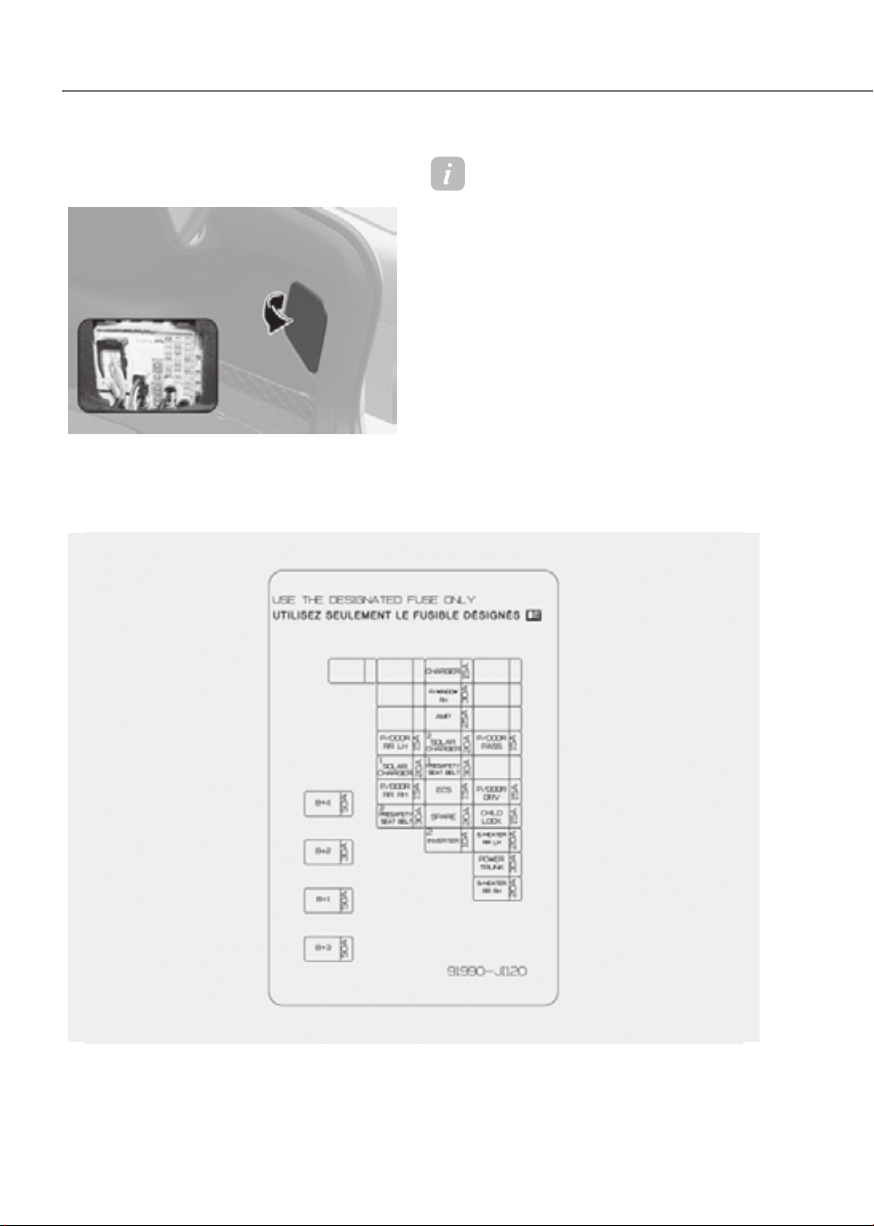
9-46
Maintenance
Trunk fuse panel (Rear sub junction
block)
ORG3EV091044ORG3EV091044
Inside the fuse/relay box cover, you can
find the fuse/relay label describing fuse/
relay names and ratings.
Information
Not all fuse panel descriptions in this
manual may be applicable to your vehicle;
the information is accurate at the time of
printing. When you inspect the fuse panel
in your vehicle, refer to the fuse panel
label.
ORG3EV091062N

9-47
09
Rear junction block
Fuse Name Fuse Rating Circuit Protected
B+4 50A
ICU Junction Block (Fuse(P/Seat PASS 2, Module 4,
Door Lock, Trunk Open))
B+2 30A
ICU Junction Block (Fuse(IBU 1, E-Shifter 1, Spare (B+),
Module 2, Module 5,
Airbag 1), IPS2, IPS5, IPS6)
B+1 50A
ICU Junction Block (Fuse(Brake Switch), IPS1, IPS3,
IPS4, IPS7,
Long/Short Term Load Latch Relay)
B+3 50A
ICU Junction Block (Fuse(P/Seat, Curtain, P/Window
LH, S/Heater DRV,
S/Heater PASS, P/Seat DRV 1, P/Seat DRV 2, P/Seat
PASS 1, Power Handle))
Charger 15A Charging Connector Lock/Unlock Relay
P/Window RH 30A
Rear Power Window Module RH, Passenger Power
Window Module
AMP 25A AMP
P/Door RL 15A Rear Door Latch LH
Solar Charger 2 15A SDC
P/Door PASS 15A Passenger Door Latch
Solar Charger 1 20A SDC
Presafety Seat
Belt 1
30A Pre-Active Seat Belt Unit
P/Door RR 15A Rear Door Latch RH
ECS 15A ECS Unit
P/Door DRV 15A Driver Door Latch
Presafety Seat
Belt 2
30A Pre-Active Seat Belt Unit
Child Lock 15A Child Lock/Unlock Relay
Inverter 2 10A Inverter (Rear)
S/Heater Rear LH 20A Rear Seat LH Heater Unit
Power Trunk 30A PTL Unit (Power Trunk Lid)
S/Heater Rear RH 20A Rear Seat RH Heater Unit

9-48
Maintenance
Battery Junction Block
Fuse Name Fuse Rating Circuit Protected
B+8 100A
Rear Junction Block (Fuse(B+2, B+4, Solar Charger 1,
P/Door Rear LH, P/Door Rear RH, Presafety Seat Belt 2))
B+7 100A
Rear Junction Block (Fuse(B+3, S/Heater Rear LH, Child
Lock, S/Heater Rear RH, Power Trunk, P/Door DRV, P/Door
PASS))
B+6 100A
Rear Junction Block (Fuse(B+1, AMP, P/Window RH, ECS,
Presafety Seat Belt 1, Charger))
AMS 10A 12 V Battery Sensor

9-49
09
Consult an authorized retailer of
Genesis Branded products to replace
most vehicle light bulbs. It is difficult
to replace vehicle light bulbs because
other parts of the vehicle must be
removed before you can get to the bulb.
This is especially true for removing the
headlight assembly to get to the bulb(s).
Removing/installing the headlight
assembly can result in damage to the
vehicle.
WARNING
• Prior to working on a light, depress
the foot brake, shift to P (Park), apply
the parking brake, press the Start/
Stop button to the OFF position
and take the key with you when
leaving the vehicle to avoid sudden
movement of the vehicle and to
prevent possible electric shock.
• Be aware the bulbs may be hot and
may burn your fingers.
NOTICE
Be sure to replace the burned-out bulb
with one of the same wattage rating.
Otherwise, it may cause damage to the
fuse or electrical wiring system.
NOTICE
To prevent damage, do not clean the
headlight lens with chemical solvents
or strong detergents.
Information - Headlight
desiccant (if equipped)
This vehicle is equipped with desiccant to
reduce fogging inside the headlight due
to moisture. The desiccant is consumable
and its performance may change based on
the used period or environment. If fogging
inside the headlight due to moisture
continues for a long time, consult an
authorized retailer of Genesis Branded
products.
Information
The headlight and tail lamp lenses could
appear frosty if the vehicle is washed after
driving or the vehicle is driven at night in
wet weather. This condition is caused by
temperature difference between the lamp
inside and outside and, it does not indicate
a problem with your vehicle. When
moisture condenses in the lamp, it will be
removed after driving with the headlight
on. The removable level may differ
depending on lamp size, lamp position
and environmental condition. However, if
moisture is not removed, have your vehicle
inspected by an authorized retailer of
Genesis Branded products.
LIGHT BULBS
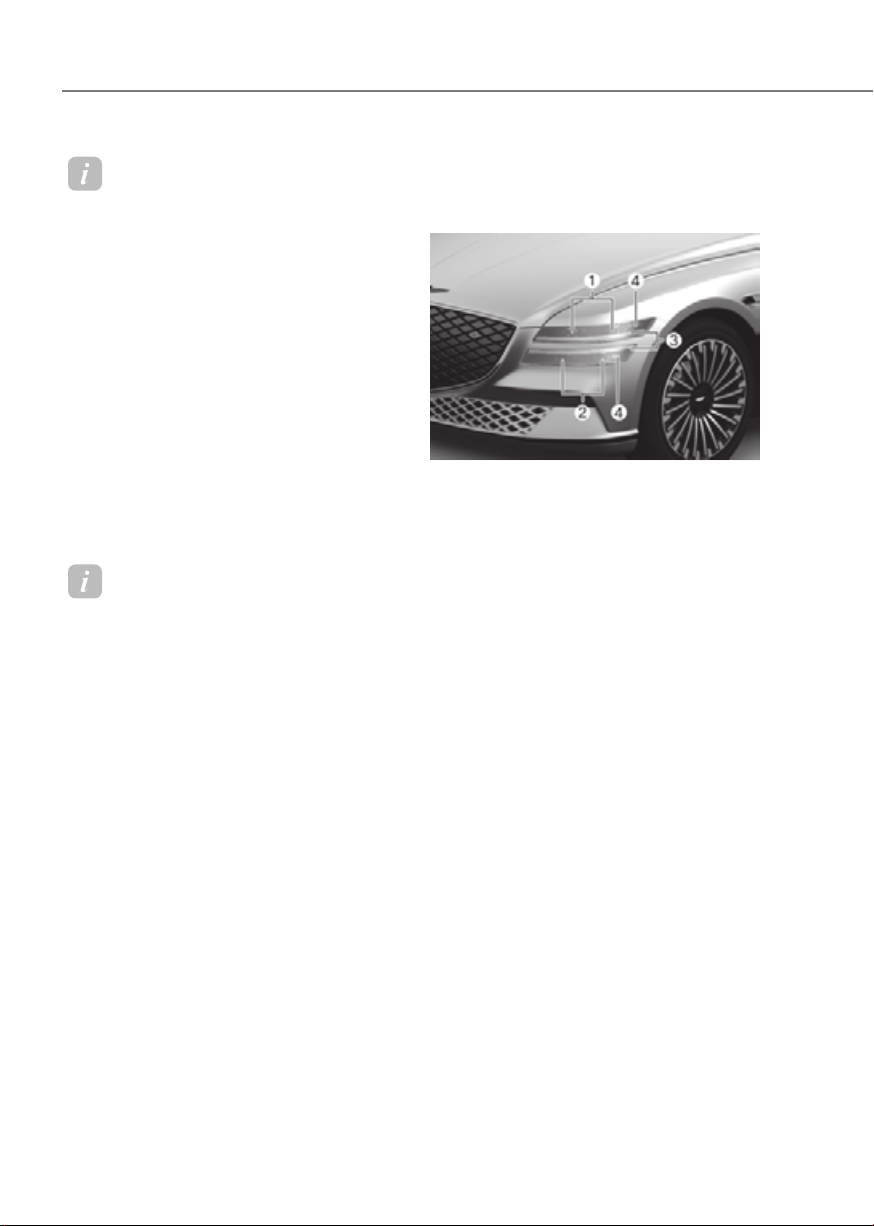
9-50
Maintenance
Information
• A normally functioning lamp may
flicker momentarily to stabilize the
vehicle’s electrical control system.
However, if the lamp goes out after
flickering momentarily, or continues to
flicker, have the system checked by an
authorized retailer of Genesis Branded
products.
• The position lamp may not turn on
when the position lamp switch is turned
on, but the position lamp and headlight
switch may turn on when the headlight
switch is turned on. This may be caused
by network failure or vehicle electrical
control system malfunction. If this
occurs, have the system checked by an
authorized retailer of Genesis Branded
products.
Information
The headlight aiming should be adjusted
after an accident or after the headlight
assembly is reinstalled.
Headlight, Parking Lamp, Turn
Signal Lamp, Daytime Running
Light (DRL) Replacement
ORG3EV091017NORG3EV091017N
(3) Headlight (Low)
(4) Headlight (High / Sub low)
(5) Parking lamp/Daytime running light/
Turn signal lamp
(6) Side marker
If the LED lamp does not operate, have
the system inspected by an authorized
retailer of Genesis Branded products.
The LED lamps cannot be replaced as
a single unit because it is an integrated
unit. The LED lamps has to be replaced
with the unit.
A skilled technician should check or
repair the LED lamp, for it may damage
related parts of the vehicle.
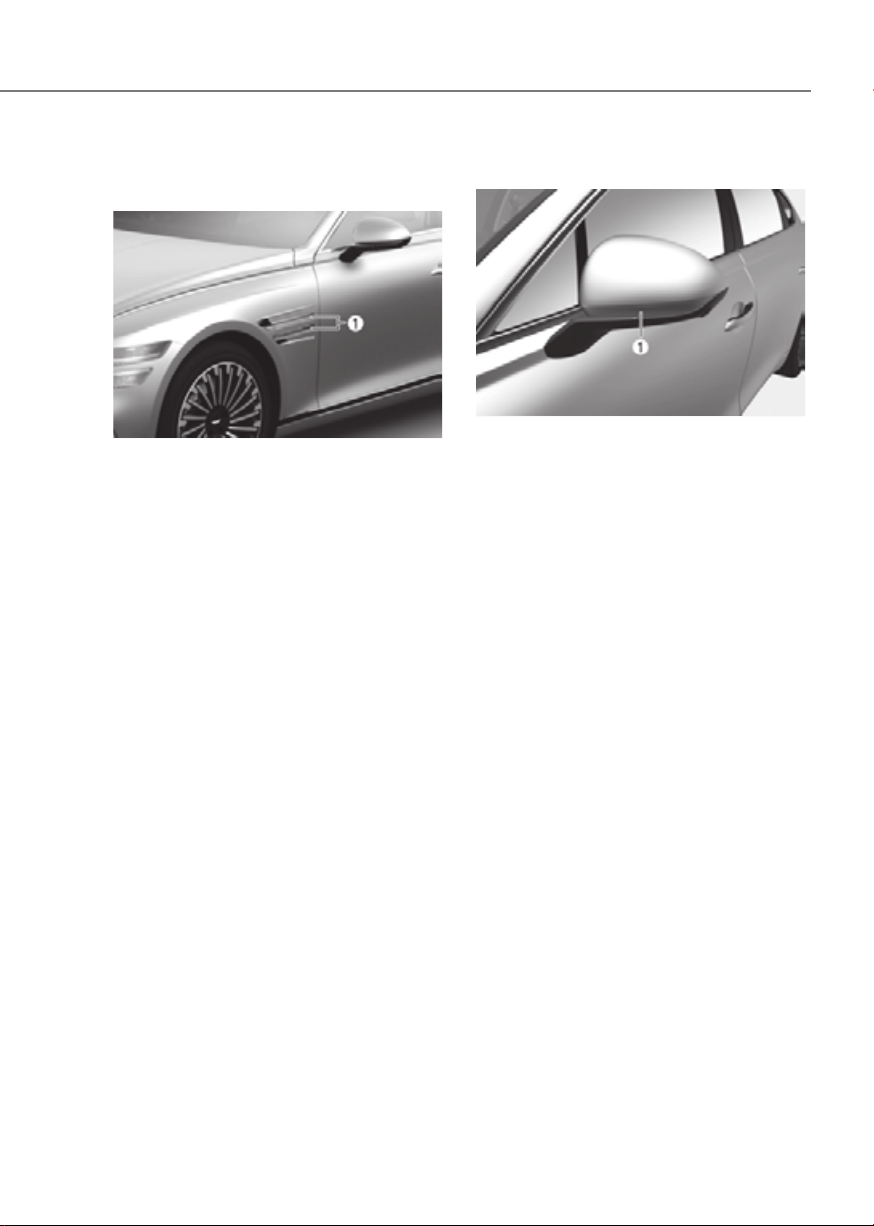
9-51
09
Side Repeater Lamp
Replacement
ORG3EV091018ORG3EV091018
If the LED lamp (1) does not operate,
have the system inspected by an
authorized retailer of Genesis Branded
products.
The LED lamps cannot be replaced as
a single unit because it is an integrated
unit. The LED lamps has to be replaced
with the unit.
A skilled technician should check or
repair the LED lamp, for it may damage
related parts of the vehicle.
Puddle Lamp Replacement
ORG3EV091019ORG3EV091019
If the LED lamp (1) does not operate,
have the system inspected by an
authorized retailer of Genesis Branded
products.
The LED lamps cannot be replaced as
a single unit because it is an integrated
unit. The LED lamps has to be replaced
with the unit.
A skilled technician should check or
repair the LED lamp, for it may damage
related parts of the vehicle.
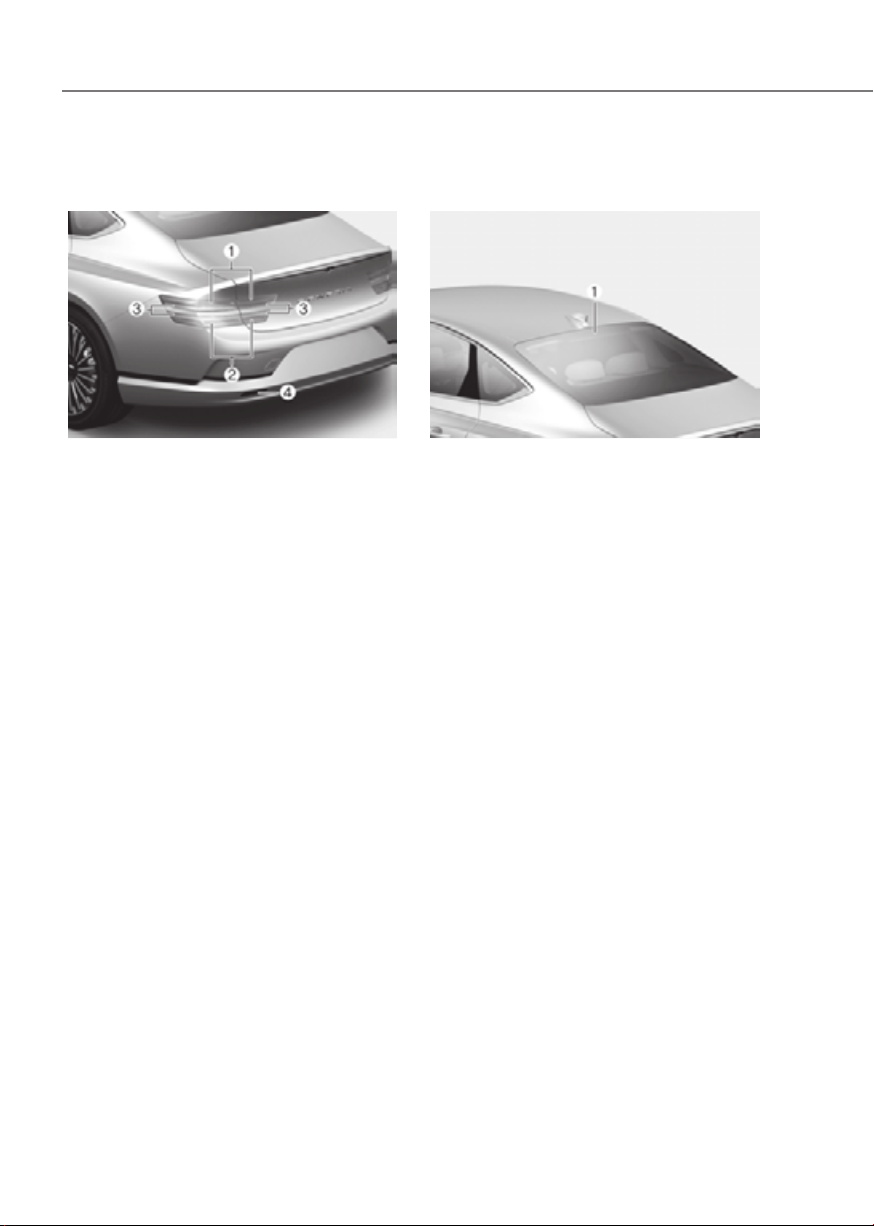
9-52
Maintenance
Rear Combination Lamp
Replacement
ORG3EV091020NORG3EV091020N
(1) Tail lamp / Side marker
(2) Tail lamp / Side marker
(3) Stop lamp / Turn signal lamp
(4) Reverse lamp
If the LED lamp does not operate, have
the system inspected by an authorized
retailer of Genesis Branded products.
The LED lamps cannot be replaced as
a single unit because it is an integrated
unit. The LED lamps has to be replaced
with the unit.
A skilled technician should check or
repair the LED lamp, for it may damage
related parts of the vehicle.
High Mounted Stop Lamp
Replacement
ORG3EV091021ORG3EV091021
If the LED lamp (1) does not operate,
have the system inspected by an
authorized retailer of Genesis Branded
products.
The LED lamps cannot be replaced as
a single unit because it is an integrated
unit. The LED lamps has to be replaced
with the unit.
A skilled technician should check or
repair the LED lamp, for it may damage
related parts of the vehicle
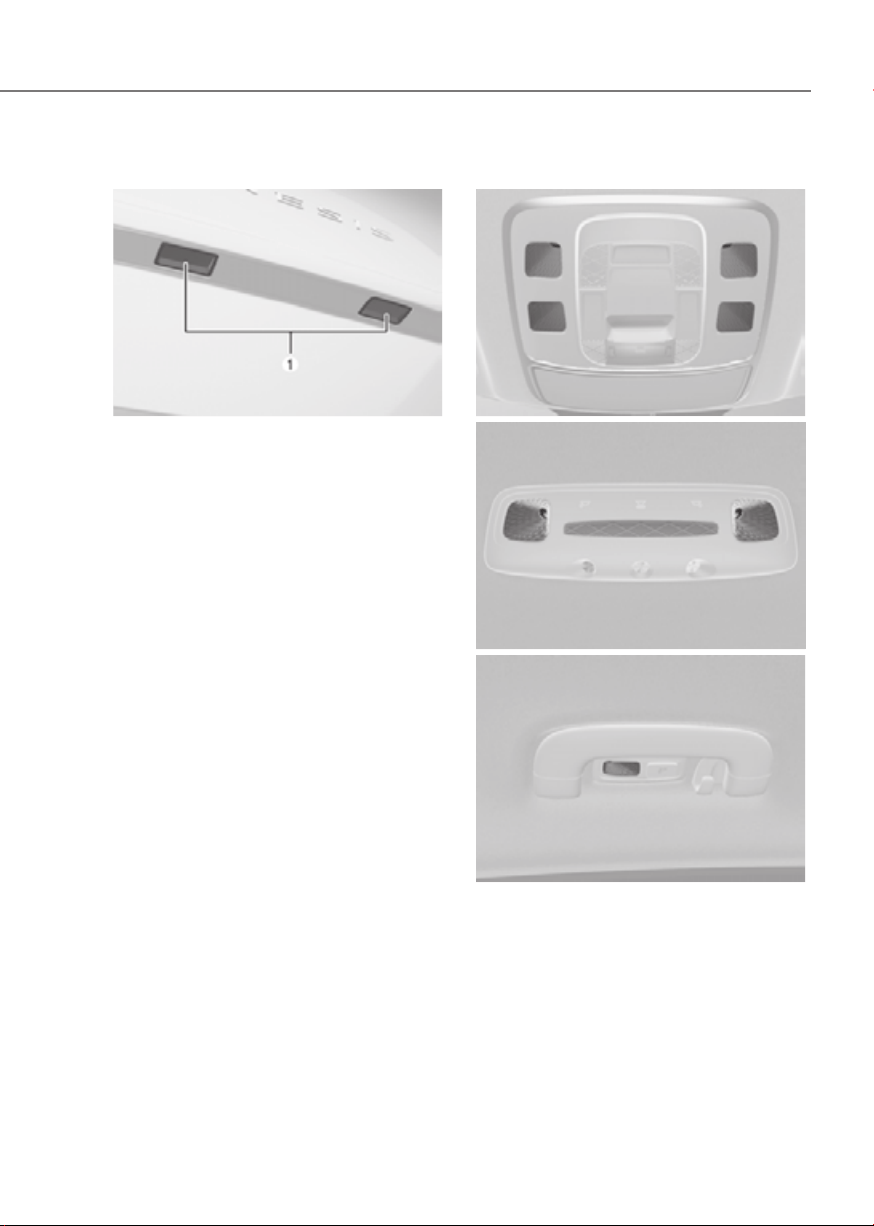
9-53
09
License Plate Lamp Replacement
ORG3EV091031ORG3EV091031
If the LED lamp (1) does not operate,
have the system inspected by an
authorized retailer of Genesis Branded
products.
The LED lamps cannot be replaced as
a single unit because it is an integrated
unit. The LED lamps has to be replaced
with the unit.
A skilled technician should check or
repair the LED lamp, for it may damage
related parts of the vehicle.
Interior Light Replacement
Front lampsFront lamps
ORG3EV091022LORG3EV091022L
Rear lamps (without solar roof)Rear lamps (without solar roof)
ORG3EV091032ORG3EV091032
Rear lamps (with solar roof)Rear lamps (with solar roof)
ORG3EV091041ORG3EV091041
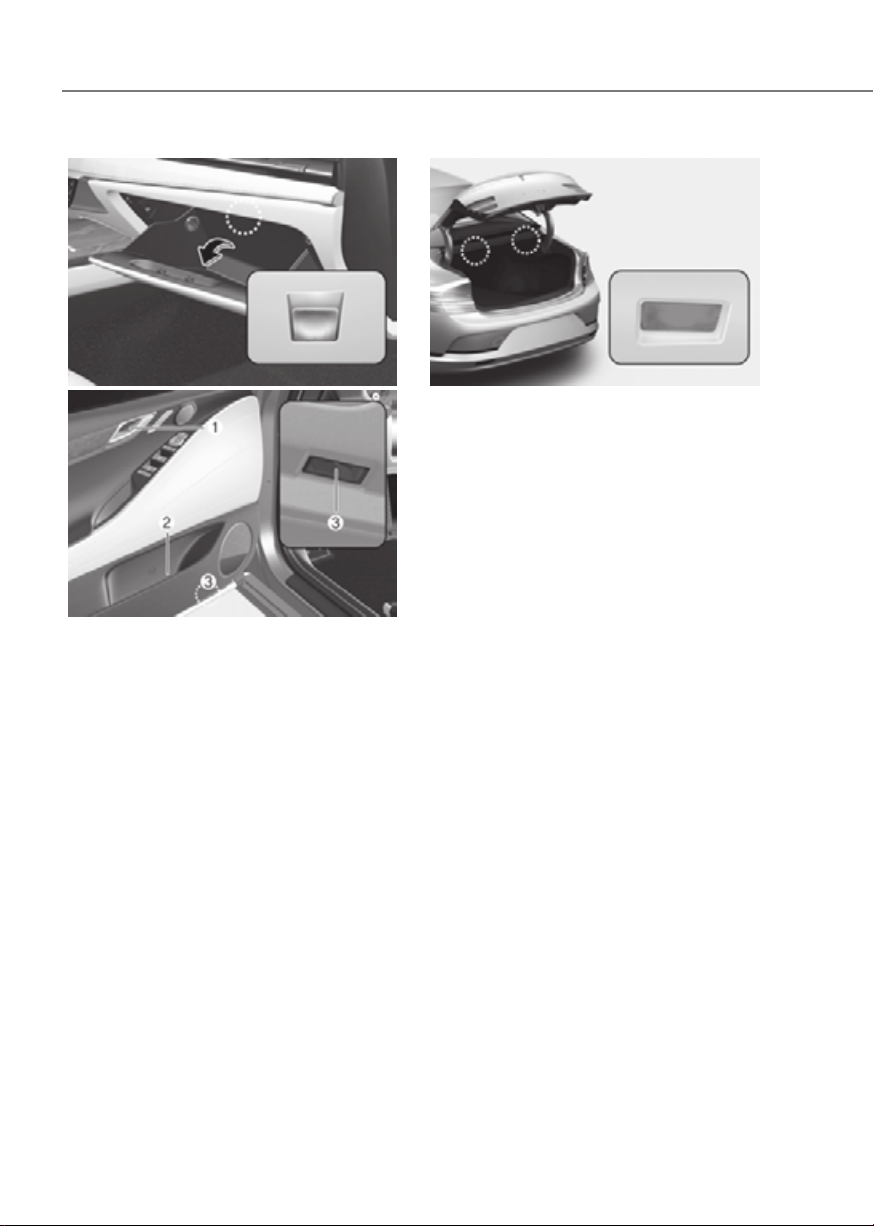
9-54
Maintenance
Glove box lampGlove box lamp
ORG3EV091034ORG3EV091034
Inner door handle lamp (1) / Mood lamp (2) / Inner door handle lamp (1) / Mood lamp (2) /
Door foot lamp (3)Door foot lamp (3)
ORG3EV051063ORG3EV051063
(1) Inner door handle lamp
(2) Mood lamp
(3) Door foot lamp
Trunk lampTrunk lamp
ORG3EV091023ORG3EV091023
If the LED lamp (1) does not operate,
have the system inspected by an
authorized retailer of Genesis Branded
products.
The LED lamps cannot be replaced as
a single unit because it is an integrated
unit. The LED lamps has to be replaced
with the unit.
A skilled technician should check or
repair the LED lamp, for it may damage
related parts of the vehicle.

9-55
09
Exterior Care
NOTICE
If you park your vehicle near a stainless
steel sign or glass facade building, the
vehicle’s exterior plastic parts such
as a bumper, spoiler, garnish, lamp
or outside rearview mirror might be
damaged due to sunlight reflected from
the sign or building. To prevent damage
of the exterior plastic parts, you should
avoid parking in areas where light may
be reflected or use a car cover. (The
exterior plastic parts applied to your
vehicle may vary.)
Exterior general caution
It is very important to follow the label
directions when using any chemical
cleaner or polish. Read all warning and
caution statements that appear on the
label.
Finish maintenance
Washing
To help protect your vehicle’s finish from
rust and deterioration, wash it thoroughly
and frequently at least once a month
with lukewarm or cold water.
If you use your vehicle for off-road
driving, you should wash it after each
off-road trip. Pay special attention to the
removal of any accumulation of salt, dirt,
mud, and other foreign materials. Make
sure the drain holes in the lower edges
of the doors and rocker panels are kept
clear and clean.
Insects, tar, tree sap, bird droppings,
industrial pollution and similar deposits
can damage your vehicle’s finish if not
removed immediately.
Even prompt washing with plain water
may not completely remove all these
deposits. A mild soap, safe for use on
painted surfaces, should be used.
After washing, rinse the vehicle
thoroughly with lukewarm or cold water.
Do not allow soap to dry on the finish.
High-pressure washing
• When using high-pressure washers,
make sure to maintain sufficient
distance from the vehicle.
Insufficient clearance or excessive
pressure can lead to component
damage or water penetration.
• Do not spray the camera, sensors or
its surrounding area directly with a
high pressure washer. Shock applied
from high pressure water may cause
the device to not operate normally.
• Do not bring the nozzle tip close to
boots (rubber or plastic covers) or
connectors as they may be damaged
if they come into contact with high
pressure water.
WARNING
After washing the vehicle, test the
brakes while driving slowly to see
if they have been affected by water
before getting on the road. If braking
performance is impaired, dry the
brakes by applying them lightly while
maintaining a slow forward speed.
APPEARANCE CARE
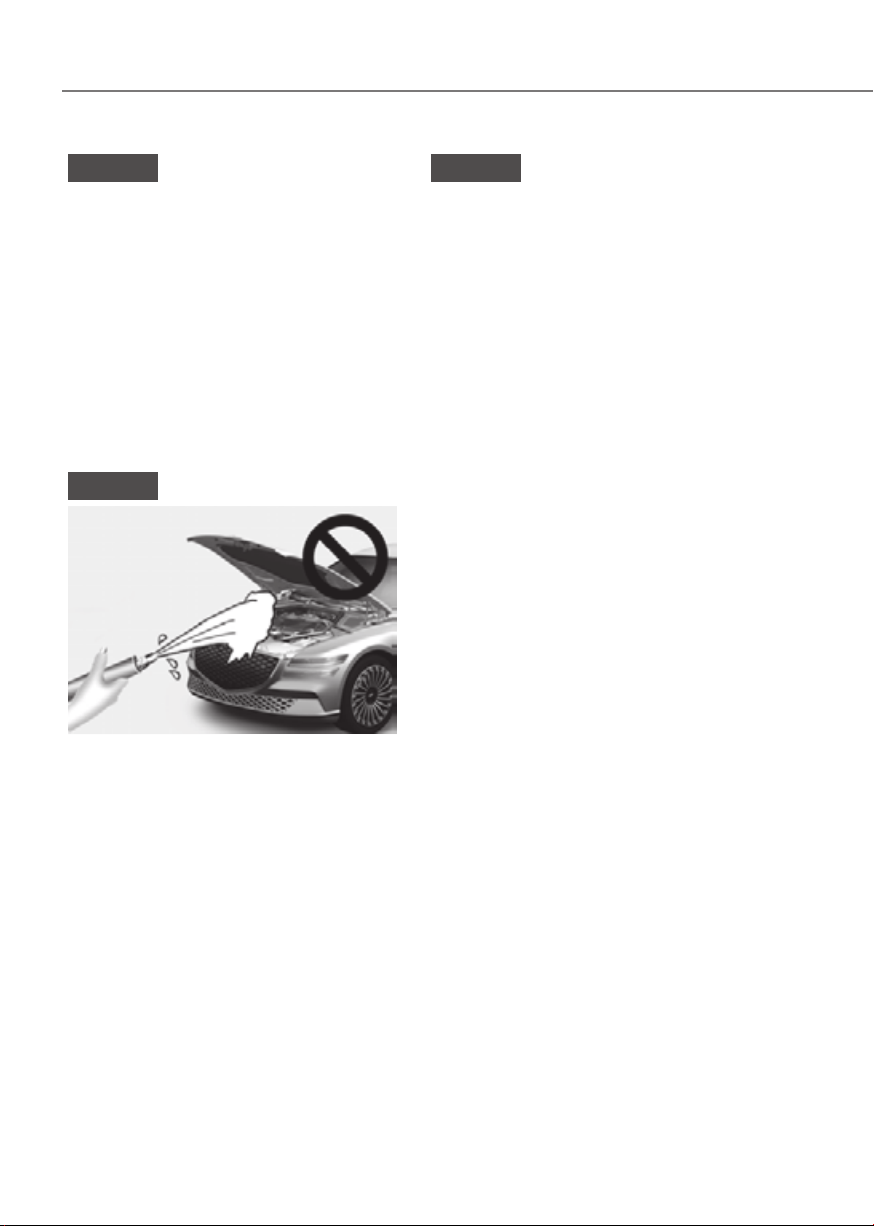
9-56
Maintenance
NOTICE
• Do not use strong soap, chemical
detergents or hot water, and do not
wash the vehicle in direct sunlight
or when the body of the vehicle is
warm.
• Be careful when washing the side
windows of your vehicle.
• Especially, with high-pressure water,
water may leak through the windows
and wet the interior.
• To prevent damage to the plastic
parts, do not clean with chemical
solvents or strong detergents.
NOTICE
ORG3EV091039ORG3EV091039
• Water washing in the motor
compartment including high
pressure water washing may cause
the failure of electrical circuits
located in the vehicle compartment.
• Never allow water or other liquids
to come in contact with electrical/
electronic components inside the
vehicle as water or other liquids may
flow in to the motor compartment
through the front trunk and damage
electrical/electronic components.
NOTICE
Matte paint finish vehicle (if equipped)
Automatic car wash which uses rotating
brushes should not be used as this can
damage the surface of your vehicle. A
steam cleaner which washes the vehicle
surface at high temperature may result
the oil to adhere and leave stains that is
difficult to remove.
Use a soft cloth (e.g. microfiber towel
or sponge) when washing your vehicle
and dry with a microfiber towel. When
you hand wash your vehicle, you should
not use a cleaner that finishes with wax.
If the vehicle surface is too dirty (sand,
dirt, dust, contaminant, etc.), clean the
surface with water before washing the
car.
Waxing
A good coat of wax is a barrier between
your paint and contaminate. Keeping
a good coat of wax on your vehicle will
help protect it.
Wax the vehicle when water will no
longer bead on the paint.
Always wash and dry the vehicle before
waxing. Use a good quality liquid or
paste wax, and follow the manufacturer’s
instructions. Wax all metal trim to protect
it and to maintain its luster.
Removing oil, tar, and similar materials
with a spot remover will usually strip the
wax from the finish. Be sure to re-wax
these areas even if the rest of the vehicle
does not yet need waxing.

9-57
09
NOTICE
• Wiping dust or dirt off the body with
a dry cloth will scratch the finish.
• Do not use steel wool, abrasive
cleaners, or strong detergents
containing highly alkaline or
caustic agents on chrome-plated or
anodized aluminum parts. This may
result in damage to the protective
coating and cause discoloration or
paint deterioration.
NOTICE
Matte paint finish vehicle (if equipped)
Do not use any polish protector such as
a detergent, an abrasive and a polish.
In case wax is applied, remove the wax
immediately using a silicon remover
and if any tar or tar contaminant is on
the surface use a tar remover to clean.
However, be careful not to apply too
much pressure on the painted area.
Finish damage repair
Deep scratches or stone chips in the
painted surface must be repaired
promptly. Exposed metal will quickly
rust and may develop into a major repair
expense.
NOTICE
If your vehicle is damaged and requires
any metal repair or replacement,
be sure the body shop applies anti-
corrosion materials to the parts
repaired or replaced.
NOTICE
Matte paint finish vehicle (if equipped)
In case of matte paint finish vehicles,
it is impossible to modify only the
damaged area and repair of the whole
part is necessary. If the vehicle is
damaged and painting is required, have
your vehicle maintained and repaired
by an authorized retailer of Genesis
Branded products. Take extreme care,
as it is difficult to restore the quality
after the repair.
Bright-metal maintenance
• To remove road tar and insects, use
a tar remover, not a scraper or other
sharp object.
• To protect the surfaces of brightmetal
parts from corrosion, apply a coating
of wax or chrome preservative and rub
to a high luster.
• During winter weather or in coastal
areas, cover the bright metal parts
with a heavier coating of wax or
preservative. If necessary, coat the
parts with non-corrosive petroleum
jelly or other protective compound.

9-58
Maintenance
Underbody maintenance
Corrosive materials used for ice and
snow removal and dust control may
collect on the underbody. If these
materials are not removed, accelerated
rusting can occur on underbody parts
such as the frame and floor pan, even
though they have been treated with rust
protection.
Thoroughly flush the vehicle underbody
and wheel openings with lukewarm or
cold water once a month, after off-road
driving and at the end of each winter. Pay
special attention to these areas because
it is difficult to see all the mud and dirt.
It will do more harm than good to wet
down the road grime without removing
it. The lower edges of doors, rocker
panels, and frame members have drain
holes that should not be allowed to clog
with dirt; trapped water in these areas
can cause rusting.
WARNING
After washing the vehicle, test the
brakes while driving slowly to see if
they have been affected by water. If
braking performance is impaired, dry
the brakes by applying them lightly
while maintaining a slow forward
speed.
Aluminum wheel maintenance
The aluminum wheels are coated with a
clear protective finish.
• Do not use abrasive cleaner, polishing
compound, solvent, or wire brushes
on aluminum wheels.
• Clean the wheel when it has cooled.
• Use only a mild soap or neutral
detergent, and rinse thoroughly with
water. Also, clean the wheels after
driving on salted roads.
• Do not wash the wheels with high-
speed car wash brushes.
• Do not use any cleaners containing
acid or alkaline detergents.
Corrosion protection
Protecting your vehicle from corrosion
By using the most advanced design
and construction practices to combat
corrosion, Genesis Branded Vehicle
produces vehicles of the highest quality.
However, this is only part of the job.
To achieve the long-term corrosion
resistance your vehicle can deliver, the
owner’s cooperation and assistance is
also required.
Common causes of corrosion
The most common causes of corrosion
on your vehicle are:
• Road salt, dirt and moisture that is
allowed to accumulate underneath
the vehicle.
• Removal of paint or protective
coatings by stones, gravel, abrasion
or minor scrapes and dents which
leave unprotected metal exposed to
corrosion.

9-59
09
High-corrosion areas
If you live in an area where your vehicle is
regularly exposed to corrosive materials,
corrosion protection is particularly
important. Some of the common causes
of accelerated corrosion are road salts,
dust control chemicals, ocean air and
industrial pollution.
Moisture breeds corrosion
Moisture creates the conditions in
which corrosion is most likely to occur.
For example, corrosion is accelerated
by high humidity, particularly when
temperatures are just above freezing. In
such conditions, the corrosive material is
kept in contact with the vehicle surfaces
by moisture that is slow to evaporate.
Mud is particularly corrosive because
it is slow to dry and holds moisture in
contact with the vehicle. Although the
mud appears to be dry, it can still retain
moisture and promote corrosion.
High temperatures can also accelerate
corrosion of parts that are not properly
ventilated so the moisture can be
dispersed. For all these reasons, it is
particularly important to keep your
vehicle clean and free of mud or
accumulations of other materials. This
applies not only to the visible surfaces
but particularly to the underside of the
vehicle.
To help prevent corrosion
Keep your vehicle clean
The best way to prevent corrosion is
to keep your vehicle clean and free of
corrosive materials. Attention to the
underside of the vehicle is particularly
important.
• If you live in a high-corrosion area —
where road salts are used, near the
ocean, areas with industrial pollution,
acid rain, etc.—, you should take extra
care to prevent corrosion. In winter,
hose off the underside of your vehicle
at least once a month and be sure to
clean the underside thoroughly when
winter is over.
• When cleaning underneath the
vehicle, pay particular attention to the
components under the fenders and
other areas that are hidden from view.
Do a thorough job; just dampening
the accumulated mud rather than
washing it away will accelerate
corrosion rather than prevent it. Water
under high pressure and steam are
particularly effective in removing
accumulated mud and corrosive
materials.
• When cleaning lower door panels,
rocker panels and frame members, be
sure that drain holes are kept open so
that moisture can escape and not be
trapped inside to accelerate corrosion.

9-60
Maintenance
Keep your garage dry
Don’t park your vehicle in a damp,
poorly ventilated garage. This creates
a favorable environment for corrosion.
This is particularly true if you wash your
vehicle in the garage or drive it into the
garage when it is still wet or covered with
snow, ice or mud. Even a heated garage
can contribute to corrosion unless it is
well ventilated so moisture is dispersed.
Keep paint and trim in good condition
Scratches or chips in the finish should
be covered with “touch-up” paint as
soon as possible to reduce the possibility
of corrosion. If bare metal is showing
through, the attention of a qualified body
and paint shop is recommended.
Bird droppings are highly corrosive and
may damage painted surfaces in just a
few hours. Always remove bird droppings
as soon as possible.
Interior Care
Interior general precautions
Prevent caustic solutions such as
perfume and cosmetic oil, from
contacting the interior parts because
they may cause damage or discoloration.
If they do contact the interior parts,
wipe them off immediately. See the
instructions for the proper way to clean
vehicle interior surfaces.
NOTICE
• Never allow water or other liquids
to come in contact with electrical/
electronic components inside the
vehicle as this may damage them.
• When cleaning leather products
(steering wheel, seats etc.), use
neutral detergents or low alcohol
content solutions. If you use high
alcohol content solutions or acid/
alkaline detergents, the color of the
leather may fade or the surface may
get stripped off.
Cleaning the upholstery and interior
trim
Vehicle interior surfaces
Remove dust and loose dirt from interior
surfaces with a whisk broom or a vacuum
cleaner. If necessary, clean interior
surfaces with a mixture of warm water
and mild non-detergent cleaner (test all
cleaners on a concealed area before use).
Fabric (if equipped)
Remove dust and loose dirt from
fabric with a whisk broom or vacuum
cleaner. Clean with a mild soap solution
recommended for upholstery or carpets.
Remove fresh spots immediately with
a fabric spot cleaner. If fresh spots do
not receive immediate attention, the
fabric can be stained and its color can be
affected. Also, its fire-resistant properties
can be reduced if the material is not
properly maintained.

9-61
09
NOTICE
Using anything but recommended
cleaners and procedures may affect the
fabric’s appearance and fire-resistant
properties.
Leather (if equipped)
• Features of seat leather
- Leather is made from the outer skin
of an animal, which goes through a
special process to be available for
use. Since it is a natural product,
each part differs in thickness or
density.
Wrinkles may appear as a natural
result of stretching and shrinking
depending on the temperature and
humidity.
- The seat is made of stretchable
fabric to improve comfort.
- The parts contacting the body are
curved and the side supporting
area is high which provides driving
comfort and stability.
- Wrinkles may appear naturally
from usage. It is not a fault of the
products.
NOTICE
• Wrinkles or abrasions which appear
naturally from usage are not covered
by warranty.
• Belts with metallic accessories,
zippers or keys inside the back
pocket may damage the seat fabric.
• Make sure not to wet the seat. It may
change the nature of natural leather.
• Jeans or clothes which could bleach
may contaminate the surface of the
seat covering fabric.
• Caring for the leather seats
- Vacuum the seat periodically to
remove dust and sand on the seat. It
will prevent abrasion or damage of
the leather and maintain its quality.
- Wipe the natural leather seat cover
often with dry or soft cloth.
- Use of proper leather protector may
prevent abrasion of the cover and
helps maintain the color. Be sure to
read the instructions and consult
a specialist when using leather
coating or protective agent.
- Light colored (beige, cream beige)
leather is easily contaminated and
the stain is noticeable. Clean the
seats frequently.
- Avoid wiping with wet cloth. It may
cause the surface to crack.
• Cleaning the leather seats
- Remove all contaminations
instantly. Refer to instructions below
for removal of each contaminant.
- Cosmetic products (sunscreen,
foundation, etc.)
Apply cleansing cream on a cloth
and wipe the contaminated spot.
Wipe off the cream with a wet cloth
and remove water with a dry cloth.
- Beverages (coffee, soft drink, etc.)
Apply a small amount of neutral
detergent and wipe until
contaminations do not smear.
- Oil
Remove oil instantly with
absorbable cloth and wipe with
stain remover used only for natural
leather.
- Chewing gum
Harden the gum with ice and
remove gradually.

9-62
Maintenance
Interior wooden trim
• Use a wooden furniture protector (e.g.
wax, coating compound) to clean the
interior wooden trim.
• Wipe the interior wooden trim with a
lint-free, clean cloth to maintain the
unique wooden textures for a longer
period of time.
• If you spill beverage (e.g. water,
coffee) over the interior wooden trim,
immediately wipe it with clean, dry
cloth.
• Sharp objects (e.g. driver, knife),
adhesive materials, or tapes may
damage the interior wooden trim.
• Any strong impacts may damage the
interior wooden trim.
• If the coating finish over the interior
wooden trim is removed, moisture
may damage or change wood traits.
• If the interior wooden trim is
damaged, you may get a splinter
from the wood surface. Therefore,
you should immediately have the
damaged interior wooden trim
replaced by an authorized retailer of
Genesis Branded products.
Cleaning the seat belt webbing
Clean the belt webbing with any
mild soap solution recommended for
cleaning upholstery or carpet. Follow
the instructions provided with the soap.
Do not bleach or re-dye the webbing
because this may weaken the seat belt.
Cleaning the interior window glass
If the interior glass surfaces of the
vehicle become fogged (that is, covered
with an oily, greasy or waxy film), they
should be cleaned with glass cleaner.
Follow the directions on the glass cleaner
container.
NOTICE
Do not scrape or scratch the inside of
the rear window. This may result in
damage to the rear window defroster
grid.

9-63
09
CALIFORNIA PERCHLORATE NOTICE
Perchlorate Material-special handling may apply, See: www.dtsc.ca.gov/perchlorate.
Notice to California Vehicle Dismantlers: Perchlorate containing materials, such as
air bag inflators, seatbelt pretensioners and keyless remote entry batteries, must be
disposed of according to Title 22 California Code of Regulations Section 67384.10 (a).

I
Index

I-2
Index
A
Active Noise Control-Road
.................................................................................6-53
System Malfunction
........................................................................................ 6-53
Accessing Your Vehicle
.........................................................................................5-4
Immobilizer System
........................................................................................ 5-12
Smart Key.......................................................................................................... 5-4
Air Bag - Supplemental Restraint System
...........................................................3-46
Additional Safety Precautions
......................................................................... 3-68
Air Bag Warning Labels
.................................................................................. 3-68
How does the Air Bag System Operate?
......................................................... 3-52
Occupant Classification System (OCS)
.......................................................... 3-56
SRS Care
......................................................................................................... 3-67
What to Expect After an Air Bag Inflates
....................................................... 3-55
Where are the Air Bags?
................................................................................. 3-48
Why didn’t my air bag go off in a Collision?
................................................. 3-62
Air Conditioner Compressor Label
.....................................................................2-15
Air Conditioning System
..................................................................................... 2-11
All Wheel Drive (AWD)
..................................................................................... 6-44
Emergency Precautions
................................................................................... 6-46
Appearance Care
..................................................................................................9-55
Exterior Care
................................................................................................... 9-55
Interior Care
.................................................................................................... 9-60
Automatic Climate Control System
..................................................................... 5-96
Automatic Temperature Control Mode
........................................................... 5-99
Manual Temperature Control Mode
.............................................................. 5-100
System Maintenance
..................................................................................... 5-110
System Operation
.......................................................................................... 5-109
B
Battery (12 V)
......................................................................................................9-20
Battery Capacity Label
.................................................................................... 9-22
Battery Recharging
.......................................................................................... 9-22
Battery Replacement
....................................................................................... 9-21
For Best Battery Service
................................................................................. 9-21
Reset Items
...................................................................................................... 9-23
Before Driving
.......................................................................................................6-3
Before Entering the Vehicle
.............................................................................. 6-3
Before Starting
.................................................................................................. 6-3

I-3
I
Blind-Spot Collision-Avoidance Assist (BCA) ..................................................7-32
Blind-Spot Collision-Avoidance Assist Malfunction and Limitations
............ 7-41
Blind-Spot Collision-Avoidance Assist Operation
.......................................... 7-36
Blind-Spot Collision-Avoidance Assist Settings
............................................. 7-34
Blind-Spot View Monitor (BVM)
......................................................................7-79
Blind-Spot View Monitor Malfunction
........................................................... 7-80
Blind-Spot View Monitor Operation
............................................................... 7-79
Blind-Spot View Monitor Settings
.................................................................. 7-79
Brake Fluid
..........................................................................................................9-14
Checking the Brake Fluid Level
..................................................................... 9-14
Braking System
....................................................................................................6-27
Anti-Lock Brake System (ABS)
..................................................................... 6-37
Auto Hold
........................................................................................................ 6-34
Disc Brakes Wear Indicator
............................................................................. 6-28
Electronic Parking Brake (EPB)
..................................................................... 6-29
Electronic Stability Control (ESC).................................................................. 6-38
Good Braking Practices................................................................................... 6-43
High Performance Brake
................................................................................. 6-28
Hill-Start Assist Control (HAC)
...................................................................... 6-42
Power-Assist Brakes
....................................................................................... 6-27
Vehicle Stability Management (VSM)
............................................................ 6-41
Bulb Wattage
..........................................................................................................2-9
C
Cabin Air Filter
....................................................................................................9-16
Filter Inspection
.............................................................................................. 9-16
Filter Replacement
.......................................................................................... 9-16
Motor Compartment
........................................................................................ 9-17
California Perchlorate Notice
..............................................................................9-63
Center Console Overview
...................................................................................... 2-5
Charge Indicator Lamp for Electric Vehicle
........................................................1-25
Charging Status
............................................................................................... 1-25
Charge Types for Electric Vehicle
.......................................................................1-23
Charging Information
...................................................................................... 1-23
Charging Time Information
............................................................................. 1-23
Charging Types
............................................................................................... 1-24
Charging Connector Lock
....................................................................................1-27
Locking Charging Cable
................................................................................. 1-27

I-4
Index
Charging the Electric Vehicle (Abrupt Stop) ....................................................... 1-49
Action to be taken When Charging Stops Abruptly
........................................ 1-49
Child Restraint System (CRS)
.............................................................................3-36
Children Always in the Rear
........................................................................... 3-36
Installing a Child Restraint System (CRS)...................................................... 3-38
Selecting a Child Restraint System (CRS)
...................................................... 3-37
Climate Control Additional Features
................................................................. 5-116
Auto. Controls That Use Climate Control Settings (for driver’s seat)
.......... 5-118
Auto Defogging System
................................................................................ 5-116
Auto Dehumidify
.......................................................................................... 5-117
Recirculating Air When Washer Fluid Is Used
............................................. 5-117
Cluster Display
....................................................................................................4-30
3D Instrument Cluster (for 12.3-inch 3D Cluster)
.......................................... 4-37
Cluster Display Control................................................................................... 4-30
Option Menu
................................................................................................... 4-35
View Modes
.................................................................................................... 4-30
Consumer Information
......................................................................................... 2-16
Coolant
.................................................................................................................9-12
D
Declaration of Conformity
.................................................................................7-184
Front Radar.................................................................................................... 7-184
Rear Corner Radar......................................................................................... 7-185
Dimensions
............................................................................................................2-8
Door Locks
..........................................................................................................5-27
Automatic Door Lock and Unlock Features
................................................... 5-32
Child-Protector Rear Door Locks
................................................................... 5-32
Electronic Child Safety Lock
.......................................................................... 5-33
Operating Door Locks from Inside the Vehicle
.............................................. 5-29
Operating Door Locks from Outside the Vehicle
............................................ 5-27
Vehicle Auto-Shut Off Function
...................................................................... 5-34
Drive Mode Integrated Control System
...............................................................6-50
Drive Mode
..................................................................................................... 6-50
Drive Modes Characteristic............................................................................. 6-52
Driver Attention Warning (DAW)
.......................................................................7-68
Driver Attention Warning Malfunction and Limitations
................................. 7-71
Driver Attention Warning Operation
............................................................... 7-69
Driver Attention Warning Settings
................................................................. 7-68

I-5
I
Driving Electric Vehicle ......................................................................................1-50
Aux. Battery Saver+
........................................................................................ 1-62
Cluster Display Messages
............................................................................... 1-57
Distance to Empty
........................................................................................... 1-52
ECO Driving
................................................................................................... 1-53
Electricity Use
................................................................................................. 1-54
How to Start the Vehicle
................................................................................. 1-50
How to Stop the Vehicle
.................................................................................. 1-51
Power/Charge Gauge
...................................................................................... 1-54
State Of Charge (SOC) Gauge for High Voltage Battery
................................ 1-55
Tips for Improving Distance to Empty
........................................................... 1-53
Virtual Engine Sound System
......................................................................... 1-51
Warning and Indicator Lights (Related to Electric Vehicle)
........................... 1-56
E
Electric Vehicle Specifications
..............................................................................2-8
Electronically Controlled Suspension with Road Preview
.................................. 6-48
Limitations of the System
............................................................................... 6-49
System Malfunction
........................................................................................ 6-49
Electronic Control Suspension
............................................................................6-48
System Malfunction
........................................................................................ 6-48
EV Mode
..............................................................................................................1-10
Charging and Climate
.................................................................................... 1-13
Energy Information
......................................................................................... 1-11
EV Mode Screen
............................................................................................. 1-10
EV Settings
...................................................................................................... 1-20
Nearby Charging Stations
.............................................................................. 1-19
Next Departure
................................................................................................ 1-12
Vehicle to Load (V2L)
................................................................................... 1-14
Electric Vehicle
......................................................................................................1-7
Battery Information
........................................................................................... 1-7
Characteristics of Electric Vehicles
................................................................... 1-7
Electric Vehicle
................................................................................................. 1-7
Explanation of Scheduled Maintenance Items
....................................................9-11
Exterior Features
..................................................................................................5-66
Charging Door
................................................................................................. 5-77
Hood
................................................................................................................ 5-66
Non-Powered Trunk
........................................................................................ 5-67
Power Trunk
.................................................................................................... 5-69

I-6
Index
Smart Trunk ..................................................................................................... 5-75
Exterior Overview (Front View)
............................................................................ 2-2
Exterior Overview (Rear View)
............................................................................. 2-3
F
Forward Attention Warning (FAW)
....................................................................7-74
Forward Attention Warning Malfunction and Limitations
.............................. 7-76
Forward Attention Warning Operation
............................................................ 7-75
Forward Attention Warning Settings
............................................................... 7-74
Forward Collision–Avoidance Assist
....................................................................7-2
Forward Collision-Avoidance Assist Malfunction and Limitations
................ 7-17
Forward Collision-Avoidance Assist Operation
................................................ 7-8
Forward Collision-Avoidance Assist Settings
................................................... 7-5
Forward/Reverse Parking Distance Warning (PDW)
.......................................7-144
Forward/Reverse Parking Distance Warning Malfunction and Precautions
. 7-147
Forward/Reverse Parking Distance Warning Operation
............................... 7-145
Forward/Reverse Parking Distance Warning Settings
.................................. 7-144
Fuses
....................................................................................................................9-37
Fuse/Relay Panel Description
......................................................................... 9-40
Instrument Panel Fuse Replacement
............................................................... 9-38
Motor Compartment Panel Fuse Replacement
............................................... 9-39
G
Genesis Digital Key
............................................................................................. 5-13
Digital Key (Card Key)
................................................................................... 5-20
Digital Key (Smart Phone)
.............................................................................. 5-13
Limitations of the System
............................................................................... 5-26
Personalized Profile and Vehicle Settings
....................................................... 5-23
Used Vehicle/Digital Key Maintenance
.......................................................... 5-26
Guide to Genesis Parts
........................................................................................... 1-4
H
Hazard Warning Flasher
........................................................................................8-2
Head-Up Display (HUD)
.................................................................................... 5-79
Head-Up Display Information......................................................................... 5-80
Head-Up Display Settings
............................................................................... 5-79
Precautions while Using the Head-Up Display
............................................... 5-80

I-7
I
High Beam Assist (HBA) ....................................................................................5-86
High Beam Assist Malfunction and Limitations
............................................. 5-87
High Beam Assist Operation
........................................................................... 5-87
High Beam Assist Setting................................................................................ 5-86
Highway Driving Assist (HDA)
....................................................................... 7-111
Highway Driving Assist Malfunction and Limitations
................................. 7-120
Highway Driving Assist Operation
............................................................... 7-113
Highway Driving Assist Settings
.................................................................. 7-112
I
If the Vehicle Will Not Start
..................................................................................8-3
Confirm the EV Battery is not Low on the Charge Gauge
............................... 8-3
If you have a flat tire (with Tire Moblity Kit)
.....................................................8-13
Components of the Tire Mobility Kit
.............................................................. 8-15
How to Adjust Tire Pressure
.......................................................................... 8-19
Introduction
..................................................................................................... 8-13
Notes on the Safe Use of the Tire Mobility Kit
.............................................. 8-14
Using the Tire Mobility Kit When a Tire is Flat
............................................. 8-16
Important Safety Precautions
.................................................................................3-2
Air Bag Hazards
................................................................................................ 3-2
Always Wear Your Seat Belt
............................................................................. 3-2
Control Your Speed
........................................................................................... 3-2
Driver Distraction.............................................................................................. 3-2
Keep Your Vehicle In Safe Condition
............................................................... 3-2
Restrain All Children......................................................................................... 3-2
In case of an Emergency While Driving
................................................................8-2
If the Vehicle Stalls at A Crossroad or Crossing
............................................... 8-2
If the Vehicle Stalls While Driving
................................................................... 8-2
If You Have a Flat Tire While Driving
.............................................................. 8-3
Infotainment System
.......................................................................................... 5-130
Antenna
......................................................................................................... 5-130
Bluetooth® Wireless Technology
................................................................. 5-132
Infotainment System
..................................................................................... 5-131
Lexicon Premium Sound System
.................................................................. 5-132
Steering Wheel Remote Controls
.................................................................. 5-130
USB Port
....................................................................................................... 5-130
Voice Recognition
......................................................................................... 5-131

I-8
Index
Instrument Cluster .................................................................................................4-4
Cluster Display Messages
............................................................................... 4-21
Gauges and Meters
............................................................................................ 4-6
Instrument Cluster Control
................................................................................ 4-5
Power/Charge Gauge
........................................................................................ 4-6
State of Charge (SOC) Gauge for High Voltage Battery................................... 4-7
Warning and Indicator Lights
.......................................................................... 4-11
Integrated Memory System..................................................................................5-38
Recalling Memory Positions
........................................................................... 5-39
Resetting the System
....................................................................................... 5-39
Seat Easy Access
............................................................................................. 5-40
Storing Memory Positions............................................................................... 5-38
Intelligent Speed Limit Assist (ISLA)
................................................................7-62
Intelligent Speed Limit Assist Malfunction and Limitations
.......................... 7-66
Intelligent Speed Limit Assist Operation
........................................................ 7-64
Intelligent Speed Limit Assist Settings
........................................................... 7-63
Interior Features
................................................................................................. 5-121
Clock
............................................................................................................. 5-126
Coat Hook
..................................................................................................... 5-127
Cup Holder
.................................................................................................... 5-121
Floor Mat Anchor(s)
...................................................................................... 5-127
Luggage Net Holder
...................................................................................... 5-129
Power Outlet.................................................................................................. 5-123
Rear Mirror.................................................................................................... 5-122
Rear Side Window Sunshades
....................................................................... 5-128
Rear Window Sunshade
................................................................................ 5-128
Sunvisor......................................................................................................... 5-122
USB Charger
................................................................................................. 5-124
Wireless Smart Phone Charging System
....................................................... 5-124
Interior Lights
......................................................................................................5-89
Front Lamps
.................................................................................................... 5-89
Interior Lamp AUTO cut
................................................................................. 5-89
Rear Lamps
..................................................................................................... 5-90
Welcome System
............................................................................................. 5-92
Interior Overview ..................................................................................................2-4

I-9
I
J
Jump Starting (12 V Battery)
................................................................................. 8-4
L
Lane Following Assist (LFA)
............................................................................7-107
Lane Following Assist Malfunction and Limitations
.................................... 7-110
Lane Following Assist Operation
.................................................................. 7-108
Lane Following Assist Settings
..................................................................... 7-107
Lane Keeping Assist (LKA)
................................................................................7-26
Lane Keeping Assist Malfunction and Limitations
......................................... 7-30
Lane Keeping Assist Operation
....................................................................... 7-28
Lane Keeping Assist Settings
......................................................................... 7-26
Light Bulbs
..........................................................................................................9-49
Headlight, Parking Lamp, Turn Signal Lamp, Daytime Running Light (DRL)
Replacement
.................................................................................................... 9-50
High Mounted Stop Lamp Replacement
......................................................... 9-52
Interior Light Replacement
............................................................................. 9-53
License Plate Lamp Replacement
................................................................... 9-53
Puddle Lamp Replacement
............................................................................. 9-51
Rear Combination Lamp Replacement
........................................................... 9-52
Side Repeater Lamp Replacement
.................................................................. 9-51
Lighting
...............................................................................................................5-82
Exterior Lights
................................................................................................ 5-82
M
Main Components of Electric Vehicle
...................................................................1-8
High Voltage Battery (Lithium-Ion Battery)
..................................................... 1-8
High Voltage Battery Warmer System
.............................................................. 1-9
Main Components of Electric Vehicle
.............................................................. 1-8
Maintenance Services
............................................................................................9-4
Owner Maintenance Precautions....................................................................... 9-4
Owner’s Responsibility
..................................................................................... 9-4
Manual Speed Limit Assist (MSLA)
...................................................................7-59
Manual Speed Limit Assist Operation
............................................................ 7-59
Mirrors
.................................................................................................................5-46
Inside Rearview Mirror
................................................................................... 5-46
Reverse Parking Aid
........................................................................................ 5-58
Side View Mirrors
........................................................................................... 5-56

I-10
Index
Motor Compartment ..............................................................................................9-3
Motor Compartment Overview..............................................................................2-7
Motor Number
.....................................................................................................2-14
N
Navigation-Based Smart Cruise Control (NSCC)
............................................7-100
Limitations of Navigation-Based Smart Cruise Control
............................... 7-103
Navigation-Based Smart Cruise Control Operation
...................................... 7-101
Navigation-Based Smart Cruise Control Settings
......................................... 7-100
O
Owner Maintenance
............................................................................................... 9-5
Owner Maintenance Schedule........................................................................... 9-6
R
Rear Cross-Traffic Collision-Avoidance Assist (RCCA)
.................................7-133
Rear Cross-Traffic Collision-Avoidance Assist Malfunction and Limitations
7-139
Rear Cross-Traffic Collision-Avoidance Assist Operation ........................... 7-135
Rear Cross-Traffic Collision-Avoidance Assist Settings
.............................. 7-134
Rear Occupant Alert (ROA)
...............................................................................5-36
System operation
............................................................................................. 5-36
System precautions.......................................................................................... 5-36
System setting
................................................................................................. 5-36
Rear View Monitor (RVM)
............................................................................... 7-123
Rear View Monitor Malfunction and Limitations
......................................... 7-125
Rear View Monitor Operation
....................................................................... 7-124
Rear View Monitor Settings
.......................................................................... 7-123
Recommended Lubricants and Capacities
........................................................... 2-12
Reduction Gear Fluid
...........................................................................................9-15
Refrigerant Label
.................................................................................................2-15
Regenerative Braking System..............................................................................6-17
I-Pedal
............................................................................................................. 6-19
Limitations
...................................................................................................... 6-18
Limitations
...................................................................................................... 6-19
One Pedal Driving
........................................................................................... 6-18
Remote Smart Parking Assist (RSPA)
..............................................................7-157
Remote Smart Parking Assist Malfunction and Limitations
......................... 7-178
Remote Smart Parking Assist Operation
....................................................... 7-160
Remote Smart Parking Assist Settings
.......................................................... 7-159

I-11
I
Reporting Safety Defects ..................................................................................... 2-17
Reverse Parking Collision-Avoidance Assist (PCA)
......................................... 7-149
Reverse Parking Collision-Avoidance Assist Malfunction and Limitations
. 7-152
Reverse Parking Collision-Avoidance Assist Operation
............................... 7-150
Reverse Parking Collision-Avoidance Assist Settings
.................................. 7-149
S
Safe Exit Assist (SEA)
........................................................................................ 7-52
Safe Exit Assist Malfunction and Limitations
................................................ 7-56
Safe Exit Assist Operation
.............................................................................. 7-54
Safe Exit Assist Settings.................................................................................. 7-53
Safe Exit Warning (SEW)
................................................................................... 7-46
Safe Exit Warning Malfunction and Limitations
............................................ 7-49
Safe Exit Warning Operation
.......................................................................... 7-48
Safe Exit Warning Settings
............................................................................. 7-47
Safety Precautions for Electric Vehicle
...............................................................1-63
Countermeasures for Accidents or Fire
........................................................... 1-63
High Voltage Cut-Off Switch
.......................................................................... 1-65
Other Precautions for Electric Vehicle
............................................................ 1-65
Scheduled Charging
............................................................................................. 1-28
AC Charge
....................................................................................................... 1-31
Charging Precautions
...................................................................................... 1-29
DC Charge
....................................................................................................... 1-34
Disconnecting Charging Connector in Emergency
......................................... 1-31
How to Check the Symbol on the Charging Label
......................................... 1-30
Portable Charge
............................................................................................... 1-37
Scheduled Charging
........................................................................................ 1-28
Scheduled Maintenance Services
..........................................................................9-7
Maintenance Under Severe Usage and Low Mileage Conditions
.................. 9-10
Normal Maintenance Schedule
........................................................................ 9-8
Normal Maintenance Schedule
......................................................................... 9-9
Seat Belts
.............................................................................................................3-25
Additional Seat Belt Safety Precautions
......................................................... 3-33
Care of Seat Belts
............................................................................................ 3-35
Seat Belt Restraint System
.............................................................................. 3-28
Seat Belt Safety Precautions
........................................................................... 3-25
Seat Belt Warning Light
.................................................................................. 3-26

I-12
Index
Seats ....................................................................................................................... 3-3
Air Ventilation Seats
....................................................................................... 3-23
Front Seats
......................................................................................................... 3-7
Head Restraint
................................................................................................. 3-17
Rear seats
........................................................................................................ 3-14
Safety Precautions
............................................................................................. 3-6
Seat Warmers
................................................................................................... 3-20
Shift By Wire
.........................................................................................................6-9
Cluster Display Messages
............................................................................... 6-14
Good Driving Practices
................................................................................... 6-15
Shift By Wire Operation.................................................................................... 6-9
Smart Cruise Control (SCC)
............................................................................... 7-81
Smart Cruise Control Malfunction and Limitations........................................ 7-93
Smart Cruise Control Operation...................................................................... 7-86
Smart Cruise Control Settings
......................................................................... 7-82
Smart Posture Care System
.................................................................................5-41
Smart Recuperation System
.................................................................................6-20
How to Operate
............................................................................................... 6-22
Limitations of the System
............................................................................... 6-24
Ready to Operate
............................................................................................. 6-22
Smart Recuperation System Setting
................................................................ 6-20
Smart Recuperation System Will Be Temporarily Cancelled When:.............. 6-23
System Malfunction
........................................................................................ 6-24
To Activate Smart Recuperation System
......................................................... 6-20
To Resume Smart Recuperation System
......................................................... 6-23
Vehicle-to-Vehicle Distance Recognition Sensor (Front Radar)
..................... 6-23
Solar Roof
............................................................................................................ 5-64
Solar Roof Malfunction................................................................................... 5-65
Solar Roof Operation
..................................................................................... 5-64
Special Driving Conditions
.................................................................................6-54
Driving at Night
.............................................................................................. 6-55
Driving in Flooded Areas
................................................................................ 6-56
Driving in the Rain
.......................................................................................... 6-55
Hazardous Driving Conditions
........................................................................ 6-54
Highway Driving
............................................................................................. 6-56
Rocking the Vehicle
........................................................................................ 6-54
Smooth Cornering
........................................................................................... 6-55

I-13
I
Start/Stop Button ...................................................................................................6-4
Remote Start
...................................................................................................... 6-8
Starting the Vehicle
........................................................................................... 6-6
Start/Stop Button Positions
............................................................................... 6-5
Turning Off the Vehicle
..................................................................................... 6-7
Steering Wheel
.....................................................................................................5-42
Heated Steering Wheel
.................................................................................... 5-45
Horn................................................................................................................. 5-44
Motor Driven Power Steering (MDPS)........................................................... 5-42
Tilt/Telescopic Steering
................................................................................... 5-43
Steering Wheel Control Overview
.........................................................................2-6
Storage Compartment
........................................................................................ 5-119
Center Console Storage
................................................................................. 5-119
Glove Box
..................................................................................................... 5-120
Rear Console Storage
.................................................................................... 5-119
Sunglass Holder
............................................................................................ 5-120
Surround View Monitor (SVM)
.......................................................................7-127
Surround View Monitor Malfunction and Limitations
................................. 7-131
Surround View Monitor Operation
............................................................... 7-130
Surround View Monitor Settings
.................................................................. 7-128
T
Theft-Alarm System
............................................................................................5-35
Tire Pressure Monitoring System (TPMS)
............................................................8-8
Changing a Tire with TPMS
........................................................................... 8-11
Check Tire Pressure........................................................................................... 8-8
Low Tire Pressure Position and Tire Pressure Telltale
.................................... 8-10
Low Tire Pressure Warning Light
................................................................... 8-10
Tire Pressure Monitoring System
...................................................................... 8-9
TPMS (Tire Pressure Monitoring System) Malfunction Indicator
................. 8-11
Tires and Wheels
.................................................................................................2-10
Tires and Wheels
.................................................................................................9-24
All Season Tires
.............................................................................................. 9-35
Check Tire Inflation Pressure
.......................................................................... 9-25
Low Aspect Ratio Tires
................................................................................... 9-36
Radial-Ply Tires
............................................................................................... 9-35
Recommended Cold Tire Inflation Pressures
.................................................. 9-24
Snow Tires
....................................................................................................... 9-35
Summer Tires
.................................................................................................. 9-35

I-14
Index
Tire Care .......................................................................................................... 9-24
Tire Maintenance
............................................................................................. 9-28
Tire Replacement
............................................................................................ 9-27
Tire Rotation
................................................................................................... 9-26
Tire Sidewall Labeling
.................................................................................... 9-28
Tire Terminology and Definitions
................................................................... 9-31
Tire Traction
.................................................................................................... 9-28
Wheel Alignment and Tire Balance
................................................................ 9-27
Wheel Replacement
........................................................................................ 9-28
Tire Specification and Pressure Label
.................................................................2-14
Towing
.................................................................................................................8-20
Removable Towing Hook................................................................................ 8-21
Towing Service
................................................................................................ 8-20
Trailer towing
......................................................................................................6-66
V
Vehicle Certification Label
..................................................................................2-13
Vehicle Identification Number (VIN)
.................................................................. 2-13
Vehicle Load Limit
..............................................................................................6-61
The Loading Information Label
...................................................................... 6-62
Vehicle Settings (Infotainment System)
..............................................................4-40
Setting Your Vehicle
....................................................................................... 4-40
Vehicle Weight and Luggage Volume
..................................................................2-11
W
Washer Fluid
........................................................................................................9-15
Checking the Washer Fluid Level
................................................................... 9-15
Windows
..............................................................................................................5-60
Power Windows
.............................................................................................. 5-61
Remote Window Opening Function
................................................................ 5-63
Windshield Defrosting and Defogging
.............................................................. 5-113
Defogging Logic
........................................................................................... 5-114
Rear Window Defroster................................................................................. 5-115
To Defog Inside Windshield
.......................................................................... 5-113
To Defrost Outside Windshield
..................................................................... 5-114
Winter Driving
..................................................................................................... 6-57
Snow or Icy Conditions
................................................................................... 6-57
Winter Precautions
.......................................................................................... 6-59

I-15
I
Wiper Blades ........................................................................................................9-18
Blade Inspection
.............................................................................................. 9-18
Blade Replacement.......................................................................................... 9-18
Wipers and Washers
............................................................................................. 5-93
Front Windshield Washers
.............................................................................. 5-94
Front Windshield Wipers
................................................................................. 5-93