www.pyleaudio.com
User Manual
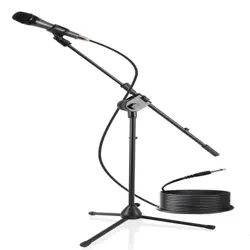
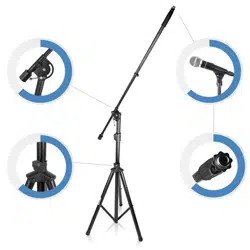
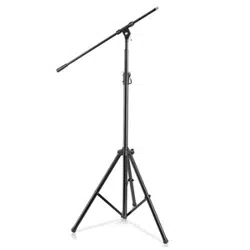
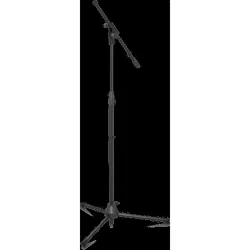
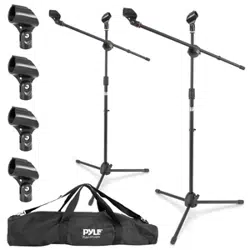
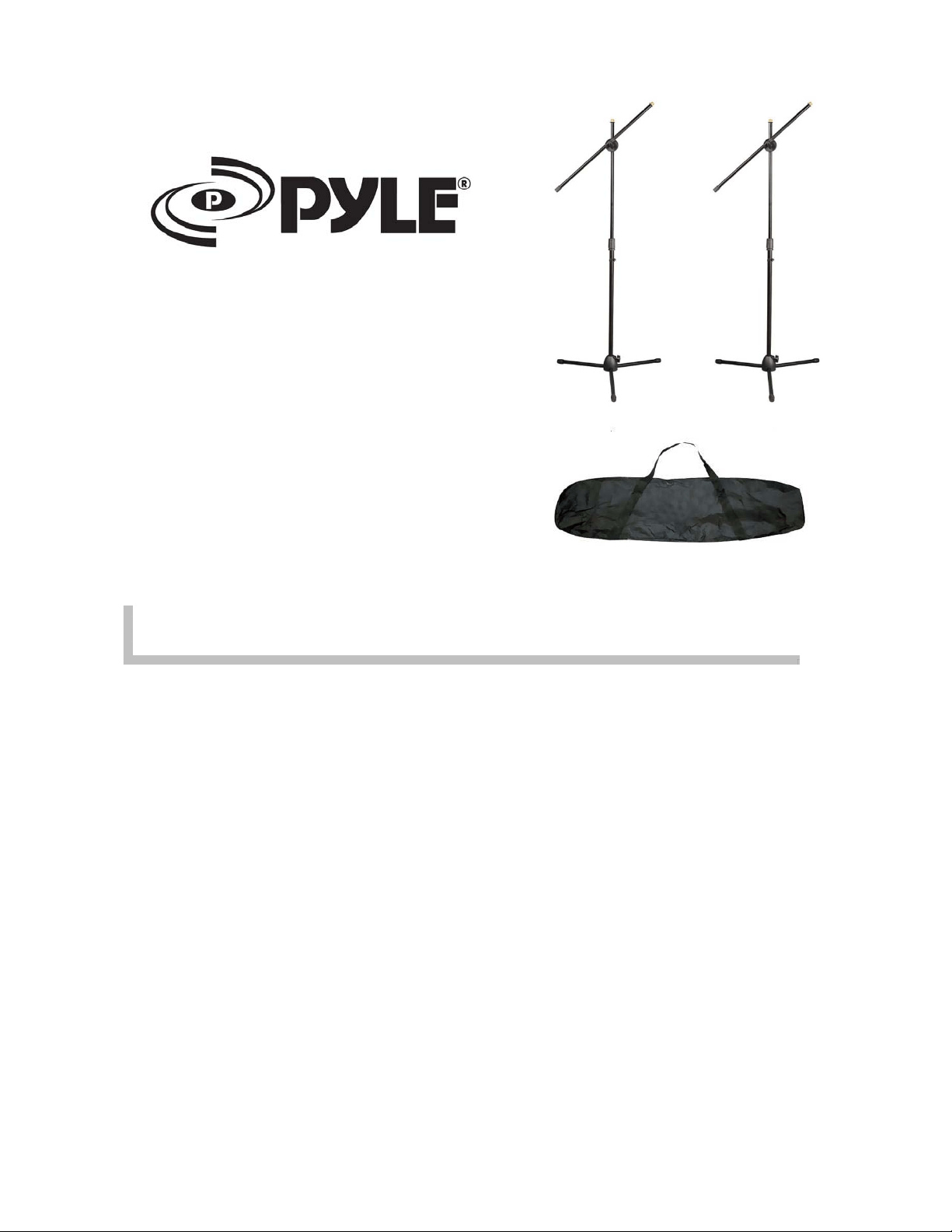
1. Fold out the tripod legs completely for maximum stability.
2. Loosen the tripod clutch and adjust the pole to desired height.
Tighten the clutch securely afterwards.
3. Loosen the brace on the pole and adjust it to the desired height.
Tighten the brace securely afterwards.
4. Loosen the tightening knobs and adjust the boom to desired
length and angle. Then tighten the knobs securely afterwards.
5. Insert and tighten the mic holder on the top.
Headquarters: 1600 63
rd
Street
Brooklyn, NY 11204 – USA
Toll Free: (800) 444 – 5671
Tel: (718) 236 – 8000 Fax: (718) 236 – 2400
www.pyleaudio.com
PMKSKT35 - Micro
p
hone Stands