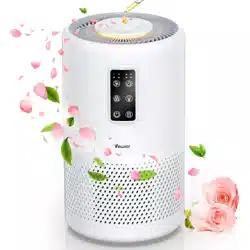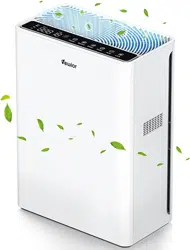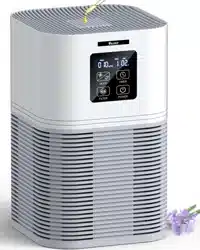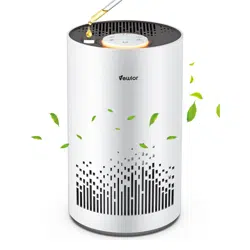



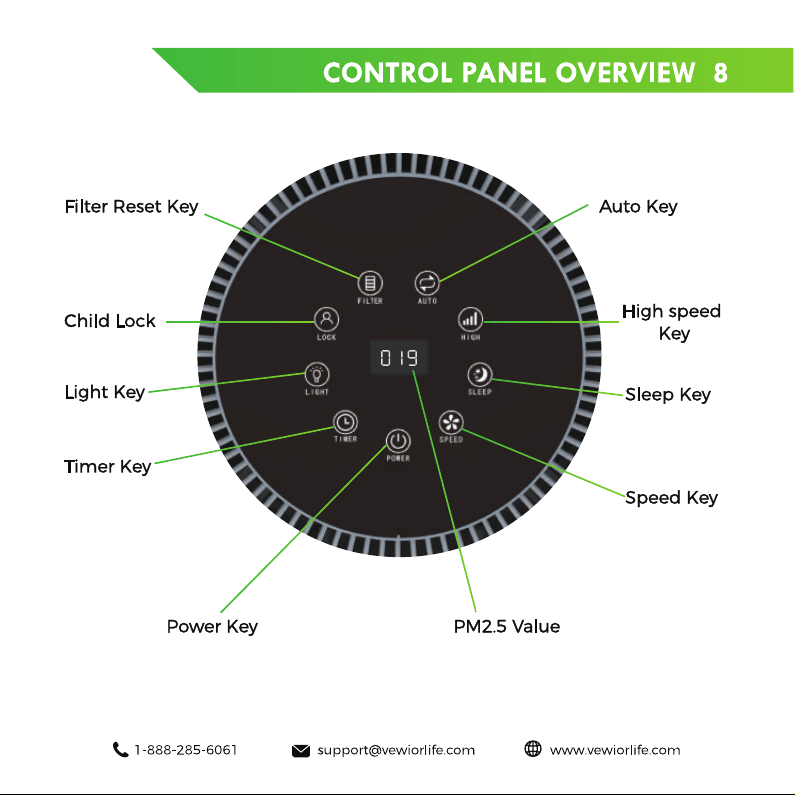
1. Power key: After power on, press “ ” , and the light circle of
the air quality display screen will be on, with the value displayed in
the middle, and 1P for speed.
2. Auto mode:
Press “ ” in any other running mode, and the
machine will enter the auto mode. In the auto mode, the AUTO
key light is on, and the machine will automatically select the
appropriate speed based on the air quality signal detected by the
sensor.
3. High speed function:
Press “ ” to enter the highest speed for
running.
4. Sleep mode:
Press “ ”, and the machine will enter the sleep
mode. The sleep key light is on, the air quality display screen is off,
the key lights are off, and the machine will run at low speed and
low noise.
5. Manual mode:
The machine will enter the manual mode after
exiting the auto or sleep mode. Press “ ” to manually adjust the
speed ranging from 1 to 3.
6. Timer function:
Press “ ” to start the timed shutdown func-
tion. The purifier can be set to shut down after 2 to 12 hours. The
set time will be displayed in the countdown way.
7. Child lock function: Press and hold“ ” for 5s to start the child
lock function, and other keys will be locked. Press and hold“ ”
for 5s again to cancel this function.
8. Filter reset function:
Press the filter key, and the remaining
service life percentage of the filter will be displayed in the window
next to the key. After replacing the filter, press“ ” , and then
press and hold the key for 5s during flashing for resetting. The new
filter displays as — — —(that is, > 1000 H).When the filter reaches a
certain life, there will be a 100-hour countdown.
9. Air quality value display function:
After startup, the sensor
automatically senses the air quality, and the front display window
displays the air pollution value.
Note:
The sensor needs to be preheated for 30s. The displayed value of
this function is only for reference, so this function cannot be used
to replace professional testing equipment.
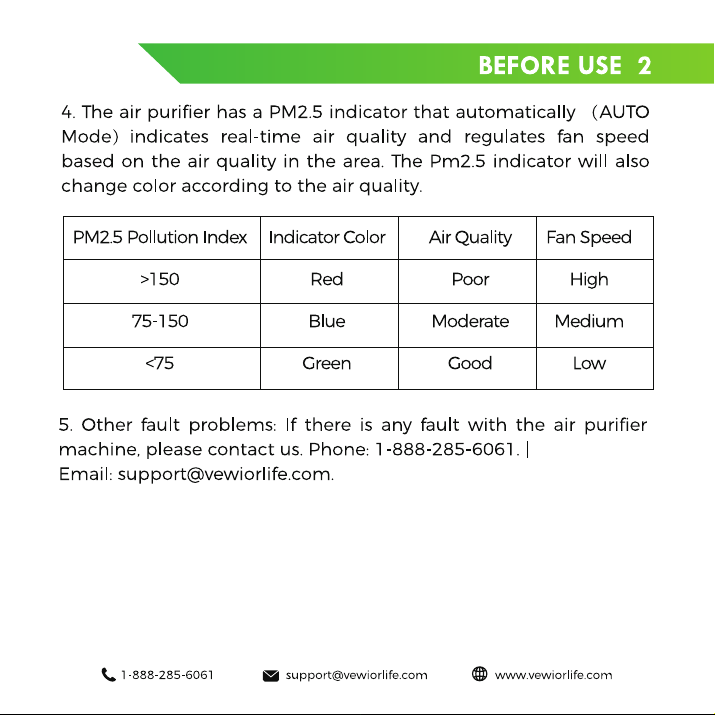
The function of light
:
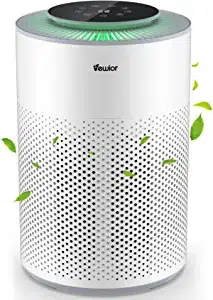
1. Green: Indicates that the current air quality is good.
2. Blue: Indicates that the current air quality is moderate.
3. Red: Indicates that the current air quality is poor.