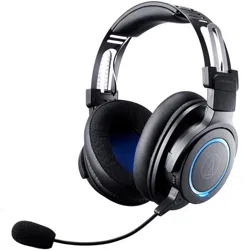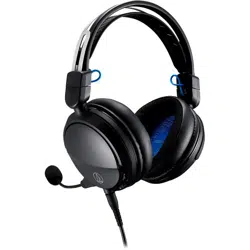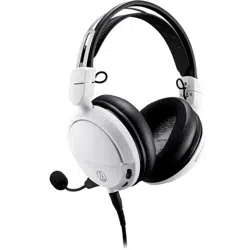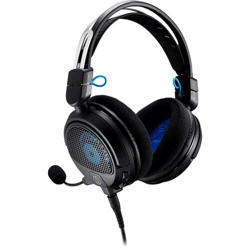

ATH-M50xSTS
Streaming Headset
User Manual
English

1
Safety precautions
Follow applicable laws regarding mobile phone and headphone use if using headphones while driving.
Do not use the product in places where the inability to hear ambient sound presents a serious risk (such as at railroad
crossings, train stations, and construction sites).
To prevent damage to your hearing, do not raise the volume too high.
Listening to loud sound for an extended period may cause temporary or permanent hearing loss.
Discontinue use if skin irritation results from direct contact with the product.
Do not disassemble, modify or attempt to repair the product.
Be careful to avoid pinching yourself between the housing and the arm of product.

2
Notes on use
Be sure to read the connected device’s user manual before use.
Audio-Technica will not be liable in any way for any loss of data in the unlikely event that such losses should occur
while using the product.
On public transportation or in other public places, keep the volume low so as not to disturb other people.
Minimize the volume on your device before connecting the product.
When using the product in a dry environment, you may feel a tingling sensation in your ears. This is caused by static
electricity accumulated on your body, not by product malfunction.
Do not subject the product to strong impact.
Do not store the product in direct sunlight, near heating devices, or in hot, humid, or dusty places. Additionally, do
not allow the product to get wet.
When the product is used for a long time, the product may become discolored due to ultraviolet light (especially
direct sunlight) and wear.
Do not expose the product to excessive stress or pressure, which could result in damage or deformation.
Make sure to connect/disconnect the included cable by holding the plug. Pulling directly on the included cable can
result in a broken wire and the risk of electric shock.
Do not wrap the cable around a rack, furniture or other object. Do not allow the cable to be pinched.
3
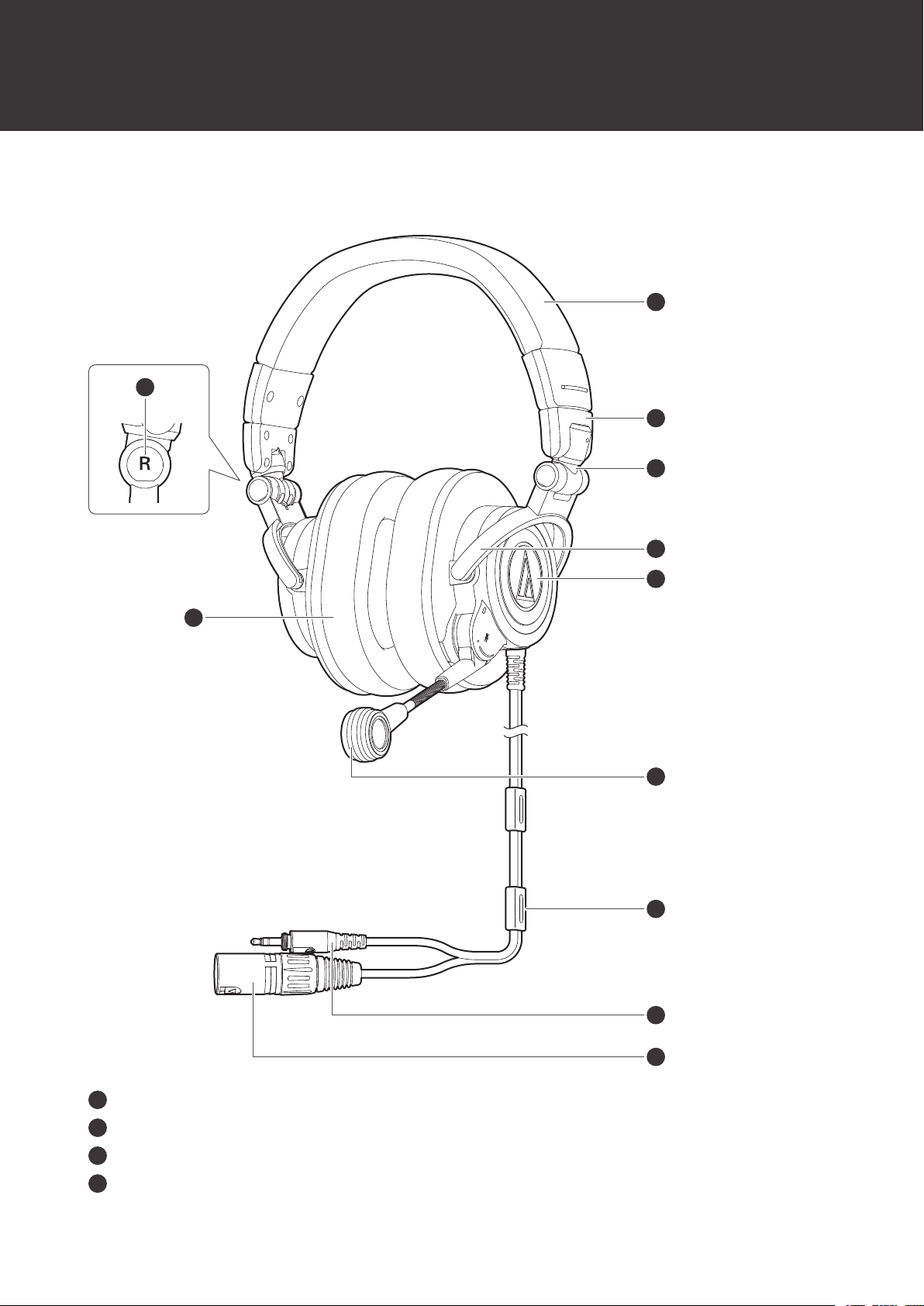
Part names and functions
Headset
4
5
7
6
2
1
3
8
11
10
9
1
L/R (left/right) indicator
2
Earpad
3
Headband
4
Slider
Part names and functions
4
5
Joint
6
Arm
7
Housing
8
Microphone
9
Cable stopper
10
3.5 mm (1/8”) gold-plated stereo 3-pole mini-plug
11
XLR-M connector (3-pin)
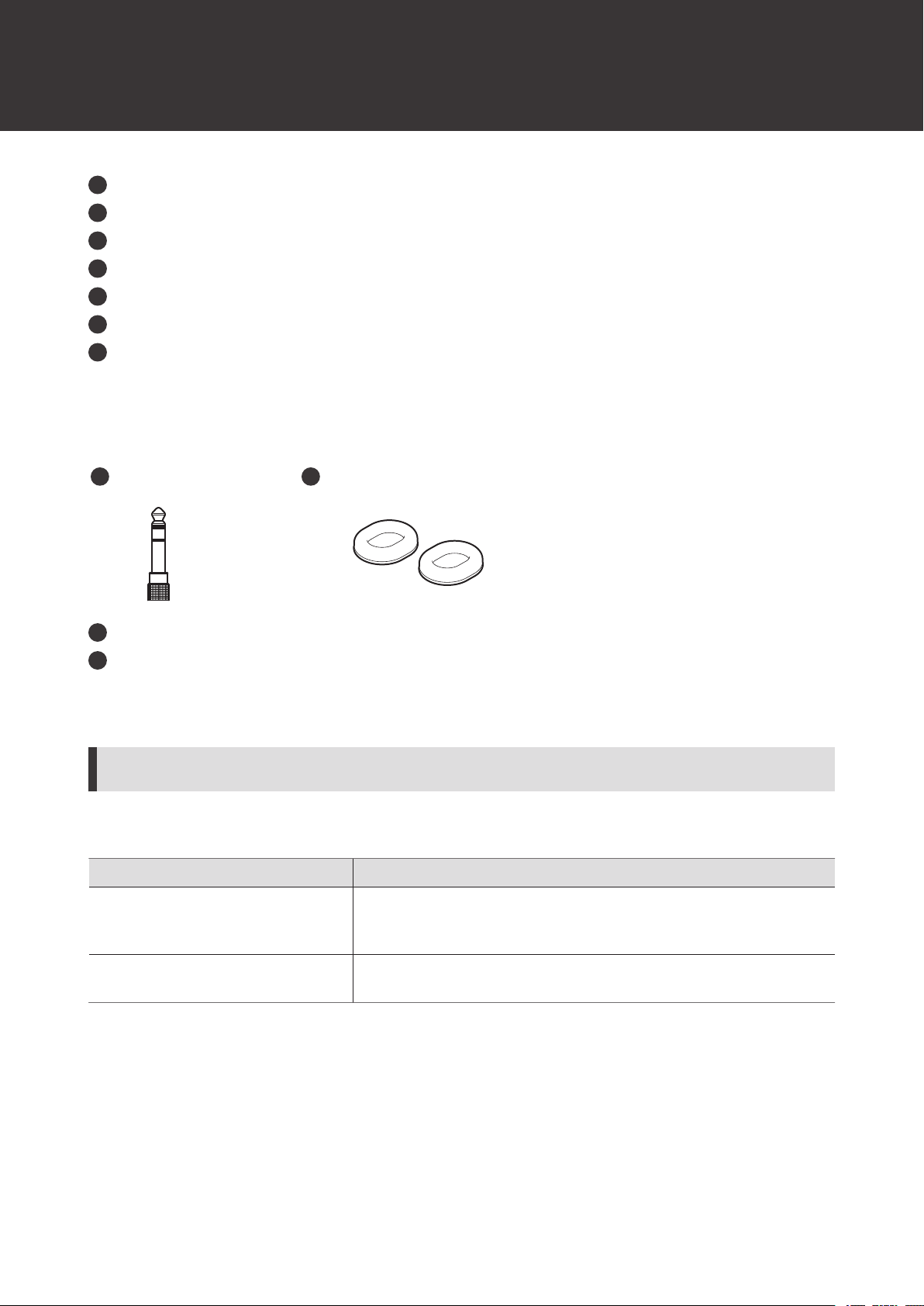
Accessories
21
1
6.3 mm (1/4”) stereo adapter
2
Earpads
At the time of purchase, the earpads that are made of mesh material with excellent air permeability for increased
comfort are attached to the headset.
Earpads
There are two types of earpads for this product. Use the product for whichever of these purposes suits your needs.
Earpad type Description
Mesh earpads
These earpads are made of mesh material with excellent air permeability
for increased comfort. At the time of purchase, these earpads are attached
to the headset.
Leather earpads
These are the same earpads used on the ATH-M50x. They are made of
leather material and stress audio quality and sound isolation.
5
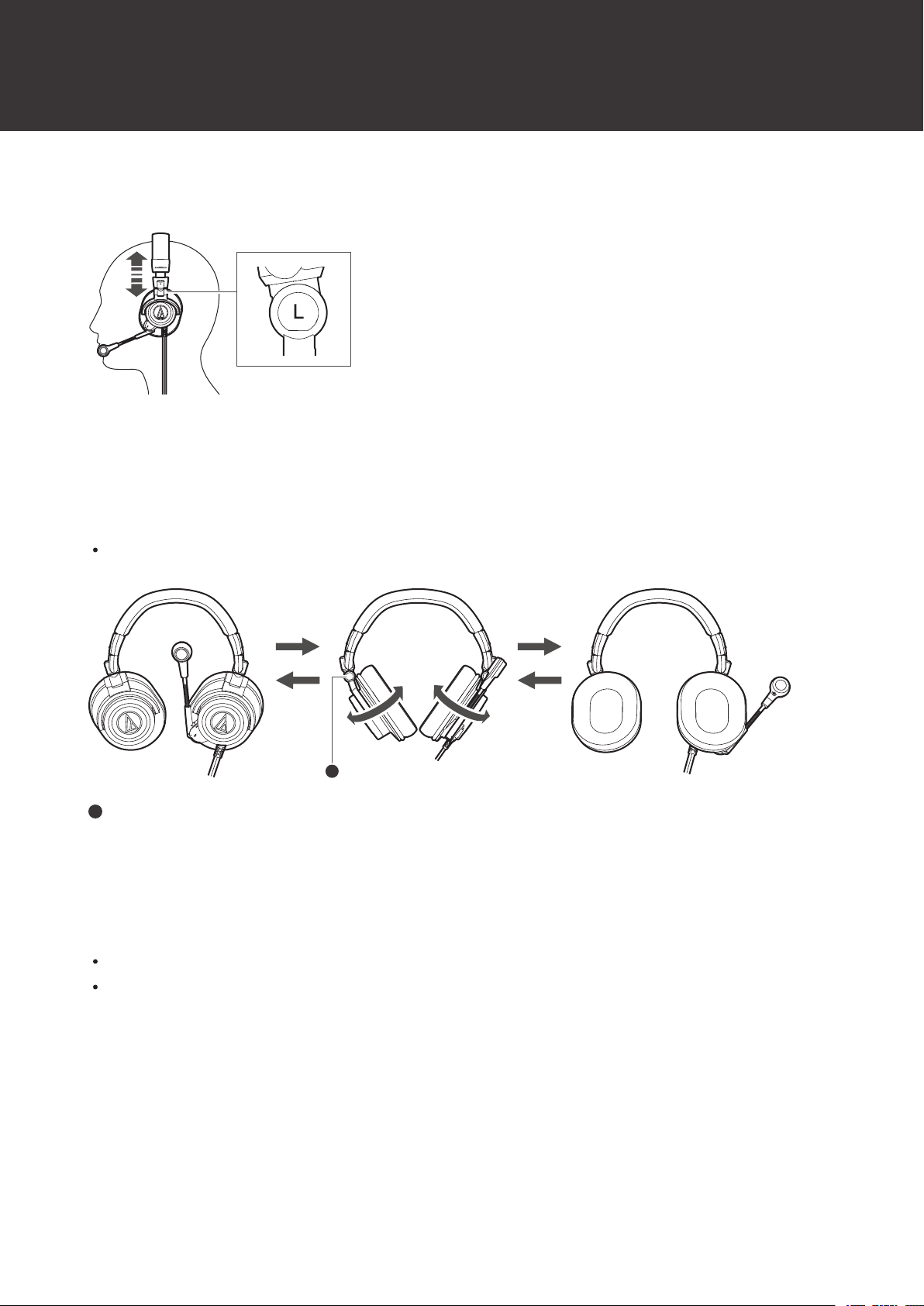
Wearing the product
Put the side of the product marked “L” (LEFT) onto the left ear and the side marked “R” (RIGHT) onto the right ear, slide
the slider up and down so that the earpads cover the ears, and then adjust the headband.
Swivel mechanism
You can fold the housing so that it lies flat.
The swivel mechanism cannot rotate more than 90 degrees. Do not apply excessive force.
1
1
Joint
Compact folding
You can fold the housing into the inner side of the headband using the joints at the fulcrum.
Be careful so as not to get your fingers caught in the joints.
When using the product, make sure to return the housings to their original positions.
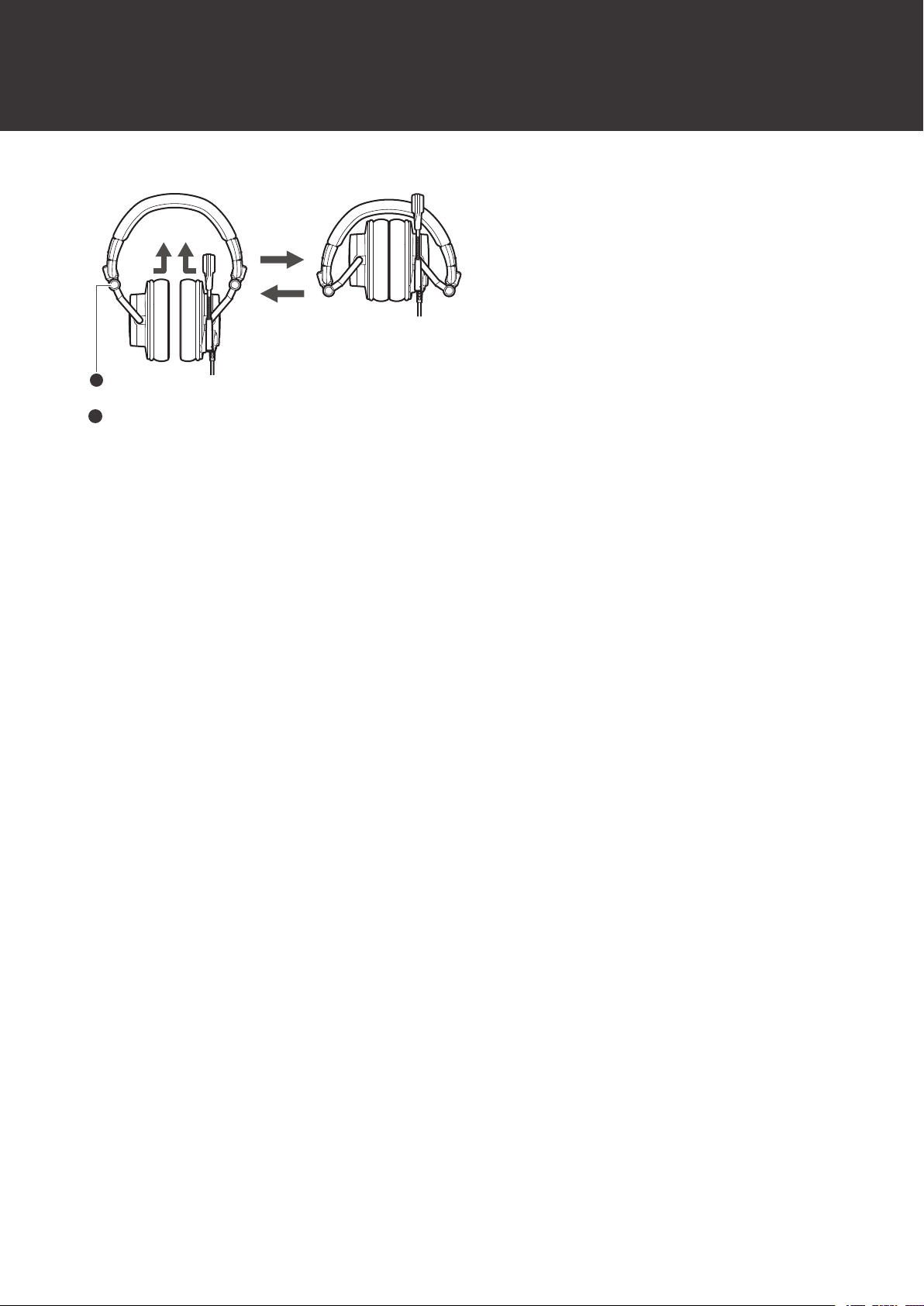
Wearing the product
6
1
1
Joint
7
Using the product
Connecting to and using an audio interface is explained as an example.
Refer to the user manual of the audio interface to be connected and use it properly.
An audio interface that has a microphone input (balanced input) compatible with a phantom power supply is required
to use the microphone of the product. Check the specifications of the audio interface to be connected.
When connecting to a device other than an audio interface (mixer, etc.), refer to the device's user manual for proper
connection and use.
1
Make sure the audio interface is not turned on.
Make sure phantom power is turned off.
Make sure the microphone gain and headphone volume are set to minimum. Sudden loud noise emitted from
the product may cause damage to the product or hearing damage.
2
Connect the 3.5 mm (1/8”) gold-plated stereo 3-pole mini-plug to the headphone jack on the audio
interface.
3
Connect the XLR-M connector (3-pin) to the XLR jack on the audio interface.
1 2
1
XLR jack
2
Headphone jack
4
Use the USB cable to connect the audio interface to a computer.
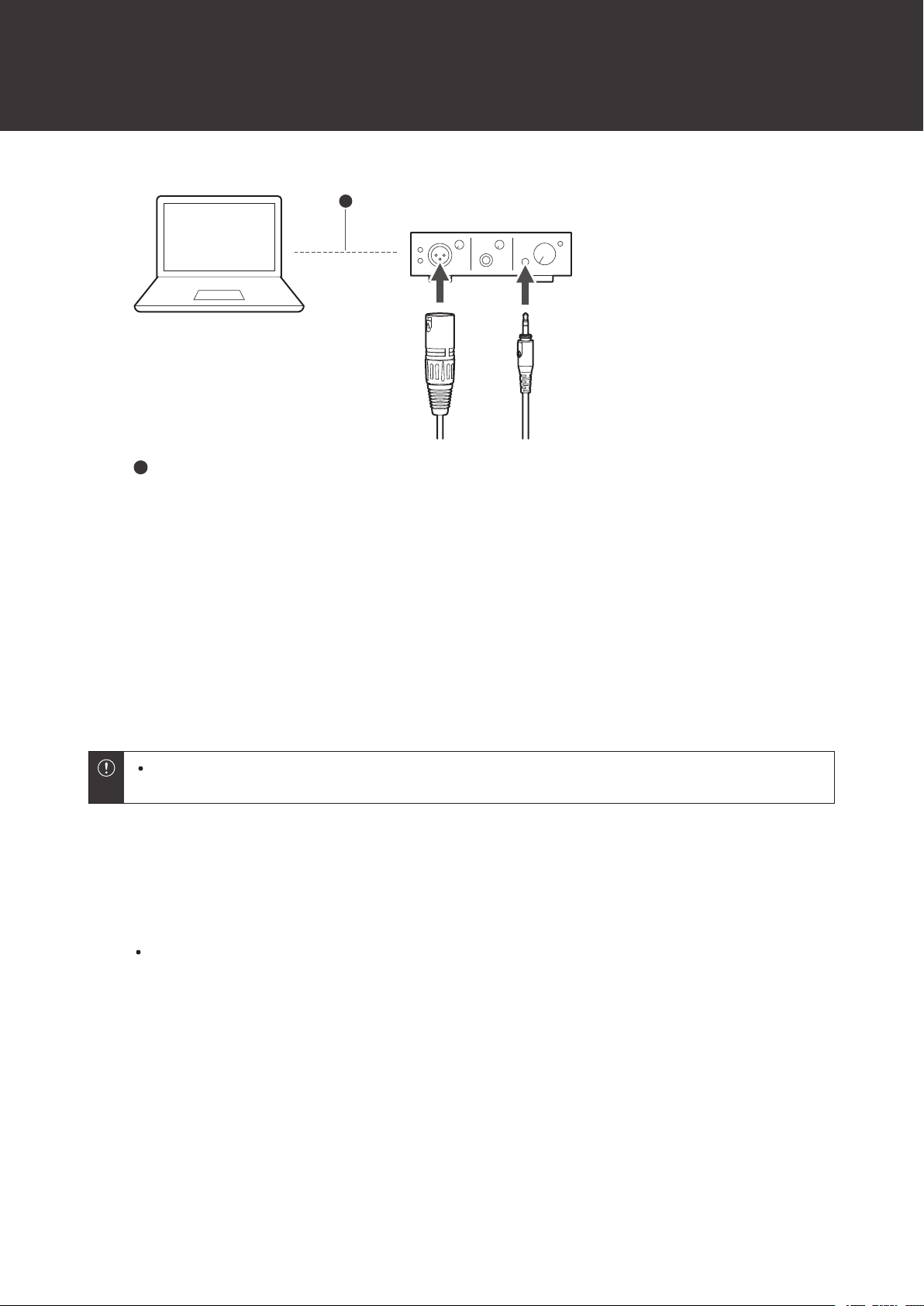
Using the product
8
1
1
USB cable (included with audio interface)
5
Make sure the audio interface is turned on, and turn phantom power ON.
6
Place the product with the side marked “L” on your left ear and the side marked “R” on your right
ear, and adjust the headband length by sliding the slider.
7
Adjust the microphone near the corner of your mouth.
8
Operate the audio interface and adjust the microphone gain and headphone volume.
Do not plug in or unplug the XLR-M connector (3-pin) with the phantom power of the audio interface turned
on. It may generate loud noise, which may damage the product or the audio interface.
Muting the microphone
1
Moving the microphone up mutes the microphone.
To unmute, move the microphone down.
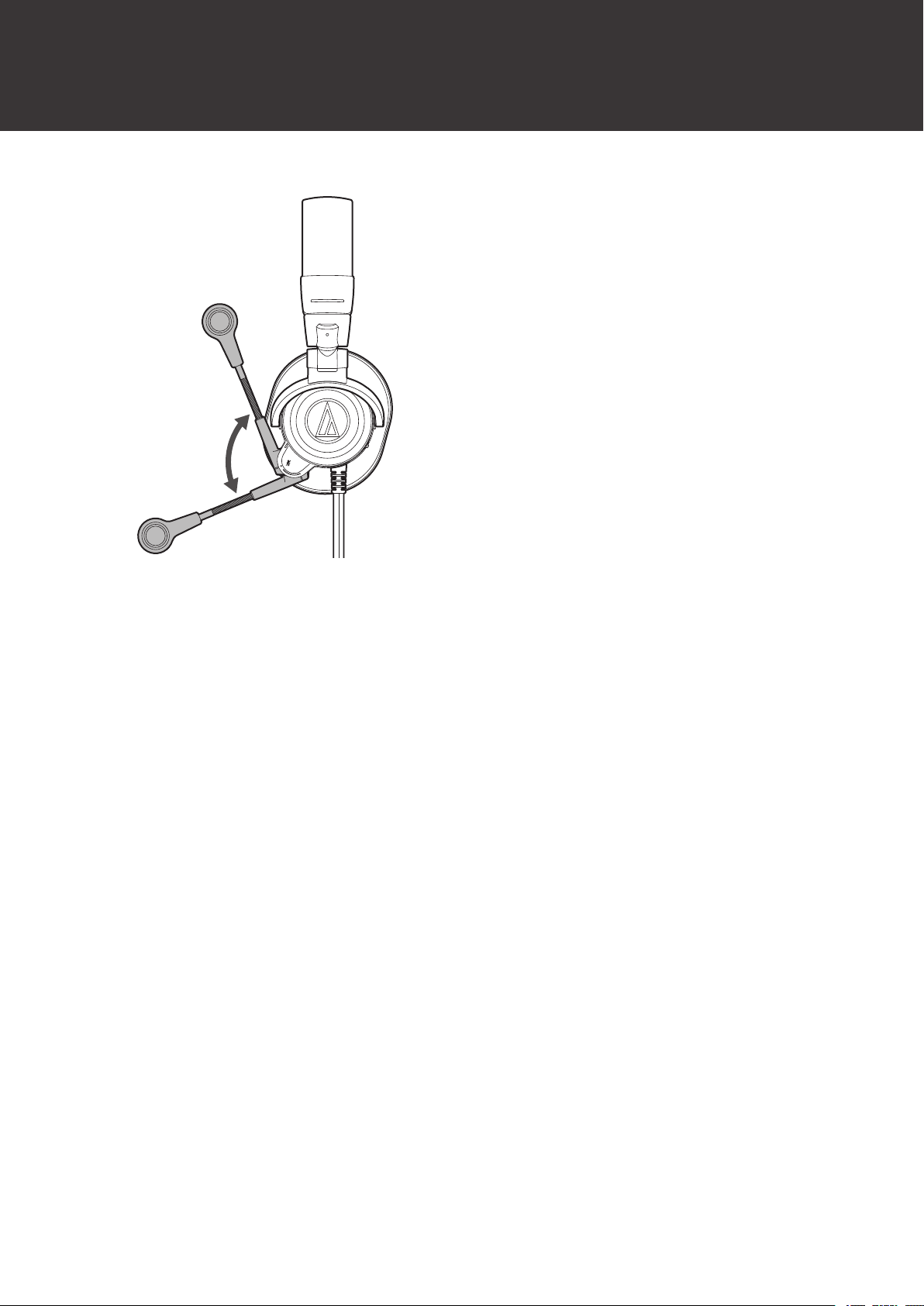
Using the product
9
10
Cleaning
Get into the habit of regularly cleaning the product to ensure that it will last for a long time. Do not use alcohol, paint
thinners, or other solvents for cleaning purposes.
Use a dry cloth to clean the headphones and the in-line controller.
Wipe away any perspiration or dirt from the cable with a dry cloth immediately after use. Failure to clean the cable
may cause it to deteriorate and harden over time, resulting in malfunction.
Wipe the cable plug with a dry cloth if dirty. Failure to clean the plug may cause sound skipping or noise.
To clean the earpads and headband, wipe with a dry cloth. Earpads and headband may fade if sweat or water dries
on them. If the earpads and headband get wet, we recommend wiping them with a dry cloth and allowing them to
dry in the shade.
If the product will not be used for an extended period of time, store it in a well-ventilated place free from
high temperatures and humidity.
Earpads are consumable parts. The earpads deteriorate over time due to use or storage. Contact your local
Audio-Technica dealer for earpad replacement or other repairs.
11
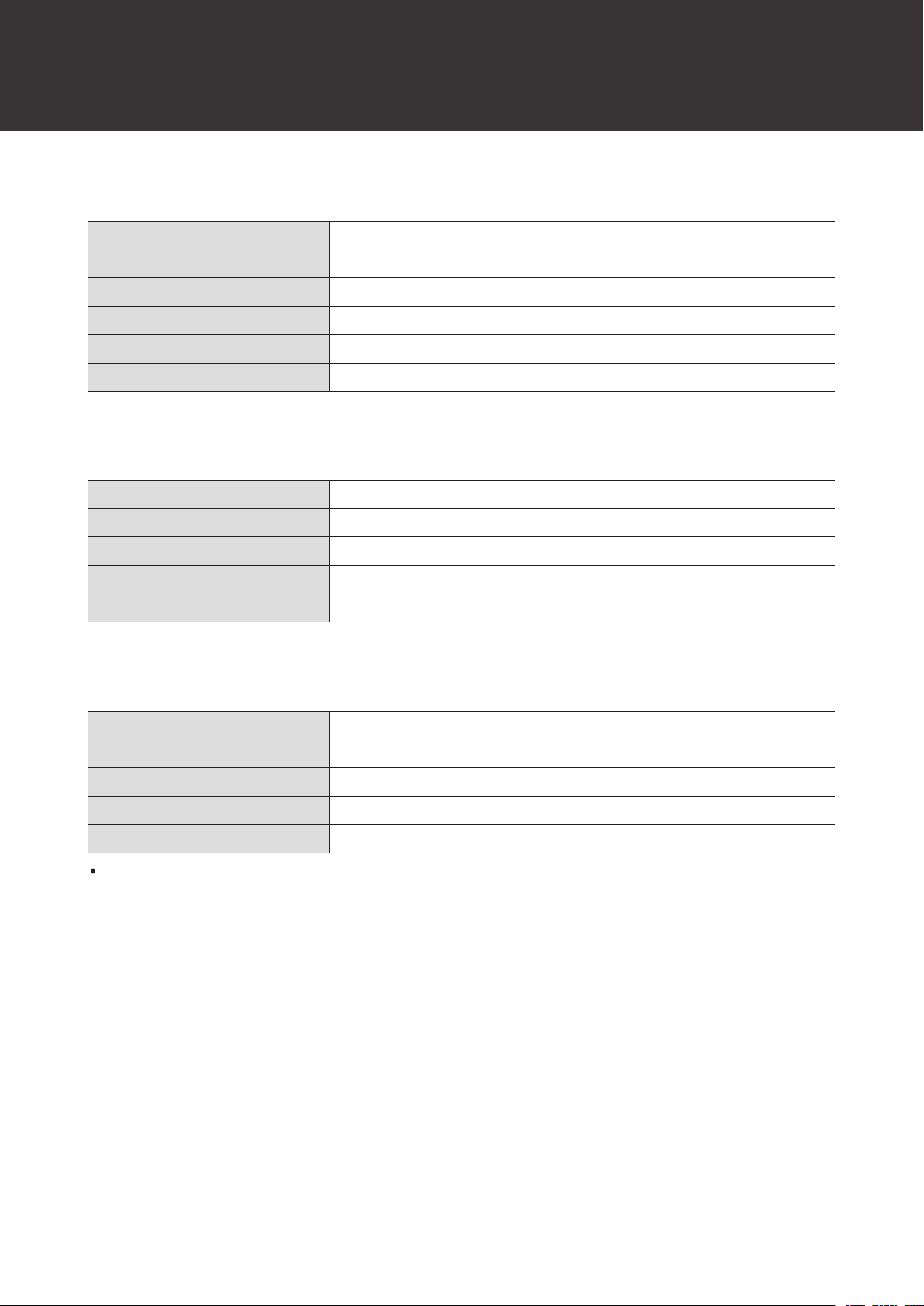
Specifications
Headphones
Type
Closed-back dynamic
Driver
45 mm
Sensitivity
99 dB/mW
Frequency response
15 to 28,000 Hz
Maximum input power
1,600 mW
Impedance
38 ohms
Microphone
Type
Back electret condenser
Polar pattern
Unidirectional
Sensitivity
-44.5 dB (0 dB=1 V/Pa, at 1 kHz)
Frequency response
50 to 20,000 Hz (at 3 cm)
Phantom power
11 to 52 V DC, 2 mA
Other
Weight (without cable)
Approx. 330 g (12 oz)
Cable length
2.0 m (6.6')
Plugs
3-pin XLR-M type plug, 3.5 mm (1/8”) gold-plated stereo mini-plug/3 pole
Accessories
Earpads, 6.3 mm (1/4”) stereo adapter
Sold separately
Earpads, 6.3 mm (1/4”) stereo adapter
For product improvement, the product is subject to modification without notice.

株式会社オーディオテクニカ
〒194-8666 東京都町田市西成瀬2-46-1
www.audio-technica.co.jp
Audio-Technica Corporation
2-46-1 Nishi-naruse, Machida, Tokyo 194-8666, Japan
www.audio-technica.com
©2023 Audio-Technica Corporation
Global Support Contact: www.at-globalsupport.com
382908150-02-01 ver.1 2023.02.15