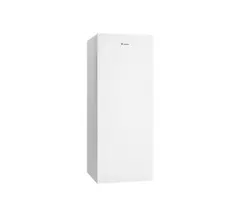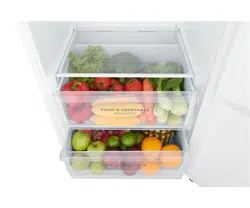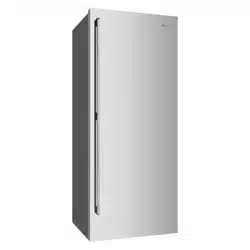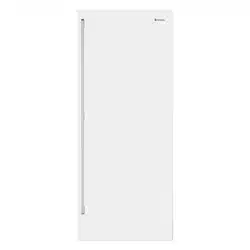
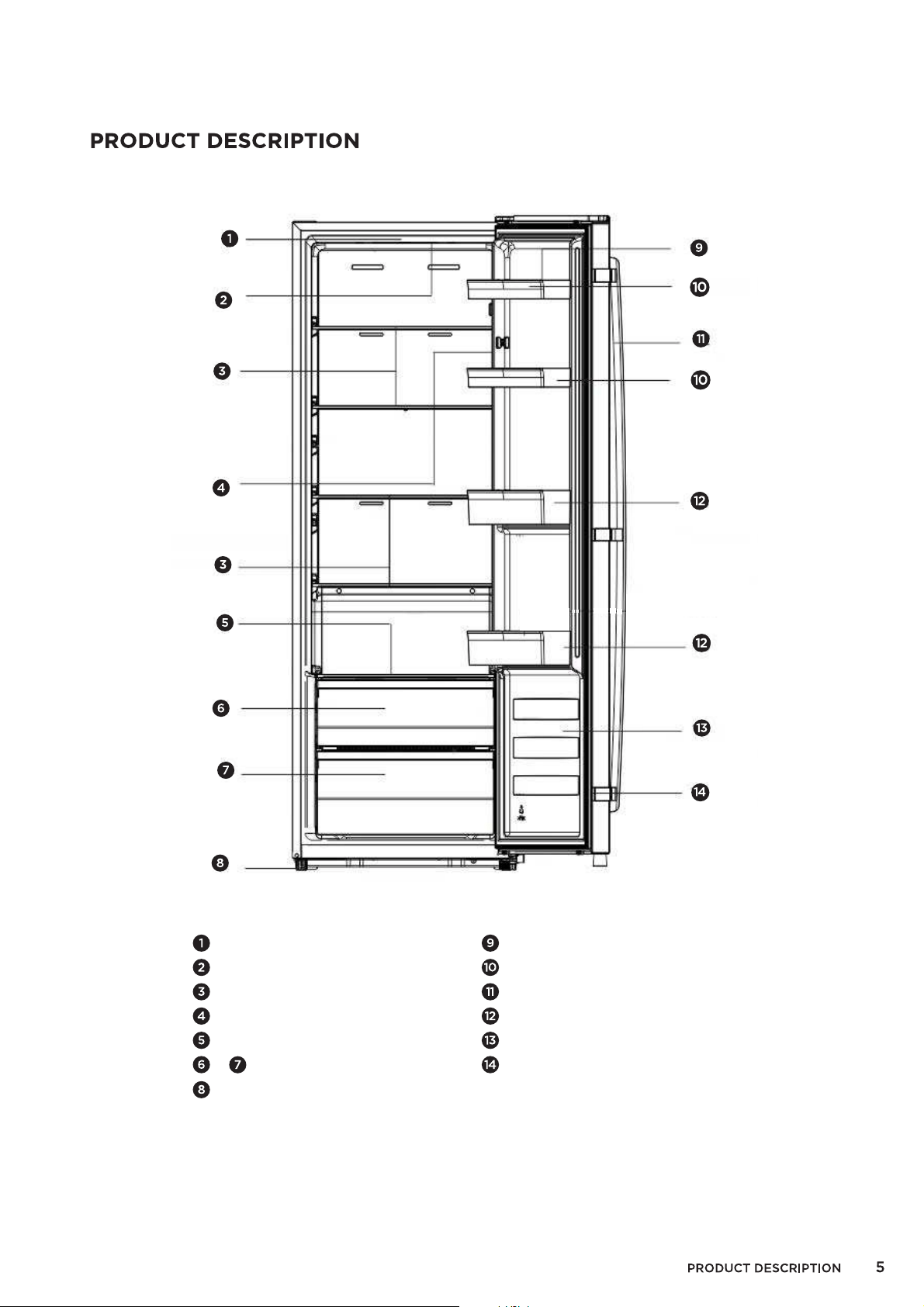
Note! Your refrigerator may differ slightly from this illustration but the functions and operations will remain the same.
Note: To achieve the optimum energy efficiency from this product, please place all shelves, drawers and baskets in
their original position as per the illustration above.
Cabinet
LED light
Glass shelves
Display
Small glass shelf
Adjustable bottom feet
Egg tray (inside)
Upper racks
Handle
Lower racks
Fridge door
Fridge gasket
Fruit and vegetable drawers
&
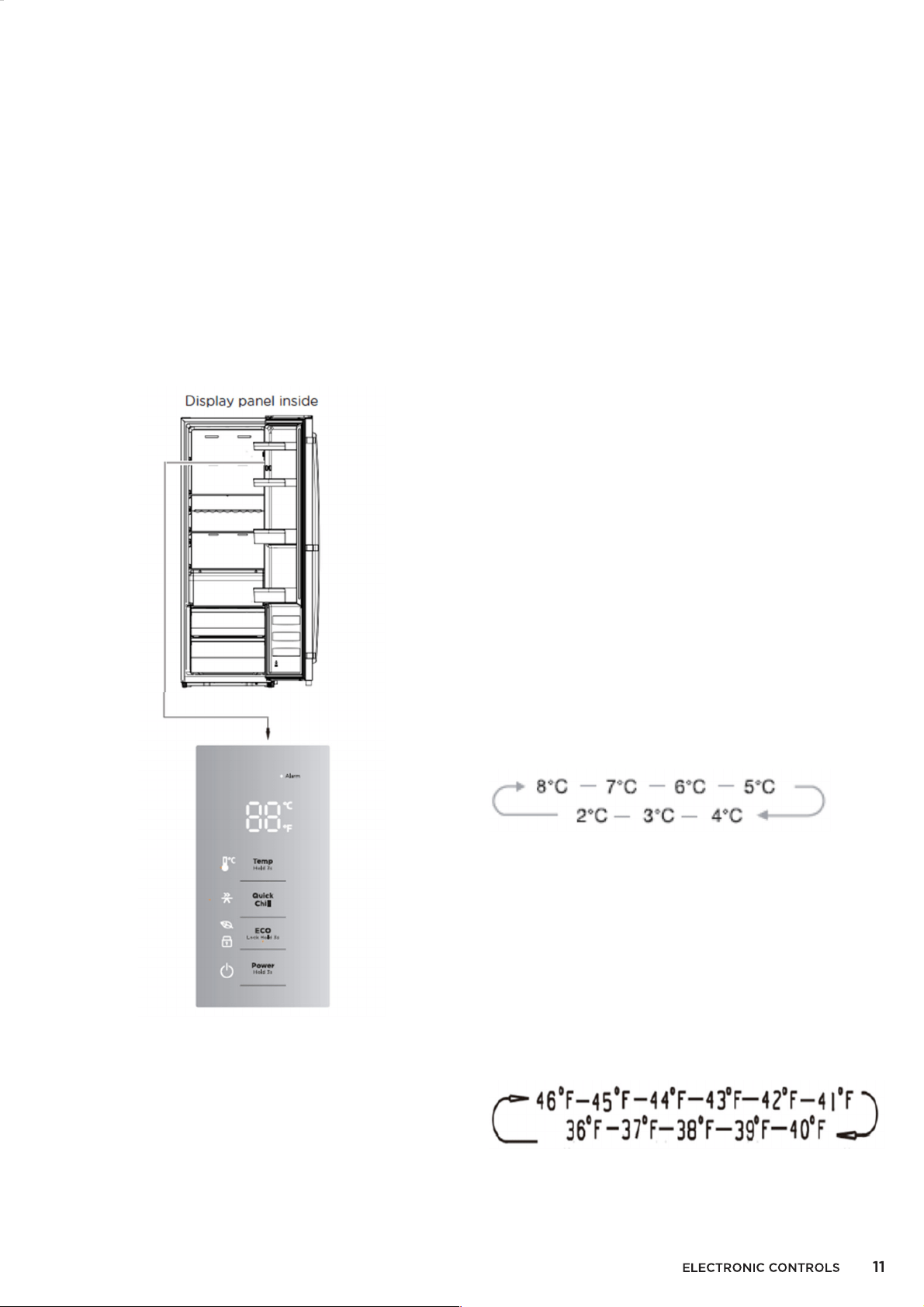
ELECTRONIC CONTROLS
Use your appliance according to the following
control regulations. Your appliance has the
corresponding functions and modes as the
control panels showed in the pictures below.
●
When the appliance is powered on for the
first time, the backlighting of the icons on
display panel will start working. If no buttons
have been pressed and the doors are closed,
the backlighting will turn off.
Note: High temperature setting will accelerate
food waste.
Using the control panel
1. Power
To turn the refrigerator on, press the POWER
(3secs) button for 3 seconds. Repeat the
process to turn the power off.
Important: Do not store any food in the fridge
during this time.
2. Temperature
For optimum food preservation, we
recommend that when you start your
refrigerator for the first time, the temperature
for the refrigerator is set to 4°C (39°F). If you
want to change the temperature of the
refrigerator, follow the instructions below
Ensure the fridge is unlocked by checking that
there is no light on ECO (Lock Hold). If the
light is on, press and hold for 3 seconds.
To adjust the
●
temperature in Celsius, check
that the °C light is on near the temperature
display. If the °F is showing, switch the
display mode from °C to °F by pressing the
TEMP (Hold 3s) button for 3 seconds.
Press the TEMP (Hold 3s), until you select the
temperature that you want.
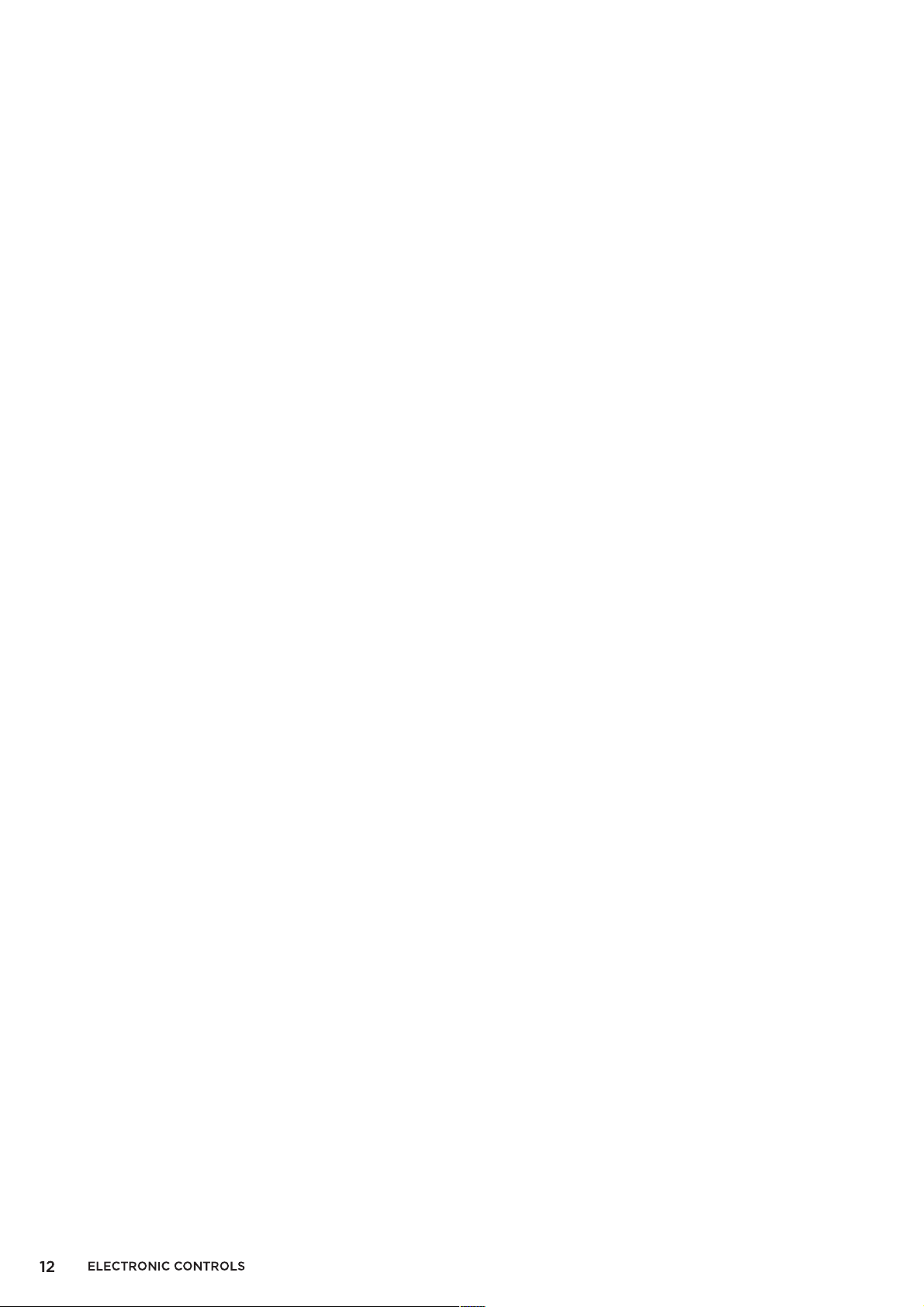
PLEASE NOTE: the fridge will set the
temperature cyclically adjust between 8°C
and 2°C.
To adjust the temperature in Fahrenheit,
check that the °F light is on near the
temperature display. If the °C is showing,
switch the display mode from °F to °C by
pressing the TEMP (Hold 3s) button for 3
seconds.
Press the TEMP (Hold 3s), until you select the
temperature that you want.
PLEASE NOTE: the fridge will set the
temperature cyclically adjust between 46°F
and 36°F.
Caution:
When you set temperature in the refrigerator
you set an average temperature for the whole
refrigerator cabinet.
●
Temperature inside each compartment may
vary from the temperature values displayed
on the panel depending on how much food
you store and where you place them. Ambient
●
temperature may also affect the actual
temperature inside the appliance.
3. Quick chill
Quick chill can boost the cooling process
faster, keeping food fresher for longer period.
Ensure the fridge is unlocked by checking that
there is no light on ECO (Lock Hold). If the
light is on, press and hold for 3 seconds.
To activate the Quick Chill function, press the
Quick Chill button until the icon light is lit.
The temperature is then set to 2°C (36°F).
Quick chill mode automatically exits after
about 6 hours.
To deactivate the Quick Chill mode off, press
button until the light goes off and the
refrigerator temperature setting will revert to
the previous setting.
4. Eco Mode
If you are going to be away for a long period
of time, you can turn it to Eco mode to
maintain a cooling temperature but save on
electricity.
Ensure the fridge is unlocked by checking that
there is no light on ECO (Lock Hold). If the
light is on, press and hold for 3 seconds.
To activate Eco Mode, press the button until
the light is lit. The temperature is set to 6°C
(43°F).
To deactivate Eco Mode, press the button
until the light goes off. The fridge
temperature setting will revert to the previous
setting.
5. Child Lock
You can lock the controls of the refrigerator.
The Child Lock is automatically turned on.
To deactivate the child lock, press and hold
the button for 3 seconds until the light goes
off. Now you can change the other functions
of the fridge.
If no button has been pressed for 20 seconds,
the light will be on.
6. Alarm
If the door has been left open for over 2
minutes, then the door alarm will sound & the
control panel will show “dr”. The icon will
flash and there will be buzzing sound.
If the door is not closed, the buzzer will sound
3 times every 1 min.
After the door alarm time exceeds more than
10 minutes, the buzzer stops beeping, the icon
is off, and the display screen shows normal.
The door alarm can also be cleared by closing
the door.
To save energy, please avoid keeping the
door open for a long time when using the
appliance.
FEATURES OF YOUR REFRIGERATOR
Your appliance has the accessories as shown in the “Description of the appliance”. We recommend
that you read through the below carefully before using the appliance in order to prevent damage to
the product
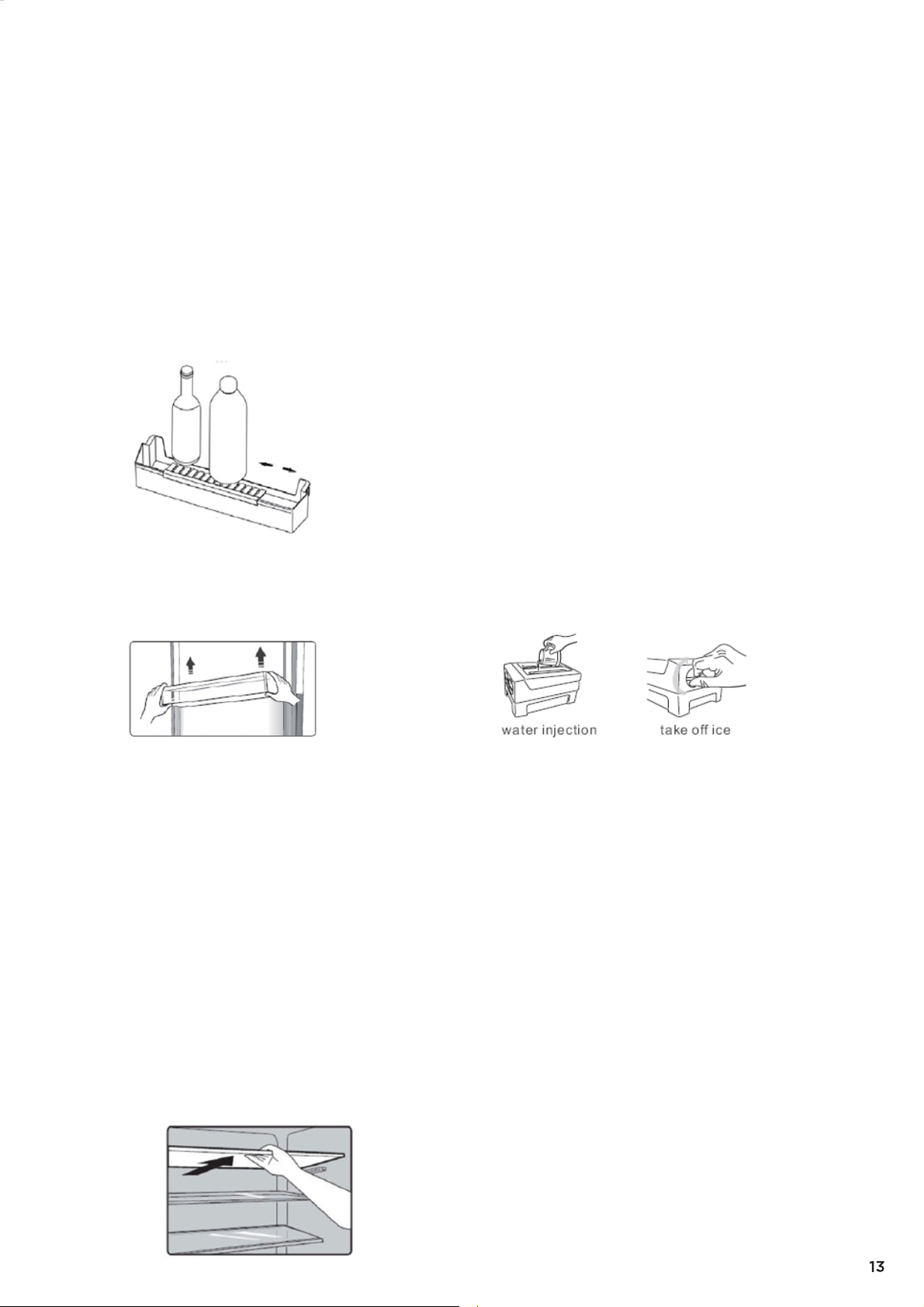
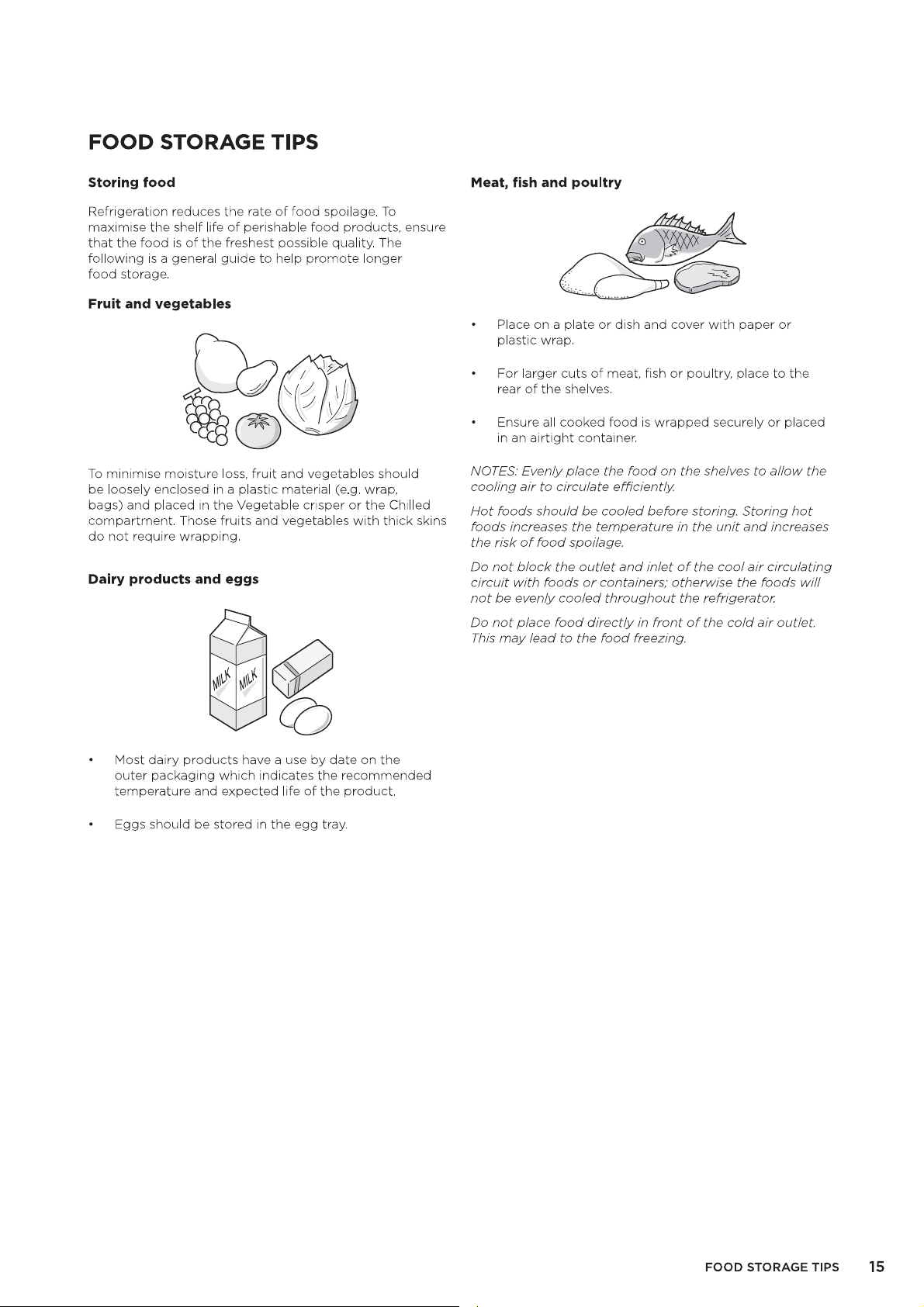
1. Door Bins
The door bins are suitable for the storage of
eggs, canned liquid, bottled drinks and
packed food, etc. Do not place too many
heavy things in the racks.
If you want to take down the door bins to
●
clean them, please take food out of the door
bins first.
To remove, gently lift the door vertically up to
●
clear the holder lugs before removing from
the door.
To replace, gently drop the door bin back
onto the holder lugs. Press down gently to
secure.
Note: There are egg trays in the upper shelf
and bottle holder in the lower shelf.
2. Shelves in the Refrigerator
Cabinet
The glass shelves in the refrigerator can be
taken out to adjust their position and also to
be cleaned.
To remove, tilt the front of the shelf upwards
and gently slide out.
FEATURES OF YOUR REFRIGERATOR
To replace, hold the shelf straight with the
fridge cavity, angling the shelf downward.
Slide the shelf in on the shelf runner, and
gently drop into place.
3. Ice Box
Take out the ice box placed on a
platform, then pour water level shall not
exceed the maximum line.
Place the flled ice box back to the freezing
room.
When ice cubes form, twist the knobs
dockwise and the ice will drop into the ice
box below.
Ice cubes can be stored in the ice box, if
you need them, you can pull out the ice box
and take them out.
Note:If the ice box is used for the first time
or has not been used for a long time,
please clean it before using.


4264594-B