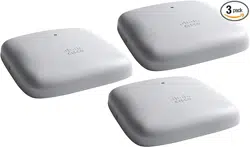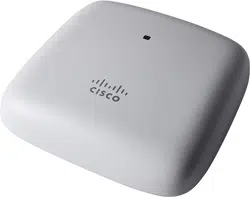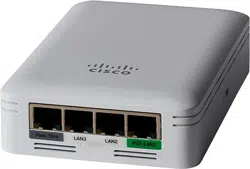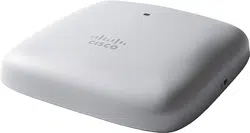
Cisco Business 240AC Access Point
Thank you for choosing the Cisco Business 240AC Access Point. This access point can be used to
create a new wireless network or added to an existing network to expand coverage.
This Quick Start Guide will get you up and running in no time.
1
7
Cisco Business 240AC Access Point | Quick Start Guide
QUICK START GUIDE
8
3
42 5
6
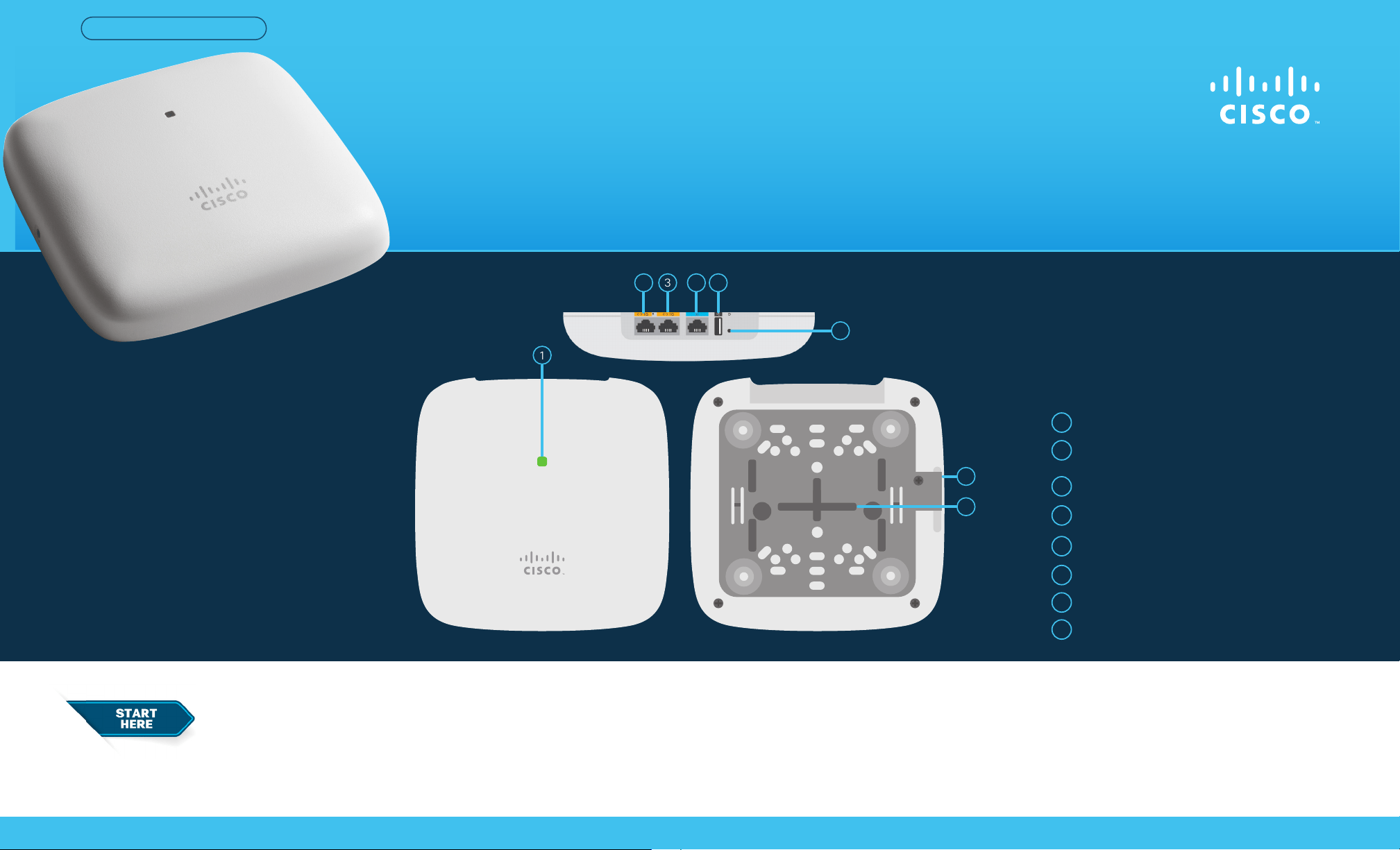
Product Features
Status LED
Ethernet GbE Port
RJ-45 Console Port (For tech support only)
USB 2.0 Port (For future use)
Mode Button
1
4
2
5
3
6
Security Screw Hole
7
Mounting Bracket
8
PoE (Power over Ethernet)-In Port
(Ethernet Uplink Port)
First, You’ll Need...
● Cisco Business 240AC Access Point
● Mounting Kit
● Ethernet Cable
● Quick Start Guide
● Technical Support Contact List
● Pointer Card China RoHS
● Compliance Information (for EU SKU only)
What’s in the Box
● An active Internet connection
● A phone with Wi-Fi capability (not
connected to an active wireless network)
● A PoE (Power over Ethernet) switch, router or PoE injector
(802.3af) to supply power to the access point.
● A router (to act as your DHCP Server).
GbE
Cisco Business 240AC Access Point | Quick Start Guide
©2021 Cisco and/or its aliates. All rights reserved. Cisco and the Cisco logo are trademarks or registered trademarks of Cisco and/or its aliates in the U.S. and other countries.
To view a list of Cisco trademarks, go to this URL: https:// www.cisco.com/go/trademarks. Third-party trademarks mentioned are the property of their respective owners.
The use of the word partner does not imply a partnership relationship between Cisco and any other company. (1110R)
For Cisco support and additional product documentation, including the Web UI
Setup document and Administration Guide visit:
https://cisco.com/go/cbw240ac
Cisco Business PoE Switch
1
2
Get Support
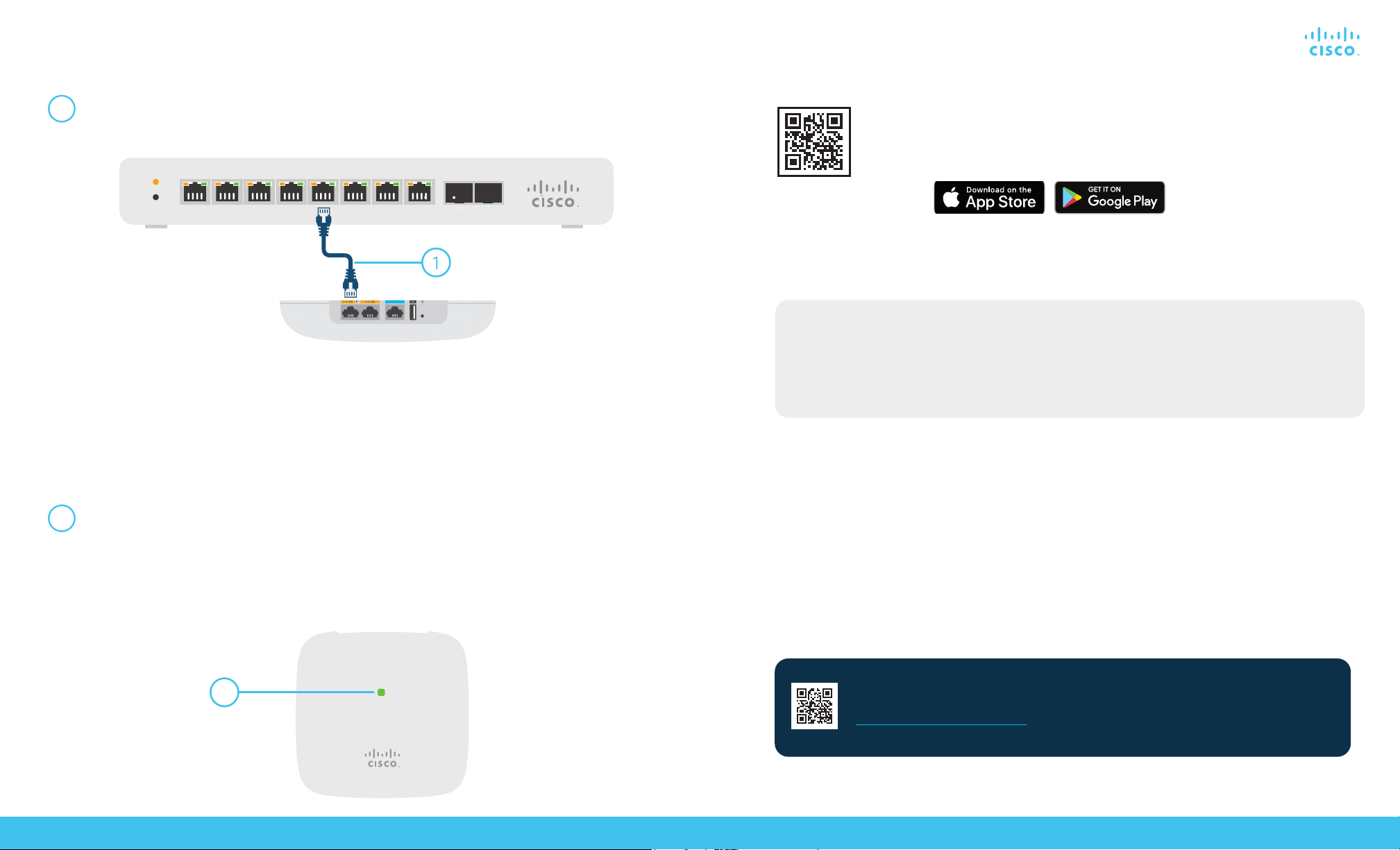
Connect your access point via ethernet cable (provided) to a PoE LAN port on your switch
or router. If you do not have a PoE switch or router you will need to use a PoE injector (not
included).
1
If setting up a new nework the device will begin initial boot up. The LED will cycle through
green, amber, and red. This is normal and can take up to 6 minutes. The device is not ready
until the LED is consistently blinking green or solid green. Once this occurs you can proceed
to “Get Congured”.
Add to an existing wireless network
Allow the access point to boot up and automatically update its rmware and conguration
to match the existing network. This can take ten minutes or more and the LED will cycle
through green, amber and red. This is normal. Once the LED is blinking green or solid
green the setup is complete and the AP has joined the network.
Set up a new network
Setting up a new network or adding to an existing network?
2
Get Connected
Cisco Business Wireless access points can be mounted in several congurations—on a suspended
ceiling, on a hard ceiling or wall, or in the plenum air space above a suspended ceiling.
Mounting instructions are located in the Administration Guide, see the “Get Support” section
below.
Mounting and Grounding
Alternative: Web UI (Internet Browser) Setup
If you do not wish to use the Cisco Business Mobile app you can use the Web UI for setup.
These instructions can be found online in the Web UI Setup Document.
To download the instructions see the “Get Support” section below.
Get Congured
No computer is needed for setup, just use the app on your mobile phone.
Scan the QR code here to download the app or go to cisco.com/go/cbapp and
follow the installation instructions.
Download the Cisco Business Mobile app