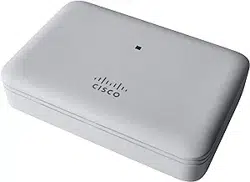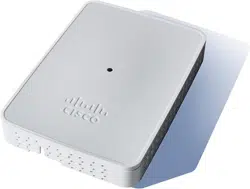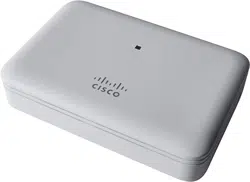
Cisco Business 141ACM Mesh Extender
Thank you for choosing the Cisco Business 141ACM Mesh Extender.
The Mesh Extender can be used to expand coverage of your existing Cisco Business Wireless Network.
This Quick Start Guide will get you up and running in no time.
Product Features
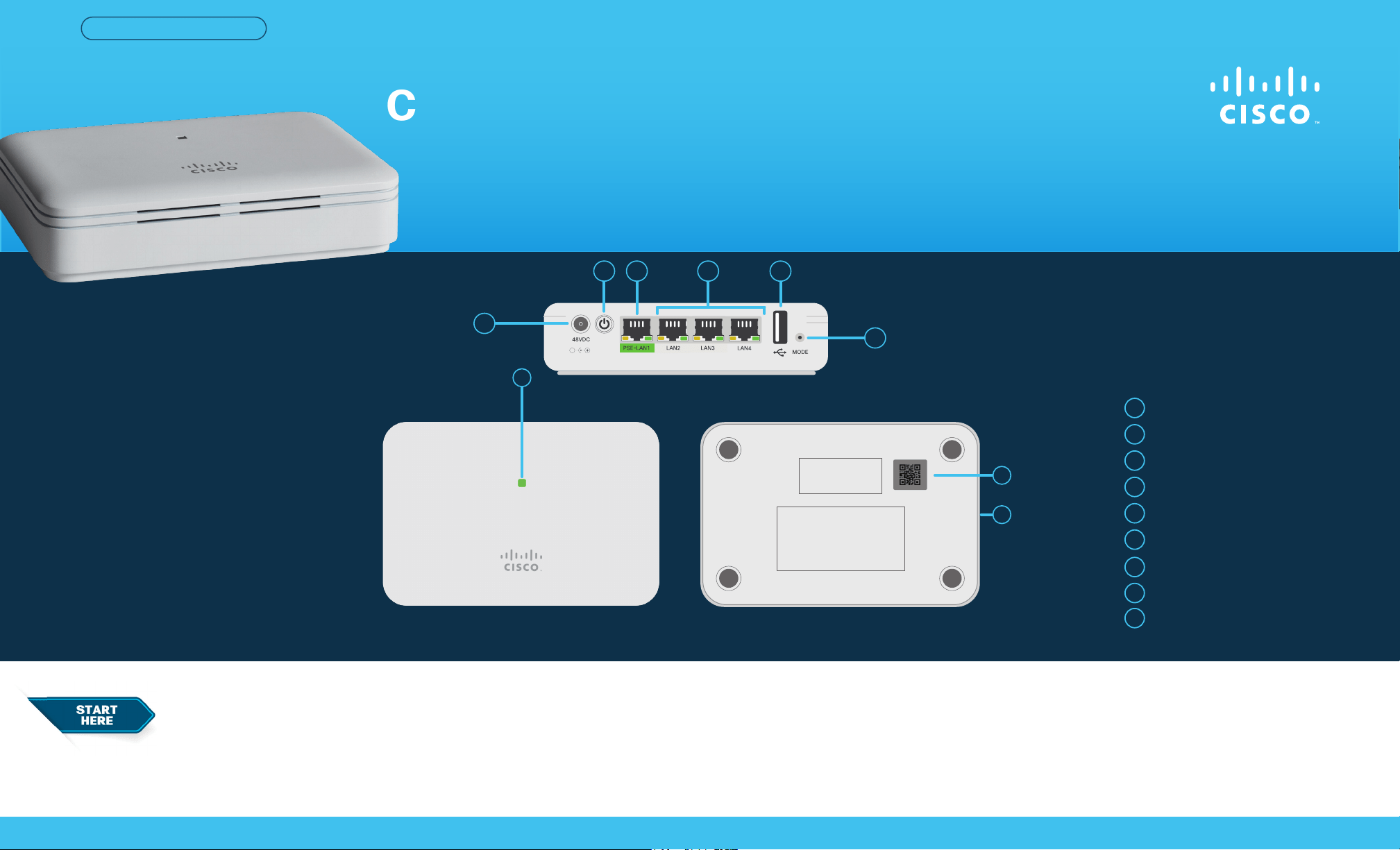
Status LED
48V DC Port
Power ON/OFF Push Button
PSE-LAN1 Port
LAN2/LAN3/LAN4 Ports
1
4
2
5
3
6
● Cisco Business 141ACM Mesh Extender
● Quick Start Guide
● Power Adapter
● Power Cable
● Technical Support Contact List
● Pointer Card China RoHS
● Compliance Information (for EU SKU only)
Cisco Business 141ACM Mesh Extender | Quick Start Guide
QUICK START GUIDE
Mode Button
7
1
USB Port (for future use)
8
9
Kensington Lock Slot (on side)
2
43 5
6
7
8
9
What’s in the Box
QR Code
First, You’ll Need...
● An active Internet connection
● Anoperational/conguredCBWPrimaryAP
(140AC/145AC/240AC) with Mesh enabled.
● Arouter(toactasyourDHCPserver)
● A QR code reader (if not using the Cisco Business
Mobile app). Free QR code readers are available for Android
and Apple products.
Cisco Business 141ACM Mesh Extender | Quick Start Guide
©2021 Cisco and/or its aliates. All rights reserved. Cisco and the Cisco logo are trademarks or registered trademarks of Cisco and/or its aliates in the U.S. and other countries.
To view a list of Cisco trademarks, go to this URL: https:// www.cisco.com/go/trademarks. Third-party trademarks mentioned are the property of their respective owners.
The use of the word partner does not imply a partnership relationship between Cisco and any other company. (1110R)
Get Connected
If you have downloaded the app, open it and follow the installation instructions.
If you don’t have the app, proceed to “Get Congured“ and follow the instructions.
If you are not using the app, obtain the MAC address by scanning the QR code on
the back of the mesh extender. Once you have the MAC address proceed to “Get
Congured”.
For Cisco support and additional product documentation, including the Web
UI Setup document and the Administration Guide view:
https://cisco.com/go/cbw141acm
Get Support
CiscoBusinessmeshextenderscanbemountedinseveralcongurations.
Mounting instructions are located in the Administration Guide, see the “Get Support“
section below.
Mounting and Grounding
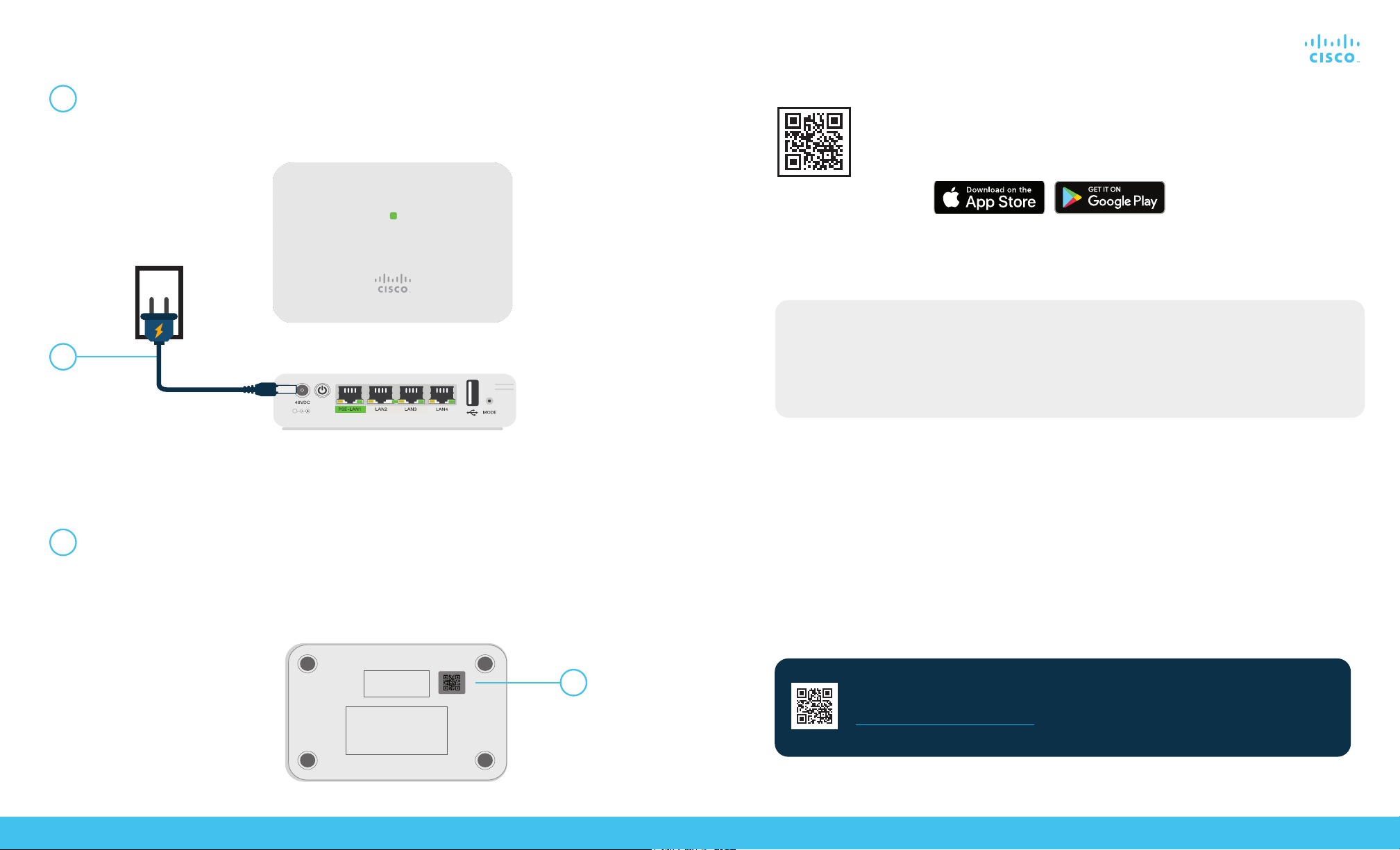
Connect the power adapter (provided) to the mesh extender and plug it into a power
source.Pressthepowerbuttonandthemeshextenderwillbegininitialbootup.During
this process the LED will cycle through red, amber and green. This is normal.
Alternative: Web UI (Internet Browser) Setup
If you do not wish to use the Cisco Business Mobile app you can use the Web UI for setup.
These instructions can be found online in the Web UI Setup Document.
To download the instructions see the “Get Support“ section below.
Get Congured
No computer is needed for setup, just use the app on your mobile phone.
Scan the QR code here to download the app or go to cisco.com/go/cbapp and
follow the installation instructions.
Download the Cisco Business Mobile app
1
1
2
2