Installation Guide
PROTECT YOUR INVESTMENT!
Register your product for quicker service and ultimate peace of mind.
You could also win an ISOBAR6ULTRA surge protector—a $100 value!
www.tripplite.com/warranty
1111 W. 35th Street, Chicago, IL 60609 USA • www.tripplite.com/support
Copyright © 2015 Tripp Lite. All rights reserved.
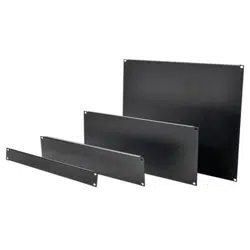
SRXUPANEL
Airflow Management Blanking Panel Kit
Installation
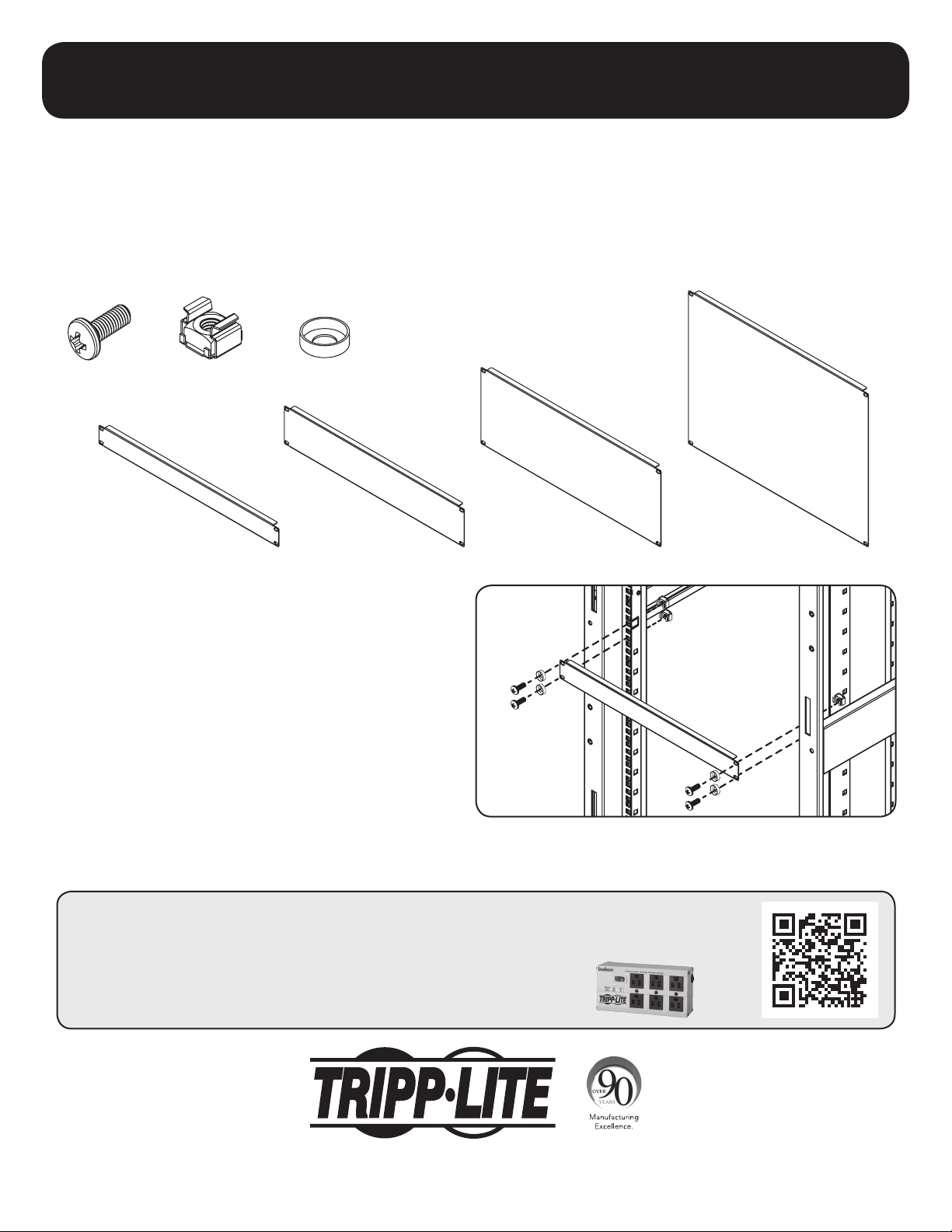
Attach and secure the desired blanking panel to the front
vertical rails of the rack enclosure with four M6 Screws,
Cup Washers and Cage Nuts. Repeat for each additional
blanking panel.
Contents
Tripp Lite has a policy of continuous improvement. Specifications are subject to change without notice.
15-08-106 93-3434_RevB
1U blanking panel shown. All panels install the same, regardless of size.
8U Blanking
Panel
4U Blanking
Panel
2U Blanking
Panel
1U Blanking
Panel
M6 Screw
x16
M6 Cage Nut
x16
M6 Cup Washer
x16