www.yaufey.com
PDGT701BD
support@yaufey.com
12
01
02
03
04
13
15
16
17
Common Faults and Solutions
Warranty & Contact Information
The graphics and functions provided in this manual may not be the same
as the actual product.Please always refer to the actual product. The model
of the machine on the manual is for reference only.
Please operate the machine based on the actual product.
The right to interpret the relevant terms belong to the company.

Safety Notes:
For your safety, please read the manual carefully and keep the manual
before you use the product for reference. Please use this product
according the installation and operation instructions of this manual.
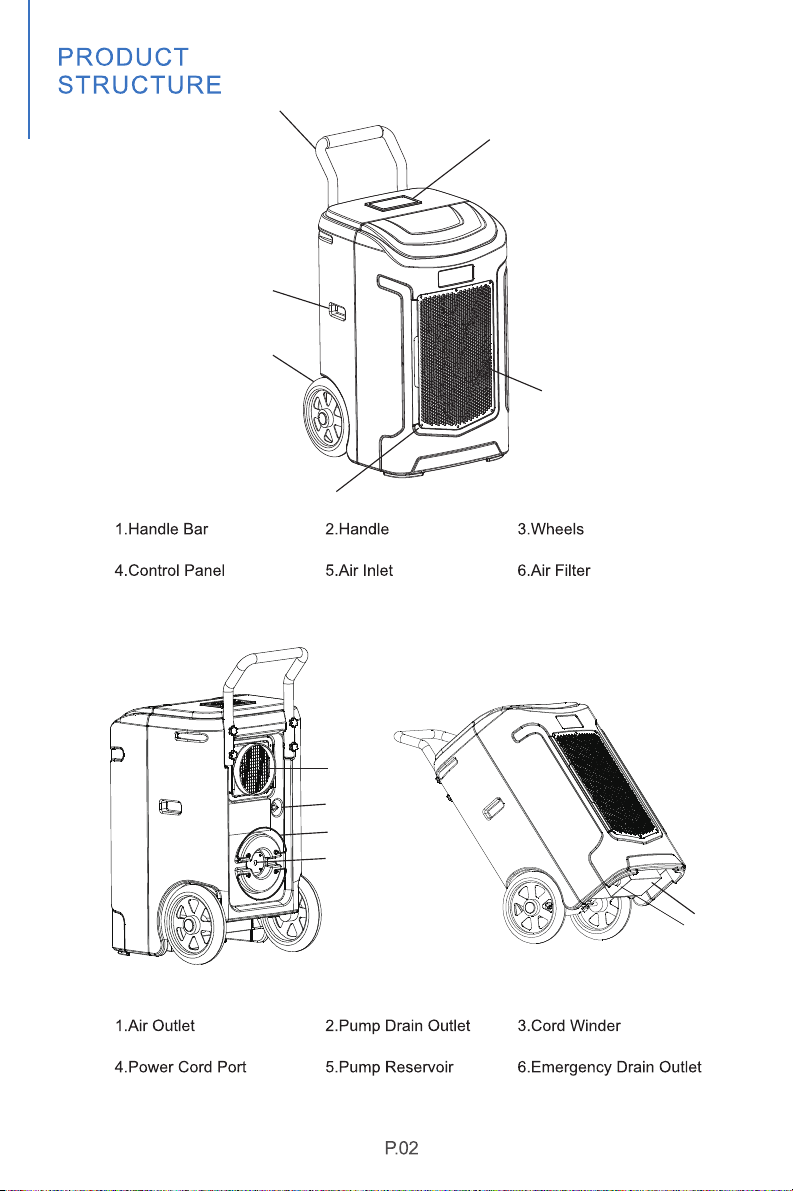
1
2
3
4
5
6
4
1
5
2
3
6
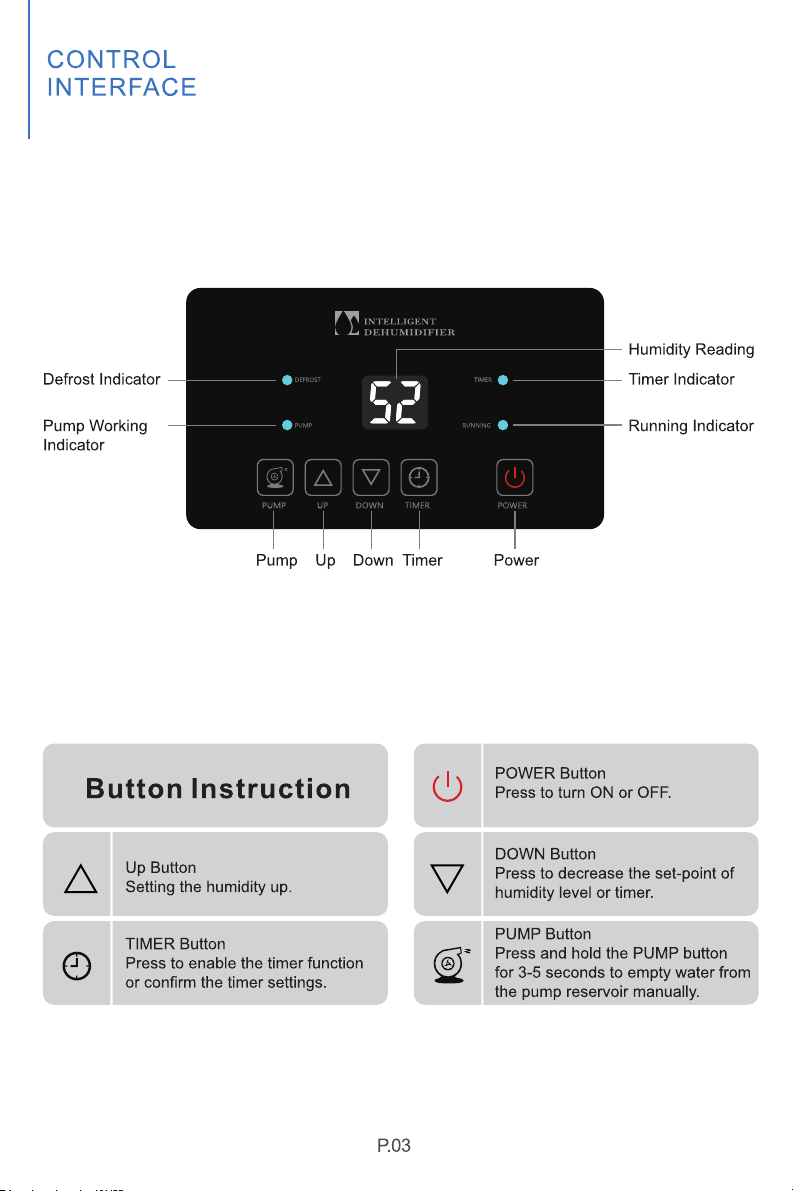
1.Understand the Control panel
Pump Function
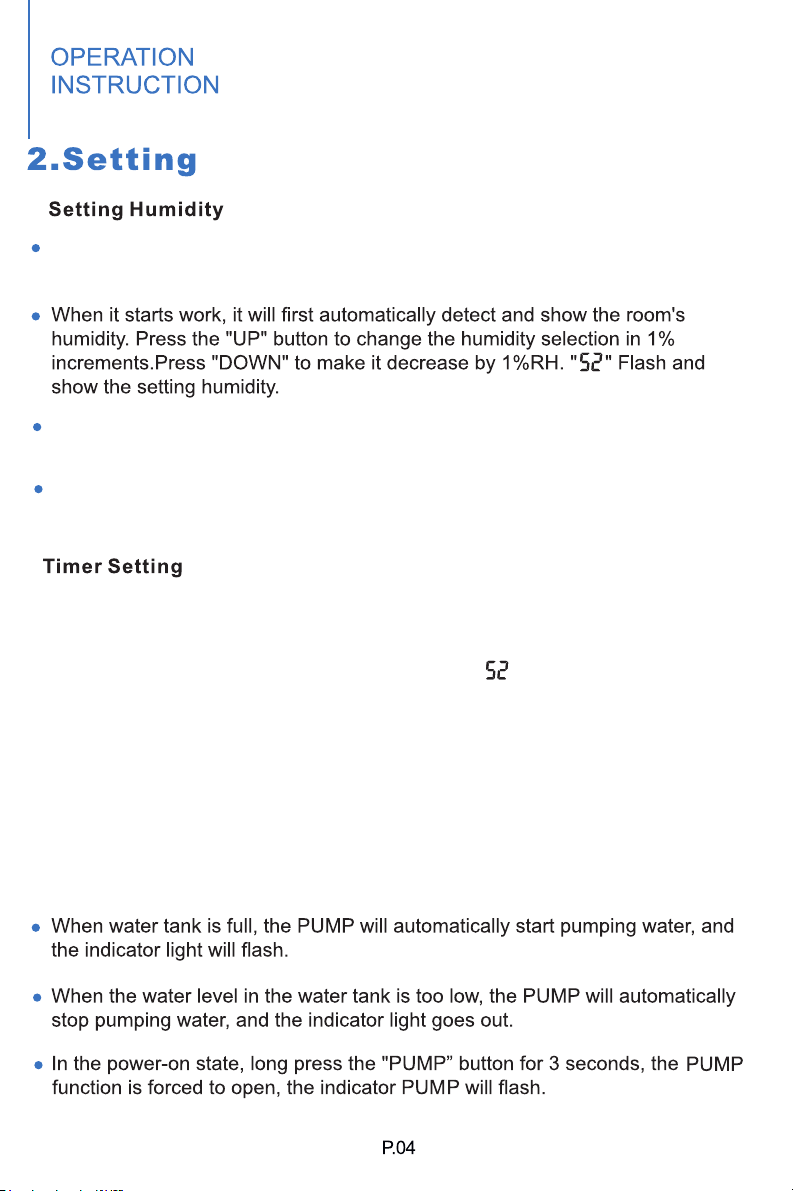
The humidity level can be set within a range of 10%RH to 98%RH in 1%
increments.
When the humidity level is set at 30%RH, the dehumidifier will work at
continuous dehumidifying mode.
Press the "function" button once or no button operation for a few seconds
will automatically exit the humidity setting state.
In the power on or standby state, press the "Timer" button once to enter the
timer setting state:
Timing indicator light up and the digital number " " flashes to show the time.
In the timing setting state, press the "Up" or "Down" button to set the desired
time (setting range: 01-24h, can be cycled).
Press the button once again or no button operation for a few seconds, the
timing setting state will automatically be exited.If the time is set to be 00, the
time setting is invalid.
When the fan delays to start, running indicator will be flashing;
it will light up when the fan is running.
Digital number will be flashing when the target humidity is setting or the
room humidity is lower than the set humidity;
When the setting value is read out to be higher than the room humidity,
the digital number will remain illuminated.
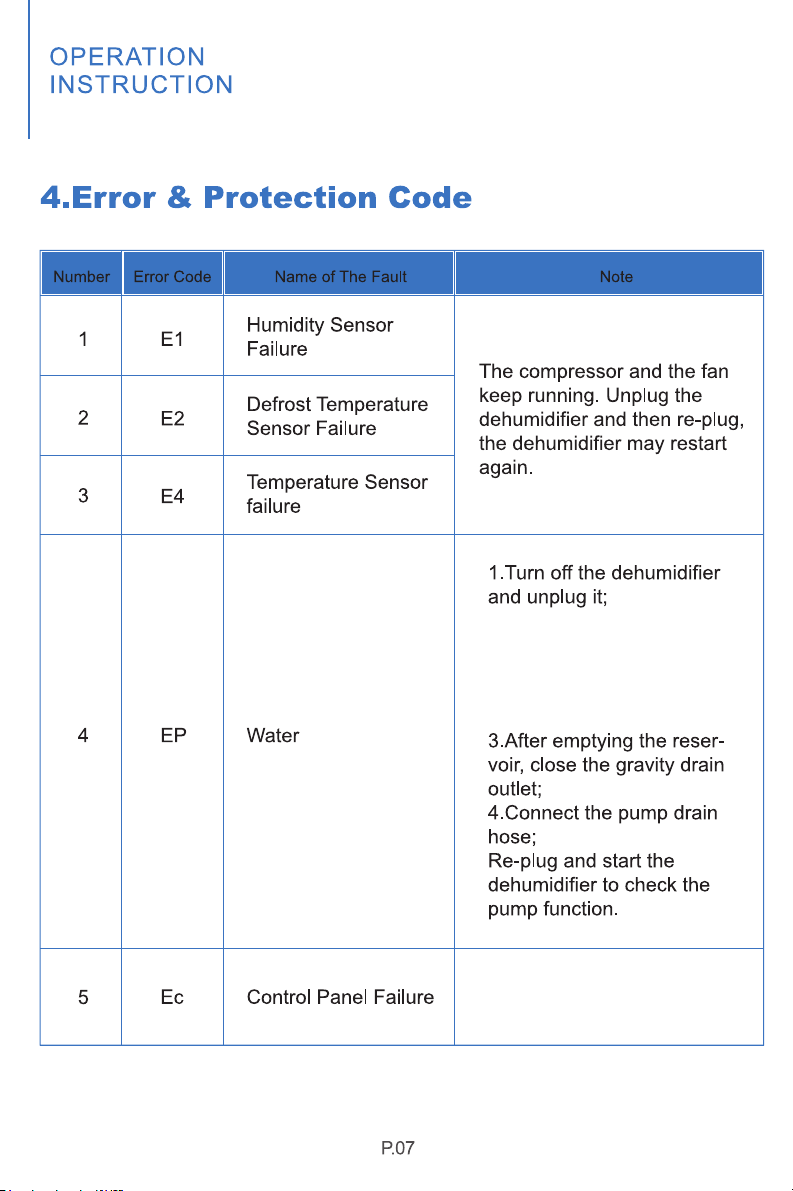
2. Find the gravity drain
outlet at the bottom of the
dehumidifier and connect
the emergency hose to
drain;
The dehumidifier will not
be ready for operation.
Pump Failure
Yaufey
When the machine signals the alarm, it will flash or display the alarm, in case
there will be multiple errors on the unit, it will display the errors in turn.
When one of above malfunctions occurs, the buzzer will alarm for a few seconds,
press any key during the alarm to release the alarm sound.
’
support@yaufey.com
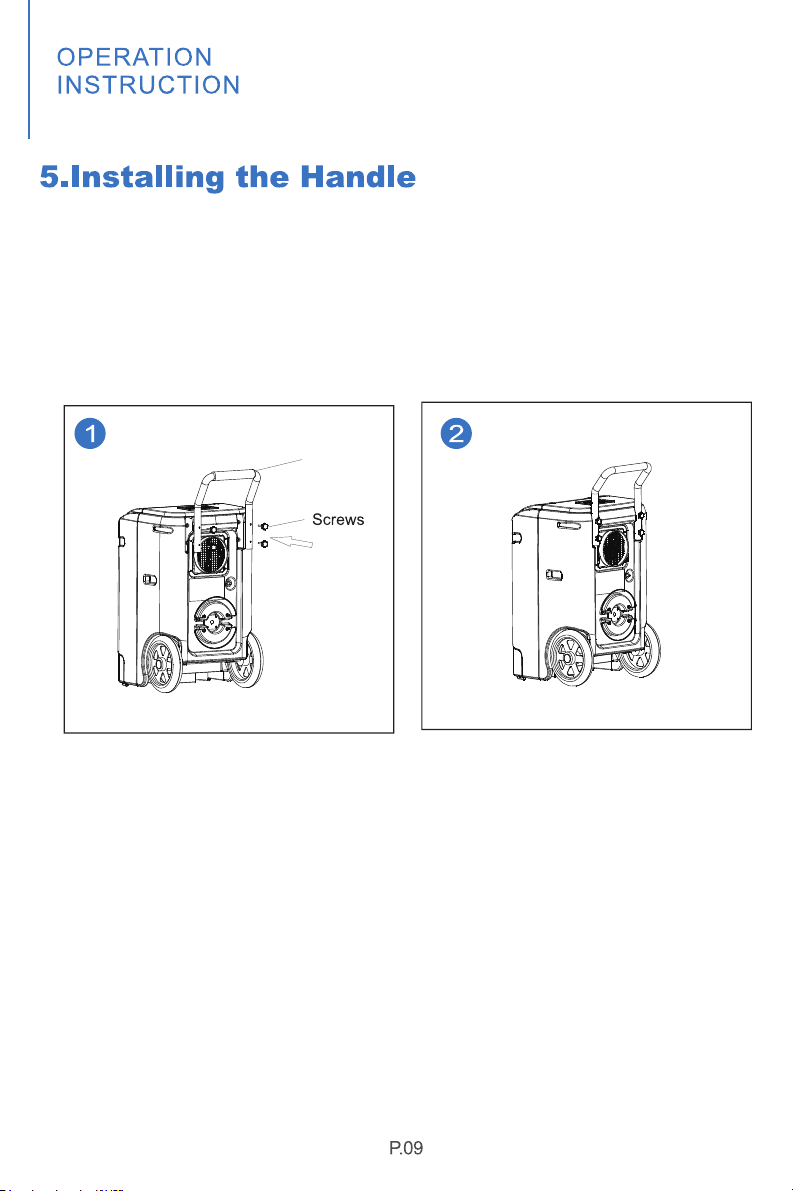
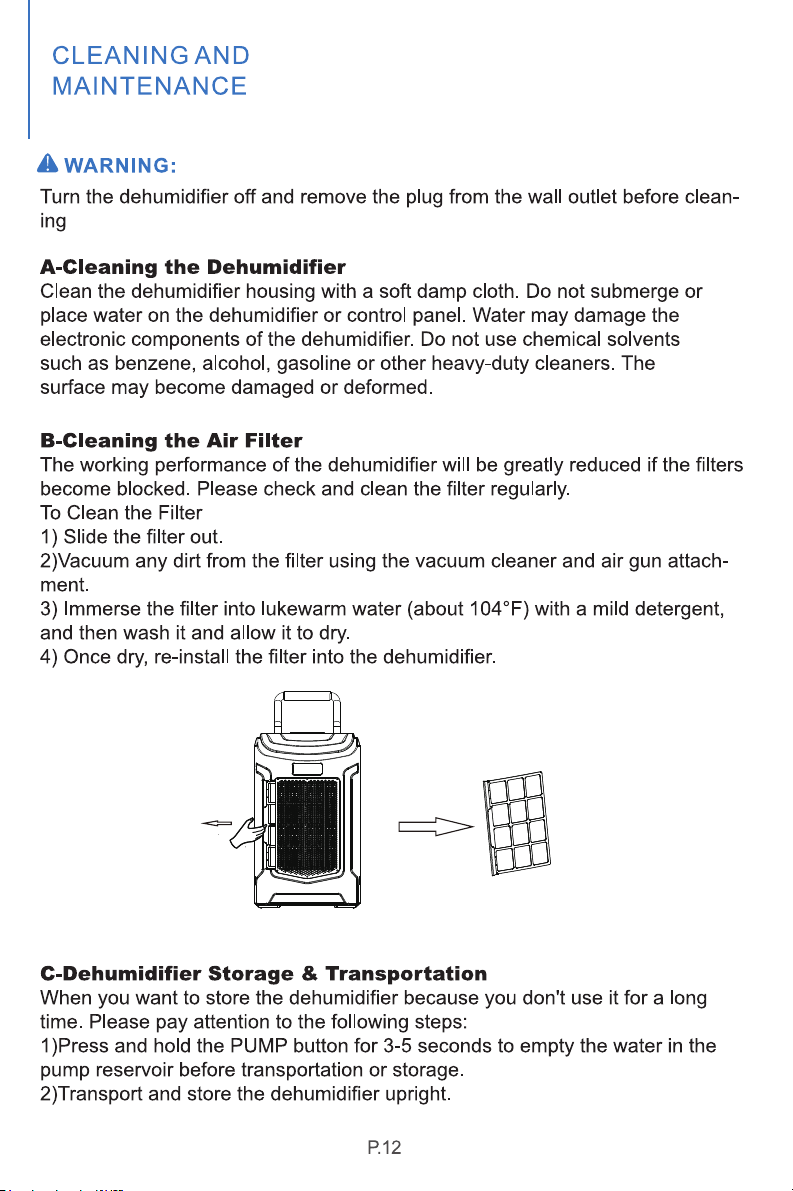
1. Take out 4 screws and a handle from the accessories, and put the
handle into the groove at the back of the humidifier, making the screws
correspond to the screw holes.
2.Tighten all the four screws on the hands respectively, the installation
is finished.
Handle
Put the handle into the groove at
the back of the dehumidifier,
making the 4 screws correspond to
the screw hole.
Tighten all the four screws,
complete the installation.
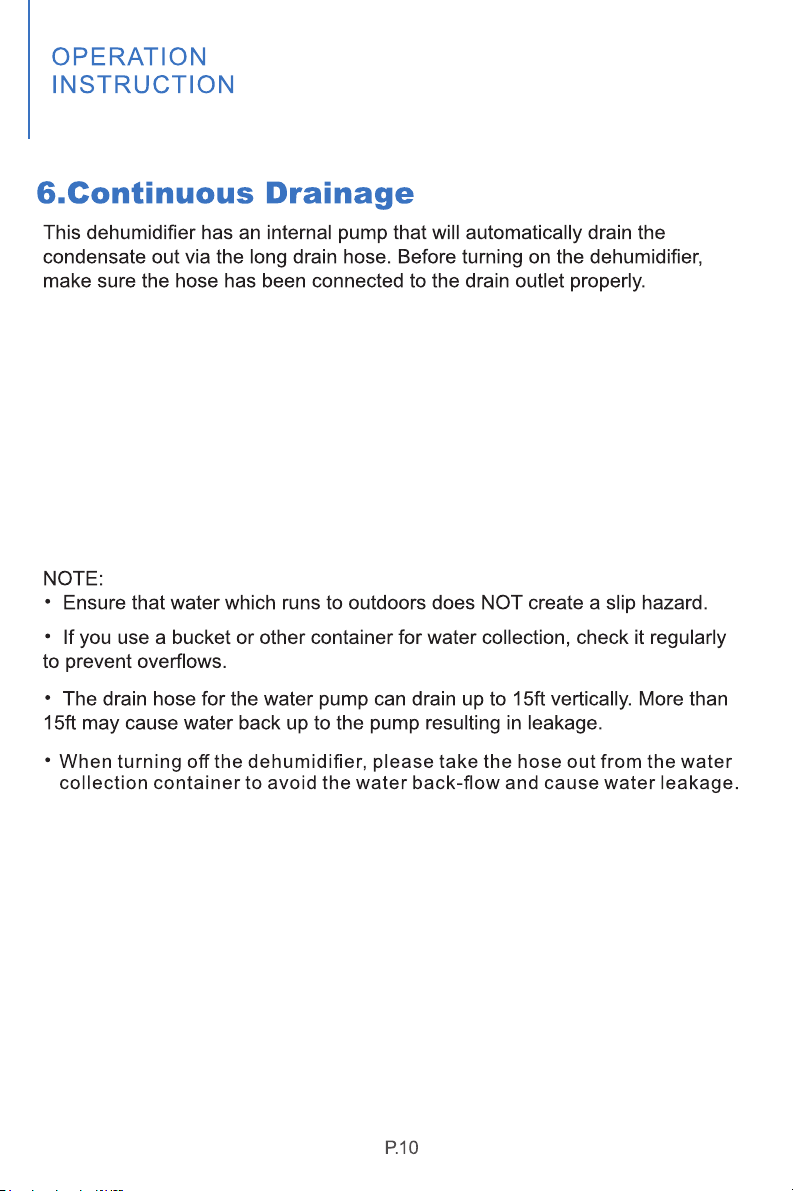
1. Uncoil the entire hose;
2. Attach the hose to the drain outlet;
3. Place the unattached end of the hose in a sink, drain bucket or outdoors:
Anywhere that the water can drain out safely
(Please ensure that no kinks or other obstructions will stop the water to flow).
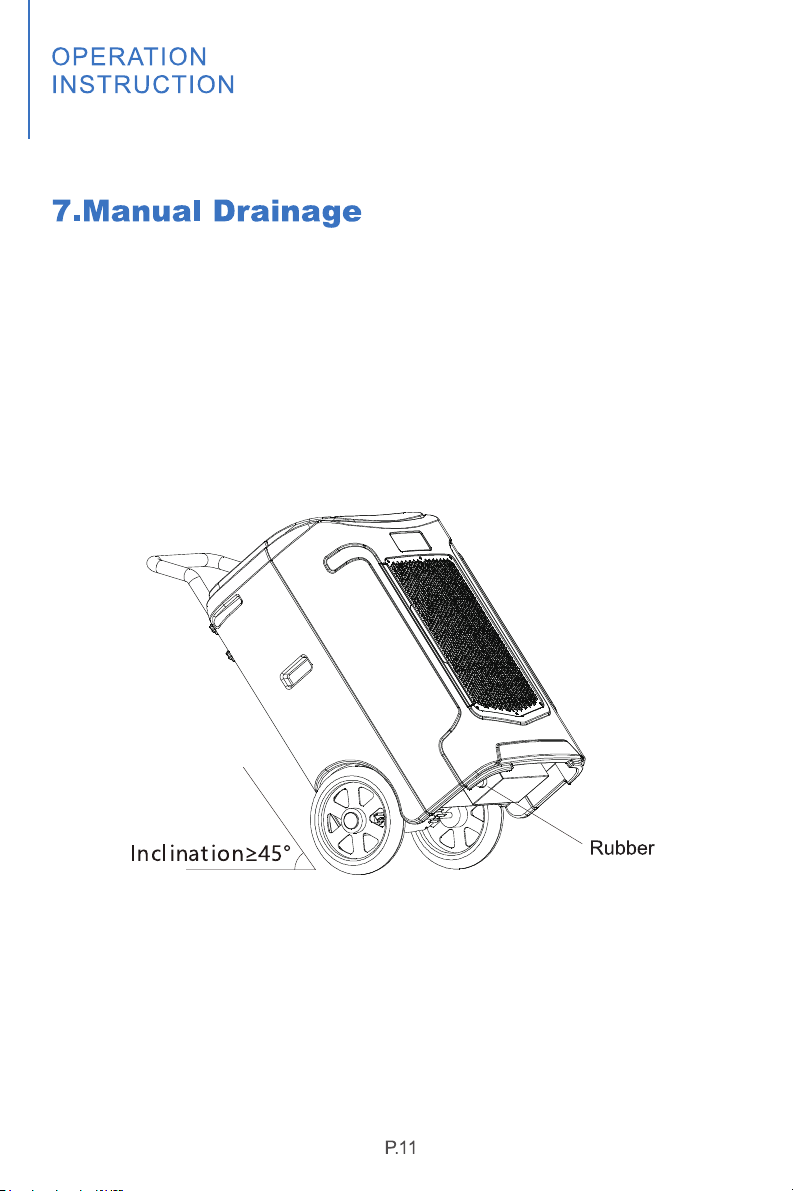
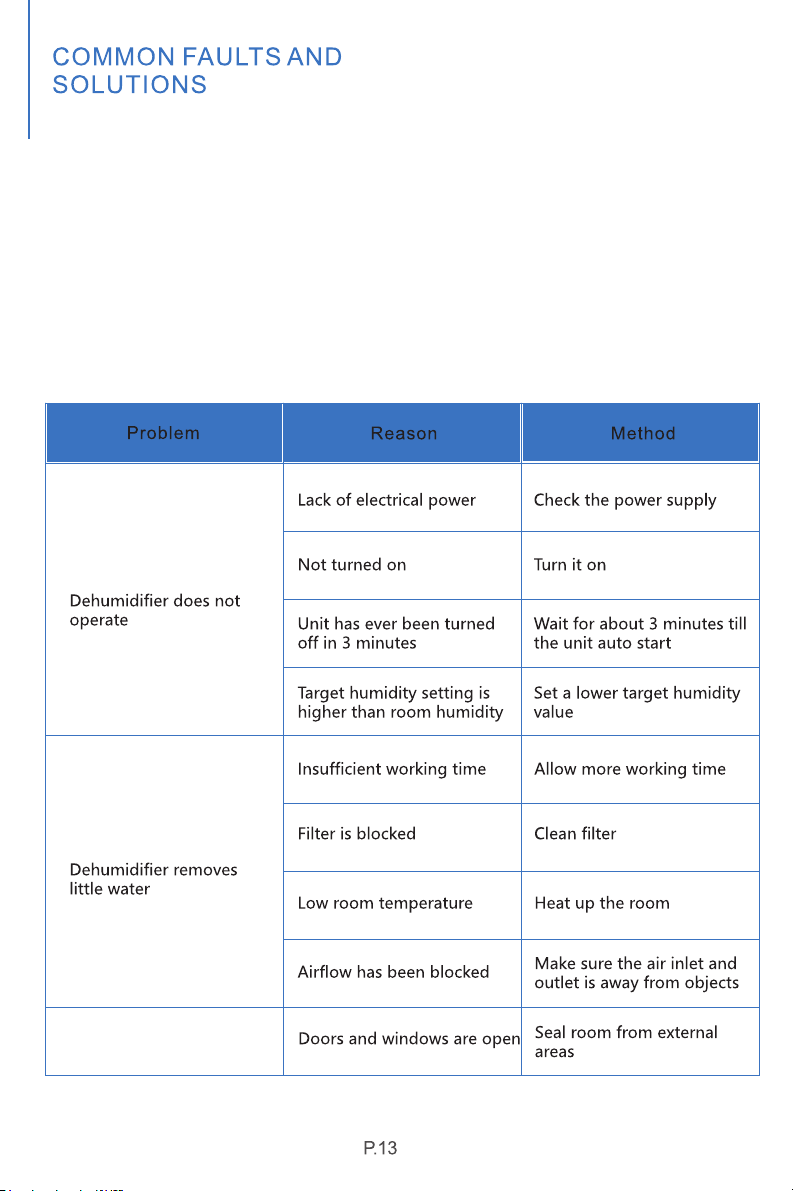
In power-disconnected status, tilt the dehumidifier as the figure shown,
pull out the rubber plug and put the dehumifier straight to drain the
sewage in the water tank.
Plug
Check the information below for troubleshooting steps that will save
you time to resolve issues that may happen with the unit.
The list includes most issues but not the results of defective unit,
crafts or materials in the unit.
If all the troubleshooting steps have been exhausted and issue is
stilling occuring, feel free to get in touch with Yaufey Customer
Service to get further assistance.
Dehumidifier operating
but room not dry
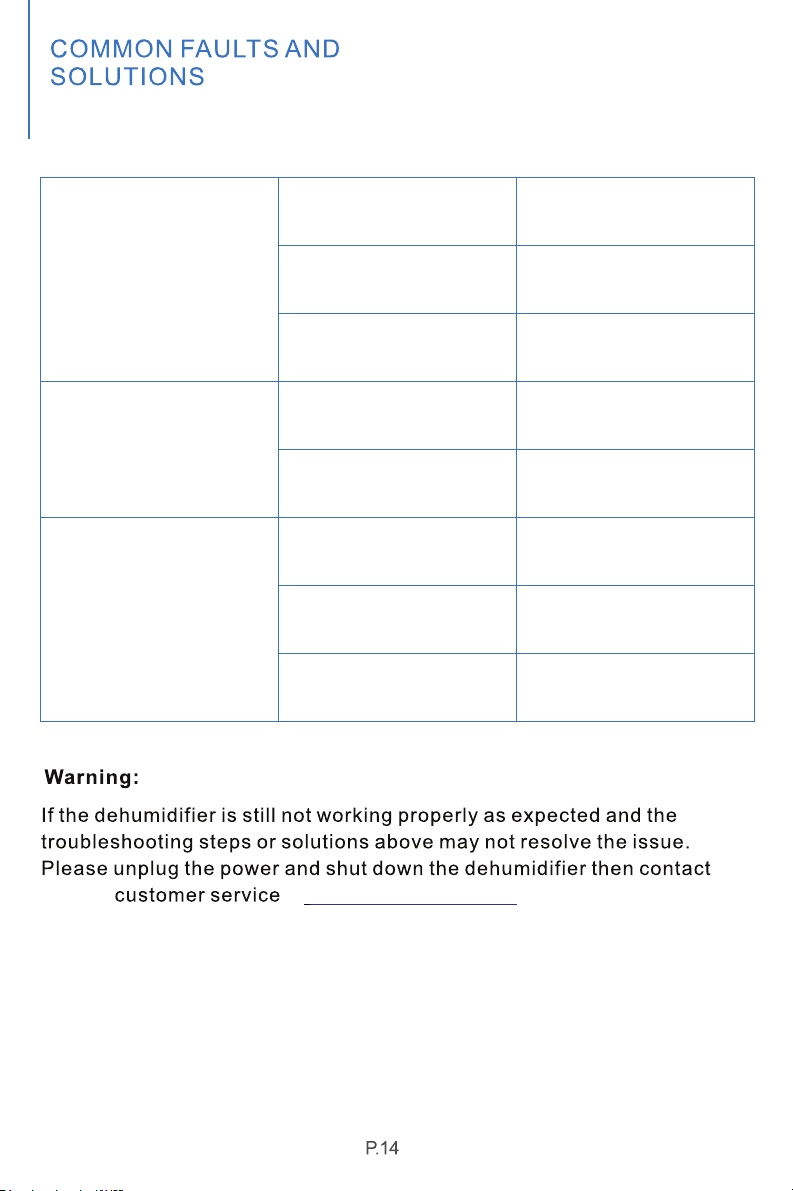
The dehumidifier is titled.
Drain hose connection is
not tight
The drain hose is blocked
The dehumidifier is titled
Place the dehumidifier on
flat surface.
Make sure the drain hose
connection is tight
Check hose for restrictions
Install the dehumidifier on
flat surface to minimize
vibration and noise
Leaking
The filter is blocked
The pump reservoir is not
in place
The pump is defective
The pump reservoir gets
dirty
Clean the filter
Place the pump reservoir
at the correct position
Replace the pump
Clean the pump reservoir
Noise
The pump does not drain
at support@yaufey.com
Yaufey
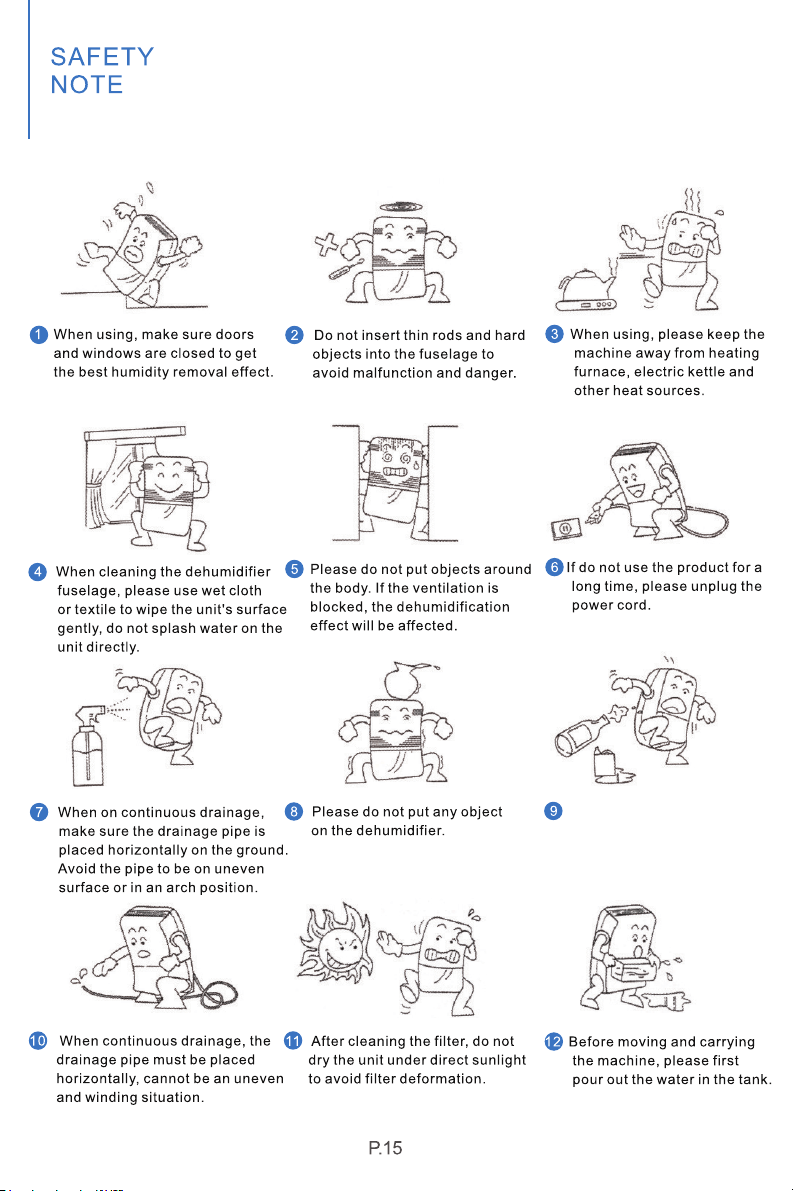
Please clean the filter every
two weeks (do not use hot
water above 104℉, gasoline
or toluene).
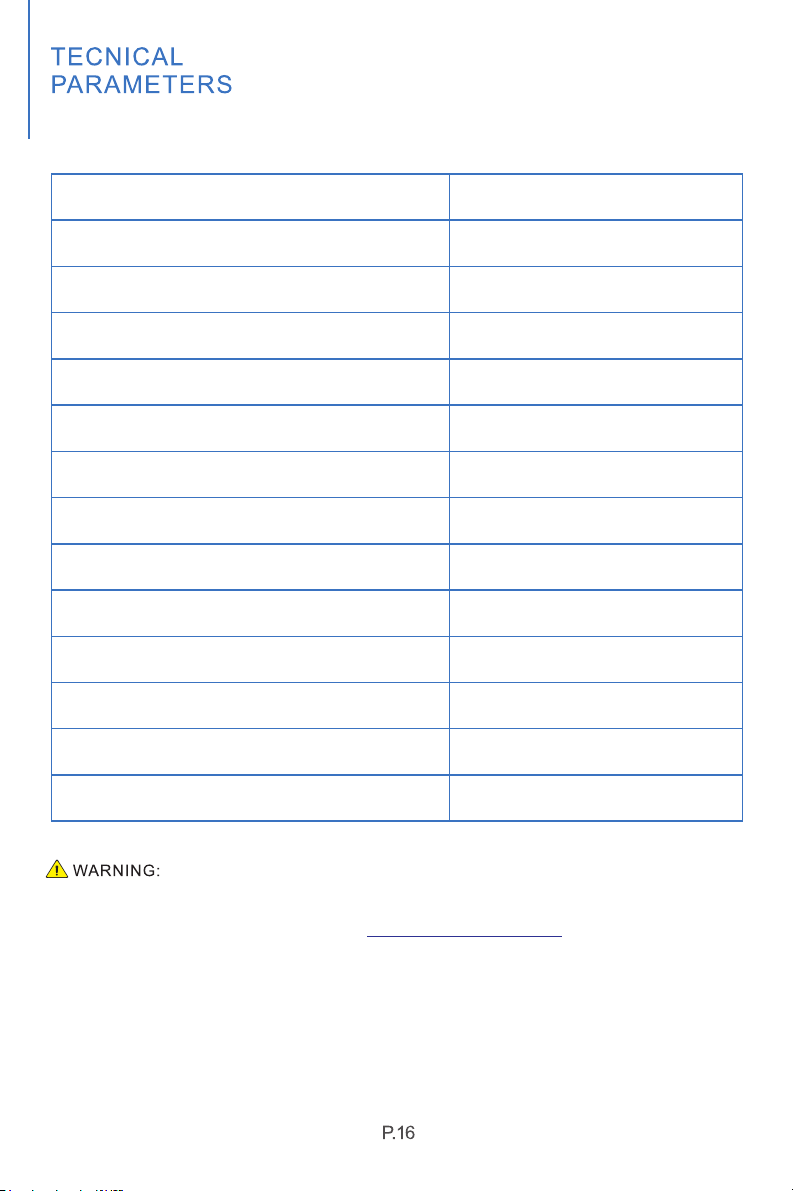
MODEL NO.
P0WER SOURCE
REFRIGERANT
MAXIMUM ALLOWABLE PRESSURE
HIGH PRESSURE
RATED POWER(95°F,90%RH)
RATED CURRENT(95°F,90%RH)
LOW PRESSURE
INPUT POWER(65°F,60%RH)
INPUT CURRENT( ,60%RH)65°F
PDDT701BD
120V 60Hz〜
1150W
10.3A
610W
5.5A
R410a(20.11oz.) (570g)
6.2MPa
4.0MPa
1.7M
P
a
MOISTURE REMOVAL(65°F,60%RH)
50 Pints/Day
MOISTURE REMOVAL(80℉,60%RH)
MOISTURE REMOVAL(86℉,80%RH)
MOISTURE REMOVAL(95℉,90%RH)
90 Pints/Day
150 Pints/Day
180 Pints/Day
This product can expose you to chemicals including Styrene and its compounds, which is
known to the State of California to cause cancer and birth defects or other reproductive
harm.For more information, please visit: www. P65Warnings.ca.gov
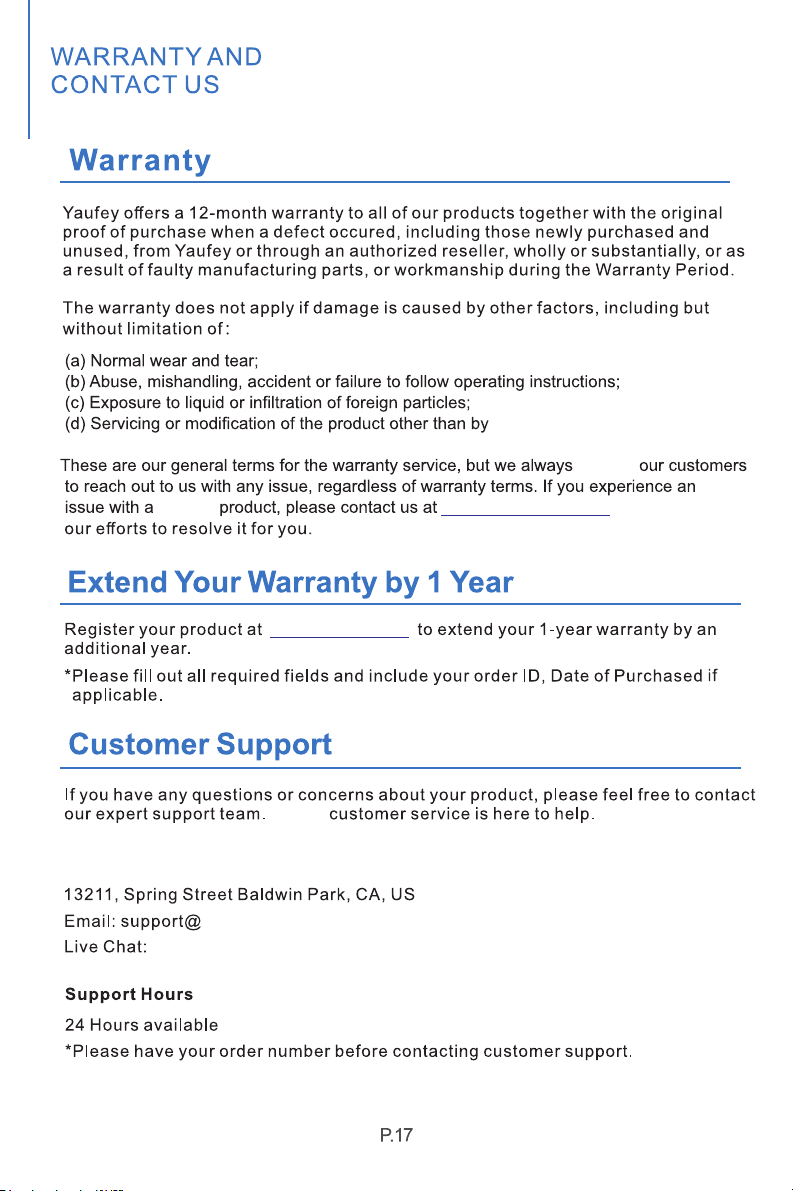
Yaufey.
Yaufey
support@yaufey.com
www.yaufey.com
Yaufey
www.yaufey.com
yaufey.com
Yaufey Office
we will dedicate
suggest

We are expecting to see our products fulfill your life and hear your voice.
Your satisfaction means a lot to us.
Please tag us if you share a snap on your social media.