Module No.1799
TO SET TIME
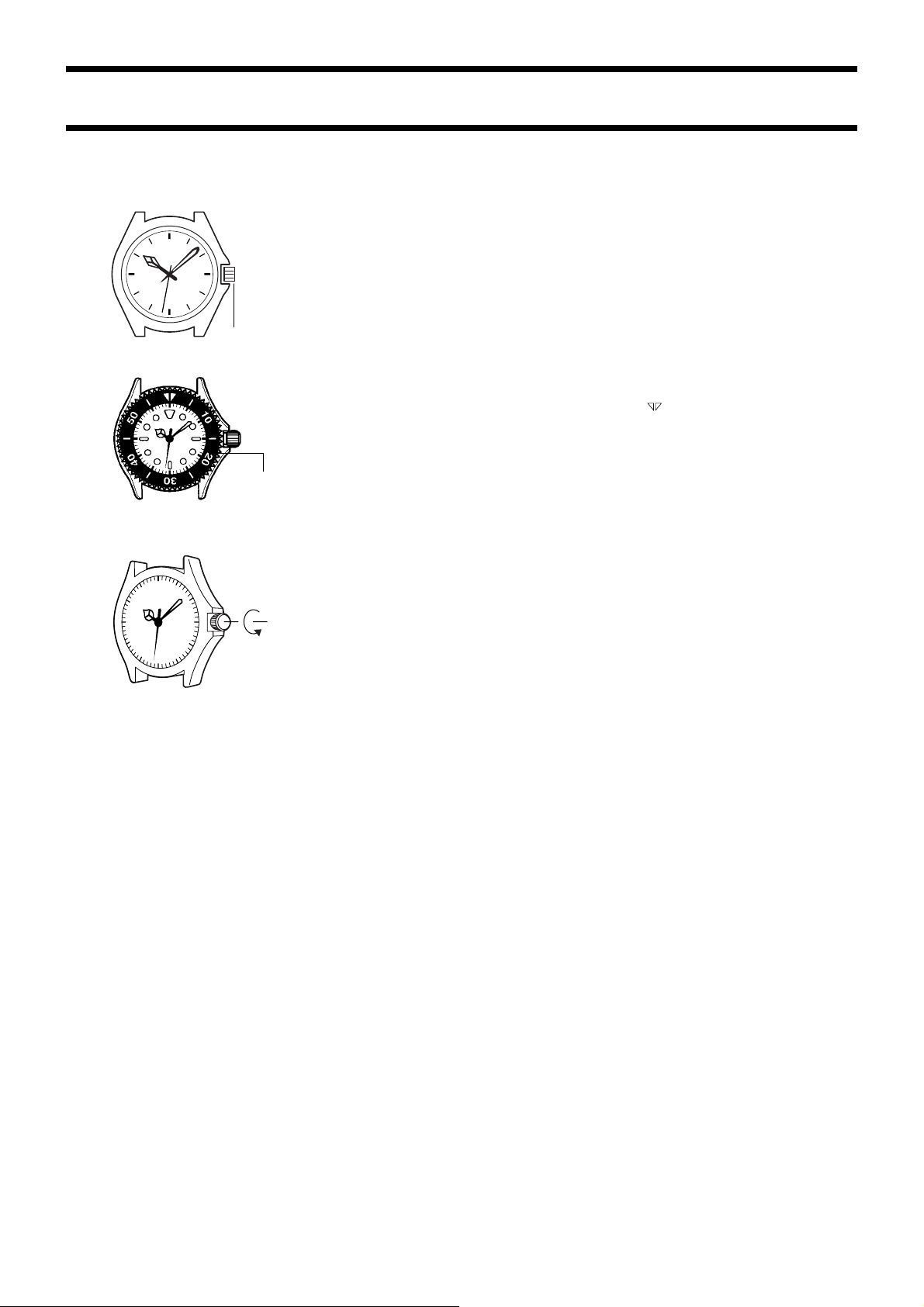
Pull the crown out. Set the hands by turning the crown in either
direction. Push the crown in on a time signal.
■ For watch with the elapsed time bezel
Rotate the elapsed time bezel to align the mark with the minute
hand.
After certain amount of time elapsed, read the graduation on the
elapsed time bezel which the minute hand points to.
The elapsed time is indicated.
•Some water resistant models are equipped with a screw lock
crown.
•With such models, you must unscrew the crown in the direction
noted in the illustration to loosen it before you can pull it out. Do
not pull too forcibly on such crowns.
•Also note that such watches are not water resistant while their
crowns are loosened. Be sure to screw the crowns back in as
far as they will go after making any setting.
Crown
Elapsed
time bezel

