User Manual
Version 1.5

Table of Contents
Get started 4
What's in the box 4
Set up Aria Air 5
Turn on Aria Air 5
Set up with your phone 6
Set unit of measurement 6
Use Aria Air 8
Basics 8
Error messages 9
Weigh yourself 9
Invite others to use Aria Air 10
Delete a measurement 11
Restart Aria Air 12
General Info and Specifications 13
Sensors andComponents 13
Limitations 13
Batteries 13
Size and weight 13
Environmental conditions 14
Care and maintenance 14
Learn more 14
Return policy and warranty 15
Regulatory and Safety Notices 16
USA:Federal Communications Commission(FCC) statement 16
Canada:Industry Canada (IC)statement 17
European Union (EU) 18
Frequency Information 19
Argentina 19
2

Get started
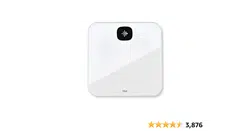
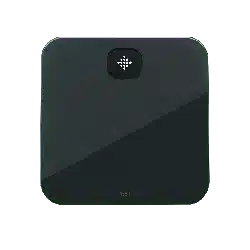
Get a more complete picture of your health with the Fitbit Aria Air smart scale that
displays your weight and uses Bluetooth technology to sync it to the Fitbit app
where you can track trends over time.
Take a moment to review our complete safety information at fitbit.com/safety. Aria
Air is not intended to provide medical or scientific data.
What's in the box
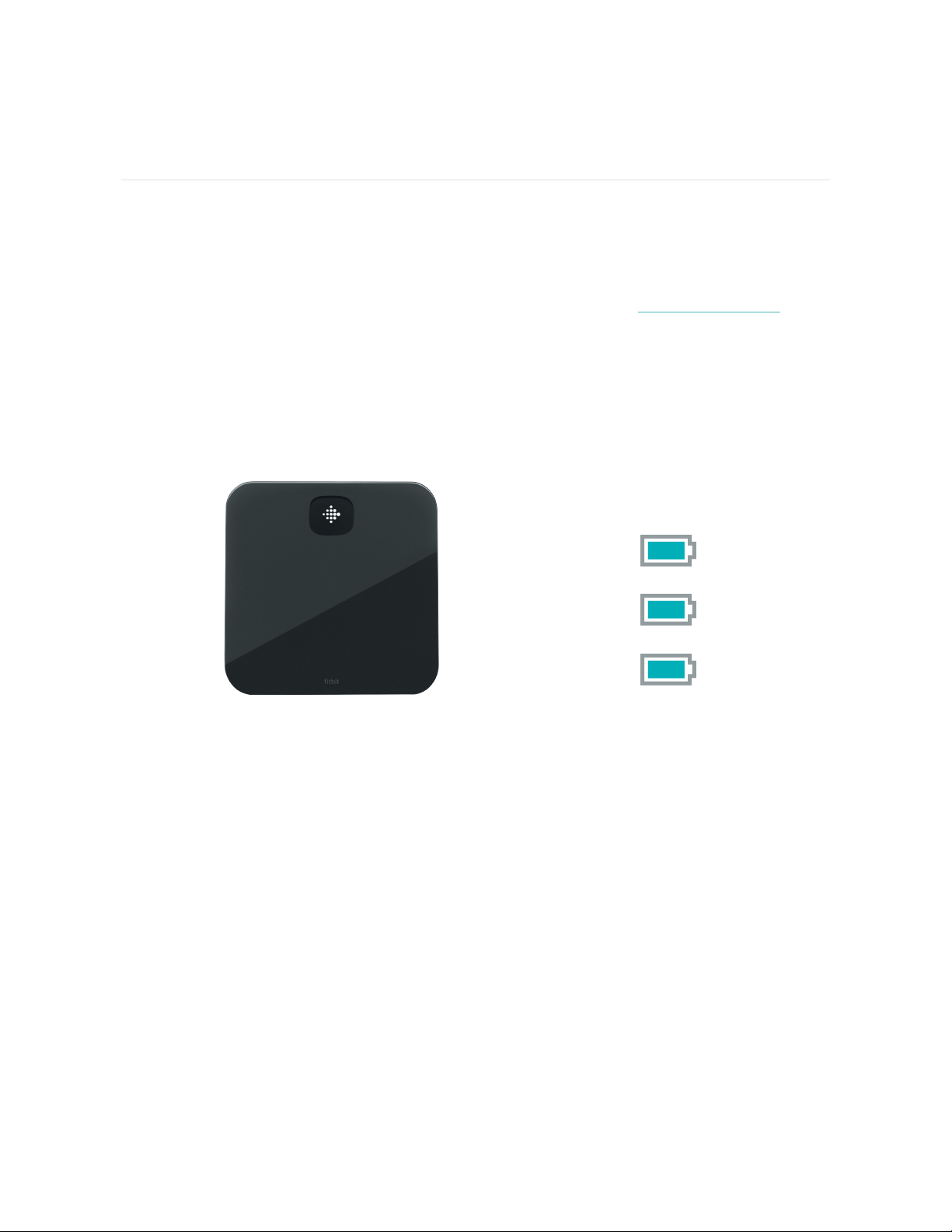
Your Aria Air box includes:
Scale 3 AAA batteries
4
Set up Aria Air
Set up your scale with the Fitbit app for iPhones and iPads or Android phones.
To create a Fitbit account, you're prompted to enter your birthdate, height, weight,
and sex. These details help to calculate your stride length and to estimate distance,
basal metabolic rate, and calorie burn if you have a Fitbit device. After you set up
your account, your first name, last initial, and profile picture are visible to all other
Fitbit users. You have the option to share other information, but most of the
information you provide to create an account is private by default.
Turn on Aria Air
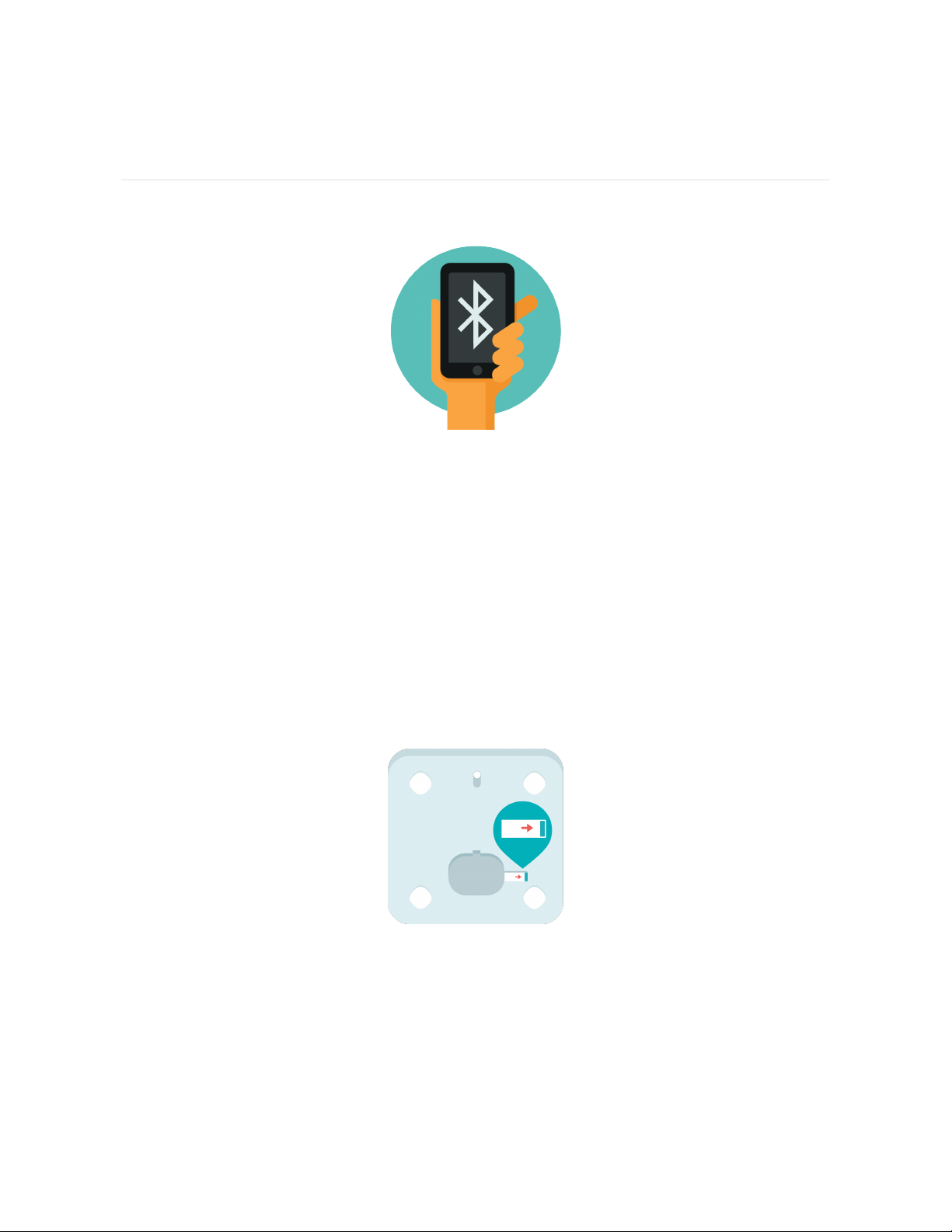
On the back of Aria Air, find the battery compartment and pull out the plastic tab.
Your scale will turn on.
5
Set up with your phone
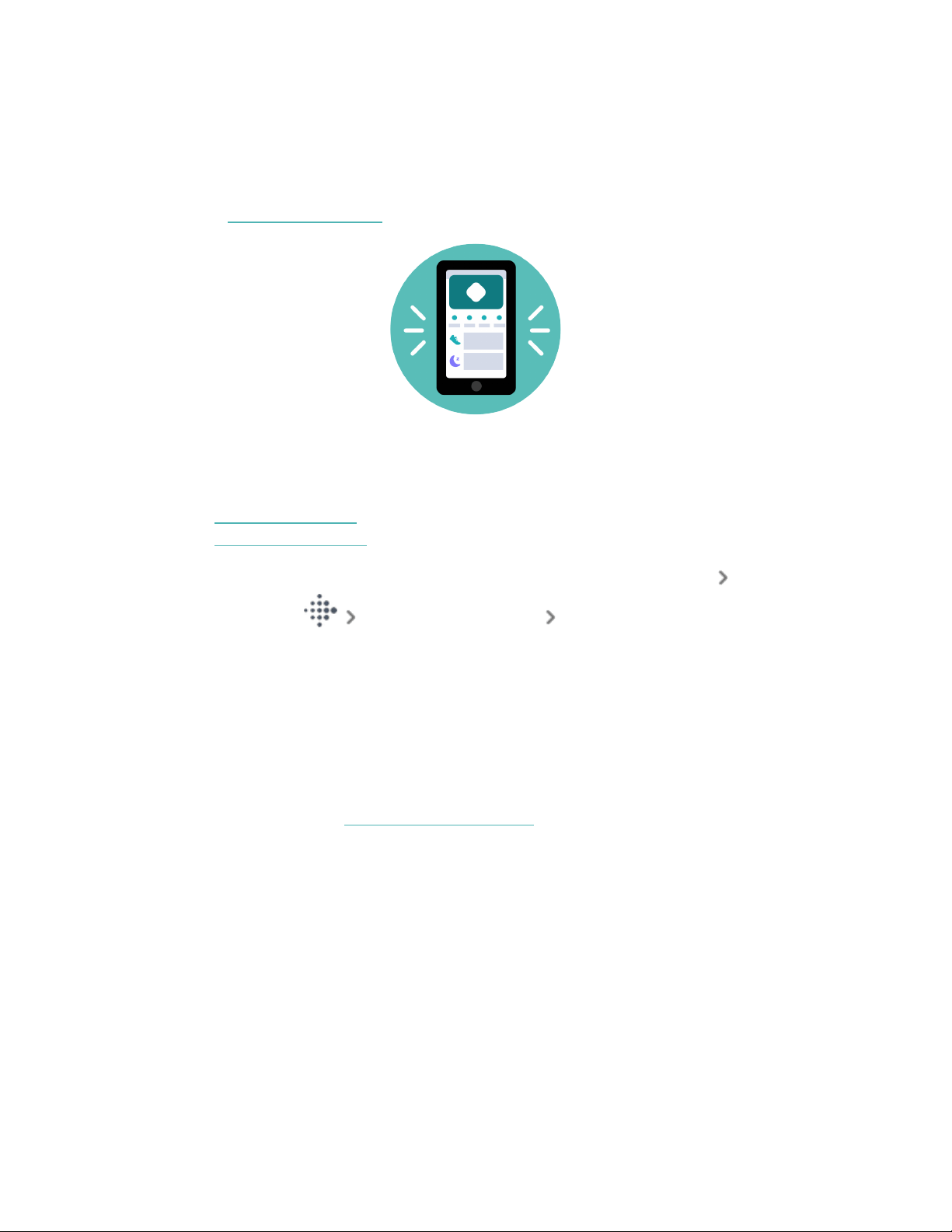
Set up Aria Air with the Fitbit app. The Fitbit app is compatible with most popular
phones. See fitbit.com/devices to check if your phone is compatible.
To get started:
1. Download the Fitbit app:
l
Apple App Store for iPhones
l
Google Play Store for Android phones
2. Install the app, and open it.
l
If you already have a Fitbit account, log in to your account tap the
Today tab your profile picture Set Up a Device.
l
If you don't have a Fitbit account, tap Join Fitbit to be guided through a
series of questions to create a Fitbit account.
3. Continue to follow the on-screen instructions to connect Aria Air to your
account.
When you're done with setup, read through the guide to learn more about your new
scale and then explore the Fitbit app.
For more information, see the related help article.
Set unit of measurement
1. On the back of Aria Air, tap the button to switch between pounds, stones, or
kilograms.
6

Use Aria Air
Basics
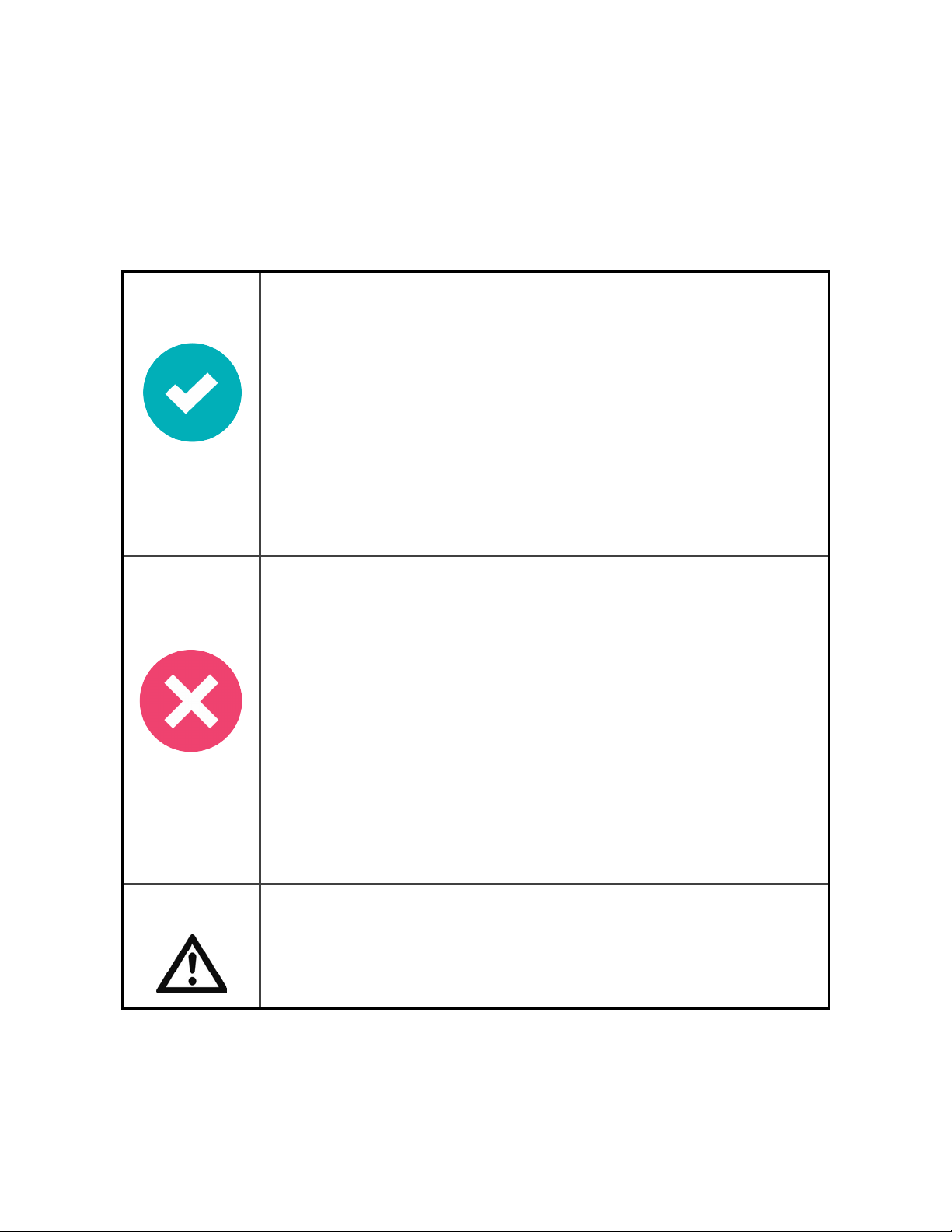
To ensure
accuracy
l
Use Aria Air while barefoot.
l
Make sure your feet are dry before weighing yourself.
l
Place Aria Air on a hard, flat surface during use.
l
Balance your weight evenly between both feet when you
stand on the scale.
l
Weigh yourself at the same time each day to see consistent
trends. Your weight naturally varies over the course of the
day.
l
Aria Air needs to recalibrate if you move it between
measurements or store it sideways when not in use. Up to 2
weigh-ins might be required before Aria Air displays
accurate measurements.
To prevent
accidents and
injuries
l
Follow all instructions, and exercise caution when using Aria
Air.
l
Don't use Aria Air when wet.
l
Don't use if cracks are present on the glass surface. Serious
injury might occur.
l
Don't use if the scale's feet are broken or missing any anti-
slip pads.
l
Don't use if any plastic parts are broken.
l
Don't drop Aria Air.
l
Don't leave Aria Air near open flames.
l
Don't expose Aria Air to extremely high or low
temperatures.
l
Don't leave Aria Air in direct sunlight for an extended period
of time.
Warning
l
Not intended for use by children under 13 years of age.
l
Aria Air should not be used to diagnose or treat any medical
condition.
l
Handle the batteries in accordance with the instructions
supplied by the manufacturer.
8
Error messages
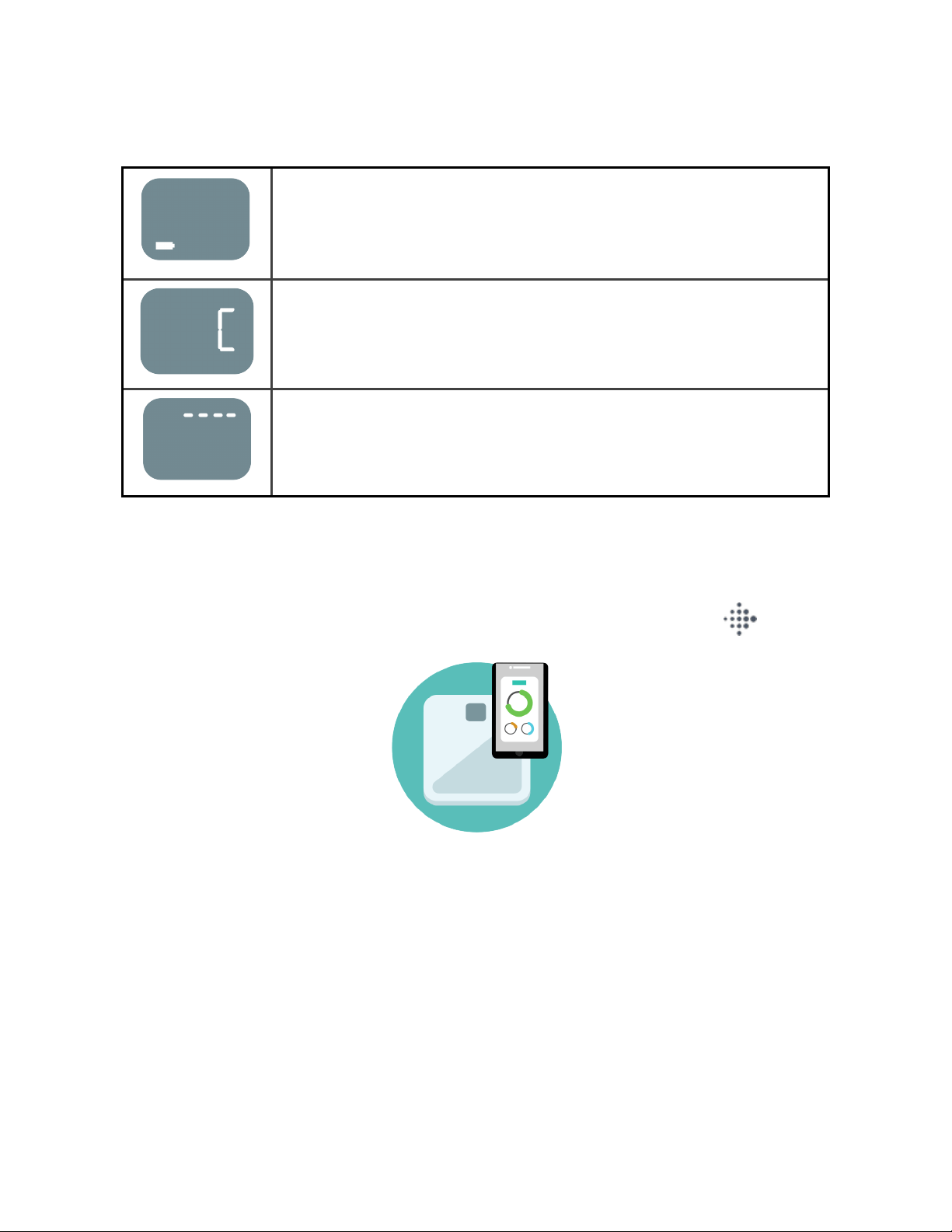
Replace batteries. For instructions, see "Batteries" on page13.
Step off the scale and let the display reset. Then complete a
weigh-in.
The weight exceeds the scale's limitations. For more
information, see "Limitations" on page13.
Weigh yourself
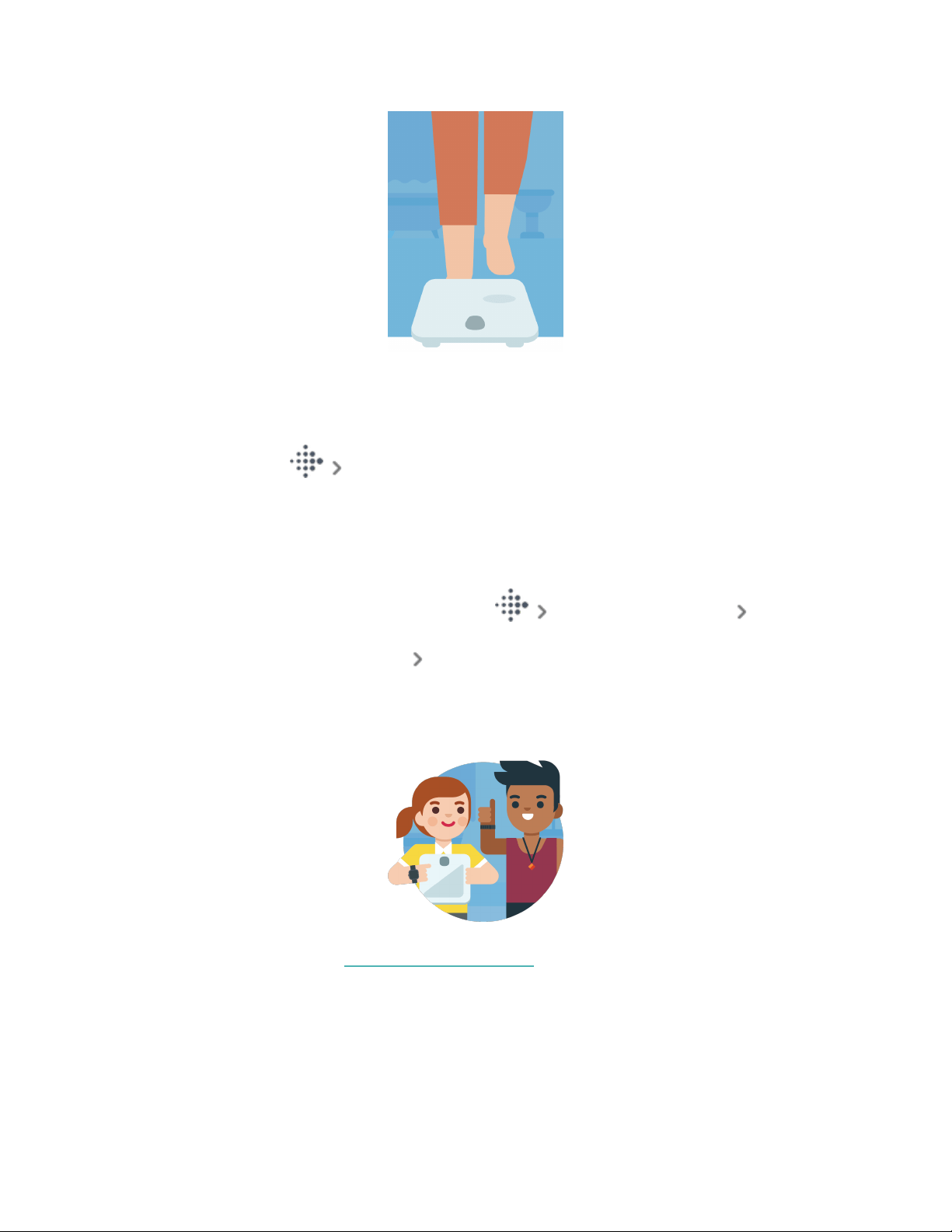
1. Place the scale on a flat, hard surface.
2.
Open the Fitbit app on your nearby phone, and tap the Today tab .
3. While barefoot, step onto Aria Air. The screen displays your weight.
9
4. Step off the scale, and check the Fitbit app. Tap Save when your weight log
appears.
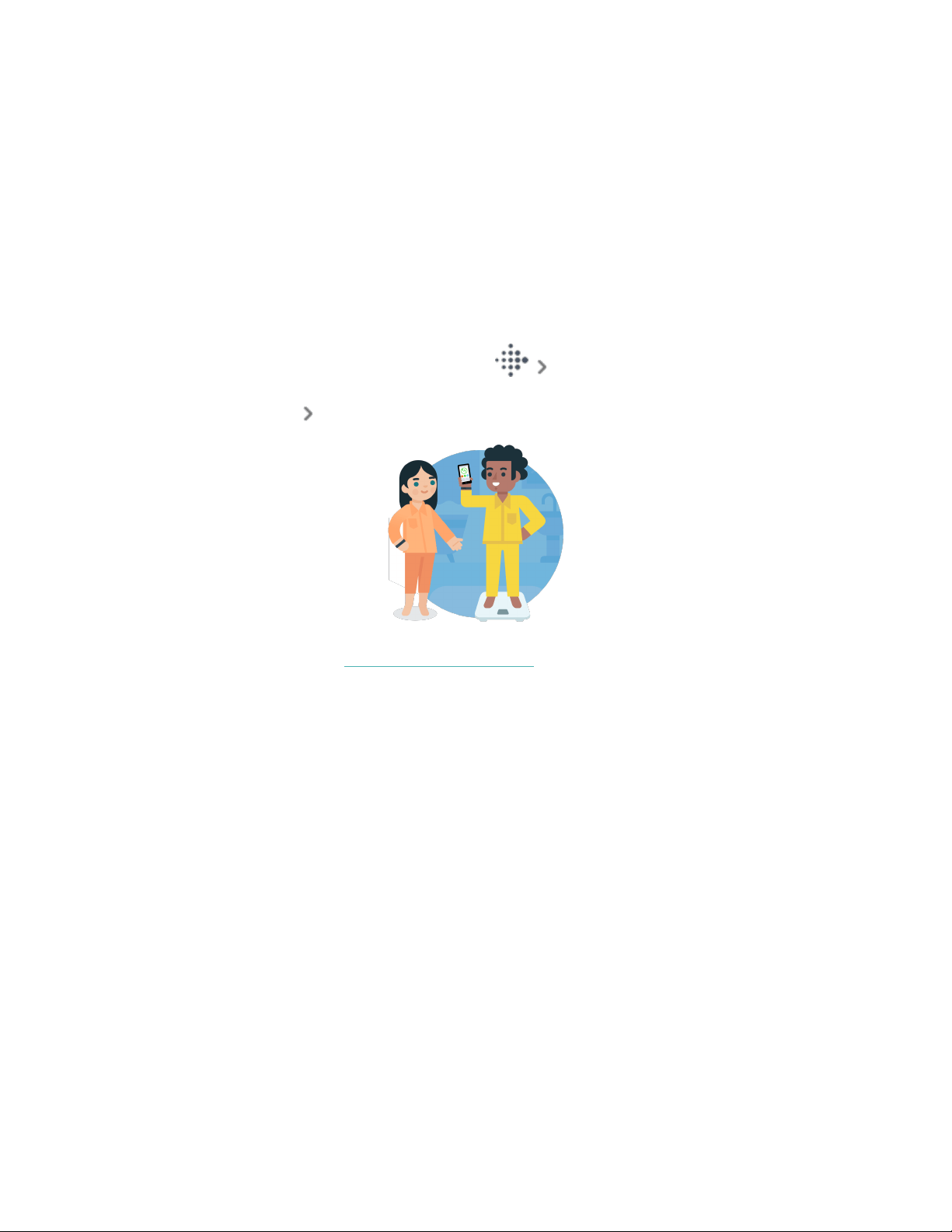
5. Tap the weight log for more details. To see your weight trends over time, tap
the Today tab weight tile, and swipe on the graphs at the top.
Invite others to use Aria Air
1. Confirm the person you want to invite has a Fitbit account.
2.
From the Fitbit app, tap the Today tab your profile picture Aria Air
tile.
3.
Tap People Using This Scale Invite More People.
4. Choose from the list of your Fitbit friends, or enter an email address, and tap
the invite button. The person you invited will receive an email invitation, with
instructions to set up Aria Air.
For more information, see the related help article.
10
Delete a measurement
If you receive a notification to save another person's weight:
1. Tap Cancel when the weight log appears.
2. Close the Fitbit app on your device, and have the other person complete
another weigh-in. For instructions, see "Weigh yourself" on page9.
To delete a weight log from your account:
1.
From the Fitbit app, tap the Today tab weight tile.
2. Tap the weight log you want to delete.
3.
Tap the 3 dots Delete Log.
For more information, see the related help article.
11
Restart Aria Air
To restart your scale:
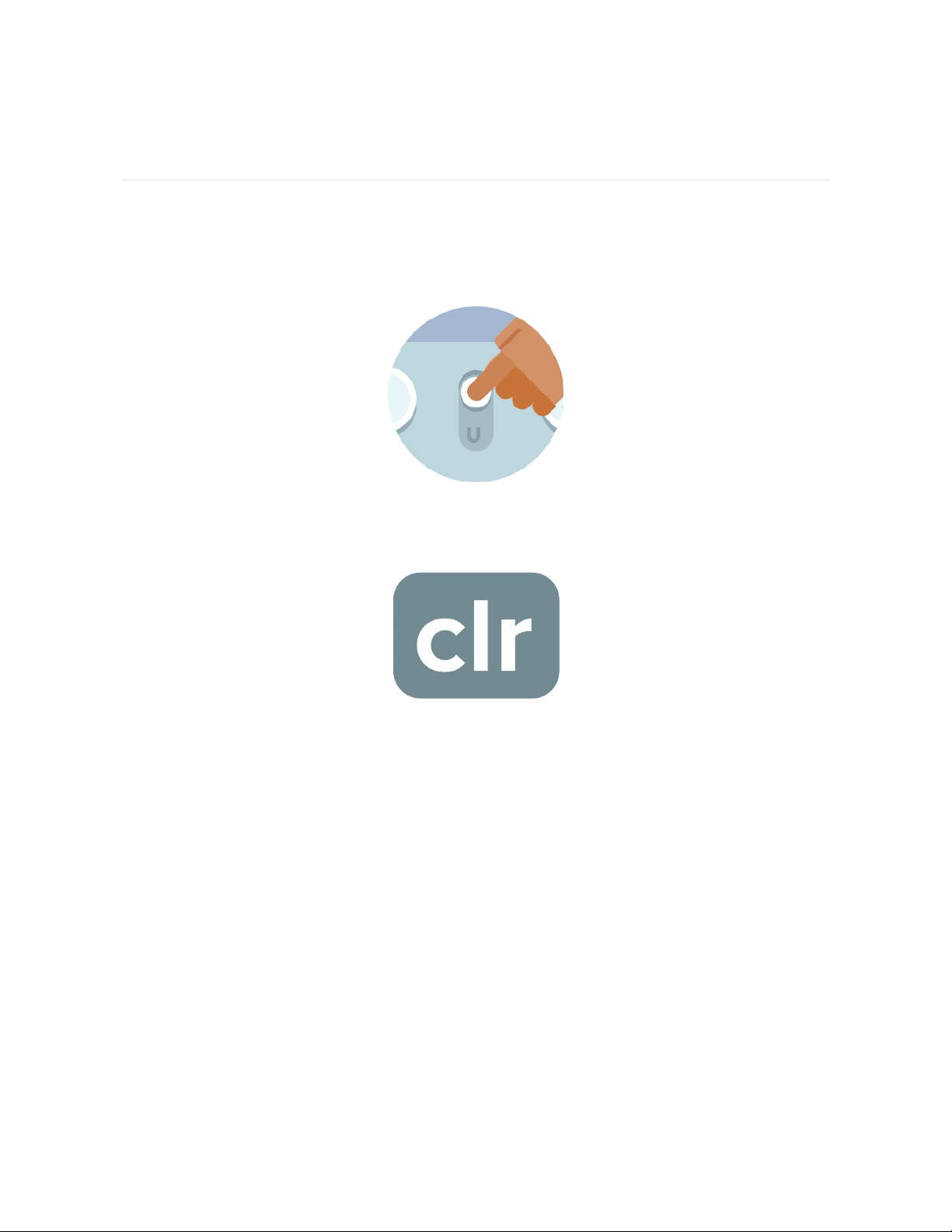
1. On the back of Aria Air, touch and hold the button for 5 seconds. The display
flashes otA.
2. Touch and hold the button for another 5 seconds, until the display shows clr.
Your scale is reset.
12
General Info and Specifications
Sensors andComponents
Four load cells measure weight.
Limitations
l
The scale's weight limit is: 397lbs, 28st: 5lbs, or 180kg.
l
Aria Air isn't serviceable. If you need assistance with your scale, contact
Customer Support.
Batteries
l
3 alkaline 4.5V size AAA batteries included
To change the batteries in Aria Air:
1. On the back of your scale, pull up on the tab to remove the cover from the
battery compartment.
2. Remove the batteries.
3. Insert 3 alkaline 4.5V size AAA batteries.
4. Return the cover to the battery compartment and press down until it's secure.
5. Turn over your scale and wait a few moments for Aria Air to calibrate before
starting a weigh-in.
Size and weight
Length Width Depth Weight
300mm 300mm 25.7mm 1.79kg
13
Environmental conditions
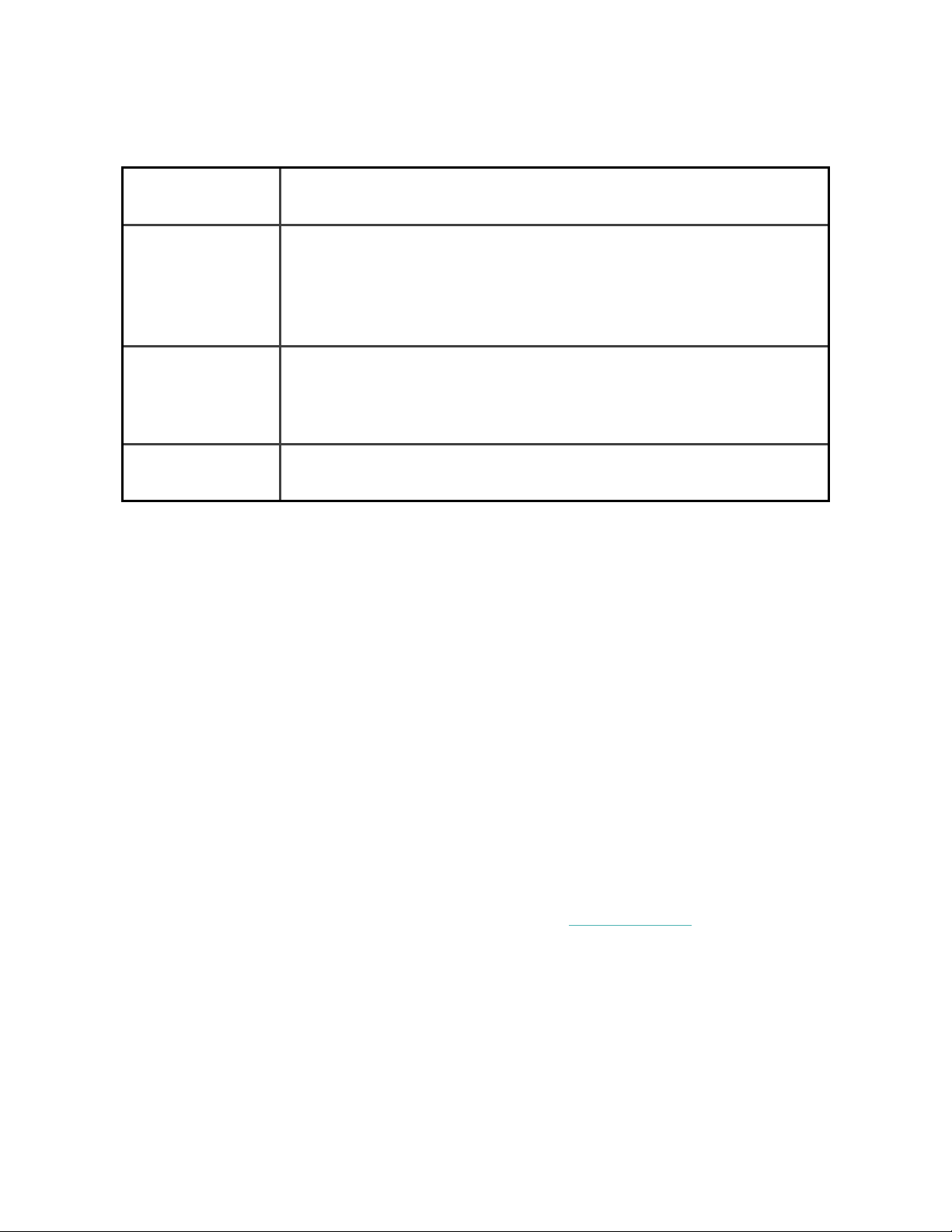
Operating
temperature
41° to 104° F
(5° to 40° C)
Non-operating
temperature
-4° to 41° F
(-20° to 5° C)
104° to 140°F
(40° to 60° C)
Relative
humidity
Up to 90% RH
Aria Air is designed to operate in a humid bathroom
environment.
Environmental
pressure range
86kPa to 106kPa
Care and maintenance
Clean Aria Air as needed. To clean your scale, follow these tips:
l
Wipe down the surface with a damp cloth using a mild detergent before your
first use.
l
Do not submerge Aria Air or use high-pressure water jets (for example,
shower head) to clean the surface.
l
Do not use antiseptic wipes, chlorine, or highly concentrated glass cleaner on
the surface of the scale.
l
Do not use abrasive cleaners to clean your scale.
Learn more
To learn more about your scale, how to track your progress in the Fitbit app, and
how to build healthy habits with Fitbit Premium, visit help.fitbit.com.
14


Regulatory and Safety Notices
USA:Federal Communications Commission(FCC)
statement
Model FB203
FCC ID: XRAFB203
Supplier's Declaration of Conformity
Unique Identifier: FB203
Responsible Party – U.S. Contact Information
199 Fremont Street, 14th Floor
San Francisco, CA
94105
United States
877-623-4997
FCC Compliance Statement (for products subject to Part 15)
This device complies with Part 15 of the FCC Rules.
Operation is subject to the following two conditions:
1. This device may not cause harmful interference and
2. This device must accept any interference, including interference that may
cause undesired operation of the device.
FCC Warning
Changes or modifications not expressly approved by the party responsible for
compliance could void the user’s authority to operate the equipment.
16

Note: This equipment has been tested and found to comply with the limits for a
Class B digital device, pursuant to part 15 of the FCC Rules. These limits are
designed to provide reasonable protection against harmful interference in a
residential installation. This equipment generates, uses and can radiate radio
frequency energy and, if not installed and used in accordance with the instructions,
may cause harmful interference to radio communications. However, there is no
guarantee that interference will not occur in a particular installation. If this
equipment does cause harmful interference to radio or television reception, which
can be determined by turning the equipment off and on, the user is encouraged to
try to correct the interference by one or more of the following measures:
l
Reorient or relocate the receiving antenna.
l
Increase the separation between the equipment and receiver.
l
Connect the equipment into an outlet on a circuit different from that to which
the receiver is connected.
l
Consult the dealer or an experienced radio/TV technician for help.
This device meets the FCC and IC requirements for RF exposure in public or
uncontrolled environments.
Canada:Industry Canada (IC)statement
Model/Modèle FB203
IC: 8542A-FB203
This device meets the IC requirements for RF exposure in public or uncontrolled
environments.
Cet appareil est conforme aux conditions de la IC en matière de RF dans des
environnements publics ou incontrôlée
IC Notice to Users English/French in accordance with current issue of RSS GEN:
This device complies with Industry Canada license exempt RSS standard(s).
Operation is subject to the following two conditions:
17

1. this device may not cause interference, and
2. this device must accept any interference, including interference that may
cause undesired operation of the device.
Cet appareil est conforme avec Industrie Canada RSS standard exempts de licence
(s). Son utilisation est soumise à Les deux conditions suivantes:
1. cet appareil ne peut pas provoquer d’interférences et
2. cet appareil doit accepter Toute interférence, y compris les interférences qui
peuvent causer un mauvais fonctionnement du dispositif
European Union (EU)
Frequency Bands and Power
Data given here is the maximum radio-frequency power transmitted in the
frequency band(s) in which the radio equipment operates.
Bluetooth 2400-2483.5 MHz < 13 dBm EIRP
Simplified EU Declaration of Conformity
Hereby, Fitbit LLC declares that the radio equipment type Model FB203 is in
compliance with Directive 2014/53/EU. The full text of the EU declaration of
conformity is available at the following internet address: www.fitbit.com/safety
Vereinfachte EU-Konformitätserklärung
Fitbit LLC erklärt hiermit, dass die Funkgerättypen Modell FB203 die Richtlinie
2014/53/EU erfüllen. Der vollständige Wortlaut der EU-Konformitätserklärungen
kann unter folgender Internetadresse abgerufen werden: www.fitbit.com/safety
Declaración UE de Conformidad simplificada
Por la presente, Fitbit LLC declara que el tipo de dispositivo de radio Modelo FB203
cumple con la Directiva 2014/53/UE. El texto completo de la declaración de
conformidad de la UE está disponible en la siguiente dirección de Internet:
www.fitbit.com/safety
Déclaration UE de conformité simplifiée
18
Fitbit LLC déclare par la présente que les modèles d’appareils radio FB203 sont
conformes à la Directive2014/53/UE. Les déclarations UE de conformité sont
disponibles dans leur intégralité sur le site suivant: www.fitbit.com/safety
Dichiarazione di conformità UE semplificata
Fitbit LLC dichiara che il tipo di apparecchiatura radio Modello FB203 è conforme
alla Direttiva 2014/53/UE. Il testo completo della dichiarazione di conformità UE è
disponibile al seguente indirizzo Internet: www.fitbit.com/safety
Frequency Information
Frequency range (MHz): 2400-2483.5
Highest EIRP power in the range (dBm): 1.79
Argentina
C-24170
Australia and New Zealand
19
Belarus
Customs Union
Mexico
La operación de este equipo está sujeta a las siguientes dos condiciones:
1. Es posible que este equipo o dispositivo no cause interferencia perjudicial y
2. Este equipo o dispositivo debe aceptar cualquier interferencia, incluyendo la
que pueda causar su operación no deseada
Morocco
20
AGREE PAR L’ANRT MAROC
Numéro d’agrément: MR 21120 ANRT 2019
Date d’agrément: 08/10/2019
Nigeria
Connection and use of this communications equipment is permitted by the Nigerian
Communications Commission.
Paraguay
NR: 2022-01-I-0060
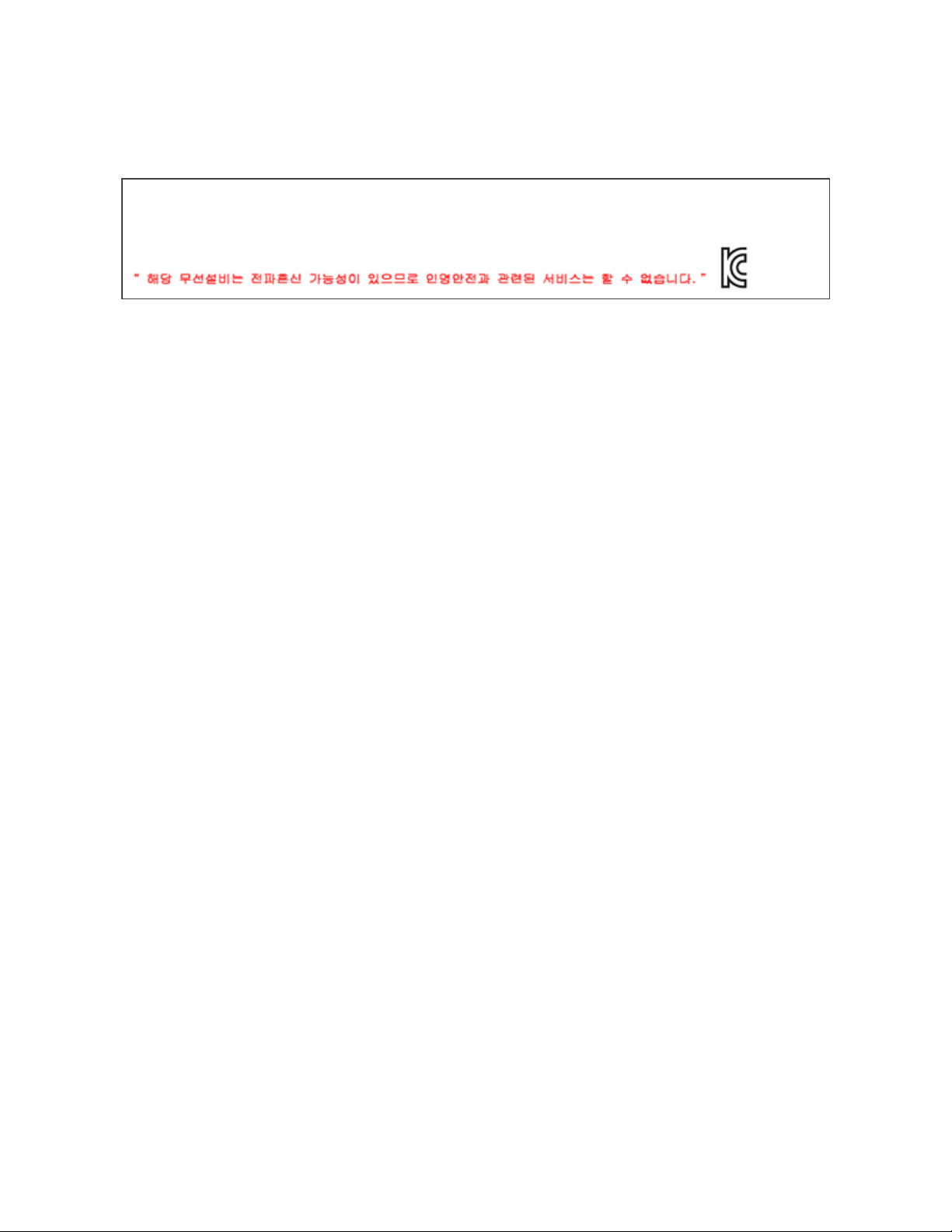
Philippines
21
South Korea
클래스 B 장치 (가정 사용을위한 방송 통신 기기) : EMC 등록 주로 가정용 (B 급)으로하고, 모든
지역에서 사용할 수 있습니다 얻을이 장치.
Translation:
Class B devices (broadcast communications equipment for home use): EMC
registration is mainly for household use (B class) and can be used in all areas get
this device.
Taiwan
低功率警語:
l
取得審驗證明之低功率射頻器材,非經核准,公司、商號或使用者均不得擅自變更
頻率、加大功率或變更原設計之特性及功能。
l
低功率射頻器材之使用不得影響飛航安全及干擾合法通信;經發現有干擾現象時,
應立即停用,並改善至無干擾時方得繼續使用。前述合法通信,指依電信管理法規
定作業之無線電通信。低功率射頻器材須忍受合法通信或工業、科學及醫療用電
波輻射性電機設備之干擾。
Translation:
Warning Statement for Low Power Radios:
l
Without permission granted by the NCC, no company, enterprise, or user is
allowed to change the frequency of an approved low power radio-frequency
device, enhance its transmitting power or alter original characteristics or
performance.
l
The use of low power RF devices must not affect flight safety or interfere with
legal communications: when interference is found, it should be immediately
stopped and ameliorated not to interfere before continuing to use it. The legal
communications mentioned here refer to radio communications operating in
accordance with the provisions of the Telecommunication Law. Low power RF
22

devices need to bear with interference from legal communications or
industrial, scientific and medical radio wave radiating equipment
電池警語:
此裝置使用鋰電池。
若未遵照下列準則,則裝置內的鋰離子電池壽命可能會縮短或有損壞裝置、發生火災、
化學品灼傷、電解液洩漏及/或受傷的風險。
l
請勿拆解、鑿孔或損壞裝置或電池。
l
請勿取出或嘗試取出使用者不可自行更換的電池。
l
請勿將電池曝露於火焰、爆炸或其他危險中。
l
請勿使用尖銳物品取出電池。
Translation:
Battery warning:
This device uses a lithium-ion battery.
If the following guidelines are not followed, the life of the lithium-ion battery in the
device may be shortened or there is a risk of damage to the device, fire, chemical
burn, electrolyte leakage and / or injury.
l
Do not disassemble, puncture or damage the device or battery.
l
Do not remove or try to remove the battery that the user cannot replace.
l
Do not expose the battery to flames, explosions or other hazards.
l
Do not use sharp objects to remove the battery.
Vision Warning
使用過度恐傷害視力
警語
l
使用過度恐傷害視力
注意事項
l
使用30分鐘請休息10分鐘。未滿2歲幼兒不看螢幕,2歲以上每天看螢幕不要超過1
小時
23
Translation:
Excessive use may damage vision
Warning:
l
Excessive use may damage vision
Attention:
l
Rest for 10 minutes after every 30 minutes.
l
Children under 2 years old should stay away from this product. Children 2
years old or more should not see the screen for more than 1 hour a day.
United Arab Emirates
TRA – United Arab Emirates
24

TRA Registered No: ER75569/19
Dealer No: DA35294/14
Model: FB203
Type: Body Scale
United Kingdom
Simplified UK Declaration of Conformity
Hereby, Fitbit LLC declares that the radio equipment type Model FB203 is in
compliance with Radio Equipment Regulations 2017. The full text of the UK
declaration of conformity is available at the following internet address:
www.fitbit.com/legal/safety-instructions
Zambia
ZMB / ZICTA / TA / 2019 / 11 / 1
About the Battery
3 AAA batteries
CAUTION: Risk of explosion if battery is replaced by an incorrect type. Dispose of
used batteries according to the instructions.
l
The battery must be recycled or disposed of properly
l
Use the battery only in the specified equipment
25

l
Do not leave the battery in an extremely high temperature environment that
may result in an explosion or the leakage of flammable liquid or gas
l
Do not subject battery to extremely low air pressure that may result in an
explosion or the leakage of flammable liquid or gas
IP Rating
Aria Air has a water ingress rating of IPX3 under IEC standard 60529, which
indicates spraying water shall have no harmful effects.
Safety Statement
This equipment has been tested to comply with safety certification in accordance
with the specifications of EN Standard: EN60950-1:2006 + A11: 2009 + A1: 2010 +
A12: 2011 + A2: 2013, EN 62368-1: 2014 + A11: 2017.
Regulatory Markings
Additional Regulatory markings can be viewed on the label on the back of the body
scale and/or on the accompanying packaging.
26