
1
Owner’s Manual
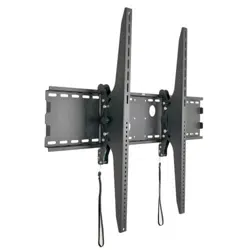
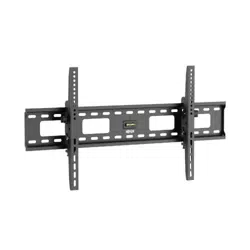
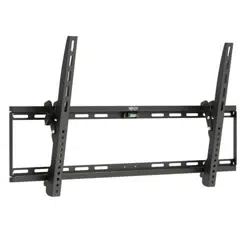
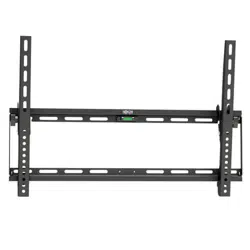
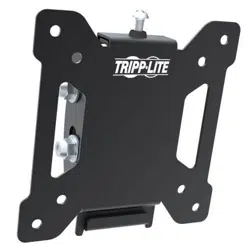
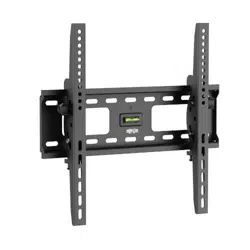
Tilt Flat Screen
Wall Mount
MODEL: DWT2655XP
CAUTION: DO NOT EXCEED MAXIMUM LISTED WEIGHT CAPACITY. SERIOUS INJURY OR
PROPERTY DAMAGE MAY OCCUR!
Copyright © 2014 Tripp Lite. All rights reserved.
200x200/400x200
300x300/400x400
55”
MAX
75kg
(165lbs)
MAX
Este manual esta disponible en español en la página de Tripp Lite: www.tripplite.com
Ce manuel est disponible en français sur le site Web de Tripp Lite : www.tripplite.com
14-03-245-933338.indd 1 4/11/2014 11:58:28 AM
2
NOTE: Read the entire instruction manual before you start installation and assembly.
Warranty & Warranty Registration
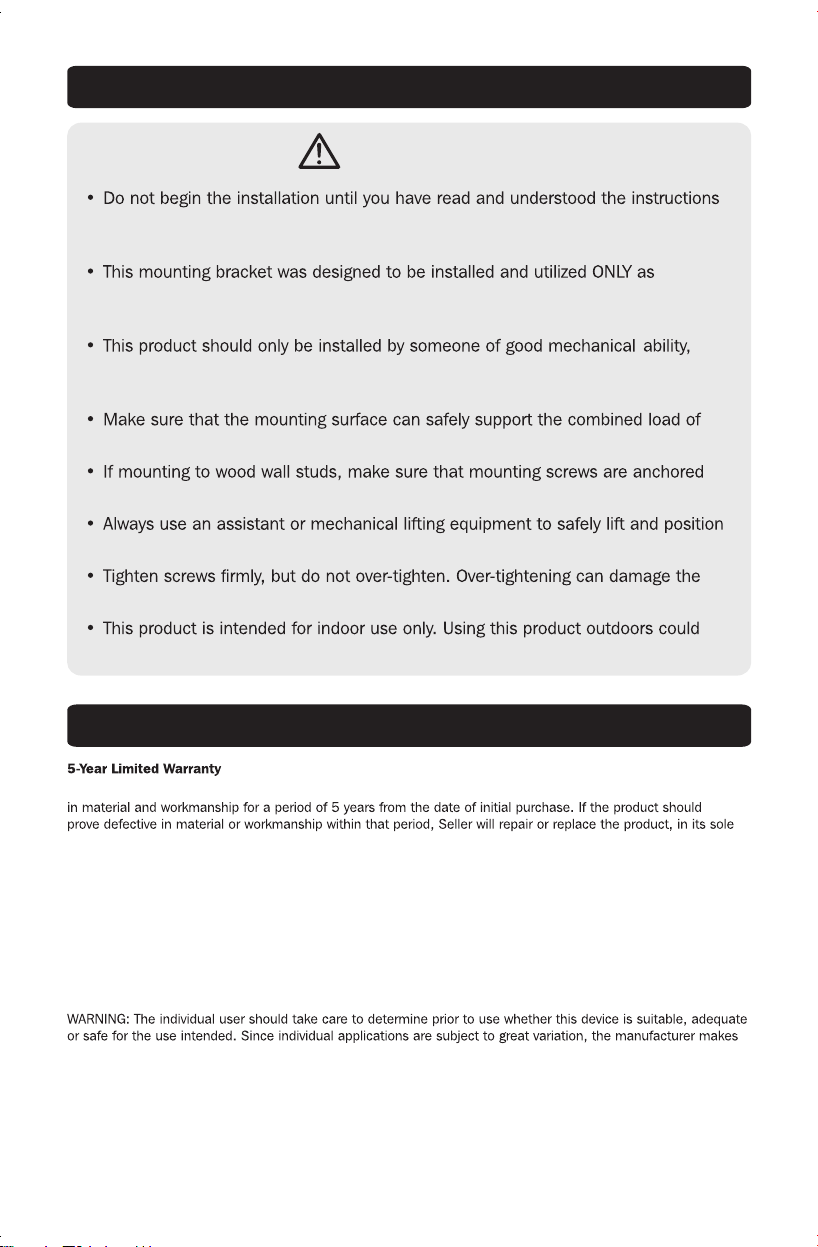
WARNING
and warnings contained in this manual. If you have any questions regarding any
of the instructions or warnings, please visit www.tripplite.com/support.
specified in this manual. Improper installation of this product may cause damage
or serious injury.
with basic building experience and a full understanding of this instruction
manual.
the equipment and all attached hardware and components.
into the center of the studs. The use of a stud finder is highly recommended.
equipment.
items, greatly reducing their holding power.
lead to product failure and personal injury.
Seller warrants this product, if used in accordance with all applicable instructions, to be free from original defects
discretion.
THIS WARRANTY DOES NOT APPLY TO NORMAL WEAR OR TO DAMAGE RESULTING FROM ACCIDENT, MISUSE,
ABUSE OR NEGLECT. SELLER MAKES NO EXPRESS WARRANTIES OTHER THAN THE WARRANTY EXPRESSLY
SET FORTH HEREIN. EXCEPT TO THE EXTENT PROHIBITED BY APPLICABLE LAW, ALL IMPLIED WARRANTIES,
INCLUDING ALL WARRANTIES OF MERCHANTABILITY OR FITNESS, ARE LIMITED IN DURATION TO THE WARRANTY
PERIOD SET FORTH ABOVE; AND THIS WARRANTY EXPRESSLY EXCLUDES ALL INCIDENTAL AND CONSEQUENTIAL
DAMAGES. (Some states do not allow limitations on how long an implied warranty lasts, and some states do not
allow the exclusion or limitation of incidental or consequential damages, so the above limitations or exclusions
may not apply to you. This warranty gives you specific legal rights, and you may have other rights which vary from
jurisdiction to jurisdiction).
no representation or warranty as to the suitability or fitness of these devices for any specific application.
WARRANTY REGISTRATION
Visit www.tripplite.com/warranty today to register the warranty for your new Tripp Lite product. You’ll be
automatically entered into a drawing for a chance to win a FREE Tripp Lite product!*
* No purchase necessary. Void where prohibited. Some restrictions apply. See website for details.
Tripp Lite has a policy of continuous improvement. Specifications are subject to change without notice.
14-03-245-933338.indd 2 4/11/2014 11:58:28 AM
3
IMPORTANT:
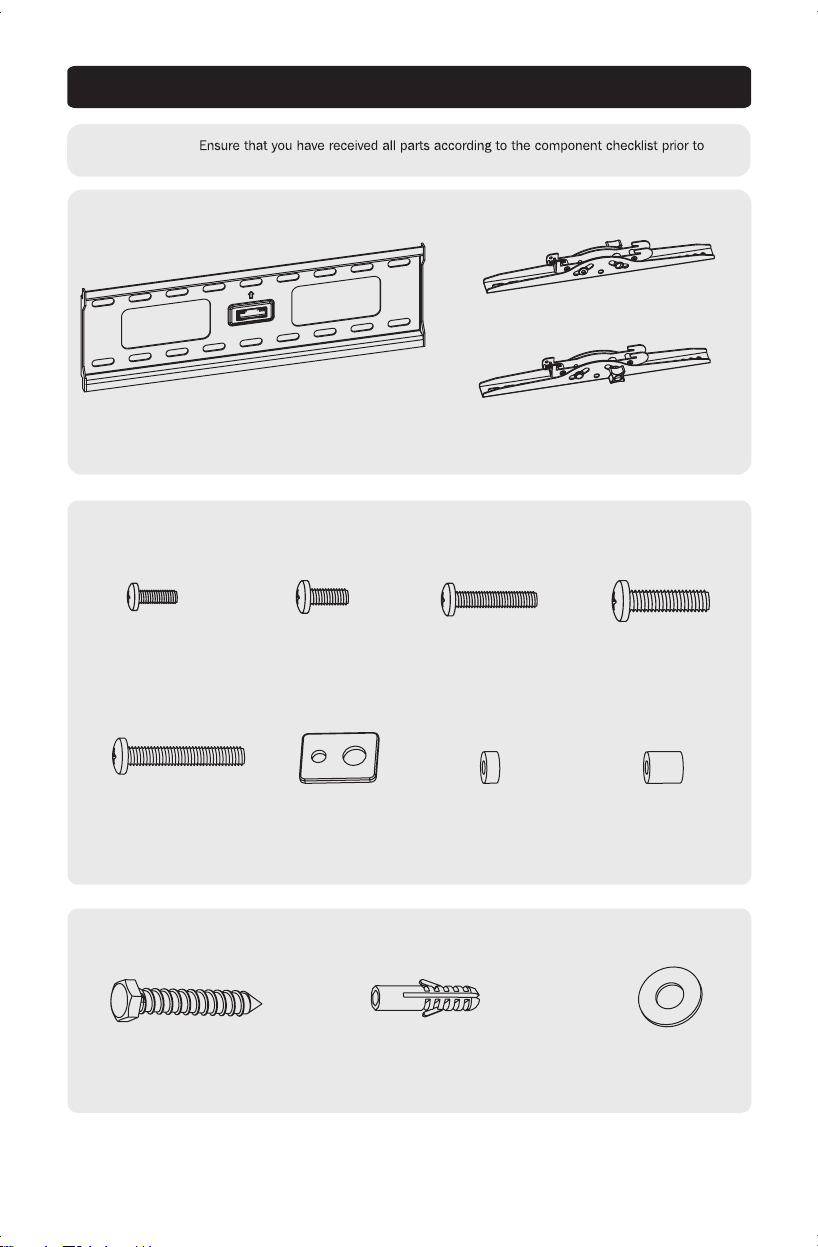
installing. If any parts are missing or faulty, visit www.tripplite.com/support for service.
Component Checklist
(x1)
(x1)
(x1)
Anchor Bolt (x6) Concrete Anchor (x6)
Package M
Package W
14-03-245-933338.indd 3 4/11/2014 11:58:28 AM
M5X14 (x4)
M8X50 (x4)
M6X14 (x4)
Washer (x4)
M6X30 (x4)
Small Spacer (x8)
M8X30 (x4)
Big Spacer (x8)
D8 Washer (x6)
4
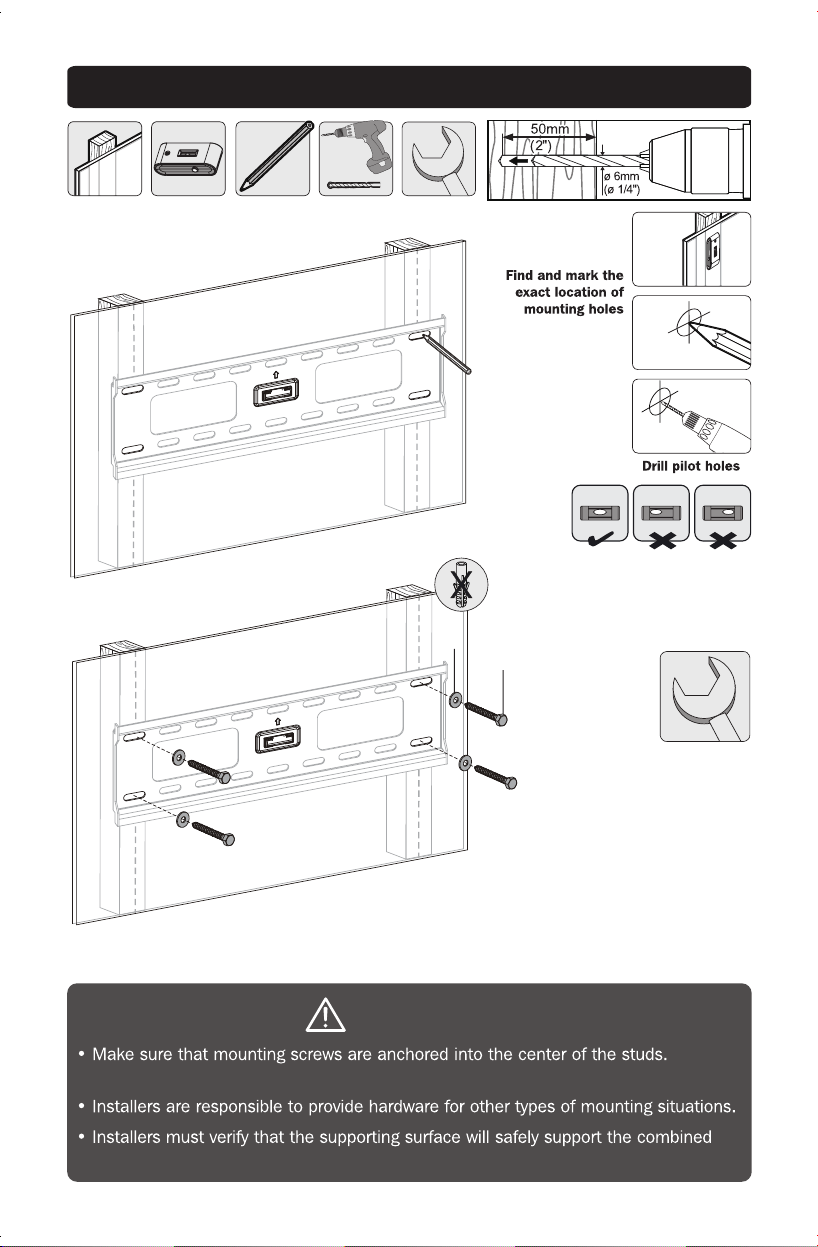
1a. Mount on Wood Stud Wall
1
2
3
WARNING
Use of a stud finder is highly recommended.
load of the equipment and all attached hardware and components.
14-03-245-933338.indd 4 4/11/2014 11:58:29 AM
D8 Washer
Anchor Bolt
Fasten the wall
plate onto the
wall
5
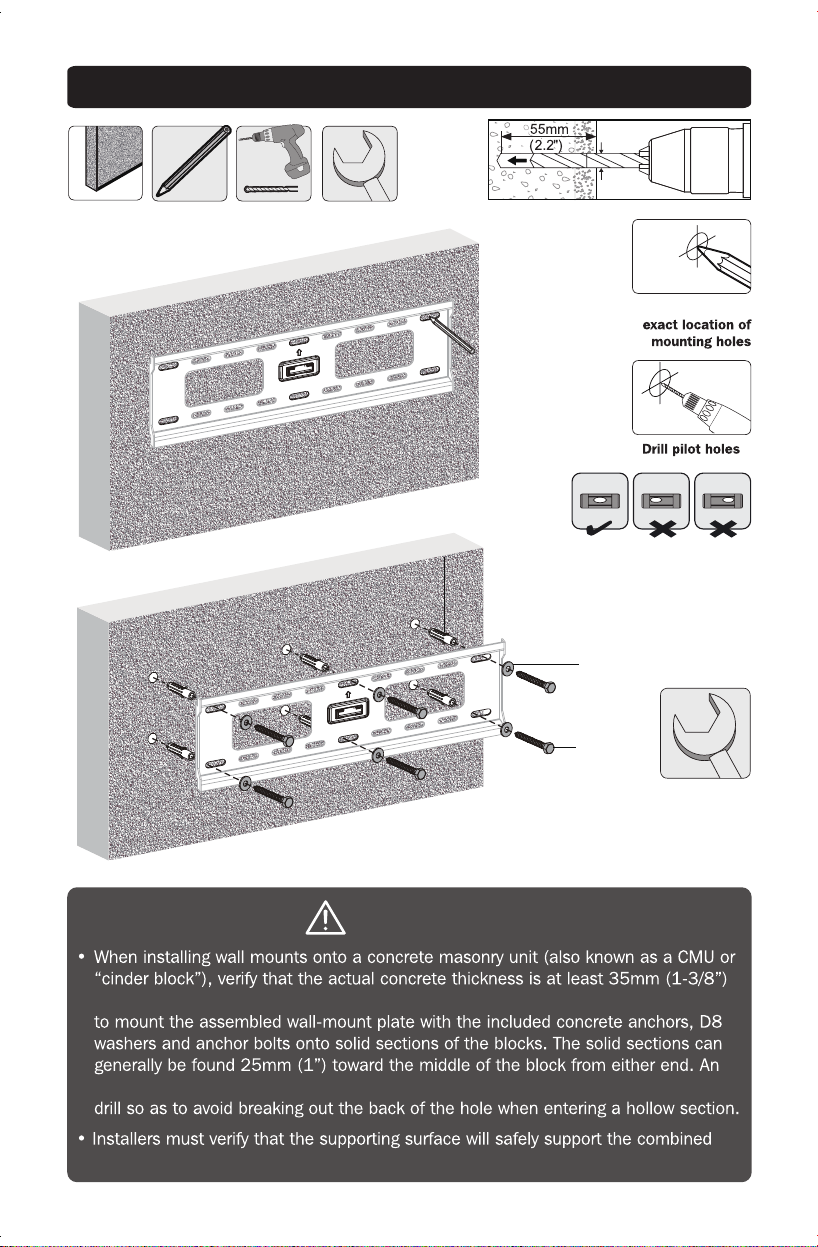
1b. Mount on Solid Brick and Concrete Block
Mark the
WARNING
in order to hold the concrete anchors. DO NOT DRILL INTO MORTAR JOINTS! Be sure
electric drill on a slow setting is suggested to drill the hole rather than a hammer
load of the equipment and all attached hardware and components.
1
2
ø 10mm
(ø 3/8”)
14-03-245-933338.indd 5 4/11/2014 11:58:34 AM
Fasten the wall
plate onto the
wall
Concrete Anchor
D8 Washer
Anchor Bolt
Top
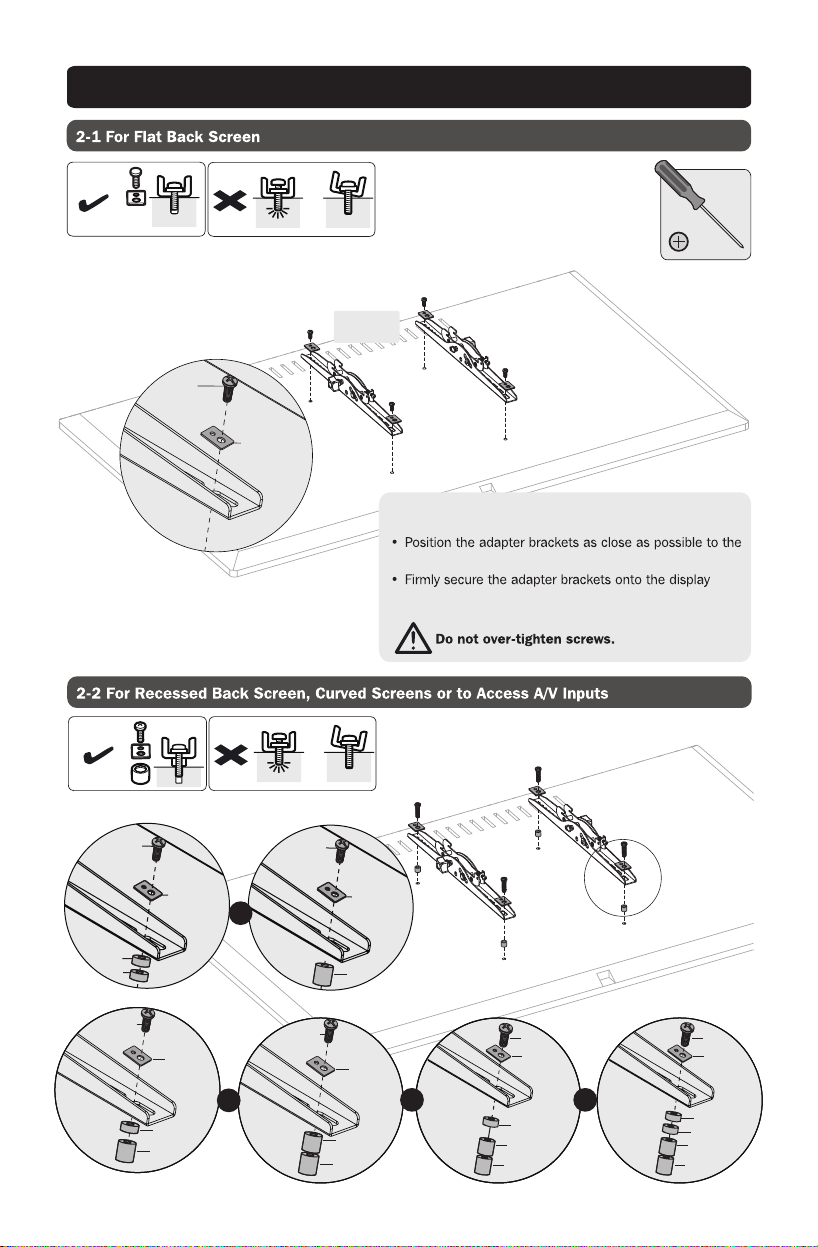
Washer
M5X14
M6X14
6
Note: Choose appropriate screws, washers and spacers
(if necessary) according to the display’s rear panel layout.
center of the display.
using the screws and any other necessary hardware
components included with the unit.
2. Install Adapter Brackets
TV
TV
TV
14-03-245-933338.indd 6 4/11/2014 11:58:35 AM
Washer
Big Spacer
Big Spacer
M8X50
Washer
Big Spacer
Big Spacer
M8X50
Washer
Small Spacer
Small Spacer
M6X30
M8X30
Washer
Small Spacer
Small Spacer
Big Spacer
M6X30
M8X30
or or
Washer
Big Spacer
Big Spacer
M8X50
Small Spacer
Small Spacer
Washer
Big Spacer
M6X30
M8X30
or
TV
TV
TV
or
7
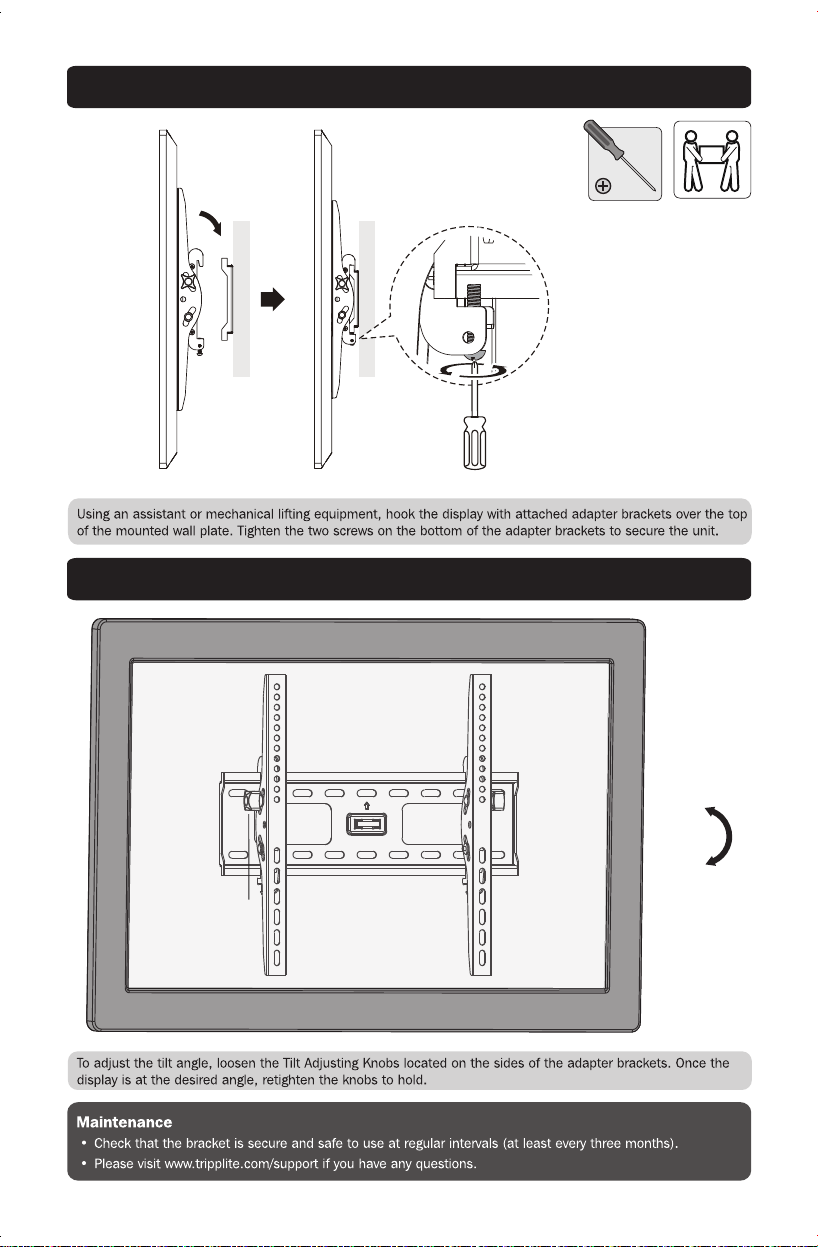
3. Hang Display onto the Wall Plate
4. Adjustment
+10°
-10°
14-03-245-933338.indd 7 4/11/2014 11:58:36 AM
Wall
Wall
Bolt
Tilt Adjusting
Knob

8
1111 W. 35th Street, Chicago, IL 60609 USA • www.tripplite.com/support
14-03-245 • 93-3338_RevC
14-03-245-933338.indd 8 4/11/2014 11:58:36 AM