www.SereneLifeHome.com
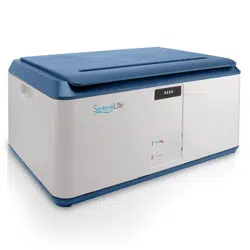
Locking Storage Container Bin
SLSBIN21
Safety & Security Storage Box (21 Gal. Capacity)
ASSEMBLY INSTRUCTIONS & LAYOUT
Please Note:
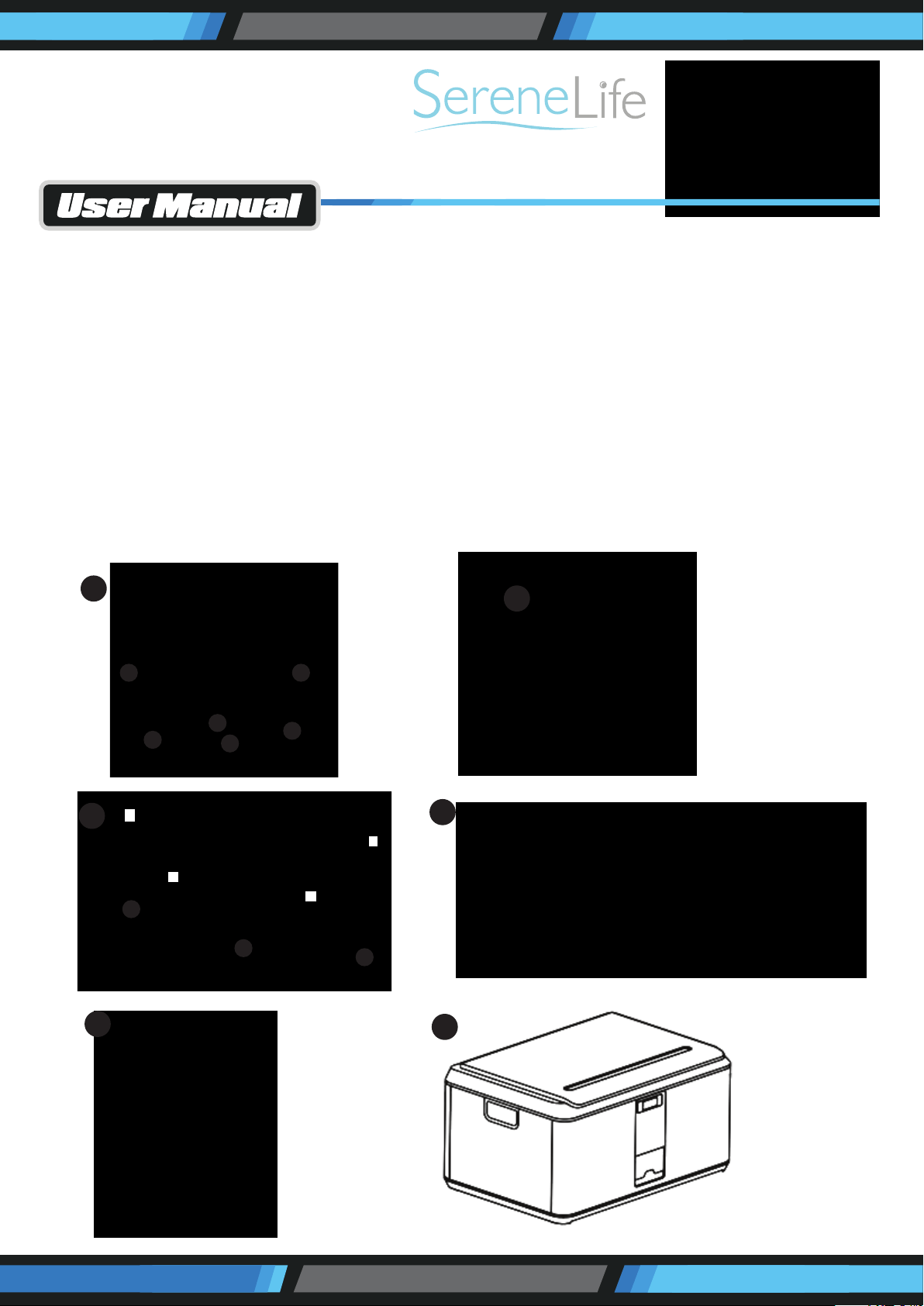
• Be sure to check the letters marked on the sides of the bin and align as shown in the images for proper orientation.
• Reference the images on the corresponding page!
1. Lay the bottom of the bin down and starl by adding in the side plates.
• You will feel the plastic latch engage wnen the sides are rmly pressed into place.
2. Add 3 screws each side to secure in the side plates.
3. Now we add the front and back plates.
• First align the front and back plates with the side plates in the "Y" direction, and push down latching onto the base.
• Then push in to secure the latches in the "X" direction latching to the side plates.
4. Add 3 screws on each side to secure in the front and back plates to the bottom panel.
• Add 4 screws (See second image) in the comers to securely attach the front and back plates to each side plate.
5. Align the hinge of the lid and attach with 2 screws on each side.
6. Set your own password following instructions below.
2
A
B
C
B
A
D
1
4
5
6
D
3
D
C
Y
Y
X
X
www.SereneLifeHome.com
HOW TO SET A CUSTOM PASS CODE:
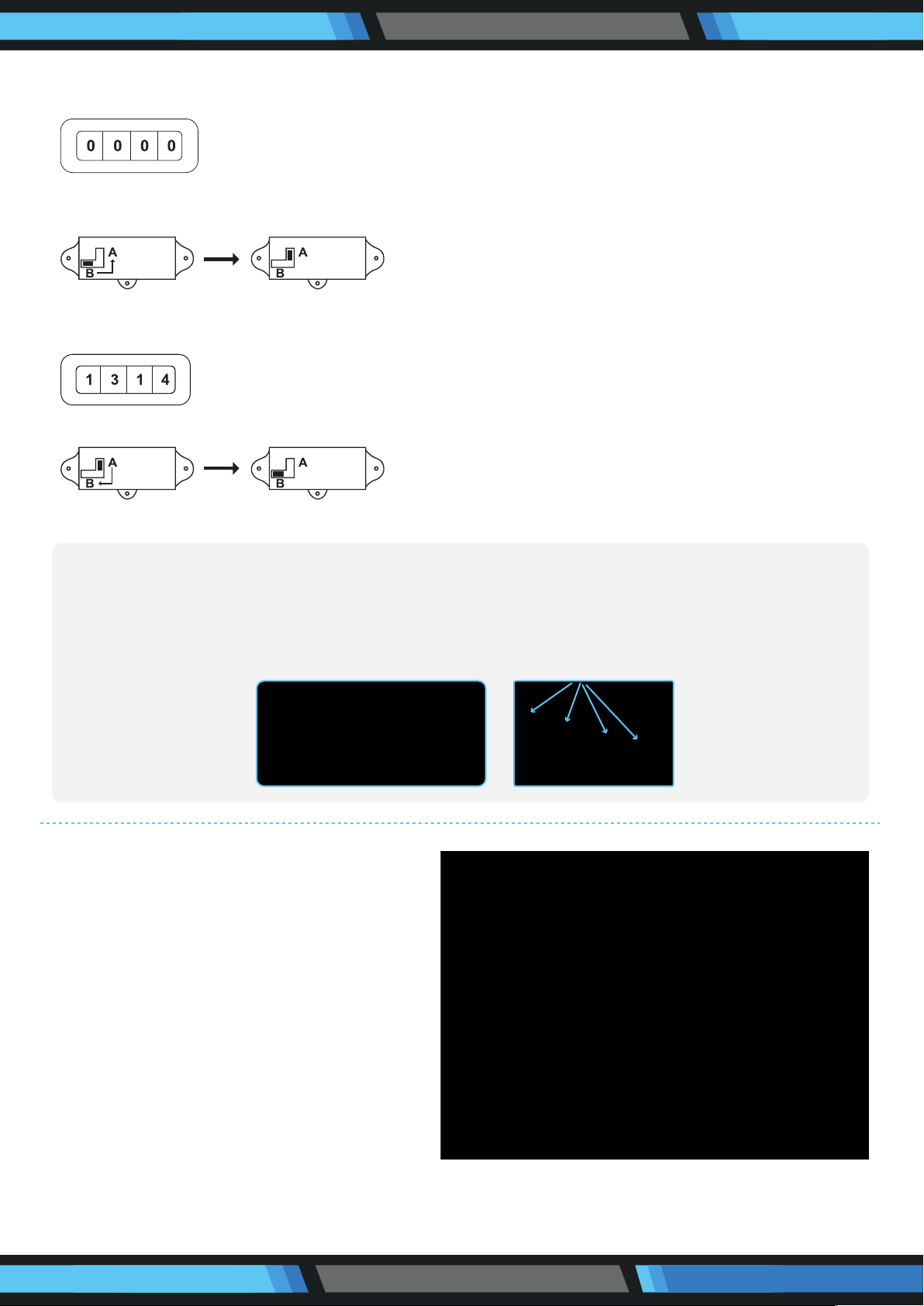
1. Adjust the pin to your current pass code (By default, the lock pin is set to “0000”).
2. Completely remove the top drawer from the cabinet and on the inside of the cabinet switch the lever located on the lock from
the B to A position.
3. While lever is in A position - set the desired new code. Make sure the 4 dials you set are exactly parallel and lined up - you don’t
want to set to the wrong number by mistake! (Sample below).
4. Once your new pass code is entered, change the lever back from A to the B position.
5. Make sure to write down & remember your code! There is no way to recover it once it is set!
Features:
• Convenient Storage Box Solution
• Integrated Combination Lock for Security
• User-Dened Number Pass Code Setting
• Safe, Rugged, Reliable Construction
• Heavy-Duty Impact Resistance
• Anti-Scratch & Stain-Resistant Housing
• Easy Access Lift-Top Hinges
• Clean & Streamline Modern Style
• Side Panel Carry Handle Grips
• Perfect for Home, Office, School, Business & Mobile Use
Technical Specs:
• Internal Storage Capacity: 21 Gallon/78 Liter
• Maximum Support Weight: 100+ lbs.
• Construction Material: Reinforced Engineered ABS
• Pass Code Type: Manual 4-Digit, Numerical
• Dimensions: 9.3'' x 16.3'' x 23.2''
Questions? Issues?
We are here to help!
Phone: (1) 718-535-1800
Email: suppor[email protected]
If you want to change the pass code, follow this steps:
Step 1: Seeing from the gaps, pull the 4 lock of the gaps unied to the same orientation
Step 2: Such as the gap unied direction in the above gure 0 position, pull each lock pull 5 times, but ensure that each pull
only a number
Step 3: After the second step is completed, you can open and change the new lock