C
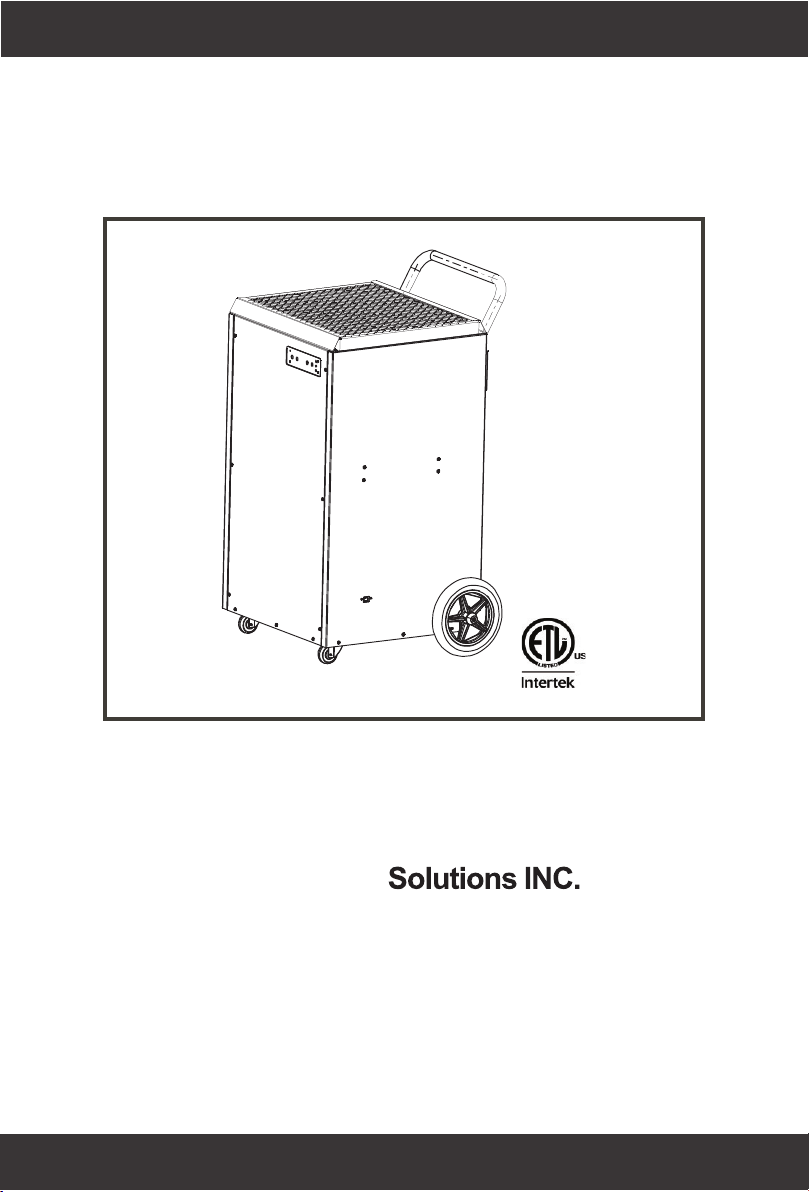
User’s Manual
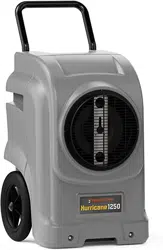
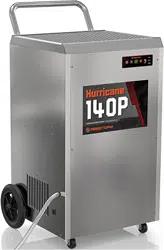
Hurricane 140P
Abestorm
E-mail: sales@abestorm.com
Note: as we keep upgrading our product, we reserve the right to modify the product without notice in advance.
ADD: 8605 SANTA MONlCA BLVD#79525 WEST
HOLLYWOOD, California, 90069 USA
2
3
Capacity @ 80°F/60%RH: 140 Pints Per Day
Airflow: 440CFM
COP: 2.75 L/kWh
Refrigerant: R410A
Amperage Usage: 8.3 Amps
Power Supply: 115V/60Hz/Single Phase
Outlet Requirement: 15 Amp
Sound Level: 60 dBa
Item Dimensions (LxWxH): 22.05 x 23.62 x 37.40 inch
Package Dimensions (LxWxH): 29.29 x 29.29 x 41.73 inch
ETL Listed: Yes
Operating Temp. Range: 35.6-105°F
Operating Relative Humidity Range: 35%-90%
.
.
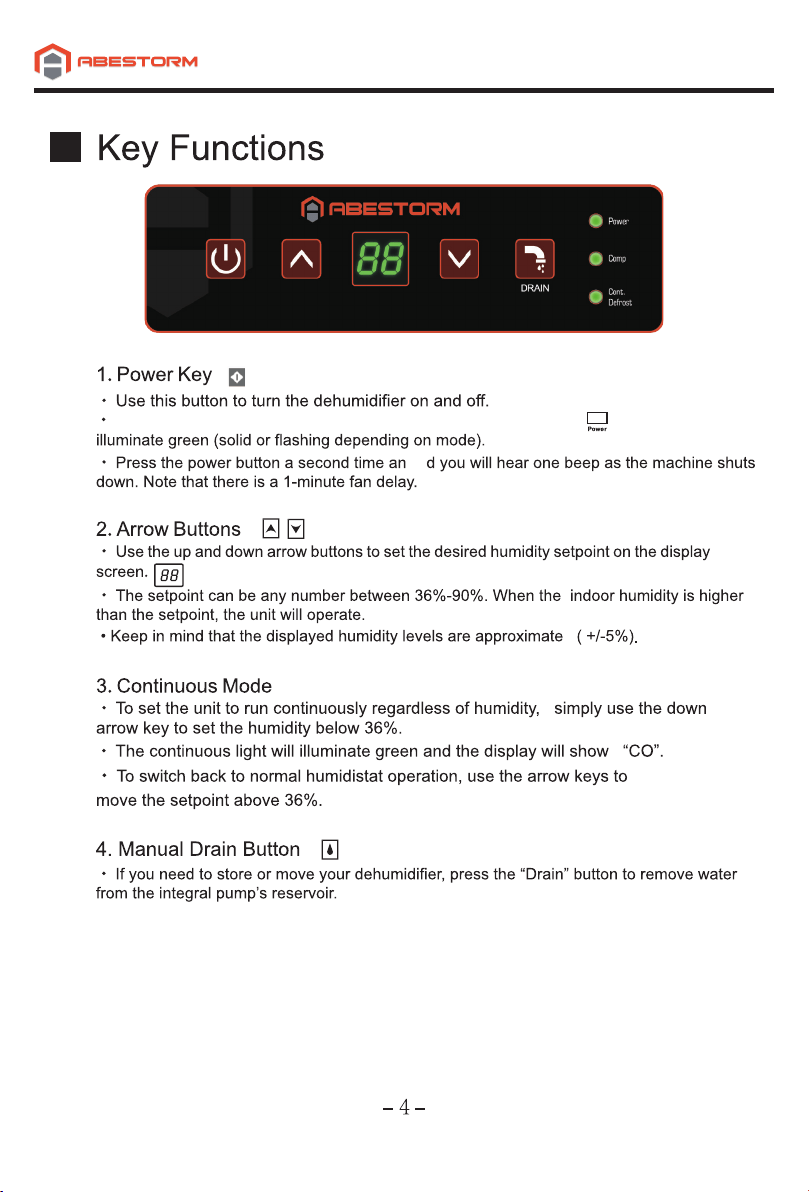
Press once to turn machine on. You will hear one beep and the ight will
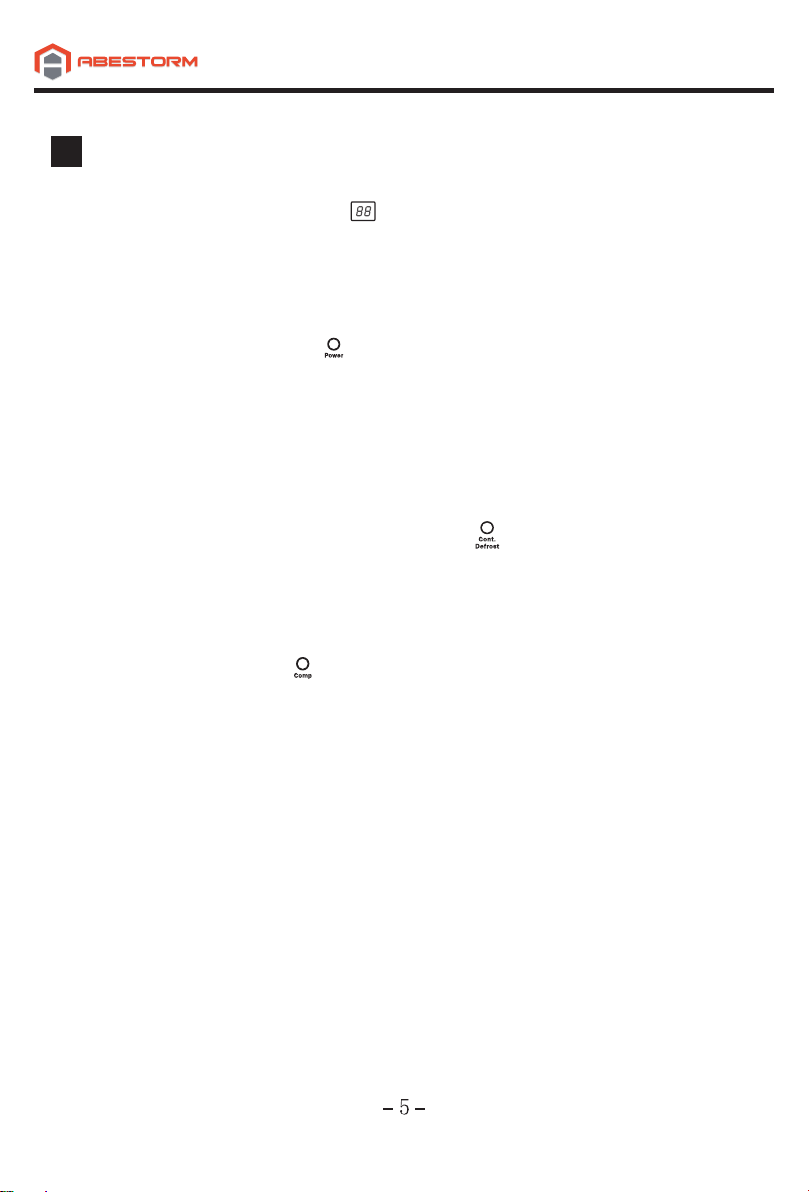
Indicator Lights
1. Humidity Display Screen
· The display screen has two functions:
1. When the unit is powered on, it shows the humidity of the space.
2. When setting the desired humidity level, the screen will show the set point.
After a brief delay, it will revert to current humidity of the space.
2. Power Indicator Light
· This light indicates that the unit is properly powered on and ready to operate.
· Always make sure the unit is “off” prior to performing any service, unless otherwise indicated.
· If the humidity is above the setpoint, the light will be solid green and the machine will
operate.
· If the humidity is below the setpoint, the unit will be in standby mode and the light will be
flashing.
3. Continuous Mode/ Auto Defrost Light
· When the light illuminates green, it indicates that the dehumidifier is set to the continuous
operation mode.
• When the light illuminates red, it means the unit is in auto defrost mode and clearing the
evaporator coils of any ice buildup.
4. Compressor Light
· When the light illuminates red, it indicates the compressor has been initiated but is currently
warming up.
• Once the light switches to green, it means the compressor is currently in working status.
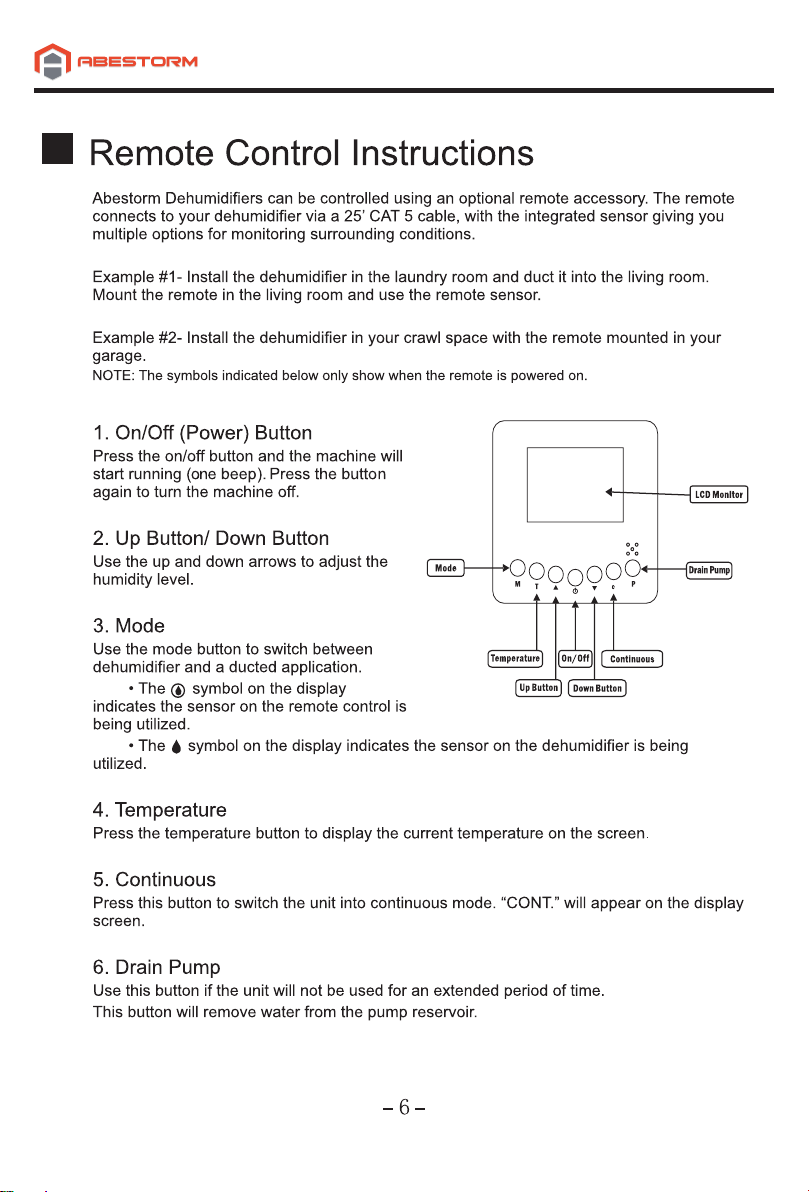
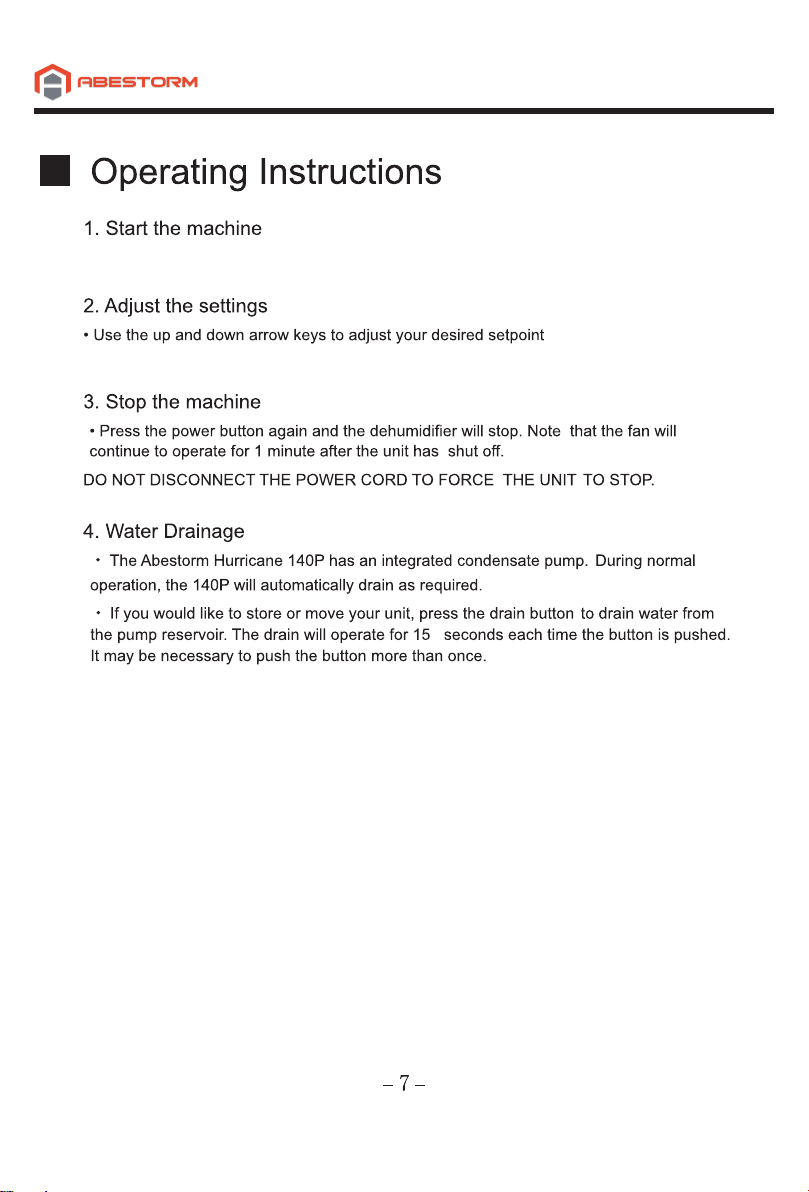
• Press the power key to turn the dehumidifier on.
(typically 50-55%).
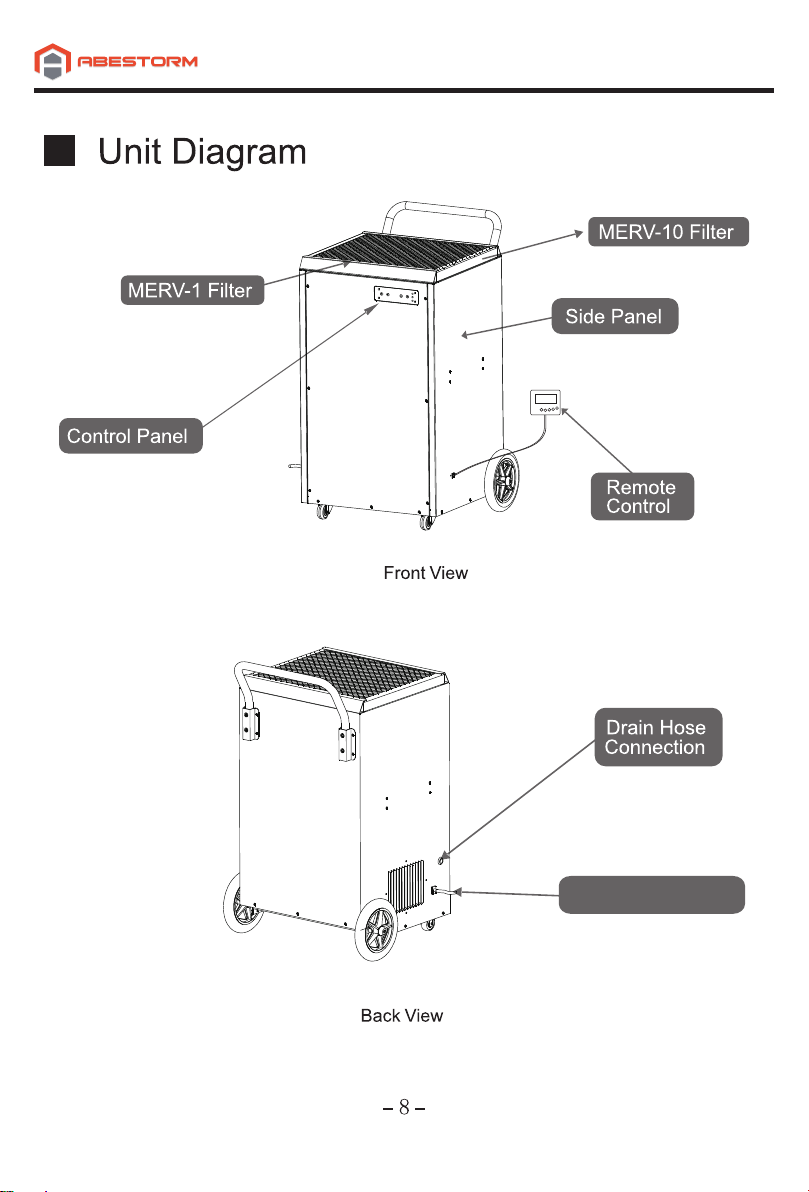
Optional Reomte Control
9
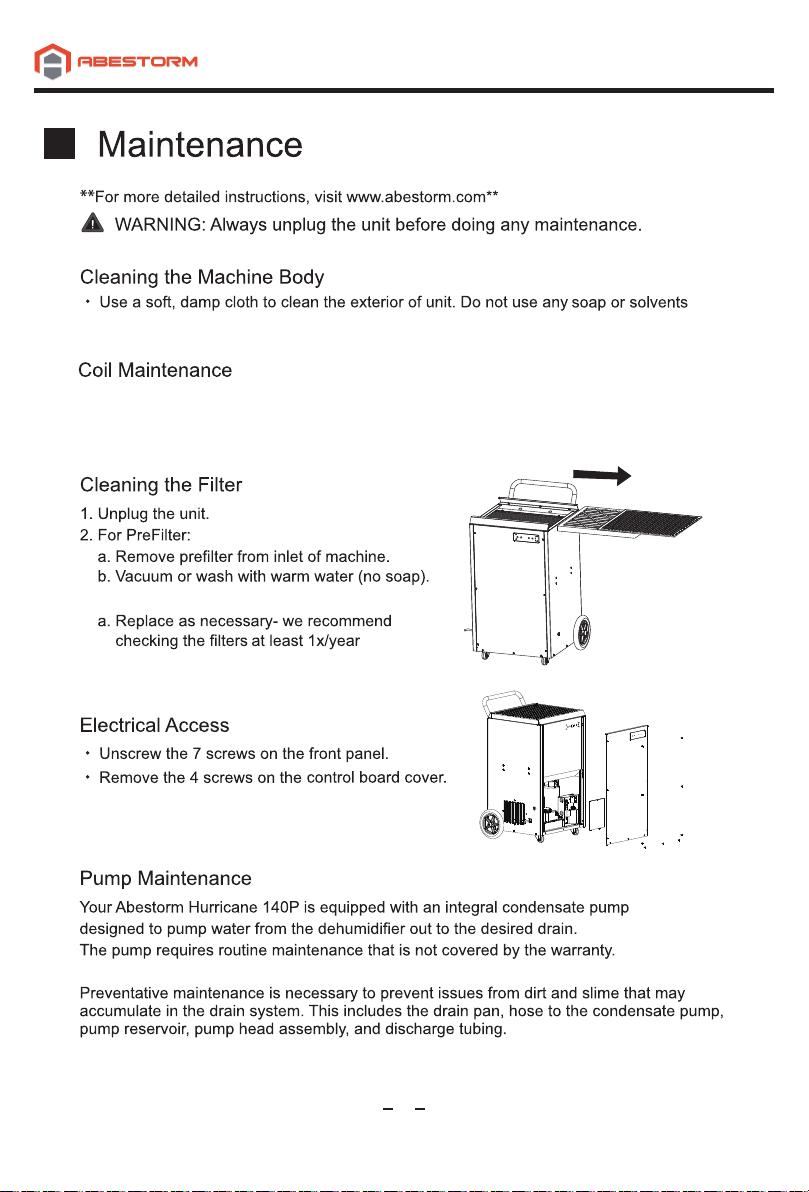
· Once per year, clean the coils with an approved coil cleaner. The coil cleaner should be a
self-rinsing, foaming, cleaner, such as WEB® Coil Cleaner.
.
3. For MERV-10 Filter
10
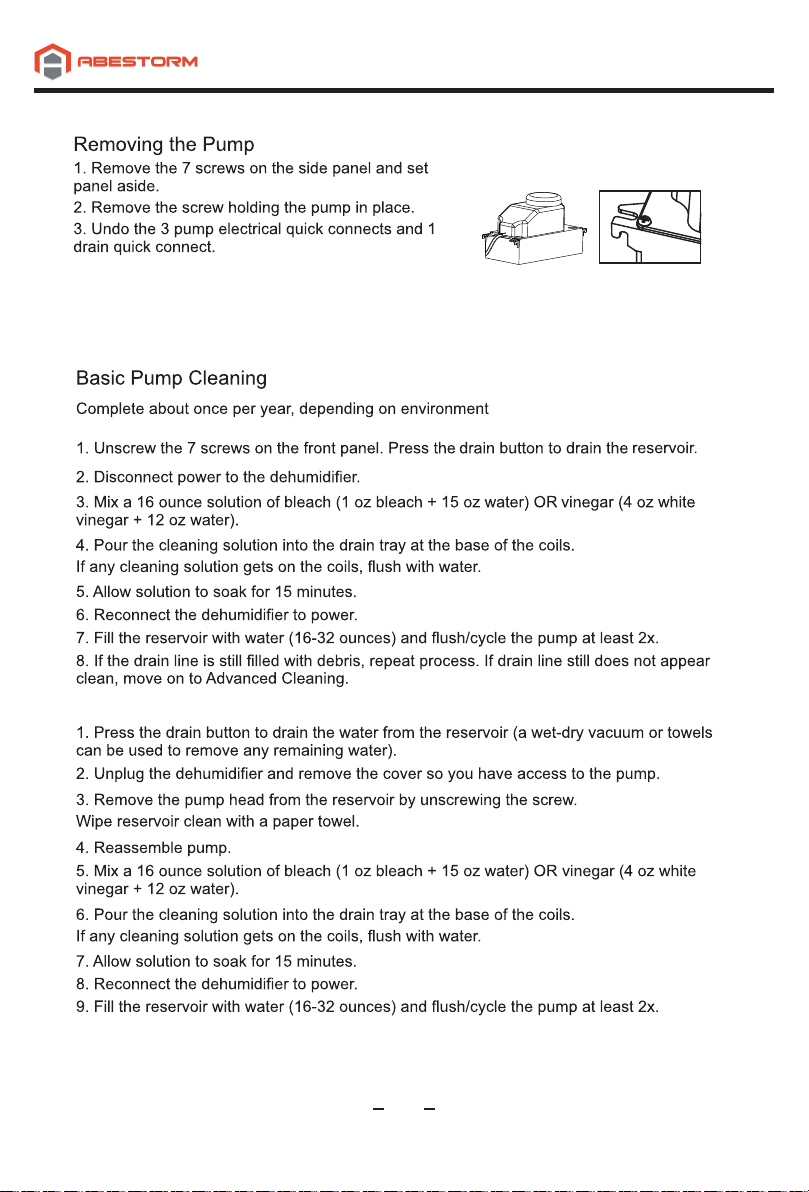
4. Insert a flat head screwdriver into the notch on the
side of the pump. This will allow you to gently lift the
pump off its reservoir (the reservoir remains attached to the unit).
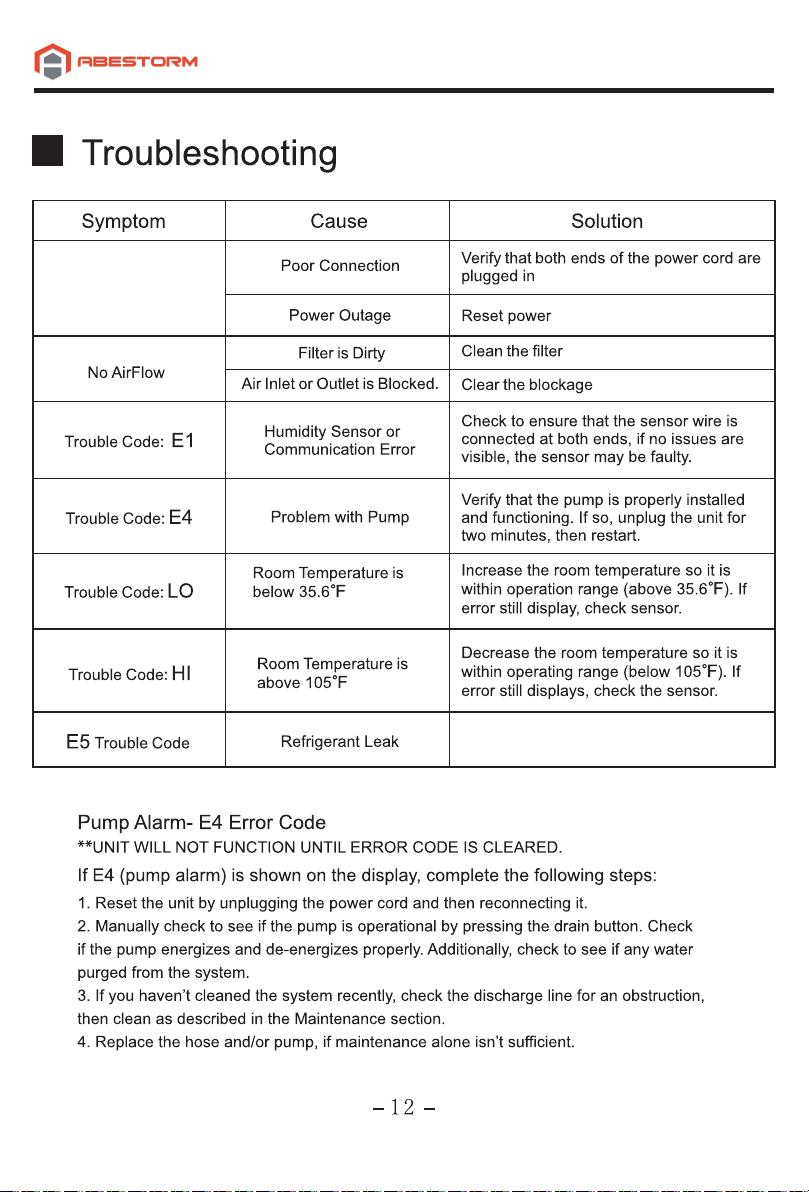
Display is Blank
.
.
.
.
Contact your installer for assistance.
13
1
4