Technical Support and E-Warranty Certificate www.vevor.com/support
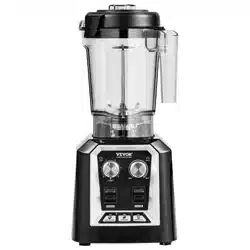
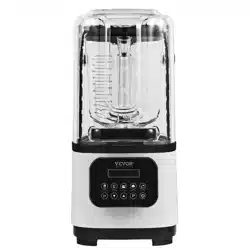
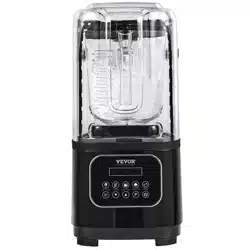
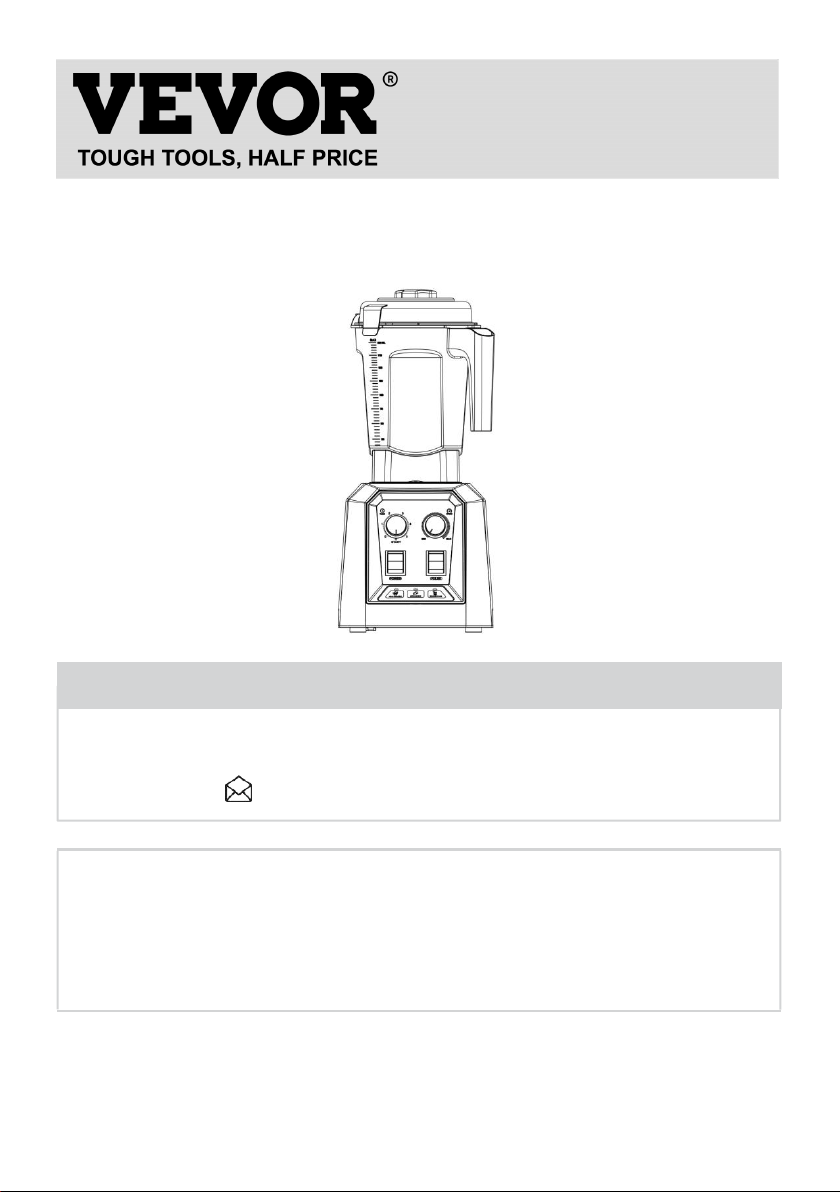
Commercial Blender
Operating Manual
MODEL:HS-210D-US/HS-210D-AU
We continue to be committed to provide you tools with competitive price.
"Save Half", "Half Price" or any other similar expressions used by us only represents an
estimate of savings you might benefit from buying certain tools with us compared to the major
top brands and doses not necessarily mean to cover all categories of tools offered by us. You
are kindly reminded to verify carefully when you are placing an order with us if you are
actually saving half in comparison with the top major brands.
- 1 -
MODEL:HS-210D-US/HS-210D-AU
Have product questions? Need technical support? Please feel free to
contact us:
CustomerService@vevor.com
NEED HELP? CONTACT US!
This is the original instruction, please read all manual instructions
carefully before operating. VEVOR reserves a clear interpretation of our
user manual. The appearance of the product shall be subject to the
product you received. Please forgive us that we won't inform you again if
there are any technology or software updates on our product.
Commercial
Blender

- 2 -
Warning-To reduce the risk of injury, user must read
instructions manual carefully.
IMPORTANT CAUTION
Product in the long-term start-up operation or use in the presence of
someone, such as long-term or personnel leave, out of the plug please
pull up.
There are still parts of the standby power on state, due to insulation
deterioration or leakage of electricity caused by fire.
Do not spray volatile oils, paints, or insecticides on products.
Can cause electric shocks, fire accidents.
Be sure to pull off the plug when you are not in use for a long time or
when you are out of town.
Some of them are still energized during standby and may cause fire
accidents due to insulation cracking or leakage.
Do not pull off the power cord when pulling off the plug. Always pull it off
the plug.
Please make sure to plug in the power cord before use.
Make sure that the plug fits tightly with the socket.There must be no
loosening or incomplete insertion.
Do not trample on the power cord.
Damage to the power cord or socket is the cause of leakage and burns. If
the power cord is damaged, it must be replaced by the manufacturer or
his service office or a similarly qualified person to avoid danger.
Switch off the power when you are out or sleeping at night.
The utility model can avoid fire accidents caused by wiring
personalization and save electricity.
Do not allow products to be inhaled or put into combustible substances!
And shall not be used where mechanical oil composition floats.

- 3 -
It can cause cracks, odors and fire accidents.
Do not use wet places such as bathrooms.
Can cause poor insulation. Causing a leakage or malfunction.
Do not use damaged power cords or plugs.
This is the cause of electric shock, short circuit and fire.
Do not use multiple power cord sockets.
Do not overheat or cause fire hazards by using extension cord sockets or
sharing power sockets with other electrical appliances.
Do not unplug the power cord with a wet hand.
Do not risk electric shock by unplugging the plug with a wet hand when
the power supply needs to be unplugged.
The contents of the cup should not be too full. Do not exceed two thirds of
the capacity of the cup.
Please close the lid of the cup when using.
Before starting, make sure the cup is on the base.
It is completely fixed on.
Because of the high horsepower, please hold the cup slightly when you
start to use it.
Be sure to cover the cup when using the stirring bar while the motor runs.
Whether the cup is placed on the table or not.
Do not use your hand to fetch food from that cup because the blade is
sharp and easy to cut.
To pour food out, remove the cup from the frame.
Be careful to touch the switch before and after start-up.
Utensils cannot be immersed in water.
Care should be taken when handling
cutting blades especially when removing
blades from containment cups, emptying
containment cups, and during cleaning.

- 4 -
SAFETY MATTERS
Remember to pull off the plug when not in use.
Do not lift the lid of the cup until the stirring knife has completely stopped
rotating.
Be sure to separate the frame from the cup when cleaning and make sure
to pull off the plug first.
Do not immerse the motor base in water or put it in the dishwasher for
cleaning.
Keep a proper distance to prevent the child from improper movement and
causing danger when the child is not allowed to be nearby during the
start-up.
If the power cord is damaged, it must be replaced
by a professional in the manufacturer's maintenance department or
similar department in order to avoid danger.
SAVE THESE INSTRUCTIONS.
TECHNICAL PARAMETER
Model
HS-210D-US
HS-210D-AU
Rated Voltage
120V~
Rated Voltage
220-240V~
Rated Frequency
60Hz
Rated Frequency
50-60Hz
Rated Power
1400W
Rated Power
1400W
Max Power
2200W
Max Power
2200W
Rated Capacity
2.0L
Rated Capacity
2.0L
Rotational Speed
26000RPM
±15%
Rotational Speed
26000RPM
±15%
- 5 -
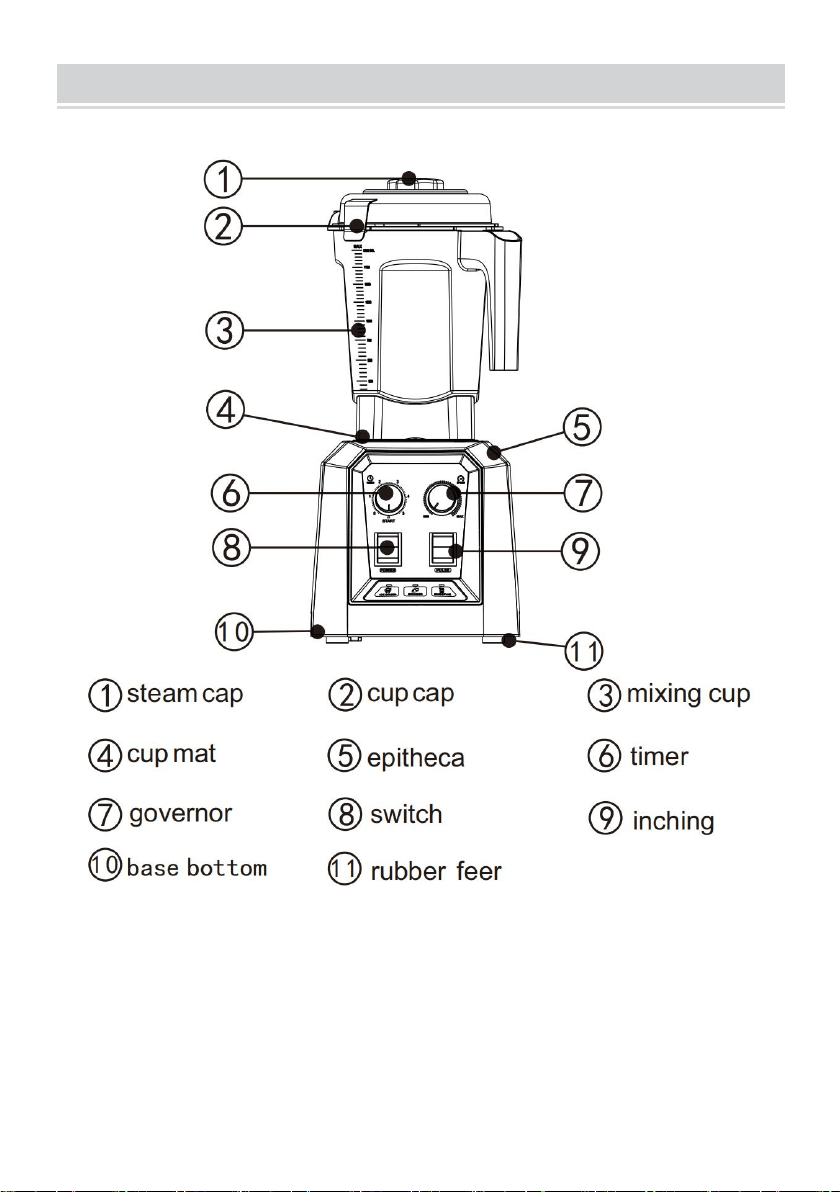
MAJOR COMPONENT NAME
The apparatus is intended to be used for domestic and similar
applications such as:
-kitchen employees in shops,offices and
other work environments;
-farms;

- 6 -
-by clients of hotels,motels and other residential-type environments;
-Bed and Breakfast type environments.
Do not put metal objects, such as knives, forks, spoons, etc., into the cup.
When cleaning, do not clean the knife directly by hand. If you use cleaning
tools, please pay attention to safety.
FUNCTION INTRODUCTION
1.Initialization of power-on: When the system is powered on, the blue indicator
of the function is always on, and the system is in the standby state.
2.Start/Cancel key (POWER):
(1)After the machine is powered on, click the start/cancel button, and the
machine will work immediately; at this time, you can turn the knob to adjust the
speed of the motor and the required working time as needed; (for example,
when the timing knob is in the 0 gear, the machine will not work)
(2)Click the function button, when the function button indicator light is shining,
click the start/cancel button, the function indicator light is always on, and the
system will enter the set program to work; (turning the knob will not affect the
changed setting at this time program)
(3)After the system works unexpectedly, click the start/cancel button, the
machine will stop working immediately and return to the standby state.
3.Inching switch (PULSE):
(1 ) With soft start setting, after the machine is in stable operation, it will always
work in the highest gear 9;
(2) When jog is working, release the button and the machine will stop working
immediately;
(3) Jog function limits the longest continuous working time to 30s. After the 30s
of constant work, you need to press and hold the jog key again before the
machine can jog again;
(4) The timer does not interfere with the jog switch, even if the timer is in the 0

- 7 -
position, long press the jog switch, the machine will still work.
4.Speed governor (SPEED):
(1) Rotate the knob to adjust the speed before and after the machine is
working;
(2) The adjustment of the governor does not affect the preset program (jogging,
smoothie, juice, milkshake)
5.Timer (TIMER):
(1) The working time can be adjusted by rotating the knob before and after the
machine is working;
(2) When the timer is in the STRAT gear, the machine is normally open, click to
start /Cancel button, the machine will continue to work, until you click the
start/cancel button again, the machine will stop working; (the actual maximum
working time is 5min)
(3)The adjustment of the timer does not affect the preset programs (jogging,
smoothies, juice, milkshakes);
6.The preset programs: smoothies, nuts, milkshakes;
(1)ICE CRUSH: After the machine is powered on and enters the standby mode,
click the ICE CRUSH button, and the ICE CRUSH indicator will flash On, click
the start/cancel button at this time, the ice function indicator light is always on,
and the system starts to work according to the default program.The duration is
about 40S; after the work is over, the ice function indicator light goes out and
the system returns to the standby state.
(2)Grains: After the machine is powered on and enters the standby mode, click
the juice function button, and the juice function indicator light will flash.Click
the start/cancel button at this time, the juice function indicator light is always on,
the system starts to work according to the default program, and the working
time is long About 40S; after the work is over, the function indicator light goes
out and the system returns to the standby state.
(3)SMOOTHIES: After the machine is powered on and enters the standby
mode, click the milkshake function button, the milkshake function indicator

- 8 -
flashes On, click the start/cancel button at this time, the milkshake function
indicator light is always on, and the system starts to work according to the
default program.The duration is about 45S; the function indicator light goes out
after the work, and the system returns to the standby state.
CLEANING AND MAINTENANCE METHODS
Always pull off the plug when cleaning and maintaining.
Carefully scrub the cup body and lid with a sponge or cloth and dry.
Do not put your hand into the cup for cleaning.
Wipe the rotating shaft and motor base with a dry cloth (remember! Do not
rinse with water).
When it is not easy to wipe, wipe it with neutral lotion, and then wipe it with
dry cloth until it is clean.
Use a cleaning cloth or cleaning brush to easily clean the mixing cup set
(remember not to be immersed in water for cleaning);
The product is made of non-toxic food-grade materials, which are easy to
clean and ensure food safety.
FAULT ANALYSI
Fault
Phenomenon
Cause Analysis
Exclusion Methods
Indicator light is
not on
1.The power cord is not
plugged in.
2.The stirring cup and
the main engine are not
assembled properly.
1.Check the power cord to
make sure it is plugged in.
2.Make sure that the mixing
cup and the main machine are
installed properly.
- 9 -
Indicator Light
on Product
Inoperative
1.Long working hours,
motor overheat
protection.
2.The machine itself is
out of order.
1.Wait an hour before reusing
or check whether the protector
at the bottom of the machine is
disconnected. If so, press the
protector button to restore the
machine to work.
2.S
end
to
afte
r-sa
les service department.
Note:
Above are common trouble analysis and troubleshooting methods. For
other troubles, please contact our customer service department, or go
directly to our designated repair point for repair. Do not dismantle and
repair yourself.
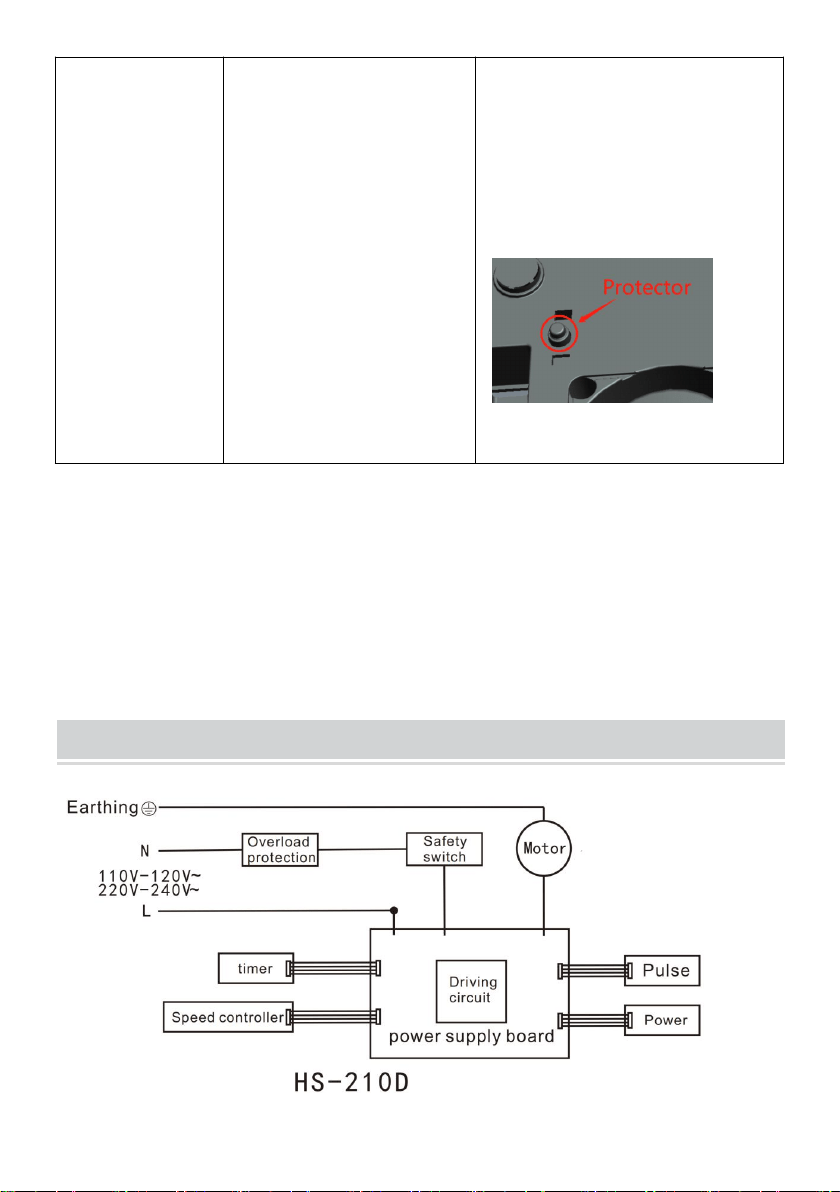
CIRCUIT DIAGRAM

- 10 -
Correct Disposal :
This product is subject to the provision of European Directive
2012/19/EC. The symbol showing a wheelie bin crossed
through indicates that the product requires separate refuse
collection in the European Union. This applies to the product
and all accessories marked with this symbol. Products marked
as such may not be discarded with normal domestic waste, but
must be taken to a collection point for recycling electrical and
electronic devices
Made In China