6
REV A
336-0089
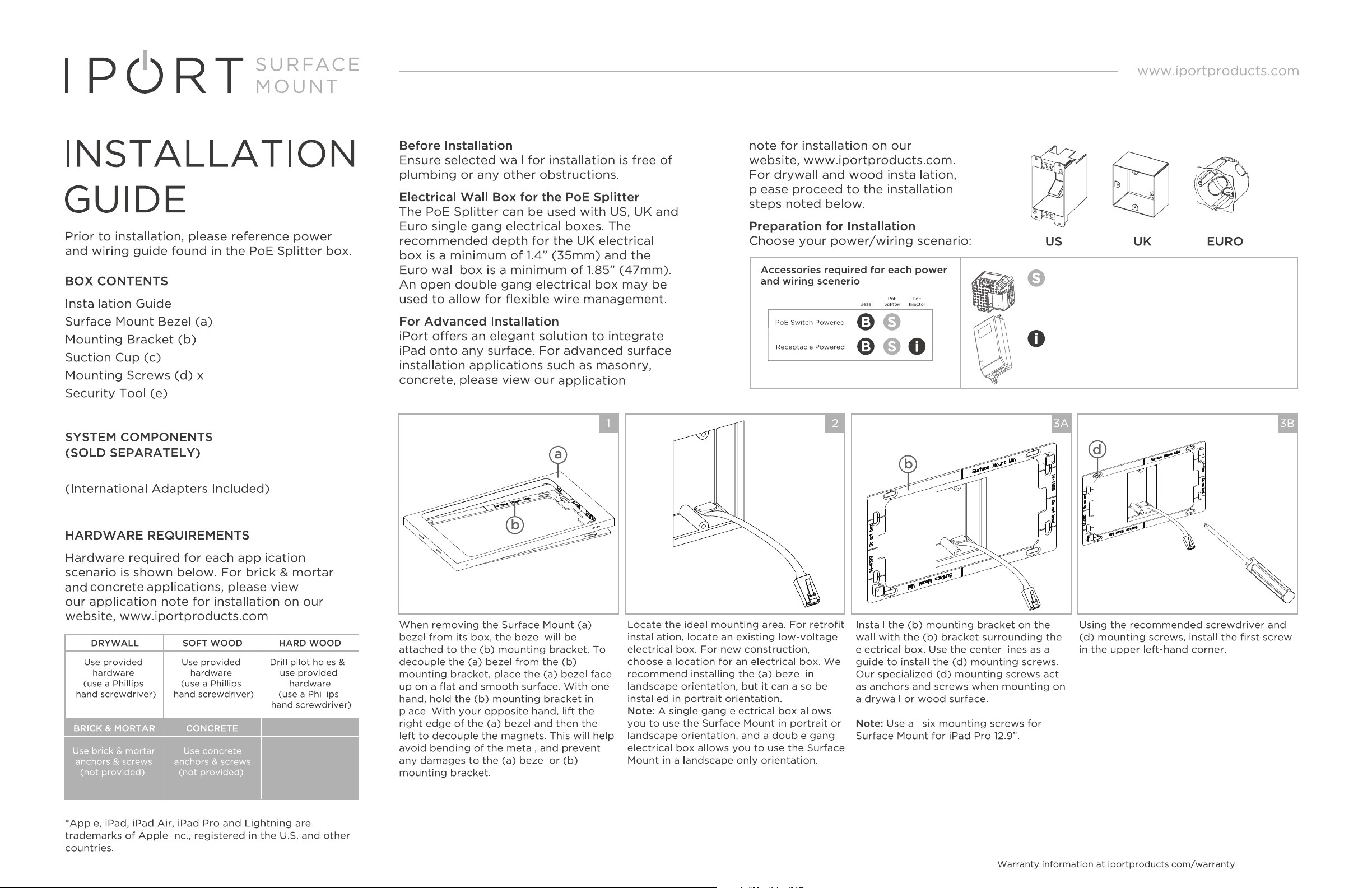
The PoE+ injector is designed to provide power via
PoE+ (IEEE 802.3at) and is required if there is no
other PoE+ Switch or power source.
The PoE+ Splitter is designed to provide the necessary
power to the iPad's Lightning or USB - C Connector
from a PoE+ power source. For more detailed
information, see enclosed Diagrams
PoE+ Adapter (72102) (f)
PoE+ Injector (72106) (g)
PoE + Adapter - 72102
PoE + Injector - 72106
REV A
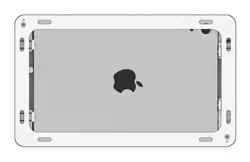
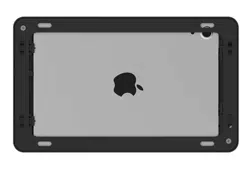
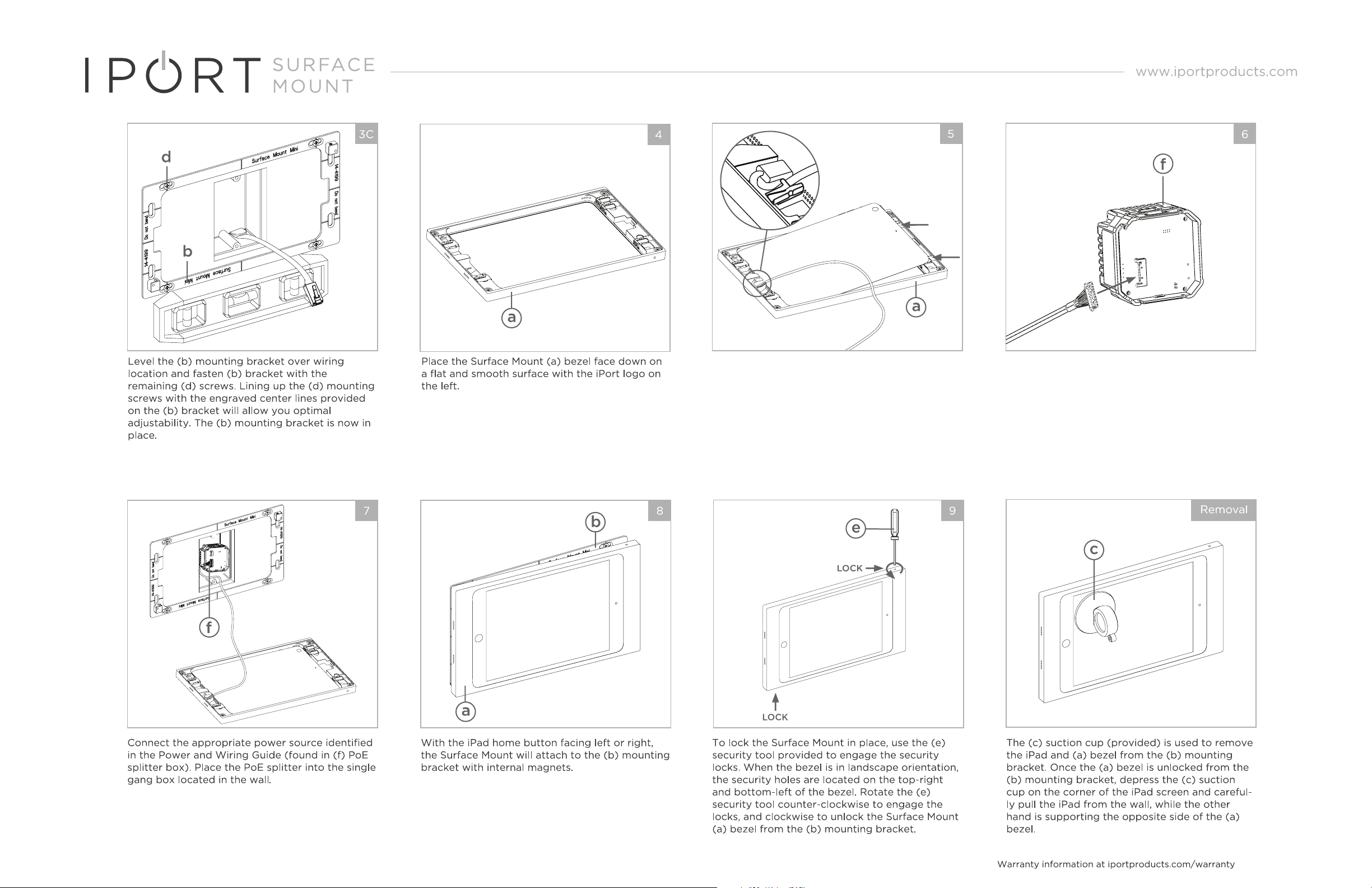
Plug in the provided IPORT USB-C cable directly
into the iPad. Position the iPad Face down into
the (a) bezel with the iPad cable on the left.
Carefully wrap the iPad cable under the retention
loop located on the (a) bezel. To lock the iPad in
place, use a flat head screwdriver to deploy the
second and third toggles located on th right side
of the Surface Mount (a) bezel. The first top-right
toggle is a power button extension.
Connect the USB-C to Molex cable into the (f)
PoE Adapter shown.
336-0089