Para consultar una version en español de este manual
de instrucciones, visite nuestro sitio de internet Monogram.com.
OWNER'S
MANUAL
Advantium® 120V Speedcook Oven
MONOGRAM.COM

2
49-7000145 Rev.0
MODEL INFORMATION
WRITE DOWN THE MODEL AND SERIAL NUMBERS
You’ll find them on a label inside the oven.
These numbers are also on the Consumer Product
Ownership Registration Card packed separately with your
appliance
Please write these numbers here:
Model Number
Serial Number
Use these numbers in any correspondence or service calls
concerning your appliance.
TABLE OF CONTENTS
MODEL INFORMATION ..........................................................................2
CONSUMER SUPPORT ..........................................................................3
SAFETY INFORMATION .........................................................................4
FEATURES ...................................................................................11
CONTROLS ..................................................................................12
SPEEDCOOKING ..............................................................................13
CONVECTION BAKING .........................................................................20
BROILING AND TOASTING .....................................................................21
WARMING AND PROOFING .....................................................................22
MICROWAVING ...............................................................................23
OTHER ADVANTIUM FEATURES .................................................................28
CARE AND CLEANING .........................................................................32
TROUBLESHOOTING ..........................................................................37
LIMITED WARRANTY ..........................................................................39
MODEL NUMBER
ZSA1202

49-7000145 Rev.0
3
CONSUMER SUPPORT
MONOGRAM WEBSITE
Have a question or need assistance with your appliance? Try the Monogram website 24 hours a day, any day of the year! You can
also shop for more great Monogram products and take advantage of all our on-line support services designed for your convenience. In
the US:
monogram.com
REGISTER YOUR APPLIANCE
Register your new appliance on-line at your convenience! Timely product registration will allow for enhanced communication and
prompt service under the terms of your warranty, should the need arise. You may also mail in the pre-printed registration card included
in the packing material. In the US:
monogram.com/register
SCHEDULE SERVICE
Expert Monogram repair service is only one step away from your door. To request service, call (800) 444-1845 or visit our website at
monogram.com/contact
REMOTE CONNECTIVITY
For assistance with wireless network connectivity (for models with remote enable),
visit our website at
monogram.com/connect
PARTS AND ACCESSORIES
Individuals qualified to service their own appliances can have parts or accessories sent directly to their homes
(VISA, MasterCard and Discover cards are accepted). Order on-line today 24 hours every day.
In the US:
monogram.com/use-and-care/parts
Instructions contained in this manual cover procedures to be performed by any user. Other servicing generally should be
referred to qualified service personnel. Caution must be exercised, since improper servicing may cause unsafe operation.
CONTACT US
If you are not satisfied with the service you receive from Monogram, contact us on our website with all the details including your phone
number, or write to:
In the US: General Manager, Customer Relations | Monogram Appliances, Appliance Park | Louisville, KY 40225
monogram.com/contact

4
49-7000145 Rev.0
READ AND SAVE THESE INSTRUCTIONS
IMPORTANT SAFETY INFORMATION
READ ALL INSTRUCTIONS BEFORE USING THE APPLIANCE
WARNING
To reduce the risk of burns, electric shock, fire, injury to persons, or
exposure to excessive microwave energy:
When using electrical appliances, basic safety precautions should be followed, including the following:
Ŷ 5HDGDOOLQVWUXFWLRQVEHIRUHXVLQJWKLVDSSOLDQFH
Ŷ 5HDGDQGIROORZWKHVSHFLILFSUHFDXWLRQVLQWKH
PRECAUTIONS TO AVOID POSSIBLE EXPOSURE
TO EXCESSIVE MICROWAVE ENERGY section on
page 8.
Ŷ 8VHWKLVDSSOLDQFHRQO\IRULWVLQWHQGHGXVHDV
described in this manual. Do not use corrosive
chemicals or vapors in this appliance. This oven is
specifically designed to heat, dry or cook food, and is
not intended for laboratory or industrial use.
Ŷ 7KLVDSSOLDQFHPXVWRQO\EHVHUYLFHGE\TXDOLILHG
service personnel. Contact nearest authorized service
facility for examination, repair or adjustment.
INSTALLATION
Ŷ ,QVWDOORUORFDWHWKLVDSSOLDQFHRQO\LQDFFRUGDQFHZLWK
the provided installation instructions.
Ŷ 7KLVDSSOLDQFHPXVWEHJURXQGHG&RQQHFWRQO\
to properly grounded outlet. See “GROUNDING
INSTRUCTIONS” found on page 8.
Ŷ 7KLVPLFURZDYHLV8/OLVWHGIRUVWDQGDUGZDOO
installation. See installation instructions for approved
appliances to mount over and under the microwave.
Ŷ 'RQRWRSHUDWHWKLVDSSOLDQFHLILWKDVDGDPDJHG
power cord or plug, if it is not working properly, or if it
has been damaged or dropped.
Ŷ .HHSFRUGDZD\IURPKHDWHGVXUIDFHV
Ŷ 'RQRWOHWFRUGKDQJRYHUWKHHGJHRIWKHWDEOHRU
counter
Ŷ 'RQRWLPPHUVHFRUGRUSOXJLQZDWHU
Ŷ 'RQRWFRYHURUEORFNDQ\RSHQLQJVRQWKHDSSOLDQFH
Ŷ 'RQRWVWRUHWKLVDSSOLDQFHRXWGRRUV'RQRWXVHWKLV
product near water—for example, in a wet basement,
near a swimming pool, near a sink or in similar
locations.
Ŷ 'RQRWPRXQWWKLVDSSOLDQFHRYHUDVLQN
TO REDUCE THE RISK OF FIRE IN THE CAVITY:
Ŷ 'RQRWRYHUFRRNIRRG&DUHIXOO\DWWHQGDSSOLDQFH
when paper, plastic or other combustible materials are
placed inside the oven to facilitate cooking.
Ŷ 5HPRYHZLUHWZLVWWLHVDQGPHWDOKDQGOHVIURPSDSHU
or plastic containers before placing them in the oven.
Ŷ ,IPDWHULDOVLQVLGHWKHRYHQLJQLWHNHHSWKHRYHQGRRU
closed, turn the oven off and disconnect the power
cord or shut off power at the fuse or circuit breaker
panel.
Ŷ 'RQRWVWRUHDQ\PDWHULDOVLQWKLVRYHQZKHQQRWLQ
use. Do not leave paper products, cooking utensils or
food in the cavity when not in use. All racks should be
removed from oven when not in use.
Ŷ 'RQRWRSHUDWHWKHPLFURZDYHIHDWXUHZLWKRXWIRRGLQ
the oven.
Ŷ 'RQRWXVHWKH6HQVRU)HDWXUHVWZLFHLQVXFFHVVLRQ
on the same food portion. If food is undercooked
after the first countdown, use COOK BY TIME for
additional cooking time.
Ŷ 7KHZLUHRYHQUDFNVKRXOGQRWEHXVHGIRU3UHFLVLRQ
Cook or microwave cooking to prevent arcing.
TO REDUCE THE RISK OF BURNS:
Ŷ %HFDUHIXOZKHQRSHQLQJFRQWDLQHUVRIKRWIRRG8VH
pot holders and direct steam away from face and
hands.
Ŷ 9HQWSLHUFHRUVOLWFRQWDLQHUVSRXFKHVRUSODVWLF
bags to prevent build-up of pressure.
Ŷ %HFDUHIXOZKHQWRXFKLQJWKHWXUQWDEOHGRRUUDFNV
or walls of the oven which may become hot during
use.
Ŷ /LTXLGVDQGFHUWDLQIRRGVKHDWHGLQWKHPLFURZDYH
oven can present a risk of burn when removing
them from the microwave. The potential for a burn is
greater in young children, who should not be allowed
to remove hot items from the microwave.
49-7000145 Rev.0
5
READ AND SAVE THESE INSTRUCTIONS
WARNING
Continued
OPERATING
Ŷ $VZLWKDQ\DSSOLDQFHFORVHVXSHUYLVLRQLVQHFHVVDU\
when used by children.
Ŷ 'RQRWRSHUDWHWKHRYHQZLWKRXWWKHWXUQWDEOHLQ
place. The turntable must be unrestricted so it can
turn.
Ŷ 'RQRWVWRUHDQ\WKLQJGLUHFWO\RQWRSRIWKHPLFURZDYH
oven surface when the microwave oven is in
operation.
Ŷ 2YHUVL]HGIRRGVRURYHUVL]HGPHWDOXWHQVLOVVKRXOG
not be inserted in a microwave/convection oven as
they may create a fire or risk of electric shock.
Ŷ 'RQRWXVHSDSHUSURGXFWVLQRYHQZKHQDSSOLDQFHLV
operating in any cooking mode except microwave.
Ŷ 6RPHSURGXFWVVXFKDVZKROHHJJVDQGVHDOHG
containers—for example, closed jars—are able to
explode and should not be heated in this oven.
Ŷ 'RQRWRYHUFRRNSRWDWRHV7KH\FRXOGGHK\GUDWHDQG
catch fire, causing damage to your oven.
Ŷ 'RQRWFRYHUUDFNVRUDQ\RWKHUSDUWRIWKHRYHQZLWK
metal foil. This will cause overheating of the oven.
Ŷ &RRNPHDWDQGSRXOWU\WKRURXJKO\²
meat to at least an INTERNAL temperature of 160°F,
and poultry to at least an INTERNAL temperature
of 180°F. Cooking to these temperatures usually
protects against foodborne illness.
Ŷ 7KLVRYHQLVQRWDSSURYHGRUWHVWHGIRUPDULQHXVH
CLEANING
Ŷ .HHSWKHRYHQIUHHIURPJUHDVHEXLOGXS
Ŷ 'RQRWFOHDQZLWKPHWDOVFRXULQJSDGV3LHFHVFDQ
burn off the pad and touch electrical parts involving a
risk of electric shock.
Ŷ :KHQFOHDQLQJVXUIDFHVRIGRRUDQGRYHQWKDW
comes together on closing the door, use only mild,
nonabrasive soaps, or detergents applied with a clean
sponge or soft cloth. Rinse well.
SUPER HEATED WATER
Ŷ /LTXLGVVXFKDVZDWHUFRIIHHRUWHDDUHDEOHWREH
overheated beyond the boiling point without appearing
to be boiling. Visible bubbling or boiling when the
container is removed from the microwave oven is not
always present. THIS COULD RESULT IN VERY
HOT LIQUIDS SUDDENLY BOILING OVER WHEN
THE CONTAINER IS DISTURBED OR A SPOON OR
OTHER UTENSIL IS INSERTED INTO THE LIQUID.
Ŷ 7RUHGXFHWKHULVNRILQMXU\WRSHUVRQV
- Do not overheat the liquid.
- Stir the liquid both before and halfway through
heating it.
- Do not use straight-sided containers with narrow
necks.
- After heating, allow the container to stand in the
microwave oven for a short time before removing the
container.
- Use extreme care when inserting a spoon or other
utensil into the container.
WARNING
Arcing can occur during both Precision Cooking and microwave
cooking. If you see arcing, press the CANCEL pad and correct the problem.
Arcing is the microwave term for sparks in the oven.
Arcing is caused by:
Ŷ 0HWDORUIRLOWRXFKLQJWKHVLGHRIWKHRYHQ
Ŷ )RLOQRWPROGHGWRIRRGXSWXUQHGHGJHVDFWOLNH
antennas).
Ŷ 8VHIRLORQO\DVUHFRPPHQGHGLQWKLVPDQXDO
Ŷ 0HWDOFRRNZDUHXVHGGXULQJHLWKHU3UHFLVLRQ&RRNRU
microwave cooking (except for the pans provided with
the oven).
Ŷ 0HWDOVXFKDVWZLVWWLHVSRXOWU\SLQVRUJROGULPPHG
dishes, in the oven.
Ŷ 5HF\FOHGSDSHUWRZHOVFRQWDLQLQJVPDOOPHWDOSLHFHV
being used in the oven.
IMPORTANT SAFETY INFORMATION
READ ALL INSTRUCTIONS BEFORE USING THE APPLIANCE
6
49-7000145 Rev.0
WARNING
OVEN-SAFE COOKWARE FOR BAKING, BROILING, WARMING,
PROOFING & TOASTING
Ŷ 7KHRYHQDQGGRRUZLOOJHWYHU\KRWZKHQFRQYHFWLRQ
baking, broiling, warming or toasting.
Ŷ &RRNZDUHZLOOEHFRPHKRW2YHQPLWWVZLOOEHQHHGHG
to handle the cookware.
Ŷ 'RQRWFRYHUGLVKHVRUXVHSODVWLFFRQWDLQHUVSODVWLF
cooking/roasting bags, plastic wrap, wax paper or
paper when broiling or toasting.
Ŷ 8VHWKHPHWDOWUD\LQWKHVDPHZD\\RXZRXOGXVHD
shallow baking pan or baking tray.
Ŷ 8VHWKHZLUHRYHQUDFNZKHQFRQYHFWLRQEDNLQJRU
warming on two levels.
Ŷ 3ODFHIRRGGLUHFWO\RQWKHPHWDOWUD\VZKHQFRRNLQJ
unless the recipe requires a dish.
Ŷ $Q\RYHQVDIHGLVKFDQEHXVHGLQ\RXURYHQ
Recipes in the Advantium Cookbook were tested in
Pyrex
®
glass cookware and Corningware
®
ceramic
casseroles. Cook times and results may vary when
using other types of oven-safe dishes. Place them
directly on the trays.
Ŷ 8VHRIWKHFOHDUJODVVWUD\ZKHQFRQYHFWLRQEDNLQJ
broiling, warming or toasting will result in inferior
cooking performance.
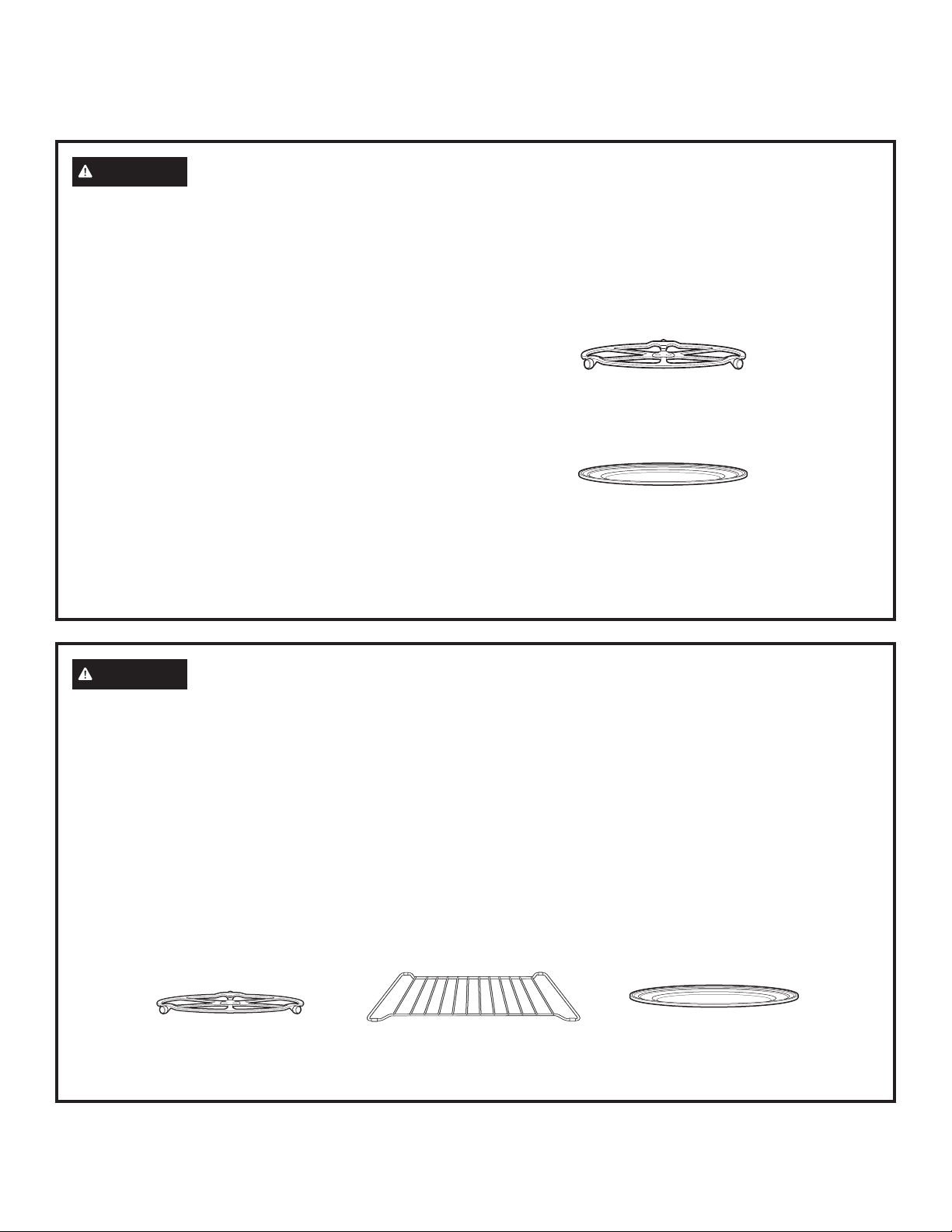
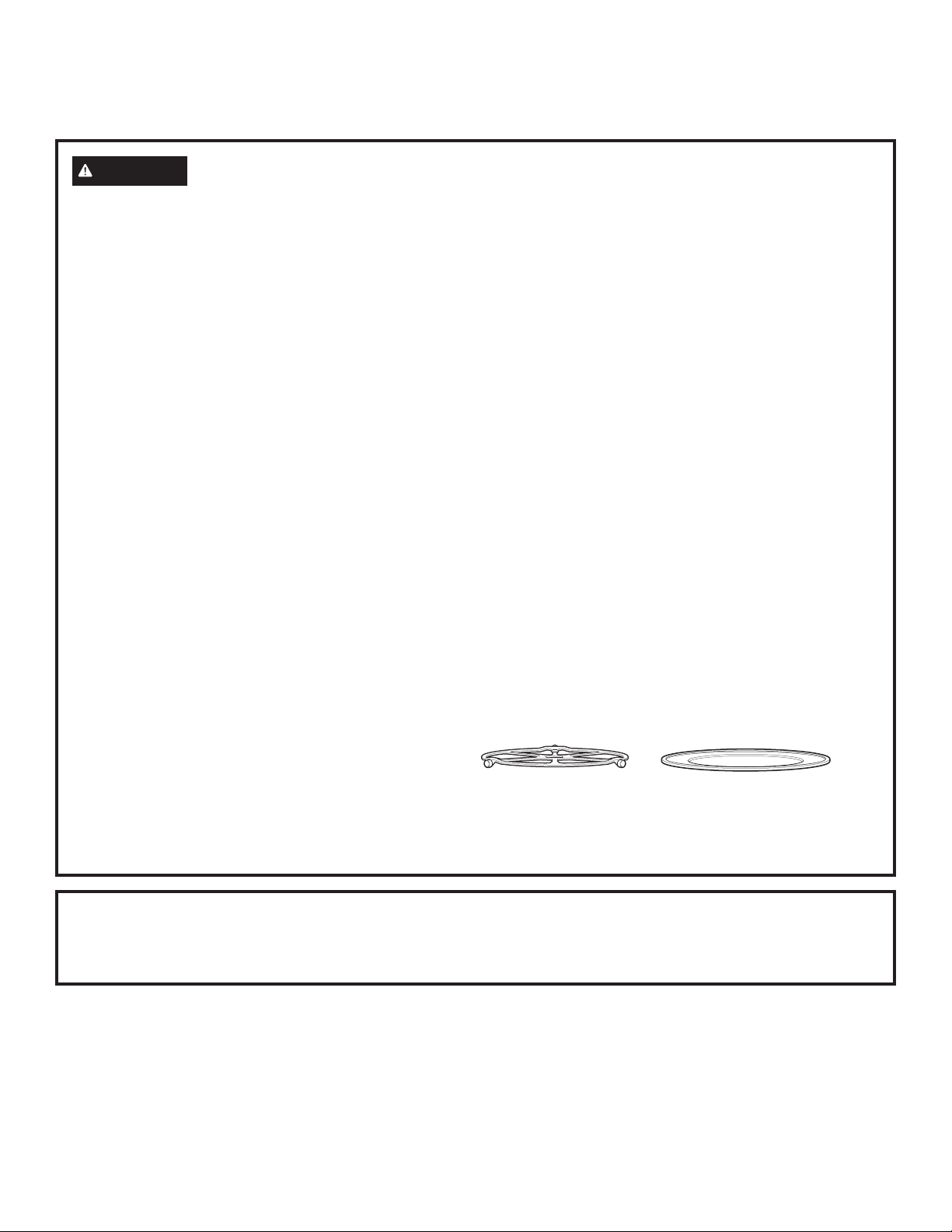
The turntable must always be
in place when using the oven.
Put food or oven-safe cookware
directly on the metal tray to
convection bake, warm or toast.
Put food directly on the wire rack or in the
appropriate dish and place on wire oven rack when
baking or warming.
The turntable must always be
in place when using the oven.
Put food directly on the metal
tray to speedcook, convection
bake, warm or toast.
READ AND SAVE THESE INSTRUCTIONS
WARNING
SPEEDCOOK OVEN-SAFE COOKWARE
Ŷ 7KHRYHQDQGGRRUZLOOJHWYHU\KRWZKHQ
speedcooking.
Ŷ &RRNZDUHZLOOEHFRPHKRW2YHQPLWWVZLOOEHQHHGHG
to handle the cookware.
Ŷ 'RQRWXVHFRYHULQJVFRQWDLQHUVRUFRRNLQJURDVWLQJ
bags made of foil, plastic, wax or paper when
speedcooking.
Ŷ 'RQRWFRYHUWKHWXUQWDEOHPHWDOWUD\VRUDQ\SDUWRI
the oven with metal foil. This will cause arcing in the
oven.
Ŷ 8VHWKHPHWDOWUD\LQWKHVDPHZD\\RXZRXOGXVHD
shallow baking pan or baking tray.
Ŷ 'RQRWXVHWKHZLUHRYHQUDFNIRUVSHHGFRRN
Ŷ 3ODFHIRRGGLUHFWO\RQWKHPHWDOWUD\VZKHQFRRNLQJ
unless prompted by the oven to do otherwise.
Ŷ $Q\QRQPHWDORYHQVDIHGLVKFDQEHXVHGLQ\RXU
oven. Recipes in the Advantium Cookbook were
tested in Pyrex
®
glass cookware and Corningware
®
ceramic casseroles. Cook times and results may vary
when using other types of oven-safe dishes. Place
them directly on the trays.
Ŷ 8VHRIWKHFOHDUJODVVWUD\ZKHQVSHHGFRRNLQJZLOO
result in inferior cooking performance and possible
cracking of the glass tray.
Ŷ 8VHRQO\WKHPHWDOWUD\VVSHFLILHGIRUXVHZLWKWKLV
oven. Other metal trays are not designed for use
with this oven and will result in inferior cooking
performance.
IMPORTANT SAFETY INFORMATION
READ ALL INSTRUCTIONS BEFORE USING THE APPLIANCE
49-7000145 Rev.0
7
READ AND SAVE THESE INSTRUCTIONS
WARNING
MICROWAVE-SAFE COOKWARE
Make sure to use suitable cookware during microwave cooking.
Most glass casseroles, cooking dishes, measuring cups,
custard cups, pottery or china dinnerware which does not have
metallic trim or glaze with a metallic sheen can be used. Some
cookware is labeled “suitable for microwaving.”
Ŷ 3ODFHIRRGRUPLFURZDYDEOHFRQWDLQHUGLUHFWO\RQWKH
clear glass tray to cook your food.
Ŷ 8VHRIDPHWDOWUD\GXULQJPLFURZDYHFRRNLQJZLOO
result in inferior cooking performance.
Ŷ &RRNZDUHPD\EHFRPHKRWEHFDXVHRIKHDW
transferred from the heated food. Oven mitts may be
needed to handle the cookware.
Ŷ 'RQRWXVHUHF\FOHGSDSHUSURGXFWV5HF\FOHGSDSHU
towels, napkins and waxed paper can contain metal
flecks which may cause arcing or ignite.Paper products
containing nylon or nylon filaments should be avoided,
as they may also ignite.
Ŷ 8VHIRLORQO\DVGLUHFWHGLQWKLVPDQXDO:KHQXVLQJ
foil in the oven, keep the foil at least 1” away from the
sides of the oven.
Ŷ ,I\RXXVHDPHDWWKHUPRPHWHUZKLOHFRRNLQJPDNH
sure it is safe for use in microwave ovens.
Ŷ 6RPHIRDPWUD\VOLNHWKRVHWKDWPHDWLVSDFNDJHG
on) have a thin strip of metal embedded in the bottom.
When microwaved, the metal can burn the floor of the
oven or ignite a paper towel.
Ŷ 3DSHUWRZHOVZD[HGSDSHUDQGSODVWLFZUDSFDQEH
used to cover dishes in order to retain moisture and
prevent spattering. Be sure to vent plastic wrap so
steam can escape.
Ŷ 1RWDOOSODVWLFZUDSLVVXLWDEOHIRUXVHLQPLFURZDYH
ovens. Check the package for proper use.
Ŷ ³%RLODEOH´FRRNLQJSRXFKHVDQGWLJKWO\FORVHGSODVWLF
bags should be slit, pierced or vented as directed by
package instructions. If they are not, plastic could burst
during or immediately after cooking, possibly resulting
in injury. Also, plastic storage containers should be
at least partially uncovered because they form a tight
seal. When cooking with containers tightly covered
with plastic wrap, remove covering carefully and direct
steam away from hands and face.
Ŷ 3ODVWLFFRRNZDUH²3ODVWLFFRRNZDUHGHVLJQHGIRU
microwave cooking is very useful, but should be used
carefully. Even microwave-safe plastic may not be
as tolerant of overcooking conditions as are glass
or ceramic materials. Plastic may soften or char if
subjected to short periods of overcooking. In longer
exposures to overcooking, the food and cookware
could ignite.
Ŷ 'RQRWXVHWKHZLUHRYHQUDFNIRUPLFURZDYLQJ
Follow these guidelines:
1. Use microwave-safe plastics only, and use them in
strict compliance with the cookware manufacturer’s
recommendations.
2. Do not microwave empty containers.
3. Do not permit children to use plastic cookware without
adult supervision.
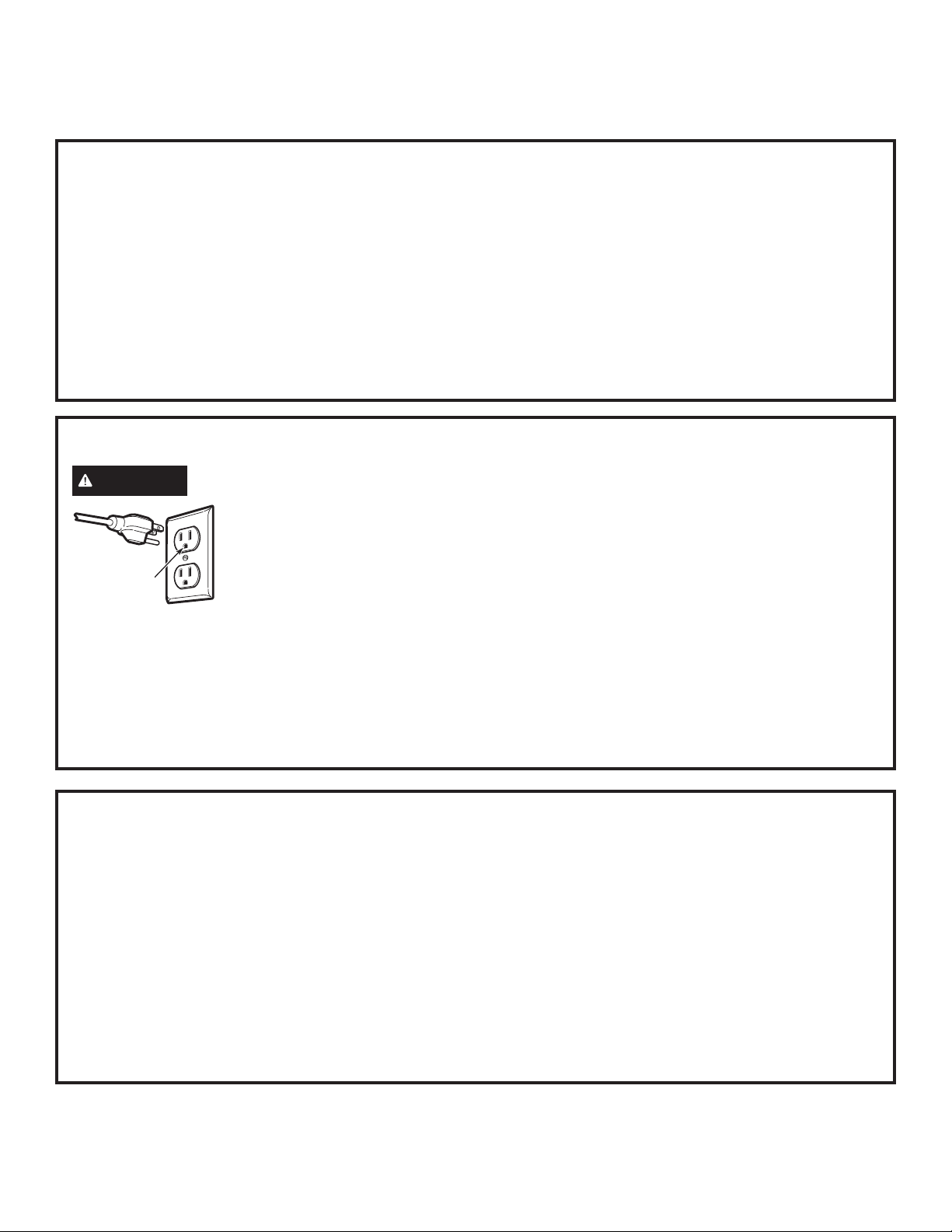
The turntable must always
be in place when using the
oven.
The clear glass tray
should always be in place
when microwaving.
NOTICE: PACEMAKERS
Most pacemakers are shielded from interference from electronic products, including microwaves. However, patients
with pacemakers may wish to consult their physicians if they have concerns.
IMPORTANT SAFETY INFORMATION
READ ALL INSTRUCTIONS BEFORE USING THE APPLIANCE
8
49-7000145 Rev.0
READ AND SAVE THESE INSTRUCTIONS
PRECAUTIONS TO AVOID POSSIBLE EXPOSURE
TO EXCESSIVE MICROWAVE ENERGY
(a) Do Not Attempt to operate this oven with the door
open since open-door operation can result in harmful
exposure to microwave energy. It is important not to
defeat or tamper with the safety interlocks.
(b) Do Not Place any object between the oven front
face and the door or allow soil or cleaner residue to
accumulate on sealing surfaces.
(c) Do Not Operate the oven if it is damaged.
It is particularly important that the oven door close
properly and that there is no damage to the:
(1) door (bent)
(2) hinges and latches (broken or loosened)
(3) door seals and sealing surfaces.
(d) The Oven Should Not be adjusted or repaired by
anyone except properly qualified service personnel.
GROUNDING INSTRUCTIONS
WARNING
Improper use of the grounding plug can result in a risk of electric shock.
This appliance must be
grounded. In the event of
an electrical short circuit,
grounding reduces the risk of
electric shock by providing an
escape wire for the electric
current.
This appliance is equipped with a power cord having a
grounding wire with a grounding plug. The plug must
be plugged into an outlet that is properly installed and
grounded.
Consult a qualified electrician or service technician if
the GROUNDING INSTRUCTIONS are not completely
understood, or if doubt exists as to whether the
appliance is properly grounded.
If the outlet is a standard 2-prong wall outlet, it is your
personal responsibility and obligation to have it replaced
with a properly grounded 3-prong wall outlet.
Do not under any circumstances cut or remove the third
(ground) prong from the power cord.
Do not use an extension cord. If the power cord is too
short, have a qualified electrician or service technician
install an outlet near the appliance.
For best operation, plug this appliance into its own
electrical outlet to prevent flickering of lights, blowing of
fuse or tripping of circuit breaker.
Ensure proper
ground exists
before use.
THE VENT FAN
The fan will operate automatically under certain
conditions (see Vent Fan section). Take care to prevent
the starting and spreading of accidental cooking fires
while the vent fan is in use.
Ŷ Clean the underside of the Advantium often. Do not
allow grease to build up on the Advantium or the fan
filters.
Ŷ In the event of a grease fire on the surface units
below the Advantium, smother a flaming pan on the
surface unit by covering the pan completely with a lid,
a cookie sheet or a flat tray.
Ŷ Use care when cleaning the vent fan filters. Corrosive
cleaning agents, such as lye-based oven cleaners,
may damage the filters.
Ŷ When preparing flaming foods under the Advantium,
turn the fan on.
Ŷ Never leave surface units beneath your Advantium
unattended at high heat settings. Boilovers cause
smoking and greasy spillovers that may ignite and
spread if the Advantium vent fan is operating. To
minimize automatic fan operation, use adequate sized
cookware and use high heat on surface units only
when necessary.
IMPORTANT SAFETY INFORMATION
READ ALL INSTRUCTIONS BEFORE USING THE APPLIANCE
49-7000145 Rev.0
9
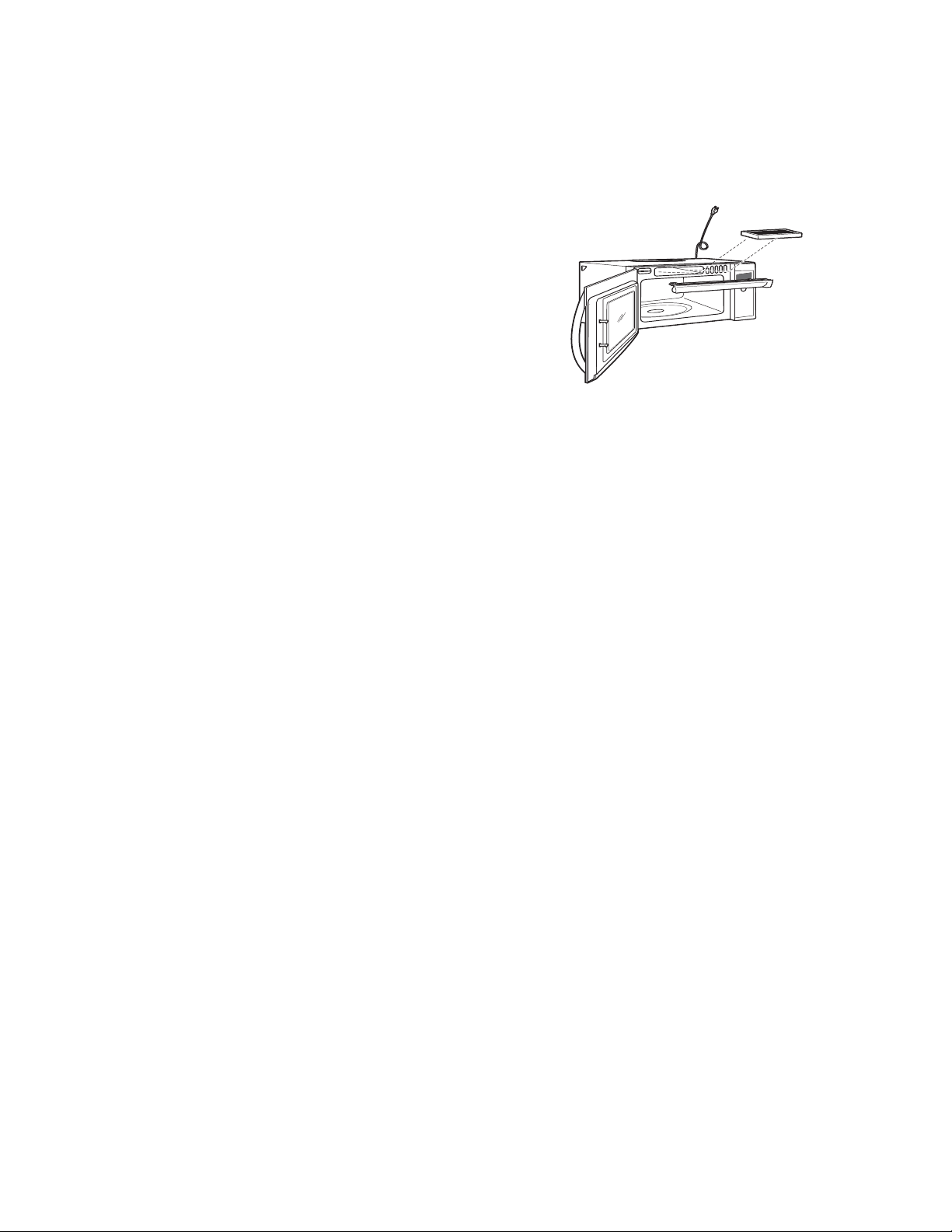
Bump Out Kit
Ŷ -;%803%%
Use when installing the microwave with cabinets that are
15” deep. The bump out kit will allow the microwave to be
installed so that the ventilation holes on the top-front of the
appliances are not blocked.
Filter Kits
Ŷ -;'²5HFLUFXODWLQJ&KDUFRDO)LOWHU.LW
Filter kits are used when the oven cannot be vented to the
outside.
See Consumer Support to order by phone or at
Monogram.com
OPTIONAL KITS
Available at extra cost from your GE Appliances supplier.
T
u
r
n
t
o
S
e
l
e
c
t
P
r
e
s
s
t
o
E
n
t
e
r
GETTING TO KNOW ADVANTIUM
10
49-7000145 Rev.0
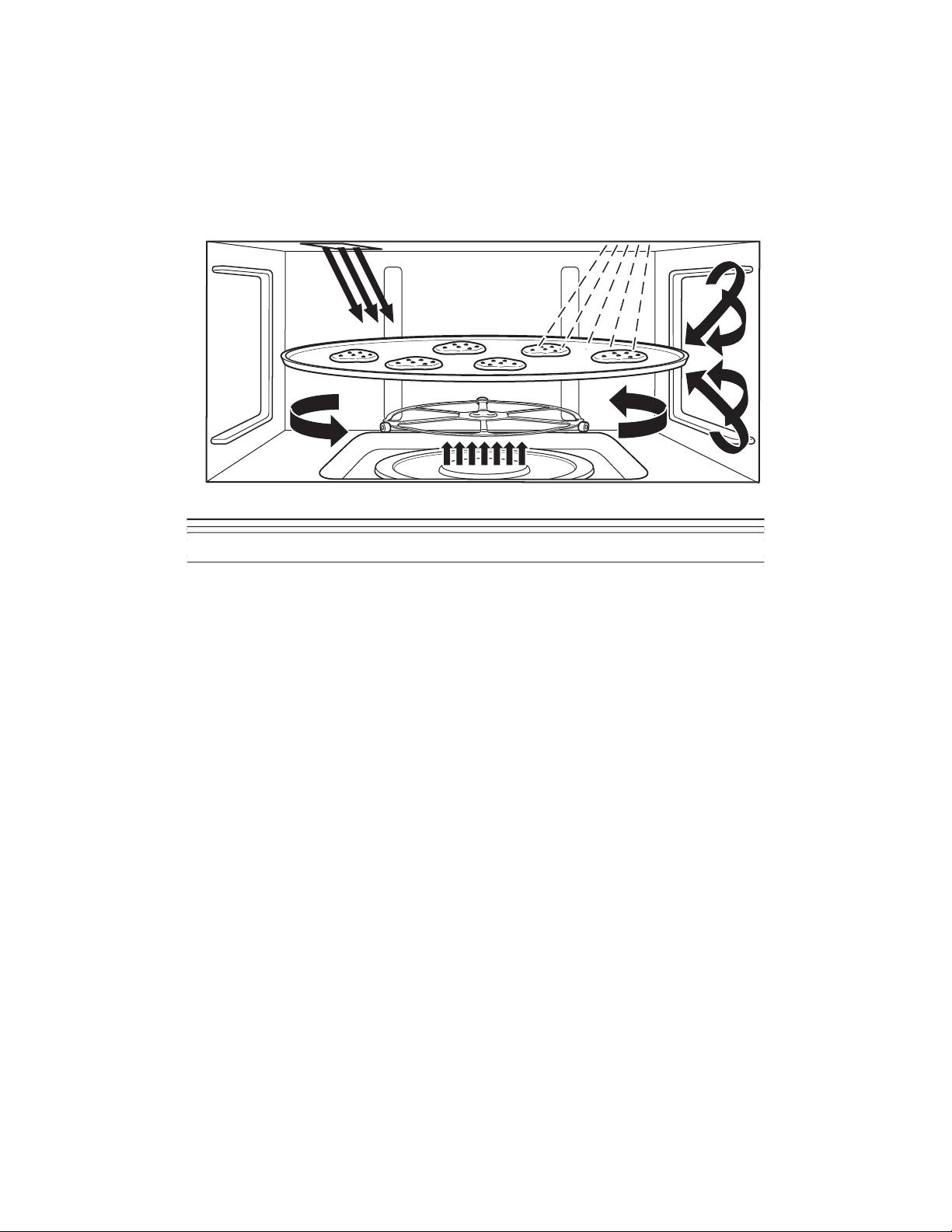
The Advantium oven uses breakthrough Speedcook
technology to harness the power of light. The Advantium
oven cooks the outside of foods much like conventional
radiant heat, while also penetrating the surface so the
inside cooks simultaneously.
While halogen light is the primary source of power, a
ceramic heater assists in the cooking, with a “microwave
boost” added in some cooking algorithms. Food cooks
evenly and fast, retaining its natural moisture.
The Advantium oven is capable of speedcooking,
convection baking, broiling, toasting, warming, proofing
and microwaving. The Speedcook feature is the biggest
benefit of the Advantium oven.
No preheating is required to speedcook. Place the food
in the oven and start cooking immediately. Time is saved
because there is no preheat and because speedcook
cooks faster.
GETTING TO KNOW ADVANTIUM
49-7000145 Rev.0
11
Throughout this manual, features and appearance may vary from your model.
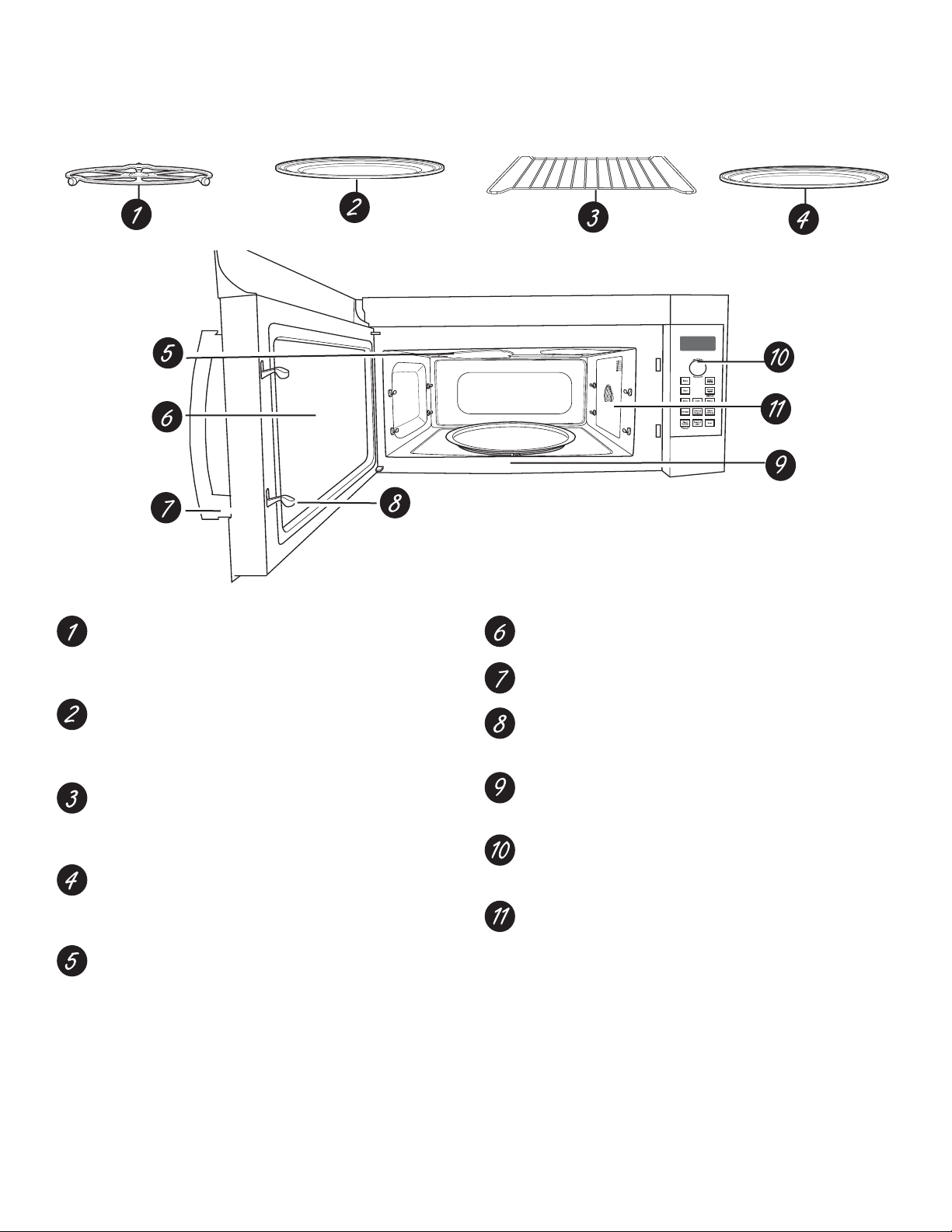
Turntable
The turntable must always be in place, on the oven
floor, for all cooking. Be sure the turntable is seated
securely over the spindle in the center of the oven.
Metal Tray
Put food directly on the metal tray and place on
the turntable when using the speedcook, broil, and
toast.
Wire Oven Rack
Put food directly on a metal tray or in an oven-safe
dish on the wire oven rack only when convection
baking or warming.
Clear Glass Tray
Place on turntable when using microwave features.
Place food or microwave-safe cookware directly on
tray.
Upper Halogen Lamp & Ceramic Heater
A 500W halogen lamp and 700W ceramic heater
cook food from above in speedcook, broil and
toast.
Window
Allows food to be viewed during cooking.
Door Handle
Pull to open the door.
Door Latches
The door must be securely latched for the oven to
operate.
Lower Ceramic Heater
One 375W ceramic heater cooks food from the
bottom in speedcook, broil and toast.
Control Panel
The pads used to operate the oven are located on
the control panel.
Convection System
One 1550W heating element cooks food with a
convection fan circulating the hot air throughout the
cavity in convection bake and warm.
FEATURES
12
49-7000145 Rev.0
CONV
BAKE
SPEED
COOK
SETTINGS
MICRO
30
SECS
COOKING
OPTIONS
MICRO
WAVE
SURFACE
LIGHT
TIMER
ON
/
OFF
VENT
CONTROL LOCK
HOLD 3 SECS
PRESS TO TURN
TIMER OFF
T
U
R
N
T
O
S
E
L
E
C
T
P
R
E
S
S
T
O
E
N
T
E
R
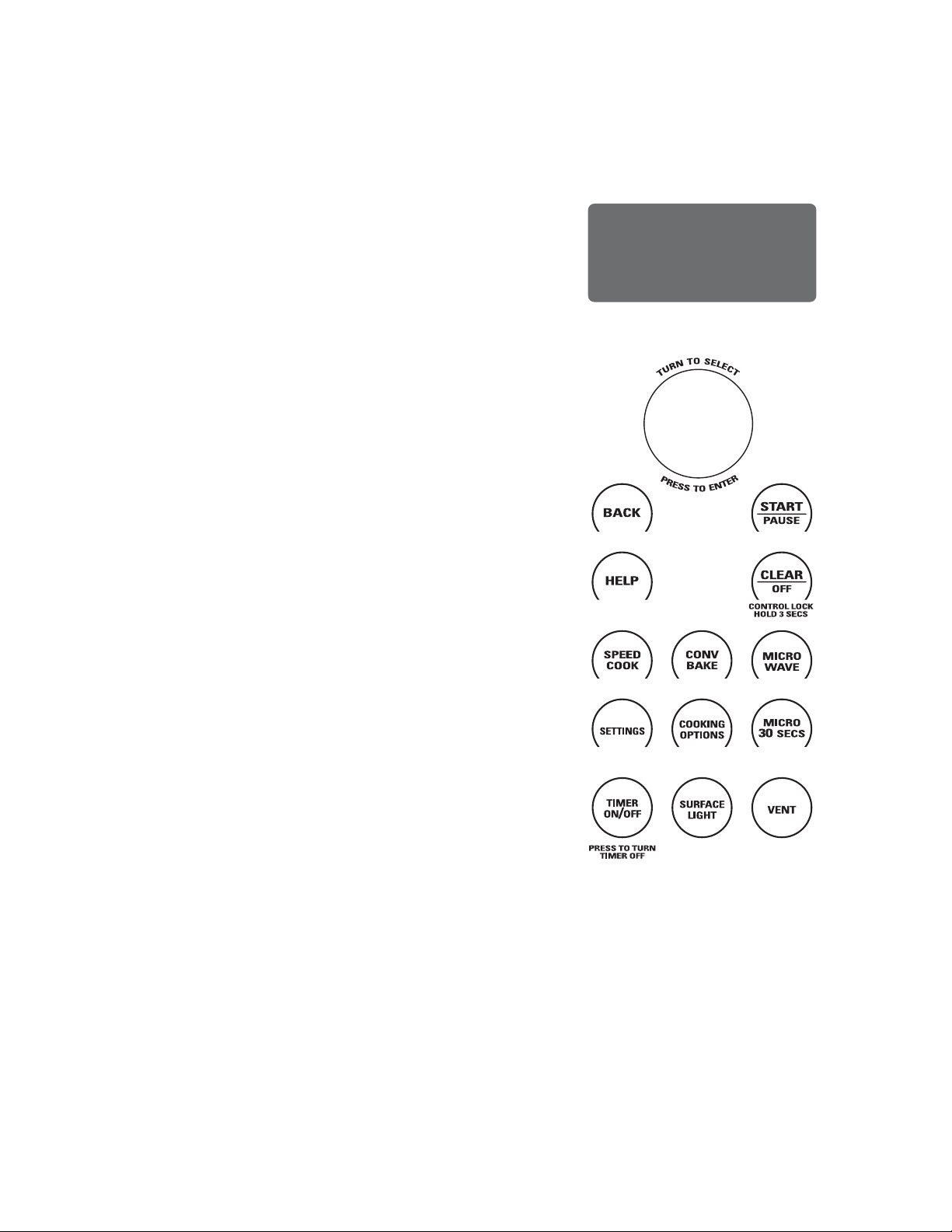
• SELECTOR DIAL
TURN TO SELECT. PRESS TO ENTER.
Turn to select food, power level, or temperature
selections. Also use the dial to increase (turn clockwise)
or decrease (turn counterclockwise) time. Simply press
the button to enter the selection.
• BACK
Press this pad to step back one or more levels in the
programming process.
• HELP
Press this pad to find out more about your oven’s
features.
• DISPLAY
Shows feature selections and information about the oven
when in use.
• START/PAUSE
Press this pad to start or pause any cooking function.
• CLEAR/OFF
Press this pad to cancel ALL oven programs except
clock, auto night light, timer, vent fan, and surface light.
• SPEEDCOOK
Press this pad to access the pre-set speedcook menu or
to set your own speedcook program.
• CONV BAKE
Press this pad to use convection bake.
• MICROWAVE
Press this pad to access the microwave menu or to set
your own microwave program.
• SETTINGS
Press this pad to set the clock and access Turntable On/
Off, Auto Conversion, Auto Nightlight, Beeper Volume,
Reminder, and Temperature Units.
• COOKING OPTIONS
Press this pad to access Repeat Last, Broil, Proof, Toast,
Warm and Delay Start.
• MICRO 30 SECS
Starts the microwave for 30 seconds of cooking time. An
additional 30 seconds is added to the remaining cooking
time each time the pad is pressed.
• TIMER ON/OFF
Press this pad to set a minute and seconds timer.
• SURFACE LIGHT
Press this pad to turn the cooktop light on and off.
• VENT
Press this pad to turn the vent fan on and off.
CONTROLS
With your Advantium oven, you can cook with high-intensity halogen lights, ceramic heaters and convection heating
element, and/or conventional microwave energy.
49-7000145 Rev.0
13
WARNING
When using speedcook programs, remember that the oven, door and dishes will be very hot!
Ŷ,IWKHGRRULVRSHQHGGXULQJFRRNLQJWKHRYHQZLOOVWRS
and PAUSE will appear in the display. Close the door
and press the START/PAUSE pad to resume cooking.
Ŷ$WDQ\WLPHGXULQJFRRNLQJ\RXFDQFKDQJHWLPHRU
power levels by selecting EDIT.
Ŷ6SHHGFRRNLQJPHDWVLQWKHRYHQPD\SURGXFHVPRNH
Ŷ7RFRRNIRUDGGLWLRQDOWLPHDIWHUDFRRNLQJF\FOHKDV
been completed, use the Resume feature as instructed
on the display.
THINGS THAT ARE NORMAL
Cooking Times
Ŷ :KHQVSHHGFRRNLQJSUHVHWPHQXIRRGV\RXPD\
see OPTIMIZING COOK TIME in the display several
seconds after you press START/PAUSE. The oven
automatically senses the electrical voltage level in your
home and adjusts the cooking time up or down for
proper cooking.
Cooling Fans
Ŷ 7KHIDQVZLOOEHRQGXULQJFRRNLQJ$WWKHHQGRI
cooking, the fans may continue to run for a short time
to cool internal components. The fans will automatically
shut off when the internal parts of the oven have
cooled. The screen will display “Oven is Cooling”.
Ŷ 7KHRYHQYHQWZLOOHPLWZDUPDLUZKLOHWKHRYHQLVRQ
Ŷ 7KHH[KDXVWIDQPD\FRPHRQDXWRPDWLFDOO\LIWKHRYHQ
becomes hot. See Automatic fan section.
Lights
Ŷ :KHQWKHRYHQLVRQOLJKWPD\EHYLVLEOHDURXQGWKH
door or outer case.
Ŷ 7KHKDORJHQOLJKWVZLOOGLPDQGF\FOHRQDQGRIIGXULQJ
a speedcook cycle, sometimes even at full power levels.
This is normal. The oven senses the heat level and
adjusts automatically.
Oven Heat
Ŷ 1RSUHKHDWLQJWLPHLVUHTXLUHGGXULQJVSHHGFRRNF\FOHV
The oven begins cooking immediately.
Ŷ 7KHGRRUDQGLQVLGHRIWKHRYHQZLOOEHYHU\KRW8VH
caution when opening the door and removing food.
Be cautious of steam or vapor that may escape from
around the door.
Ŷ 'RQRWXVHFRRNZDUHRUFRYHULQJVPDGHRISDSHU
plastic, or foil when speedcooking.
Ŷ :KHQFRRNLQJIRUDQH[WHQGHGSHULRGRIWLPHWKHRYHQ
may automatically reduce the power levels to maintain
the appropriate level of oven heat.
Sounds
Ŷ &OLFNVDQGDIDQEORZLQJDUHQRUPDOVRXQGVGXULQJ
cooking. The electronic control is turning components
on and off.
Interference
Ŷ79UDGLRLQWHUIHUHQFHPLJKWEHQRWLFHGZKLOHXVLQJWKH
microwave, similar to the interference caused by other
small appliances. It does not indicate a problem with the
microwave. Move the radio or TV as far away from the
microwave as possible, or check the position of the TV/
radio antenna.
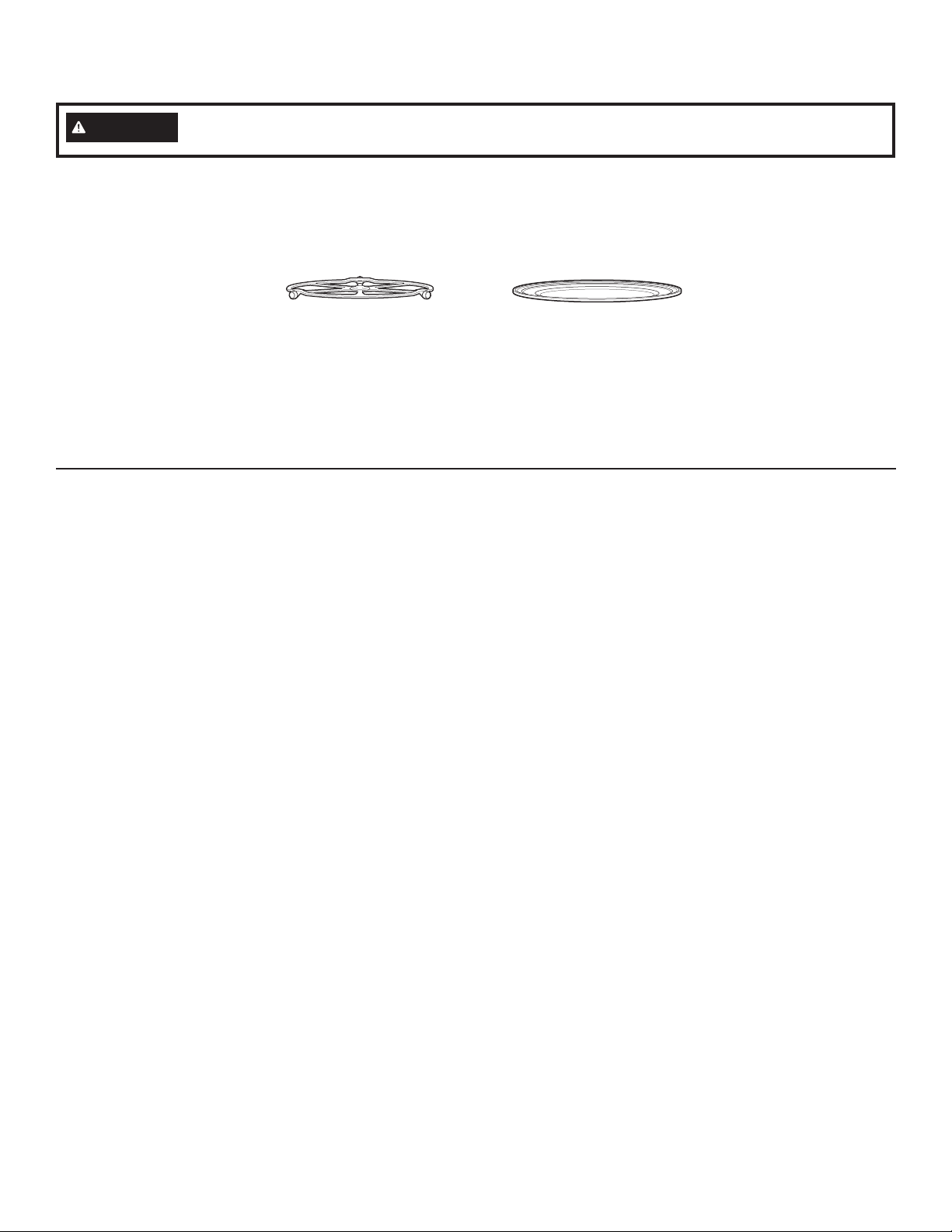
The turntable must always be in
place when using the oven.
Put food directly on the metal
tray to speedcook.
USING SPEEDCOOK FEATURES
Prior to the first use of your oven, the clock must be set.
See the Clock section.
Before you begin, make sure the turntable is in place.
Use the metal tray and your own glass or ceramic
cookware, if needed.
SPEEDCOOKING
14
49-7000145 Rev.0
COOKING TIPS FOR BEST RESULTS
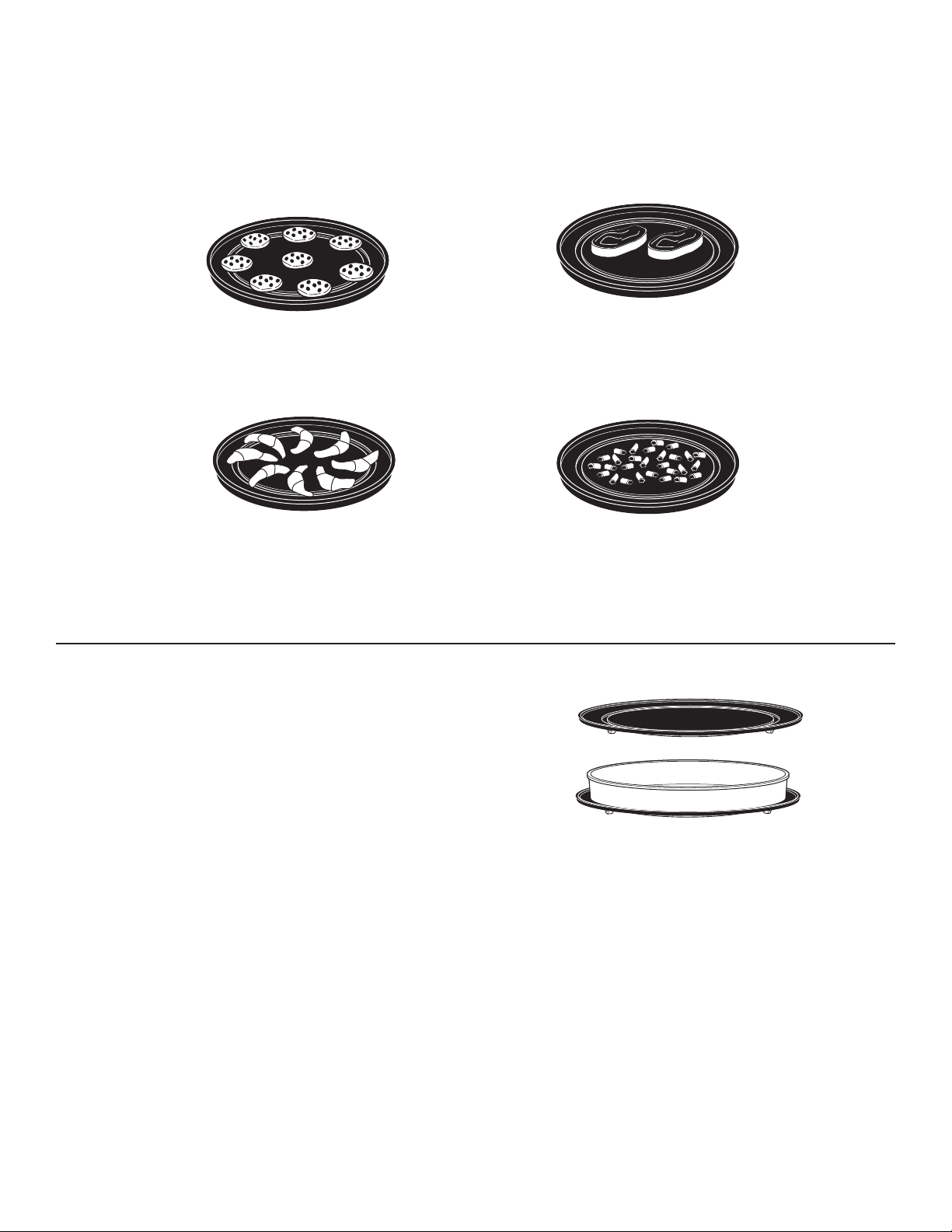
Arrange food on the metal trays as shown to ensure
consistent and even browning.
Foods can touch but should not overlap.
Circular pattern
(Example: biscuits, cookies)
Spoke pattern
(Example: crescent rolls, breadsticks)
Side by side pattern
(Example: meats and poultry)
Single layer
(Example: appetizers)
Fresh meat, chicken, fish or seafood that has been frozen should be thawed before cooking.
(The microwave defrost feature can be used.) For other frozen prepackaged foods, follow package directions.
SPEEDCOOK COOKWARE
Ŷ &RRNZDUHZLOOEHFRPHKRW2YHQPLWWVZLOOEHQHHGHGWR
handle the cookware.
Ŷ )ROORZFRRNZDUHVXJJHVWLRQVRQWKHRYHQGLVSOD\RULQ
the cookbook.
Ŷ 3ODFHIRRGGLUHFWO\RQWKHPHWDOWUD\ZKHQFRRNLQJ
unless prompted by the oven to do otherwise.
Ŷ 8VHWKHPHWDOWUD\LQWKHVDPHZD\\RXZRXOGXVHD
shallow baking pan or baking tray.
Ŷ ,QDGGLWLRQWRWKHFRRNZDUHSURYLGHG\RXFDQXVHQRQ
metal casserole dishes, pie plates and other heat-safe
cookware. Place them directly on the metal tray.
Ŷ %HVXUHWRVHOHFWDVL]HWKDWZLOOURWDWHHDVLO\
Ŷ 3ODFHWKHPHWDOWUD\RQWKHWXUQWDEOH3ODFHJODVVRU
ceramic cookware on the tray.
Ŷ 'RQRWXVHFRRNZDUHRUFRYHULQJVPDGHRISDSHU
plastic, or foil when cooking during a speedcook cycle.
SPEEDCOOKING
49-7000145 Rev.0
15
USING THE PRE-SET SPEEDCOOK MENU
The Advantium is already pre-set to cook over 175 popular
foods.
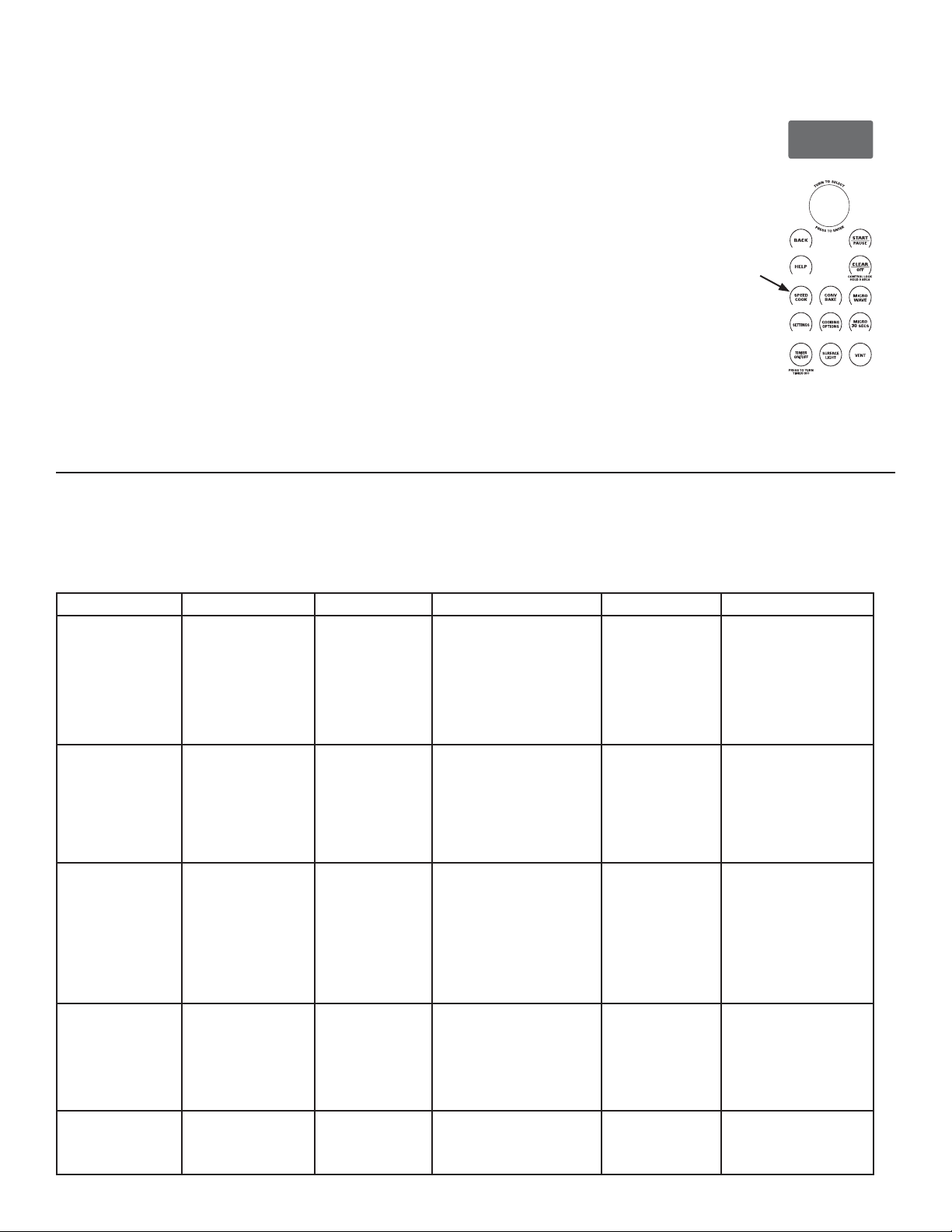
1. Press the SPEEDCOOK pad.
If no selection is made within 15 seconds, the display
will return to blank.
2. Turn the selector dial to select the type of food category
you want. Press the dial to enter.
3. Turn the selector dial to select the specific food (menu
selection).Press the dial to enter.
4. Turn the selector dial to select amount, size and/or
doneness (if required, the oven will prompt you). Press
the dial after each selection.
5. Once the display shows: EDIT, SAVE or START press
the START/PAUSE pad or the selector dial to start
cooking.
Turn the food over when the oven
signals TURN FOOD OVER (for certain
foods).
When the oven signals CHECK for
DONENESS, check to see if your food
is done to your liking (for certain foods).
To review settings during cooking,
press the selector dial.
If you enter an undesired selection at
any time, simply press the BACK pad
and re-enter the desired selections.
Speedcooking meats in the oven may
produce smoke.
PRE-SET SPEEDCOOK MENU SELECTIONS
Per USDA Guidelines, cook meat to an INTERNAL temperature of at least 160°F, and poultry to an INTERNAL
temperature of at least 180°F. Cooking to these temperatures usually protects against foodborne illness.
For more information, see www.foodsafety.gov.
SPEEDCOOKING
Food Category Menu Selection Food Category Menu Selection Food Category Menu Selection
Appetizers
Bagel Bites
Cheese Sticks
Egg Rolls (Frozen)
-DODSHxR3RSSHUV
Meat Balls (Frozen)
Nachos
Nuts, Roasted
Onion Rings
Pizza Rolls
Soft Pretzels (frozen)
Taquitos (frozen)
Chicken
Bone-In
Boneless
Fillet (frozen)
Finger (frozen)
Fried (frozen)
Nugget (frozen)
Patty (frozen)
Tender (frozen)
Wings (frozen)
Whole
Sandwich
Corn Dog (frozen)
Crescent Roll Hot Dog
Grilled Sandwich
Pocket Sandwich
Breads
Biscuits
Bread Sticks
Cheese Bread
Crescent Rolls
Dinner Rolls
Garlic Bread
Texas Toast
Desserts
Brownie Mix
Cookies
Pie (fresh fruit)
Pie Crust
Rolls (refrigerated)
Turnovers
Seafood
Cod Fillets
Fish Sticks (frozen)
Frozen Breaded
Orange Roughy Fillet
Salmon
Shellfish
Swordfish Steak (1”)
Talapia
Tuna Steaks
Whitefish/Cod
Breakfast
Belgian Waffles
Breakfast Pizza
French Toast
Hashbrown Patties
Pancakes (frozen)
Rolls (refrigerated)
Sausage Biscuit
Sausage Links
Sausage Patties
Strudel (frozen)
Turnovers
Waffles (frozen)
Entree
Egg Rolls (frozen)
Meatloaf (9x5)
Taquitos (frozen)
Side Dish
Casserole
Refried Beans (16 oz)
Roasted Asparagus
Roasted Bell Pepper
Roasted Chilies (3-6)
Roasted Corn (1-4)
Roasted Garlic
Roasted Mixed
Pizza
Deli/Fresh
Frozen Pizza
Use Precooked Crust
Meats
Filet Mignon
Hamburger
Lamb Chops
Pork Chops
Ribeye Steak
Sirloin Steak
Strip Steak
T-Bone Steak
Tenderloin
Vegetables
Scalloped Potatoes
Potatoes
Baked Potato
Hashbrown Patties
Frozen Fries
Frozen Nugget
Sweet Potato/Yam
CONV
BAKE
SPEED
COOK
SETTINGS
MICRO
30
SECS
COOKING
OPTIONS
MICRO
WAVE
SURFACE
LIGHT
TIMER
ON
/OFF
VENT
CONTROL LOCK
HOLD 3 SECS
PRESS TO TURN
TIMER OFF
T
U
R
N
T
O
S
E
L
E
C
T
P
R
E
S
S
T
O
E
N
T
E
R
16
49-7000145 Rev.0
CONV
BAKE
SPEED
COOK
SETTINGS
MICRO
30
SECS
COOKING
OPTIONS
MICRO
WAVE
SURFACE
LIGHT
TIMER
ON
/OFF
VENT
CONTROL LOCK
HOLD 3 SECS
PRESS TO TURN
TIMER OFF
T
U
R
N
T
O
S
E
L
E
C
T
P
R
E
S
S
T
O
E
N
T
E
R
SPEEDCOOK POWER LEVEL
The Advantium uses power from high intensity halogen
lamps, a ceramic heater, and microwaves to cook food
from the top, bottom and interior simultaneously to seal in
moisture and flavor.
When using the pre-set menu foods, the power levels are
already selected for you. However, power levels can be
adjusted when using pre-set menu foods and MY RECIPE.
Each power level gives you halogen lamp or ceramic
heater power and microwave energy for a certain
percentage of the time.
For example:
U–07 Upper halogen lamp and ceramic heater on 70%
of the time.
L–07 Lower ceramic heater on 70% of the time.
M–03 Microwave on 30% of the time.
NOTE: Be careful when adjusting power levels so that you
do not overcook or undercook food.
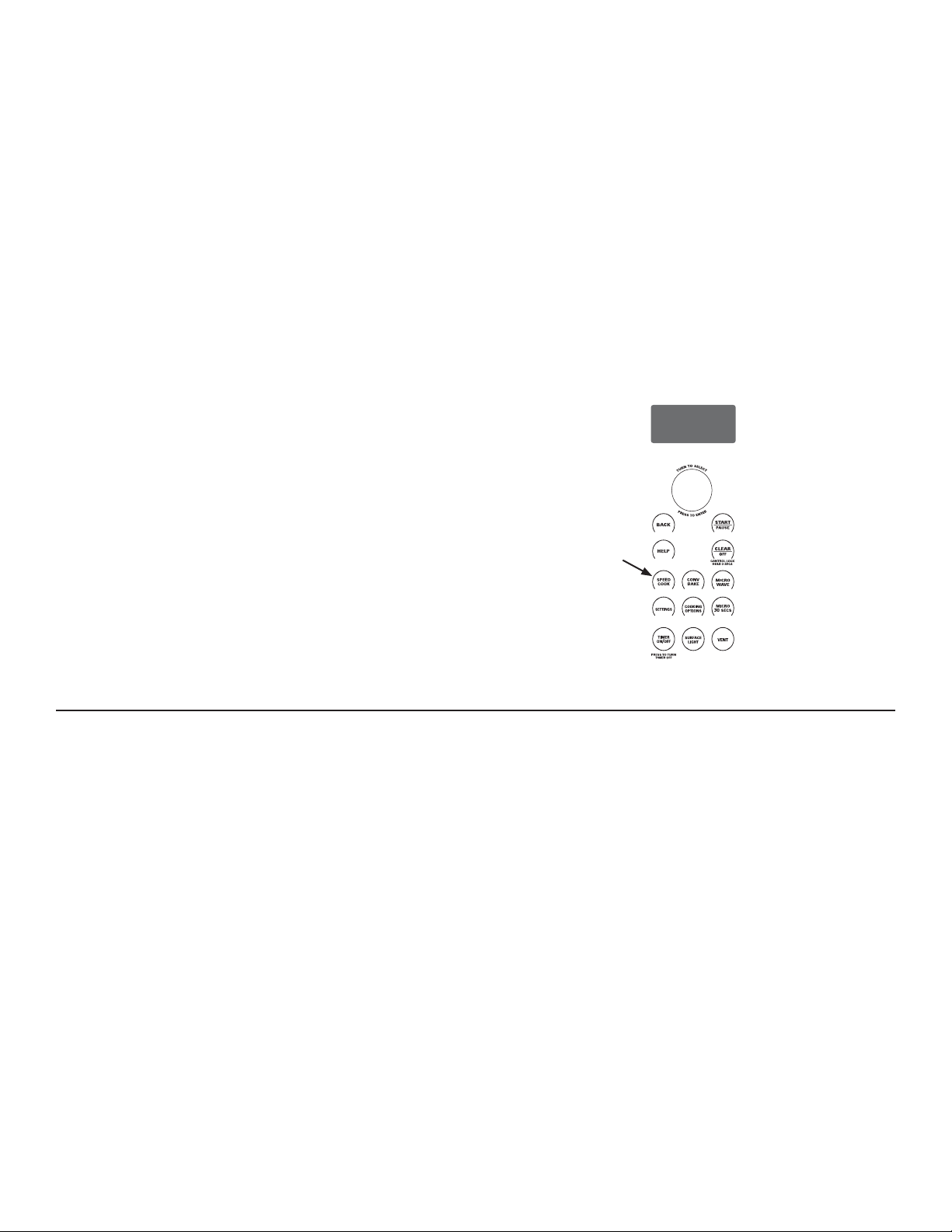
1. Press the SPEEDCOOK pad and select your food
(follow instructions from Using the pre-set speedcook
menu).
2. When display shows EDIT, SAVE or START, turn the
dial to select EDIT.
If you do not want to change one of the settings, just
press the dial to move to the next selection.
3. Press the dial if you do not want to adjust cooking time.
4. Turn the dial clockwise to increase or counterclockwise
to decrease the upper power level. Press the dial to
enter.
5. Turn the dial to change the lower power level. Press the
dial to enter.
6. Turn the dial to change the microwave power level.
Press the dial to enter.
Note that the upper and lower level settings limit the
microwave power level. For example, if the upper or lower
power level is set to a 7, the microwave can be set no
higher than a 3.
7. Press the START/PAUSE pad or the selector dial to
start cooking.
SPEEDCOOK POWER LEVEL TIPS
Follow these general guidelines when selecting the best
U=, L=, and M= settings for your favorite recipes:
U = Select a higher setting for thin foods requiring a
golden brown top (example: fish fillets, toast, boneless
chicken breasts). Select a lower setting for thicker
foods and foods with high sugar or fat content
(example: muffins, roasts, casseroles) or that require a
longer cook time.
L = Select a higher setting for thick or dense foods that
may not cook quickly in the center (example: steaks,
casseroles). Select a lower setting for thin foods
(example: cookies).
M = Select a higher setting to shorten cooking time for
dense or heavy foods (example: casseroles, whole
chicken). Select a lower setting for delicate foods
(example: breads) or foods requiring longer cook
times for tender results (example: stew, pot roast).
SPEEDCOOKING
49-7000145 Rev.0
17
CONV
BAKE
SPEED
COOK
SETTINGS
MICRO
30
SECS
COOKING
OPTIONS
MICRO
WAVE
SURFACE
LIGHT
TIMER
ON
/OFF
VENT
CONTROL LOCK
HOLD 3 SECS
PRESS TO TURN
TIMER OFF
T
U
R
N
T
O
S
E
L
E
C
T
P
R
E
S
S
T
O
E
N
T
E
R
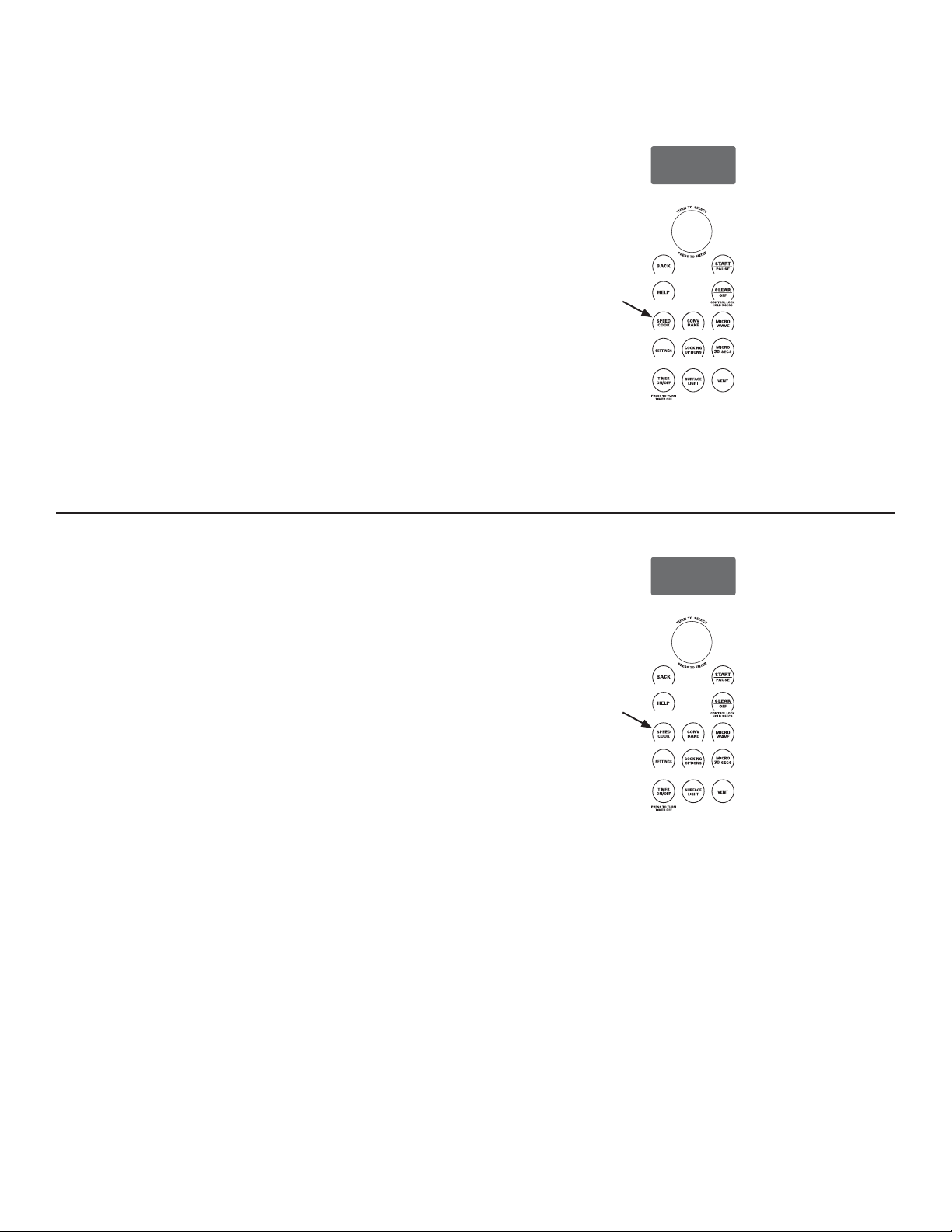
MY RECIPE - CUSTOM SPEEDCOOK
The Advantium gives you the flexibility to cook your
favorite dishes.
If you want to cook a food item that is not among the pre-
set selections, use My Recipe to custom speedcook.
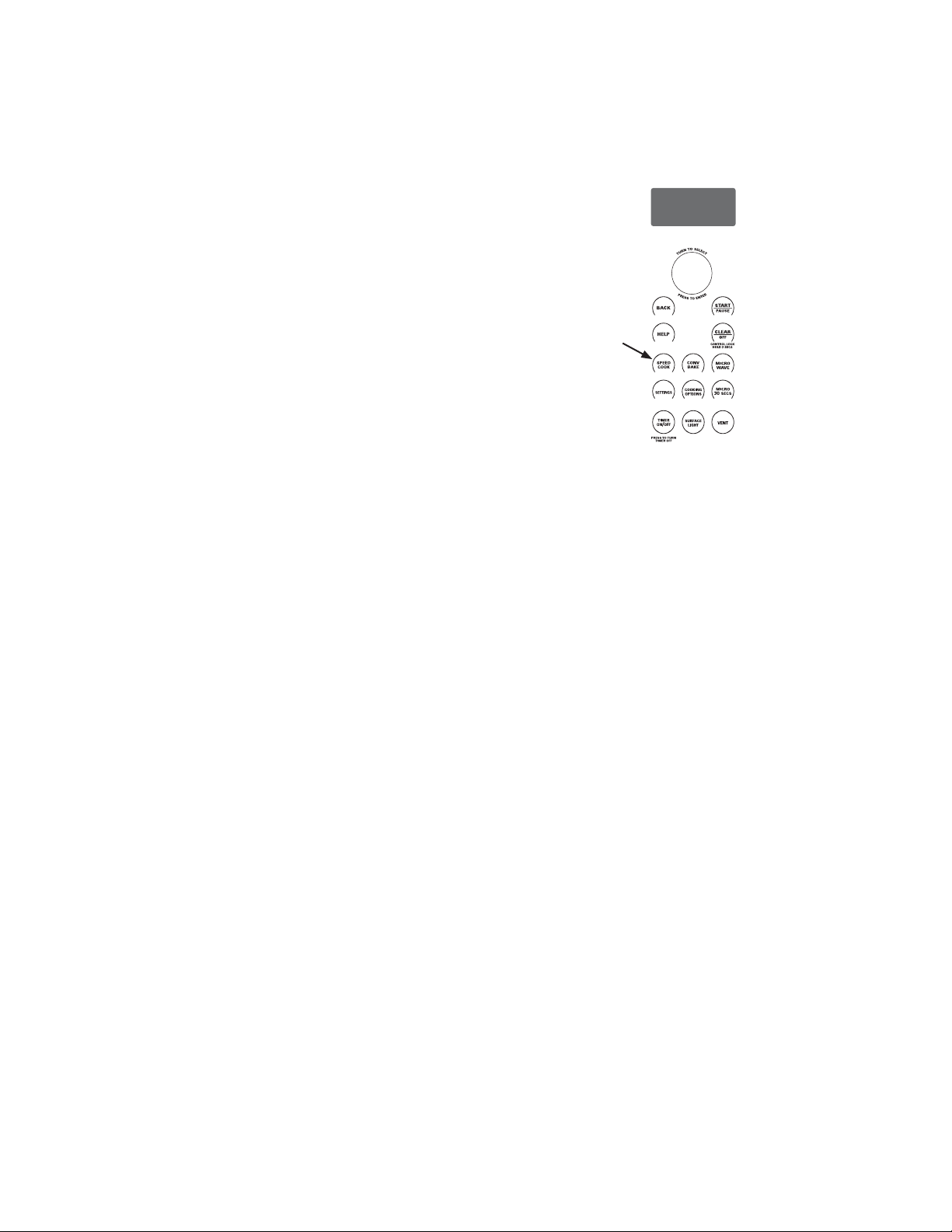
1. Press the SPEEDCOOK pad and select MY RECIPE.
Press the dial to enter. Select NEW RECIPE.
If no entries are made within 15 seconds, the display will
return to blank.
2. Turn the selector dial to select the cooking time. Press
the dial to enter.
The display will prompt you to select the power level(s).
3. Turn the dial to select the upper power level. Turn
the dial clockwise to increase or counterclockwise to
decrease the upper power level. Press the dial to enter.
4. Turn the dial to select the lower power level. Press the
dial to enter.
5. Turn the dial to select the microwave power level. Press
the dial to enter.
6. Press the START/PAUSE pad or press the selector dial
to start cooking.
For power level and cooking time suggestions, use your
cooking guide, cookbook and the pre-set speedcook menu
selections.
SPEEDCOOKING
18
49-7000145 Rev.0
MY RECIPE - TO ENTER AND SAVE
Add and save up to 30 of your own Speedcook or
microwave recipes, or pre-set Speedcook menu recipes
as a favorite recipe. Once it’s done, you can quickly recall
your favorite so that your food cooks just the way you want
it every time!
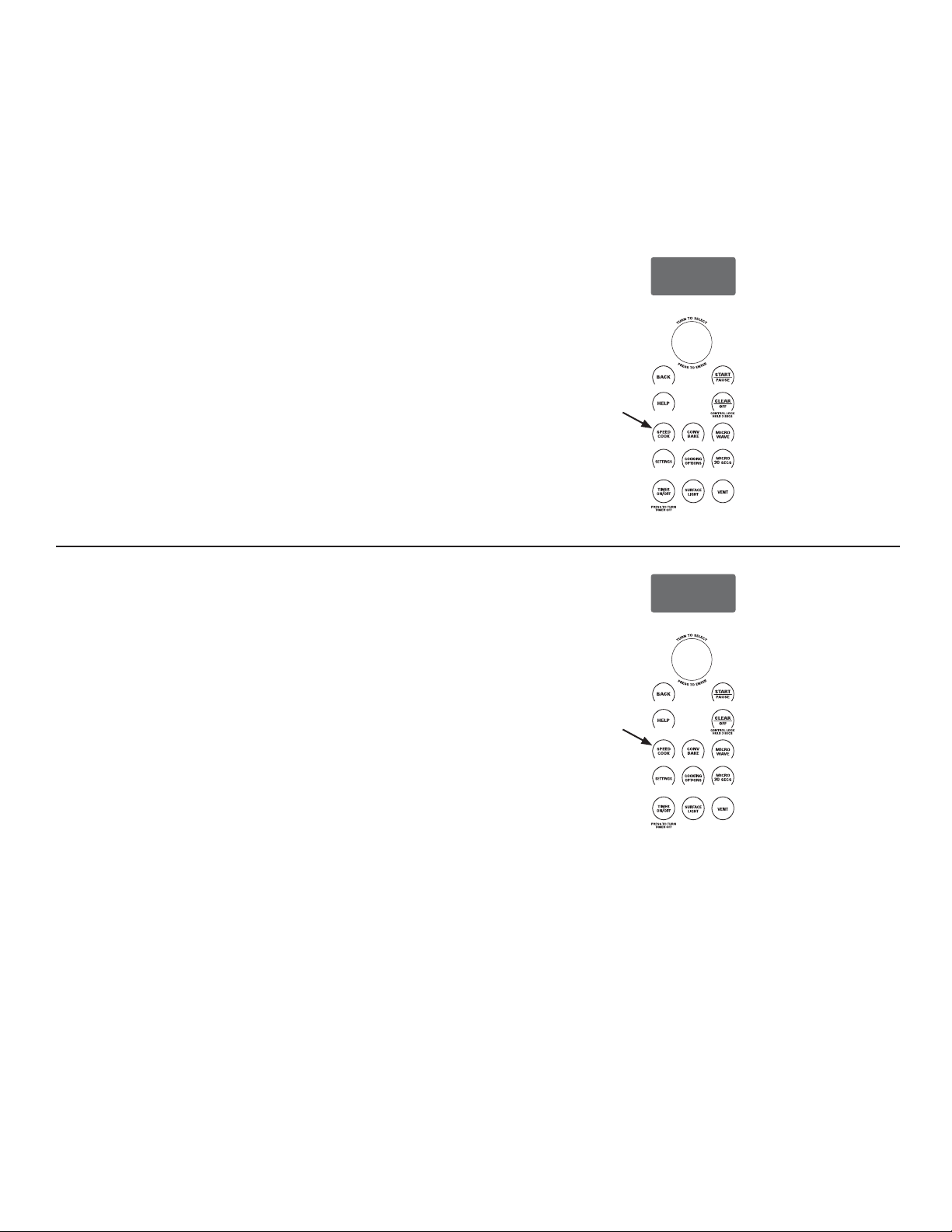
1. Press the SPEEDCOOK or MICROWAVE pad.
2. Turn the dial to select MY RECIPE. Press the dial to
enter.
3. Turn the dial until NEW RECIPE appears. Press the dial
to enter.
4. ENTER COOK TIME appears. Turn the dial to select the
cooking time. Press the dial to enter.
The display will prompt you to select the power level(s).
5. Turn the dial clockwise to increase or counterclockwise
to decrease the power level(s). Press the dial to enter.
For power level and cooking time suggestions, use your
cooking guide or cookbook.
6. Select SAVE from the summary screen.
7. SPELL THE FOOD NAME appears. Turn the dial to the
first letter of your food description and press the dial to
enter. Continue this process to spell the rest of the food
name. Press the START/PAUSE pad to save the recipe
and its name.
MY RECIPE - TO FIND AND USE
To find and use stored recipes:
1. Press the SPEEDCOOK or MICROWAVE pad.
2. Turn the dial to select MY RECIPE.
3. The recipe names you entered will appear.
4. Turn dial until the recipe you want is displayed and
press the dial to enter.
5. Press the START/PAUSE pad or press the selector dial
to start cooking.
SPEEDCOOKING
CONV
BAKE
SPEED
COOK
SETTINGS
MICRO
30
SECS
COOKING
OPTIONS
MICRO
WAVE
SURFACE
LIGHT
TIMER
ON
/OFF
VENT
CONTROL LOCK
HOLD 3 SECS
PRESS TO TURN
TIMER OFF
T
U
R
N
T
O
S
E
L
E
C
T
P
R
E
S
S
T
O
E
N
T
E
R
CONV
BAKE
SPEED
COOK
SETTINGS
MICRO
30
SECS
COOKING
OPTIONS
MICRO
WAVE
SURFACE
LIGHT
TIMER
ON
/OFF
VENT
CONTROL LOCK
HOLD 3 SECS
PRESS TO TURN
TIMER OFF
T
U
R
N
T
O
S
E
L
E
C
T
P
R
E
S
S
T
O
E
N
T
E
R
49-7000145 Rev.0
19
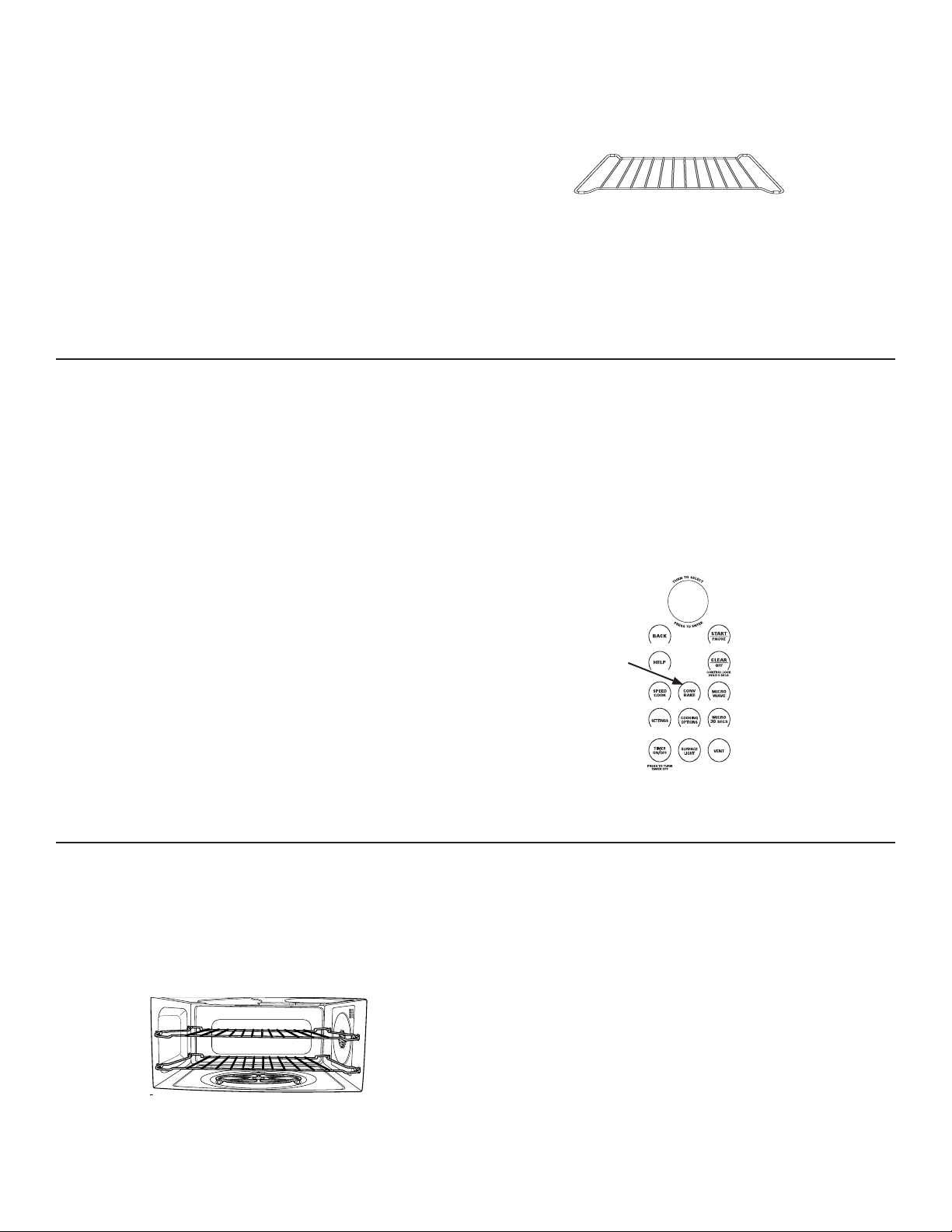
MY RECIPE - TO ADJUST OR CHANGE
To adjust or change stored recipes:
1. Press the SPEEDCOOK or MICROWAVE pad.
2. Turn the dial to select MY RECIPE.
3. Turn the dial to the recipe you want to change. Press
the dial to enter. Current settings appear.
4. Select EDIT.
5. Turn the dial to adjust the cooking time and press the
dial to enter.
6. Turn the dial to change the power level(s) and press
the dial to enter each power level.
7. Turn the dial to change the recipe name. Press the
dial to enter each letter change.
8. Press the START/PAUSE pad to save the revised
recipe.
For power level and cooking time suggestions, use your
cooking guide or cookbook.
MY RECIPE - TO DELETE
To delete stored recipes:
1. Press the SPEEDCOOK or MICROWAVE pad.
2. Turn the dial to select MY RECIPE.
3. Select the recipe you would like to delete.
4. Turn the dial to select DELETE.
SPEEDCOOKING
CONV
BAKE
SPEED
COOK
SETTINGS
MICRO
30
SECS
COOKING
OPTIONS
MICRO
WAVE
SURFACE
LIGHT
TIMER
ON
/OFF
VENT
CONTROL LOCK
HOLD 3 SECS
PRESS TO TURN
TIMER OFF
T
U
R
N
T
O
S
E
L
E
C
T
P
R
E
S
S
T
O
E
N
T
E
R
CONV
BAKE
SPEED
COOK
SETTINGS
MICRO
30
SECS
COOKING
OPTIONS
MICRO
WAVE
SURFACE
LIGHT
TIMER
ON
/OFF
VENT
CONTROL LOCK
HOLD 3 SECS
PRESS TO TURN
TIMER OFF
T
U
R
N
T
O
S
E
L
E
C
T
P
R
E
S
S
T
O
E
N
T
E
R
20
49-7000145 Rev.0
CONV
BAKE
SPEED
COOK
SETTINGS
MICRO
30
SECS
COOKING
OPTIONS
MICRO
WAVE
SURFACE
LIGHT
TIMER
ON
/OFF
VENT
CONTROL LOCK
HOLD 3 SECS
PRESS TO TURN
TIMER OFF
T
U
R
N
T
O
S
E
L
E
C
T
P
R
E
S
S
T
O
E
N
T
E
R
HOW TO CONVECTION BAKE
1. Press CONV BAKE pad.
2. Turn the dial to set the temperature and press the dial
to enter.
3. Press the dial to enter and confirm the selection.
To start immediately without setting a cook time, select
START or press the START/PAUSE pad:
To set a cook time:
1. Turn the dial and select COOK TIME.
2. Turn the dial to set the cook time and press the dial to
enter.
3. To start the cook time immediately, place the food in
the oven and select START COOK TIME. Then press
the dial or the START/PAUSE pad to start. The cook
time will immediately start to count down.
To start cook time after preheat, select START PREHEAT.
The oven will signal once the oven reaches the cooking
temperature. Place the food in the oven and press the
START/PAUSE pad. The cook time will begin to count
down.
If the oven door is opened during cooking, “Pause” will
appear in the display. Close the door and press START/
PAUSE pad.
Cook times are shown in hours and minutes and can be
set to a maximum of 2 hours 59 minutes. Time can be
changed during cooking by turning the dial.
COOKING TIPS FOR CONVECTION BAKING
Ŷ Metal pans are recommended for all types of baked
products, but especially where browning is important.
Ŷ Dark or dull finish metal pans are best for breads and
pies because they absorb heat and produce crisper
crust.
Ŷ Shiny aluminum pans are better for cakes, cookies or
muffins because they reflect heat and help produce a
light tender crust.
Ŷ Glass or glass-ceramic casserole or baking dishes
are best suited for egg and cheese recipes due to the
cleanability of glass.
Ŷ When baking on one level, use the lower level. The top
clips are to only be used in two level baking.
CONVECTION BAKING
Convection baking allows you to cook foods the same
way as a conventional oven, using an element to heat the
air inside the oven. Any oven temperature from 250°F to
450°F may be set.
A fan gently circulates heated air throughout the oven,
over and around the food. Because the heated air is kept
constantly moving, some foods cook slightly faster than in
regular oven cooking.
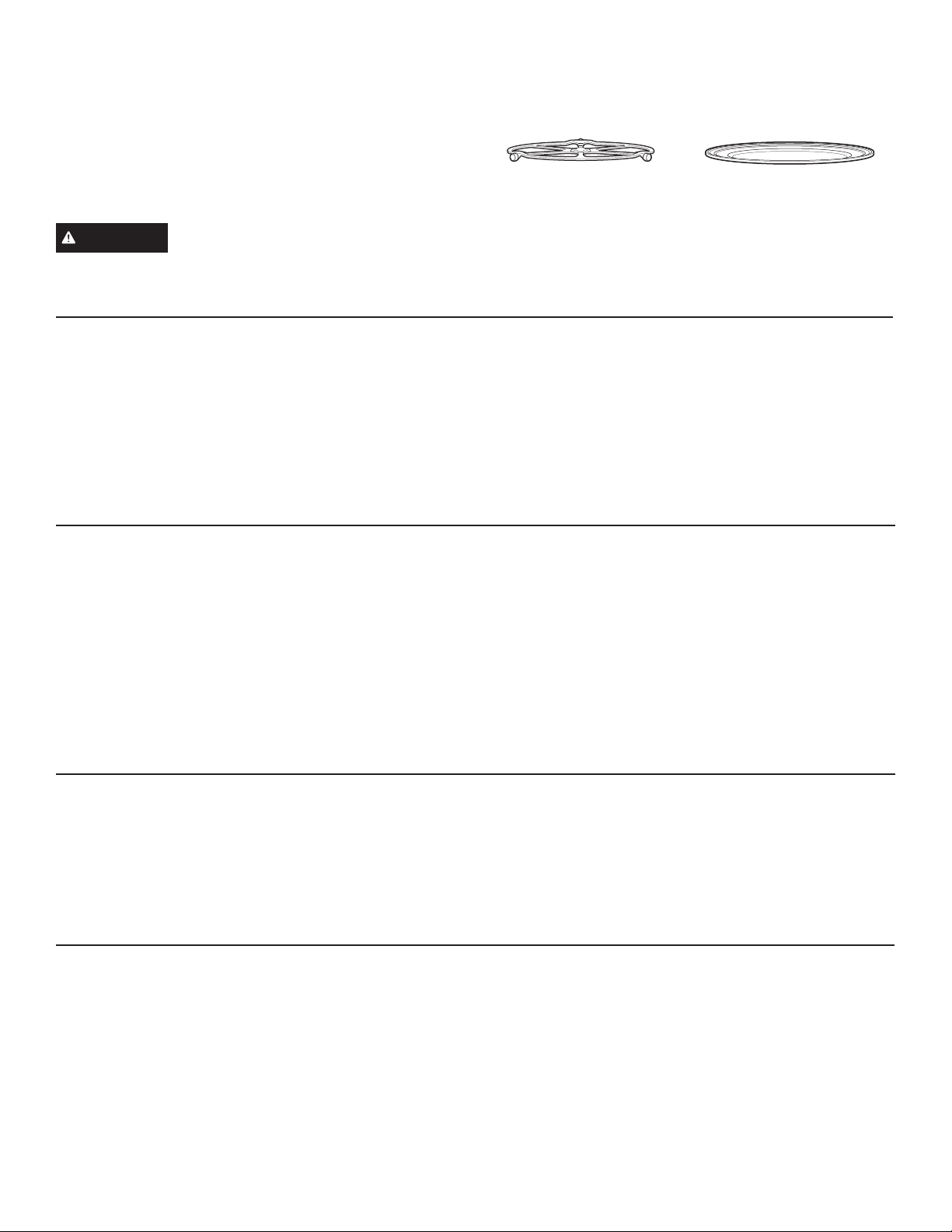
Before you begin, make sure the metal rack is in place.
Both racks may be used for two level cooking.
Put food directly on the metal tray or in the
appropriate dish and place on wire oven rack
when baking or warming.
CONVECTION BAKING
49-7000145 Rev.0
21
CONV
BAKE
SPEED
COOK
SETTINGS
MICRO
30
SECS
COOKING
OPTIONS
MICRO
WAVE
SURFACE
LIGHT
TIMER
ON
/
OFF
VENT
CONTROL LOCK
HOLD 3 SECS
PRESS TO TURN
TIMER OFF
T
U
R
N
T
O
S
E
L
E
C
T
P
R
E
S
S
T
O
E
N
T
E
R
BROILING AND TOASTING
Broil and toast use the upper lamps and lower heater to
broil or toast food similar to a conventional oven.
Before you begin, make sure the turntable is in place. Use
the metal tray when toasting and when broiling.
WARNING
When broiling or toasting, remember
that the oven cavity, the oven door and dishes will be
very hot!
HOW TO BROIL
1. Press the COOKING OPTIONS pad.
2. Turn the dial to BROIL and press to enter.
3. Place the food in the oven and select START or press
the START/PAUSE pad to start.
If the oven door is opened during cooking, “Pause” will
appear in the display. Close the door and press the
START/PAUSE pad.
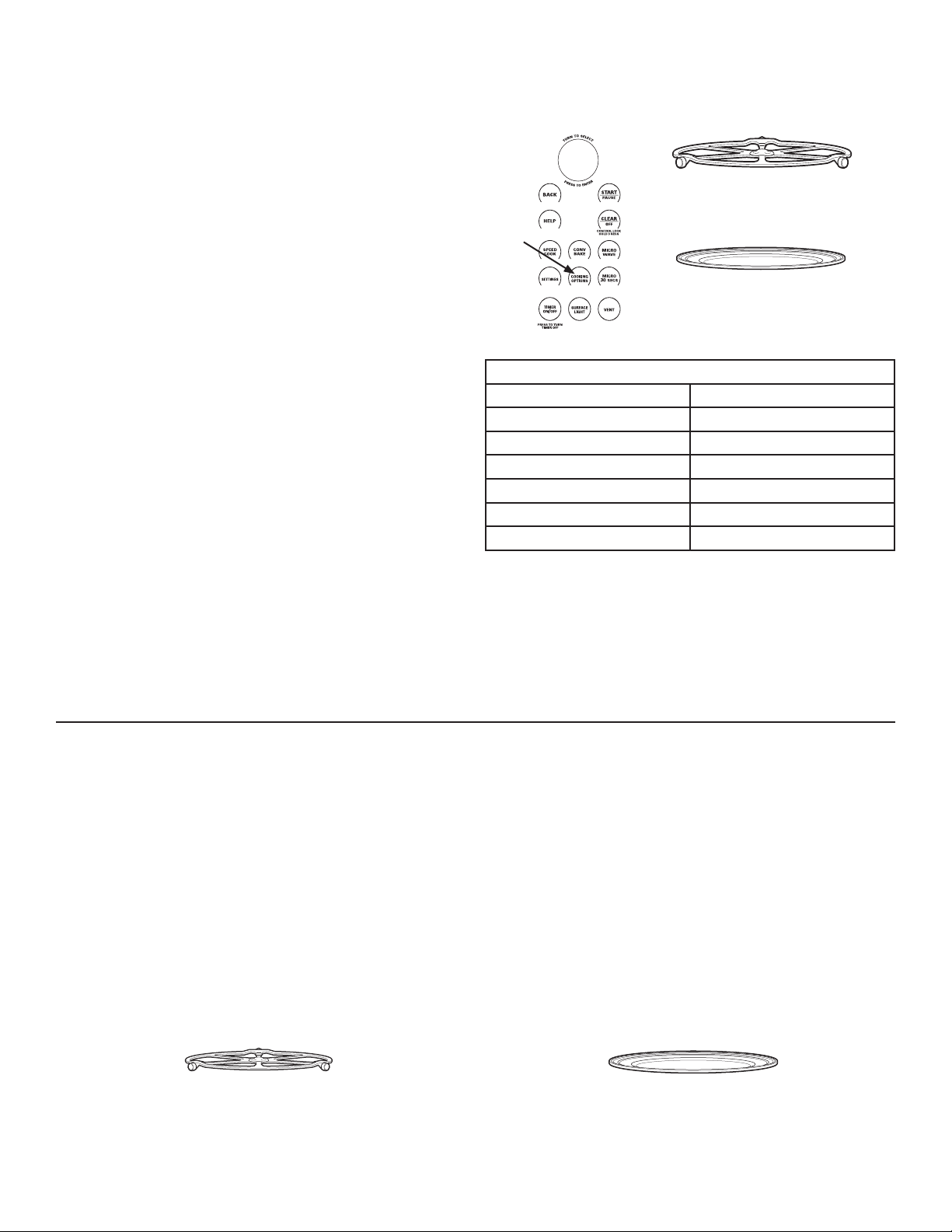
The turntable must
always be in place when
using the oven.
Put food directly on the
metal tray.
COOKING TIPS FOR BROILING
Ŷ Broiling times may be shorter in the Advantium oven
because of the use of halogen lamps. Make sure to
monitor food closely to get the desired results.
Ŷ For best results when broiling, place food directly on the
metal tray.
Ŷ Broiling meats in the oven may produce smoke.
Ŷ If preheating the oven to broil meat, preheat with the
metal tray in the oven and place food on the hot metal
tray for best searing of meat.
Ŷ For best performance, preheat the oven for 5 minutes
when broiling meat. Chicken performs best with no
preheating.
Ŷ Foods should be turned halfway through broiling time.
Ŷ Remove thinner pieces as needed to prevent
overcooking and drying.
COOKING TIPS FOR TOASTING
Ŷ For best results when toasting, use the metal tray.
Ŷ No turning is necessary for most foods.
Ŷ When toasting nuts, stir halfway through the cooking
time.
Ŷ Toast thicker pieces a longer time, thinner pieces a
shorter time.
HOW TO TOAST
1. Press the COOKING OPTIONS pad.
2. Turn the dial to TOAST and press to enter.
3. Turn the dial to set the toast time, place the food in the
oven and select START or press the START/PAUSE
pad to start.
If the oven door is opened during cooking, “Pause” will
appear in the display. Close the door and press the
START/PAUSE pad.
BROILING AND TOASTING
22
49-7000145 Rev.0
CONV
BAKE
SPEED
COOK
SETTINGS
MICRO
30
SECS
COOKING
OPTIONS
MICRO
WAVE
SURFACE
LIGHT
TIMER
ON
/OFF
VENT
CONTROL LOCK
HOLD 3 SECS
PRESS TO TURN
TIMER OFF
T
U
R
N
T
O
S
E
L
E
C
T
P
R
E
S
S
T
O
E
N
T
E
R
WARMING
The WARM feature will keep hot, cooked foods at serving
temperature. Always start with hot food. Use cookware and
utensils that can withstand temperatures up to 230°F.
1. Press the COOKING OPTIONS pad.
2. Turn the dial to select WARM. Press the dial to enter.
3. Turn the dial to select the level of moisture you want.
See the chart and tips below. Press the dial to enter.
4. Select START or press the START/PAUSE pad to start.
The oven starts warming immediately and shows the
amount of warming time to complete.
If the oven door is opened during warming, “Pause”
will appear in the display. Close the door and press the
START/PAUSE pad.
To Crisp Stale Items:
Ŷ 6HOHFWWKHCRISP setting. Preheat the oven for 10
minutes.
NOTE: Only preheat when crisping stale items.
Ŷ 3ODFHIRRGRUGLVKHVGLUHFWO\RQWKHPHWDOWUD\
Ŷ &KHFNFULVSQHVVDIWHUPLQXWHV$GGWLPHDVQHHGHG
Tips for Crisp Foods:
Ŷ /HDYHIRRGXQFRYHUHG
Ŷ 'RQRWXVHSODVWLFFRQWDLQHUVRUSODVWLFZUDS
Ŷ 3UHKHDWLQJLVQRWQHFHVVDU\H[FHSWIRUFULVSLQJVWDOH
items. (See To Crisp Stale Items.)
Tips for Moist Foods:
Ŷ &RYHUIRRGZLWKOLGRUDOXPLQXPIRLO
Ŷ 'RQRWXVHSODVWLFFRQWDLQHUVRUSODVWLFZUDS
Ŷ 3UHKHDWLQJLVQRWQHFHVVDU\
PROOFING
The proofing feature automatically provides an appropriate
temperature for the proofing process, and therefore does
not have a temperature adjustment.
1. Press the COOKING OPTIONS pad.
2. Turn the dial to select PROOF and press to enter.
3. Select START or press the START/PAUSE pad to
start. The oven starts proofing immediately and shows
the amount of proofing time to complete.
Ŷ &KHFNEUHDGSURGXFWVHDUO\WRDYRLGRYHUSURRILQJ
Ŷ 7RDYRLGORZHULQJWKHRYHQWHPSHUDWXUHDQG
lengthening proofing time, do not open the oven door
unnecessarily.
NOTES:
Ŷ 'RQRWXVHWKHSURRILQJPRGHIRUZDUPLQJIRRGRU
keeping food hot. The proofing oven temperature is not
hot enough to hold foods at safe temperatures. Use the
WARM feature to keep food warm.
Ŷ 3URRILQJZLOOQRWRSHUDWHLIWKHRYHQLVWRRKRW$OORZWKH
oven to cool before proofing.
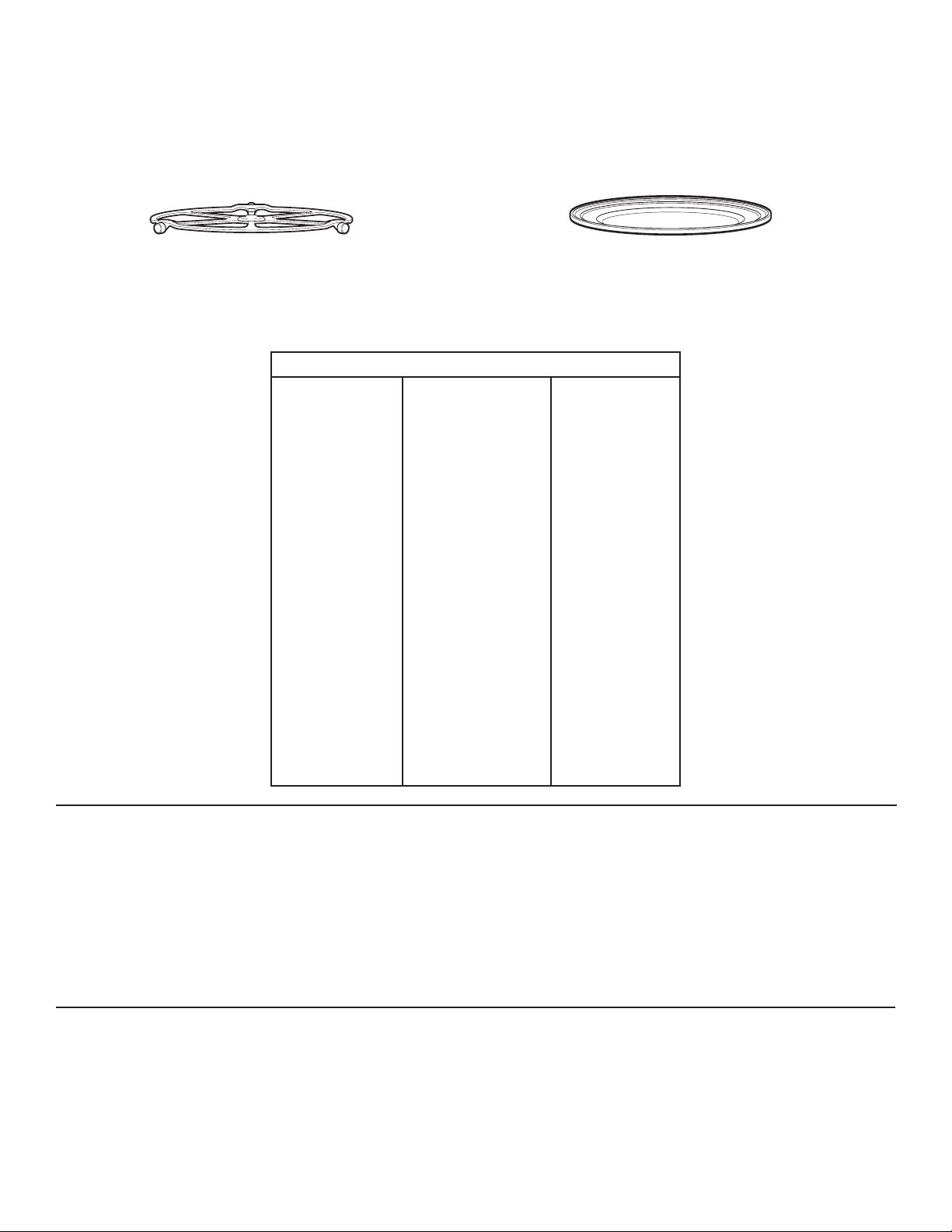
The turntable must always be
in place when using the oven.
Put food or oven-safe cookware
directly on the metal tray to warm.
Put bread dough in a bowl/bread pan
and place on the metal tray to proof.
The turntable must always be
in place when using the oven.
Temperature and Moisture Selection Chart
Food Type Moisture Setting
Casseroles MOIST
Chili/Soup MOIST
Pancakes, waffles MOIST
Pizza CRISP
Potatoes, baked CRISP
Chips/Crackers CRISP
WARMING AND PROOFING
49-7000145 Rev.0
23
USING THE MICROWAVE FEATURES
Make sure the turntable is in place. Use the clear glass tray.
Place food or microwavable container directly on the clear glass tray to cook your food.
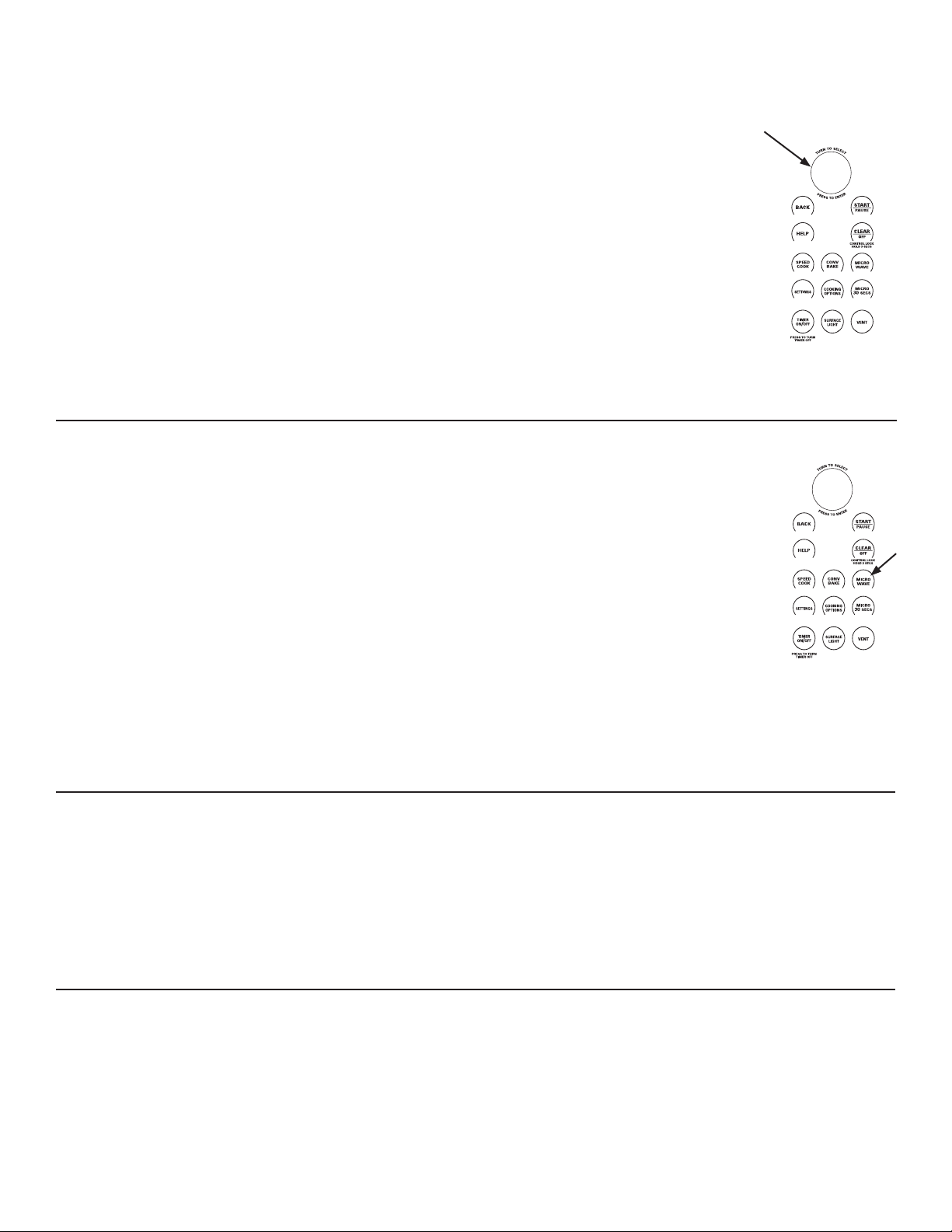
The turntable must always
be in place when using the oven.
COOKWARE
Ŷ0DNHVXUHWKDWFRRNZDUHLVVXLWDEOHIRUPLFURZDYLQJ
THINGS THAT ARE NORMAL
Interference
Ŷ79UDGLRLQWHUIHUHQFHPLJKWEHQRWLFHGZKLOHXVLQJWKH
microwave, similar to the interference caused by other
small appliances. It does not indicate a problem with the
microwave. Move the radio or TV as far away from the
microwave as possible, or check the position of the TV/
radio antenna.
Oven Heat
Ŷ&RRNZDUHPD\EHFRPHKRWEHFDXVHRIKHDWWUDQVIHUUHG
from the heated food. Oven mitts may be needed to
handle the cookware.
Ŷ6WHDPRUYDSRUPD\HVFDSHIURPDURXQG
the door.
COOKING TIPS
Ŷ:KHQFRRNLQJEDFRQOD\HUVWULSVRQDSODWH&RYHUHDFK
layer with a paper towel.
Ŷ:KHQFRRNLQJYHJHWDEOHVXVHDPLFURZDYHVDIH
casserole or bowl. Cover with a microwave-safe lid or
vented plastic wrap.
Ŷ )RUIUR]HQYHJHWDEOHVIROORZWKHSDFNDJHLQVWUXFWLRQV
for adding water.
Ŷ )RUIUHVKYHJHWDEOHVDGGWDEOHVSRRQVRIZDWHUIRU
each serving.
The clear glass tray should always
be in place when microwaving.
MICROWAVING
MICROWAVE PRE-SET SELECTIONS
COOK
– By Food Type
– By Time
– By Time 1 & 2
DEFROST
– 1.0 lb Quick
– By Time
– By Food Type
– By Weight
– Melt
– Soften
BEVERAGE
– Water (8 oz)
– Coffee (8 oz)
– Tea (8 oz)
– Milk (8 oz)
– Hot Cocoa (8 oz)
POPCORN
– (2.9 or 3.5 oz)
MELT
– Butter
– Caramel
– Cheese
– Chocolate Chips
– Marshmallow
SIMMER
SOFTEN
– Butter
– Cream Cheese
– Frosting (16 oz)
– Ice Cream
REHEAT
– Beverage
– Casserole
– Chicken
– Pasta
– Pizza
– Plate of Food
– Rice
– Soup
– Steaks/Chops
– Vegetables
24
49-7000145 Rev.0
COOK BY TIME
Use COOK BY TIME to microwave food that is not in the
pre-set microwave selections.
1. Press the MICROWAVE pad.
2. Turn the dial to select COOK BY TIME and press the
dial to enter.
3. Turn the dial to set the cook time and press the dial to
enter.
4. Turn the dial to set the power level and press the dial to
enter.
5. Press the dial or the START/ PAUSE pad to start
cooking.
You may open the door during COOK BY TIME to check
the food. Close the door and press START/PAUSE to
resume cooking.
MICROWAVE POWER LEVEL(S)
The microwave power level is automatically set on all
microwave features but you can change it for COOK
BY TIME, COOK BY TIME 1&2, MICRO 30 SECS, and
DEFROST BY TIME.
1. First, follow directions for COOK BY TIME, COOK BY
TIME 1 & 2, MICRO 30, or DEFROST BY TIME.
2. Select START or press the START/PAUSE pad to start.
3. Press EDIT to change the cooking time and then the
microwave power level. Press the dial to enter cooking
time and power level changes.
Here are some examples of uses for
various power levels:
High 10: Fish, bacon, vegetables,
boiling liquids.
Med-High 7: Gentle cooking of meat
and poultry; baking casseroles and
reheating.
Medium 5: Slow cooking and
tenderizing for stews and less tender
cuts of meat.
Low 2 or 3: Defrosting; simmering;
delicate sauces.
Warm 1: Keeping food warm; softening butter.
HOW TO USE PRE-SET MICROWAVE SELECTIONS
1. Press the MICROWAVE pad.
If no selection is made within 15 seconds, the display
will return to blank.
2. Turn the dial to select COOK, DEFROST, BEVERAGE,
POPCORN, MELT, REHEAT, SIMMER and SOFTEN.
3. Turn the dial to find the food you want to cook, defrost
or reheat. Press the dial to enter.
4. Turn the selector dial to select the type, amount, weight
and/or size as prompted by the oven. Press the dial
after each selection.
5. Press the dial or the START/PAUSE pad to start
cooking.
To review settings during cooking, press
the selector dial.
If the door is opened during cooking, the
oven will stop and PAUSE will appear
in the display. Close the door and press
START/ PAUSE to resume cooking.
If you enter an undesired selection at any
time, simply press the BACK pad and
re-enter the desired selections.
COOK BY TIME 1&2
Use COOK BY TIME 1 & 2 to microwave food that requires
two different times and power levels.
1. Press the MICROWAVE pad.
2. Turn the dial to select COOK and press the dial to
enter.
3. Turn the dial to select COOK BY TIME 1 & 2 and press
the dial to enter.
4. Turn the dial to set the first time and press the dial to
enter. Repeat for the first power level, the second time,
and the second power level.
5. Press the dial or the START/PAUSE pad to start
cooking.
MICROWAVING
CONV
BAKE
SPEED
COOK
SETTINGS
MICRO
30
SECS
COOKING
OPTIONS
MICRO
WAVE
SURFACE
LIGHT
TIMER
ON
/OFF
VENT
CONTROL LOCK
HOLD 3 SECS
PRESS TO TURN
TIMER OFF
T
U
R
N
T
O
S
E
L
E
C
T
P
R
E
S
S
T
O
E
N
T
E
R
CONV
BAKE
SPEED
COOK
SETTINGS
MICRO
30
SECS
COOKING
OPTIONS
MICRO
WAVE
SURFACE
LIGHT
TIMER
ON
/OFF
VENT
CONTROL LOCK
HOLD 3 SECS
PRESS TO TURN
TIMER OFF
T
U
R
N
T
O
S
E
L
E
C
T
P
R
E
S
S
T
O
E
N
T
E
R
49-7000145 Rev.0
25
CONV
BAKE
SPEED
COOK
SETTINGS
MICRO
30
SECS
COOKING
OPTIONS
MICRO
WAVE
SURFACE
LIGHT
TIMER
ON
/OFF
VENT
CONTROL LOCK
HOLD 3 SECS
PRESS TO TURN
TIMER OFF
T
U
R
N
T
O
S
E
L
E
C
T
P
R
E
S
S
T
O
E
N
T
E
R
MICRO 30 SECS
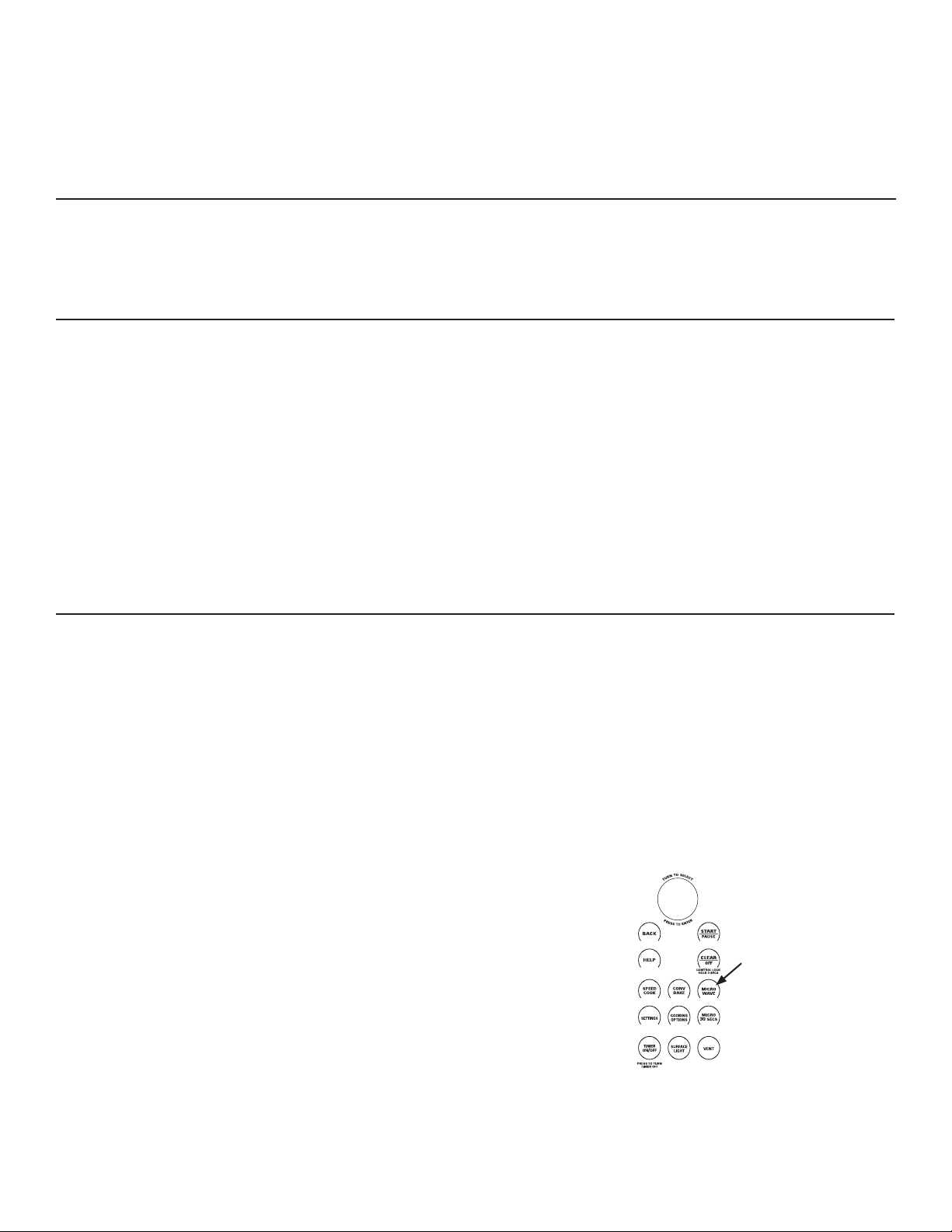
Press MICRO 30 SECS repeatedly for 30 second
increments of microwave cooking time. Oven starts
immediately.
The power level is automatically set at high, but you can
change it for more flexibility. See MICROWAVE POWER
LEVEL(S) section for instructions.
MY RECIPES
See the MY RECIPE sections in the Speedcook section of
this book for instructions on how to save, use, change or
delete a microwave custom recipe.
DEFROSTING TIPS
Use DEFROST BY FOOD TYPE for meat, poultry, fish,
and bread. Use DEFROST BY TIME for most other frozen
foods.
Ŷ)RRGVIUR]HQLQSDSHURUSODVWLFFDQEHGHIURVWHGLQWKH
package when using DEFROST BY TIME. Meats should
be taken out of the package when using DEFROST BY
FOOD TYPE. Closed packages should be slit, pierced
or vented after food has partially defrosted. Plastic
storage containers should be partially uncovered.
Ŷ)DPLO\VL]HSUHSDFNDJHGIUR]HQGLQQHUVFDQEH
defrosted and microwaved. If the food is in a foil
container, transfer it to a microwave-safe dish.
Ŷ)RRGVWKDWVSRLOHDVLO\VKRXOGQRWEHDOORZHGWRVLW
out for more than one hour after defrosting. Room
temperature promotes the growth of harmful bacteria.
Ŷ:KHQGHIURVWHGIRRGVKRXOGEHFRROEXWVRIWHQHGLQDOO
areas. If still slightly icy, return to the microwave very
briefly, or let it stand a few minutes.
Ŷ:KHQGHIURVWLQJRUPRUHSRXQGVRIJURXQGRUFXEHG
meat, remove defrosted portions at the turn signals.
DEFROST BY TIME
Use DEFROST BY TIME to defrost for a selected length of
time.
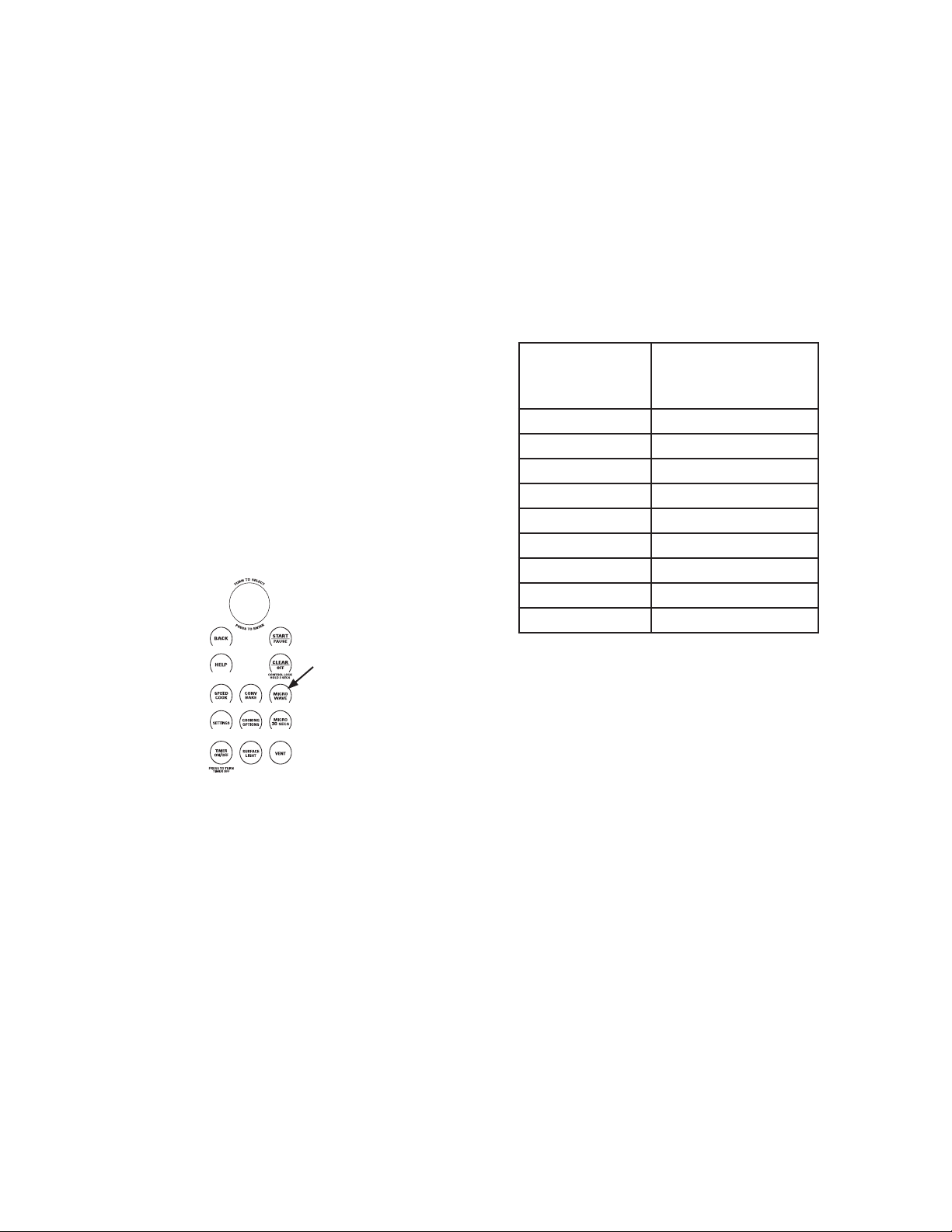
1. Press the MICROWAVE pad.
2. Turn the selector dial to DEFROST.
Press the dial to enter.
3. Turn the dial to DEFROST BY TIME.
Press the dial to enter.
4. Turn the dial to select the time you want.
Press the dial to enter.
5. Press the dial or START/PAUSE pad to start defrosting.
6. Turn the food over when the oven signals
TURN FOOD OVER.
Power level is automatically set at 3, but can be changed.
To change the power levels, see Microwave power levels
for instructions.
You can defrost small items quickly by raising the power
level after entering the time. Power level 7 cuts the total
defrosting time in about half; power level 10 cuts the total
time to about 1/3. When defrosting at high power levels,
food will need more frequent attention than usual and may
have some cooking.
MICROWAVING
26
49-7000145 Rev.0
CONV
BAKE
SPEED
COOK
SETTINGS
MICRO
30
SECS
COOKING
OPTIONS
MICRO
WAVE
SURFACE
LIGHT
TIMER
ON
/OFF
VENT
CONTROL LOCK
HOLD 3 SECS
PRESS TO TURN
TIMER OFF
T
U
R
N
T
O
S
E
L
E
C
T
P
R
E
S
S
T
O
E
N
T
E
R
DEFROST BY FOOD TYPE
DEFROST BY FOOD TYPE automatically sets the
defrosting times and power levels to give even defrosting
results for meats, poultry and fish weighing up to 6 pounds.
1. Remove meat from the package and place it on a
microwave-safe dish. Bread should be left in the
package with any metal twist-ties removed.
2. Press the MICROWAVE pad.
3. Turn the dial to DEFROST. Press the dial to enter.
4. Turn the dial to DEFROST BY FOOD TYPE. Press the
dial to enter.
5. Turn the dial to select food type. Press the dial to enter.
6. Turn the dial to the food weight, using the Conversion
Guide at right. For example, dial 1.2 for 1.2 pounds (1
pound, 3 oz.) Press the dial to enter.
7. Press the dial or START/PAUSE pad to start
defrosting.
8. Turn the food over when the oven signals TURN FOOD
OVER.
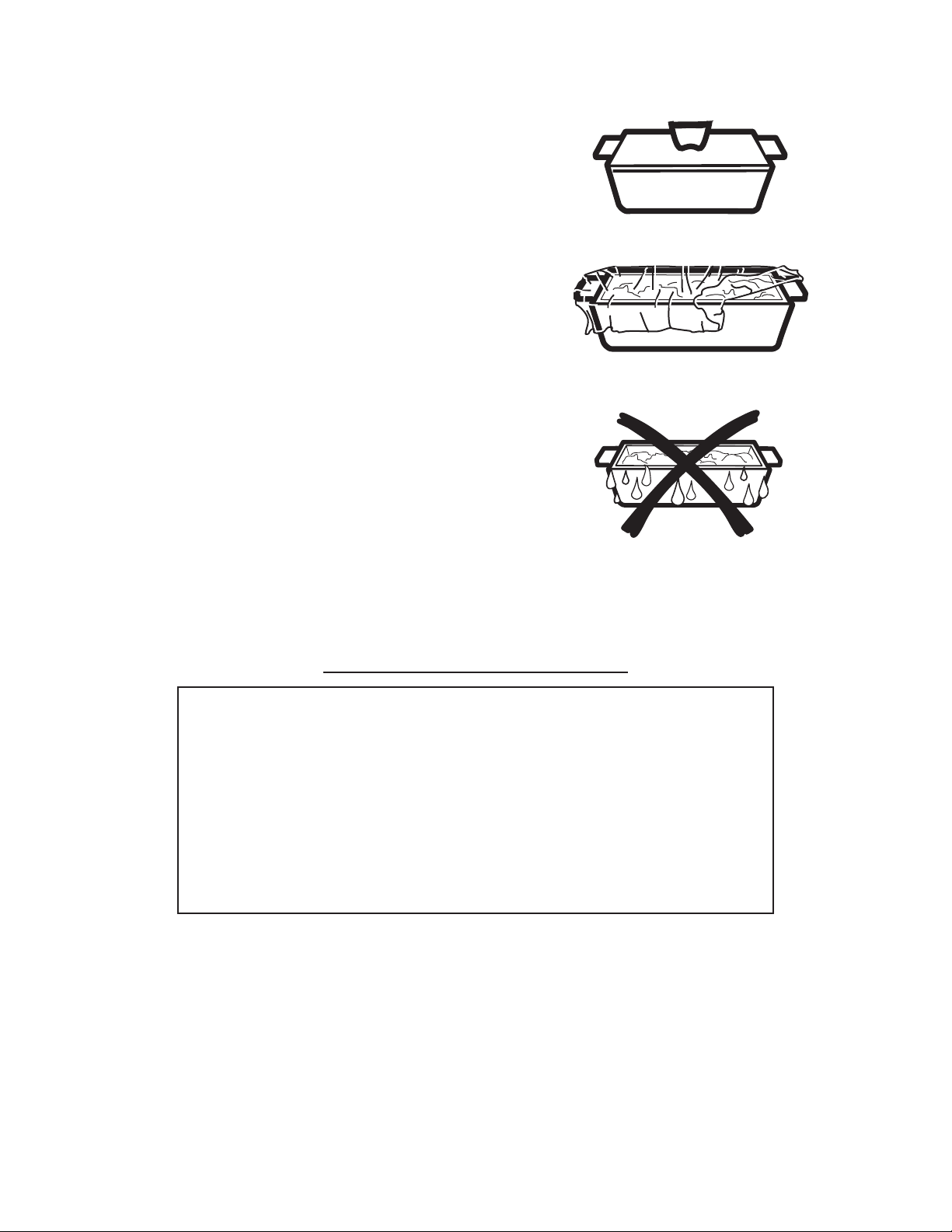
Ŷ 5HPRYHGHIURVWHGPHDWRUVKLHOGZDUPDUHDVZLWK
small pieces of foil for even defrosting.
Ŷ $IWHUGHIURVWLQJPRVWPHDWVQHHGWRVWDQGPLQXWHV
to complete defrosting. Large roasts should stand for
about 30 minutes.
Conversion Guide
If the weight of food is stated in pounds and ounces, the
ounces must be converted to tenths (.1) of a pound.
MICROWAVING
Weight of
Food in Ounc-
es
Enter Food Weight
(tenths of a pound)
1-2 .1
3.2
4-5 .3
6-7 .4
8.5
9-10 .6
11 .7
12-13 .8
14-15 .9
49-7000145 Rev.0
27
MICROWAVE SENSOR COOKING TIPS
The Advantium’s microwave mode features sensor cooking
and reheating. The oven automatically senses when
food is done and shuts itself off—eliminating the need to
program cook times and power levels.
The sensor feature detects the increasing humidity
released during cooking. The oven automatically adjusts
the cooking time to various types and amounts of food.
Do not use the sensor features twice in succession on the
same food portion—it may result in severely overcooked or
burnt food. If food is undercooked after the first countdown,
use COOK BY TIME for additional cooking time.
The proper containers and covers are essential for best
sensor cooking.
Ŷ$OZD\VXVHPLFURZDYHVDIHFRQWDLQHUVDQGFRYHU
them with lids or vented plastic wrap. Never use tight
sealing plastic containers—they can prevent steam from
escaping and cause food to overcook.
Ŷ%HVXUHWKHRXWVLGHRIWKHFRRNLQJFRQWDLQHUVDQGWKH
inside of the oven are dry before placing food in the
oven. Beads of moisture turning into steam can mislead
the sensor.
Ŷ3RSFRUQDQG3RWDWRHVDUHEHVWKHDWHGXQFRYHUHG
Covered
Dry off dishes so they don’t
mislead the sensor.
ŶGround Meat
ŶPopcorn
(Prepackaged microwave popcorn,
2.9 oz. to 3.5 oz.)
ŶPotato
ŶRice
ŶSoup
ŶVegetables (Canned, Fresh, Frozen)
ŶChicken Reheat
ŶPasta Reheat
ŶPlate of Food Reheat
ŶSoup Reheat
ŶVegetable Reheat
ŶSimmer
MICROWAVE SENSOR PROGRAMS
Vented
MICROWAVING

28
49-7000145 Rev.0
CONV
BAKE
SPEED
COOK
SETTINGS
MICRO
30
SECS
COOKING
OPTIONS
MICRO
WAVE
SURFACE
LIGHT
TIMER
ON
/OFF
VENT
CONTROL LOCK
HOLD 3 SECS
PRESS TO TURN
TIMER OFF
T
U
R
N
T
O
S
E
L
E
C
T
P
R
E
S
S
T
O
E
N
T
E
R
TO USE ALL SENSOR PROGRAMS
To use the sensor features:
1. Press the MICROWAVE pad.
2. Turn the dial to select COOK BY FOOD (located
under COOK), REHEAT, or SIMMER.
3. For COOK BY FOOD and REHEAT, select a food and
press the dial to enter. For SIMMER, set the time to
simmer after the soup, sauce or stew has come to a
boil.
4. Press the dial or press the START/ PAUSE pad to start
cooking.
Do not open the oven door until time is counting down on
the display. If you open the door while sensor cooking,
“Sensor Error - Close door and press START” will appear.
Close the door immediately and press the START/PAUSE
pad to begin again.
NOTE: Do not use a sensor feature twice in succession
on the same food portion—it may result in severely
overcooked or burnt food. If the food is not done enough
at the end of the sensor cook time, use COOK BY TIME in
the microwave selector to cook for more time.
Ŷ ,I\RXKDYHEHHQFRRNLQJDQGWKHRYHQLVKRWLWPD\
indicate that it is too hot for sensor cooking. In that
case, the oven will automatically change to time cooking
and may prompt for weights or amounts of food.
Ŷ 7RVKRUWHQRUOHQJWKHQWKHFRRNWLPHZDLWXQWLOWKHWLPH
countdown shows in the display. Then turn the dial to
add or subtract time.
Notes about the Reheat program:
Reheated foods may have wide variations in temperature.
Some areas may be extremely hot.
It is best to use COOK BY TIME and not REHEAT for
these foods:
Ŷ %UHDGSURGXFWV
Ŷ )RRGWKDWPXVWEHUHKHDWHGXQFRYHUHG
Ŷ )RRGVWKDWQHHGWREHVWLUUHGRUWXUQHG
Ŷ )RRGVFDOOLQJIRUDGU\ORRNRUFULVSVXUIDFHDIWHU
reheating
How to adjust the oven’s automatic COOK BY FOOD and
REHEAT settings for a shorter or longer cook time (not
available for all food types):
To reduce the automatic cooking times:
Right after the oven starts, turn the dial counterclockwise
until a minus (“-“) sign or a double minus (“--“) sign
appears and press the dial to enter. A minus (“-“) sign is
a 10% reduction of cooking time and a double minus (“--“)
sign is a 20% reduction of cooking time.
To increase the automatic cooking times:
Right after the oven starts, turn the dial clockwise until a
plus (“+“) sign or a double plus (“++“) sign appears and
press the dial to enter. A plus (“+“) sign is a 10% increase
of cooking time and a double plus (“++“) sign is a 20%
increase of cooking time.
COOKING COMPLETE
To remind you that you have food in the oven, the oven
will display the cooking mode and COOKING COMPLETE
and beep once a minute until you either open the oven
door or press the CLEAR/OFF pad.
REPEAT LAST
Use this time saving feature for cooking repetitive items
like cookies or appetizers. This feature will repeat the last
cooking cycle used, including time, temperature, power
levels, and turntable settings
NOTE: The last program used is stored for two hours.
1. Press COOKING OPTIONS and select REPEAT LAST.
2. The last cooking cycle will be displayed.
3. Press the START/PAUSE pad or the selector dial to
start cooking.
MICROWAVING AND OTHER ADVANTIUM FEATURES

49-7000145 Rev.0
29
BEEPER VOLUME
Use this feature to adjust the volume of the beeper. You
can even turn it off.
Press the SETTINGS pad, turn the dial to select BEEPER
VOLUME, press the dial to enter. Select the beeper
volume, press the dial to enter.
REMINDER
Use this feature to set an alarm beep to sound at a specific
time of day.
1. Press the SETTINGS pad, turn the dial to select
REMINDER and press the dial to enter.
2. Select SET REMINDER and press the dial to enter.
3. Turn the dial to set the time hour and minutes, press
the dial to enter.
NOTE: Setting the hours set AM/PM.
To turn off the Reminder, press the SETTINGS pad, turn
the dial to select REMINDER and press the dial to enter.
Turn the dial to select CLEAR REMINDER and press the
dial to enter.
To check the Reminder time, press the SETTINGS pad,
turn the dial to select REMINDER and press the dial to
enter. Turn the dial to select REVIEW REMINDER and
press the dial to enter. The display will show the Reminder
time.
CLOCK
The clock must be set before you can use your oven for
the first time. When setting the clock time for the first time
go directly to step two.
The clock is designed to turn off when unit is idle for 30
seconds to minimize the standby power usage. The clock
will turn on when unit is in use or door is opened. There is
not an override option available based on the DOE energy
requirements.
1. To change the clock time, press the SETTINGS pad and
turn the dial to CLOCK SETTINGS. Select SET TIME.
2. Turn the dial to set hours. Press the dial to enter.
NOTE: Setting hours sets AM/PM.
3. Turn the dial to set minutes. Press the dial to enter.
AUTO CONVERSION
Auto conversion automatically reduces the convection
baking temperature. You still input the recipe temperature
and the oven control does the rest.
To change the setting, press the SETTINGS pad and turn
the dial to AUTO CONVERSION. Press the dial to enter.
Turn the dial to change the setting to CONVERSION ON
or CONVERSION OFF. Press the dial to enter.
RESUME FEATURE
1. If your food needs to cook a bit longer, you can restart
the oven by pressing the START/PAUSE pad or
selector dial.
2. RESUME COOKING will be displayed and the oven will
restart immediately at 10% of the original time.
The program stays in memory for 5 minutes. After that you
will need to begin the program again.
OTHER ADVANTIUM FEATURES

30
49-7000145 Rev.0
AUTO NIGHT LIGHT
Use this feature to set the surface light to come on and go
off at a certain time.
1. Press the SETTINGS pad, turn the dial to select AUTO
NIGHT LIGHT and press the dial to enter.
2. Select SET ON TIME and press the dial to enter.
3. Turn the dial to set on time hour and minutes, press
the dial to enter. Turn the dial to set off time hour and
minutes, press the dial to enter.
NOTE: Setting the hours sets AM/PM.
To disable the Auto Night Light feature:
Press the SETTINGS pad, turn the dial to select AUTO
NIGHT LIGHT and press the dial to enter. Turn the dial to
select DEACTIVATE and press the dial to enter.
To check the Auto Night Light on and off times:
Press the SETTINGS pad, turn the dial to select AUTO
NIGHT LIGHT and press the dial to enter. Turn the dial
to select REVIEW ON/OFF TIMES and press the dial to
enter. The display will show the on and off time for the
Auto Night light.
NOTE:
• Auto Night Light will turn on the surface light to the night
setting, when the clock time matches the Auto Night Light
on time, even if the surface light is on the bright setting.
• Auto Night Light will always turn the surface light off
when the clock time matches the Auto Night Light off time
if the surface light is turned on.
TEMPERATURE UNITS
To change temperature units, press the SETTINGS pad
and select TEMPERATURE UNITS. Turn the dial to select
F or C and press the dial to enter.
DELAY START
Use this feature to delay when the oven will start cooking
in CONV BAKE, COOK BY TIME, COOK BY TIME 1&2,
DEFROST BY TIME, or DEFROST BY WEIGHT.
1. Press the COOKING OPTIONS pad.
2. Turn the dial to select DELAY START and press the
dial to enter.
3. Turn the dial to set the start time hour and minutes,
press the dial to enter.
NOTE: Setting the hours sets AM/PM.
4. Set the cooking mode.
The oven will start the programmed cooking mode when
the clock time and the delay start time are the same.
TURNTABLE ON/OFF
Use this feature to keep the turntable from turning when
using a dish is too large to rotate in the cavity.
TURNTABLE ON/OFF is not a permanent setting.
Press the SETTINGS pad, turn the dial to select
TURNTABLE ON/OFF and press the dial to enter. Turn
the dial to select TURNTABLE ON or TURNTABLE OFF,
press the dial to enter.
NOTE:
• The turntable will not turn off in Speedcook, Broil, Toast,
or Microwave Sensor modes.
• A cooking cycle must be started within 5 minutes of
turning the turnable off, or the turntable will reset to the
on setting.
• The turntable will also remain off for cooking cycles
started within 5 minutes of the end of any cooking cycle
for which the turntable was off.
OTHER ADVANTIUM FEATURES

49-7000145 Rev.0
31
HELP
Use this feature to find out more about your oven and its
features.
1. Press the HELP pad.
2. Turn the dial to select the feature name. Press the dial
to enter.
The display will show a description for the program you
have chosen. Use the dial to scroll up or down to read the
description.
Adding Time
Auto Conversion
Auto Night Light
Back
Beeper Volume
Beverage
Broil
Clear/Off
Clock
Control Lockout
Conv Bake
Cook by Food Type
Cook by Time
Cook by Time 1 & 2
Cooking Options
Defrost
Defrost by Food
Defrost by Time
Defrost by Weight
Delay Start
Edit
Help
Melt
Micro 30 Secs
Microwave
My Recipes
Proof
Reheat
Reminder
Repeat Last
Resume
Sensor Cooking
Simmer
Soften
Speed Cook
Start/PAUSE
Temperature Units
Timer On/Off
Turntable ON/OFF
Toast
Warm
Features found in the HELP function
TIMER
Use this feature anytime you need a general purpose
timer. It can even be used while cooking in the oven.
1. Press the TIMER pad.
2. Turn the dial to select the minutes. Press the dial to
enter.
3. Turn the dial to select the seconds. Press the dial to
enter.
To cancel:
Press the TIMER pad.
AUTOMATIC FANS
Cooling fans automatically turn on as required to keep the
internal oven components and control from overheating.
The vent fan may come on automatically if the oven gets
too hot, even if the oven isn’t running. The screen will
display: “Normal Operation. Fan is on due to high heat.
Fan will shut off automatically.”
CONTROL LOCK-OUT
You may lock the control panel to prevent the oven from
being accidentally started during cleaning or being used by
children.
Press and hold CLEAR/OFF for 3 seconds to lock and
unlock.
When the control panel is locked, CONTROL IS LOCKED
will be displayed briefly anytime a pad or dial is pressed.
OTHER ADVANTIUM FEATURES
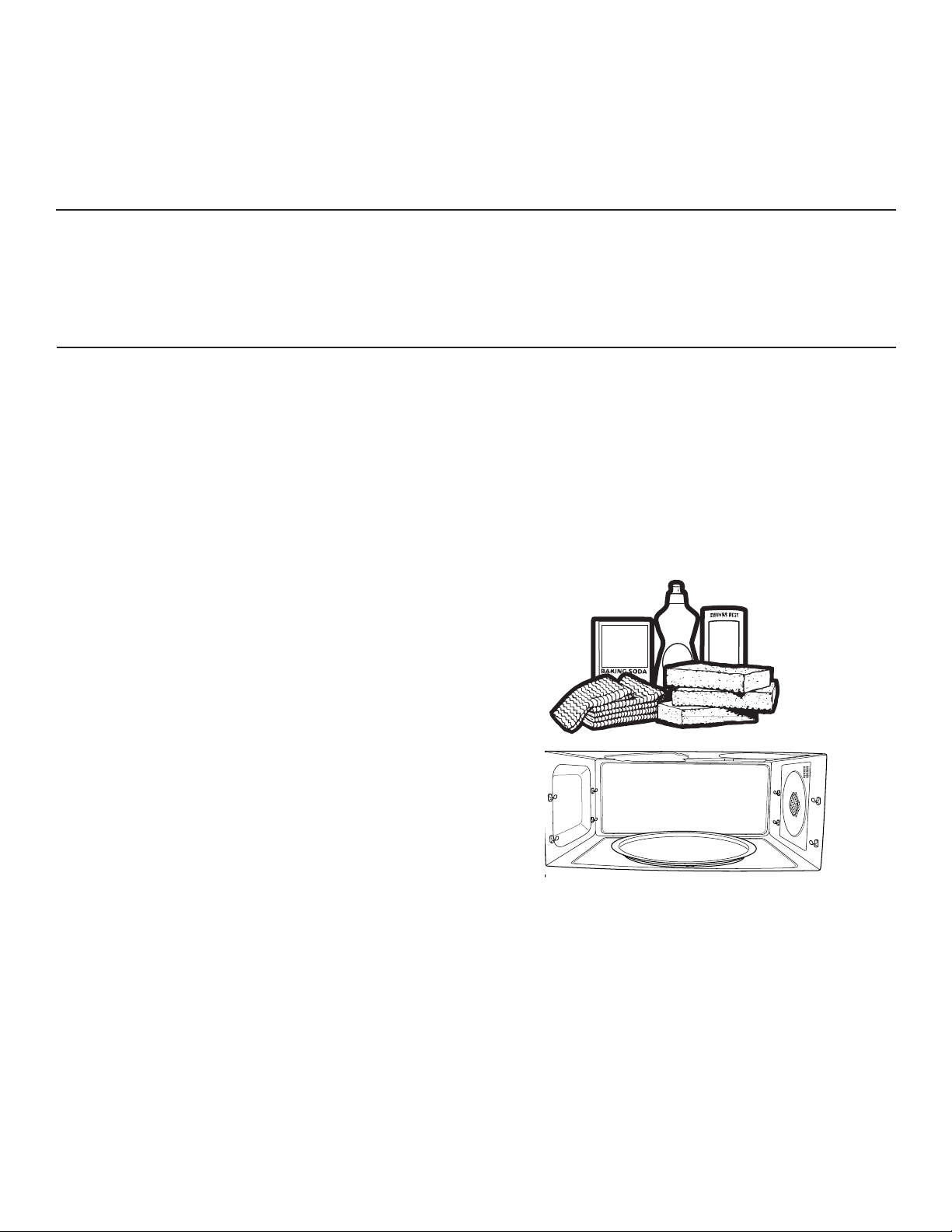
32
49-7000145 Rev.0
NOTE: Be certain the oven control is turned off and the oven is warm or cool to the touch before cleaning any
part of this oven.
HOW TO CLEAN THE INSIDE OF THE OVEN
Clean the inside of the oven often for proper heating
performance.
Some spatters can be removed with a paper towel, others
may require a warm soapy cloth. Remove greasy spatters
with a sudsy cloth, then rinse with a damp cloth.
If the dirt and spatter do not come off easily with a warm
sudsy cloth, place a medium sized bowl full of water in the
unit on the metal tray and press the SPEEDCOOK pad.
Select MY RECIPE and set for 10 minutes at U=3, L=3,
M=7.This should loosen the dirt in the oven so that it can
be removed with a warm sudsy cloth.
If you notice yellowing on the metal inside the oven
that cannot be removed with a warm sudsy cloth, use a
stainless steel cleaner that removes heat discoloration and/
or tarnishing. You can then clean the inside of the oven as
you normally do.
• Do not use abrasive cleaners or sharp utensils on
oven walls.
• Never use a commercial oven cleaner on any part
of your oven.
• Do not clean the inside of the oven with metal scouring
pads. Pieces can break off the pad inside the oven,
causing electrical shock as well as damaging the inside
surface finish of the oven.
SURFACE LIGHT
Use to light your cooktop.
Press the SURFACE LIGHT pad to change from bright to
night to off.
VENT FAN
The vent fan removes steam and other vapors from
surface cooking.
Press the VENT FAN pad to change from high to medium
to low to off.
The vent fan may come on automatically if the oven gets
too hot, even if the oven isn’t running. The screen will
display: “Normal Operation. Fan is on due to high heat.
Fan will shut off automatically.”
CARE AND CLEANING
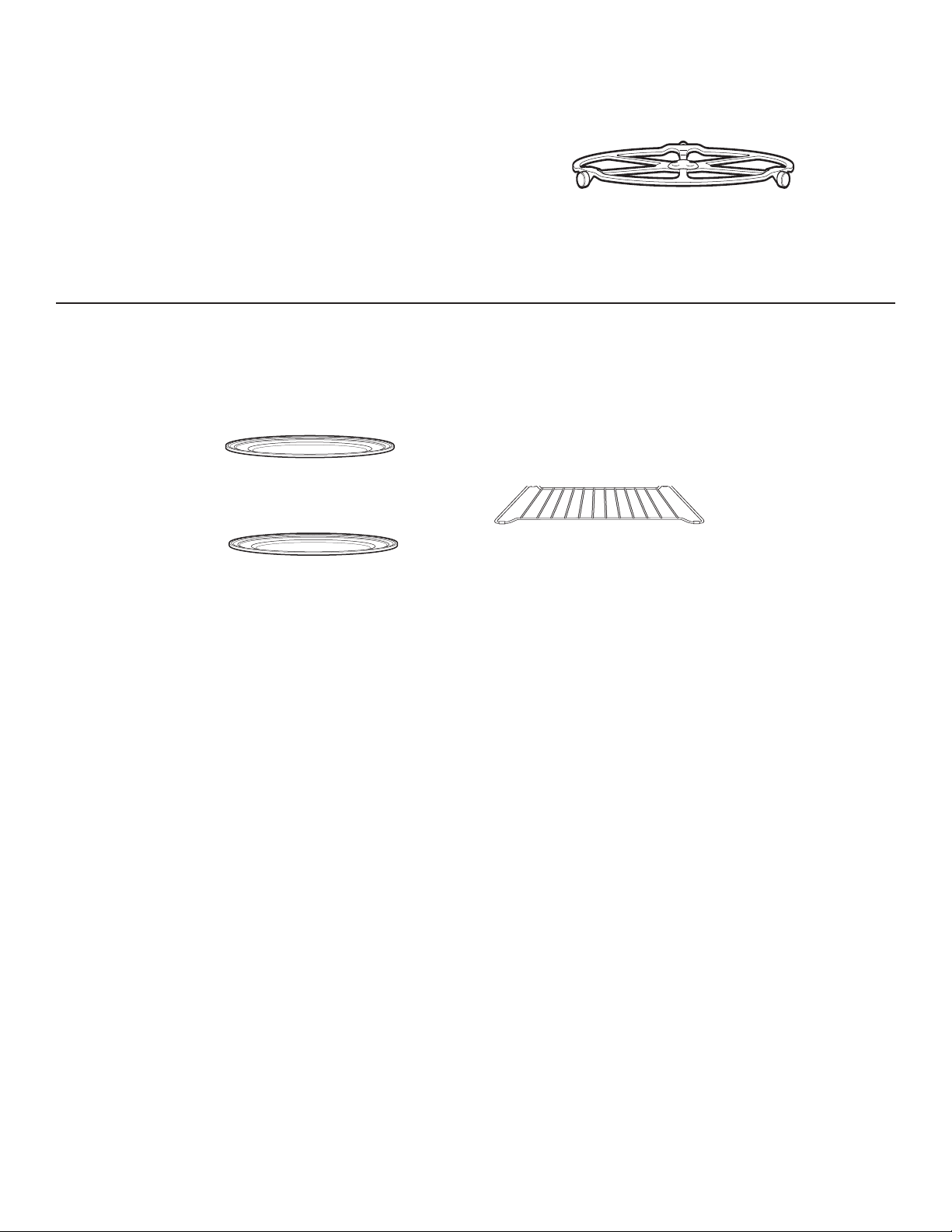
49-7000145 Rev.0
33
COOKING TRAYS AND WIRE OVEN RACK
To prevent breakage, allow the trays to cool completely
before cleaning. Wash carefully in hot, sudsy water or in
the dishwasher.
Do not use abrasives to clean the glass tray or wire oven
rack, as they may damage the finish.
A plastic scrubbing pad may be used to clean the metal
trays.
Metal tray
Wire oven rack
Clear glass tray
REMOVABLE TURNTABLE
The area underneath the turntable should be cleaned
frequently to avoid odors and smoking during a cooking
cycle.
The turntable can be broken if dropped. Wash carefully in
warm, sudsy water. Dry completely and replace.
To replace the turntable, place its center over the spindle
in the center of the oven and turn it until it seats into place.
Do not use the oven without the
turntable in place.
Turntable
CARE AND CLEANING
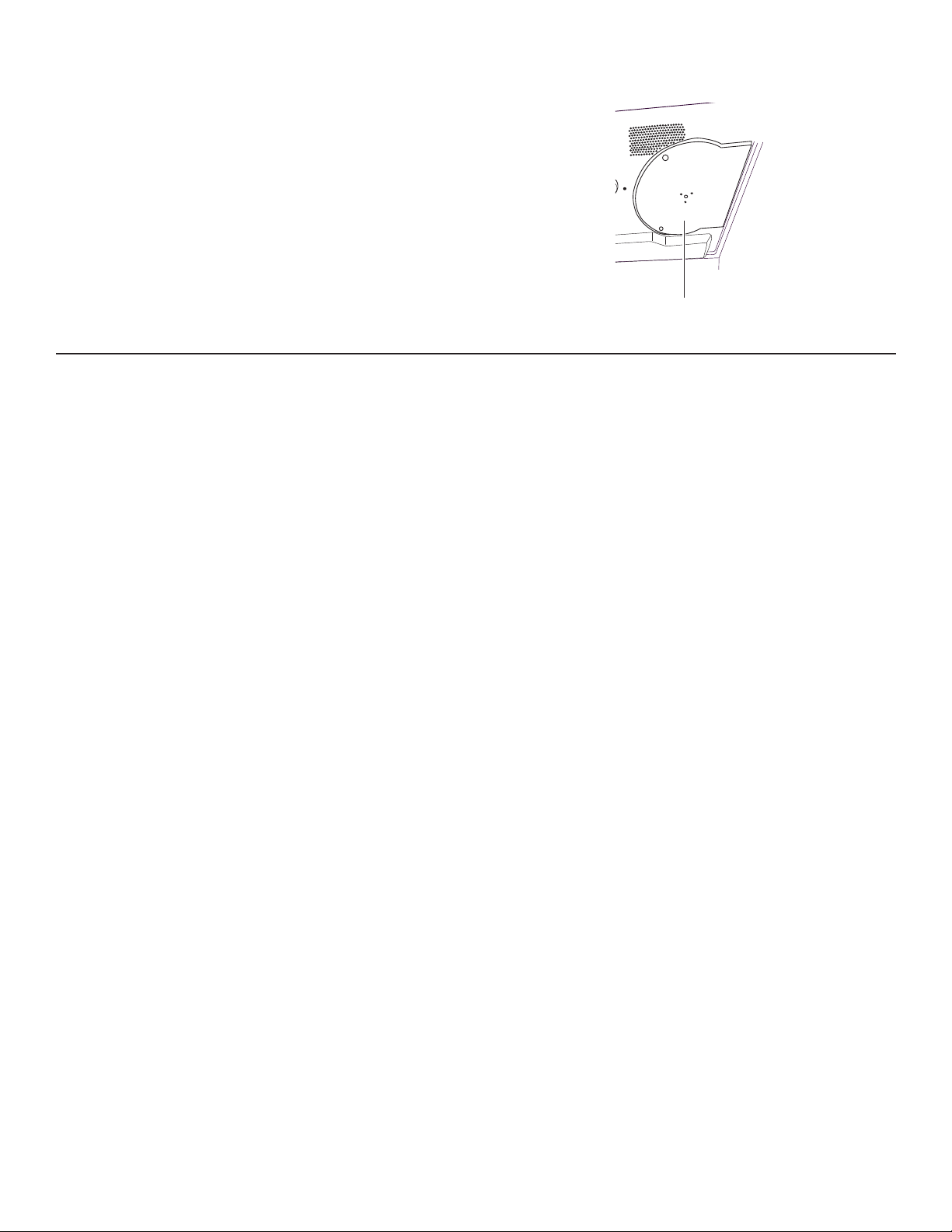
34
49-7000145 Rev.0
MICA SHEET
Do not remove the mica sheet.
To clean the mica sheet: Allow the oven to cool
completely. Wipe clean with a warm soapy cloth.
HOW TO CLEAN THE OUTSIDE OF THE OVEN
We recommend against using cleaners with ammonia or
alcohol, as they can damage the appearance of the oven.
If you choose to use a common household cleaner, first
apply the cleaner directly to a clean cloth, then wipe the
soiled area.
Case
Clean the outside of the microwave with a sudsy cloth.
Rinse and then dry. Wipe the window clean with a damp
cloth.
Control Panel
Wipe with a damp cloth. Dry thoroughly. Do not use
cleaning sprays, large amounts of soap and water,
abrasives or sharp objects on the panel - they can damage
it. Some paper towels can also scratch the control panel.
Stainless Steel Surfaces
(on some models)
The stainless steel panel can be cleaned with Stainless
Steel Magic or a similar product using a clean, soft cloth.
Apply stainless cleaner carefully, avoiding the surrounding
plastic or glass parts. Do not use appliance wax, polish,
bleach or products containing chlorine on stainless steel.
Plastic Color Panels
(on some models)
Use a clean, soft, lightly dampened cloth, then dry
thoroughly.
Door Seal
It’s important to keep the area
clean where the door seals against
the oven. Use only mild, non-abrasive detergents applied
with a clean sponge or soft cloth. Rinse well.
Bottom
Clean off the grease and dust on the bottom often. Use a
solution of warm water and detergent.
Mica Sheet
CARE AND CLEANING
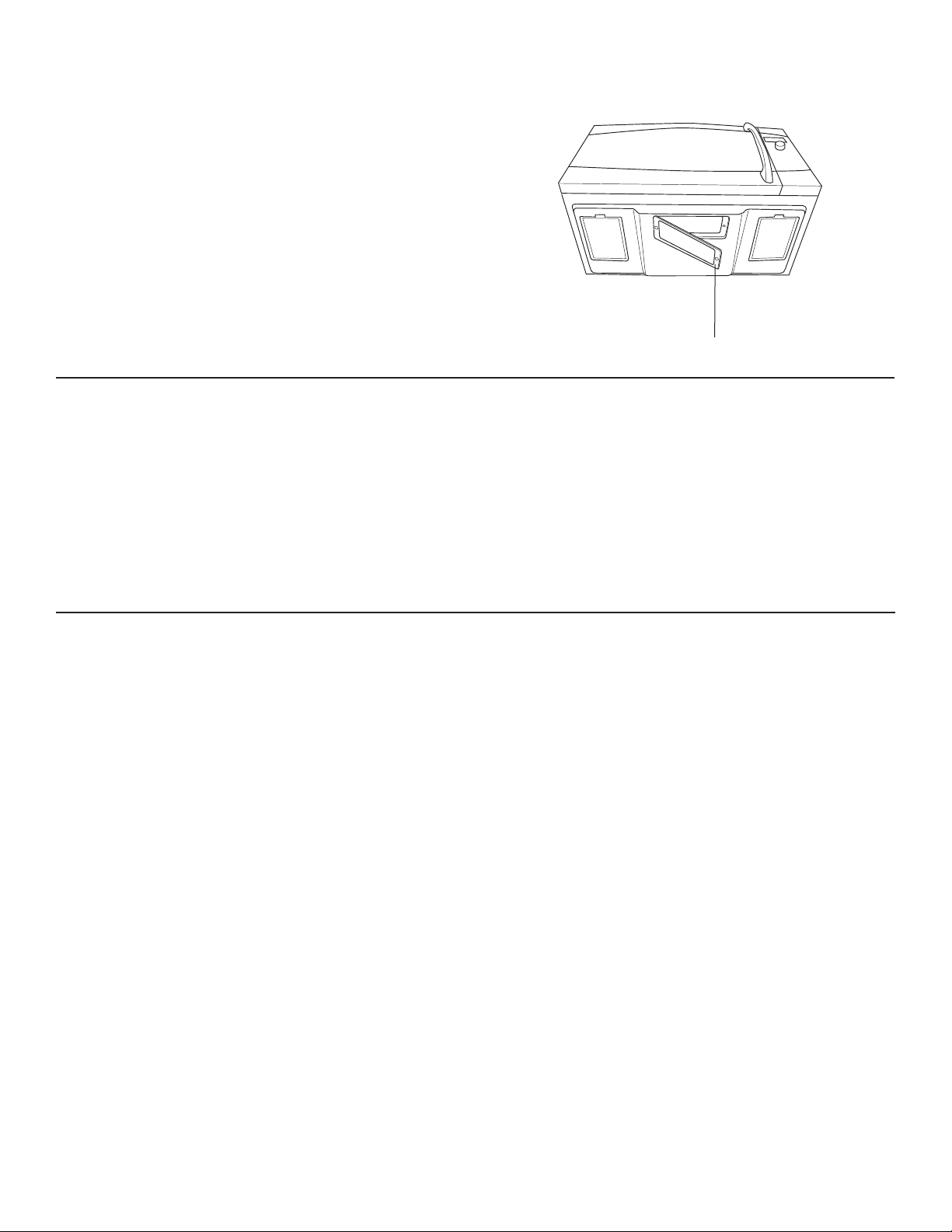
49-7000145 Rev.0
35
REPLACING THE SURFACE LIGHT
1. To replace the surface light, first disconnect the power
at the main fuse or circuit breaker panel or unplug the
oven.
2. Remove the screw from the side of the light
compartment cover and lower the cover until it stops.
3. Be sure the bulb to be replaced is cool before removing.
Gently pull the bulb from the receptacle.
Replace with a 130 volt, 50-watt halogen bulb. Order
WB08X10051 from your GE Appliances supplier.
4. Raise the light cover and replace the screw. Connect
electrical power to the oven.
REMOVING AND CLEANING THE FILTERS
1. The metal filters trap grease released by foods on the
cooktop. They also prevent flames from foods on the
cooktop from damaging the inside of the oven.
2. For this reason, the filters must always be in place when
the hood is used. The vent filters should be cleaned
once a month, or as needed.
3. To remove, slide them to the rear using the tabs. Pull
down and out.
4. To clean the vent filters, soak them and then swish
around in hot water and detergent. Don’t use ammonia
or ammonia products because they will darken the
metal. Light brushing can be used to remove embedded
dirt.
5. Rinse, shake and let dry before replacing.
6. To replace, slide the filters into the frame slots on the
back of each opening. Press up and to the front to lock
into place.
REPLACING THE OVEN CAVITY LAMP
1. Disconnect power at the main fuse or circuit breaker
panel.
2. Remove the top grill by removing the two screws that
hold it in place.
3. Remove charcoal filter if present. Slide the filter toward
the left and pull toward the front to remove. NOTE:
Charcoal filter is an optional kit, you may not have one.
4. Remove the screw holding the lamp shield in place.
5. Pull the lamp shield out. Pull the light bulb out and
replace with the 120V-130V, 20-watt halogen bulb.
Order WB25X10019 from your GE Appliances supplier.
6. Return the lamp and lamp shield to original position and
replace screw and charcoal filter.
7. Replace the grill and 2 screws. Reconnect power to the
oven
Remove screw
CARE AND CLEANING
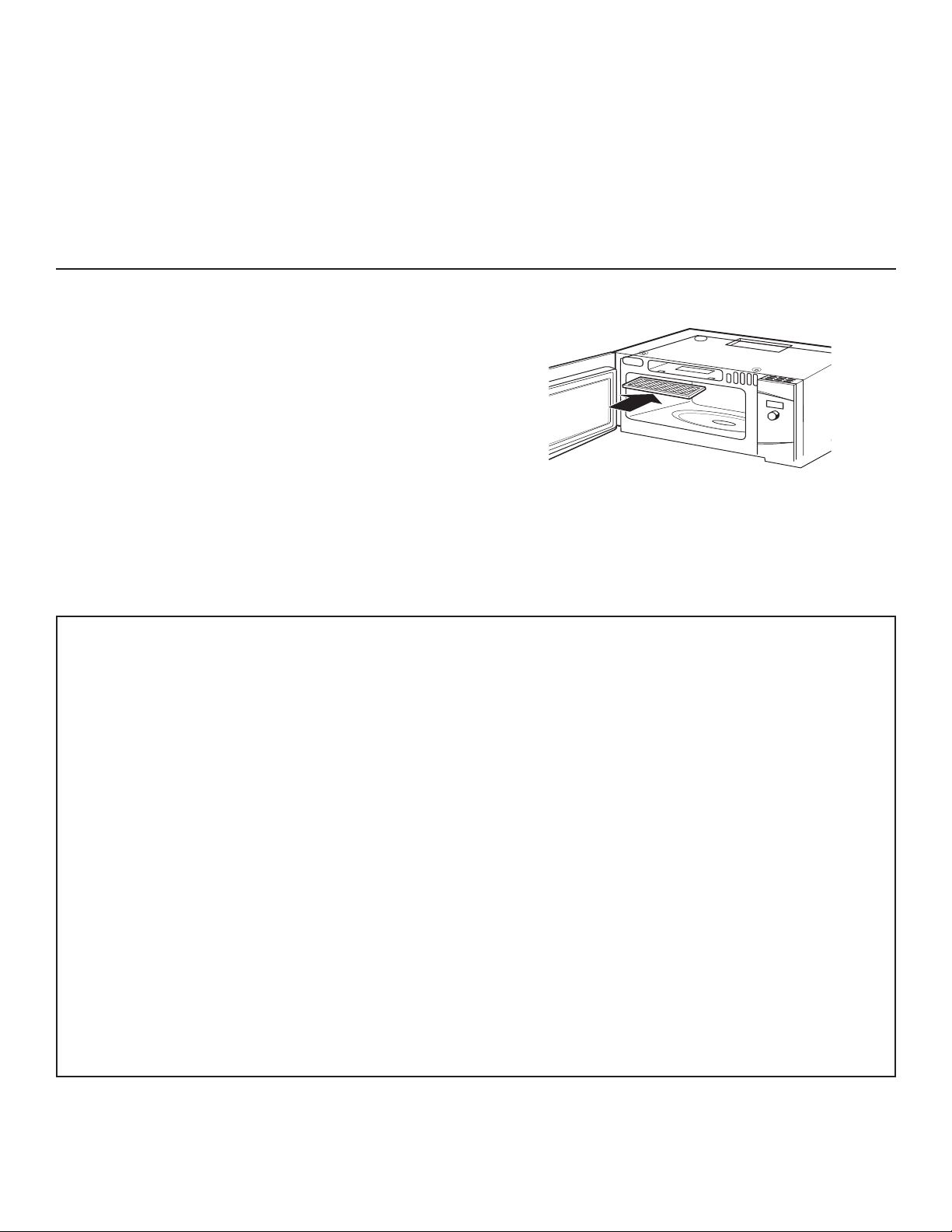
36
49-7000145 Rev.0
TO INSTALL THE CHARCOAL FILTER
1. Remove plastic and other outer wrapping from the new
filter.
2. Remove the top grill by removing the two screws that
hold it in place.
3. Insert the filter into the top opening of the oven as
shown.
4. It will rest at an angle on two back support tabs and in
front by two tabs.
5. Replace the grill and two screws.
To remove the filter, repeat step 2 above, remove the filter
and repeat step 5.
CHARCOAL FILTER (JX81D - OPTIONAL KIT)
If the model is not vented to the outside, the air will be
recirculated through a disposable charcoal filter that helps
remove smoke and odors.
The charcoal filter cannot be cleaned. It must be replaced.
Order Part No. JX81D - WB02X10943 from your GE
Appliances supplier.
The charcoal filter should be replaced when it is noticeably
dirty or discolored (usually after 6 to 12 months, depending
on usage).
FEDERAL COMMUNICATIONS COMMISSION RADIO FREQUENCY
INTERFERENCE STATEMENT (U.S.A. ONLY)
This equipment generates and uses ISM
frequency energy and if not installed and
used properly, that is in strict accordance with
the manufacturer’s instructions, may cause
interference to radio and television reception. It
has been type tested and found to comply with
limits for ISM Equipment pursuant to part 18
of FCC Rules, which are designed to part 18
of FCC Rules, which are designed to provide
residential installation.
However, there is no guarantee that interference
will not occur in a particular installation. If this
equipment does cause interference to radio or
television reception, which can be determined
E\WXUQLQJWKHHTXLSPHQWRႇDQGRQWKHXVHULV
encouraged to try to correct the interference by
one or more of the following:
Ŷ5HRULHQWWKHUHFHLYLQJDQWHQQDRIWKHUDGLRRU
television.
Ŷ5HORFDWHWKH0LFURZDYH2YHQZLWKUHVSHFWWR
the receiver.
Ŷ0RYHWKHPLFURZDYHRYHQDZD\IURPWKH
receiver.
Ŷ3OXJWKHPLFURZDYHRYHQLQWRDGLႇHUHQWRXWOHW
so that the microwave oven and the receiver
DUHRQGLႇHUHQWEUDQFKFRGHV
The manufacturer is not responsible for any
radio of TV interference caused by unauthorized
PRGL¿FDWLRQWRWKLVPLFURZDYHRYHQ,WLV
the responsibility of the user to correct such
interference.
CARE AND CLEANING
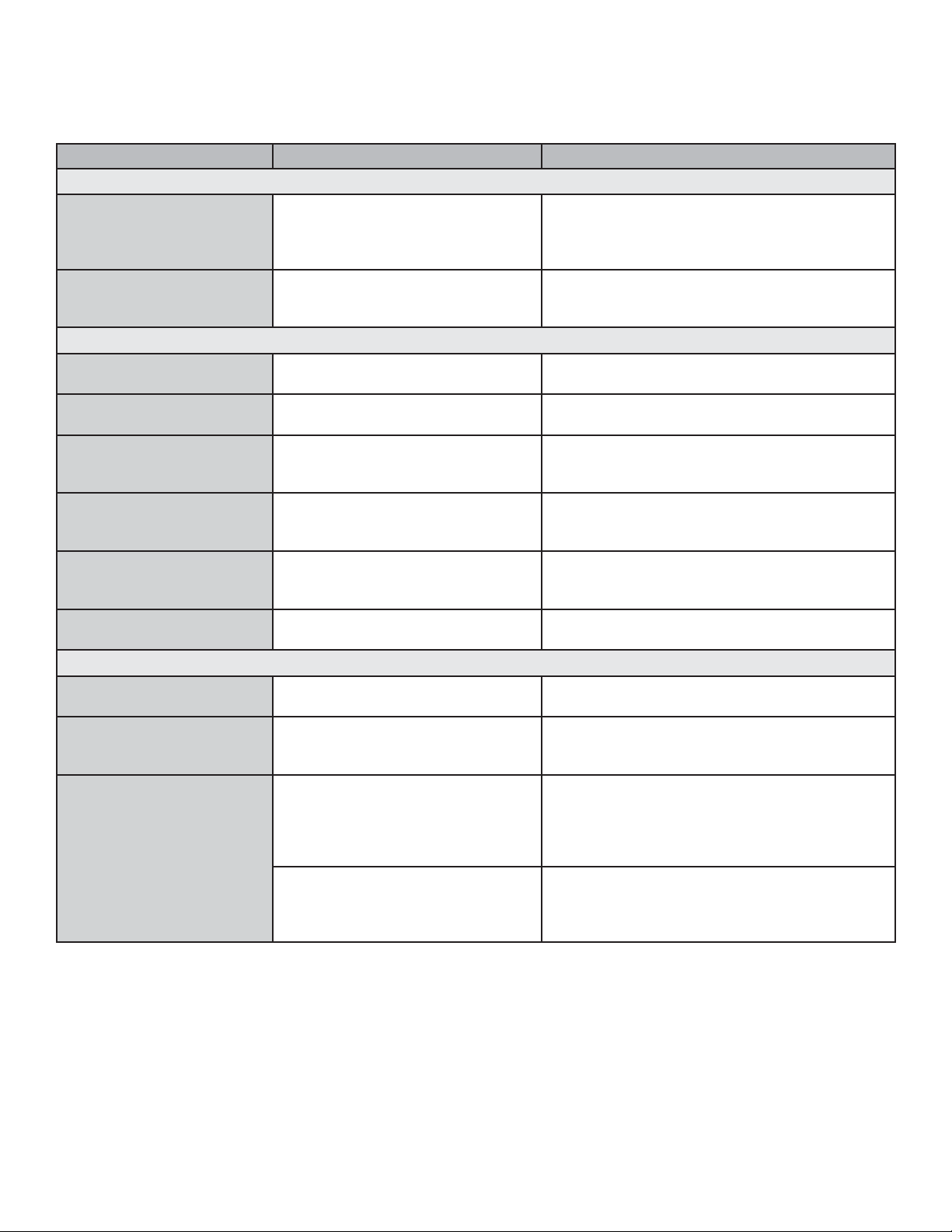
49-7000145 Rev.0
37
TROUBLESHOOTING TIPS
Save time and money! Review the charts on the following pages first and you may not need to call for service.
Problem Possible Cause What To Do
LIGHTS
Light during a speedcook
cycle dims and cycles on
and off, even at full power
levels
This is normal. Power level has
been automatically reduced
because the oven is hot.
This is normal. The oven senses the heat level
and adjusts automatically.
Light visible around the
door and outer case while
speedcooking
This is normal. When the oven is on, light may be visible
around the door and outer case.
FANS
Fan continues to run after
cooking stops
The oven is cooling. The fans will automatically shut off when the
internal parts of the oven have cooled.
Oven vent emits warm air
while oven is on
This is normal.
Vent fan comes on
automatically with oven is
not in use
This is normal If the cooktop or oven gets hot enough, the vent
fan comes on. (See Automatic Fan section.)
Fan comes on
automatically when using
the microwave
This is normal. If the microwave is used after speedcook and
the oven senses that it is too hot, the vent fan
comes on to cool the oven.
The oven makes unusual
sounds while cooking.
Clicks and fans blowing are normal.
The relay board is turning the
components on and off.
These sounds are normal
Fan sound changes while
cooking
This is normal Fan may turn on or off during cooking to
maintain cooking temperature.
COOKING
Smoke comes out of the
oven when I open the door
Food is high in fat content. Aerosol
spray used on the pans.
Smoke is normal when cooking high-fat foods.
Food is not fully cooked
or browned at the end of a
cooking program
Programmed times may not match
the sizeor amount of food you are
cooking.
Increase or decrease time for doneness or
adjust the upper or lower lamps for browning.
Oven has turned off
in Warm, Proof, or
Convection Bake
The maximum cooking time of 179
minutes has been reached.
This is normal. The control will automatically
turn off the oven and indicate that cooking is
complete when the maximum cooking time
is reachet. The cooking time is not always
displayed
A cooking time was set for
Convection Bake to start after
preheat and the door was not
opened at the end of preheat.
This is normal. The control will automatically
turn off the oven after one hour and indicate that
cooking is complete if the door is not opened
after preheat.
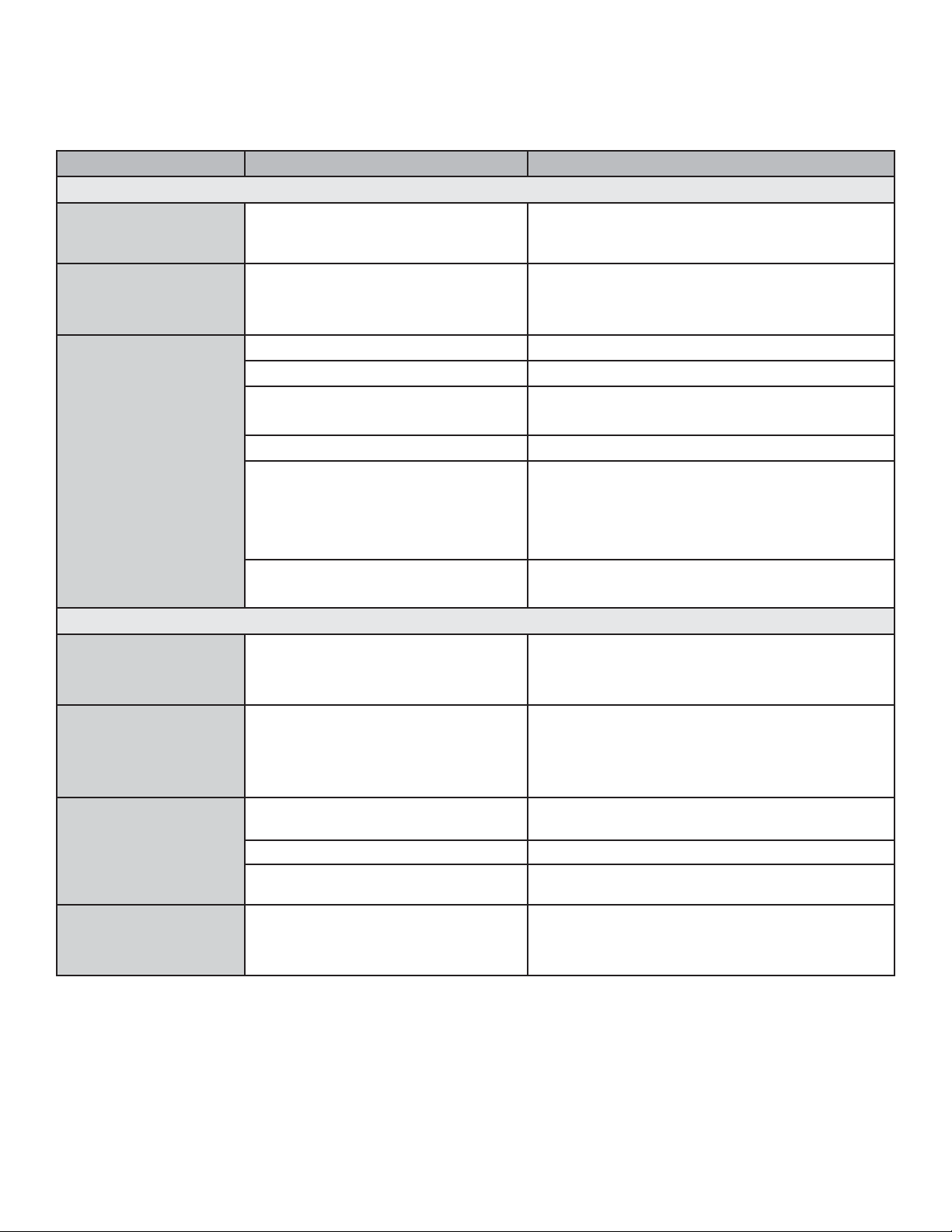
38
49-7000145 Rev.0
Problem Possible Causes What to Do
DISPLAY
The display is
blank
The clock is designed to turn off when unit is idle
for 30 seconds to minimize the standby power
usage. (See Clock section)
“Control Panel
LOCKED” appears
in display
The control has been locked
Press and hold CANCEL/OFF for about 5 seconds
to unlock the control. See Other Features section.
Control display is
lit but oven will not
start
Clock is not set
Follow prompts to set the clock.
Door not securely closed
Open the door and close securely.
START/PAUSE pad not pressed
after entering cooking selection
Follow prompts.
Delay Start was accidentally set
Press CANCEL/OFF.
Oven is in DEMO Mode
Unplug the oven for 1 minute, plug the oven back
into the wall. DO NOT set the clock. Press and
hold the HELP and START/PAUSE pads for 3
seconds. The control should exit DEMO mode.
Set clock and continute.
CANCEL/OFF was pressed
accidentally
Reset cooking program and press
START/PAUSE.
OTHER PROBLEMS
The door and
inside of the oven
feels hot
The oven produces intense heat in a
small space.
This is normal. Use oven mitts to remove food
when when ready.
Floor of the oven is
warm, even when
the oven has not
bee used
The cooktop light is located below the
oven floor. When the light is on, the
heat it produces may make the oven
floor get warm.
Oven will not start
A fuse in your home may be blown or
the circuit breaker tripped.
Replace fuse or reset circuit breaker.
Power surge. Unplug the oven, then plug it back in
Plug not fully inserted into wall outlet. Make sure the plug on the oven is fully inserted
into wall outlet.
Glass microwave
tray does not lock
into center hub
Align the protrusions on the bottom of the glass
microwave tray with the indentions in the turntable
This fit is not tight, and some movement is normal.
TROUBLESHOOTING TIPS
Save time and money! Review the charts on the following pages first and you may not need to call for service.
49-7000145 Rev.0
39
Monogram.com
All warranty service is provided by our Factory Service Centers, or an authorized Customer Care
®
technician. To schedule
service online, visit us at Monogram.com/contact.
What Monogram will not cover:
Ŷ6HUYLFHWULSVWR\RXUKRPHWRWHDFK\RXKRZWRXVHWKH
product.
Ŷ,PSURSHULQVWDOODWLRQGHOLYHU\RUPDLQWHQDQFH
Ŷ3URGXFWQRWDFFHVVLEOHWRSURYLGHUHTXLUHGVHUYLFH
Ŷ)DLOXUHRIWKHSURGXFWRUGDPDJHWRWKHSURGXFWLILWLV
abused, misused (for example, cavity arcing from wire
rack or metal/foil), or used for other than the intended
purpose or used commercially.
Ŷ5HSODFHPHQWRIKRXVHIXVHVRUUHVHWWLQJ
of circuit breakers.
Ŷ5HSODFHPHQWRIWKHFRRNWRSOLJKWEXOEV
Ŷ'DPDJHWRWKHSURGXFWFDXVHGE\DFFLGHQWILUHIORRGV
or acts of God.
Ŷ,QFLGHQWDORUFRQVHTXHQWLDOGDPDJHFDXVHGE\SRVVLEOH
defects with this appliance.
Ŷ'DPDJHFDXVHGDIWHUGHOLYHU\
Staple your receipt here. Proof of the original purchase
date is needed to obtain service under the warranty.
ADVANTIUM OVEN LIMITED WARRANTY
EXCLUSION OF IMPLIED WARRANTIES
Your sole and exclusive remedy is product repair as provided in this Limited Warranty. Any implied warranties,
including the implied warranties of merchantability or fitness for a particular purpose, are limited to two years or the
shortest period allowed by law.
This limited warranty is extended to the original purchaser and any succeeding owner for products purchased for home
use within the USA. If the product is located in an area where service by a Monogram Appliances Authorized Servicer
is not available, you may be responsible for a trip charge or you may be required to bring the product to an Authorized
Monogram Appliances Service location for service. In Alaska, the limited warranty excludes the cost of shipping or service
calls to your home.
Some states do not allow the exclusion or limitation of incidental or consequential damages. This limited warranty
gives you specific legal rights, and you may also have other rights which vary from state to state. To know what your
legal rights are, consult your local or state consumer affairs office or your state’s Attorney General.
Warrantor: GE Appliances, a Haier company
Louisville KY,40225
For the period of Monogram Appliances will replace
Two years
From the date of the
original purchase
Any part of the oven which fails due to a defect in materials or workmanship. During this
limited two-year warranty, Monogram Appliances will also provide, free of charge, all labor
and related service costs to replace the defective part.
Five years
From the date of the
original purchase
The magnetron tube, if the magnetron tube fails due to a defect in materials or workmanship.
During this five-year limited warranty, you will be responsible for any labor or in-home
service costs.

49-7000145 Rev. 0
01-21 GEA
Monogram.com
Printed in China

MANUAL DEL
PROPIETARIO
Horno Advantium
®
120V Speedcook Oven
ESPAÑOL.
MONOGRAM.COM

2
49-7000137 Rev.0
INFORMACIÓN DEL MODELO
NÚMEROS DE MODELO
ZSA1202
ÍNDICE
ESCRIBA LOS NÚMEROS DE MODELO Y DE SERIE
Usted puede encontrarlos en una etiqueta bajo la estufa.
Llene la Tarjeta de Registro de Producto del Consumidor incluida
con este producto.
Tenga a bien escribir los números aquí:
Número de modelo
Número de serie
Utilice estos números en cualquier correspondencia o llamadas
de servicio técnico relacionadas con su aparato.
INFORMACIÓN DEL MODELO
...............................................................................2
SOPORTE PARA EL CONSUMIDOR ..........................................................................3
INFORMACIÓN IMPORTANTE DE SEGURIDAD .................................................................4
FUNCIONES DEL HORNO ..................................................................................10
CONTROLES ............................................................................................11
HORNEAR CON CONVECCIÓN .............................................................................15
ASAR Y TOSTAR .........................................................................................16
CALENTAR Y FERMENTAR ................................................................................17
COCCIÓN POR MICROONDAS
..............................................................................18
CONFIGURACIONES
......................................................................................23
OTRAS FUNCIONES ......................................................................................24
CUIDADO Y LIMPIEZA
CONSEJOS PARA LA SOLUCIÓN DE PROBLEMAS
............................................................27
GARANTÍA LIMITADA .....................................................................................29

49-7000137 Rev.0
3
SOPORTE PARA EL CONSUMIDOR
SITIO WEB DE Monogram
¿Desea realizar una consulta o necesita ayuda con su electrodoméstico? ¡Intente a través del Sitio Web de Monogram las 24 horas
del día, cualquier día del año! Usted también puede comprar más electrodomésticos maravillosos de Monogram y aprovechar todos
nuestros servicios de soporte a través de Internet, diseñados para su conveniencia.
En EE.UU.:
monogram.com.
REGISTRE SU ELECTRODOMÉSTICO
¡Registre su electrodoméstico nuevo a través de Internet, según su conveniencia! Un registro puntual de su producto permitirá una
mejor comunicación y un servicio más puntual de acuerdo con los términos de su garantía, en caso de surgir la necesidad. También
puede enviar una carta en la tarjeta de inscripción preimpresa que se incluye con el material embalado.
En EE.UU.:
monogram.com/register.
SERVICIO PROGRAMADO
El servicio de reparación de expertos de Monogram está a sólo un paso de su puerta. Conéctese a través de Internet y programe su
servicio a su conveniencia cualquier día del año. En EE.UU.:
monogram.com/contact.
CONECTIVIDAD REMOTA
Para solicitar asistencia para la conectividad de red inalámbrica (para modelos con acceso remoto), visite nuestro sitio web en
monogram.com/connect.
PIEZAS Y ACCESORIOS
Aquellos individuos calificados para realizar el servicio técnico de sus propios electrodomésticos podrán solicitar el envío de piezas
o accesorios directamente a sus hogares (se aceptan las tarjetas VISA, MasterCard y Discover). Ordene hoy a través de Internet
durante las 24 horas, todos los días. En EE.UU.:
monogram.com
Las instrucciones que figuran en este manual cubren los procedimientos que serán realizados por cualquier usuario. Otros
servicios técnicos generalmente deben ser derivados a personal calificado del servicio. Se deberá tener cuidado, ya que una
reparación indebida podrá hacer que el funcionamiento no sea seguro.
CONTÁCTENOS
Si no se encuentra satisfecho con el servicio que recibió de Monogram, comuníquese con nosotros a través de nuestro sitio web con
todos los detalles, incluyendo su número telefónico, o escriba a:
En EE.UU.: General Manager, Customer Relations | Monogram Appliances, Appliance Park | Louisville, KY 40225
monogram.com/contact

4
49-7000137 Rev.0
LEA Y GUARDE ESTAS INSTRUCCIONES
INFORMACIÓN IMPORTANTE DE SEGURIDAD
LEA TODAS LAS INSTRUCCIONES ANTES DE USAR
ADVERTENCIA
Para reducir el riesgo de quemaduras, descargas eléctricas, incendio, lesiones o
exposición a energía de microondas excesiva:
Cuando utilice aparatos eléctricos, se deben seguir las precauciones de seguridad básicas, entre las que se incluyen las
siguientes:
Ŷ /HDWRGDVODVLQVWUXFFLRQHVDQWHVGHXWLOL]DUHVWHDSDUDWR
Ŷ /HD\VLJDODVSUHFDXFLRQHVHVSHFtILFDVGHVFULWDVHQOD
sección PRECAUCIONES PARA EVITAR LA POSIBLE
EXPOSICIÓN A ENERGÍA DE MICROONDAS EXCESIVA
de la página 8.
Ŷ 8WLOLFHHVWHDSDUDWRVRODPHQWHSDUDHOILQSUHYLVWRFRPR
se describe en este manual. No utilice químicos ni vapores
corrosivos en este aparato. Este horno está específicamente
diseñado para calentar, secar o cocinar alimentos y bebidas
y no está diseñado para usarse en n laboratorio ni para uso
industrial.
Ŷ 6yORSHUVRQDOFXDOLILFDGRGHEHUHSDUDUHVWHDSDUDWR
Póngase en contacto con el centro de mantenimiento
autorizado más cercano en caso de necesitar revisión,
reparación o ajuste.
INSTALLATION
Ŷ ,QVWDOHRXELTXHHVWHDSDUDWR~QLFDPHQWHGHDFXHUGRDODV
instrucciones de instalación suministradas.
Ŷ (VWHDSDUDWRGHEHFRQWDUFRQXQDFRQH[LyQDWLHUUD&RQHFWH
sólo a un tomacorriente con adecuada conexión a tierra. Ver
la sección Instrucciones de conexión a tierra de la página 8.
Ŷ (VWHKRUQRHVWiOLVWDGRSRU8/SDUDDLQVWDODFLyQGHSDUHG
estándar. Consulte las instrucciones de instalación para que
electrodomésticos aprobados se puedan montar sobre y
debajo del microondas.
Ŷ 1RXWLOLFHHVWHDSDUDWRVLWLHQHHOFDEOHHOpFWULFRRHOHQFKXIH
dañados, si no funciona bien o si ha sufrido una avería o una
caída.
Ŷ 0DQWHQJDHOFDEOHDOHMDGRGHVXSHUILFLHVFDOLHQWHV
Ŷ 1RSHUPLWDTXHHOFDEOHHOpFWULFRFXHOJXHVREUHHOERUGHGH
la mesa o del mostrador de encimera.
Ŷ 1RVXPHUMDHOFDEOHHOpFWULFRRHOHQFKXIHHQDJXD
Ŷ 1RFXEUDQLEORTXHHQLQJXQDDSHUWXUDGHHVWHDSDUDWR
Ŷ 1RDOPDFHQHHVWHDSDUDWRDODLUHOLEUH1RXWLOLFHHVWH
producto cerca del agua; por ejemplo, en un sótano húmedo,
cerca de una piscina, cerca de un lavabo o lugares similares.
Ŷ 1RPRQWHHVWHDSDUDWRVREUHHOIUHJDGHUR
PARA REDUCIR EL RIESGO DE INCENDIO DENTRO DEL
HORNO:
Ŷ 1RFRFLQHH[FHVLYDPHQWHORVDOLPHQWRV9LJLOH
cuidadosamente el aparato cuandose coloque papel, plástico
u otros materiales combustibles dentro del microondas para
facilitar la cocción.
Ŷ 4XLWHODVWLULWDVGHVHJXULGDGWZLVWWLHV\DVDVPHWiOLFDVGH
los recipientes de papel o plástico antes de colocarlos dentro
del microondas.
Ŷ 6LORVPDWHULDOHVTXHVHHQFXHQWUDQGHQWURGHOKRUQR
prenden fuego, mantenga cerrada la puerta del horno,
apáguelo y desconecte el cable eléctrico, o corte la energía
desde el panel de fusibles o del interruptor de circuitos.
Ŷ 1RXWLOLFHHOKRUQRSDUDDOPDFHQDUHOHPHQWRV1RGHMH
productos de papel, utensilios de cocina o alimentos en
el horno cuando no lo esté usando. Todos los estantes
deberán ser retirados del horno cuando no se encuentren en
uso.
Ŷ 1RRSHUHHOKRUQRVLQDOLPHQWRVDGHQWUR
Ŷ 1RXWLOLFHODVIXQFLRQHVGHOVHQVRUGRVYHFHVVXFHVLYDPHQWH
en la misma porción de alimento. Si el alimento no se cocina
completamente después del primer conteo regresivo, utilice
la función COOK BY TIME (COCINAR POR TIEMPO) para
permitir tiempo de cocción adicional.
Ŷ Para evitar chispas no se debe utilizar la parrilla de alambre
del horno para el cocimiento rápido o cocimiento con
microonda.
A FIN DE REDUCIR RIESGOS DE QUEMADURAS:
Ŷ 7HQJDFXLGDGRDODEULUHQYDVHVFRQFRPLGDFDOLHQWH8VH
manijas y aleje el vapor del rostro y las manos.
Ŷ 9HQWLOHSHUIRUHRFRUWHHQYDVHVEROVDVREROVDVSOiVWLFDV
para evitar la acumulación de presión.
Ŷ 7HQJDFXLGDGRDOWRFDUHOSODWRJLUDWRULRODSXHUWDHVWDQWHV
o paredes del horno, los cuales se podrán calentar durante
el uso.
Ŷ /RVOtTXLGRV\FLHUWDVFRPLGDVFDOHQWDGDVHQHOKRUQR
microondas pueden presentar riesgos de quemaduras,
al ser retirados del horno microondas. La posibilidad de
quemaduras es mayor en niños pequeños, a los cuales
no se les deberá permitir retirar ítems calientes del horno
microondas.
49-7000137 Rev.0
5
LEA Y GUARDE ESTAS INSTRUCCIONES
INFORMACIÓN IMPORTANTE DE SEGURIDAD
LEA TODAS LAS INSTRUCCIONES ANTES DE USAR
ADVERTENCIA
El arqueo voltaico puede ocurrir tanto durante la cocción rápida (speedcooking) y de
microondas. Si nota que ocurre arqueo voltaico, apriete el botón táctil CANCEL (BORRAR) y
corrija el problema.
El arqueo voltaico es el término técnico que define las chispas
en el horno. El arqueo voltaico es causado por:
Ŷ 0HWDOROiPLQDGHPHWDOHQFRQWDFWRFRQHOFRVWDGRGHO
horno.
Ŷ /iPLQDGHPHWDOPROGHDGDDODOLPHQWRORVERUGHVGREODGRV
hacia arriba actúan como antenas).
Ŷ 8WLOLFHODOiPLQDGHPHWDOVHJ~QODVUHFRPHQGDFLRQHVGH
este manual.
Ŷ 8WHQVLOLRVGHFRFLQDGHPHWDOXWLOL]DGRVGXUDQWHODFRFFLyQ
rápida o de microondas (excepto ollas suministradas con el
horno).
Ŷ 0HWDOWDOFRPRWLULWDVPHWiOLFDVGHVHJXULGDGVXMHWDGRUHV
para carne de ave o platos con borde de oro en el horno.
Ŷ 7RDOODVGHSDSHOUHFLFODGRTXHFRQWHQJDQSHGD]RVGHPHWDO
pequeños que se utilizan en el horno.
ADVERTENCIA
Continuado
USO
Ŷ &RPRFRQFXDOTXLHUDSDUDWRFXDQGRVHDXWLOL]DGRSRUQLxRV
es necesaria una estrecha vigilancia.
Ŷ 1RKDJDIXQFLRQDUHOKRUQRVLQWHQHUFRORFDGDHQVXOXJDUOD
base giratoria. La base giratoria debe estar libre de bloqueos
para poder girar.
Ŷ 1RDOPDFHQHQLQJ~QHOHPHQWRGLUHFWDPHQWHVREUHOD
superficie del horno de microondas cuando éste se
encuentre en funcionamiento.
Ŷ /DVFRPLGDVRXWHQVLOLRVPHWiOLFRVGHWDPDxRH[FHVLYRQR
deberán ser insertados en un horno microondas/ convección,
ya que podrán generar un incendio o riesgos de descargas
eléctricas.
Ŷ 1RXWLOLFHSURGXFWRVGHSDSHOFXDQGRHODSDUDWRVHXWLOL]DHQ
modos diferentes al microondas.
Ŷ $OJXQRVSURGXFWRVWDOHVFRPRKXHYRVHQWHURV\
contenedores sellados (por ejemplo, frascos sellados) son
propensos a explotar y no deben calentarse en este horno.
Tal uso del horno puede resultar en lesiones personales.
Ŷ 1RFRFLQHODVSDSDVH[FHVLYDPHQWH3XHGHQGHVKLGUDWDUVH\
provocar fuego, causando daños al horno
Ŷ 1RFXEUDODVSDUULOODVXRWUDSDUWHGHOKRUQRFRQSDSHO
metálico. Esto puede sobrecalentar el horno.
Ŷ &RFLQHDIRQGRODFDUQHGHUHVRDYHODFDUQHGHUHVDSRU
los menos una temperatura INTERNA de 160° F y carne de
ave a por lo menos una temperatura INTERNA de 180° F.
Cocinar a estas temperaturas generalmente protege contra
enfermedades causadas por los alimentos.
Ŷ (VWHKRUQRQRKDVLGRDSUREDGRQLSUREDGRSDUDXWLOL]DFLyQ
marina.
LIMPIEZA
Ŷ 0DQWHQJDHOKRUQROLEUHGHDFXPXODFLyQGHJUDVD
Ŷ 1ROLPSLHFRQHVSRQMLOODVGHPHWDO3XHGHQGHVSUHQGHUVH
pedazos de la esponjilla y tocar partes eléctricas,
provocando un riesgo de descarga eléctrica.
Ŷ $OOLPSLDUVXSHUILFLHVGHSXHUWDV\KRUQRTXHVHXQHQDO
cerrar la puerta, sólo use detergentes suaves no abrasivos
aplicados con una esponja limpia o un paño suave.
Enjuague bien.
AGUA SOBRECALENTADA
Ŷ /tTXLGRVWDOHVFRPRDJXDFDIpRWpVRQFDSDFHVGH
sobrecalentarse más allá del punto de ebullición sin
parecer que estén hirviendo. No siempre hay burbujeo
o hervor visible cuando se saca el recipiente del horno
microondas. ESTO PUEDE RESULTAR EN LA EBULLICIÓN
5(3(17,1$'(/Ë48,'2608<&$/,(17(6&8$1'26(
MUEVE EL RECIPIENTE O SE INSERTA UNA CUCHARA
8275287(16,/,2'(1752'(//Ë48,'2
Ŷ 3DUDUHGXFLUHOULHVJRGHOHVLyQItVLFD
1RVREUHFDOLHQWHHOOtTXLGR
5HYXHOYDHOOtTXLGRDQWHV\DODPLWDGGHOWLHPSRGH
calentamiento.
1RXWLOLFHUHFLSLHQWHVFRQFRVWDGRVUHFWRV\FXHOORV
angostos.
'HVSXpVGHFDOHQWDUHOUHFLSLHQWHGpMHORHQHOKRUQR
microondas por un período corto de tiempo antes de
sacarlo.
7HQJDH[WUHPDSUHFDXFLyQFXDQGRLQWURGX]FDXQDFXFKDUD
u otro utensilio en el recipiente.
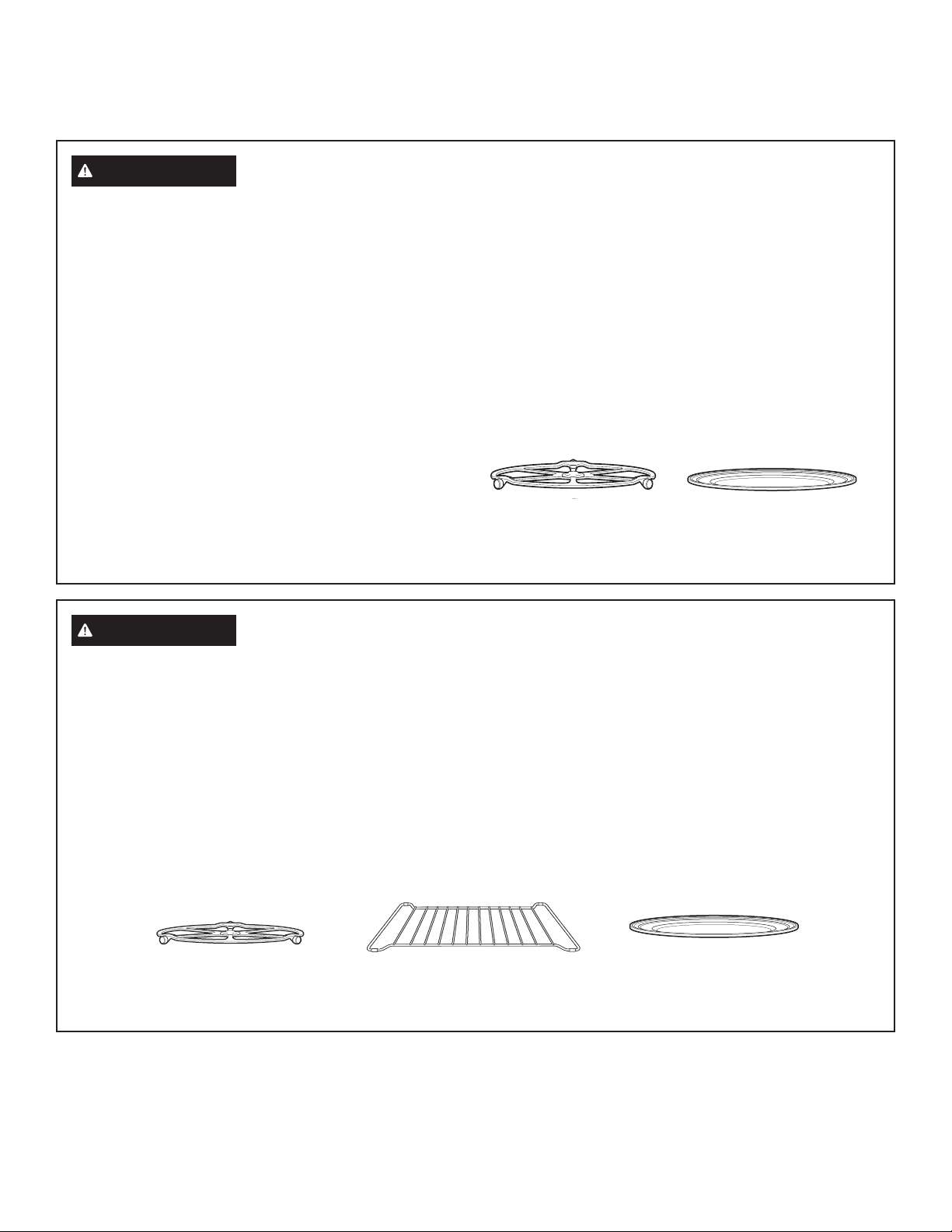
6
49-7000137 Rev.0
LEA Y GUARDE ESTAS INSTRUCCIONES
ADVERTENCIA
RECIPIENTES DE COCINA SEGUROS DISEÑADOS PARA HORNEAR, ASAR,
CALENTAR, ACTIVAR Y TOSTAR
Ŷ El horno y la compuerta se tornarán muy calientes
cuando se hornea, asa, calienta, activa o tuesta algo.
Ŷ Los recipientes de cocina se tornarán muy calientes. Se
requerirán guantes de cocina protectores para manipular
los recipientes de cocina.
Ŷ 1RXWLOLFHWDSDVUHFLSLHQWHVQLEROVDVGHFRFFLyQDVDGR
fabricadas de láminas de metal, plástico, cera o papel
cuando cocine con la función de cocción rápida.
Ŷ 8WLOLFHODEDQGHMDPHWiOLFDDQWLDGKHUHQWHGHODPLVPDIRUPD
que utilizaría una bandeja o charola para hornear plana.
Ŷ 8VHODEDQGHMDFRQUHMLOODGHOKRUQRSDUDKRUQHDUSRU
convección o calentar en dos niveles.
Ŷ &RORTXHORVDOLPHQWRVGLUHFWDPHQWHHQODVEDQGHMDV
cuando cocine, a menos que el horno le indique hacer otra
cosa.
Ŷ 3XHGHXWLOL]DUHQHOKRUQRFXDOTXLHUSODWRGLVHxDGRSDUD
microondas. Las recetas del Libro de cocina Advantium
se probaron en recipientes de cocina de vidrio Pyrex
®
y cacerolas de cerámica Corningware
®
. Los tiempos y
resultados de cocción pueden variar cuando se utilizan
otros tipos de recipientes diseñados para hornos
microondas. Colóquelos directamente en las bandejas.
Ŷ 8WLOL]DUODEDQGHMDGHYLGULRWUDQVSDUHQWHFXDQGRKRUQHD
asa, calienta, activa o tuesta puede producir resultados
insatisfactorios.
ADVERTENCIA
UTENSILIOS PARA COCCIÓN RÁPIDA SEGUROS PARA MICROONDAS
Ŷ El horno y la compuerta se tornarán muy calientes
cuando se utiliza la función de cocción rápida.
Ŷ Los utensilios de cocina se tornarán muy calientes debido
a la transferencia de calor proveniente de los alimentos
calentados. Se requerirán guantes de cocina protectores
para manipular los recipientes de cocina.
Ŷ 1RXWLOLFHWDSDVUHFLSLHQWHVREROVDVGHFRFFLyQDVDGR
fabricadas de láminas de metal, plástico, cera o papel
cuando cocine con la función de cocción rápida.
Ŷ 1RFXEUDODEDVHJLUDWRULDSDUULOODGHDODPEUHEDQGHMDV
ni ninguna pieza del horno con lámina de metal. Esto
provocará arqueo voltaico en el horno.
Ŷ 8WLOLFHODEDQGHMDGHPHWDODQWLDGKHUHQWHHODPLVPDIRUPD
que utilizaría una bandeja o charola para hornear plana.
Ŷ No use la rejilla de acero del horno para la cocción rápida
Ŷ &RORTXHORVDOLPHQWRVGLUHFWDPHQWHHQODVEDQGHMDV
cuando cocine, a menos que el horno le indique otra cosa.
Ŷ 3XHGHXWLOL]DUHQHOKRUQRFXDOTXLHUSODWRGLVHxDGRSDUD
microondas. Las recetas del Libro de cocina Advantium
se probaron en recipientes de cocina de vidrio Pyrex
®
y cacerolas de cerámica Corningware
®
. Los tiempos y
resultados de cocción pueden variar cuando se utilizan
otros tipos de recipientes diseñados para hornos
microondas. Colóquelos directamente en las bandejas.
Ŷ (OXVRGHODEDQGHMDGHYLGULRFODURDOFRFLQDUHQYHORFLGDG
resultará en un rendimiento inferior de la cocción y posibles
fisuras sobre la bandeja de vidrio.
Ŷ 8VHVROREDQGHMDVPHWiOLFDVHVSHFLILFDGDVSDUDXVRFRQ
este horno. Otras bandejas metálicas no fueron diseñadas
para uso con este horno y resultarán en un rendimiento
inferior de la cocción.
Cuando utilice el hornoel plato
giratorio siempre debe estar
colocado en su lugar.
Para hornear con convección,
calentar o tostar coloquela
comida directamenteen la
bandeja de metal.
Coloque la comida directamente sobre el estante
con rejilla o en el plato adecuado y coloque el
mismo sobre el estante al hornear o calentar en
múltiples niveles
Cuando utilice el hornoel
plato giratoriosiempre debe
estarcolocado en su lugar.
Coloque la comida
directamente sobre la bandeja
metálica para cocción rápida
hornear, calentar o dorar por
convección.
INFORMACIÓN IMPORTANTE DE SEGURIDAD
LEA TODAS LAS INSTRUCCIONES ANTES DE USAR
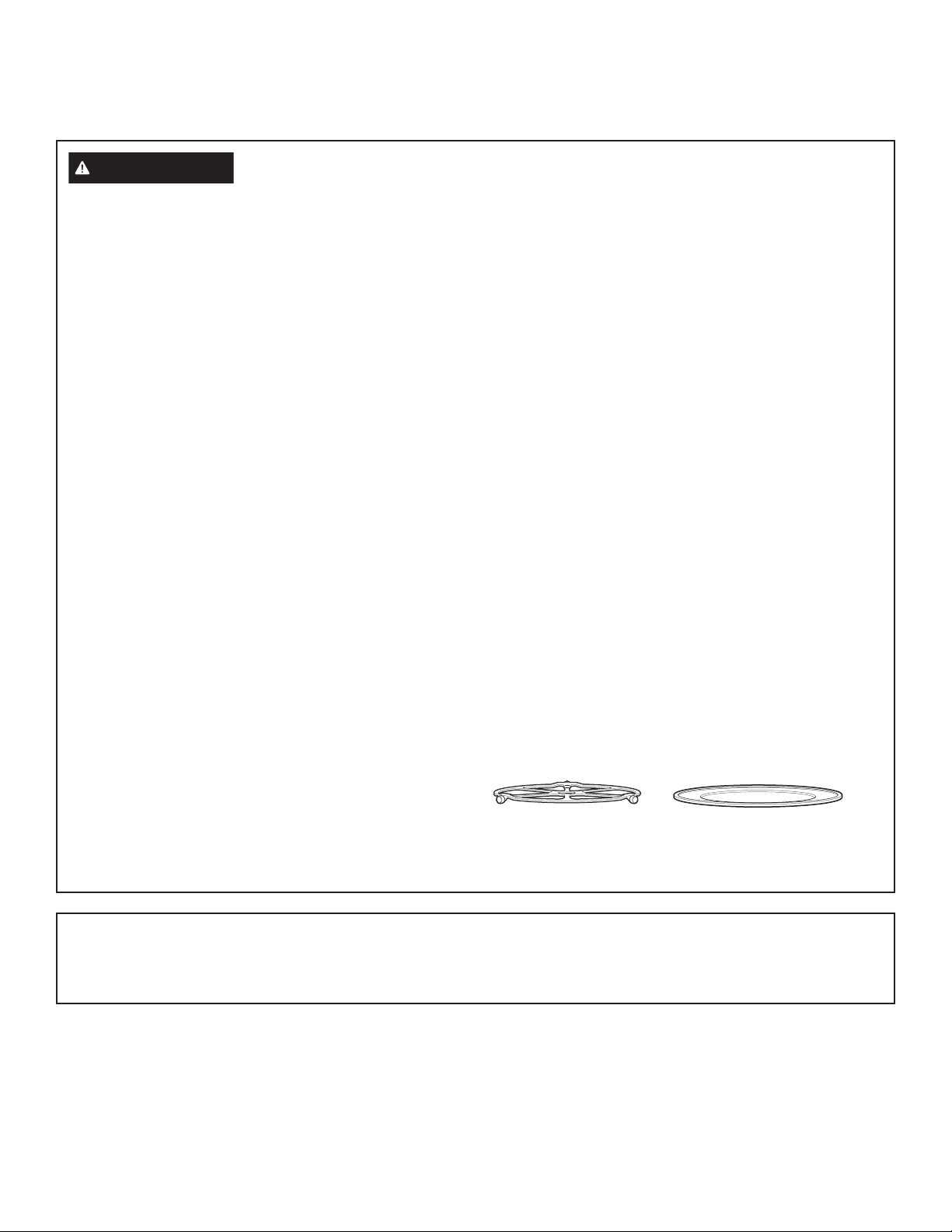
49-7000137 Rev.0
7
LEA Y GUARDE ESTAS INSTRUCCIONES
La base giratoria siempre
debe estar colocada en su
lugar cuando se utiliza el
horno.
La bandeja de cristal
transparente siempre deberá
estar en su lugar cuando se
cocina con microondas.
ADVERTENCIA
RECIPIENTES DE COCINA SEGUROS DISEÑADOS PARA MICROONDAS
Asegúrese de utilizar recipientes de cocina adecuados durante
la cocción a microondas. Se pueden utilizar la mayoría de las
cacerolas, platos para cocinar, tazas de medir, tazas normales,
cerámica o loza que no tengan bordes metálicos o vidriados
con un recubrimiento metálico. Algunos recipientes de cocina se
encuentran marcados como adecuados para microondas.
Ŷ &RORTXHORVDOLPHQWRVRUHFLSLHQWHSDUDPLFURRQGDV
directamente en la bandeja de vidrio transparente para
cocinar sus alimentos.
Ŷ /DXWLOL]DFLyQGHODEDQGHMDPHWiOLFDDQWLDGKHUHQWHGXUDQWH
la cocción en microondas puede producir resultados
insatisfactorios.
Ŷ /RVXWHQVLOLRVGHFRFLQDSXHGHQWRUQDUVHPX\FDOLHQWHV
debido a la transferencia de calor proveniente de los
alimentos calentados. Podrían requerirse guantes de cocina
para manipular los recipientes de cocina.
Ŷ 1RXWLOLFHSURGXFWRVGHSDSHOUHFLFODGR/DVWRDOODV
servilletas y papel encerado fabricados de material reciclado
pueden contener partículas metálicas que pueden causar
arqueo voltaico o prender fuego. Se deben evitar los
productos de papel que contienen nylon o filamentos de
nylon, ya que también pueden incendiarse.
Ŷ 8WLOLFHODVOiPLQDVPHWiOLFDV~QLFDPHQWHFRPRVHLQGLFDHQ
este manual. Cuando utilice la lámina de metal en el horno,
PDQWHQJDODOiPLQDSRUORPHQRVƎDOHMDGDGHORVFRVWDGRV
del horno.
Ŷ 6LXWLOL]DXQWHUPyPHWURGHFDUQHPLHQWUDVFRFLQD
asegúrese que sea seguro para utilizarse en hornos
microondas.
Ŷ $OJXQDVEDQGHMDVGHHVSXPDFRPRDTXHOODVHQODVTXH
se empaca la carne) tienen una tirita de metal delgada
empotrada en la parte inferior. Cuando se cocinan con
microondas, el metal puede quemar el fondo del horno o
hacer que arda una toalla de papel.
Ŷ 6HSXHGHXWLOL]DUWRDOODVGHSDSHOSDSHOHQFHUDGR\ODV
envolturas plásticas para cubrir los platos con el propósito
de mantener la humedad y prevenir los salpicones.
Asegúrese de ventilar cortando la envoltura plástica para
que pueda escapar el vapor.
Ŷ 1RWRGDVODVFXELHUWDVSOiVWLFDVVRQDGHFXDGDVSDUD
hornos microondas. Lea en la caja las instrucciones
correspondientes.
Ŷ 6HGHEHQFRUWDUSHUIRUDURYHQWLODUFRPRVHLQGLFDHQOD
caja las bolsas de cocina “hervibles” y bolsas plásticas
cerradas herméticamente. De lo contrario, el plástico
puede reventarse durante o inmediatamente después de
la cocción, resultando en una posible lesión. También, los
recipientes de almacenamiento plásticos deben al menos
estar parcialmente descubiertos debido a que forman un
sello muy ajustado. Al cocinar con recipientes cubiertos
con envoltura plástica de manera muy ajustada, quite
cuidadosamente la cubierta y dirija el vapor fuera y alejado
de manos y rostro.
Ŷ 5HFLSLHQWHVGHFRFLQDSOiVWLFRV²/RVUHFLSLHQWHVGHFRFLQD
diseñados para microondas son muy útiles, pero deben
utilizarse con cuidado. Incluso el plástico diseñado para
microondas podría no tolerar condiciones de sobre cocción,
así como los materiales de vidrio o cerámica y podrían
suavizarse o carbonizarse si se exponen a períodos cortos
de sobre cocción. En exposiciones más prolongadas a la
sobrecocción, los alimentos y los recipientes de cocina
podrían coger fuego.
Ŷ 1RXWLOLFHODSDUULOODGHDODPEUHGHOKRUQRSDUDFRFLQDUFRQ
microonda.
Siga las siguientes pautas:
1. Utilice plásticos seguros para microondas únicamente y
utilícelos estrictamente según las especificaciones del
fabricante.
2. No cocine en el microondas recipientes vacíos.
3. No permita que los niños utilicen recipientes de plástico sin
vigilarlos bien.
AVISO: MARCAPASOS
La mayoría de los marcapasos se encuentran protegidos contra la interferencia de productos electrónicos, incluyendo los
microondas. Sin embargo, los pacientes que tengan marcapasos deberían consultar a sus médicos si tienen alguna duda.
INFORMACIÓN IMPORTANTE DE SEGURIDAD
LEA TODAS LAS INSTRUCCIONES ANTES DE USAR
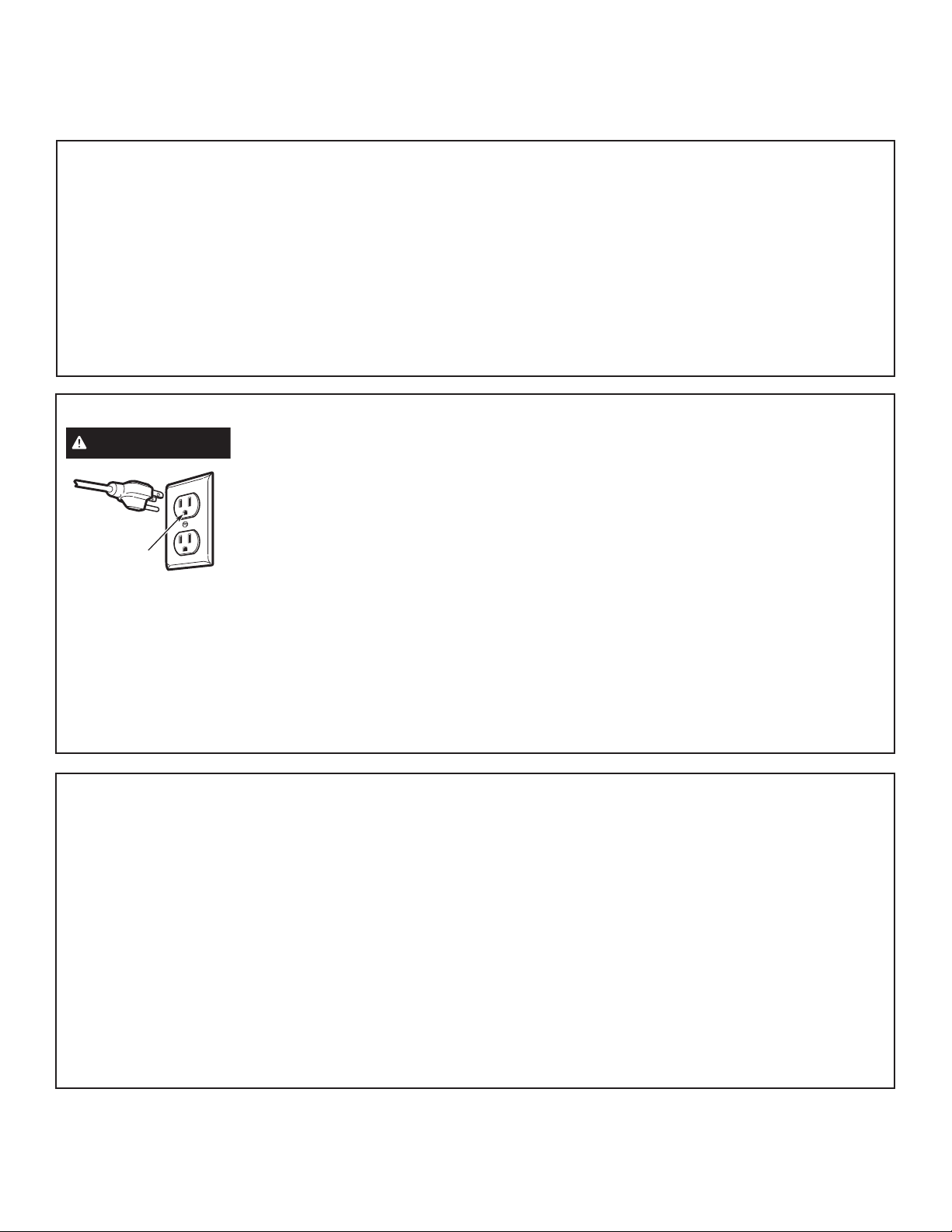
8
49-7000137 Rev.0
LEA Y GUARDE ESTAS INSTRUCCIONES
PRECAUCIONES PARA EVITAR LA POSIBLE
EXPOSICIÓN A ENERGÍA DE MICROONDAS EXCESIVA
(a) No intente hacer funcionar el horno con
la compuerta abierta ya que ésto puede provocar
exposición peligrosa a la energía de microondas. Es
importante no forzar ni dañar los seguros.
(b) No coloque ningún objeto entre la parte frontal del horno
y la compuerta, ni permita que se acumulen residuos de
producto limpiador o detergente, suciedad o polvo en las
superficies de sellado.
(c) No haga funcionar el horno si se encuentra dañado. Es
particularmente importante cerrar bien la compuerta
(1) la compuerta (doblada o curvada),
(2) las bisagras y pestillos (rotos o flojos),
(3) sellos de la compuerta y superficies de sellado.
(d) El horno no debe ser ajustado o reparado por ninguna
persona, excepto por personal de mantenimiento
calificado.
EL VENTILADOR
El ventilador funciona automáticamente en ciertas condiciones
(ver la sección Ventilador). Evite el inicio y propagación de
incendios accidentales de cocción mientras el ventilador se
encuentra en uso.
Ŷ Limpie a menudo la parte inferior del microondas. No
permita que la grasa se acumule en el microondas o en los
filtros del ventilador.
Ŷ En caso de un incendio de grasa en las unidades de
superficie debajo del horno de microondas, apague el
recipiente en llamas sobre la unidad de superficie cubriendo
el recipiente por completo con una tapa, una plancha para
galletas o una bandeja plana.
Ŷ Tenga cuidado al limpiar los filtros del ventilador. Los
agentes de limpieza corrosivos, como los limpiadores de
horno basados en lejía, pueden dañar los filtros.
Ŷ Si flambea alimentos debajo del horno de microondas,
encienda el ventilador.
Ŷ Nunca deje unidades de superficie desatendidas debajo de
su horno de microondas en configuraciones de calor altas.
Los alimentos que hierven y se derraman pueden provocar
humo y derrames grasosos que pueden prenderse fuego
y propagarse si el ventilador del microondas se encuentra
en funcionamiento. Para minimizar el funcionamiento del
ventilador automático, utilice recipientes de cocción del
tamaño adecuado y use calor alto en las unidades de
superficie sólo cuando sea necesario.
INSTRUCCIONES DE CONEXIÓN A TIERRA
ADVERTENCIA
El uso inadecuado del enchufe de conexión a tierra puede provocar un riesgo de descarga
eléctrica.
Tste aparato debe contar con una
conexión a tierra. En caso de un
cortocircuito, la conexión a tierra
reduce el riesgo de una descarga
eléctrica al brindar un cable de
escape para la corriente eléctrica.
Este aparato se encuentra
equipado con un cable eléctrico
que contiene un cable de conexión
a tierra con un enchufe de conexión a tierra. El enchufe debe
conectarse en un tomacorriente con adecuada instalación y
conexión a tierra.
Consulte a un electricista o técnico calificado si no comprende
por completo las instrucciones de conexión a tierra, o si no
sabe si el aparato cuenta con una adecuada conexión a tierra.
Para el uso de este aparato, es su responsabilidad y obligación
cambiar un tomacorriente de pared estándar de 2 clavijas por
uno de 3 clavijas con adecuada conexión a tierra.
Bajo ninguna circunstancia corte o quite la clavija a tierra del
cable eléctrico.
No utilice un enchufe adaptador con este aparato.
No utilice un cable de extensión con este aparato. Si el cable
eléctrico es demasiado corto, solicite a un electricista o técnico
calificado la instalación de un tomacorriente cerca del aparato.
Para un mejor funcionamiento, enchufe este aparato en su
propio circuito eléctrico para evitar que las luces parpadeen,
que el fusible se queme o que el interruptor de circuitos salte.
Asegúrese de
contar con una
conexión a
tierra adecuada
antes de usar.
INFORMACIÓN IMPORTANTE DE SEGURIDAD
LEA TODAS LAS INSTRUCCIONES ANTES DE USAR
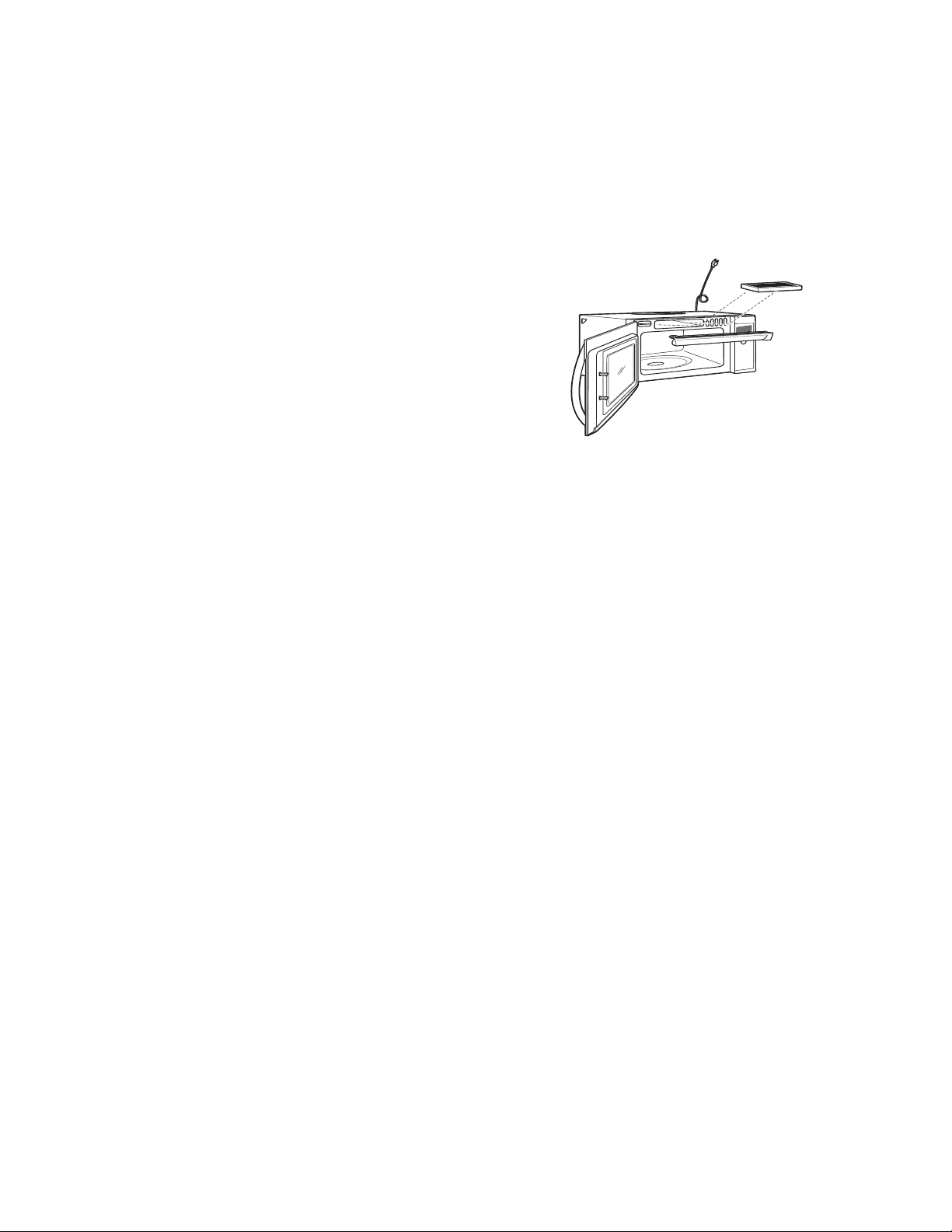
49-7000137 Rev.0
9
KITS OPCIONALES
Kit de Montaje
Ŷ -;%803%%
Use los mismos al instalar el horno microondas con gabinetes
con una profundidad de 15”. El kit de montaje permitirá que el
horno microondas sea instalado de modo tal que los agujeros de
la ventilación en la parte superior frontal de los electrodomésticos
no queden bloqueados.
Kits de Filtros
Ŷ -;'².LWGH)LOWURGH&DUEyQSDUD5HFLUFXODFLyQW
Los kits de filtros son utilizados cuando el horno no puede ser
ventilado hacia el exterior.
Vea la cubierta trasera para ordenar por teléfono o en
Monogram.com.
Disponible en su distribuidor GE Appliances, a un costo adicional:
T
u
r
n
t
o
S
e
l
e
c
t
P
r
e
s
s
t
o
E
n
t
e
r
FAMILIARÍCESE CON ADVANTIUM

10
49-7000137 Rev.0
CONOCIENDO SU HORNO ADVANTIUM
El horno Advantium utiliza tecnologíaavanzada de
Cocimiento rápido paraaprovechar la energía de la luz.
Elhorno Advantium cocina el exterior delos alimentos
PX\SDUHFLGRDOFDORUUDGLDQWHFRQYHQFLRQDODOPLVPR
WLHPSRHQTXHSHQHWUDODVXSHUILFLHSDUDFRFLQDUHOLQWHULRU
simultáneamente.
La luz halógena es la fuente primariade energía, un
sistema de conveccióny un calentador de cerámica ayudan
DOFRFLPLHQWRFRQXQ³UHIXHU]RGHPLFURRQGD´DJUHJDGR
en algunos algoritmosde cocimiento. Los alimentos se
FRFLQDQSDUHMRV\UiSLGRDOPLVPRWLHPSRHQTXHUHWLHQHQ
su humedad natural.
(OKRUQR$GYDQWLXPHVFDSD]GHFRFLQDUUiSLGRKRUQHDU
FRQFRQYHFFLyQDVDUWRVWDUFDOHQWDUIHUPHQWDU\FRFLQDU
con microonda. La función de cocimiento rápido es el
PD\RUEHQHILFLRGHOKRUQR$GYDQWLXP
3DUDFRFLQDUUiSLGRQRVHUHTXLHUHSUHFDOHQWDU&RORTXH
ORVDOLPHQWRVHQHOKRUQR\FRPLHQFHDFRFLQDULQPHGLDWD
PHQWH6HDKRUUDWLHPSR\DTXHQRSUHFDOLHQWD\GHELGRD
que éste cocinamás rápido.
FAMILIARÍCESE CON ADVANTIUM
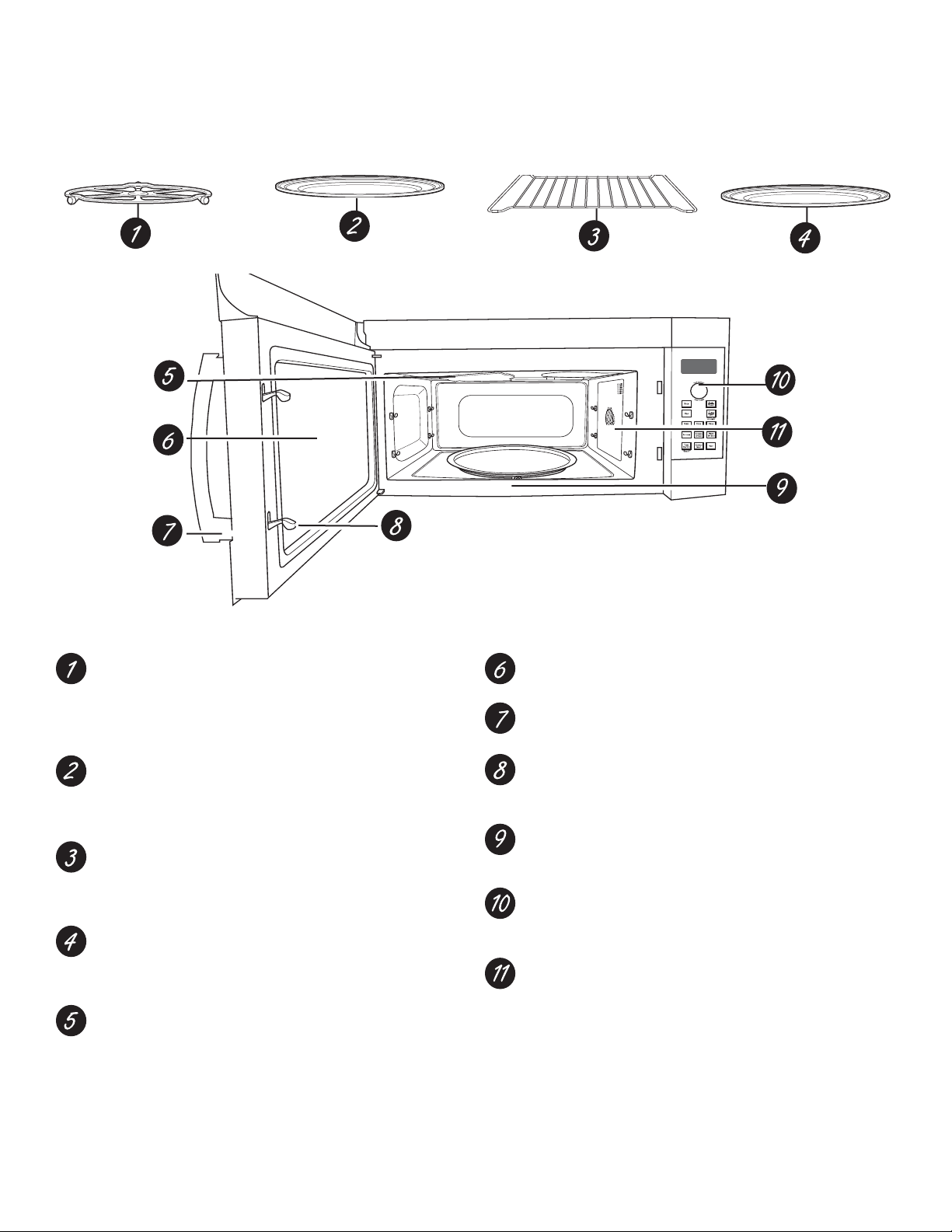
49-7000137 Rev.0
11
CARACERÍSTICAS DEL HORNO
A través de este manual, las características y apariencia pueden variar de las de su modelo
Plato Giratorio
Para todos los tipos de cocimiento el plato giratorio
siempre debe estar en su lugar, en el piso del horno.
Asegúresede que esté colocado seguro sobre eleje en el
centro del horno.
Bandeja de Metal
Al cocinar rápido, asar y tostar coloque los alimentos
directamente en la bandeja de metal y coloque el plato
giratorio.
Parrilla de Alambre del Horno
$OKRUQHDUFRQFRQYHFFLyQRFDOHQWDUFRORTXHORV
alimentos directamente en labandeja de metal o plato
seguro para elhorno sobre la parilla de alambre del horno.
Bandeja de Vidrio Claro
Coloque el plato giratorio cuando utilice las funciones de
microonda. Coloque los alimentos o el recipiente seguro
paramicroondas directamente en la bandeja.
Lámparas Halógena Superior y Calentador Cerámico
Una lámpara halógena de 500W y un calentador cerámico
de 700W cocinan la comida desde arriba al cocinar rápido,
asar y tostar.
Ventana
Permite que se vea la comida durante la cocción.
Manilleta de la Puerta
Hale para abrir la puerta.
Aldabas de la Puerta
Para que el horno funcione la puerta debe estar cerrada
con la aldaba.
Calentador de Cerámica Inferior
Un calentador de cerámica de 375W cocina los alimentos
por la parte deabajo, al cocinar rápido, asar otostar.
Panel de Control
Las teclas utilizadas para operar elhorno están ubicadas
en el panel decontrol.
Sistema de Convección
Un elemento de calentamiento de 1550W cocina
los alimentos con unventilador de convección
haciendocircular el aire caliente a través dela cavidad
para hornear con convección y calentar.
FUNCIONES DEL HORNO

12
49-7000137 Rev.0
SELECTOR DIAL (dial selector)
Girepara seleccionar. Presione para ingresar. Gire para
seleccionar alimentos, nivel de energía o selecciones de
temperatura. También utilice el dial para aumentar (gire en
sentido de las agujas del reloj) o disminuir (gire en sentido
contrario a las agujas del reloj) el tiempo. Simplemente presione
el botón para ingresar la selección.
BACK (regreso)
Presione este botón para retroceder uno o más niveles del
proceso de programación.
HELP (ayuda)
Presione este botón para averiguar más sobre las funciones del
horno.
DISPLAY (pantalla)
Muestra las selecciones de las funciones e información sobre el
horno cuando se encuentra en uso.
START/PAUSE (inicio/pausa)
3UHVLRQHHVWDWHFODSDUDLQLFLDURGHWHQHUFXDOTXLHUIXQFLyQGH
cocimiento.
CLEAR/OFF (borrar/apagar)
Presione esta tecla para cancelar TODOS losprogramas del
horno, con excepción del reloj,la luz automática nocturna, el
cronómetro, elventilador del respirador y la luz de superficie.
SPEEDCOOK (cocimiento rápido)
Presione este botón para acceder al menú predeterminado de
cocción rápida o para configurar su propio programa de cocción
CONV BAKE (hornear con convección)
Presione esta tecla para hornear con convección.
MICROWAVE (microonda)
Presione esta tecla para accesar el menú delmicroonda o para
ajustar su propio programade microonda.
SETTINGS (ajustes)
Presione esta tecla para programar el reloj yaccesar al plato
giratorio on/off, conversión automática, luz nocturna automática,
volumendel pito, recordatorio y unidadesde temperatura.
COOKING OPTIONS (opciones de coc.)
Presione este botón para acceder a repetir el último, asar, leudar,
tostar, calentar e inicio retardado.
MICRO 30 SECS (micro 30 segundos)
Inicia el microondas durante 30 segundos de cocción. Se
agregan 30 segundos adicionales al tiempo de cocción restante
cada vez que se presiona el botón.
TIMER ON/OFF (cronómetro on/off)
3UHVLRQHHVWDWHFODSDUDSURJUDPDUHOFURQyPHWURSDUDPLQXWRV
y segundos.
SURFACE LIGHT (luz de la superficie)
Presione esta tecla para encender y apagarla luz de la plancha.
VENT (ventilador)
Presione esta tecla para encender y apagarel ventilador del
respirador.
CONV
BAKE
SPEED
COOK
SETTINGS
MICRO
30
SECS
COOKING
OPTIONS
MICRO
WAVE
SURFACE
LIGHT
TIMER
ON
/
OFF
VENT
CONTROL LOCK
HOLD 3 SECS
PRESS TO TURN
TIMER OFF
T
U
R
N
T
O
S
E
L
E
C
T
P
R
E
S
S
T
O
E
N
T
E
R
CONTROLES DE COCIMIENTO
&RQVXKRUQRDGYDQWLXPXVWHGSRGUiFRFLQDUFRQOXFHVKDOyJHQDVGHDOWDLQWHQVLGDGFDOHQWDGRUHVGHFHUiPLFDHOHPHQWRGH
calentamiento de convección y/o con energía de microonda convencional.
CONTROLES
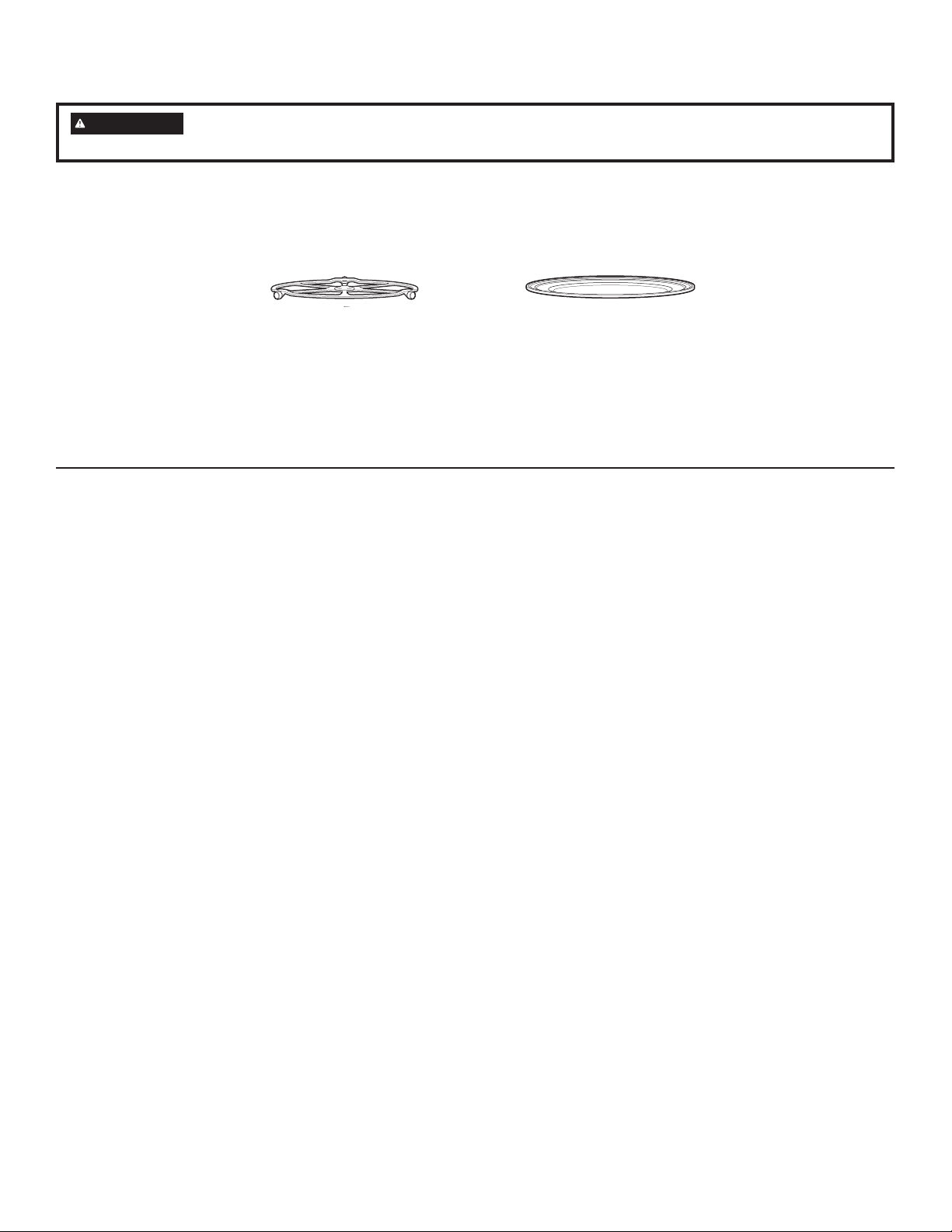
49-7000137 Rev.0
13
COCIMIENTO RÁPIDO
El plato giratorio debe estar colocadoen
su lugar siempre que utiliza el horno..
Ŷ(OKRUQRVHGHWHQGUiVLDEUHODSXHUWDGXUDQWHHOFRFLPLHQWR\
aparecerá PAUSE enla pantalla. Para reanudar el cocimiento
cierre la puerte y presione START/PAUSE.
ŶSeleccione EDIT para cambiar el tiempo olos niveles de
SRWHQFLDHQFXDOTXLHUPRPHQWRGXUDQWHHOFRFLPLHQWR
ŶSe produce humo al cocinar rápido carnes en el horno.
ŶPara cocinar un tiempo adicional después deque terminó el
ciclo de cocimiento, utilice lafunción para Reanudar, como se
le indica enla pantalla.
LO QUE ES NORMAL
Tiempos de cocimiento
ŶAl cocinar rápido con el menú predeterminadode alimentos,
SRGUiYHUHQODSDQWDOOD237,0,=,1*&22.7,0(
(optimizando el tiempo de cocimiento) varios segundos
después de presionar STAR/PAUSE. El horno detecta
automáticamente el nivel del voltaje eléctrico de su casa y
ajusta el tiempo de cocimiento hacia arriba o hacia abajo para
un cocimiento adecuado.
Ventiladores de Enfriamiento
ŶLos ventiladores se encenderán durante elcocimiento. Al
final, éstos continuarán durante un tiempo corto para enfriar
los componentes internos. Los ventiladores se apagarán
automáticamente cuando las piezas internas del horno estén
IUtDV/DSDQWDOODPRVWUDUi³2YHQLV&RROLQJ´HOKRUQRVHHVWi
enfriando).
Ŷ0LHQWUDVHOKRUQRHVWpHQFHQGLGRHOUHVSLUDGRUHPLWLUiXQDLUH
caliente.
ŶCuando el horno está caliente el ventilador de escape se
enciende automáticamente. Vea la sección del Ventilador
Automático.
Luces
ŶCuando el horno está encendido, la luz estará visible
alrededor de la puerta o de la caja exterior.
Ŷ Las luces halógenas se opacarán y se encenderán y
apagarán durante el ciclo de cocimiento rápido, algunas veces
a niveles de potencia completa. Esto es normal. El horno
detecta el nivel de calor y se ajusta automática mente.
Calor del Horno
ŶLos ciclos de cocimiento rápido no requieren un tiempo
de precalentamiento. El horno comienzaa cocinar
inmediatamente.
Ŷ/DSXHUWD\HOLQWHULRUGHOKRUQRHVWDUiQPX\FDOLHQWHV
Tenga cuidado al abrir la puerta y retirarlos alimentos. Tenga
cuidado del vapor quese puede salir alrededor de la puerta.
ŶCuando cocine rápido no utilice recipientes ni cubiertas
hechas de papel, plástico o aluminio.
ŶCuando cocine por un perído largo de tiempo,el horno
puede reducir automáticamente los niveles de potencia para
mantener el nivelapropiado de calor en el horno.
Sonidos
Ŷ(VQRUPDOHVFXFKDUGXUDQWHHOFRFLPLHQWRFKDVTXLGRV\
el soplador del ventilador. El controlelectrónico enciende y
apaga los componentes.
Interferencia
ŶSe puede observar interferencia de TV/radiocuando utiliza
el microonda, similar a la interferencia causada por otros
aparatos pequeños. Esto no indica un problema con el
microonda. Mueva el radio o la TV lo más lejos posible
delmicroonda o revise la posición de la antena dela TV/radio.
Para cocinar ràpido coloque los alimentos
directamente en la bandeja de metal.
Uso de lasfunciones de cocimiento rápido
Debe programar el reloj antes de utilizar su horno por primera vez. Vea la sección Reloj.
Antes de comenzar, asegúrese que el plato giratorio esté en su lugar. Utilice la bandeja de metal o la bandeja de metal para asar y
su propio recipiente de vidrio o cerámica, si es necesario.
ADVERTENCIA
Cuando utilice los programas de cocimiento rápido, recuerde que el horno, la puerta y los
platos estarán muy calientes.
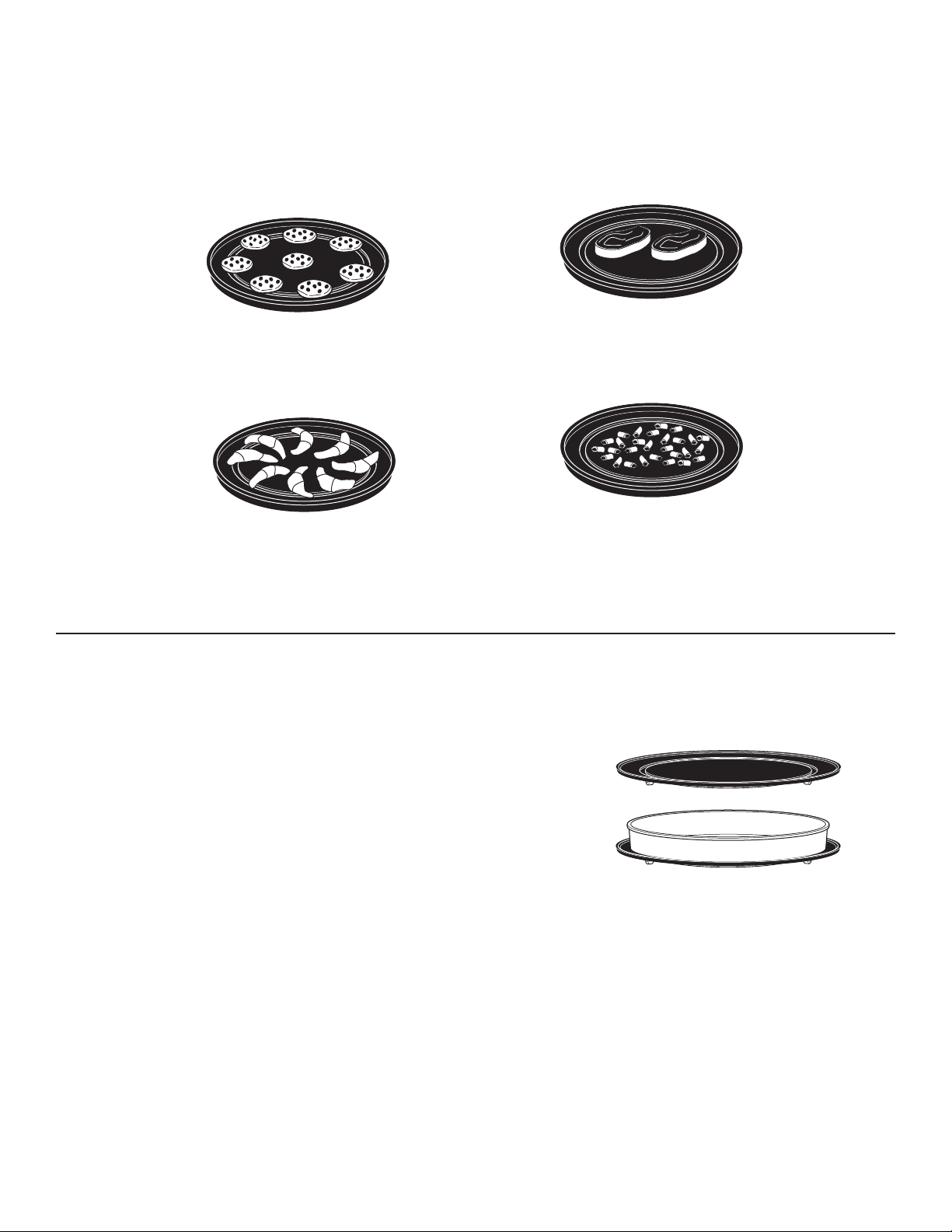
14
49-7000137 Rev.0
CONSEJOS PARA MEJORES RESULTADOS DE COCIMIENTO RÁPIDO
Disponga los alimentos sobre las bandejas metálicas como se
indica para asegurar un dorado consistente y parejo.
Los alimentos pueden tocarse pero no deben estar
montados unos sobre otros.
Circular pattern
Patrón circular
(Ejemplo, biscochos, galletas)
Patrón de rayo
(Ejemplo, croissants, palitos de pan)
Patrón lado a lado
(Ejemplo, carnes y pollos)
Una capa
(Ejemplo, aperitivos)
La carne, pollo, pescado o mariscos frescos que están congelados deben descongelarse antesde cocinarlos. (Puede utilizar la
función de descongelación del microonda). Siga las instruccionesdel paquete para otros alimentos congelados empacados.
RECIPIENTOS PARA COCIMIENTO RÁPIDO
Ŷ /RVUHFLSLHQWVVHFDOHQWDUiQ1HFHVLWDUiJXDQWHVSDUD
manipular los recipientes.
Ŷ 6LJDODVVXJHUHQFLDVSDUDHOUHFLSLHQWHTXHDSDUHFHQHQOD
pantalla del horno oen el Libro de Recetas.
Ŷ &XDQGRFRFLQHFRORTXHORVDOLPHQWRVGLUHFWDPHQWHHQOD
bandeja de metal o en la bandeja de metal para asar, a
menos de que el horno le indique lo contrario.
Ŷ 8WLOLFHODEDQGHMDGHPHWDOGHODPLVPDPDQHUDHQTXH
utilizaría una pana parahornear baja o una bandeja para
hornear.
Ŷ $GHPDVGHORVXWHQVLOLRVVXPLQLVWUDGRVXVWHGSXHGHXWLOL]DU
platos de cacerolasque no sean de metal, platos para
tartasy otros recipientes seguros para el calor.Colóquelos
directamente en la bandejade metal.
Ŷ $VHJ~UHVHGHVHOHFFLRQDUXQWDPDxRTXHURWHIiFLOPHQWH
Ŷ &RORTXHODEDQGHMDGHPHWDORODEDQGHMDGHPHWDOSDUD
asar en el plato giratorio. Coloque el recipiente de vidrio o
cerámicaen la bandeja.
Ŷ &XDQGRFRFLQHUiSLGRQRXWLOLFHUHFLSLHQWHVQLFXELHUWDV
hechas de papel, plástico o aluminio.
COCIMIENTO RÁPIDO
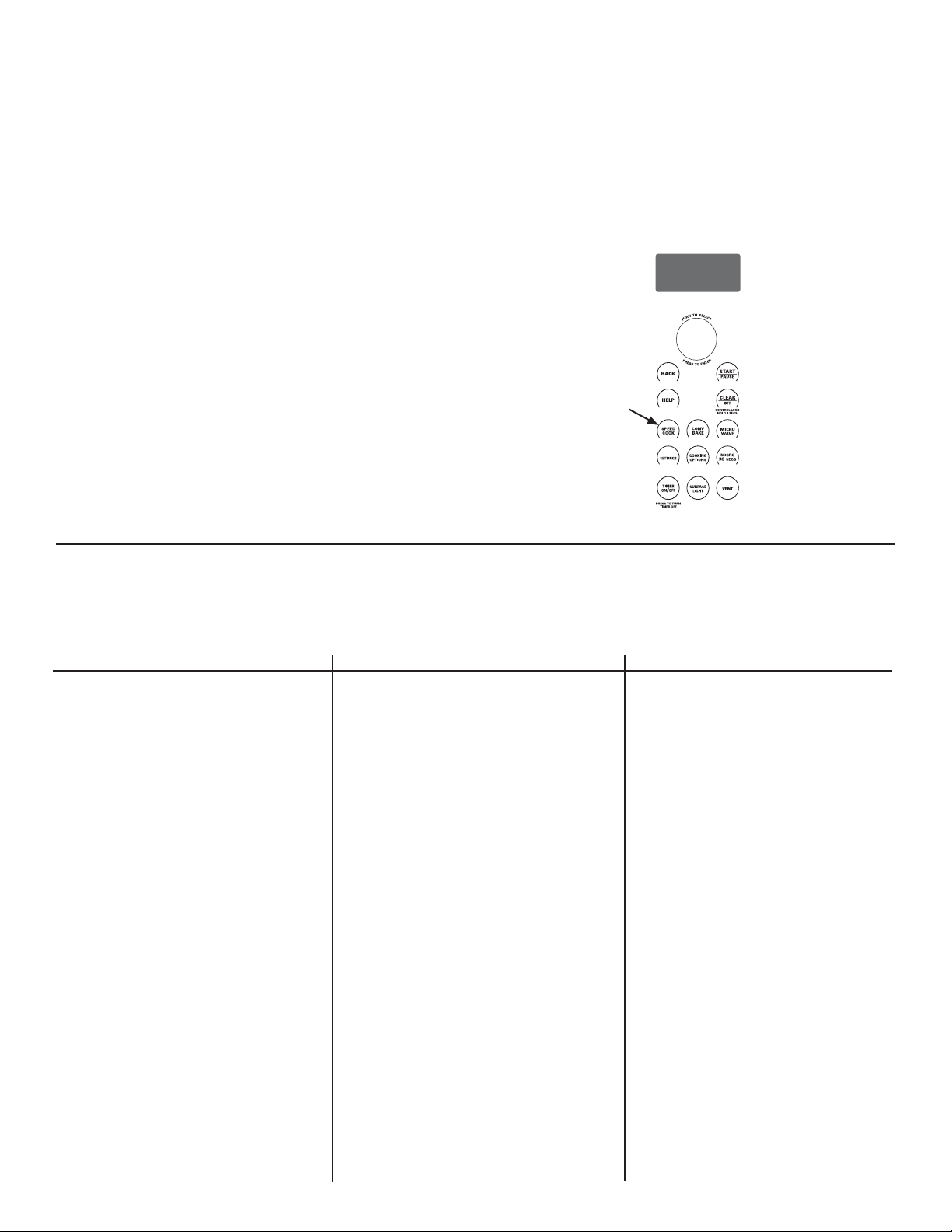
49-7000137 Rev.0
15
CONV
BAKE
SPEED
COOK
SETTINGS
MICRO
30
SECS
COOKING
OPTIONS
MICRO
WAVE
SURFACE
LIGHT
TIMER
ON
/OFF
VENT
CONTROL LOCK
HOLD 3 SECS
PRESS TO TURN
TIMER OFF
T
U
R
N
T
O
S
E
L
E
C
T
P
R
E
S
S
T
O
E
N
T
E
R
UTILICE EL MENÚ PREDETERMINADO DE COCIMIENTO RÁPIDO
El Advantium está preconfigurado para cocinar más de 175
comidas populares.
1. Presione la tecla SPEEDCOOK.
Si no se realiza ninguna entrada durante 15 segundos, la
pantalla volverá a quedar en blanco.
*LUHHOGLDOVHOHFWRUSDUDVHOHFFLRQDUODFDWHJRUtDGHOWLSRGH
DOLPHQWRTXHGHVHD3UHVLRQHHOGLDOSDUDVHOHFFLRQDU
*LUHHOGLDOVHOHFWRUSDUDVHOHFFLRQDUHODOLPHQWRHVSHFtILFR
(selecciónde menú). Presione el dial paraseleccionar.
*LUHHOGLDOVHOHFWRUSDUDVHOHFFLRQDUODFDQWLGDGWDPDxR\R
FRFLPLHQWRVLORUHTXLHUHHOKRUQROHLQGLFDUi3UHVLRQHHO
dial despuésde cada selección.
5. Una vez que la pantalla muestre: EDIT (editar), SAVE
JXDUGDUR67$57LQLFLDUSUHVLRQHODWHFOD67$573$86(
RHOGLDOVHOHFWRUSDUDFRPHQ]DUDFRFLQDU
9ROWHHODFRPLGDFXDQGRHOKRUQROHLQGLTXH7851)22'29(5
(para ciertotipo de comida).
Cuando el horno indique CHECK forDONENESS, revise para ver
VLODFRPLGDHVWiFRFLQDGDDVXJXVWRSDUDFLHUWRVDOLPHQWRV
6LGHVHDUHYLVDUORVDMXVWHVGXUDQWHHOFRFRPLHQWRSUHVLRQHHO
dial selector.
6LHQWUyXQDVHOHFFLyQQRGHVHDGDVLPSOHPHQWHSUHVLRQHHQ
FXDOTXLHUPRPHQWRODWHFOD%$&.\YXHOYDDHQWUDUODVVHOHFFLR
nes deseadas.
Se puede producir humo cuando cocinarápido carne en el horno.
SELECCIONES DEL MENÚ PREDETERMINADO DE COCI-MIENTO RÁPIDO
De acuerdo con la Guía de la USDA, se debe cocinar la carne a una temperatura INTERNA de por lo menos 160ºF y el pollo a una
WHPSUHDWXUD,17(51$GHSRUORPHQRV)&RFLQDUDHVWDVWHPSHUDWXUDVJHQHUDOPHQWHSURWHJHFRQWUDHQIHUPHGDGHVSURGXFLGDV
por los alimentos. Para más información visite la página www.foosafety.gov.
COCIMIENTO RÁPIDO
Categoría Alimento Selección del Menú
Aperitivos Bocadillos de Bagel
3DOLWRVGH4XHVR
Rollos (congelados)
-DODSHxR3RSSHUV
Bolitas de Carne
(cong.)
Nachos
Nueces, Rostizadas
Aros de Cebolla
Rollos de Pizza
Pretzels Suaves (cong.)
Taquitos (congelados)
Panes Biscochos
Palitos de Pan
3DQGH4XHVR
Rollos
Rollos para la cena
Pan de ajo
Tostadas Texanas
Desayumo Waffles Belgas
Pizza de Desayuno
Tostadas a la Francesa
Tortitas de Papa
Panqueques
(congelados)
Rollos (refrigerados)
Biscocho con Salchicha
Chorizos
Tortitas de Salchicha
Strudel (congelados)
Empanadas
Waffles (congelados)
Categoría Alimento Selección del Menú
Pollo Con hueso
Sin Hueso
Filete (congelado)
Dedos (congelado)
Frito (congelado)
Nugget (congelado)
Tortita (congelado)
Tierno (congelado)
Alas (congelado)
Entero
Postres Mezcla de Brownie
Galletas
Tartas (fruta fresca)
Cubierta para Tartas
Rollos (refrigerados)
Empanadas
Entradas Rollos (congelados)
Pan de carne (9x5)
Taquitos (congelados)
Carnes Filet Mignon
Hamburguesas
Chuletas de Cordero
Chuletas de Cerdo
Ribeye Steak
Sirloin Steak
Strip Steak
7%RQH6WHDN
Tenderloin
Pizza Deli/Fresca
Pizza Congelada
8WLOLFHFRUWH]DSUHFRFLGD
Papas Papa horneada
Tortitas de papa
Papas congeladas
Nugetts congelados
&DPRWH-tFDPD
Categoría Alimento Selección del Menú
Sandwich Banderillas
(congelados)
Rollo de Hot Dog
Sandwich a la Parrilla
Sandwich relleno
Mariscos Filetes de Bacalao
Palitos de pescado
(cong.)
Empanizado congelado
Filete de pescado reloj
Salmón
Mariscos
Steak de Pescado Espada
(1”)
Talapia
Steaks de Atún
Pescado blanco/
Bacalao
Guarnición Cacerola
Frijoles Fritos (16 oz)
Espárragos rostizados
Pimentón rostizado
&KLOHVURVWL]DGRV
0Dt]URVWL]DGR
Ajo rostizado
Vegetales mixtos
rostizados
Escalopas de papas
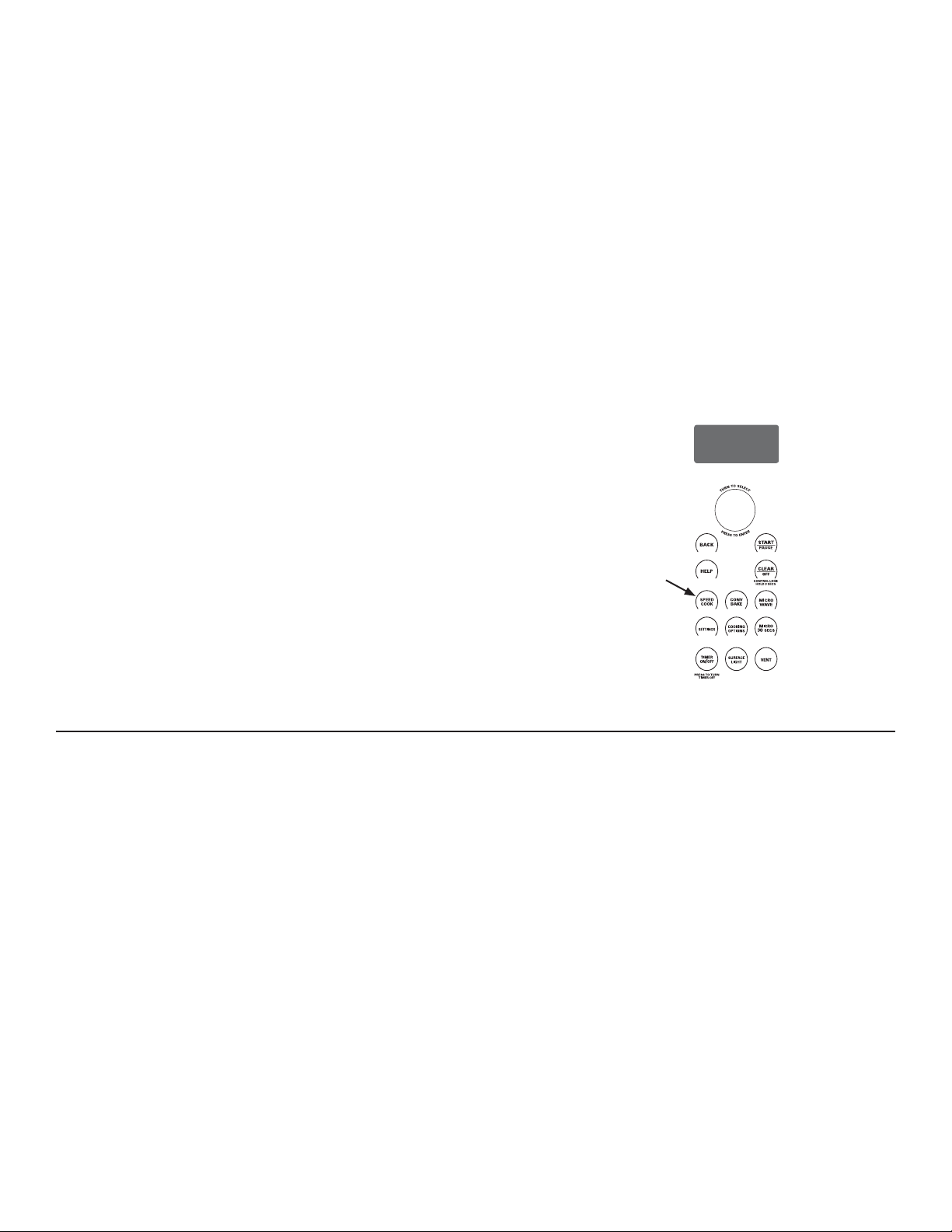
16
49-7000137 Rev.0
NIVELES DE POTENCIA DE COCIMIENTO RÁPIDO
(O$GYDQWLXPXWLOL]DHQHUJtDGHODVOiPSDUDVKDOyJHQDVGHDOWD
intensidad, delcalentador de cerámica, y de microondas para
cocinar simultáneamente los alimentos porarriba, abajo y en el
interior, y sellar lahumedad y el sabor.
Cuando utilice el menú predeterminado dealimentos, los niveles
GHSRWHQFLD\DHVWiQVHOHFFLRQDGRVSDUDXVWHG6LQHPEDUJR
HVWRVVHSXHGHQDMXVWDUDOXWLOL]DUHOPHQ~SUHGHWHUPLQDGRGH
alimentosy MY RECIPE (mi receta).
Cada nivel de potencia le ofrece energíade la lámpara halógena
RGHOFDOHQWDGRUGHFHUiPLFD\GHPLFURRQGDGXUDQWHFLHUWR
porcentaje de tiempo.
Por ejemplo:
U–07 Lámpara halógena superior y calentador cerámico
encendida el 70% del tiempo.
L–07 Calentador de cerámica inferiorencendido el 70% del
tiempo.
M–03 Microonda encendido el 30% del tiempo.
NOTA: Tenga cuidado al ajustar los niveles de potencia de
manera que no cocinelos alimentos demasiado o muy poco.
1. Presione la tecla SPEEDCOOK y seleccione su comida
VLJDODVLQVWUXFFLRQHVGHXVRGHOPHQ~SUHGHWHUPLQDGRGH
cocimiento rápido).
2. Cuando la pantalla muestre EDIT,SAVE o START, gire el dial
paraseleccionar EDIT (editar).
Si no desea cambiar ninguno de losajustes, simplemente
presione eldial y pase a la siguiente selección.
3. Presione el dial si no desea ajustar el tiempo de cocimiento.
*LUHHOGLDOHQGLUHFFLyQGHODVPDQHFLOODVGHUHORMSDUD
aumentar o al contrario para disminuir el nivelde potencia
superior. Presione eldial para seleccionar.
5. Gire el dial para cambiar el nivel depotencia inferior. Presione
el dial para seleccionar.
6. Gire el dial para cambiar el nivel de potencia de microonda.
Presione el dial para seleccionar.
Note que la selección de niveles superior e inferior limitan el
nivel de potencia de microonda. Por ejemplo, si el nivel de
potencia superior o inferior se ajusta a 7, el microonda no se
podrá ajustar más alto que 3.
7. Presione la tecla START/PAUSEo el dial selector para
comenzara cocinar.
CONV
BAKE
SPEED
COOK
SETTINGS
MICRO
30
SECS
COOKING
OPTIONS
MICRO
WAVE
SURFACE
LIGHT
TIMER
ON
/OFF
VENT
CONTROL LOCK
HOLD 3 SECS
PRESS TO TURN
TIMER OFF
T
U
R
N
T
O
S
E
L
E
C
T
P
R
E
S
S
T
O
E
N
T
E
R
CONSEJOS SOBRE EL NIVEL DE POTENCIA PARA LA COCCIÓN RÁPIDA
Siga estas guías generales cuando seleccione los mejores ajustes de U=, L=, y M= para sus recetas favoritas.
U = Seleccione un ajuste más alto para alimentos delgados que
requierenun café dorado en la parte de arriba(por ejemplo:
ILOHWHVGHSHVFDGRWRVWDGDVSHFKXJDVGHSROORGHVKXHVD
das). Seleccione un ajuste más bajopara alimentos gruesos
o con muchocontenido de azúcar o grasa (porejemplo:
PXIILQVURVWL]DGRVFDFHURODVRTXHUHTXLHUDQXQWLHPSR
decocimiento más largo.
L = Seleccione un ajuste más alto paraalimentos gruesos o
densos que norequieren un cocimiento rápido en elcentro
SRUHMHPSORFDFHURODV6HOHFFLRQHXQDMXVWHPiV
bajopara alimentos delgados (por ejemplo:galletas).
M = Seleccione un ajuste más alto paraacortar el tiempo de
FRFLPLHQWRSDUDDOLPHQWRVGHQVRVRSHVDGRVSRUHMHPSOR
cacerolas, pollos enteros).Seleccione un ajuste más bajo
para alimentos delicados (por ejemplo:panes) o alimentos
que requierenun período de cocimiento más largopara
obtener resultados suaves (por ejemplo: steaks, carne para
asar).
COCIMIENTO RÁPIDO
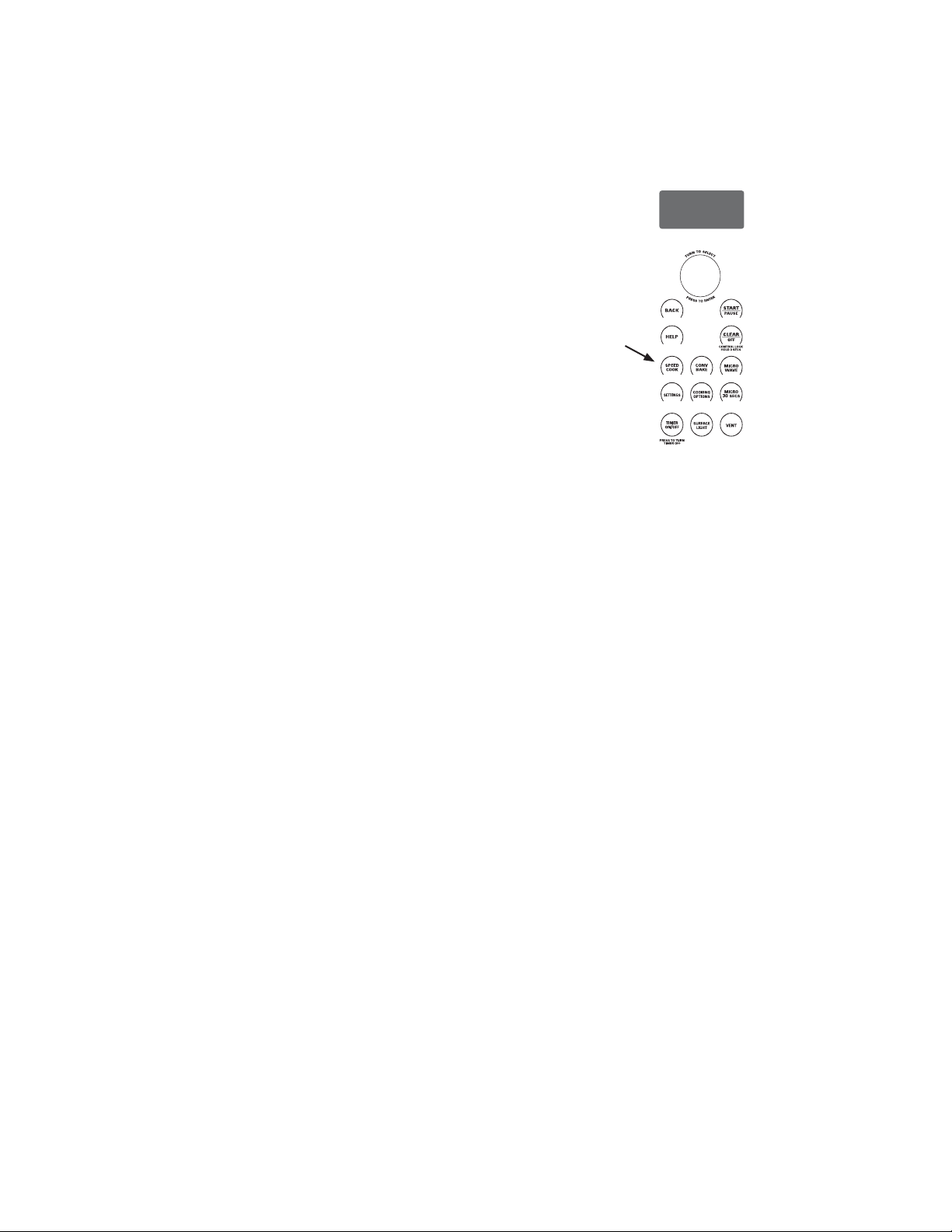
49-7000137 Rev.0
17
CONV
BAKE
SPEED
COOK
SETTINGS
MICRO
30
SECS
COOKING
OPTIONS
MICRO
WAVE
SURFACE
LIGHT
TIMER
ON
/OFF
VENT
CONTROL LOCK
HOLD 3 SECS
PRESS TO TURN
TIMER OFF
T
U
R
N
T
O
S
E
L
E
C
T
P
R
E
S
S
T
O
E
N
T
E
R
MI RECETA -COCIMIENTO RÁPIDO PERSONALIZADO
El Advantium le ofrece flexibilidad alcocinar sus platos favoritos.
Si desea cocinar una comida que nose encuentra entre nuestras
VHOHFFLRQHVSUHGHWHUPLQDGDXWLOLFH0\5HFLSHSDUDSHUVRQDOL]DU
el cocimiento rápido.
1. Presione la tecla SPEEDCOOK y seleccione MY RECIPE (mi
UHFHWD/XHJRSUHVLRQHHOGLDOSDUDVHOHFFLRQDU6HOHFFLRQH
NEW RECIPE (receta nueva).
Si no se realiza ninguna entrada durante 15 segundos, la
pantalla volverá a quedar en blanco.
*LUHHOGLDOVHOHFWRUSDUDVHOHFFLRQDUHOWLHPSRGHFRFLPLHQWR
3UHVLRQHHOGLDOSDUDVHOHFFLRQDU
/DSDQWDOODOHLQGLFDUiTXHGHEHVHOHFFLRQDUHOQLYHORQLYHOHV
GHSRWHQFLD
3. Gire el dial para seleccionar el nivelde potencia superior. Gire
el dial en dirección de las manecillas del relojpara aumentar
o en dirección contrariapara disminuir el nivel de potencia
VXSHULRU3UHVLRQHHOGLDOSDUDVHOHFFLRQDU
4. Gire el dial para seleccionar el nivel depotencia inferior.
Presione para seleccionar.
5. Gire el dial para seleccionar el nivel depotencia de microonda.
Presione paraseleccionar.
3UHVLRQHODWHFOD67$573$86(RSUHVLRQHHOGLDOVHOHFWRU
para comenzara cocinar.
3DUDVXJHUHQFLDVVREUHHOQLYHOGHSRWHQFLDRWLHPSRGH
cocimiento, utilice la guíade cocimiento, libro de recetas o las
VHOHFFLRQHVGHOPHQ~SUHGHWHUPLQDGRGHFRFLPLHQWRUiSLGR
COCIMIENTO RÁPIDO
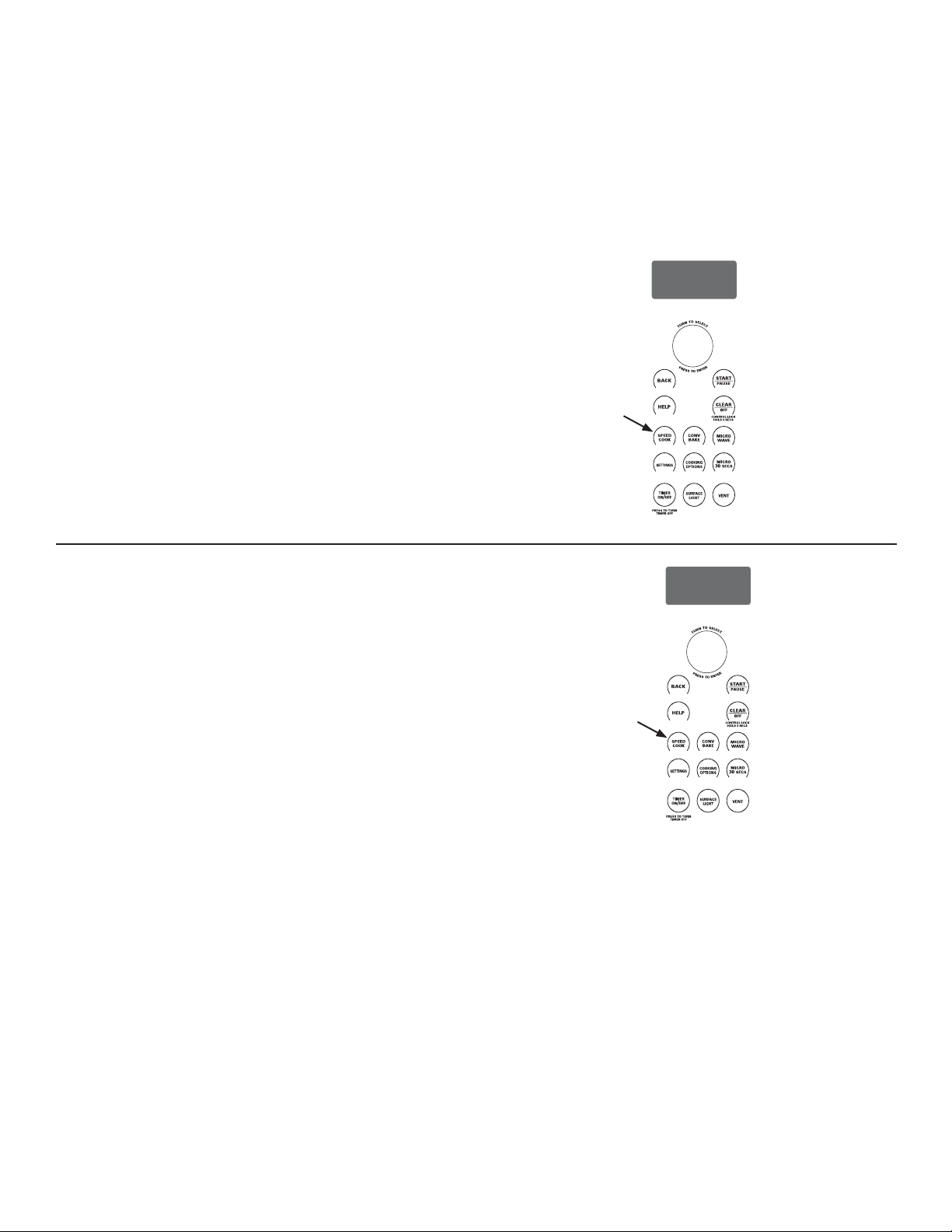
18
49-7000137 Rev.0
CONV
BAKE
SPEED
COOK
SETTINGS
MICRO
30
SECS
COOKING
OPTIONS
MICRO
WAVE
SURFACE
LIGHT
TIMER
ON
/OFF
VENT
CONTROL LOCK
HOLD 3 SECS
PRESS TO TURN
TIMER OFF
T
U
R
N
T
O
S
E
L
E
C
T
P
R
E
S
S
T
O
E
N
T
E
R
CONV
BAKE
SPEED
COOK
SETTINGS
MICRO
30
SECS
COOKING
OPTIONS
MICRO
WAVE
SURFACE
LIGHT
TIMER
ON
/OFF
VENT
CONTROL LOCK
HOLD 3 SECS
PRESS TO TURN
TIMER OFF
T
U
R
N
T
O
S
E
L
E
C
T
P
R
E
S
S
T
O
E
N
T
E
R
0L5HFHWDSDUDHQWUDU\VDOYDU
$JUHJD\JXDUGDKDVWDGHVXVUHFHWDVSDUDFRFLPLHQWR
UiSLGRRPLFURRQGDRODVUHFHWDVGHOPHQ~SUHGHWHUPLQDGRGH
cocimiento rápido como una receta favorita. Una vez realizada,
puedellamar rápidamente y en cualquier momento su receta
favorita para cocinar la comida como a usted le gusta!
1. Presione la tecla SPEEDCOOK o MICROWAVE.
2. Gire el dial para seleccionar MY RECIPE (mi receta). Presione
HOGLDOSDUDVHOHFFLRQDU
3. Gire el dial hasta que aparezca NEW RECIPE (nueva receta).
3UHVLRQHHOGLDOSDUDVHOHFFLRQDU
4. Aparecerá ENTER COOK TIME(entre el tiempo de
cocimiento).Gire el dial para escoger eltiempo de cocimiento.
Presione el dial para seleccionar.
/DSDQWDOODOHLQGLFDUiTXHGHEHVHOHFFLRQDUORVQLYHOHVGH
potencia.
*LUHHOGLDOHQGLUHFFLyQGHODVPDQHFLOODVGHUHORMSDUD
DXPHQWDURDOFRQWUDULRSDUDGLVPLQXLUHOQLYHOGHSRWHQFLD
superior. Presione el dial para seleccionar.
Utilice la guía de cocimiento o libro de recetas para ver
sugerencias del nivel de potencia y del tiempo de cocimiento.
6HOHFFLRQH6$9(JXDUGDUGHOUHVXPHQGHODSDQWDOOD
7. Aparecerá SPELL THE FOOD NAME(deletree el nombre de
la comida).Gire el dial hasta la primera letra dela descripción
de su comida y presioneel dial para seleccionar. Continúeeste
proceso hasta deletrear el restodel nombre. Presione la tecla
START/PAUSE para guardar la receta y sunombre.
0L5HFHWDHQFRQWUDU\XWLOL]DU
3DUDHQFRQWUDU\XWLOL]DUODVUHFHWDVJXDUGDGDV
1. Presione la tecla SPEEDCOOK o MICROWAVE.
2. Gire el dial para seleccionar MY RECIPE (mi receta).
3. Aparecerán en la pantalla los nombresde las recetas que ha
guardado.
4. Gire el dial hasta que aparezca lareceta que desea y presione
el dialpara seleccionar.
5. Presione la tecla START/PAUSE oel dial selector para
comenzar el cocimiento.
COCIMIENTO RÁPIDO
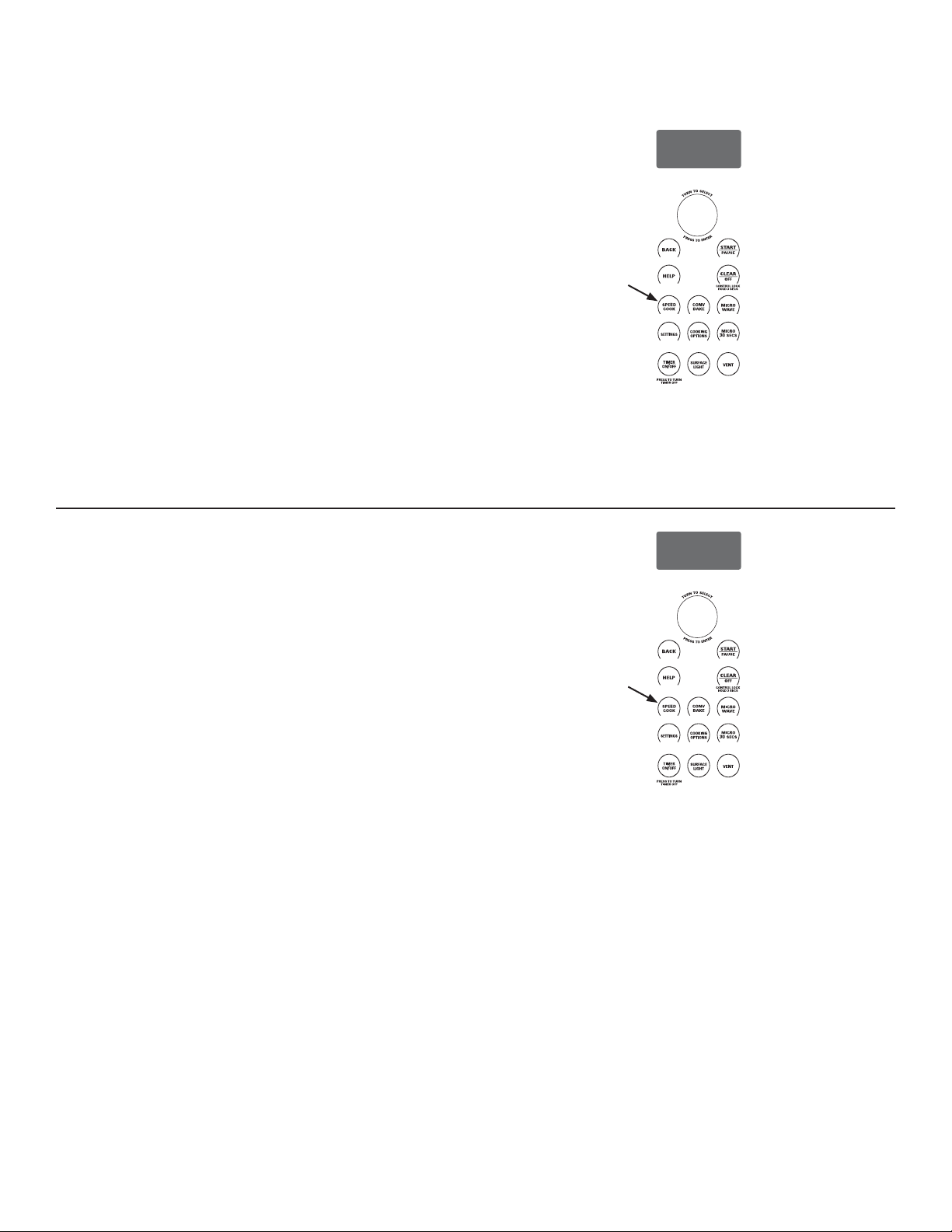
49-7000137 Rev.0
19
CONV
BAKE
SPEED
COOK
SETTINGS
MICRO
30
SECS
COOKING
OPTIONS
MICRO
WAVE
SURFACE
LIGHT
TIMER
ON
/OFF
VENT
CONTROL LOCK
HOLD 3 SECS
PRESS TO TURN
TIMER OFF
T
U
R
N
T
O
S
E
L
E
C
T
P
R
E
S
S
T
O
E
N
T
E
R
CONV
BAKE
SPEED
COOK
SETTINGS
MICRO
30
SECS
COOKING
OPTIONS
MICRO
WAVE
SURFACE
LIGHT
TIMER
ON
/OFF
VENT
CONTROL LOCK
HOLD 3 SECS
PRESS TO TURN
TIMER OFF
T
U
R
N
T
O
S
E
L
E
C
T
P
R
E
S
S
T
O
E
N
T
E
R
MI RECETA- PARA ELIMINAR
Para eliminar las recetas guardadas:
1. Presione la tecla SPEEDCOOK o MICROWAVE.
2. Gire el dial para seleccionar MY RECIPE (mi receta).
3. Seleccione la receta que desea eliminar.
4. Gire el dial para seleccionar DELETE (eliminar).
0,5(&(7$3$5$$-867$52&$0%,$5
Para ajustar o cambiar las recetas guardadas:
1. Presione los botones SPEEDCOOK (cocción rápida) o
MICROWAVE (microondas).
2. Gire el dial para seleccionar MY RECIPE (mi receta).
3. Gire el dial hasta la receta que desea cambiar. Presione el
dial para ingresar. Aparecerán las configuraciones actuales.
4. Elija EDIT (editar).
5. Gire el dial para ajustar el tiempo de cocción y presione el dial
para ingresar.
6. Gire el dial para cambiar los niveles de energía y presione el
dial para ingresar cada nivel de energía.
7. Gire el dial para cambiar el nombre de la receta. Presione el
dial para ingresar cada cambio de letra
8. Presione el botón START/PAUSE (iniciar/pausa) para guardar
la receta modificada.
Para nivel de energía y sugerencias de tiempo de cocción, utilice
su guía de cocción o recetario.
COCIMIENTO RÁPIDO
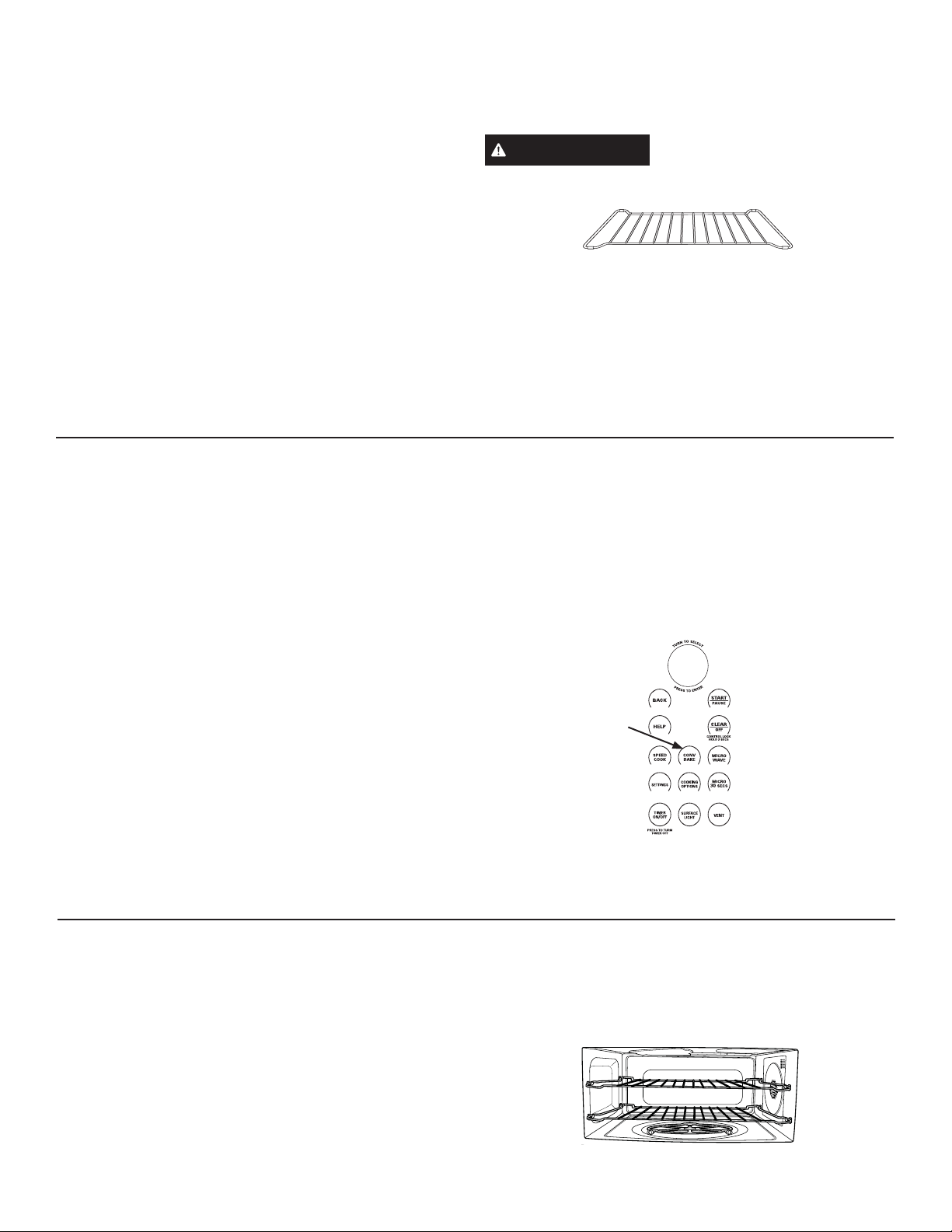
20
49-7000137 Rev.0
CONV
BAKE
SPEED
COOK
SETTINGS
MICRO
30
SECS
COOKING
OPTIONS
MICRO
WAVE
SURFACE
LIGHT
TIMER
ON
/OFF
VENT
CONTROL LOCK
HOLD 3 SECS
PRESS TO TURN
TIMER OFF
T
U
R
N
T
O
S
E
L
E
C
T
P
R
E
S
S
T
O
E
N
T
E
R
CÓMO SE HORNEA CON CONVECCIÓN
1. Presione el botón CONV BAKE (hornear por convección).
2. Gire el dial para configurar la temperatura y presione el dial
para ingresar
3. Presione el dial para ingresar y confirmar la selección.
Para iniciar de inmediato sin configurar un tiempo de cocción,
seleccione START (iniciar) o presione el botón START/PAUSE
(iniciar/pausa).
Para configurar un tiempo de cocción:
1. Gire el dial y seleccione COOK TIME (tiempo de cocción).
2. Gire el dial para configurar el tiempo de cocción y presione el
dial para ingresar.
3. Para iniciar el tiempo de cocción de inmediato, coloque los
alimentos en el horno y seleccione START COOK TIME
(iniciar tiempo de cocción). Luego presione el dial o el botón
START/PAUSE (iniciar/pausa) para iniciar. El tiempo de
cocción iniciará de inmediato la cuenta regresiva.
Para iniciar el tiempo de cocción después del precalentamiento,
seleccione START PREHEAT (iniciar precalentamiento). El
horno emitirá una señal cuando alcance la temperatura de
cocción. Coloque los alimentos en el horno y presione el botón
START/PAUSE (iniciar/pausa). El tiempo de cocción iniciará la
cuenta regresiva.
Si la puerta del horno se abre durante la cocción, “Pause”
(pausa) aparecerá en la pantalla. Cierre la puerta y presione el
botón START/PAUSE (iniciar/pausa).
Los tiempos de cocción se muestran en horas y minutos y
pueden configurarse hasta un máximo de 2 horas 59 minutos. El
tiempo puede cambiarse durante la cocción girando el dial.
CONSEJOS DE COCIMIENTO PARA HORNEAR CON CONVECCIÓN
Ŷ Se recomiendan panas de metal para todos los tipos de
productos horneados, pero especialmente cuando es
importante dorar.
Ŷ Las panas de metal oscuras o con acabado mate son mejores
para panes y tartaletas, ya que absorben el calor y producen
cortezas más crujientes.
Ŷ Las panas de aluminio brillante son mejores para pasteles,
galletas o muffins, ya que reflejan el calor y ayudan a producir
una corteza ligeramente suave.
Ŷ Las cacerolas de vidrio o de aleación de cerámica y vidrio o
los platos para hornear son mejores para recetas con huevo y
queso debido a la fácil limpieza del vidrio.
Ŷ Al hornear en un solo nivel, utilice el inferior. Los sujetadores
superiores sólo deben utilizarse para hornear en los dos
niveles.
HORNEAR CON CONVECCIÓN
Hornear con convección le permite cocinar los alimentos de la
misma manera que un horno convencional, utiliza un elemento
para calentar el aire adentro del horno. Se puede programar
cualquier temperatura entre 250ºF a 450ºF.
El ventilador circula suavemente el aire caliente a través del
horno, sobre y alrededor de los alimentos. Debido a que el
aire caliente se mantiene en constante movimiento, algunos
alimentos se cocinan un poco más rápido, a diferencia de los
hornos de cocimiento regular.
Antes de comenzar, asegúrese que la parrilla de metal esté en
su lugar. Se pueden utilizar ambas parrillas en los dos niveles
de cocimiento.
ADVERTENCIA
Cuando hornee, recuerde que el
horno, la puerta y losplatos están muy calientes.
'HDFXHUGRFRQOD86'$FRFLQHODFDUQHDXQDWHPSHUDWXUD
INTERNA de por lo menos 160ºF, el pollo a una tempreatura
INTERNA de por lo menos 180ºF. Cocinar a estas temperaturas
JHQHUDOPHQWHSURWHJHFRQWUDHQIHUPHGDGHVSURGXFLGDVSRUORV
alimentos.
Para más información visite la página www.foosafety.gov.
Cuando hornee o caliente en los dos niveles coloque el
alimento en la bandeja de metal o en elplato apropiado y
colóquelo sobre la parrilla dealambre del horno.
Hornear con Convección
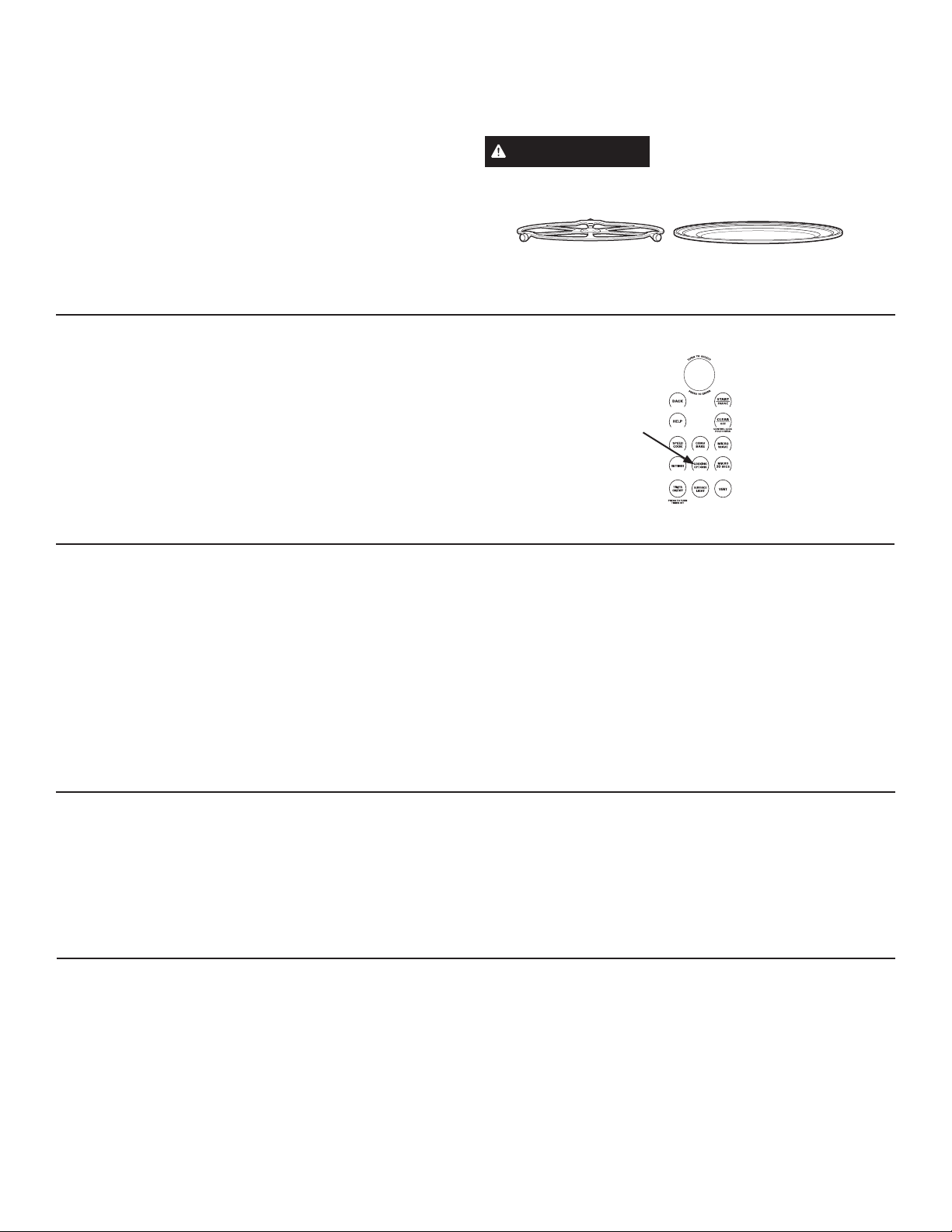
49-7000137 Rev.0
21
CONV
BAKE
SPEED
COOK
SETTINGS
MICRO
30
SECS
COOKING
OPTIONS
MICRO
WAVE
SURFACE
LIGHT
TIMER
ON
/
OFF
VENT
CONTROL LOCK
HOLD 3 SECS
PRESS TO TURN
TIMER OFF
T
U
R
N
T
O
S
E
L
E
C
T
P
R
E
S
S
T
O
E
N
T
E
R
ASAR Y TOSTAR
$VDU\WRVWDUXWLOL]DQODVOiPSDUDVVXSHULRUHV\HOFDOHQWDGRU
inferior para asar o tostar los alimentos similar al horno
convencional.
Antes de comenzar asegúrese que el plato giratorio esté en su
OXJDU$OWRVWDUXWLOLFHODEDQGHMDGHPHWDO\DODVDUXWLOLFHOD
bandeja de metal o la bandeja de metal para asar.
ADVERTENCIA
¡Al asar o dorar, recuerde que la
cavidad del horno, la puerta del horno y los platos estarán
muy calientes!
CÓMO ASAR
1. Presione el botón COOKING OPTIONS (opciones de cocción).
2. Gire el dial a BROIL (asar) y presione para ingresar.
3. Coloque los alimentos en el horno y seleccione START
(iniciar) o presione el botón START/PAUSE (iniciar/pausa)
para iniciar.
Si la puerta del horno se abre durante la cocción, “Pause”
(pausa) aparecerá en la pantalla. Cierre la puerta y presione el
botón START/PAUSE (iniciar/pausa).
Cuando utilice el horno el
plato giratorio debeestar
siempre ensu lugar.
Coloque los alimentos
GLUHFWDPHQWHHQOD
bandeja de metal
CONSEJOS DE COCIMIENTO PARA ASAR
Ŷ/RVWLHPSRVGHDVDUSXHGHQVHUPiVFRUWRVHQHOKRUQR
$GYDQWLXP\DTXHXWLOL]DOiPSDUDVKDOyJHQDV$VHJ~UHVHGH
PRQLWRUHDUGHFHUFDORVDOLPHQWRVSDUDREWHQHUORVUHVXOWDGRV
GHVHDGRV
Ŷ3DUDPHMRUHVUHVXOWDGRVDODVDUFRORTXHORVDOLPHQWRV
directamente en la bandeja de metal para asar
Ŷ6HSURGXFHKXPRDODVDUFDUQHHQHOKRUQR
Ŷ6LSUHFDOLHQWDHOKRUQRSDUDDVDUFDUQHSUHFDOLHQWHFRQOD
bandeja de metal para asar en el horno y para una mejor brasa
HQODFDUQHFROyTXHODVREUHODEDQGHMDFDOLHQWH
Ŷ Para un mejor rendimiento, cuandoase carne precaliente el
horno durante 5 minutos. El pollo tiene mejores resultados sin
precalentar el horno.
Ŷ6HGHEHQYROWHDUORVDOLPHQWRVDODPLWDGGHOWLHPSRGHDVDGR
Ŷ5HWLUHODVSLH]DVPiVILQDVSDUDHYLWDUTXHVHFRFLQHQ
demasiado y que se sequen.
CONSEJOS DE COCIMIENTO PARA TOSTAR
Ŷ8WLOLFHODEDQGHMDGHPHWDOSDUDPHMRUHVUHVXOWDGRVDOWRVWDU
Ŷ1RQHFHVLWDGDUOHYXHOWDDODPD\RUtDGHORVDOLPHQWRVV
Ŷ$OWRVWDUQXHYHVP~HYDORVDODPLWDGGHOWLHPSRGH
cocimiento.
Ŷ7XHVWHODVSLH]DVPiVJUXHVDVSRUPiVWLHPSRODVSLH]DV
delgadas menos tiempo.
CÓMO TOSTAR
1. Presione el botón COOKING OPTIONS (opciones de cocción).
2. Gire el dial a TOAST (tostar) y presione para ingresar.
3. Gire el dial para configurar el tiempo de tostado, coloque los
alimentos en el horno y seleccione START (iniciar) o presione
el botón START/PAUSE (iniciar/pausa) para iniciar.
Si la puerta del horno se abre durante la cocción, “Pause”
(pausa) aparecerá en la pantalla. Cierre la puerta y presione el
botón START/PAUSE (iniciar/pausa).
ASAR Y TOSTAR
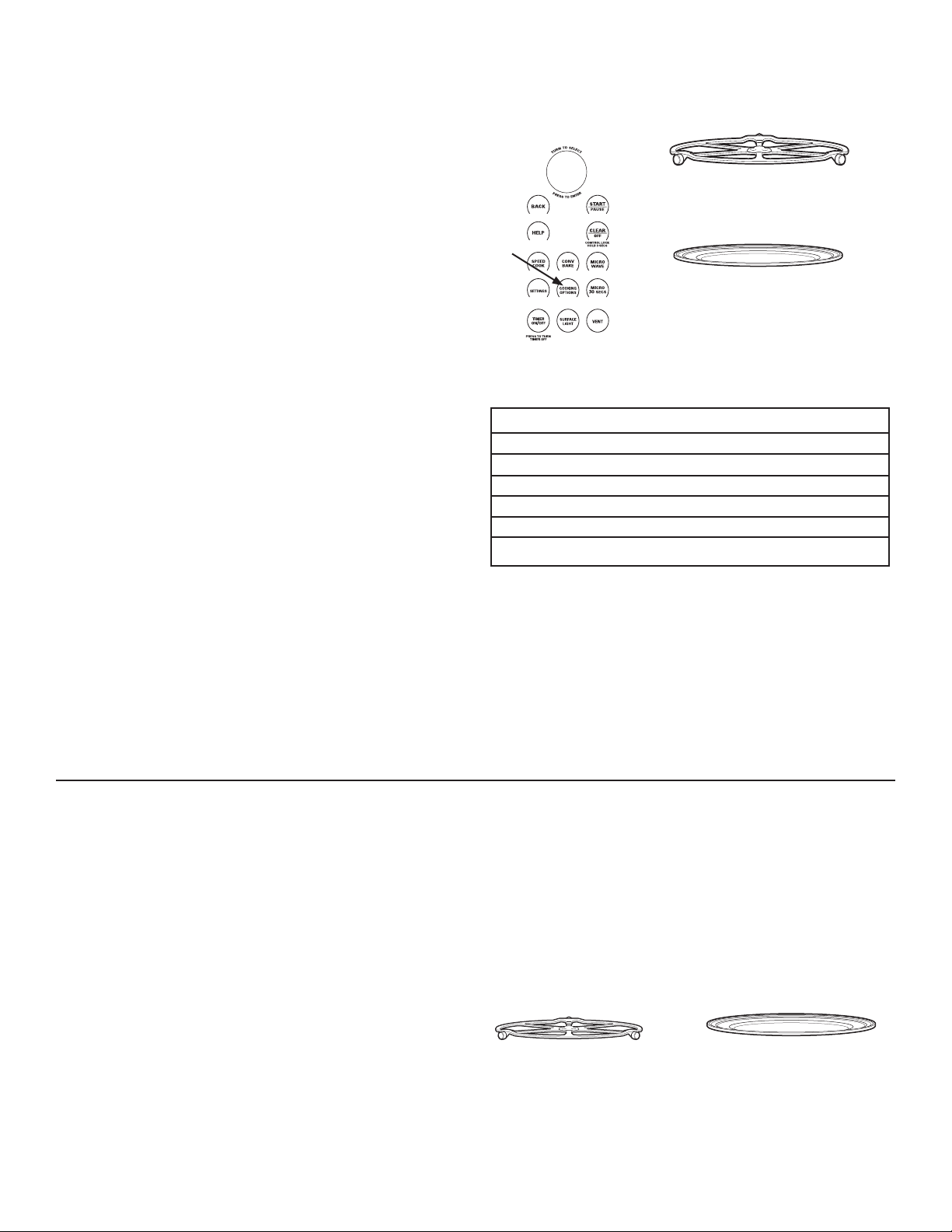
22
49-7000137 Rev.0
CONV
BAKE
SPEED
COOK
SETTINGS
MICRO
30
SECS
COOKING
OPTIONS
MICRO
WAVE
SURFACE
LIGHT
TIMER
ON
/OFF
VENT
CONTROL LOCK
HOLD 3 SECS
PRESS TO TURN
TIMER OFF
T
U
R
N
T
O
S
E
L
E
C
T
P
R
E
S
S
T
O
E
N
T
E
R
Consejos para alimentos crujientes:
Ŷ 1RFXEUDORVDOLPHQWRV
Ŷ 1RXWLOLFHUHFLSLHQWHVSOiVWLFRVQL
envoltorios plásticos.
Ŷ 1RHVQHFHVDULRSUHFDOHQWDUDPHQRVTXH
desee hacer crujiente alimentos viejos.
(Vea Hacer crujiente los alimentos viejos)
Tipo de Comida Ajuste de Humedad
Cacerolas Húmedo
Chili/Sopa Húmedo
Panqueques, waffles Húmedo
Pizza Crujiente
Papas, horneadas Crujiente
Papalinas/Galletas Crujiente
Cuadro de Selección de Temperatura y Humedad
CALENTAR
La función WARM mantendrá calientelas comidas cocinadas
a temperaturas de servicio. Siempre comience con la comida
caliente. Utilice recipientes y utensilios que puedan soportar
temperaturas hasta 230ºF.
1. Presione la opción COOKING OPTIONS (opciones de
cocimiento).
2. Gire el dial para seleccionar WARM.Presione el dial para
seleccionar
3. Gire el dial para seleccionar el nivel de humedad que desea.
Vea el cuadro y consejos a continuación.Presione el dial para
seleccionar.
4. Seleccione START (iniciar) o presione el botón START/
PAUSE (iniciar/pausa) para iniciar. El horno comienza a
calentar de inmediato e indica la cantidad de tiempo de
calentamiento que se debe completar.
Si la puerta del horno se abre durante el calentamiento, “Pause”
(pausa) aparecerá en la pantalla. Cierre la puerta y presione el
botón START/PAUSE (iniciar/pausa). .
Para hacer crujiente los alimentos viejos:
• Seleccione el ajuste de CRISP. Precaliente el horno durante
10 minutos.
NOTA: Sólo precaliente cuando desee hacer crujiente los
alimentos viejos.
• Coloque la comida o los platos directamente en la bandeja de
metal.
• Revise para ver si está crujiente después de 45 minutos. Si es
QHFHVDULRDJUHJXHPiVWLHPSR
FERMENTAR
La función para fermentar suministra automáticamente la
temperatura apropiada para el proceso de fermentación,por lo
tanto, no necesita ajustar la temperatura.
1. Presione la opción COOKING OPTIONS (opciones de
cocimiento)
2. Gire el dial para seleccionar PROOF (leudar) y presione para
ingresar.
3. Seleccione START (iniciar) o presione el botón START/
PAUSE (iniciar/pausa) para iniciar. El horno comienza a
leudar de inmediato e indica la cantidad de tiempo de leudado
que se debe completar.
Ŷ 3DUDHYLWDUEDMDUODWHPSHUDWXUDGHOKRUQR\SURORQJDUHO
tiempo de fermentación, no abra la puerta del horno sin
necesidad.
Ŷ 5HYLVHORVSURGXFWRVGHSDQDQWHVSDUDHYLWDUVREUH
fermentarlos.
NOTAS:
Ŷ 1RXWLOLFHHOPRGRGHIHUPHQWDFLyQSDUDFDOHQWDUDOLPHQWRV
o para mantener caliente la comida. La temperatura de
fermentación no es lo suficientemente caliente para mantener
la comida a temperaturas seguras. Utilice la función WARM
para mantener la comida caliente
Ŷ /DIXQFLyQGHIHUPHQWDFLyQQRRSHUDUiVLHOKRUQRHVWi
demasiado caliente. Permita que el horno se enfríe antes de
fermentar
Cuando utilice el horno el plato giratorio
debe estar siempre en su lugar.
Para calentar coloque los alimentos
o el recipiente seguro para el horno
directamente en la bandeja de metal.
Para fermentar coloque la masa en un
tazón/pana para pan y colóquela en la
bandeja de metal
Cuando utilice el horno el plato
giratorio debe estar siempre en su
lugar.
Consejos para alimentos húmedos:
Ŷ &XEUDORVDOLPHQWRVFRQXQDWDSDRFRQ
papel de aluminio.
Ŷ 1RXWLOLFHUHFLSLHQWHVSOiVWLFRVQL
envoltorios plásticos.
Ŷ 1RHVQHFHVDULRSUHFDOHQWDU
CALENTAR Y FERMENTAR
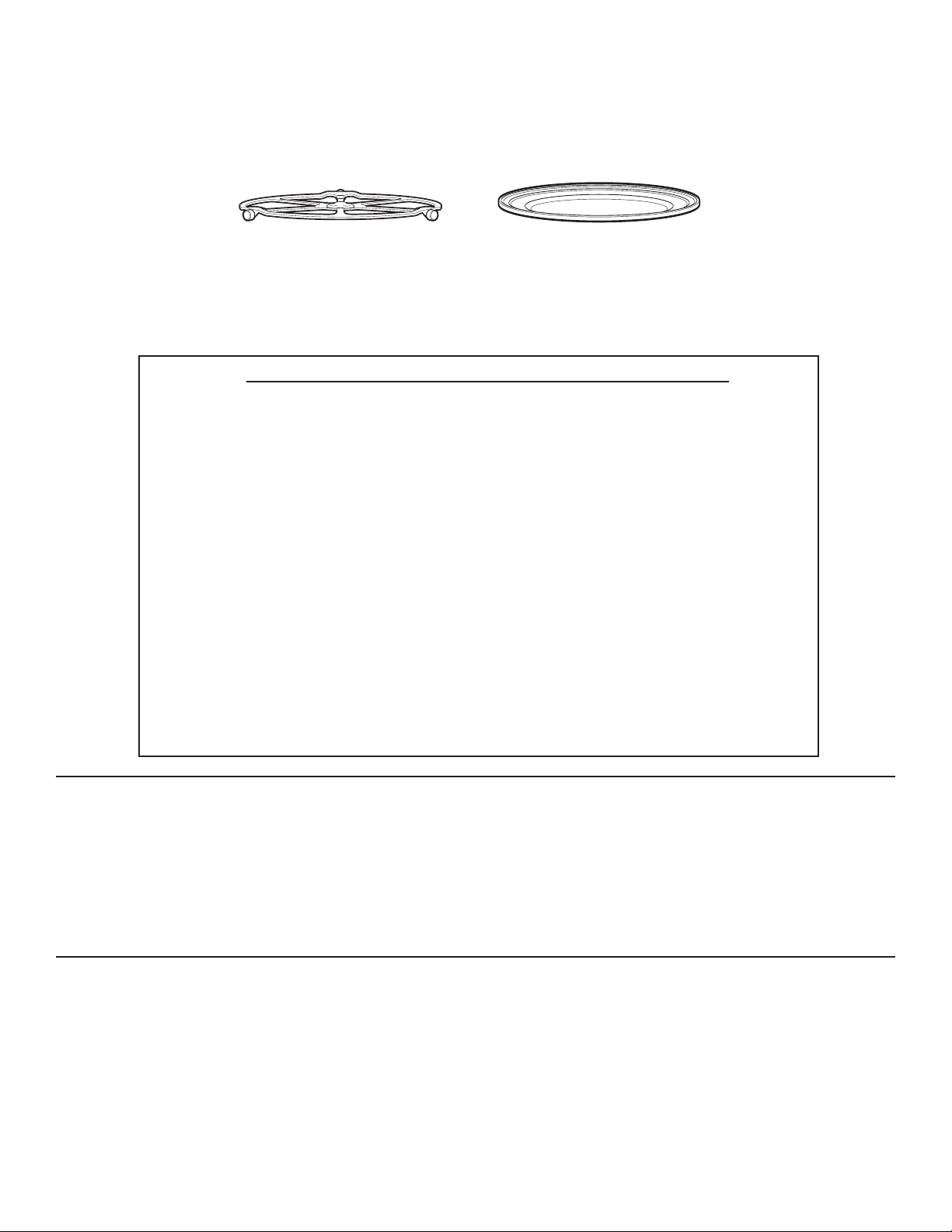
49-7000137 Rev.0
23
USO DE LAS FUNCIONES DE MICROONDA
Asegúrese que el plato giratorio esté en su lugar. Utilice la bandeja de vidrio claro.Coloque los alimentos o el recipiente
para microondas directamente en la bandeja devidrio claro, para cocinar los alimentos.
Ŷ&RFLPLHQWR
–Por tipo de comida
–Por tiempo
–Por tiempo 1 y 2
Ŷ'HVFRQJHODFLyQ
OEUiSLGR
3RUWLHPSR
3RUWLSRGHFRPLGD
3RUSHVR
'HUUHWLU
$EODQGDU
Ŷ%HELGDV
$JXDR]
&DIpR]
7pR]
/HFKHR]
&RFRDFDOLHQWHR]
Ŷ3DORPLWDVGH0Dt]
(2.9 a 3.5 oz)
Ŷ'HUUHWWLU
0DQWHTXLOOD
&DUDPHOR
4XHVR
&KLVSDVGH
Chocolate
0DODYDYLVFRV
Ŷ&RFLPLHQWR/HQWR
Ŷ$EODQGDU
0DQWHTXLOOD
4XHVR&UHPD
*ODVHDGRVR]
+HODGR
Ŷ5HFDOHQWDU
–Bebidas
–Cacerolas
–Pollo
–Pasta
–Pizza
–Plato de comida
–Arroz
–Sopa
–Filetes/Chuletas
–Vegetales
SELECCIONES PREDETERMINADAS PARA EL MICROONDAS
RECIPIENTES DE COCIMIENTO
Ŷ$VHJ~UHVHTXHWRGRVORVUHFLSLHQWHVVHDQDGHFXDGRVSDUD
cocinar en microondas.
LO QUE ES NORMAL
Interferencia
Ŷ6HSXHGHREVHUYDULQWHUIHUHQFLDGH79UDGLRFXDQGRXWLOL]DHO
PLFURRQGDVLPLODUDODLQWHUIHUHQFLDFDXVDGDSRURWURVDSDUD
tos pequeños. Esto no indica un problema con el microonda.
Mueva el radio o la TV lo más lejos posible del microonda o
revise la posición de la antena de la TV/radio.
Calor del Horno
Ŷ/RVUHFLSLHQWHVVHSXHGHQFDOHQWDUGHELGRDODWUDQVIHUHQFLD
de calor de los alimentoscalientes. Utilice guantes para
manipularlos
Ŷ(OYDSRUVHSXHGHVDOLUDOUHGHGRUGHODSXHUWD
CONSEJOS DE COCIMIENTO
Ŷ&XDQGRFRFLQHWRFLQRFRORTXHODWLUDVHQFDSDVVREUHHOSODWR
Cubra cada capa con papel toalla.
Ŷ&XDQGRFRFLQHYHJHWDOHVXWLOLFHXQDFDFHURODRWD]yQVHJXUR
para el microondas. Cúbralos con una tapa seguro para el
PLFURRQGDVRFRQXQHQYROWRULRSOiVWLFRYHQWLODGR
Ŷ3DUDYHJHWDOHVFRQJHODGRVDJUHJXHDJXDGHDFXHUGRFRQODV
instrucciones del paquete
Ŷ3DUDYHJHWDOHVIUHVFRVDJUpJXHOHFXFKDUDGDVGHDJXDD
cada porción.
Cuando utilice el horno el plato giratorio
debe estar siempre en su lugar.
Cuando cocine en el microondas la
bandejade vidrio claro siempre debe
estaren su lugar.
COCCIÓN POR MICROONDAS
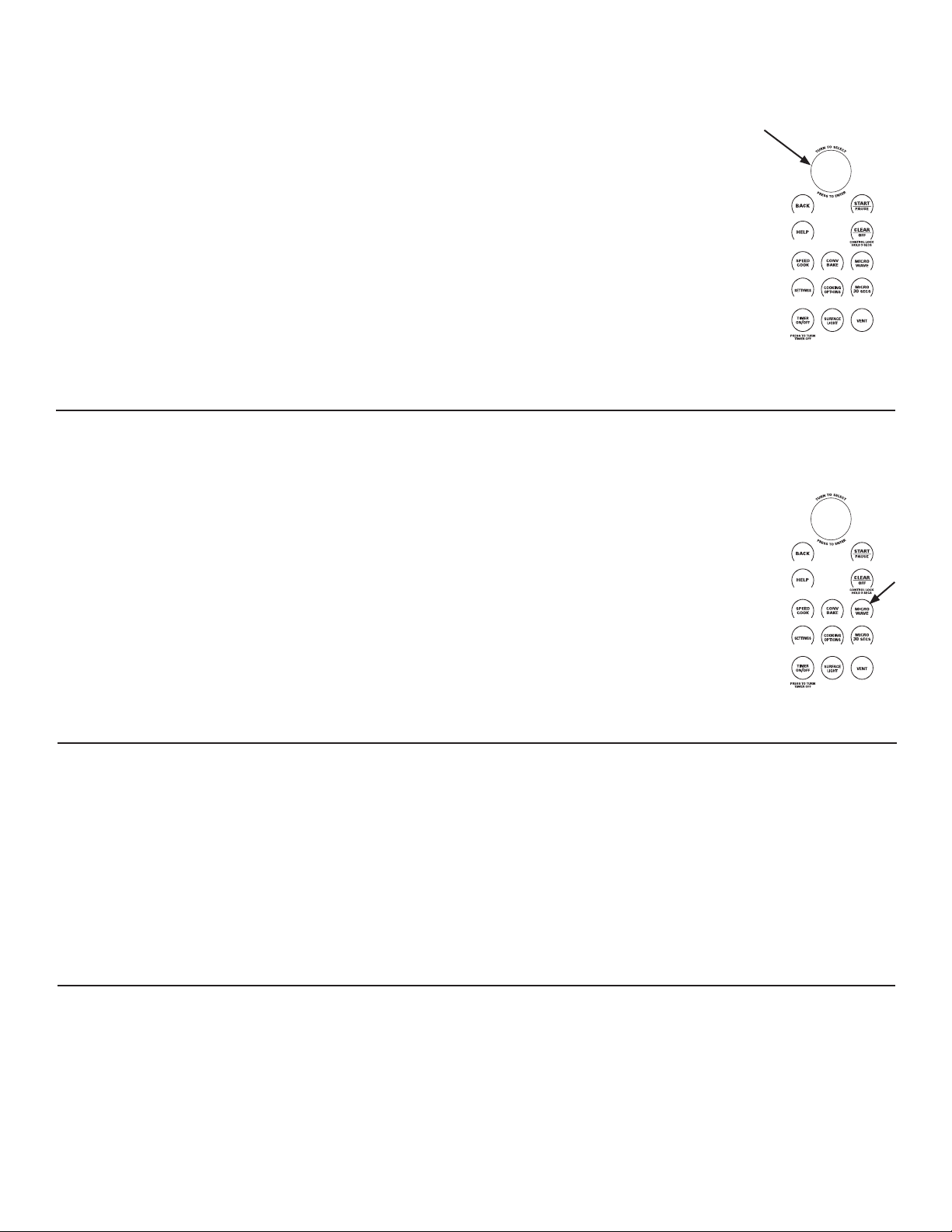
24
49-7000137 Rev.0
CÓMO UTILIZAR LASSELECCIONES PREDETERMI- NADAS DE MICROONDA
1. Presione la tecla MICROWAVE
Si no se realiza ninguna entrada durante 15 segundos, la
pantalla volverá a quedar en blanco.
2. Gire el dial para seleccionar COOK (cocinar), DEFROST
(descongelar), BEVERAGE (bebida), POPCORN (palomitas
de maíz), MELT (derretir), REHEAT (recalentar), SIMMER
(fuego lento) y SOFTEN (ablandar).
3. Gire el dial para encontrar la comida que desea cocinar,
descongelar o recalentar. Presione el dial para seleccionar
4. Gire el dial selector para seleccionar el tipo, cantidad, peso
y/o tamaño, como le indique el horno. Presione el dial
después de cada selección.
5. Presione el dial o el botón START/PAUSE (iniciar/pausa) para
iniciar la cocción.
Presione el dial selector para revisar los
ajustes durante el cocimiento.
Si abre la puerta durante el cocimiento, el
horno se detendrá y la pantalla mostrará
PAUSE. Cierre la puerta y presione START/
PAUSE para reanudar elcocimiento.
Si entró una selección no deseada
simplemente presione en cualquier
momento la tecla BACK y vuelta a introducir
lasselecciones deseadas.
NIVELES DE POTENCIA DE MICROONDA
El nivel de energía del microondas se configura automáticamente
en todas las funciones del microondas pero usted puede
cambiarlo por COOK BY TIME (cocinar por tiempo), COOK BY
TIME 1&2 (cocinar por tiempo 1&2), MICRO 30 SEC (micro 30
seg), y DEFROST BY TIME (descongelar por tiempo).
1. Primero, siga las instrucciones para COOK BY TIME (cocinar
por tiempo), COOK BY TIME 1&2 (cocinar por tiempo 1&2),
MICRO 30 (micro 30), y DEFROST BY TIME (descongelar
por tiempo).
2. Seleccione START (iniciar) o presione el botón START/
PAUSE (iniciar/pausa) para iniciar.
3. Presione EDIT (editar) para cambiar el tiempo de cocción
y luego el nivel de energía del microondas. Presione el dial
para ingresar el tiempo de cocción y los cambios al nivel de
energía.
Los siguientes son algunos ejemplos de
diferentes niveles de energía
High (alto) 10: Pescado, tocino, vegetales,
líquidos en hervor.
Med-High (med-alto) 7: Cocción suave
de carne de res y de ave; horneado de
estofados y recalentamiento.
Medium (medio) 5: Para cocción lenta y
para tiernizar estofados y cortes de carne
menos tiernos.
Low (abajo) 2 ó 3: Descongelar, hervir a
fuego lento, salsas delicadas.
Warm (tibio) 1: Mantener alimentos
calientes; ablandar mantequilla.
CONV
BAKE
SPEED
COOK
SETTINGS
MICRO
30
SECS
COOKING
OPTIONS
MICRO
WAVE
SURFACE
LIGHT
TIMER
ON
/OFF
VENT
CONTROL LOCK
HOLD 3 SECS
PRESS TO TURN
TIMER OFF
T
U
R
N
T
O
S
E
L
E
C
T
P
R
E
S
S
T
O
E
N
T
E
R
CONV
BAKE
SPEED
COOK
SETTINGS
MICRO
30
SECS
COOKING
OPTIONS
MICRO
WAVE
SURFACE
LIGHT
TIMER
ON
/OFF
VENT
CONTROL LOCK
HOLD 3 SECS
PRESS TO TURN
TIMER OFF
T
U
R
N
T
O
S
E
L
E
C
T
P
R
E
S
S
T
O
E
N
T
E
R
COCIMIENTO CON TIEMPO
Utilice COCINAR CON TIEMPO para cocinar en el microonda
alimentos que no se encuentran en las selecciones
predeterminadas del microondas.
1. Presione la tecla MICROWAVE.
3UHVLRQHHOGLDOSDUDVHOHFFLRQDU&2&,1$5&217,(032\
OXHJRSUHVLyQHORSDUDVHOHFFLRQDU
3. Gire el dial para ajustar el tiempo de cocimiento y luego
presiónelo para seleccionar.
*LUHHOGLDOSDUDDMXVWDUHOQLYHOGHSRWHQFLDOXHJRSUHVLyQHOR
para seleccionar.
5. Presione el dial o la tecla START/PAUSE para comenzar a
cocinar.
3XHGHDEULUODSXHUWDGXUDQWHHO&2&,0,(172&217,(032
SDUDUHYLVDUODFRPLGD&LHUUHODSXHUWD\SUHVLRQH67$57
PAUSE para reanudar el cocimiento.
COCIMIENTO CON TIEMPO 1 Y 2
Utilice COOK BY TIME 1&2 (COCINAR CON TIEMPO 1 Y 2)
SDUDFRFLQDUFRQPLFURRQGDORVDOLPHQWRVTXHUHTXLHUHQGRV
diferentes tiemposy niveles de potencia.
1. Presione la tecla MICROWAVE.
2. Gire el dial para seleccionar COOK y presiónelo para
seleccionar.
3. Gire el dial para seleccionar el COOK BY TIME 1&2
&RFLPLHQWRFRQWLHPSR\\SUHVLyQHORSDUDVHOHFFLRQDU
4. Gire el dial para ajustar el 1er tiempo ypresiónelo para
seleccionar. Repitapara el 1er nivel de potencia, el
2dotiempo y el 2do nivel de potencia.
5. Presione el dial o la tecla START/PAUSE para comenzar a
cocinar.
COCCIÓN POR MICROONDAS
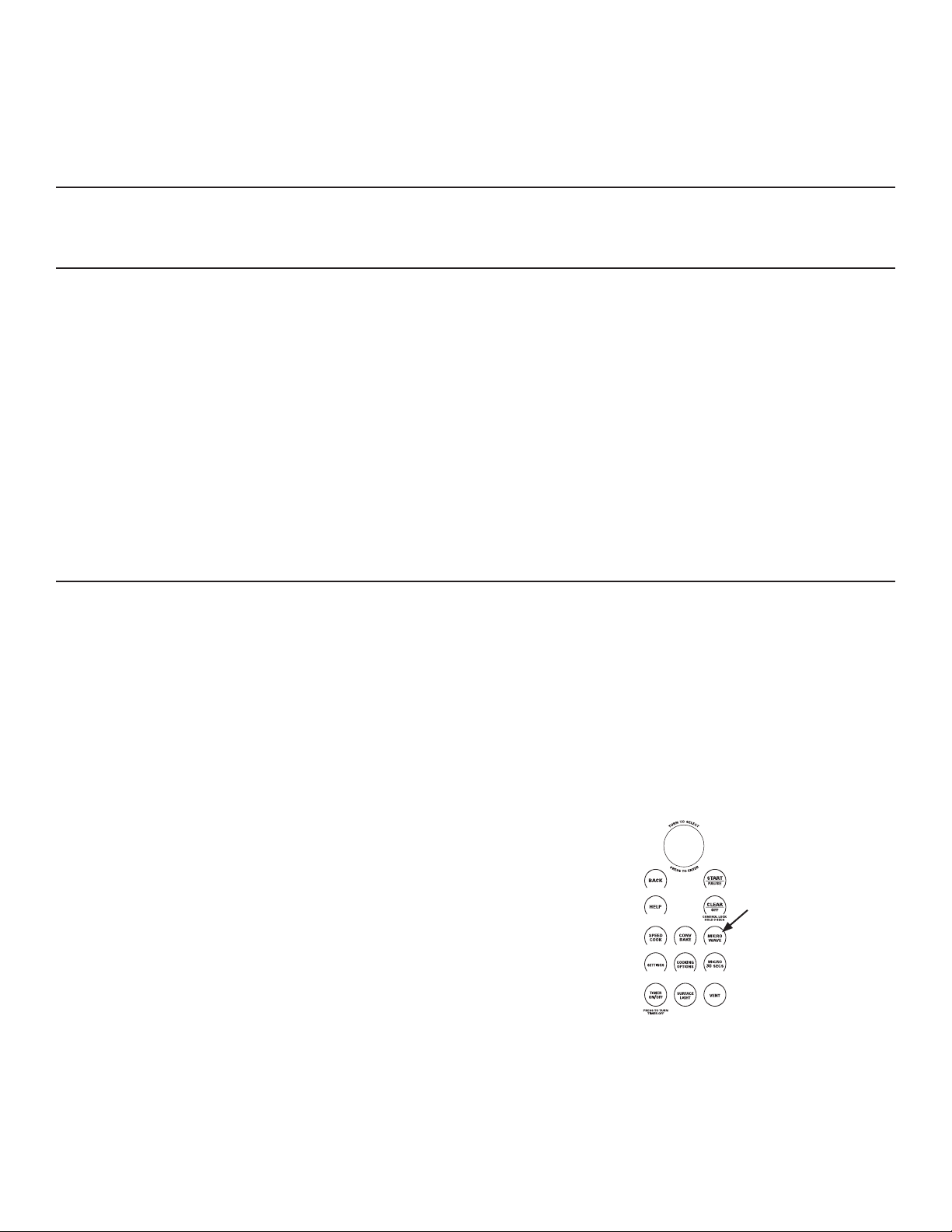
49-7000137 Rev.0
25
CONV
BAKE
SPEED
COOK
SETTINGS
MICRO
30
SECS
COOKING
OPTIONS
MICRO
WAVE
SURFACE
LIGHT
TIMER
ON
/OFF
VENT
CONTROL LOCK
HOLD 3 SECS
PRESS TO TURN
TIMER OFF
T
U
R
N
T
O
S
E
L
E
C
T
P
R
E
S
S
T
O
E
N
T
E
R
MICRO 30 SEGUNDOS
Presione MICRO 30 SECS repetídamente para incrementar 30
VHJXQGRVHOWLHPSRGHFRFLPLHQWRHQHOPLFURRQGDV(OKRUQR
arranca inmediatamente
El nivel de potencia se ajusta automáticamente en alto, pero lo
puede cambiar para mayor flexibilidad. Vea las instrucciones en
la sección Niveles de Potencia del Microondas.
MIS RECETAS
Vea las secciones de MY RECIPE (Mis Recetas) en la sección
de Cocimiento Rápido de este libro para ver las instrucciones de
cómo guardar, usar, cambiar o eliminar una receta personalizada
del microonda
CONSEJOS PARA DESCONGELAR
Utilice DESCONGELAR POR TIPO DE COMIDA para carne,
pollo, pescado y pan. Utilice DESCONGELAR CON TIEMPO
para la mayoría de las comidas congeladas.
Ŷ/DVFRPLGDVFRQJHODGDVHQSDSHORSOiVWLFRSXHGHQ
descongelarse en el empaque cuando utiliza
DESCONGELACIÓN CON TIEMPO. Cuando utiliza
DESCONGELACIÓN POR TIPO DE COMIDA deber retirar
la carne del empaque. Los empaques cerrados deben
UDQXUDUVHSLQFKDUVHRYHQWLODUVHGHVSXpVGHTXHODFRPLGD
esté parcialmente descongelada.Los recipientes plásticos
deben estarparcialmente destapados.
Ŷ/DVFHQDVIDPLOLDUDVFRQJHODGDVSUHHPSDFDGDVSXHGHQ
descongelarse y cocinarse en el microondas. Si lacomida
está en un recipiente de aluminio, transfiérala a un plato
seguro para el micoondas.
Ŷ/DVFRPLGDVTXHVHDUUXLQDQIiFLOPHQWHQRGHEHQSHUPDQHFHU
afuera por más de una hora, despues de descongelarla. La
temperatura ambiente promueve el crecimiento de bacterías
dañinas.
Ŷ$OGHVFRQJHODUVHODFRPLGDGHEHHVWDUIUtDSHURVXDYHHQ
todas las áreas.Si todavía tiene un poco de hielo, regrésela
brevemente al microondas odéjela descansar un par de
minutos.
Ŷ$OGHVFRQJHODURPiVOLEUDVGHFDUQHPROLGDRHQFXERV
retire las porciones descongeladas, cuando se le indique que
debe voltearlo.
DESCOGELACIÓN CON TIEMPO
Utilice la DESCONGELACIÓN CON TIEMPO para descongelar
durante untiempo seleccionado.
1. Presione la tecla MICROWAVE.
2. Gire el dial selector a DEFROST.Presione el dial para
seleccionar.
3. Gire el dial selector a DEFROST BY TIME. Presione el dial
para seleccionar.
*LUHHOGLDOVHOHFWRUSDUDVHOHFFLRQDUHOWLHPSRTXHGHVHD
Presioneel dial para seleccionar.
5. Presione el dial o la tecla START/PAUSE para comenzar a
descongelar.
6. Voltee la comida cuando el horno le indique TURN FOOD
OVER.
El nivel de potencia se ajuste automáticamente en 3, pero lo
puede cambiar. Para cambiar los niveles de potencia, vea las
instrucciones de Niveles de Potencia del Microonda.
Usted puede descongelar rápidamente pequeñas cantidades
de alimentos al elevar el nivel de potencia después de entrar
el tiempo. El nivel de potencia 7 acorta el tiempo total de
descongelacióna la mitad; el nivel de potencia 10 acortael tiempo
total en aproximadamente 1/3.Al descongelar en niveles de
SRWHQFLDDOWRVORVDOLPHQWRVQHFHVLWDUiQXQDIUHFXHQWHDWHQFLyQ
más de la usual y éstos se pueden cocinar un poco.
COCCIÓN POR MICROONDAS
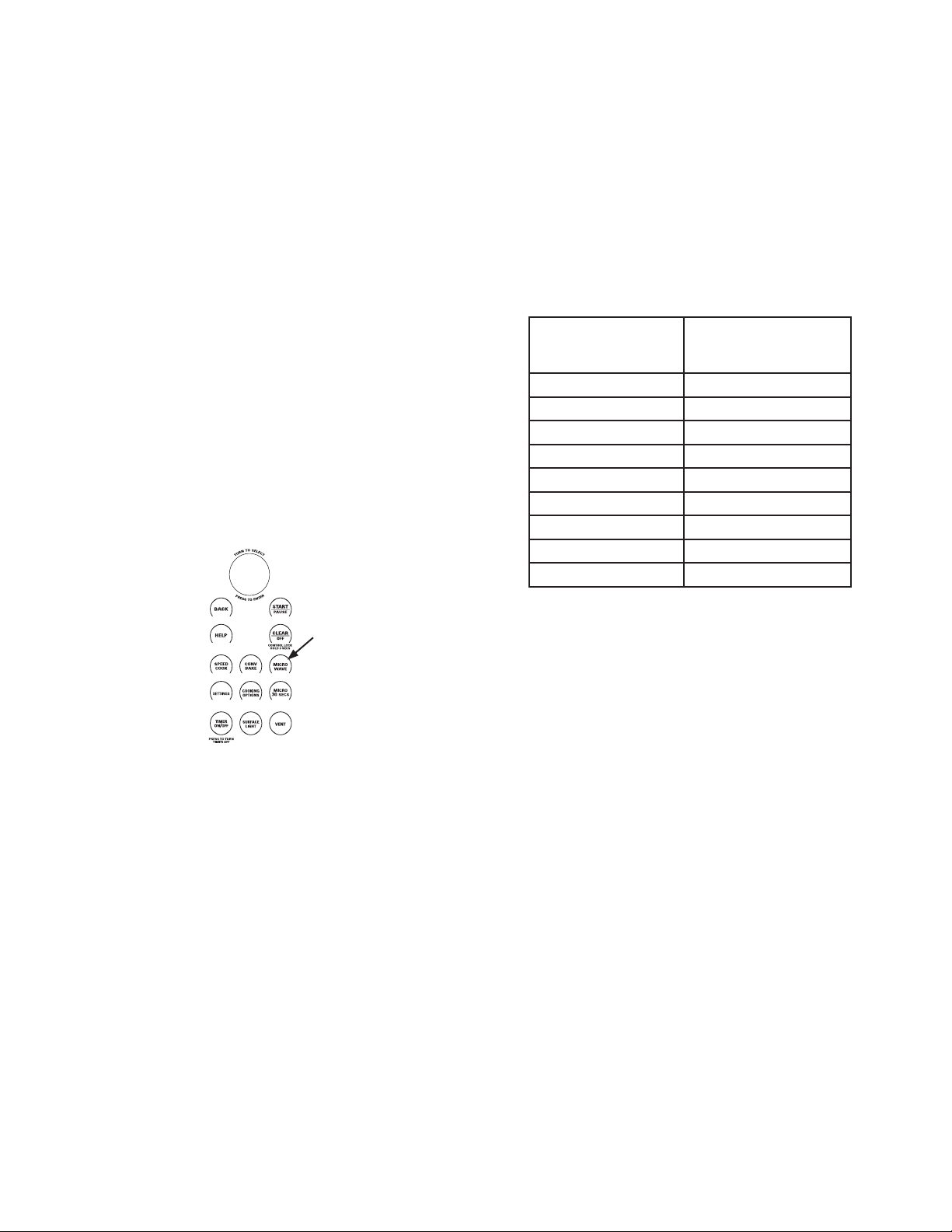
26
49-7000137 Rev.0
CONV
BAKE
SPEED
COOK
SETTINGS
MICRO
30
SECS
COOKING
OPTIONS
MICRO
WAVE
SURFACE
LIGHT
TIMER
ON
/OFF
VENT
CONTROL LOCK
HOLD 3 SECS
PRESS TO TURN
TIMER OFF
T
U
R
N
T
O
S
E
L
E
C
T
P
R
E
S
S
T
O
E
N
T
E
R
DESCONGELAR POR TIPO DE COMIDA
DESCONGELAR POR TIPO DE COMIDA ajusta
DXWRPiWLFDPHQWHORVWLHPSRV\QLYHOHVGHSRWHQFLDGHGHVFRQJH
lación, para dar resultados más parejosa las carnes, pollo y
pescado que pesanhasta 6 libras.
1. Retire la carne del empaque y colóquela en un plato seguro
para el microondas. El pan debe permanecer en el empaque,
pero retire los amarres de metal.
2. Presione la tecla MICROWAVE.
3. Gire el dial a DEFROST. Presione el dial para seleccionar.
4. Gire el dial para DESCONGELAR POR TIPO DE COMIDA.
Presione el dial para seleccionar.
5. Presione el dial para escogerr el tipo de comida. Presione el
dial para seleccionar.
6. Gire el dial al peso de la comida, utilice la Guía de Conversión
de la derecha. Por ejemplo, dial 1.2 para 1.2 libras (1 libra, 3
onzas).Presione el dial para seleccionar.
7. Presione el dial o la tecla START/PAUSE para comenzar a
GHVFRQJHODU
8. Voltee la comida cuando el horno le indique TURN FOOD
OVER.
Ŷ3DUDXQDGHVFRQJHODFLyQSDUHMDUHWLUHODFDUQHGHVFRQJHODGDR
forre las áreas tibias con pequeños pedazosde aluminio.
Ŷ'HVSXpVGHGHVFRQJHODUODPD\RUtDGHODVFDUQHVQHFHVLWDQ
descansar 5 minutos para completar la descongelación. Los
rostizados grandes deben descansar aproxidamente 30
minutos.
Guía de Conversión
Si el peso de la comida está en libras y onzas, las onzas deben
ser convertidas a la décima parte (.1) de una libra.
COCCIÓN POR MICROONDAS
Peso de la Comida
en Onzas
Ingrese el Peso de la
Comida (décimas de
una libra)
.1
3.2
.3
.4
8.5
.6
11 .7
.8
.9
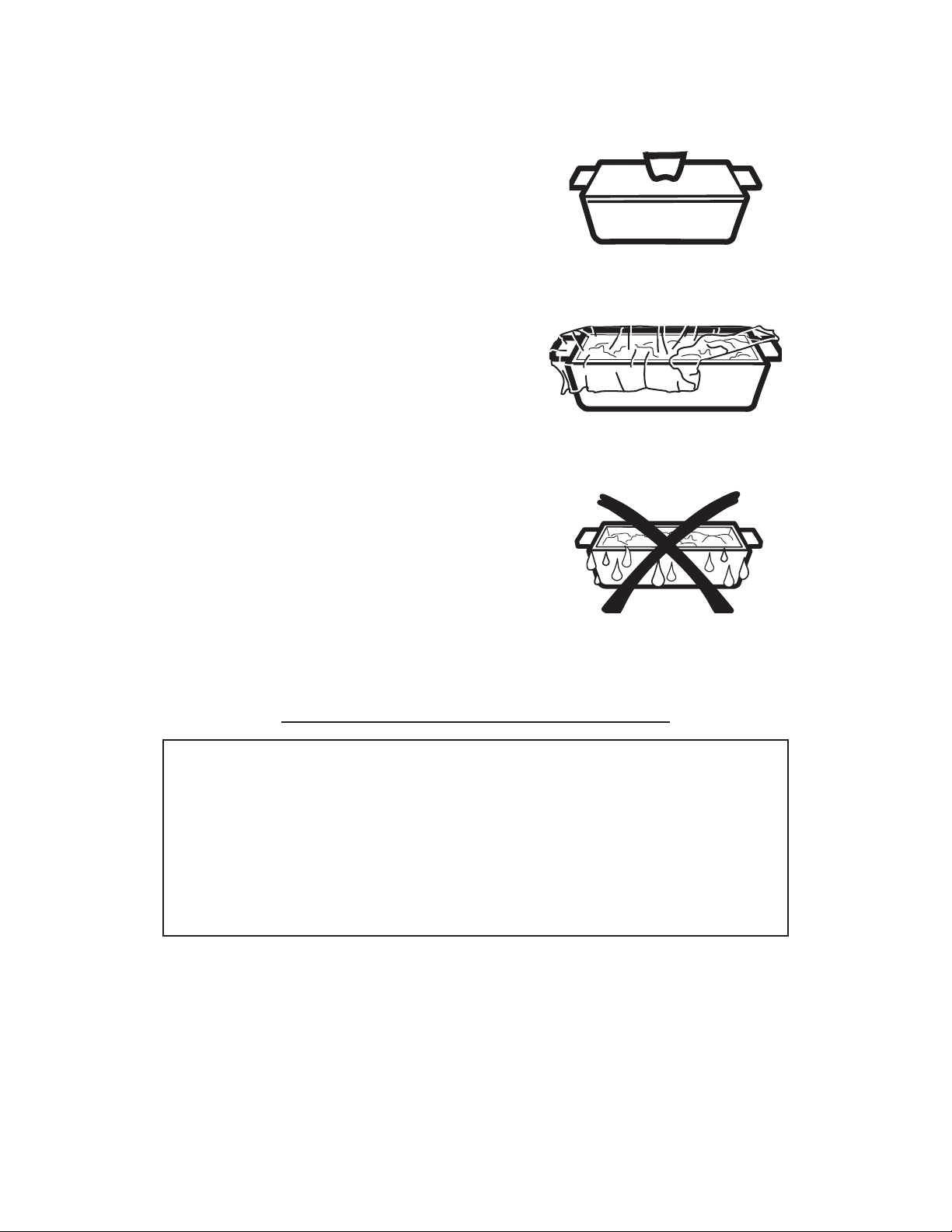
49-7000137 Rev.0
27
CONSEJOS PARA EL COCIMIENTO CON SENSOR DEL MICROONDA
El modo de microonda del horno Advantium tiene un sensor de
cocimiento y recalentamiento. El horno detecta automáticamente
VLODFRPLGDHVWiFRFLQDGD\VHDSDJDHOVRORHOLPLQDQGROD
necesidad de programar tiempos de cocimiento y niveles de
potencia.
Las funciones con sensor detectan la humedad creciente liberada
durante el cocimiento. El horno ajusta automáticamente el tiempo
de cocimiento para varios tipos y cantidades de comida.
No utilice las funciones con sensor dos veces consecutivas en la
misma porción de comida – se puede sobre cocinar o quemar.
Si la comida está cruda después de terminar el primer tiempo,
XWLOLFH7,0(&22.FRFLPLHQWRFRQWLHPSRSDUDDJUHJDUWLHPSR
adicional de cocimiento.
Los recipientes y cubiertas adecuadas son esenciales para
un mejor cocimiento con sensor.
Ŷ6LHPSUHXWLOLFHUHFLSLHQWHVVHJXURVSDUDHOPLFURRQGDV\
cúbralos con tapaderas o envoltura plástica ventilada. Nunca
utilice cubiertas plásticas herméticas – ya que evitan que la
humedad salga y se puede sobrecocinar la comida
Ŷ$QWHVGHFRORFDUODFRPLGDDGHQWURGHOKRUQRDVHJ~UHVHGHTXH
el exterior de los recipientes y que el interior del horno estén
secos. Las gotas de humedad que se convierten en vapor
pueden engañar al sensor. .
Ŷ/DVSDORPLWDVGHPDt]\ODVSDSDVVHFDOLHQWDQPHMRU
destapadas.
Ŷ&DUQHPROLGD
Ŷ3DORPLWDVGH0Dt]
(Palomitas de maíz en paquete para el
microondas, 2.9 oz. a 3.5 oz.)
Ŷ3DSD
Ŷ$UUR]
Ŷ6RSD
Ŷ9HJHWDOHVHQODWDGRVIUHVFRVFRQJHODGRV
Ŷ5HFDOHQWDUSROOR
Ŷ5HFDOHQWDUSDVWD
Ŷ5HFDOHQWDUXQSODWRGHFRPLGD
Ŷ5HFDOHQWDUVRSD
Ŷ5HFDOHQWDUYHJHWDOHV
Ŷ5HFDOHQWDUYHJHWDOHV
Ŷ&RFLPLHQWROHQWR
PROGRAMAS DE SENSOR DEL MICROONDA
Cubierta
Ventilada
Seque los platos para que no
seequivoque el sensor.
COCCIÓN POR MICROONDAS
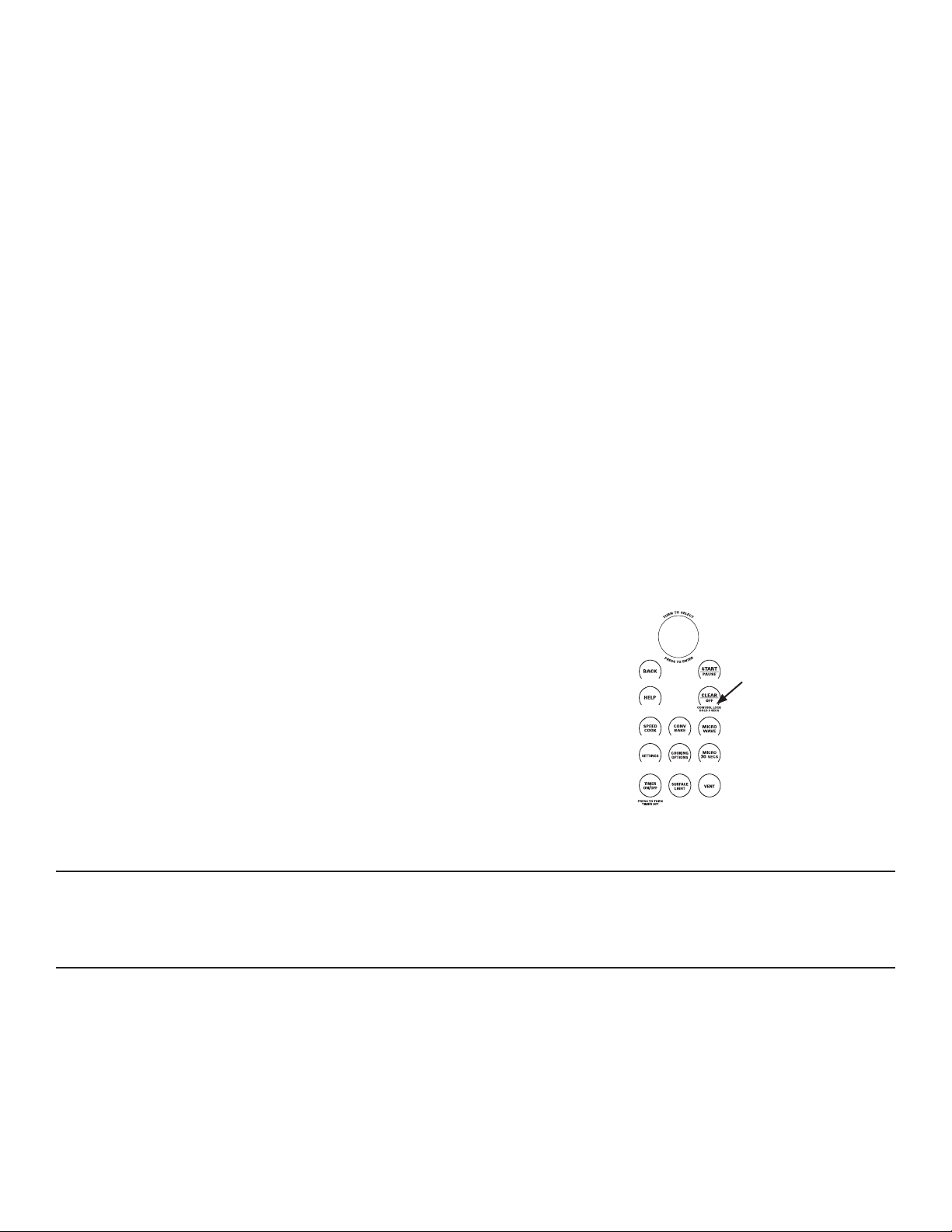
28
49-7000137 Rev.0
CONV
BAKE
SPEED
COOK
SETTINGS
MICRO
30
SECS
COOKING
OPTIONS
MICRO
WAVE
SURFACE
LIGHT
TIMER
ON
/OFF
VENT
CONTROL LOCK
HOLD 3 SECS
PRESS TO TURN
TIMER OFF
T
U
R
N
T
O
S
E
L
E
C
T
P
R
E
S
S
T
O
E
N
T
E
R
PARA USAR TODOS LOS PROGRAMAS CON SENSOR
Para usar todas las funciones con sensor:
1. Presione el botón MICROWAVE (microondas).
2. Gire el dial para seleccionar COOK BY FOOD (cocinar por
alimento) (ubicado debajo de COOK), REHEAT (recalentar), o
SIMMER (fuego lento).
3. Gara COOK BY FOOD (cocinar por alimento) y REHEAT
(recalentar), seleccione un alimento y presione el dial para
ingresar. Para SIMMER (fuego lento), configure el tiempo
para cocción a fuego lento después de que la sopa, salsa o
estofado haya alcanzado el hervor.
4. Presione el dial o el botón START/PAUSE (iniciar/pausa) para
iniciar la cocción.
No abra la puerta del horno hasta que comience la cuenta
regresiva en la pantalla. Si usted abre la puerta mientras se
realiza la cocción por sensor, aparecerá en la pantalla “Sensor
(UURU&ORVHGRRUDQGSUHVV67$57´(UURUGHVHQVRU±&LHUUH
la puerta y presione START). Cierre la puerta de inmediato
y presione el botón START/PAUSE (iniciar/pausa) para
recomenzar
NOTA:
No utlice la functión con sensor dos veces consecutivas en la
PLVPDSRUFLyQGHFRPLGDODFRPLGDSXHGHUHVXOWDUVHULDPHQWH
cocinada o quemada. Si le falta cocimiento a la comida al final
del tiempo de cocimiento con sensor utlice COOK BY TIME
(cocimiento con tiempo) en el selector del microonda para
cocinarla más tiempo.
Ŷ 6LXVWHGKDHVWDGRFRFLQDQGR\HOKRUQRHVWiFDOLHQWHSXHGH
indicar que se encuentra muy caliente para cocinar por
sensor. En ese caso, el horno cambiará automáticamente
a cocción por tiempo y puede preguntar sobre el peso o la
cantidad de alimentos
Ŷ 3DUDDFRUWDURSURORQJDUHOWLHPSRGHFRFFLyQHVSHUHDTXH
la cuenta regresiva aparezca en la pantalla. Luego gire el dial
para agregar o restar tiempo
Notas sobre el programa Reheat (recalentar):
Los alimentos recalentados pueden tener amplias variaciones
de temperatura. Algunas áreas pueden estar extremadamente
calientes.
Es mejor utilizar COOK BY TIME (cocinar por tiempo) y no
REHEAT (recalentar) con estos alimentos:
Ŷ 3URGXFWRVSDQLILFDGRV
Ŷ $OLPHQWRVTXHGHEHQUHFDOHQWDUVHVLQWDSD
Ŷ $OLPHQWRVTXHGHEHQPH]FODUVHRJLUDUVH
Ŷ $OLPHQWRVTXHGHEHQTXHGDUFRQDVSHFWRRVXSHUILFLHV
crujientes después de recalentarse.
Cómo ajustar las configuraciones automáticas del horno COOK
BY FOOD (cocinar por alimento) y REHEAT (recalentar) para
obtener un tiempo de cocción mayor o menor (no disponible en
todos los tipos de alimentos):
Para reducir los tiempos de cocción automáticos: Después de
que el horno se acciona, gire el dial en sentido contrario a las
DJXMDVGHOUHORMKDVWDTXHDSDUH]FDXQVLJQRPHQRV³³RXQ
VLJQRPHQRVGREOH³³\SUHVLRQHHOGLDOSDUDLQJUHVDU8Q
VLJQRPHQRV³³HVXQDUHGXFFLyQGHOGHOWLHPSRGH
FRFFLyQ\XQVLJQRPHQRVGREOH³³HVXQDUHGXFFLyQGHO
del tiempo de cocción.
Para aumentar los tiempos de cocción automáticos: Después
de que el horno se acciona, gire el dial en sentido de las agujas
del reloj hasta que aparezca un signo más (“+“) o un signo más
doble (“++“) y presione el dial para ingresar. Un signo más (“+“)
es un aumento del 10% del tiempo de cocción y un signo más
doble (“++“) es un aumento del 20% del tiempo de cocción.
Cocinando en el Microonda y Otras Funciones Advantium
COCIMIENTO COMPLETO
Para recordarle que hay alimentos en el horno, en la pantalla
podrá verse el modo de cocción y COOKING COMPLETE
(cocción completa) y se oirá un pitido una vez por minuto hasta
que se abra la puerta del horno o se presione el botón CLEAR/
OFF (borrar/apagado).
REPITA LA ÚLTIMA FUNCIÓN
Utilice esta función para ahorrar tiempopara alimentos que cocina
UHSHWLGDVYHFHVFRPRJDOOHWDV\DSHULWLYRV
NOTA: El último programa que utilizóse guarda durante dos
horas.
3UHVLRQH&22.,1*237,216RSFLRQHVGHFRFLPLHQWR\
seleccioneREPEAT LAST (repita el último).
/DSDQWDOODPRVWUDUiHO~OWLPRDOLPHQWRTXHSUHDMXVWy
3. Presione la tecla START/PAUSE o el dial selector para
comenzar acocinar.

49-7000137 Rev.0
29
Cocinando en el Microonda y Otras Funciones Advantium
BEEPER VOLUME (VOUMEN DEL PITO)
Utilice esta característica para ajustar el volumen del pitido.
Usted también puede desactivarla.
Presione el botón SETTINGS (configuraciones), gire el dial para
seleccionar BEEPER VOLUME (volumen del pitido), presione el
dial para ingresar. Seleccione el volumen del pitido, presione el
dial para ingresar.
REMINDER (RECORDATORIO)
Utilice esta función para configurar el accionamiento del sonido
de una alarma en un momento específico del día.
1. Presione el botón SETTINGS (configuraciones), gire el dial
para seleccionar REMINDER (recordatorio) y presione el dial
para ingresar.
2. Seleccione SET REMINDER (configurar recordatorio) y
presione el dial para ingresar.
3. Gire el dial para configurar la hora y minutos y presione el dial
para ingresar. NOTA: La configuración de hora se hace en
AM/PM.
Para desactivar el recordatorio, presione el botón SETTINGS
(configuraciones), gire el dial para seleccionar REMINDER
(recordatorio) y presione el dial para ingresar. Gire el dial para
seleccionar CLEAR REMINDER (borrar recordatorio) y presione
el dial para ingresar.
Para desactivar la hora del recordatorio, presione el botón
SETTINGS (configuraciones), gire el dial para seleccionar
REMINDER (recordatorio) y presione el dial para ingresar.
Gire el dial para seleccionar REVIEW REMINDER (revisar
recordatorio) y presione el dial para ingresar. La pantalla
mostrará.
CLOCK (RELOJ)
Debe programar el reloj antes de utilizar elhorno por primera
vez. Cuando programe elreloj por primera vez vaya directamente
alpaso dos.
El reloj fue diseñado para apagar la unidad cuando quede
inactiva durante 30 segundos, a fin de minimizar el uso de la
energía en suspensión. El reloj se encenderá cuando la unidad
se encuentre en uso, la puerta sea abierta, la tecla CANCEL/OFF
(Cancelar/ Apagar) sea presionada, o el dial sea presionado. No
hay una opción de anulación disponible basada en los requisitos
de energía DOE.
1. Para cambiar la hora del reloj, presione la tecla SETTINGS y
gire el dial a CLOCK SETTINGS (ajustes del reloj). Seleccione
SET TIME (la hora)
2. Gire el dial para ajustar la hora. Presiónelopara seleccionar.
NOTA: Se programa AM/PM.
*LUHHOGLDOSDUDDMXVWDUORVPLQXWRV3UHVLRQHHOGLDOSDUD
seleccionar.
AUTO CONVERSION (CONVERSIÓN AUTOMÁTICA)
/DFRQYHUVLyQDXWRPiWLFDUHGXFHDXWRPiWLFDPHQWHOD
WHPSHUDWXUDGHKRUQHDUFRQFRQYHFFLyQ6LHPSUHGHEH
LQWURGXFLUODWHPSHUDWXUDGHODUHFHWD\HOKRUQRKDUiHOUHVWR
3DUDFDPELDUHODMXVWHSUHVLyQHODWHFOD6(77,1*6\JLUHHO
dial a AUTO CONVERSION.Presione el dial para seleccionar.
Gire el dial para cambiar los ajustes a CONVERSION ON
or CONVERSION OFF (Conversión encendido oapagado).
Presione el dial para seleccionar.
FUNCIÓN PARA REANUDAR
1. Si necesita cocinar la comida pormás tiempo, usted
puede reiniciarel horno al presionar la tecla START/
PAUE o el dial selector.
2. La pantalla mostrará RESUMECOOKING (reanudar el
FRFLPLHQWR\HOKRUQRYROYHUiDLQLFLDUDXWRPiWLFDPHQWH
al 10% del tiempo original.
(OSURJUDPDSHUPDQHFHHQPHPRULDGXUDQWHPLQXWRV
Después necesitaráprogramar de nuevo. Vea la sección
GH8VRGHOPHQ~SUHGHWHUPLQDGRGHFRFLPLHQWRUiSLGR

30
49-7000137 Rev.0
AUTO NIGHT LIGHT (LUZ NOCTURNA AUTOMÁTICA)
Utilice esta función para configurar que la luz de superficie se
encienda y apague a una hora determinada.
1. Presione el botón SETTINGS (configuraciones), gire el
dial para seleccionar AUTO NIGHT LIGHT (luz nocturna
automática) y presione el dial para ingresar.
2. Seleccione SET ON TIME (configurar para hora) y presione el
dial para ingresar.
3. Gire el dial para configurar la hora y minutos y presione el dial
para ingresar. Gire el dial para desactivar la configuración
de hora y minutos y presione el dial para ingresar. Nota: La
configuración de hora se hace en AM/PM.
Para desactivar la luz nocturna automática en forma permanente,
presione el botón SETTINGS (configuraciones), gire el dial para
seleccionar AUTO NIGHT LIGHT (luz nocturna automática)
y presione el dial para ingresar. Gire el dial para seleccionar
DEACTIVATE (desactivar) y presione el dial para ingresar.
Para desactivar la luz nocturna automática en forma permanente,
presione el botón SETTINGS (configuraciones), gire el dial para
seleccionar AUTO NIGHT LIGHT (luz nocturna automática)
y presione el dial para ingresar. Gire el dial para seleccionar
REVIEW ON/OFF TIMES (revisar hora encendido/apagado) y
presione el dial para ingresar. La pantalla mostrará la hora de
encendido y apagado de la luz nocturna automática.
NOTA:
Si se presiona el botón SURFACE LIGHT (luz de superficie)
mientras se encuentra encendida la luz nocturna automática,
la luz de superficie se quita de la luz nocturna automática por
esa vez. El botón SURFACE LIGHT (luz de superficie) debe
presionarse para apagar la luz de superficie. La luz nocturna
automática se encenderá de nuevo en el próximo horario
programado.
Si la luz de superficie ya se encuentra encendida cuando la luz
nocturna automática se encuentra programada para encenderse,
la luz de superficie no utilizará las configuraciones de la luz
nocturna automática. El botón SURFACE LIGHT (luz de
superficie) debe presionarse para apagar la luz de superficie. La
luz nocturna automática se encenderá de nuevo en el próximo
horario programado.
TEMPERATURE UNITS (UNIDADES DE TEMPERATURA)
Para cambiar las unidades de temperatura, presione el botón
SETTINGS (configuraciones) y seleccione TEMPERATURE
UNITS (unidades de temperatura). Gire el dial para seleccionar
F o C y presione el dial para ingresar.
DELAY START (INICIO RETARDADO)
Utilice esta función de retardo cuando el horno comienza a
cocinar en CONV BAKE (hornear por convección), COOK BY
TIME (cocinar por tiempo), COOK BY TIME 1&2 (cocinar por
tiempo 1&2), DEFROST BY TIME (descongelar por tiempo), o
DEFROST BY WEIGHT (descongelar por peso).
1. Presione el botón COOKING OPTIONS (opciones de cocción).
2. Gire el dial para seleccionar DELAY START (inicio retardado)
y presione el dial para ingresar.
3. Gire el dial para configurar la hora y minutos de la hora de
inicio y presione el dial para ingresar. NOTA: La configuración
de hora se hace en AM/PM.
4. Configure el modo de cocción.
El horno comenzará el modo de cocción programado cuando la
hora actual y la hora de inicio retardado sean la misma.
TURNTABLE ON/OFF (PLATO GIRATORIO ON/OFF)
Utilice esta función para evitar que el plato giratorio gire cuando
usa un plato demasiado grande para poder girar en la cavidad.
Presione el botón SETTINGS (configuraciones), gire el dial para
seleccionar TURNTABLE ON/OFF (plato giratorio encendido/
apagado) y presione el dial para ingresar. Gire el dial para
seleccionar TURNTABLE ON (plato giratorio encendido) o
TURNTABLE OFF (plato giratorio apagado) y luego presione el
dial para ingresar.
NOTA:
• El plato giratorio no se desactiva en los modos cocción rápida,
asar, tostar o sensor de microondas.
• Si se selecciona TURNTABLE OFF (plato giratorio apagado)
durante la cocción, el plato giratorio se desactivará hasta
el final de este ciclo de cocción. El plato giratorio volverá
a funcionar en el próximo ciclo de cocción y si se utiliza la
función RESUME (reanudar).
• Si se selecciona TURNTABLE OFF (plato giratorio apagado)
antes de comenzar a cocinar, el plato giratorio permanecerá
desactivado para cualquier cocción que se inicie en los
próximos 5 minutos. Después de los 5 minutos, el plato
giratorio volverá automáticamente a TURNTABLE ON (plato
giratorio encendido).
OTRAS FUNCIONES

49-7000137 Rev.0
31
HELP (AYUDA)
8WLOLFHHVWDIXQFLyQSDUDVDEHUPiVDFHUFDGHVXKRUQR\VXV
funciones.
1. Presione la tecla HELP.
2. Gire el dial para escoger el nombrede la función. Presione el
dial paraseleccionar.
La pantalla le mostrará una descripcióndel programa que
seleccionó.
Agregar tiempo
Conversión Automática
Luz Nocturna Automática
Regresso
Volumen del Pito
Bebidas
Asar
Borrar/Apagar
Reloj
Bloqueo del Control
Hornear con Convección
Cocinar
Cocinar por Tipo de Co- mida
Cocinar con Tiempo
Cocinar con Tiempo 1 y 2
Opciones de cocimiento
Descongelación
Descong. por Comida
Descong. con Tiempo
Descong. por Peso
Inicio demorado
Pantalla ON/OFF
Editar
Ayuda
Derretir
Micro 30 Segs
Microonda
Mis Recetas
Fermentar
Recalentar
Recordatorio
Repetir el último
Reanudar
Cocimiento con sensor
Cocimiento lento
Ablandar
Cocimiento rápido
Inicio/PAUSA
Unidades de temperatura
Cronómetro On/Off
Tostar
Plato Giratorio ON/OFF
Calentar
Características que encontrará en la función HELP (ayuda)..
TIMER (CRONÓMETRO)
8WLOLFHHVWDIXQFLyQFDGDYH]TXHQHFHVLWHXQFURQyPHWUR/D
puede utilizar mientras cocina en el horno.
1. Presione la tecla TIMER.
*LUHHOGLDOSDUDHVFRJHUORVPLQXWRV3UHVLyQHORSDUD
seleccionar.
*LUHHOGLDOSDUDHVFRJHUORVVHJXQGRV3UHVLyQHORSDUD
seleccionar.
Para cancelar, presione la tecla TIMER (Temporizador).
AUTOMATIC FANS (VENTILADORES AUTOMÁTICOS)
/RVYHQWLODGRUHVGHHQIULDPLHQWRVHHQFLHQGHQDXWRPiWLFDPHQWH
para evitar elsobrecalentamiento de los componentesinternos del
horno y del control.
(OYHQWLODGRUGHOUHVSLUDGRUVHSXHGHHQFHQGHUDXWRPiWLFDPHQWH
si el horno secalienta demasiado, aún cuando no
HVWpIXQFLRQDQGR/DSDQWDOODPRVWUDUi³1RUPDO2SHUDWLRQ)DQ
LVRQGXHWRKLJKKHDW)DQZLOOVKXWRIIDXWRPDWLFDOO\´2SHUD
FLyQ1RUPDO(OYHQWLODGRUHVWiHQFHQGLGRGHELGRDOFDORUDOWR
El ventilador se apagará automáticamente.)
CONTROL LOCK-OUT (BLOQUEO DEL CONTROL)
Puede bloquear el panel de control para evitar que enciendan
el horno accidentalmente durante la limpieza o paraque no lo
utilicen los niños.
Presione y sostenga durante 3 segundoa la tecla CLEAR OFF
para bloqueary desbloquear.
Cuando el panel de control está bloqueado, cada vez que
presiona una tecla o eldial se mostrará en la pantalla CONTROL
IS LOCKED (control está bloqueado).
OTRAS FUNCIONES
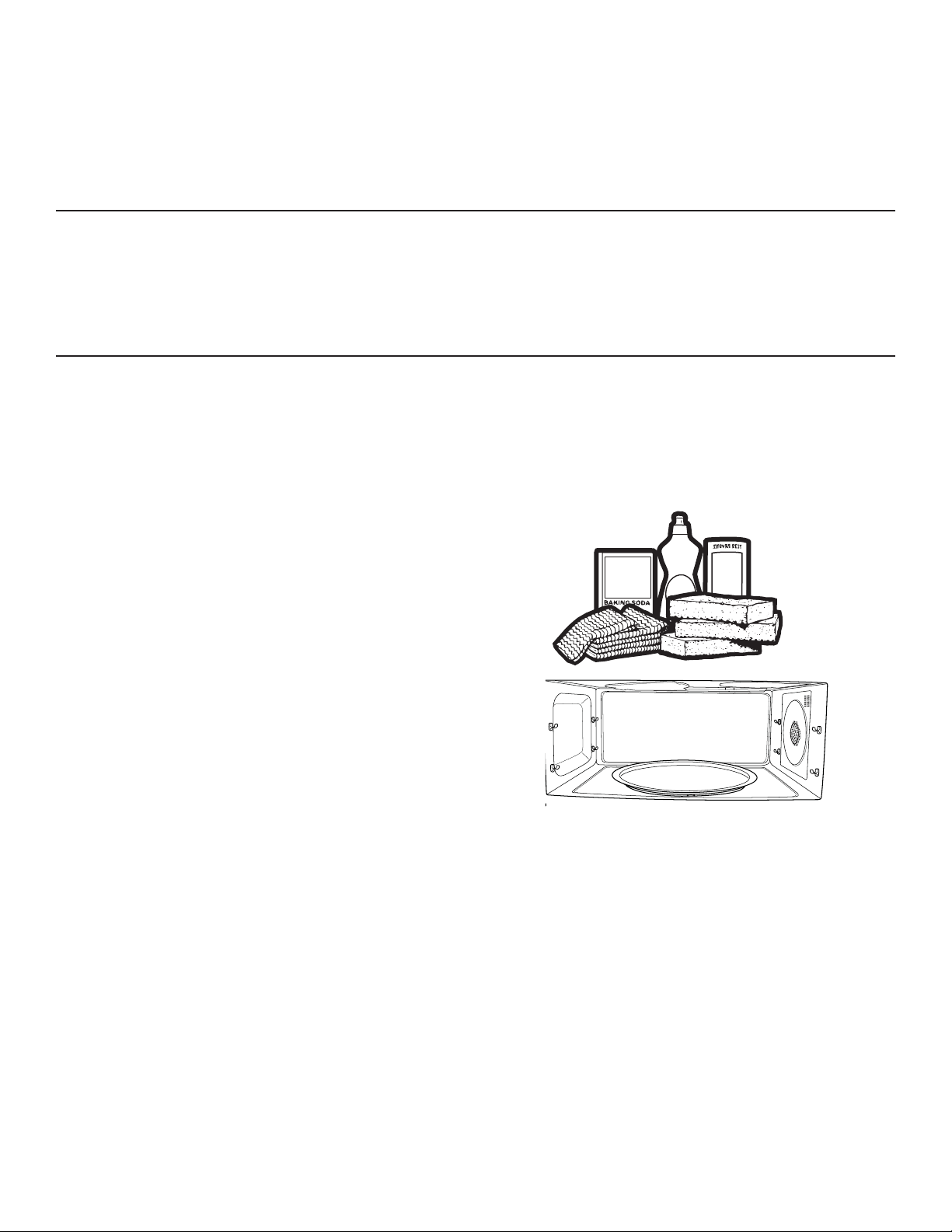
32
49-7000137 Rev.0
CÓMO LIMPIAR EL INTERIOR DEL HORNO
Antes de limpiar cualquier parte delhorno asegúrese que
el control del horno esté apagado y que esté frío o tibio al
tacto.
/LPSLHHOLQWHULRUGHOKRUQRIUHFXHQWHPHQWHSDUDTXHSXHGD
FDOHQWDUDGHFXDGDPHQWH
Algunas salpicaduras pueden ser removidas con papel toalla,
otras requieren un paño tibio jabonoso.Remueva las salpicaduras
de grasacon un paño jabonoso, luego enjuague con un paño
húmedo.
Si el sucio y las salpicaduras no salenfácilmente con un paño
WLELRMDERQRVRFRORTXHXQWD]yQPHGLDQROOHQRGHDJXDDGHQWUR
de la unidad, sobre la bandeja de metal y presionela tecla
SPEEDCOOK. Seleccione MY RECIPES y ajuste 10 minutos
a U=3, L=3, M=7. Esto debeaflojar el sucio adentro del horno
demanera que lo pueda remover conun paño tibio jabonoso.
Si observa un amarillentamiento enel metal adentro del horno
que no puede ser removido con un pañotibio jabonoso, utilice un
limpiadorpara acero inoxidable que remuevela decoloración por
calor y/o manchas.Puede limpiar el interior del horno como lo
haría normalmente.
No utilice limpiadores abrasivos niutensilios filosos en las
paredes delhorno.
Nunca utilice limpiadores comerciales para hornos en
ninguna parte de suhorno.
1ROLPSLHHOLQWHULRUGHOKRUQRFRQHVWURSDMRVGHPHWDO
6HSXHGHQTXHEUDUSHGD]RVGHOHVWURSDMRDGHQWURGHO
horno,causando un toque eléctrico, así comodaño al acabado de
la superficie interiordel horno.
SURFACE LIGHT (LUZ DE SUPERFICIE)
Se utiliza para iluminar la plancha.
Presione la tecla SURFACE LIGHT(luz de superficie) para
cambiar deluz nocturna a luz apagada.
VENT FAN (VENTILADOR DEL RESPIRADOR)
El respirador del ventilador retira los vapores de la superficie de
cocimiento.
Presione la tecla VENT FAN para cambiar de alto, a medio, a
bajo, aapagado.
El ventilador del respirador se puede encender automáticamente
si el horno secalienta demasiado, aún cuando no
estéfuncionando. La pantalla mostrará: “Normal Operation: Fan
is on due to high heat.Fan will shut off automatically.” (Operación
Normal. El ventilador está encendido debido al calor alto. El
ventilador se apagará automáticamente.)
CUIDADO Y LIMPIEZA
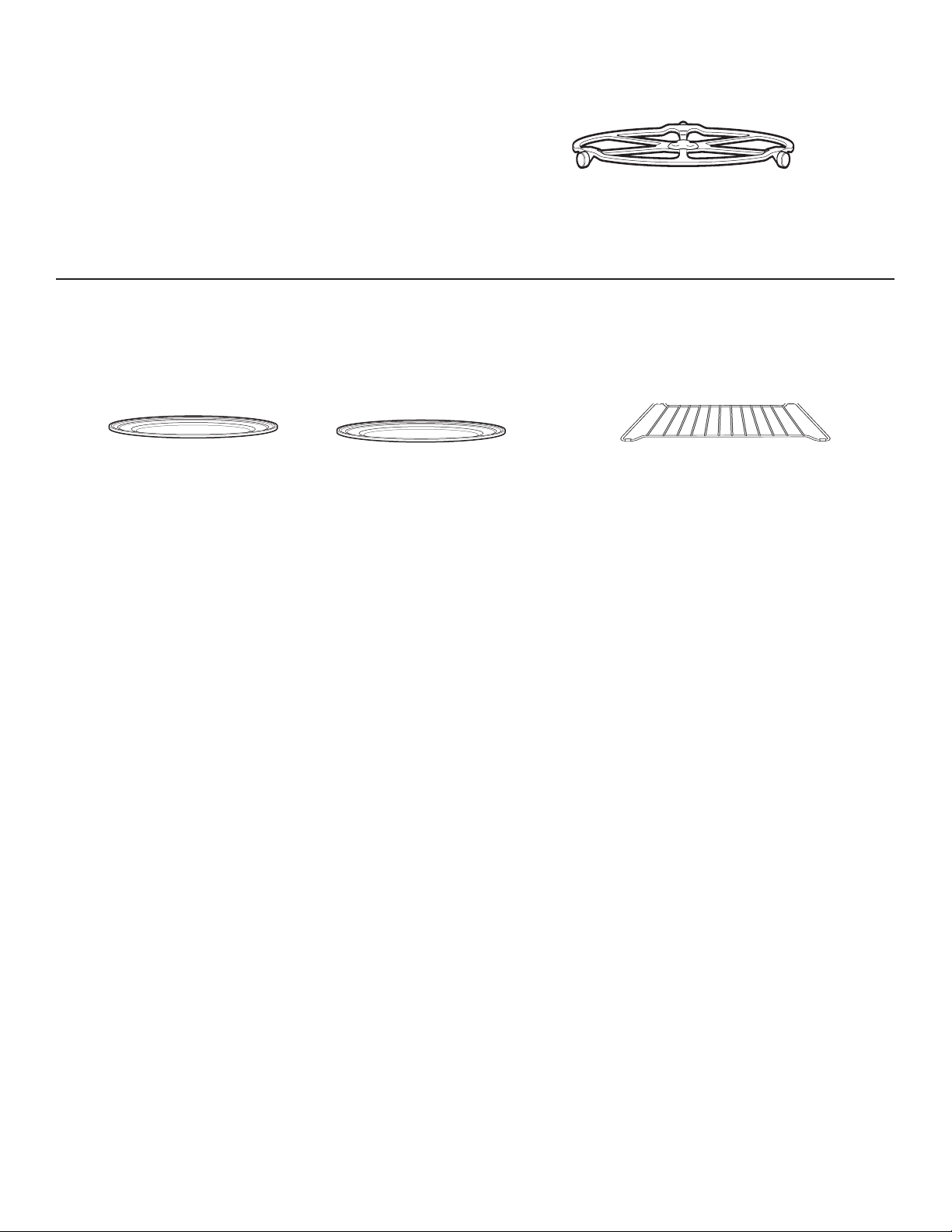
49-7000137 Rev.0
33
BANDEJAS DE COCIMIENTO Y PARRILLA DE ALAMBRE DEL HORNO
Para evitar que se quiebren, permitaque las bandejas se enfríen
FRPSOHWDPHQWHDQWHVGHOLPSLDUODV/DYHFRQFXLGDGRHQDJXD
caliente jabonosa oen la lavadora de platos.
1RXWLOLFHDEUDVLYRVSDUDOLPSLDUODEDQGHMDGHYLGULRQLODSDUULOOD
de alambre delhorno, ya que se puede dañar el acabado.
Se debe utilizar un estropajo plástico paralimpiar las bandejas de
metal.
Bandeja de metal
Bandeja de vidrio claro
Parrilla de alambre del horno
PLATO GIRATORIO REMOVIBLE
(OiUHDGHEDMRGHOSODWRJLUDWRULRGHEHOLPSLDUVHIUHFXHQWHPHQWH
para evitar oloros y humo durante el ciclo de cocimiento.
El plato giratorio se puede quebrar si lodeja caer. Lávelo con
FXLGDGRHQDJXDWLELD\MDERQRVD6pTXHORELHQ\FROyTXHORHQ
su lugar.
Para colocar el plato giratorio, coloque elcentro sobre el eje en el
centro del hornoy gírelo hasta que esté colocado en sulugar.
No utilice el horno sin el platogiratorio en
su lugar.
Plato giratorio
CUIDADO Y LIMPIEZA
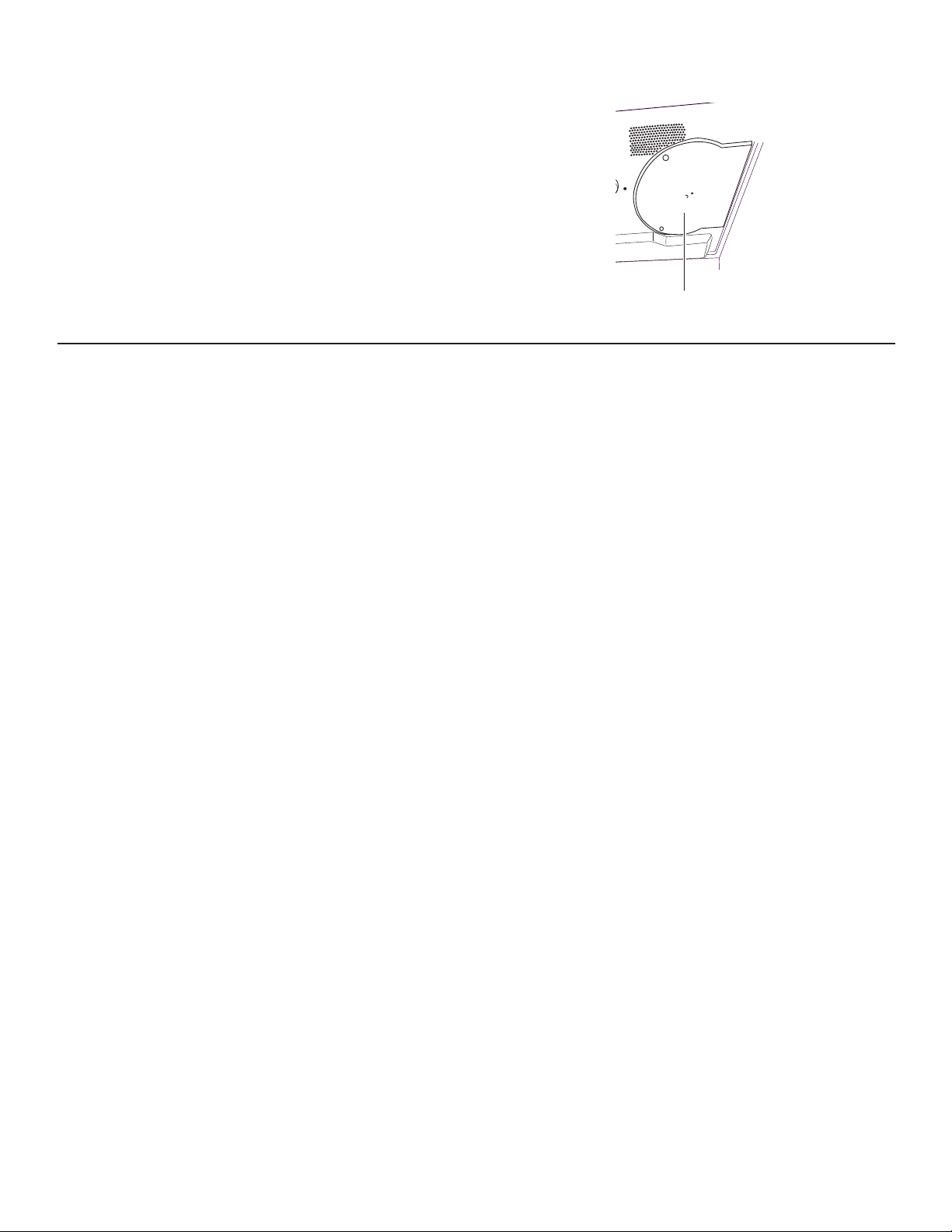
34
49-7000137 Rev.0
LÁMINA DE MICA
No retire la lámina de mica.
Para limpiar la lámina de mica: Permitaque el horno se
enfríe completamente. Limpie con un paño tibio jabonoso.
CÓMO LIMPIAR EL EXTERIOR DEL HORNO
No recomendamos el uso de limpia-dores con amoníaco o
alcohol, ya que pueden dañar la apariencia del horno. Si
escoge utilizar un limpiador casero común, aplique primero
el limpiador directamente en el pañode limpieza, luego
limpie el área sucia.
Caja
Limpie el exterior del microonda con un paño jabonoso.
Enjuague y seque.Limpie el vidrio con un paño húmeda.
Panel de Control
Limpie con un paño húmedo. Seque completamente. No utilice
limpiadores en espray, grandes cantidades de jabón y agua,
DEUDVLYRVXREMHWRVILORVRVHQHOSDQHOHVWRVORSXHGHQGDxDU
Algunos tipos de papel toalla también pueden rayar el panel de
control.
Superficies de Acero Inoxidable
(en algunos modelos)
Puede limpiar el panel de acero inoxidable con Stainless Steel
Magic o un producto similar, con un paño limpio y suave.
Aplique con cuidado el limpiador de acero inoxidable, evite
las piezas plásticas y de vidrio de alrededor. No utilice en el
aceroinoxidable cera para aparatos, pastas, blanqueadores o
productos que contengan cloro.
Paneles Plásticos de Color
(en algunos modelos)
Utilice un paño limpio, suave, ligeramente humedecido, luego
seque completamente.
Sello de la Puerta
Es importante mantener limpia el área donde sella la puerta con
HOKRUQR8WLOLFHGHWHUJHQWHVVXDYHVQRDEUDVLYRVDSOLFDGRVFRQ
un paño o esponja. Enjuague bien.
Parte Inferior
Limpie regularmente la grasa y el polvo de la parte de abajo.
Utilice una solución de agua tibia con detergente.
lámina de mica
CUIDADO Y LIMPIEZA
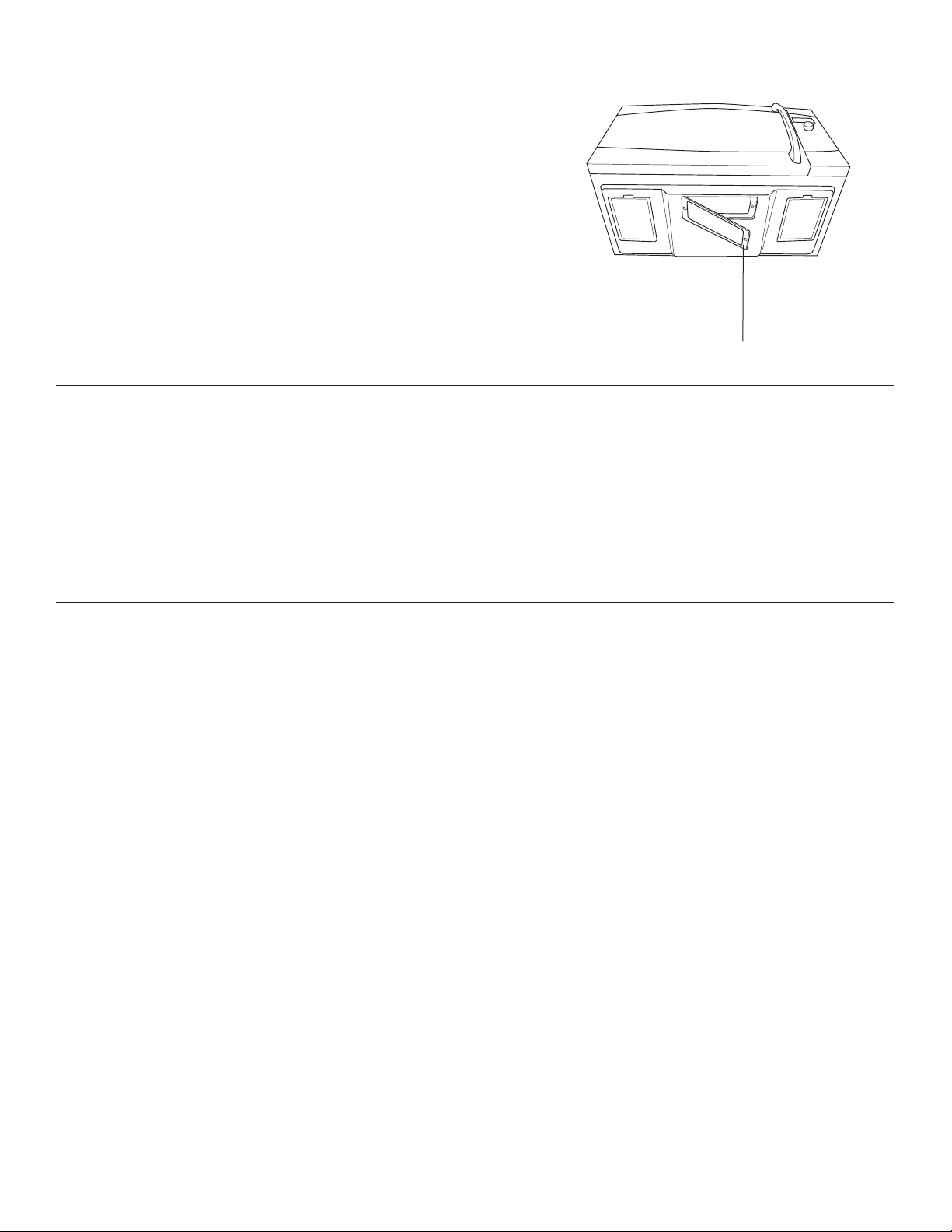
49-7000137 Rev.0
35
CÓMO REEMPLAZAR LA LUZ DE SUPERFICIE
1. Para cambiar la luz de superficie, primero desconecte
la energia en el fusible principal o panel del interruptor
automático.
2. Retire el tornillo del interior de la cubierta del compartimiento
de la luz y bájela hasta que se detenga.
3. Antes de retirar el bombillo que va acambiar, asegúrese que
esté frío.Hálelo suavemente del receptáculo
&iPELHORSRUXQERPELOORKDOyJHQRGHYROWLRVZDWWV
Ordene el bombilloWB08X10051 de su distribuidor GE
Appliances.
4. Levante la cubierta y coloque el tornillo. Conecte la
electricidad al horno.
RETIRO Y LIMPIEZA DE LOS FILTROS
1. Los filtros de metal atrapan la grasa que sueltan los alimentos
en la plancha. También evitan que las llamas de los alimentos
en la plancha dañen el interior del horno.
2. Por esta razón, los filtros deben estar colocados en su lugar
siempre que utiliza el extractor. Los filtros del respirador
deben limpiarse una vez al meso cuando sea necesario.
3. Para retirarlos, utilice las orejetas para deslizarlos hacia la
parte de atrás. Hale hacia abajo y hacia afuera.
4. Para limpiar los filtros del respirador, remójelos y luego
sacúdalos en agua caliente y jabón. No utilice amoníaco ni
productos con amoníaco ya que pueden oscurecer el metal.
Lo puede cepillar suavemente para remover elsucio pegado.
5. Antes de colocarlos enjuáguelos, sacúdalos y déjelos secar.
6. Para colocarlos, deslice los filtros adentro de las ranuras del
marco en la parte de atrás de cada abertura. Presione hacia
arriba y hacia el frente para cerrarlos en su lugar.
CÓMO REEMPLAZAR LA LUZ DE LA CAVIDAD
1. Desconecte la energía en el fusible principal o panel del
interruptor automático.
2. Retire la parrilla superior, retire los dos tornillos que la
sostienen en su lugar.
3. Retire el filtro de carbón, si lo tiene.Deslícelo hacia la izquierda
y hálelo hacia el frente para retirarlo. NOTA: El filtro de
carbón es un kit opcional, no es necesario tenerlo.
4. Retire el tornillo que sostiene el protector de la lámpara en su
lugar.
5. Saque el protector de la lámpara. Hale el bombillo afuera
\FiPELHORSRUXQDOiPSDUDGHKRUQRGH99:
Ordene el bombillo WB25X10019 de su distribuidor GE
Appliances.
6. Regrese la lámpara y el protector a su posición original y
coloque el tornillo y el filtro de carbón.
7. Coloque la parrilla y los 2 tornillos. Reconecte la energía al
horno.
Retire el tornillo
CUIDADO Y LIMPIEZA
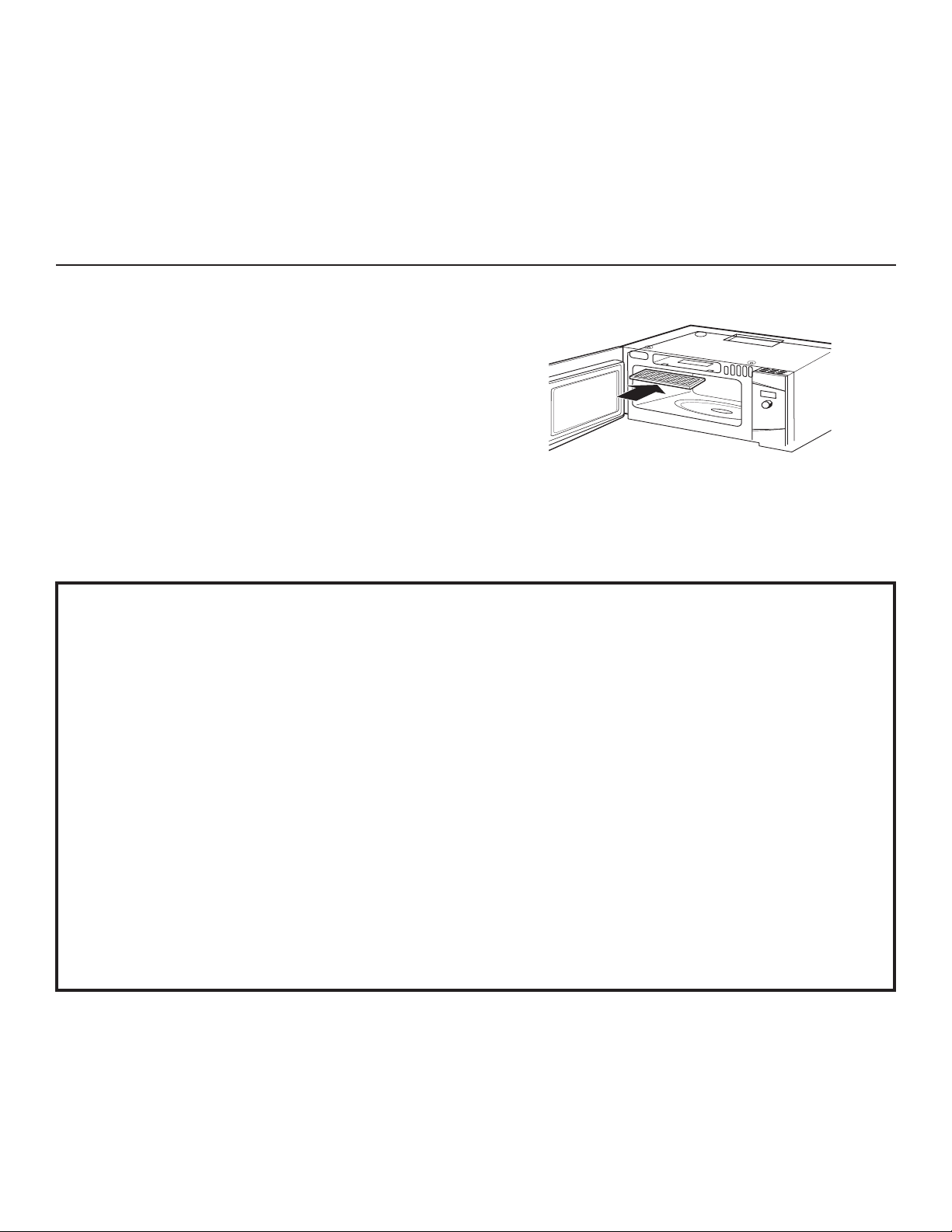
36
49-7000137 Rev.0
PARA INSTALAR EL FILTRO DE CARBÓN
Para instalar un filtro nuevo:
1. Retire del filtro nuevo el plástico y el otro envoltorio exterior.
2. Retire la parrilla superior, para eso debe retirar los dos tornillos
que la sostienen en su lugar.
,QVHUWHHOILOWURDGHQWURGHODDEHUWXUDVXSHULRUGHOKRUQR
como se muestra.
4. Descansará en un ángulo sobre las dos orejetas de soporte
traseras y por el frente por dos orejetas.
5. Coloque la parrilla y los dos tornillos.
Para retirar el filtro, repita el paso 2 anterior, retire el filtro y repita
el paso 5.step 5.
FILTRO DE CARBÓN (JX81D - KIT OPCIONAL)
Si el modelo no está ventilado hacia el exterior, el aire recirculará
a través del filtro de carbón desechable, el cual ayuda a retirar el
humo y los olores.
El filtro de carbón no se puede limpiar, debe ser cambiado.
2UGHQHOD3LH]D1R-;':%;GHVXGLVWULEXLGRU*(
Appliances.
(OILOWURGHFDUEyQGHEHFDPELDUVHFXDQGRORYHDVXFLRR
GHFRORUDGRJHQHUDOPHQWHGHDPHVHVGHSHQGLHQGRGHO
uso).
DECLARACIÓN DE INTERFERENCIA POR RADIOFRECUENCIA DE LA
FEDERAL COMMUNICATIONS COMMISSION (COMISIÓON FEDERAL DE
COMUNICACIONES) (EE.UU. ÚNICAMENTE)
Este equipamiento genera y utiliza energía de frecuencia
ISM y si no es instalado y usado de forma adecuada,
estando en estricto cumplimiento con las instrucciones del
fabricante, podrá generar interferencia en la recepción de
radio y televisión. Fue evaluado de forma específica y se
comprobó que cumple con los límites de Equipamientos
ISM, de acuerdo con la parte 18 de las Reglas de la
FCC, que fueron diseñadas para brindar una instalación
residencial.
Sin embargo, no se garantiza que no se presenten
interferencias en una instalación en particular. Si este
equipamiento genera interferencias en la recepción
de radio o televisión, lo que se puede comprobar
encendiendo y apagando el equipo, se aconseja al
usuario que intente corregir la interferencia a través de
una de las siguientes medidas:
Ŷ5HRULHQWHODDQWHQDUHFHSWRUDGHODUDGLRRHOWHOHYLVRU
Ŷ5HXELTXHHO+RUQR0LFURRQGDVHQUHODFLyQDOUHFHSWRU
Ŷ$OHMHHOKRUQRPLFURRQGDVGHODSRVLFLyQGHOUHFHSWRU
Ŷ(QFKXIHHOKRUQRPLFURRQGDVHQXQWRPDFRUULHQWH
diferente, de modo que el horno microondas y el
receptor estén en diferentes recepciones de códigos.
El fabricante no es responsable por ninguna
interferencia de radio o TV generada por modificaciones
no autorizadas sobre este horno microondas. Es
responsabilidad del usuario corregir tales interferencias.
CUIDADO Y LIMPIEZA
49-7000137 Rev.0
37
Problema Causas Posibles Qué se debe hacer / Explicación
LUCES
Se opaca la luz durante un
ciclo de cocimien to rápido y
se enciende y apaga, aún en
niveles de potencia completa.
Esto es normal. El nivel de potencia
ha sido reducido automáticamente ya
que el horno está caliente.
Esto es normal. El horno detecta el nivel de calor y
se ajusta automáticamente.
Luz visible alrededor de la
puerta y de la caja exterior al
cocinar rápido.
Esto es normal. Cuando el horno está encendido, hay una luz
visible alrededor de la puerta y de la caja exterior.
VENTILADOR
El ventilador continúa
funcionando después de
terminar de cocinar.
El horno se está enfriando. El ventilador se apagará automática mente cuando
las piezas internas del horno se hayan enfriado.
El respirador del horno emite
un aire caliente mientras el
horno está encendido.
Esto es normal.
El ventilador del respi rador
se enciende auto máticamente
cuando el horno no está en
uso.
Esto es normal. Si la plancha o el horno se calientan, el ventilador
del respirador se enciende. (Vea la sección
Ventilador Automático)
El ventilador se encien de
automáticamente cuando se
utiliza el microonda.
Esto es normal. Si se utiliza el horno después de coci miento
rápido, el horno detectará que está demasiado
caliente, el ventilador del respirador se encenderá
para enfriar el horno.
El horno hace sonidos
inusuales al cocinar.
Chasquidos y el ventilador soplando
son sonidos norma-les. El relé del
tablero está encendiendo y apagando
los componentes.
Estos sonidos son normales.
El sonido del ventilador
cambia al cocinar.
Esto es normal. El ventilador se enciende y apaga durante el
cocimiento para mantener la temperatura.
COCIMIENTO
Sale humo del horno cuando
se abre la puerta.
La comida tiene alto conte-nido
de grasa. Se utilizó espray en las
sartenes.
El humo es normal al cocinar comidas con mucha
grasa. Utilice aceite vegetal o de oliva en la carne,
en lugar de cubrir toda la pana.
Al final del programa de
cocimiento la comi da no
está completamente cocida ni
dorada.
Los tiempos programados no
concuerdan con el ta-maño ni la
cantidad de comida que va a cocinar.
Aumente o disminuya el tiempo para cocinar o
ajuste las lámparas superior e inferior para dorar.
El horno se apagó en Warm
(Caliente), Proof (Prueba), o
Convection Bake (Honeado
por Convección)
El tiempo máximo de cocción de 179
minutos fue alcanzado.
Esto es normal. El control apagará de forma
automática el horno e indicará que la cocción fue
completada cuando el tiempo máximo de cocción
sea alcanzado. El tiempo de cocción no siempre
es exhibido.
Se configuró un tiempo de cocción
para que Convection Bake (Horneado
por Convección) comience luego del
precalentamiento y la puerta no se
abrió al finalizar el precalentamiento.
Esto es normal. El control apagará el horno de
forma automática luego de una hora e indicará que
la cocción está completa si la puerta no es abierta
luego del precalentamiento.
¡Ahorre tiempo y dinero! Primero revise los cuadros que aparecen en las siguientes páginas y es posible que no necesite solicitar reparaciones.
CONSEJOS PARA LA SOLUCIÓN DE PROBLEMAS
38
49-7000137 Rev.0
Problema Causas Posibles Qué se debe hacer / Explicación
DISPLAY
La pantalla está en blanco.
El reloj fue diseñado para apagar la unidad cuando
quede inactiva durante 30 segundos, a fin de
minimizar el uso de la energía en suspensión.
(Consulte la sección del Reloj)
Aparece en la pantalla
“Control Panel LOCKED”
El control está bloqueado. Presione y sostenga CLEAR/OFF duran te 3
segundos para desbloquear el control. Vea la
sección Otras Funciones.
La pantalla delcontrol está
encendida pero el horno no
arranca.
El reloj no está programado. Siga las instrucciones para programar el reloj.
La puerta no está cerrada. Abra la puerta y ciérrela segura.
No se presionó la tecla START/
PAUSE después de seleccionar el
cocimiento.
Siga las instrucciones.
Se seleccionó accidentalmente el
Inicio Demorado.
Presione CLEAR/OFF y vuelva a ajustar.
El horno está en el modo de
demostración.
Desenchufe el horno por 1 minuto, luego enchúfelo
en la pared. NO programe el reloj. Presione y
VRVWHQJDGXUDQWHVHJXQGRVODVWHFODV+(/3\
START/PAUSE. El control debe salir del modo de
demos tración. Programe el reloj y continúe.
Se presionó accidental mente
CLEAR/OFF
Reajuste el programa de cocimiento y presione
START/PAUSE.
OTROS PROBLEMAS
La puerta y el interior del
horno se sienten caliente.
El horno produce un calor intenso en
espacios pequeños.
Esto es normal. Cuando la comida esté lista, utilice
guantes para retirarla.
El piso del horno está tibio,
aún cuando no ha sido
utilizado.
La luz de la plancha está ubicada
debajo del piso del horno. Cuando
se en ciende, el calor que produce
puede calentar el piso del horno.
Esto es normal.
El horno no arranca. Se pudo haber quemado un fusible o
disparado el interruptor automático
de su casa.
Cambie el fusible o reajuste el interruptor
automático.
Sobrevoltaje Desenchufe el horno y enchúfelo de nuevo.
El enchufe no está completamente
insertado en el en chufe de la pared.
Asegúrese que el enchufe del horno esté
completamente insertado en el enchufe de la pared.
La bandeja de vidrio del
microonda no se traba en el
eje central.
Alinee los salientes en la parte de abajo de la
EDQGHMDGHYLGULRSDUDHOPLFURRQGDFRQODV
indentaciones en el plato giratorio. Este ajuste no
queda apreta do, es normal algo de movimiento.
¡Ahorre tiempo y dinero! Primero revise los cuadros que aparecen en las siguientes páginas y es posible que no necesite solicitar reparaciones.
CONSEJOS PARA LA SOLUCIÓN DE PROBLEMAS
49-7000137 Rev.0
39
Abroche su recibo aquí. Para acceder al servicio técnico de acuerdo con
la garantía deberá contar con la prueba de la fecha original de compra.
GARANTÍA LIMITADA
monogram.com
Todo el servicio de garantía es provisto por nuestros Centros de Servicio de Fabricación, o un técnico de servicio autorizado. Para
programar una visita del servicio técnico a través de Internet, visítenos en monogram.com/contact. Tenga listo el número de serie y
número de modelo cuando programe el servicio.
Qué no cubrirá Monogram:
Ŷ
Viajes de reparación a su hogar para enseñarle cómo usar
el producto.
Ŷ
Instalación o entrega inapropiada, o mantenimiento
impropio.Si tiene un problema con la instalación,
comuníquese con su vendedor o instalador. Usted es
responsable de brindar instalaciones adecuadas de
conexión eléctrica, escape u otras instalaciones de
conexión.
Ŷ
Fallos del producto si hay abuso, mal uso (por ejemplo,
chispas dentro de horno microondas del estante metálico/
papel de aluminio), o uso para otros propósitos que los
propuestos, o si se usa con fines comerciales.
Ŷ
Reemplazo de fusibles de su hogar o reajuste de los
diferenciales.
Ŷ
Daño al producto causado por accidente, fuego,
inundaciones o actos de Dios.
Ŷ
Daños sobre el acabado, tales como óxido sobre
la superficie, deslustres o manchas pequeñas no
informadas dentro de las 48 horas luego de la entrega.
Ŷ
Daño incidental o consecuencial a su propiedad causado
por posibles defectos con el aparato.
Ŷ
Causar daños después de la entrega.
Ŷ
Producto no accesible para brindar el servicio requerido.
Ŷ
Servicio técnico para reparar o reemplazar las lámparas,
excepto las lámparas LE
D.
EXCLUSIÓN DE GARANTÍAS IMPLÍCITAS
Su única y exclusiva alternativa es la reparación del producto, como se indica en la Garantía Limitada. Las
garantías implícitas, incluyendo garantías implícitas de comerciabilidad o conveniencia sobre un propósito
particular, se limitan a un año o al período más corto permitido por la ley.
Esta garantía limitada se extiende al comprador original y a cualquier propietario posterior de los productos
comprados para uso doméstico dentro de EE. UU. Si el producto está en un área donde no se encuentra disponible
un Proveedor Autorizado del Servicio Técnico de Monogram, usted será responsable por el costo de un viaje o se
podrá requerir que traiga el producto a una ubicación del Servicio Técnico de Monogram autorizado para recibir el
servicio. En Alaska, la garantía limitada excluye el costo de envío o visitas de servicio a su domicilio. Algunos estados
no permiten la exclusión o limitación de daños fortuitos o consecuentes. Esta garantía limitada le otorga derechos
legales específicos, y usted también podría tener otros derechos que varían de estado a estado. Para conocer cuáles
son sus derechos legales, consulte a la oficina de asuntos del consumidor local o estatal o al Fiscal de su estado.
Garante: GE Appliances, a Haier company
Louisville, KY 40225
Garantías Extendidas: Adquiera una garantía extendida de Monogram y conozca los descuentos especiales que
están disponibles mientras su garantía aún está vigente. Puede acceder a la misma a través de Internet en cualquier
momento en
monogram.com/extended-warranty
Los Servicios para los Monogram aún estarán disponibles cuando su garantía caduque.
Por el Período de Monogram reemplazará
Un Año
Desde la fecha de la
compra original
Monogram elegirá reemplazar o realizar el servicio técnico sobre la unidad defectuosa. Si es necesario
el servicio técnico, GE Appliances brindará cualquier parte del horno microondas que falle debido a un
defecto en los materiales o la fabricación. Durante esta garantía limitada de un año, GE Appliances
también proveerá, sin costo, todo el trabajo y los costos del servicio relacionado con el reemplazo de la parte
que presente defectos en la unidad.
Cinco Años
Desde la fecha de
compra original
Monogram
elegirá reemplazar la unidad o reemplazar el tubo magnetrón, si éste falla debido a un
defecto en los materiales o la fabricación. Durante esta garantía limitada de cinco años, usted será
responsable por el costo de cualquier trabajo o reparación en el hogar.

40
49-7000137 Rev.0
5HY
*($
Monogram.com
Impreso en China